


Table of Content
How do you stop visitors from walking past your screens without a second glance? The answer often lies in interactive content-responsive wayfinding, virtual catalogs, gamified quizzes, and live social walls that turn passive viewing into active participation. By inviting your audience to touch, scan, or react, you capture their attention and gather valuable data on what actually interests them.
In a world where attention spans are shrinking, simply hanging a screen on the wall is rarely enough. To cut through the noise, your content needs to offer immediate value. Interactive digital signage does exactly that, bridging the gap between physical spaces and digital experiences while giving you concrete insights into customer behavior.
What is Interactive Content for Digital Signage?
Interactive content is any digital display material that requires an input from the viewer to function fully. Unlike a standard playlist that loops effectively on its own, interactive content waits for a trigger-a touch, a gesture, or a scan-to reveal more information. The primary goal is to make the user's journey smoother, whether that means helping them find a meeting room in minutes or letting them browse a full inventory not physically available in the store.
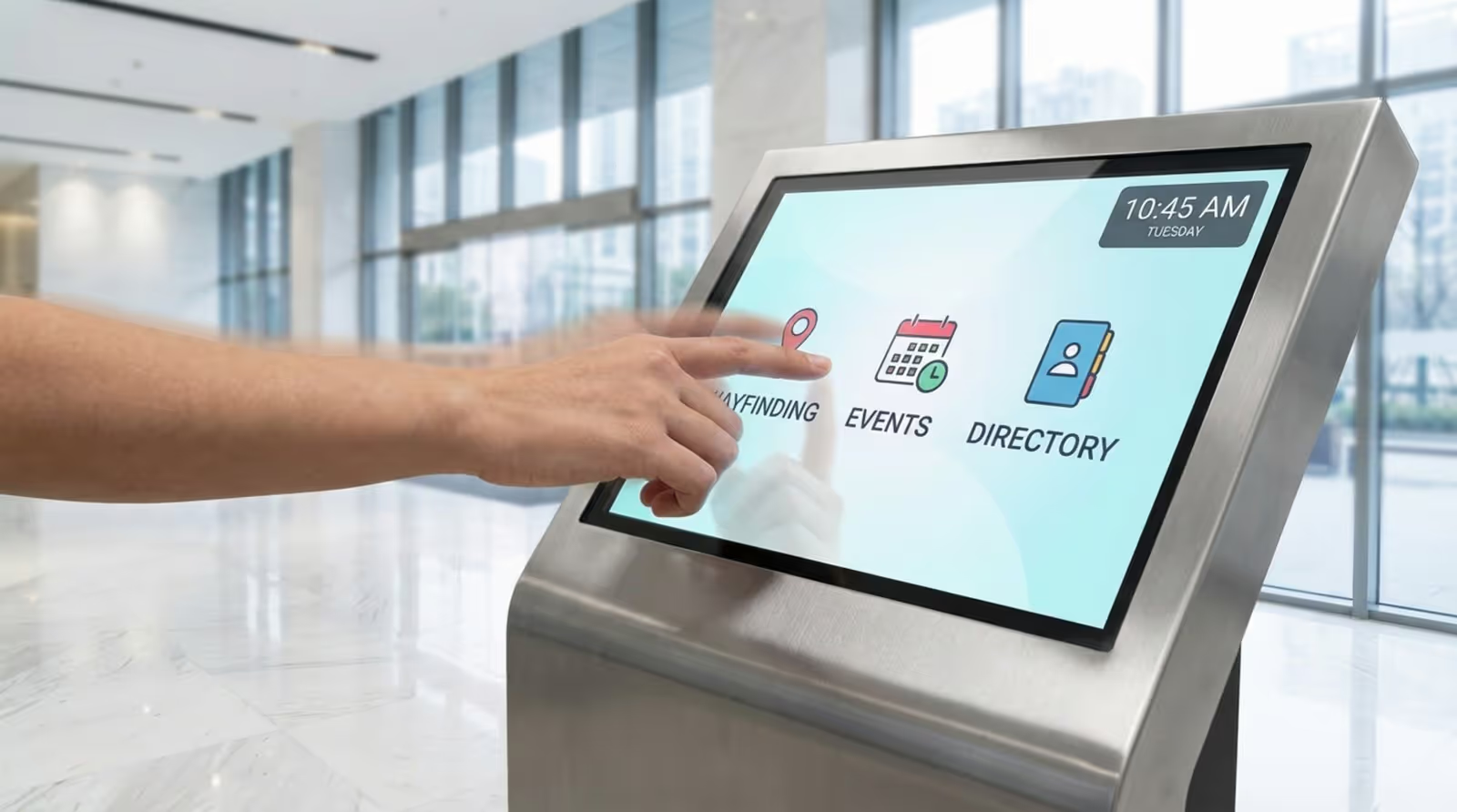
Adding interactivity can significantly improve engagement and operational efficiency. For instance, fast-food chains like McDonald's have seen noticeable sales lifts by deploying self-service kiosks. These stations allow customers to browse menus at their own pace and customize orders without waiting for staff, proving that modern shoppers value convenience and control.
Common Types of Interactive Content Used in Digital Signage
The method of interaction depends on the hardware and software you choose. Interactive kiosks and touchscreens are the most common, allowing users to tap through menus or maps. More advanced setups might include video walls that react to presence or gesture control systems that allow touch-free navigation.
Augmented Reality (AR) and QR codes bridge the gap between your screen and the visitor’s mobile device. AR can add layers of 3D information to a live view, while QR codes allow users to "take away" the content-saving a coupon, a contact card, or a URL instantly. This ensures the connection with your brand continues even after they leave the screen.
Best Interactive Content Examples for Your Digital Signage
The right choice of content depends on your specific goals, but certain formats are proven performers across industries. Whether you manage a corporate office, a retail chain, or a hospital, these examples show how practical, interactive tools can solve real problems and strengthen your brand.
Touchscreen Directories and Wayfinding Maps
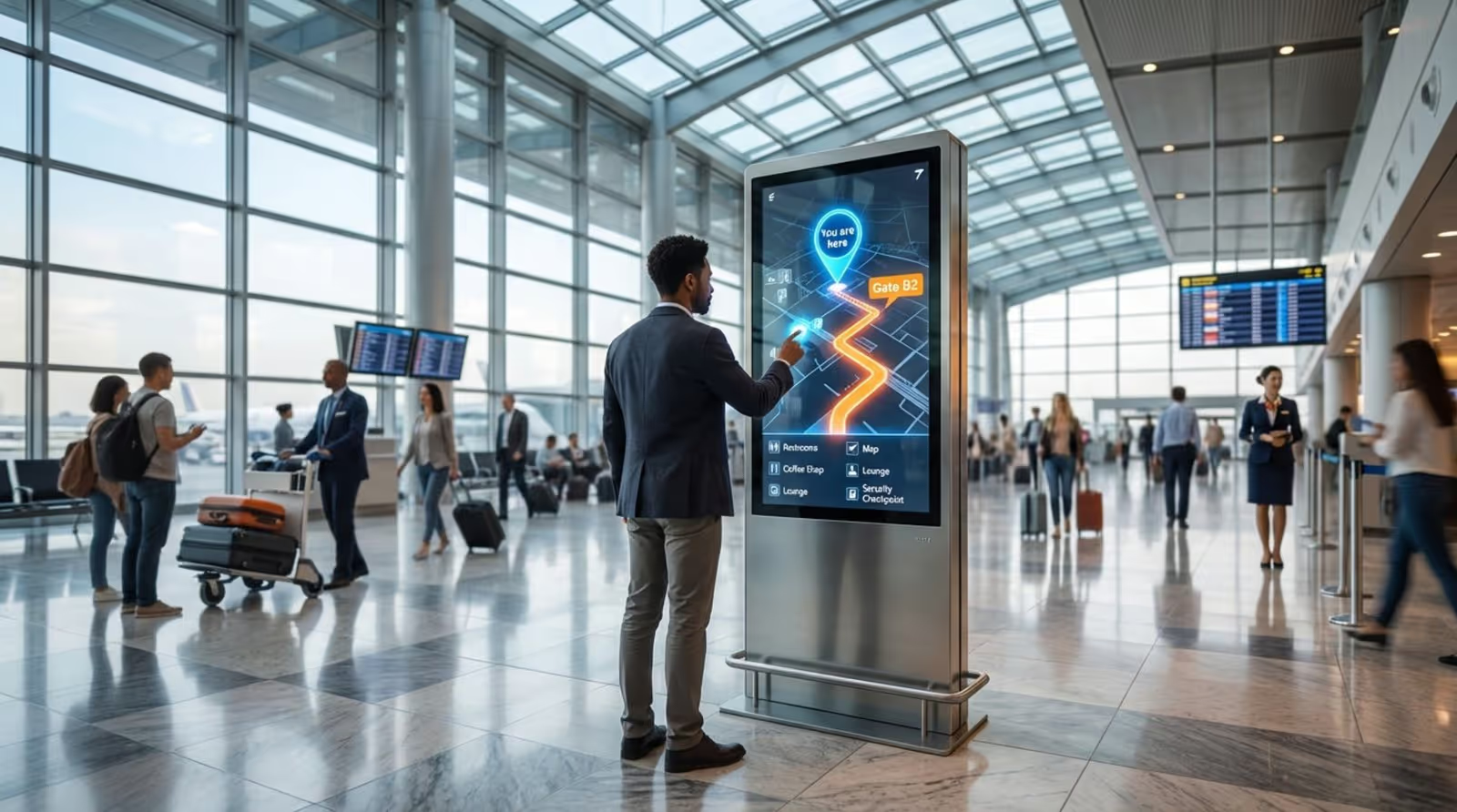
Navigating large venues like universities, hospitals, or malls can be frustrating for visitors and time-consuming for staff who constantly have to give directions. Interactive wayfinding maps solve this by allowing users to search for specific destinations, view the quickest route, and even send directions to their mobile devices.
For complex environments, Look Digital Signage offers Interactive Scenarios that allow you to build these touch-based experiences without complex coding. You can link buttons to maps or directories, ensuring that if a room changes or a tenant moves, you can update the information centrally within the Look CMS and publish it to your screens in minutes.
Product Catalogs and Virtual Showrooms
Retail floor space is expensive, but your digital shelf space is unlimited. Interactive product catalogs allow customers to browse your full inventory, filter by size or color, and read detailed specs on a touchscreen. This "endless aisle" concept helps you promote online-exclusives or out-of-stock items without cluttering the physical store.
Advanced setups can use "lift and learn" triggers. When a customer picks up a physical product, sensors trigger the screen to display specific details, such as origin stories for wine or technical specs for electronics. This delivers the right information exactly when the customer is most interested.

360-Degree Product Views and Virtual Tours
For industries like real estate and hospitality, showing is better than telling. Virtual tours allow potential buyers or guests to explore a property, hotel room, or event venue via a touchscreen. They can rotate the view, zoom in on details, and get a feel for the space before booking.
In retail, 360-degree product spins give shoppers confidence. Being able to rotate a high-value item like a watch or handbag on a screen helps bridge the gap between seeing a picture and physically holding the product, often reducing hesitation at the point of purchase.
Event Schedules and On-Screen Booking Systems
Keeping agendas current at conferences and hotels is a challenge with static signs. Digital screens connected to your calendar system can display real-time schedules, room availability, and session changes. Interactive displays take this further by letting attendees book a meeting room or sign up for a workshop directly on the screen.
Using Smart Scheduling in Look Digital Signage, you can automate these displays to show the right agenda for the time of day-switching from breakfast schedules to afternoon breakout sessions automatically. This reduces the manual work for your events team and ensures guests always see relevant information.
Social Media Walls Featuring Live User Content
Displaying live feeds from platforms like Instagram or X (Twitter) creates a sense of community and encourages visitors to engage with your brand online. By tracking a specific hashtag, you can showcase user-generated photos and tweets on a large video wall.
To keep the content safe for public viewing, you should always use moderation tools to filter posts before they go live. When executed well, social walls validate your brand through social proof and add dynamic, constantly changing visuals to your space.

User-Generated Content Highlights
Beyond live feeds, curated user-generated content (UGC) builds trust. Displaying selected customer reviews, testimonials, or "fan photos" acts as a powerful endorsement. Shoppers often trust the word of other customers more than corporate advertising.
You can manage these assets easily by creating Playlists in your digital signage software. Regularly updating these highlights keeps the content fresh and shows your customers that you value their feedback and loyalty.
Gamified Experiences and Interactive Quizzes
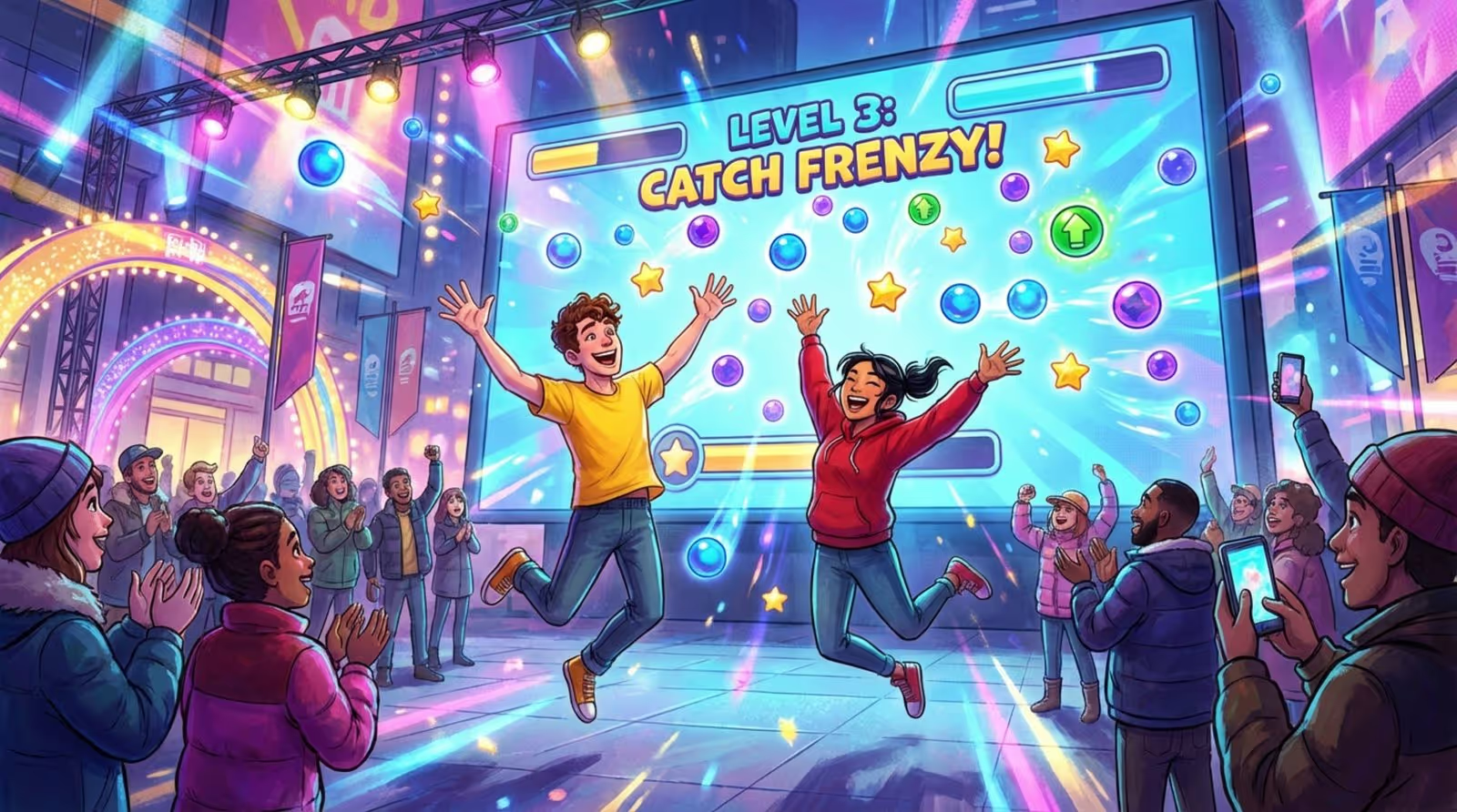
Gamification is a strong tool for increasing dwell time. Brands like Pago have successfully used gesture-controlled games where users catch virtual objects to win real-world prizes. These experiences are memorable and create a positive emotional association with the brand.
In waiting rooms or lobbies, simple quizzes can reduce perceived wait times. A dental office might run a trivia game about oral health, while a sports bar could host halftime prediction polls. These interactions entertain visitors while subtly reinforcing your messaging.
Leaderboard Displays and Loyalty Program Updates
Data-driven screens work well in internal communications and fitness environments. Sales teams can track performance on live leaderboards, while gyms can display workout stats or monthly challenges. This visibility fosters healthy competition and keeps motivation high.
Integrating these screens with your CRM or loyalty platform allows for personalized moments. Look Digital Signage supports integrations via API or Zapier, making it possible to trigger specific messages-like a birthday greeting or a milestone alert-automatically when a member checks in.
Real-Time Polls, Surveys, and Feedback Stations
Collecting feedback while the experience is fresh yields better data than email surveys sent days later. Touchscreen kiosks positioned near exits can feature quick "smiley face" ratings or short, 3-question surveys. The barrier to entry is low, leading to higher response rates.
This immediate loop allows managers to spot service issues instantly. If negative feedback spikes, operations teams can investigate and address the problem before it affects more customers.
Interactive QR Code Campaigns
QR codes are the simplest way to make any screen interactive without expensive touch hardware. They provide a clear "next step" for the viewer, linking them to a signup form, a discount coupon, or a landing page.
With the Content Creator in Look Digital Signage, you can easily generate and place QR codes directly onto your slides. A clear call-to-action (CTA) like "Scan to save 10%" guides the user’s eye, making the transition from screen to mobile seamless.
Live Content Feeds and Triggered Updates
Context-aware content ensures your message is always relevant. Campaigns like the British Skin Foundation's UV-reactive billboard or Naked's transport-synced ads show how powerful it is to match content to the viewer's immediate reality.
Weather triggers are particularly effective for retail and food service. You can program your screens to promote cold drinks on hot days or waterproof gear during a downpour. This relevance naturally drives higher engagement and conversion.
Looking forward, the integration of AI and deeper environmental data will make these interactions even smoother. From screens that adjust their brightness based on crowd size to displays that report real-time sustainability metrics, the future of digital signage is data-driven and responsive. By adopting platforms like Look Digital Signage today, you can build a network that is ready for these scalable, interactive experiences.





