Digital Signage for DOOH Advertising


Minutes
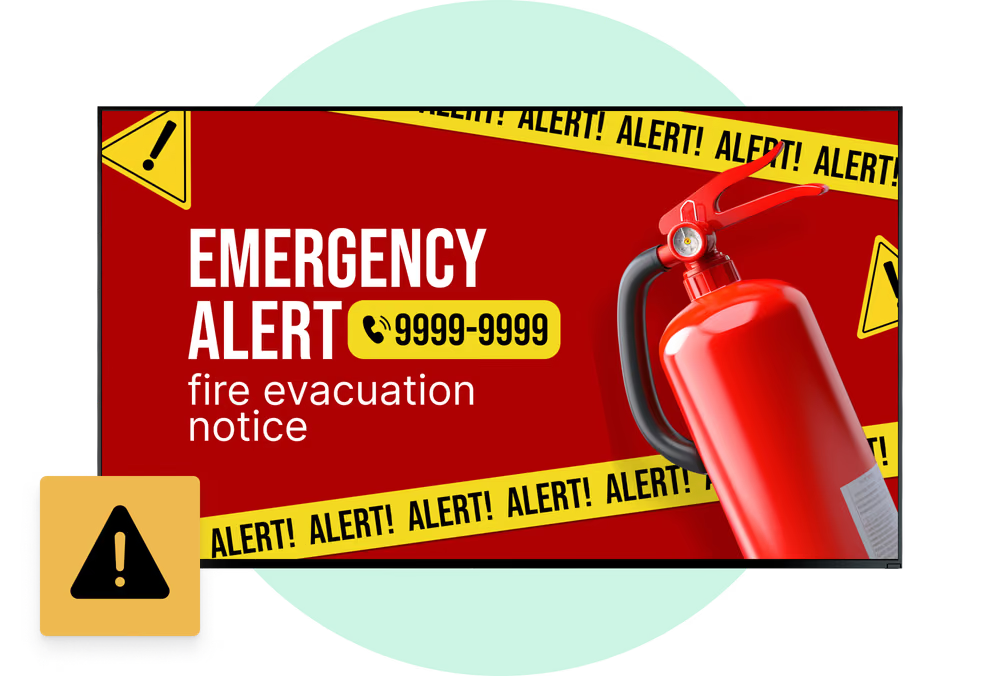
to change promotions, emergency alerts, and campaign messaging across the entire network instead of waiting for crews to replace printed posters.
Source: Intro + \"real-time content flexibility\" sections
1 → 1000s
manage a single display or thousands of screens at once from one cloud CMS dashboard.
Source: \"How does DOOH advertising work?\" section
7
application environments called out: retail, transport, outdoor streets, hospitality, stadiums, elevators, and smart mirrors/restrooms.
Source: \"Applications and Use Cases for DOOH Digital Signage\"
4
future trend pillars listed: QR interactivity, data-driven automation, smart-city alerts, and better high-definition multi-zone layouts.
Source: \"What are future trends in DOOH digital signage?\"
What is DOOH digital signage?
Online ad flexibility in real public spaces
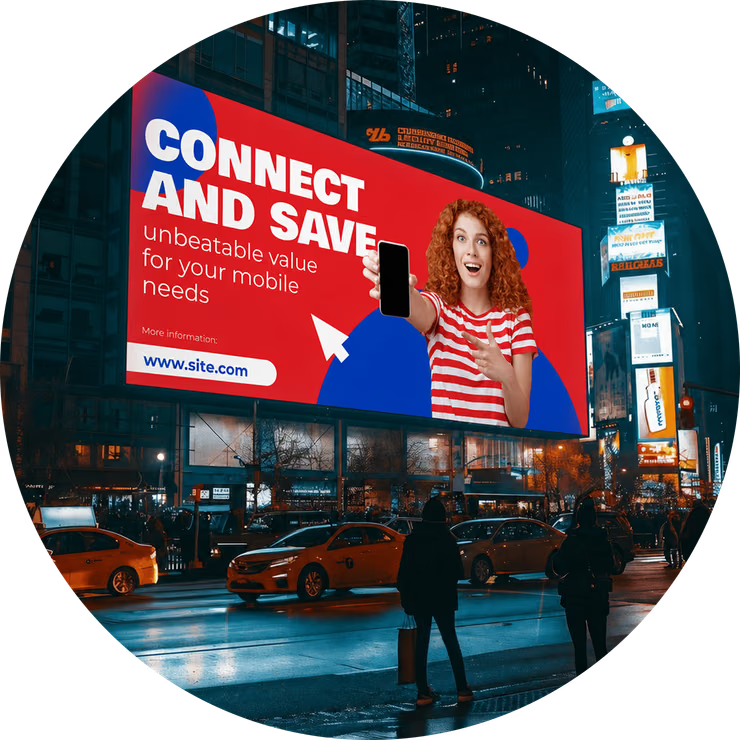
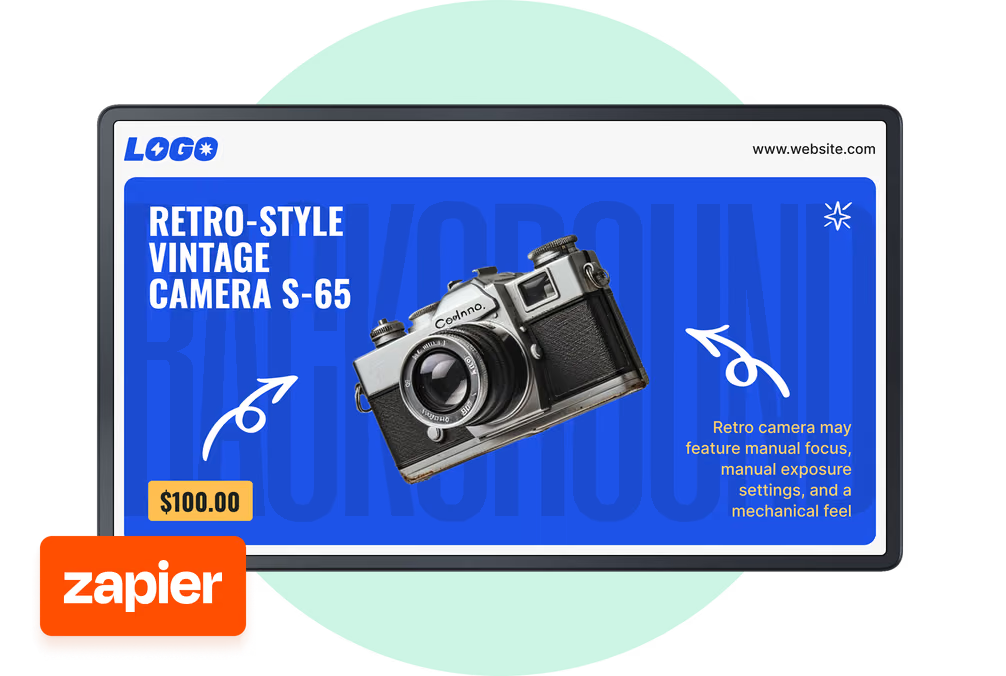
Digital signage for DOOH advertising means placing digital screens in public spaces to show campaigns, promotions, and important information. Unlike a printed billboard, a digital screen can show moving video, animation, and real-time updates.
The biggest advantage is central control.
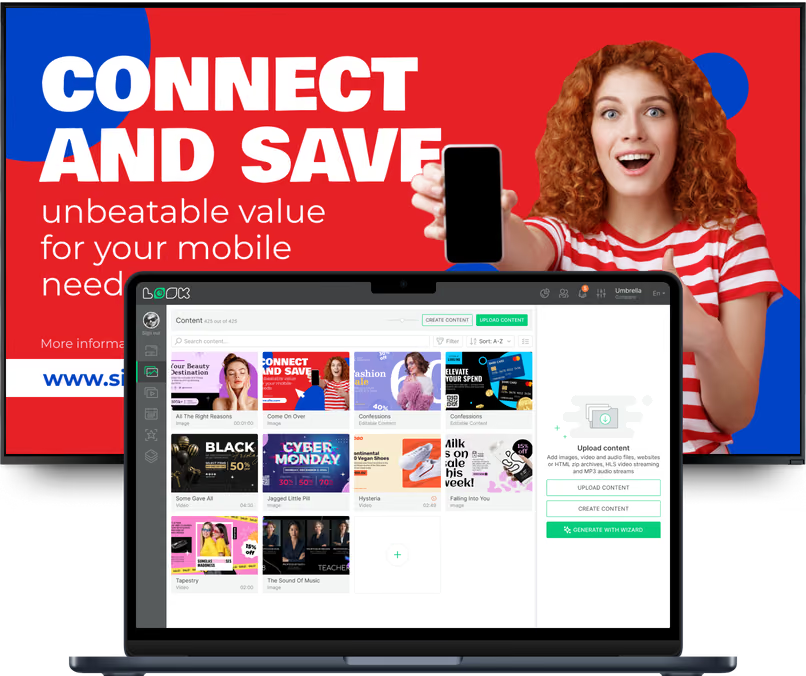
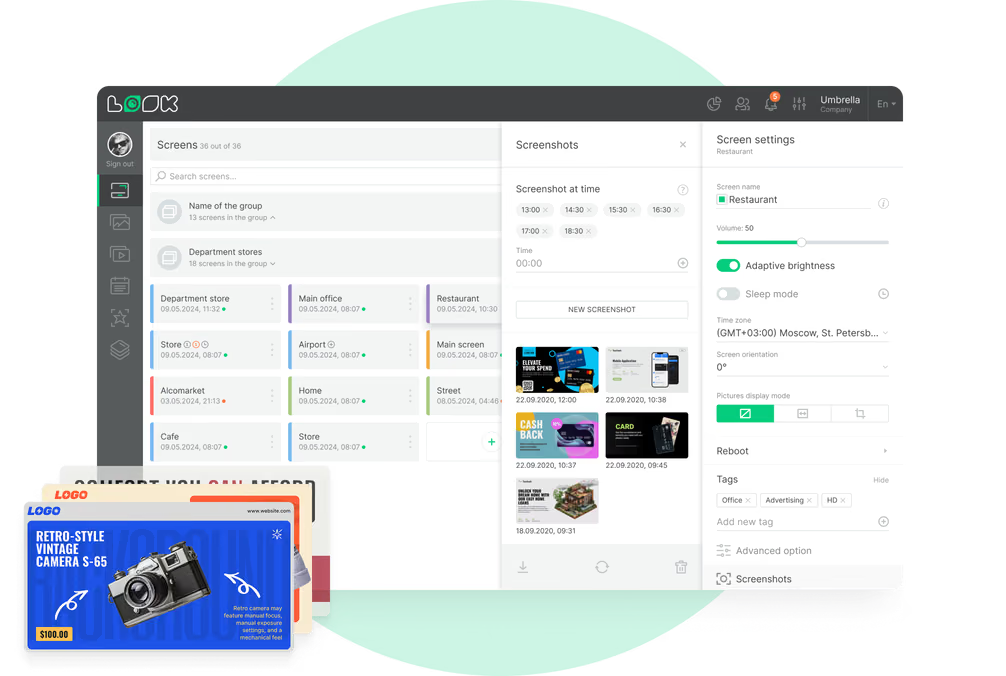
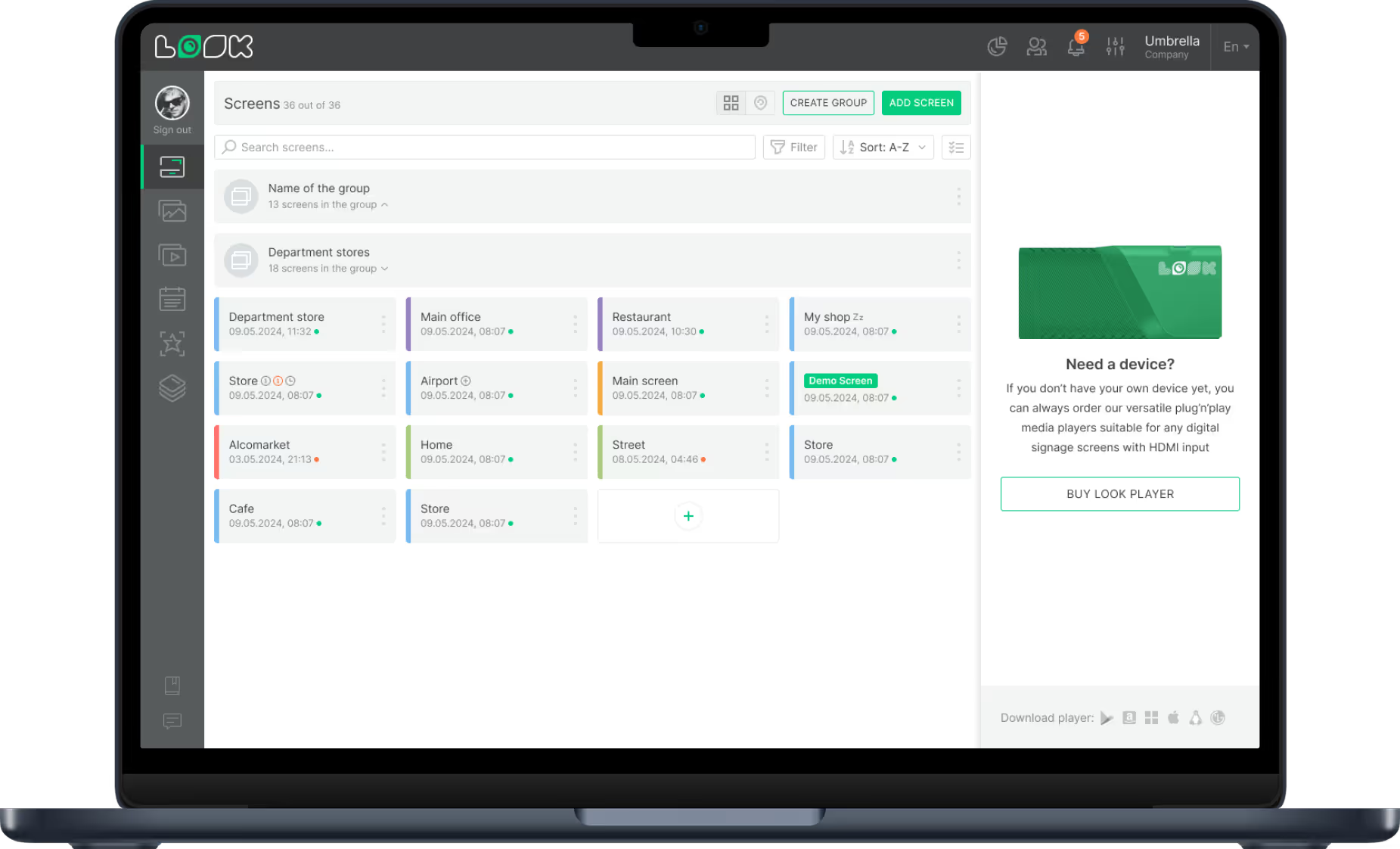
You place a display in a public location, connect it to a media player and cloud CMS, then upload files, build playlists, and publish to one screen or thousands without on-site visits. That gives businesses the flexibility of online ads in the real world.
Digital vs. Traditional room management
Static DOOH
Printed billboards and posters stay fixed
Manual replacement requires field crews
No video, animation, or real-time triggers
Hard to prove performance and ROI clearly
Recurring print and shipping costs
DOOH with Look DS

Remote content updates in minutes

Video, motion, and dynamic creative rotation

Weather and daypart-triggered messaging

Playback logs and audience insight dashboards

Scale from one screen to thousands
3 core components
1
Display + player
A digital display placed in a public location and connected to a media player that stores and plays campaign content with stable, reliable playback.
2
Cloud CMS
A cloud-based Content Management System where teams upload files, build playlists, and send updates to one screen or thousands based on daypart, weather, and local events.
3
Monitoring + data
Proof-of-play logs, device health monitoring, and privacy-safe audience signals verify delivery, reduce downtime, and help optimize campaigns while they are still running.
Why it works
Six ways DOOH digital signage improves campaign performance


Buyer segments
DOOH setups for every advertising environment
Use one platform while tailoring screen strategies to each environment, audience flow, and campaign objective.
Promotions and store navigation
Retail teams highlight promotions, new arrivals, and store maps. Mall networks can run different messages for morning and evening shoppers to drive add-on sales and connect online campaigns to physical stores.
Information + ad inventory
Airports and train stations combine real-time departures, directions, and safety alerts with ad rotations. Fast content updates keep traveler information accurate while preserving premium campaign inventory.
Commuter reach in public space
Large LED billboards and digital bus shelters reach commuters and pedestrians at scale. These placements suit brand awareness, product launches, and public service announcements that need mass visibility.
Guest messaging that stays current
Hotels use lobby screens for welcome and event schedules, while bars and restaurants update specials in real time and remove sold-out items instantly to keep messaging accurate.
Moment-based campaign timing
Stadium networks guide large crowds with concourse screens while video walls deliver live content. Sponsor loops and safety updates can be scheduled to run at exactly the right event moment.
High dwell-time professional audiences
Elevator and lobby screens capture attention during daily routines. They show directories, company updates, and targeted ads in high-dwell areas where people are already waiting.

Placement scenarios
Six physical DOOH use cases from the guide

Retail and shopping centers

Train stations and airports

Outdoor high-traffic streets

Hotels, bars, and restaurants

Event venues and stadiums

Smart mirrors and restroom media
Setup
Choose your DOOH deployment path

Install the free Look App
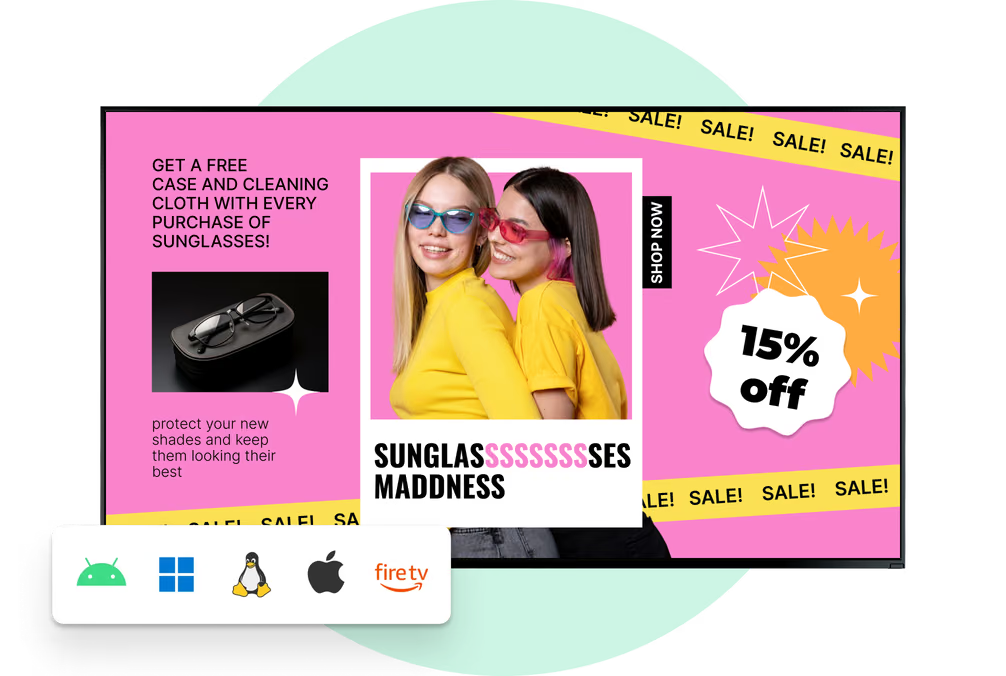
Install the free Look App on compatible existing displays to launch quickly with minimal hardware spend. It is a practical path for pilots and smaller networks that need fast setup.


Plug in the Look HDMI Player
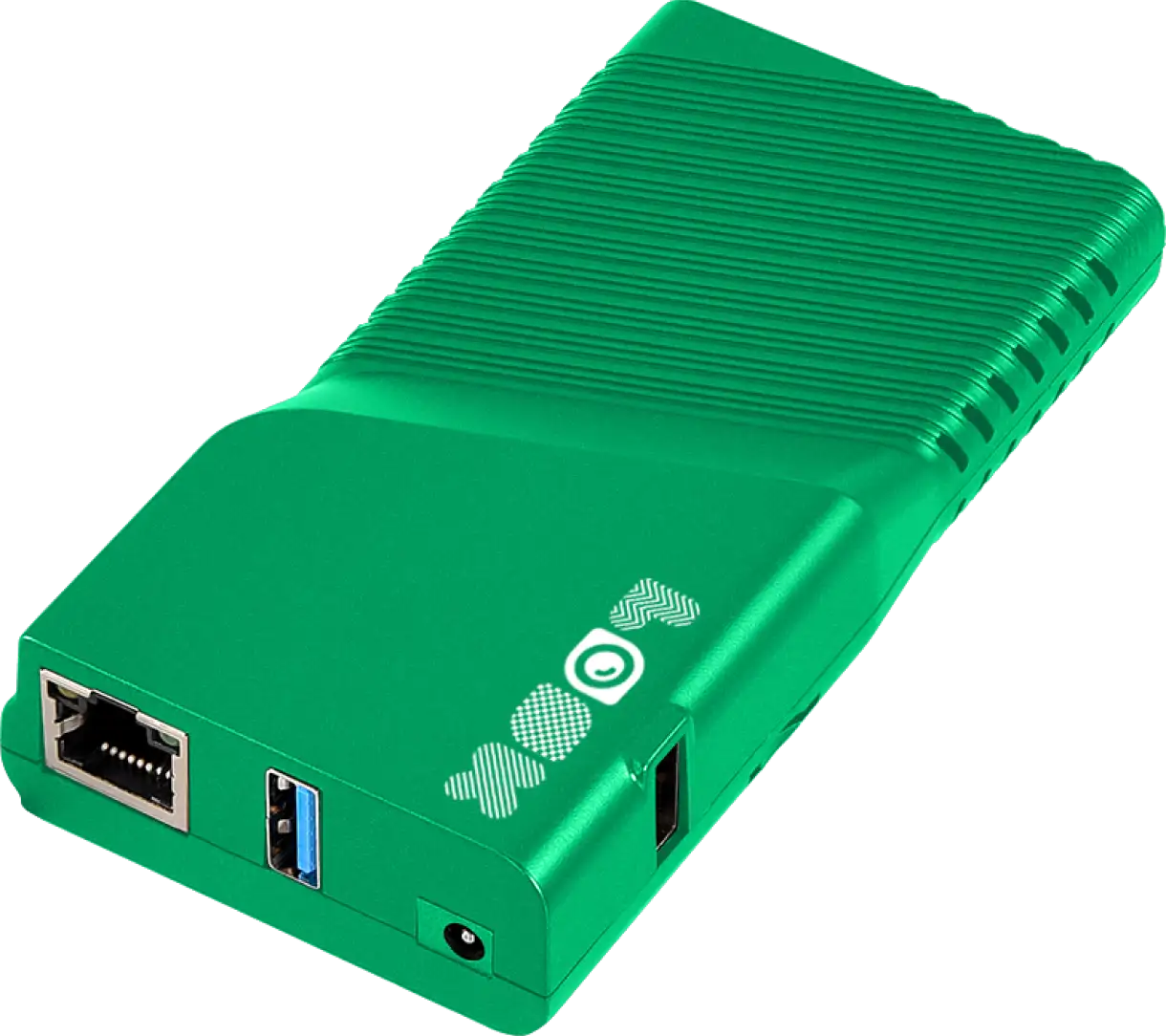
Use a dedicated HDMI player for consistent long-run playback, centralized troubleshooting, and standardized performance across larger deployments and mixed screen fleets.
DOOH hardware note:
Outdoor placements need waterproof and dustproof casings, cooling systems, and high-brightness panels to stay readable in direct sun and changing weather. For indoor transit and retail locations, prioritize long-run reliability and remote diagnostics to minimize field visits.
How it works
Launch, automate, and optimize from one dashboard
Deploy screens and connect players
Place digital displays in public locations and connect each one to a media player. Outdoor deployments use weather-ready hardware, while indoor displays prioritize long-hour reliability and image clarity.Schedule campaign playlists
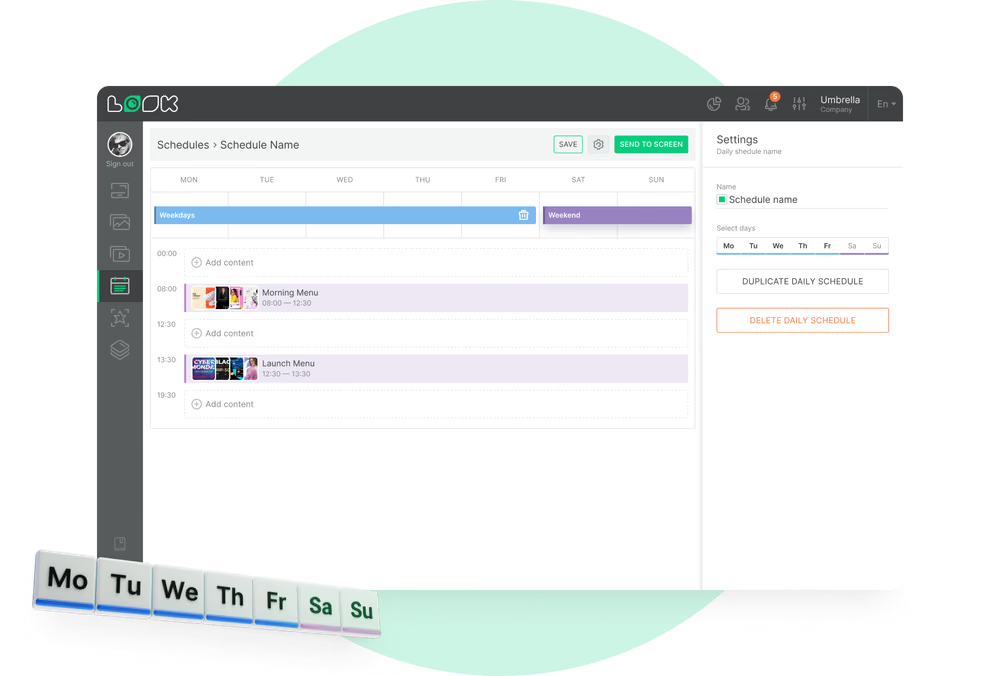
Use the cloud CMS to upload files, build playlists, and publish to one screen or thousands. Smart Scheduling sets content by date, day, and time, with weather- and event-based triggers for relevance.Monitor proof-of-play and improve
Track exact playback logs, timestamps, and content frequency by location. Combine these insights with audience traffic data to optimize playlists, prove ROI, and troubleshoot remotely without site visits.


Content best practices
Six practical DOOH campaign tips
01
Design for motion and clarity
Use bright video, motion graphics, and crisp animation to cut through visual noise. Keep core messages short enough for fast comprehension in crowded, high-traffic spaces.
02
Schedule by location and daypart
Match ad loops to location context, time of day, and day of week. Daypart planning improves relevance versus running the same generic rotation everywhere.
03
Use dynamic context triggers
Use dynamic triggers for weather and local events so creative adapts in real time. A context-relevant message performs better than static campaigns left unchanged for days.
04
Verify playback continuously
Track proof-of-play logs and timestamps continuously to ensure booked ads render as planned across all placements. Verification data also supports sponsor and stakeholder reporting.

05
Optimize with audience signals
Review dwell time and foot-traffic trends alongside playback dashboards. Use these insights to refine playlist mix, reduce wasted spend, and improve ROI over time.
06
Build for reliability first
Prioritize durable hardware and remote monitoring from day one. Reliable infrastructure keeps screens running smoothly and lets teams focus on campaign quality instead of constant troubleshooting.
Common mistakes
What to avoid in DOOH screen operations
Treating digital inventory like static posters
Fix: Use Smart Scheduling and trigger-based rotations so campaigns refresh by daypart, weather, and local events without manual rework.
Skipping monitoring and proof-of-play checks
Fix: Use proof-of-play timestamps, uptime dashboards, and remote troubleshooting workflows to catch failures early and keep reporting reliable.

Using hardware not rated for the environment
Fix: Deploy industrial display hardware with waterproof and dustproof casings, cooling systems, and high-brightness panels matched to site conditions.
Ignoring privacy-first data practices
Fix: Use anonymous, privacy-safe signals with role-based permissions and security controls aligned with GDPR/CCPA requirements.

What advertisers say
DOOH teams running campaigns with Look DS
In terms of using the system, the other options that I found were a little clunky and Look was not only affordable but really easy for us to deploy and get up and running.
Look is well-priced, it’s a very user-friendly software cloud-based service, where you can update your screens from wherever you are. We can definitely recommend to others!
Our experience with Look was simply excellent. We were able to offer our clients a new feature-rich solution that can meet their various requirements in terms of digital signage, with a relatively affordable monthly cost.
FAQ
Common questions about DOOH digital signage
What are the main benefits of DOOH versus traditional OOH?
How does DOOH advertising work from a technical setup?
How accurate is audience measurement in DOOH?
What is programmatic DOOH advertising?
How does weather affect outdoor digital signage?
What trends are shaping the future of DOOH?
Still have questions?
We help media owners, brands, and operators deploy reliable DOOH networks with remote management, proof-of-play, and scalable scheduling workflows.
Templates
DOOH-ready templates for faster campaign launches
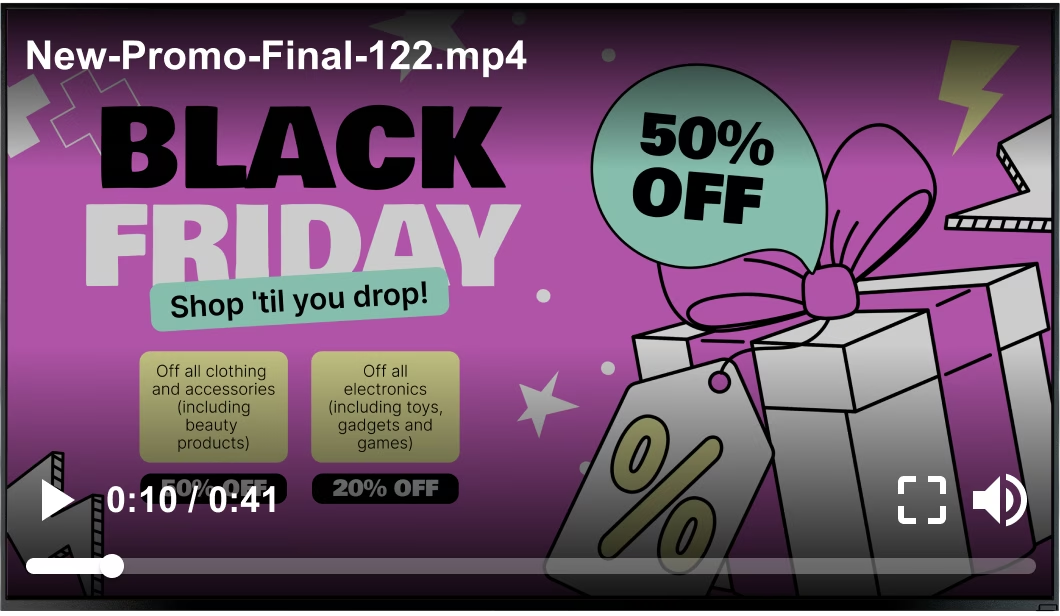
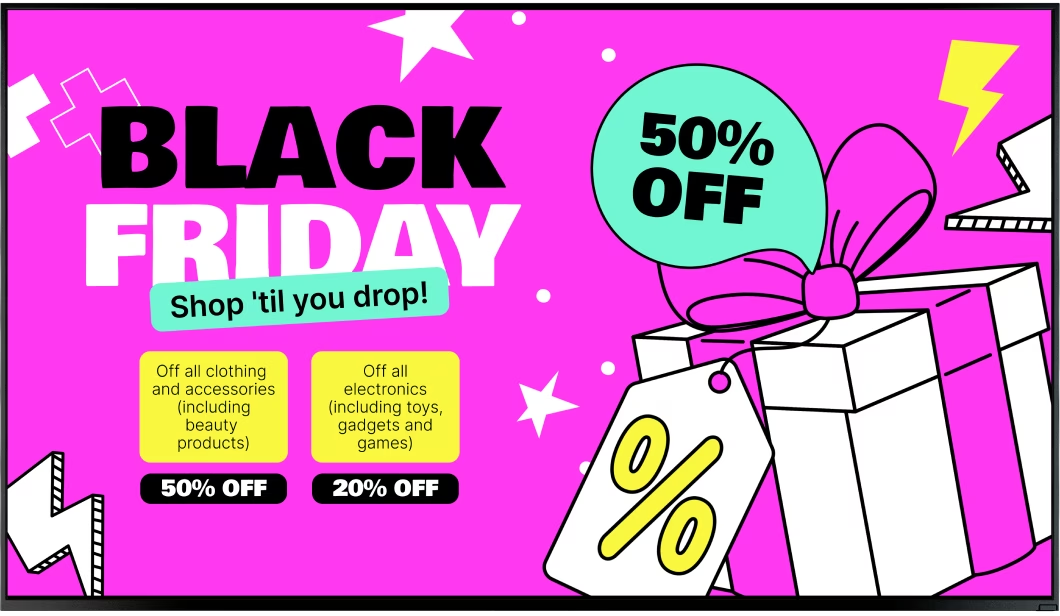
Template-driven workflows support faster publishing and cleaner operations: combine ad zones with useful information, keep branding consistent, and push updates to one screen or thousands from the same CMS.
Tips & guides
DOOH strategy resources
Try Look digital signage for free
No credit card required
100% of features, no trial limitations
Fast human support 24/7