🏋️ Fitness Digital Signage

Digital Signage for Gyms and Studios

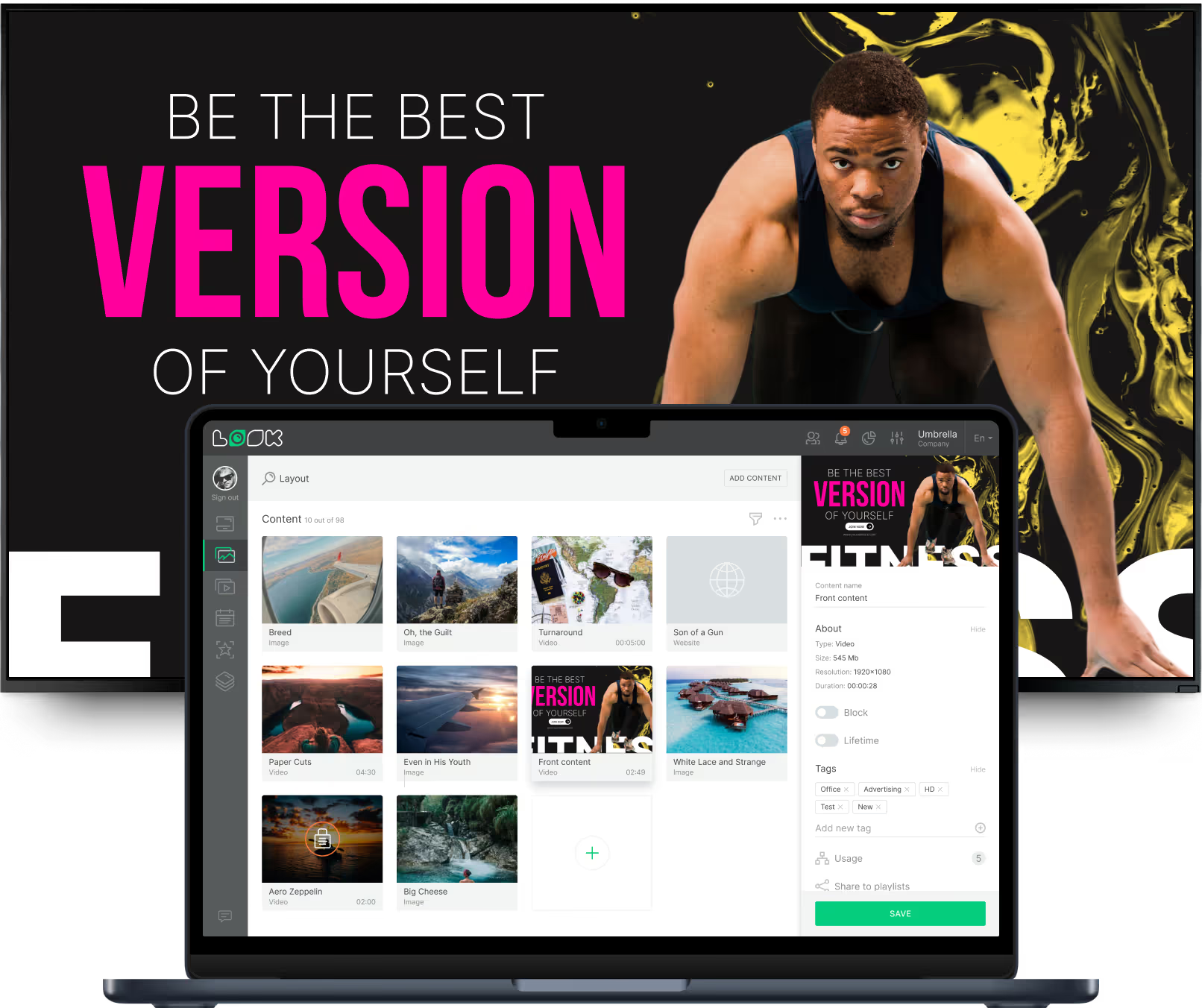
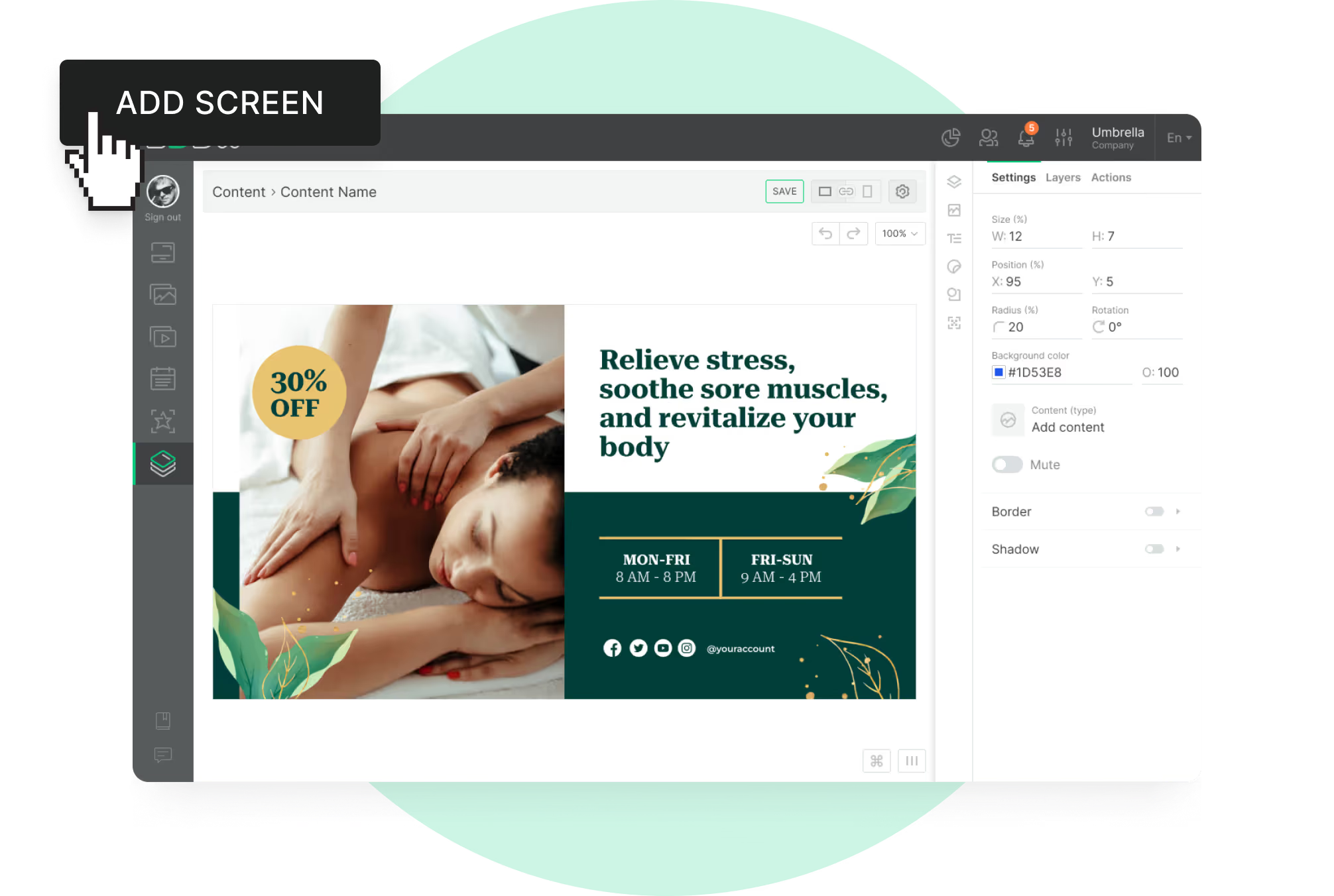
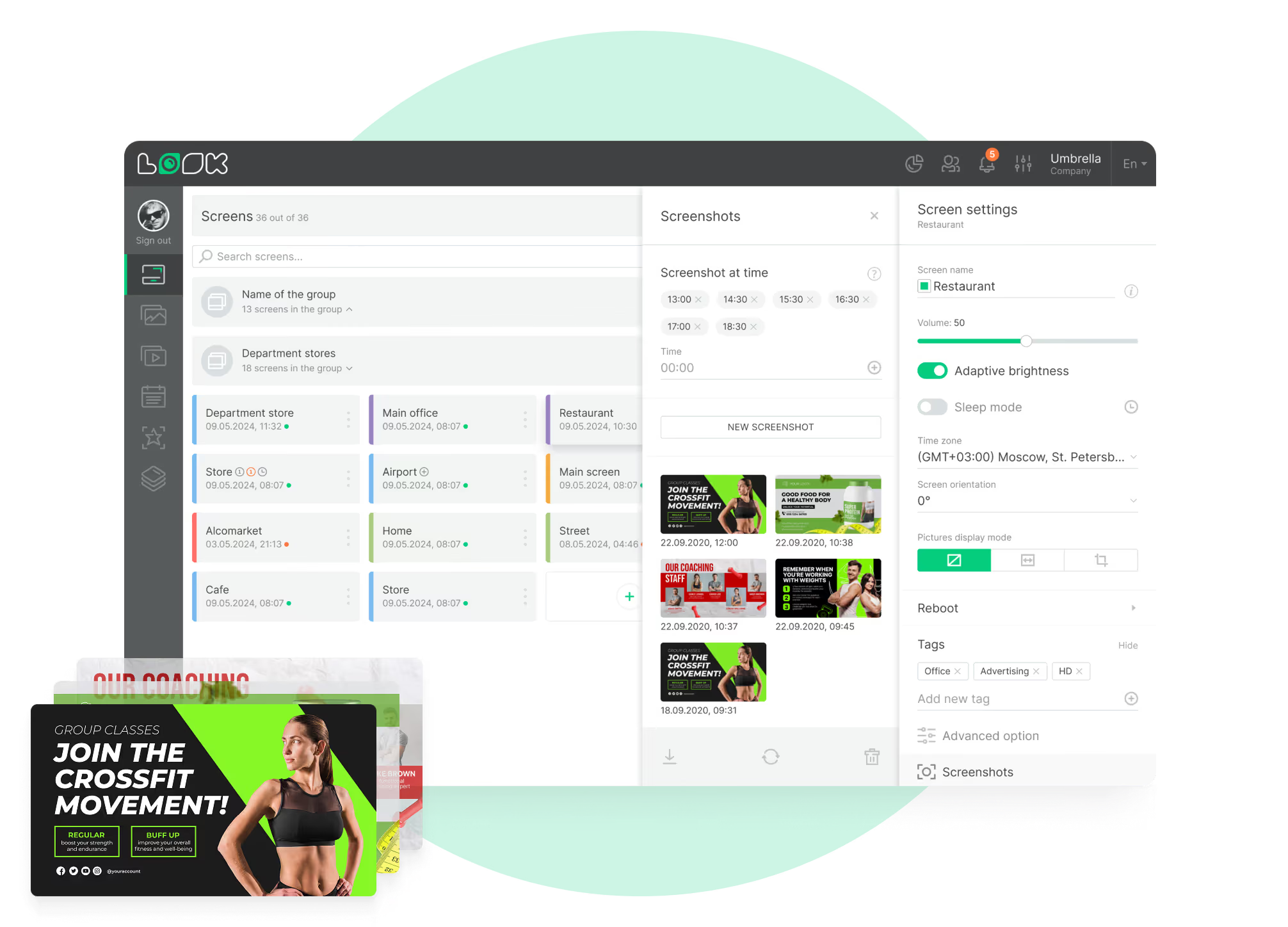
How do you keep class times, promotions and studio notices current on every screen in the club? With Look Digital Signage you make the content in a browser, put it on the calendar, and send it to reception, the cardio floor or every location at once. What you publish is on the selected screens within minutes.

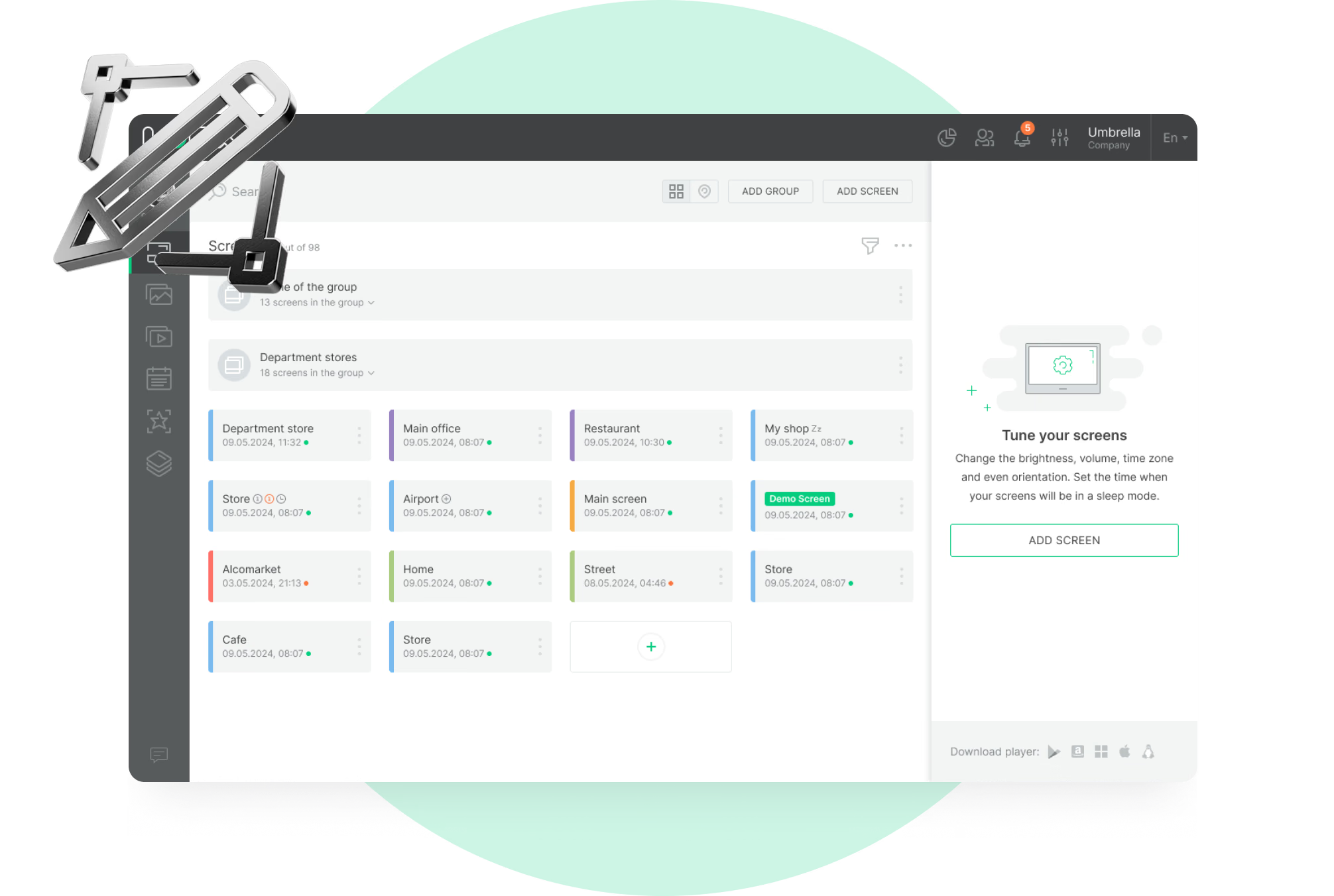
One schedule, every screen in the club

A time change reaches reception, the studios and the cardio floor in one publish.

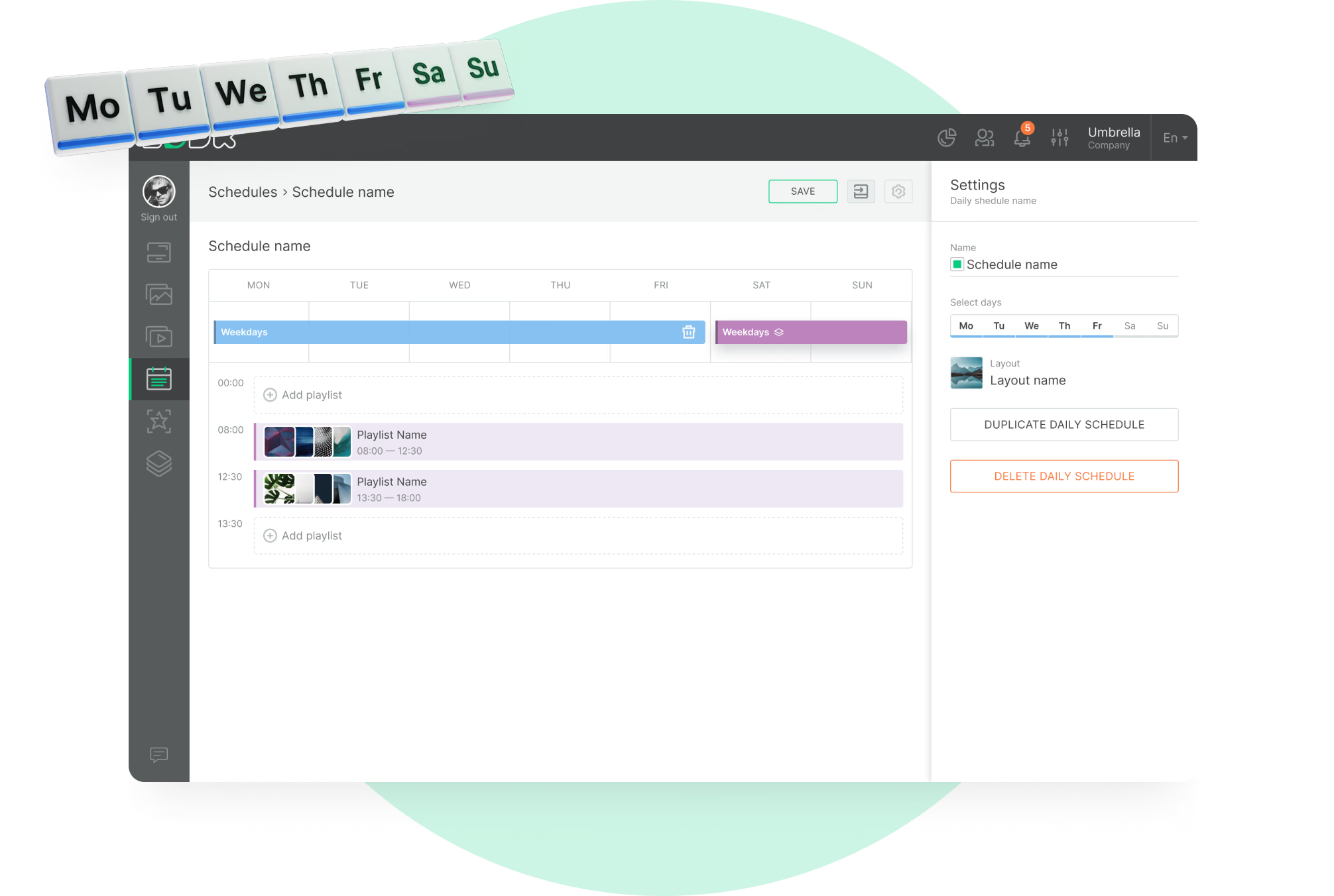
Content that follows the schedule

Morning, peak and evening playlists switch on their own, in each club's time zone.

See what actually played

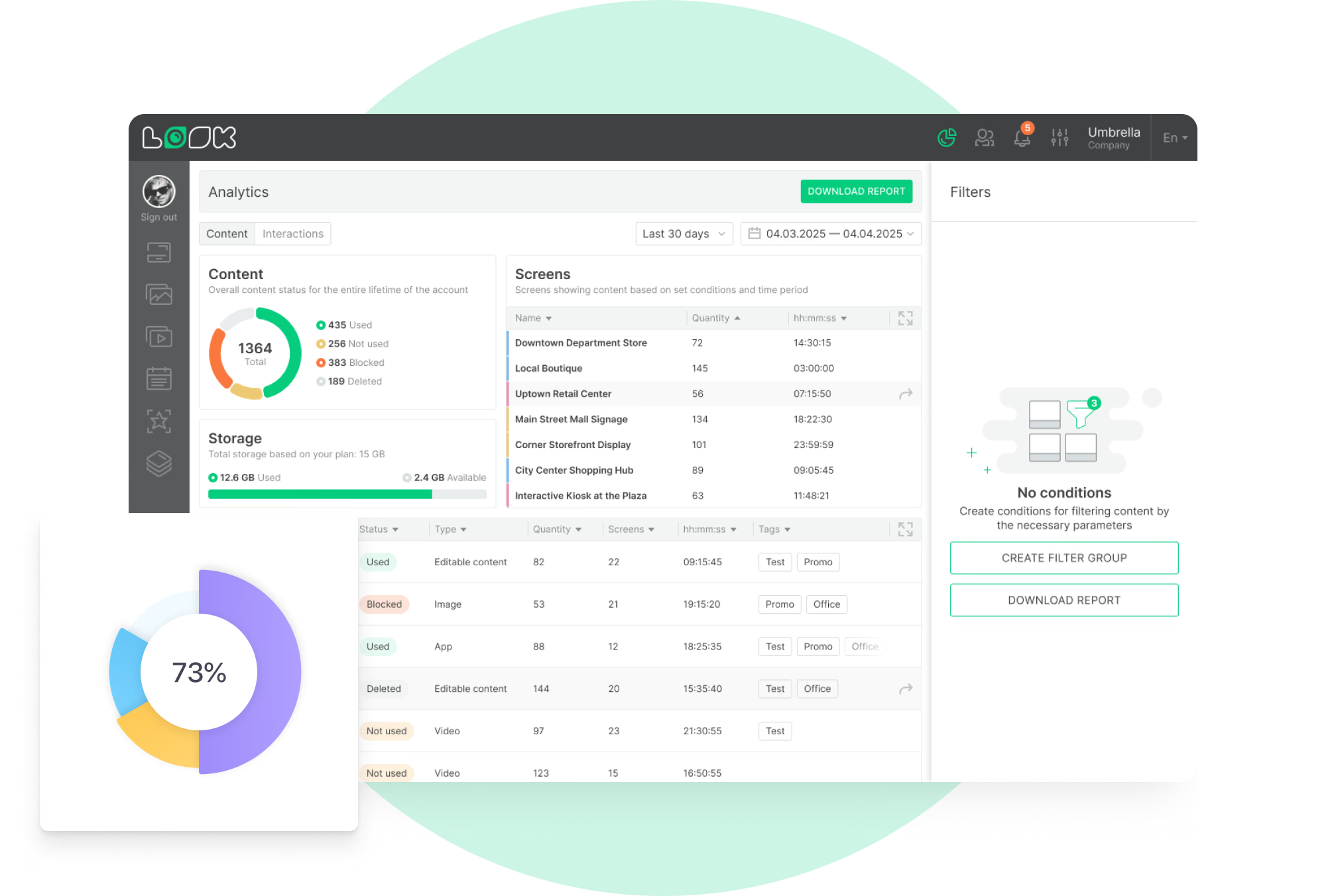
Play counts and playback time by content, screen and tag, downloadable per period.
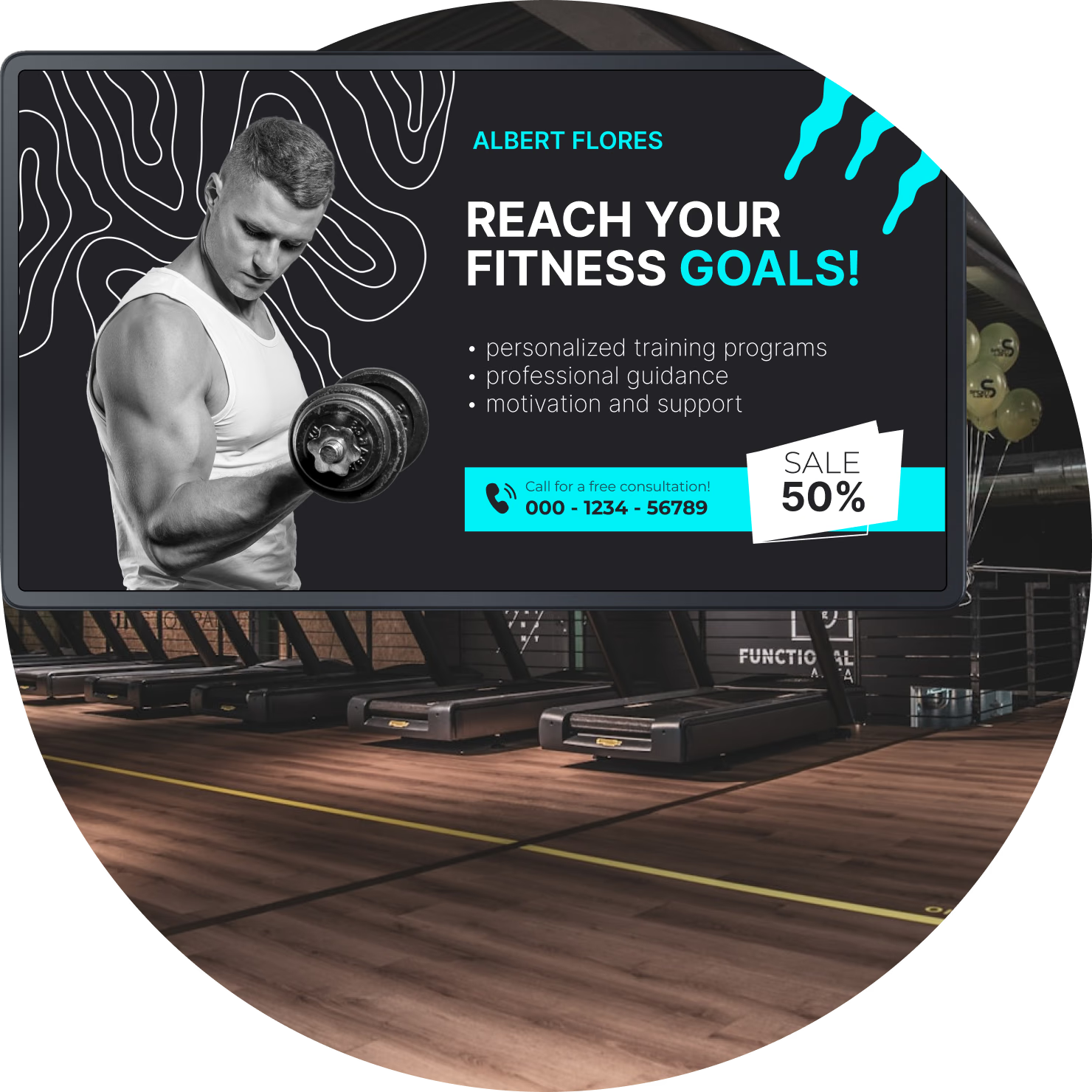
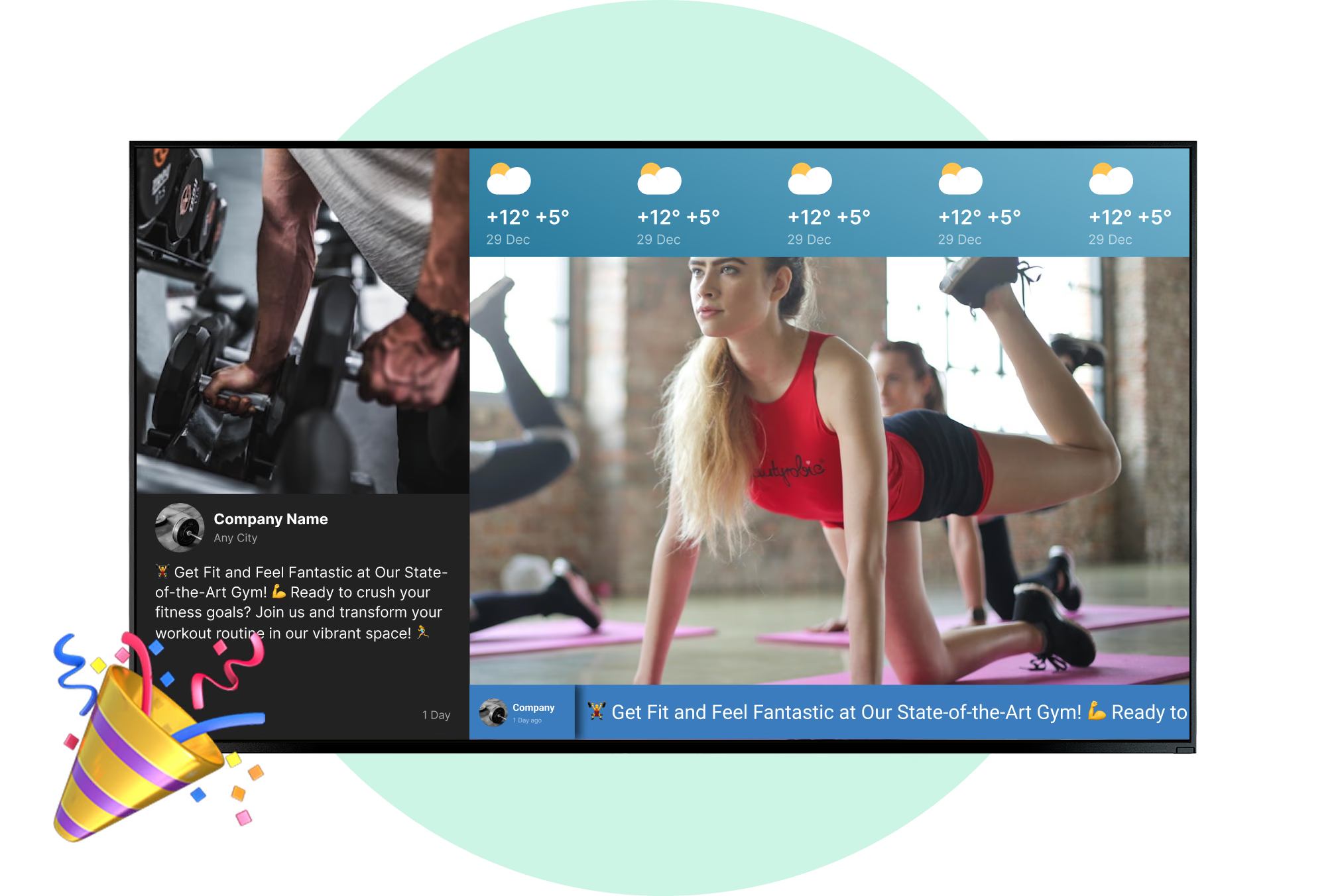
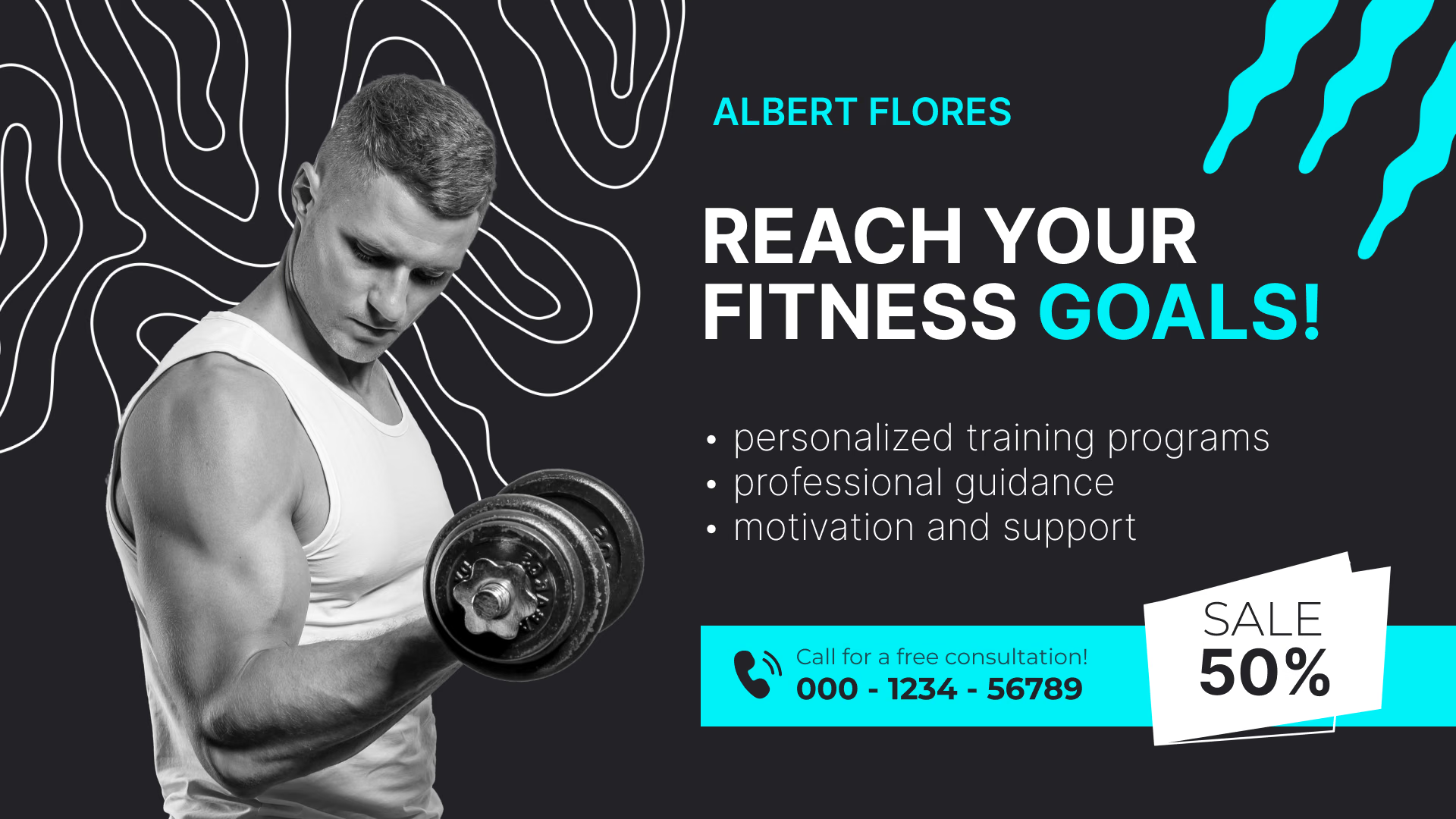
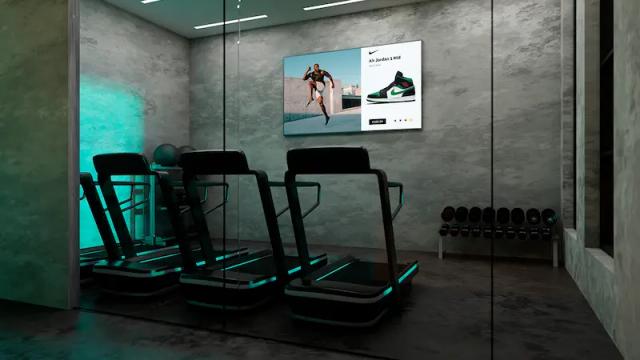
Reach your fitness goals promotion on a cardio floor screen
  • No credit card required. From $6 per screen/month with volume pricing.

  • Runs on Android, Windows, Linux, Tizen, webOS, Raspberry Pi and more.

  • 24/7 in-app support from real people.

Captera Rating
4.9
G2 Rating
5.0
60 000+
Screens
11 000+
Users
120+
Countries
Capterra Best Value · G2 High Performer
Software Advice · Customer Support 2026

Digital signage for gyms and fitness centers: setup guide 👉

Watch video · 4:50
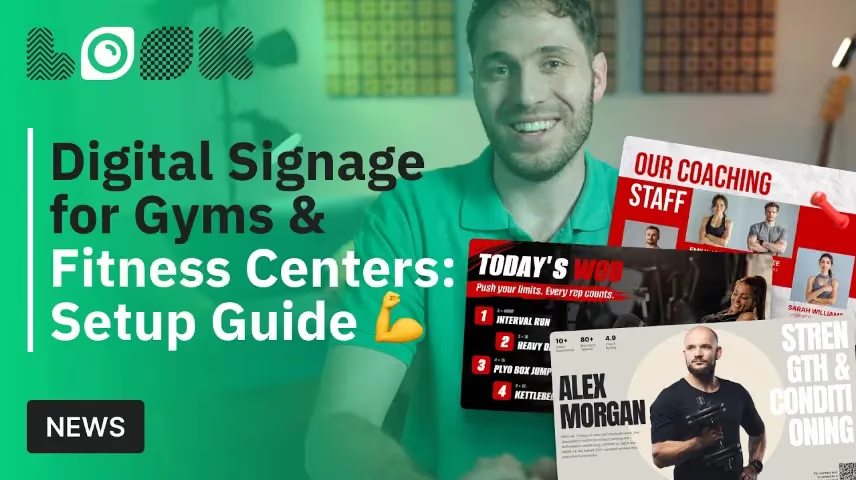
Digital Signage for Gyms & Fitness Centers: Setup GuideYouTube

Class schedules, workout of the day, membership promos and safety notices: a setup guide for gym and fitness center screens with Look DS.

Put the club's schedule and offers on the screens you own

Fitness digital signage lets gyms, studios and wellness clubs manage class schedules, promotions, workout guidance and member news on connected screens from one central CMS, instead of reprinting the schedule every week.
Everything is made in the browser. You group it into playlists, set it by hour and day, and the morning, peak and evening messaging then changes over by itself. Publishing once is enough, whether the target is a single studio screen, one club or a whole chain. No one walks the floor to do it.

Sound familiar?

    • A red cross inside a black circle

      The printed schedule, wrong again by Tuesday

    • A red cross inside a black circle

      The desk fielding the same question all day

    • A red cross inside a black circle

      A promotion that ended last month, still looping

    • A red cross inside a black circle

      No two clubs looking alike

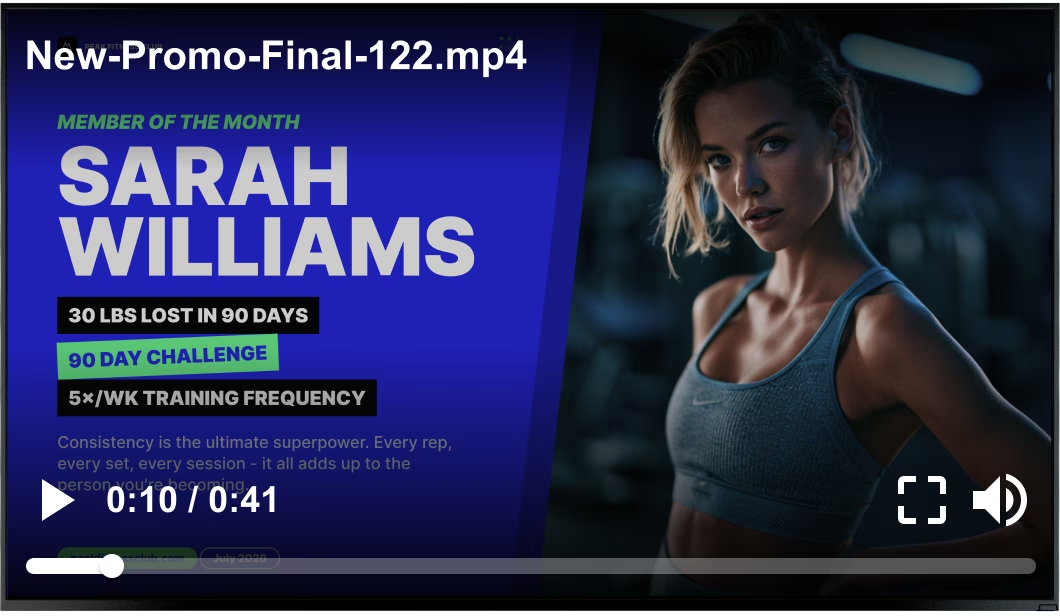
Generic stock video file playing over a Member of the Month promotion Black USB flash drive with 4 GB storage capacity

What you get with Look

    • The whole estate on one dashboard

    • A schedule change live in one publish

    • Playlists following the class hours

    • Playback data behind each promotion you run
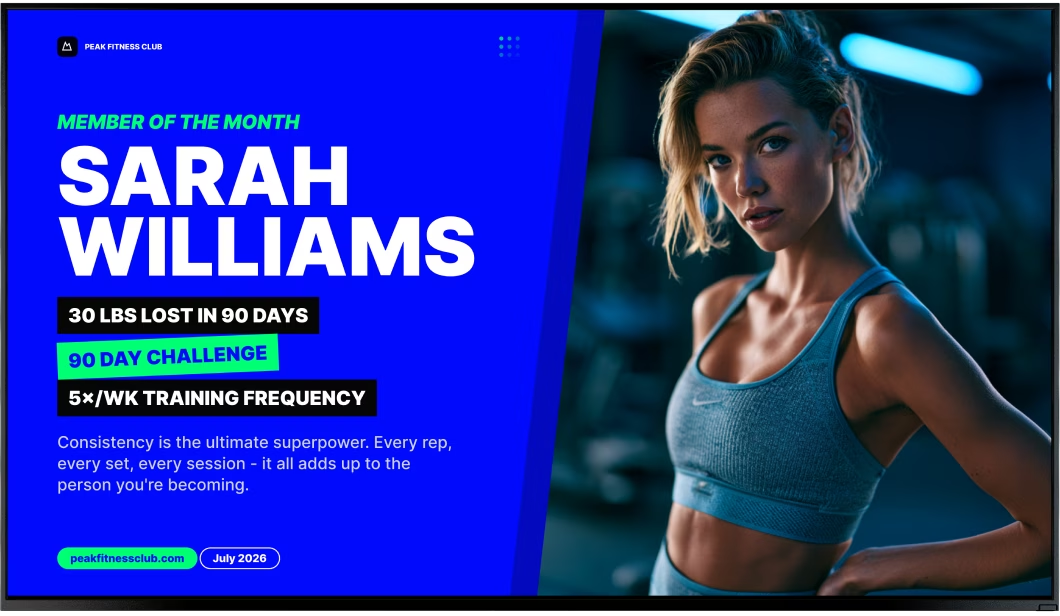
Clean Member of the Month promotion without the video overlay Green shield icon with a white check mark
Try with demo screen now
Run demo screen right in your browser

From one screen at reception to every club you run

Connect a player, build one playlist, and from there the screens keep themselves current. Size does not change the steps. One studio or forty clubs in five cities, still the same three.
  • Schedule

    Connect your screens

    Install the free Look App on a smart display or plug in the Look HDMI Player, pair it with a device code, and the screen is ready.
  • Content

    Build the schedule and playlists

    Upload your videos and images, or begin with a fitness template. Group them into playlists, then let Smart Scheduling switch them by class hour and by day.
  • Playlists

    Publish and check what ran

    Any browser will do: push a promotion to one zone, or to every club at once. Playback Analytics tells you afterwards what ran, where it ran and for how long.
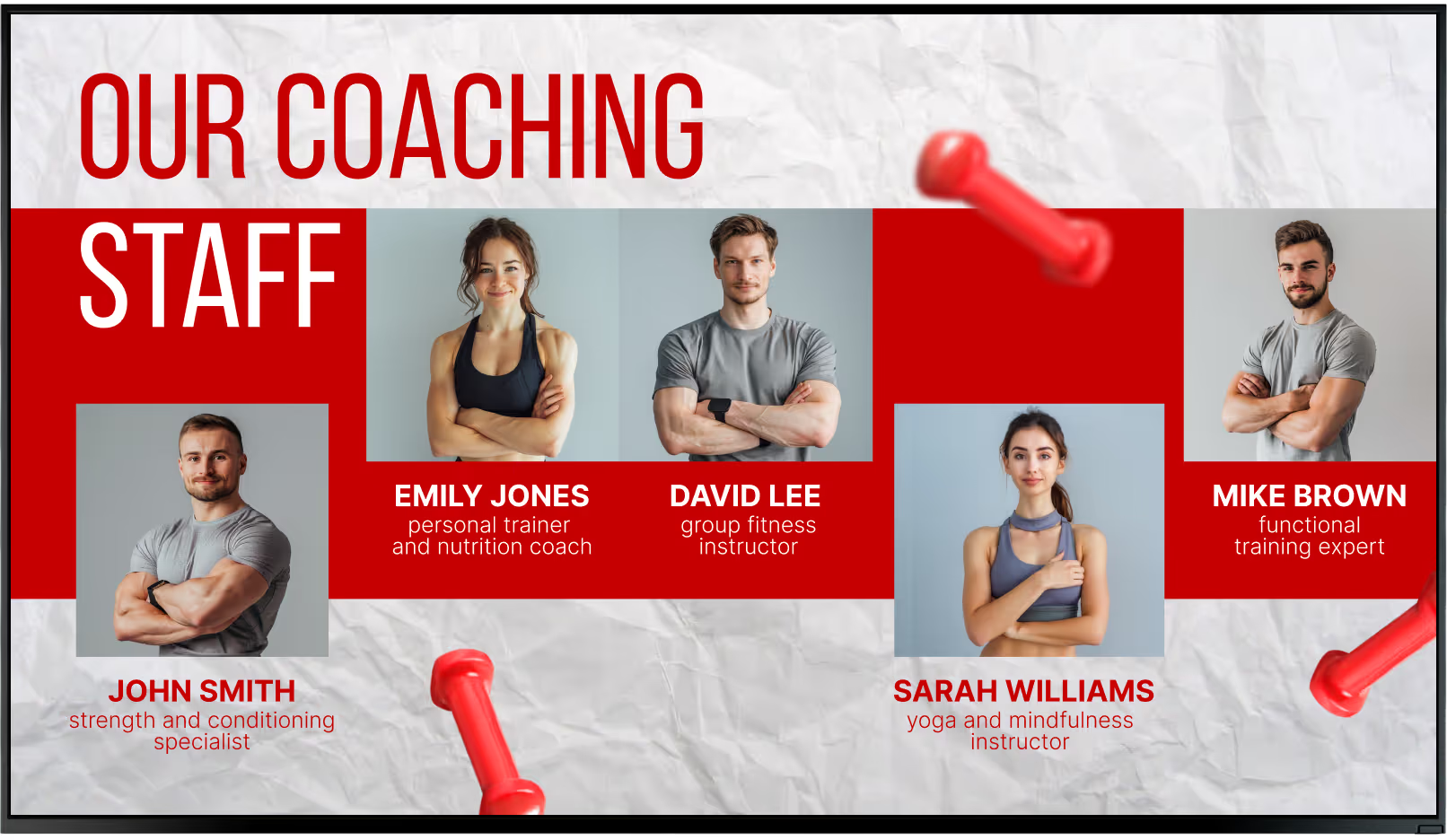
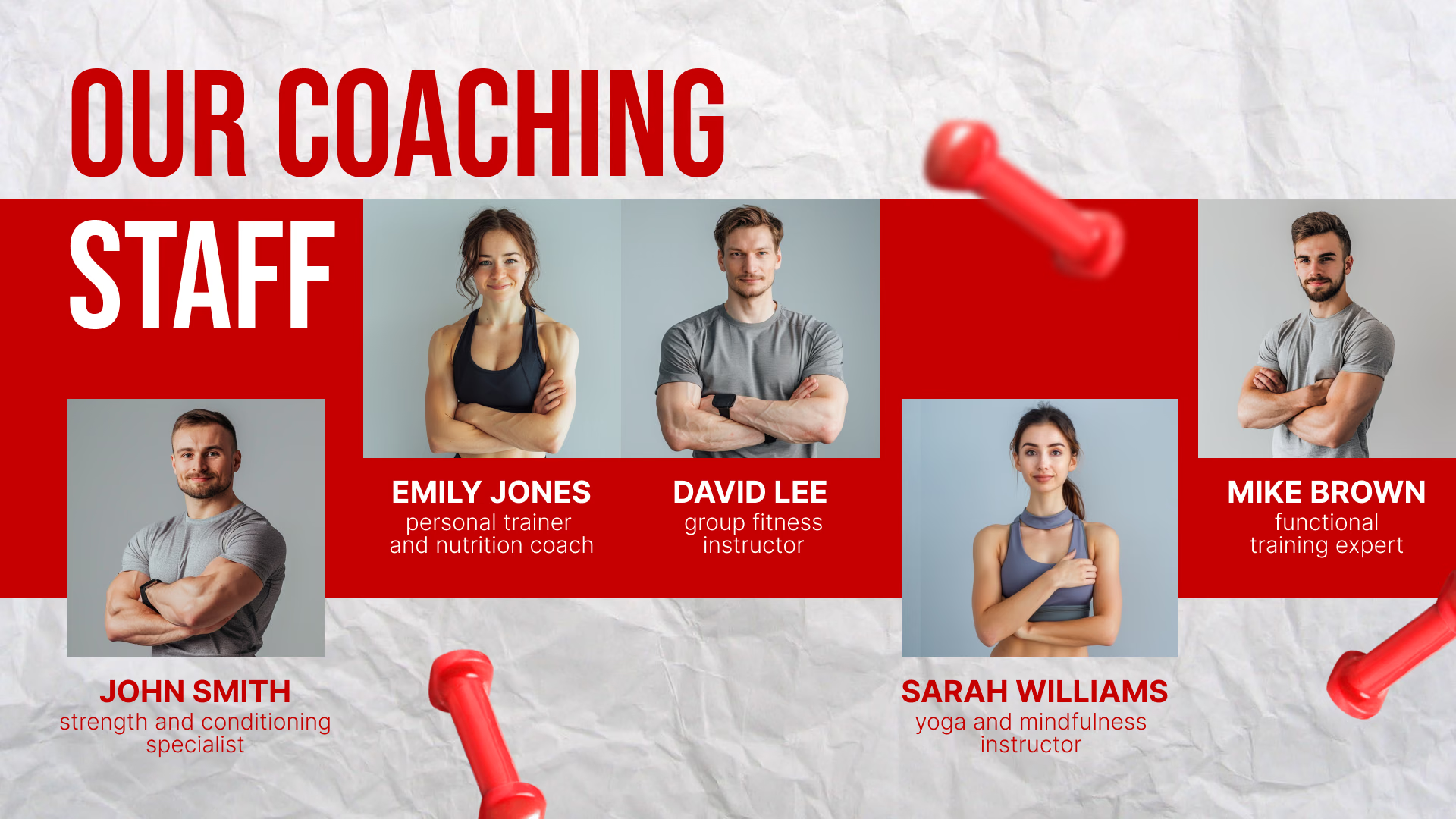
Our Coaching Staff introduction screen Our Coaching Staff introduction screen Laptop with the Look content editor building a Be the Best Version of Yourself promotion

Digital signage for every zone of your gym

A gym is several rooms with different jobs. Reception sells; the cardio floor holds a member's attention for half an hour at a stretch; the studio door only needs to confirm the class. All of it sits in one Look account, with each screen running the content its own zone calls for.

Reception and lobby

Answer what the front desk gets asked all day.
The day's classes, the coach on duty, opening hours and joining offers greet members as they check in, and the schedule changes in the CMS instead of on a laminated poster.
Split the layout and the schedule takes one zone while a membership or referral offer takes the other, so the screen sells at the same time as it informs.
Best for: Class schedule, membership offers, referrals, opening hours, club news

Cardio floor

Fill the time members spend facing a screen.
Treadmills and bikes keep members in view of a display for half an hour or more. Use it for training tips, challenge standings, later-class promotions, and live sports.
Let the scheduler handle it. Different offers run in the 7 a.m. loop and the 7 p.m. loop, and nobody touches the screen.
Best for: Training tips, challenges, class promos, live sports, upcoming events

Free weights and strength area

Show technique where people are lifting.
Beside the racks a silent loop covers short form demos, warm-up and mobility work, equipment instructions and the safety rules that go unread on a laminated card.
Simple slides and short video. Nobody studies this screen. It gets a glance between sets, ten seconds at the most.
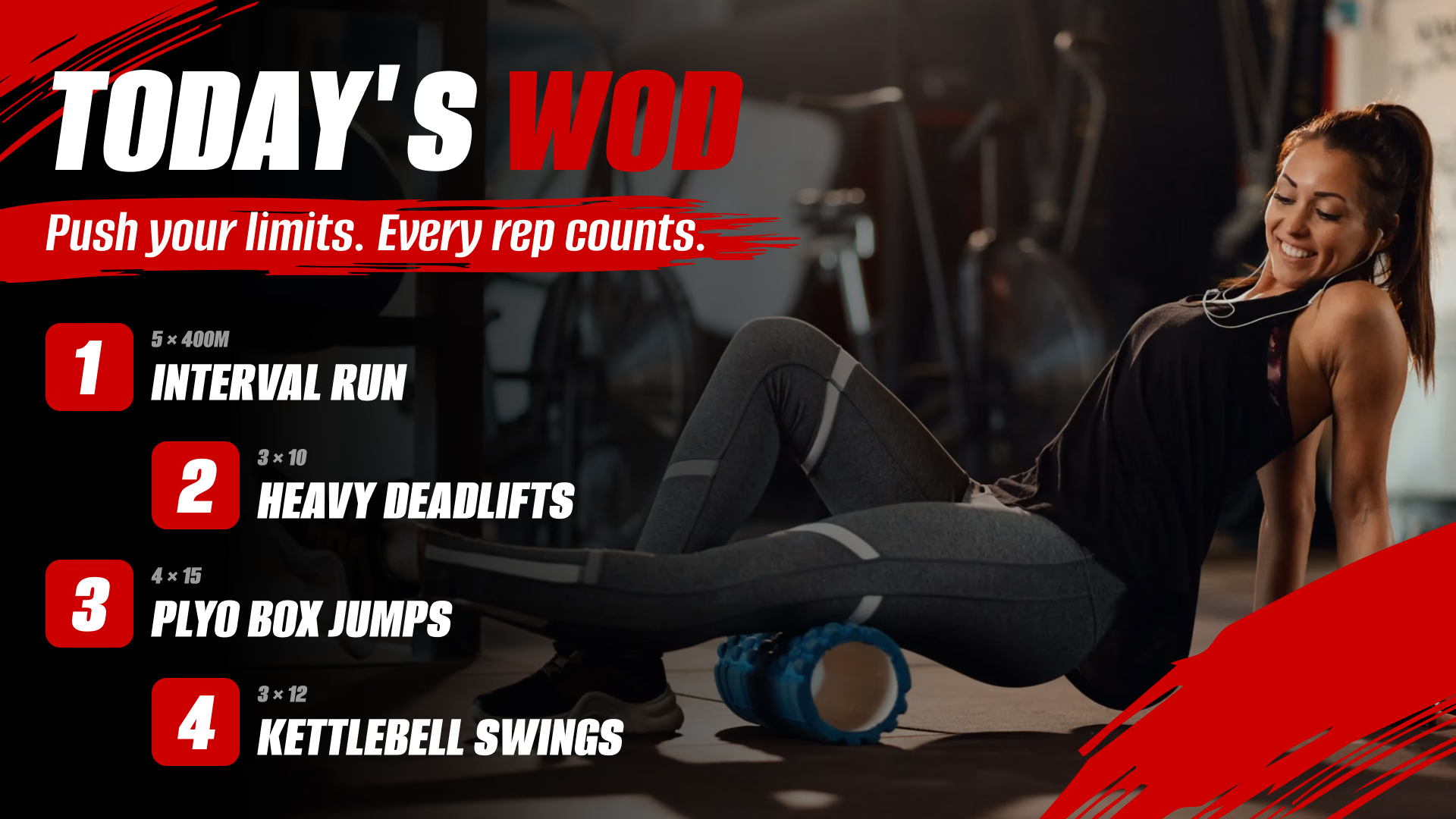
Best for: Form demos, warm-ups, equipment guides, safety rules, workout of the day

Group fitness studios

Confirm the class, the coach and the start time.
A screen at the studio door shows what is running now and next, who is teaching and whether a session moved, so no out-of-date poster contradicts what the front desk is saying.
Inside the studio, that same screen can run the warm-up sequence, the interval graphic or a holding slide between sessions.
Best for: Now and next, coach on duty, cancellations, warm-ups, studio rules

Locker rooms

Reach everyone in the one room they all pass.
Locker rooms carry the messages members have to act on: house rules, pool and sauna times, maintenance notices, towel service and next week's schedule change.
Calm, and light on text. People read it walking past, with no sound and usually no phone in hand.
Best for: House rules, maintenance notices, pool and sauna times, recovery tips

Juice bar and pro shop

Turn the post-workout stop into a second sale.
A menu board over the counter carries shakes, supplements, apparel and pre-packaged food, with prices that change in the CMS rather than on a chalkboard.
This is where dayparting earns its keep. From six in the morning, coffee and breakfast items. After the evening rush thins out, protein and recovery.
Best for: Shake and snack menu, supplements, apparel, pricing, partner offers

To use Look digital signage software

Look service works seamlessly on any hardware, whether you're planning to purchase or already use it
Or

Install FREE Look App

Transform any TV or compatible device into digital signage by installing the free Look app.
WindowsAmazon Signage
Androidgoogle-tvLinuxOS Fire Amazon
macOSWebOSOS Tizen OS Raspberry Pi
Supported Operating Systems

Plug Look HDMI Player

Connect the Plug & Play Look Player to your display’s HDMI input for instant setup. Worldwide shipping.
Buy nowLook HDMI Player

What our customers say

Real businesses, real results.
Captera Rating
4.9
G2 Rating
5
We have 22 locations and zero issues with Look software. It’s so easy to use and has a lot of useful tools that we utilize in our day-to-day business. All-in-all, our experience was top-notch.
Ervin Piotrowski
We tried many different solutions for our platform. After many trials and errors, we found Look Digital Signage to be an amazing tool for our purposes.
Pyry Salminen
I’m grateful for the opportunity to work with Look and it's been a really big game changer for us, because it has helped us to come across as an older business in a much more fresh way.
Michael Guzman
60 000+
Screens
11 000+
Users
120+
Countries

Key features

What should you look for in gym digital signage software?

A fitness club changes its message more often than most businesses do: a schedule moves, a coach calls in sick, a promotion runs a fortnight and then stops. So the demands on a platform are quite narrow. Make the edit in a couple of minutes. Keep a dozen clubs looking like one brand. Show afterwards what actually played.
For gyms and studio chains, these are the capabilities that deliver the most value:

Free templates

Gym templates for schedules, challenges and offers

Your colors, fonts and logo go in once and every template after that carries them. The fitness collection is built around what a club actually needs on screen — class schedules, membership pricing, challenge boards, coach spotlights, workout of the day, safety reminders. Drop in your own text and photos, schedule it, publish. No design brief, no reprint when a class time moves.
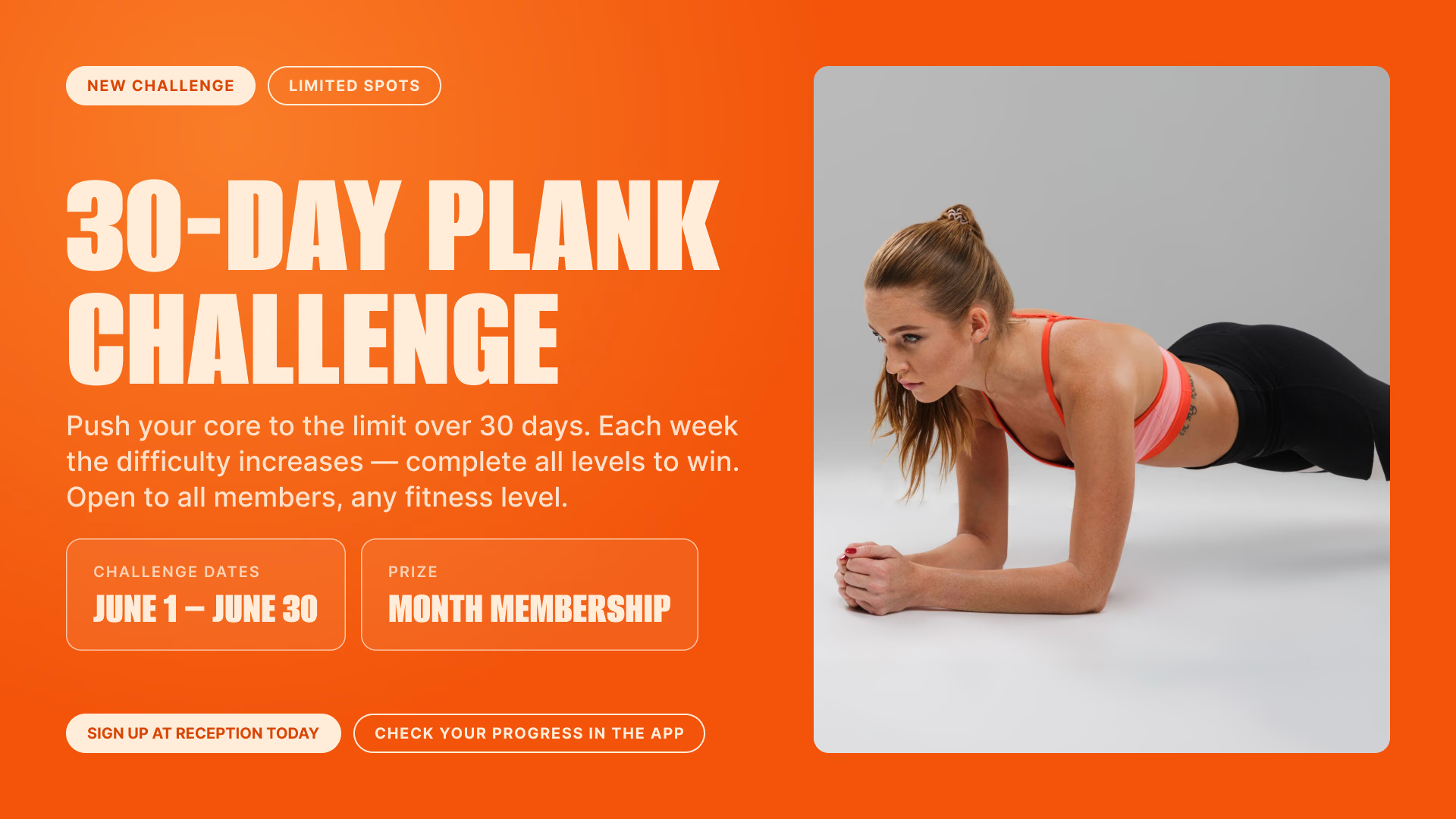
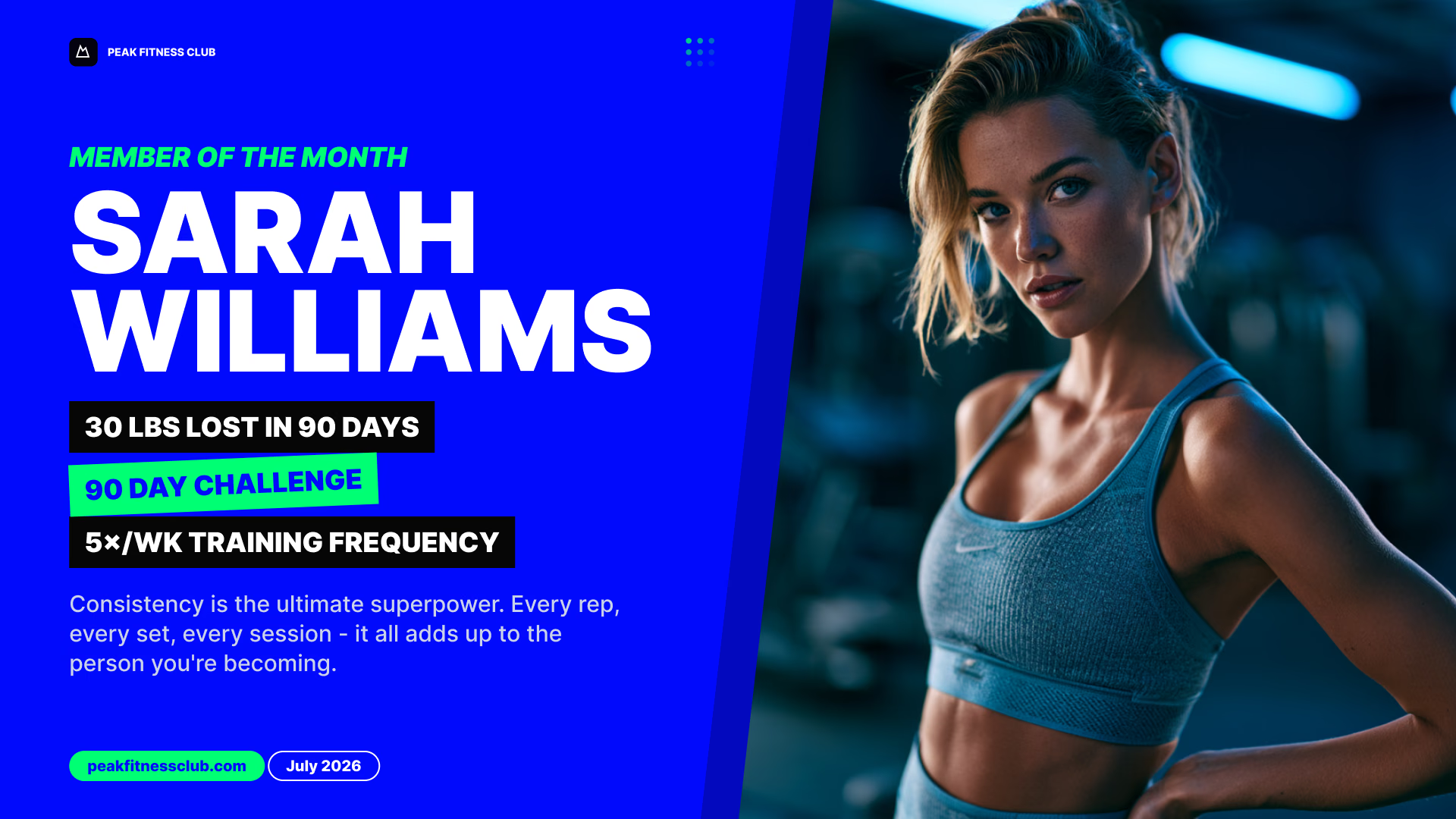
Member of the Month Sarah Williams promotion30-Day Plank Challenge announcementReach your fitness goals promotion
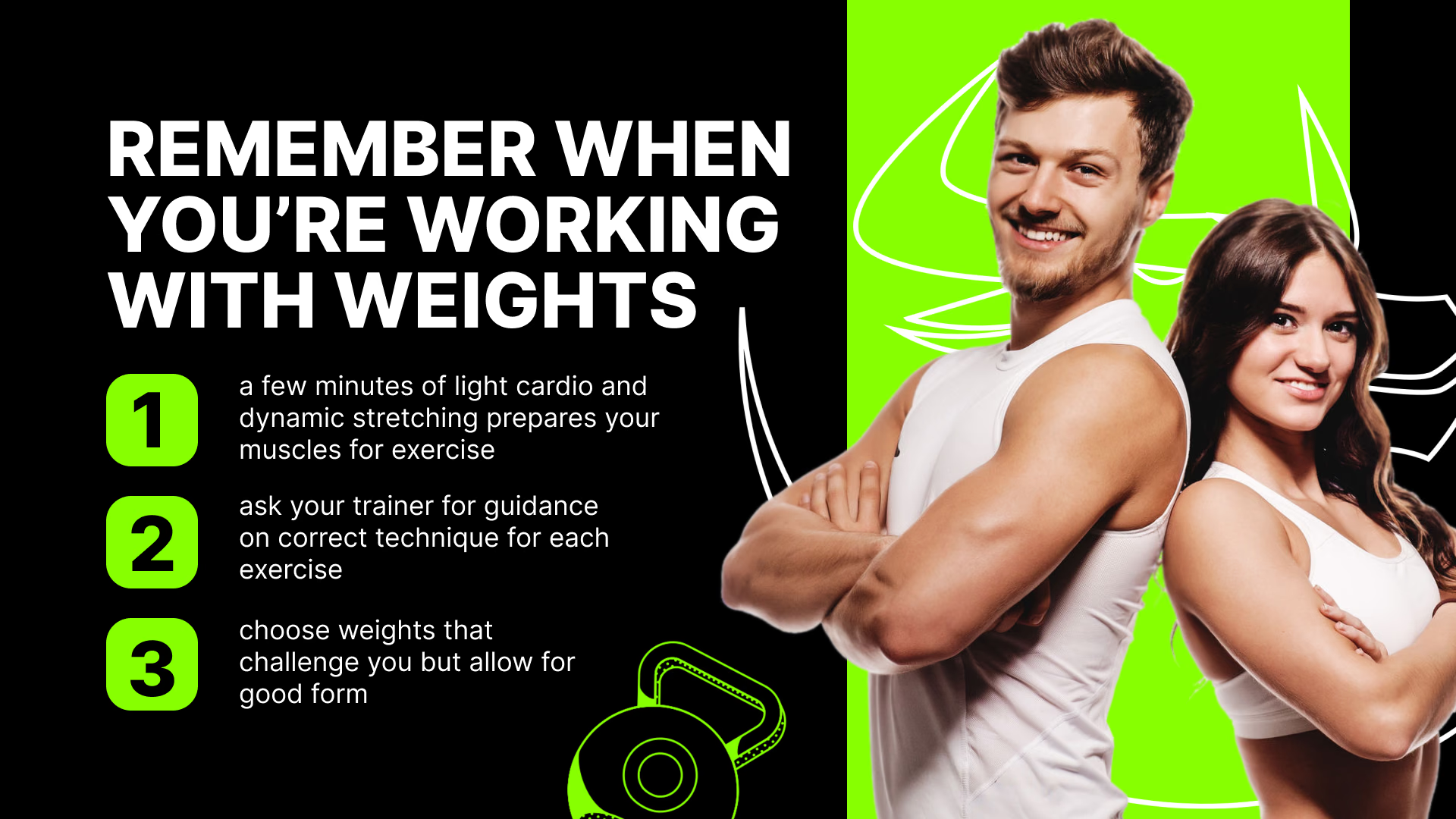
30-Day Plank Challenge announcementReach your fitness goals promotionWorking with weights safety tips
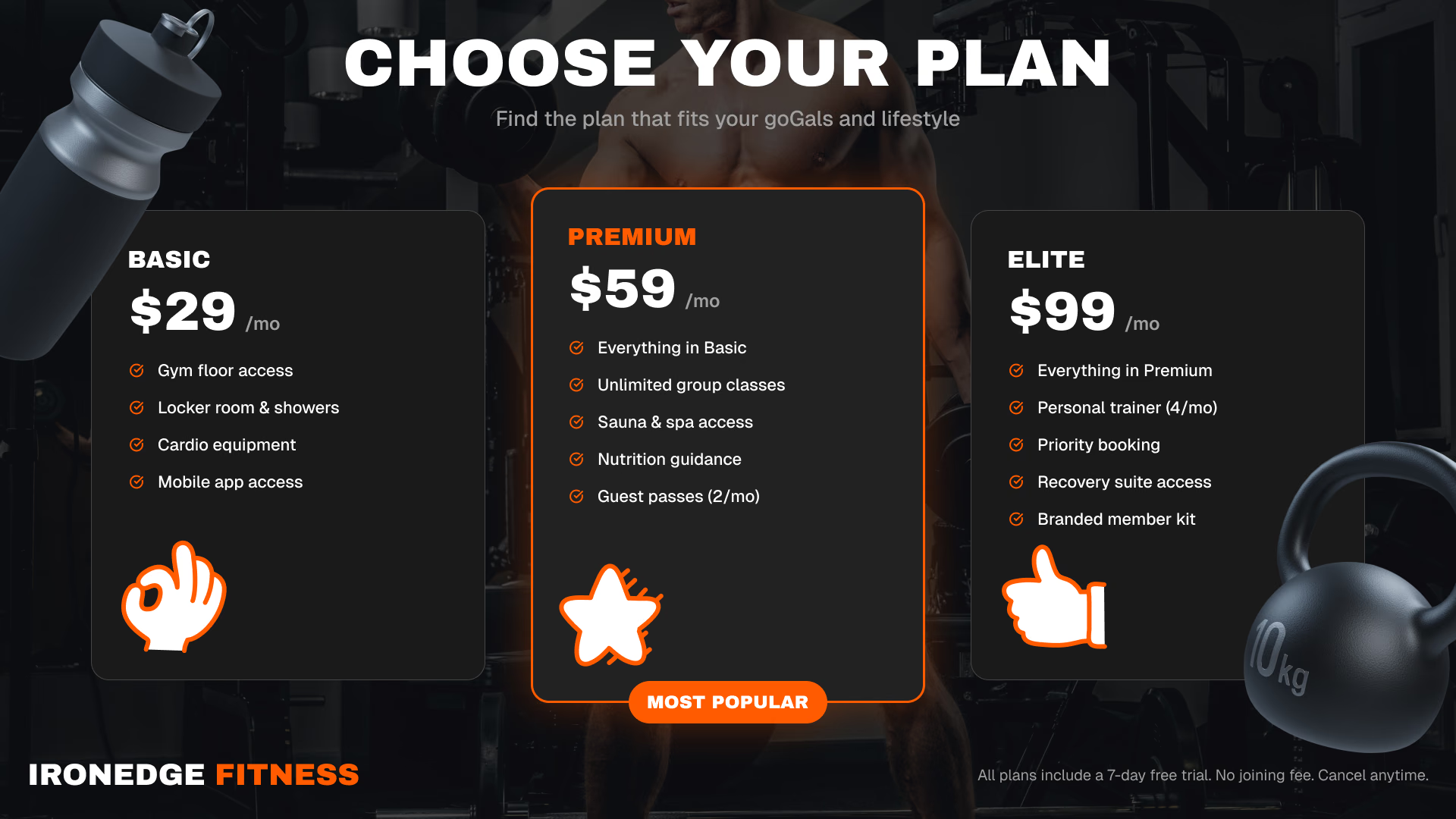
Reach your fitness goals promotionWorking with weights safety tipsChoose your membership plan pricing board
Working with weights safety tipsChoose your membership plan pricing boardOur Coaching Staff introduction
Choose your membership plan pricing boardOur Coaching Staff introductionPersonal trainer spotlight profile
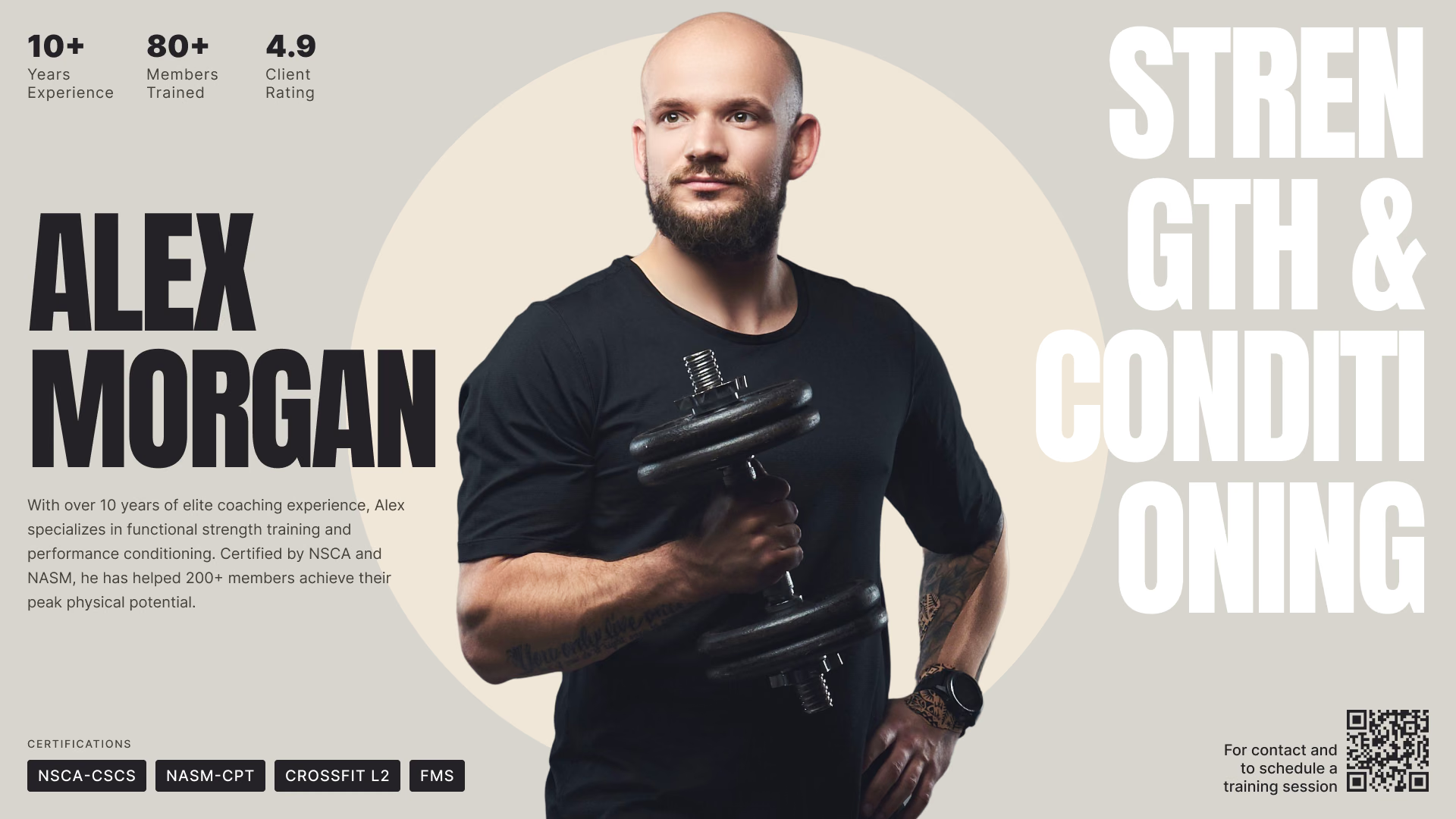
Our Coaching Staff introductionPersonal trainer spotlight profileToday's WOD workout of the day board
Personal trainer spotlight profileToday's WOD workout of the day boardMember of the Month Sarah Williams promotion
Today's WOD workout of the day boardMember of the Month Sarah Williams promotion30-Day Plank Challenge announcement

Built-in apps

Apps that keep the cardio floor current on their own

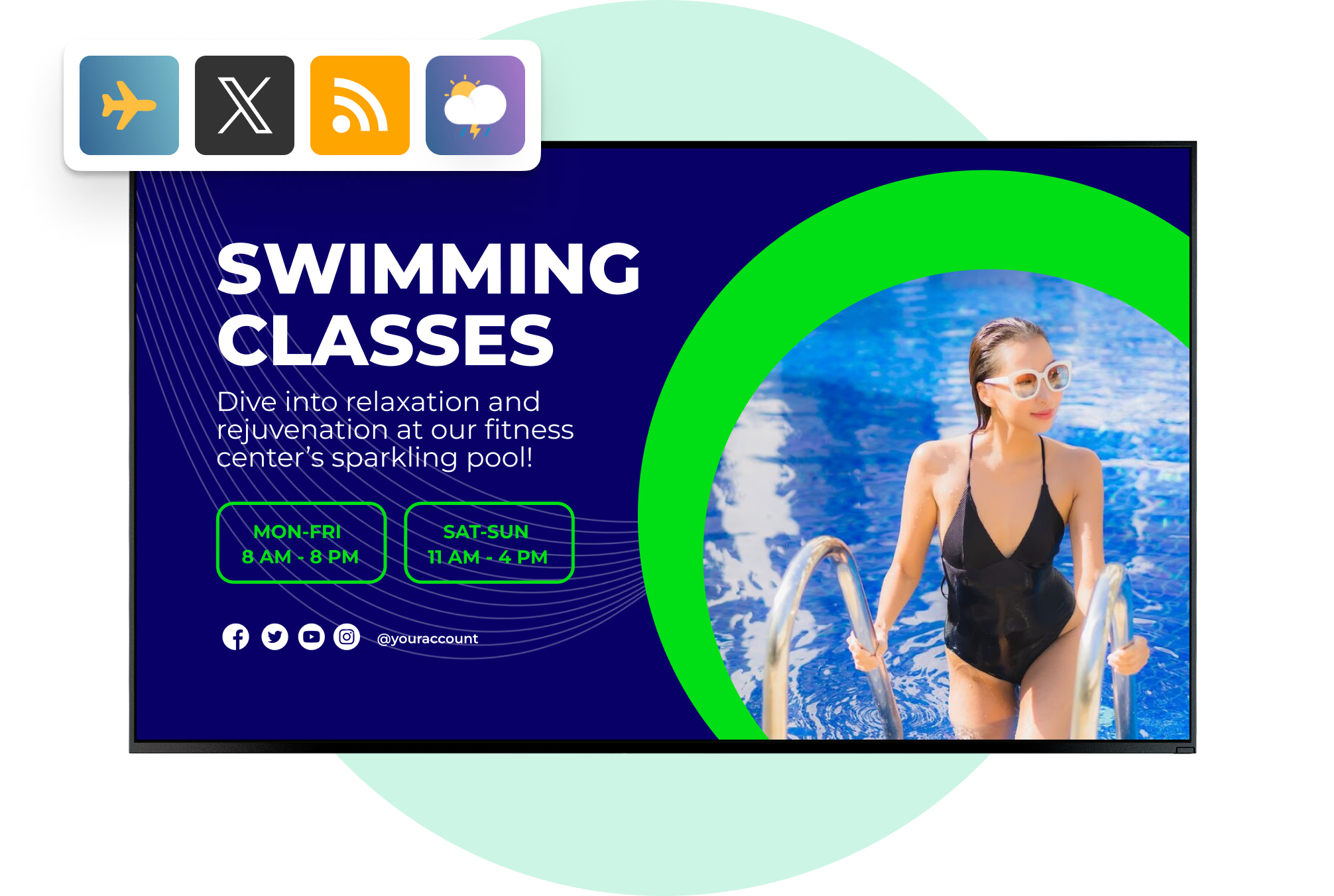
Add an app to a playlist like any other content item and it refreshes itself, so nobody retypes a score or a review rating between shifts. Apps update over the internet, so schedule cached images and video alongside them on screens that must never go blank during a busy class.

Frequently asked questions about fitness digital signage

How do I show class schedules on gym screens?

Build the schedule as a content item, or take a ready-made template and fill it in. Publish it wherever it is needed: reception, the studio doors, the cardio floor. After that, a class that moves or a coach who swaps is one edit in the CMS, and every screen carrying that item picks it up. Smart Scheduling will also swap the board on its own, morning classes until midday and evening classes from then on.

What content works best on gym digital signage?

Class schedules, membership and referral offers, personal-training promotions, form demos, challenge standings, house rules, safety notices. What matters more than the list is the constraint. One message per slide, type sized for the far side of the room, nothing that leans on sound. Members look in passing or between sets, rarely for a full ten seconds, so anything that needs sustained attention belongs in an email or a push in the member app.

Can I run different content in the lobby, the cardio floor and the studios?

Yes. Each screen or group of screens gets its own playlist, so reception can run the schedule and joining offers while the weights area runs form demos and the juice bar runs a menu board. Screens are grouped by zone, club or tag, and one publish can target a single group or all of them. Screen Layouts can also divide one display into zones so a schedule and an offer share it.

Can I manage screens across several gym locations?

Yes. One account holds every club, with screens grouped by location, by region or by zone. A chain-wide campaign then goes out in a single publish, and local schedules and notices stay where they belong. Time zone is set per screen, which keeps playback honest for a franchise running across more than one.

Does Look integrate with gym management or booking software?

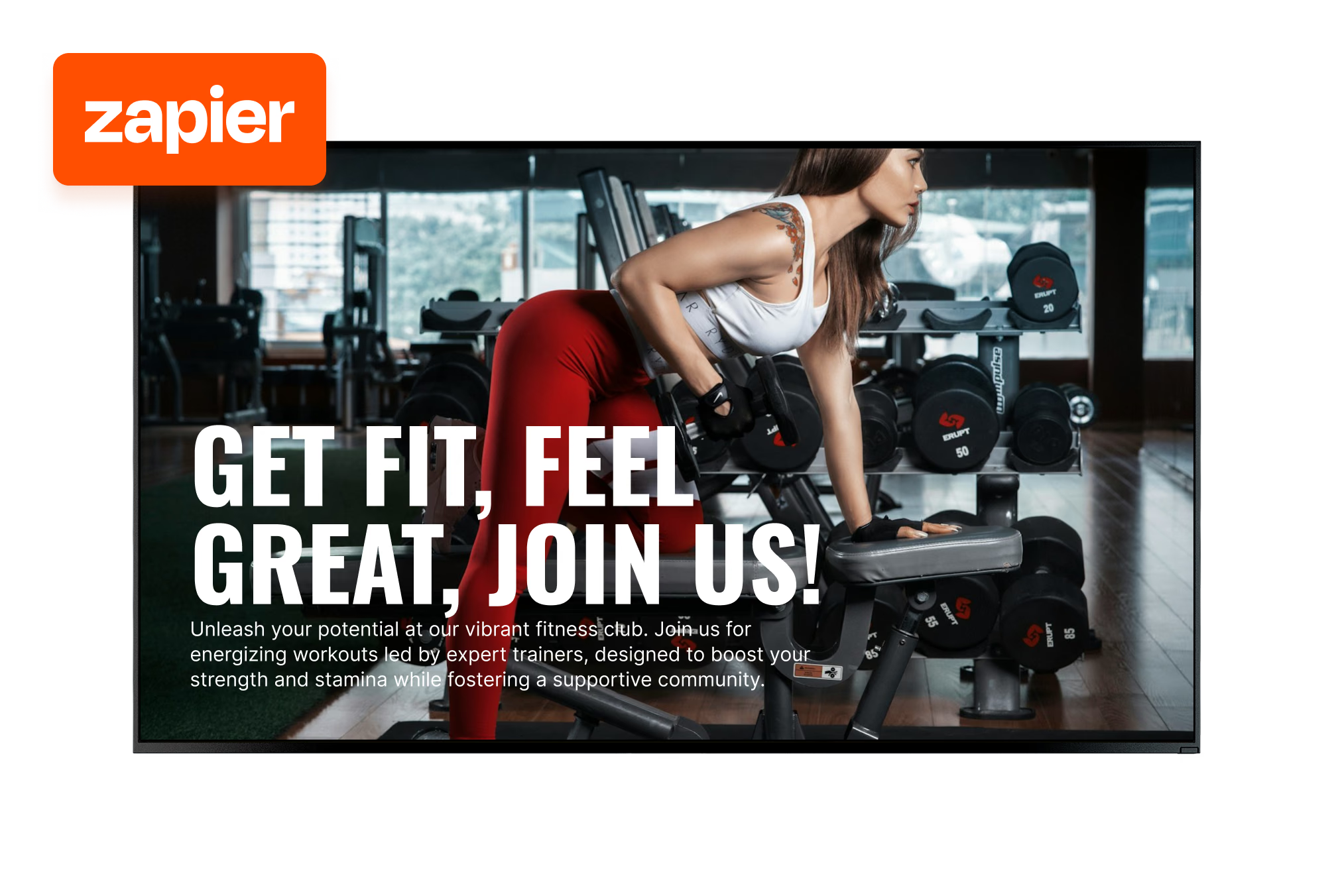
Look connects gym workflows through its Zapier app, an action trigger, outbound webhooks and Embeddable Code, allowing compatible management, booking or CRM systems to drive content changes. Integration options depend on the data and functions each club platform makes available; Look does not currently offer a native connector dedicated to these systems.

Can I sell advertising or promote partners on gym screens?

Yes. Supplement brands, physiotherapists, local food businesses or in-house partners can be scheduled into playlists for specific screens, zones and dates. To show a partner what ran, Playback Analytics gives play counts and total playback time by content, screen and tag for a chosen period, and a per-device report lists date, time and content name. It is a playback record, not a certified or audited proof-of-play.

What happens to the screens if the gym loses internet?

Downloaded images and videos keep playing from the player's local cache, so the screens stay covered through the outage. The player syncs again as soon as the connection is back. Apps like ESPN or YouTube, web pages and live streams need internet to refresh, so put live content where Wi-Fi is stable.

Can I show live sports or workout videos on gym TVs?

Yes. The ESPN app puts live scores and fixtures on the cardio floor or in the lounge, and the YouTube app plays form demos, warm-ups or class previews from a channel or playlist without exporting a file. Both can sit in a zone of a Screen Layout next to the schedule. Both pull their content over the internet, so they need a working connection to update.

Can I use the TVs already mounted in the gym?

In most cases, yes. The free Look App runs on Android, Google TV, Windows, Linux, Raspberry Pi, LG webOS, Samsung Tizen, Amazon Signage, Fire OS and macOS, so a smart display often needs nothing more than the app. Any display with a spare HDMI input can take the Look HDMI Player instead. Screens in bright lobbies or window positions are the ones worth replacing with commercial panels.

Who on the team can update the screens?

Look has three roles — Administrator, Moderator and Guest — with permissions set per section of the CMS, plus SAML 2.0 single sign-on. A marketing manager can hold full control while duty managers work only in the sections they need. Permissions are scoped by CMS section rather than by individual screen, so a club that wants one person restricted to one display should plan around content and groups instead.

How much does digital signage cost for a gym?

There is a per-screen charge, and volume pricing brings that rate down as the network grows. Clubs that have to keep the CMS on their own servers can take a one-time lifetime license instead. Hardware is the part that varies. A club can reuse displays it already owns and buy nothing but players, then put commercial panels only in the lobby or a studio window, where brightness and running hours are higher.

How many screens does a gym need?

Zones decide it, not floor area. Most clubs start at reception and on the cardio floor, where the viewing time actually is. Studio doors, locker rooms and the juice bar come later, usually once somebody owns the content routine. Two screens and one weekly playlist will carry a first month, and the account stretches to a larger estate afterwards with nothing to rebuild.

Do I need a designer to make the content?

No. Content Creator is a browser editor with layers, text, media, your own fonts and QR codes, and there are hundreds of free templates for schedules, offers and announcements. Set the club's colors, fonts and logo once and every template picks them up, so a duty manager can produce a challenge poster or a price change in a few minutes on a laptop or a phone.

Can members interact with the screens?

Yes. A QR code on screen sends members to a booking page, an app download or a sign-up form on their own phone for a fast, familiar experience. On a touch display, Button widgets and scenes let members explore a schedule or trainer list, and the screen returns to its loop after an idle timeout. Forms, surveys and payments open on the member's own device.

How do I know a promotion actually played?

Playback Analytics gives play counts and total playback time by content, by screen and by tag, and the report downloads for whatever period you need. Get Report does a single device: date, time, content name. Webhooks fire per content item on start or on finish. For campaign and partner reporting that is enough, though to be plain about it, this is not certified or audited proof-of-play.

What is digital signage for gyms and fitness centers?

Digital signage for gyms means running class schedules, promotions, workout guidance and club notices on connected screens across a fitness facility. With Look Digital Signage, staff manage that content in a central CMS, build it in the browser, schedule it around the calendar, and publish remotely to one screen, one club or a whole chain, instead of printing new posters each week.