Where digital signage goes in a veterinary clinic
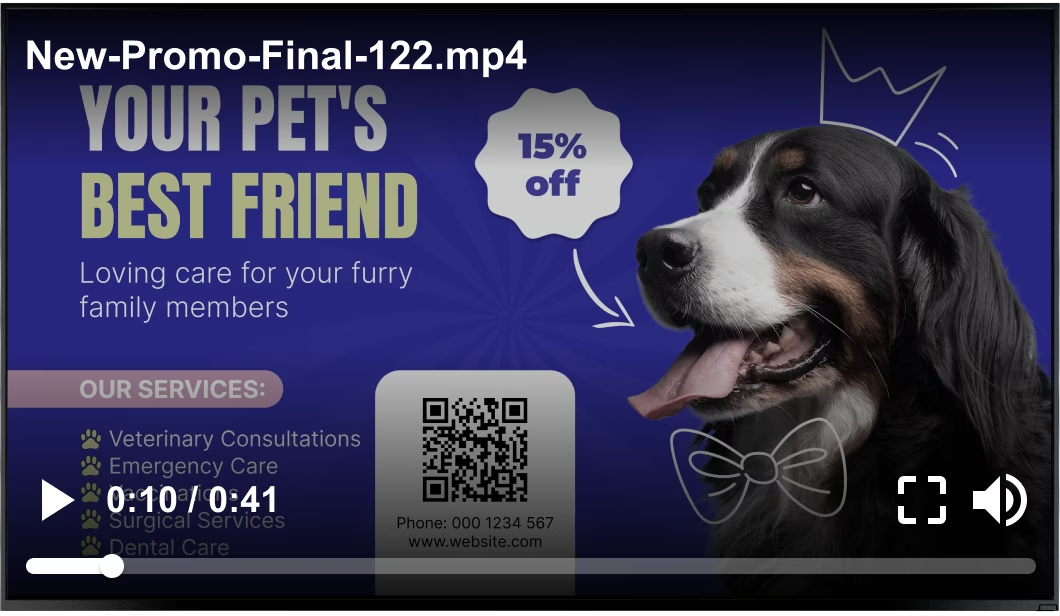
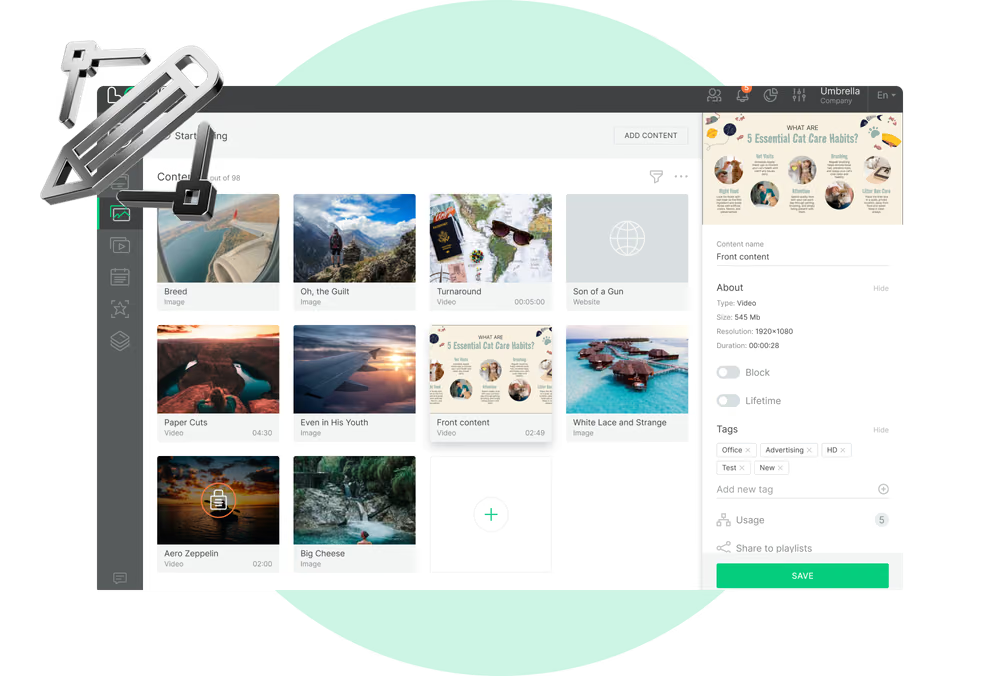
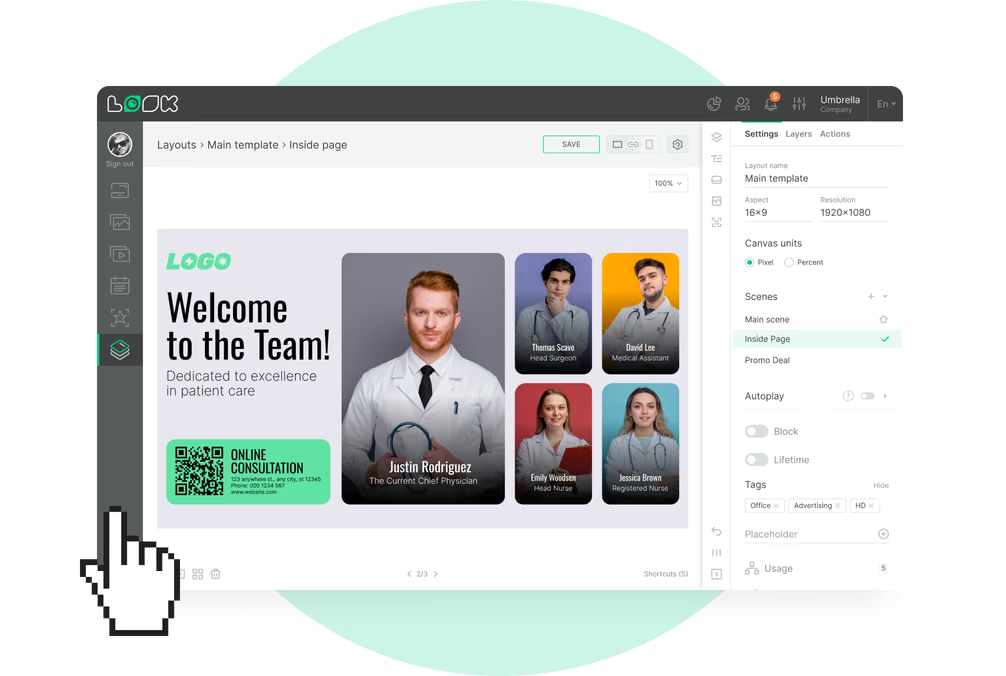
A nervous dog owner in the lobby, a client weighing a dental treatment in the exam room and a technician starting a shift need different screens. Look runs all of them from one account, with a separate layout, playlist and schedule for each.
Storefront and entrance
Tell passers-by what the clinic does.
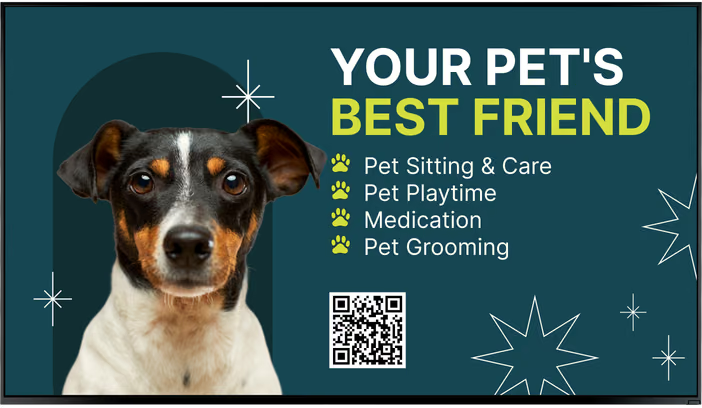
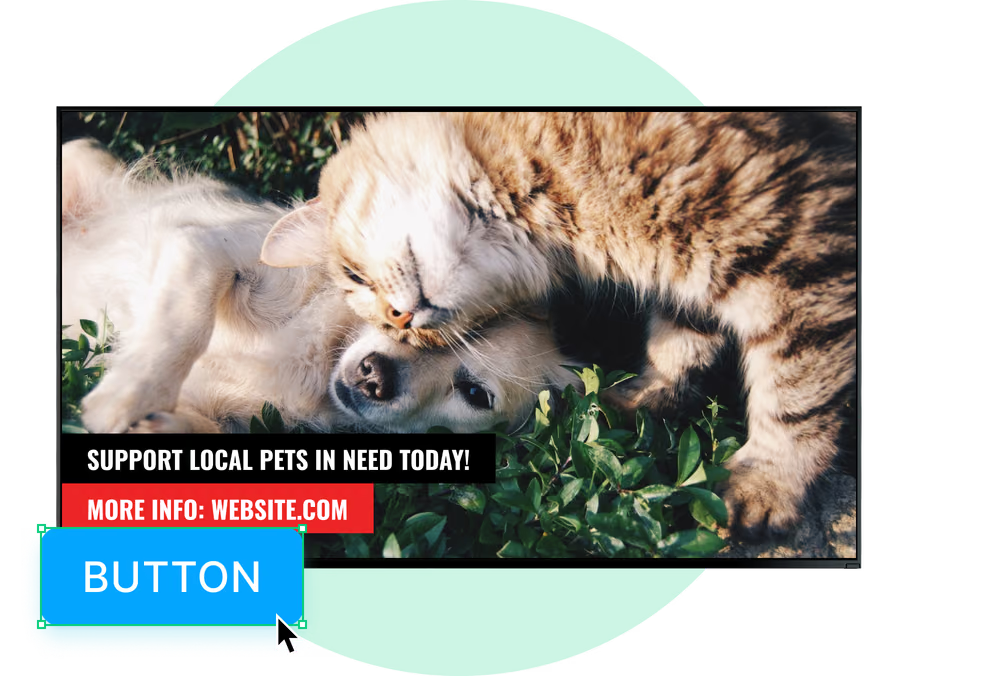
A window or entrance screen shows opening hours, the services you offer, new-client welcome offers and dates for vaccination clinics or adoption days to people walking past.
Add an after-hours time slot and, once the clinic closes, the same screen shows the number and address of your emergency or on-call clinic until morning.
Best for: Opening hours, after-hours contact, services, vaccination clinics, adoption days
Reception and check-in desk
Answer the questions reception hears daily.
The screen behind the desk presents what clients need on arrival: what to bring to a first visit, how check-in works and which payment and wellness plans are available.
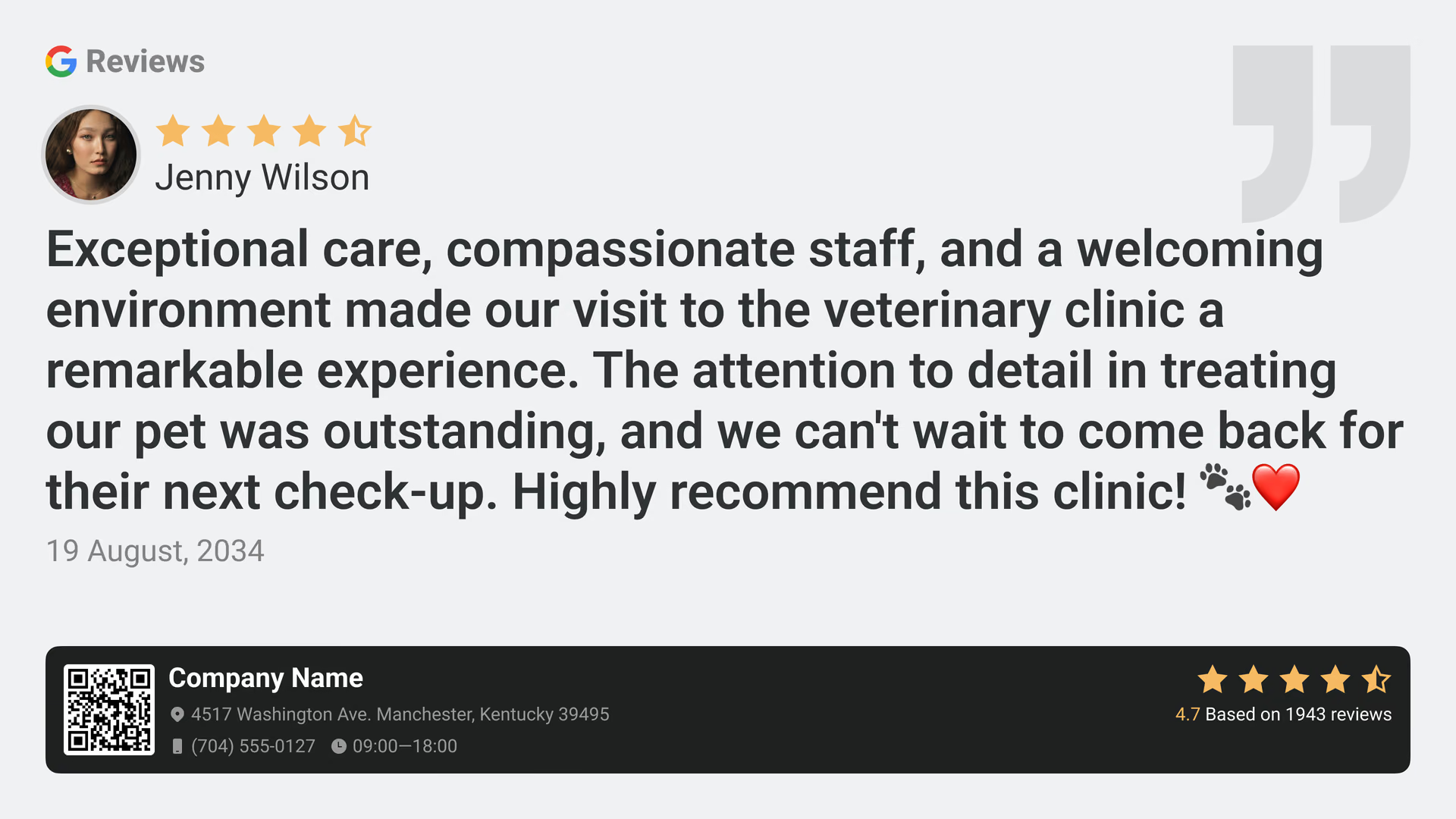
Your live Google review score can sit in one zone of the layout, next to a notice about new services, holiday hours or a change to how prescriptions are collected.
Best for: Check-in steps, new-client info, wellness plans, reviews, clinic notices
Waiting room
Use the wait to teach something useful.
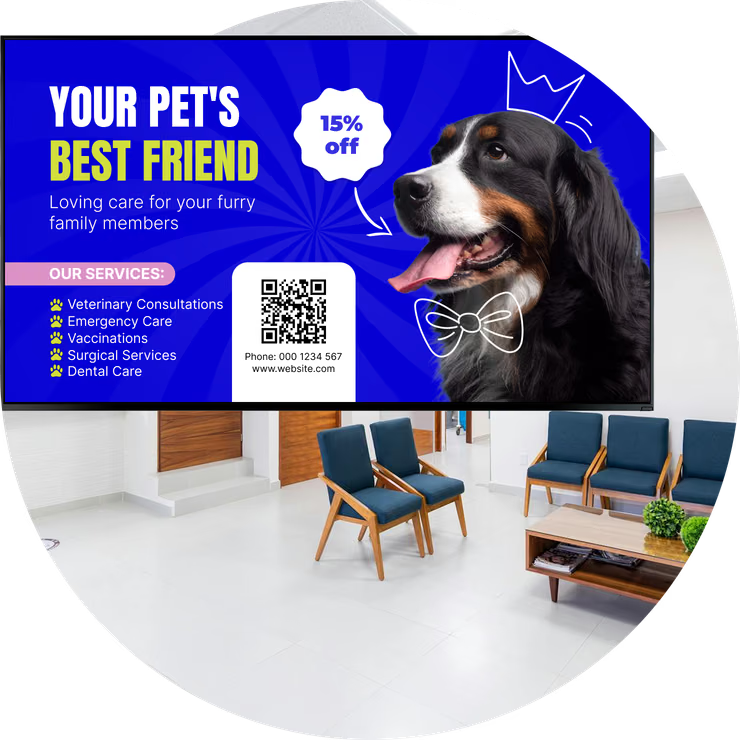
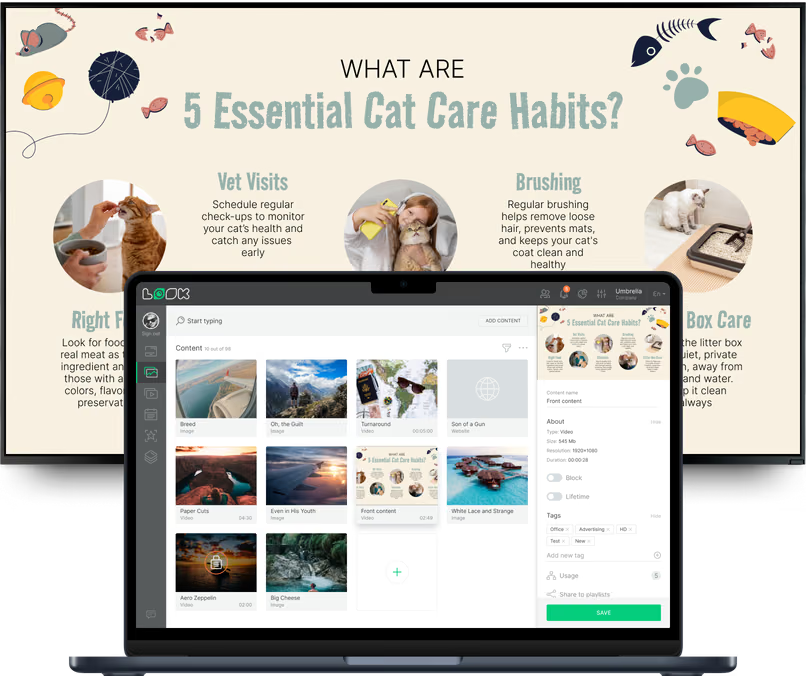
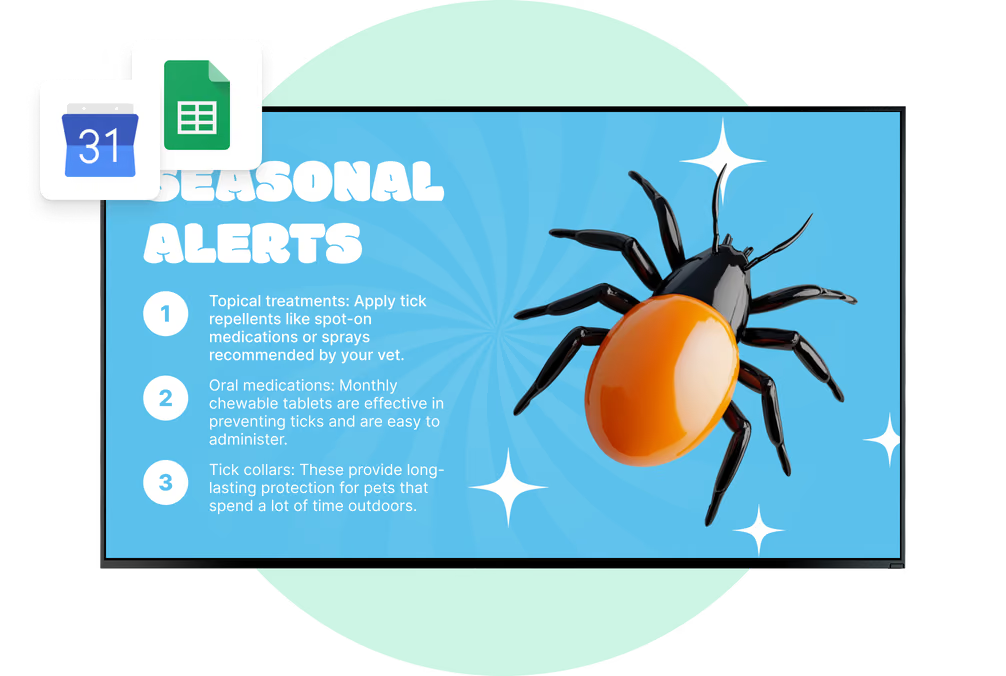
Owners sit with a pet on a leash or in a carrier, often for longer than planned. Pet care tips, parasite prevention, dental health and nutrition advice use that time well, and a Wi-Fi QR code helps too.
Every waiting area has its own playlist. A cat-only room can show cat content, and the main lobby shows dogs and exotics.
Best for: Pet care tips, parasite reminders, dental health, social feeds, Wi-Fi QR
Exam rooms
Show the owner what the vet is explaining.
A screen in the exam room can run short explainers on dental disease, the parasite life cycle, weight management or senior-pet care, material a vet can point to during the appointment.
Add a QR code that opens the full care sheet or a booking link on the owner's phone. Then the advice goes home with them and doesn't stay in the room.
Best for: Dental explainers, parasite life cycle, weight care, senior pets, QR care sheets
Pharmacy and retail shelf
Show prescription diets and prevention products.
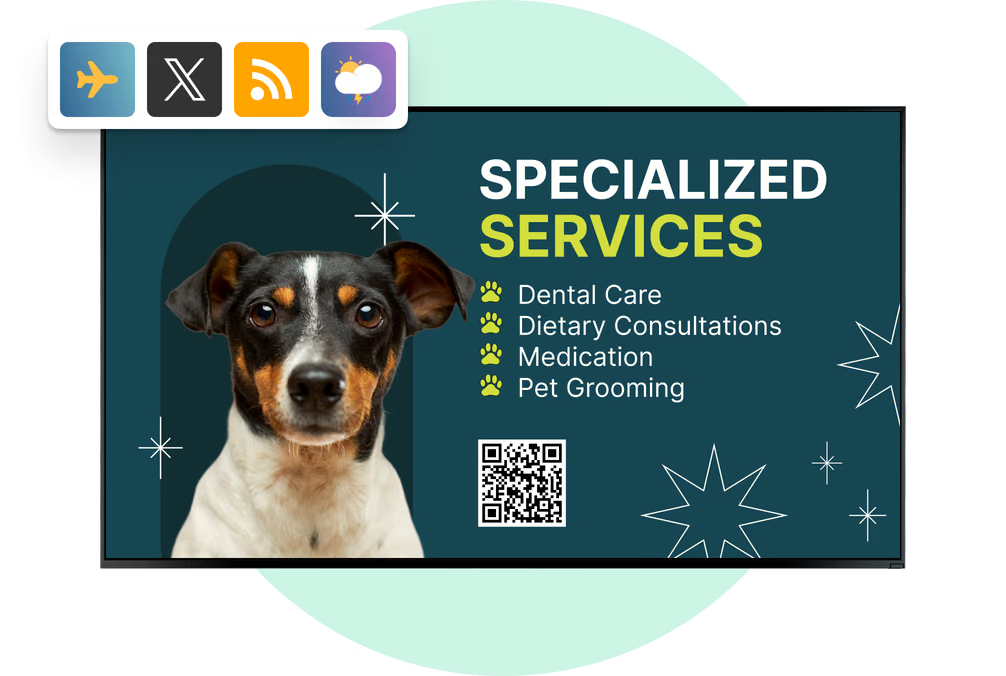
A screen next to the retail shelf can explain prescription diets, flea, tick and heartworm products, supplements and dental chews, and show refill and pickup notices.
Set an end date for a product campaign and it goes off by itself, so offers always match the season and what you have on the shelf.
Best for: Prescription diets, parasite prevention, refill notices, supplements, offers
Staff room and treatment area
Reach the team between appointments.
Staff screens carry shift notes, staffing changes, training dates, new protocols and team recognition, away from the client-facing areas, on a playlist and schedule of their own.
Show only approved general information on these screens. Look is for signage content, and medical records stay in the clinic's own systems.
Best for: Shift notes, staffing changes, training dates, protocols, team recognition