Digital signage for every part of the journey
A ticket hall, a platform and a moving bus each catch a passenger at a different point in the trip. Look runs all of them from one account, so every area keeps its own content, its own schedule and its own publishing rights.
Entrances and ticket halls
Answer the questions people join the queue with.
The screen above the ticket windows carries what passengers otherwise ask staff about: today's service status, fares and travel-card options, opening hours, and which window or machine to use.
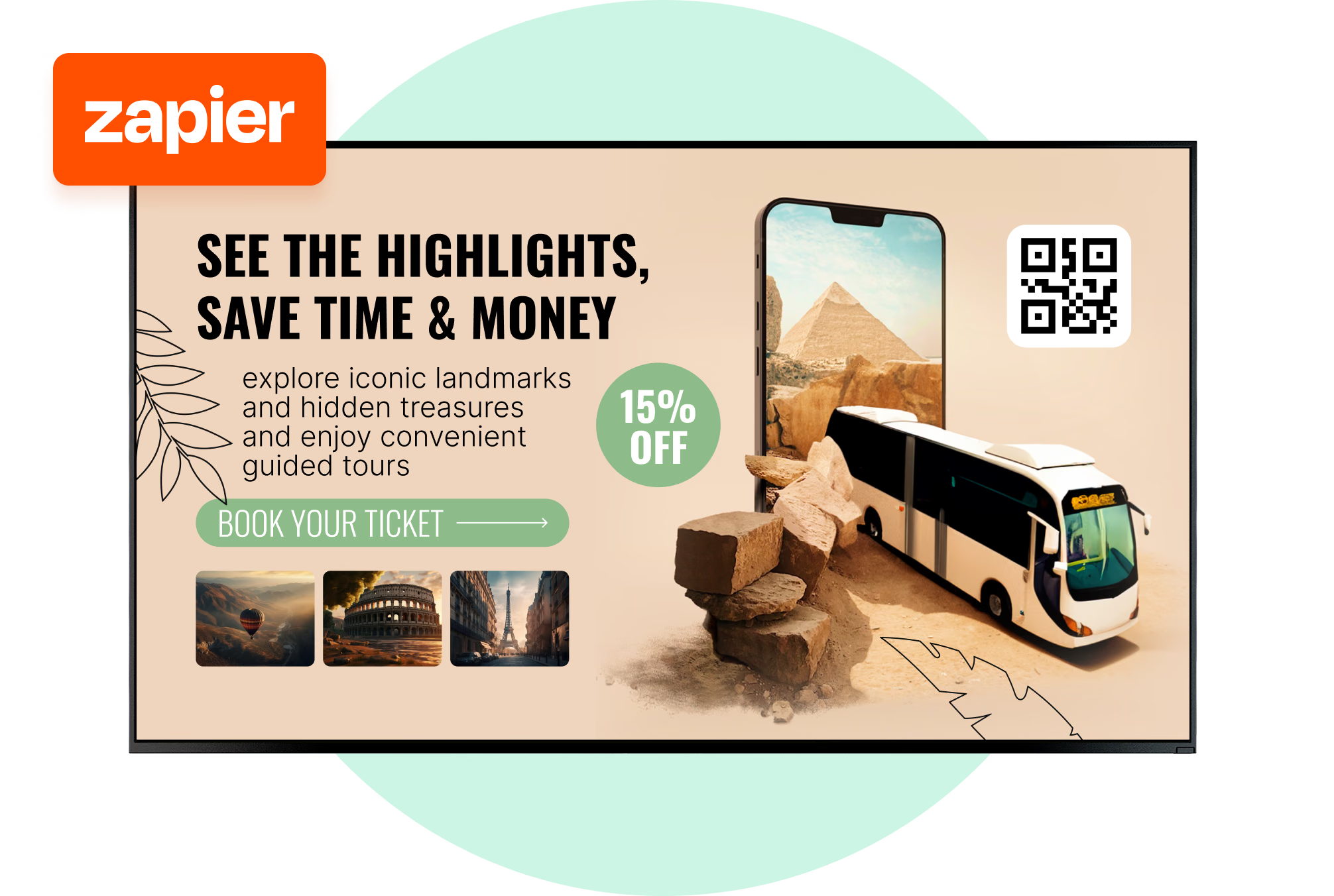
One multi-zone layout holds the notice, a queue message and a clock together. Add a QR code for the fare table or the journey planner and the detail goes to a phone instead of fighting for space on a shared display.
Best for: Service status, fares and passes, queue messaging, opening hours, QR to journey planner
Concourses and waiting areas
Make a ten-minute wait feel shorter.
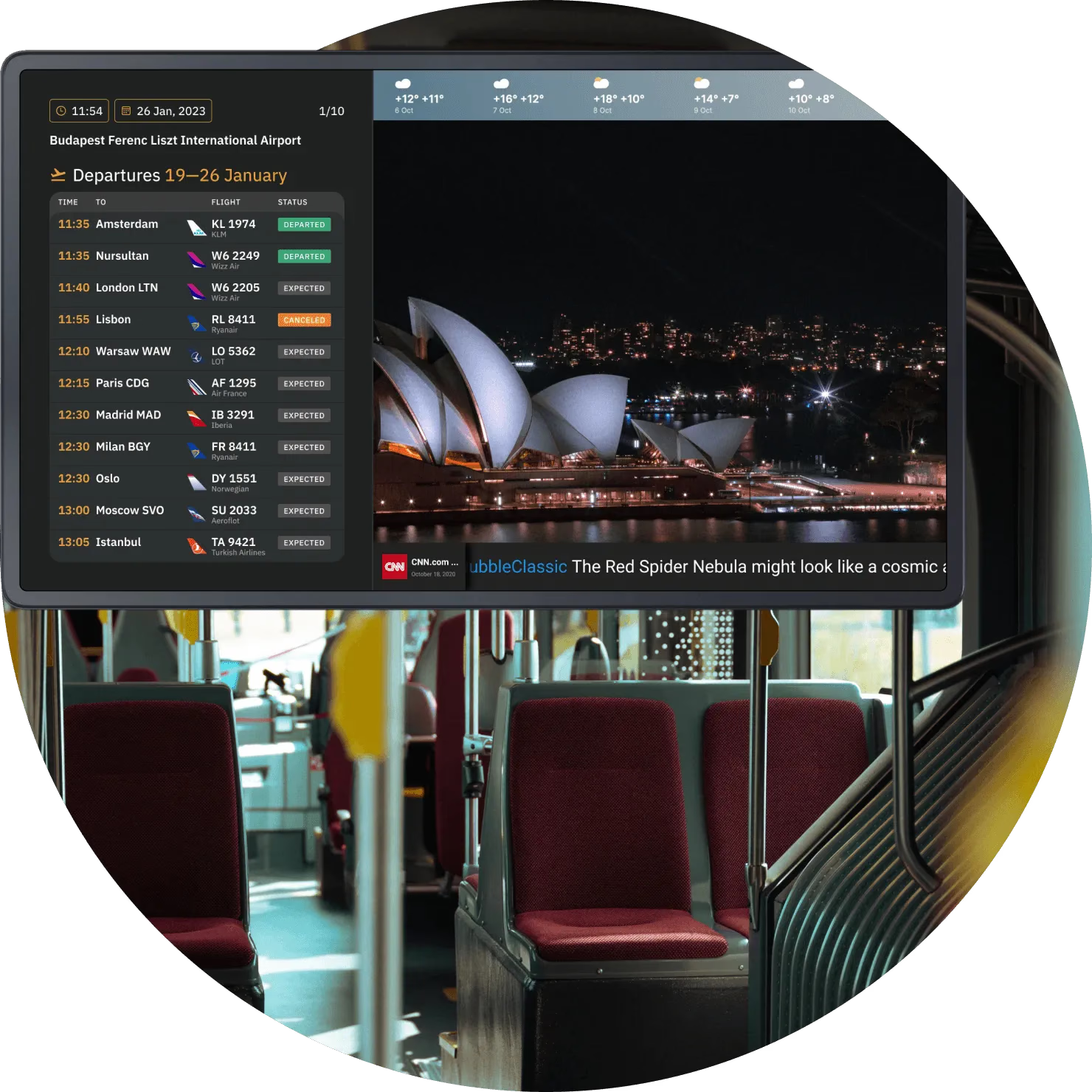
Concourse screens give waiting passengers one clear place to check the full departures list alongside news, the local forecast and other travel information.
Advertising runs in the rotation too, scheduled by site and by daypart, so commercial spots share the screen with passenger information instead of crowding it out.
Best for: Departure lists, news and weather, travel information, advertising, public notices
Platforms, gates and stops
The next service, where people wait for it.
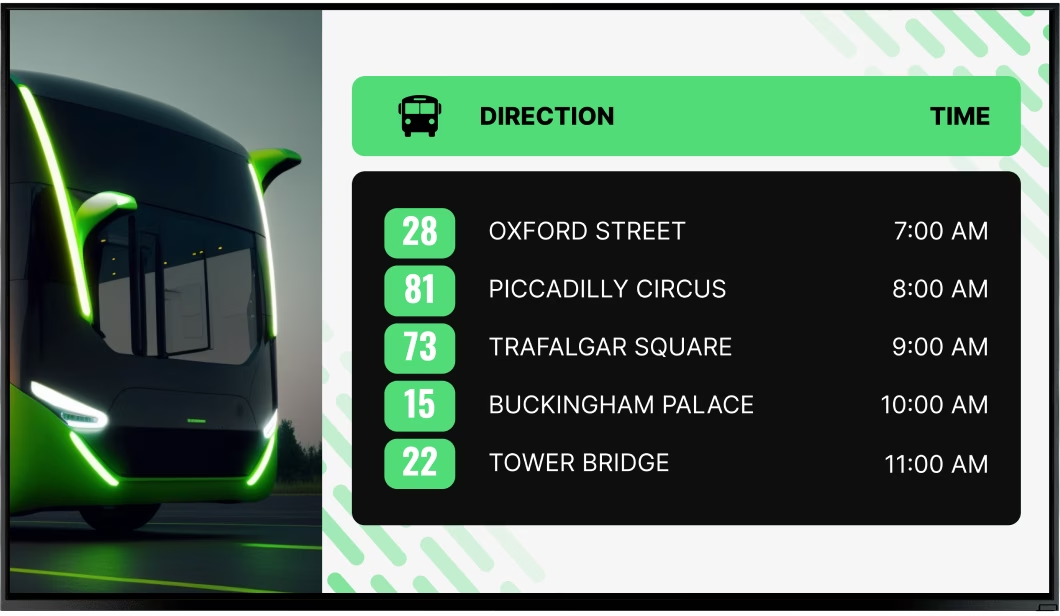
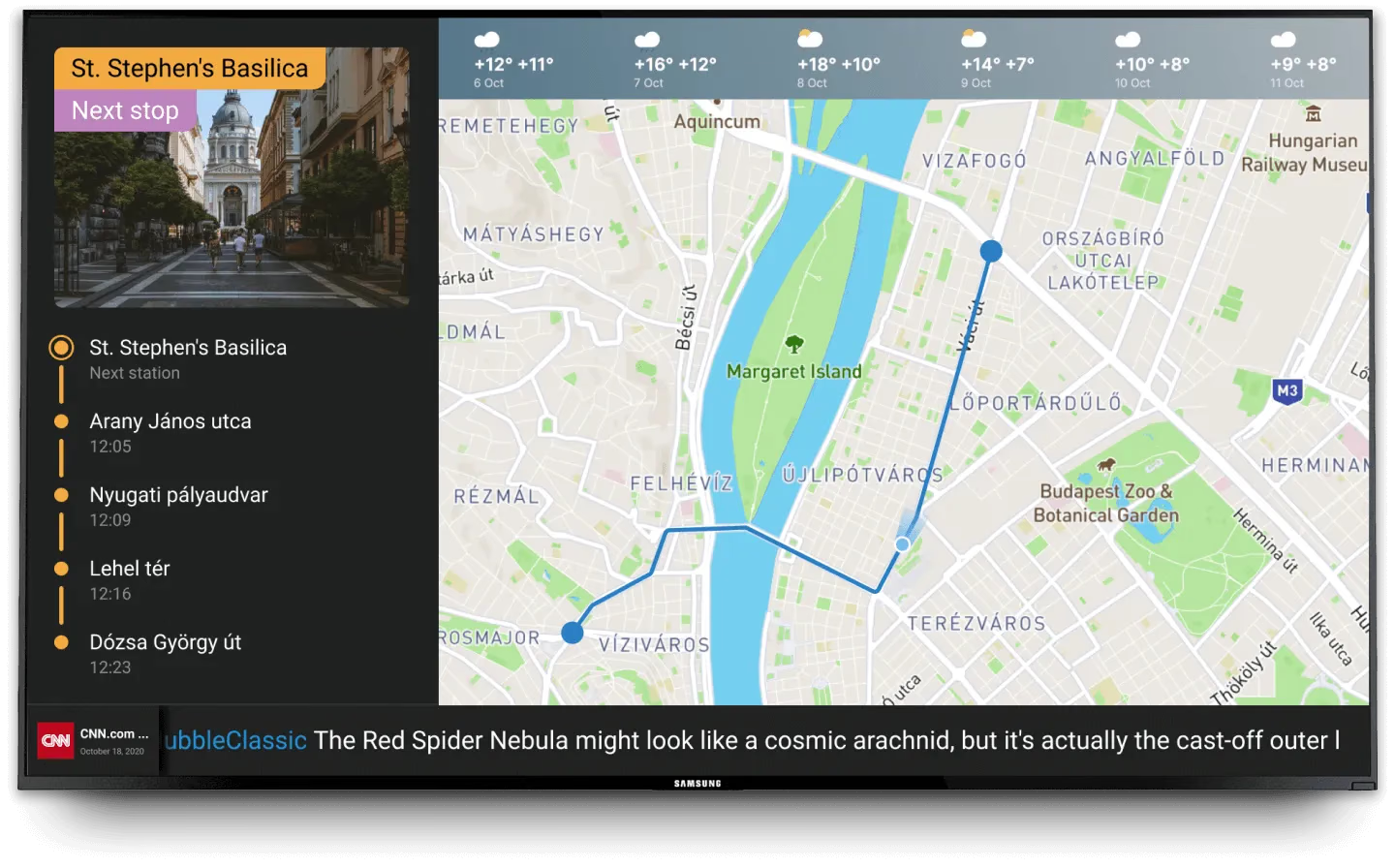
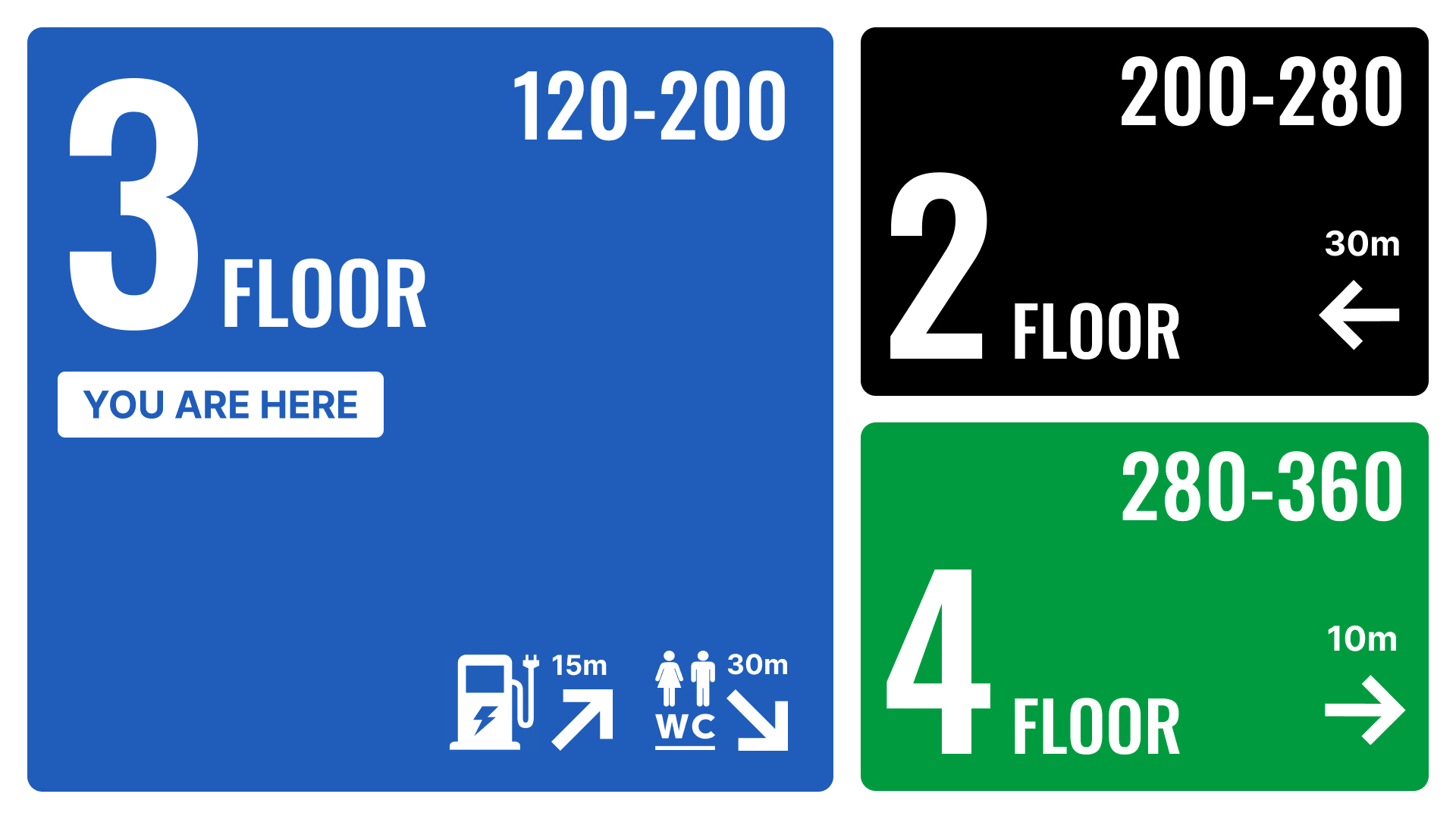
A platform board, a boarding gate and a bus stop do the same job at different scales: the next few services, the time, the delay, the change of platform. Metro platforms and ferry berths run the same layout.
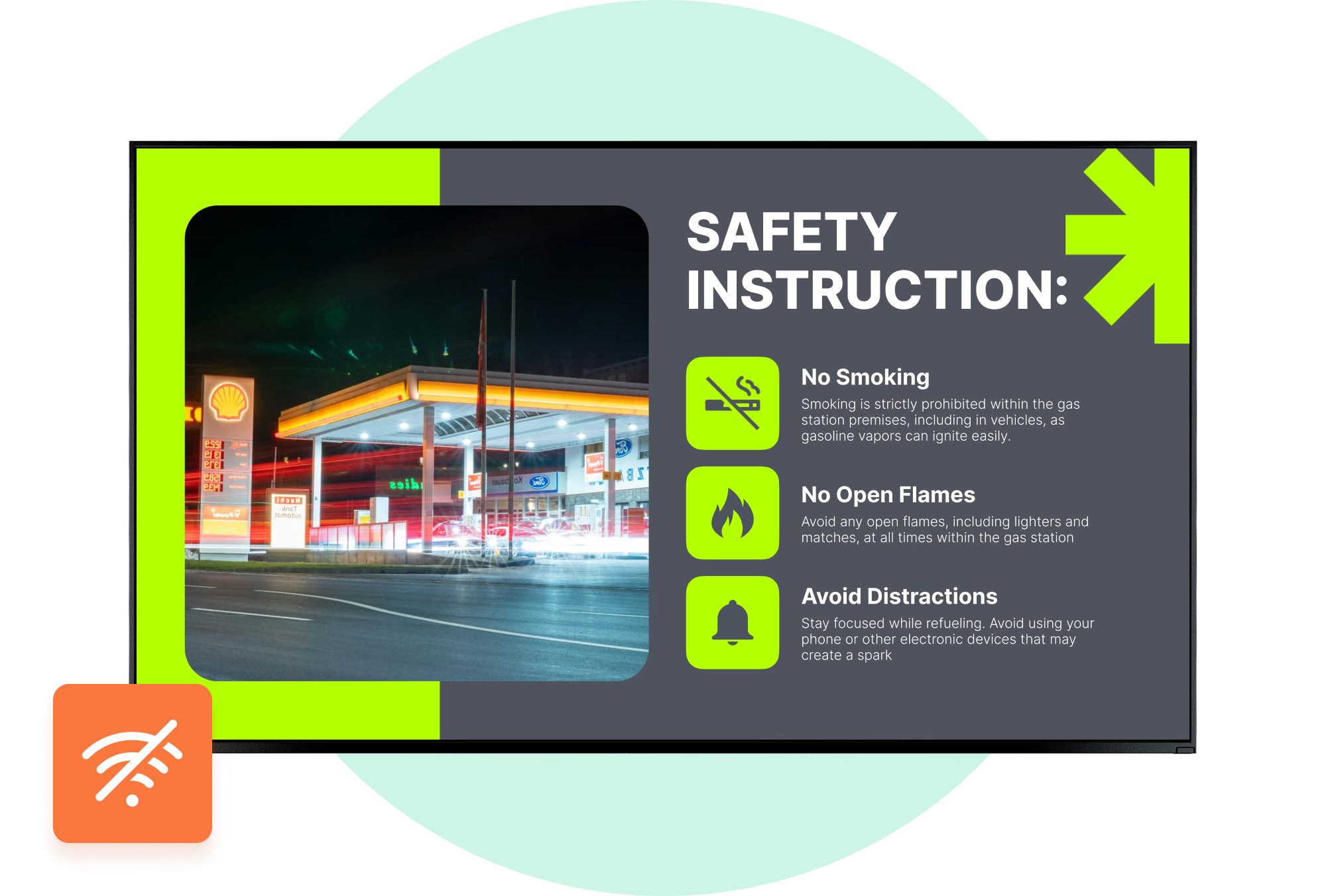
When the line drops the screen stays lit: cached images and video carry on, and the player picks the schedule back up the moment it reconnects.
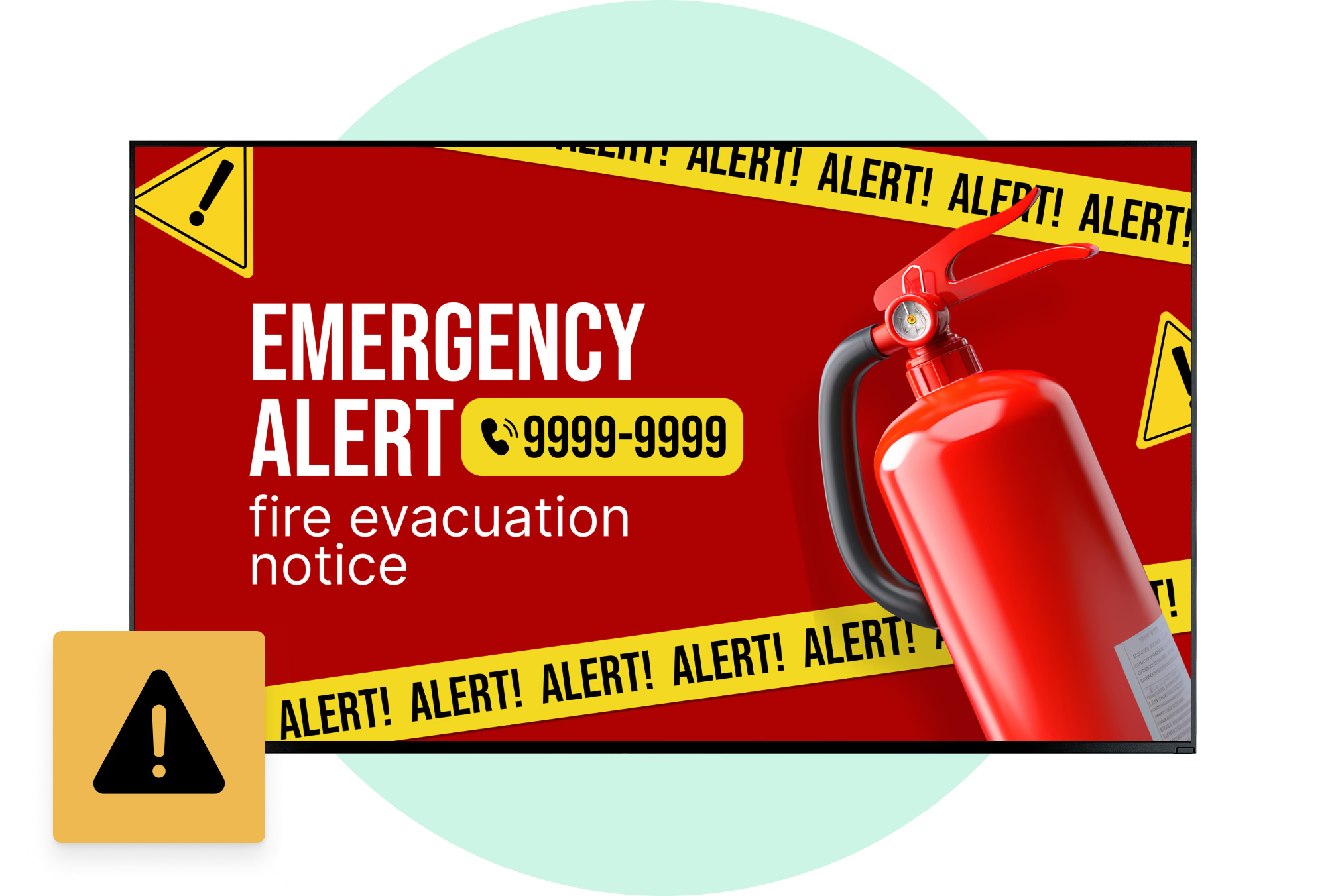
Best for: Next services, delays and changes, platform and gate numbers, local time, safety notices
Onboard buses, trams and ferries
One screen estate that also moves.
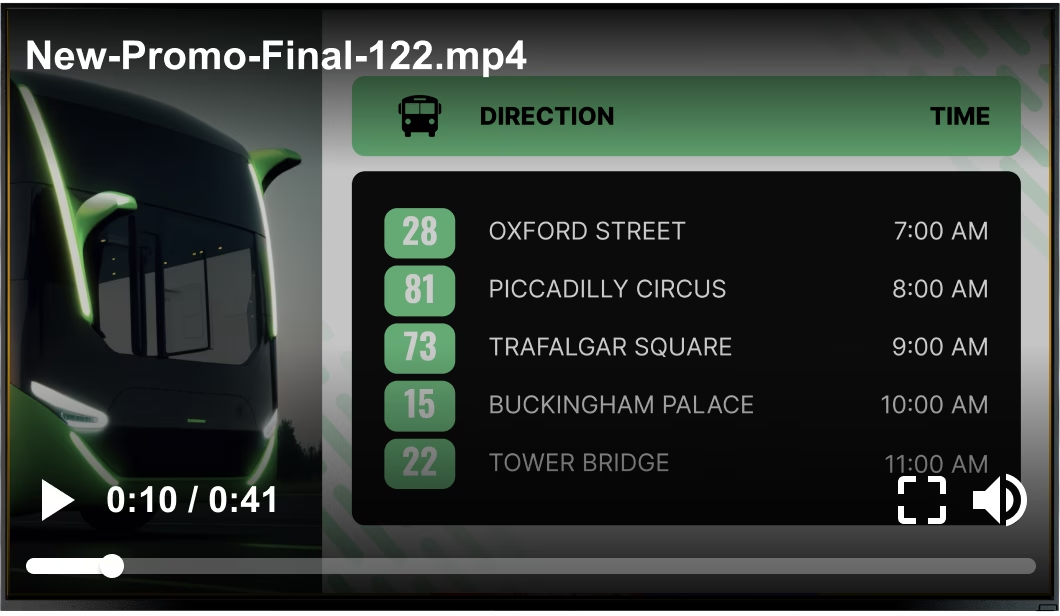
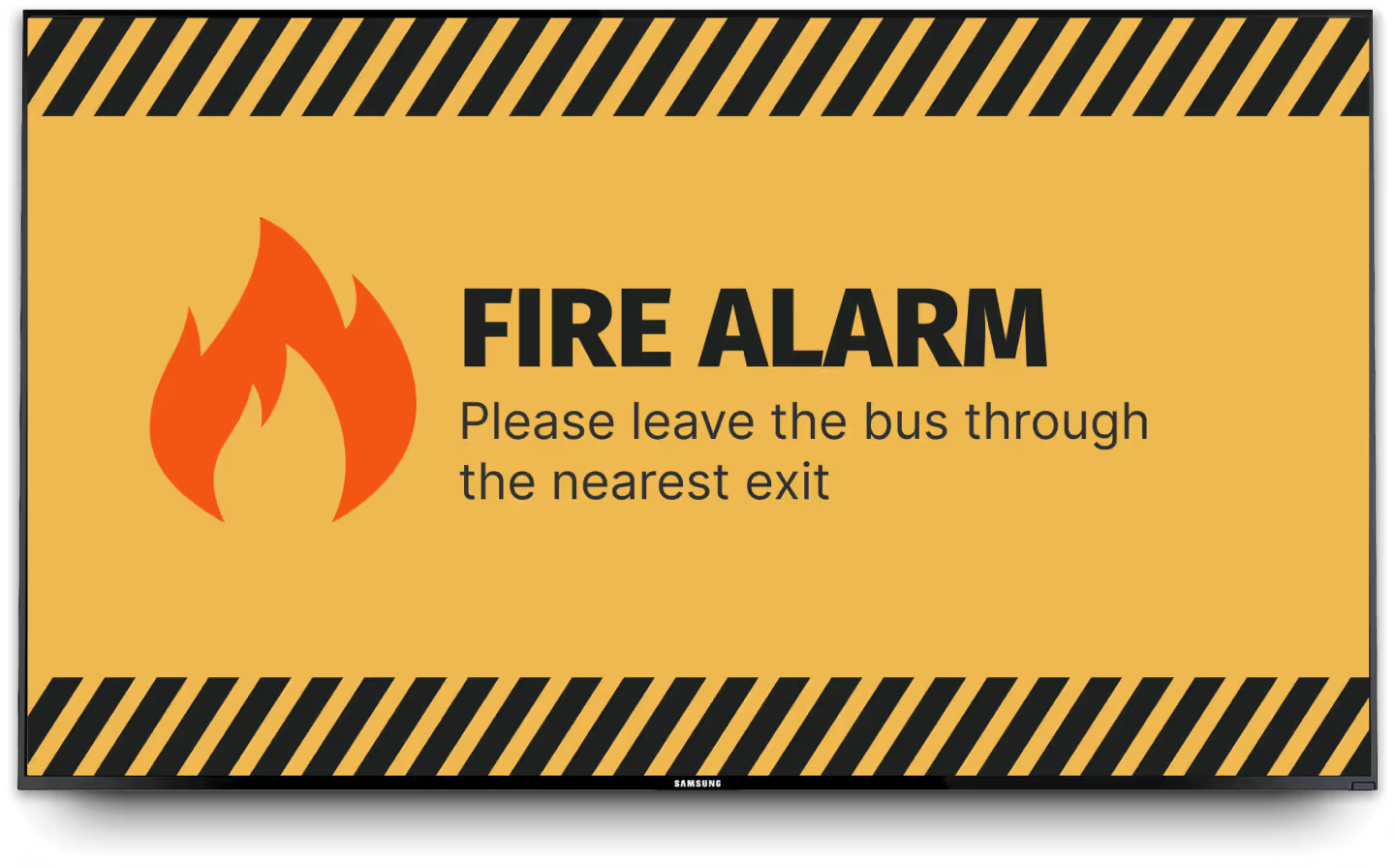
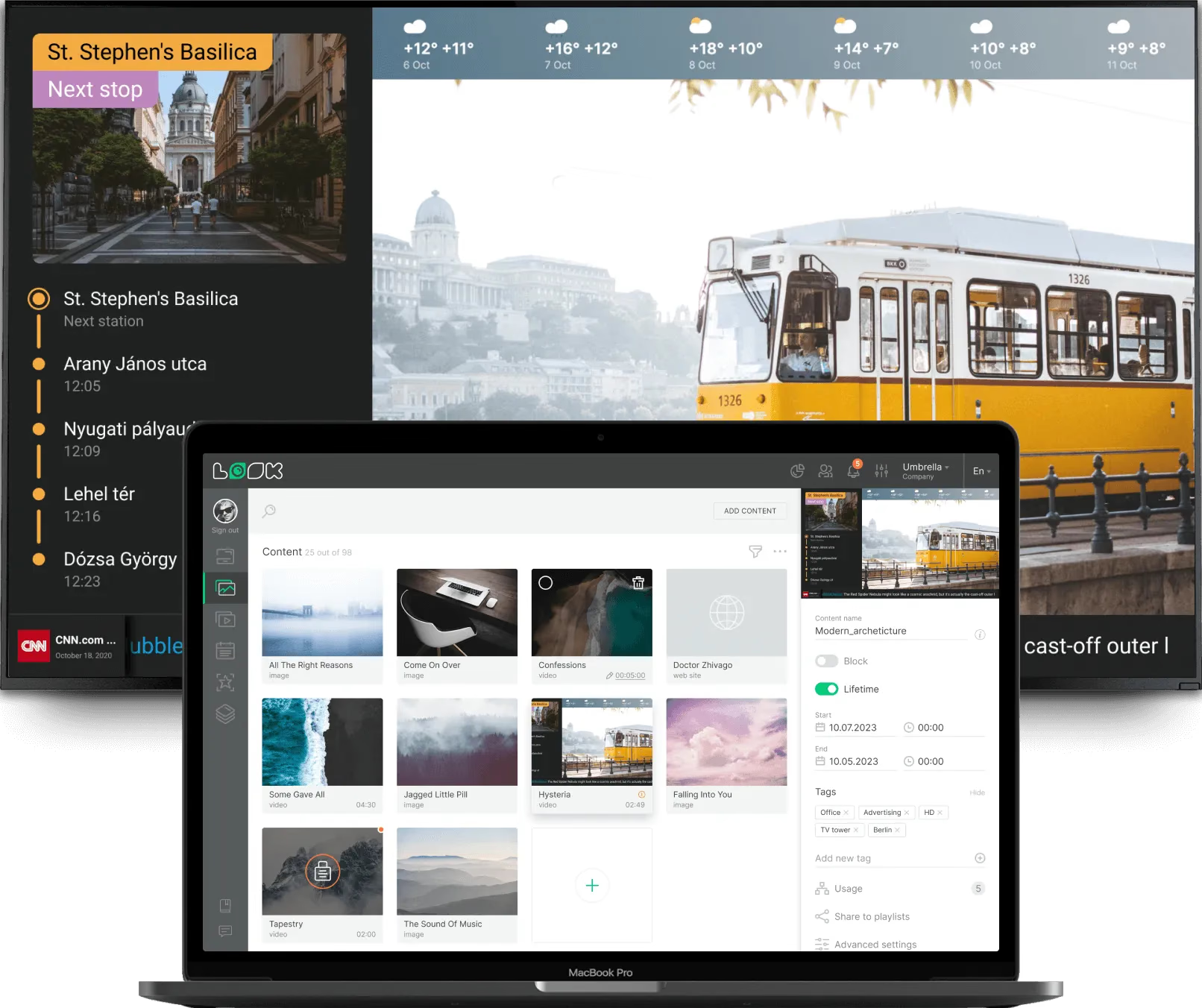
Vehicle screens take the same playlists as the fixed estate – route information, connections, network news, onboard rules and advertising – and are managed from the same account rather than through a separate onboard system.
Vehicles move in and out of coverage, so cached images and video do the steady work, and the live app panels refresh whenever the connection holds.
Best for: Route and connection info, network news, onboard notices, advertising, safety reminders
Parking areas, forecourts and drop-off
Guide drivers before they block the lane.
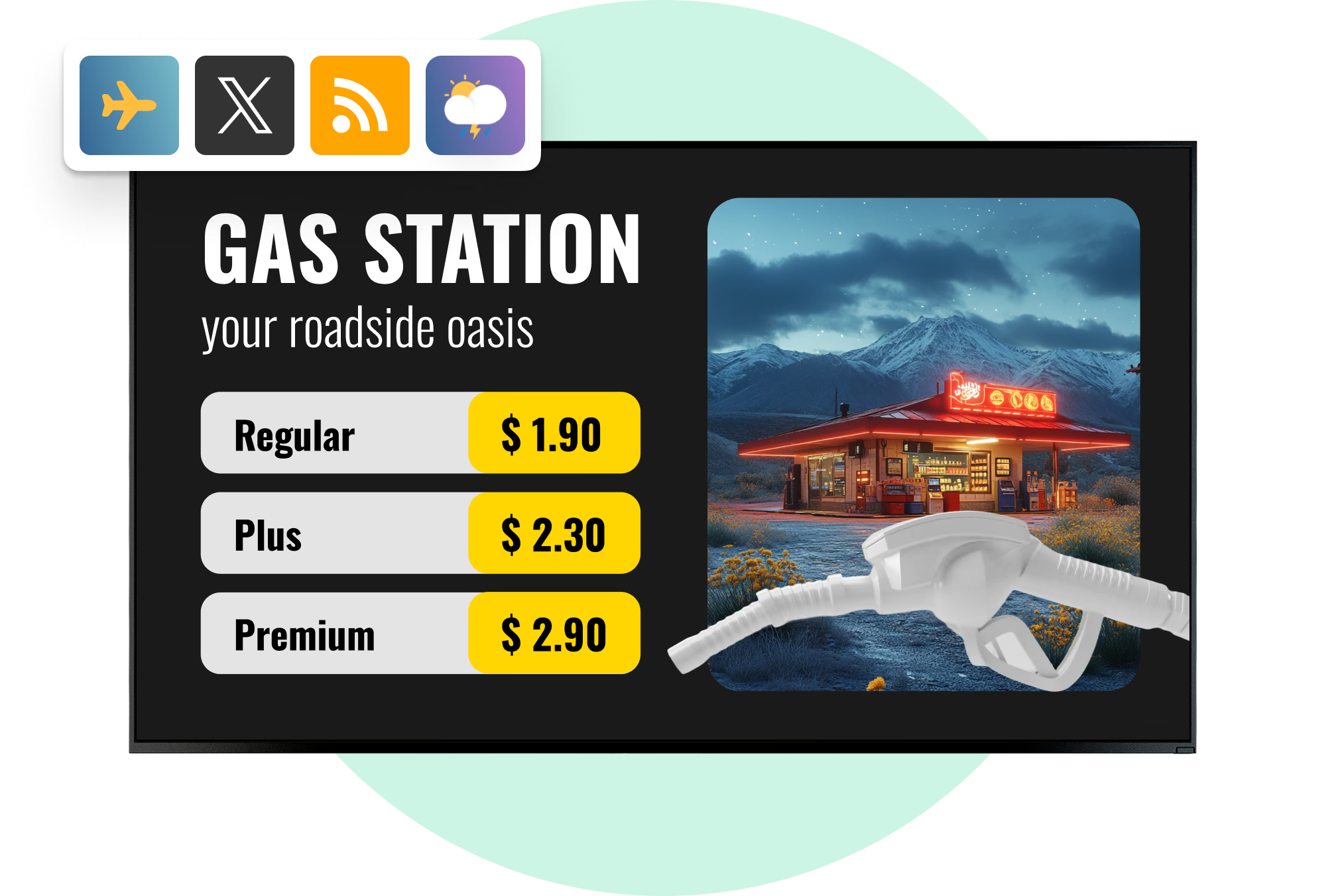
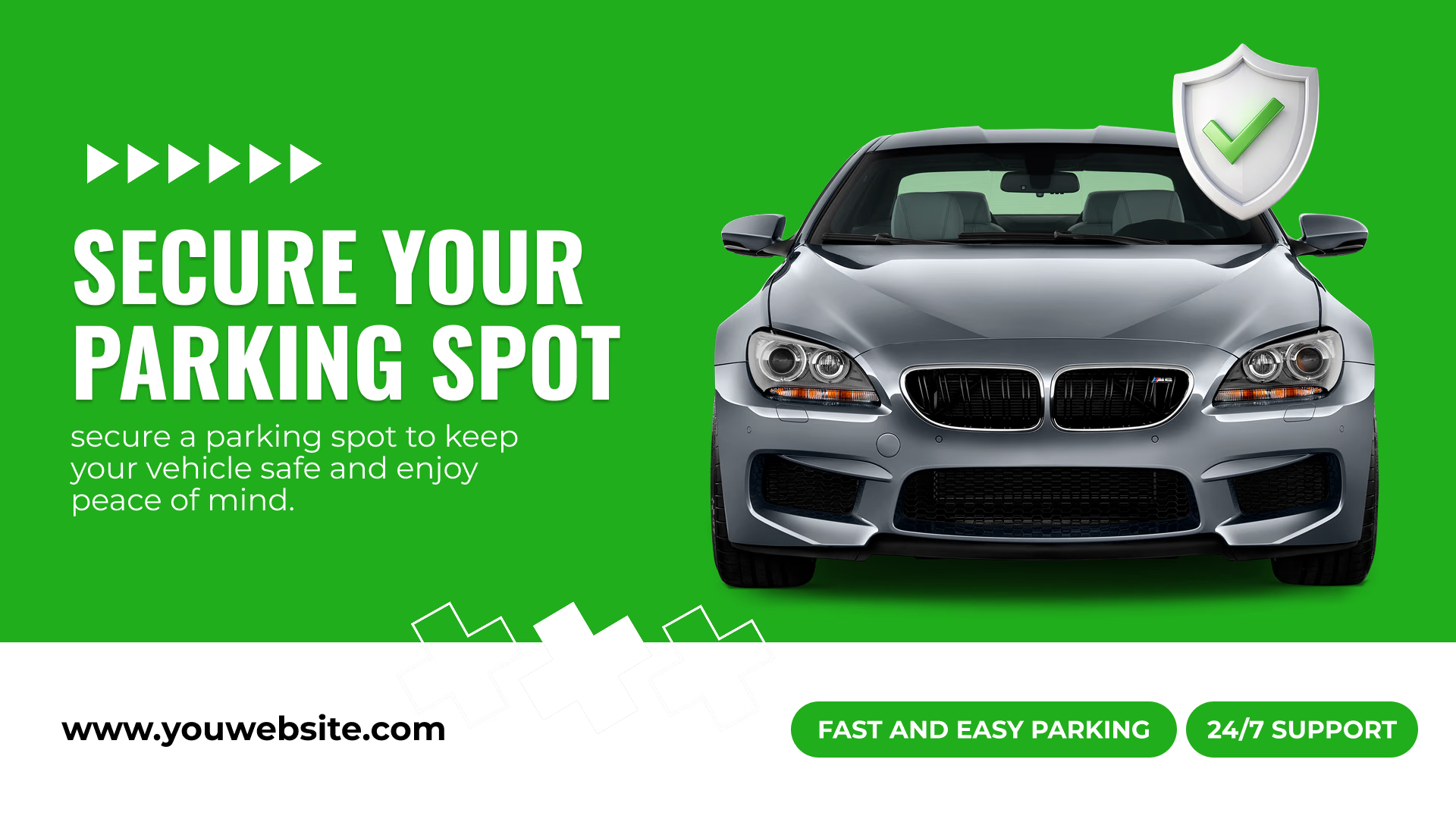
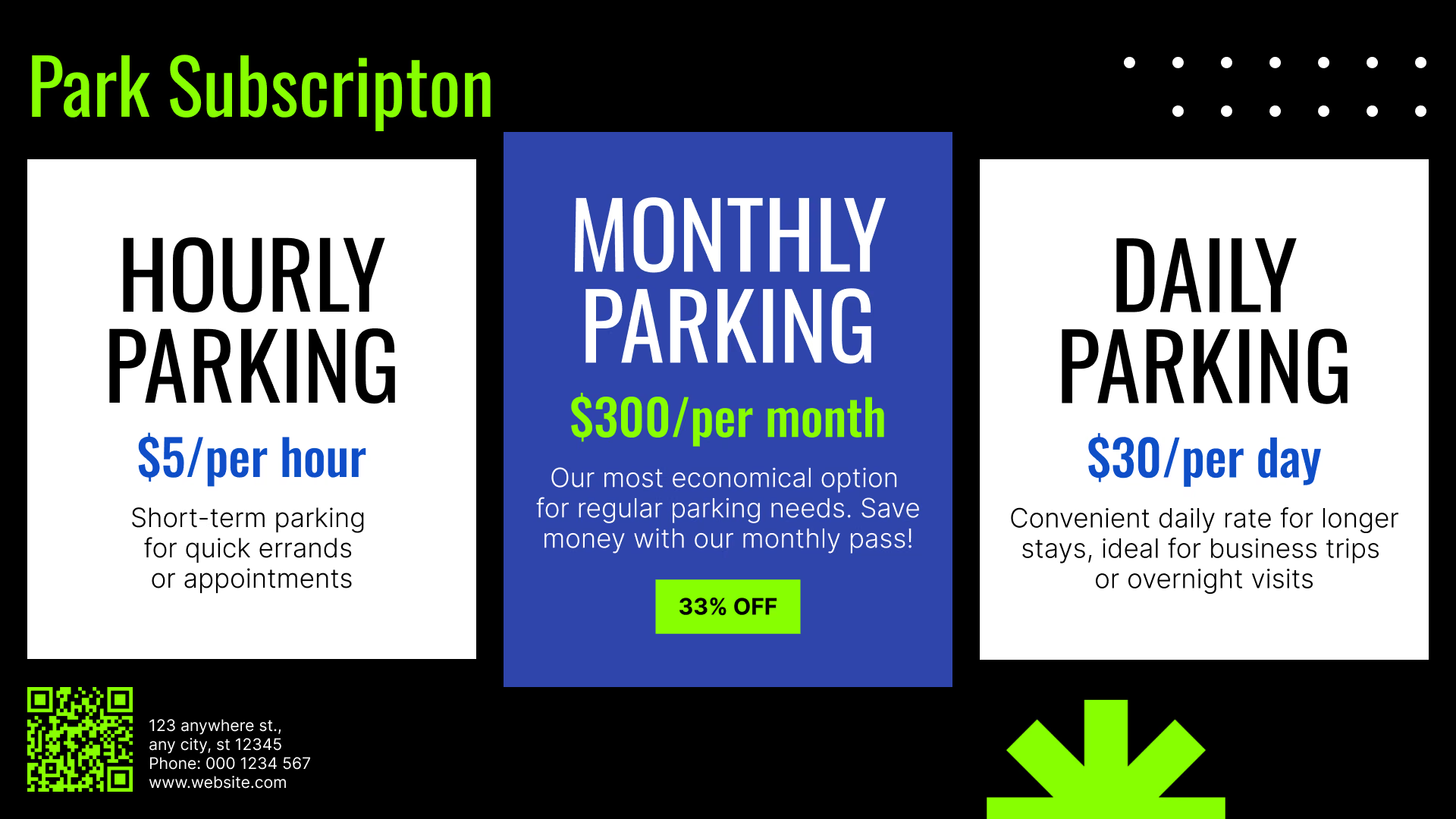
Entrance and deck screens carry what a driver needs in the first ten seconds: which levels are open, where the drop-off and pick-up lanes are, tariffs and payment options, and the walking route to the terminal.
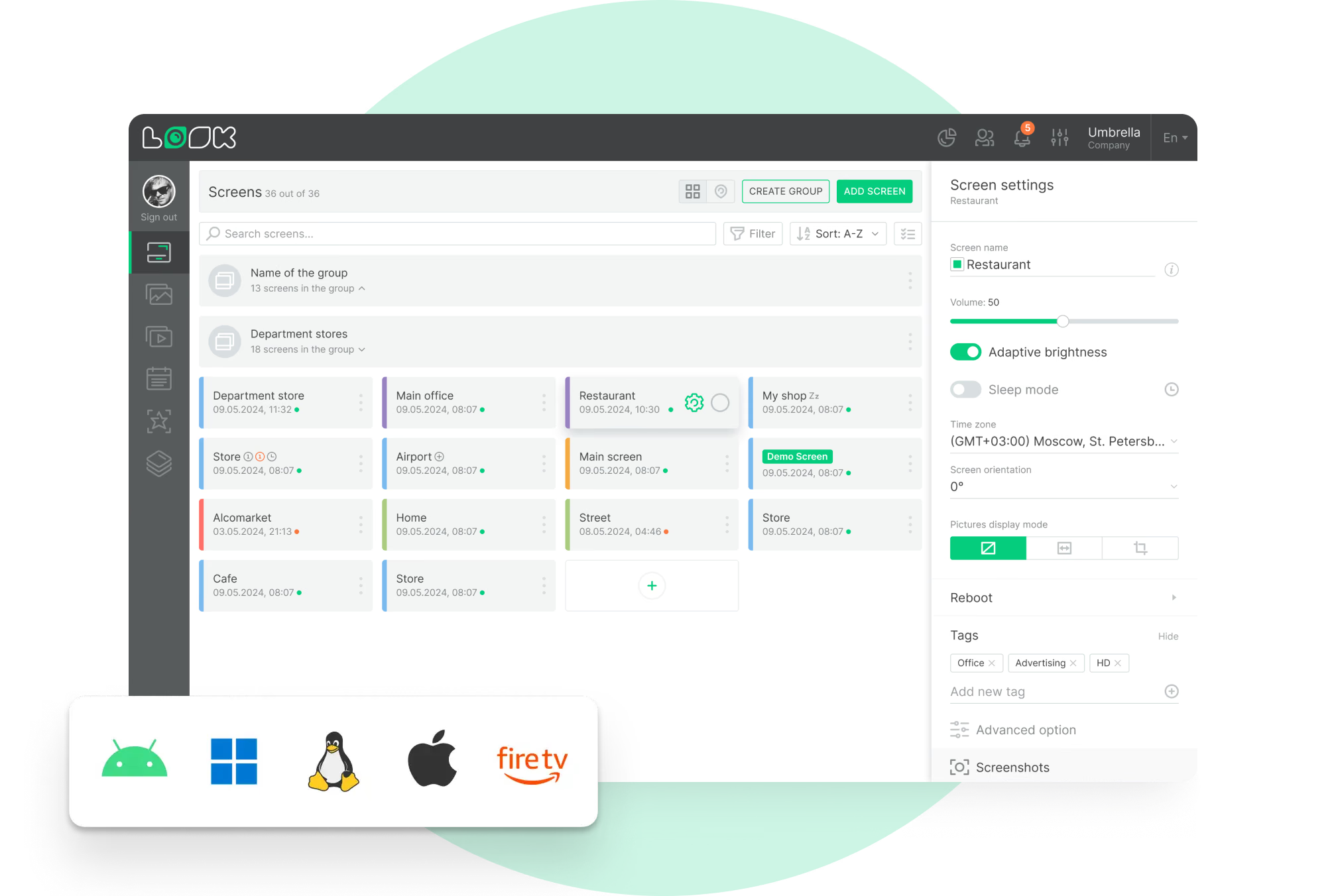
Brightness and temperature range decide the display for outdoor and forecourt positions, which means a commercial panel. The player runs on whatever platform that hardware supports.
Best for: Level and lane guidance, tariffs, payment options, walking routes, site notices
Staff rooms, depots and control rooms
The internal channel, on the same account.
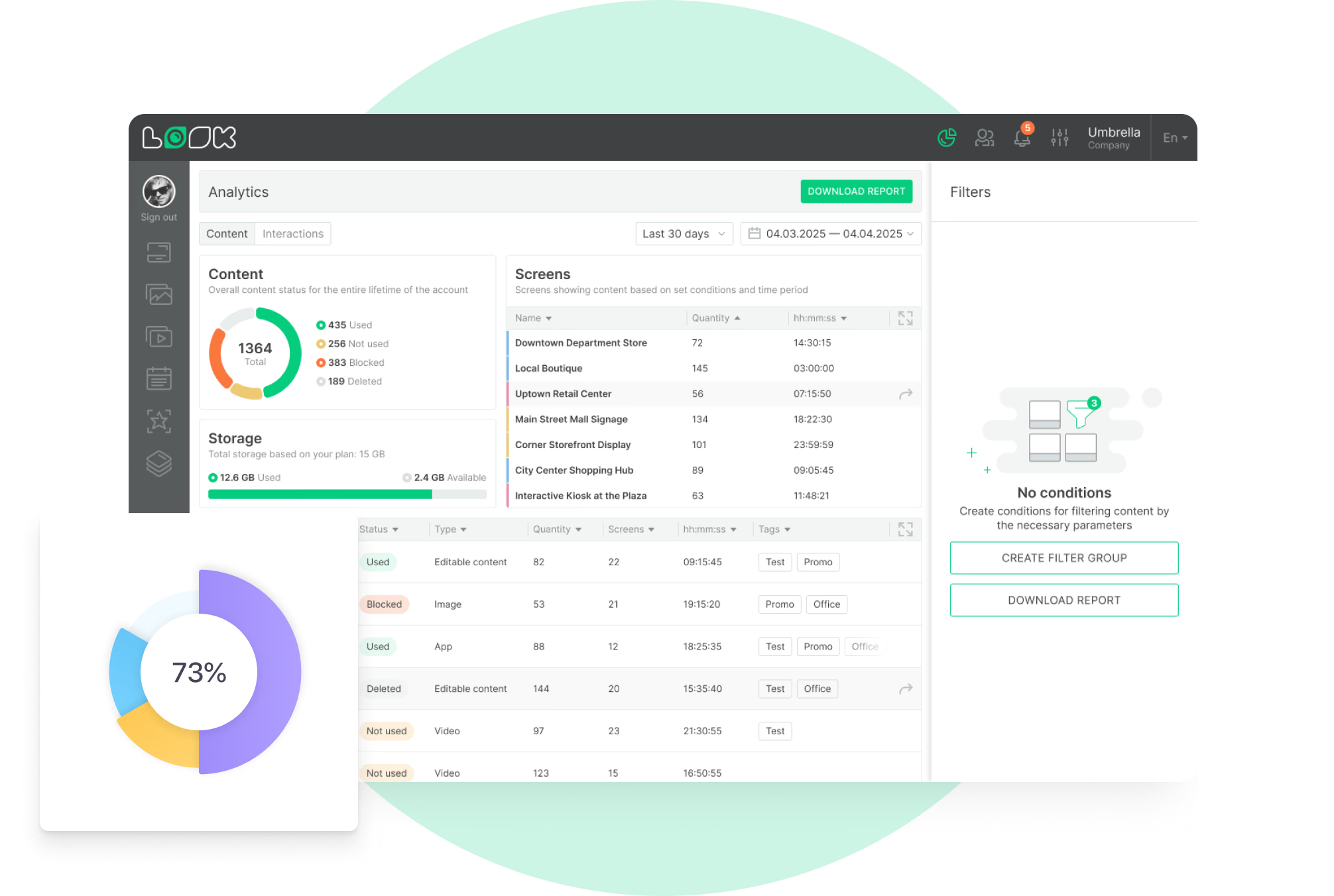
Crew rooms, depots and control rooms run on the same CMS as the passenger estate: shift notices, safety briefings, engineering works, service performance and company announcements.
The team that publishes staff content works in its own part of the account, since permissions go by CMS section. Embeddable Code is what gets an operations dashboard onto the screen.
Best for: Shift and roster notices, safety briefings, engineering works, internal comms, dashboards