Digital signage for every part of the station
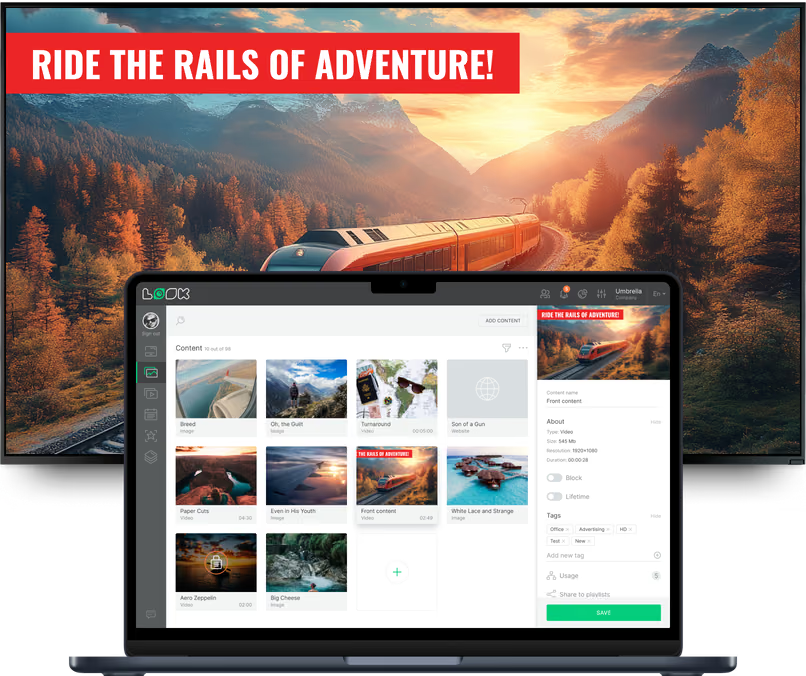
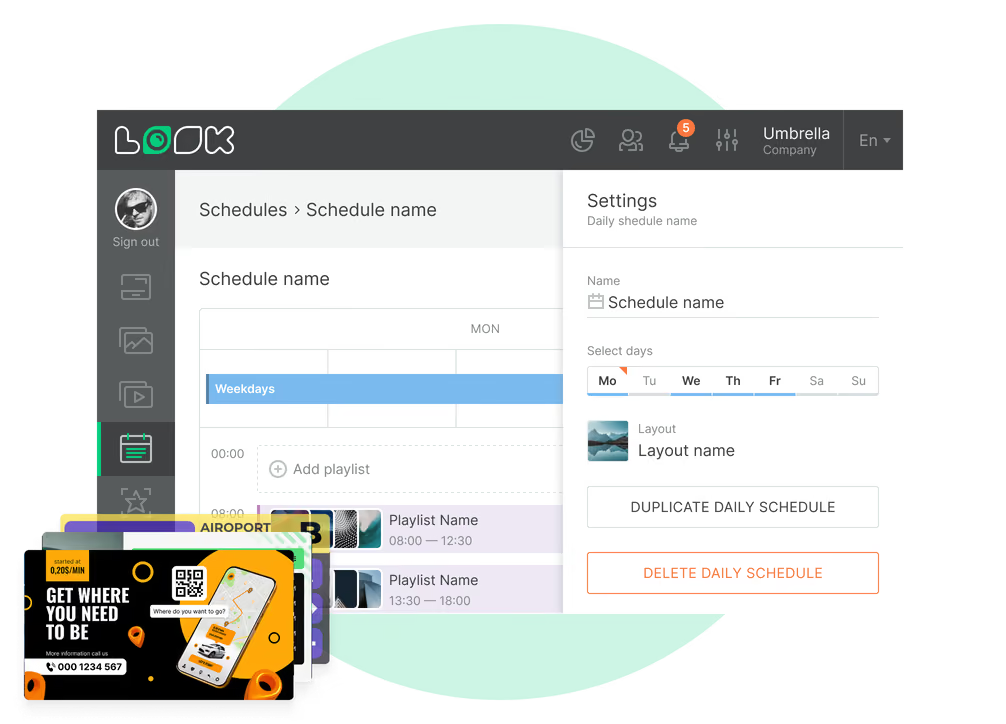
A ticket hall, a platform and a waiting room catch a passenger at three points of the same journey. Look runs all of them from one account, and each area keeps its own content, schedule and publishing rights. Every area still works off the same service information and operating hours.
Entrance and ticket hall
Give passengers clear answers before they reach the queue.
The screen above the ticket windows shows today's service status, fares and railcards, which machines take cards, and the accessible route into the station.
A multi-zone layout holds the notice, the queue message and the clock together. A QR code sends passengers to the fare table or journey planner on their own phone.
Best for: Service status, fares and railcards, ticket machine guidance, opening hours, QR to journey planner
Concourse and departure boards
The full journey picture before passengers choose a platform.
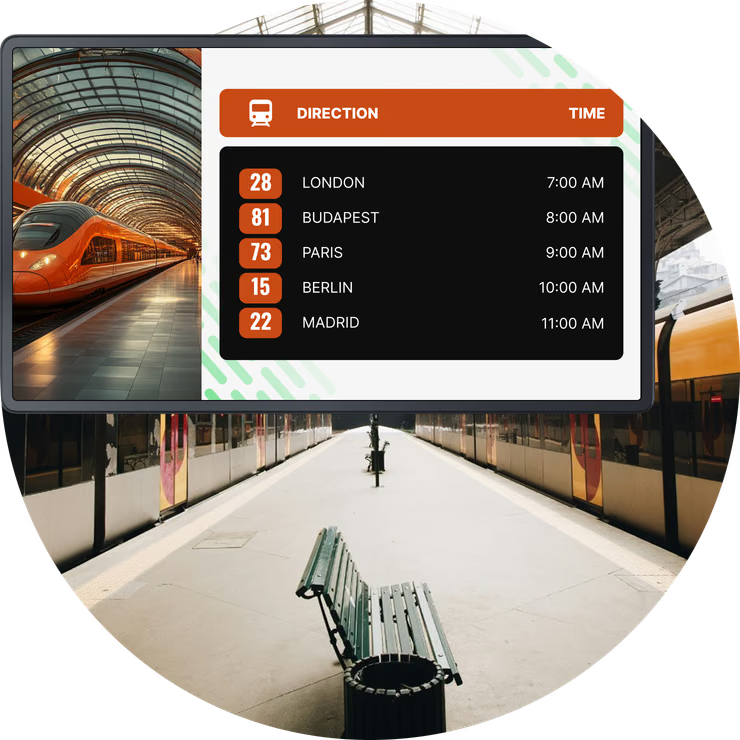
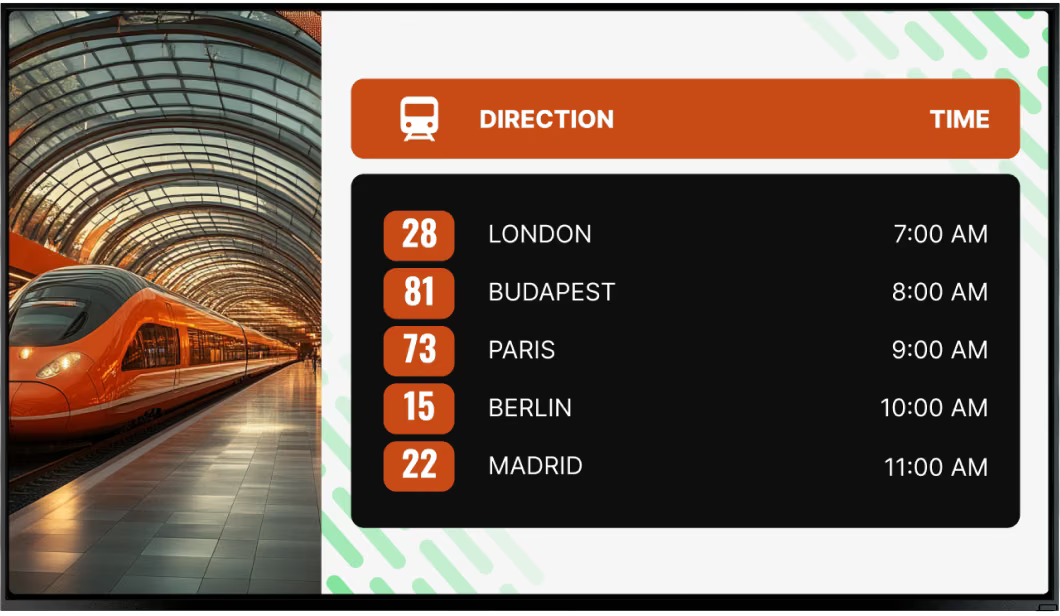
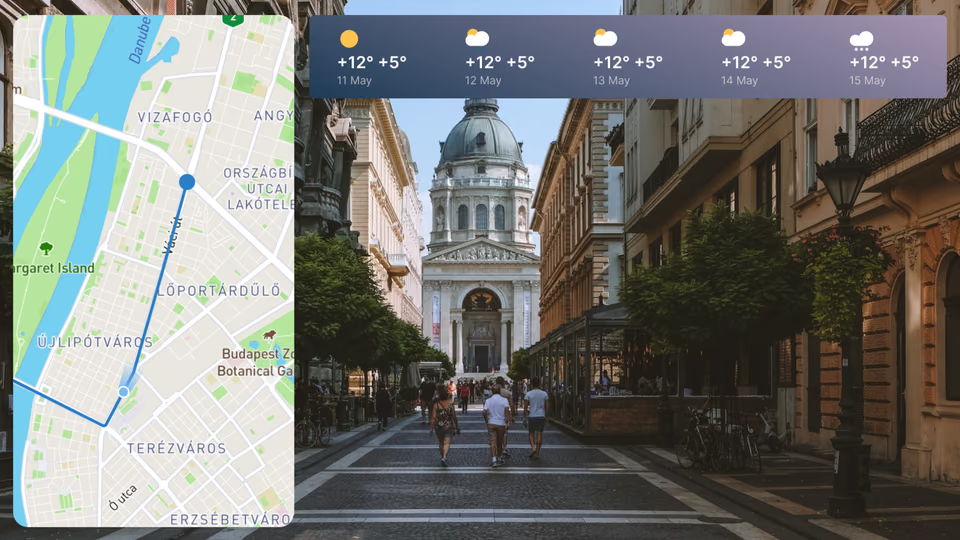
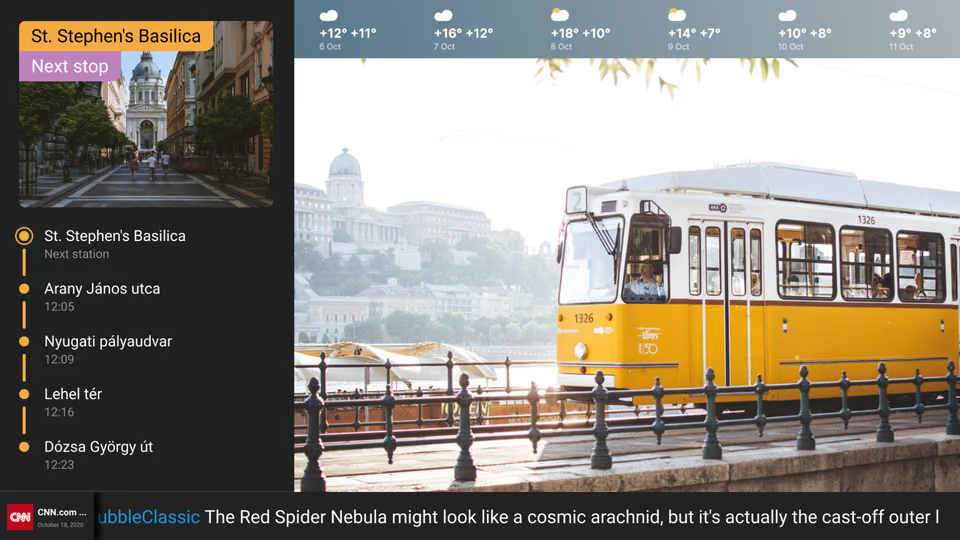
The concourse is where a passenger decides where to stand, so the board keeps the departures list up while the rest of the screen carries the disruption notice, onward travel and the forecast.
Look puts timetable data and station content on the same screen. Embeddable Code drops an existing departure feed or widget into its own zone, and RSS carries service alerts in the ticker beside it.
Best for: Departure lists, disruption notices, station map, onward travel, weather
Platforms and underpasses
The next service, where people wait for it.
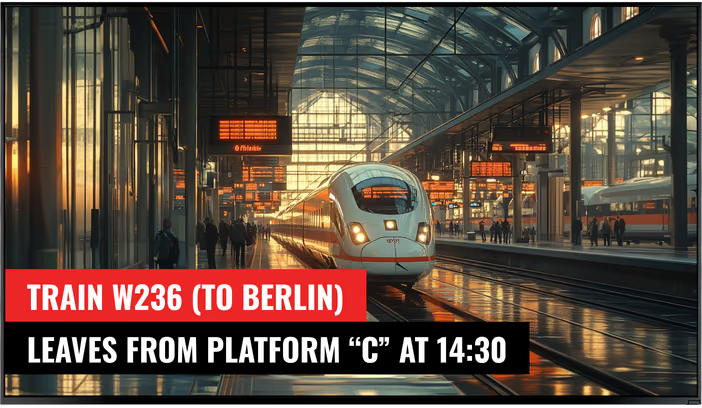
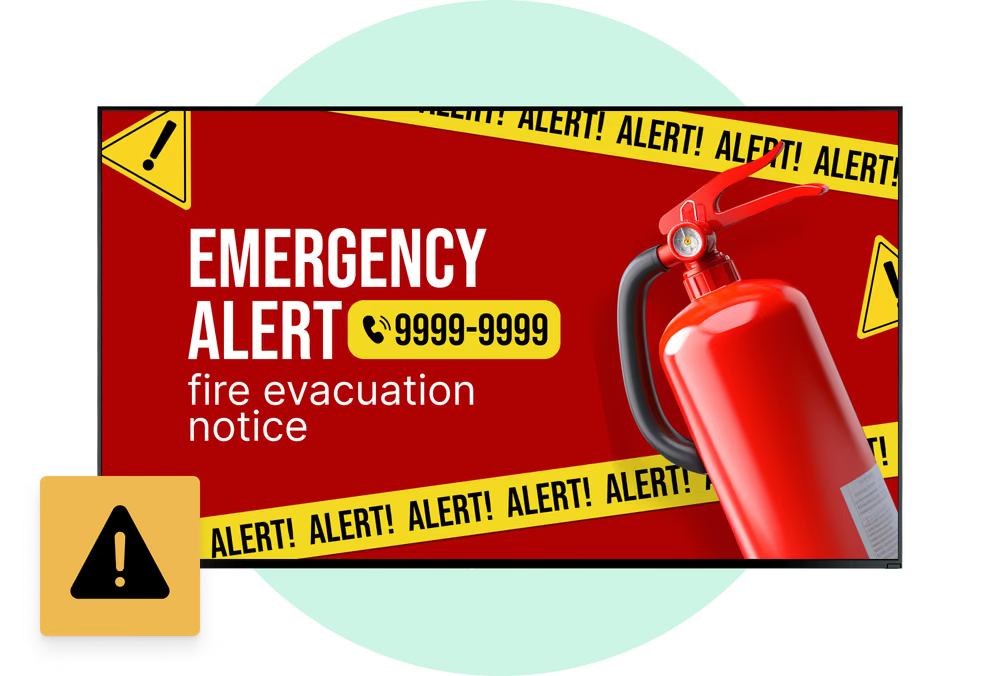
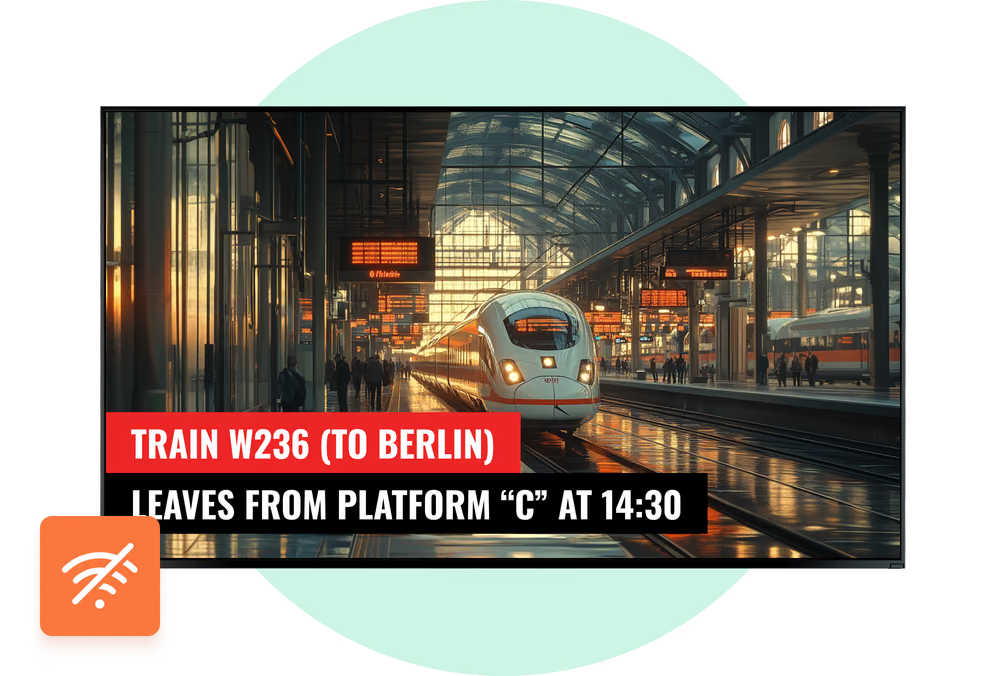
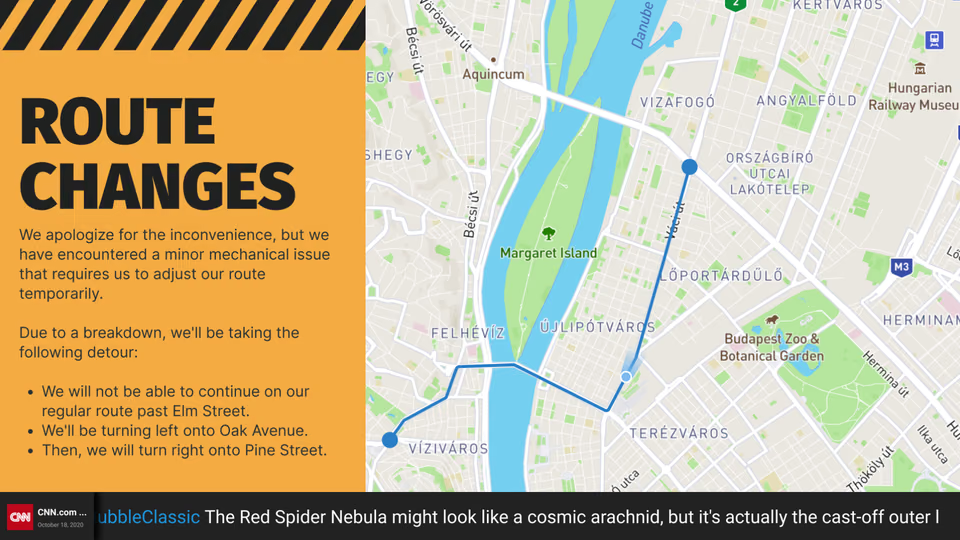
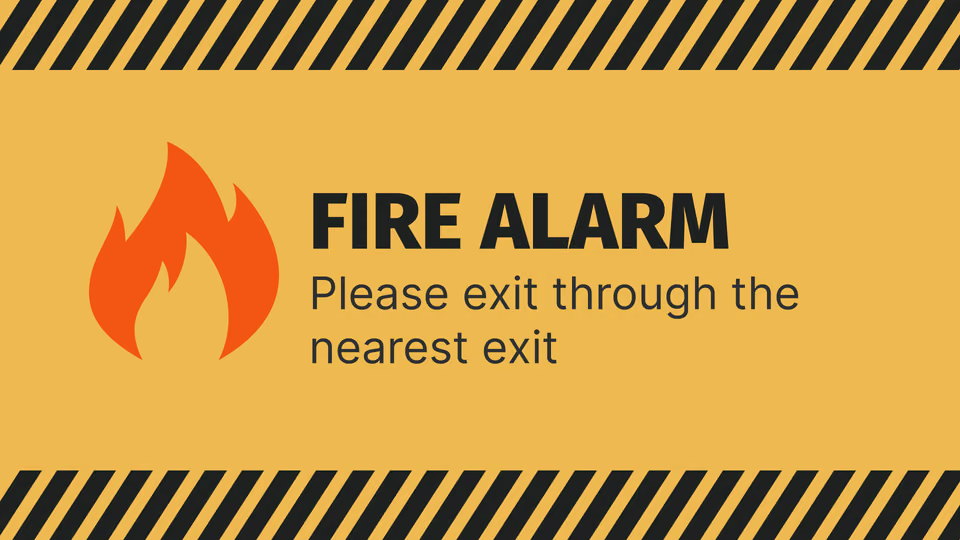
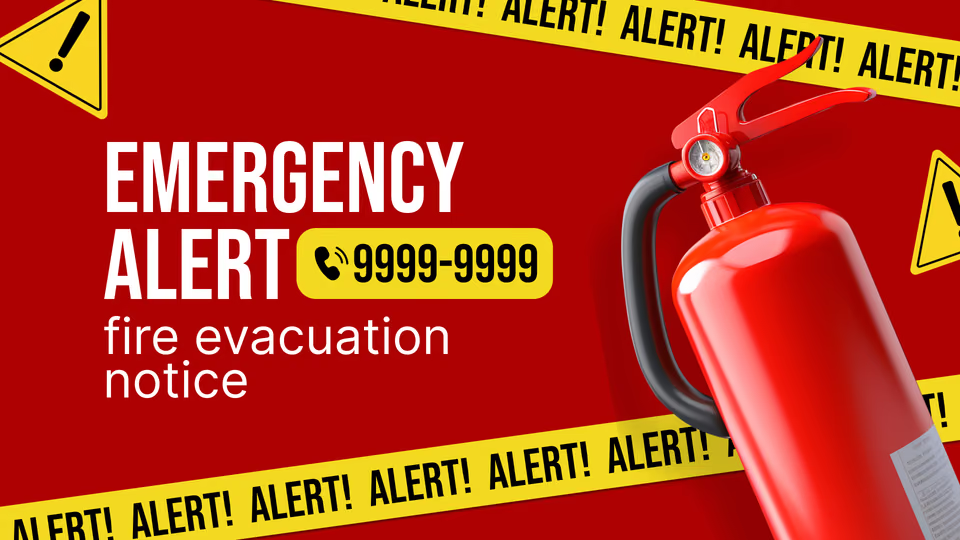
A platform panel has seconds of attention: the next few services, the time, the delay, the change of platform, and the safety notice that stays visible whatever else is playing.
Exposed positions decide the hardware before they decide the software. Brightness, temperature range and an IP rating point to a commercial outdoor display, and the player runs on whatever platform it supports.
Best for: Next services, delays and platform changes, local time, safety notices, engineering works
Waiting rooms and lounges
Keep passengers informed while they wait.
Waiting passengers look at a screen longer than anyone else in the building, so this is where a news channel, the forecast and a station services panel earn their space.
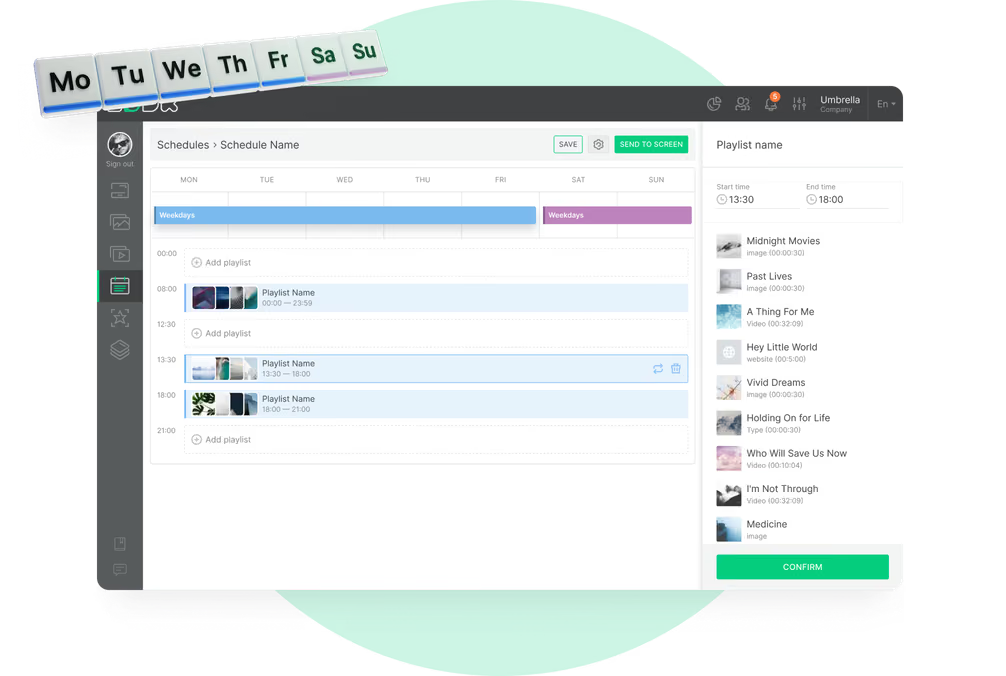
Advertising runs in the same rotation, scheduled by daypart, so a commuter sees one set of spots in the morning peak and an off-peak audience sees another.
Best for: News and weather, station services, local information, advertising, Wi-Fi details
Exits, interchange and onward travel
Keep people moving once the train has gone.
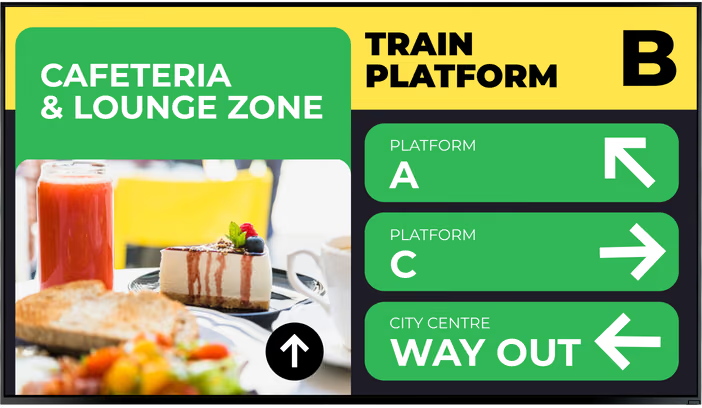
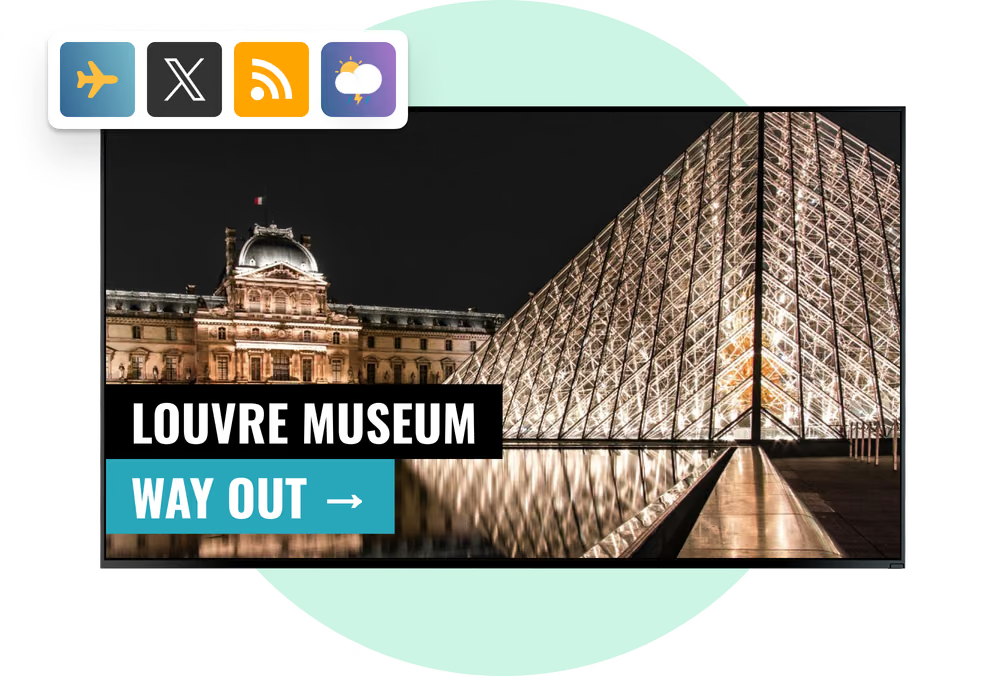
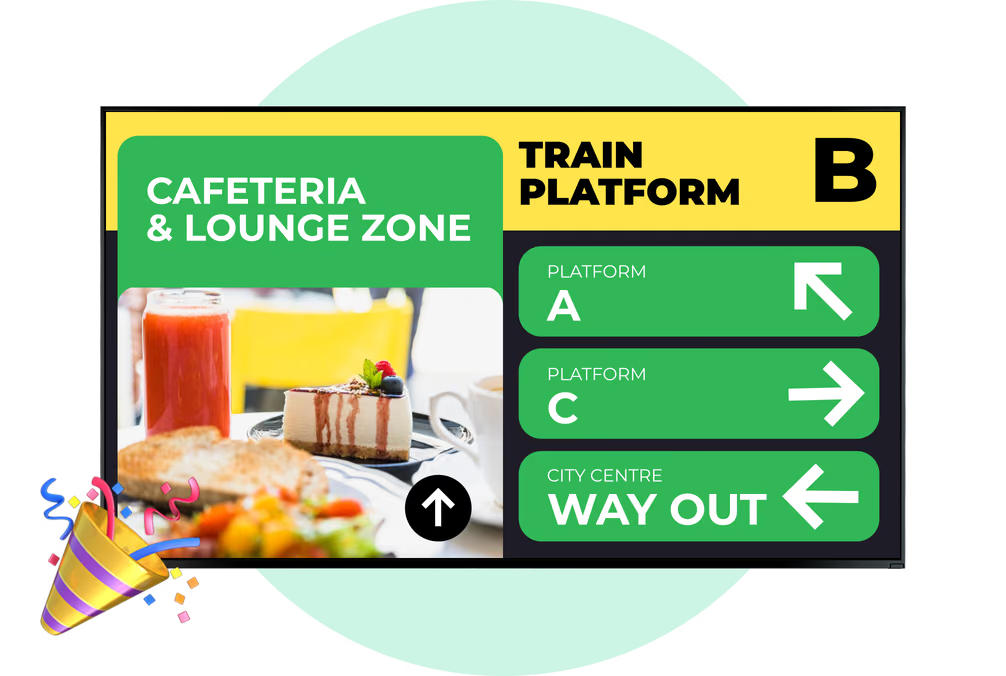
At the barriers and the exits the question changes from when to where: which bus stand, which metro line, where the taxi rank and the rideshare pickup point are, and how long the walk is.
Give each exit screen its own playlist so the directions match the routes, connections and services at that door.
Best for: Bus and metro connections, taxi and rideshare points, walking routes, local maps, area information
Staff rooms and back office
The internal channel, on the same account.
Mess rooms, signalling offices and the station control room run on the same CMS as the passenger estate: shift notices, safety briefings, engineering works and performance figures.
The team that publishes staff content works in its own part of the account, because permissions are set per CMS section. Embeddable Code is what puts an operations dashboard on the wall.
Best for: Shift and roster notices, safety briefings, engineering works, internal comms, dashboards