💆 SPA DIGITAL SIGNAGE

Digital Signage for Spas & Wellness

Menus, prices and seasonal packages change constantly. Keeping them right on every screen in the spa? With Look DS it all runs from one browser, front desk to relaxation lounge, and schedules get set days ahead.

Update the treatment menu once

Change a price once and reception, the lounge and the retail shelf all show it.

Offers that follow the spa's day

Express treatments at lunch, packages in the evening, switched automatically.

Calm screens that stay on brand

Every slide uses your fonts, colors and photos, with ambient video running between them.
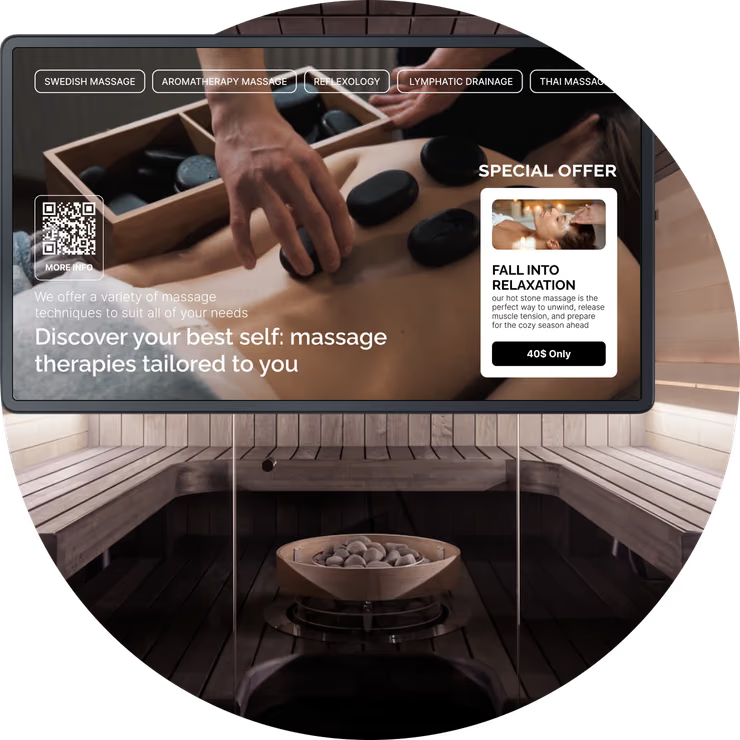
Fall Into Relaxation hot stone massage promotion screen above a sauna
  • No credit card required. From $6 per screen/month with volume pricing.

  • Runs on Android, Windows, Linux, Tizen, webOS, Raspberry Pi and more.

  • 24/7 in-app support from real people.

Captera Rating
4.9
G2 Rating
5.0
60 000+
Screens
11 000+
Users
120+
Countries
Capterra Best Value · G2 High Performer
Software Advice · Customer Support 2026

Keep every spa screen as calm and current as the spa itself

Spa digital signage lets day spas, hotel spas and wellness centers manage treatment menus, prices, packages, guest guidance and ambient content across connected screens, all from one centralized platform.
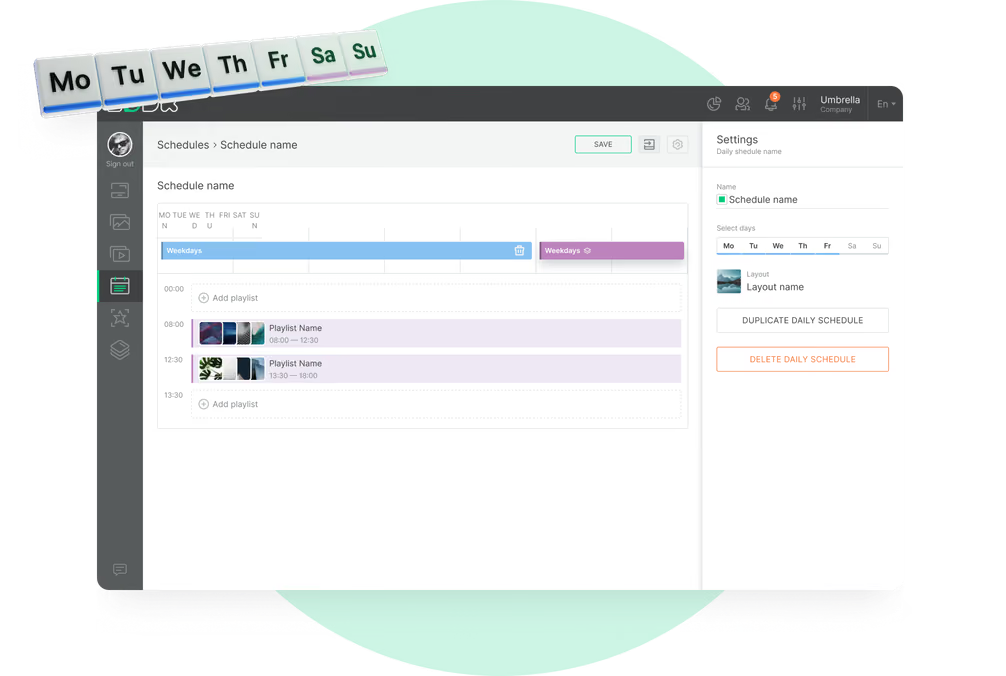
Staff don't reprint menus, they update the screens in a browser. At lunch the screens show express treatments, in the evening couples packages. A seasonal offer is removed automatically on its end date.

Sound familiar?

    • A red cross inside a black circle

      The price list printed last month is already wrong

    • A red cross inside a black circle

      Flyers all over the front desk

    • A red cross inside a black circle

      Reception gets the same three questions every hour

    • A red cross inside a black circle

      Guests don't know about add-ons

Generic stock promo video overlay playing over a spa promotion screen Black USB flash drive with 4 GB storage capacity

What you get with Look

    • Menu changed once, updated on all screens

    • One screen at the desk, no flyers

    • Arrival info on a screen, not at the desk

    • Guests see add-ons while they wait

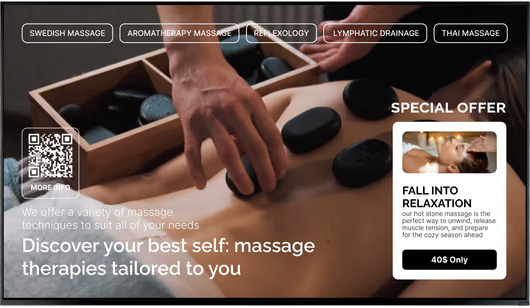
Clean spa promotion screen without the video overlay Green shield icon with a white check mark
Try with demo screen now
Run demo screen right in your browser

From the first reception screen to every spa in the group

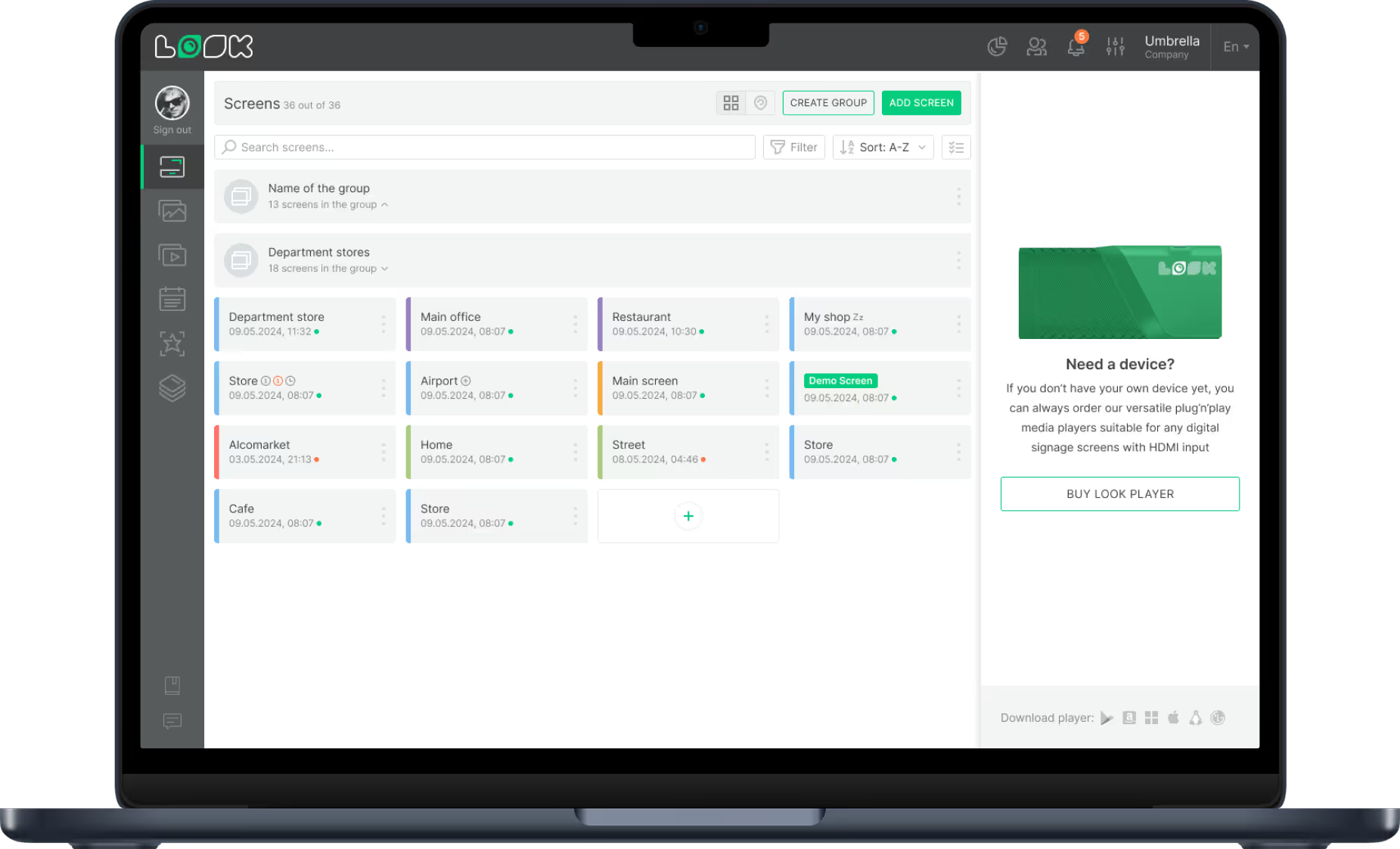
Connect a player, build a playlist and publish. The same three steps bring the lounge, retail corner and staff room into one centrally managed screen network.
  • Connect your screens

    Install the Look App on a compatible display or connect the Look HDMI Player. Then pair the screen using the code it shows.
  • Build and schedule your content

    Take a spa template, put in your treatments and prices, and group slides into playlists. Smart Scheduling switches them by hour and day of week.
  • Publish to the areas you choose

    Publish from any browser to one screen, one spa or every location. Screen tags decide which playlist goes to reception, the lounge or retail.
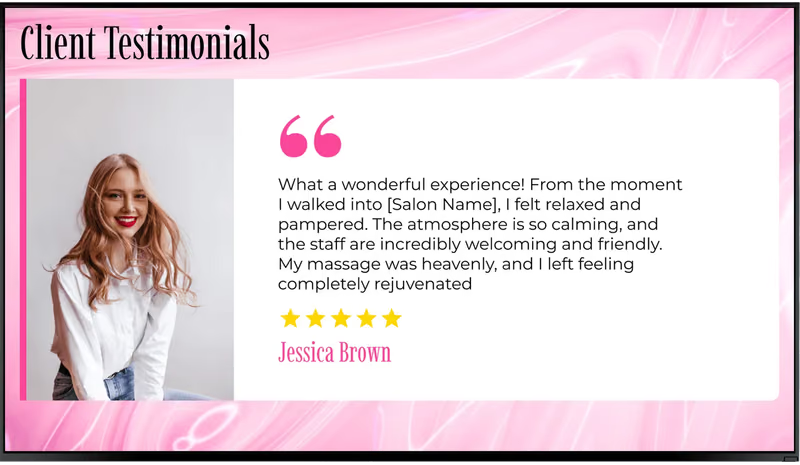
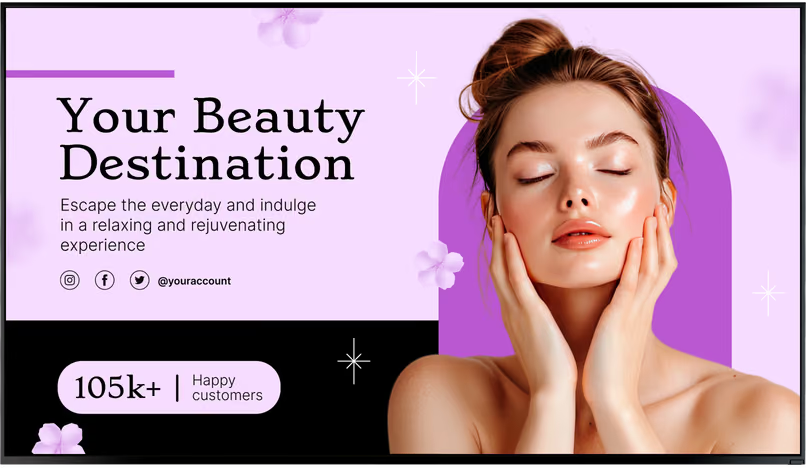
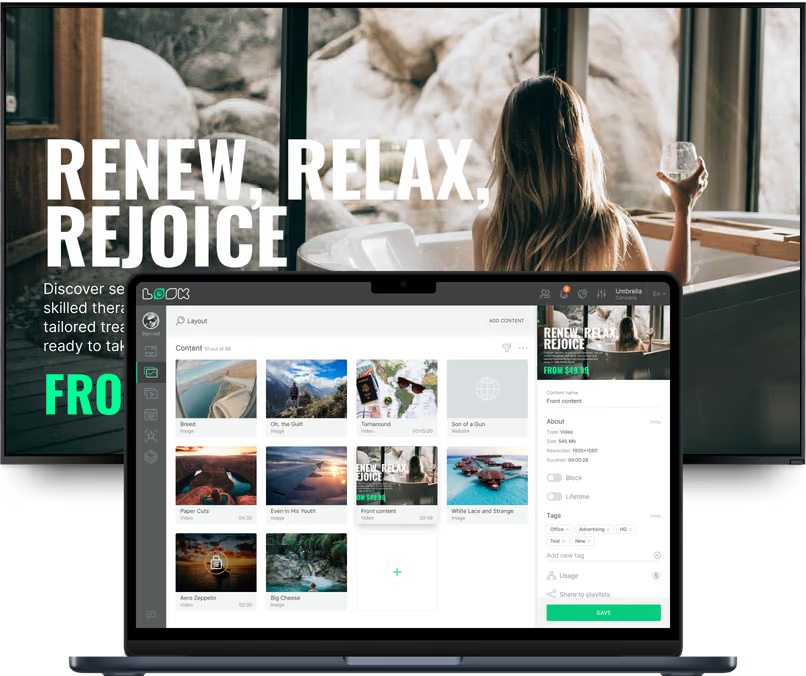
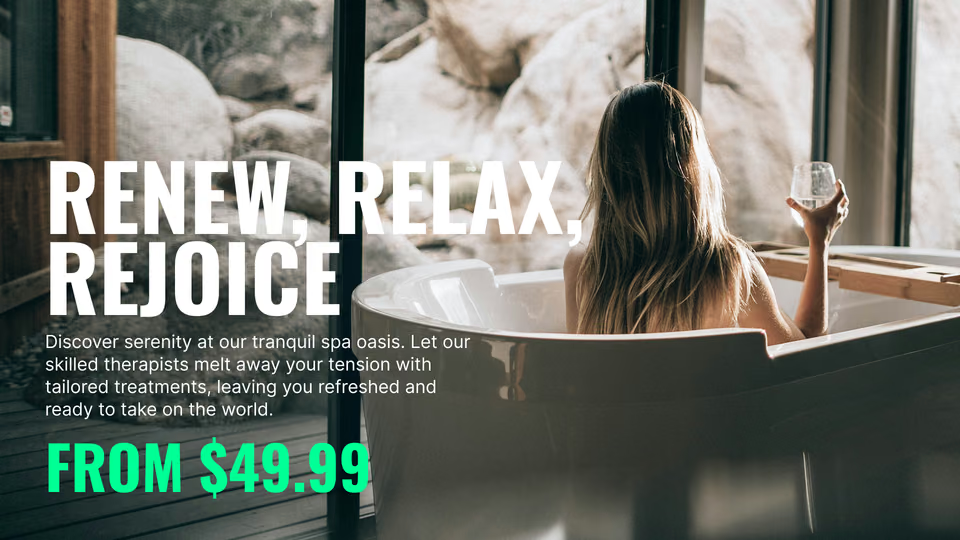
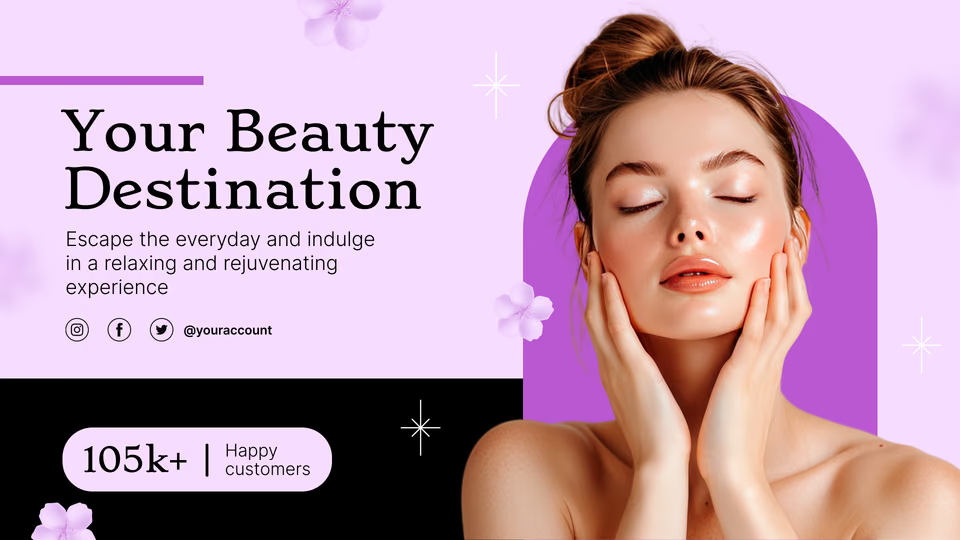
Client Testimonials screen with a five-star review Your Beauty Destination promotion screen with social handles Laptop with the Look content editor showing a media library and Renew, Relax, Rejoice promotion preview

Digital signage for every area of the spa

A guest checking in, waiting in a robe or choosing a serum needs different information at each stage. Look runs every area from one account, with dedicated content, schedules and playlists for each location.

Reception and front desk

Answer the arrival questions before they are asked.
The screen beside the desk carries what every guest asks on arrival: the treatment menu with current prices, check-in steps, how early to arrive, the cancellation policy and the Wi-Fi network.
A multi-zone layout keeps the menu, today's offer and a live review score visible together, giving waiting guests essential information at a glance.
Best for: Treatment menu and prices, check-in steps, spa policies, Wi-Fi access, guest reviews

Waiting and relaxation lounge

Calm video, and sometimes an offer.
People come to the lounge to relax, so nature video should take most of the time. Between videos, show a slow slide now and then: how to prepare for the treatment, an add-on, member benefits.
Put one message on a slide and use slow transitions. In the evening people come after work to unwind, so make a separate, quieter loop for evening hours.
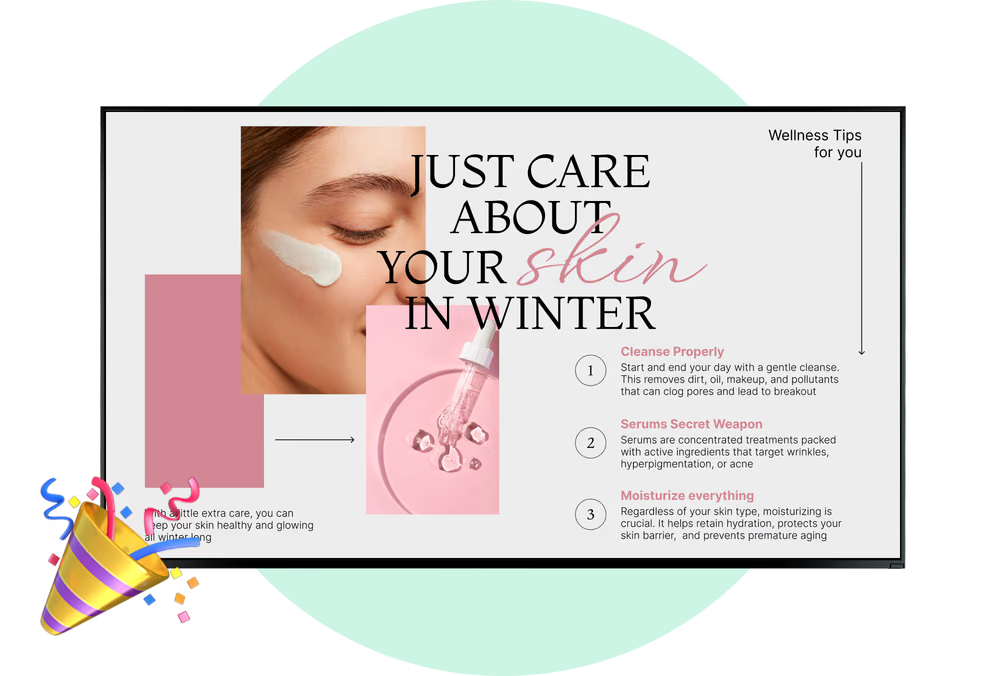
Best for: Ambient video, preparation tips, add-on treatments, membership benefits, wellness tips

Retail corner and product shelf

Sell the serum the therapist just used.
A screen by the retail shelf explains what a product does and how to use it at home, right next to the products your therapists recommend. Gift sets and gift cards take over in the weeks before the holidays.
A QR code on the slide sends the guest to your online shop or gift card page, so the purchase can finish on their phone.
Best for: Skincare products, usage tips, gift sets, gift cards, QR to online shop

Corridors and locker rooms

No more taped-up paper arrows.
Watch any spa corridor and you'll see guests pause at the junctions, unsure whether the locker rooms, relaxation rooms or treatment wing are left or right. A portrait screen there settles it. At the locker room door, a second screen covers valuables, robes and phones.
Tag each screen, and it will show directions for the place where it hangs.
Best for: Directional signage, locker room guidance, spa etiquette, quiet-zone reminders, hygiene notices

Pool, sauna and wellness studio

Hours, rules and class times in one place.
Thermal areas and studios need facts at a glance: sauna and steam rules, pool hours, a closure for maintenance and today's yoga or meditation sessions.
The Calendar app securely pulls the class schedule from Google Calendar or Outlook. If someone changes the calendar, the screen updates too, no new slide needed.
Best for: Sauna and steam rules, pool hours, facility closures, class timetable, wellness tips

Staff room and back office

Brief every shift from one screen.
The staff screen shows which treatments to promote today, the retail product of the week and how to talk about it, training reminders, hygiene standards and thanks to people who did good work.
It has a separate playlist, so guests don't see it. A therapist who starts in the evening reads the same briefing as the morning team.
Best for: Daily priorities, product talking points, training reminders, hygiene standards, team recognition

To use Look digital signage software

Look service works seamlessly on any hardware, whether you're planning to purchase or already use it
Or

Install FREE Look App

Transform any TV or compatible device into digital signage by installing the free Look app.
WindowsAmazon Signage
Androidgoogle-tvLinuxOS Fire Amazon
macOSWebOSOS Tizen OS Raspberry Pi
Supported Operating Systems

Plug Look HDMI Player

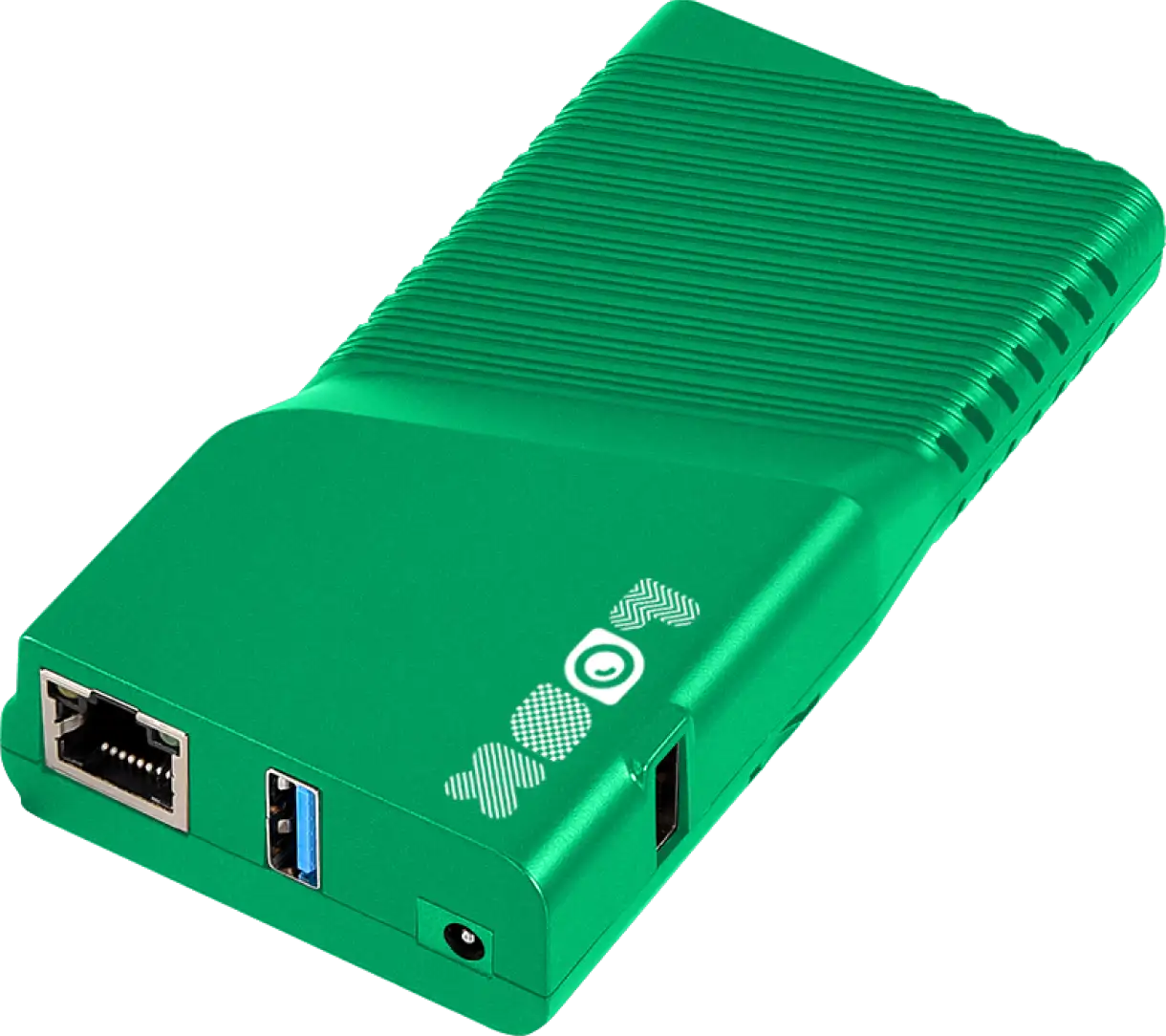
Connect the Plug & Play Look Player to your display’s HDMI input for instant setup. Worldwide shipping.
Buy nowLook HDMI Player

What our customers say

Real businesses, real results.
Captera Rating
4.9
G2 Rating
5
I’m grateful for the opportunity to work with Look and it's been a really big game changer for us, because it has helped us to come across as an older business in a much more fresh way.
Michael Guzman
We went with Look, because it gave us the full control of the content that we were streaming to our locations and it also gave us the scalability, which is even more important. Great experience overall.
Alfredo Mier Y Terán
Value for us means price, quality and the experience of using whatever it is that and the reason that we chose Look is we found that it provided us the best value for money solution out of the other digital signage software that we were using before.
John Jonovski
60 000+
Screens
11 000+
Users
120+
Countries

Free templates

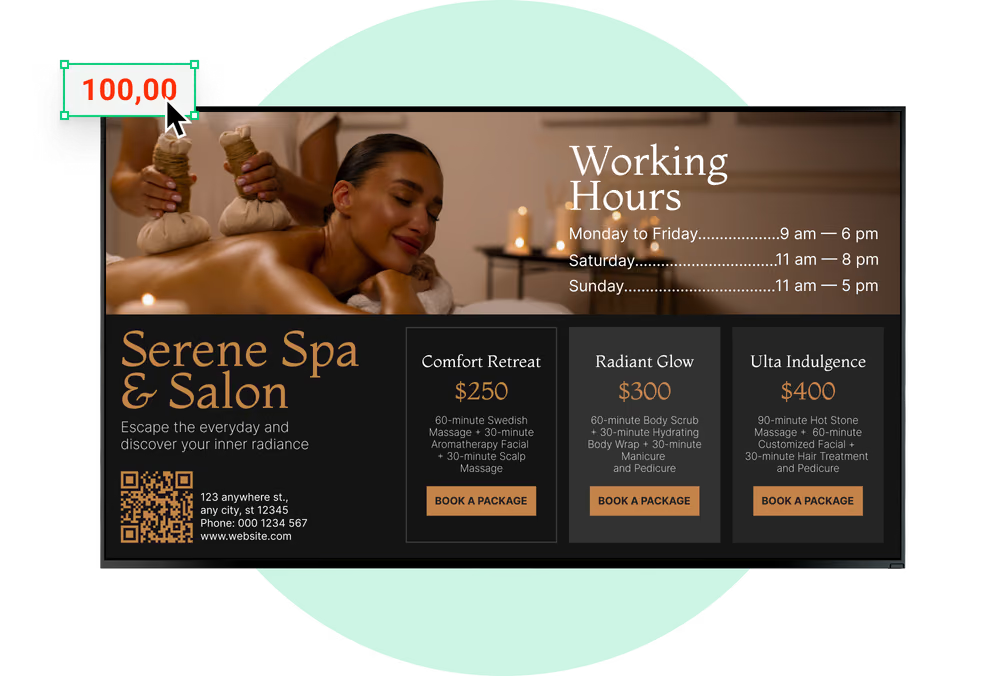
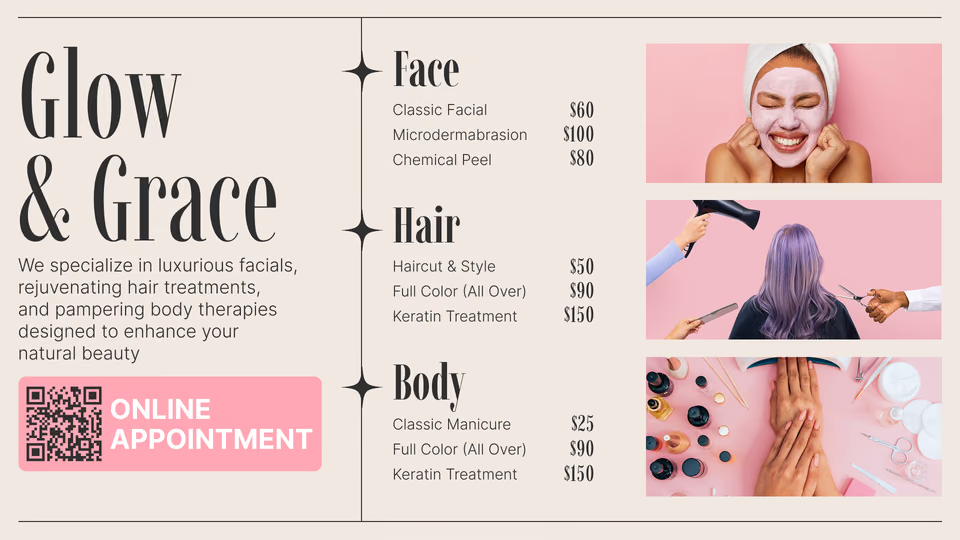
Spa templates for treatment menus, offers and guest info

Set brand colors, fonts and logo once, and all templates use them. The spa set has what spas usually show on screens: treatment menus with prices, packages and seasonal offers, opening hours, gift cards, wellness tips and guest feedback. Put in your treatments and prices, set a schedule and publish.
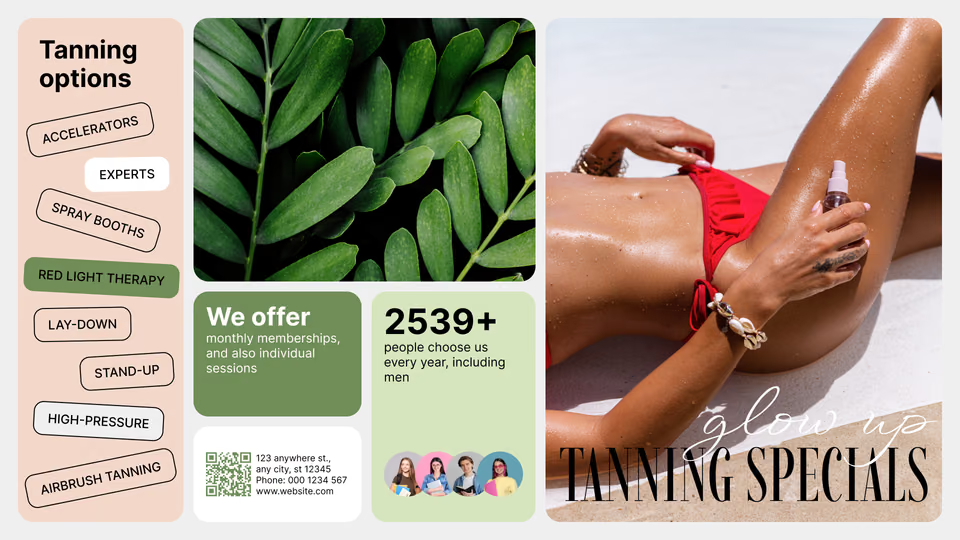
Tanning Specials template with tanning options listFall Into Relaxation hot stone massage promotion template with pricingYour Beauty Destination hero template with social media handles

Fall Into Relaxation hot stone massage promotion template with pricingYour Beauty Destination hero template with social media handlesGlow & Grace full service menu template with face, hair and body pricing
Your Beauty Destination hero template with social media handlesGlow & Grace full service menu template with face, hair and body pricingGlow Like Never Before winter offer template with 30% off
Glow & Grace full service menu template with face, hair and body pricingGlow Like Never Before winter offer template with 30% offJust Care About Your Skin in Winter wellness tips template
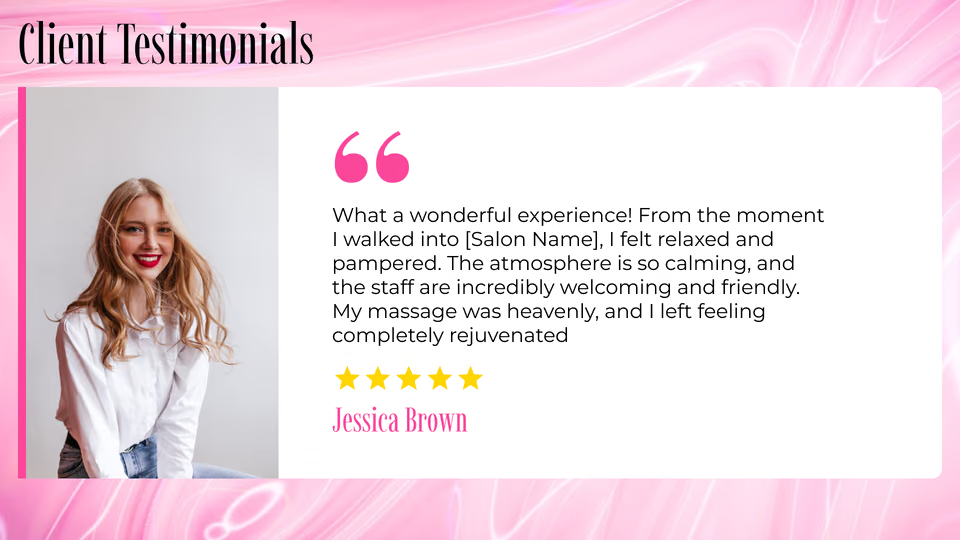
Glow Like Never Before winter offer template with 30% offJust Care About Your Skin in Winter wellness tips templateClient Testimonials template with a five-star review
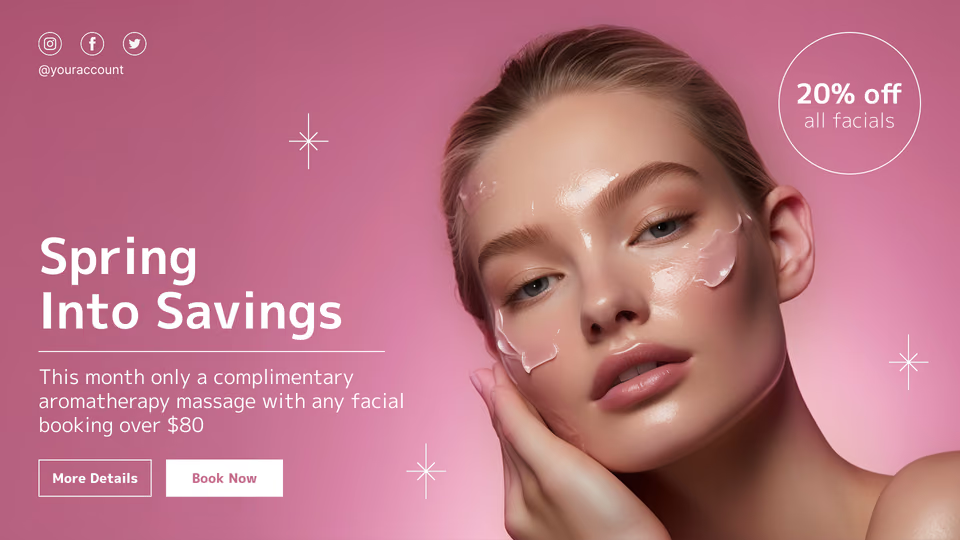
Just Care About Your Skin in Winter wellness tips templateClient Testimonials template with a five-star reviewSpring Into Savings seasonal facial promotion template
Client Testimonials template with a five-star reviewSpring Into Savings seasonal facial promotion templateTanning Specials template with tanning options list
Spring Into Savings seasonal facial promotion templateTanning Specials template with tanning options listFall Into Relaxation hot stone massage promotion template with pricing

Built-in apps

Apps that keep spa screens current on their own

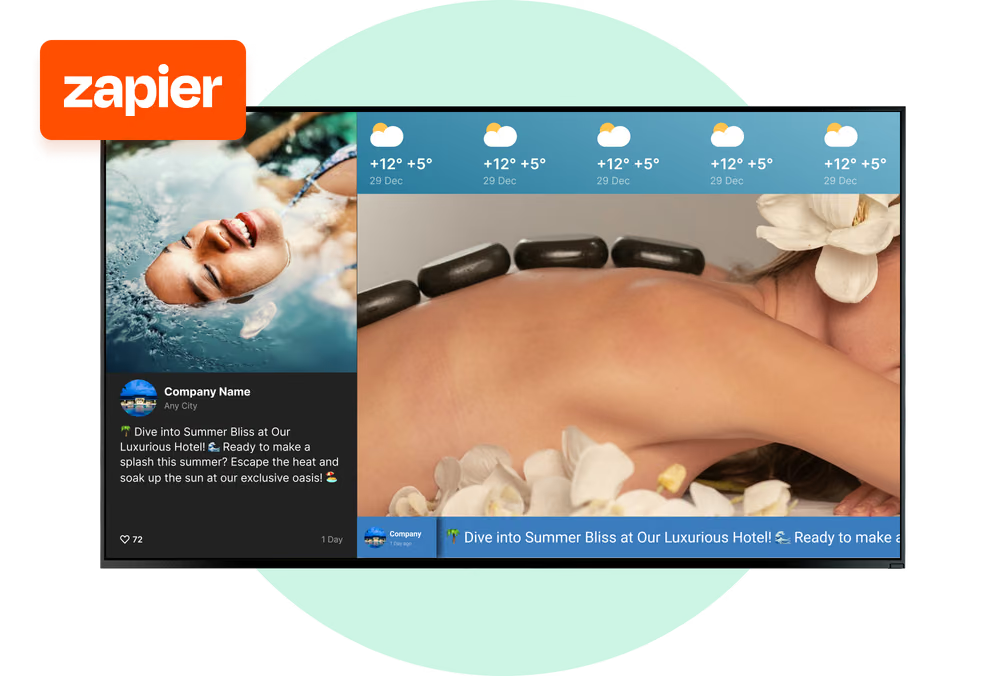
Add an app to a playlist like any other content item, and it refreshes automatically to keep reviews and social content current. Apps retrieve live data while the spa is online; cached images and video continue providing scheduled content during an interruption.

Frequently asked questions about spa digital signage

Where should a spa put digital signage screens?

Anywhere guests stop for a moment. Behind or next to the reception desk, in the waiting and relaxation lounge, by the retail shelf, at corridor junctions leading to the locker rooms and treatment rooms. One in the staff room for the team. Leave treatment rooms and quiet zones alone. Look keeps every screen in one account, and screen tags decide which area plays what.

What should a spa show on its screens?

First the treatment menu and current prices, because reception is asked about them most. Next to it, rotate add-ons (hot stones, aromatherapy, scalp massage), couples and seasonal packages, membership benefits, gift cards and the skincare products your therapists work with. Also add arrival info, spa etiquette and sauna or pool hours. Between promo slides put calm ambient video, otherwise the screen looks like a TV shop and not a spa.

How do we keep screens calm and on brand?

One message on each slide, big fonts that are easy to read, slow transitions, ambient video between offers. In Look you upload the logo, images and your fonts to shared asset folders and make all slides from the same templates. Then even if the front desk changes something quickly, it still has the spa's colors and fonts. There are hundreds of free templates, spa ones too, and you edit them in the browser.

Can we update the treatment menu and prices on every screen at once?

Yes. Build the menu once as a content item, place it in the playlists for reception, the lounge and the retail area, and a price change made in the CMS reaches all of them on the next sync. Nobody reprints a menu or walks from screen to screen. A treatment that is paused for the season comes off the board in a couple of clicks, and goes back on the same way.

Can promotions change by time of day or season?

Yes. Smart Scheduling runs a weekly schedule of time slots on each screen, so morning, afternoon and evening can each carry their own offer, for example an express facial at lunchtime and a couples package in the evening. Give a seasonal package or a holiday gift card campaign a start and end date, and it appears and comes down on its own, without anyone remembering to remove it.

Can Look connect to our spa booking or scheduling software?

Not through a native connector. Look offers Zapier, an action trigger, outbound webhooks and Embeddable Code, so if your booking software can send data through one of these methods, or exposes a web page built for display, it can feed screen content such as today's last-minute openings. Many spas simply update openings by hand each morning. Keep client names and appointment details off public screens.

Can guests book a treatment from the screen?

The booking can continue on the guest's phone. Add a QR code to a treatment slide, and it opens your online booking page or gift card shop. On touch-enabled hardware, Button widgets and scenes let a guest browse the treatment menu or package details, and the screen returns to its loop after an idle timeout. Booking, forms and payments stay in your booking system.

Can spa digital signage be used for staff communication?

Yes. A screen in the staff room or back office can show the day's priority treatments, the retail product of the week and what to say about it, training reminders, hygiene standards and team shout-outs. It gets its own playlist, away from the guest screens, and every therapist coming on shift sees the same briefing.

Should spa screens be portrait or landscape?

Portrait is better for a long treatment menu at reception or in a narrow corridor. For the lounge, where ambient video and promos play, landscape is better. Look supports both. With Screen Layouts a landscape screen can be split into zones: menu, live review score and calm video on one screen at once.

What hardware do we need, and can we use the TV we already have?

Most spas start with the displays they already own. The free Look App runs on Android, Google TV, Windows, Linux, Raspberry Pi, LG webOS, Samsung Tizen, Amazon Signage, Fire OS and macOS, and the Look HDMI Player turns any display with an HDMI input into a managed screen. For a steamy pool area or a sunny window, choose a display rated for that environment.

What happens to the screens if the spa's internet goes down?

Images and video already cached on the player keep playing, and the player syncs again as soon as the connection returns. Apps, web content and live streams require connectivity, so reviews and social feeds resume updating when service is restored. Keep treatment menus and ambient video as cached media on essential screens such as reception.

Can we manage several spa locations and control who publishes?

Yes. Screens of all locations are in one account, you sort them with tags and groups, and every screen has its own timezone. A group campaign goes to all spas with one publish, but every site keeps its own prices and hours. There are three user roles, access is set per CMS section, and SAML 2.0 single sign-on is available. Note that access works by section and not by screen, so make a section for each location.

Can we show guest reviews and social media on spa screens?

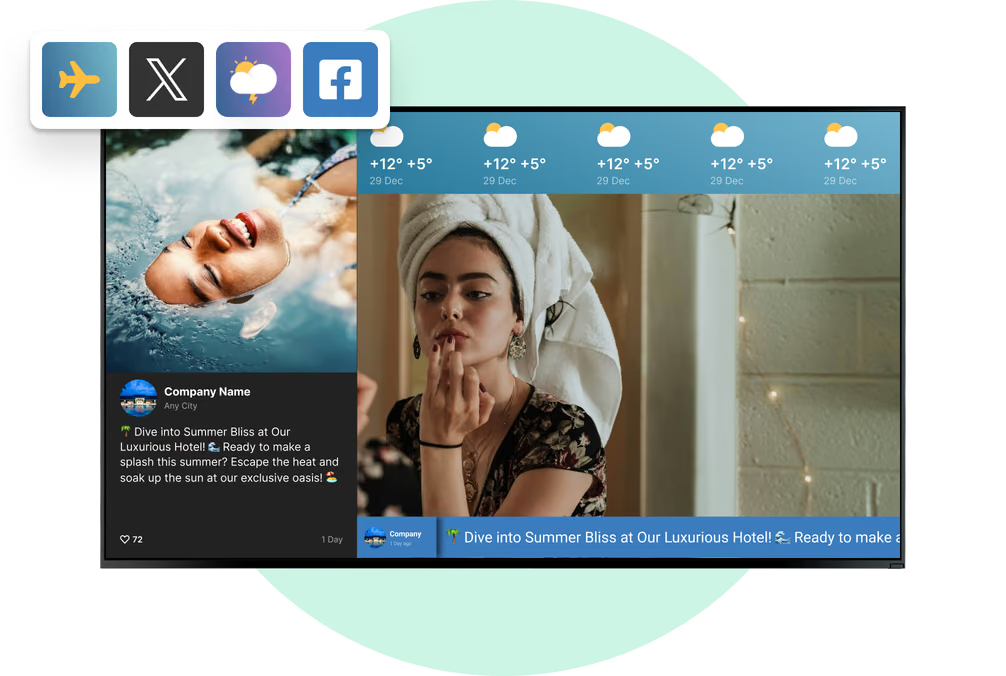
Yes. The Google Reviews app shows your live rating and new reviews at reception or near the retail shelf. Instagram and Facebook feeds show treatment photos and posts from your own accounts. YouTube plays wellness or product videos, and Wi-Fi share shows the guest network as a QR code. Apps work only with internet, so on important screens also keep cached media.

How much does spa digital signage cost?

Look Digital Signage plans start at $6 per screen per month. With more screens, the price per screen goes down. The free trial is 14 days and doesn't need a credit card. If a spa group wants the CMS on its own servers, it can take on-premise with a one-time lifetime license. Hardware cost depends on the setup. Many spas only buy a player and connect it to a TV they already have.

What is digital signage for spas?

Digital signage for spas means running treatment menus, prices, promotions, guest guidance and calming ambient content on screens across a day spa, hotel spa or wellness center. With Look Digital Signage, staff manage that content from a cloud CMS, schedule it by time of day and area, and publish from a browser to one screen, one spa or every location in the group.