
News
The Real Cost of Digital Menu Boards With Look's Insights
February 9, 2026
August 19, 2024
by
Evgeny Kirillov


🌍 120+ countries


< 2 min
to push a promotion, price change, or flash sale to every screen across all your locations
vs. days with print design, shipping, and installation
$0
cost per content update — no paper, no ink, no staff time to print and hang physical signs
vs. traditional printed in-store marketing
16–24h
of daily continuous operation supported by commercial-grade displays built for retail environments
vs. consumer-grade hardware not rated for store use
1 → ∞
screens manageable from a single cloud dashboard — scale from a single boutique to a global franchise
Look DS platform capability
What is retail digital signage?
Digital signage for retail is a network of connected displays that allows you to schedule and publish dynamic content to any screen in minutes, from anywhere. By replacing static signs with a cloud-based system, stores can guide shoppers, highlight promotions, and influence buying decisions right at the point of purchase — all with a remarkably simple setup.
Instead of manually swapping signs, you can manage thousands of screens worldwide from a single web dashboard.
This gives your team the efficiency needed in a market where pricing, inventory, and offers change daily. It is also a practical tool for visual merchandising — screens can help customers find their way in large stores, show extended digital catalogs so out-of-stock items don't result in lost sales, and display clear safety notices.

Expensive to design, print, and ship
Days to update across all locations
Old promotions stay up by mistake
Can't react to real-time events
Staff time lost on physical installation

Update any screen in minutes remotely
Zero printing or shipping costs
Content expires on schedule
Reacts to inventory, weather, flash sales
No staff needed for content changes

3 core components
1
Screens and media players built for commercial use. Install the free Look App on compatible smart TVs you already own, or plug in a dedicated Look HDMI Player for reliable, always-on playback without glitches or downtime.
2
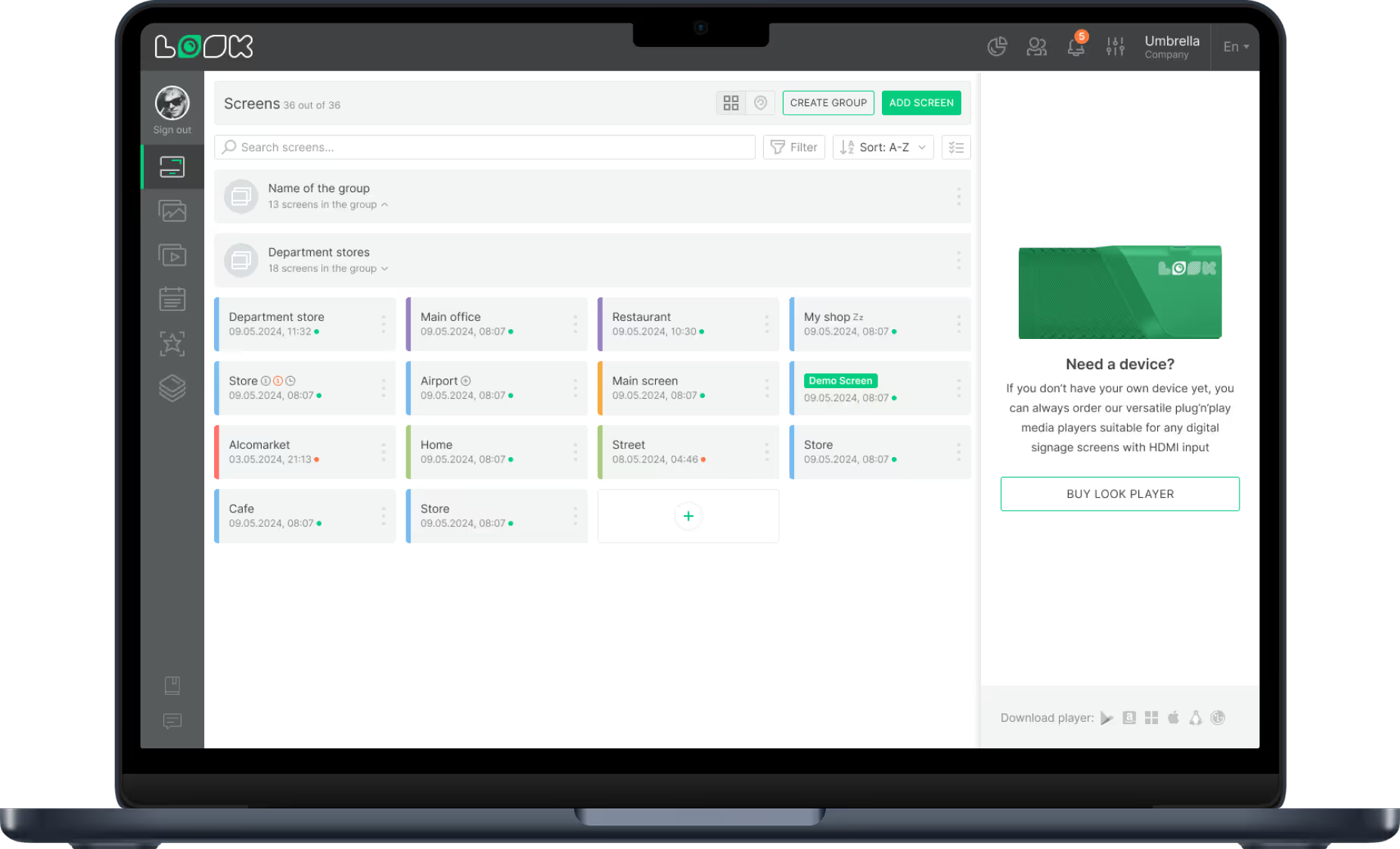
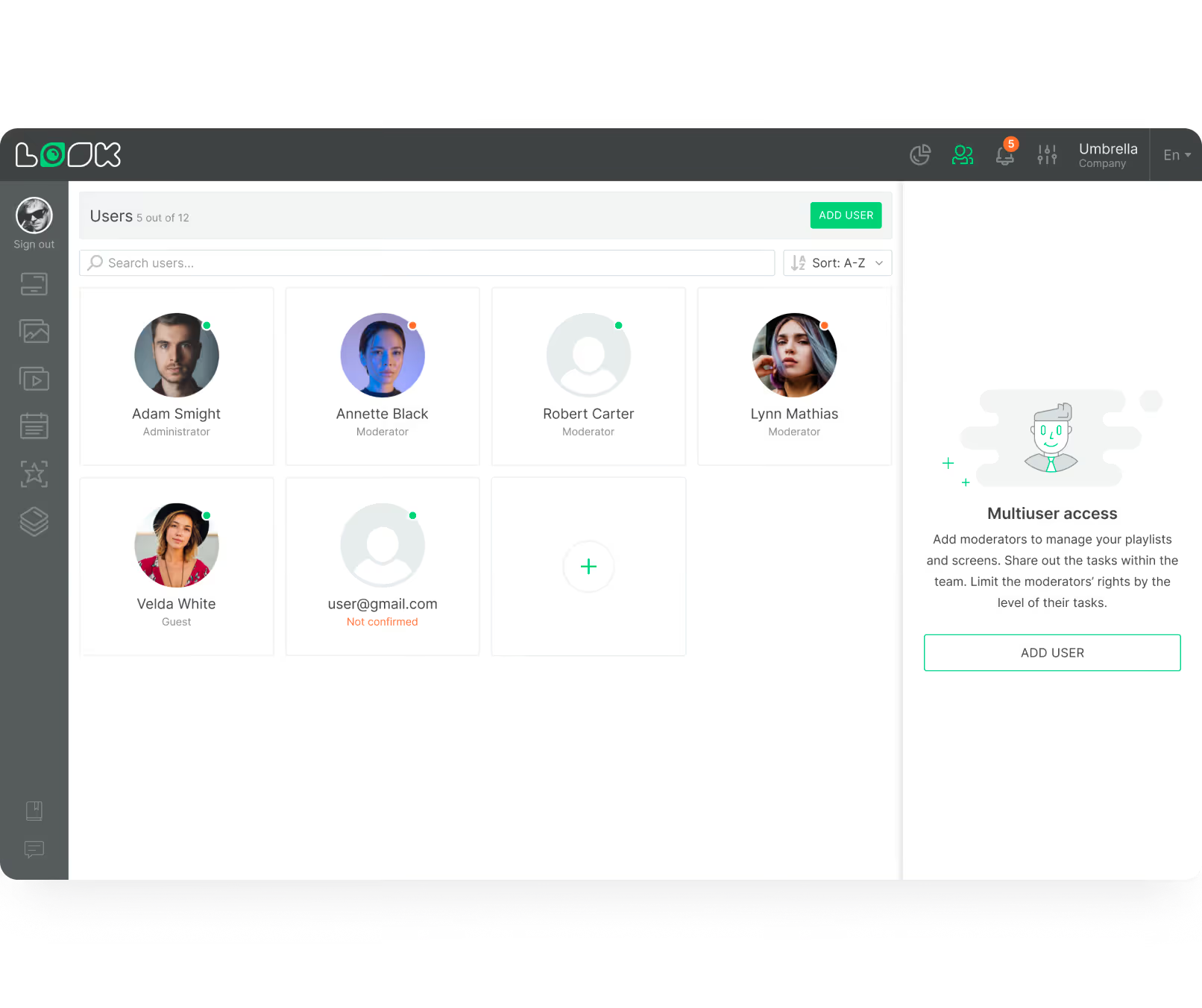
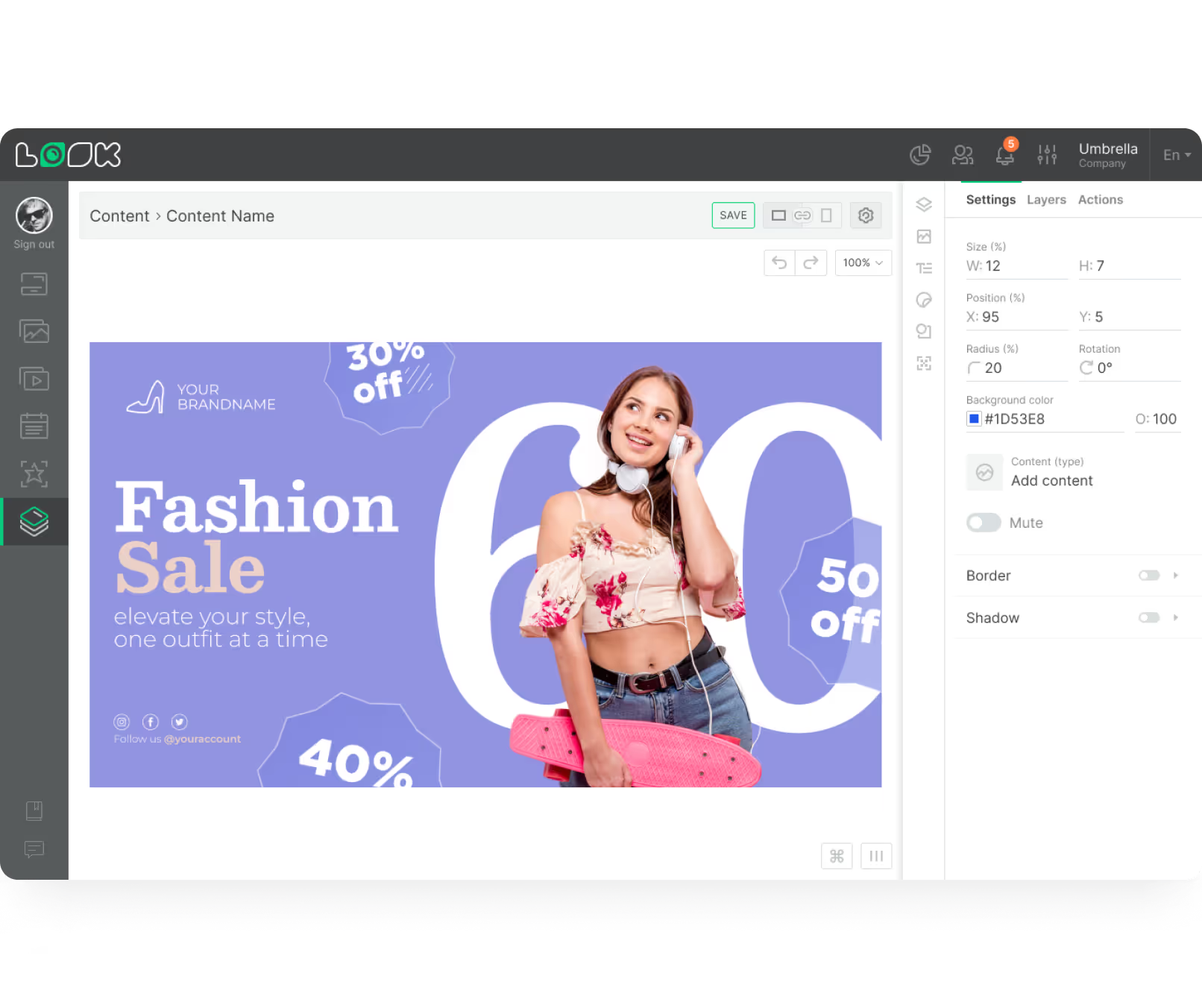
The Look CMS is your control centre. Upload videos, images, or real-time dashboards; organise content into playlists; set a schedule; and publish to any screen in your network — from any browser, from anywhere.
3
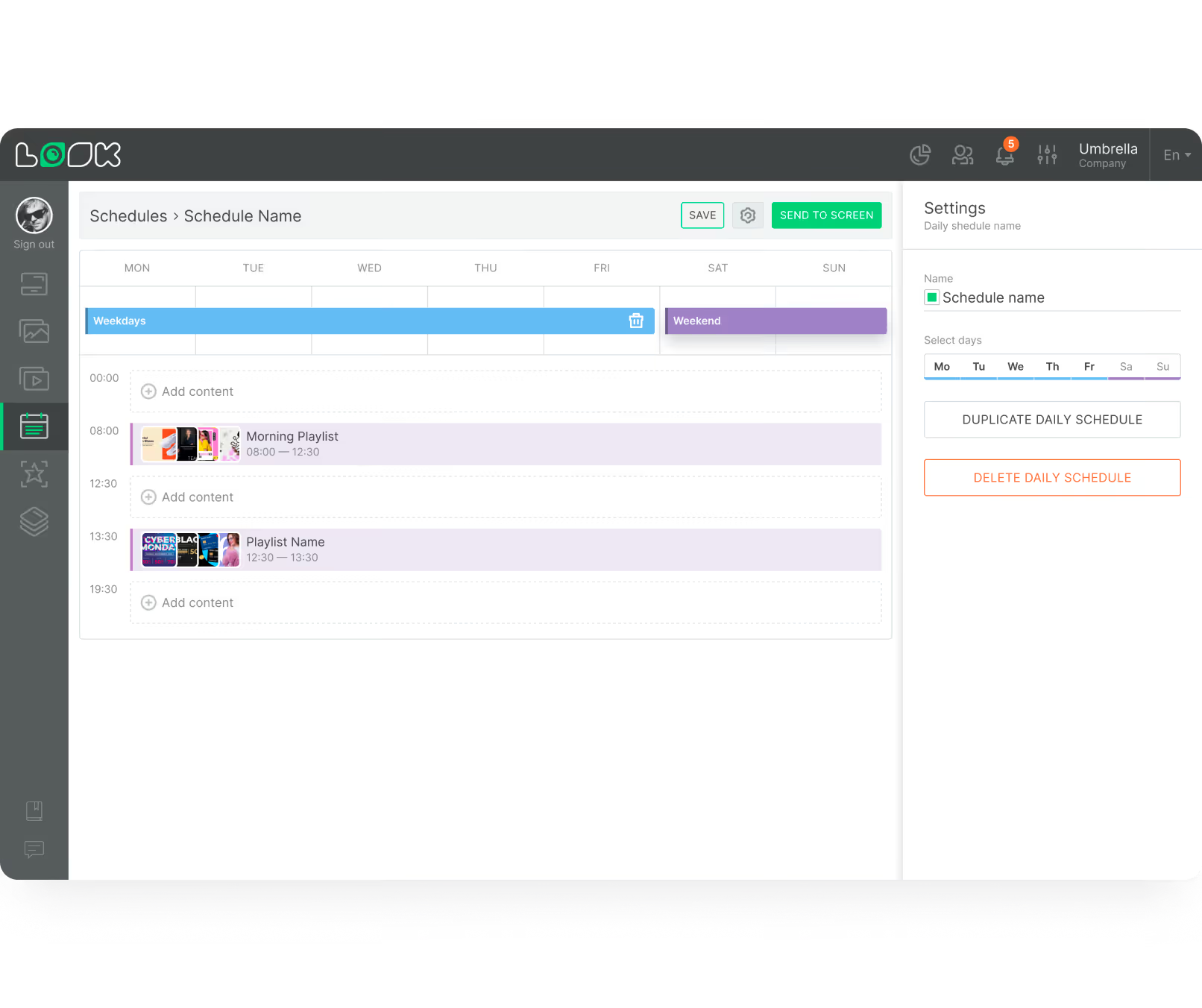
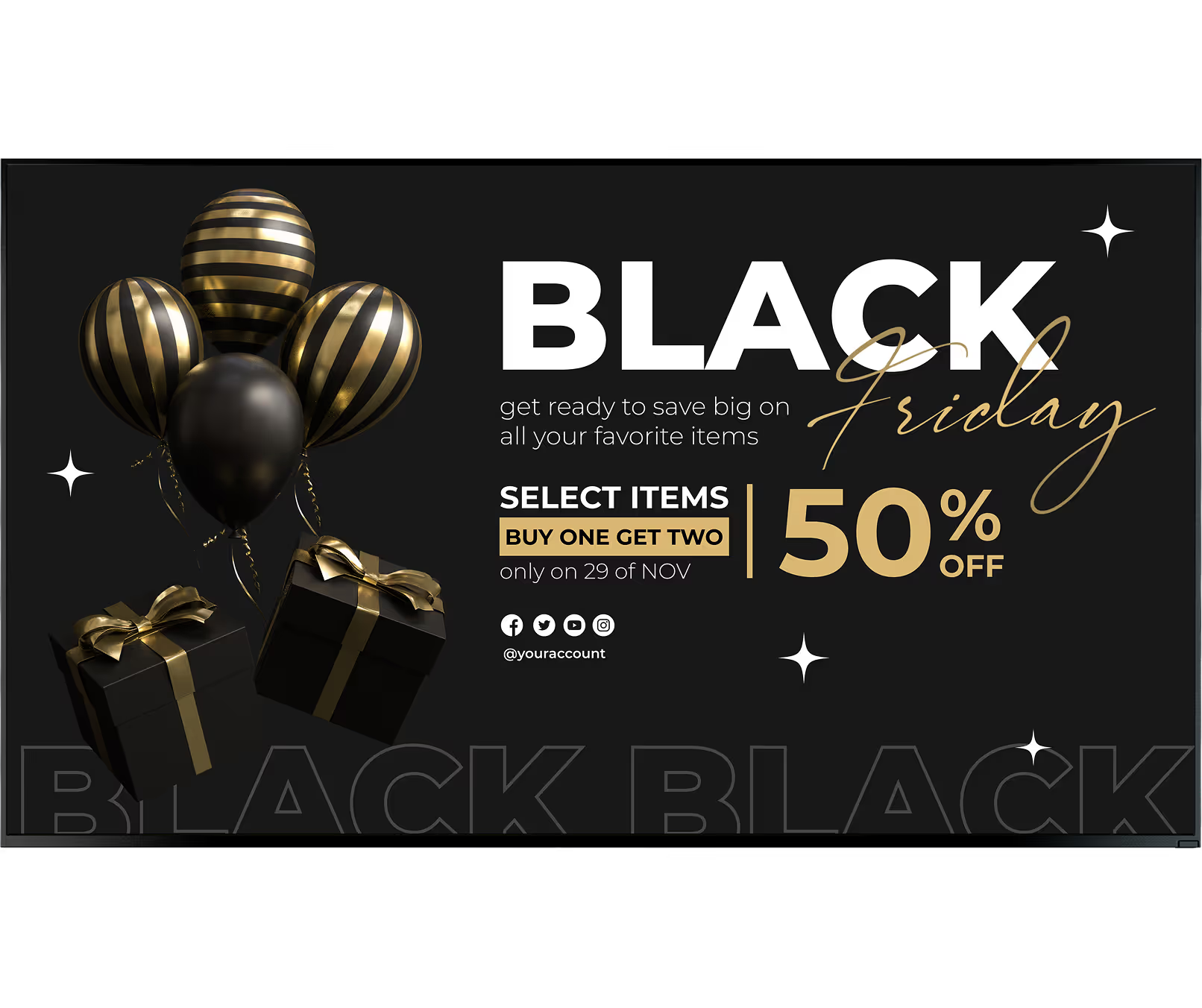
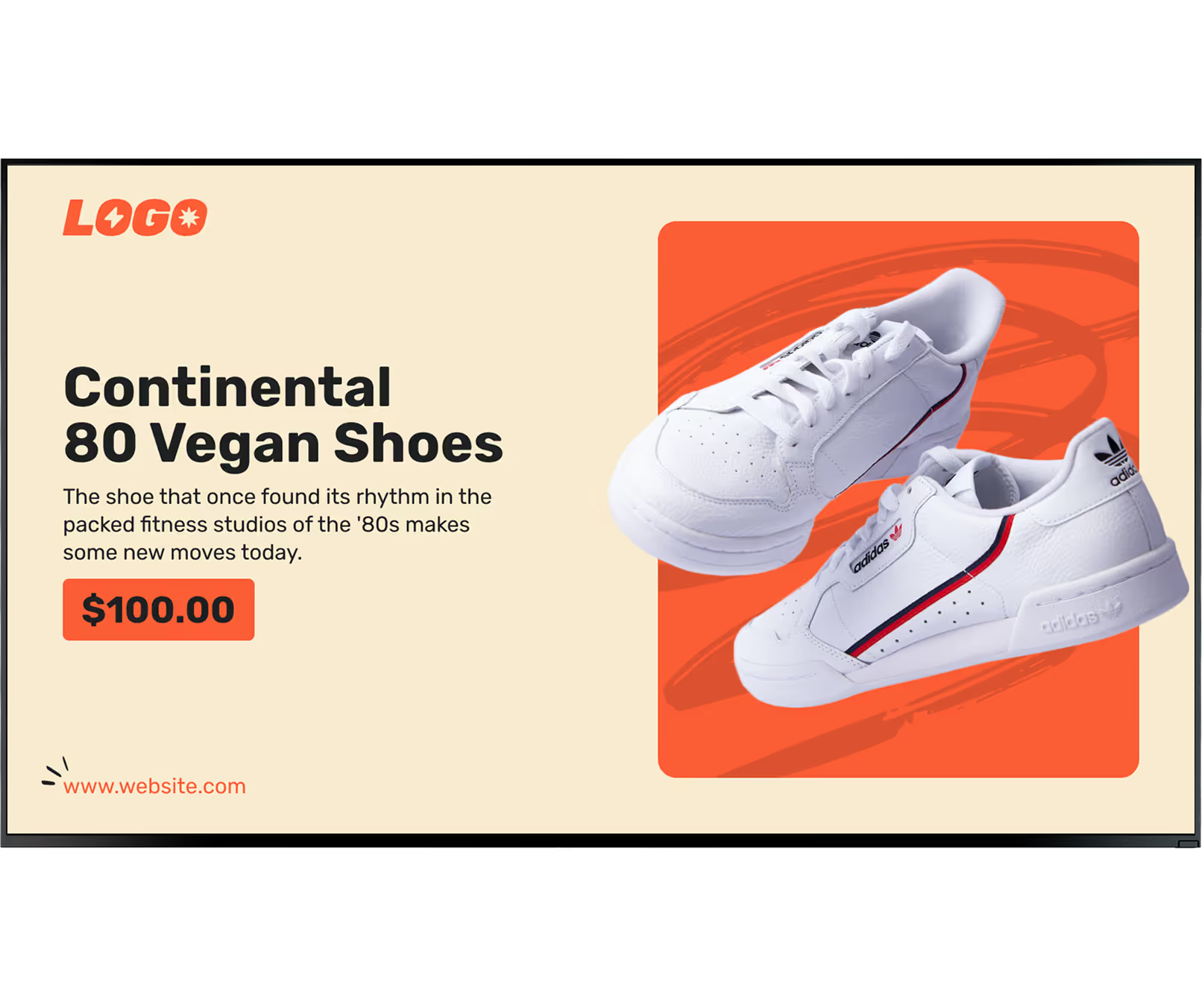
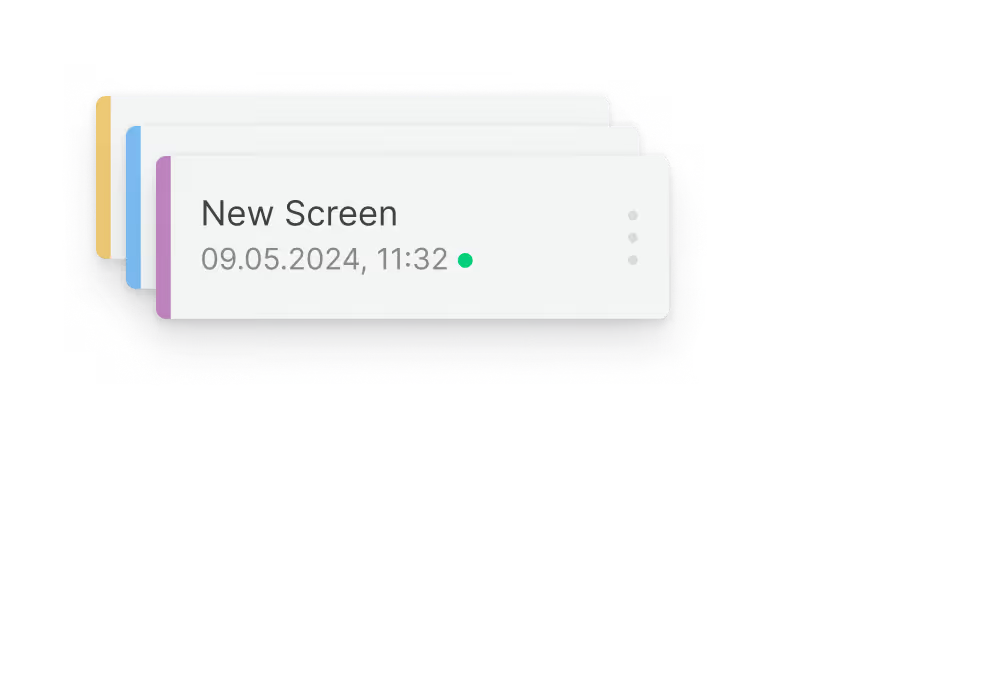
Promotions, wayfinding, pricing, brand campaigns, and social proof — all scheduled automatically. Smart Scheduling changes content based on the time of day, day of week, weather, or your promotional calendar.
Why it works






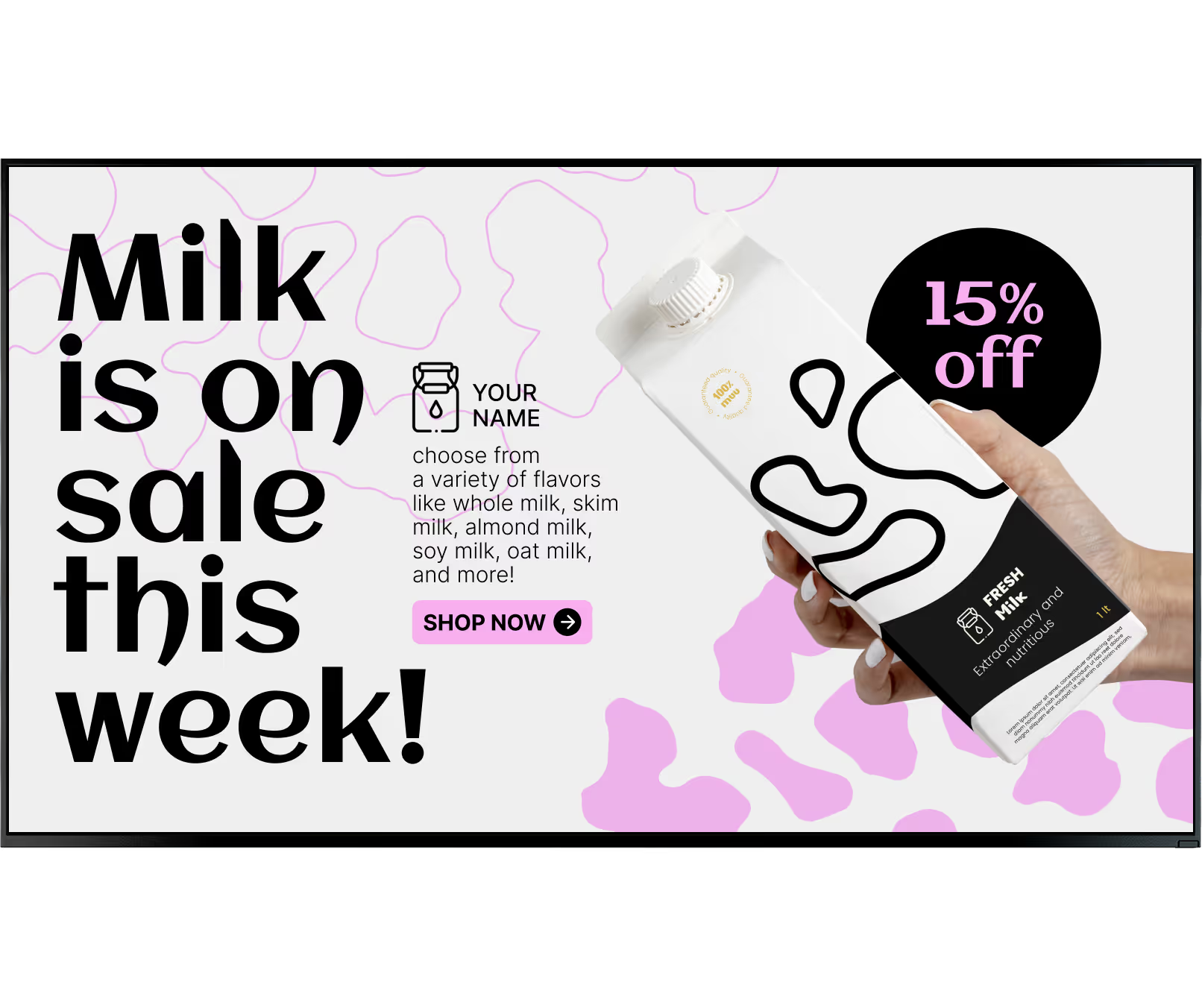

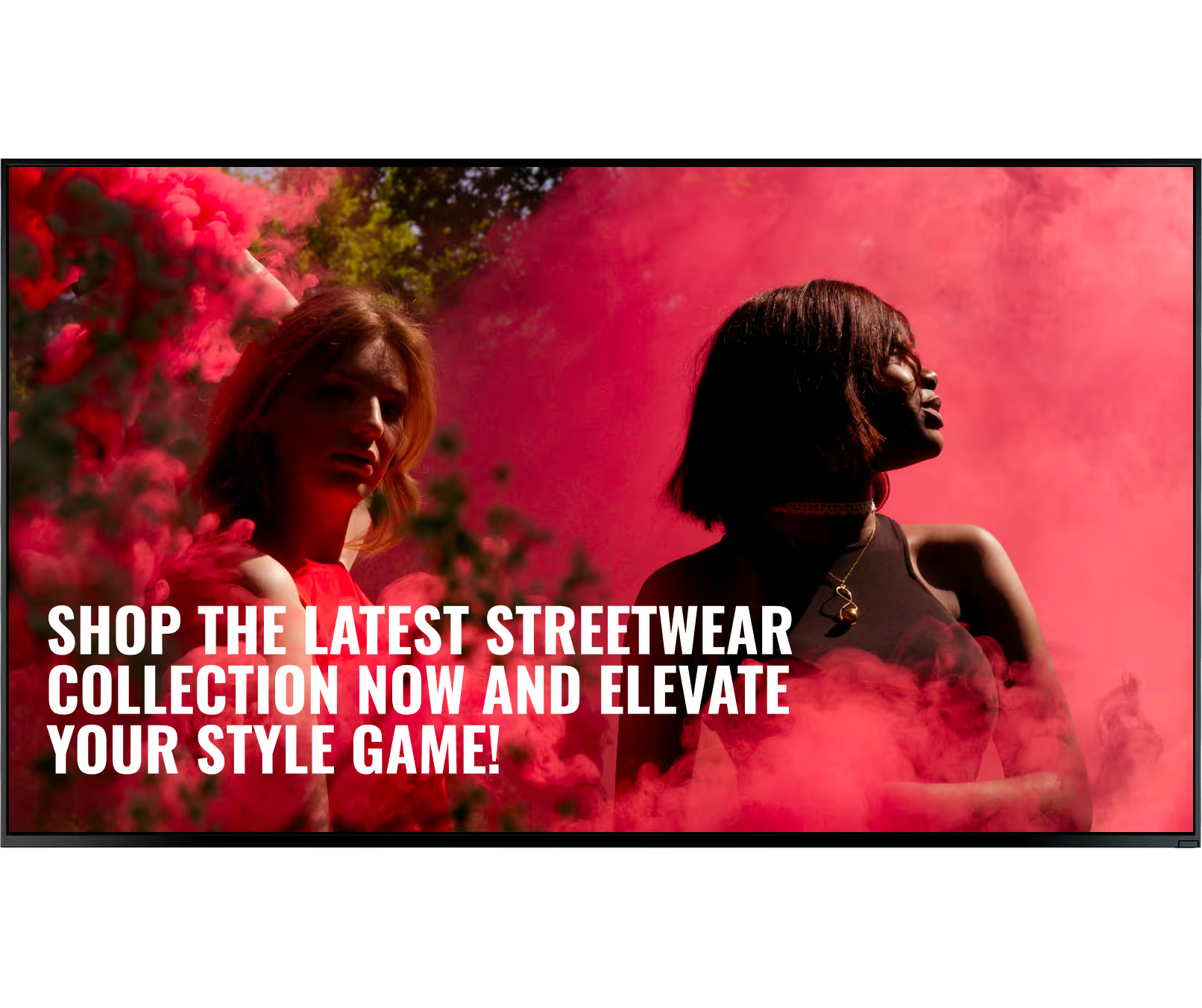


Every retail format covered
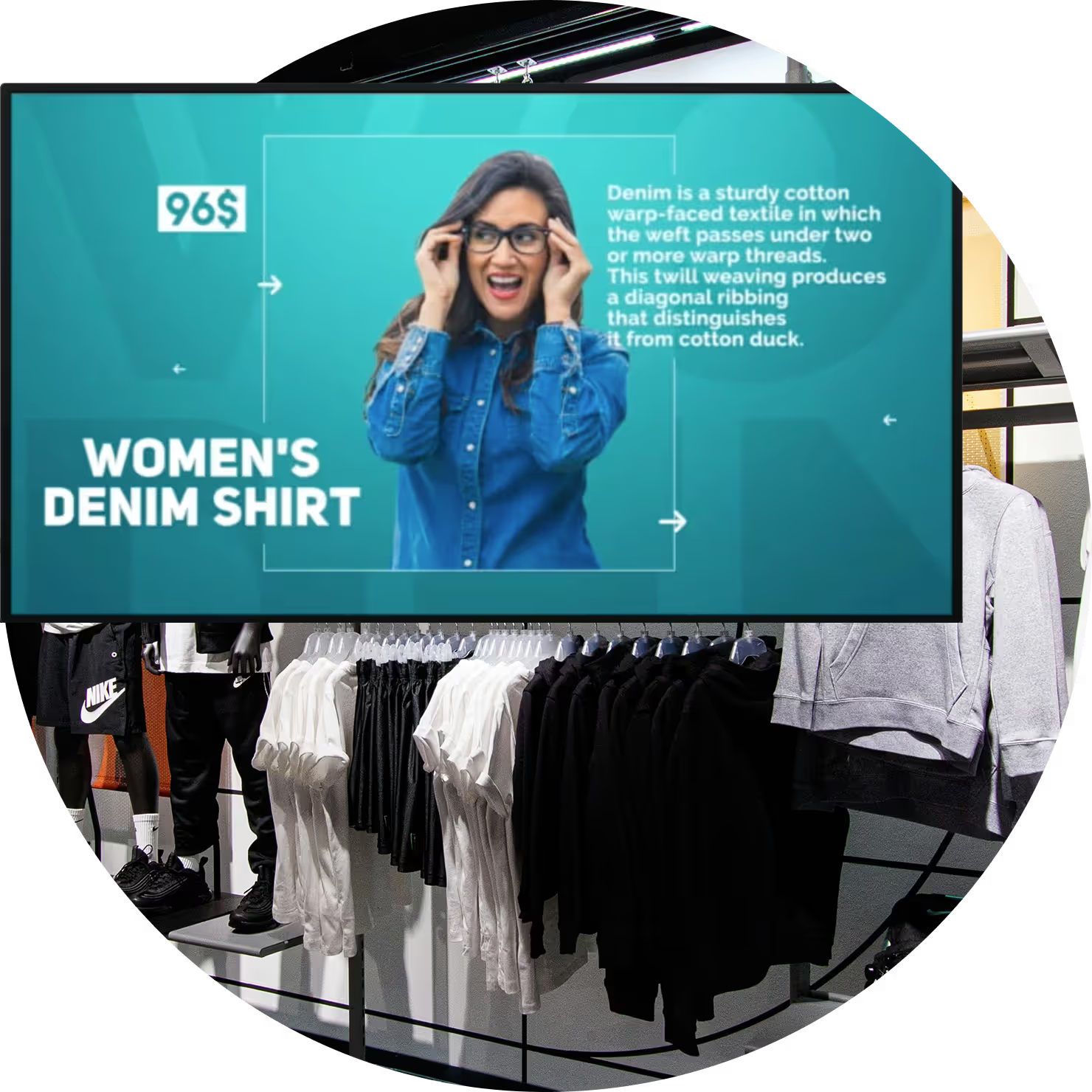
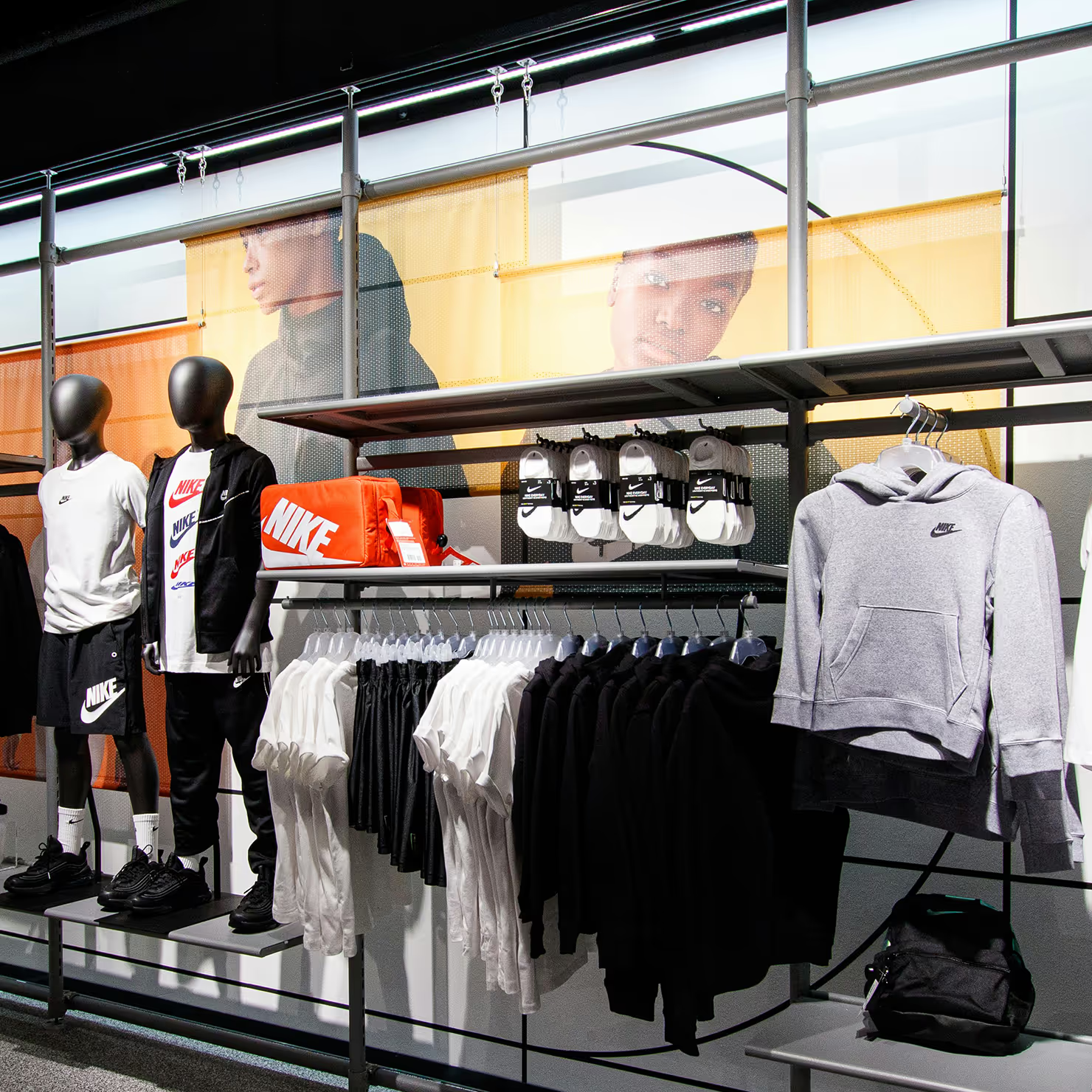
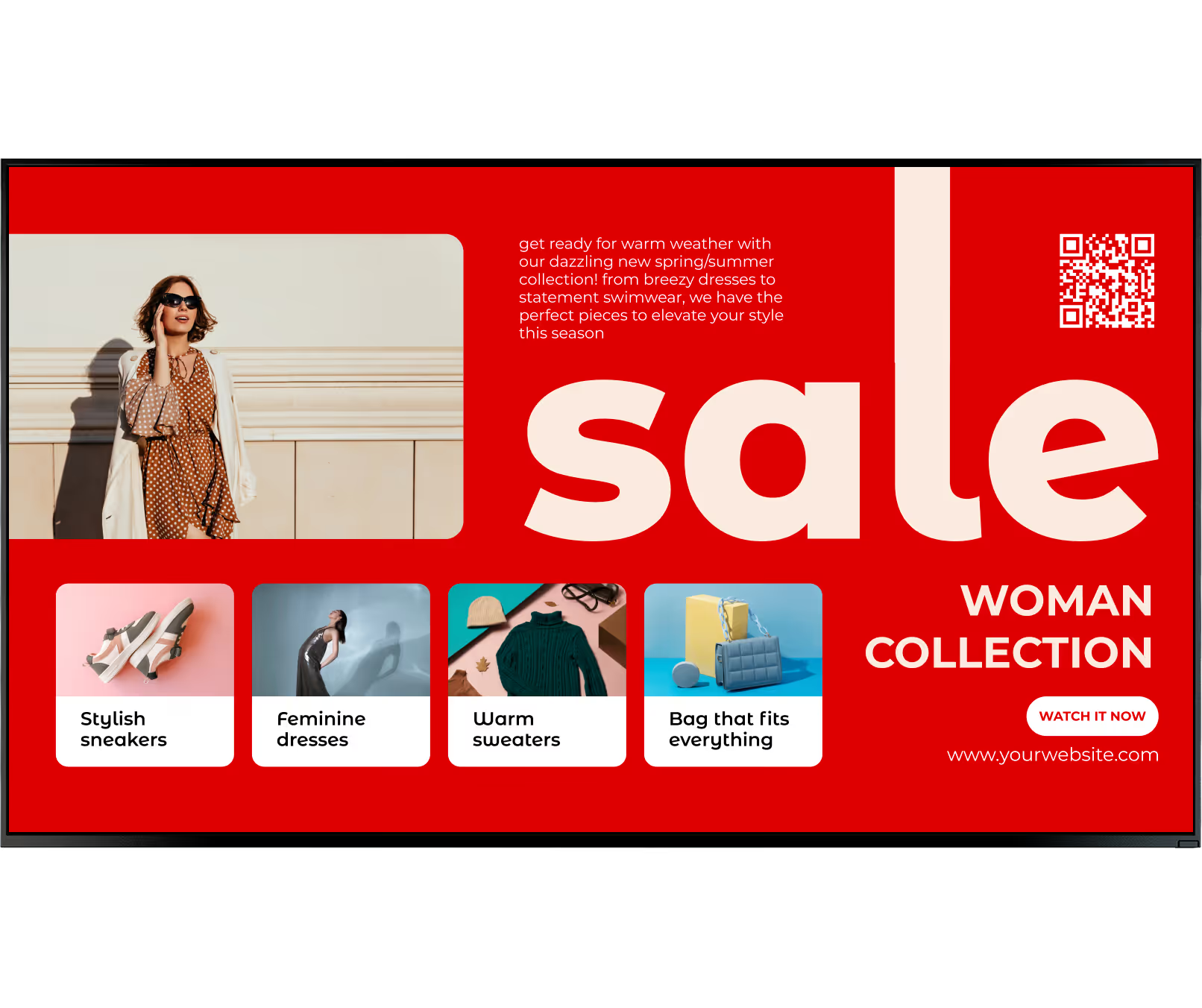
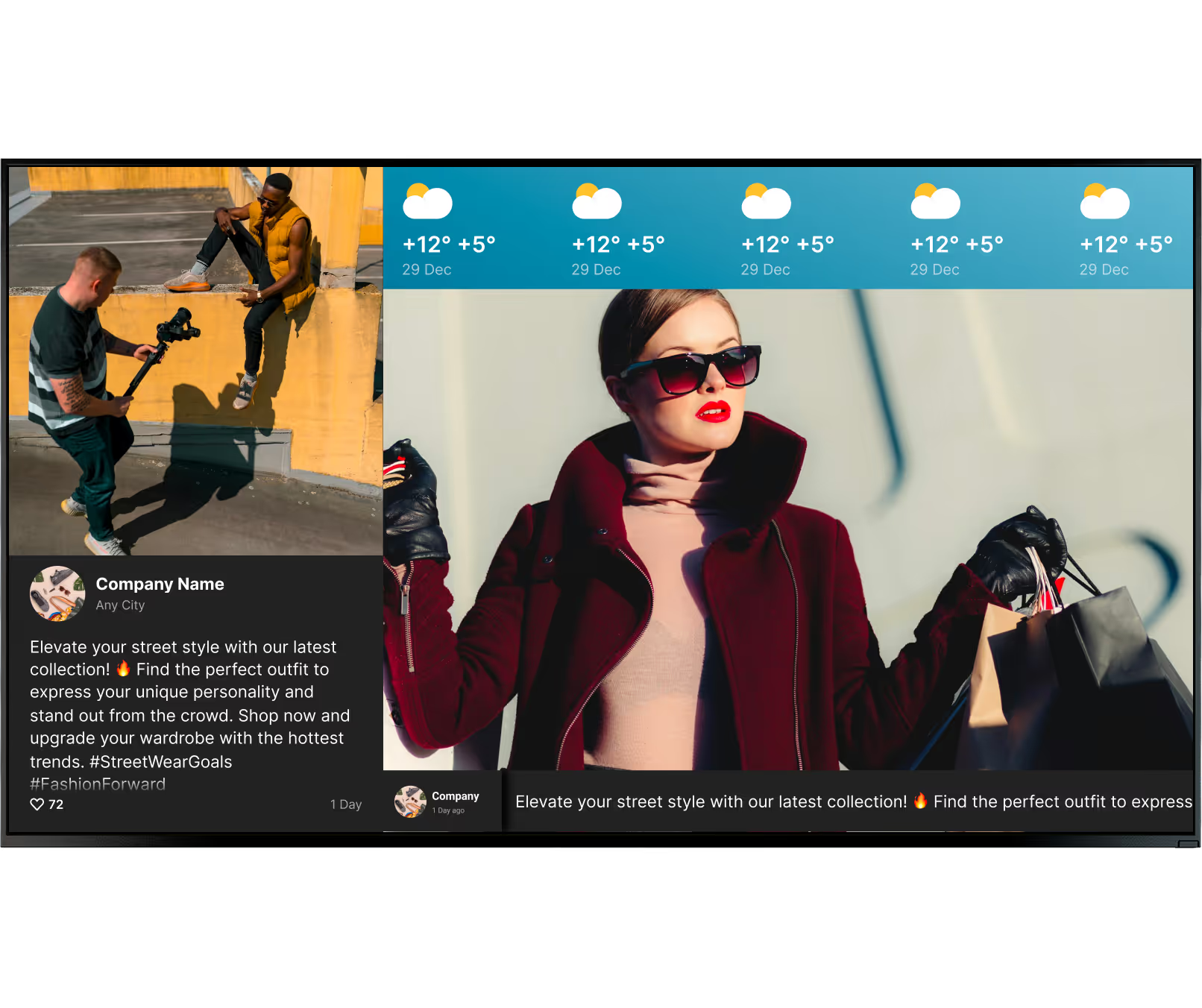
In fashion, the aesthetic is everything. Retailers use large displays to showcase runway footage and seasonal lifestyle campaigns. Screens near the checkout or fitting rooms promote accessories and encourage upselling. With Smart Scheduling, content shifts automatically to highlight different styles based on the day or weather.
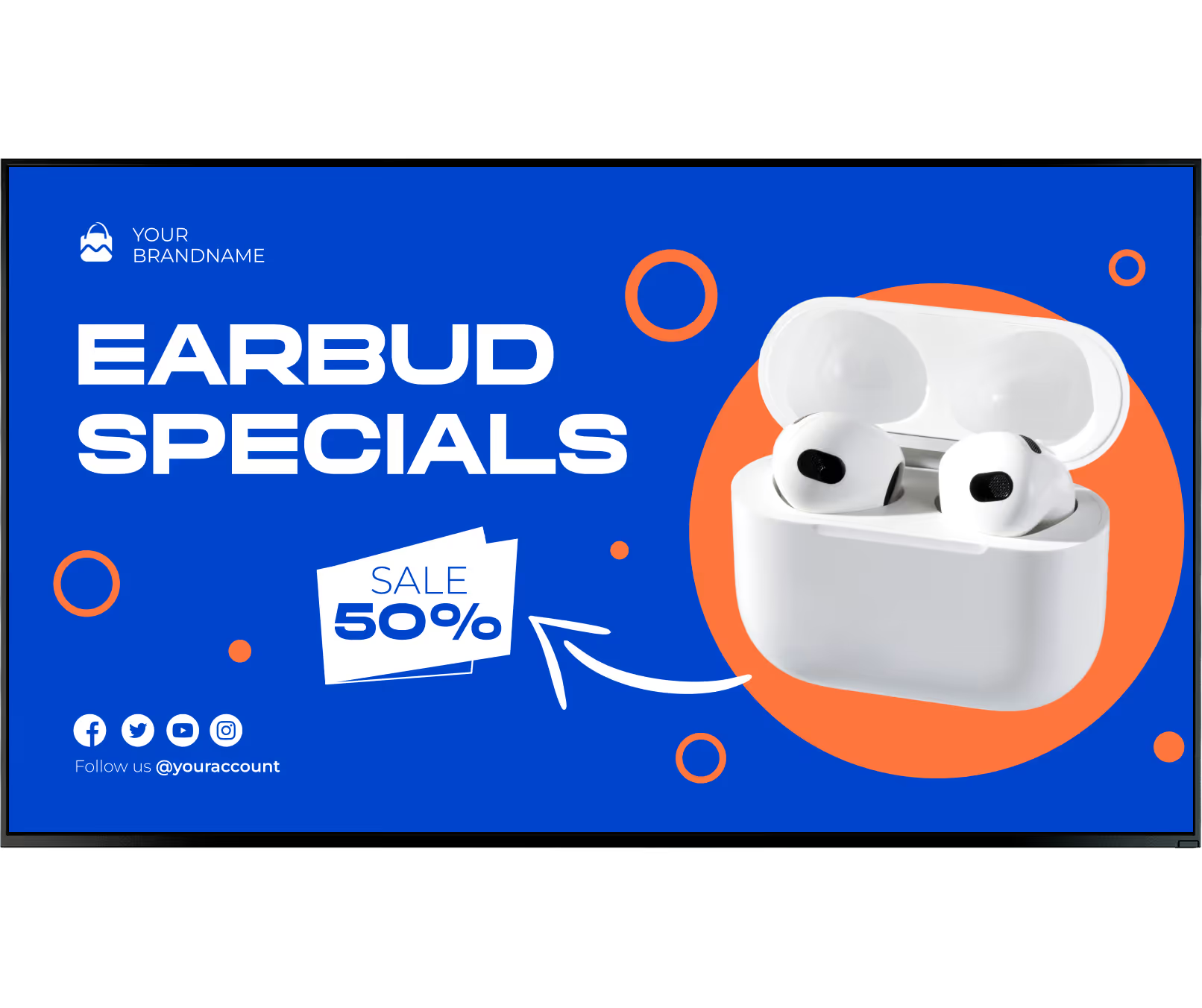
Tech specs can overwhelm shoppers. Digital signage breaks down complex features into easy-to-read comparison charts. Interactive touchscreens allow customers to browse different colours and models that may not be available on the showroom floor — capturing sales that might otherwise be lost.
Large showrooms use screens for wayfinding and department directories. Displays within mock-room setups run videos showing how furniture looks in different home environments. This educational content helps build the confidence needed for high-ticket purchases — reducing returns and increasing satisfaction.
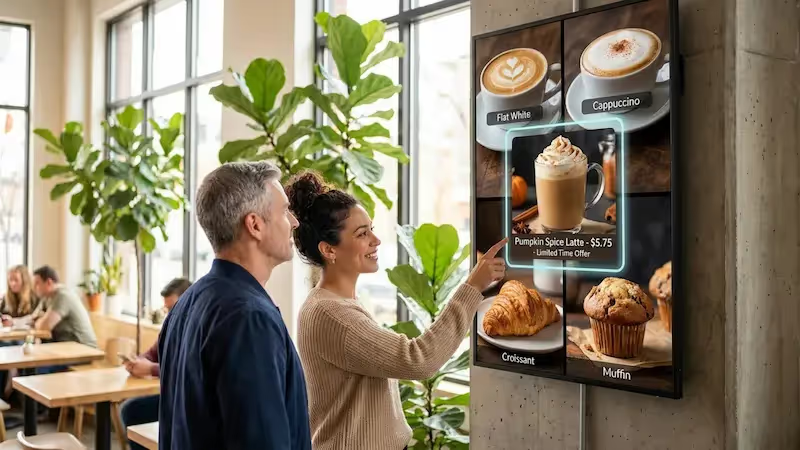
Dealerships use sleek screens to let customers view high-definition videos of vehicle features or browse digital catalogs of optional upgrades. In the service department, digital menu boards clearly outline maintenance packages and pricing, keeping customers informed while they wait.
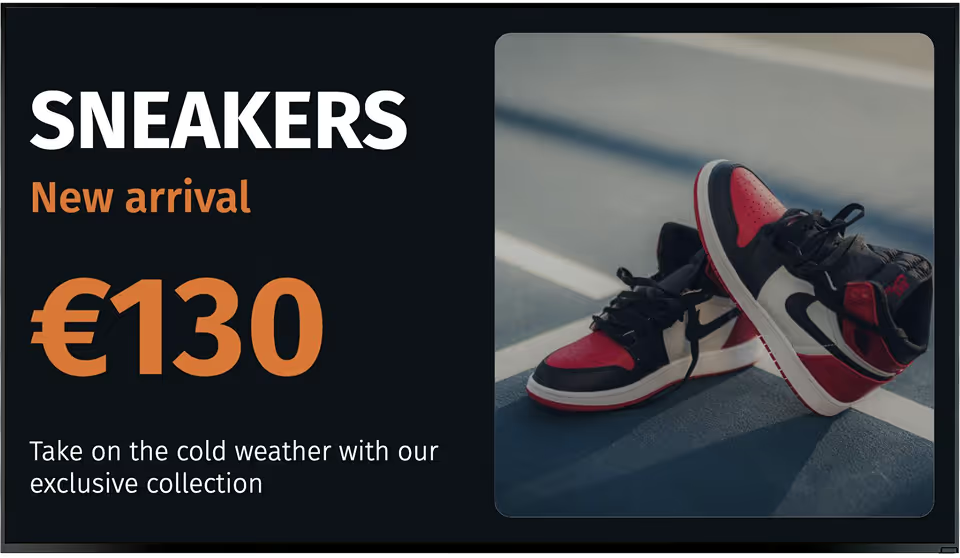
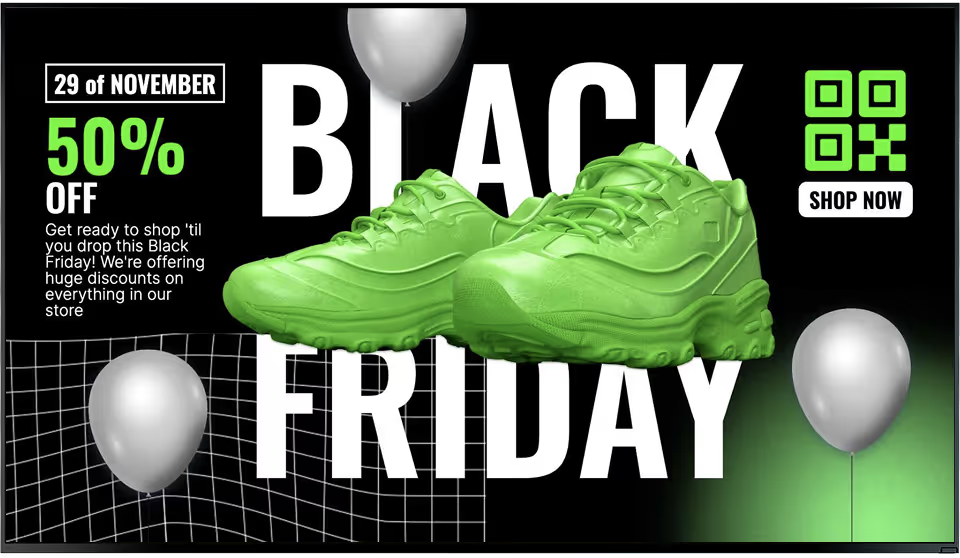
Sports stores use dynamic, high-energy video content to create an inspiring environment. A specialty running store might display trail running footage alongside a QR code linking to upcoming local race events — building loyalty beyond just the transaction and turning shoppers into regulars.
A grocery store might prioritise digital menu boards at service desks and checkout promotions in high-traffic aisles. Cloud software groups screens by store format or region, so head office can broadcast national offers while local managers update community-specific pricing — all from one dashboard.
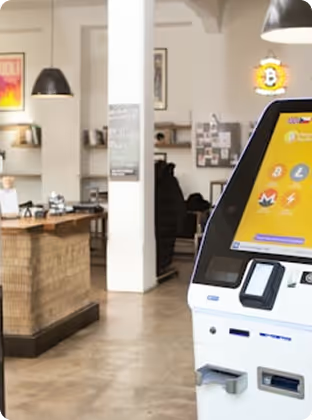
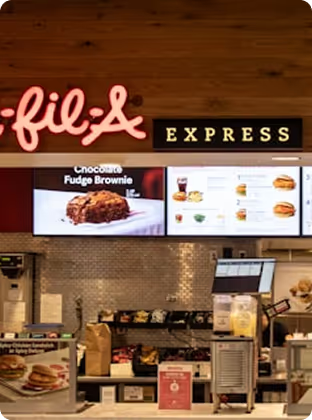
Where you'll use it


Setup
Install the free Look App on any compatible display or streaming device you already own. Ideal for repurposing existing smart TVs — no new hardware spend required to run a pilot.




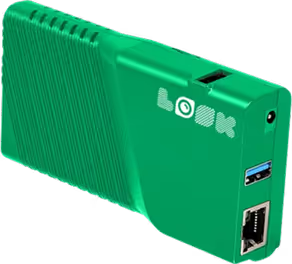
The Look HDMI Player plugs into any screen's HDMI input. Plug in, connect to Wi-Fi, log in — and your screen is live. Worldwide shipping. No configuration expertise needed.
Retail hardware note:
For window displays and outdoor-facing screens, high-brightness commercial displays rated for direct sunlight are strongly recommended — standard consumer TVs wash out in bright conditions and are not built for the 16-to-24-hour daily operation typical in retail environments. For video walls in flagship stores, ultra-thin bezel commercial panels ensure a seamless canvas for immersive brand campaigns.
How it works


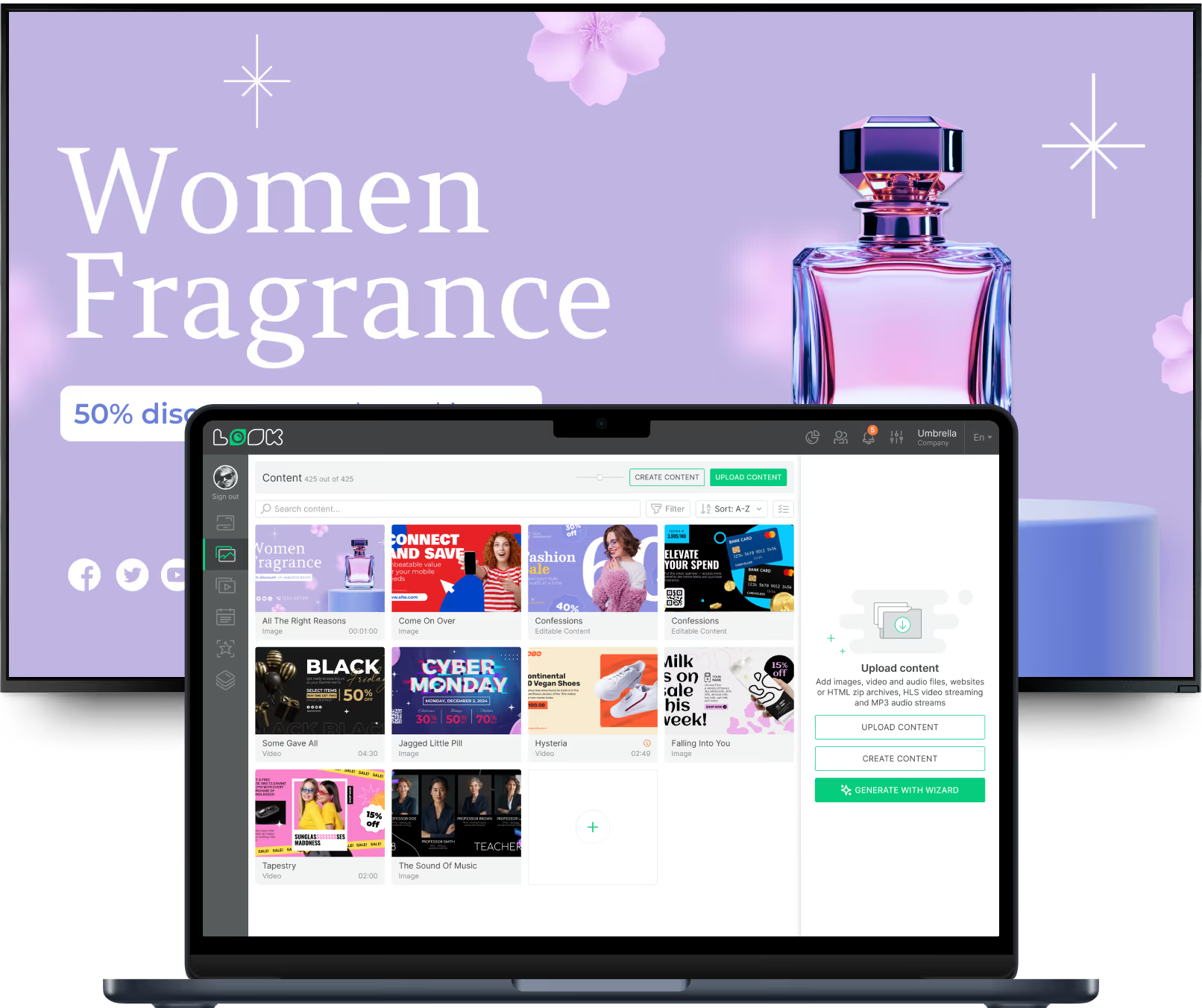
Key features

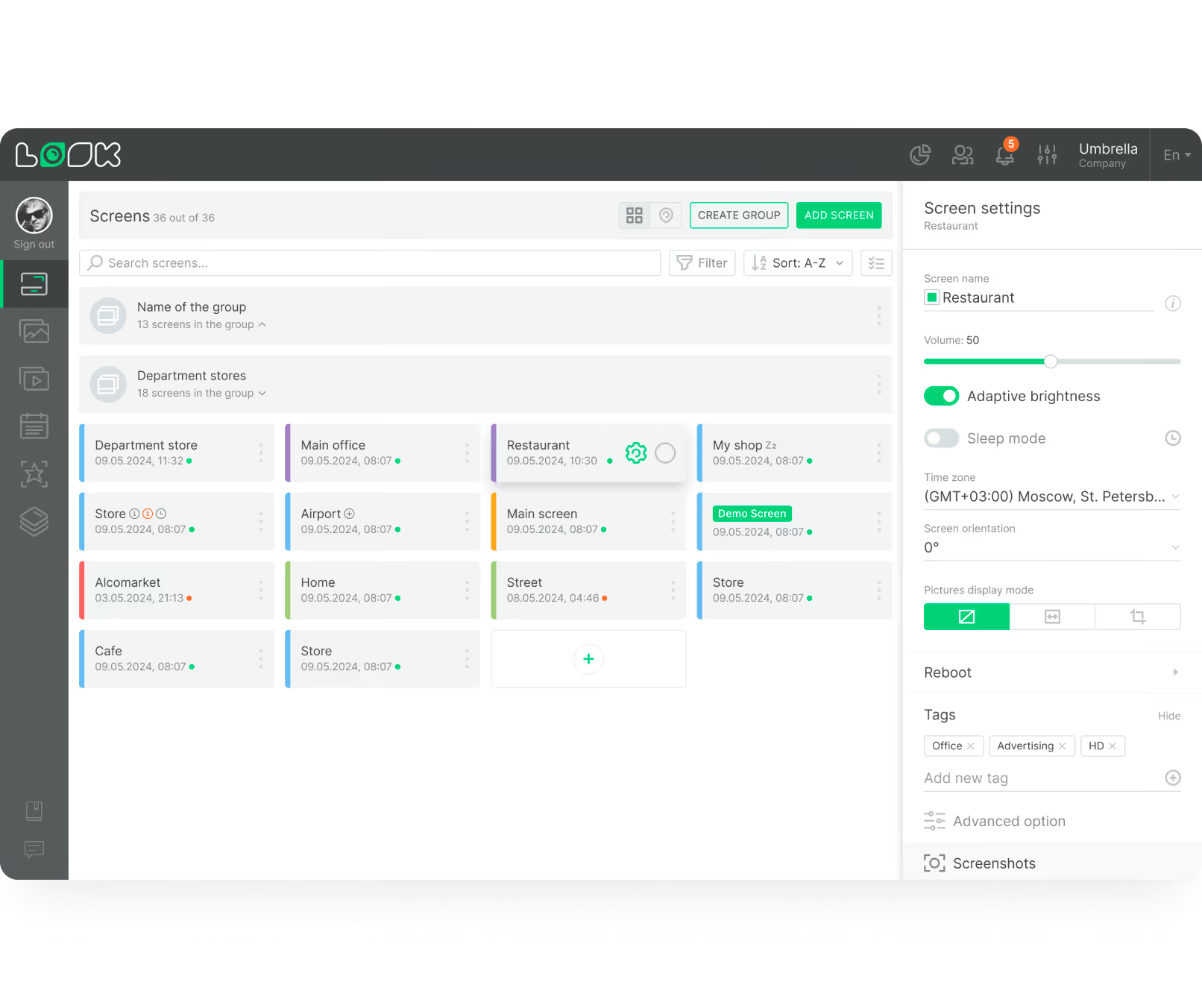










Content best practices
01
Shoppers are usually moving, so your messaging must be immediate. Use high-contrast colours and large fonts that can be read from across an aisle. Content designed at a desk often looks completely different when displayed on a screen three metres away — always test your layouts at viewing distance before publishing.
02
Let the image or video do the heavy lifting. Most shoppers will give a screen only three to five seconds of attention, so your message needs to land instantly. One clear headline, one supporting visual, and one call to action is almost always more effective than a screen packed with information.
03
Short, punchy video clips perform far better in retail environments than longer brand videos. A 10-to-15-second loop keeps content visually dynamic without requiring the full attention of a passing shopper. Use motion to draw the eye, then land the message — product, price, and action — within the first few seconds.
04
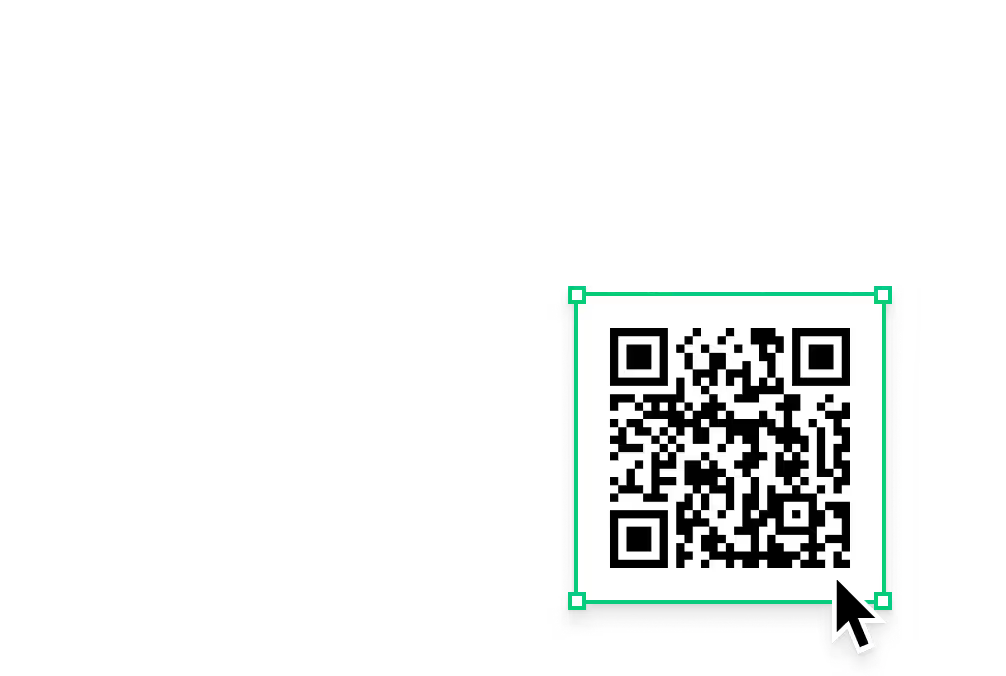
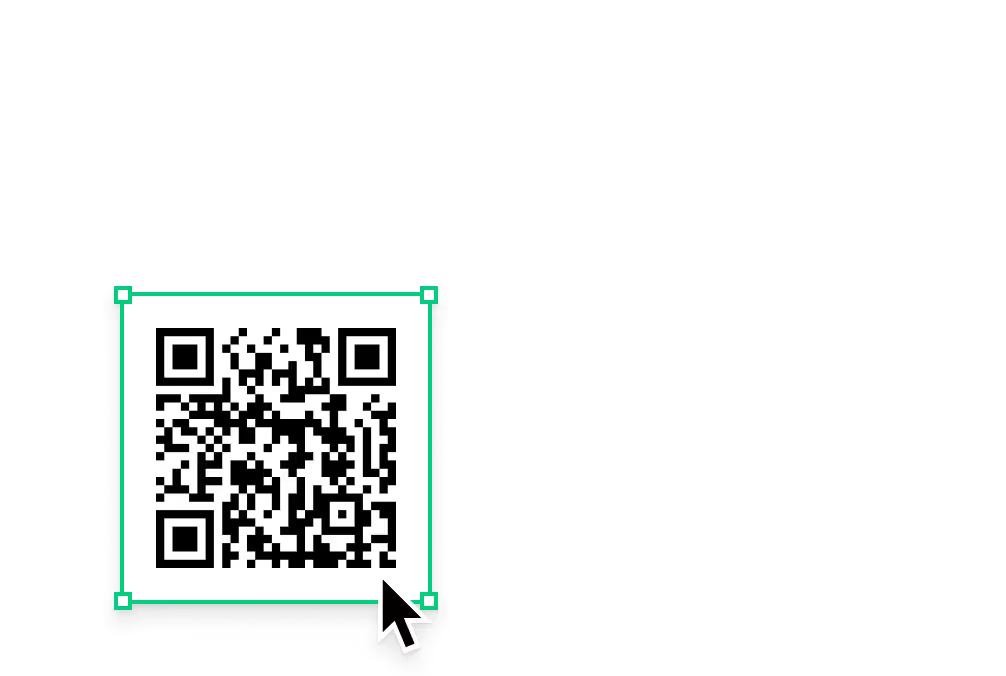
Whether it's "Scan this code to buy online" or "Ask a team member for a demo," a clear next step turns a passive viewer into an active customer. Adding QR codes to your screen layouts is a highly effective, low-cost way to drive engagement — shoppers scan to load a product page, survey, or discount coupon directly onto their phone.
05
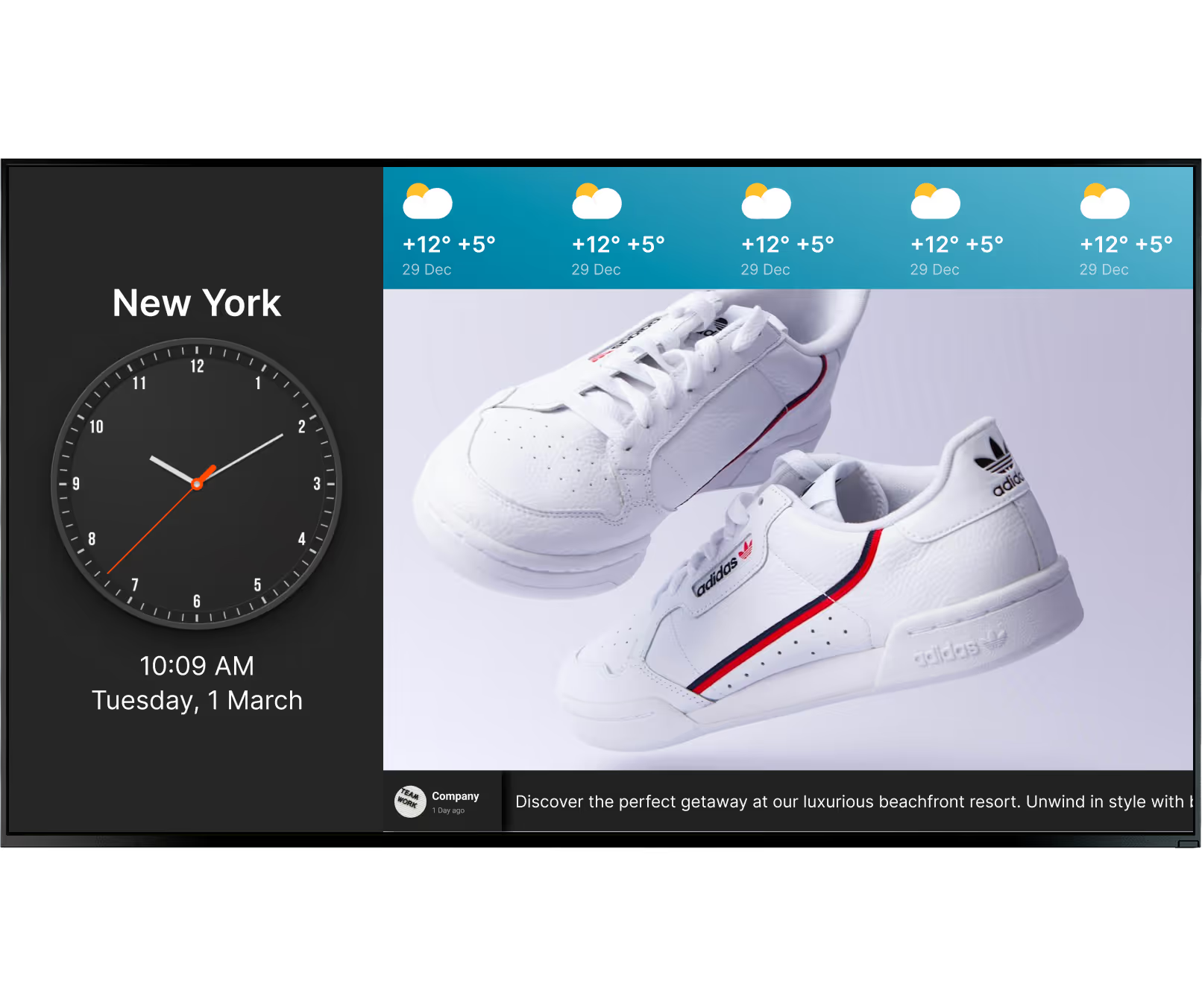
Contextual content is highly effective. By utilising webhooks and scheduling rules, a retail store can promote umbrellas during a rainstorm or sunglasses when it's bright out. Matching the message to the customer's immediate reality can help drive conversions — social proof like top-rated customer reviews also makes a strong final push.
06
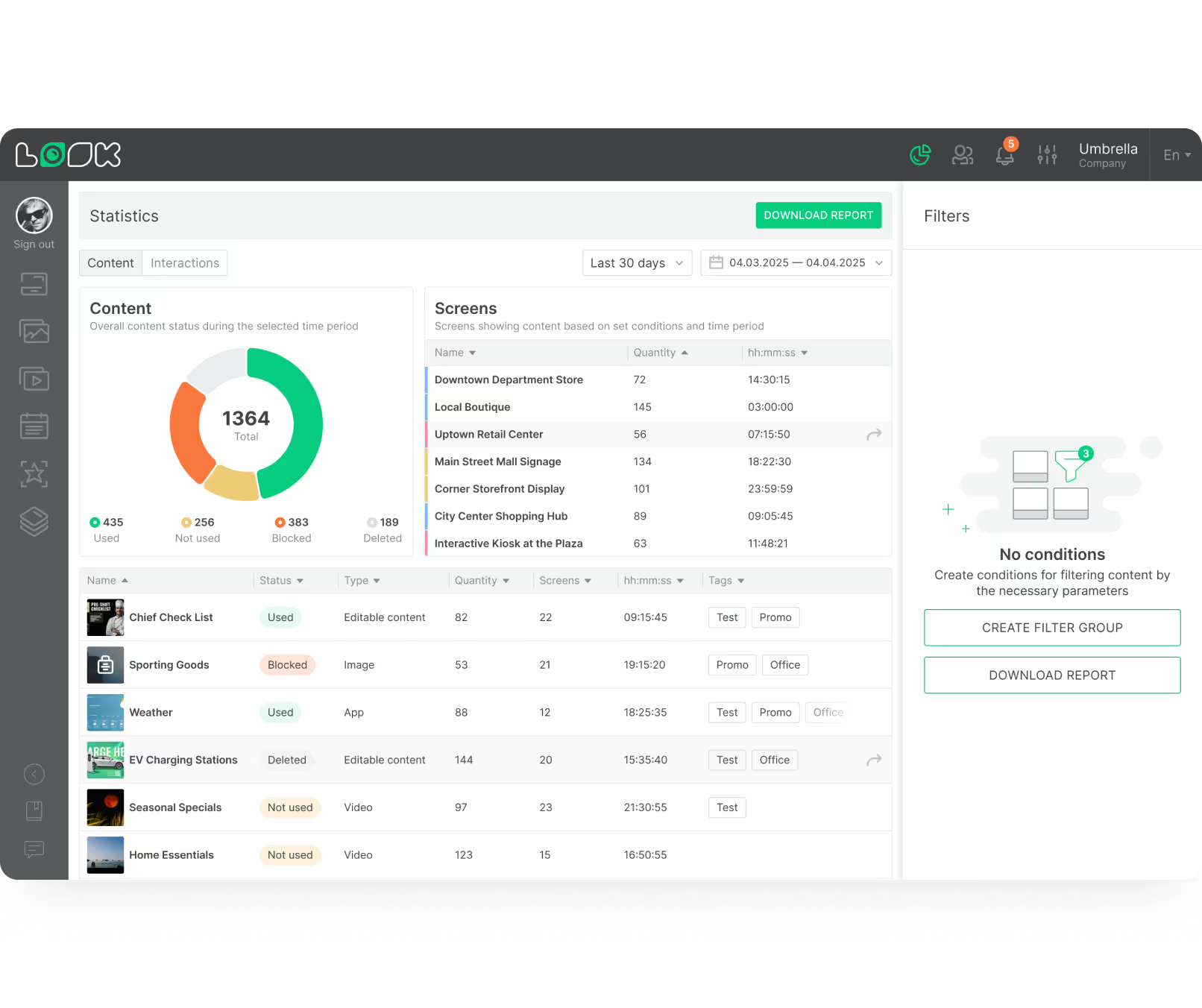
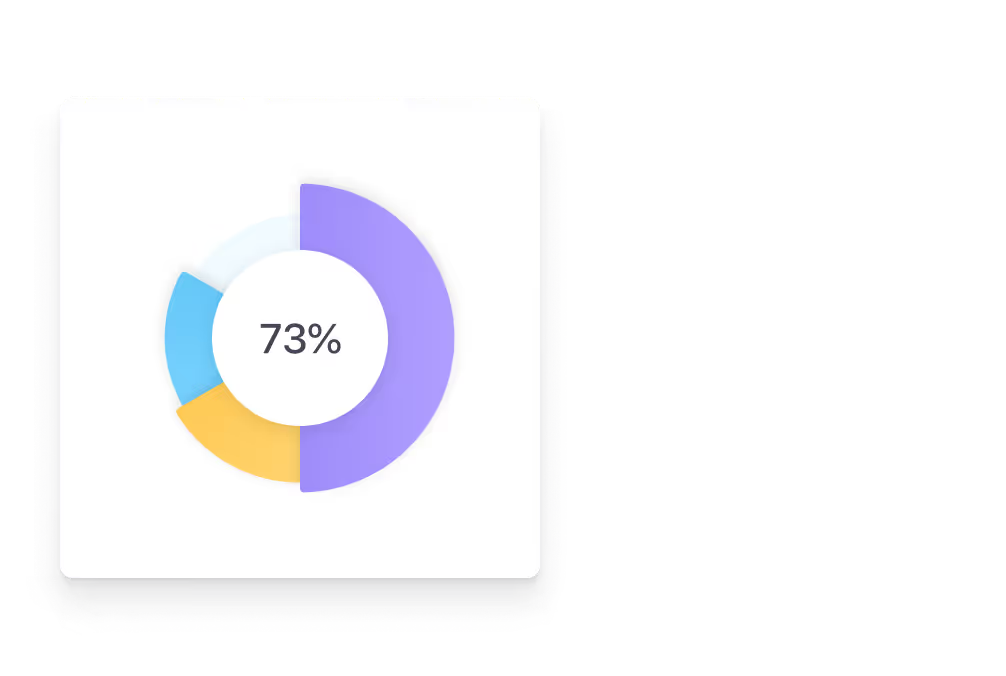
Using data helps you optimise your messaging over time. Playback Analytics gives you clear dashboards showing exactly how often specific content played across your locations — helping you prove ROI to stakeholders and identify which promotions ran during your most profitable store hours so you can refine future playlists accordingly.
Common mistakes
Fix: Define your primary goal before you build a single playlist. Clear goals make it easier to set up your content, measure success, and demonstrate ROI to whoever is signing off on the budget.
Fix: Use commercial displays rated for continuous operation, paired with a dedicated media player like the Look HDMI Player. It caches playlists locally for offline playback and can be managed remotely — no screen visits required.
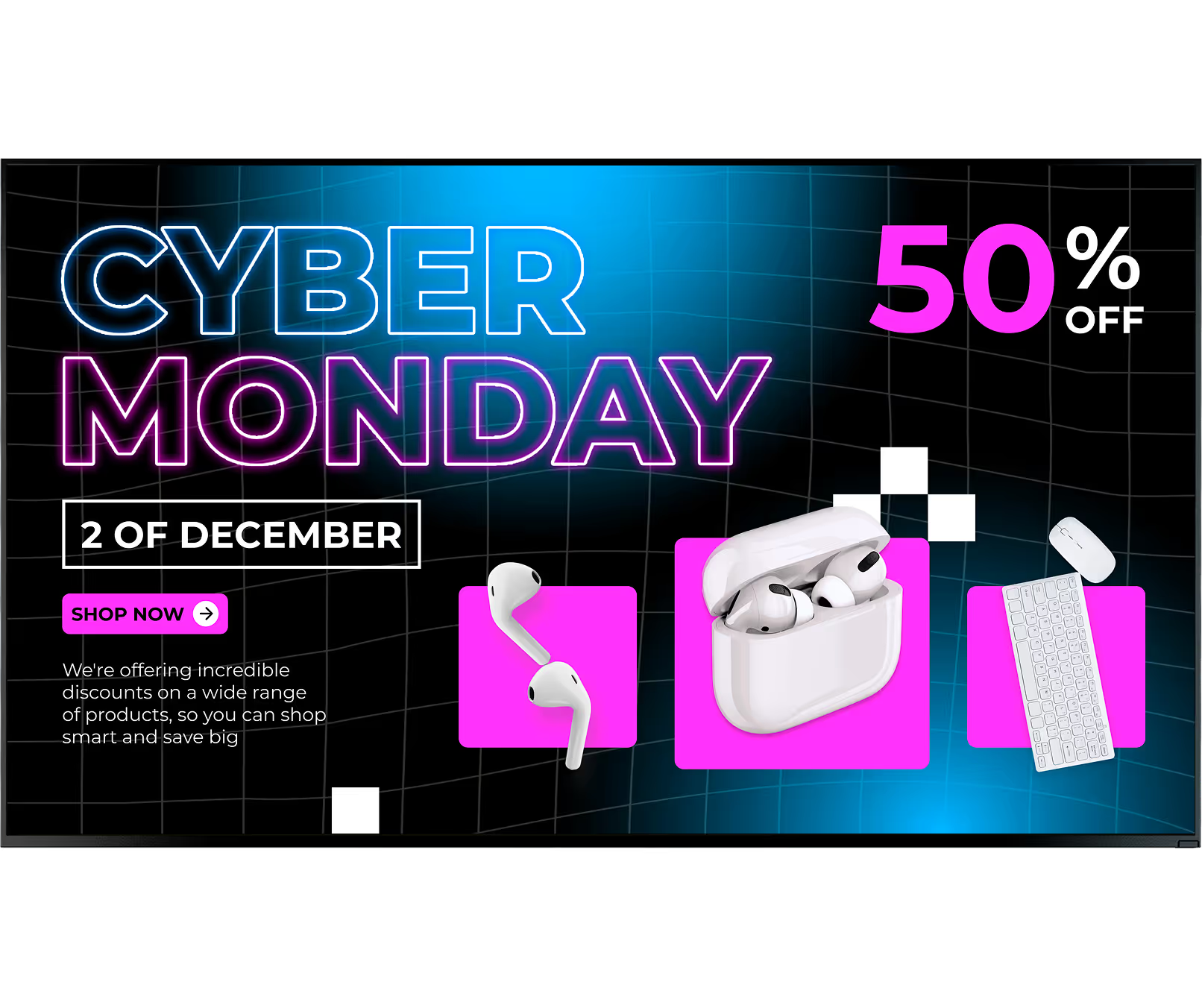
Fix: Use Smart Scheduling to set expiry dates on all promotional content. Content simply disappears from the playlist at the end of a campaign — no floor staff involvement, no expired offers, no awkward conversations at checkout.
Fix: Utilise user permissions so headquarters locks down Screen Layouts and branding, while giving store managers freedom to update localised pricing or community messages. Mandatory compliance messaging — return policies, safety notices — is then scheduled and verified across all locations without fail.
What customers say
Our experience with Look has been nothing but amazing. Customer service is excellent, and the product works perfectly. It's remarkable and I wouldn't go with any other company.


With Look we can upload content and publish it within seconds and also customize screens for each of the branches. It is incredibly user-friendly and so easy-to-use, thus it's amazing to work with.
During these 3 years that we have used Look in our clients' stores and offices, it has been a fundamental tool that complements the hardware that we sell. Look customer service is of the highest quality. It gives us guarantees of satisfaction our customers deserve.






Our team works with retailers of every size — from independent boutiques to global franchise chains managing thousands of screens. We'll help you plan a rollout that fits your store format, budget, and existing hardware.
Free templates



No credit card required

100% of features, no trial limitations

Fast human support 24/7