
Digital signage for every area of the property
A reception desk, a corridor and a restaurant entrance each catch a guest at a different moment. Look runs them from one account, so every area keeps its own content, its own schedule and its own publishing rights.
Entrance and reception
Answer the arrival questions before anyone asks.
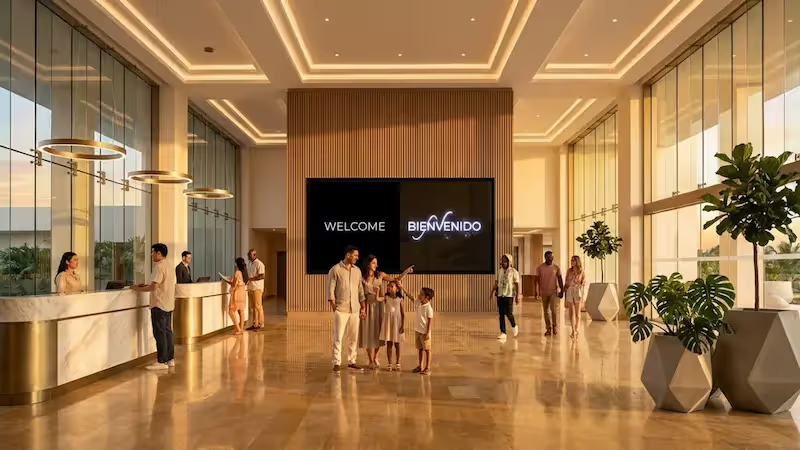
The screen beside the desk carries what every arriving guest asks about: check-in and check-out times, which desk to join, the Wi-Fi network, breakfast hours and what is on in the hotel tonight.
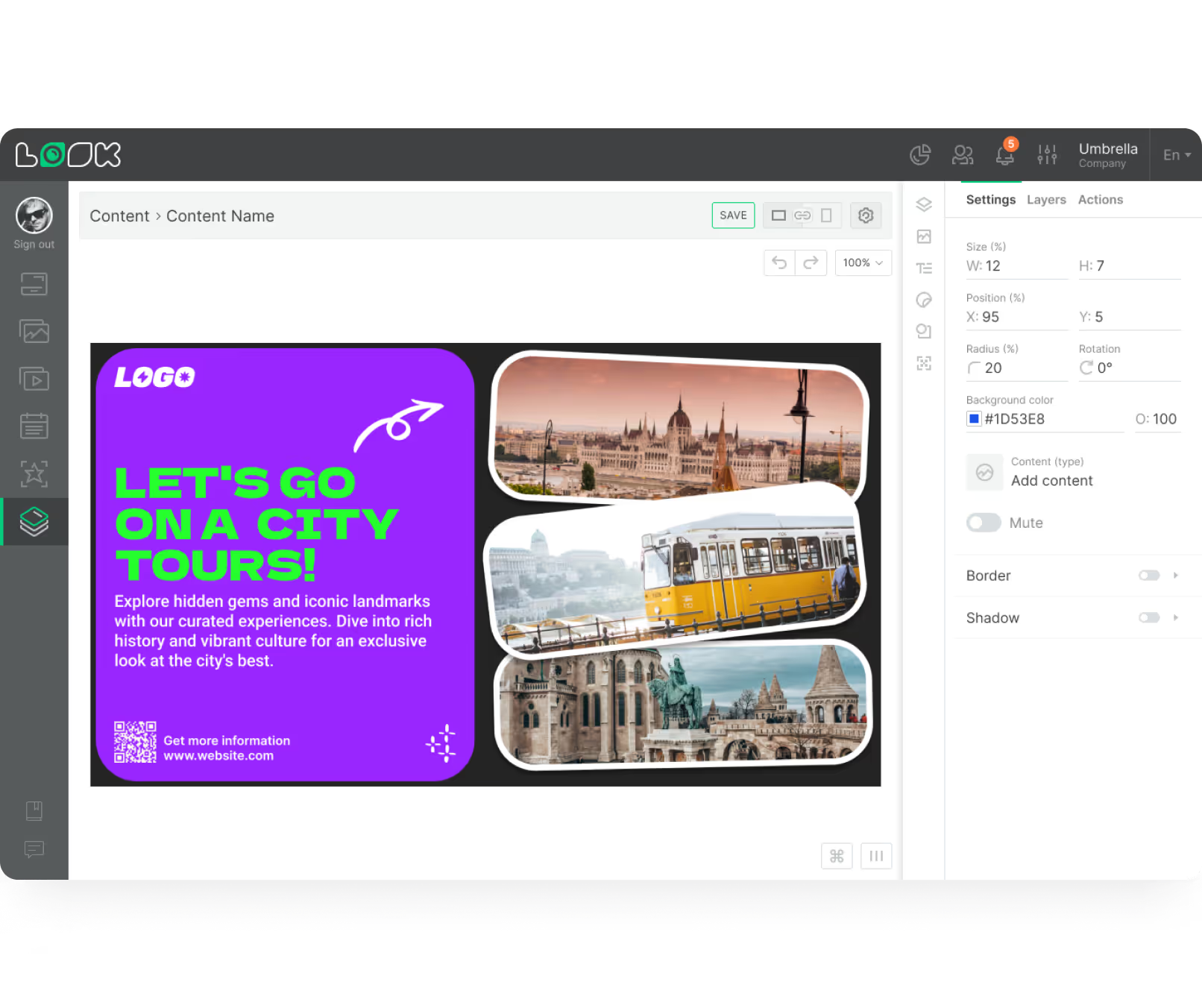
A multi-zone layout holds the welcome message, the day's notices and a clock at once, so the queue reads them instead of asking.
Best for: Check-in and check-out times, welcome messages, Wi-Fi access, house notices, today's events
Lobby and lounge
A concierge panel that never goes off shift.
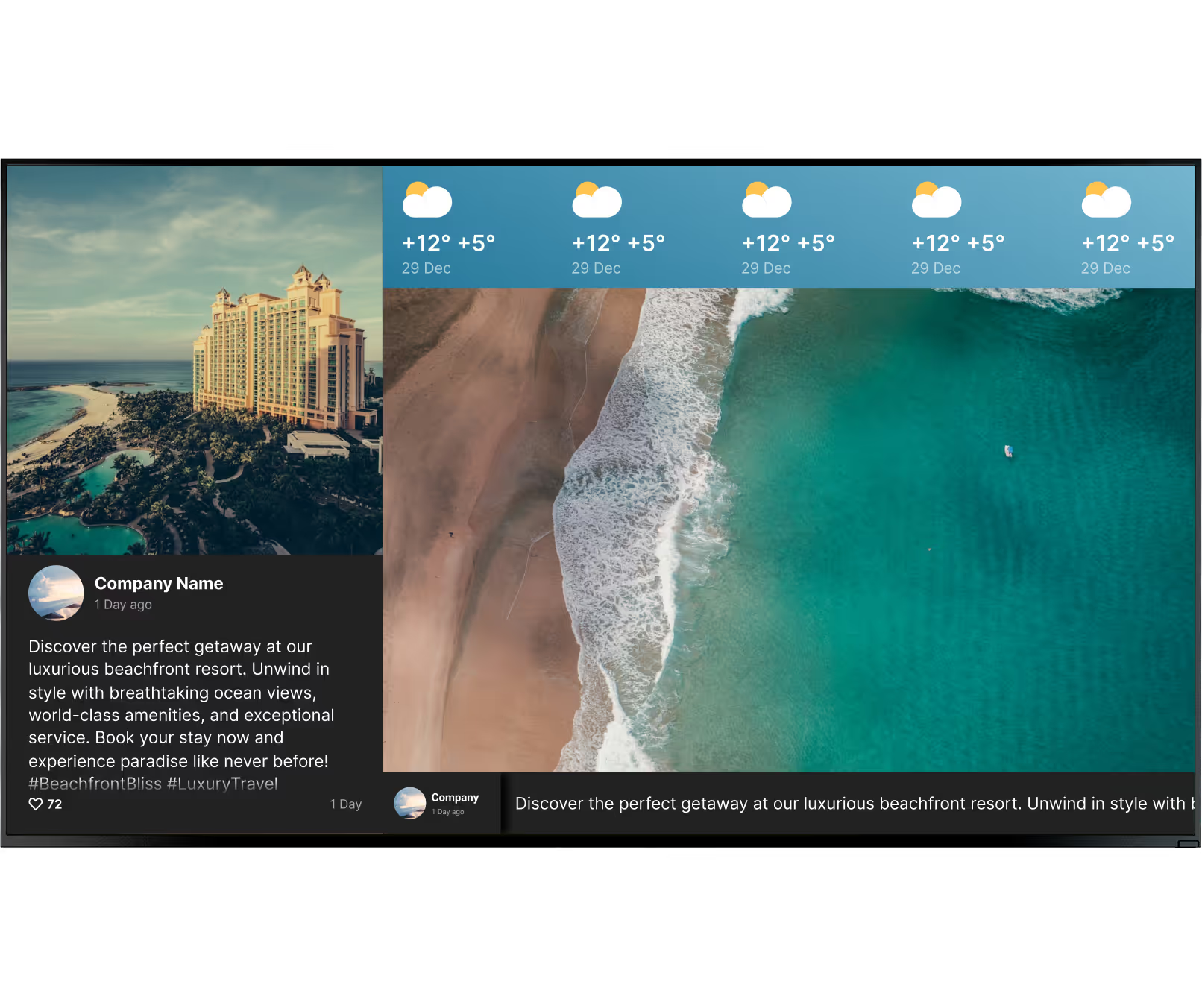
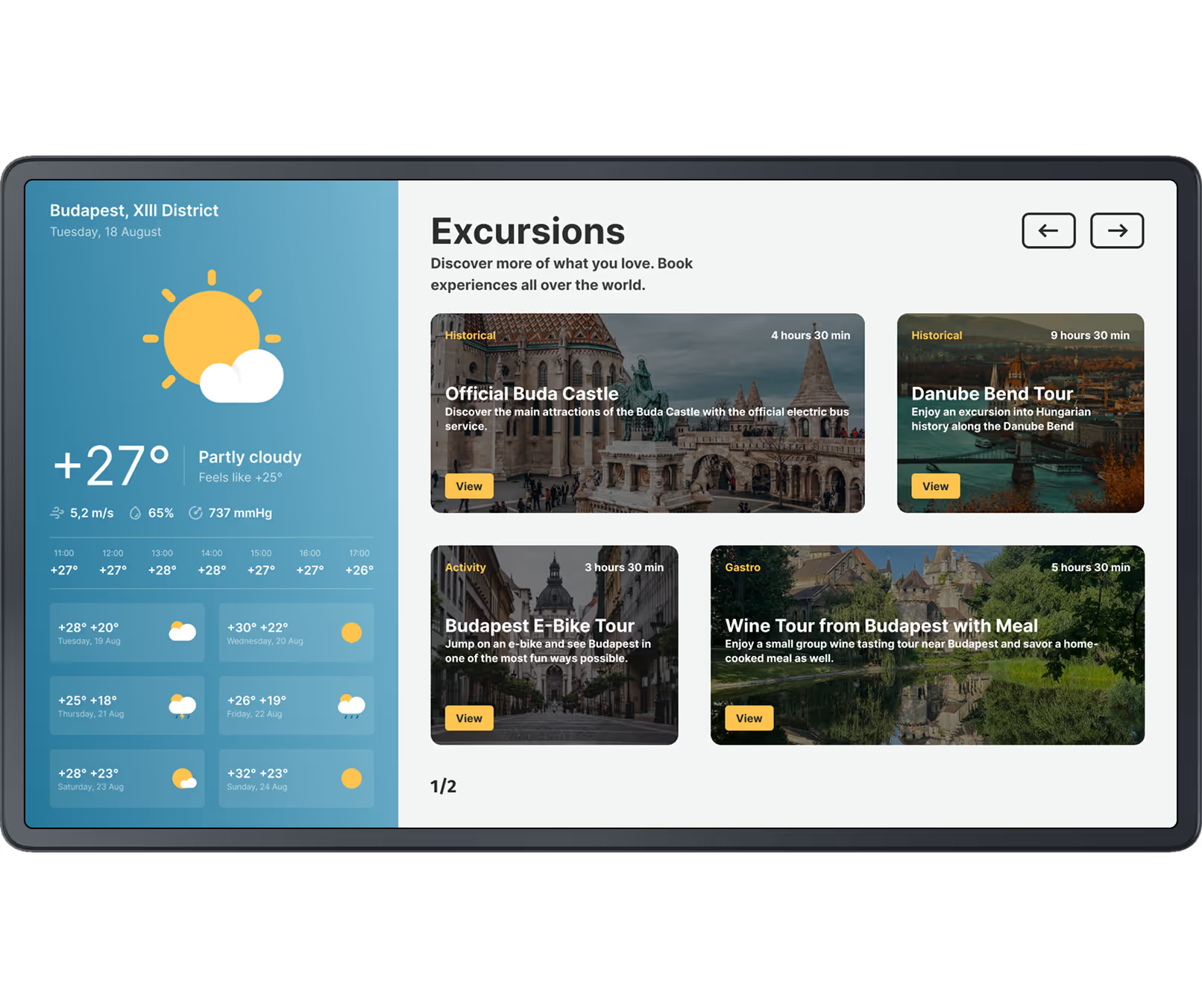
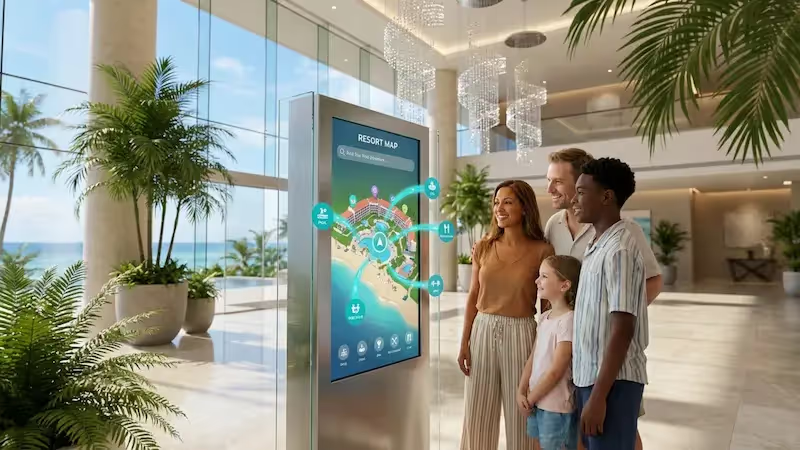
The lobby screen answers what guests would otherwise walk to the desk for: local attractions, the forecast, transport times, news, and the opening hours of the restaurant, bar and spa.
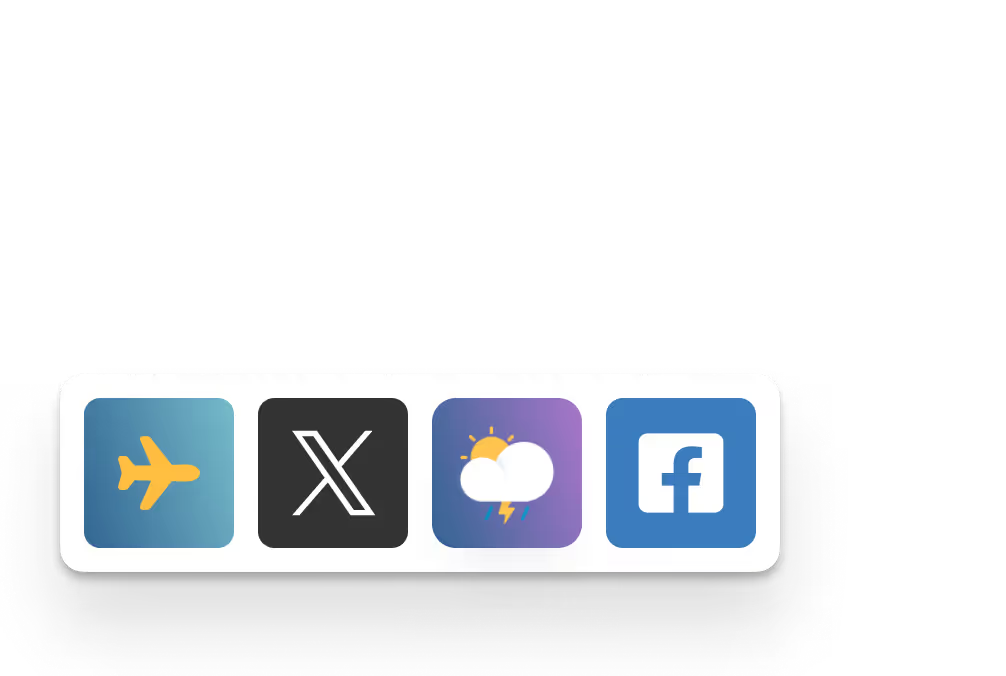
Built-in apps keep those panels current on their own, and a QR code sends the detail – a map, a menu, a booking page – to the guest's phone.
Best for: Local attractions, weather and transport, opening hours, news, QR links
Corridors, elevators and landings
Keep guests moving without printed arrows.
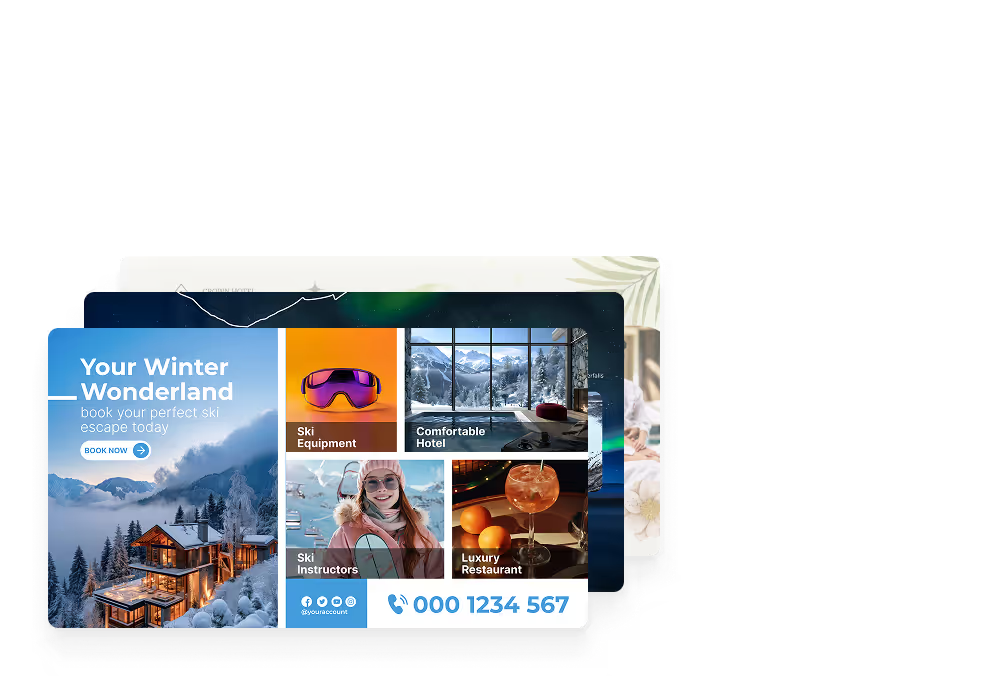
Elevator lobbies and corridor screens carry the floor directory and directional signage – which way to the ballroom, the spa, the pool, the garage – plus the offers guests read while they wait for the elevator.
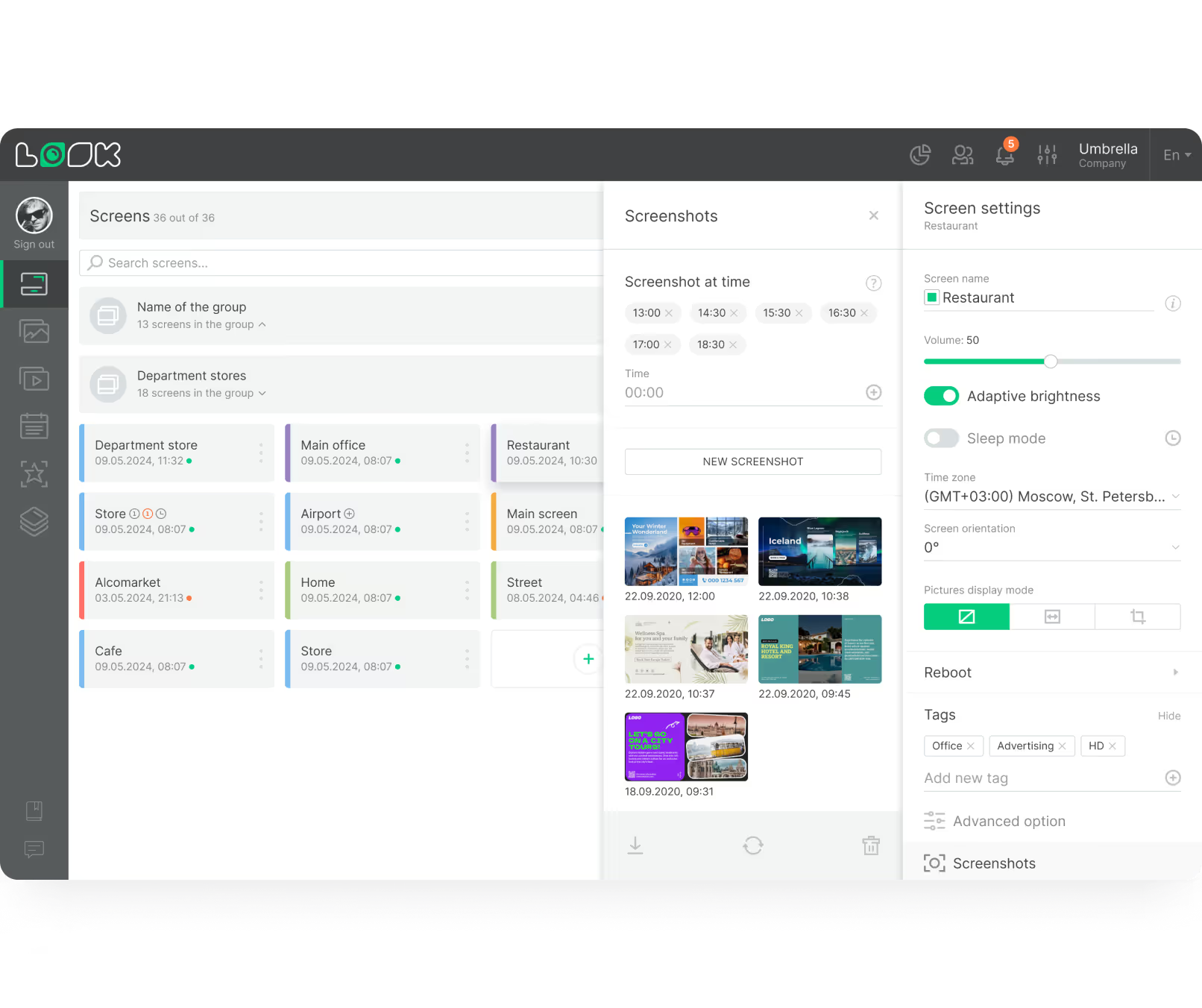
Screen tags target the content: the conference floor gets the day's agenda while the guest floors run something else.
Best for: Floor directories, directional signage, event routing, amenity offers, service notices
Restaurant, bar and cafe
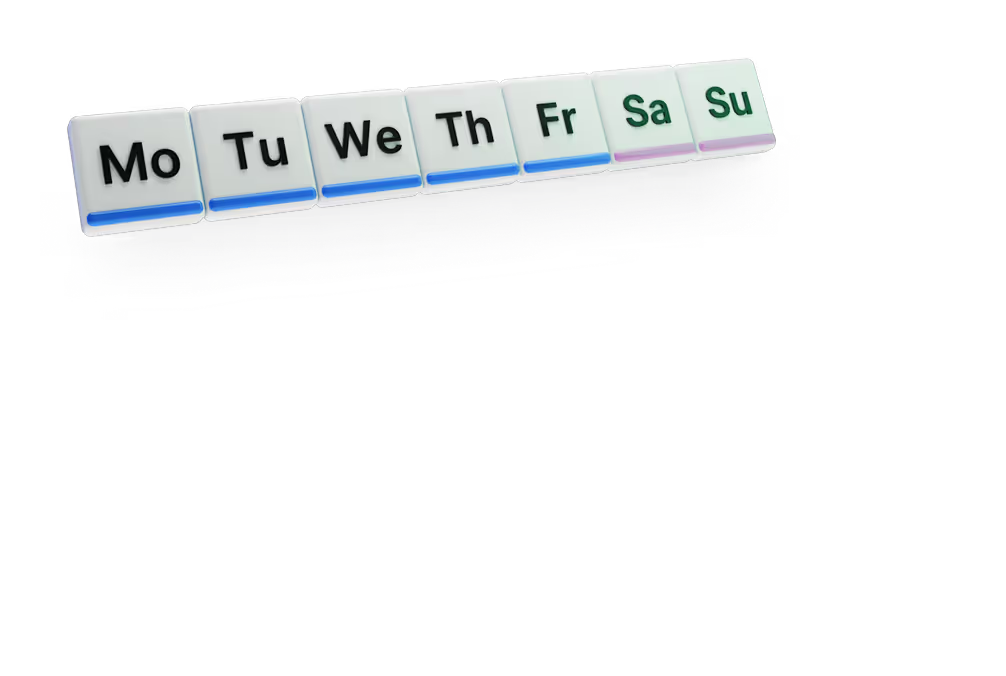
Menu boards that swap over at 11 a.m. by themselves.
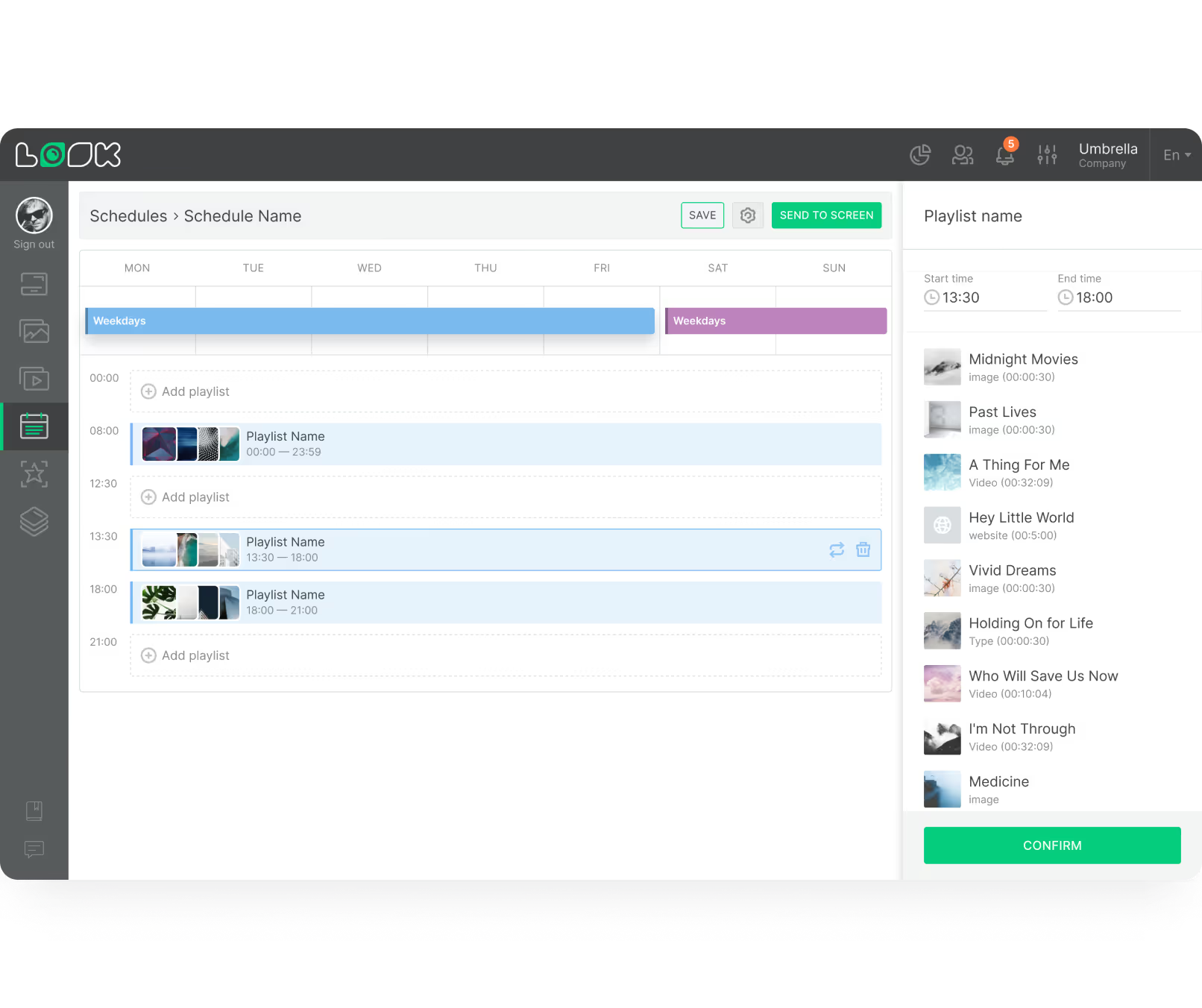
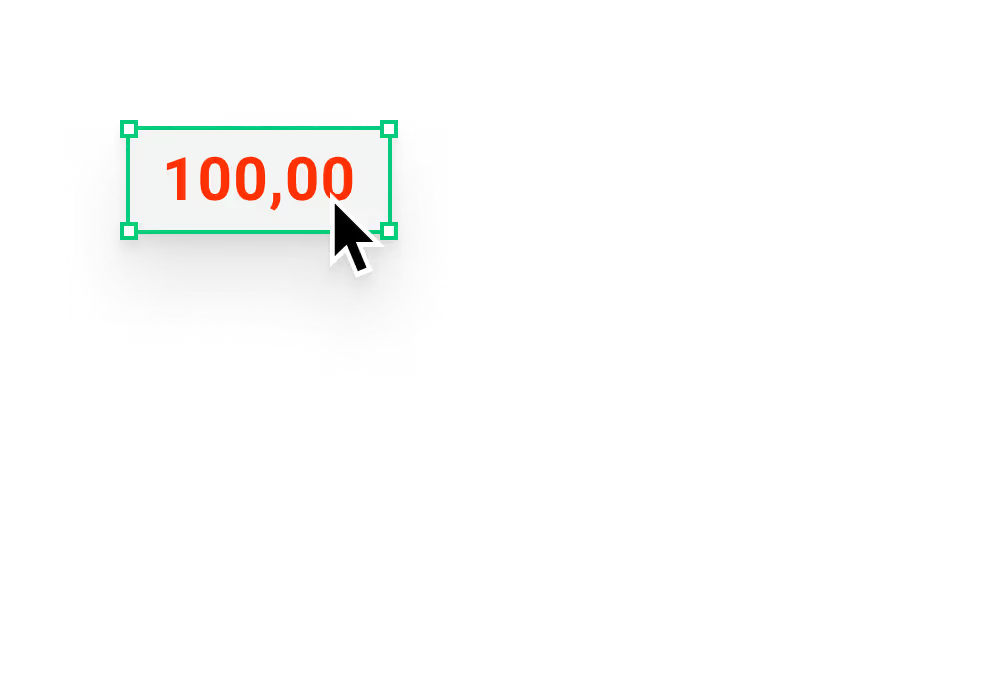
Put the breakfast, lunch, dinner and happy-hour boards in one playlist and they swap on schedule – nobody reprints a menu or flips a board by hand. Prices, dish names and allergen notes get edited once in the CMS.
A sold-out item comes off the board in a couple of clicks, and the entrance screen shows opening hours once the outlet closes.
Best for: Day-parted menu boards, prices, allergen and dietary notes, specials, opening hours
Spa, pool and fitness areas
Sell the treatment while the guest is idle.
Amenity screens carry class timetables, treatment menus, pool and gym hours, and the seasonal packages guests only book when something on the wall tells them about them.
A live review score sitting next to the offer does the persuading for you. Give the package an end date and it comes down on its own.
Best for: Treatment menus, class timetables, opening hours, seasonal packages, guest reviews
Meeting rooms and event spaces
One directory instead of a stack of easels.
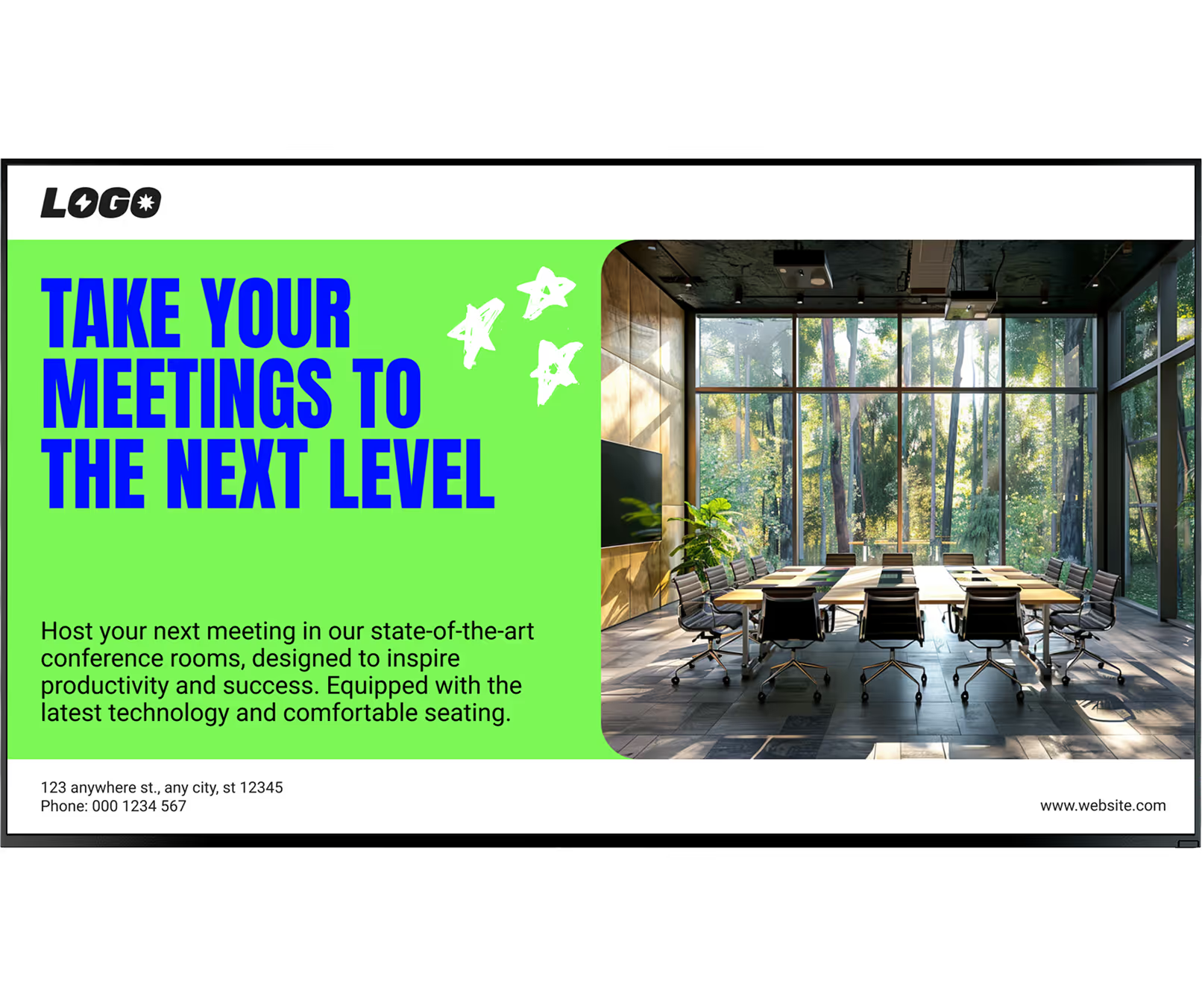
A screen at the entrance to the meeting floor lists the day's sessions, rooms and start times, and a small display by each door shows what is in that room now and what follows it.
Because every board comes off the same template, a change to the running order means a content edit – not a reprint and a walk around the floor.
Best for: Daily event directory, room and door signs, session times, sponsor slides, delegate notices