How digital signage works

Take the most from digital signage in your hotel by setting it up in minutes with easy-to-use yet feature-rich Look DS software
  • Content

    Create content

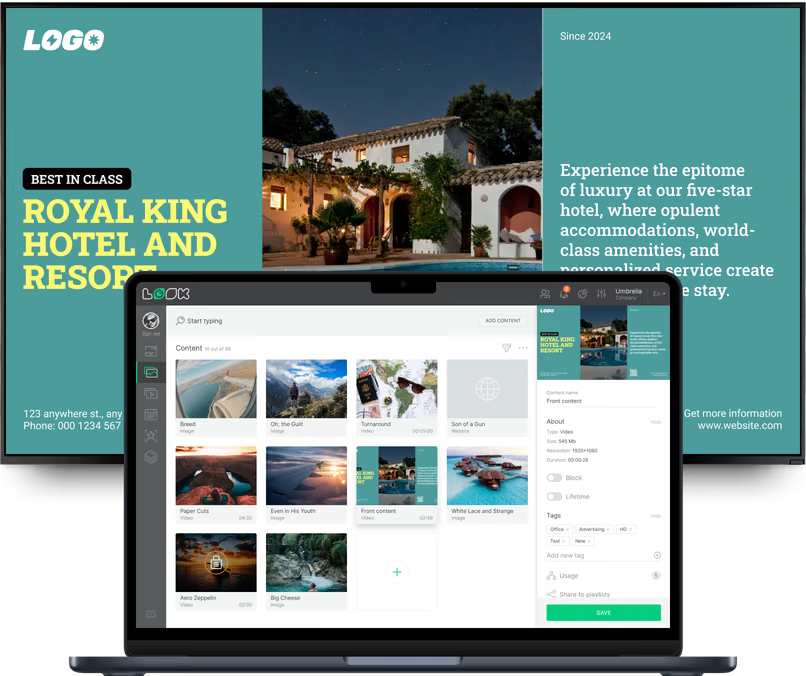
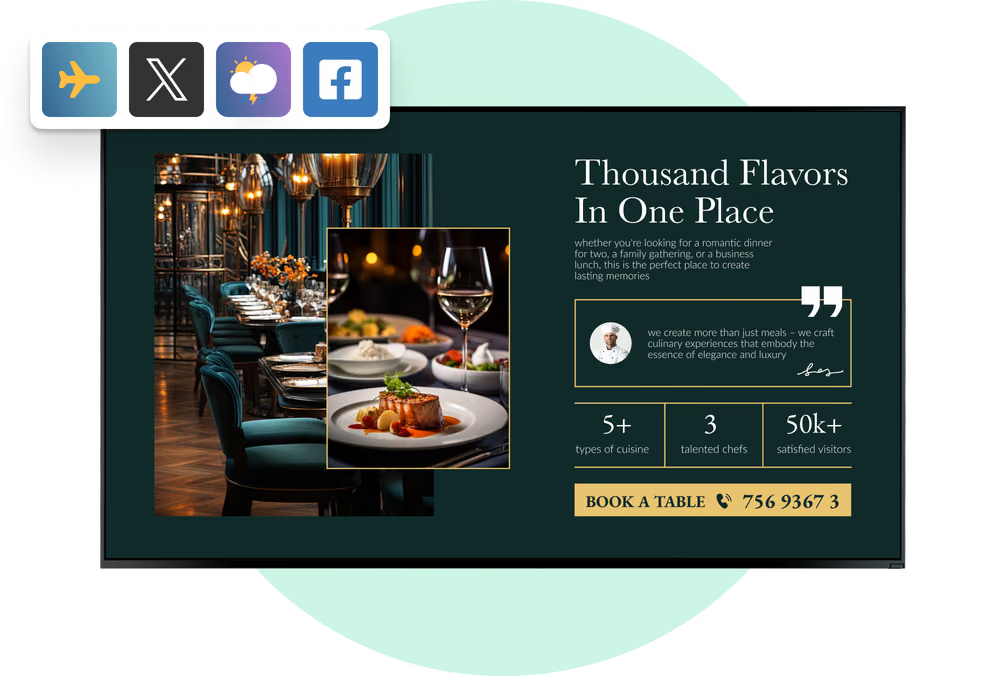
    Upload your media or customize hotel-specific templates to create messages that serve your guests perfectly
  • Schedule

    Playlist and schedule

    Create different playlists from your content and schedule them to be broadcast based on the day of the week or dates of a specific marketing campaign
  • Playlists

    Start playing

    Playback your messages across your hotel’s screen network, ensuring ensuring your guests stay up to date with important information
Hospitality, hotelHospitality, SPAHospitality, hotel, cms

Free digital signage templates
for hotels

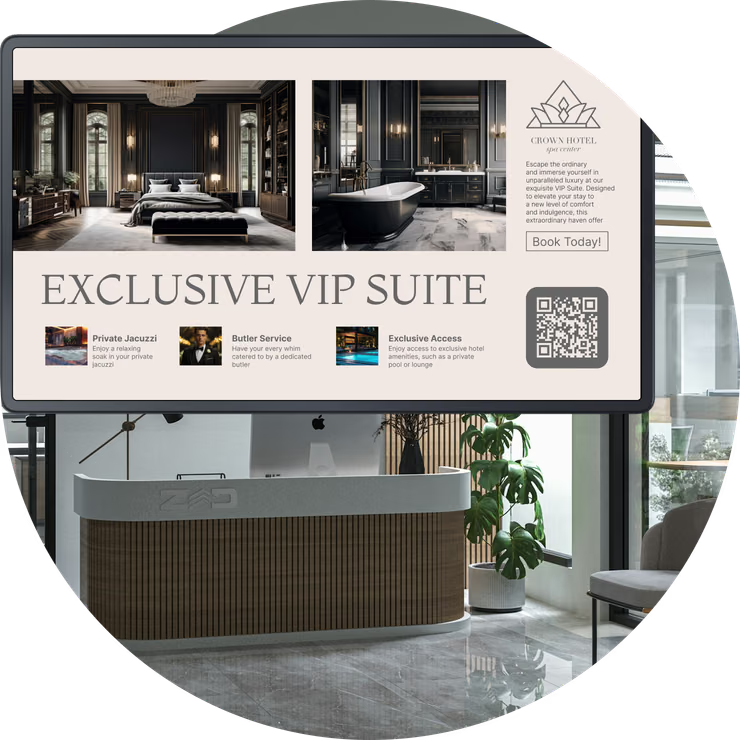
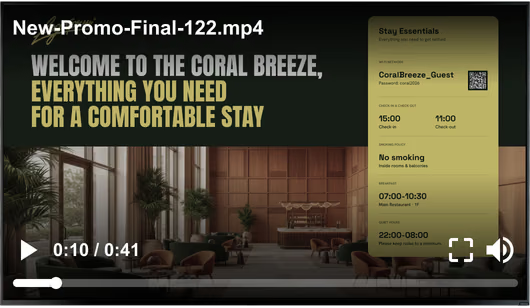
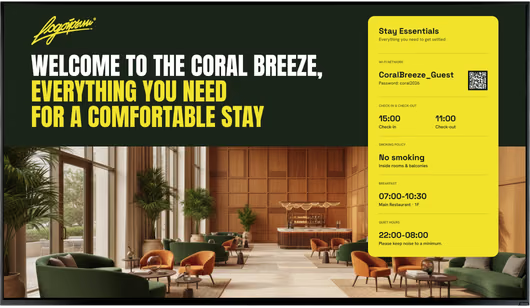
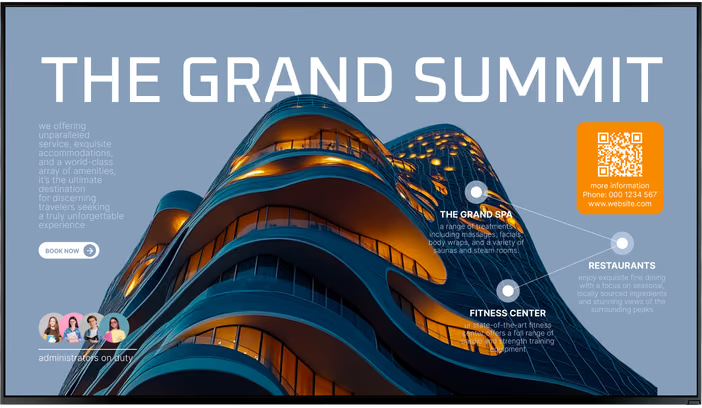
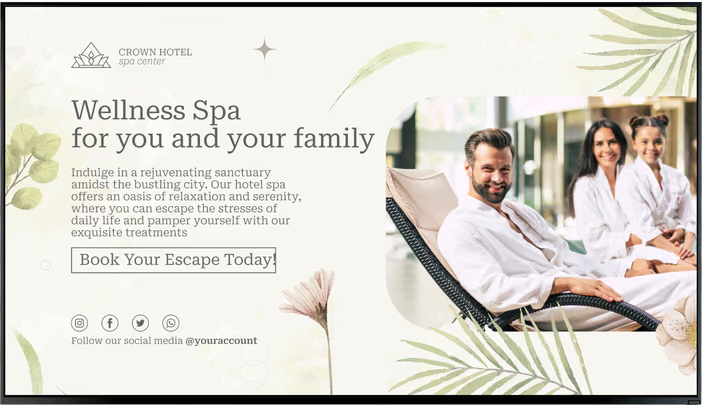
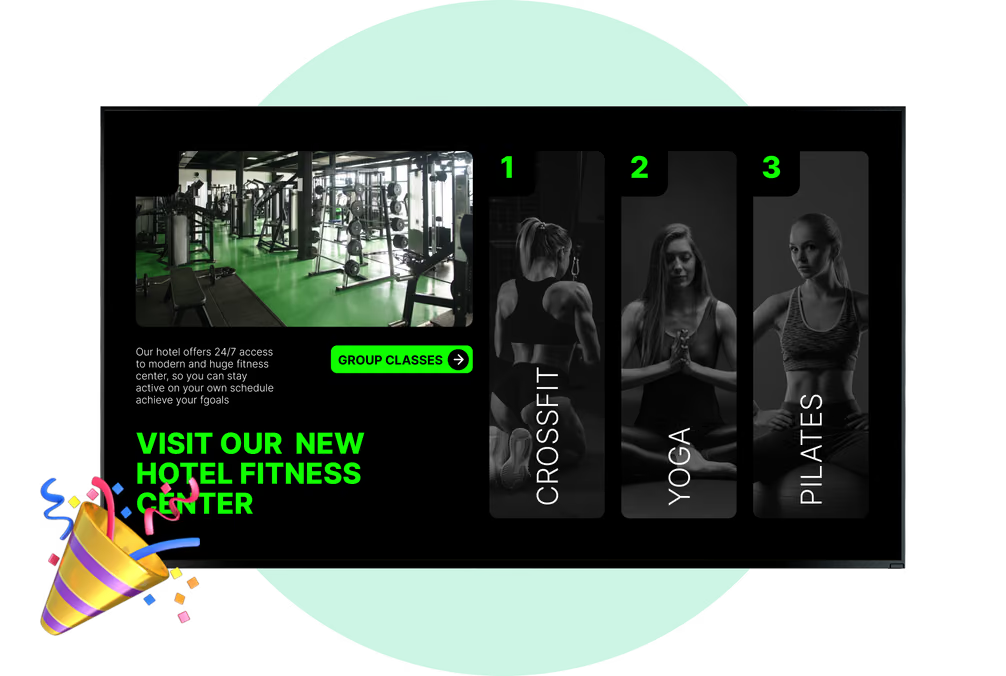
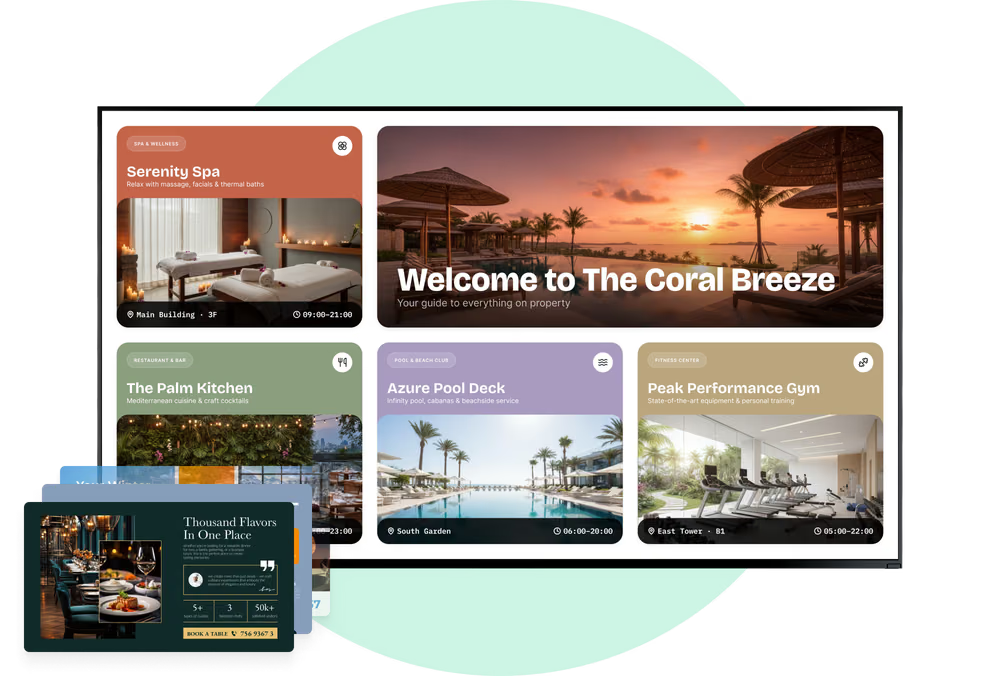
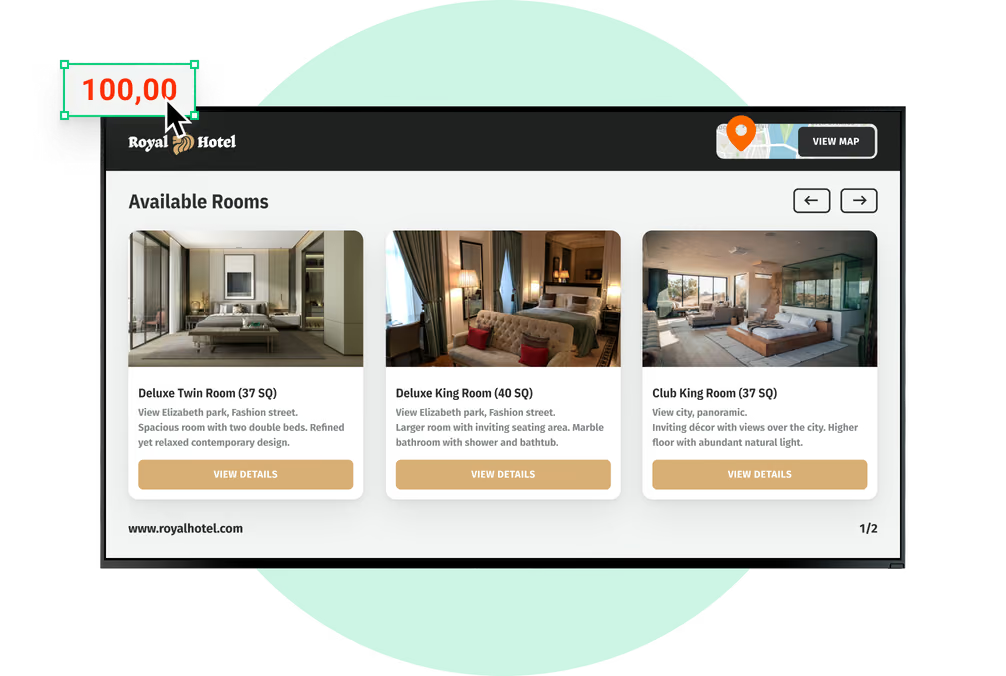
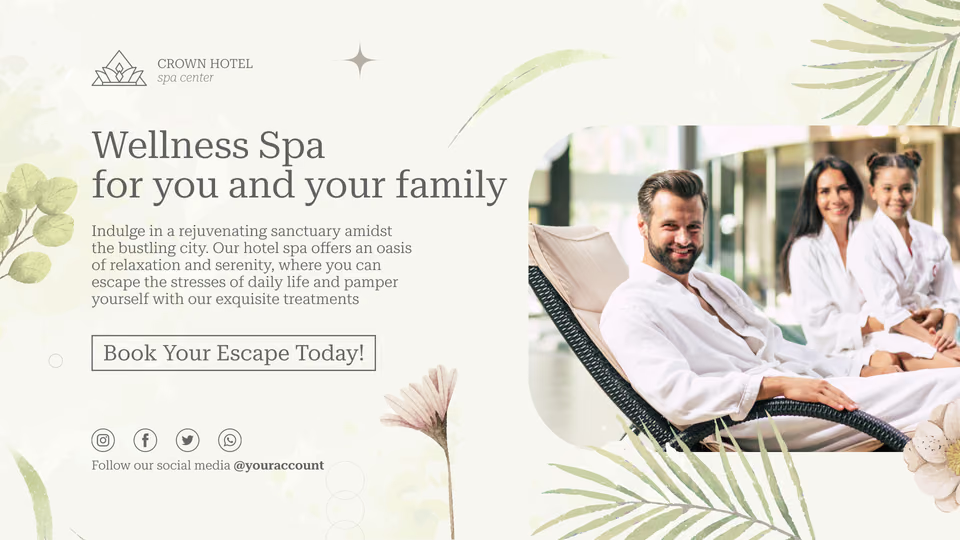
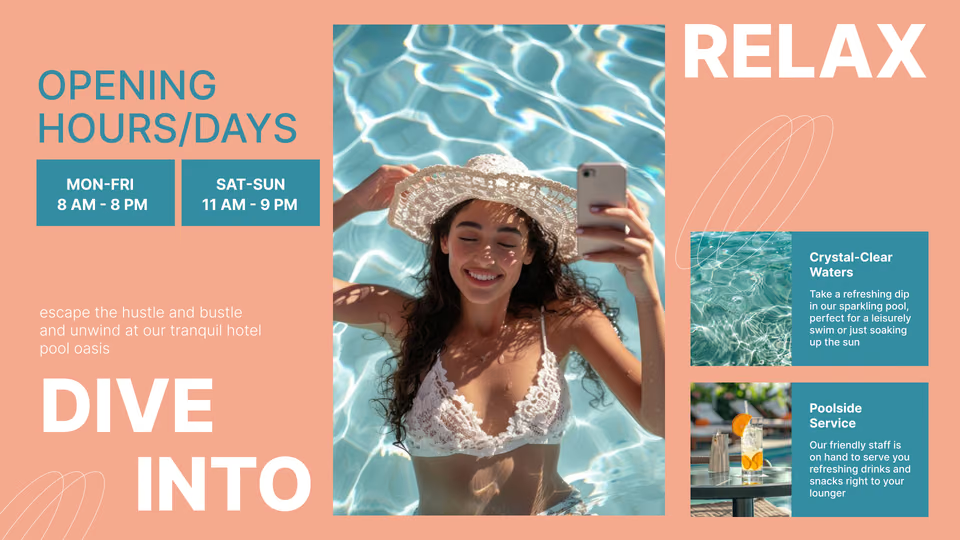
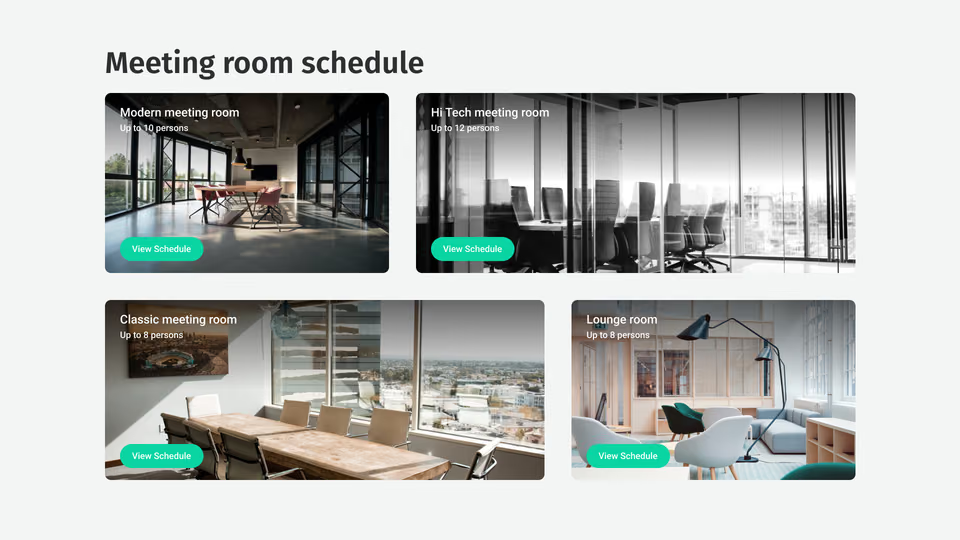
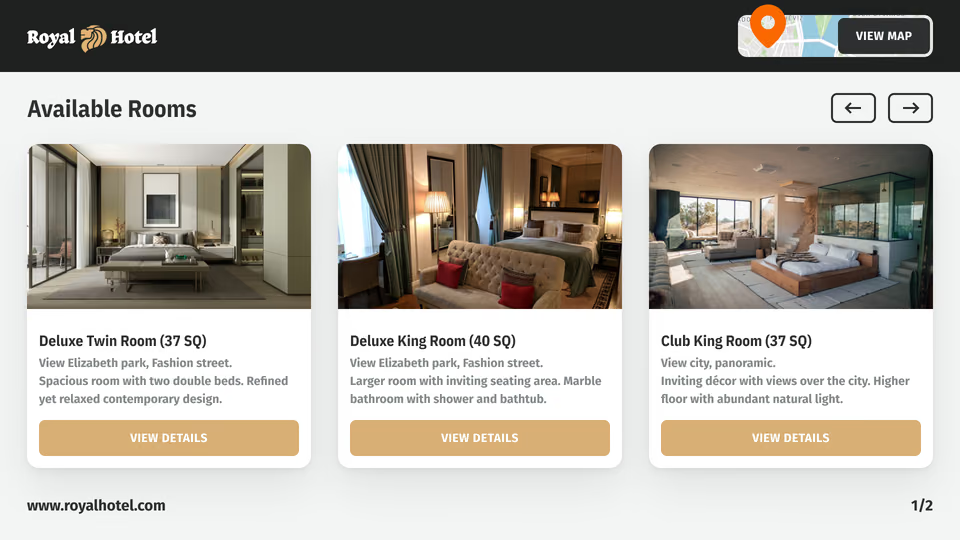
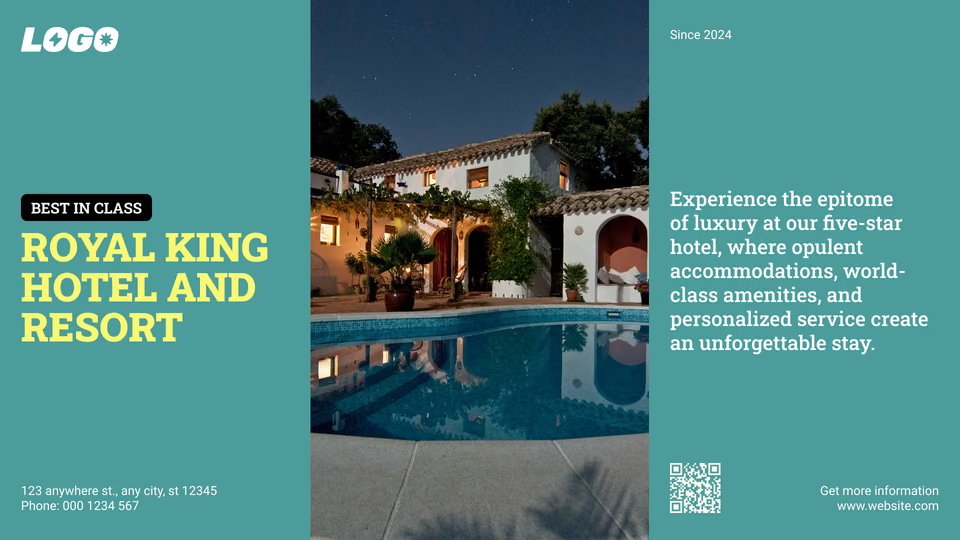
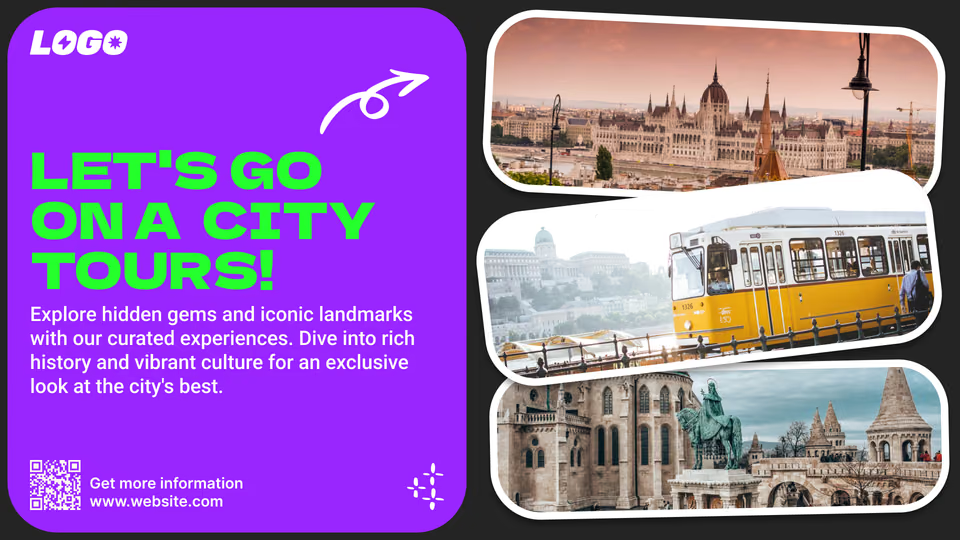
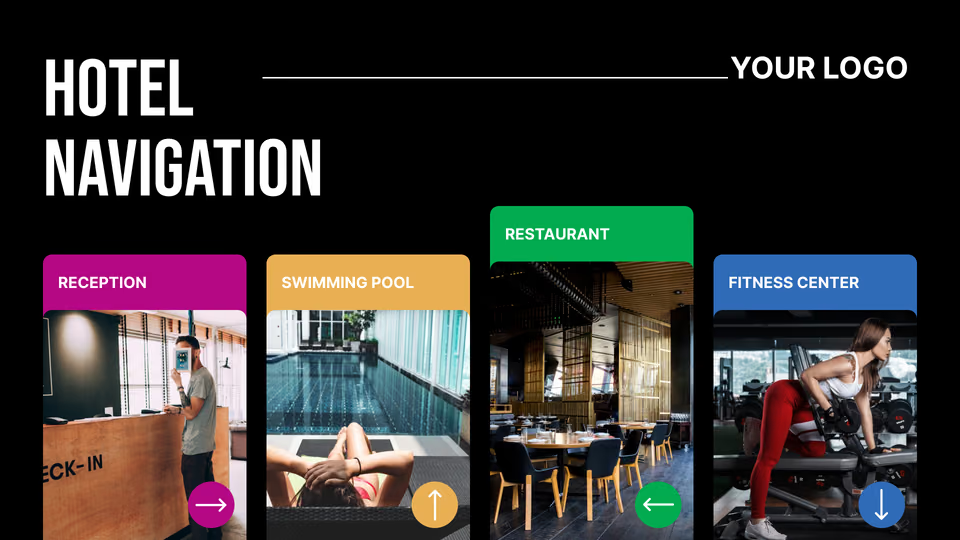
Easily customize pre-designed templates to meet your hotel’s unique needs, from welcoming guests to promoting events and services. Display content in full-screen mode or divide screens to show multiple messages simultaneously.
Hospitality, templatesRetail templatesHospitality, hotel

How to turn your TV into a digital signage screen

Look service works seamlessly on any hardware, whether you're planning to purchase or already use it
Or

Install FREE Look App

Transform any TV or compatible device into digital signage by installing the free Look app.
WindowsAmazon Signage
Androidgoogle-tvLinuxOS Fire Amazon
macOSWebOSOS Tizen OS Raspberry Pi
Supported Operating Systems

Plug Look HDMI Player

Connect the Plug & Play Look Player to your display’s HDMI input for instant setup. Worldwide shipping.
Buy nowLook HDMI Player

Success stories

Hear from our delighted customers! Check out their inspiring quotes about how our service has transformed their digital signage implementations.
Captera Rating
4.9
G2 Rating
5
60 000+
Screens
11 000+
Users
120+
Countries

Look’s built-in digital signage apps

  • Deliver engaging content

    Make engaging dynamic content with Look's built-in applications that let you automatically update your screens — FIDS, Weather App, News, and more.
InstagramTwitterFly ScheduleFacebookHospitality apps, hotel

Frequently asked questions about hotel digital signage

How much does hotel digital signage cost?

The total cost depends on the number of screens, software plan, display hardware, media players, installation requirements, content production, and any custom integrations.
A small hotel can begin with an existing compatible screen, while a resort or multi-property group may require commercial displays, interactive kiosks, video walls, and centralized network management.

Can hotel digital signage be made accessible?

Yes. Hotel content can use large text, strong contrast, readable typography, captions, clear icons, and straightforward navigation.
Interactive kiosks can also be designed with controls positioned at an accessible height. Accessibility depends on both the content design and the physical screen installation.

Can Look DS manage portrait screens, touchscreens, and video walls?

Yes. Look DS can manage compatible displays in landscape or portrait orientation and can deliver content to touchscreens and multi-screen video wall setups.
Portrait screens work well for elevator banks and wayfinding pillars, while large lobby video walls can display welcome content, branded visuals, digital art, events, and hotel promotions.

Can I measure hotel digital signage performance?

Yes. Look Playback Analytics shows what content played, when it appeared, and on which screens.
Hotels can use proof-of-play reports to verify promotions, partner advertising, safety messages, and event content. Playback information can also be compared with bookings, QR-code scans, offer redemptions, or service sales using the hotel’s own business data.

Is Look DS cloud-based?

Yes. Look DS provides a cloud-based content management system that hotel teams can access from a web browser.
Authorized users can upload content, build layouts, create playlists, schedule campaigns, monitor screens, and publish updates without visiting each display. An on-premise deployment option is also available for organizations with specific infrastructure or data-control requirements.

Can hotel content change automatically throughout the day?

Yes. Playlists can be scheduled by time, date, day of the week, or campaign period.
A lobby screen can show breakfast information in the morning, meeting schedules during the day, restaurant promotions in the evening, and late-night service information after regular operating hours.

Can hotel digital signage broadcast emergency alerts?

Yes. Authorized hotel staff can replace scheduled content with emergency instructions, evacuation routes, severe-weather warnings, security notices, or other urgent information.
Alerts can be sent to the full hotel network or only to affected screens and zones. External alerting systems may also trigger predefined content through supported automation methods.

Can hotels display social media content and guest reviews?

Yes. Compatible social feeds, approved guest photos, property hashtag content, testimonials, and web-based review widgets can be included in hotel screen layouts.
Guest-generated content should be moderated before publication. Hotels can also create fallback playlists so branded content continues playing when no approved social posts are available.

Can hotels sell advertising on their screens?

Yes. Hotels can use selected screen inventory to promote local restaurants, tours, transportation providers, attractions, retailers, and other partners.
Partner content can run alongside hotel information without taking over the full screen. Hotels can schedule campaigns by screen, location, date, and time and provide proof-of-play reports to confirm delivery.

Can digital signage promote hotel amenities and services?

Yes. Screens can promote spa treatments, restaurant reservations, room service, fitness facilities, pool access, tours, transportation, room upgrades, late check-out, and seasonal packages.
Content can be placed near the moment of decision. For example, an elevator screen can promote a spa offer, while a lobby screen can advertise dinner reservations or local tours.

Can hotel digital signage support check-in and check-out?

Yes. Digital signage can support the check-in and check-out process by displaying instructions, queue information, room-readiness updates, service hours, QR codes, and directions to reception or self-service stations.
Interactive check-in and check-out transactions require either a compatible web interface or integration with the hotel’s existing system. Rather than replacing the hotel’s reservation or payment platform, Look DS manages the screen content and interactive experience.

What is a digital concierge?

A digital concierge is a screen or interactive kiosk that gives guests access to useful hotel and destination information without requiring assistance from the front desk.
It can display restaurant recommendations, local attractions, transportation information, weather forecasts, hotel amenities, event calendars, maps, and frequently requested services. QR codes can transfer the information to the guest’s phone.

What is hotel digital signage?

Hotel digital signage is a network of screens used to display welcome messages, check-in information, directions, event schedules, menus, hotel services, safety notices, and other guest communications.
A typical system includes a display, a media player or compatible smart TV, and cloud-based content management software such as Look CMS. Hotel teams can manage and update every connected screen remotely from a web browser.

What should hotels look for in digital signage software?

Hotel digital signage software should provide centralized screen management, flexible scheduling, multi-zone layouts, user permissions, offline playback, proof-of-play reporting, dynamic content, remote monitoring, and support for multiple properties.
Hotels may also need interactive wayfinding, digital menu boards, event directories, emergency messaging, social content, open integration options, and support for different display formats.

Can Look DS be used for guest-room entertainment?

Look DS can display hotel information, welcome messages, service promotions, and other digital signage content on compatible screens.
However, it is not a complete hospitality IPTV or guest-room entertainment platform. TV channel packages, streaming-service management, guest casting, and other in-room entertainment functions require a dedicated hospitality TV or IPTV system.

What screen brightness and resolution does a hotel need?

The right specifications depend on screen size, viewing distance, operating hours, and ambient light.
Standard indoor displays may be sufficient for corridors and meeting rooms, while sunlit atriums and window-facing installations require higher-brightness commercial screens. Resolution should be selected according to screen size and viewing distance, particularly for detailed maps, menus, and large video walls.

What hardware is required for hotel digital signage?

A standard setup requires a display, a compatible media player or system-on-chip screen, power, a network connection, and digital signage software.
Hotels can install the Look App on a supported device or connect a Look HDMI Player to a display through HDMI. Touchscreen kiosks, video walls, outdoor screens, and specialized installations may require additional hardware.

What happens if a hotel loses its internet connection?

Look media players cache downloaded content locally. If the internet connection is temporarily unavailable, the screens can continue playing content that has already been delivered.
An active connection is still required to receive new updates and display certain live data sources. Once connectivity returns, the player reconnects and resumes synchronization.

Can Look DS integrate with hotel systems?

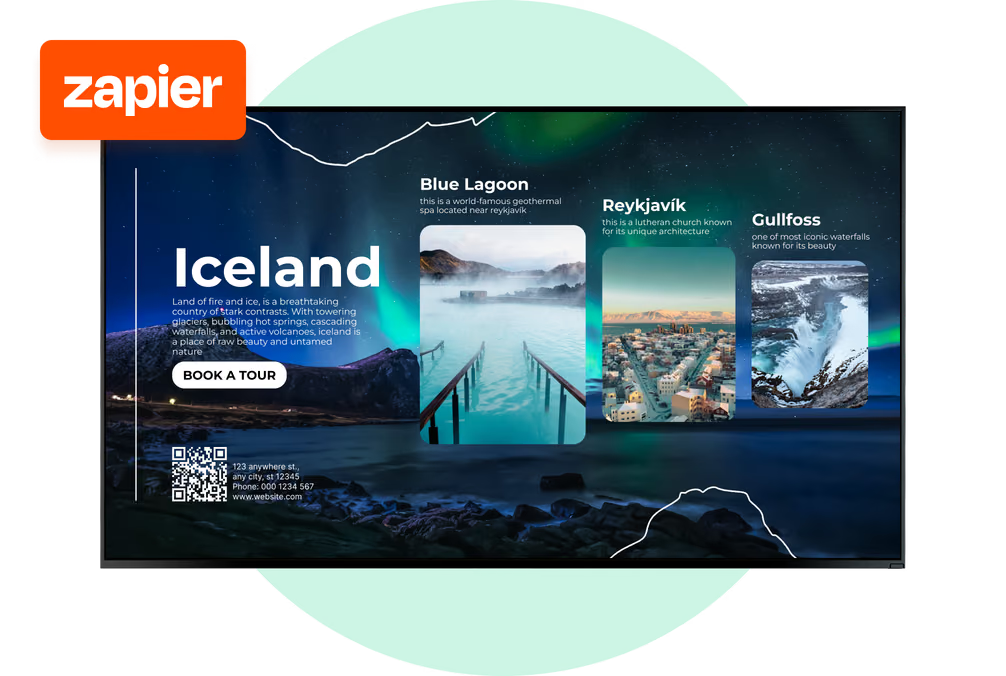
Look DS supports integrations through API-based automation, Action Triggers, web content, and Zapier workflows.
Hotels can connect supported data sources such as calendars, booking forms, queue systems, dashboards, alerting tools, or internal software. Integration options depend on the external system, its API access, and the specific workflow required.

Can I manage screens across multiple hotels?

Yes. Look CMS allows hotel groups to manage multiple properties through one web-based dashboard.
Screens can be grouped by brand, property, country, department, floor, or function. A central team can publish company-wide campaigns while local hotel teams update authorized screens with property-specific information.

Can digital signage display personalized hotel content?

Content can be customized by property, screen location, language, time, event, season, or guest segment.
For example, a conference group can receive dedicated welcome content in the lobby, while resort guests see activity schedules near the pool. Individual guest personalization requires an appropriate external data source, secure integration, and the hotel’s own privacy controls.

Can hotel restaurants and bars use digital menu boards?

Yes. Digital menu boards can display breakfast hours, restaurant menus, bar offers, room-service promotions, happy-hour specials, allergen information, and seasonal dishes.
Menus can change automatically throughout the day, allowing the same screen to show breakfast, lunch, dinner, and late-night service without manually replacing printed materials.

Can hotel digital signage generate additional revenue?

Digital signage can support ancillary revenue by promoting room upgrades, food and beverage offers, spa services, late check-out, activities, transportation, and other paid services.
Hotels can change these promotions by time, location, occupancy period, or guest segment. Playback reports can then confirm when and where each promotion appeared.

Can hotel digital signage provide interactive wayfinding?

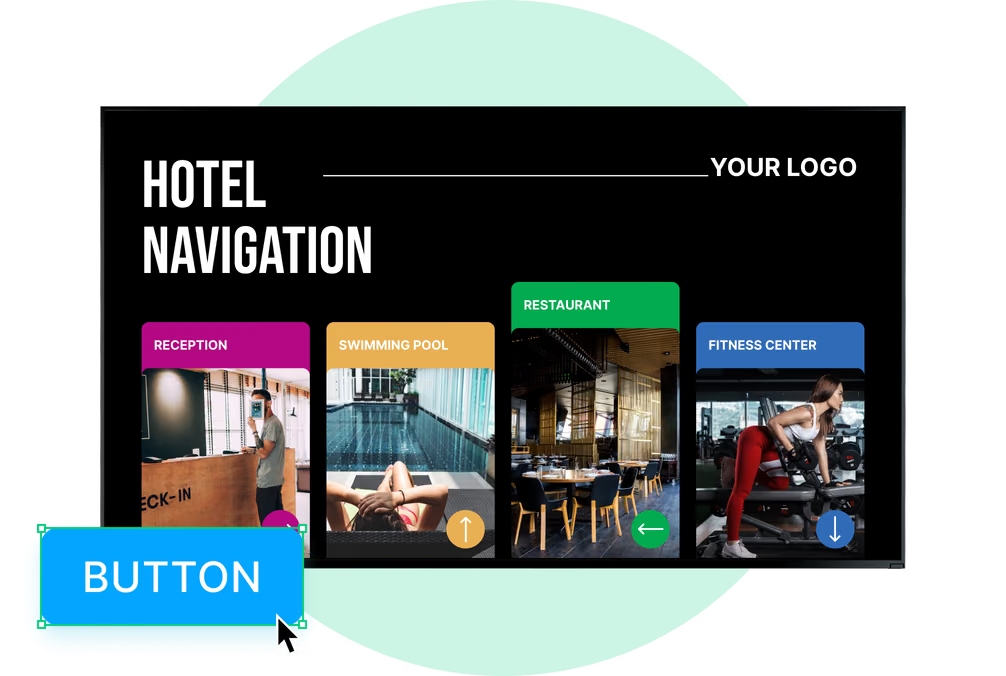
Yes. Hotels can display property maps, room directions, floor directories, conference routes, and directions to restaurants, spas, gyms, pools, parking areas, and other amenities.
Interactive kiosks can allow guests to select a destination and view a customized route. The final setup may require a compatible touchscreen and interactive web content.

What types of hotels can use digital signage?

Businesses such as hotels, resorts, boutique hotels, independent properties, bed-and-breakfasts, conference hotels, extended-stay properties, and multi-property hotel groups can use digital signage.
The screen network can start with one lobby display at a small property or scale across hundreds of screens and multiple locations.

What is the best digital signage software for hotels?

The best platform should support the entire guest journey while remaining manageable for hotel marketing, operations, food and beverage, events, and IT teams.
Look DS provides cloud-based screen management, scheduling, templates, dynamic apps, offline playback, analytics, integrations, emergency content delivery, and broad hardware compatibility. Hotels can test the platform through a 14-day free trial before expanding the screen network.

How quickly can a hotel launch its first digital signage screen?

A basic screen can be launched by installing the Look App on a supported device or connecting a Look HDMI Player, pairing it with Look CMS, and assigning a playlist.
Before a larger rollout, hotels should identify screen locations, viewing distances, network access, operating hours, content responsibilities, and any required integrations.

Does hotel digital signage support multiple languages?

Yes. Hotels can create separate content versions for different languages and schedule them for specific properties, screens, or guest groups.
Interactive directories can also include language-selection controls. This is particularly useful for international hotels, resorts, airports, and tourist destinations.

Should hotels use commercial displays or regular TVs?

Commercial-grade displays are generally recommended for lobbies, restaurants, corridors, elevator areas, and other public spaces where screens operate for long hours each day.
They are designed for longer duty cycles, remote operation, heat management, and consistent brightness. A consumer TV may be suitable for a small, low-use installation, but it may not provide the same reliability or warranty coverage in a commercial environment.

How does Look DS protect hotel and guest information?

Look DS includes user access controls that allow administrators to decide who can manage screens, upload content, or change company-wide campaigns.
Public hotel signage can operate without displaying or storing personally identifiable guest data. Any external integration that transfers guest information must be configured according to the hotel’s privacy policies, security requirements, and applicable data-protection regulations.

Can different areas of the hotel show different content?

Yes. Each screen or screen group can have its own playlist, schedule, layout, and access permissions.
Lobby screens can show welcome content, restaurant screens can display menus, conference displays can show event schedules, and staff screens can carry internal updates—all managed through the same platform.

Does Look DS integrate with hotel property management systems?

Potential integrations can be created when the hotel’s property management or booking system provides suitable API access, webhooks, Zapier support, or another compatible data-delivery method.
Look DS should not be treated as a replacement for a property management system. The exact integration scope must be assessed based on the hotel’s existing software and the information it allows third parties to access.

Can digital signage be used for hotel staff communication?

Yes. Back-of-house screens can display shift information, housekeeping updates, service standards, training content, maintenance notices, employee recognition, and health and safety reminders.
Staff-facing screens can use separate playlists and permissions so internal information never appears on guest-facing displays.

Can digital signage support conferences and hotel events?

Yes. Hotels can use digital signage for daily event directories, delegate welcome screens, room-by-room agendas, sponsor content, conference wayfinding, and last-minute schedule changes.
Screens outside meeting rooms can display the current session, upcoming booking, organizer, and room availability. Content can be managed centrally for multiple meeting spaces.

Can hotel screens promote a loyalty program?

Yes. Screens can explain loyalty benefits, advertise member rates, promote points offers, and encourage guests to join the hotel’s loyalty program.
A QR code can direct guests to a registration page, mobile app, rewards portal, or special offer. Loyalty messaging can also be adapted for different properties, events, and guest groups.

Can screens display flight information, weather, and local updates?

Yes. Look DS supports dynamic content and built-in apps for information such as flight schedules, weather forecasts, news, and other automatically updated content.
Hotels can combine this information with local transportation updates, event schedules, attraction recommendations, and hotel announcements in a single screen layout.

Where can digital signage screens be installed in a hotel?

Hotel screens can be installed in lobbies, reception areas, elevator banks, guest corridors, restaurants, bars, cafés, spas, gyms, pool areas, meeting rooms, ballrooms, conference centers, and back-of-house spaces.
Each screen or zone can display location-specific content. For instance, lobby screens can greet guests, elevator displays can advertise amenities, and restaurant screens can display menus and operating hours.