How digital signage works

Look Digital Signage software empowers car dealerships to engage customers, showcase inventory, and promote services efficiently in a few simple steps
  • Content

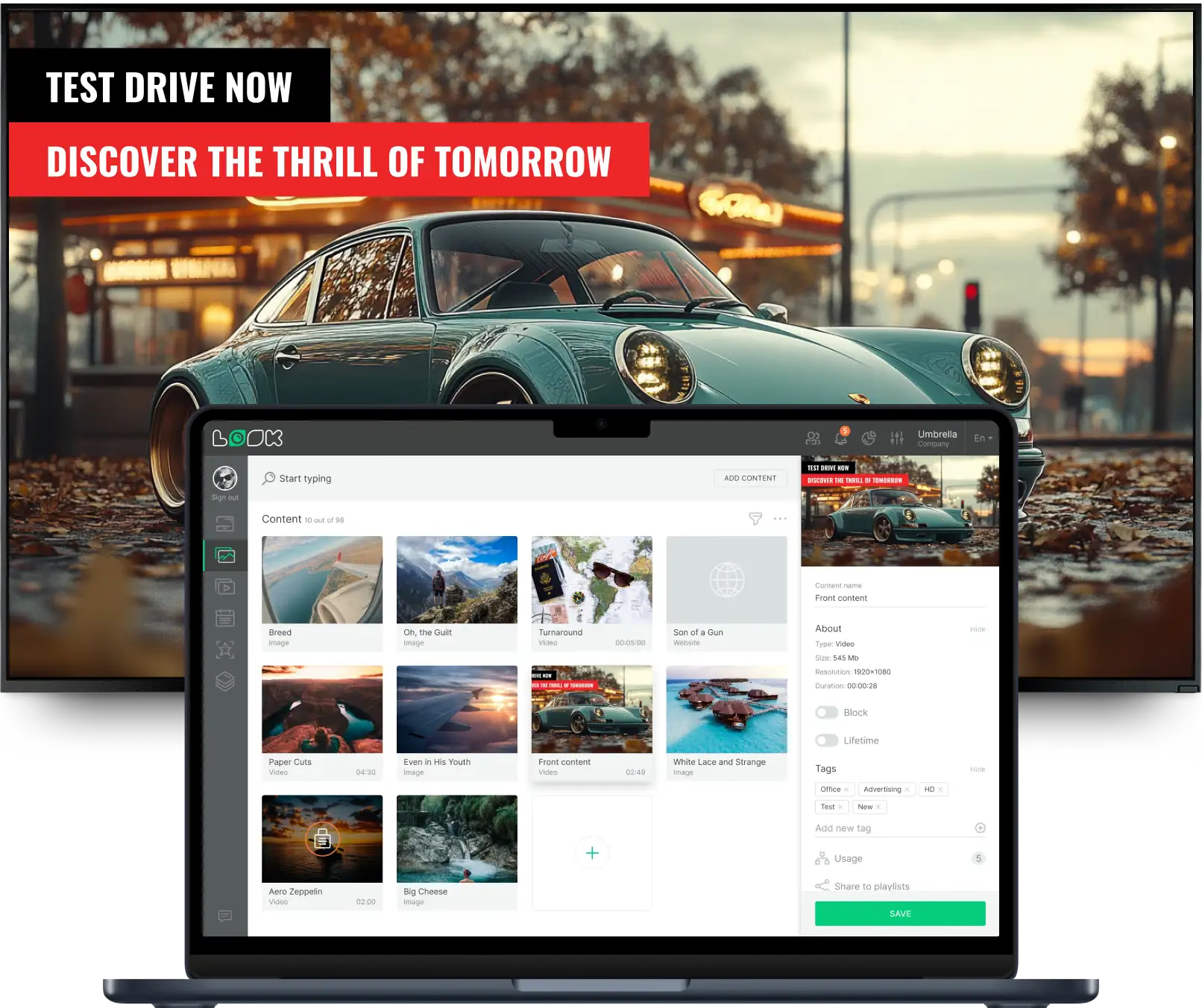
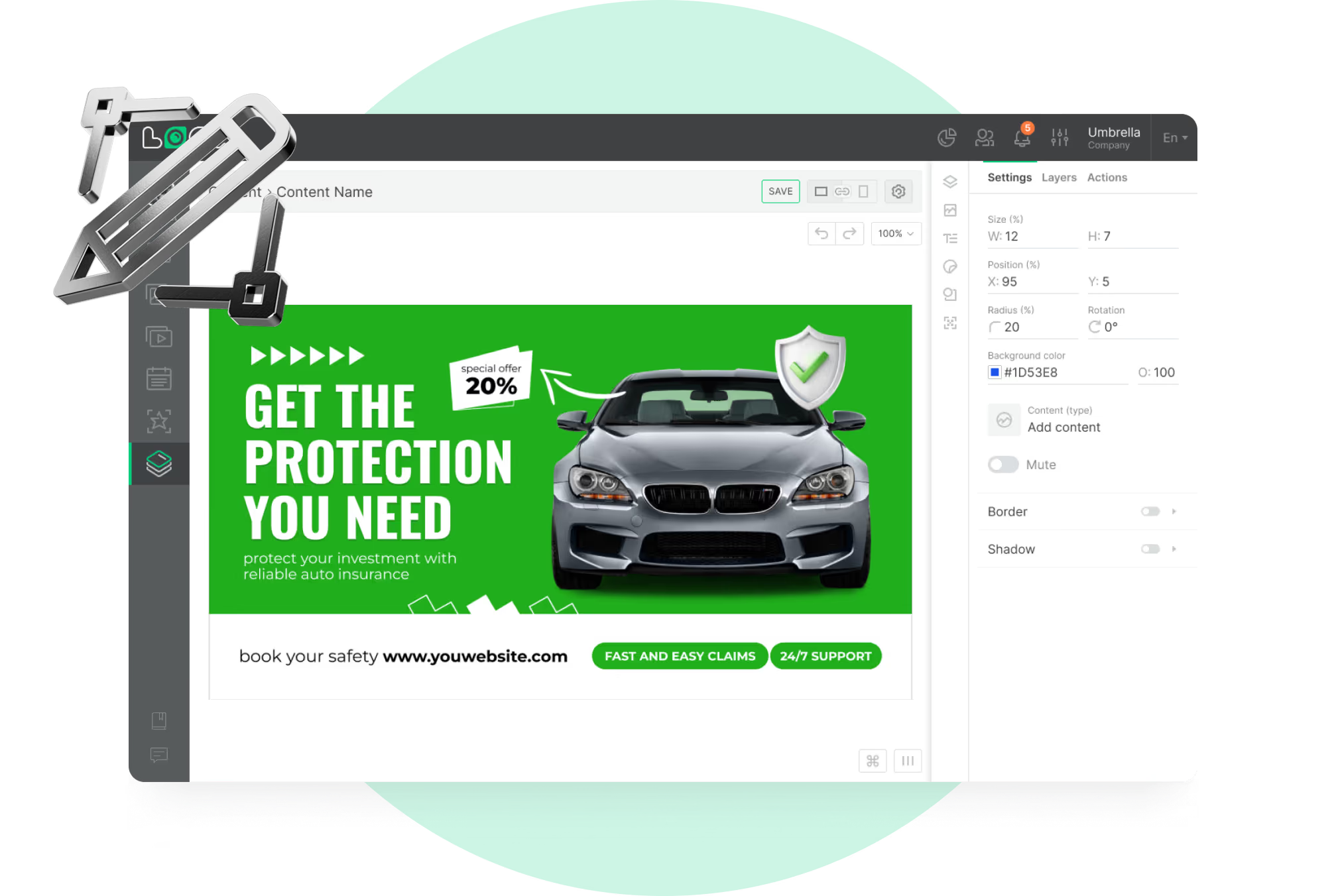
    Create content

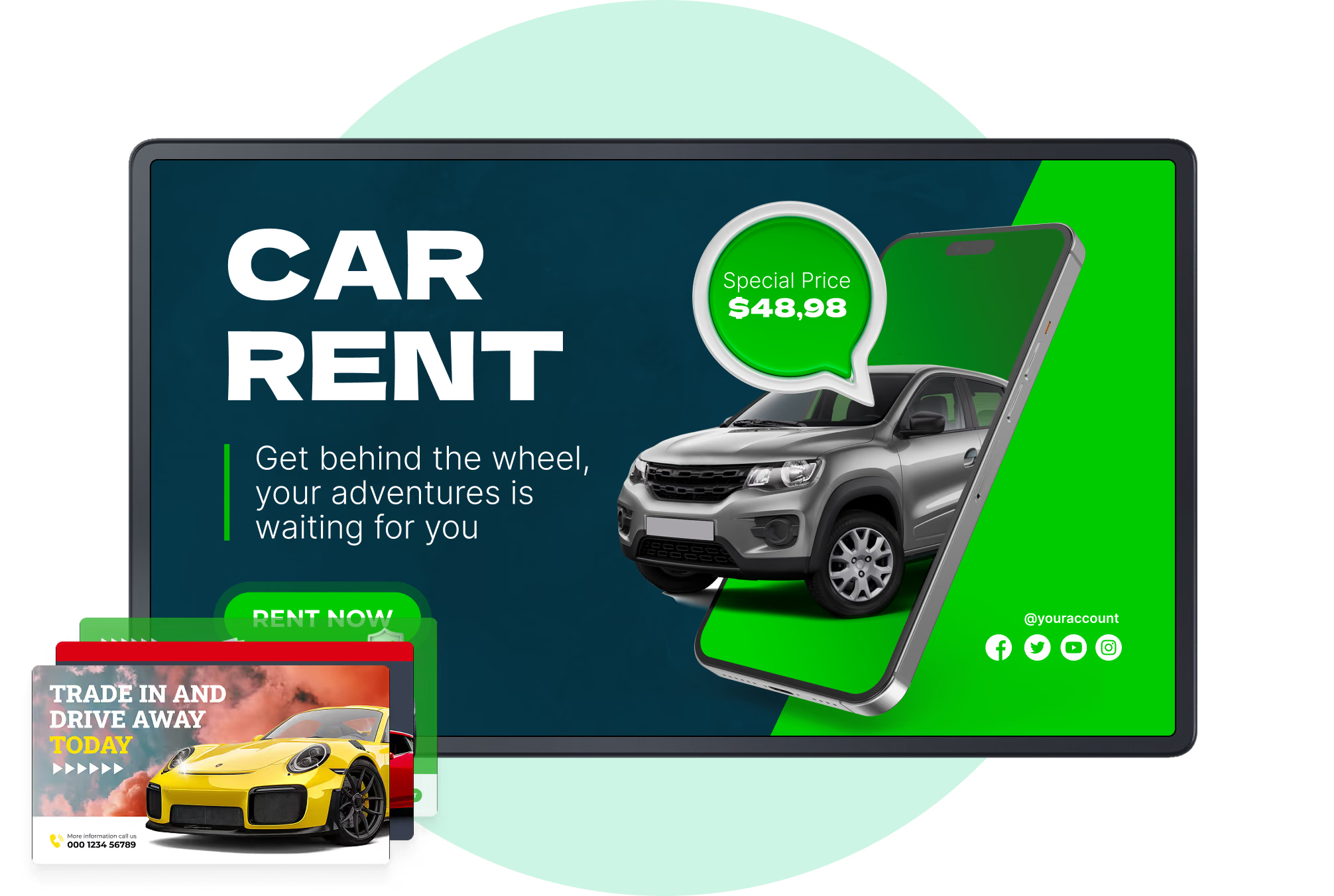
    Start with pre-designed templates and simple customization or upload your own content items to create displays that stand out
  • Schedule

    Playlist and schedule

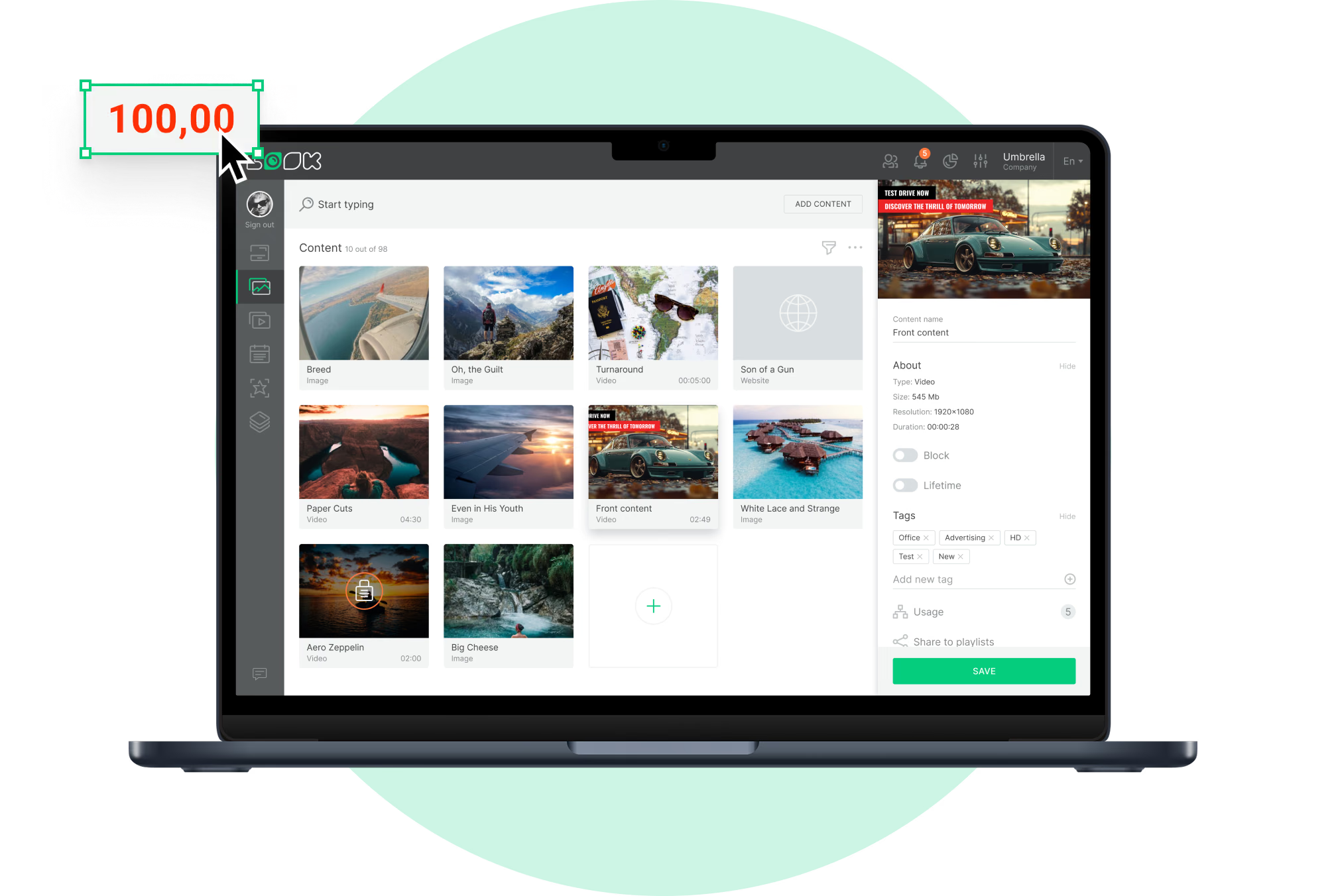
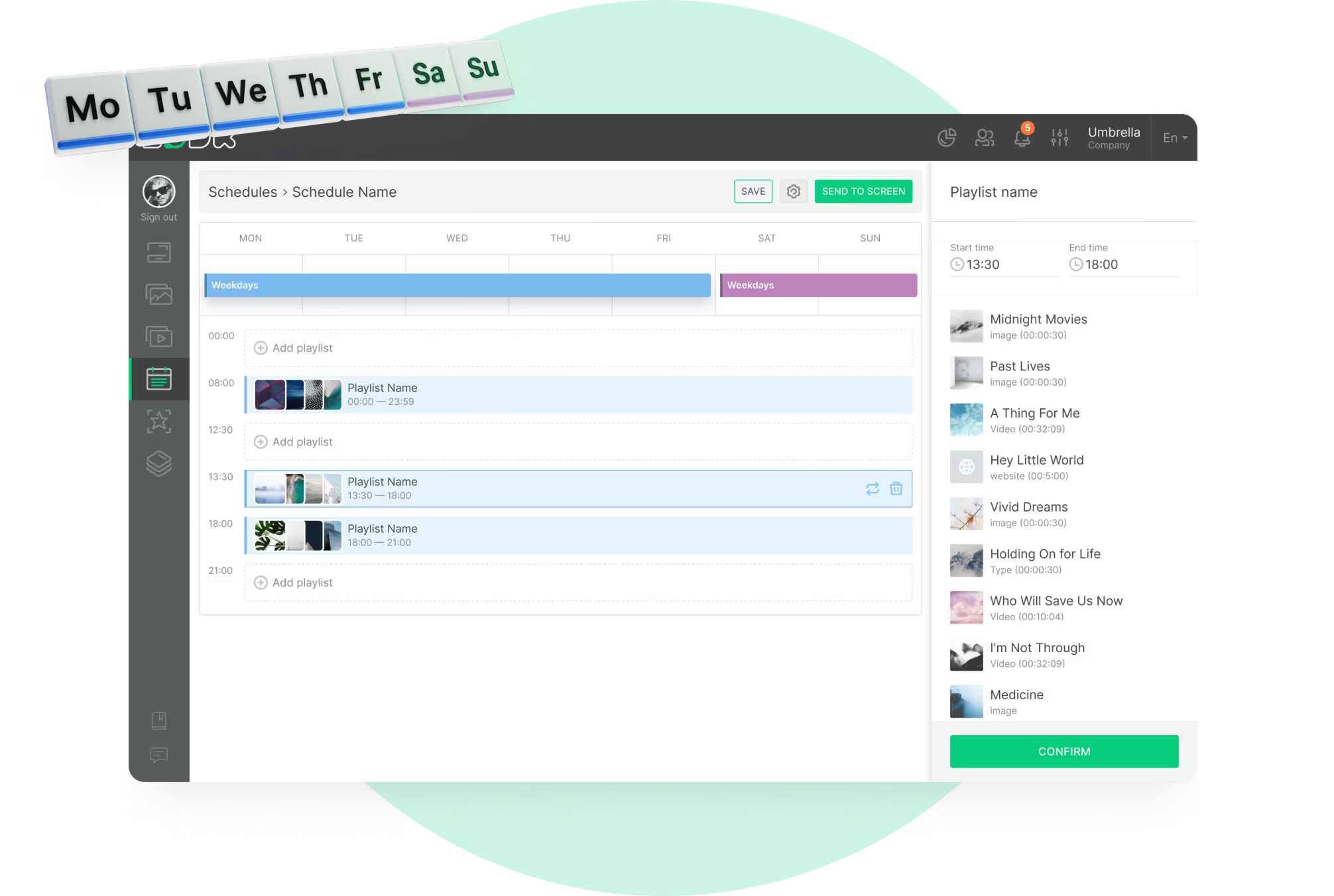
    Collect your content into playlists and schedule them to play based on the dates of specific marketing campaigns or times of high traffic at your dealership


  • Playlists

    Start playing

    Deploy your playlists across your dealership’s screen network, ensuring that the right message reaches the right audience
Car Dealership, interactive scenarioCar Dealership, car service templateCar Dealership, laptop and TV

Success stories

Hear from our delighted customers! Check out their inspiring quotes about how our service has transformed their digital signage implementations.
Captera Rating
4.9
G2 Rating
5
60 000+
Screens
11 000+
Users
120+
Countries

Free digital signage templates
for car dealerships

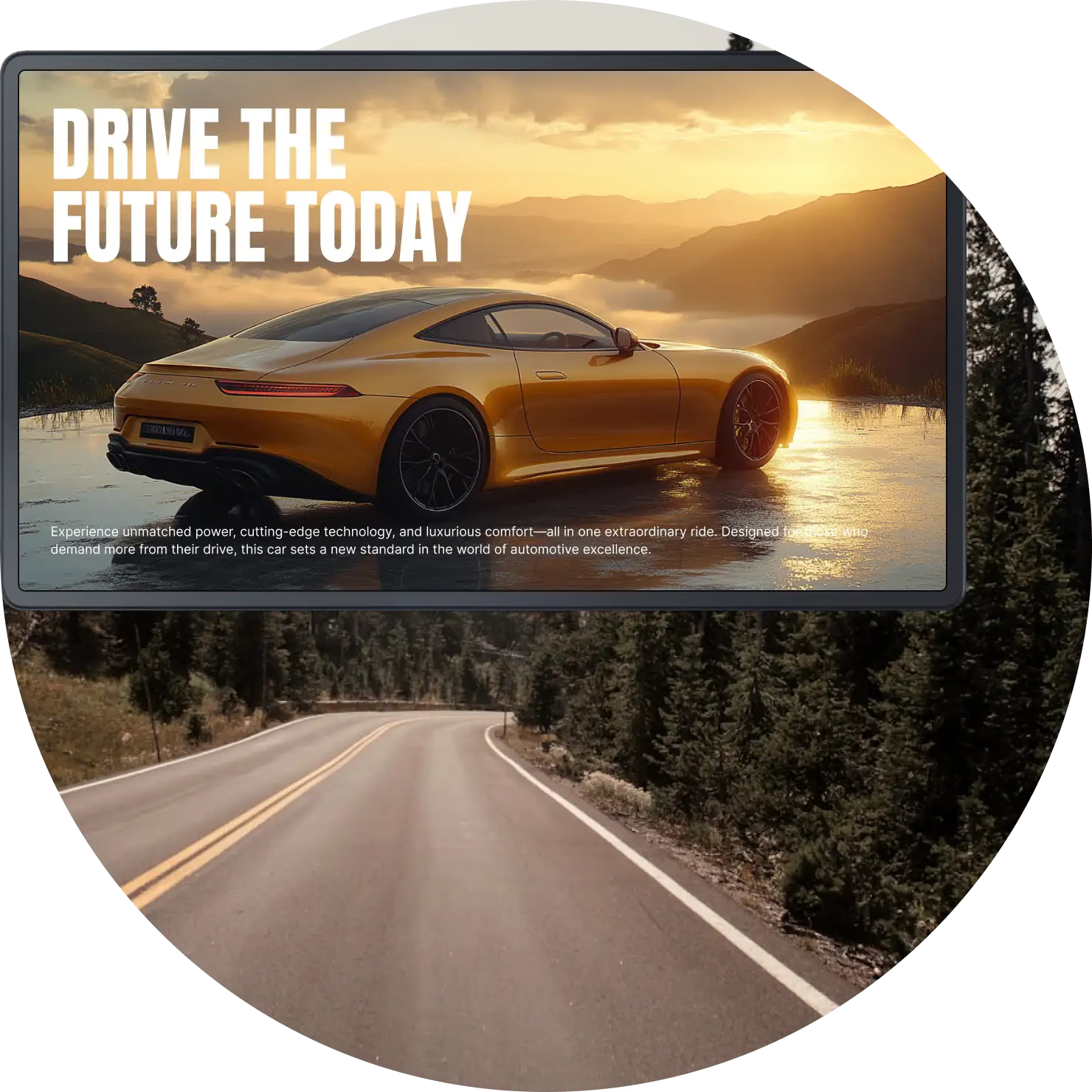
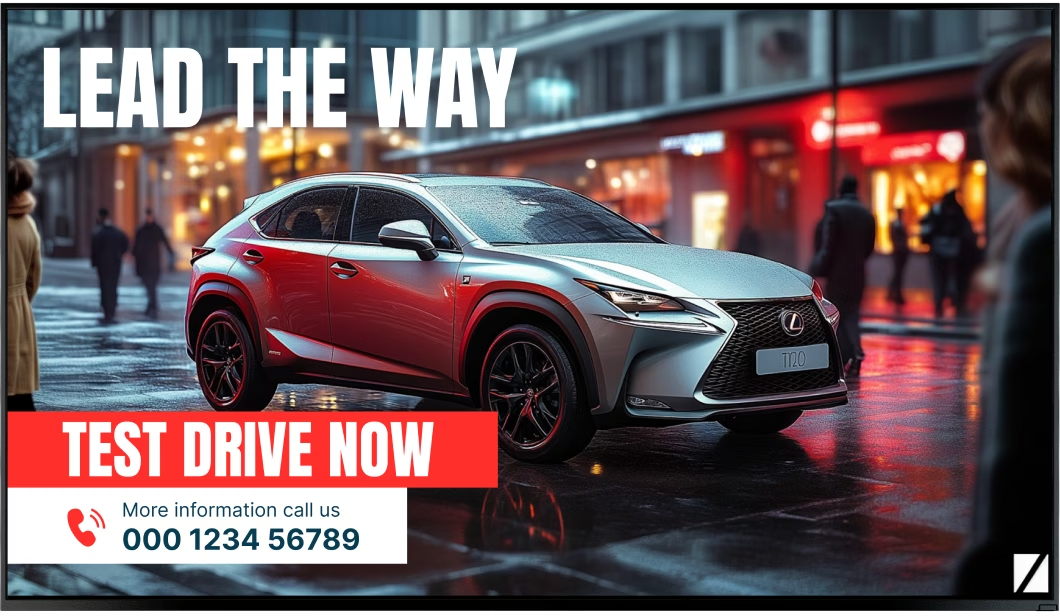
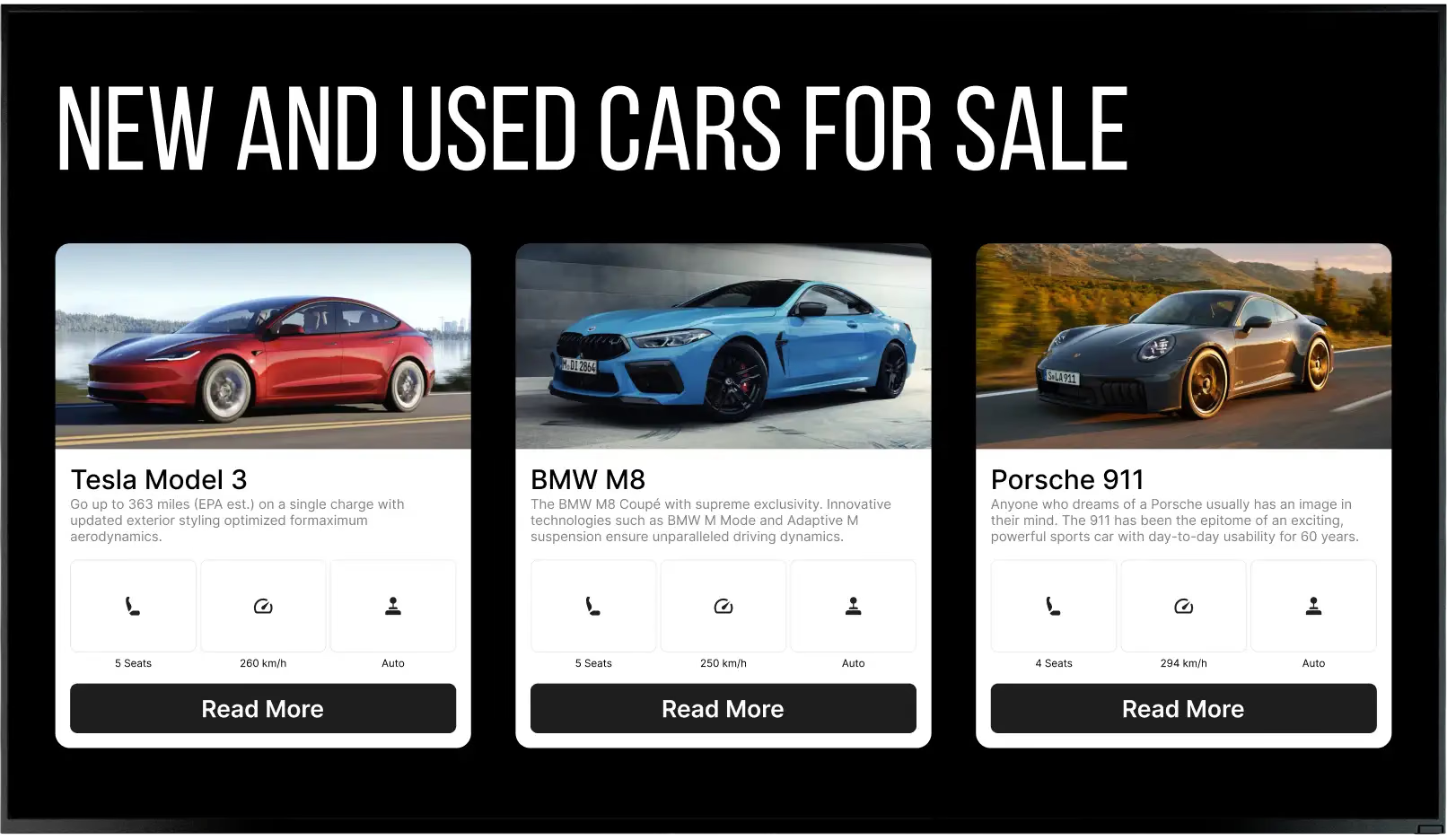
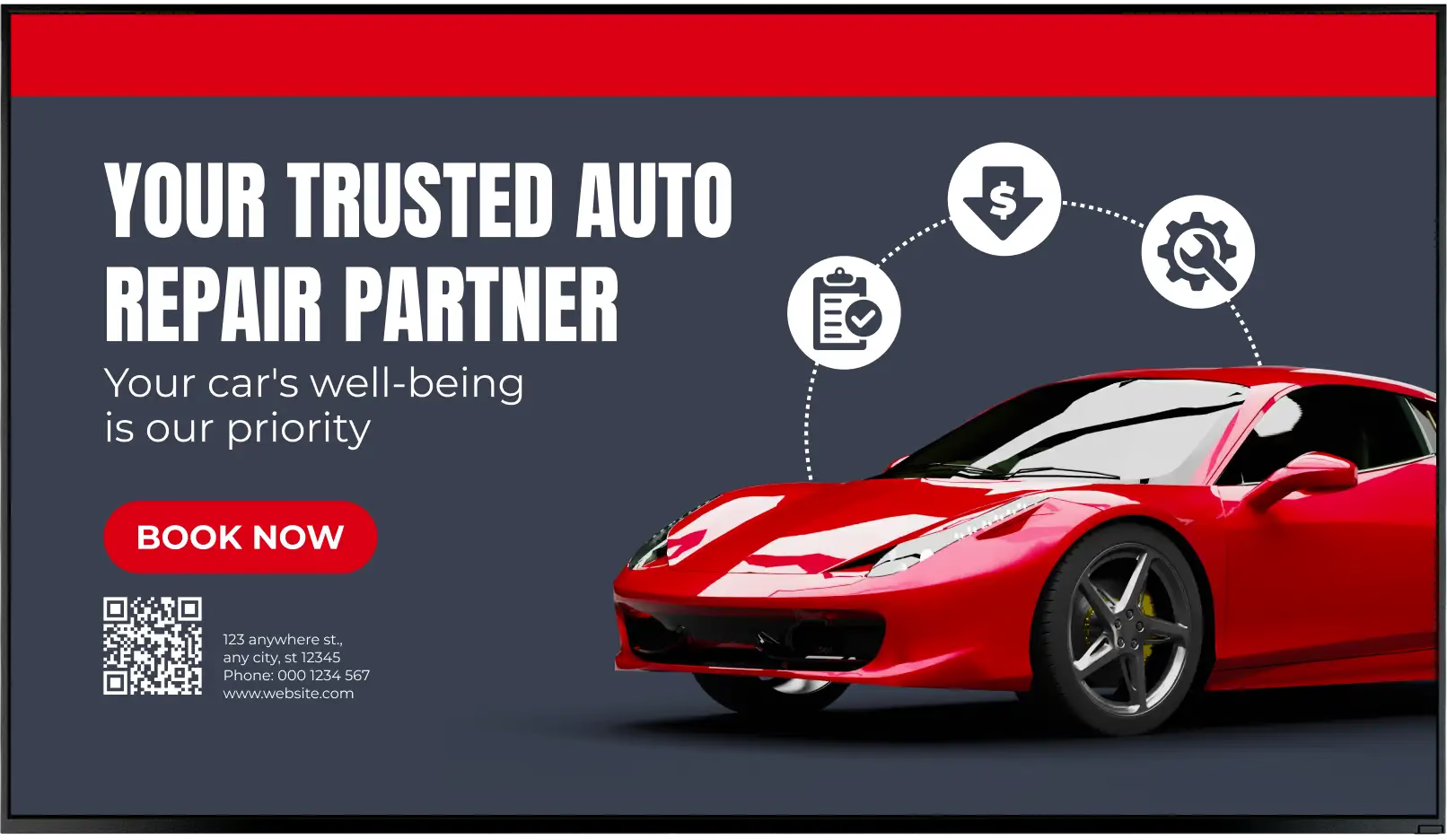
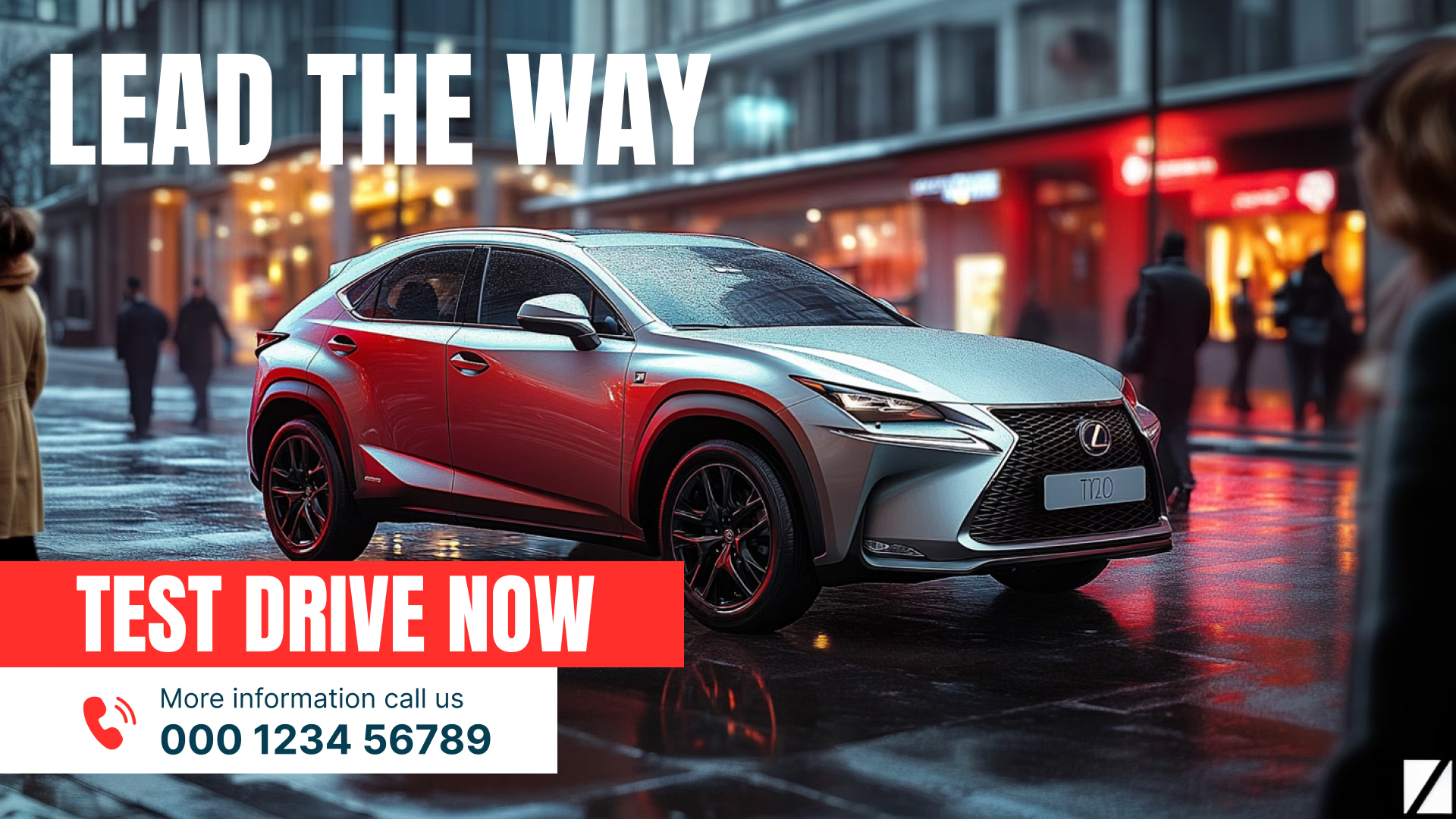
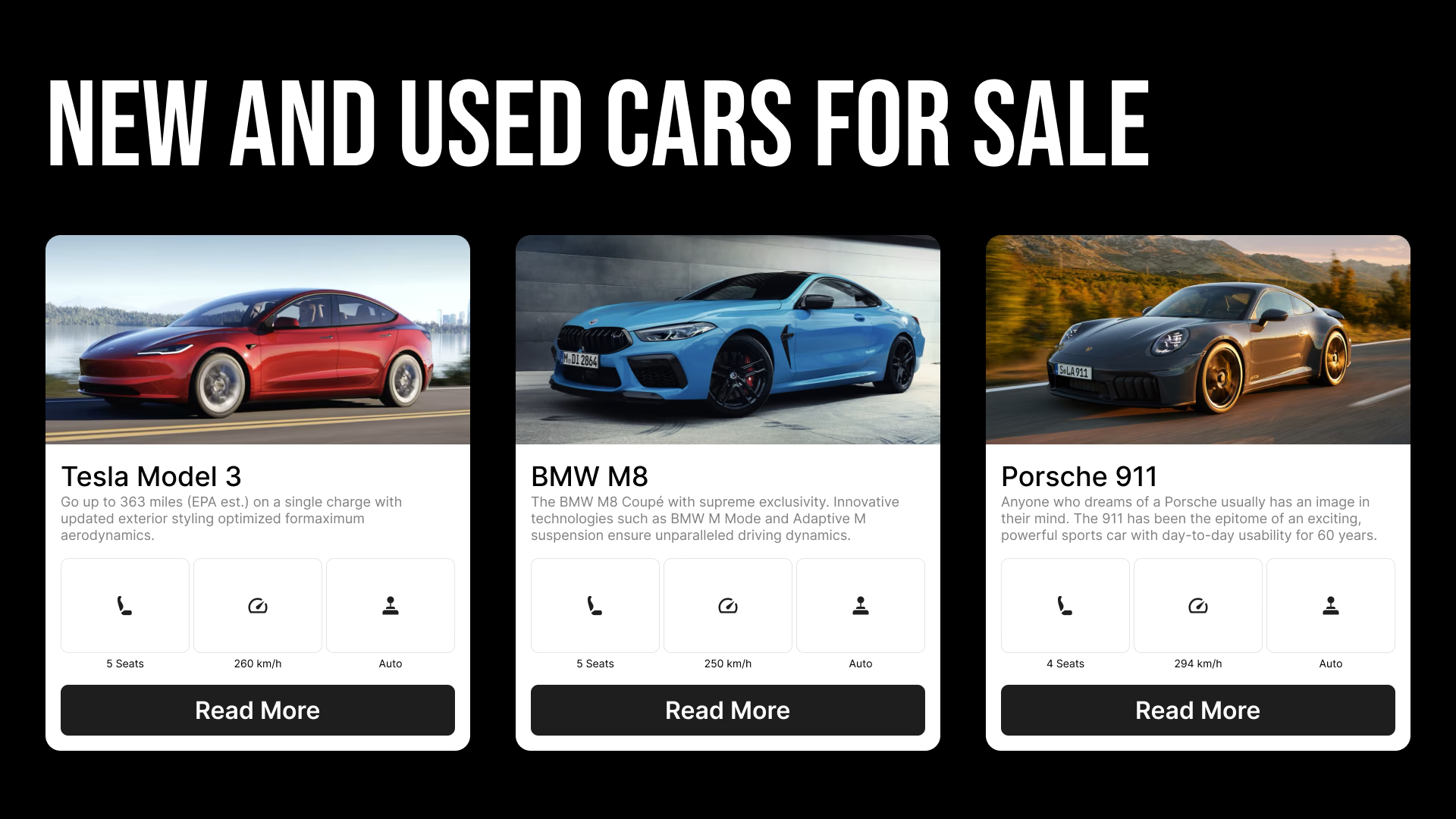
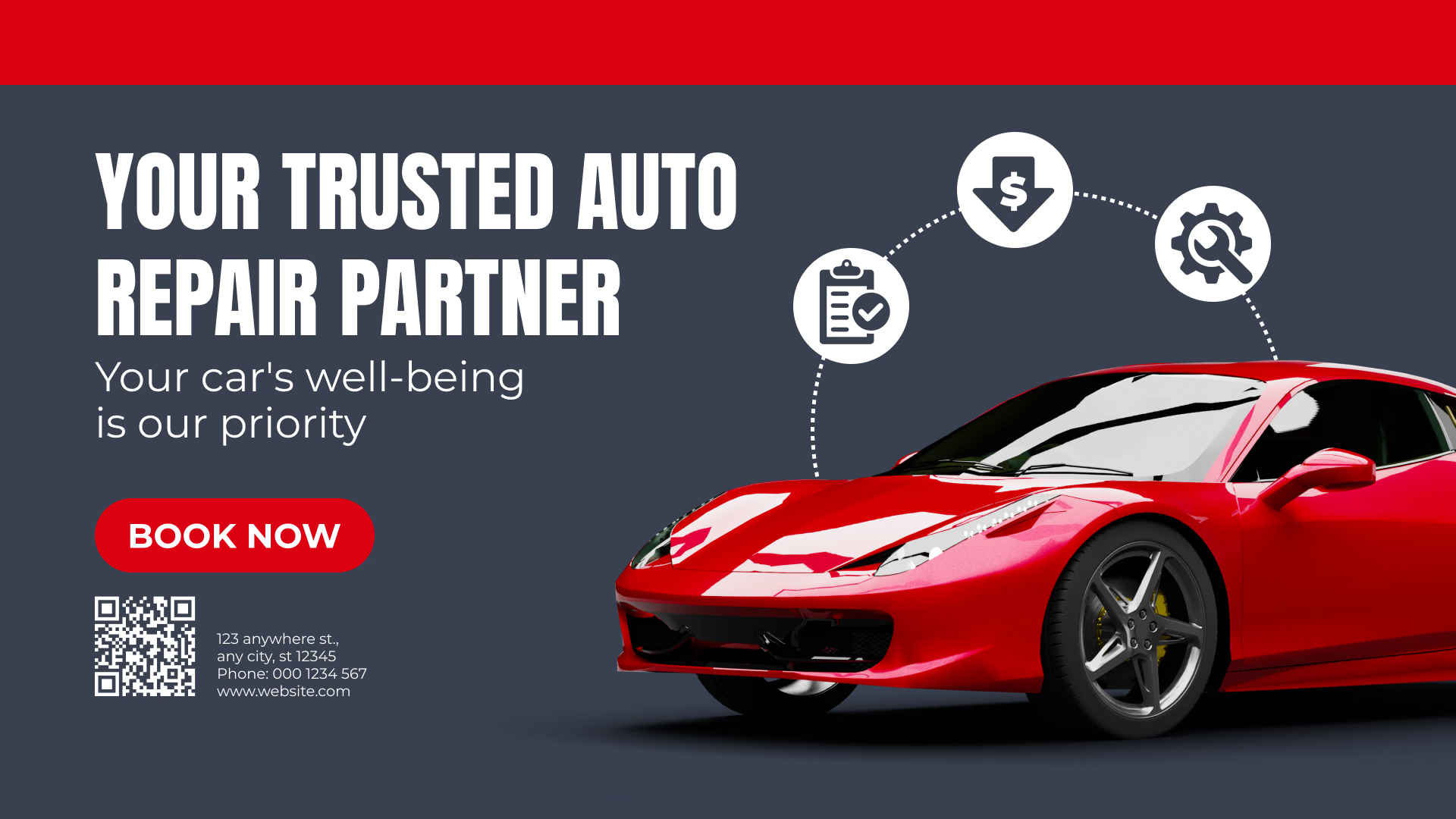
Not sure where to start? Attract customers with our customizable vehicle-themed digital signage templates. Use them to create eye-catching displays for your showroom, service center, and outdoor areas.
Car Dealership, templatesCar Dealership, templatesCar Dealership, Template

How to turn your TV into a digital signage screen

Look service works seamlessly on any hardware, whether you're planning to purchase or already use it
Or

Install FREE Look App

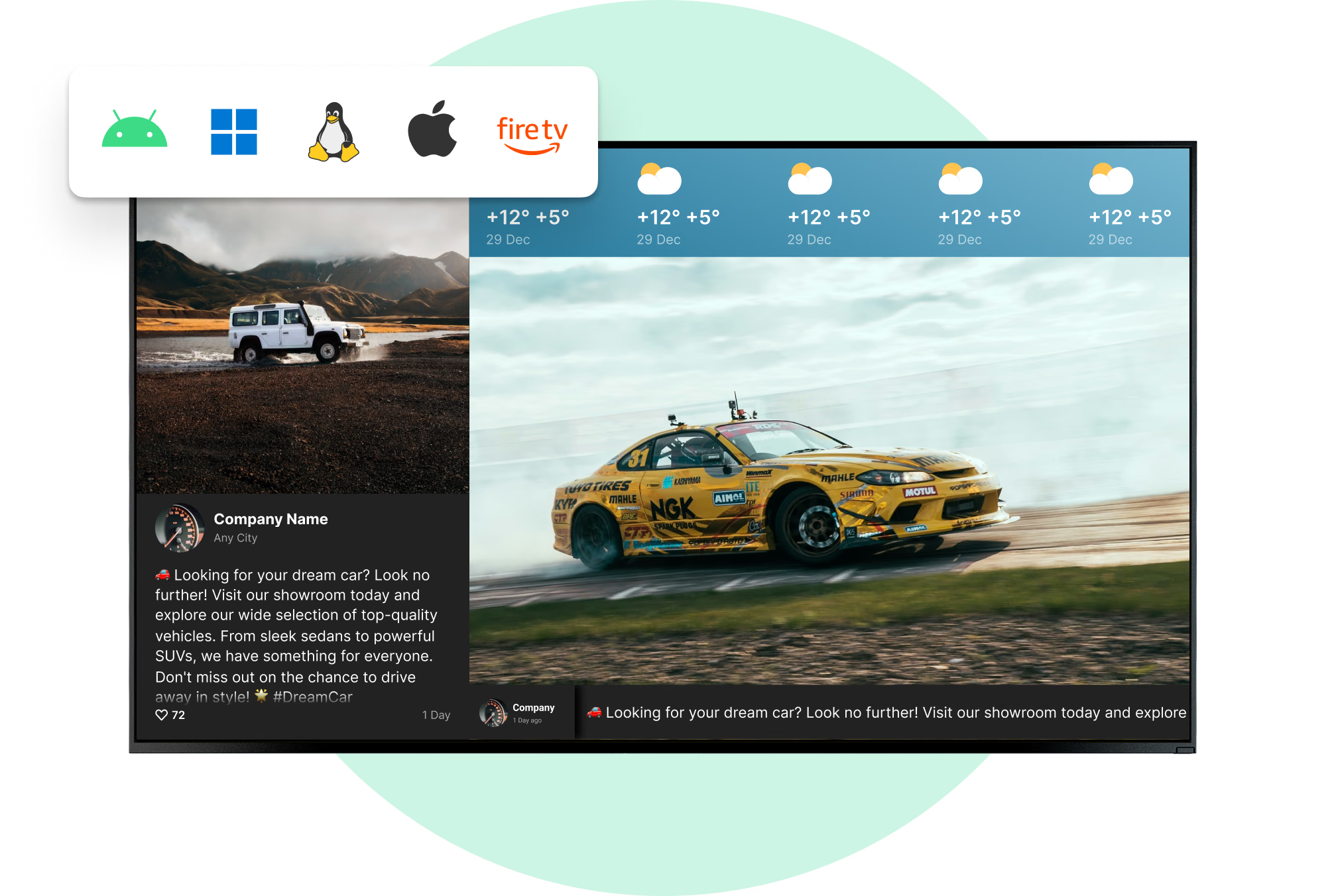
Transform any TV or compatible device into digital signage by installing the free Look app.
WindowsAmazon Signage
Androidgoogle-tvLinuxOS Fire Amazon
macOSWebOSOS Tizen OS Raspberry Pi
Supported Operating Systems

Plug Look HDMI Player

Connect the Plug & Play Look Player to your display’s HDMI input for instant setup. Worldwide shipping.
Buy nowLook HDMI Player

Frequently Asked Questions

What is car dealership digital signage?

In a dealership, digital signage usually means a group of connected screens spread across the site, all managed from one place. What plays on them is usually a mix: vehicle details and current promotions, plus finance terms, service updates, and whatever brand material the manufacturer expects to see. Six touchpoints is a fair benchmark for a full rollout, starting outside at the lot or the window and ending in the service lounge at the back. Compared with printed posters, the gain is mostly administrative. Change a price once, and it lands everywhere, and no one has to walk the building with a roll of replacement panels.

What is proof-of-play and why does a dealership need it?

Proof-of-play is a record that specific content played on a specific screen at a specific time. For a group running manufacturer campaigns across 10, 50 or 200 screens, it replaces the assumption that every player was working with evidence that it was. It also gives marketing something to audit against, whether that is an expired offer, a campaign schedule or playback at one particular location.

Can different dealership departments show different content?

They can, and separating them is usually worth the setup time. Each screen, or each group of screens, gets its own playlist and schedule. Someone standing in the showroom may want comparisons and finance options; someone in the service lounge cares about repair progress and maintenance packages; a screen in the back office can carry figures no customer should be reading. One loop playing everywhere tries to serve all three at once and usually serves none of them well.

What happens when a promotion expires?

It should leave the playlist on its own, the moment the end time passes. Monthly payments, APR offers, seasonal promotions and manufacturer incentives can all be wrong by the next morning. Good scheduling also lets the replacement creative wait in the queue behind it. The changeover happens overnight, and nobody drives between sites on a Monday to fix screens by hand.

Can a dealership create interactive touchscreen experiences?

Touchscreens suit vehicle browsing, model comparison, configuration, appointment requests and product exploration. They work when the customer has one clear task, and they fail when they turn into a full website bolted onto a kiosk. Three choices are usually plenty: browse vehicles, compare models, book a test drive. Anything deeper can continue on the customer's own phone.

Can several dealership locations be managed from one account?

That is usually why a group moves to a central platform in the first place. One account covers every site, and playlists can still be assigned per dealership, per department or per screen. Scale is not really the obstacle. One Nissan network was running over 200 Android screens centrally and brought another 50 online within a week. The pay-off shows up on launch mornings and national promotions, when everything has to change at once and nobody has time to visit each location.

What information should not be shown on dealership screens?

Public-facing screens should not expose unnecessary personal or sensitive customer data, and service status boards are the usual offender. A vehicle identifier or a limited queue position does the job without publishing someone's full name, phone number or service history. If an interactive screen collects contact details, the form and the data handling behind it have to meet whatever privacy rules apply to the dealership.

Can a dealership use its existing TVs for digital signage?

Often, yes. Indoors, an existing screen with adequate resolution, brightness and duty hours can be repurposed, and a media player turns it into a remotely managed signage display without replacing the panel. The calculation changes for harder positions. Windows, outdoor lots and screens running 16 to 24 hours a day generally justify commercial-grade hardware.

What screen size is best for a car dealership showroom?

For a prominent showroom presentation, commercial displays in the 55 to 75 inch range are the usual choice, while service waiting areas are often fine with 43 to 55 inches. Viewing distance drives this decision more than room size does. A screen standing beside a vehicle can be smaller than one people read from across the whole showroom floor.

Can screens display vehicle service status and wait times?

They can, provided the dealership's own systems expose the data. A status board will show which stage a vehicle has reached, and an estimated completion time if that figure exists somewhere the platform can read. It is not a dramatic feature, but customers stop coming back to the service desk to ask, which service advisors tend to appreciate more than you might expect. Three stages are often enough: checked in, in service, ready for collection.

Can digital signage connect online car research with the showroom experience?

The same vehicle data a customer sees online can follow them onto showroom screens and then onto their phone. A display might show a configuration, current availability or a live offer, with a QR code that hands the next step to the customer's device. Website, showroom floor and sales conversation stop being three separate experiences and start behaving like one.

Should a dealership use video walls or standard displays?

Standard commercial displays cover most vehicle information, promotions and service communication perfectly well. Video walls belong in entrance or flagship spaces where impact is the point, and they can turn a launch film or a hero model into the centerpiece of the room. They also cost more in hardware and installation. So a video wall should answer a specific presentation need rather than stand in for several ordinary screens.

How can dealerships keep pricing and finance content compliant?

Assume a screen is advertising, and hold it to the same disclosures, approvals and expiry rules as everything else the dealership publishes. The template is where most of this gets won or lost, so give mandatory text a fixed region that a later design pass cannot quietly delete. Version control helps too, along with an end date set when the campaign is built. Between them, they prevent an expired 0% APR offer from still playing to the showroom three weeks later.

How often should dealership screen content be updated?

Inventory, prices, and time-sensitive offers should update the moment the underlying data changes. Brand and educational content can sit in rotation much longer. Scheduling keeps everything from playing at once, so a weekday service campaign is not still running through a Saturday showroom event. Expiry dates matter most on finance promotions and limited-time manufacturer offers.

Can digital signage promote accessories and after-sales services?

Screens introduce accessories, protection packages, extended warranties, maintenance plans and tires while the customer is already in a buying or waiting frame of mind. Timing depends on the location. Accessories belong near the vehicle displays, while maintenance offers belong in the service lounge. Scheduling by zone and by daypart is what keeps those two messages from landing in the wrong place.

Can corporate marketing control content while local dealerships make their own updates?

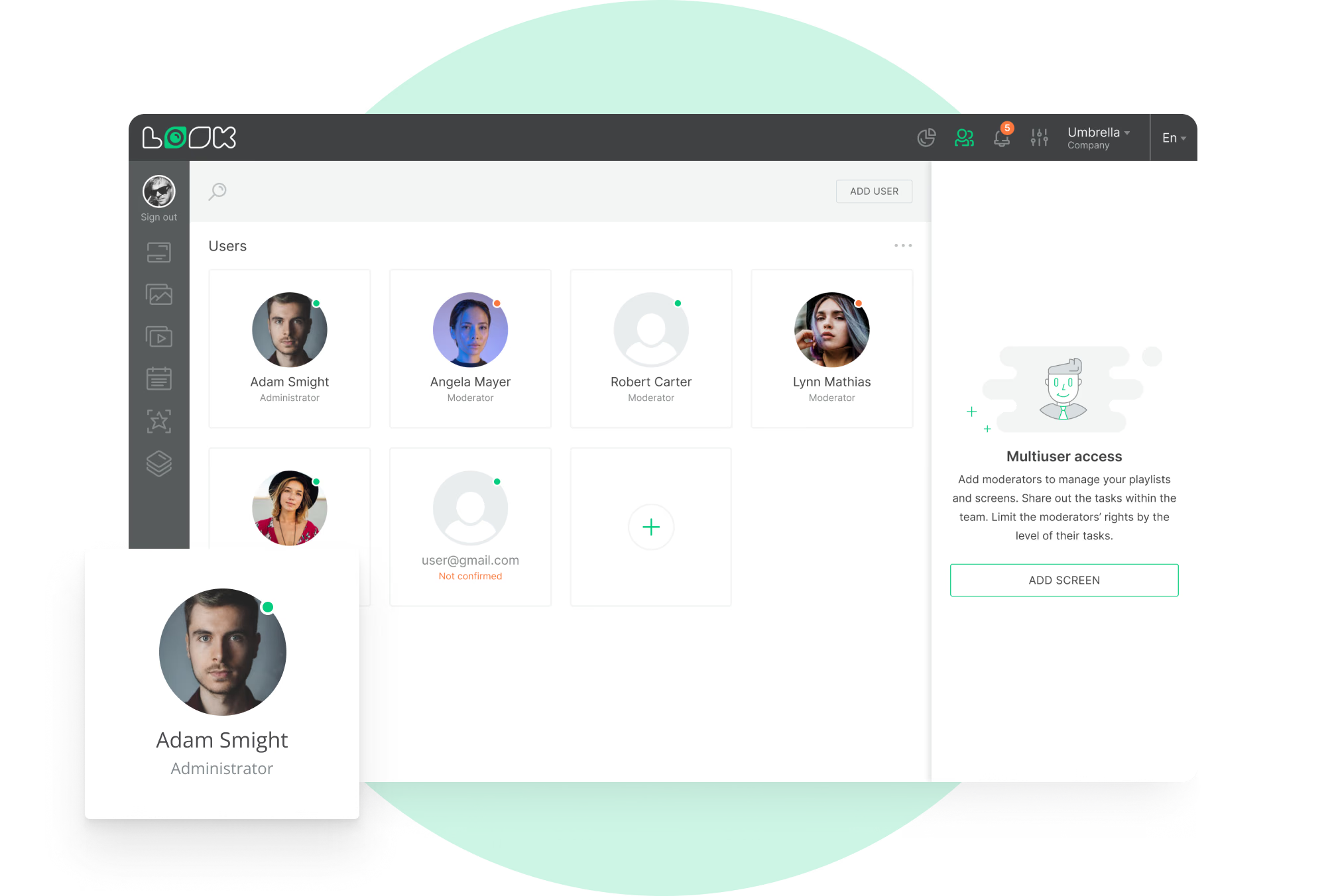
Yes, and this is one of the more common reasons dealer groups move to a central platform. Manufacturer campaigns and mandatory brand messaging stay under corporate control, while the local team keeps hold of the things only they know about, such as opening hours, local events and what is actually sitting on the forecourt. Roles and permissions are what make the arrangement workable. Without them, giving someone the ability to change a local event slide also gives them the ability to overwrite a national campaign.

What type of screen is needed for outdoor dealership signage?

Outdoor screens need to be built for outdoor use, not indoor televisions dropped into a box. Commercial outdoor displays typically run somewhere between 2,500 and 5,000 nits and carry IP65 or IP66 weather protection. Temperature range, glare, rain, dust, vandalism and direct sunlight all have to be settled before anything goes up on the lot.

How is digital signage used in dealership service departments?

Service departments generally use screens for check-in information, vehicle status, estimated completion times, maintenance education and offers that suit customers who are already on site. A waiting-room display is more useful when it carries progress updates alongside tire, accessory, or maintenance promotions than when it shows general television programming. Keeping service content separate from showroom advertising also matters, because the person in the lounge has usually bought a car already and needs something different from the visitor browsing the showroom floor.

Can dealership screens show prices and financing offers?

Screens can carry vehicle prices, lease offers, APR promotions, trade-in campaigns, and other finance messaging positioned next to the model it applies to. Since finance advertising often comes with disclosure requirements, it is worth designing templates with a reserved area for qualifying text and expiry dates before anyone starts producing campaigns. Setting an offer to leave the playlist automatically at 23:59 on its final valid day is also more reliable than depending on a member of staff to remove it in time.

What should car dealerships show on showroom screens?

Whatever a customer can actually walk over to and buy. Featured models, specs and trims, colors, pricing, live incentives, comparisons against a rival model, and a prompt to book a test drive. Screens in this spot are usually 55 to 75 inches, big enough that a photograph still looks like a photograph. One warning on length. Loops that stretch much past a minute start feeling like television, and people stop reading them.

Can digital signage be used for staff communication?

Back-of-house screens can carry sales targets, service-bay throughput, campaign instructions, training material and general announcements. Keep them off the customer-facing playlists, since the purpose and the audience are both different. A dealership group can still run everything from one CMS while restricting internal content to screens in employee-only areas.

Where should digital signage screens be placed in a car dealership?

The two useful questions are where customers make decisions and where they spend time waiting. In most dealerships, that produces six zones: the window or forecourt, the showroom entrance, the vehicle display area, the sales and finance desks, service reception, and the service lounge or handover area. Because each zone exists for a different reason, the same playlist duplicated across all six will only be relevant in one or two of them.

How can dealerships stop screens from advertising vehicles that have already been sold?

Connect screen content to the same inventory source the website or internal systems already use. When a car is marked sold or drops out of that source, the integration clears it from the displays too. Maintaining a separate vehicle list by hand is where mistakes come from, and an API or Zapier connection removes that risk.

How should a dealership start with digital signage?

Start from the customer journey, since the hardware decision is the easy half. Most successful pilots cover three areas with different objectives: typically the showroom, service reception, and the waiting lounge. Give it long enough to prove the workflows, templates, and data sources hold up during normal weeks, not just launch week. After that, growth is mostly administrative: extra screens and extra sites attach to the same CMS, and nobody rebuilds the content operation to add them.

How can a dealership measure whether digital signage is working?

Pick outcomes a screen can plausibly influence, and attach each one to a location or a campaign rather than to the network as a whole. QR scans work well for this, as do test-drive requests, service bookings, accessory sales and finance inquiries. Proof-of-play then confirms the campaign actually played, and playback analytics show when and where. Compare that against CRM or sales records and the argument becomes much easier to make than one built on impression estimates.

Can different dealership departments show different content?

They can, and separating them is usually worth the setup time. Each screen, or each group of screens, gets its own playlist and schedule. Someone standing in the showroom may want comparisons and finance options; someone in the service lounge cares about repair progress and maintenance packages; a screen in the back office can carry figures no customer should be reading. One loop playing everywhere tries to serve all three at once and usually serves none of them well.

Does dealership digital signage keep working if the internet goes down?

It can, and this is worth checking before signing anything. Offline playback means the player has already stored its scheduled content, so it carries on when the connection drops. Look DS supports this. What stops during an outage is anything depending on the network, so new uploads, live data feeds and remote commands all have to wait. The benefit is narrower than it sounds, but it is the right kind of narrow: a router that reboots on a Saturday morning does not leave a blank rectangle facing the street.

Can digital signage display live vehicle inventory?

They can. Screens pull inventory straight from an inventory system, the website, the DMS, or another database, which removes the need for hand-built slides. Look DS handles this through API or Zapier, so vehicle data becomes part of a feed that refreshes itself. That matters most when stock, availability, or pricing shifts several times a day.

How bright should a dealership window display be?

A screen facing a bright window needs far more brightness than a standard indoor display, often 1,500 nits or more depending on how much direct sun it takes. Consumer televisions behind glass tend to wash out by mid-morning. Test the exact position at the brightest point of the day before anything gets mounted. Evening showroom lighting will tell you almost nothing useful.

Can QR codes be used on dealership digital signage?

QR codes are the cheapest way to move a customer from a shared screen to their own device. A code can open a specific vehicle listing, a finance page, a test-drive form, a service booking, or a saved configuration. There is a measurement benefit too. Campaign-specific codes make it possible to compare which screen positions and which messages actually produce customer action.

How can digital signage improve the car-buying experience without adding sales pressure?

Screens let a customer gather information on their own before they have to talk to anyone. Specs, model differences, prices, video, finance options: all of it can be read off a display or carried onto a phone through a QR code. That takes the pressure out of the first ten minutes of a visit. Dealership information stays visible the whole time, but the customer decides when the conversation starts.

Is digital signage useful for used-car dealerships?

Used-car dealerships tend to get more out of screens than new-car showrooms do, mainly because their stock turns over faster. A live stock wall is the obvious use, and it can sit alongside vehicle history, inspection details, price reductions, finance terms and recently acquired cars. When one vehicle sells and another arrives the same afternoon, automatic updates handle the change quietly, with no printed showroom board to redesign.