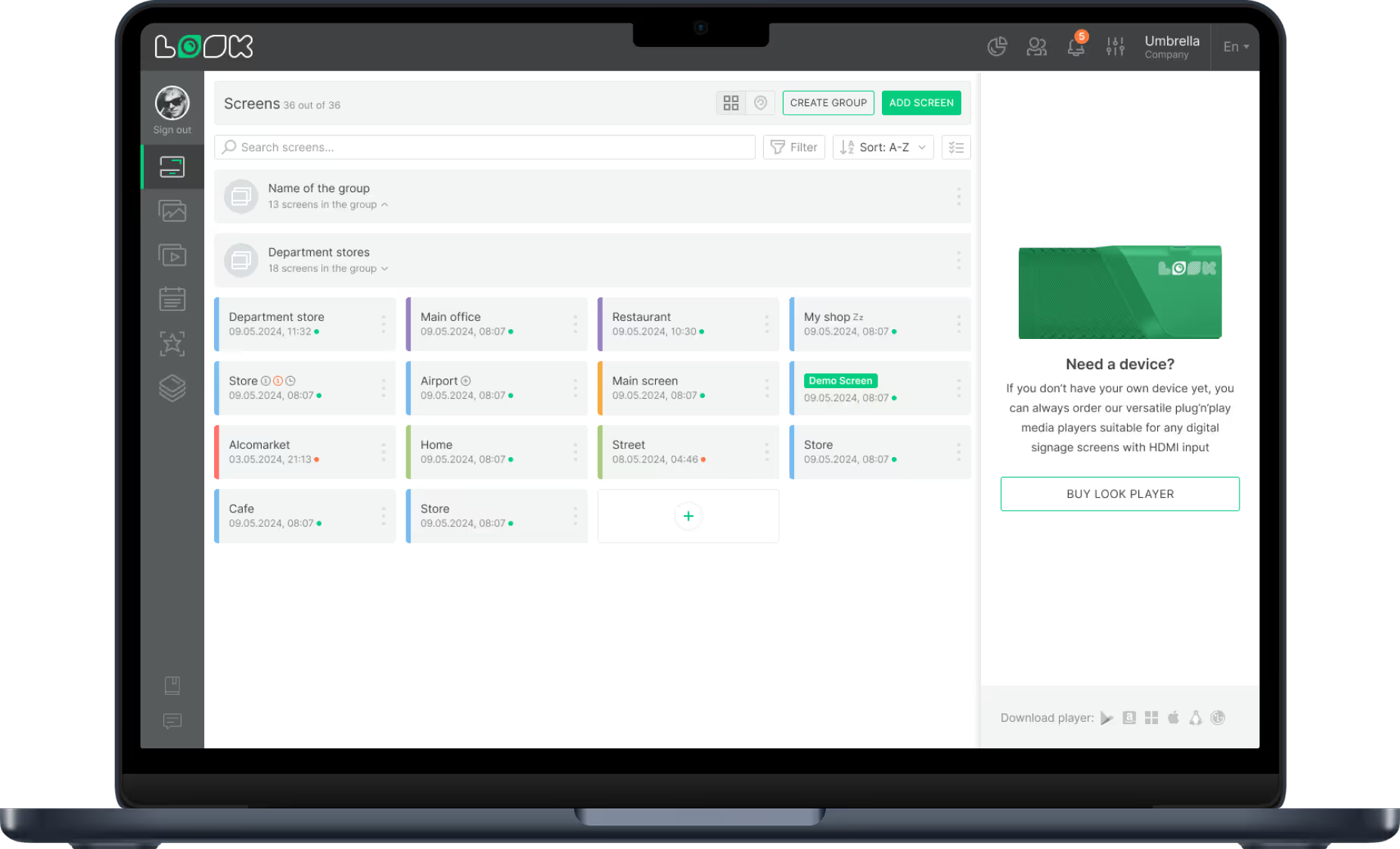
Digital Signage for Restaurants, Cafes & Bars


🌍 120+ countries





80%
of restaurant owners report digital signage increases order value
Source: industry research
3–5%
average uplift in transaction value from upsell screen placement
Source: retail analytics benchmarks
35%
reduction in perceived wait time when screens are present in queuing areas
Source: consumer behaviour studies
$0
cost per menu update — versus design, print and shipping costs every season
vs. traditional printed menus
What is restaurant digital signage?
Cloud-managed screens you control from anywhere
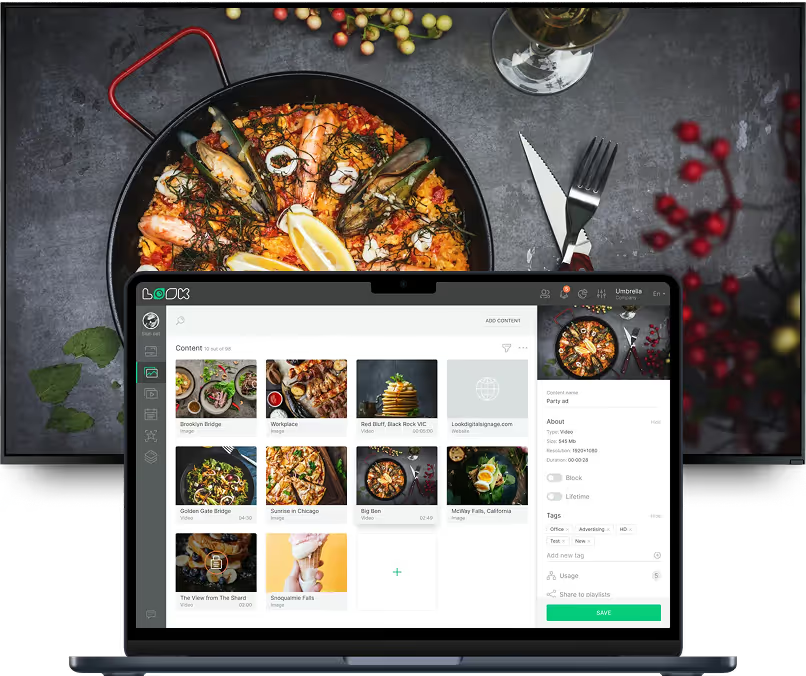
Restaurant digital signage replaces printed menus, lightbox boards and window posters with screens managed from a central cloud platform. You update content in seconds — from a laptop or phone — and changes appear immediately on every display in every location.
Unlike printed menus, digital signage has no lag between the decision and the change.
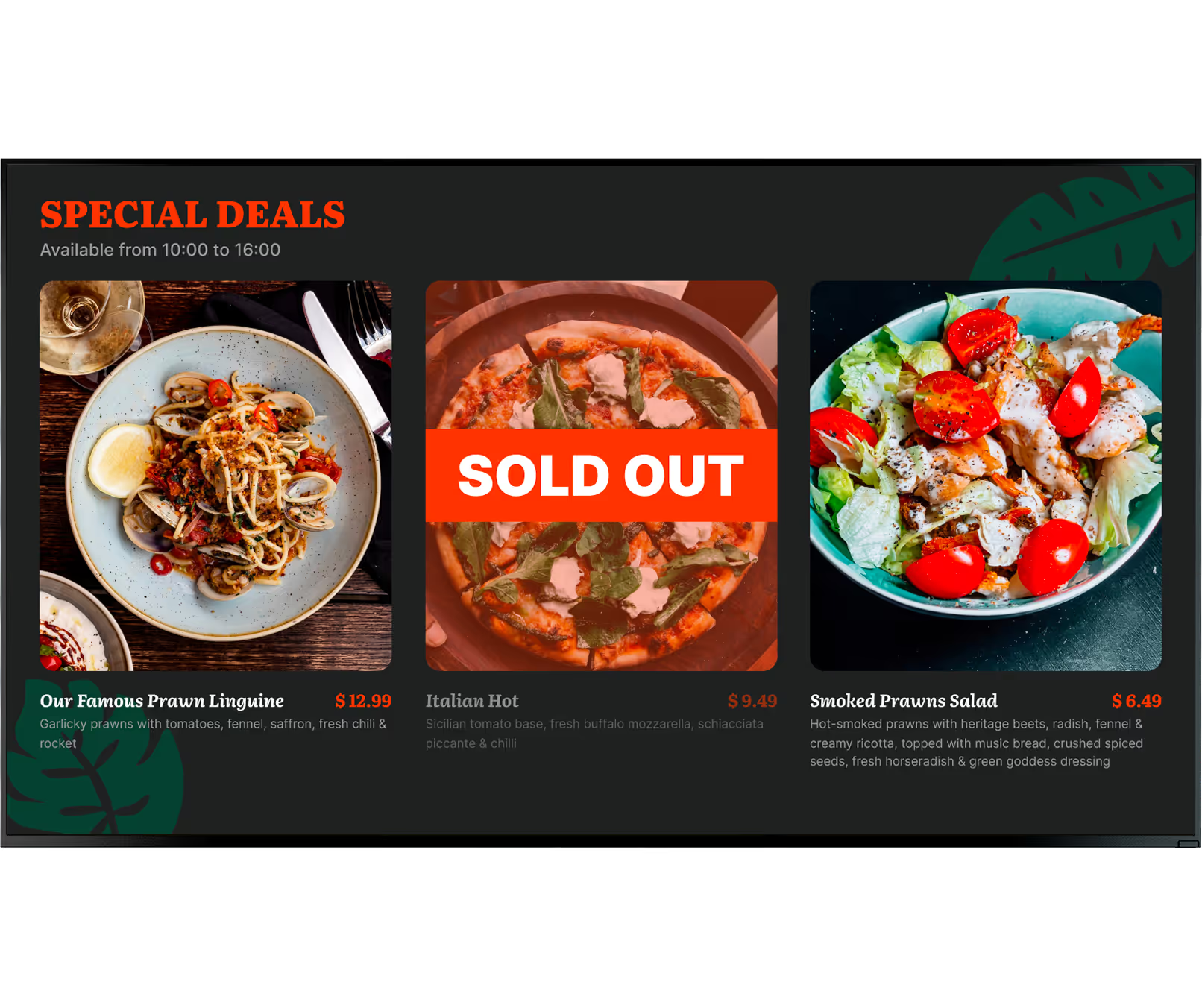
If an ingredient price spikes, you adjust across all locations in seconds. If a dish sells out at 1pm, you remove it before the lunch rush peaks.
Digital vs. traditional
Printed menus

Design + print + shipping cost every season
Days to update a price or remove a dish
Static — no motion, no video
Inconsistent across locations
No scheduling capability
Look DS

Zero cost per update, ever
Seconds to push changes to all screens
Video, animation, live feeds
Pixel-perfect consistency at scale
Automatic dayparting schedules

What is restaurant digital signage?
1
Display
Any commercial screen or compatible TV — from a single counter display to hundreds across multiple locations
2
Media player
The plug-and-play Look HDMI Player or the free Look App on a device you already own.
3
CMS software
The Look DS cloud platform — your control centre for creating playlists, setting schedules and publishing to every screen
Why it works
Six ways digital signage pays for itself

Eliminate menu update costs
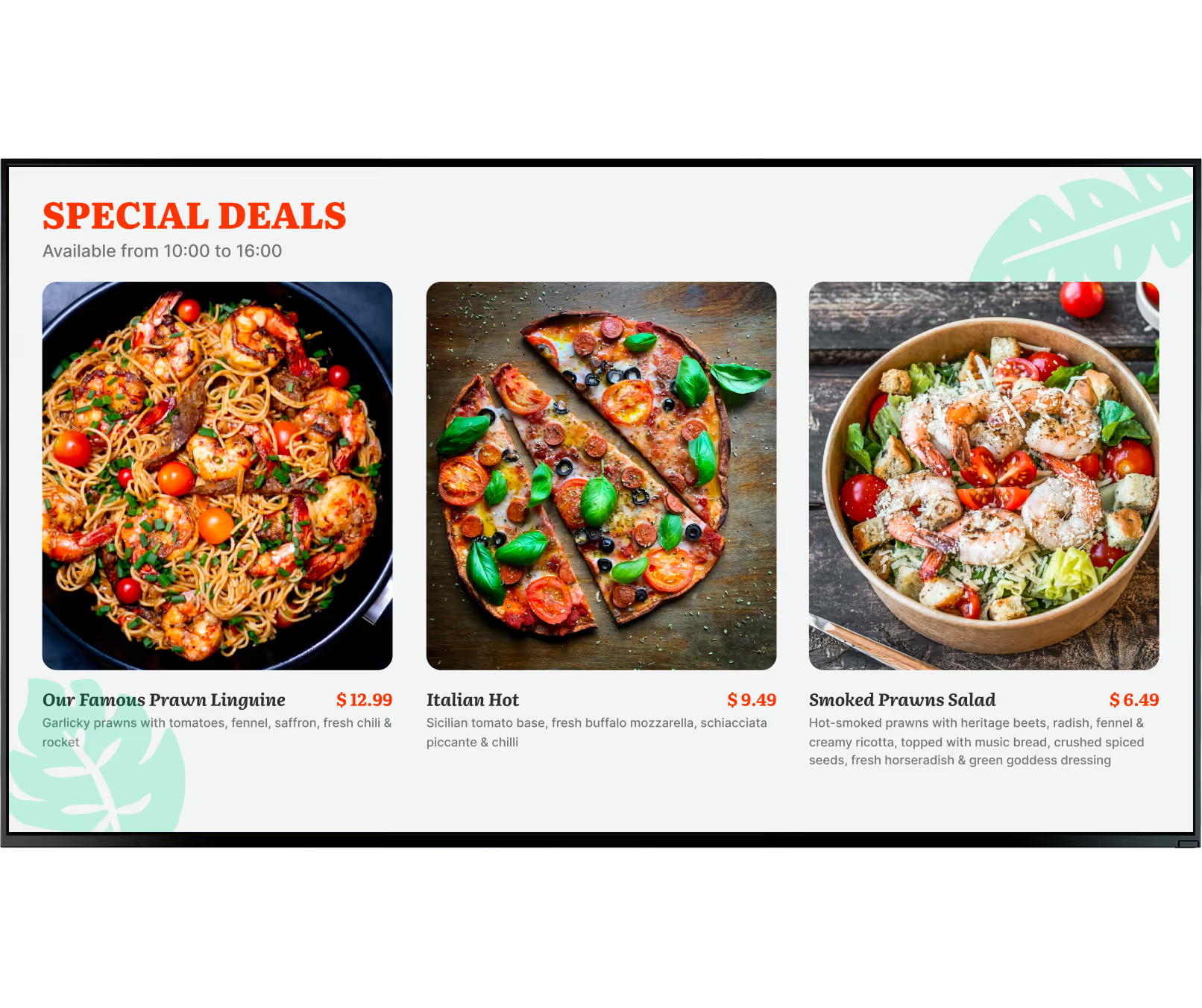

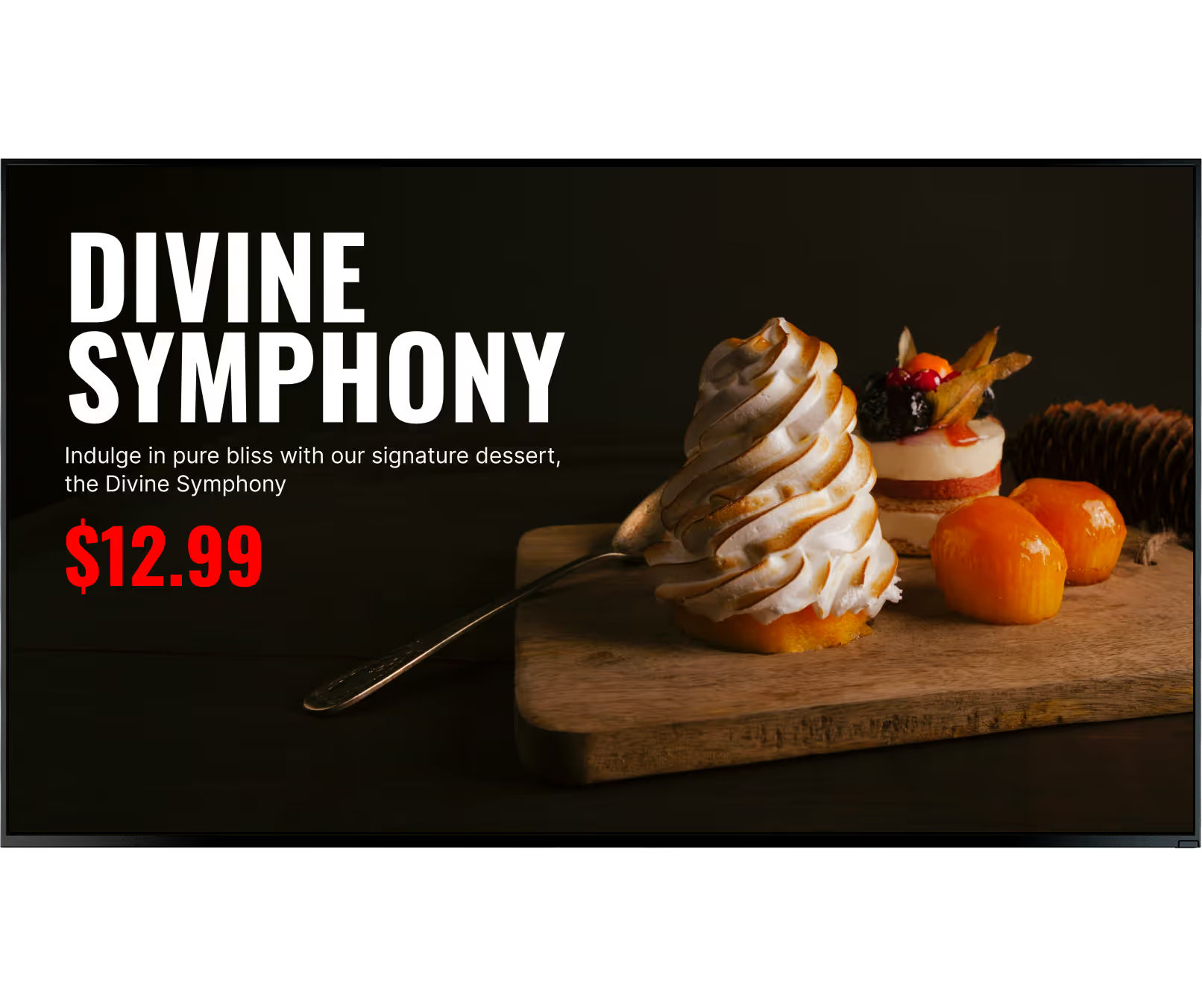
Increase upsell revenue

Reduce perceived wait times

Reduce order errors


React instantly to change

Consistent brand at every location




What is restaurant digital signage?
Digital signage built for your format
Different formats have different pain points. Look DS handles the full range
Speed is everything
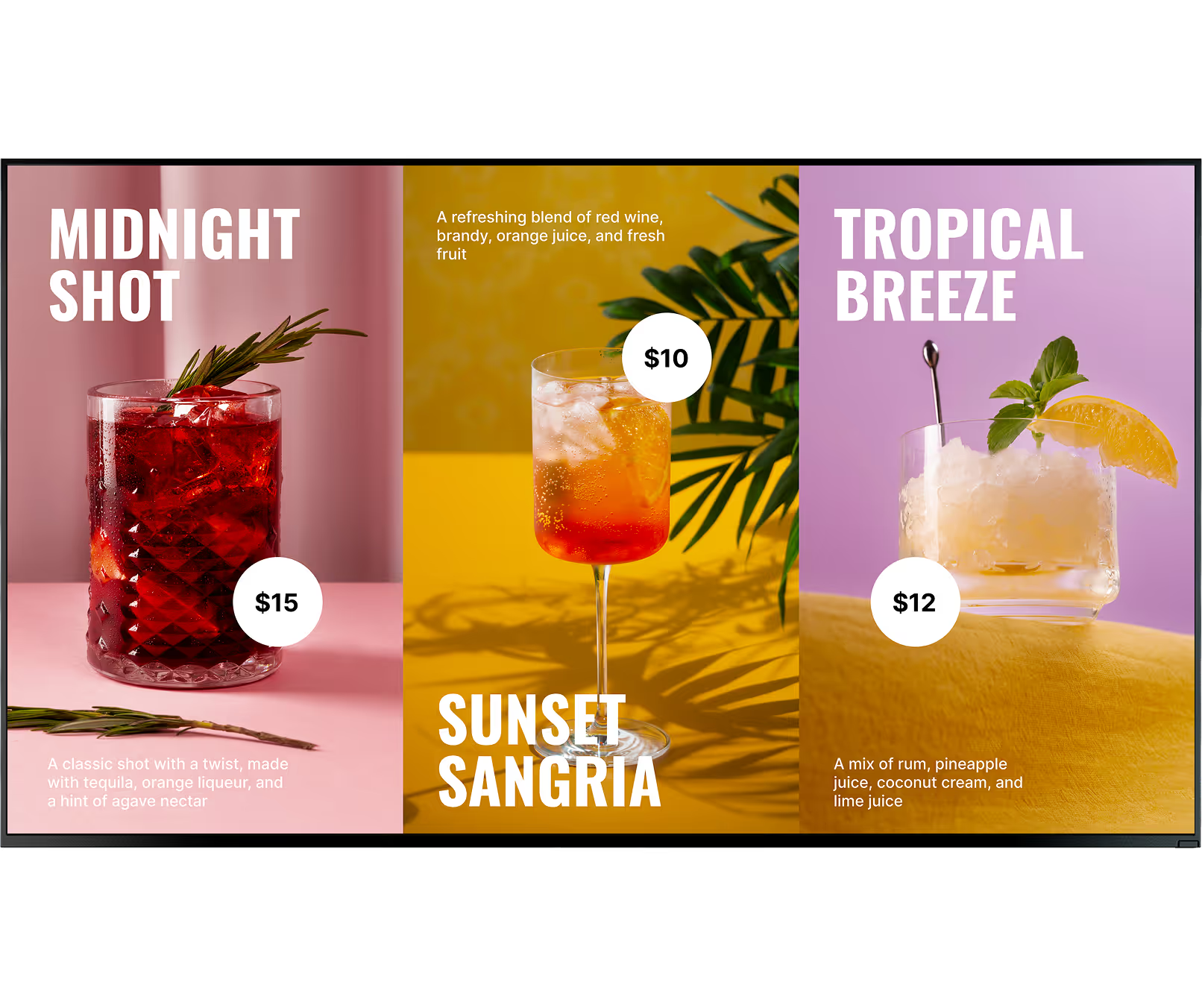
Turn screens into self-ordering touchpoints that reduce queues and speed up service. Showcase visuals that drive impulse decisions and make combos irresistible. Instantly update menu, promote upsells, and guide customers to higher-value choices..
Reduce queue friction
Build-your-own concepts need clear visual hierarchy. Zone your screens to show categories on one side and featured combos on the other — helping customers decide before they reach the counter.
Storytelling over selling
Use displays for subtle storytelling — chef profiles, seasonal ingredient origins, wine pairing suggestions — that elevate the experience without breaking the mood. Templates designed for premium aesthetics keep the atmosphere intact.
Seasonal drinks in seconds
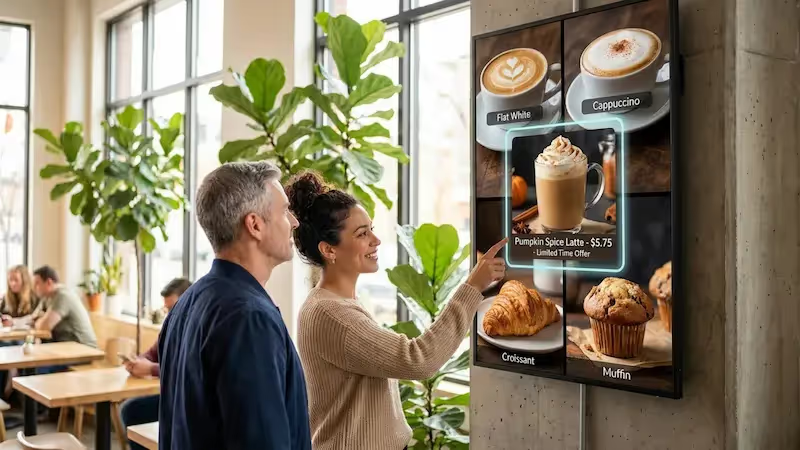
Seasonal drinks, loyalty programmes and daily specials change constantly. Update every chalkboard-replacement screen instantly. Cafe-aesthetic templates let you maintain your brand feel while managing content remotely.
Energy on every screen
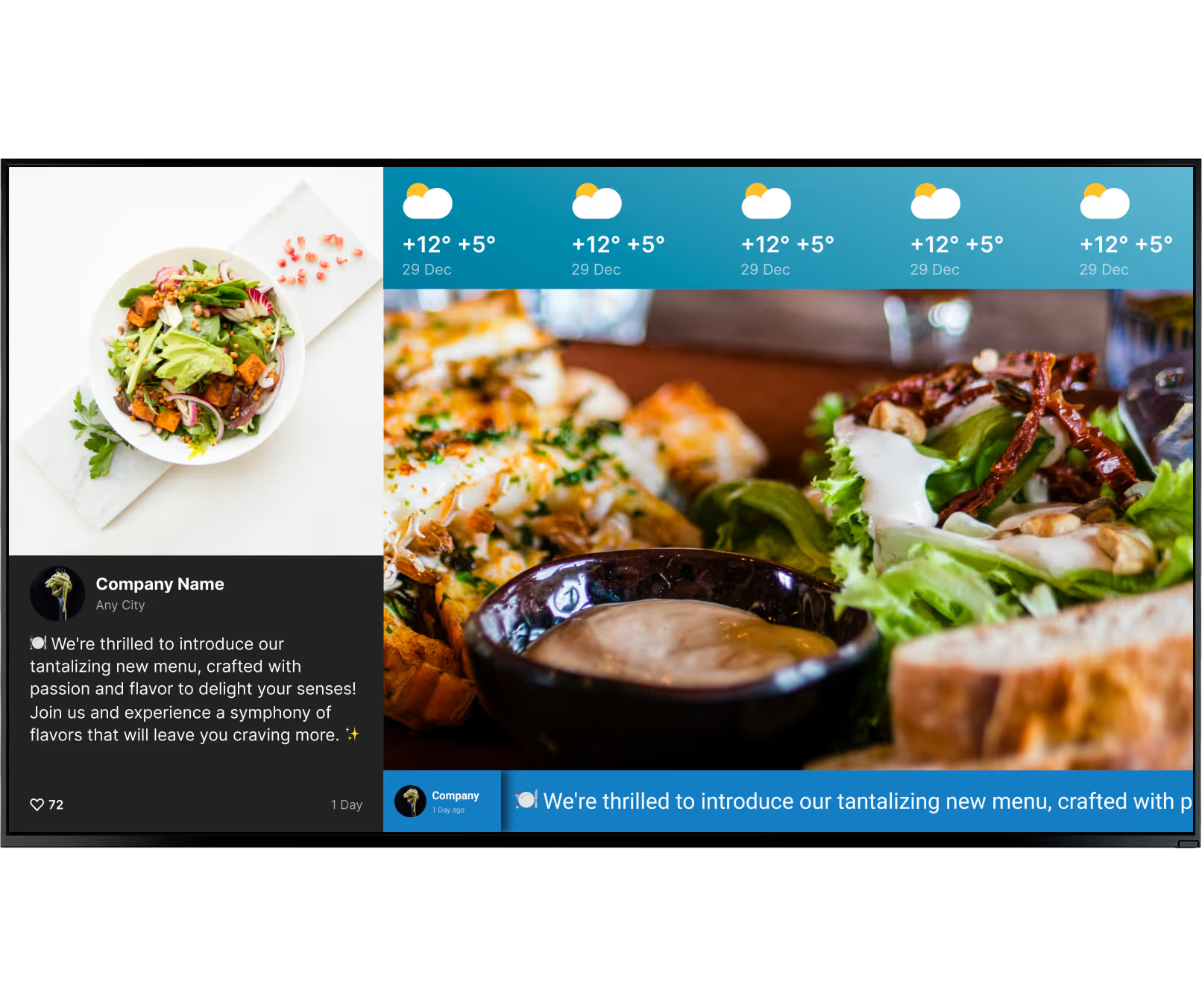
Happy hour countdowns, event promotions and live social media feeds keep the energy high. Schedule content to change automatically as the night progresses — no one needs to touch the remote.
One dashboard, every location
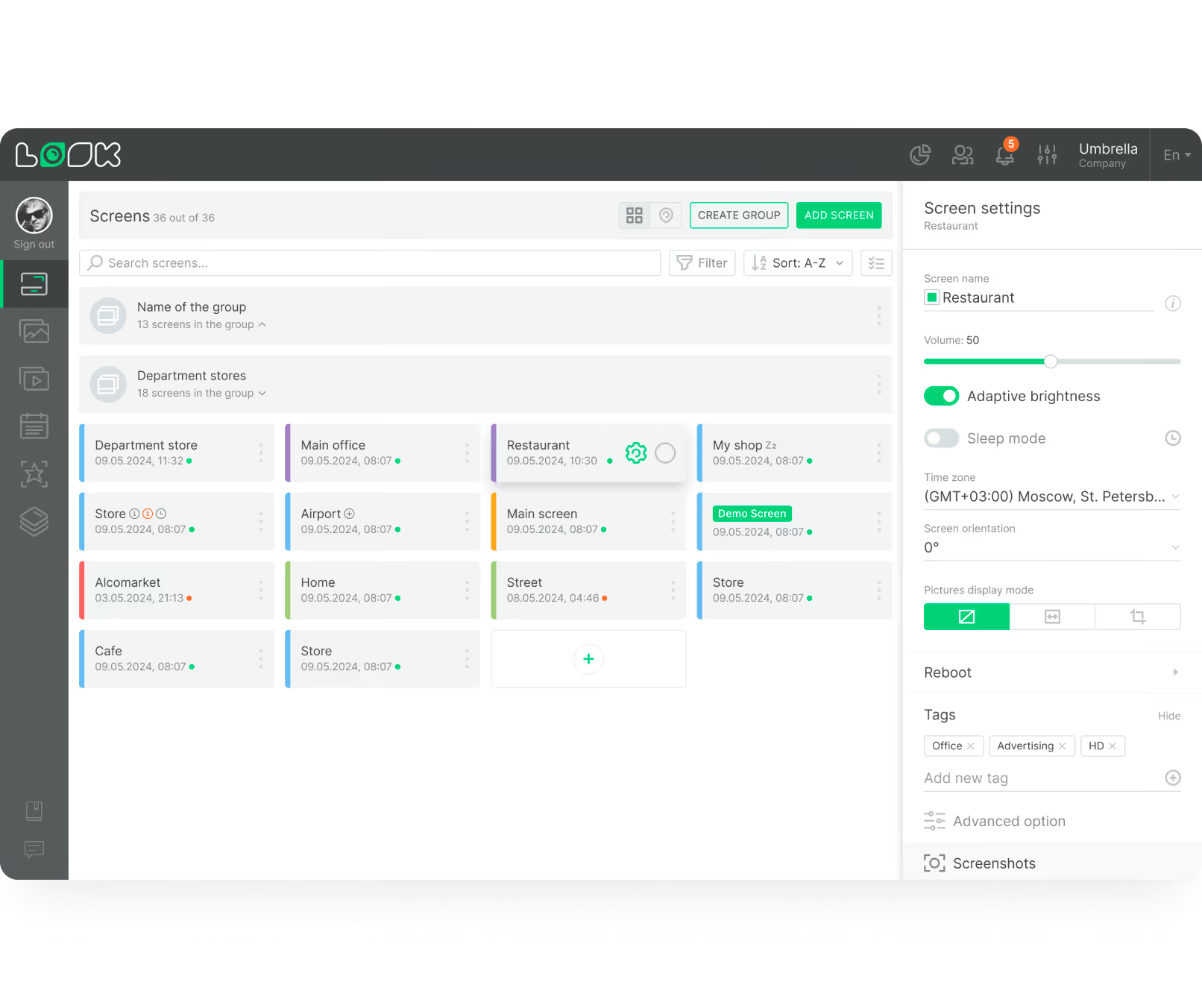
Push a price change or a sold-out notice to all locations simultaneously. Group screens by branch, region or screen type for targeted updates, or broadcast to the entire network with a single click.
Where you'll use it
Six placements, one platform
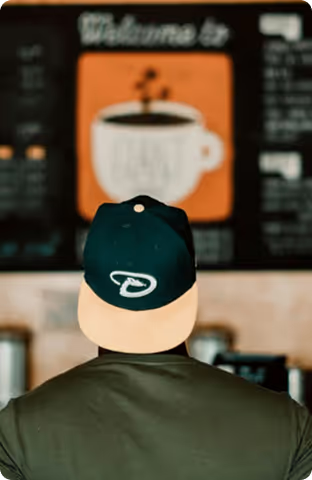
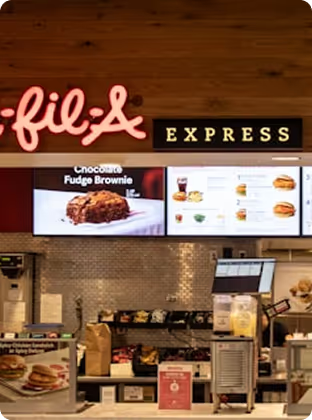
Digital menu boards above the counter

Drive-thru boards
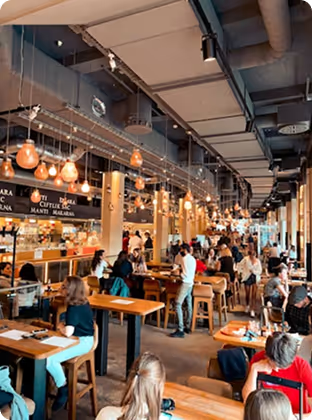
Dining area upsell screens
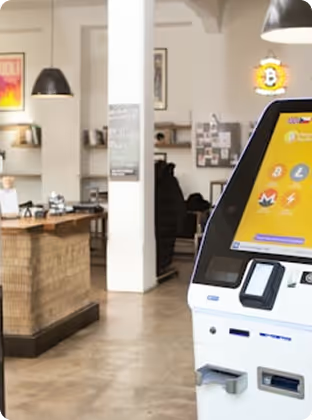
Self-service kiosks

Kitchen & back-of-house displays
Multi-location management
Setup
Works with screens you already own
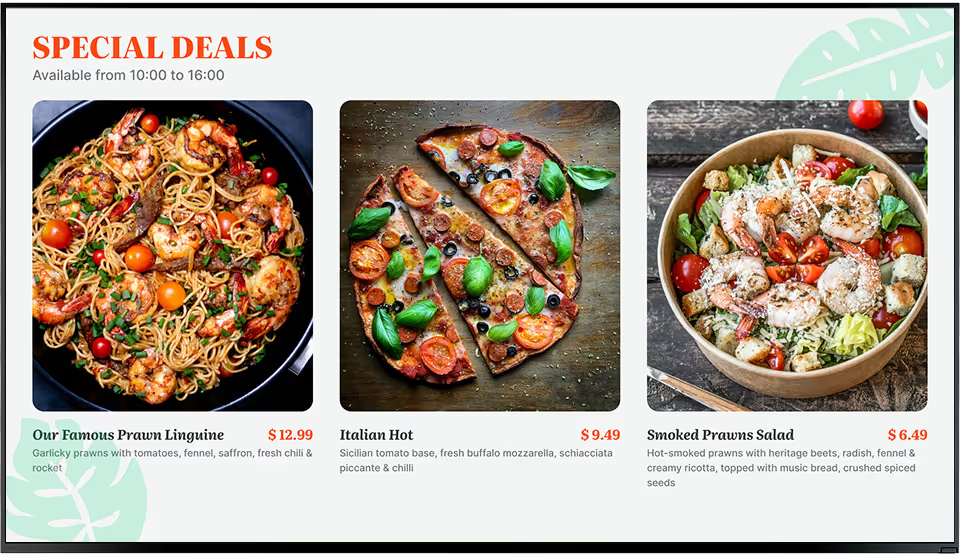
Install the free Look App
Install the free Look App on any compatible display or streaming device you already own. Supports a wide range of operating systems — no new hardware required to get started.




Plug in the Look HDMI Player
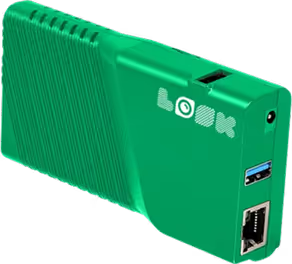
The Look HDMI Player plugs into any screen's HDMI input. Plug in, connect to Wi-Fi, log in — and your screen is live. Worldwide shipping. No configuration expertise needed.
Restaurant hardware note:
For storefront and drive-through installations, high-brightness (1,000+ nits) or outdoor commercial displays are recommended to remain readable in direct sunlight. Kitchen and back-of-house environments benefit from commercial-grade screens rated for 16+ hours of daily operation.
How it works
Up and running in minutes

Design your content
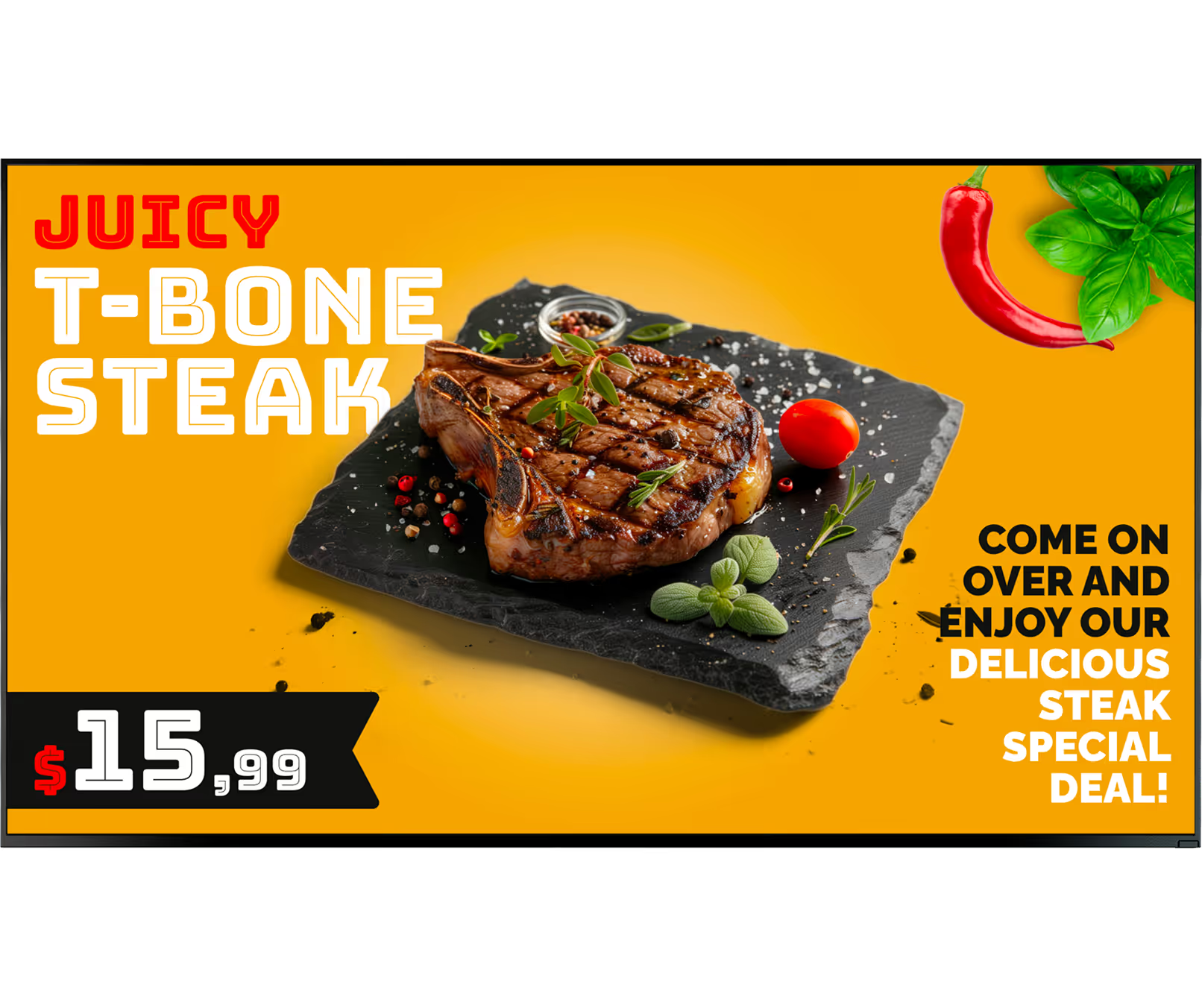
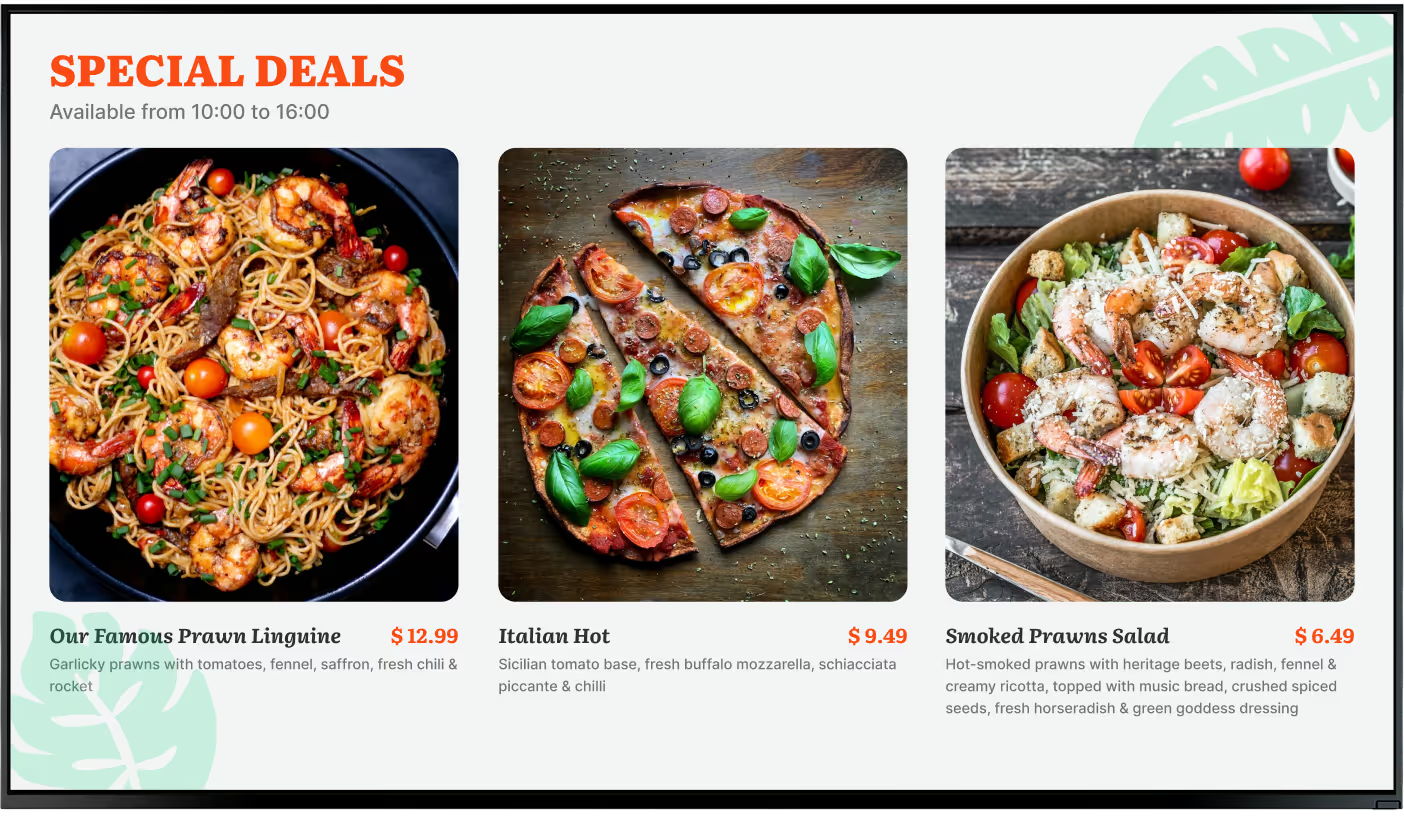
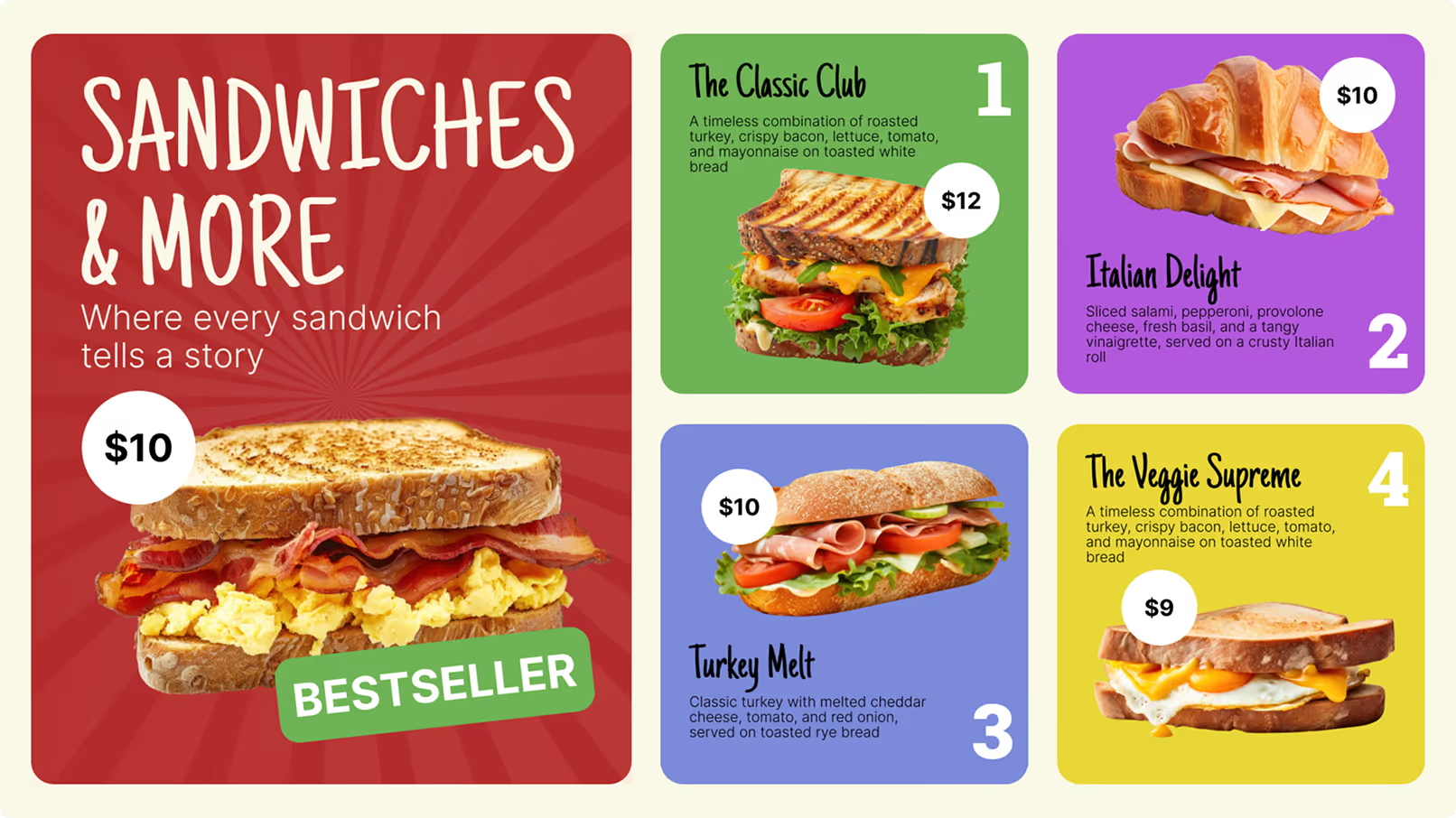
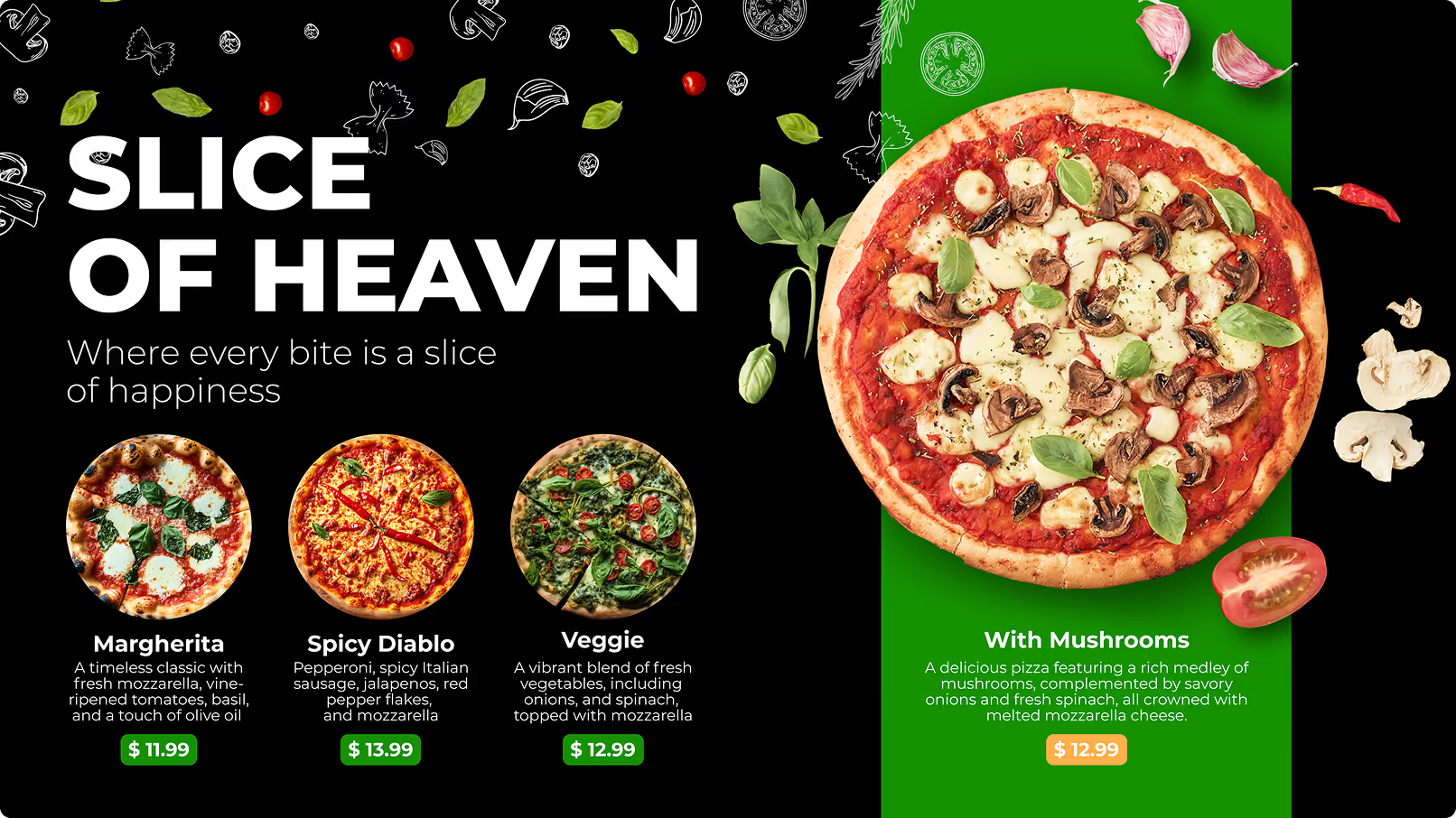
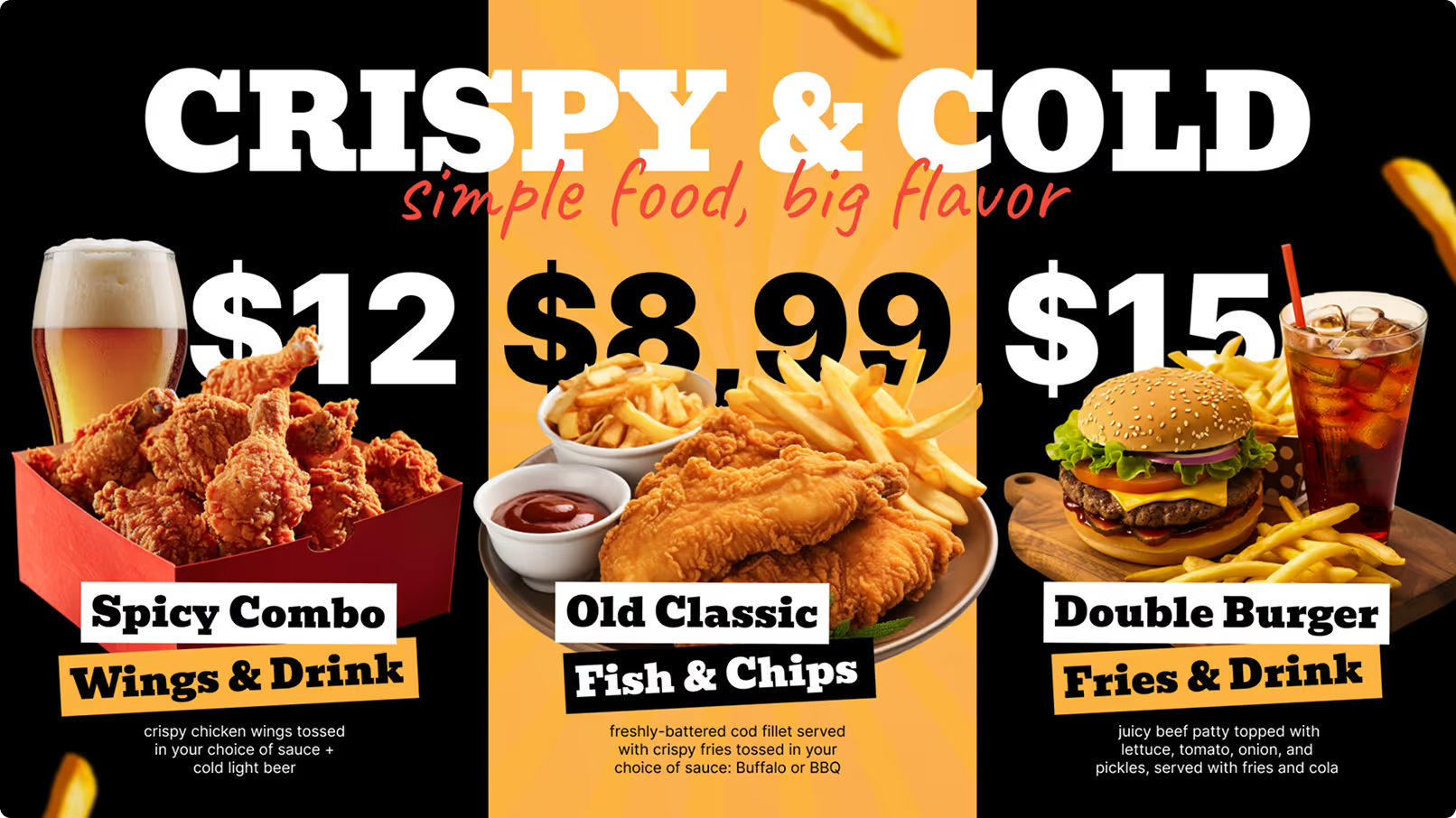
Use your own or choose from dozens of free restaurant templates in the drag-and-drop editor. Upload your photos, add prices, apply your brand colours. Launch-ready in minutes.
Set your schedule
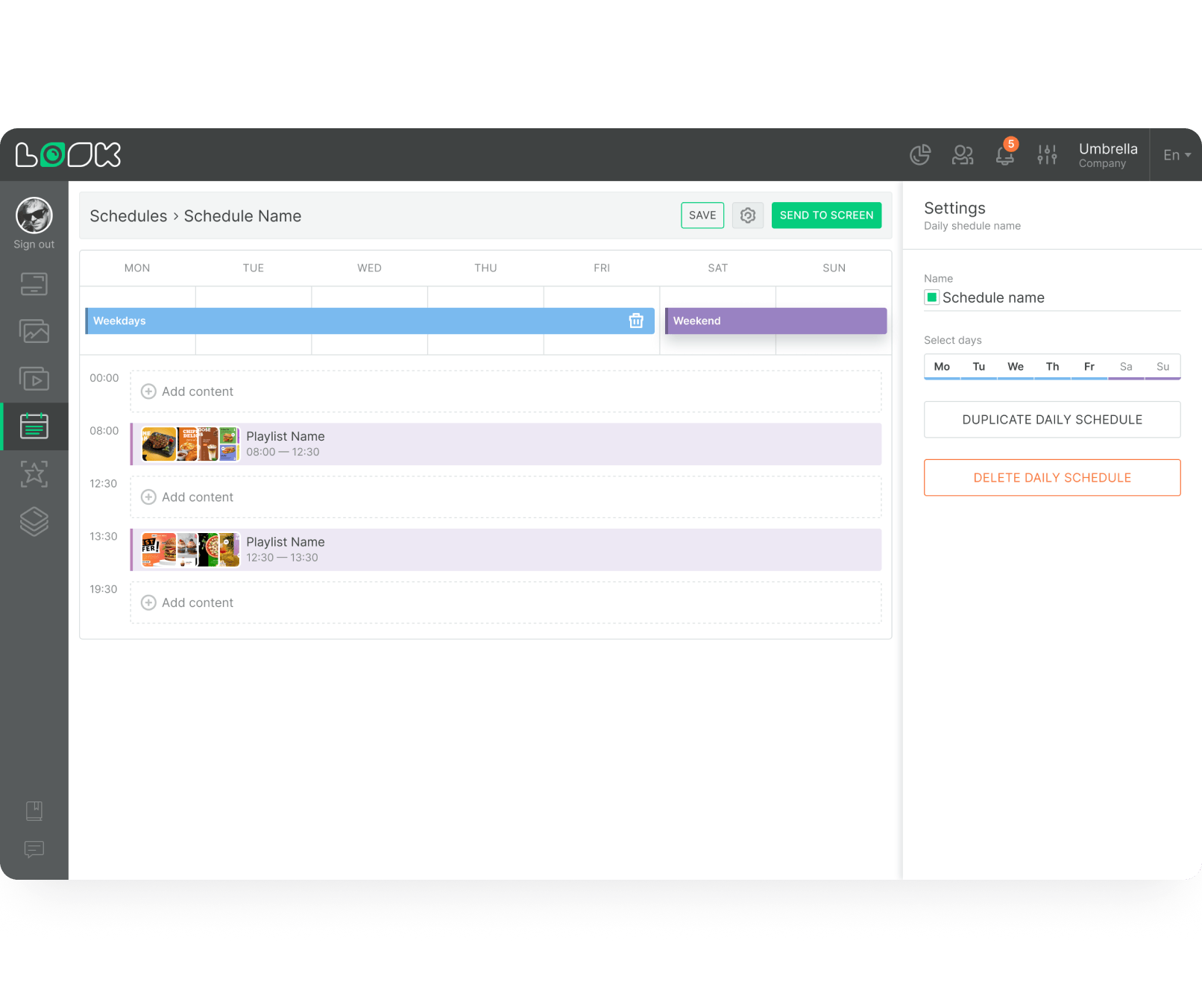
Configure breakfast, lunch, dinner and happy hour transitions to switch automatically. Schedule seasonal promotions weeks in advance. The system handles every switch without manual input.
Go live instantly
Push to all your restaurant screens from any device. Changes appear immediately on every display. Make a correction or launch a flash sale — it takes seconds, from anywhere.
Key features
Everything a restaurant operator needs

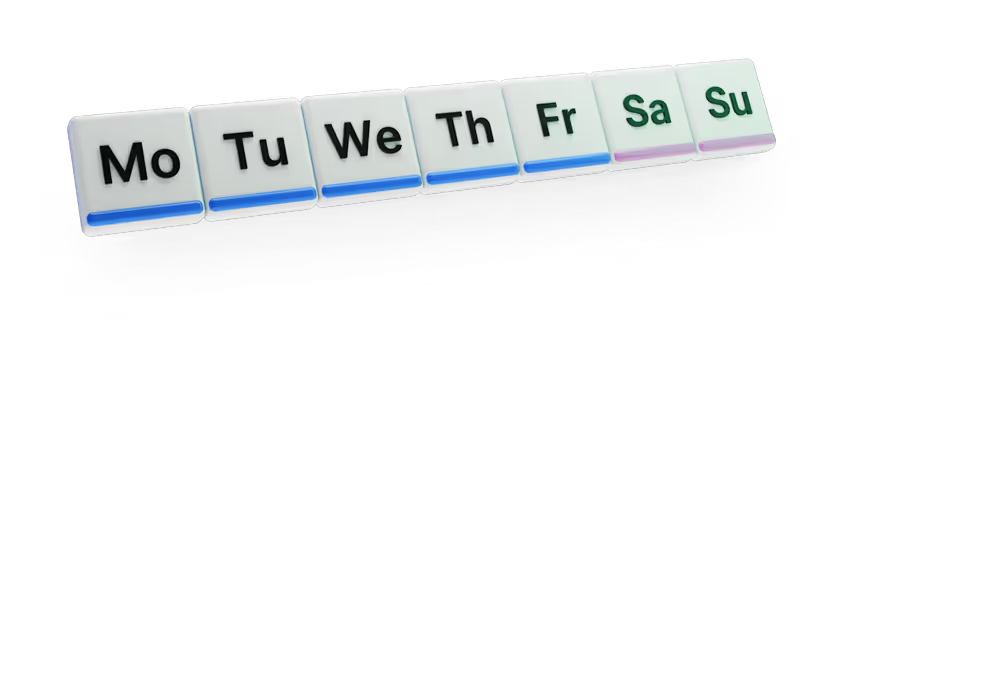
Smart scheduling & dayparting

Offline playback
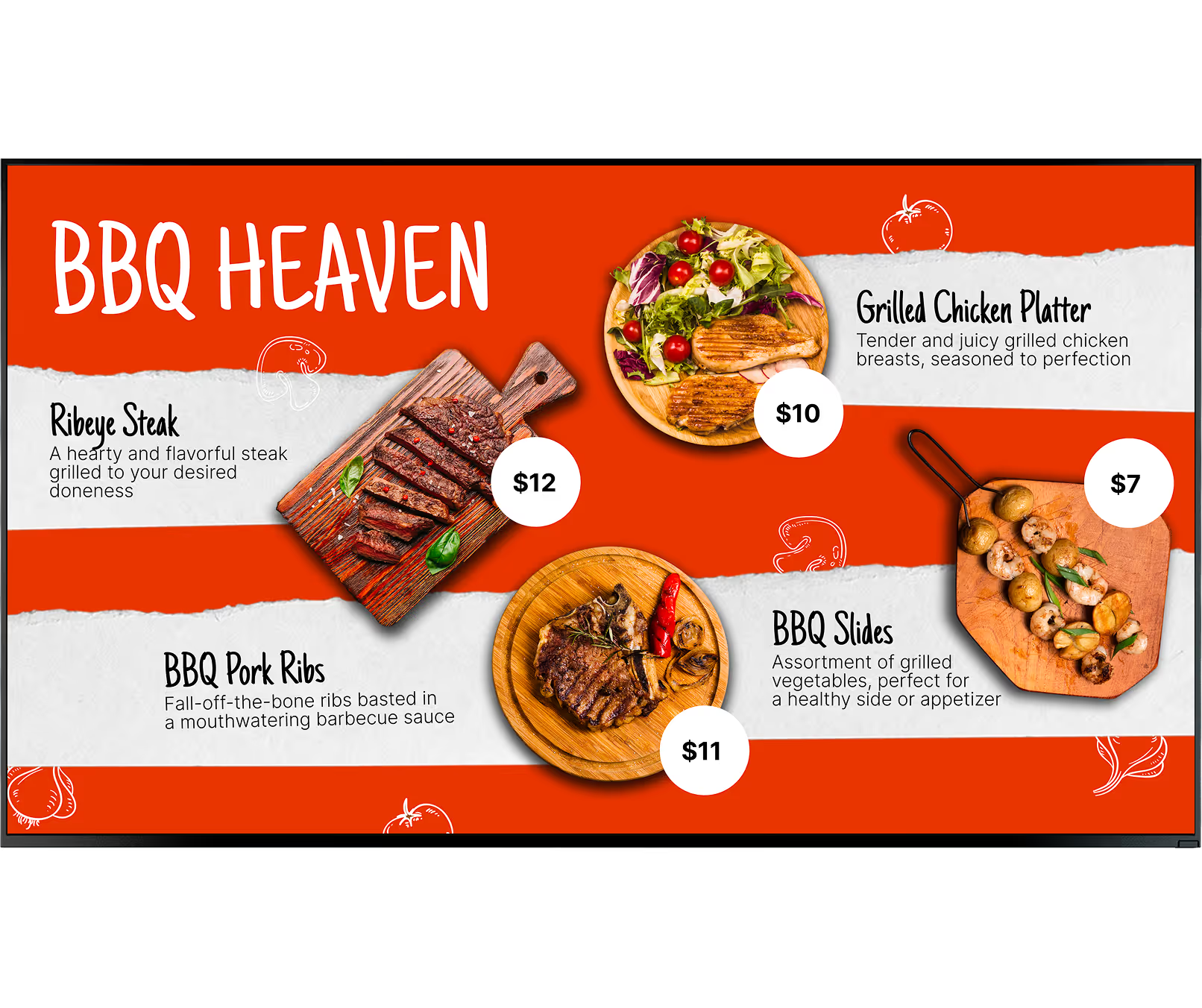

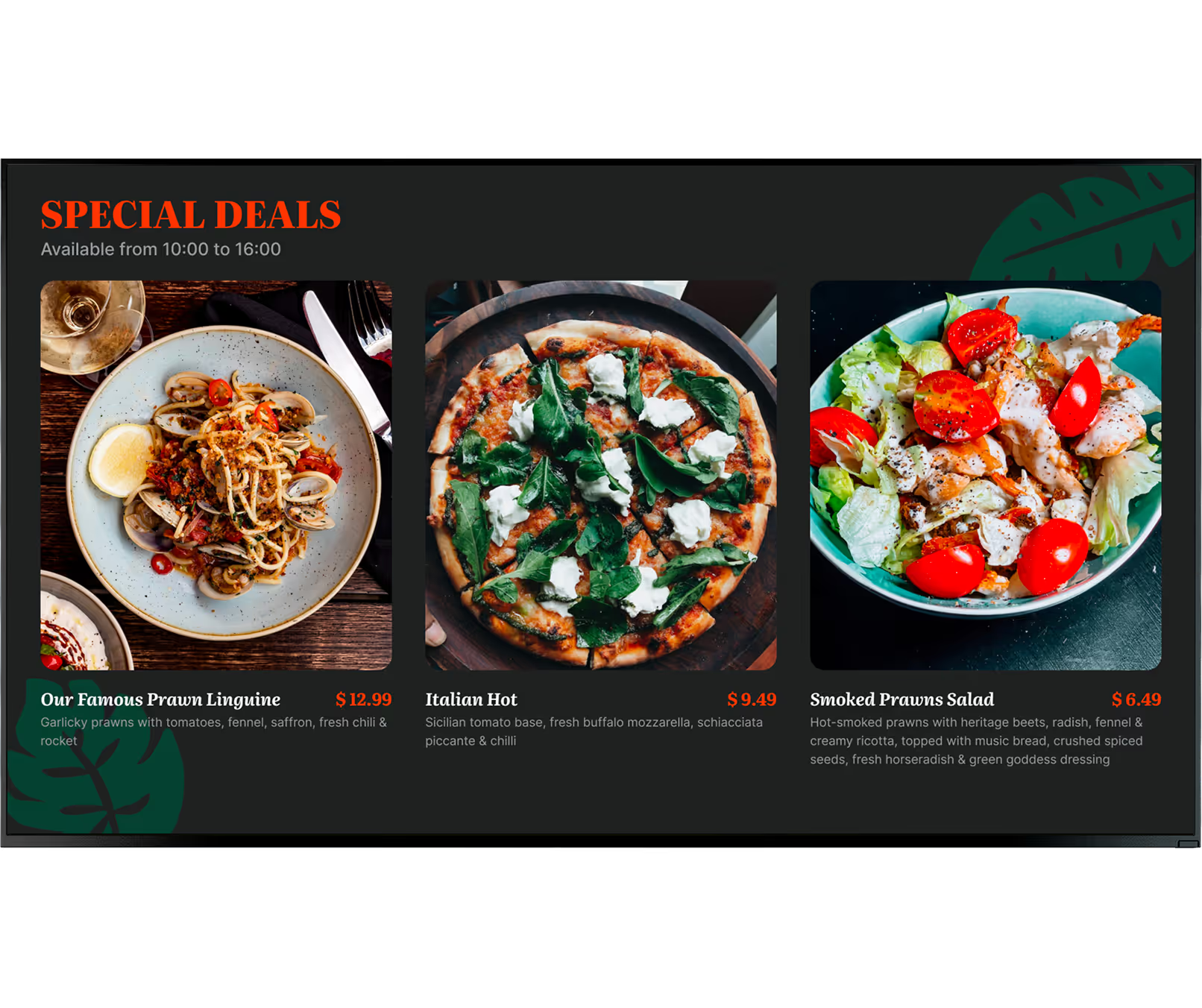
Restaurant content templates

Proof of play & analytics
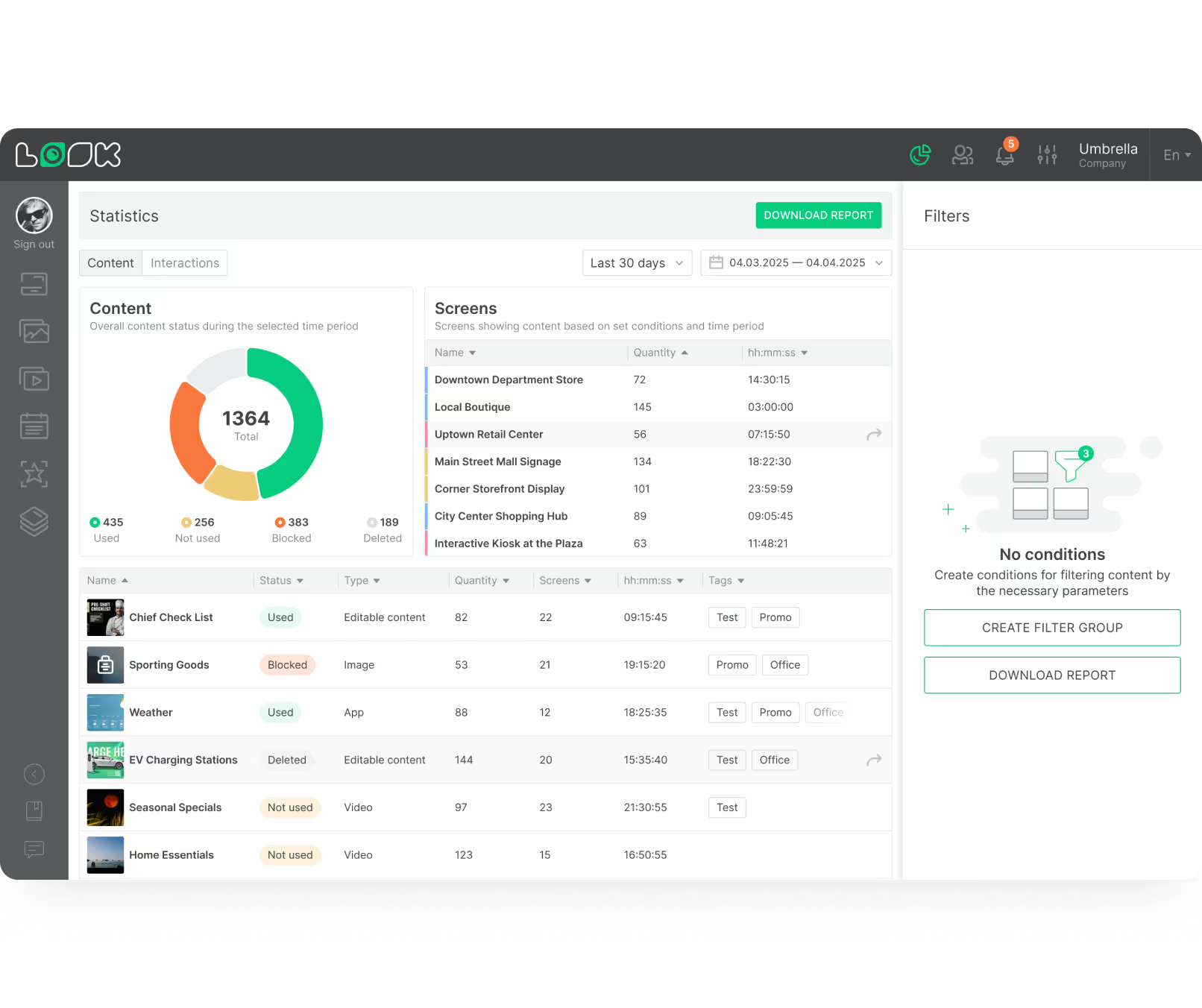

Interactive kiosk scenarios
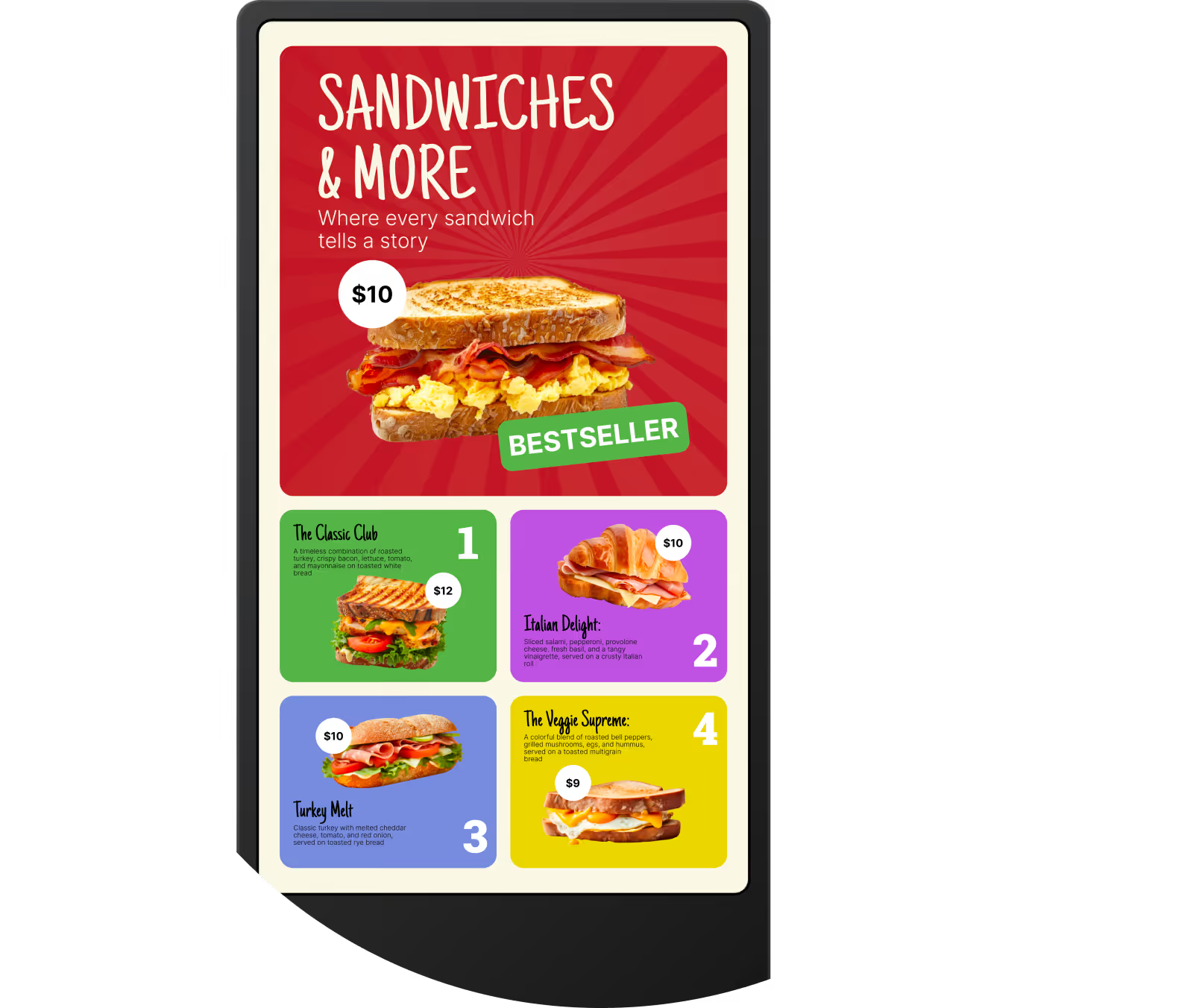

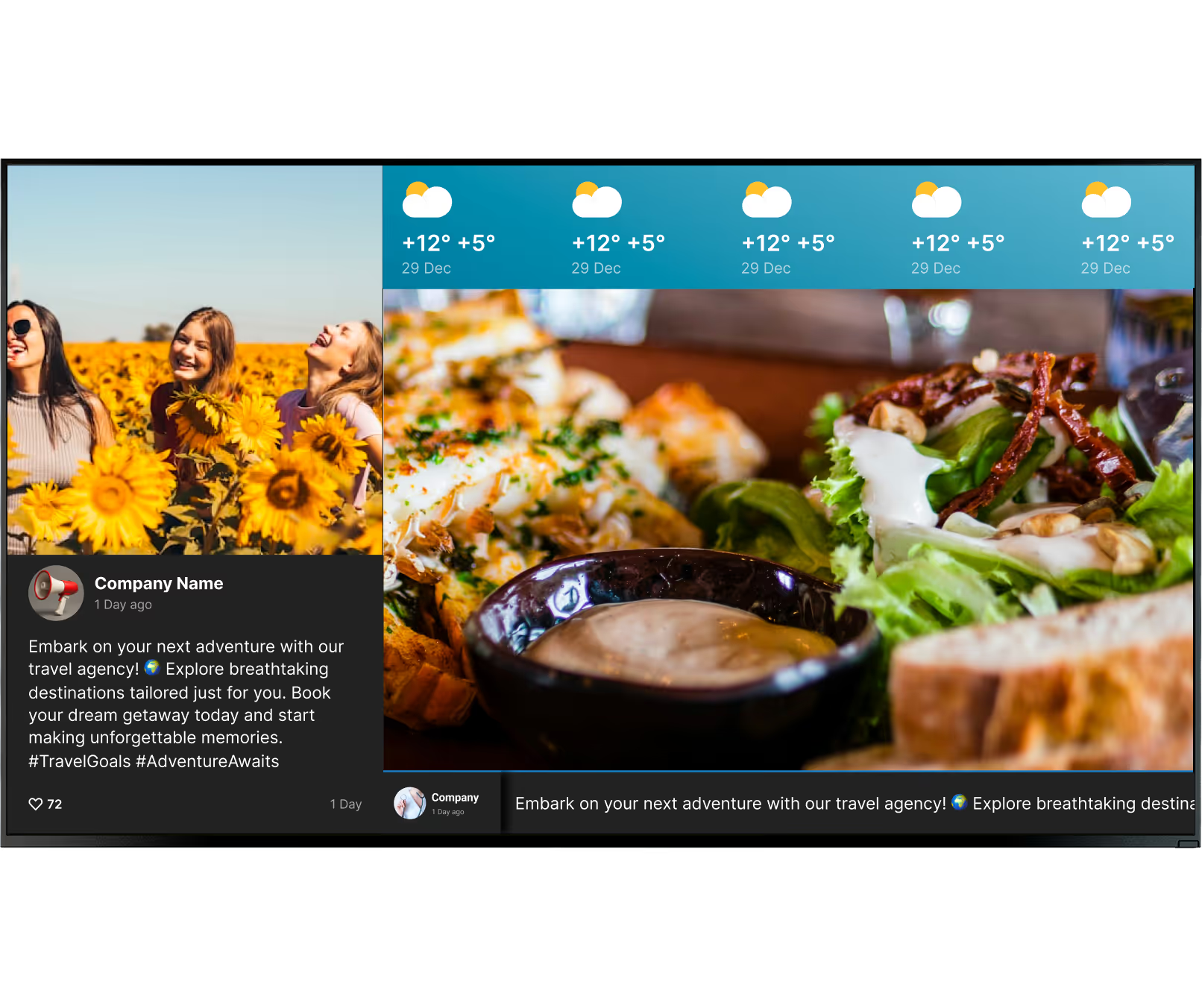
Third-party integrations

Multi-location & remote management

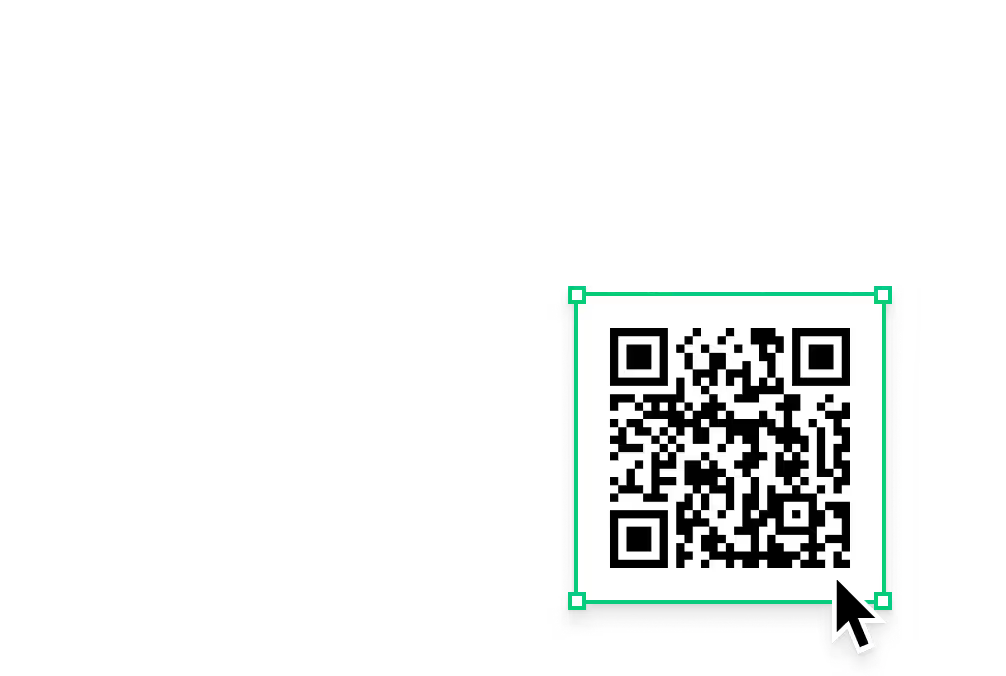
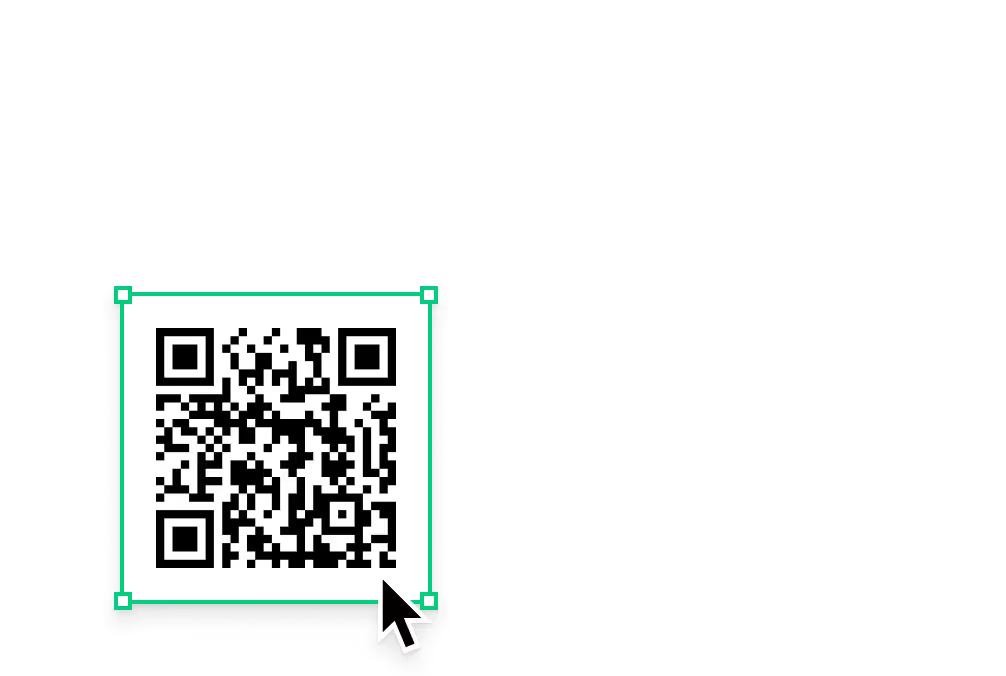
QR code integration



Content best practices
Tips for restaurant digital signage content
01
Less text, more image
Customers scanning a menu board from three metres away won't read full descriptions. Show the dish name, price and one compelling photo. If you can't read it in three seconds, simplify.
02
Keep videos under 15 seconds
A short loop of your burger being assembled or a cold drink being poured grabs attention without hijacking the screen. Longer videos slow the ordering process.
03
Match content to the moment
Hot soup on cold mornings, iced drinks in summer, desserts during the dinner rush. Use dayparting to schedule these contextually relevant promotions automatically — set once, runs forever.
04
One screen, one message
The most common mistake is cramming a full printed menu onto one display. Use multiple screens per category, or use playlists to rotate. One clear message always outperforms ten competing ones.
05
Use honest food photography
Images on screen should match what is actually served. Overpromising with stock photography builds distrust the moment the dish arrives at the table.
06
Update regularly
Even if your core menu stays the same, refresh your promos regularly to stay visually relevant. Use professionally designed templates to quickly update offers, highlight combos, and keep your screens looking polished.
Common mistakes
What to avoid when setting up restaurant digital signage
Putting your entire printed menu on one screen
Fix: Split categories across multiple screens or use a rotating playlist. One clear category per screen or slide.
Not accounting for glare and viewing angles
Fix: Test viewing angles at different times before committing to a placement. For window-facing displays, use high-brightness panels (1,000+ nits).

Using consumer TVs in demanding environments
Fix: Use commercial-grade displays for high-demand environments. The Look HDMI Player works with both commercial and consumer screens where appropriate.
Choosing software with no offline failsafe
Fix: Use commercial-grade displays for high-demand environments. The Look works with both commercial and consumer screens where appropriate.
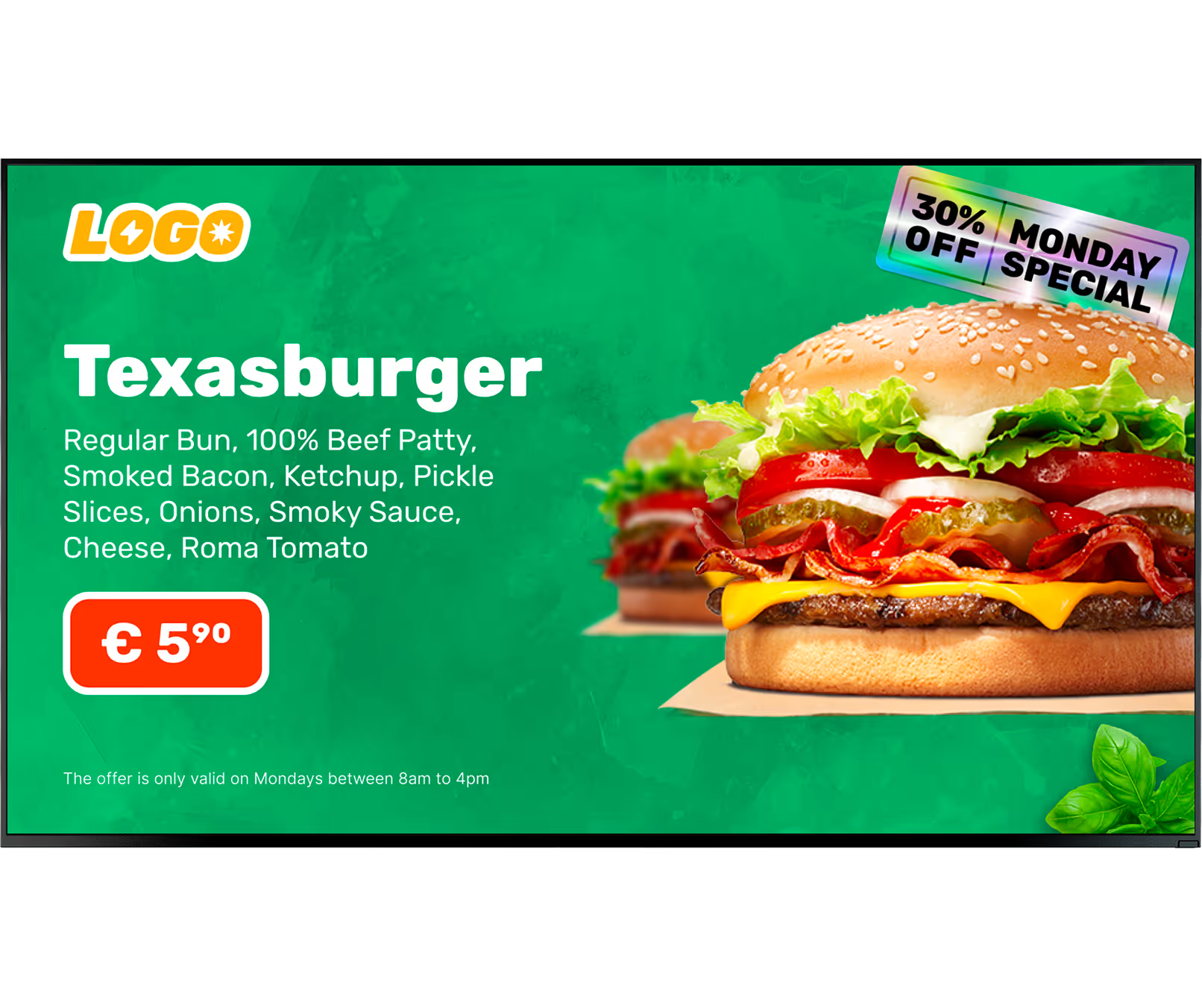
What customers say
Restaurants using Look DS
In terms of using the system, the other options that I found were a little clunky and Look was not only affordable but really easy for us to deploy and get up and running.


Look is well-priced, it’s a very user-friendly software cloud-based service, where you can update your screens from wherever you are. We can definitely recommend to others!
Our experience with Look was simply excellent. We were able to offer our clients a new feature-rich solution that can meet their various requirements in terms of digital signage, with a relatively affordable monthly cost.






Still have questions?
Our team works with restaurant operators of all sizes — from single coffee shops to franchise networks. We'll help you figure out what setup makes sense for your operation, with no hard sell.
Free templates
Dozens of restaurant templates included
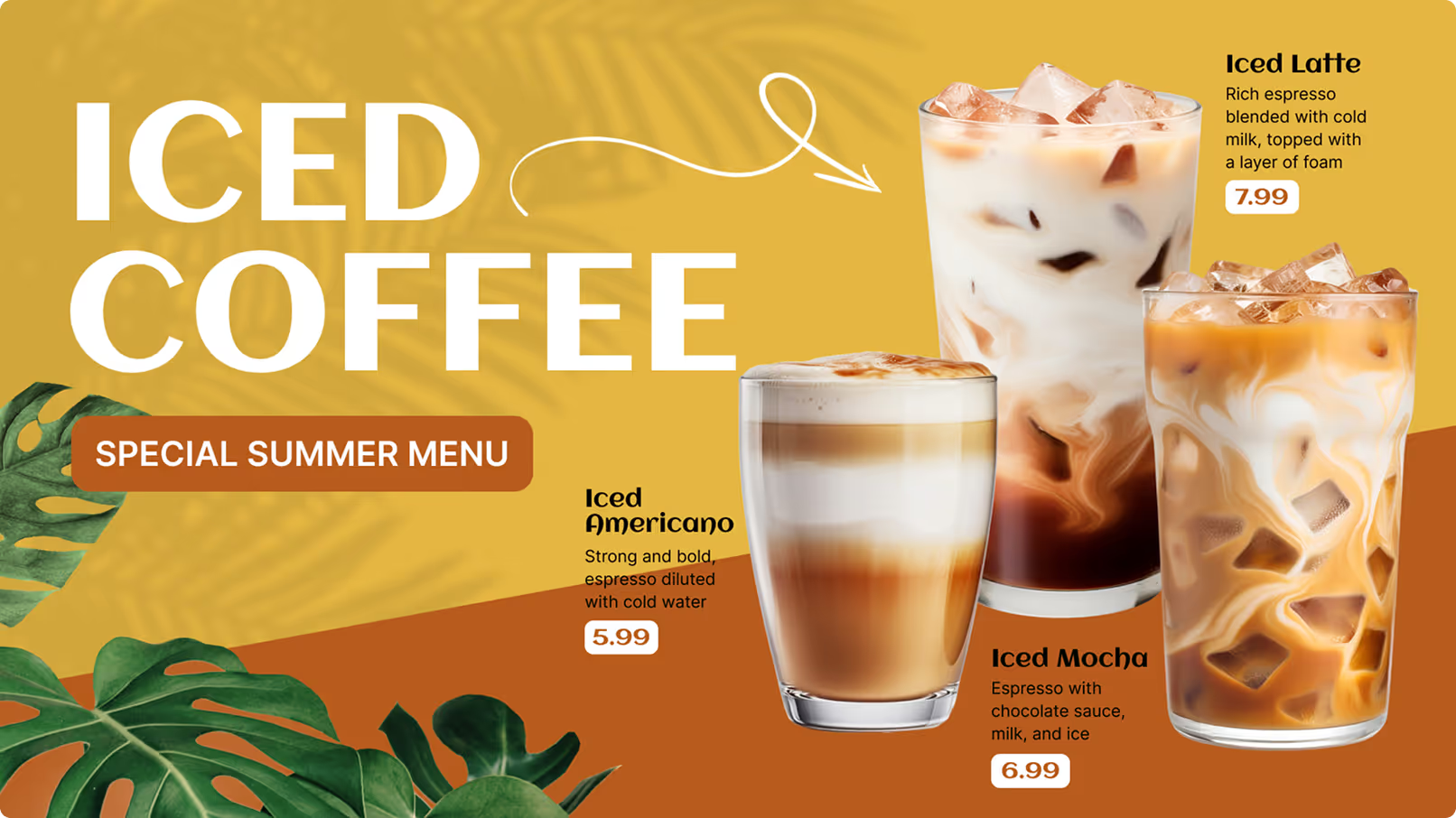
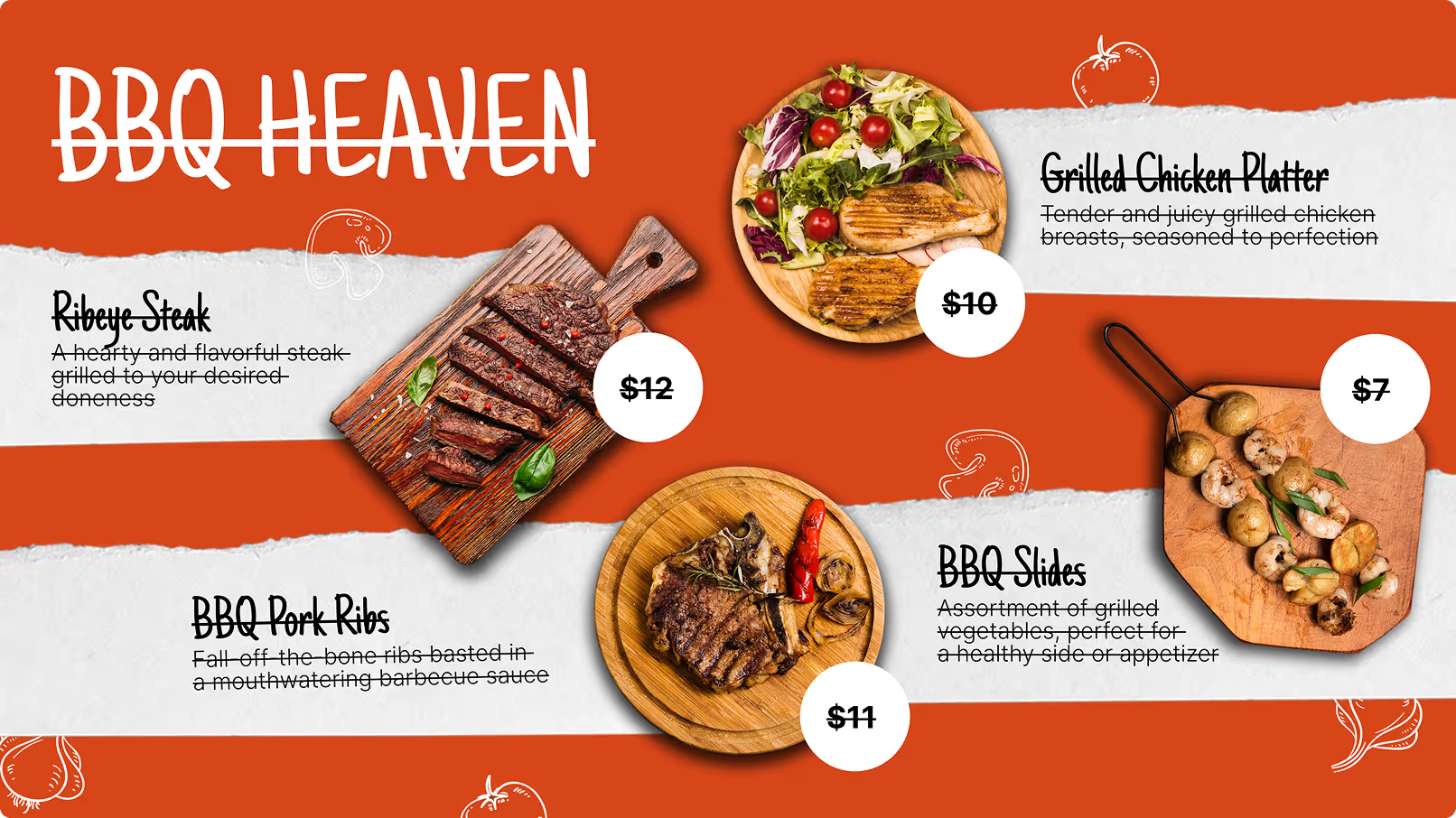
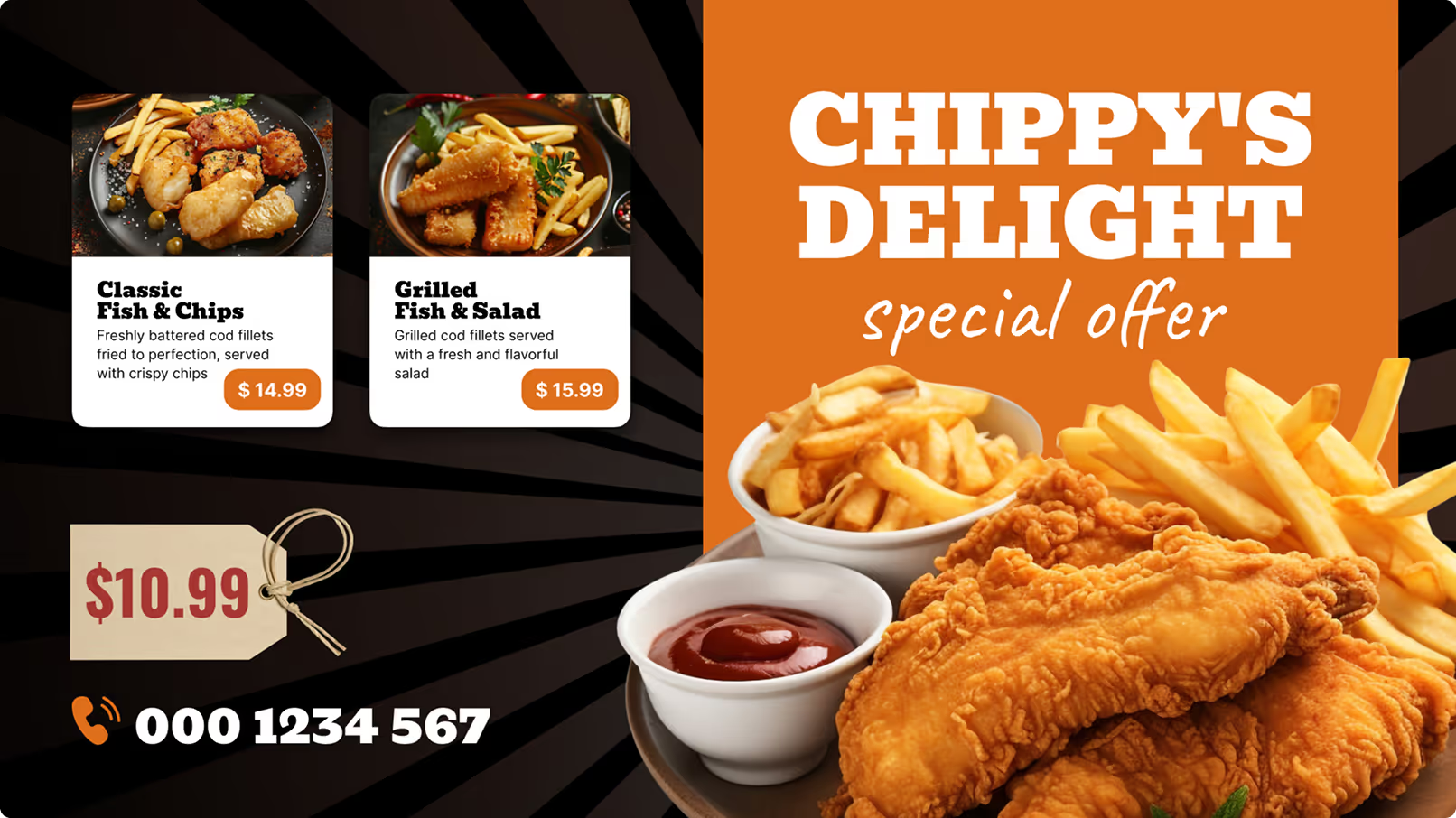

Frequently asked questions about restaurant digital signage
How much does restaurant digital signage cost?
Do you have templates and features for cafés and coffee shops?
How long does restaurant digital signage take to set up?
Can a screen show order-ready numbers or a table waitlist?
What happens if my internet connection goes down?
Can I use a regular TV as a digital menu board?
Can I run happy hour and tap list screens in a bar?
Is digital signage only for chain restaurants or large businesses?
Which POS systems can I integrate with Look DS?
Can I schedule different menus for breakfast, lunch and dinner automatically?
Can I manage multiple restaurant locations from one account?
Can I display allergens and calorie information on digital menu screens?
Can I run screens across all my franchise locations from one account?




Try Look digital signage for free

No credit card required

100% of features, no trial limitations

Fast human support 24/7