Digital signage for every area of the branch
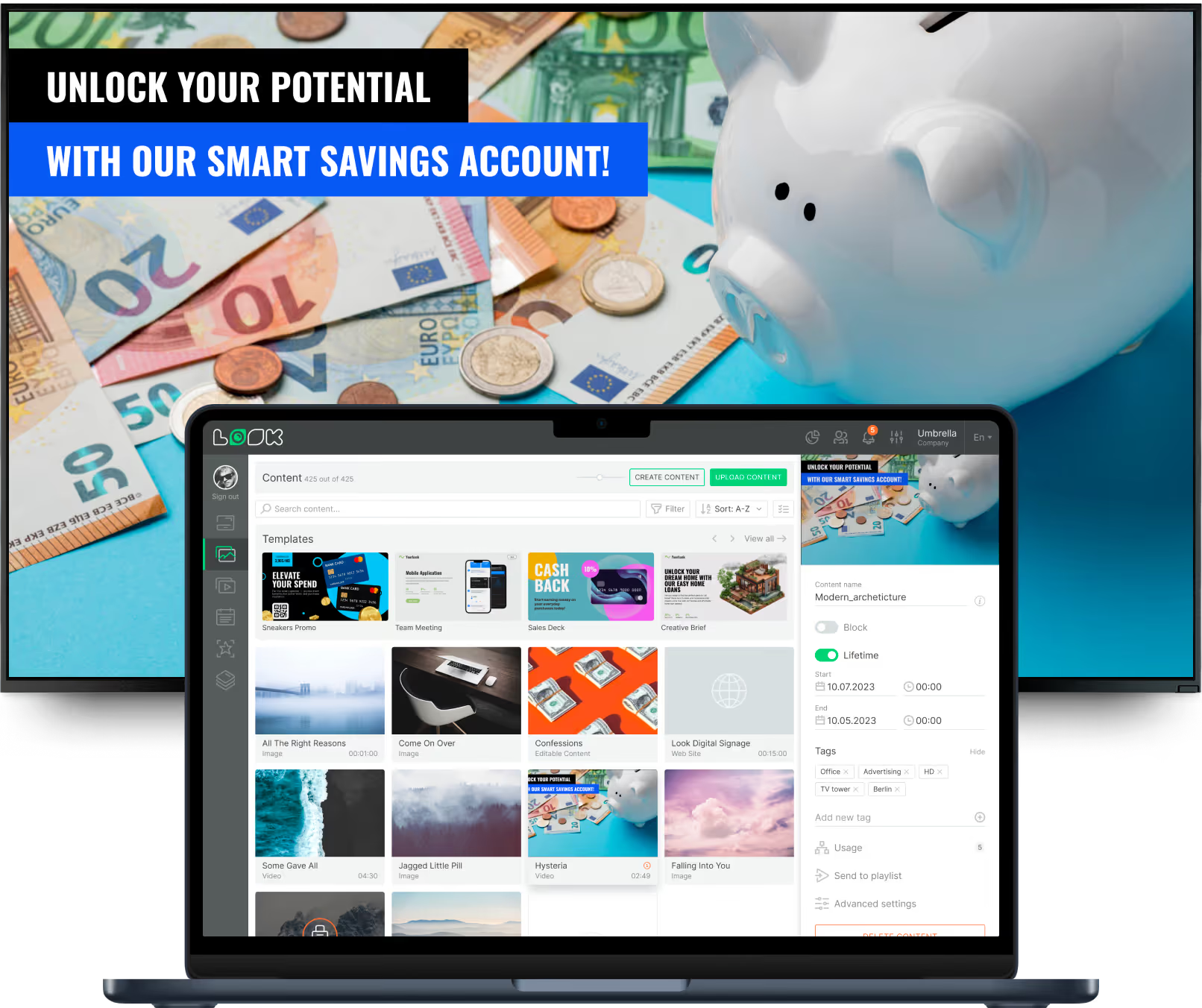
A street-facing window, a teller line and a back-office screen serve different audiences. Look runs them from one account, so customer engagement and staff communication each get their own content, schedule and publishing permissions.
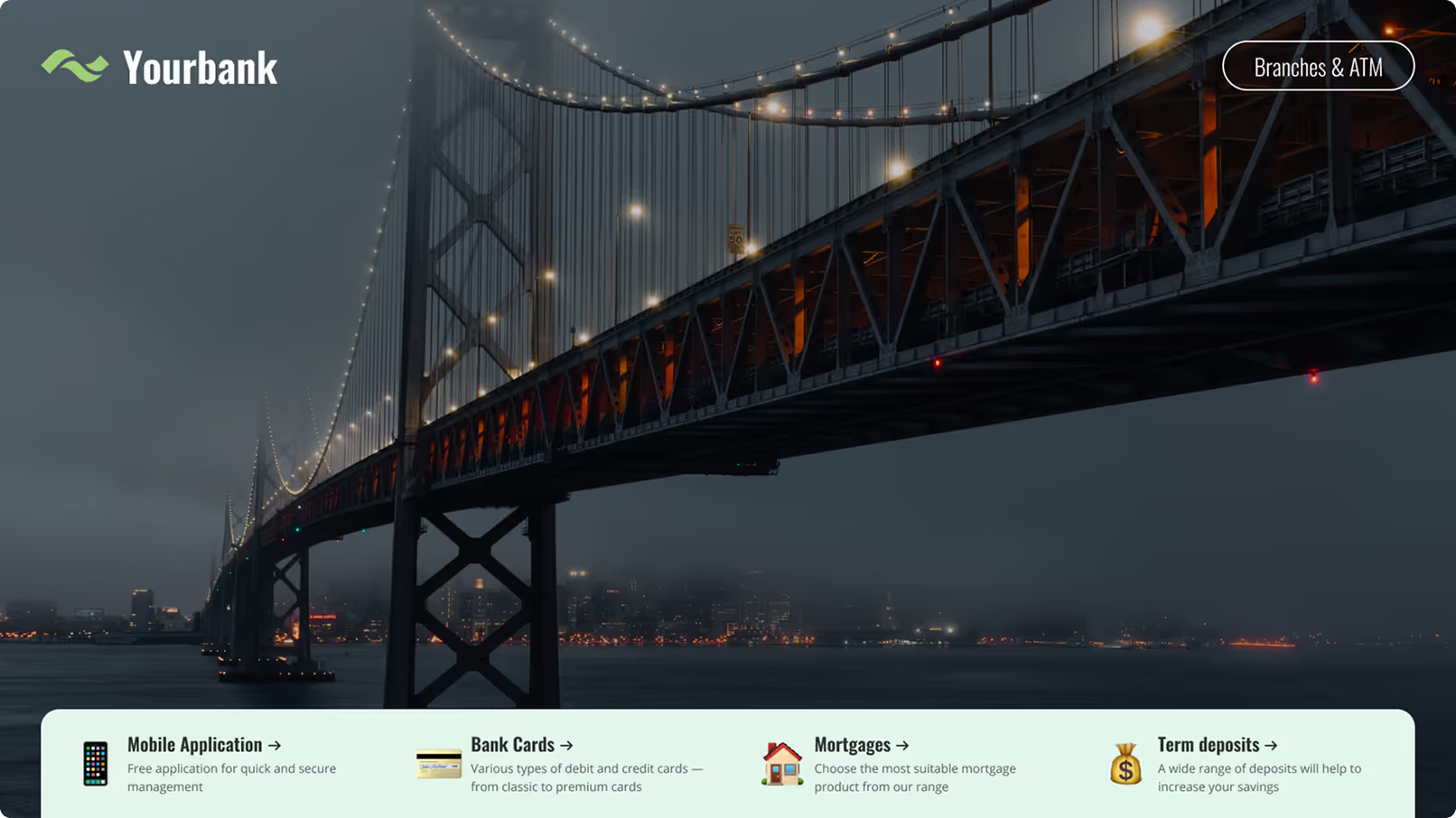
Street-facing window displays
Keep talking to the street after closing time.
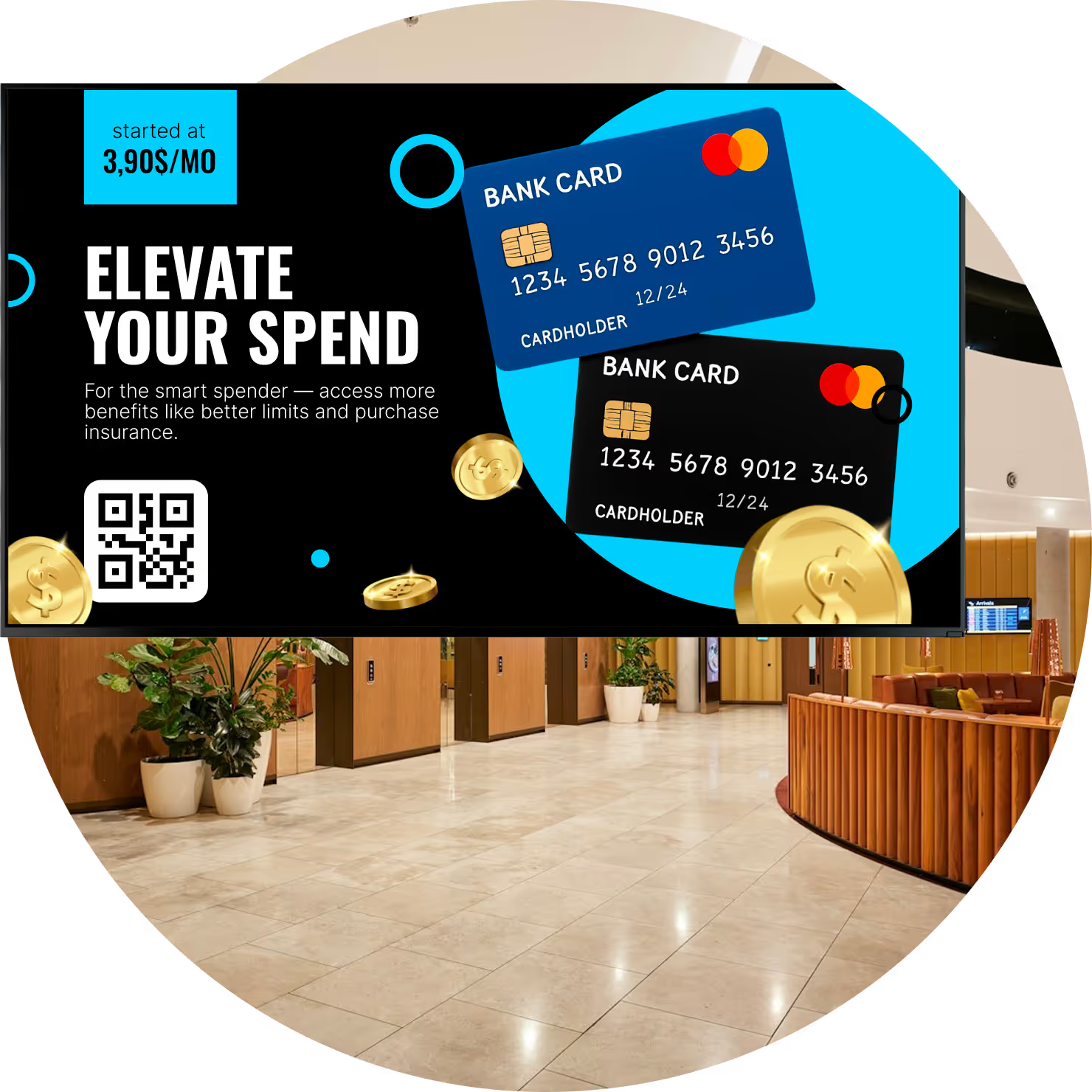
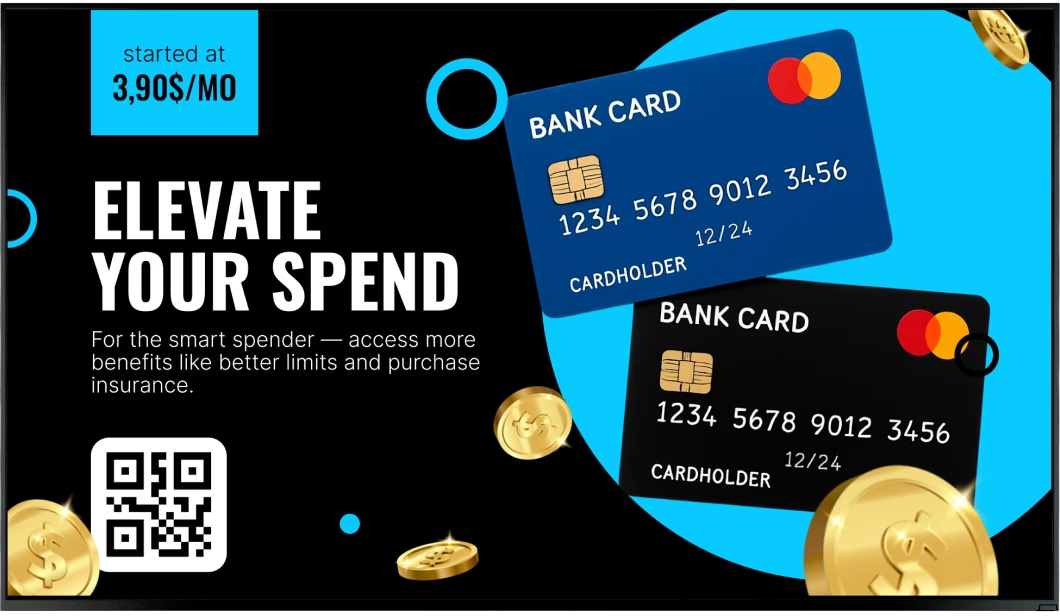
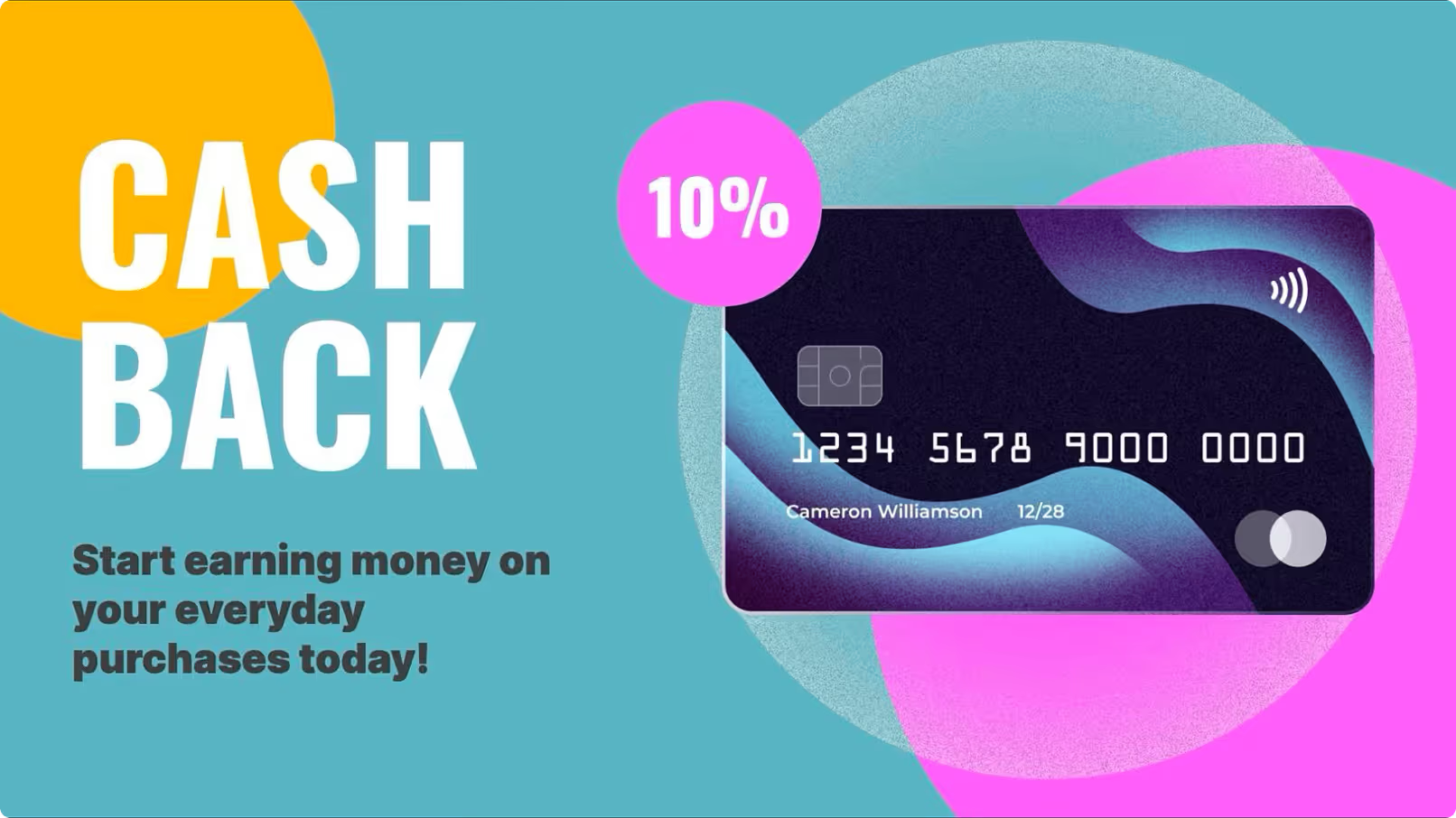
A window screen is aimed at the pavement, so it should carry what a passer-by can act on – a mortgage or deposit rate, a card promotion, opening hours, the nearest ATM. Publish the figure the app and the website already show, and set an end date so the campaign retires itself.
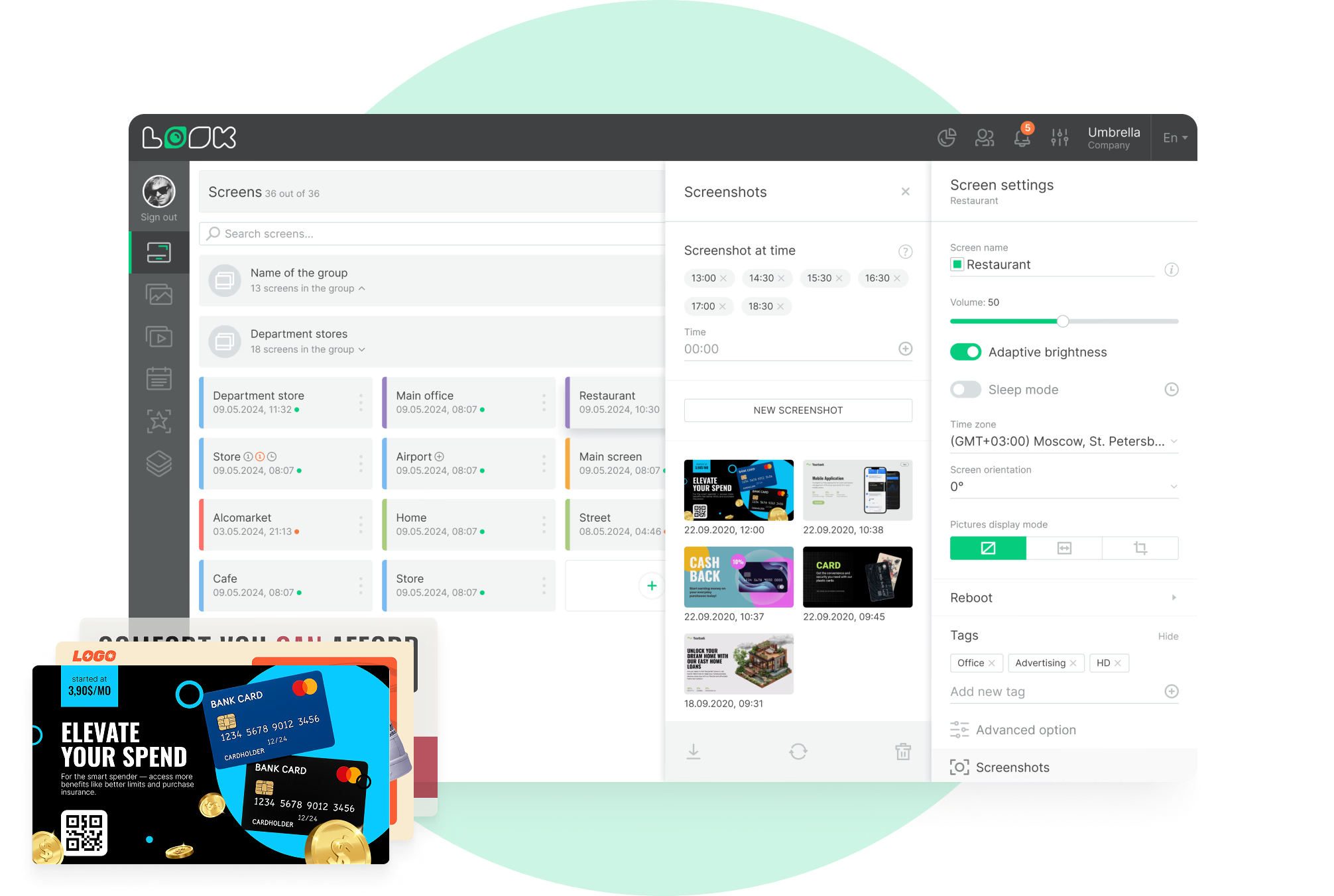
Cached images and video carry on if the branch link drops. A daily screenshot tells you what the window ran once the doors closed.
Best for: Rate cards, product campaigns, opening hours, ATM directions, community sponsorships
Entrance and lobby
Answer the obvious questions before anyone asks them.
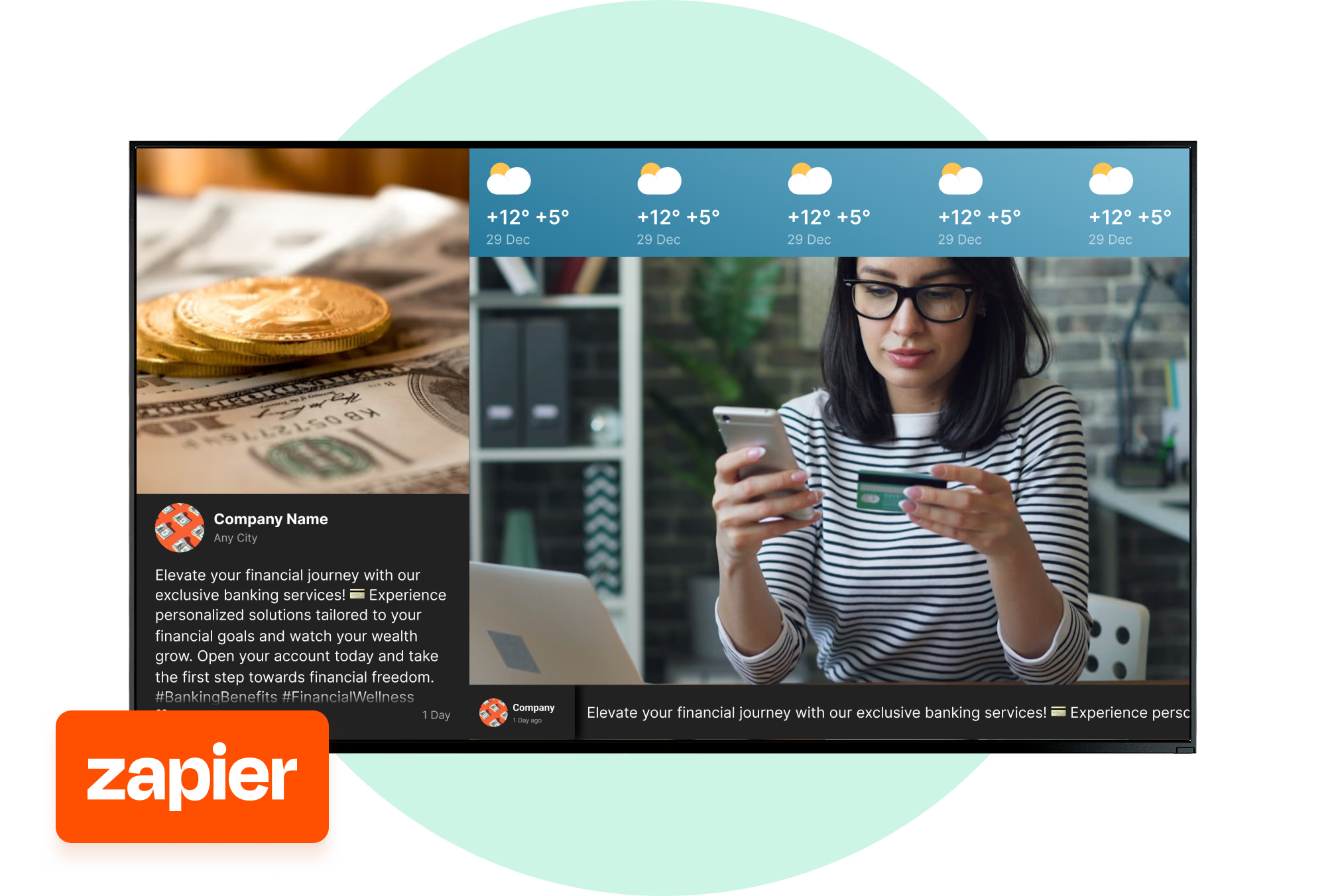
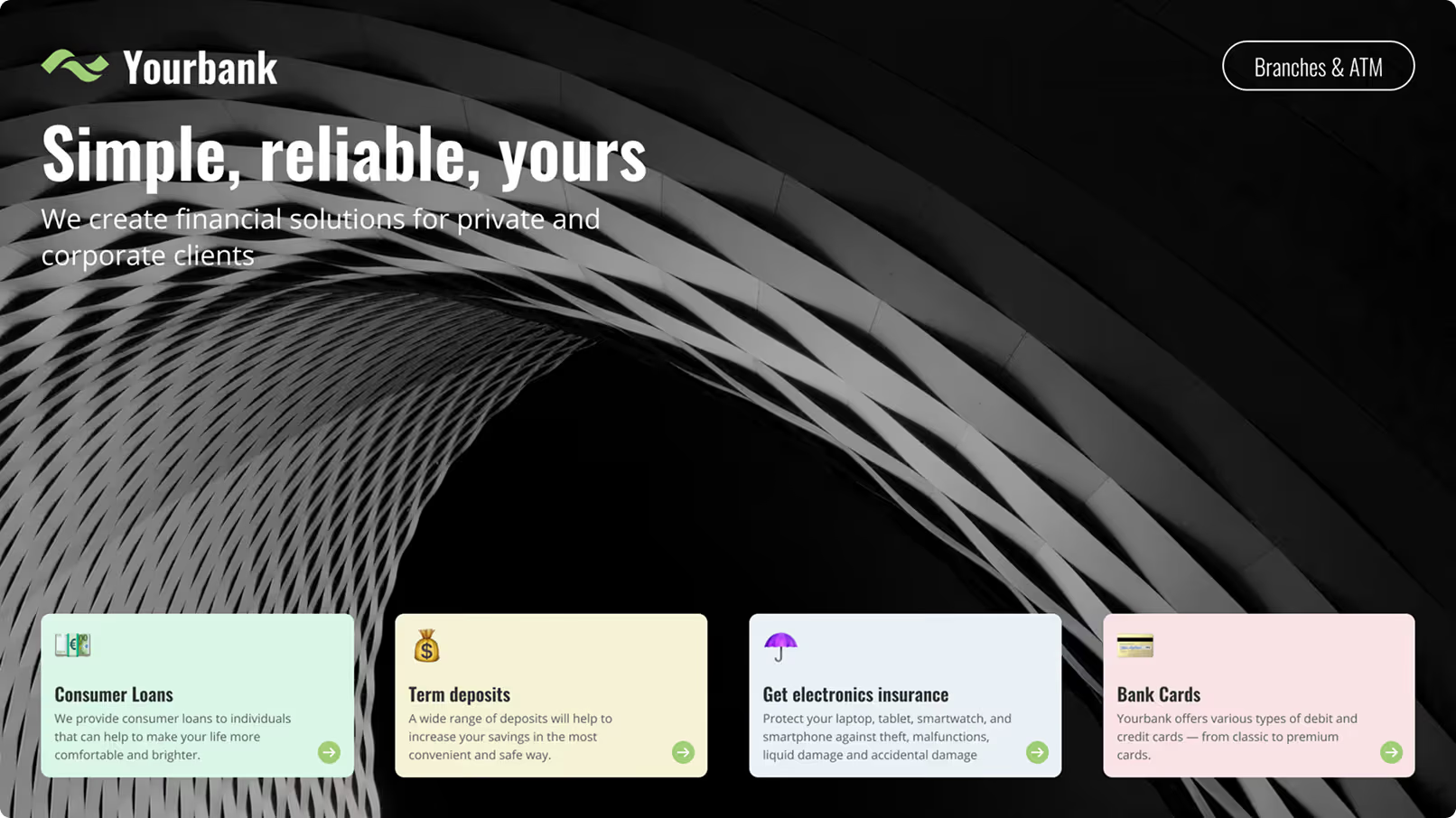
The first screen inside the door covers what people otherwise queue up to ask – which counter to join, today's hours, what has moved online. Run a multi-zone layout and the notice, a product offer and a ticker all sit on the display together.
Content is targeted by screen tag. A branch full of students and one full of retirees run different products, both from the same account.
Best for: Branch notices, counter guidance, opening hours, product highlights, service changes
Teller line and waiting area
Use the queue to explain a product.
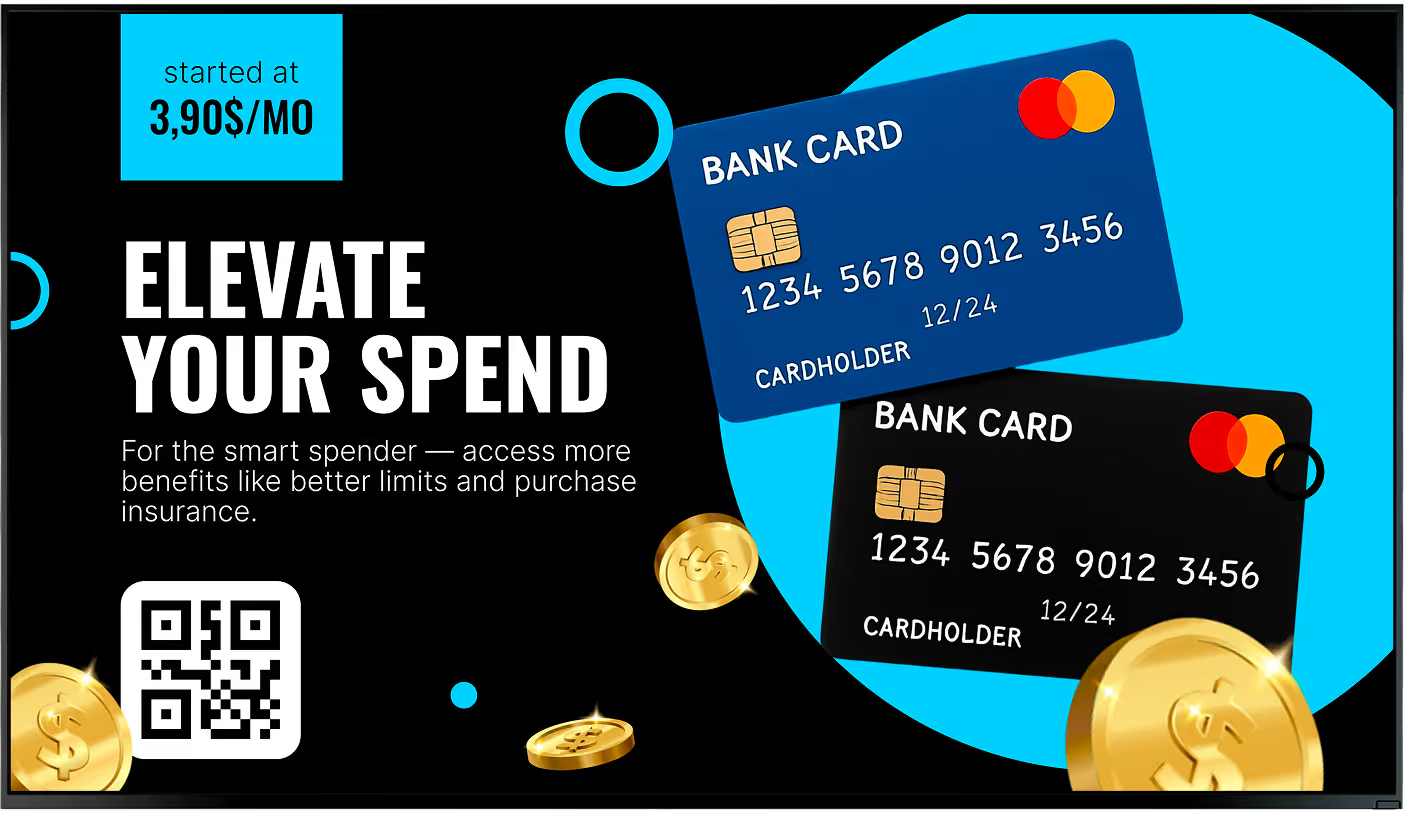
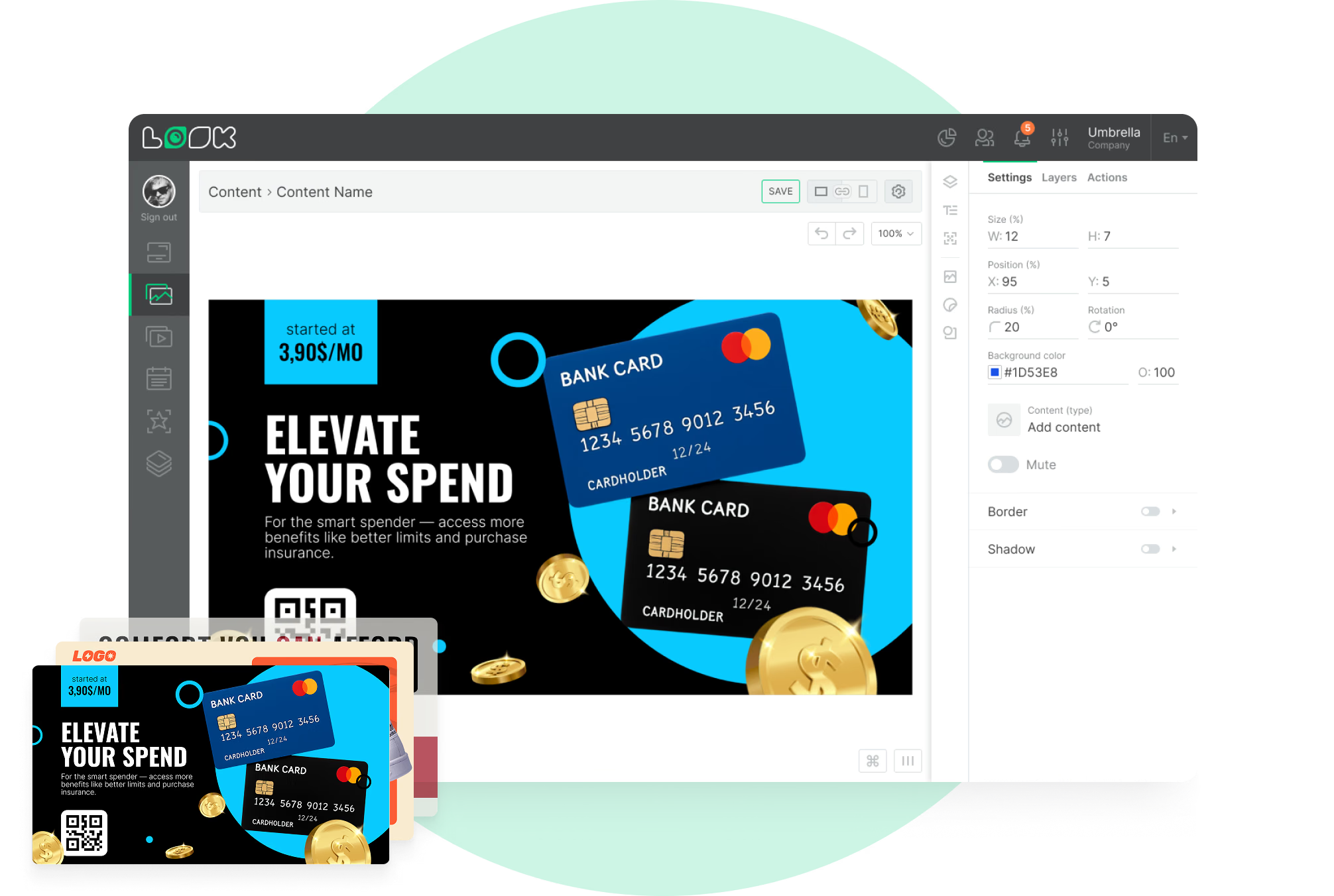
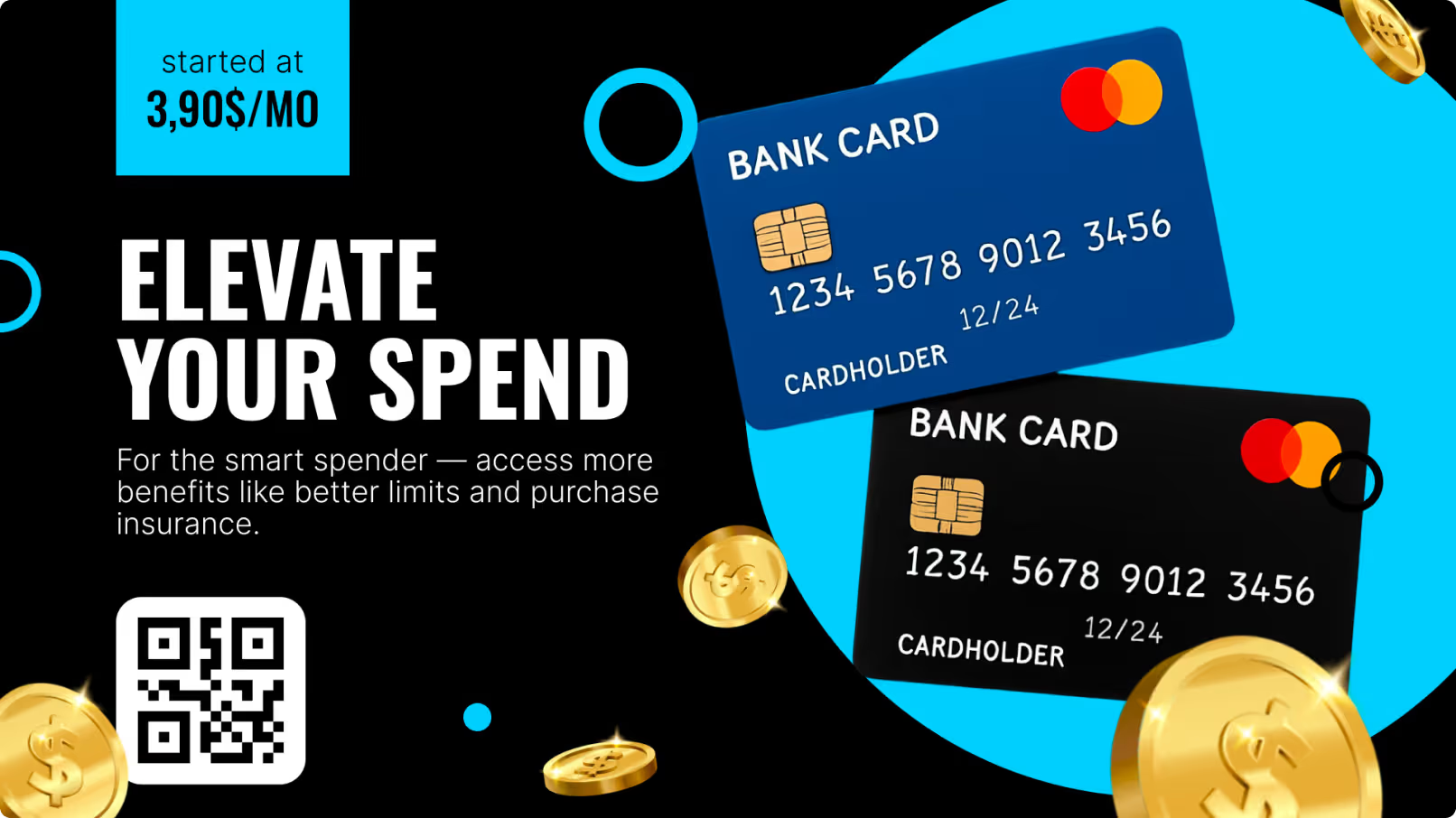
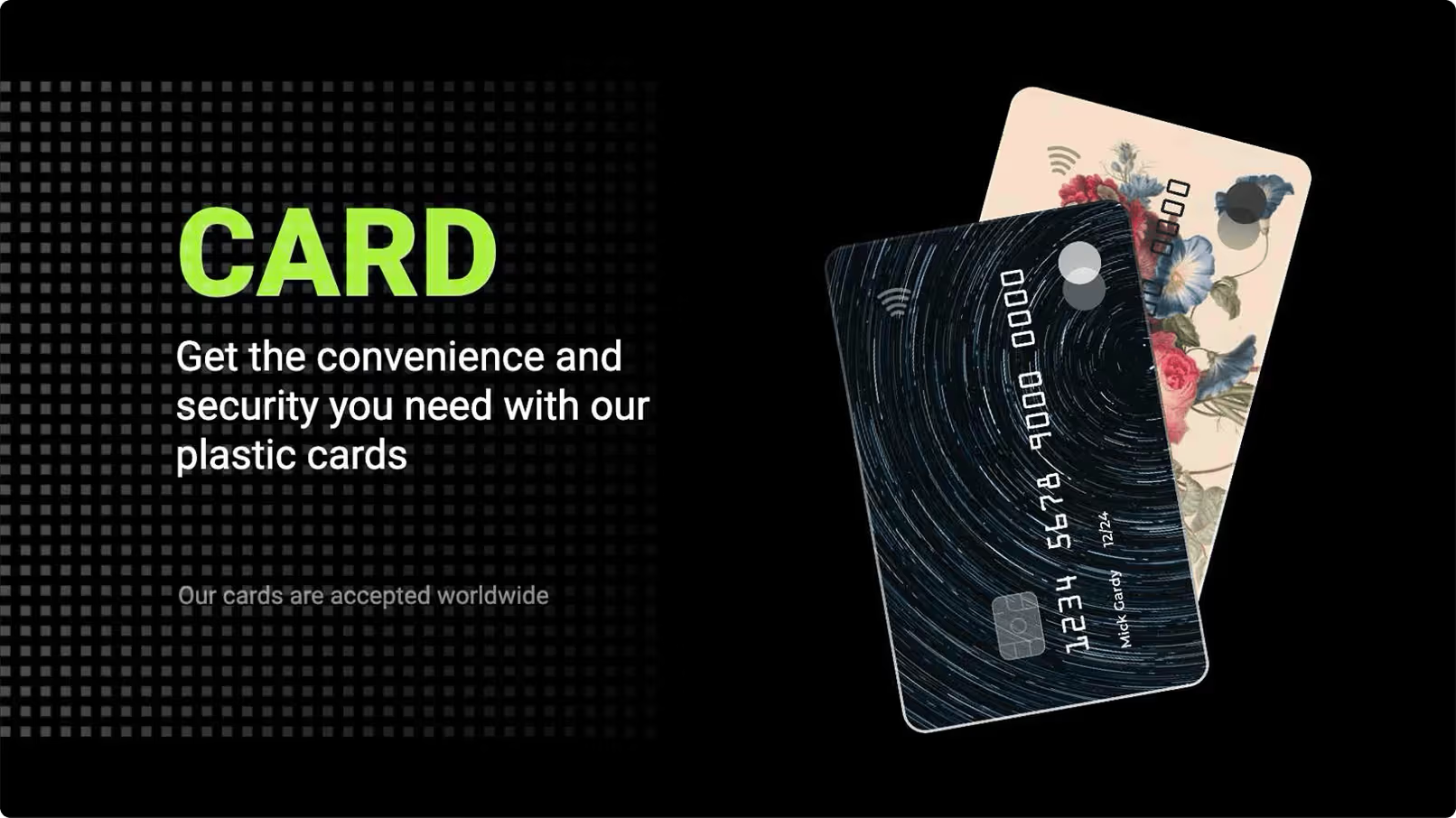
Anyone at the counter has money on their mind already. That is why a savings rate or a card benefit gets read here and not skipped. One idea per slide, and a QR code for whoever wants the detail on their phone.
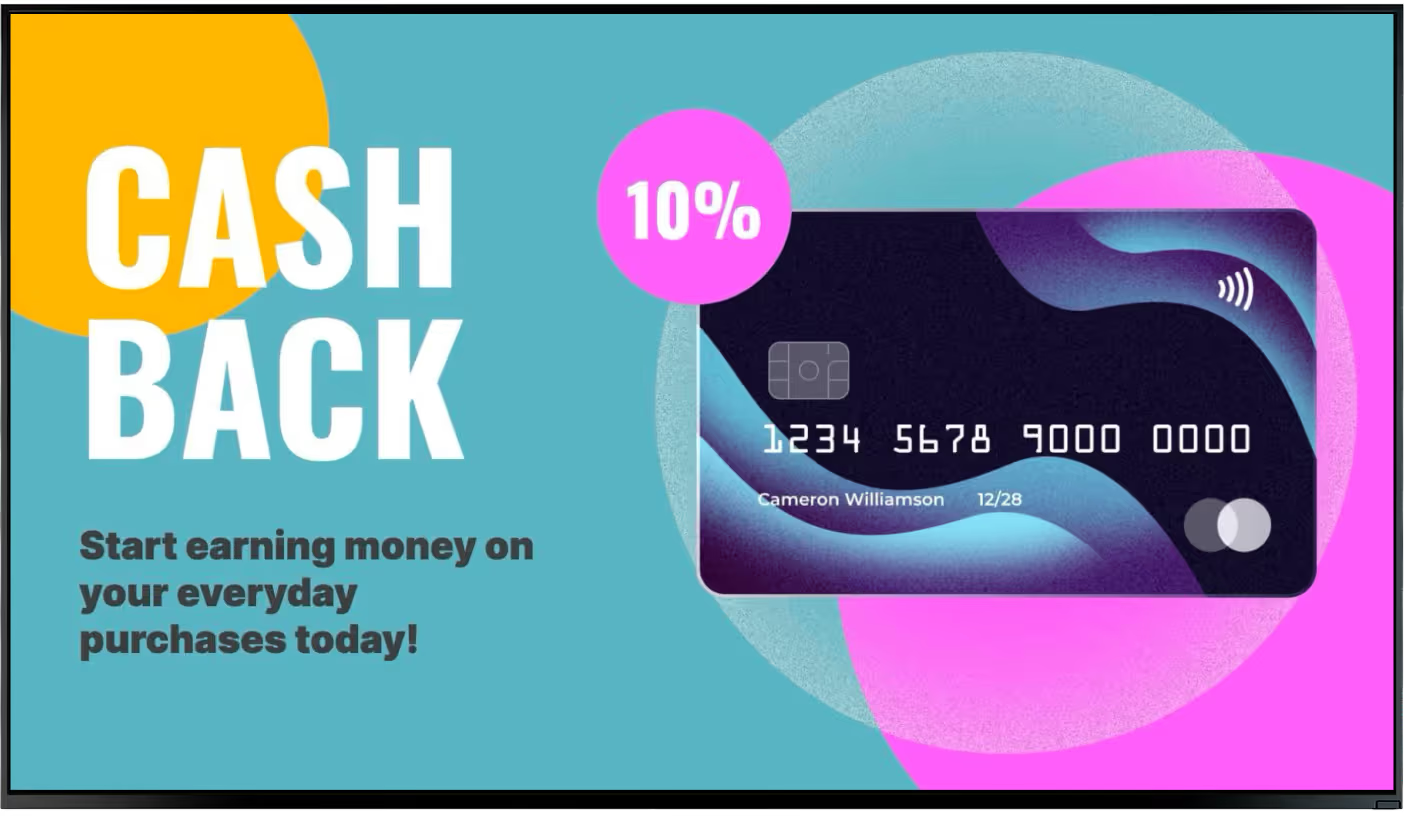
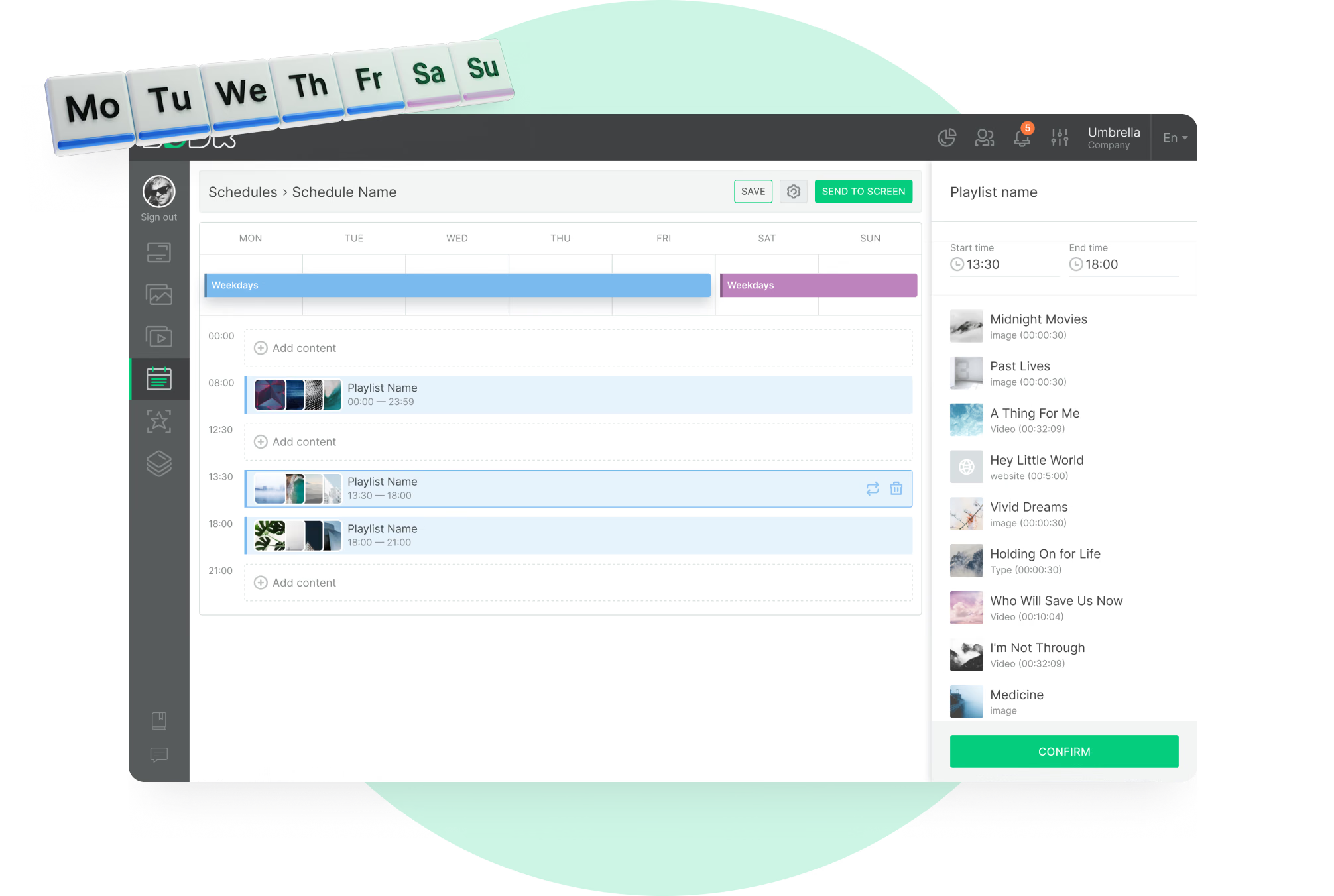
Loyalty programs and member benefits earn their place here too, and dayparting keeps them relevant – business banking during the morning rush, personal products later on.
Best for: Savings and deposit rates, card benefits, loyalty programs, loan products, QR links, financial literacy clips
Advisory desks and product zones
Put the right offer next to the right desk.
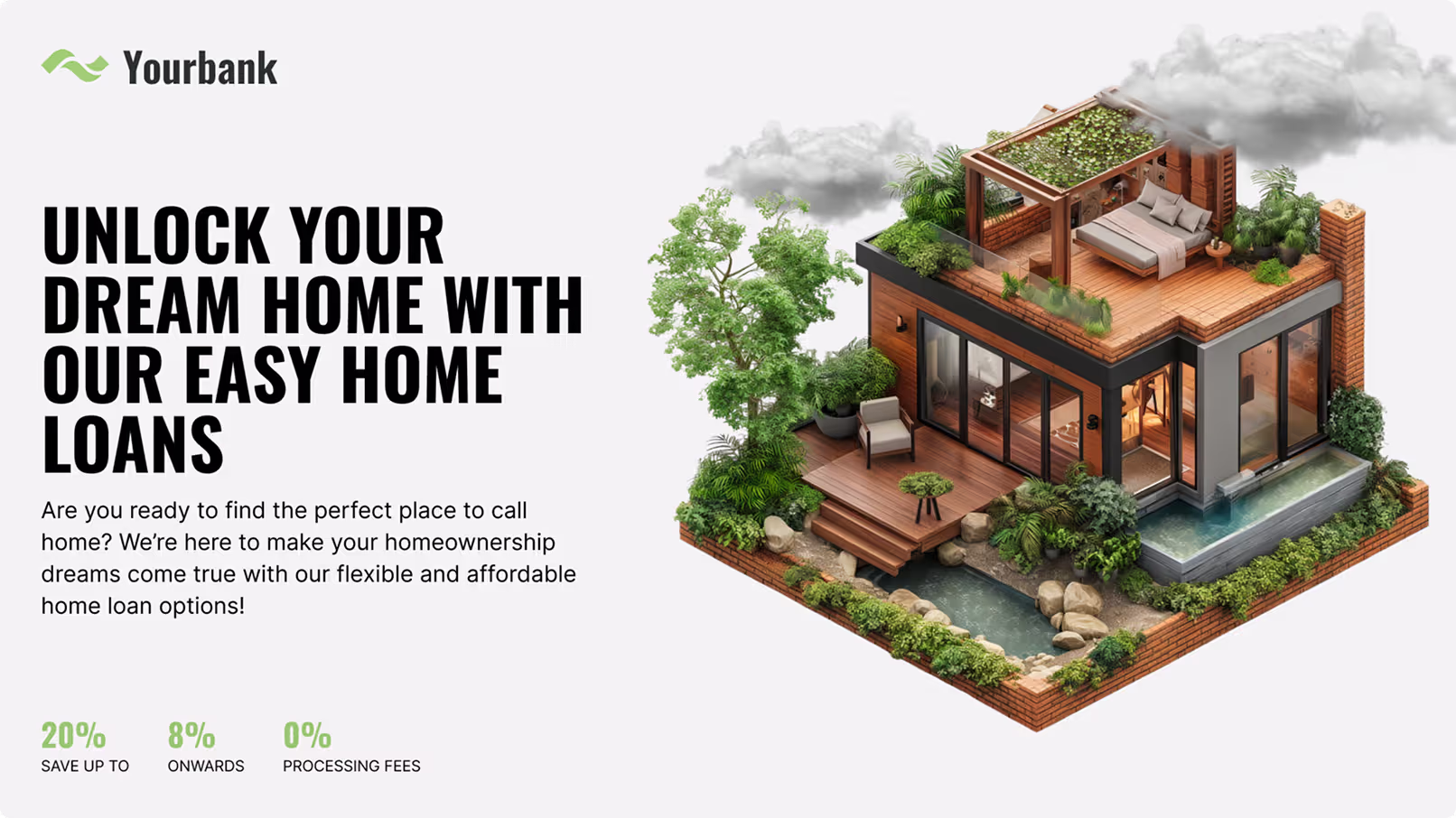
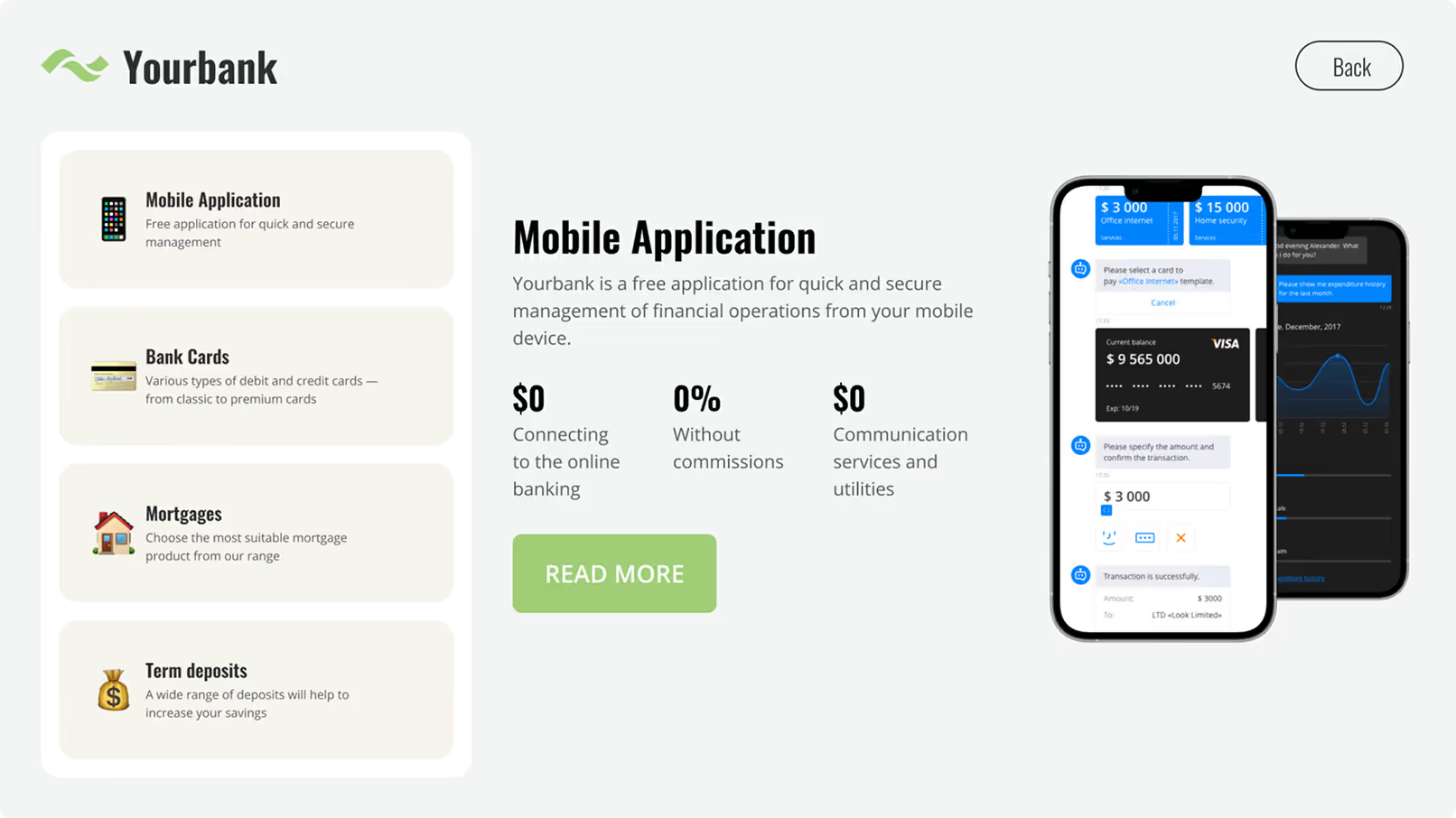
Mortgage, business banking and wealth management desks each want their own content, and a generic loop wastes all three. Tag the screens by zone and every desk plays the products it actually sells while the rest of the branch runs something else.
Terms, rates and disclaimers come from the same central content, so a figure approved once appears the same way at every desk in the network.
Best for: Mortgage and loan terms, business banking offers, wealth management and retirement products, insurance, disclaimers
ATM lobby and 24-hour self-service
A screen that runs unattended, and proves it.
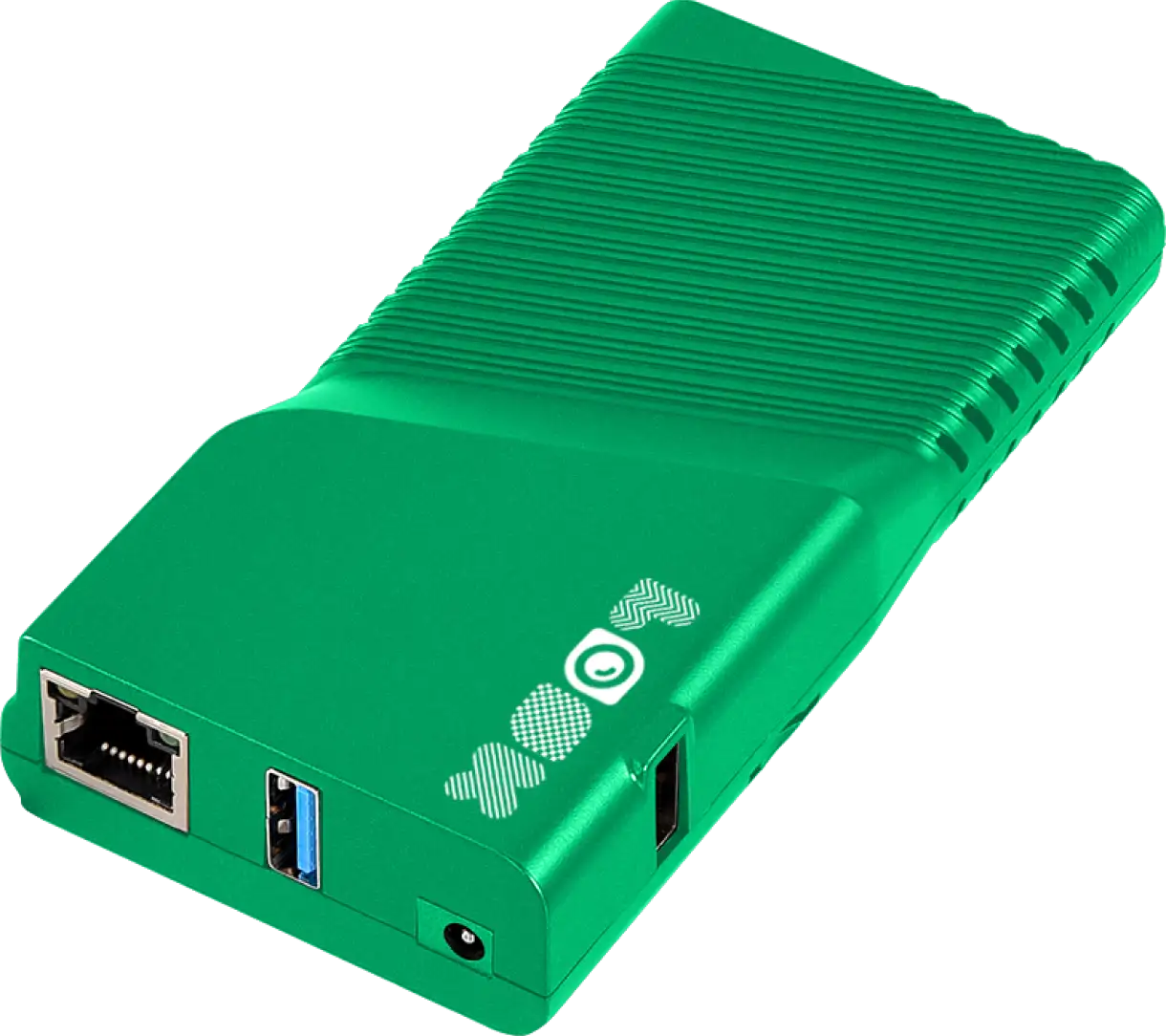
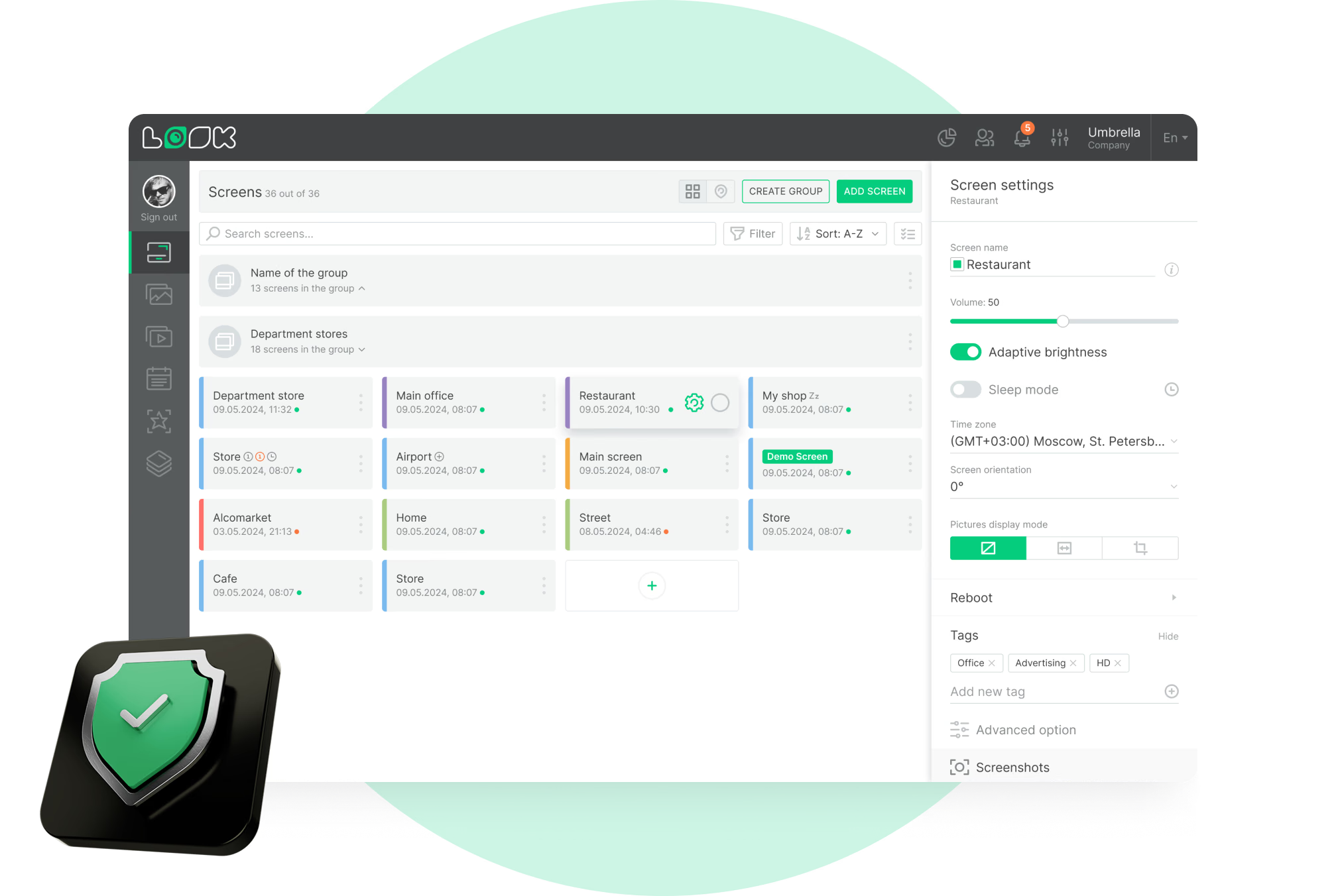
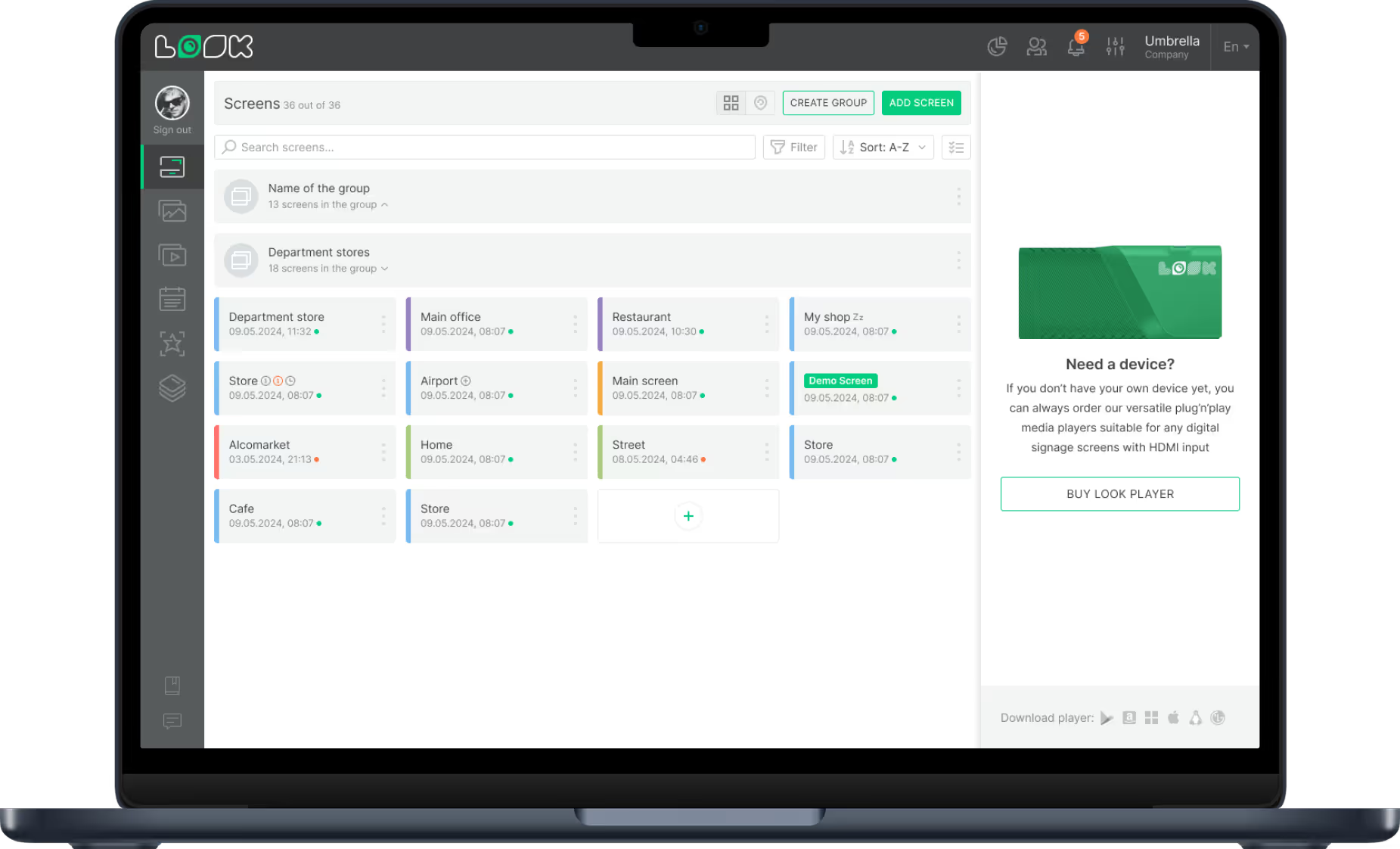
The self-service area is open when staff are not, so the screen has to hold up on its own. Cached images and video carry it through a network outage, and eight alert types reach you by email or the in-CMS bell if a player stops reporting.
Each device can take up to twelve screenshots a day, so what the ATM lobby showed at 2 a.m. is there to look at – no trip required.
Best for: Fee and rate notices, security reminders, app promotion, service messages, out-of-hours campaigns
Back office and staff areas
Reach branch staff without another email.
Break rooms and back offices are where targets, procedure changes and training reminders land, and a screen reaches the people who never sit at a desk all day. Employee engagement is the point, so keep it on its own schedule.
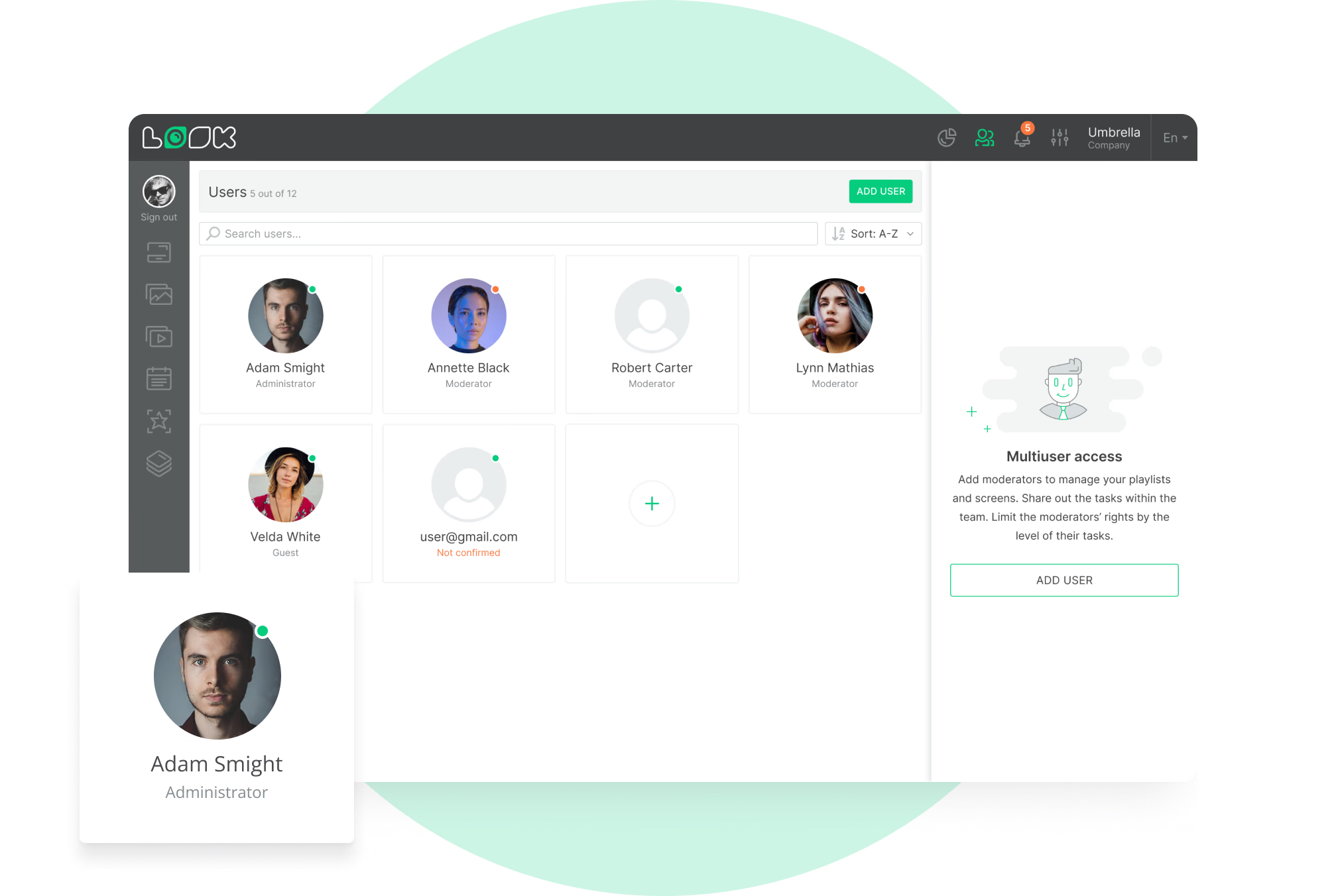
Roles settle who touches what. A Moderator publishes the staff content. Device pairing and account settings belong to administrators.
Best for: Branch targets, procedure updates, training reminders, compliance notices, recognition