Android Digital Signage
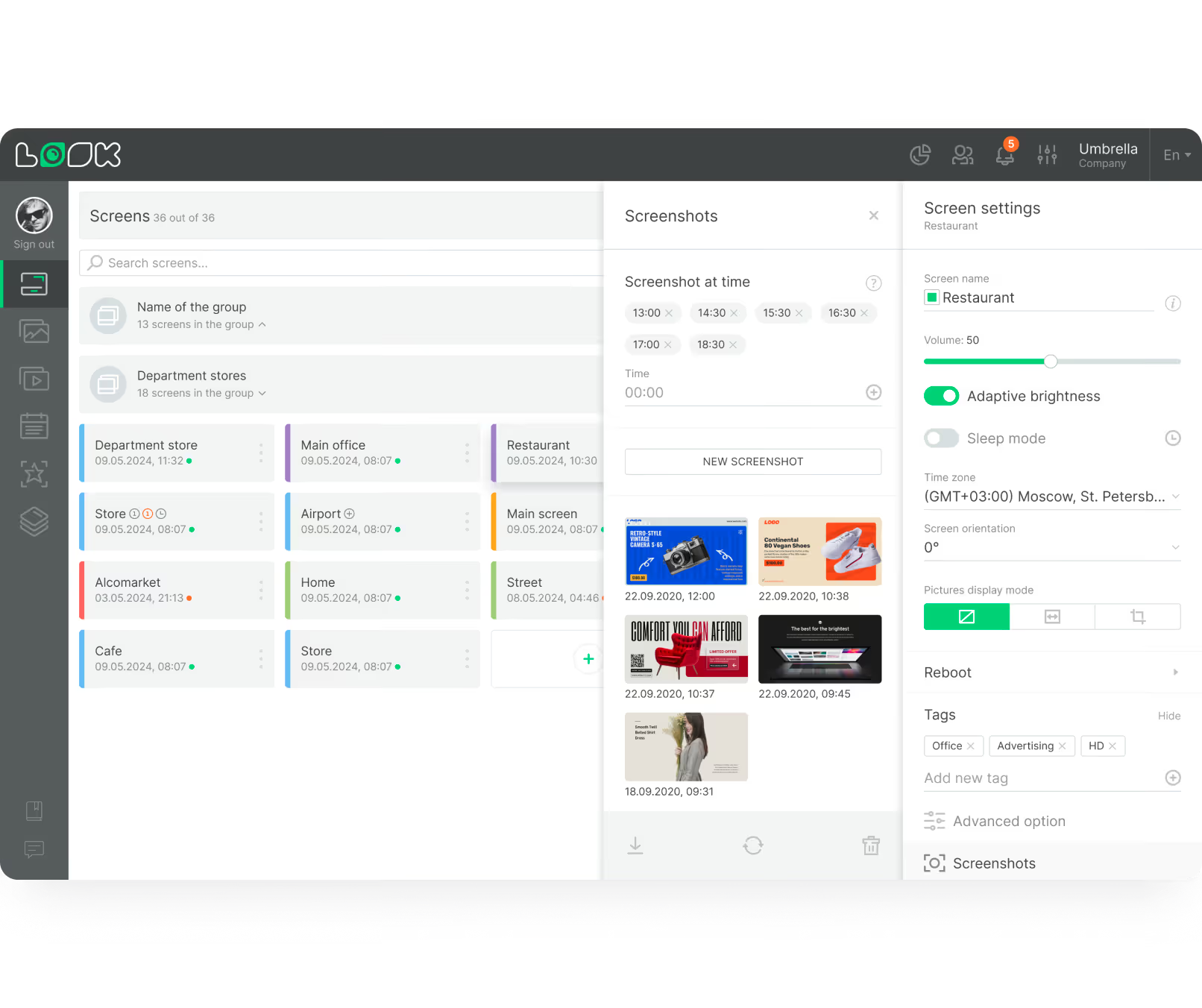
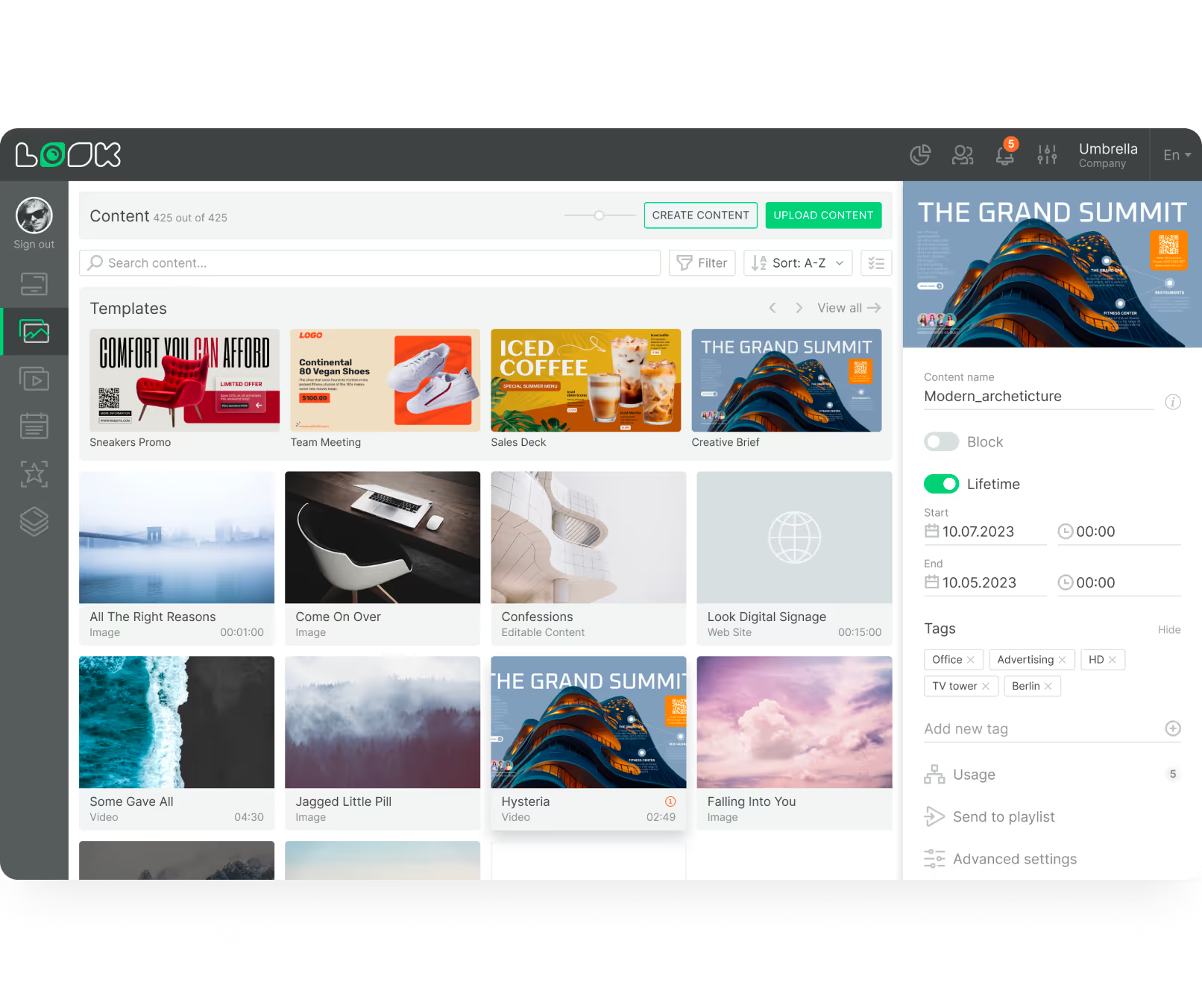
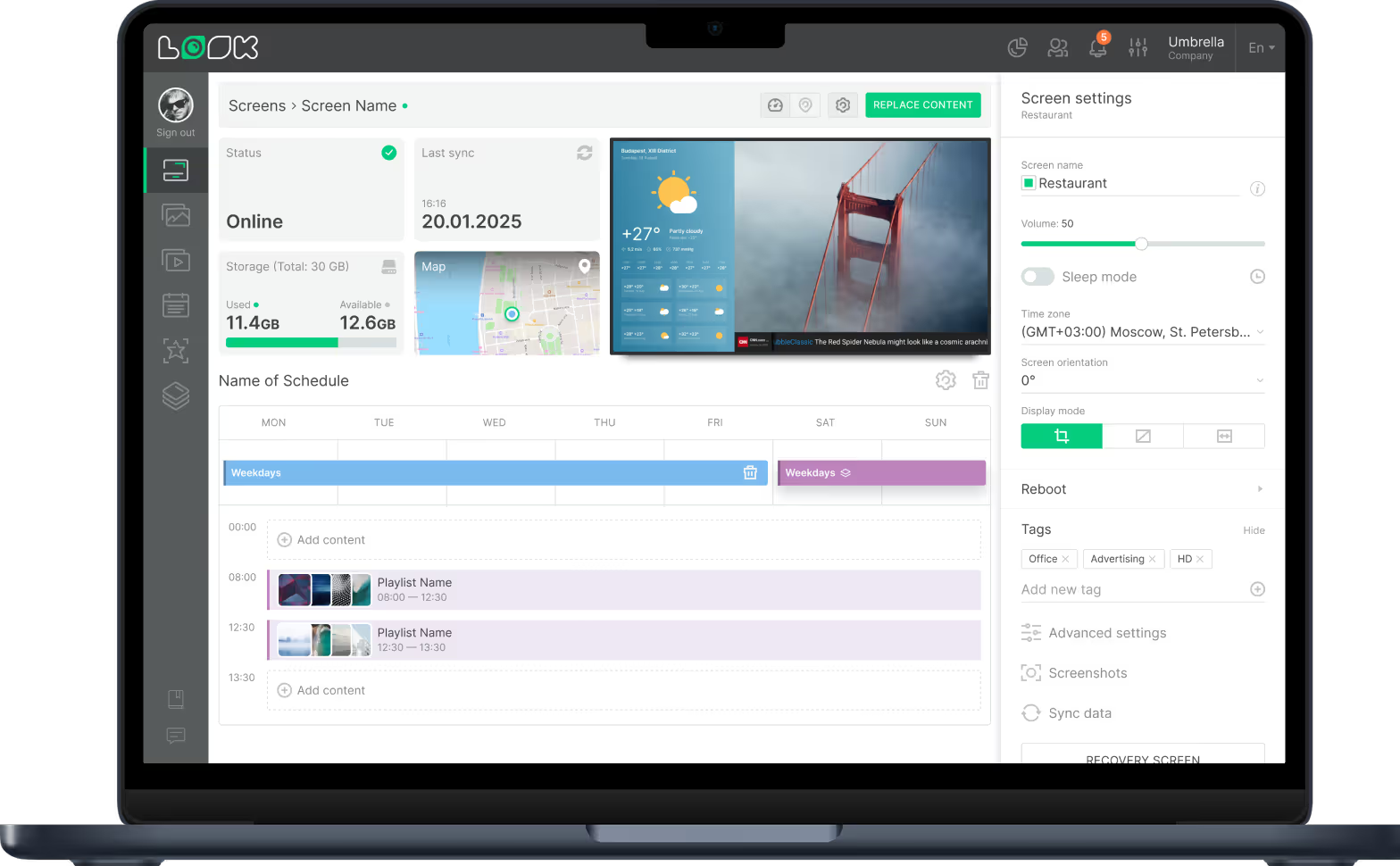
Manage Android-based digital signage screens remotely with Look. Publish content, schedule playlists, and control every display from one platform.
Your digital signage setup starts with the device behind the screen or the operating system it runs on. Look Digital Signage supports a wide range of platforms, so you can install Look Player on the hardware that fits your project – from Android media players and Windows PCs to LG webOS displays, Samsung Tizen screens, Linux devices, macOS, Fire OS, and more.


Manage Android-based digital signage screens remotely with Look. Publish content, schedule playlists, and control every display from one platform.

Run digital signage on Windows with Look. Push content, set schedules, and manage all your screens remotely from a single dashboard.

Control LG webOS digital signage screens. Deploy content, automate playlists, and monitor every display remotely from Look CMS.

Different digital signage projects require different devices. Some teams need affordable Android players. Others prefer Windows performance, LG webOS or Samsung Tizen SoC commercial displays, Linux flexibility, or compact devices based on Fire OS, Google TV, and Raspberry Pi.
With Look Digital Signage, you are not locked into one device type. You can build your network around your real needs and manage all screens from one CMS.
Key features