70%

of employees feel out of the loop at work due to poor internal communication

Source: internal communications research

<2 min

to push a policy update, safety alert, or KPI change across every screen in your network

vs. hours with print distribution

$0

cost per content update — no paper, no ink, no labour to distribute or hang physical notices

vs. traditional print communication

1 → ∞

screens manageable from a single dashboard — scale from a pilot screen to thousands globally

Look DS platform capability

What is corporate digital signage?

A visual communication system built for the workplace

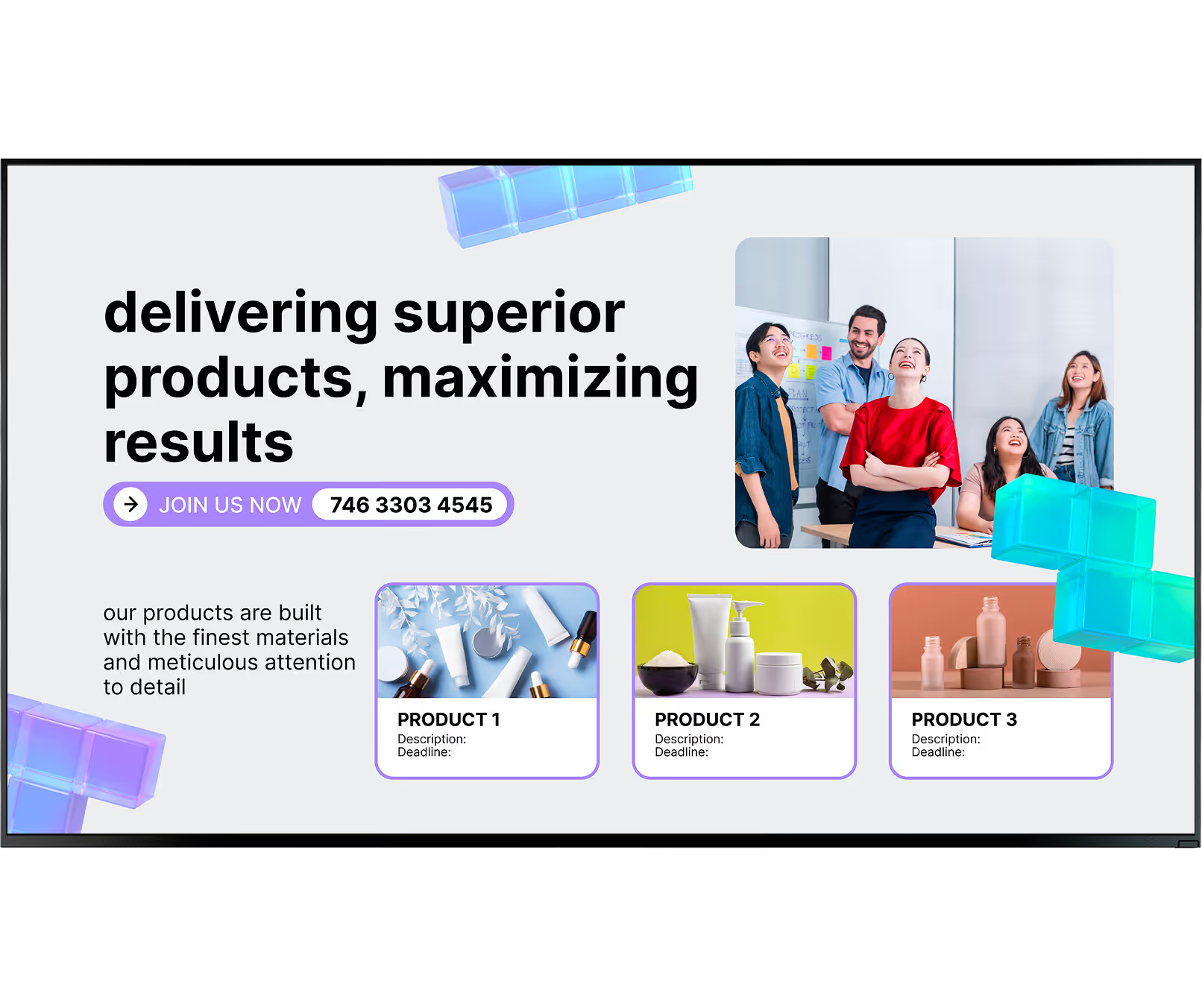
Corporate digital signage is unlike retail signage — it points inward, not outward. It uses high-definition screens, video walls, and small display tablets to share a steady stream of relevant content with your team. The software lets you manage a single screen or scale from 1 to thousands across different countries, all from one dashboard.

Corporate setups adapt to the space.

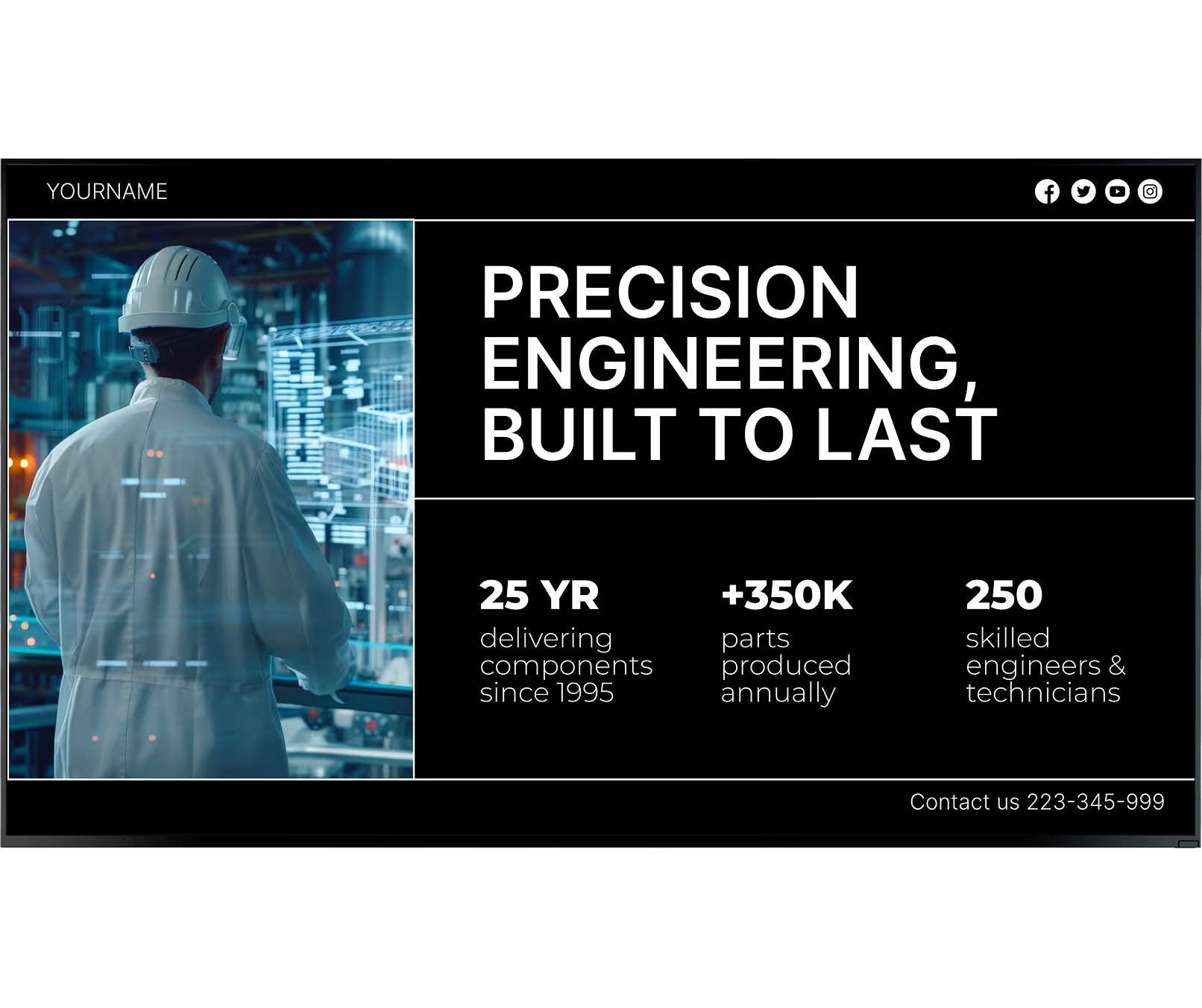
A large display in the lobby can welcome visitors, small tablets manage conference room bookings, factory floor screens show production numbers, and the breakroom TV displays local news and company announcements — all managed from one cloud platform, without complex setup.

Digital vs. traditional internal comms

Printed signage

Ignored, deleted, or never opened

Physical delivery takes hours or days

Invisible to deskless & frontline staff

Stale the moment they are printed

Costly to update and redistribute

Look DS

Green checkmark inside a black circle.

Visible where people actually gather

Green checkmark inside a black circle.

Updates reach all screens in minutes

Green checkmark inside a black circle.

Reaches every location simultaneously

Green checkmark inside a black circle.

Always current — live data, real time

Green checkmark inside a black circle.

Zero cost per update, ever

Green shield icon with a white check mark on a black rounded square background representing security or verification.

3 core components

1

Hardware

Your screens and a commercial-grade media player. Use existing devices with the Look App installed, or plug in a dedicated Look HDMI Player for reliable, always-on playback.

2

Software (CMS)

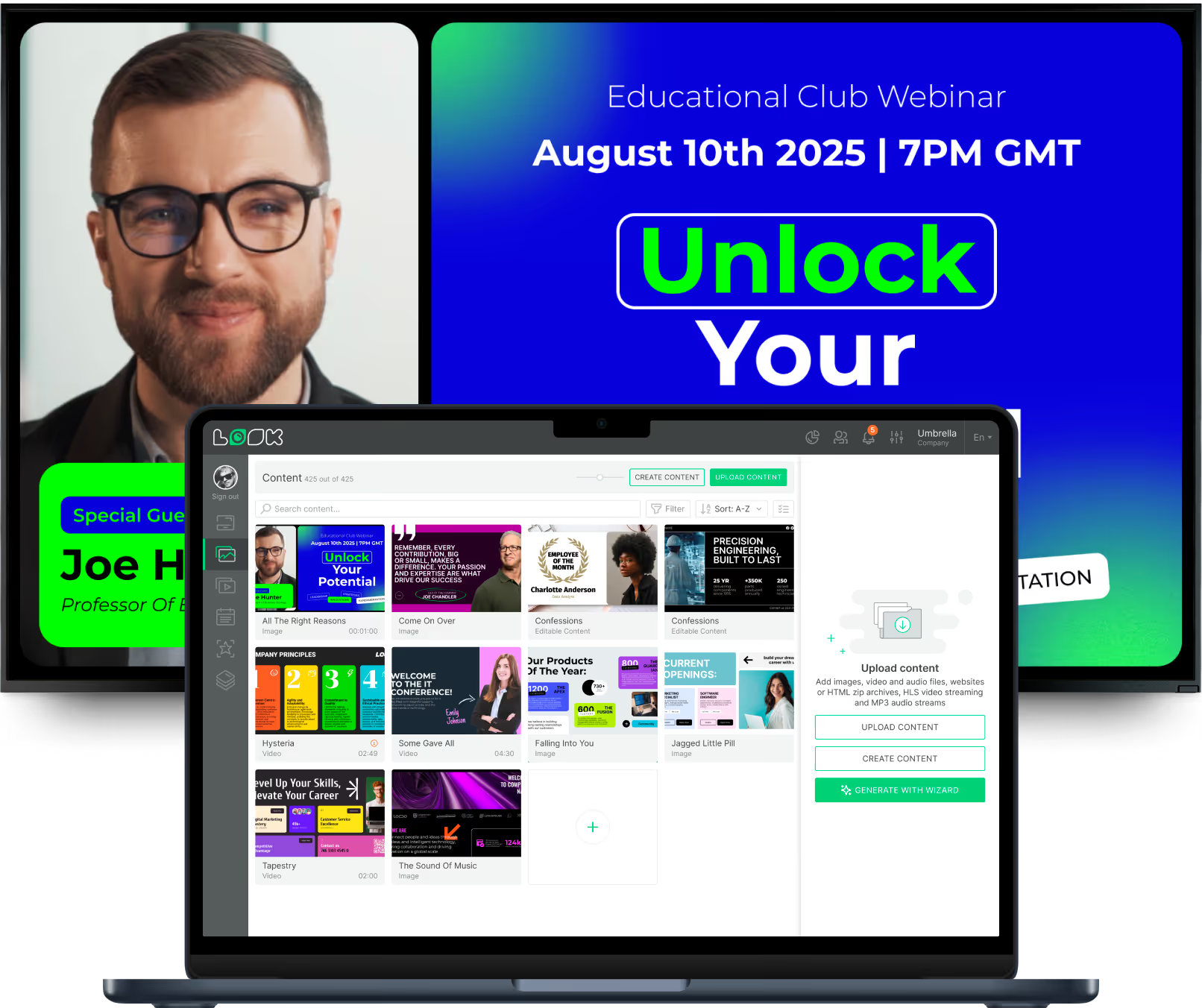
The Look CMS is your control centre. Build playlists, connect live data from Power BI or Google Workspace, and manage every screen remotely from any browser.

3

Content

The videos, images, live dashboards, and announcements that actually speak to your team — scheduled automatically and updated in real time as your business changes.

Why it works

Six ways retail digital signage drives sales and saves time

Bubble icon

Improves internal communications

Digital signage solves email fatigue by placing screens in busy hallways and cafeterias — sending updates right to where people gather. This is especially valuable for deskless and frontline staff in healthcare, manufacturing, or retail who rarely sit at a computer. Scrolling tickers and live dashboards ensure core messages actually reach your team.
icon_XL_smile

Boosts employee engagement and productivity

Publicly celebrating wins, work anniversaries, and promotions builds a culture where people feel valued. When employees feel seen, they are more likely to stay. Screens that share best practices and success stories give everyone visibility into the big picture — turning everyday displays into a data-driven tool for better performance.
Eye

Streamlines information sharing and updates

Leadership messages or project updates push instantly via cloud CMS across multiple locations from anywhere. Connecting screens to Google Sheets or internal dashboards means content refreshes automatically — pulling data straight from the source and cutting down on manual edits entirely.
star icon transparent

Reinforces brand identity across all locations

Digital signage lets headquarters control core messaging while giving local offices room for their own updates — keeping company values and visual style aligned everywhere. Ready-made templates lock in the right colours, fonts, and layouts so every screen becomes a clear, on-brand touchpoint inside the company.
Percent icon

Delivers long-term cost efficiency

Moving away from printed materials saves thousands in print and labour costs over time. Updates that used to require physical delivery can now be done remotely in seconds. With affordable hardware and flexible subscriptions, the ROI is clear — especially when you factor in the time saved on manual updates and the boost in staff alignment.
Polar Star Icon

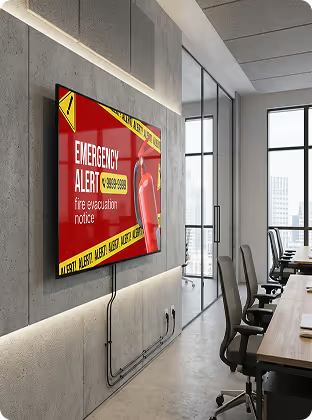
Increases safety with real-time emergency alerts

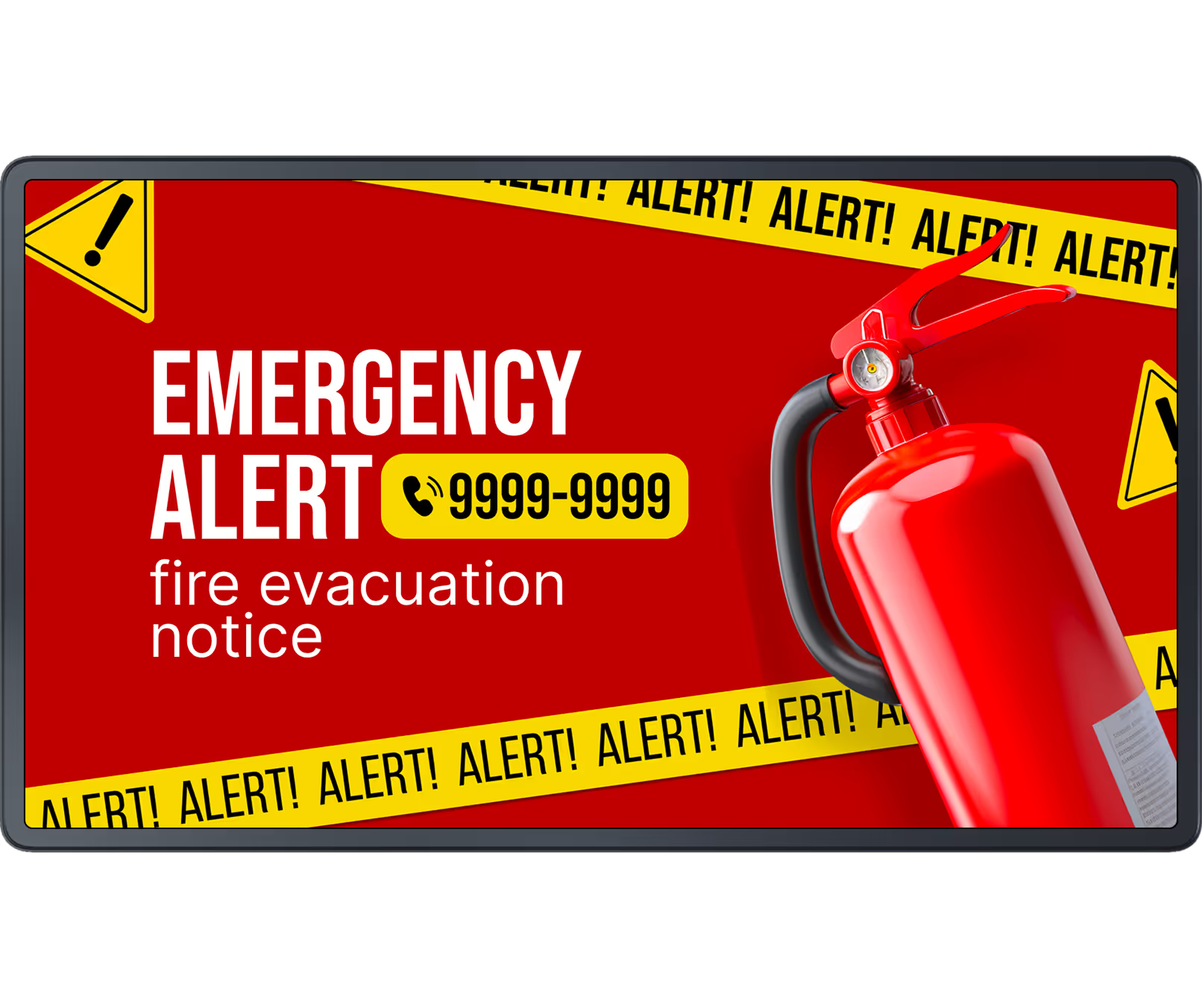
Unlike emails that might go unread, screens can instantly display evacuation routes or severe weather warnings. Advanced signage platforms link directly to emergency systems, ensuring life-saving guidance appears across all locations at once. In manufacturing environments, screens can alert workers to line stoppages or safety hazards immediately.
megaphone
like
confetti
star
Google Docs
Alert

Every workspace covered

Digital signage built for your corporate environment

Different spaces have different communication needs. Look DS adapts to each one from a single platform.

Corporate Lobby

First impressions that last

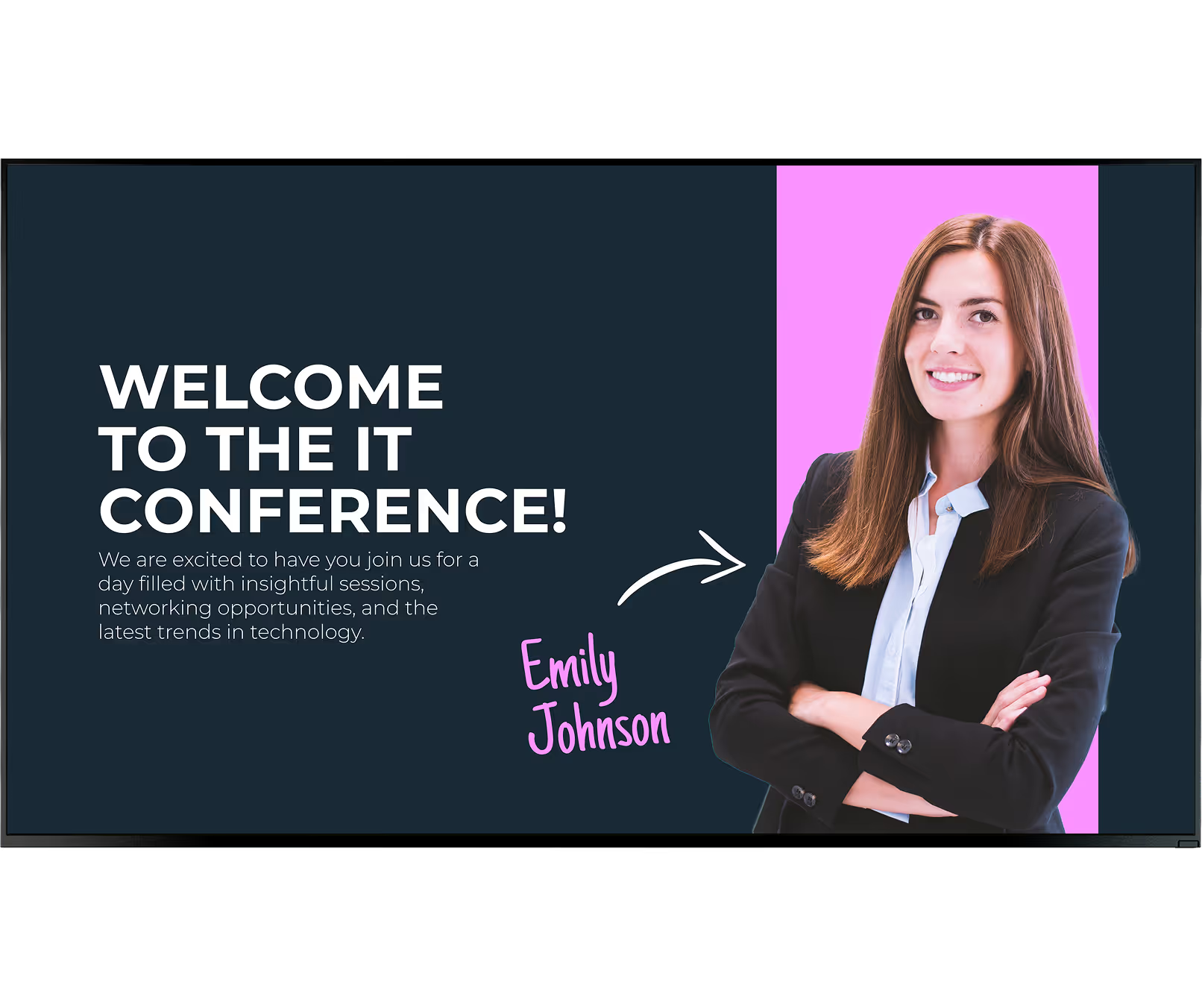
A digital screen in the lobby sends a modern, welcoming signal to guests. Greet visitors by name, display company news, broadcast live share prices or sustainability metrics, and provide clear directions — all from one screen that updates automatically.

Conference Rooms

No more double-bookings

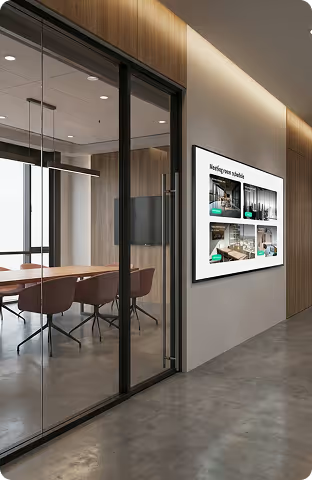
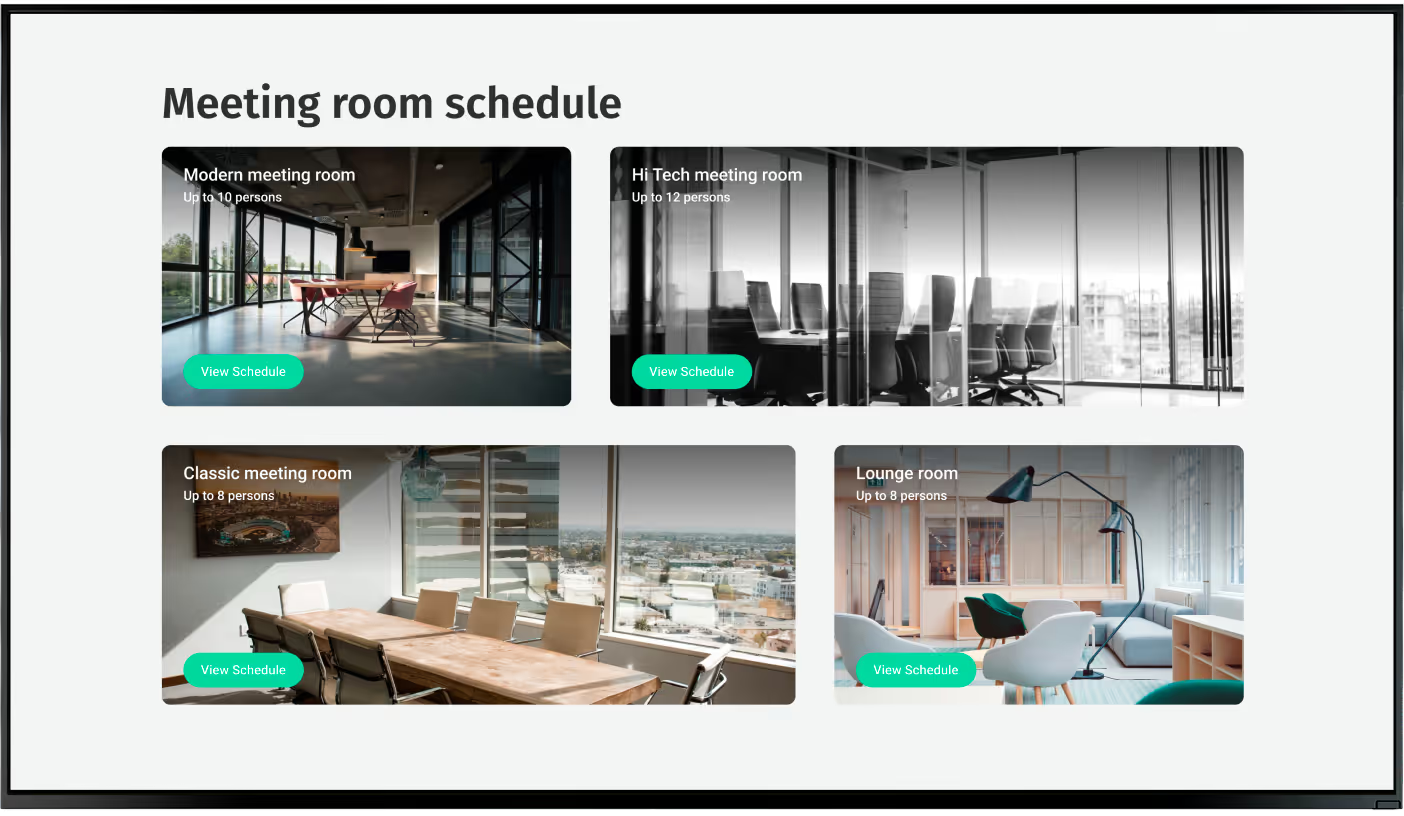
Digital displays mounted outside conference rooms show live booking details to prevent scheduling conflicts. Linked to calendar apps, these screens display current meetings and open slots instantly. Wayfinding maps and staff directories help visitors and new hires navigate large offices.

Breakroom & Cafeteria

Turn quiet rooms into communication hubs

Daily cafeteria menus, team photos, social feeds, and countdowns to product launches make the breakroom feel connected and welcoming. Screens placed where staff naturally gather turn a passive rest area into an active touchpoint for culture and community.

Factory & Warehouse Floor

Safety and performance in one display

Production stats, safety tips, incident-free day counters, and line stoppage alerts keep factory and warehouse teams informed and compliant. Screens reach workers who never open a laptop — delivering the information that matters most right where they work.

Multi-Location Enterprise

One dashboard, every global office

Push a policy change or a CEO video to every location simultaneously. Role-based access lets local managers update their breakroom screen while headquarters locks in lobby content. Group screens by department, region, or screen type for fast, targeted updates.

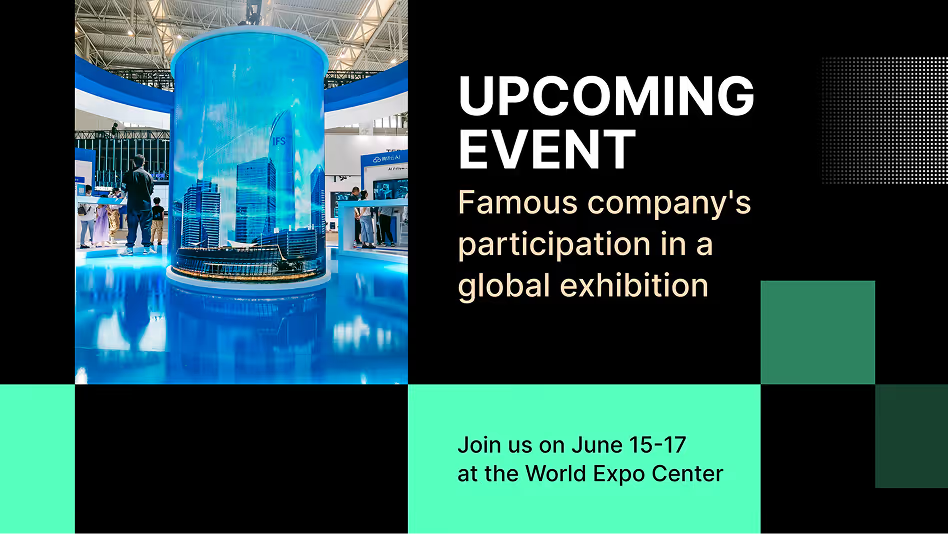
Town Hall & Events

Every employee in the room, regardless of location

Turn all office displays into a live streaming network for town halls and global meetings. Staff in different time zones join in on every screen in the building. Record and schedule replays to ensure anyone who missed it catches up later in the day.

Where you'll use it
Six use cases, one platform

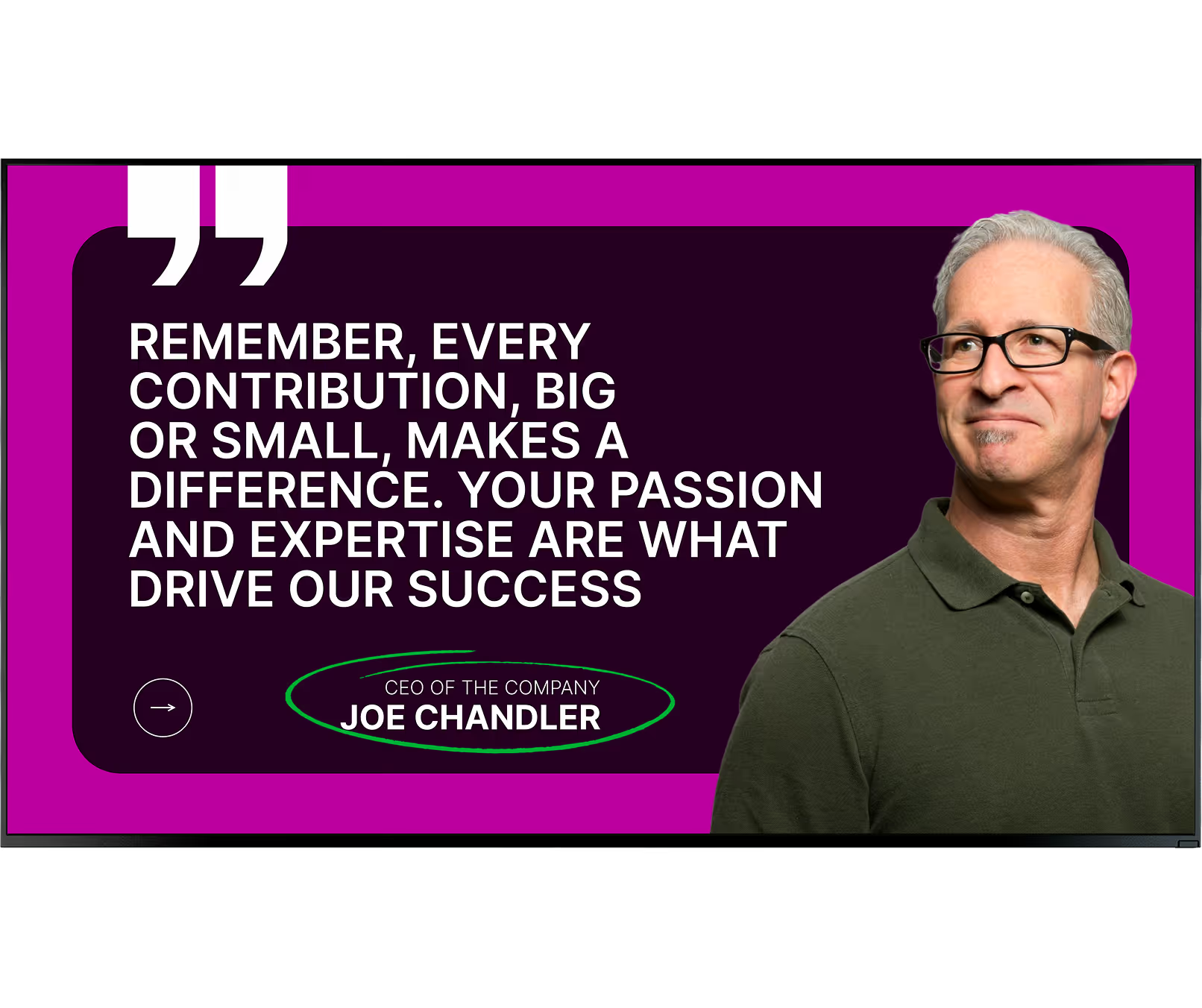
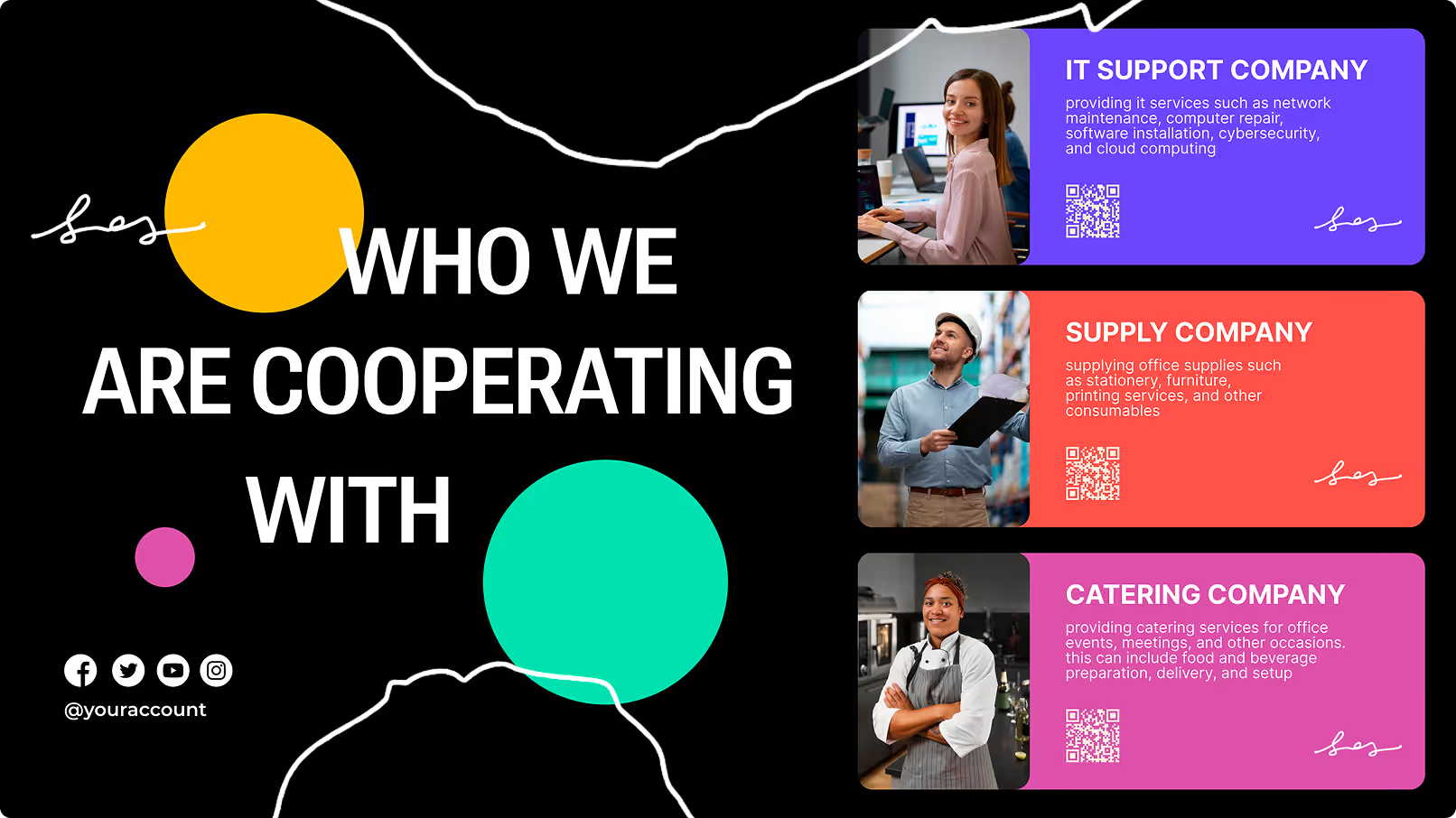
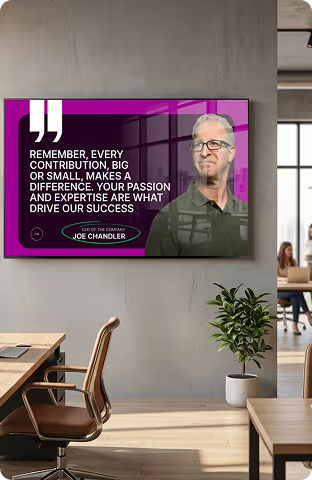
Company announcements and leadership news

HD video and clean layouts make leadership updates, HR notices, and industry news stand out where they need to. Rotating weekly themes ensure your screens remain a trusted source of current information rather than background light during busy periods.

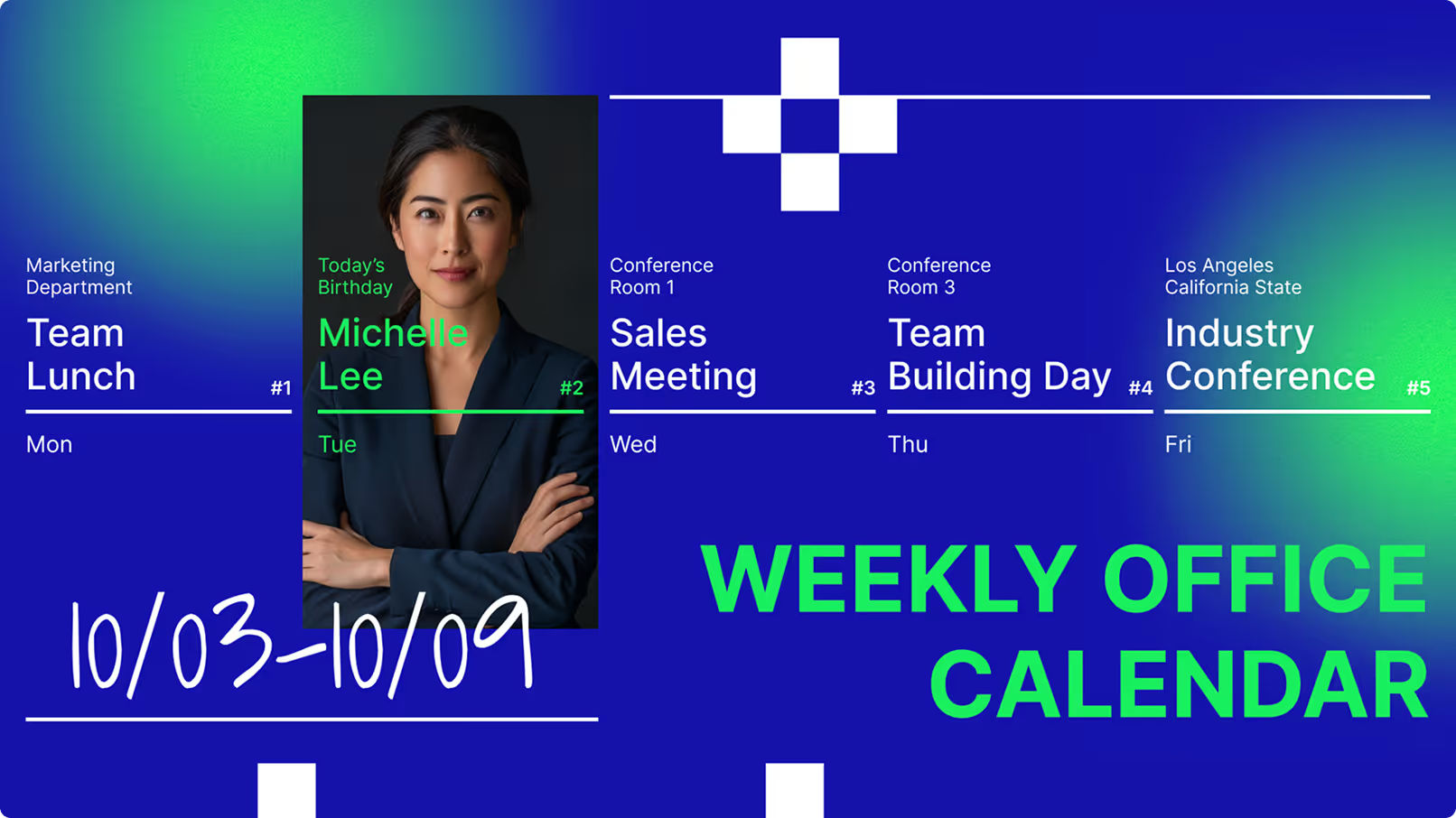
Meeting room schedules and wayfinding

Displays mounted outside conference rooms show live booking details to prevent double-bookings. When linked to calendar apps, screens show current meetings and open slots instantly. Interactive maps help visitors and new hires navigate large campuses without asking for help.

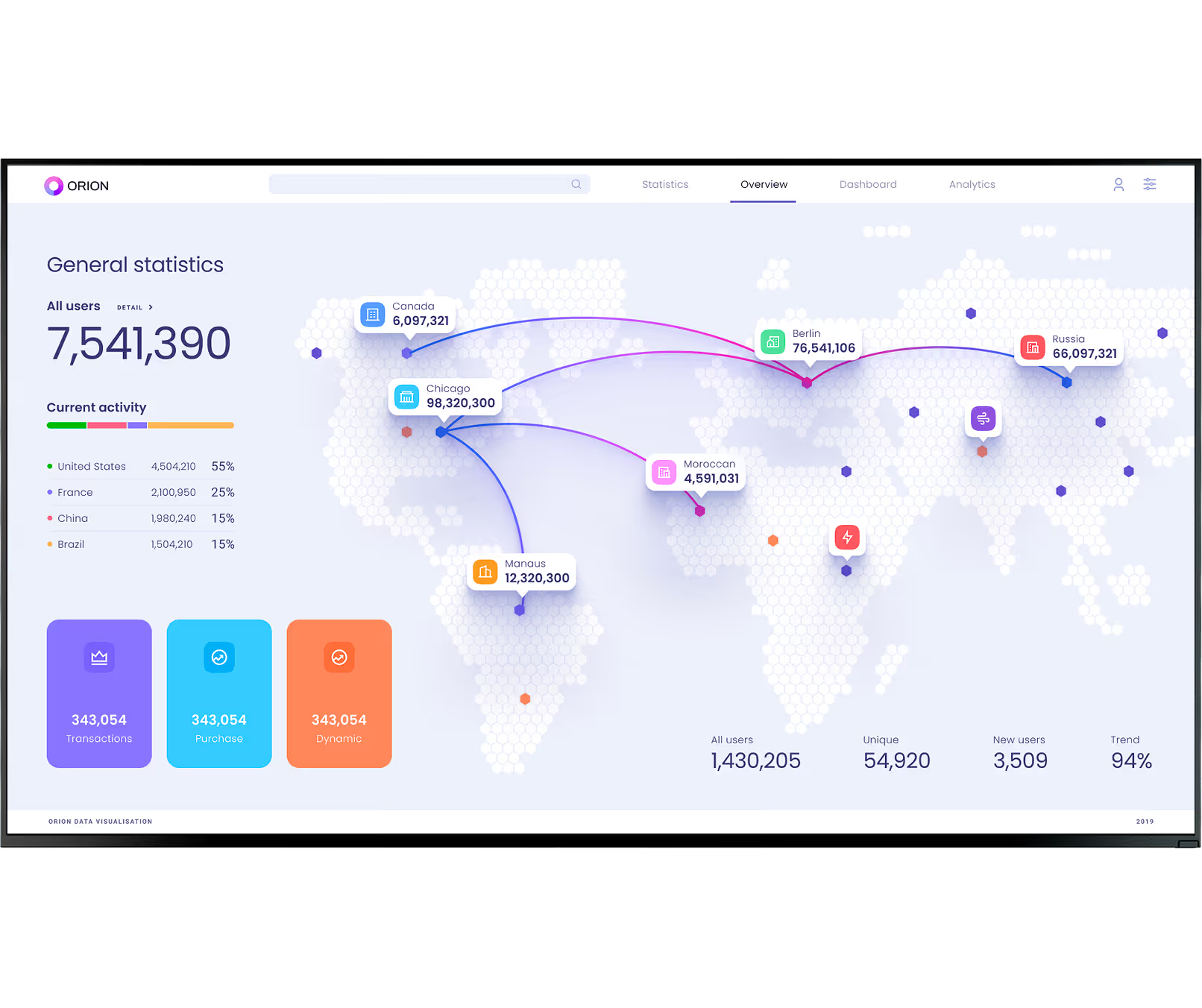
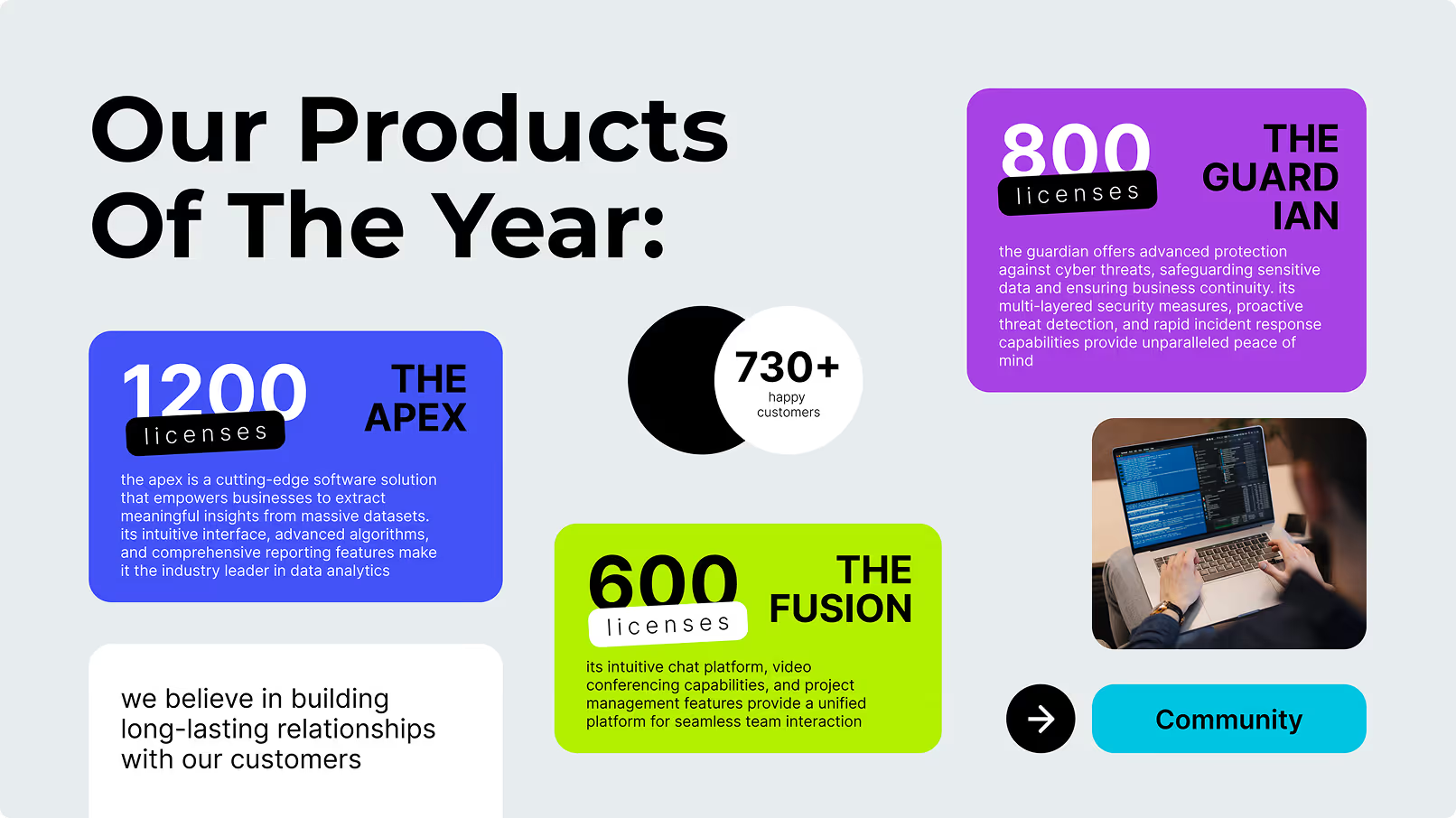
Live KPI dashboards and performance metrics

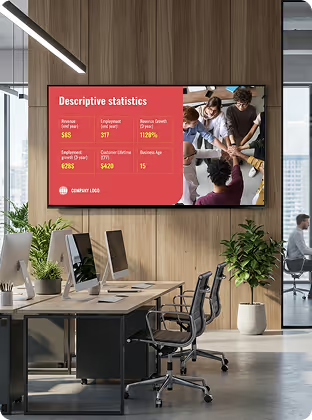
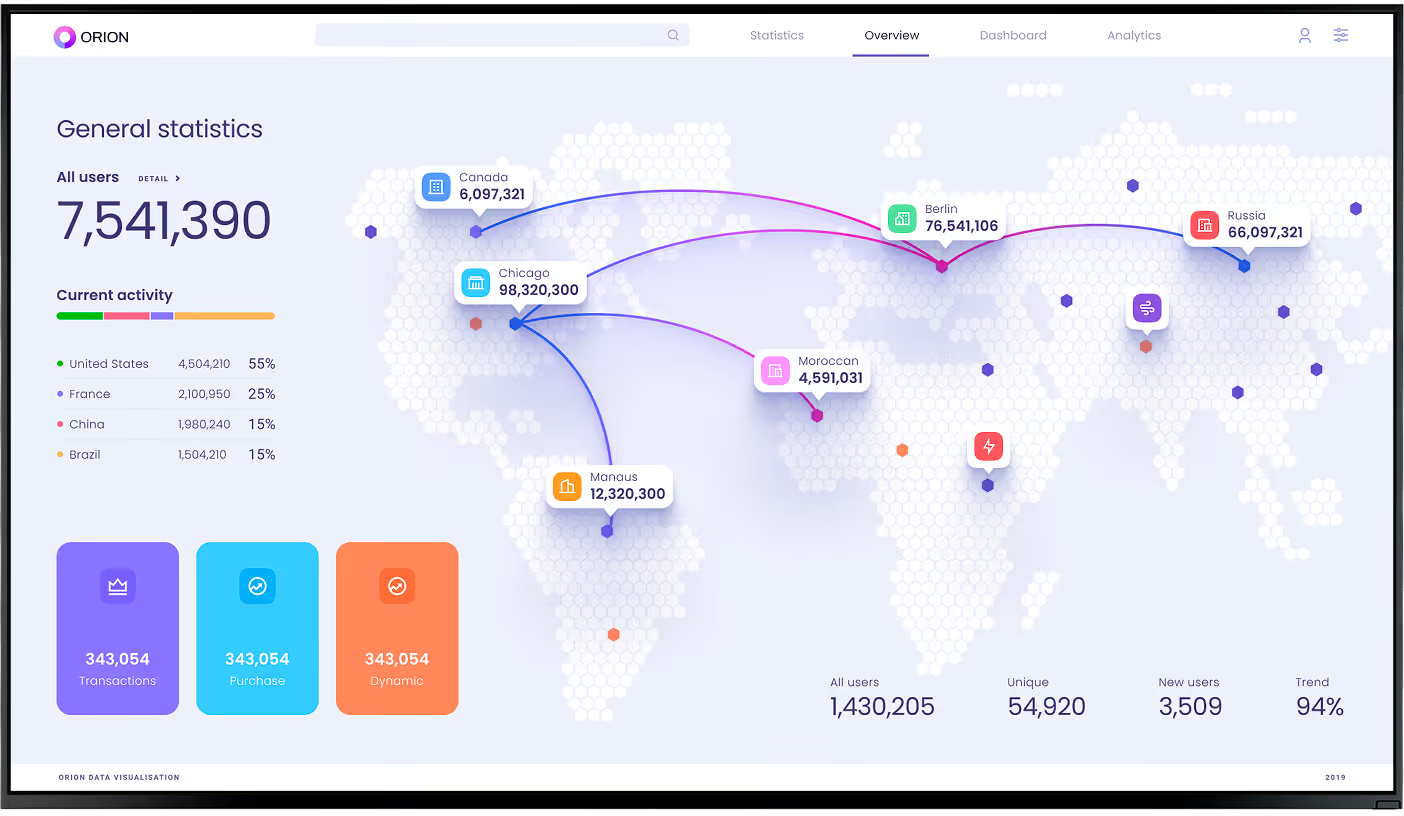
Show live business results to keep teams focused. Dashboards displaying sales targets, production stats, or support ticket volumes help employees adjust their work to meet company goals in real time. Sharing highlights across departments helps teams learn from each other and prove ROI on shared projects.

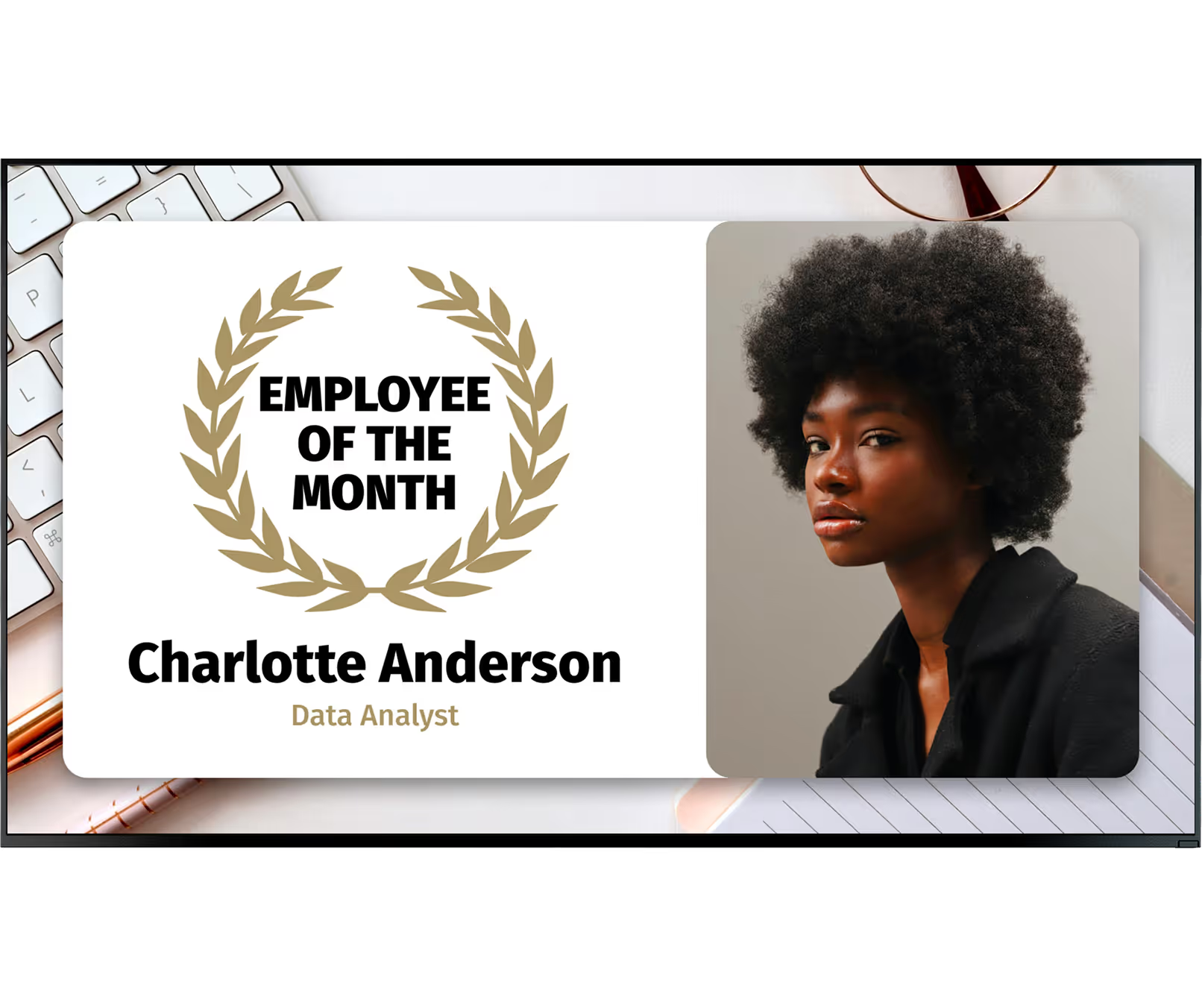
Employee recognition and wellness

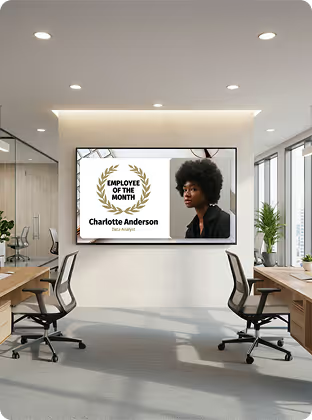
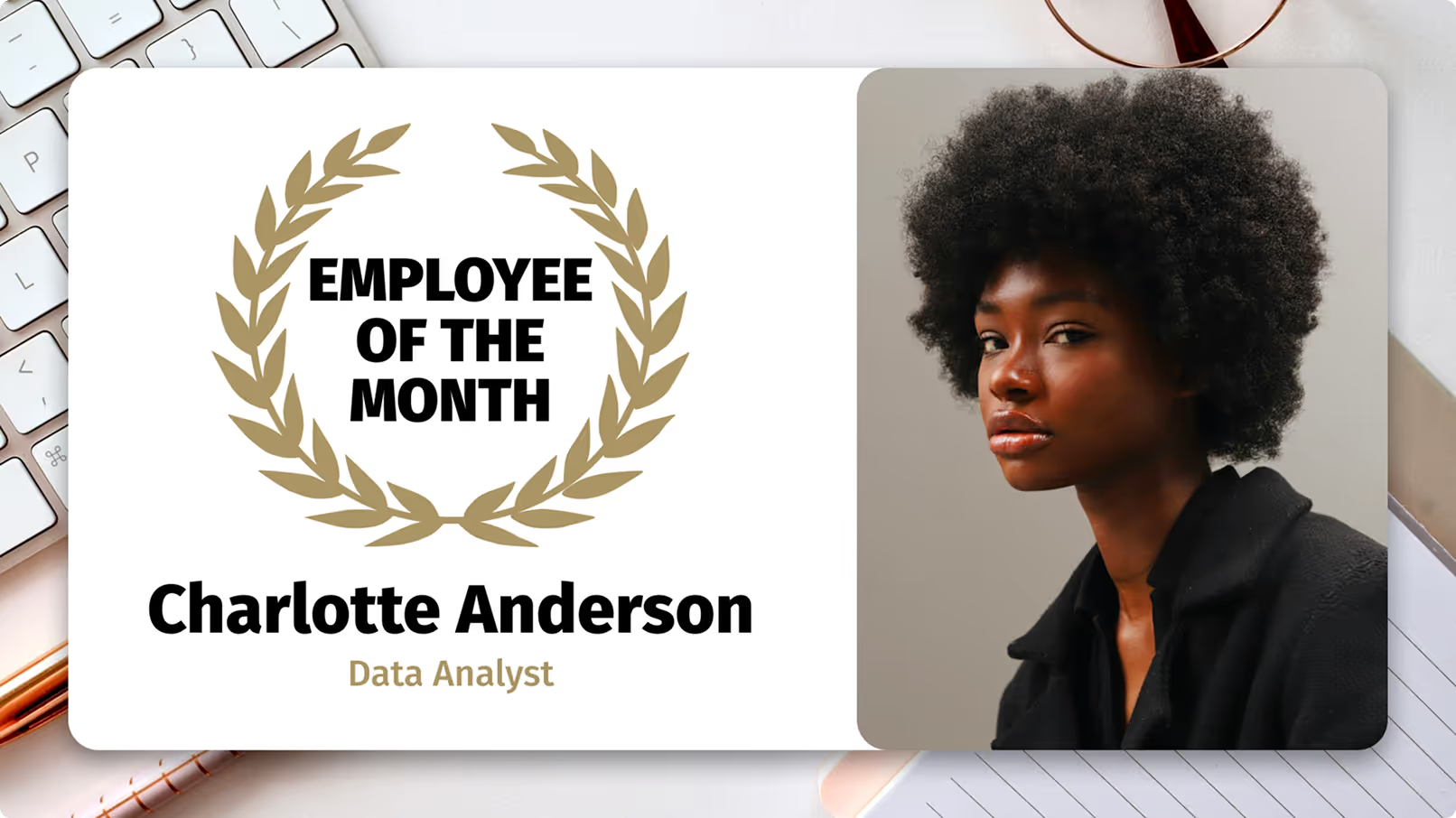
Public praise motivates people. HR teams can highlight "Employees of the Month," welcome new hires, and celebrate anniversaries. Wellness reminders, health check notices, and photos from team volunteer days reinforce company values across every office and floor.

Live event and town hall broadcasts

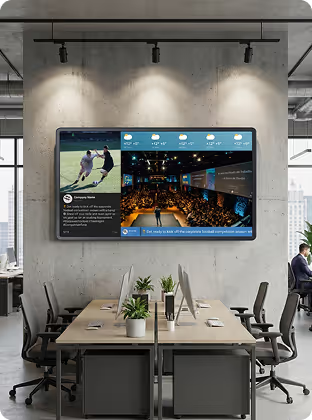
Turn all office displays into a live streaming network for global meetings. Staff in different locations watch in real time on the nearest screen. Record sessions and schedule replays later in the day so everyone — regardless of shift or time zone — receives the same message.

Emergency alerts and safety information

During a crisis, digital signage is a direct lifeline. Screens override standard content to show lockdown instructions or weather warnings across your entire network instantly. Safety tips and incident-free day counters keep safe behaviour top of mind during normal operations too.

Setup

Works with screens you already own

Two ways to get started — both take minutes, not weeks, and require no specialist IT involvement.
Green shield icon with a white check mark on a black rounded square background representing security or verification.

Install the free Look App

Install the free Look App on any compatible display you already own. Ideal for repurposing existing smart TVs in stockrooms, staff areas, or smaller store locations — no new hardware spend required to run a pilot.

Android
Windows
Fire OS
Samsung Tizen
LG webOS
Raspberry Pi
Amazon Signage
Amazon Signage
Icon Linux
Linux
macOS
MacOS
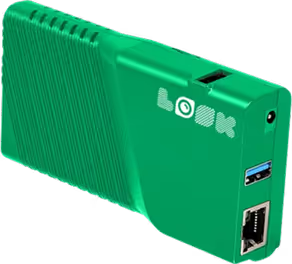
Green rectangular electronic device with ventilation slots, two USB ports, an Ethernet port, and the word 'LOOK' printed on it.

Plug in the Look HDMI Player

The Look HDMI Player connects to any screen via HDMI for reliable, always-on playback. Plug in, connect to Wi-Fi, log in — your screen is live. Caches playlists locally for offline playback, ensuring promotions keep running even if the store's internet drops. Worldwide shipping, no configuration expertise required.

Any displays with HDMI
LED screens 
Video walls
Plug-and-play

Corporate hardware note:

For lobby video walls and executive conference rooms, commercial-grade displays rated for continuous operation are recommended. In manufacturing and warehouse environments, industrial screens with higher ingress protection (IP) ratings withstand dust, moisture, and temperature variation — ensuring screens stay visible on the production floor.

View full hardware guide →

How it works

Up and running in minutes — no IT team required

Connect a player, create your content, and your first screen is live. Scale to thousands the same way.
  • Content

    Connect your screens

    Install the Look App on a compatible smart TV or plug in the Look HDMI Player. Connect to Wi-Fi, pair with your CMS — done. Most corporate media players are plug-and-play and require no specialist configuration or IT involvement.
  • Schedule

    Create and schedule your content

    Use the drag-and-drop CMS dashboard to build playlists, connect live data from Power BI or Google Workspace, and set schedules. Assign screens to departments or regions. Grant local managers their own permissions while headquarters retains full control.
  • Playlists

    Publish and manage remotely

    Push content to all screens from any browser. A new policy, a CEO video, an emergency alert — it reaches every screen across every location in minutes. Proof-of-play logs confirm delivery. Offline caching keeps screens running even if the network drops.

Key features

Everything a corporate communications team needs

Laptop icon

Ease of use and centralised control

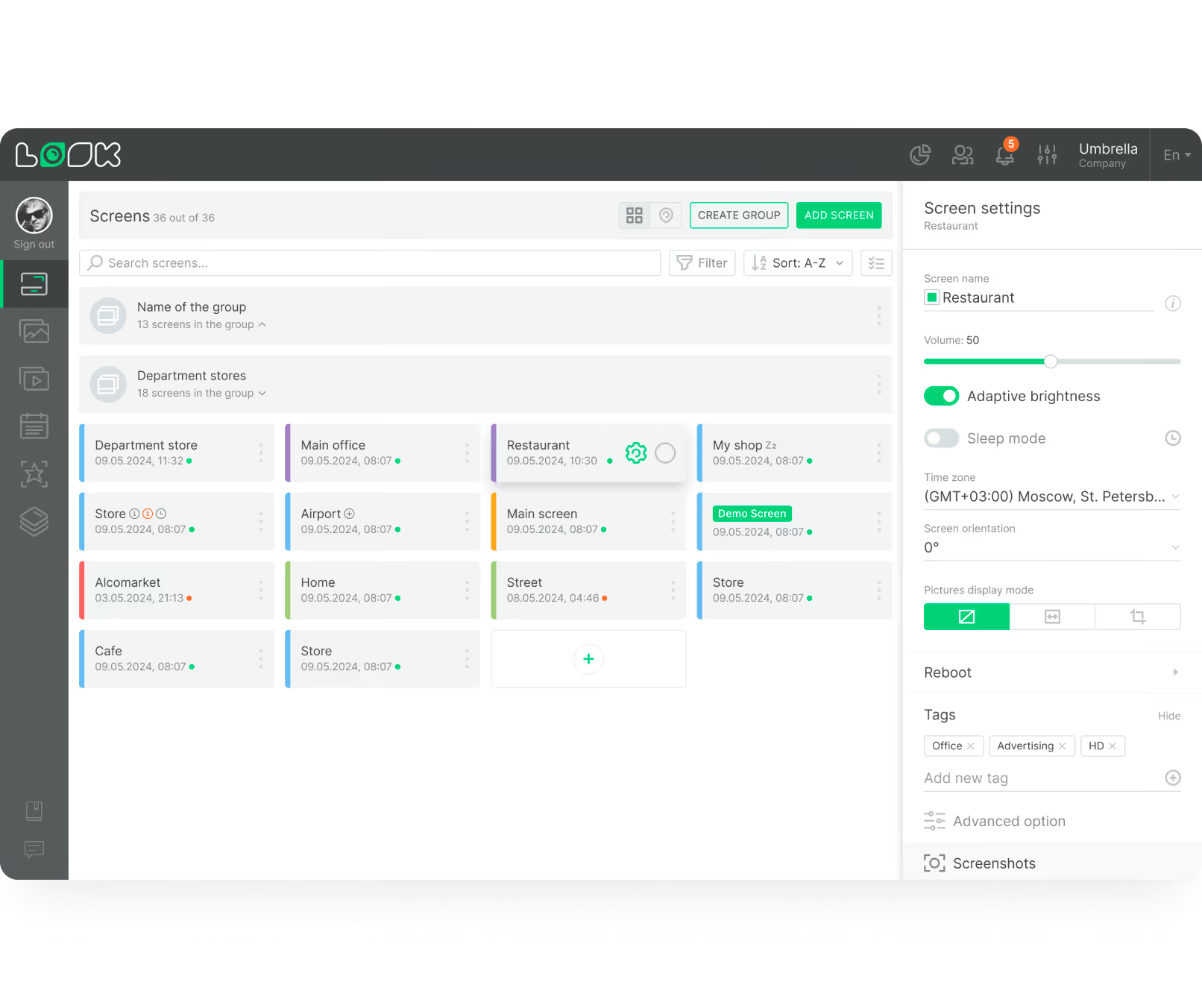
A drag-and-drop dashboard makes setup clear and practical without long training sessions. Central control lets you manage every screen from one place — group screens by department or region and push updates from anywhere, ensuring the right people see the right message at the right time.
apps icon

Integration with existing corporate tools

Connect your screens to the tools you already use. Integrations with Power BI, Google Workspace, and social media feeds keep KPI dashboards and calendars updated automatically — eliminating manual data entry and ensuring screens always reflect the latest business data.

Live data dashboards and KPI displays

Showing live business results keeps teams focused and accountable. Dashboards displaying sales targets, production volumes, or support metrics provide real-time transparency. When employees see data in real time, they can adjust their work to meet company goals — no waiting for the weekly report.
calendar_icon

Smart scheduling and playlists

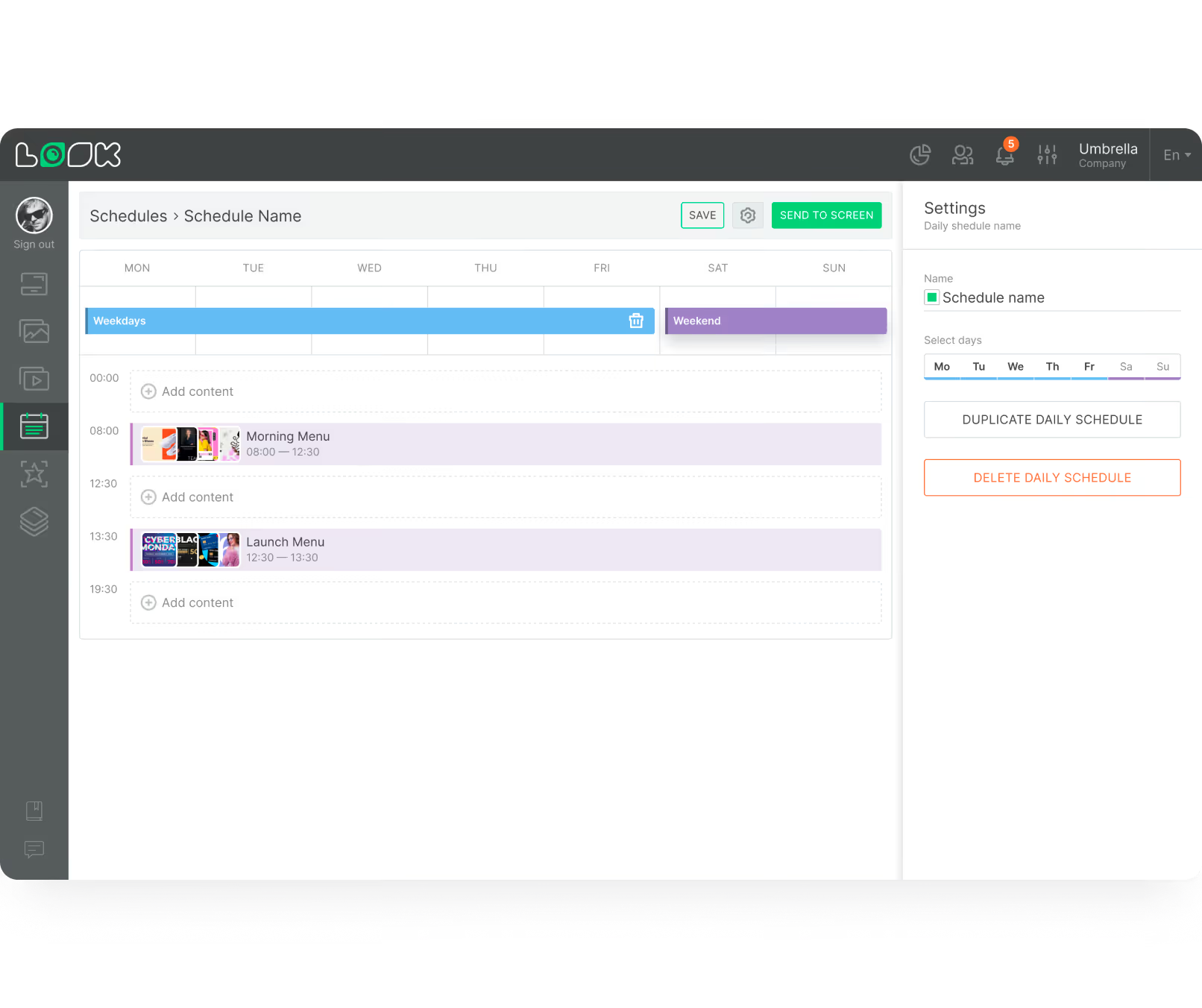
Smart Scheduling takes the manual work out of managing screens. Schedule a specific playlist to run only during the morning shift, or set a holiday greeting to expire automatically. Ensure screens are always up to date without daily intervention — set it once and let the system handle the rest.
Shield

Security, reliability, and offline playback

Professional digital signage software uses encrypted cloud connections to keep your data safe. Offline Playback ensures that even if the internet drops, your scheduled content keeps playing from a local cache. Devices can be locked into kiosk mode so your approved messaging stays visible at all times.
user icon

Role-based access and permissions

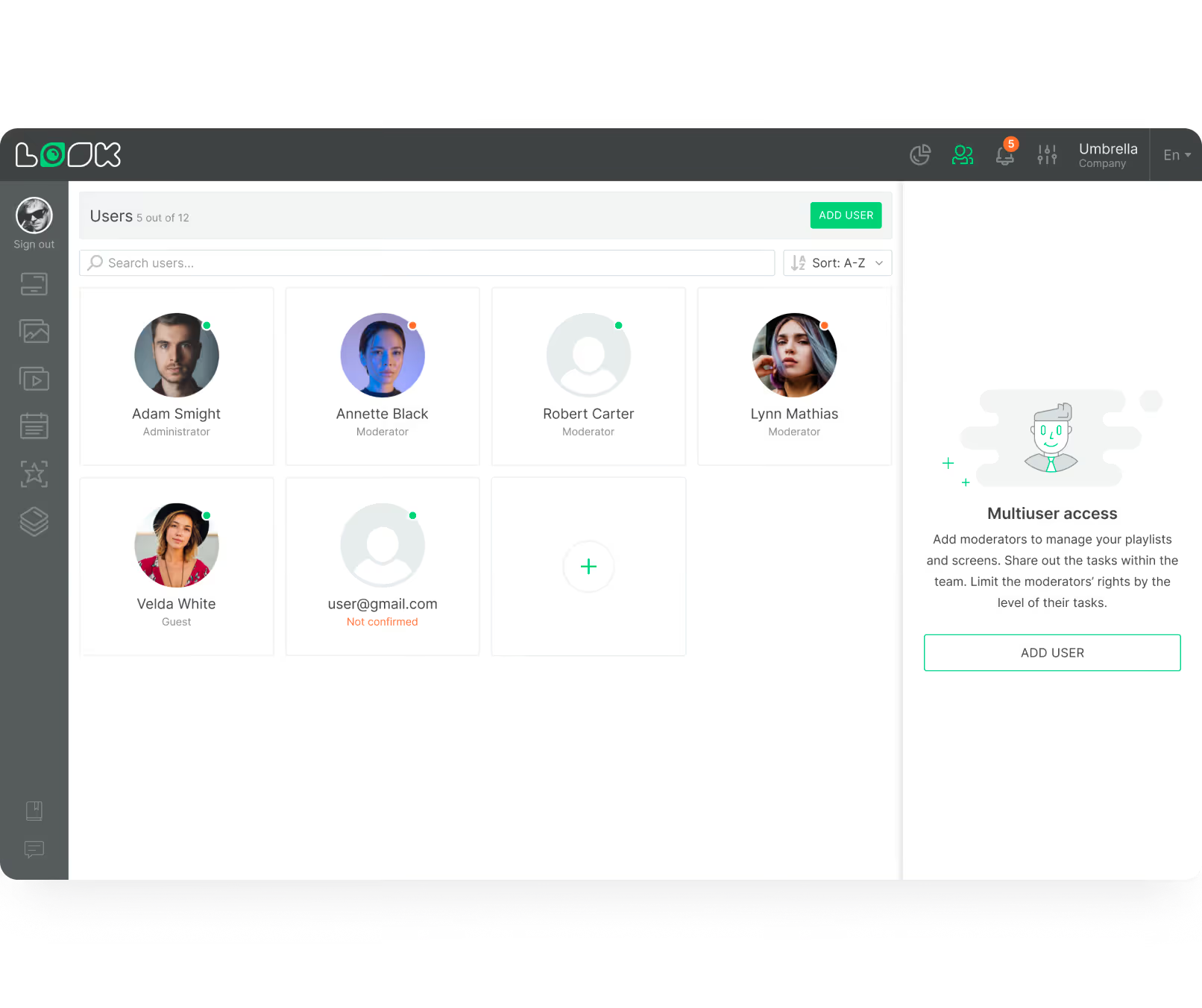
Role-based access is essential for growing teams. Give local managers permission to update their own breakroom screens while headquarters controls lobby displays. Assign specific roles so only authorised staff can publish content — making it a reliable choice for enterprise IT security standards.
User management interface displaying six user profiles with roles like Administrator, Moderator, and Guest, plus an add user button and multiuser access instructions.
Layouts Green Icon

Multi-zone screen layouts

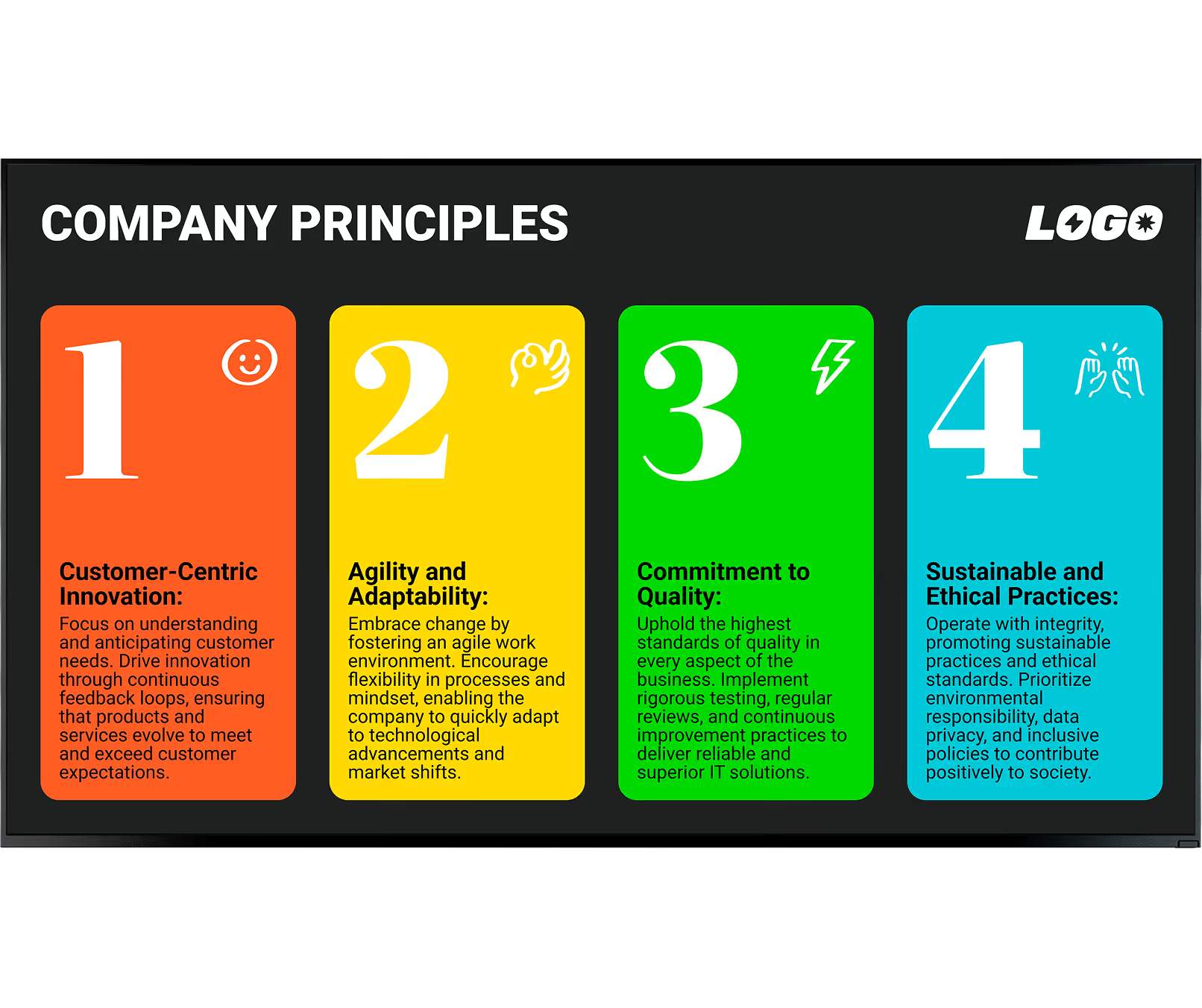
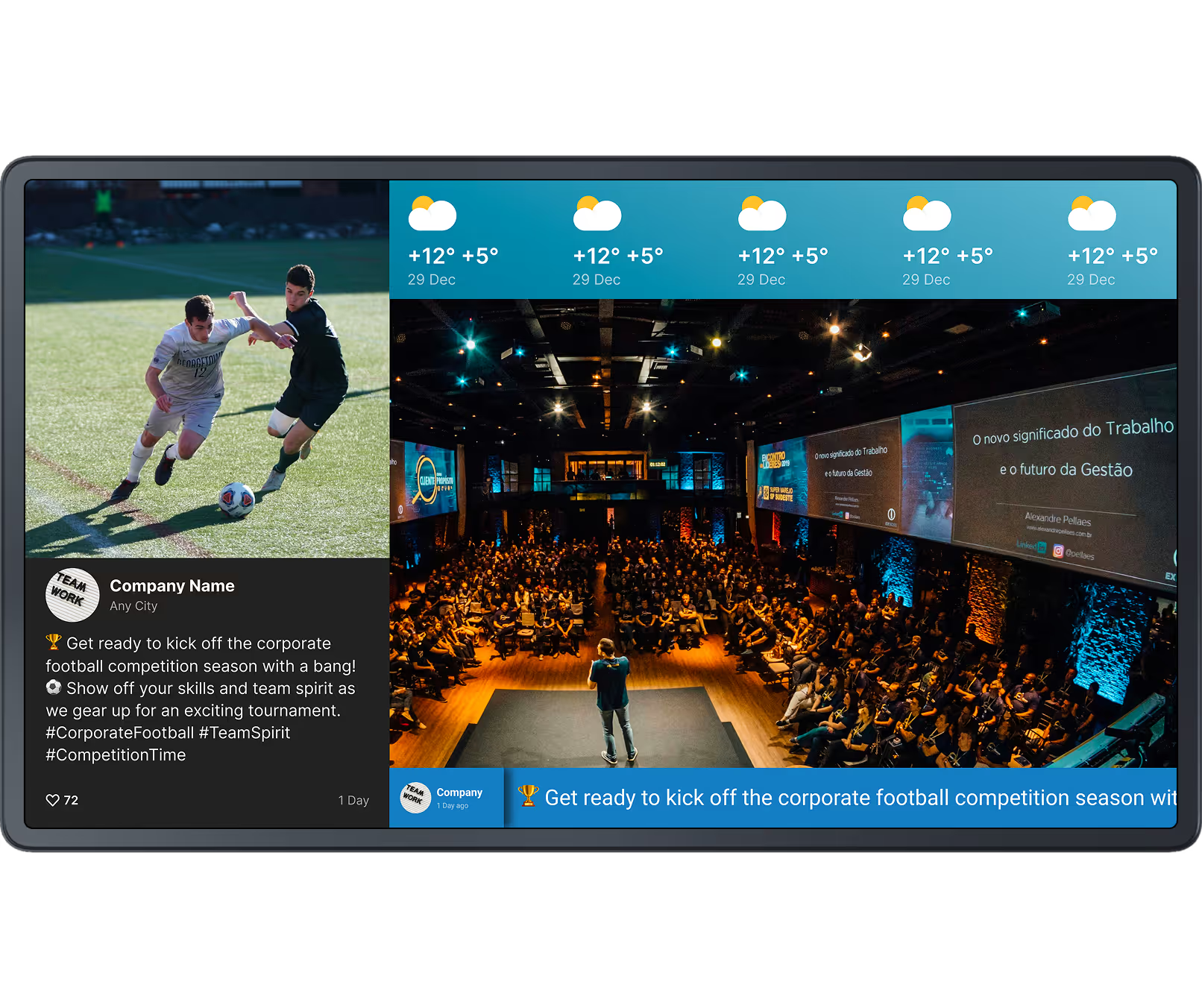
Screen Layouts allow you to build multi-zone displays — showing a live news feed next to a company announcement, or a KPI chart alongside an employee recognition slot. This maximises the utility of every screen while keeping messaging consistent, polished, and on-brand across every office.
Screens icon

Content creator and ready-made templates

With the Look AI library of ready-made templates, you don't need a dedicated graphic designer to keep your screens looking professional. Create fresh, on-brand promotional content directly inside your dashboard.
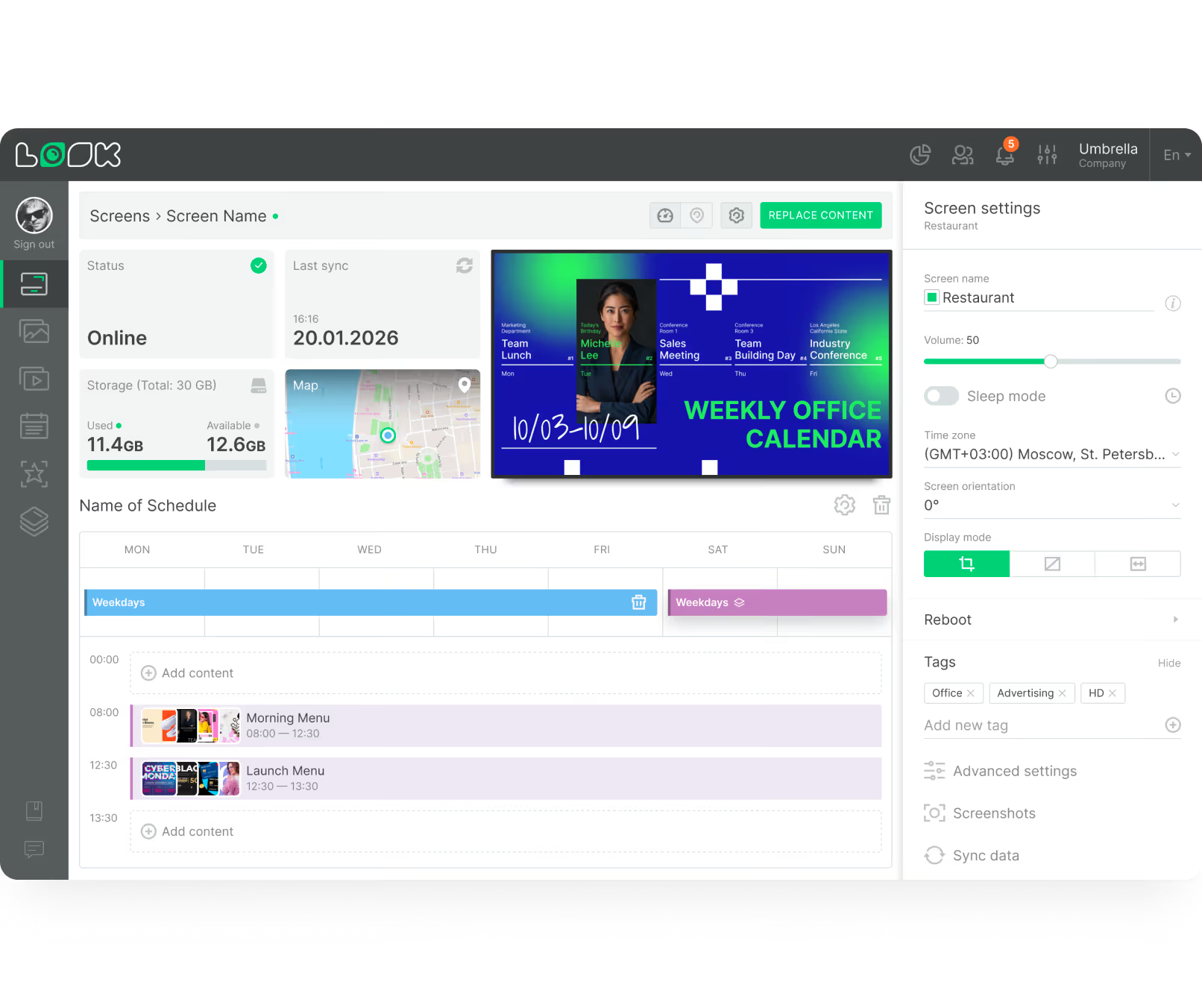
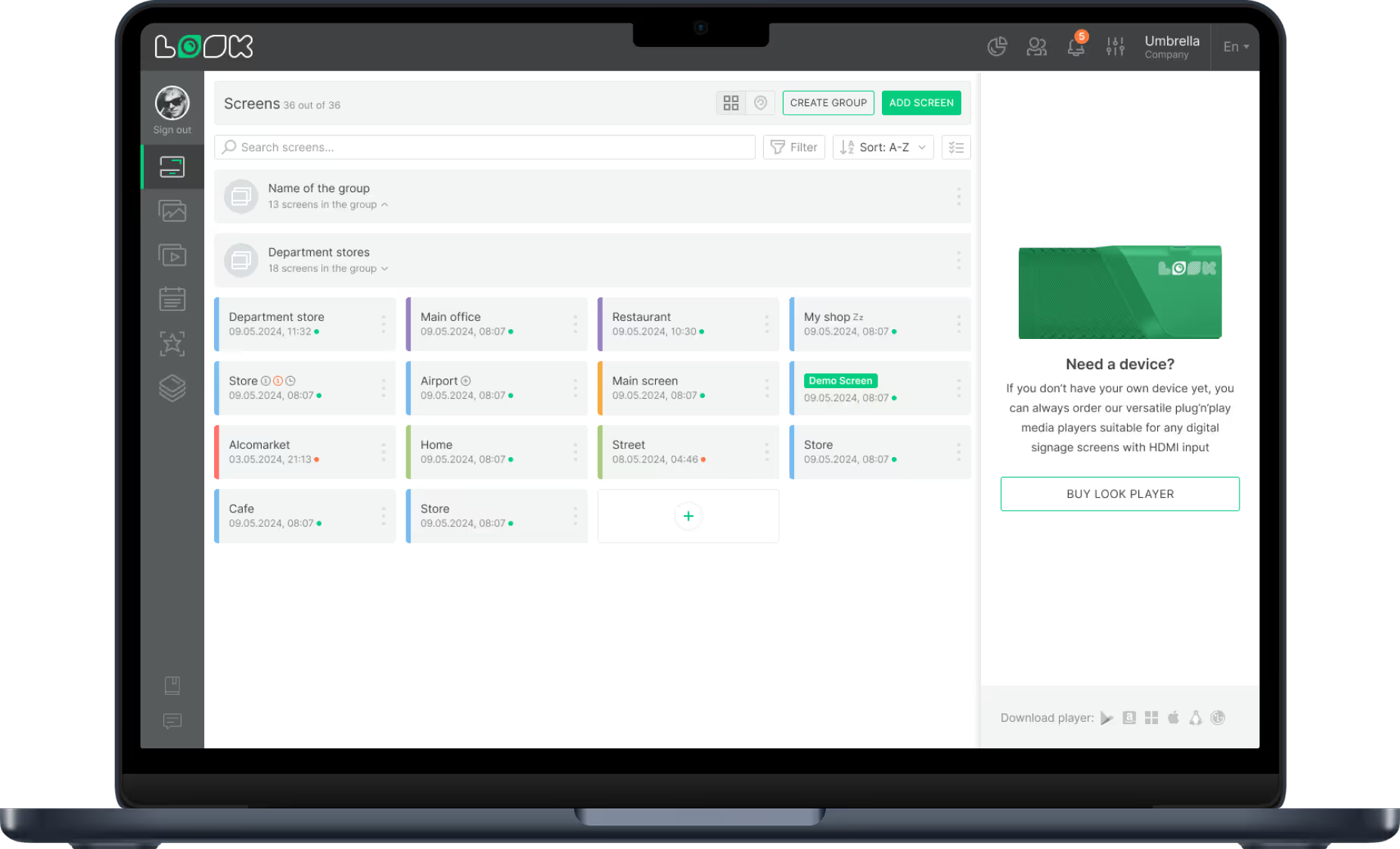
Dashboard screen showing a list of 36 grouped screens with details and status indicators for managing display settings including volume and adaptive brightness for a screen named Restaurant.
like
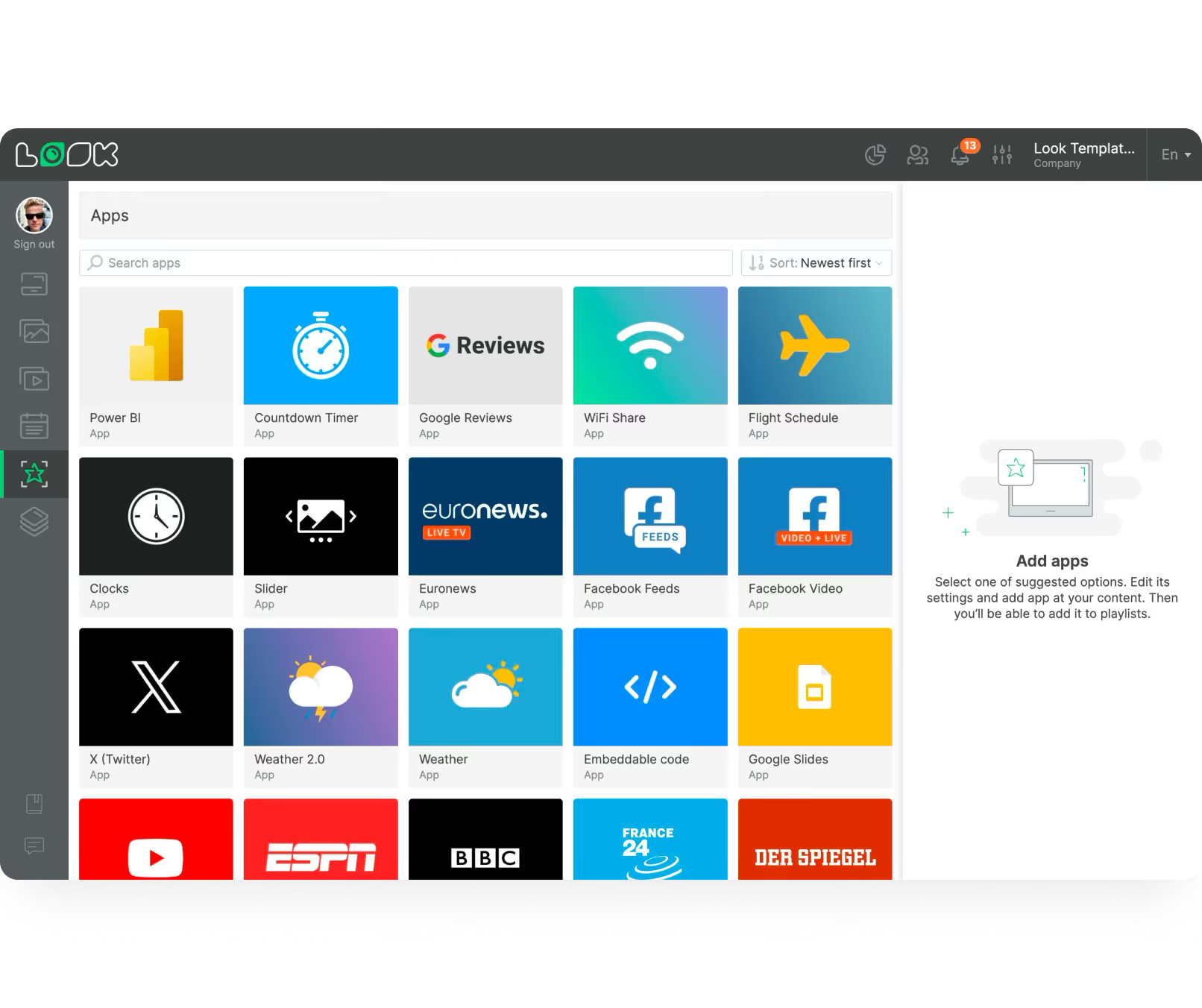
LB Apps icons
line chart
weekdays
shield
User management interface displaying six user profiles with roles like Administrator, Moderator, and Guest, plus an add user button and multiuser access instructions.
Admin
confetti
UI Screen cards
Dashboard screen showing a list of 36 grouped screens with details and status indicators for managing display settings including volume and adaptive brightness for a screen named Restaurant.

Content best practices

How to create engaging corporate digital signage content

01

Plan by audience, not by screen

Decide what matters most to each team before designing content. Factory workers need safety reminders and production stats, while the sales team wants live revenue trackers. Grouping screens by audience makes your messages highly relevant and dramatically improves how content is received.

02

Use templates and scheduled playlists

Do not start from scratch every time. Ready-made templates allow you to create polished announcements in minutes. Smart Scheduling handles the rest — set a playlist to run only during the morning shift or a holiday greeting to expire automatically, without daily manual intervention.

03

Connect live data to your screens

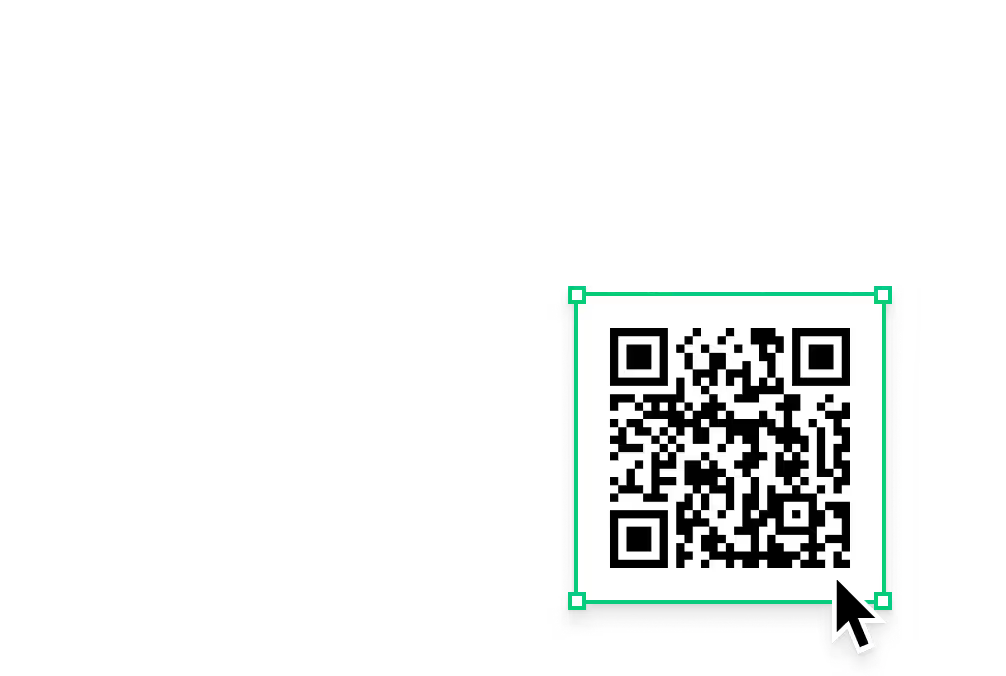
Dashboards showing real-time metrics provide transparency and help teams track progress without waiting for a weekly report. Live data turns screens into a vital, always-current resource rather than a rotating poster. Add QR codes so employees can dive deeper from their phones.

04

Mix metrics with recognition content

A good content plan balances company goals — like quarterly sales targets — with personal milestones such as employee anniversaries or team wins. Screens that only show KPI data feel transactional. Mixing data with human moments builds culture and keeps people genuinely watching.

05

Keep content fresh with rotating themes

Refreshing content often keeps people looking. Rotating weekly themes ensure your screens remain a trusted source of current news rather than background light that staff tune out. Even small updates — a new quote, a new recognition card — signal that the screens are alive and worth attention.

06

Ensure accessibility and compliance

Use high-contrast colours and large text so messages are visible from a distance and accessible to all employees. Ensure your approach respects internal privacy rules, especially when sharing employee photos or performance data. Clear, legible content also reduces questions and support requests from staff.

Common mistakes

What to avoid when setting up corporate digital signage

Sending the same content to every screen regardless of audience

A lobby screen serving visitors, a factory floor display, and a breakroom TV have completely different audiences. Pushing identical content to all of them wastes the channel and trains people to ignore what they see — because it is rarely relevant to them specifically.

Fix: Group screens by department, location, or audience in the CMS. Push targeted content to each group. Lobby displays show visitor-facing messaging, floor screens show production data, breakrooms get culture and wellness content.

Treating digital screens as static posters

The most common deployment mistake is uploading one image and leaving it unchanged for weeks. Staff glance at it once, register it as stale, and never look again. A screen that never changes is no better than a printed notice — and far more expensive to ignore.

Fix: Connect screens to live data sources — KPI dashboards, calendars, news feeds, recognition tools. Content that updates automatically stays relevant without requiring daily manual effort from your communications team.
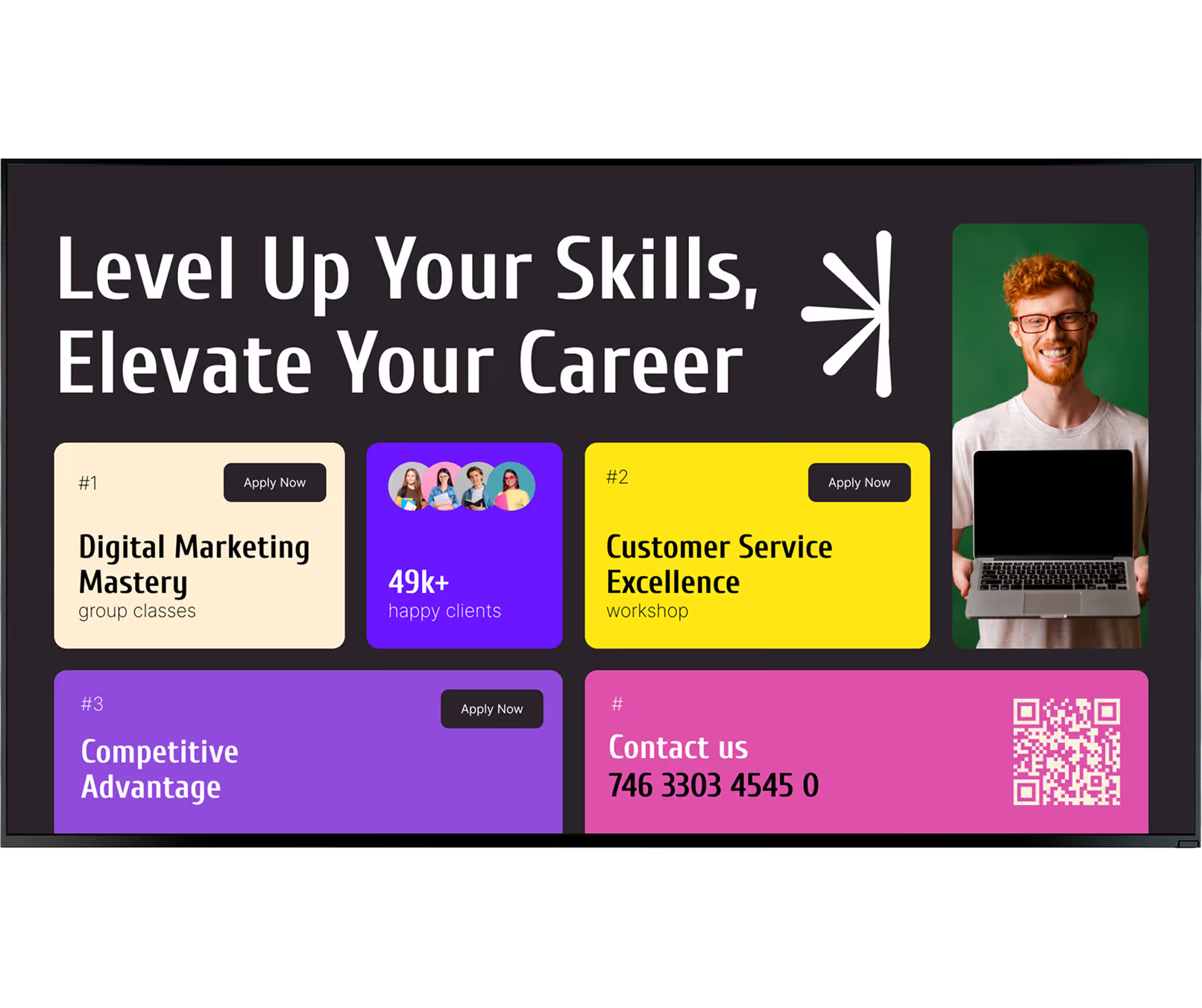
Neglecting text size and contrast for large spaces

Content designed at a desk often looks completely different when displayed on a screen ten metres away. Small text, low-contrast colour combinations, and dense paragraphs are unreadable in hallways, cafeterias, or factory floors — the very places where corporate signage matters most.

Fix: Use high-contrast colours and large text sized for the furthest viewer in the space. Keep messages brief — three seconds of reading time is all most passersby will give a screen during a working day.

Choosing software that requires IT involvement for every update

If your communications or HR team needs to raise an IT ticket every time they want to update a screen, the system will quickly fall out of use. Outdated content is worse than no content — it signals that the screens are not maintained and cannot be trusted for timely information.

Fix: Choose a platform built for non-technical teams. Look DS is designed so HR, comms, and ops staff can create, schedule, and publish content independently — without relying on IT support for day-to-day changes.
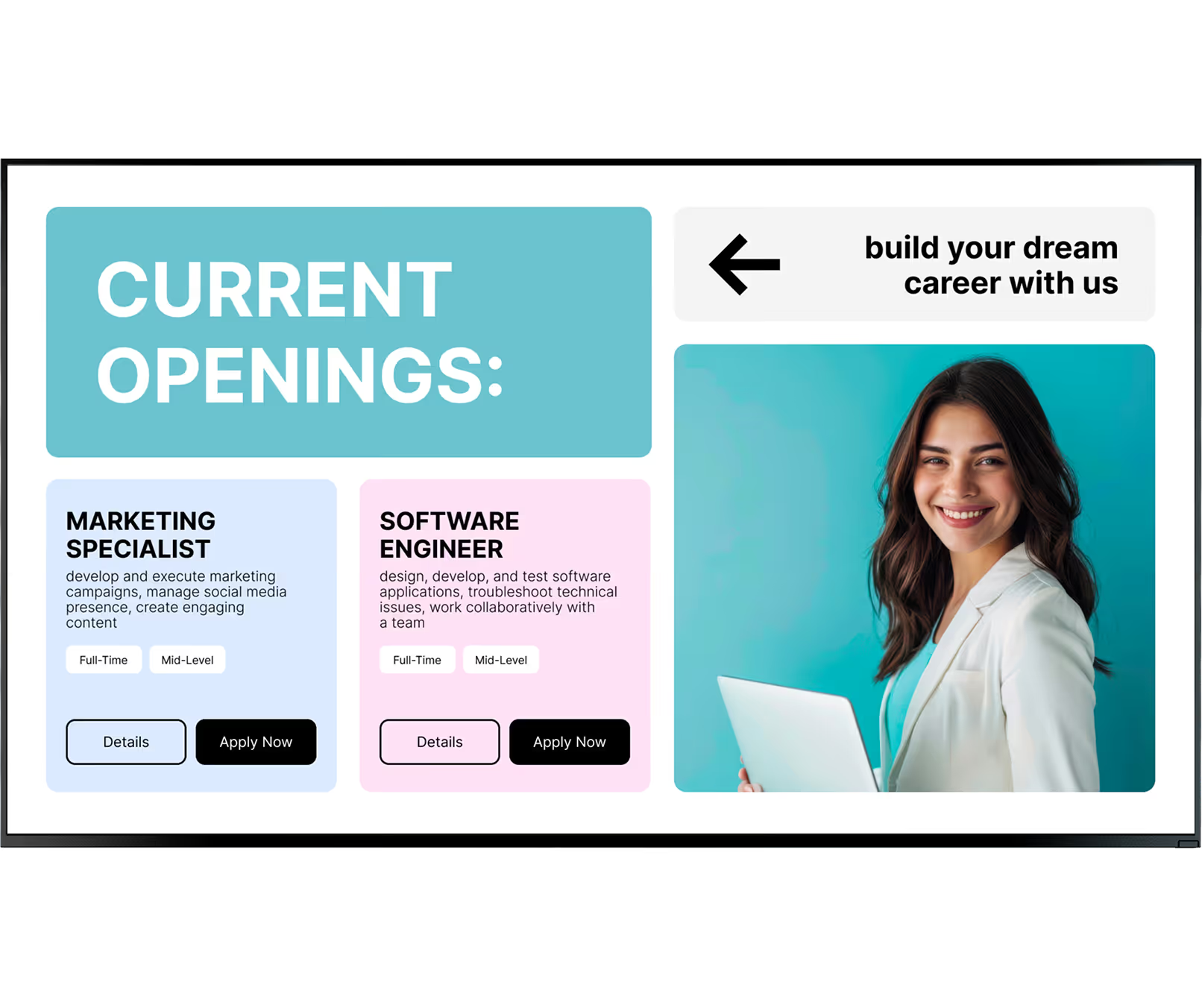
What customers say

Corporate teams using Look DS

Captera Rating
4.9
G2 Rating
5

In terms of using the system, the other options that I found were a little clunky and Look was not only affordable but really easy for us to deploy and get up and running.

Michael Bowers
Xtreme Express LLC

Look is well-priced, it’s a very user-friendly software cloud-based service, where you can update your screens from wherever you are. We can definitely recommend to others!

Jonathan Florin
Florin Partners

Our experience with Look was simply excellent. We were able to offer our clients a new feature-rich solution that can meet their various requirements in terms of digital signage, with a relatively affordable monthly cost.

Bruno Sabatella
Feedback
60 000+
Screens
11 000+
Users
120+
Countries

FAQ

Frequently asked questions about corporate digital signage

Is digital signage secure and suitable for large enterprises?

Yes. Professional digital signage software uses encrypted cloud connections to keep your data safe. Admins can assign specific roles so only authorised staff can publish content, making it a reliable choice for corporate IT security standards. Devices can also be locked into kiosk mode to prevent unauthorised access to other functions.

How complicated is the setup process?

There is no complex setup. Most dedicated media players are plug-and-play. Connect the player to your screen via HDMI, connect to Wi-Fi, and pair it with your web dashboard — you can be up and running in minutes. Your own IT or ops team can usually handle installation without hiring outside help.

Do I need special hardware, or can I use existing screens?

You can use the screens you already have. Installing the free Look App on a compatible smart TV turns it into a digital sign immediately. For standard monitors, adding the Look HDMI Player provides a stable, always-on solution. You can pilot the system at zero extra hardware cost if you have compatible devices already in place.

Which corporate apps and platforms can be integrated?

You can connect your screens to the tools your business relies on. Integrations allow you to pull live data from platforms like Power BI, Google Workspace, and social media feeds — keeping your KPI dashboards and calendars updated automatically without manual work. API access enables custom integrations with internal systems.

Can I control what different departments or locations are allowed to publish?

Yes. Role-based access lets you give local managers permission to update their own screens — such as a regional office breakroom — while headquarters retains control over lobby displays and company-wide messaging. You can group screens by department, location, or screen type and assign granular permissions for each group.

What happens to screens if the internet connection goes down?

Your screens keep running. Look DS caches all scheduled content locally on every media player, so a network outage does not produce blank displays. This is especially important in manufacturing and warehouse environments where connectivity can be unreliable but communication must remain constant.

Are there bulk pricing or volume discounts for large deployments?

Yes. Software and hardware providers offer volume pricing. As you scale from a few screens to a large network, the cost per screen typically decreases — making wide deployments highly cost-effective. Contact the Look DS team to discuss enterprise pricing for your specific screen count and deployment scope.

Still have questions?

Our team works with corporate communications and IT teams across all sizes of organisation — from single-office companies to global enterprises with thousands of screens. We'll help you plan a rollout that fits your infrastructure and budget.

Talk to Our Team

Or browse the knowledge base for technical documentation and setup guides.

Free templates

Corporate-ready templates for every use case

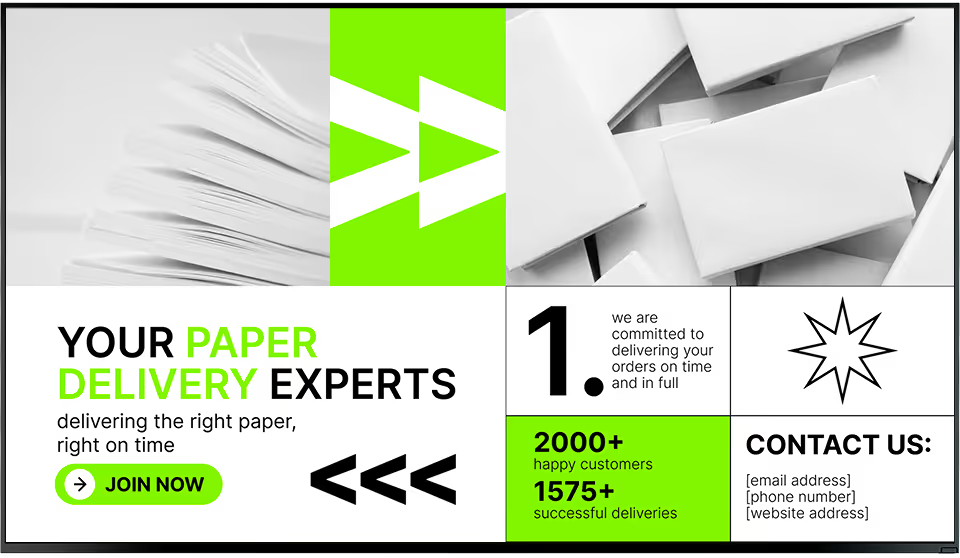
Your communications team should not need a designer to keep screens current. Look DS includes a library of professional corporate templates — KPI dashboards, employee recognition layouts, announcement slides, and emergency alert overlays — ready to customise in minutes.

Apply your brand colours and fonts once and every template inherits them automatically. Swap in your data, add your copy, and publish. No agency, no waiting, no version control headaches.