🎭 Entertainment Digital Signage

Digital Signage for Entertainment

An hour before doors: what is on your screens, and who fixes them when a start time moves? One person, one browser. That is enough with Look DS to run showtimes, queue updates, concession menus, and sponsor slots across the box office, the concourse, and the venue floor.

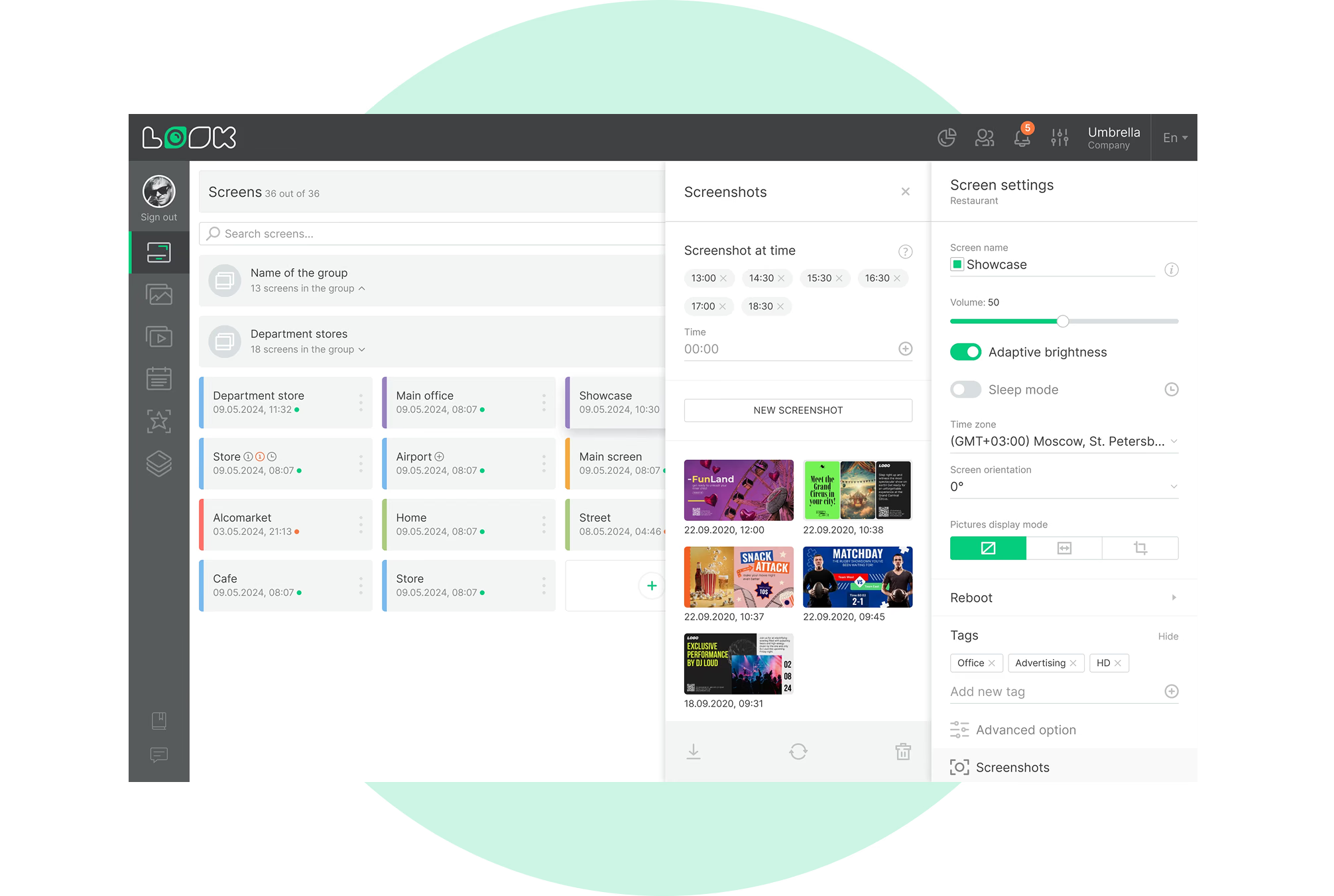
Every screen in the venue, one account

Box office, concourse, concessions and kiosks publish from one dashboard.

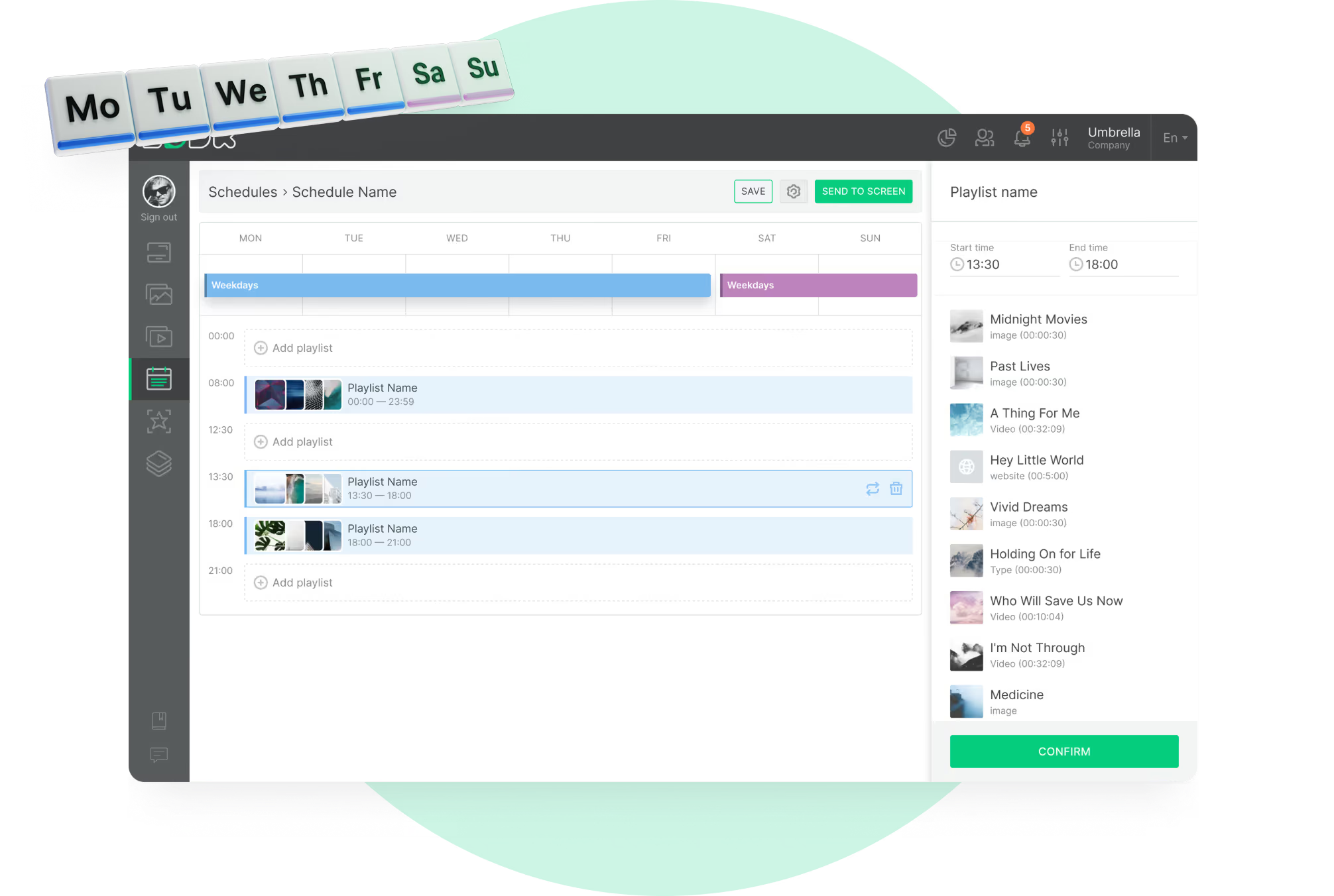
Content that follows the event clock

Pre-show, intermission, and post-event boards switch automatically at the times you set.

Screens visitors can tap

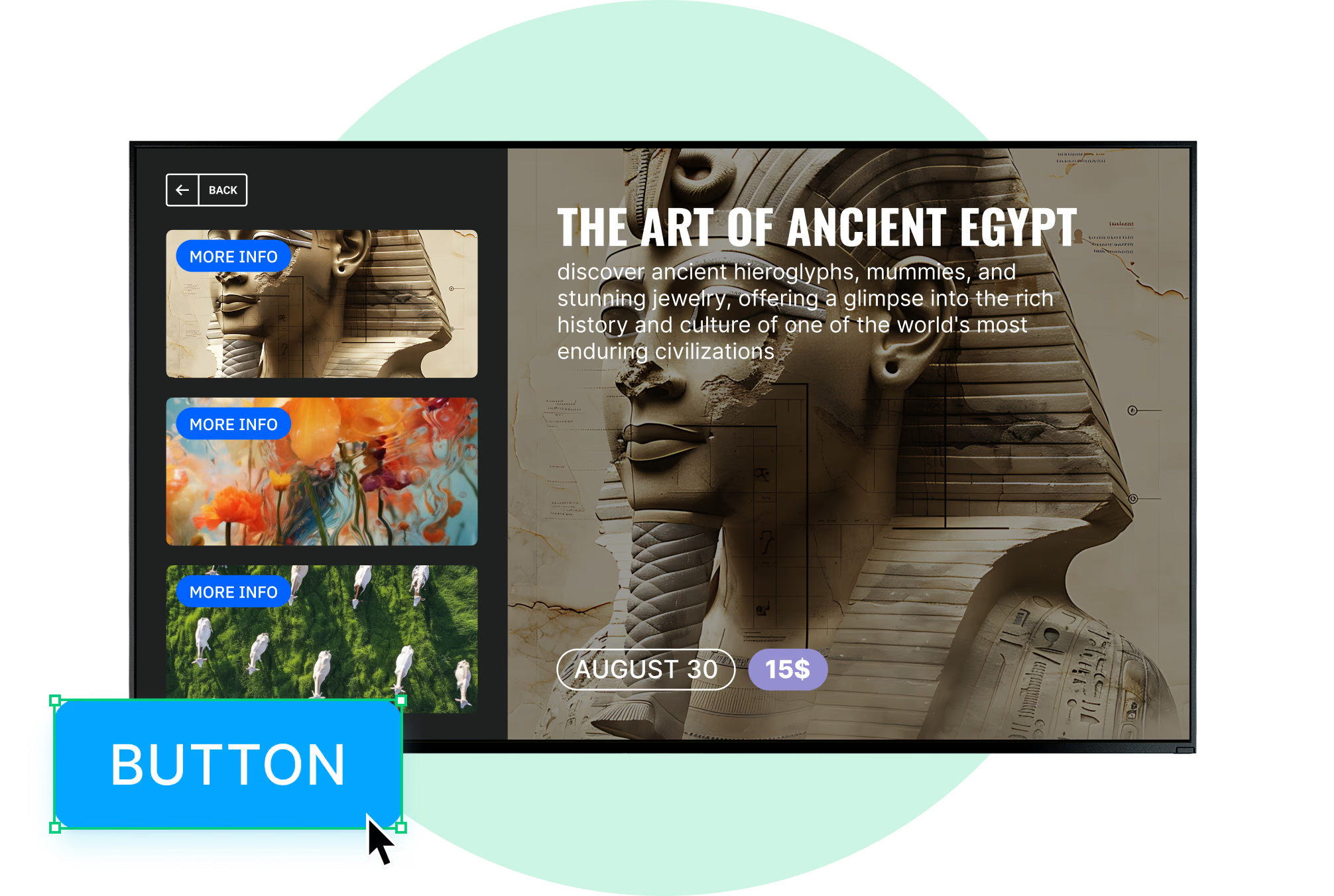
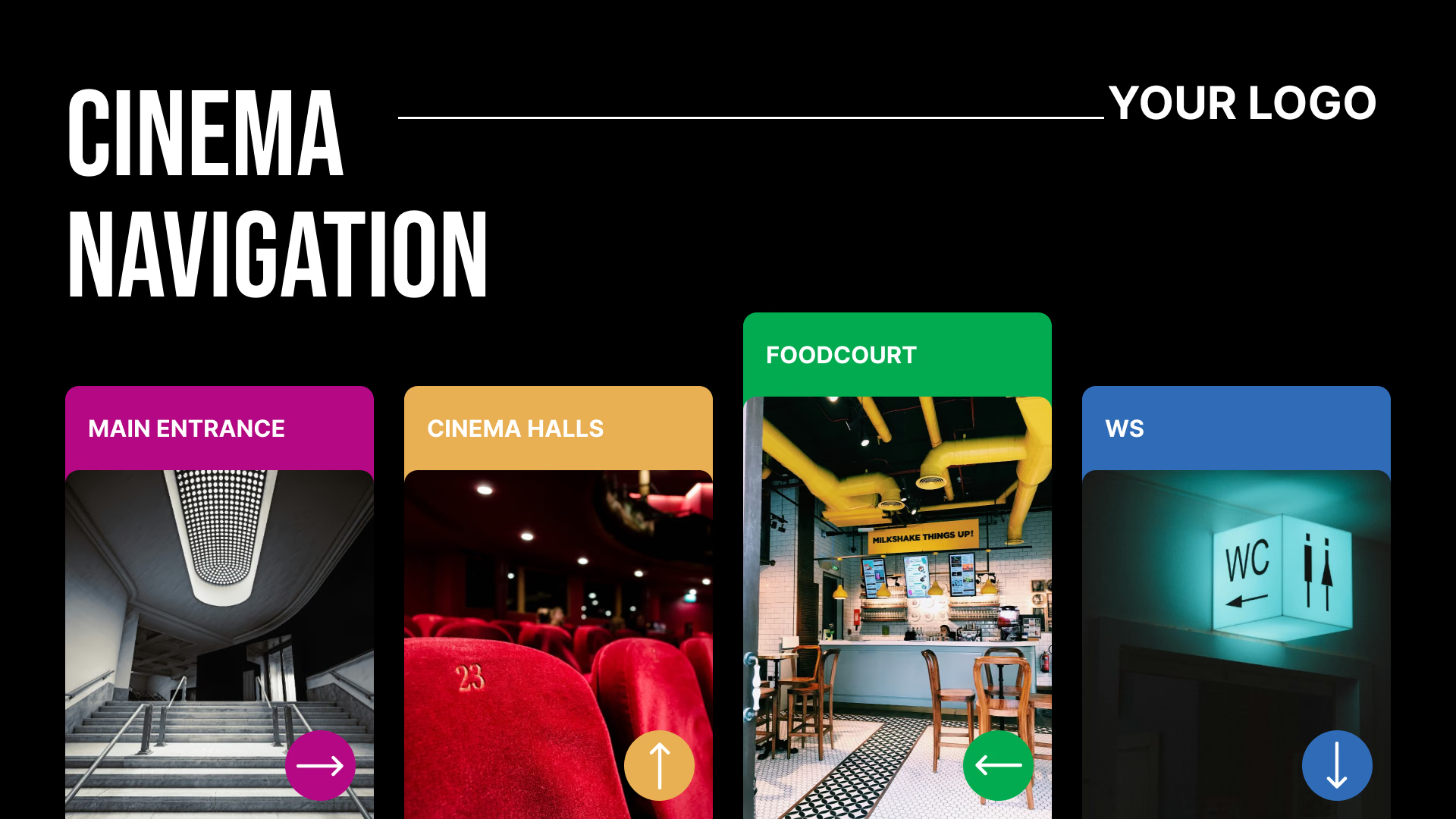
Button widgets and scenes turn a display into a self-serve directory or menu.
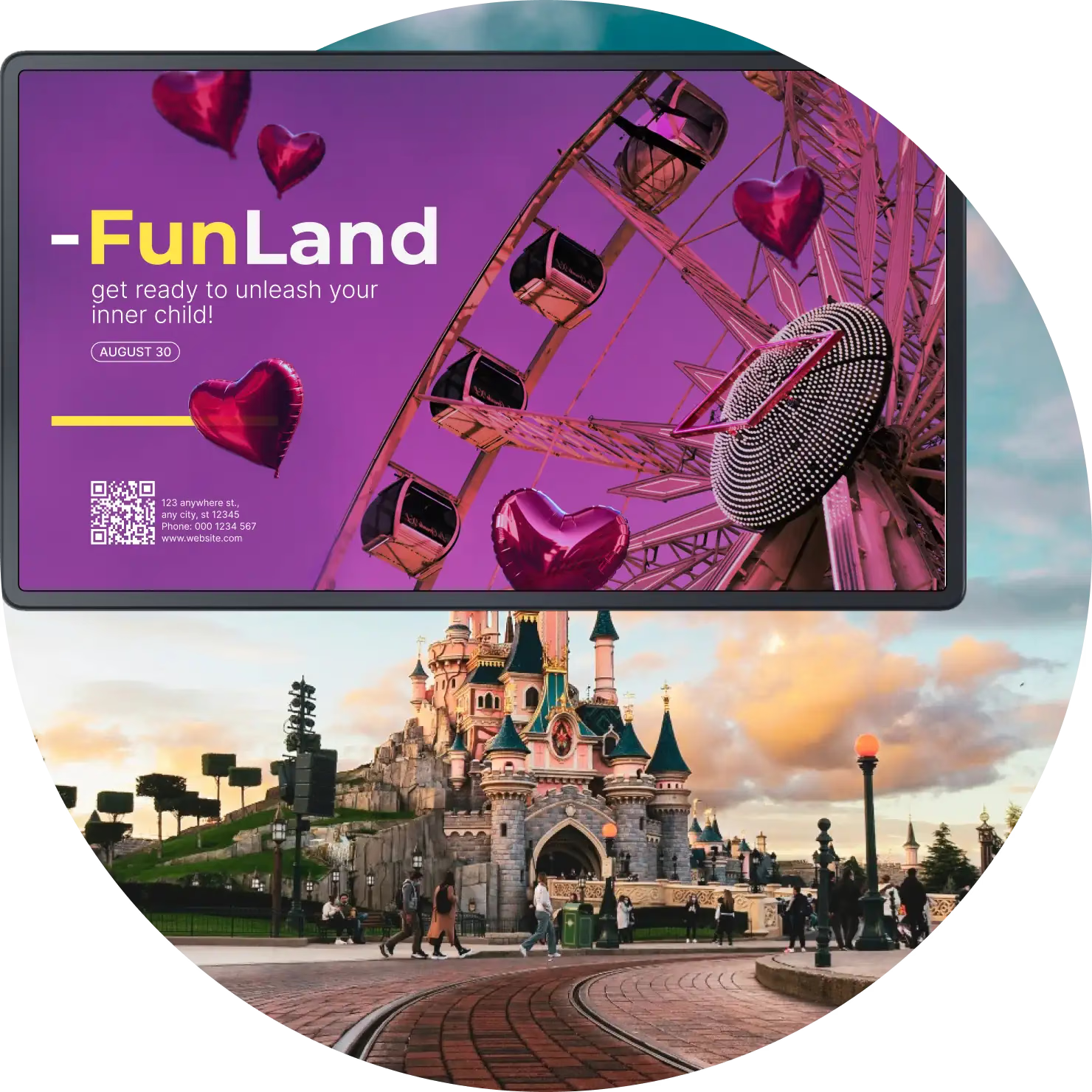
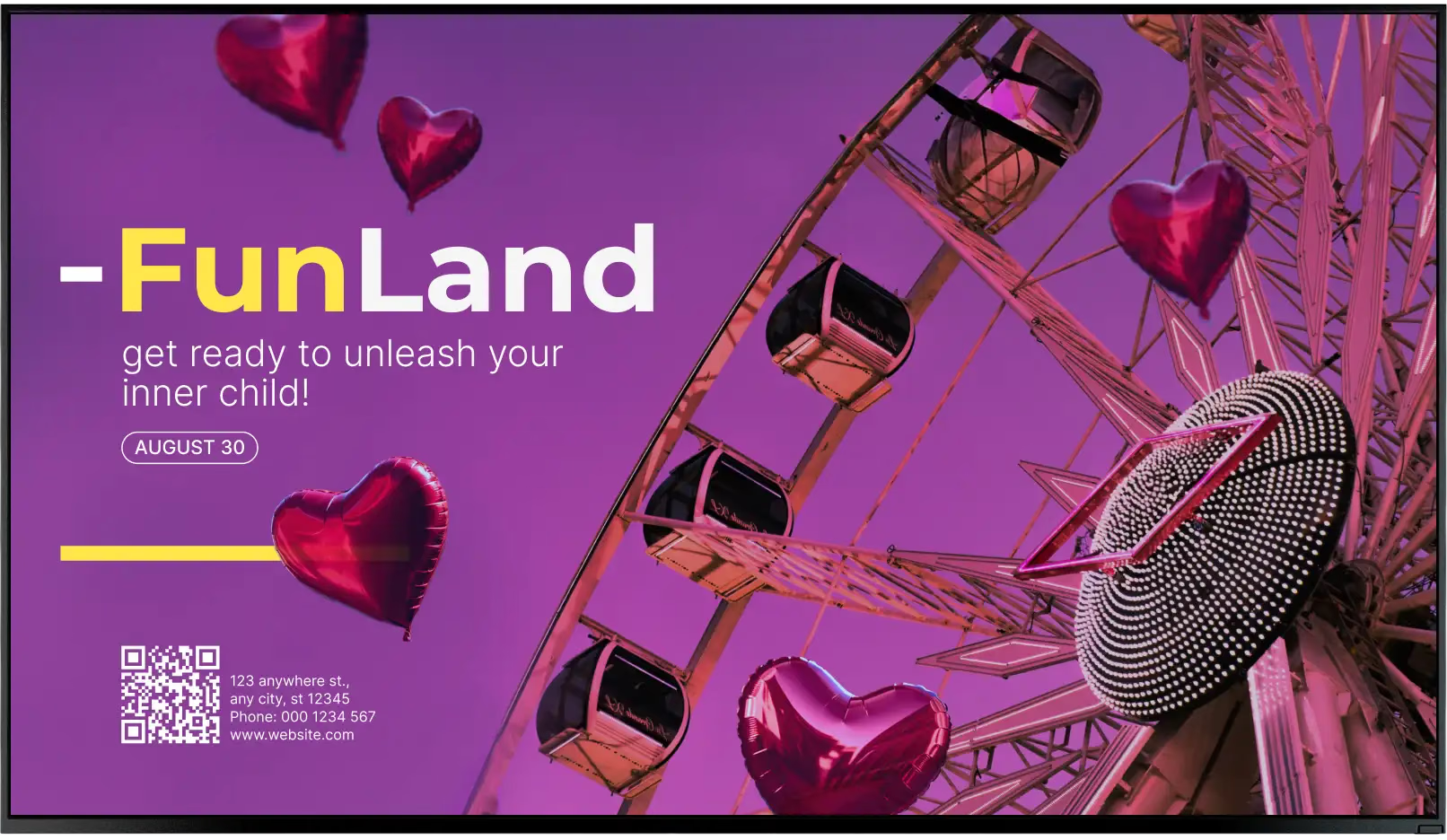
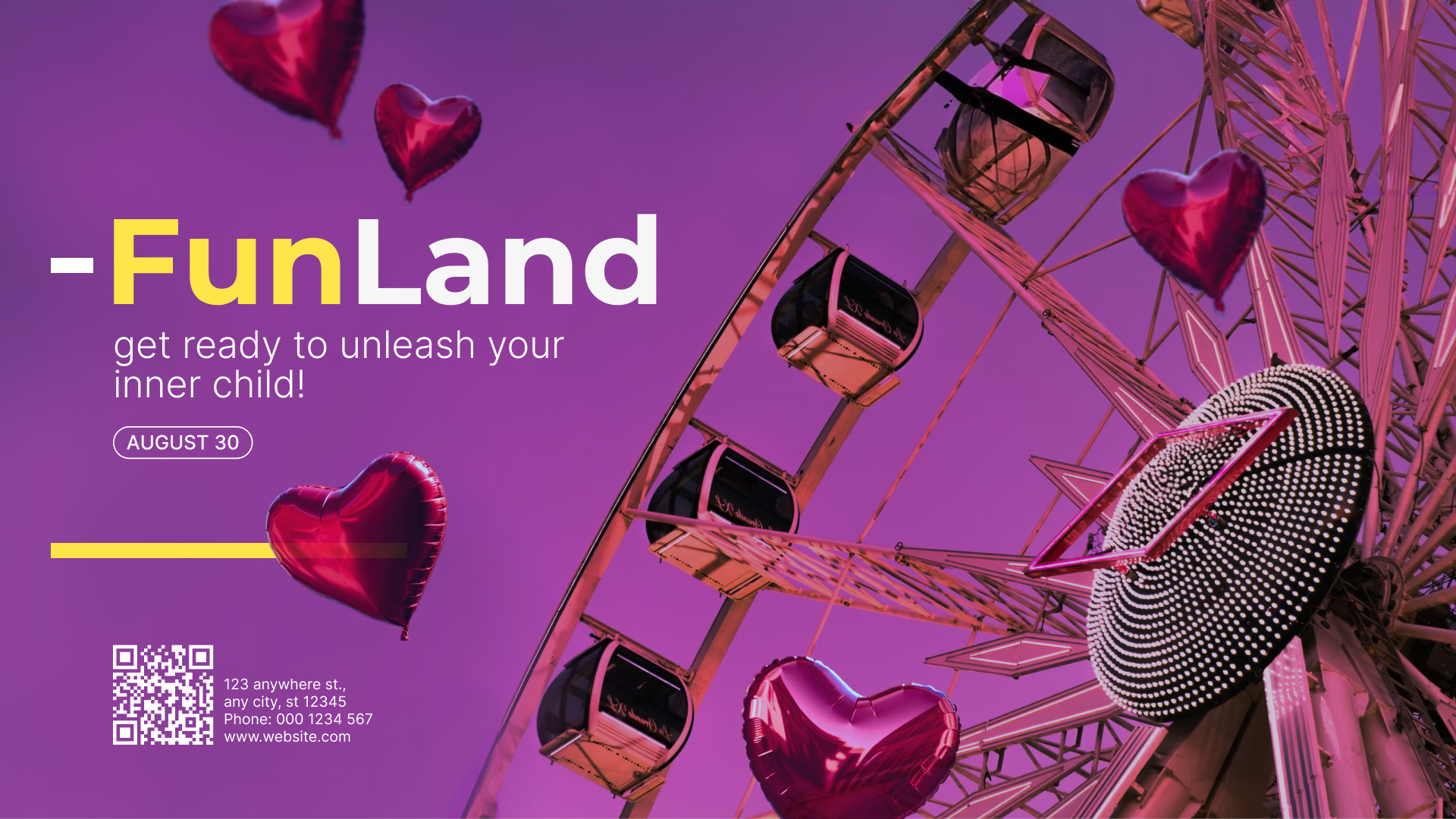
FunLand amusement park promotion screen
  • No credit card required. From $6 per screen/month with volume pricing.

  • Runs on Android, Windows, Linux, Tizen, webOS, Raspberry Pi and more.

  • 24/7 in-app support from real people.

Captera Rating
4.9
G2 Rating
5.0
60 000+
Screens
11 000+
Users
120+
Countries
Capterra Best Value · G2 High Performer
Software Advice · Customer Support 2026

One dashboard for every screen in the venue

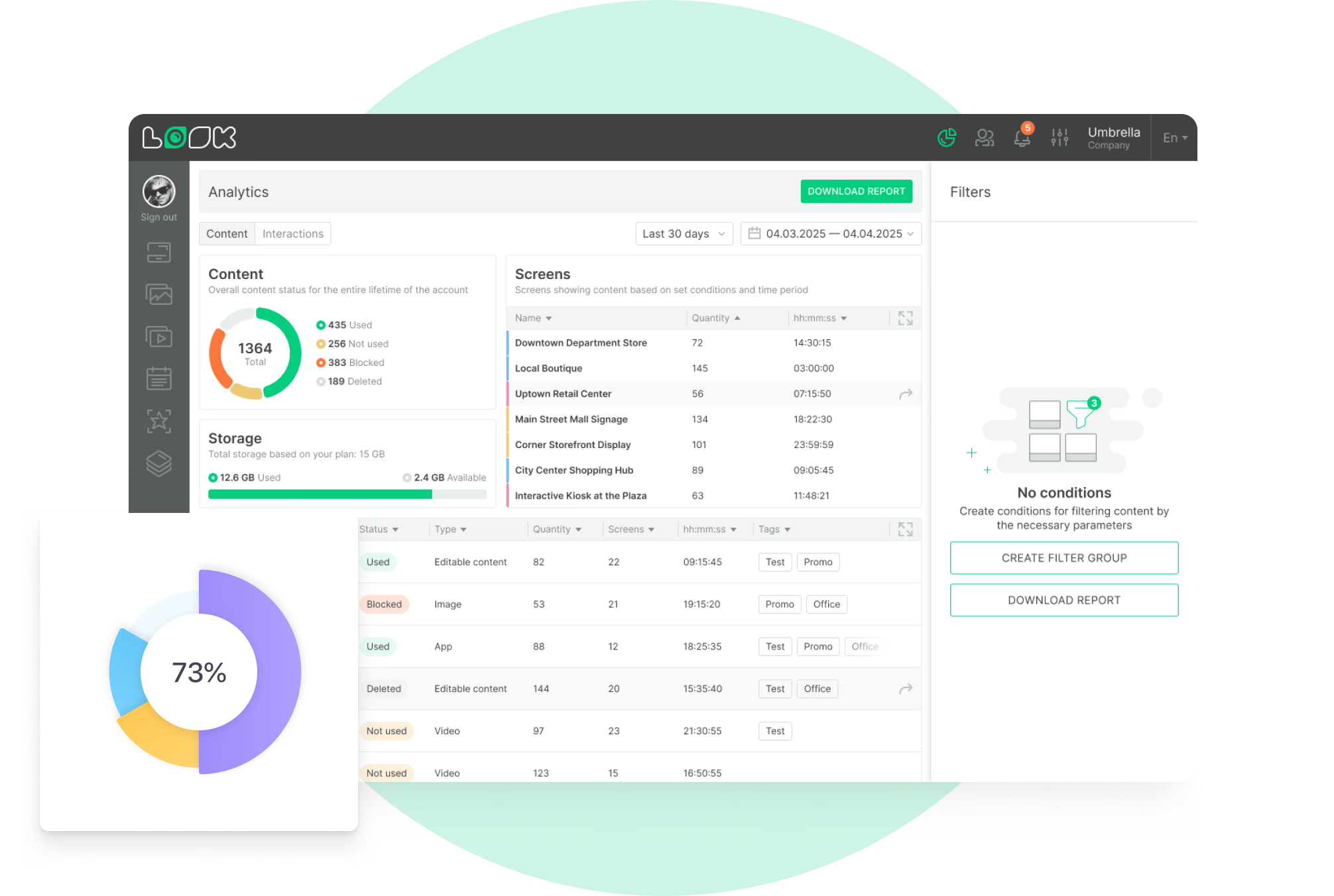
With entertainment digital signage, a venue runs showtimes, event schedules, directions, concession menus, sponsor content, and live updates on its connected screens from a single cloud-based CMS, published remotely in a browser.
No printing for every update, and no walking the building with a marker. Doors open, the pre-show loop retires. Intermission arrives, the concession boards change. Sponsor content sits on the contracted screens and comes down with the campaign.

Sound familiar?

    • A red cross inside a black circle

      Half the posters have the wrong showtimes

    • A red cross inside a black circle

      Queue screens that nobody can update quickly

    • A red cross inside a black circle

      Sponsor slots sold, and no report to show for them

    • A red cross inside a black circle

      No two venues in the group look alike

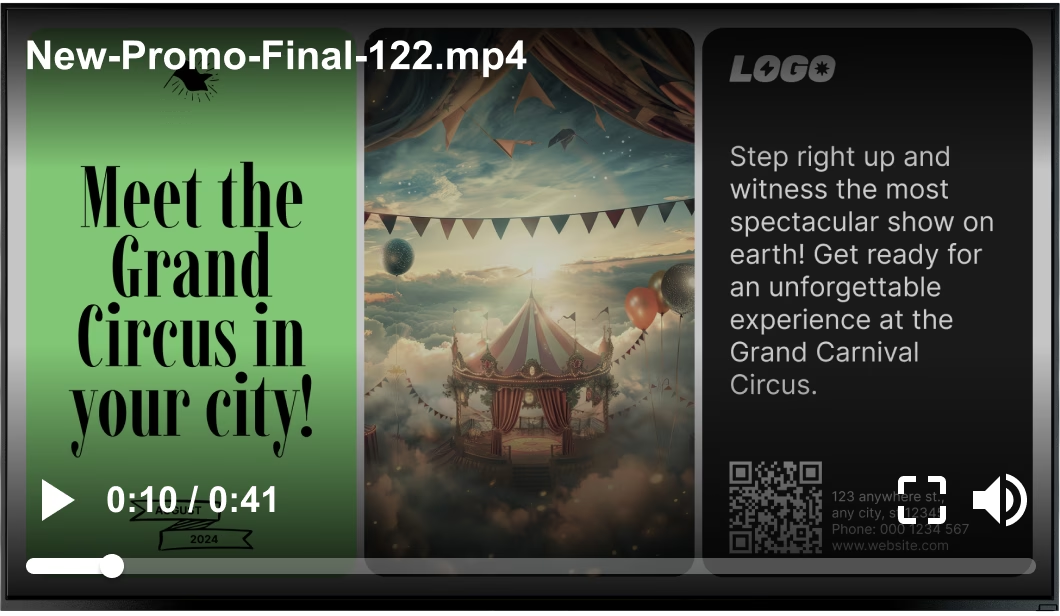
Generic stock video file playing over a Grand Circus carnival promotion Black USB flash drive with 4 GB storage capacity

What you get with Look

    • One dashboard for the whole venue

    • Boards that follow the event clock

    • A per-screen playback report to send

    • The same brand on every venue screen

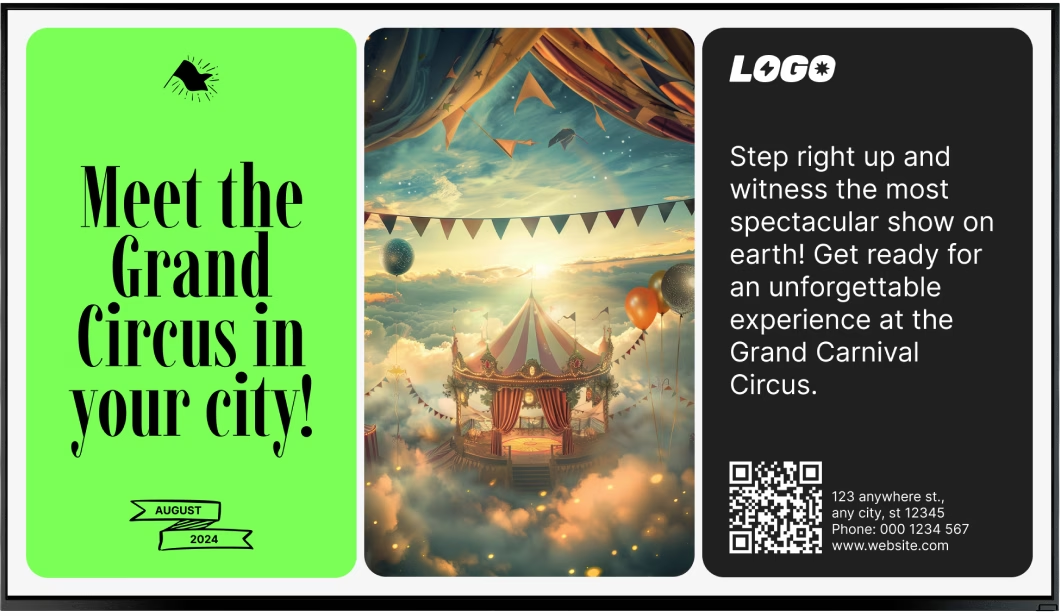
Clean Grand Circus carnival promotion without the video overlay Green shield icon with a white check mark
Try with demo screen now
Run demo screen right in your browser

From one box-office screen to the whole venue

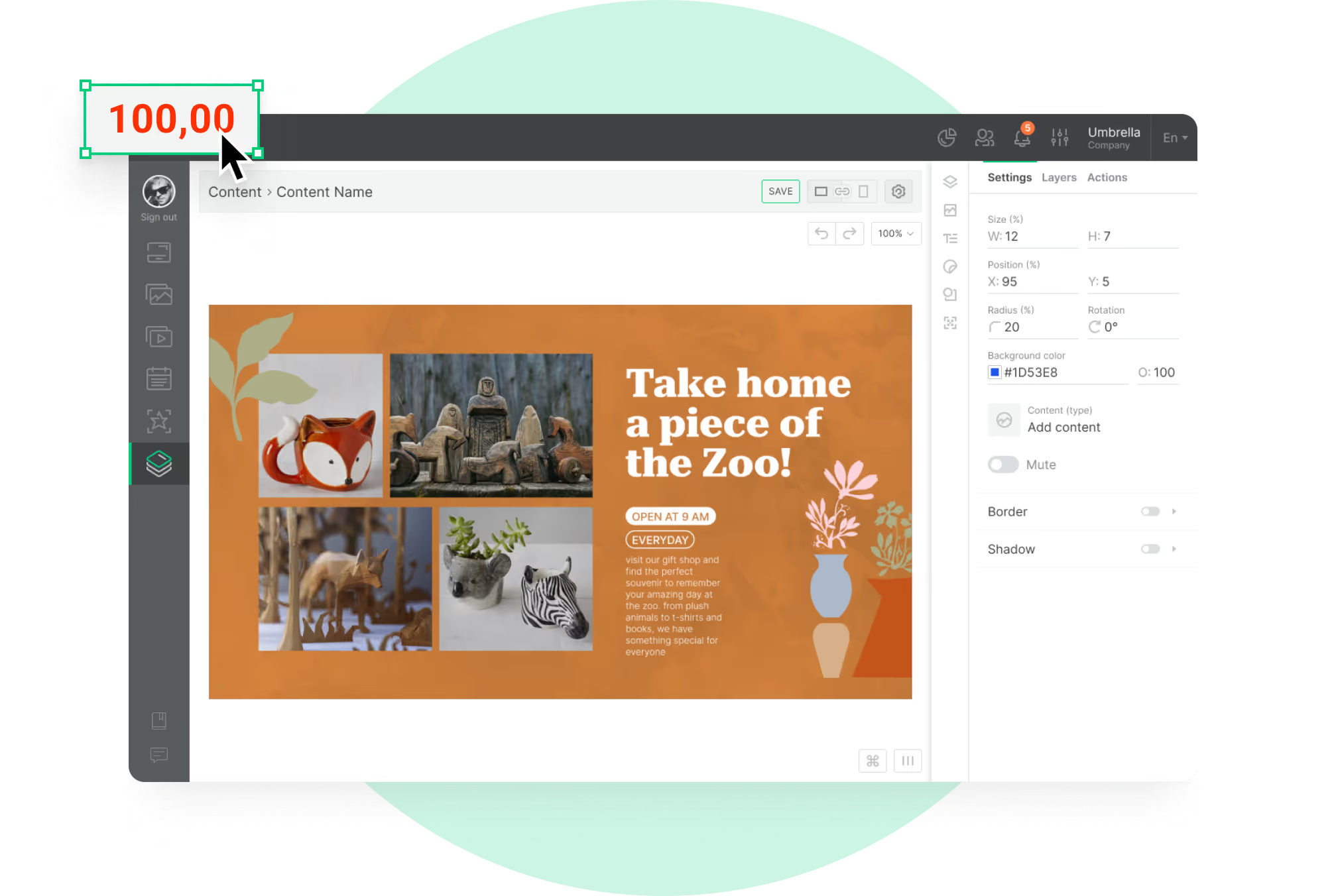
Connect a player, build a playlist and publish. The concourse, the concessions and a second venue in the group join through the same three steps.
  • Schedule

    Connect your screens

    Install the Look App on a compatible display, or plug in the Look HDMI Player. The screen shows a 6-digit device code; that code pairs it.
  • Content

    Build and schedule your content

    Group showtimes, wayfinding and sponsor content into playlists, then let Smart Scheduling switch them by hour, by event and by area of the venue.
  • Playlists

    Publish to the screens you choose

    Publish from any browser to one screen, one venue or every location in the group. Screen tags decide which area gets which playlist.
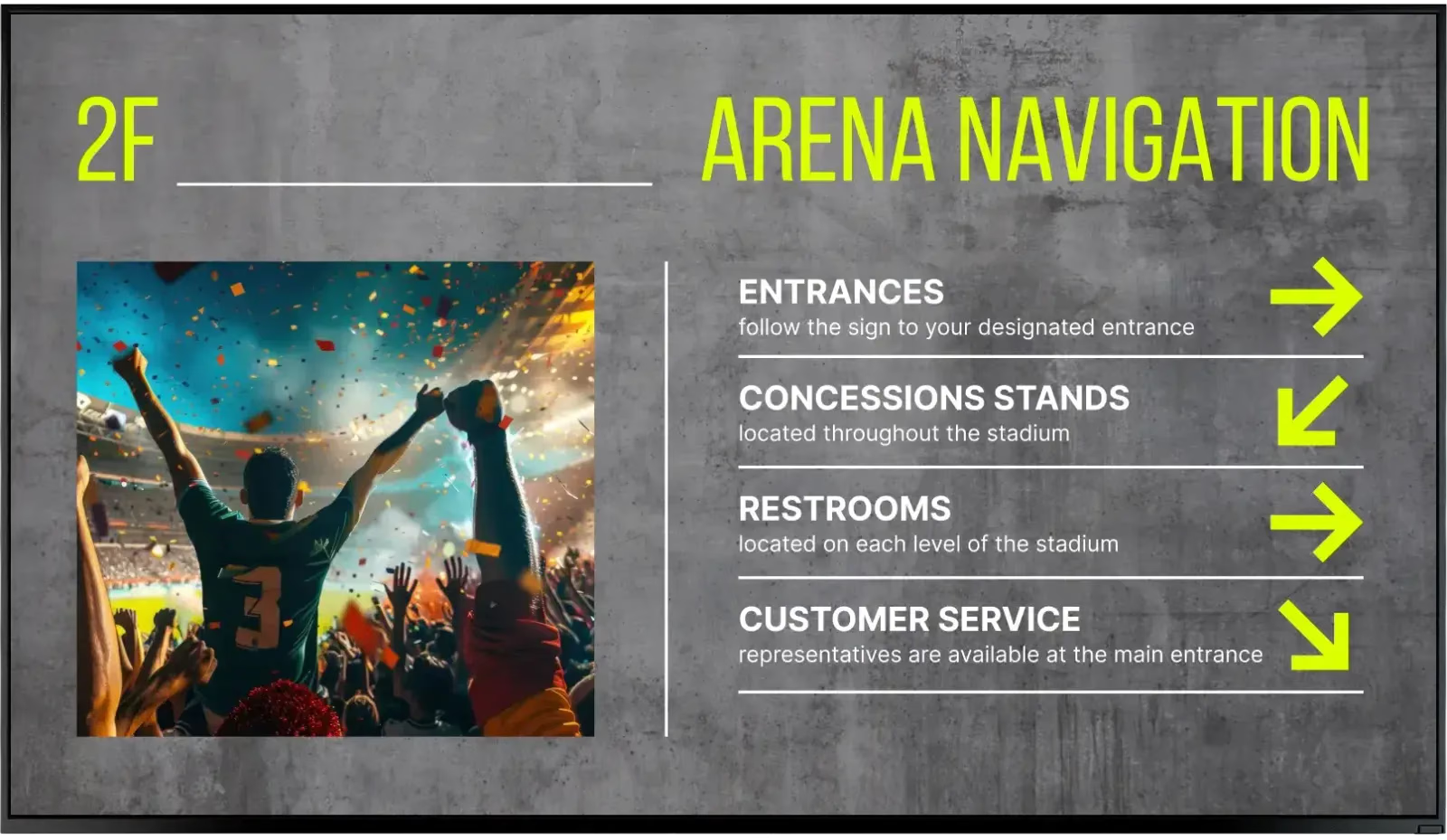
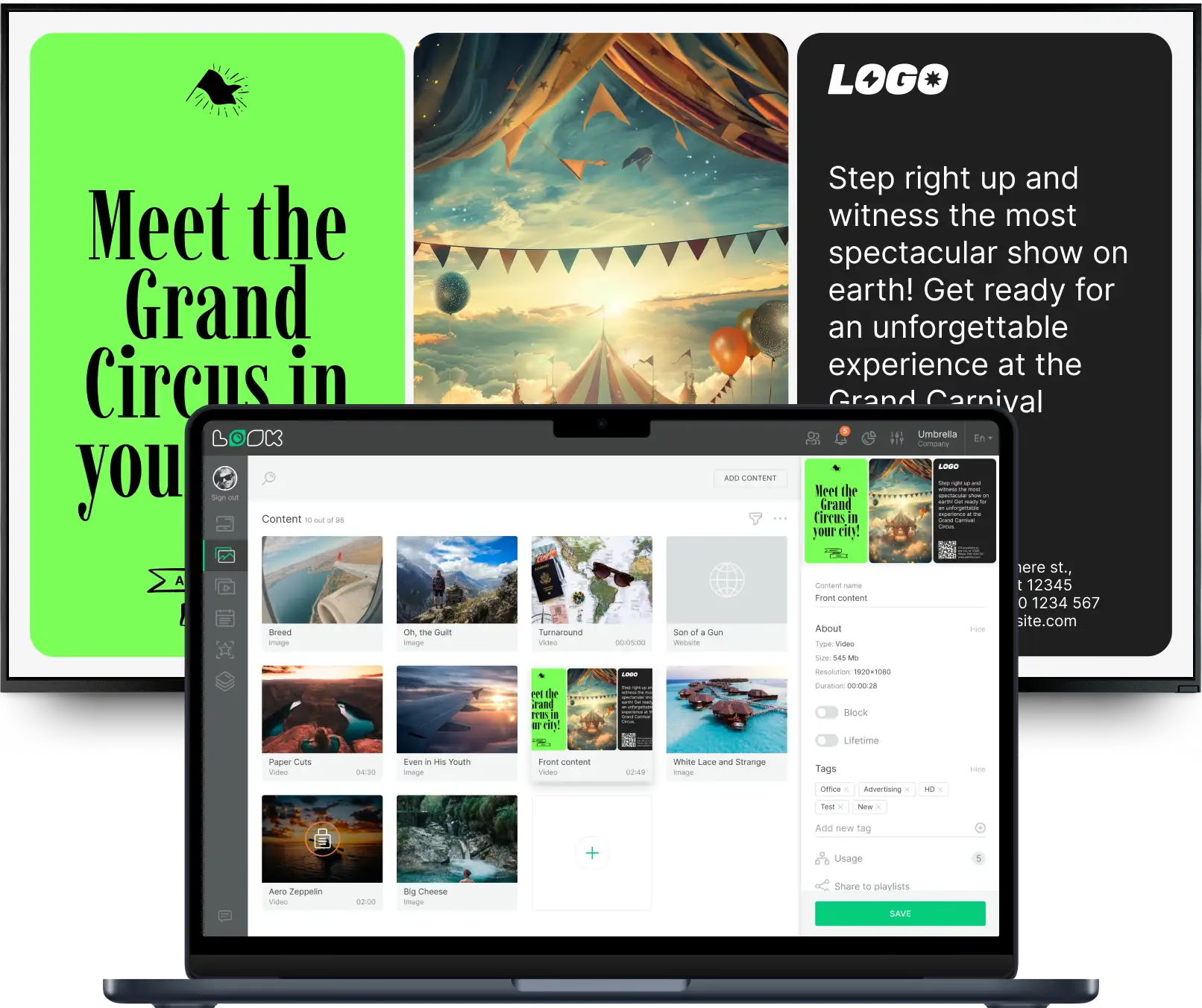
Arena navigation wayfinding screen with entrance and restroom directions FunLand amusement park promotion screen Laptop with the Look content editor building a Grand Carnival Circus promotion

Digital signage for every entertainment venue

A stadium concourse, a cinema lobby and a museum gallery run on different clocks and different content, but they do not need different systems. Look runs all of them from one account, each with its own schedule, screens and publishing rights.

Stadiums and arenas

Keep 40,000 people informed between the plays.
Concourse screens carry the live score, the next fixture, concession menus and the sponsor slots that paid for the network. A multi-zone layout runs all four at once instead of cycling them one at a time.
A gate closes, a start time slips: the notice goes out from a browser and lands on every screen with that tag.
Best for: Live scores, concourse menus, sponsor inventory, gate and entry notices, next-fixture promotion

Cinemas and movie theaters

Trailers, showtimes and the counter board, one system.
Lobby screens run trailers and the day's showtimes; the board above the counter runs combos, prices and allergen notes. Everything comes from one account, so a showtime change takes one edit rather than a reprint.
The pre-show loop, intermission offers and exit content each receive their own slot in the weekly schedule.
Best for: Showtime boards, trailers, concession menus, upcoming releases, membership offers

Museums and galleries

Let the exhibit explain itself.
Screens beside an exhibit carry interpretation, archive video and credits in more than one language, and a tap on a button widget opens the longer version for visitors who want it.
At the entrance, one display covers opening hours, today's talks and the temporary show, then updates automatically when the exhibition ends.
Best for: Exhibit interpretation, archive video, multi-language panels, talks and events, entrance information

Amusement and theme parks

Answer the wait-time question before it is asked.
Screens at the queue entrance and along the midway carry ride status, show times, park rules and the day's forecast, so guests plan the next hour without having to find a staff member to ask.
A ride closure or a change in the weather is published once, from a browser, and reaches every screen in the park a moment later.
Best for: Ride status, show times, park rules, weather and closures, food and merchandise offers

Casinos

Promote the floor without printing a thing.
Gaming-floor screens run promotions, tournament schedules, player-club messaging and the house notices the floor is required to display, each on a schedule of its own and each targeted by screen tag.
The bar and restaurant boards sit in the same account, so food and drink change over at the hours the floor gets busy.
Best for: Floor promotions, tournament schedules, player-club messaging, house notices, bar and dining menus

Theaters and concert halls

One program board instead of a stack of easels.
The foyer screen lists tonight's performance, the running time and the intermission, then switches to the coming season once the house is seated. Front-of-house teams update it from a browser instead of using a marker on a board.
Sponsor and partner credits sit in the same loop, running only on the dates the contract covers.
Best for: Tonight's program, running times, season announcements, sponsor credits, intermission bar offers

To use Look digital signage software

Look service works seamlessly on any hardware, whether you're planning to purchase or already use it
Or

Install FREE Look App

Transform any TV or compatible device into digital signage by installing the free Look app.
WindowsAmazon Signage
Androidgoogle-tvLinuxOS Fire Amazon
macOSWebOSOS Tizen OS Raspberry Pi
Supported Operating Systems

Plug Look HDMI Player

Connect the Plug & Play Look Player to your display’s HDMI input for instant setup. Worldwide shipping.
Buy nowLook HDMI Player

What our customers say

Real businesses, real results.
Captera Rating
4.9
G2 Rating
5
We have one central management system, where we can control all content, upload it, schedule and it’s really easy-to-use!
Zsolt Rapali
We have 22 locations and zero issues with Look software. It’s so easy to use and has a lot of useful tools that we utilize in our day-to-day business. All-in-all, our experience was top-notch.
Ervin Piotrowski
We tried many different solutions for our platform. After many trials and errors, we found Look Digital Signage to be an amazing tool for our purposes.
Pyry Salminen
60 000+
Screens
11 000+
Users
120+
Countries

Key features

What should you look for in entertainment digital signage software?

One venue, several audiences, none of them on the same schedule. The box office, the concourse, the gallery, the gaming floor: each needs the right content at the right time, handled by the teams allowed to touch it, without separate systems or a call to head office for every change.
For entertainment venues, these are the capabilities that deliver the most value:

Free templates

Entertainment templates for showtimes, events and offers

Put in the brand colors, fonts and logo once and templates inherit them from there. What the entertainment collection covers is what venue screens really show: event schedules and showtimes, promotional boards, venue rules and notices, concession menus, welcome and recognition screens. Your times and prices go in, you schedule, you publish.
Cinema navigation wayfinding screenFunLand amusement park promotionMagical Journey magic show promotion
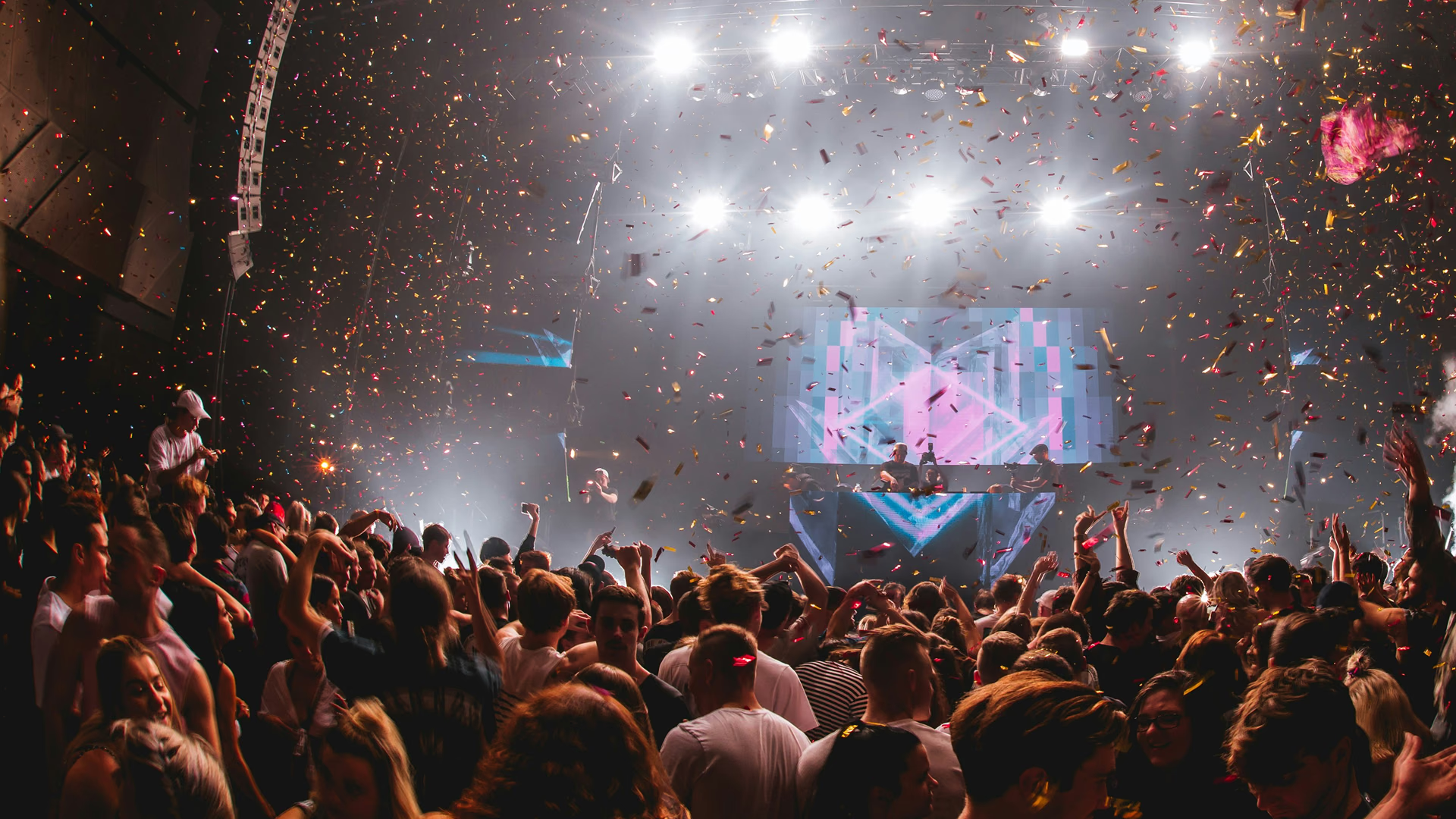
FunLand amusement park promotionMagical Journey magic show promotionConcert crowd with confetti
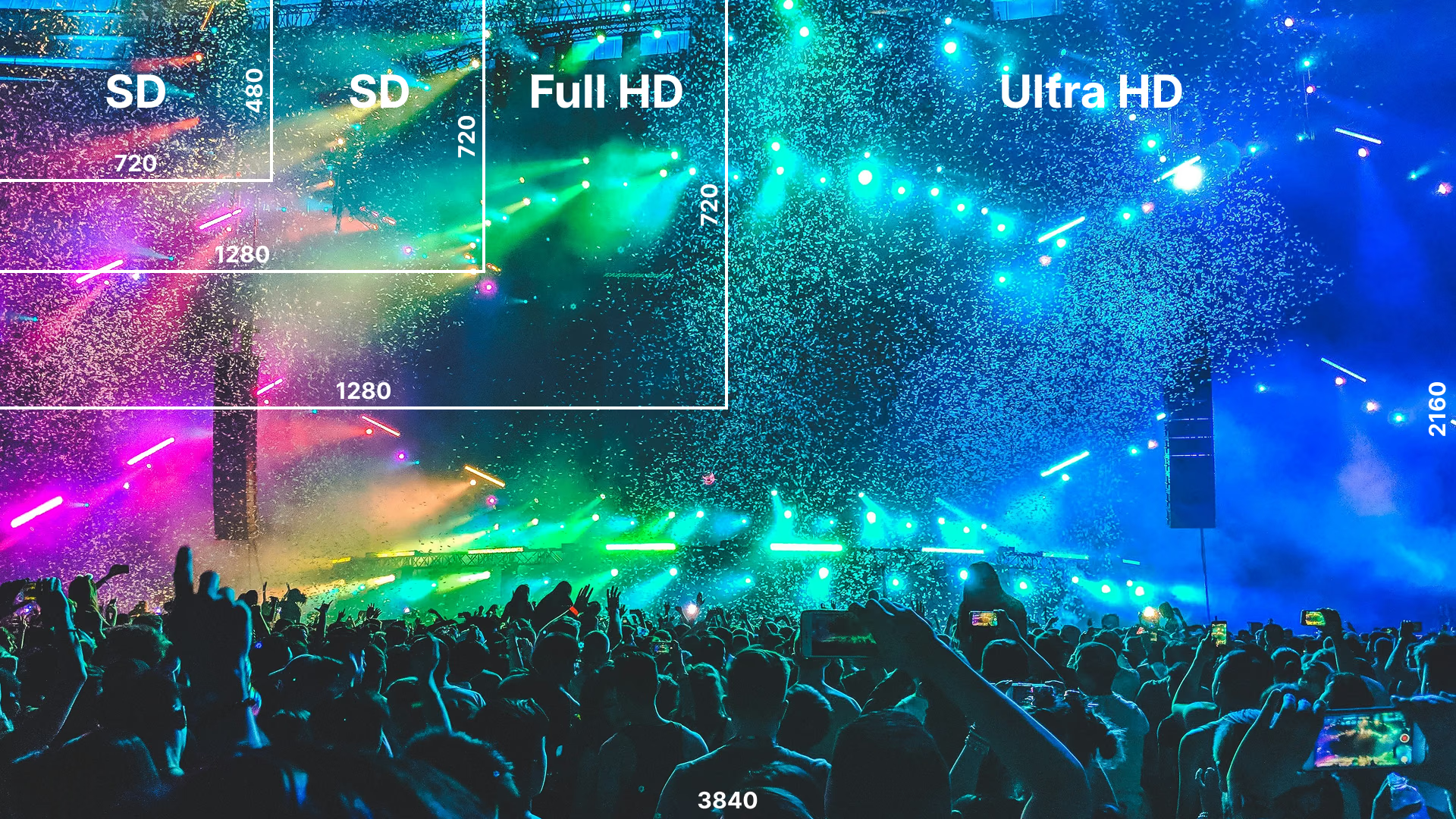
Magical Journey magic show promotionConcert crowd with confettiConcert stream quality selection graphic
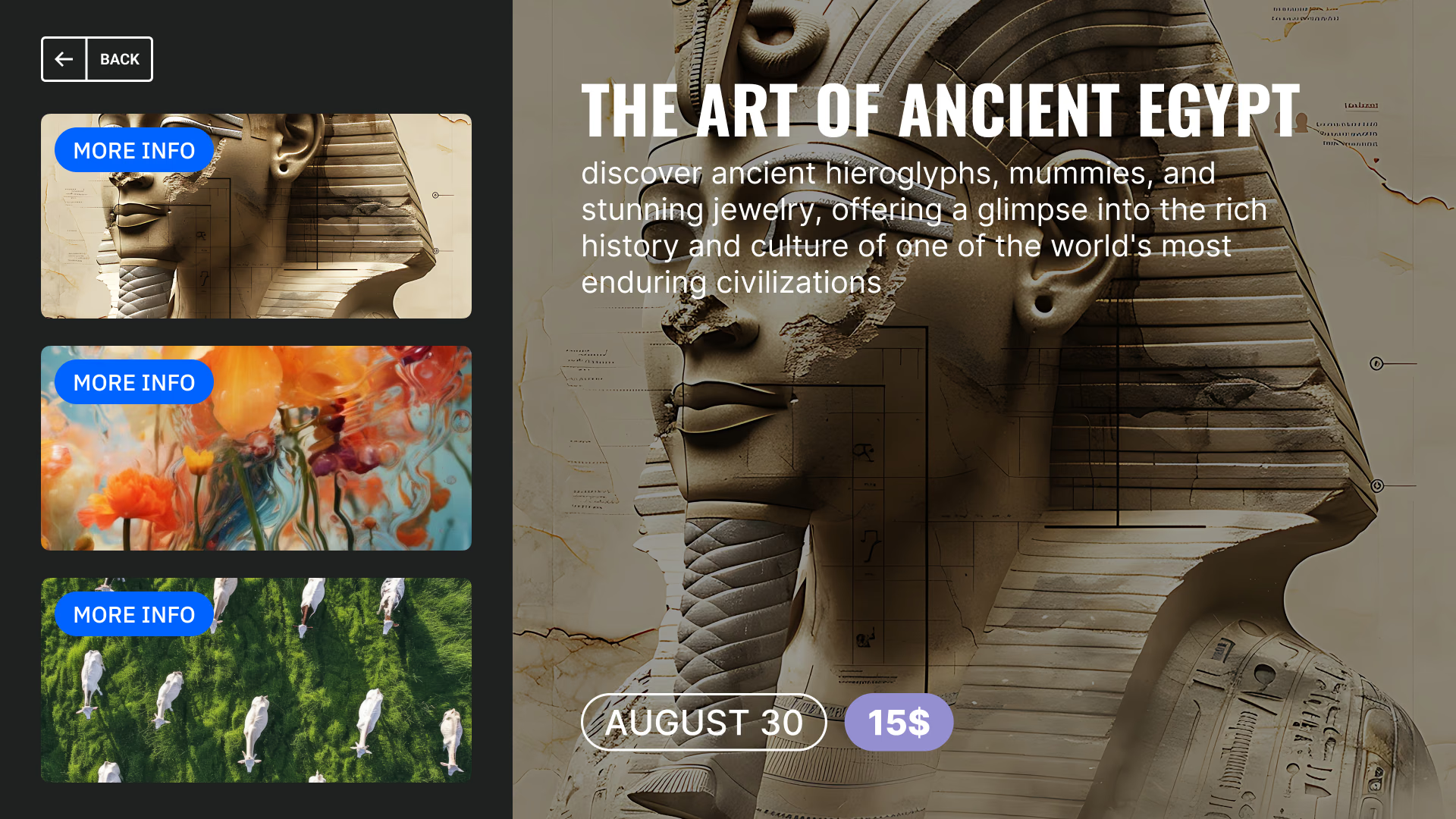
Concert crowd with confettiConcert stream quality selection graphicThe Art of Ancient Egypt museum exhibit
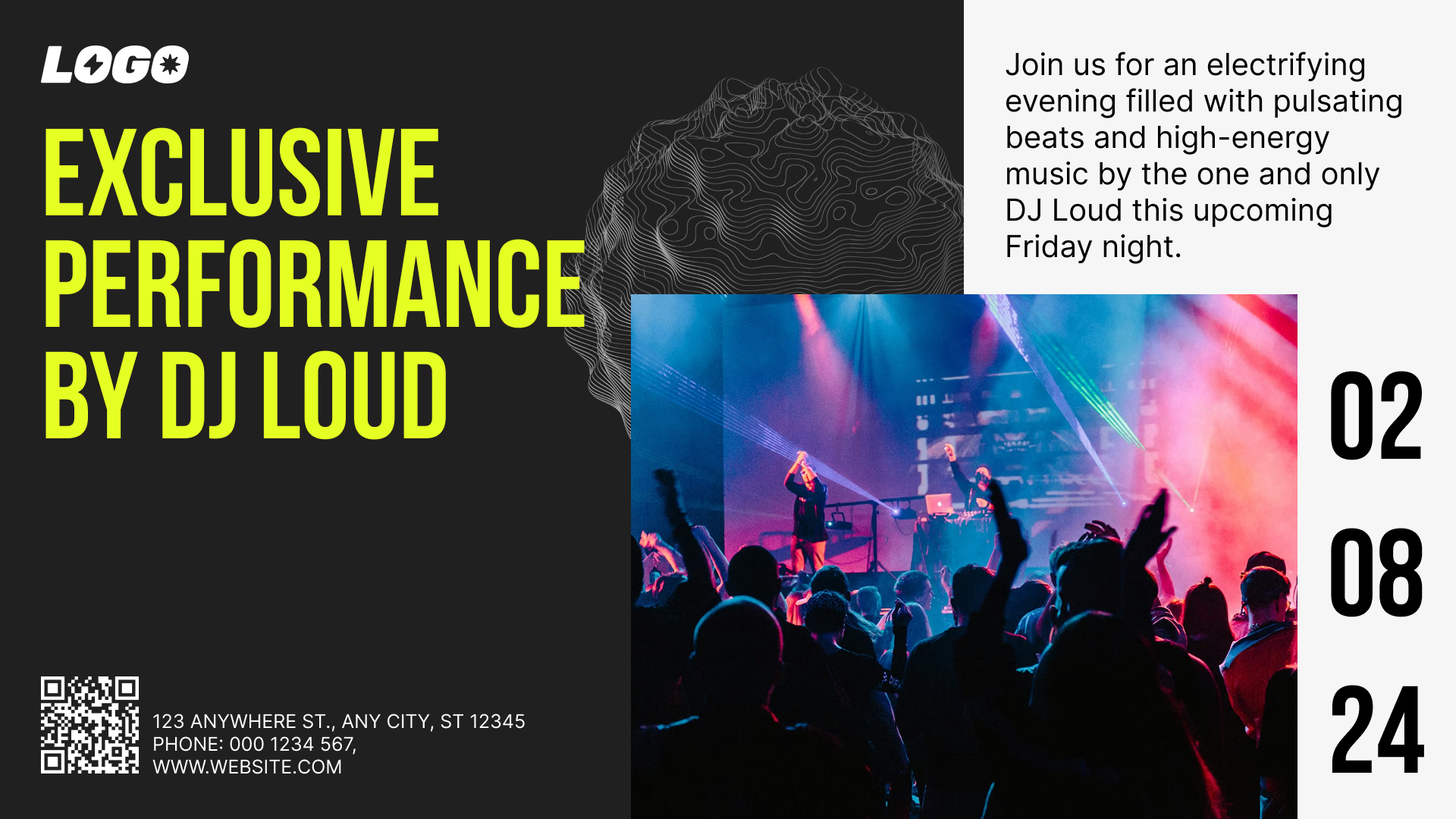
Concert stream quality selection graphicThe Art of Ancient Egypt museum exhibitExclusive Performance by DJ Loud promotion
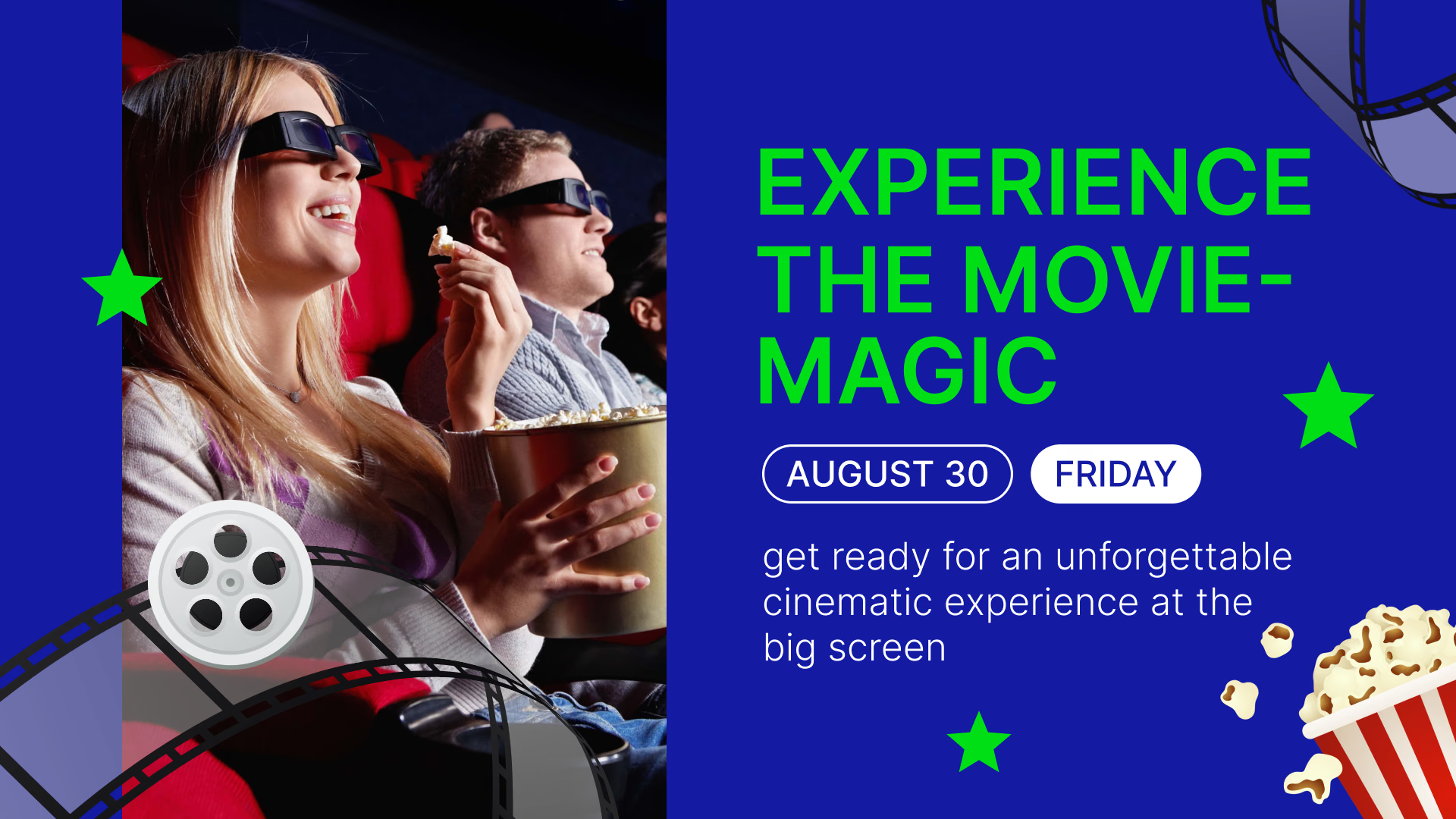
The Art of Ancient Egypt museum exhibitExclusive Performance by DJ Loud promotionExperience the Movie-Magic cinema promotion
Exclusive Performance by DJ Loud promotionExperience the Movie-Magic cinema promotionCinema navigation wayfinding screen
Experience the Movie-Magic cinema promotionCinema navigation wayfinding screenFunLand amusement park promotion

Built-in apps

Apps that keep venue screens current on their own

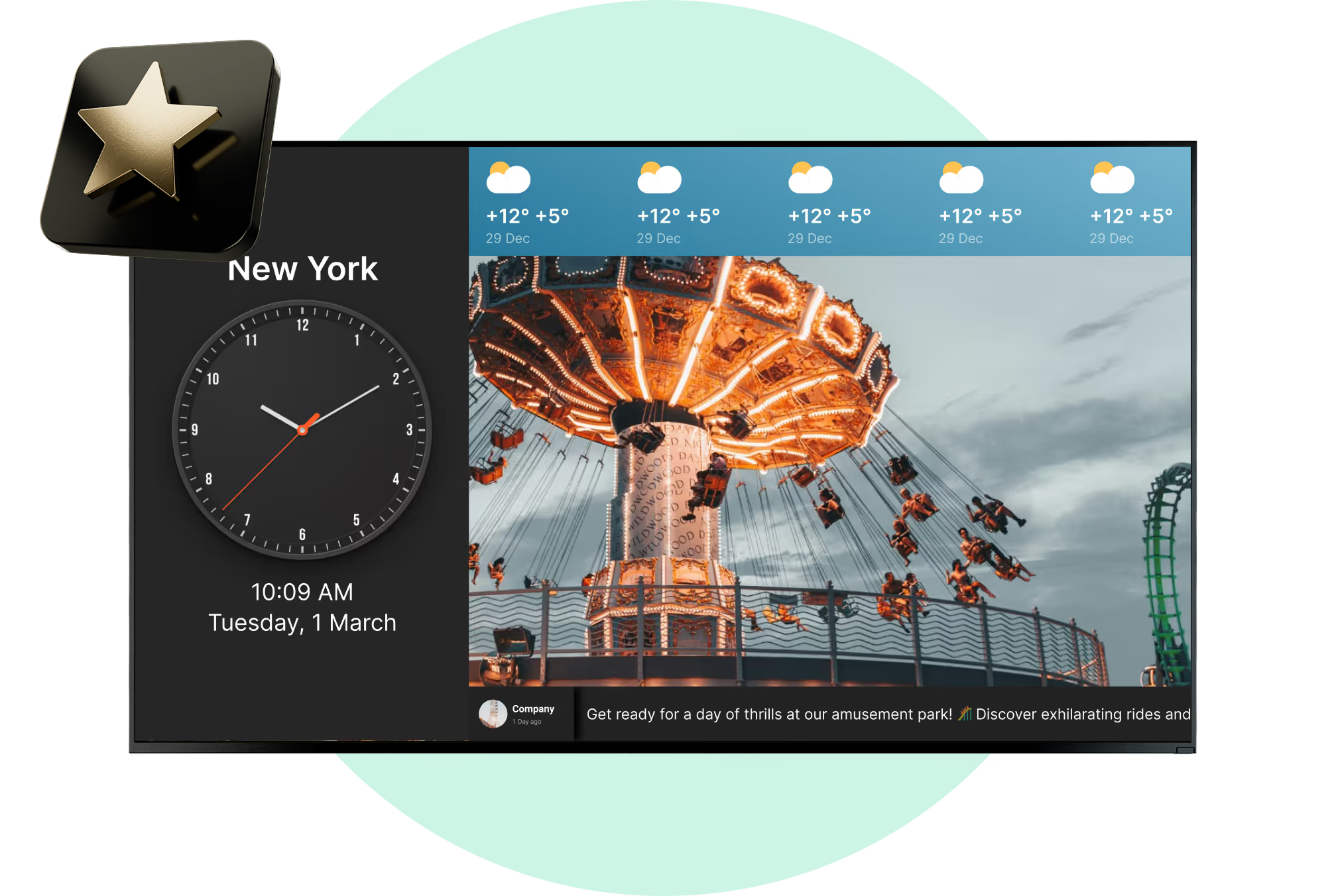
An app goes into a playlist like any other content item and then refreshes itself, so nobody is updating scores or countdowns by hand. Through an outage the cached images and videos keep playing, and the apps pick up their updates again once the venue is back online.

Frequently asked questions about entertainment digital signage

What is entertainment digital signage?

It is a single control point for every screen in a building: cinemas, casinos, museums, stadiums, theme parks. Playlists, schedules, promotions and announcements all sit inside a CMS, so no one is taping up a new poster when a show time moves. Look also puts content creation in the same cloud platform, so you are not switching between a design tool and a player.

What types of entertainment venues can use digital signage?

Seven types come up most often: stadiums and arenas, casinos, museums and galleries, amusement and theme parks, cinemas, theaters and concert halls, nightclubs and bars. The list matters less than what each one puts on screen. A museum runs exhibit notes, an arena runs live scores, a park runs ride wait updates. Promotions, menus and sponsor slots turn up almost everywhere.

What can entertainment venues display on digital signage?

Typical content includes schedules and showtimes, video, promotions, menus, maps, announcements, sponsor ads, social feeds and live operational data. Getting any of it on screen in Look takes three steps: create or upload the content, drop it into a playlist and schedule, then publish to the screens you picked. A single layout can also be split into zones, so one display carries several of these at once.

How does a cloud digital signage CMS help entertainment venues?

A cloud CMS puts screens, content, playlists and schedules behind one dashboard, wherever the hardware sits. Nobody updates displays one by one. Staff group screens and send different content to different areas or venues, which is what starts to matter once you are looking after dozens or hundreds of displays across several floors, buildings or sites.

Can digital signage show real-time information?

It can. Show times, ride wait times, weather, scores, event updates and availability data are the five that come up most in entertainment venues. Connect the platform to the source of that data and screens refresh on their own, instead of waiting for someone to retype each message.

Can I use existing TVs for entertainment digital signage?

Yes, many existing TVs can be turned into digital signage without replacing the display itself. Look provides 2 main deployment options: install the Look app on a compatible device or connect a Plug & Play Look HDMI Player. This allows venues to reuse existing screens while managing their content through the same centralized signage system.

What types of screens can be used in entertainment venues?

There are four formats you will actually see in the field. Standard commercial displays do most of the work. Video walls and LED go where the venue wants impact, and they cost accordingly. Lobbies, concessions and corridors rarely need more than a smaller display. Kiosks and totems are the fourth format, and they exist because someone wants visitors to touch the screen: maps, information, whatever the venue builds on top.

Does entertainment digital signage work without an internet connection?

It keeps playing, provided offline playback is switched on. Scheduled images, video and playlists sit locally on the player, so a dropped connection does not leave a black screen. Anything fed by a live external source stops refreshing until the link is back, while downloaded media carries on.

What are the benefits of digital signage advertising in entertainment venues?

One screen can rotate venue information, promotions and paid sponsor content through the day, and that is where the flexibility comes from. Campaigns change without a print run, and messages can be timed around performances, screenings or peak hours. For cinemas, museums and arenas, the same hardware then works as a channel for their own offers and for third-party brands.

Can entertainment venues generate revenue from their digital screens?

They can, and plenty already do. Screen time sells as sponsor placements, local advertising, branded campaigns or DOOH inventory. The same network is also free to push premium seating, merchandise, food and drink, or the date of the next event. Two revenue lines out of one system: what advertisers pay you, and what visitors spend once they have seen the offer.

How can digital signage help with crowd management and navigation?

Three jobs overlap here. Screens give directions, they carry real-time operational updates, and they show how long the queue is. In a big venue that means pointing people toward entrances, attractions, restrooms, concessions and exits, then changing the message the minute something closes or moves. Add interactive maps and wayfinding and a first-time visitor stops asking staff where to go.

Can digital signage be used for emergency alerts?

Yes. Centrally managed screens carry emergency instructions, evacuation information, closures and any other urgent message. Because one CMS controls them all, normal programming can be replaced everywhere at once when an incident starts. In a stadium, arena, theme park or casino that may be thousands of people needing the same clear information in the same minute.

What interactive features can entertainment digital signage include?

Four kinds of interaction come up regularly: touchscreen wayfinding, quizzes and games, QR-based experiences, and social media content. Kiosks can take on ticket information or other self-service jobs as well, depending on how the venue is set up. What changes is the visitor's relationship to the screen. They stop walking past it and start using it while they wait.

Can digital signage be used for concession stands and bars?

Digital menu boards are one of the standard uses: concession stands, food counters and bars all run them. Menus and promotions can be scheduled by time of day, and offers updated centrally the moment availability changes. Where a venue has several concession points, one CMS covers every menu screen without staff editing displays one at a time.


Can digital signage stream video and audio around a venue?

Video and audio can be pushed to screens well outside the main hall or viewing area, live or prerecorded. Lobbies, concourses and waiting areas are the usual targets. MusicDJ, a Look customer, uses the platform exactly this way, building custom video and audio streaming into one media setup.

How can entertainment venues measure digital signage performance?

Playback analytics and proof-of-play reporting are the starting point. Keep two questions apart: what actually played on which screen, and what happened in the business afterwards. Content plays can then be lined up against QR interactions, promotions, ticket sales, concession revenue or whichever KPI the venue cares about.

Can digital signage integrate with other entertainment systems?

Yes, through integrations or APIs that link the platform to external data sources and applications. Operators use those connections to drive content automatically from schedules, live feeds, internal systems or other web apps. One source of data keeps every screen in step, instead of the same update being typed in several places.


How should entertainment venues schedule digital signage content?

Do not loop one playlist from open to close. Schedule against the visitor journey instead. Look separates content, playlists and scheduling into three stages, which is what lets programming change before, during and after an event. A theater is the clearest case: pre-show promotions, then interval messaging, then exit information and whatever is on sale next week.

How can entertainment venues manage screens across multiple locations?

The point of a central CMS is that nobody touches individual devices. Group screens by venue, area, purpose or campaign, then send content and schedules out remotely. That works for one entertainment venue, and it works for a network of several hundred displays. The workflow does not change with scale.

What should an entertainment venue look for in digital signage software?

Look for centralized management, offline playback, scheduling, integrations, analytics, interactive support, and compatibility with different screen hardware. Those seven cover both the daily content work and the operational side, things like live updates or running several locations from one account. Hardware flexibility deserves its own line, because most venues end up mixing existing TVs with commercial displays, kiosks, video walls and LED.