Digital signage for every area of the resort
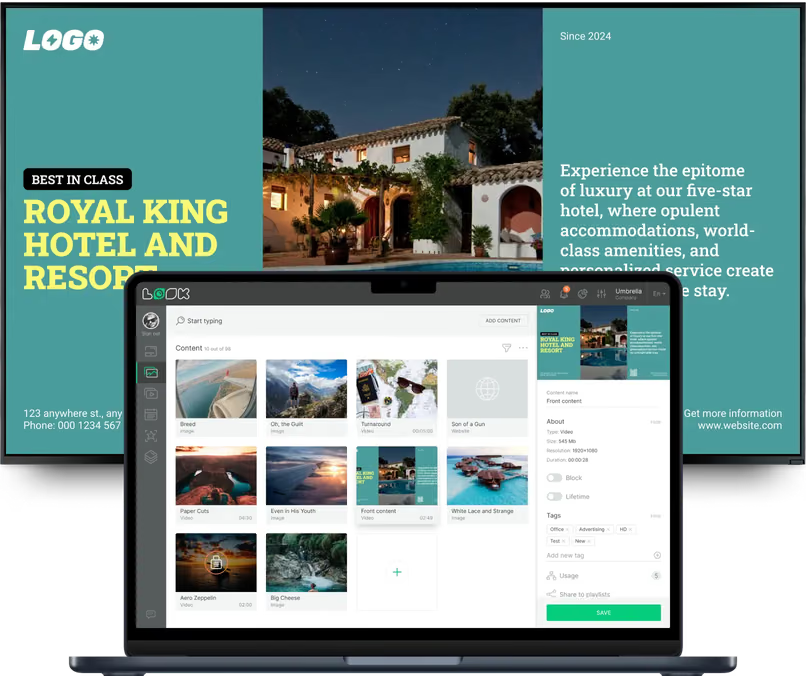
One guest, one day, three different moods: the check-in desk, the poolside bar, the path junction. Look runs all three from one account, and each area keeps its own content, its own schedule, its own publishing rights.
Arrival, reception and check-in
The essentials, before anyone has to ask.
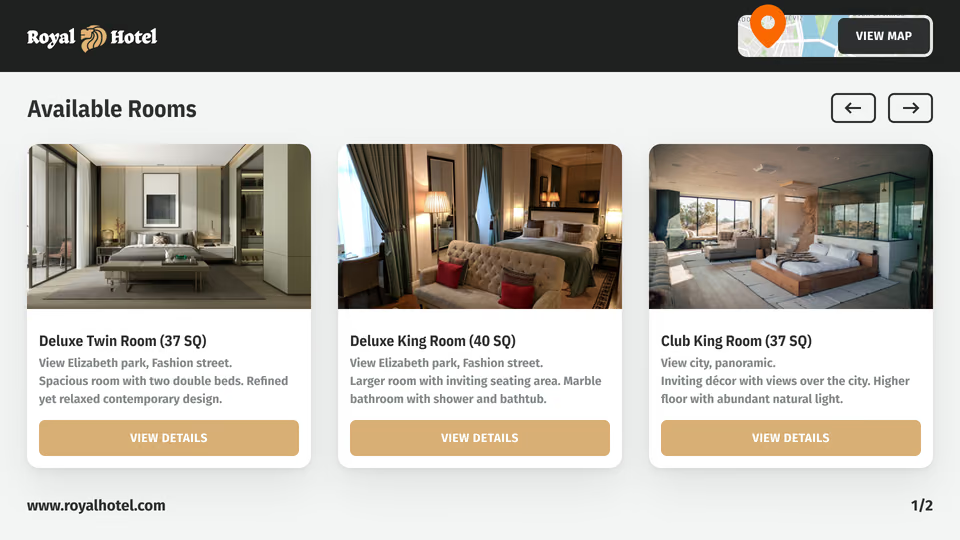
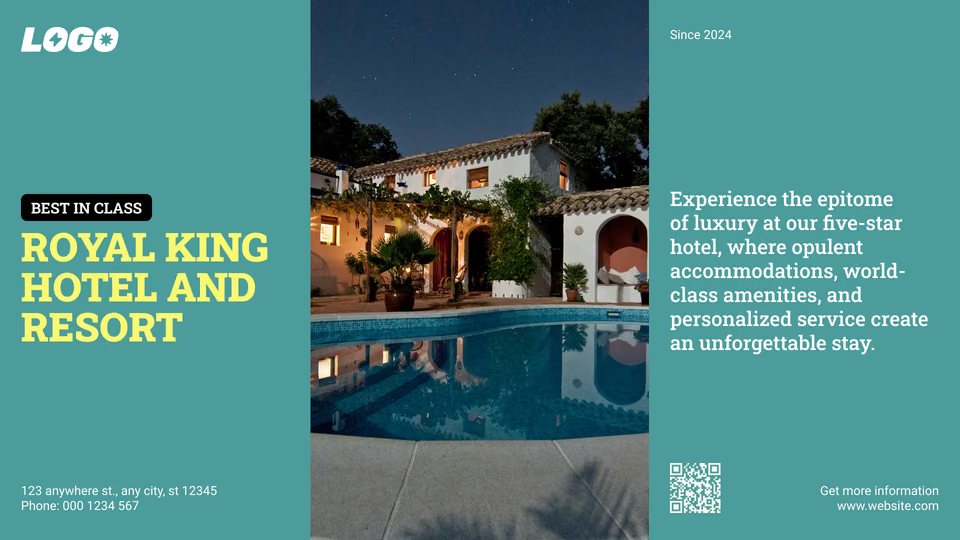
The screen beside the desk answers what arriving guests ask first. Check-in and check-out times, which desk to join, the Wi-Fi network, today's program, when dinner starts.
One multi-zone layout holds the welcome message, the day's notices and the local forecast. Guests read all of it while they wait.
Best for: Check-in and check-out times, welcome messages, Wi-Fi access, today's program, transfer times
Lobby, concierge and wayfinding points
Keep guests moving across a wide property.
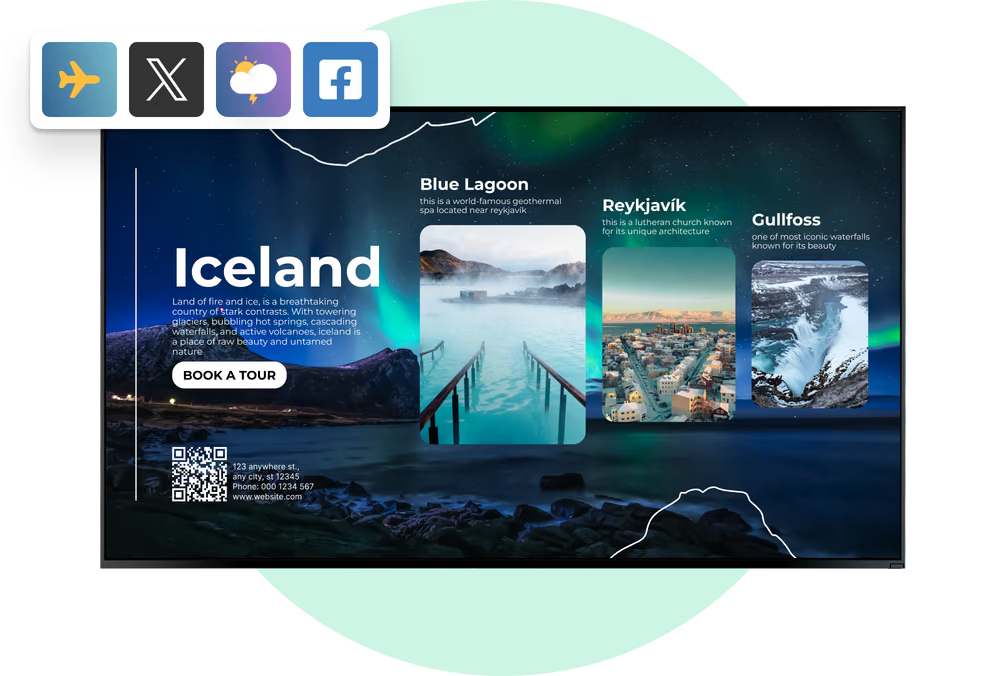
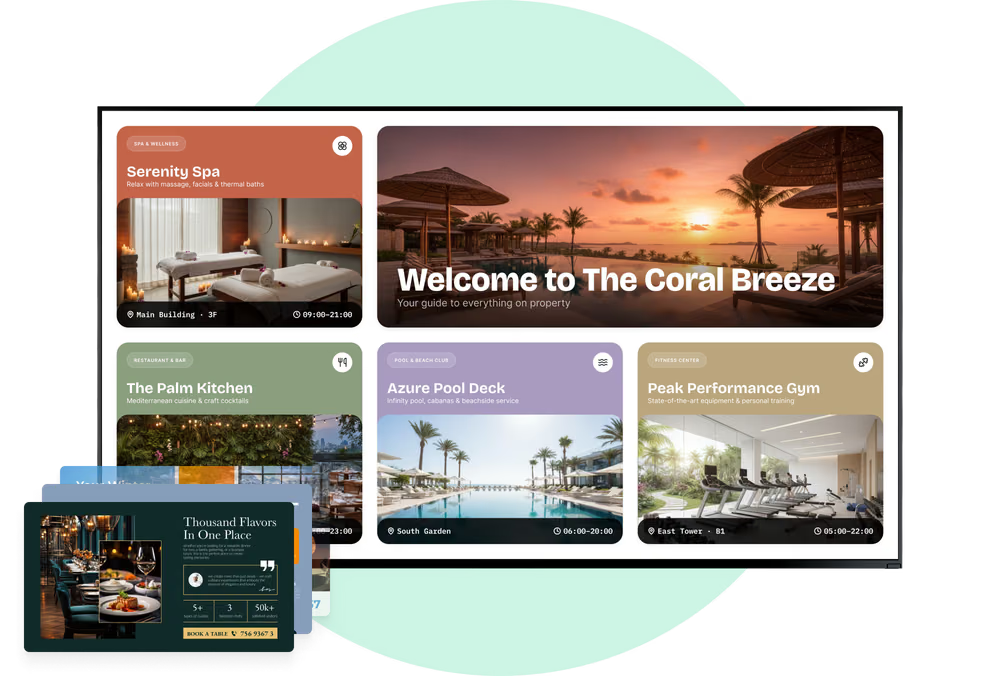
On a large property guests make a decision at every junction, and that is where a screen belongs. Lobby, landing and path-junction displays carry the site map, routes to the pool, spa, beach and villas, and the walking time to each.
Screen tags tie the guidance to the spot the screen hangs in, so the marina display and the main-building display each point the guest onward from where they are actually standing.
Best for: Site maps, directional signage, walking times, shuttle stops, local attractions, opening hours
Pool, beach and outdoor areas
Sun, wind and opening hours on one screen.
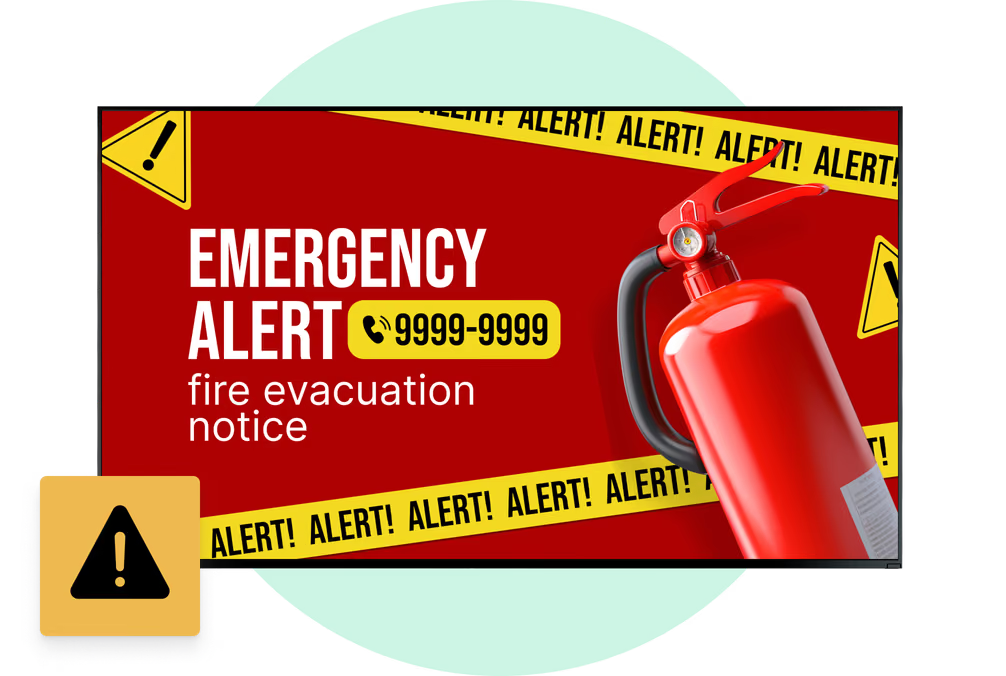
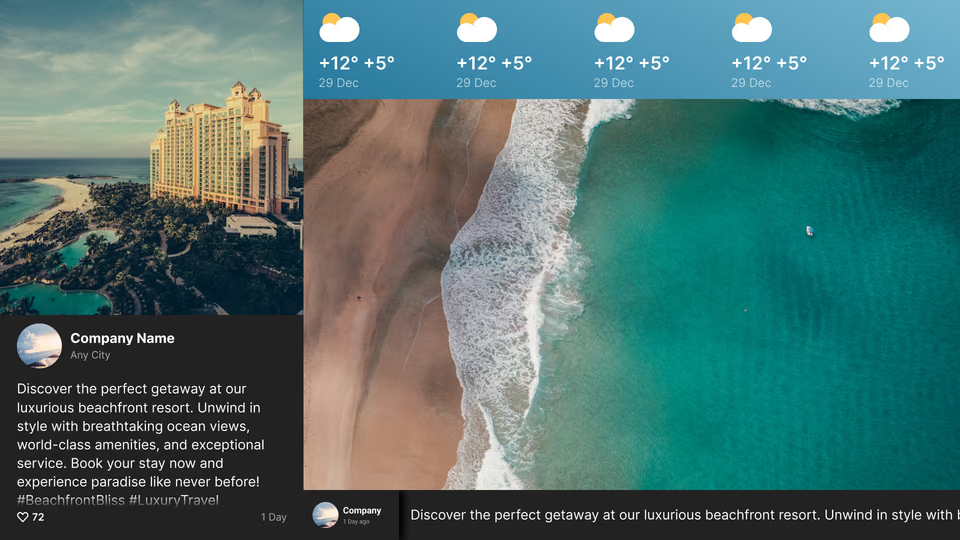
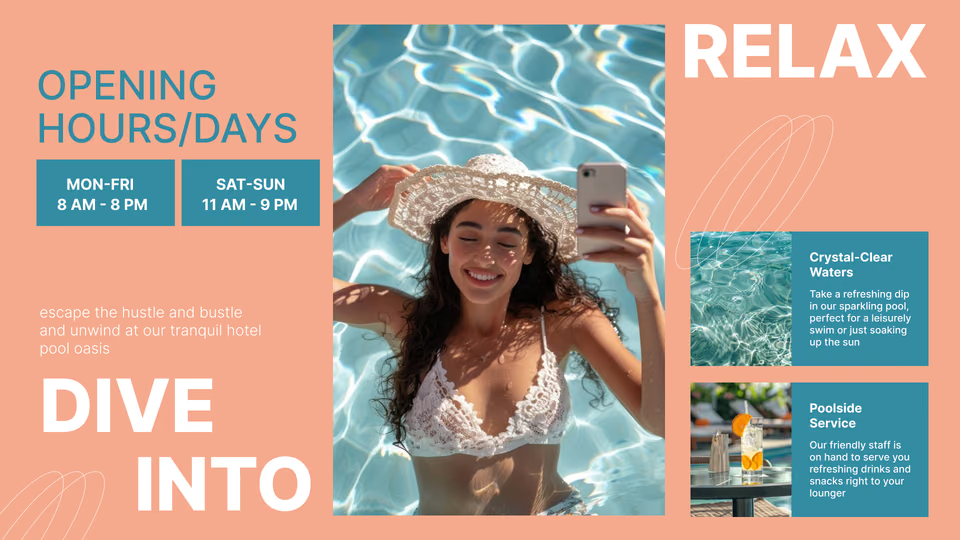
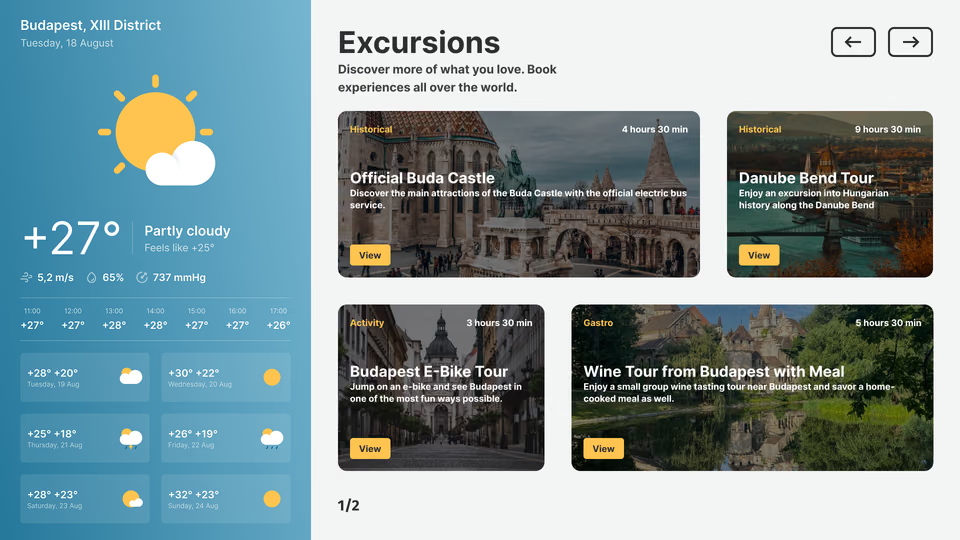
Guests plan the afternoon around a handful of facts, and an outdoor screen holds all of them: pool and beach hours, lifeguard times, the forecast, the wind and rain on the way, whether the water sports desk is open.
Weather panels refresh for as long as the resort is online, and if the connection goes, cached images and video carry the rest of the loop.
Best for: Pool and beach hours, forecast and wind, water sports, safety notices, poolside promotions
Restaurants, bars and poolside outlets
Menu boards that change with each daypart.
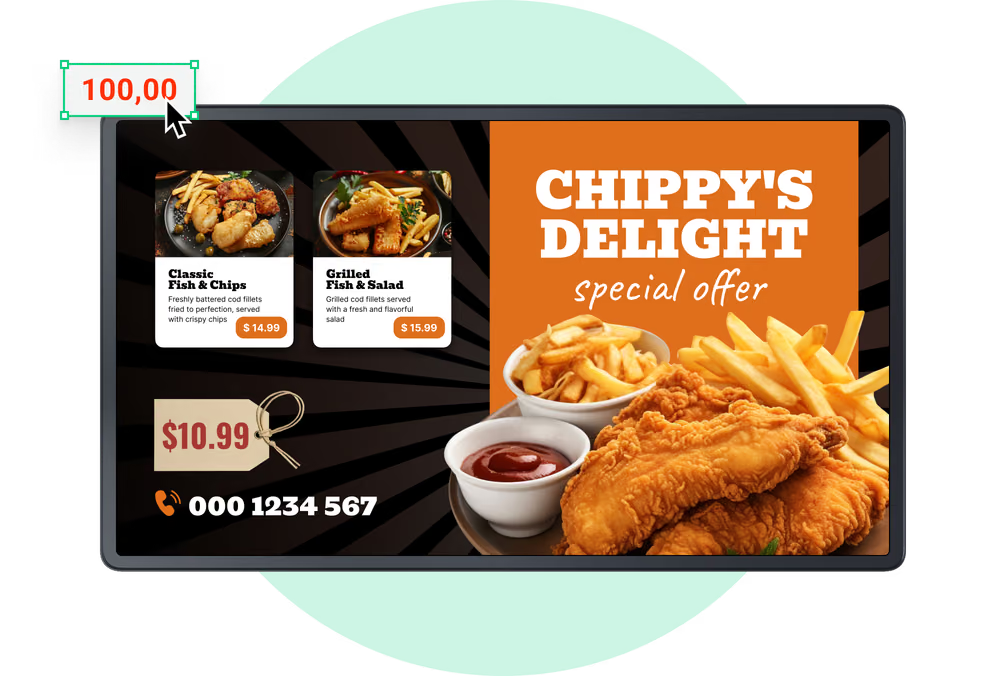
Breakfast, lunch, dinner and happy-hour boards sit in one playlist and swap on schedule across every outlet that shows them.
Edit prices, dish names and allergen notes once in the CMS and they reach every outlet showing that board. A sold-out dish comes off in a couple of clicks.
Best for: Day-parted menu boards, prices, allergen notes, specials, opening hours, themed evenings
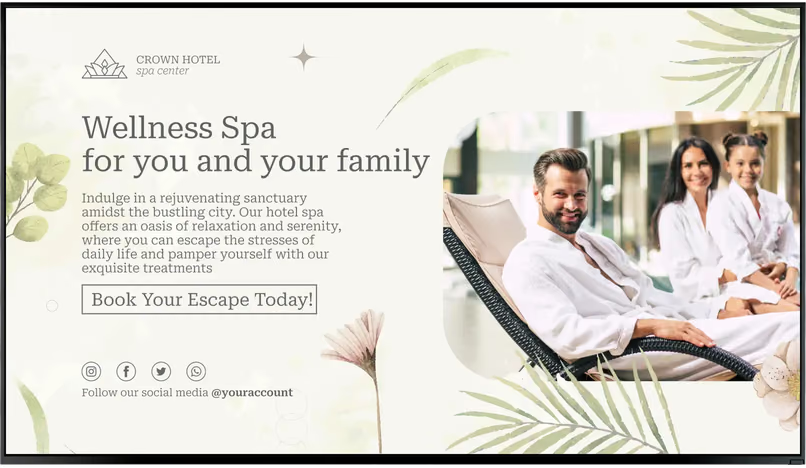
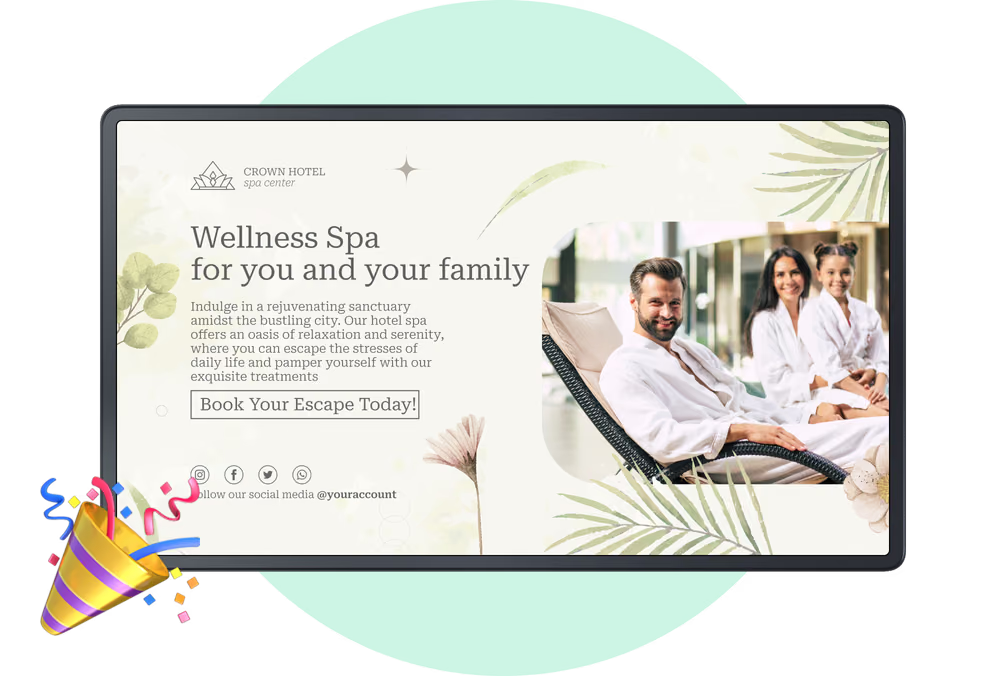
Spa, gym and the activity desk
Sell the treatment while they are planning the day.
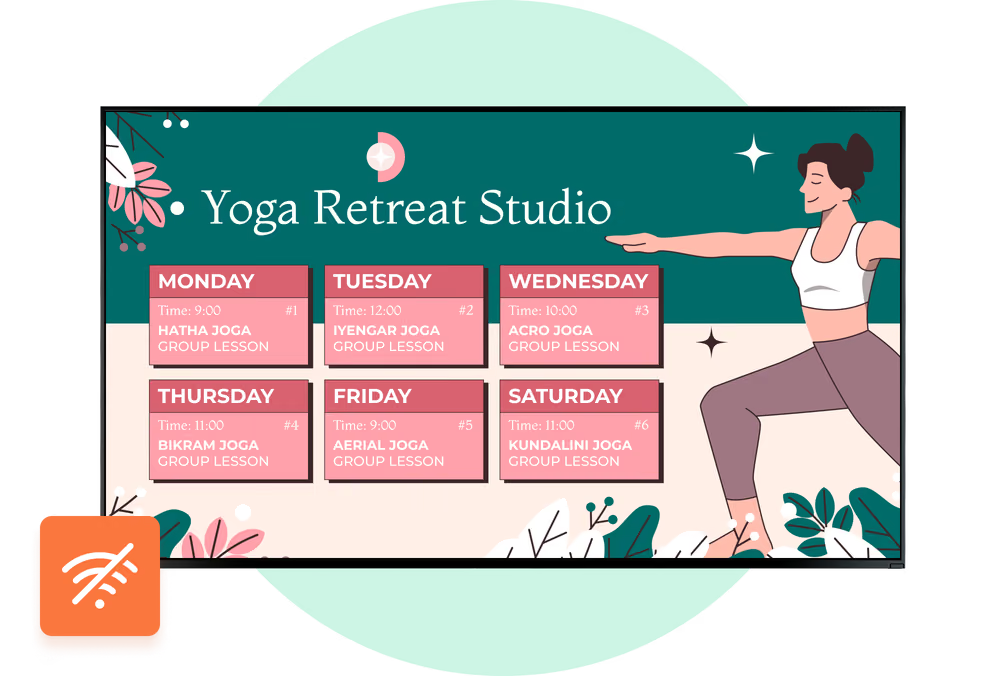
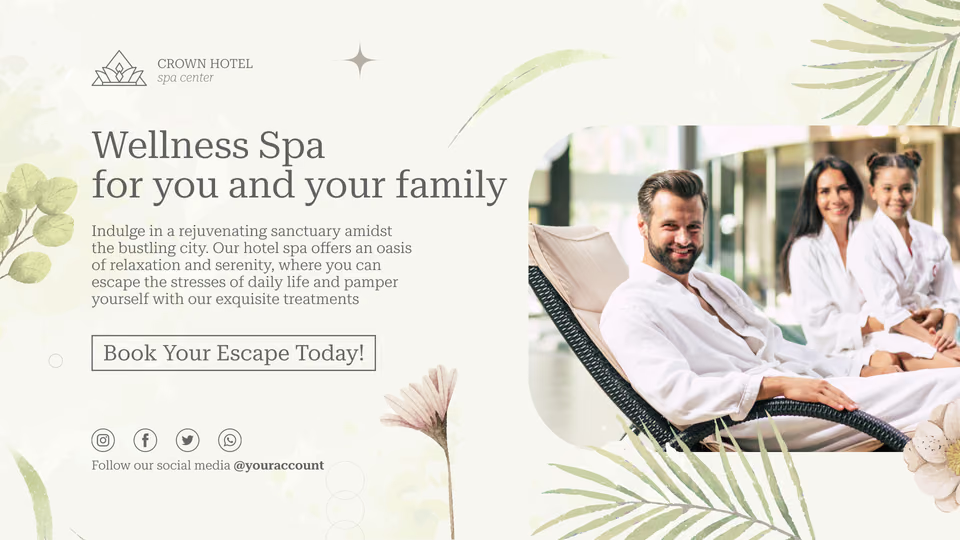
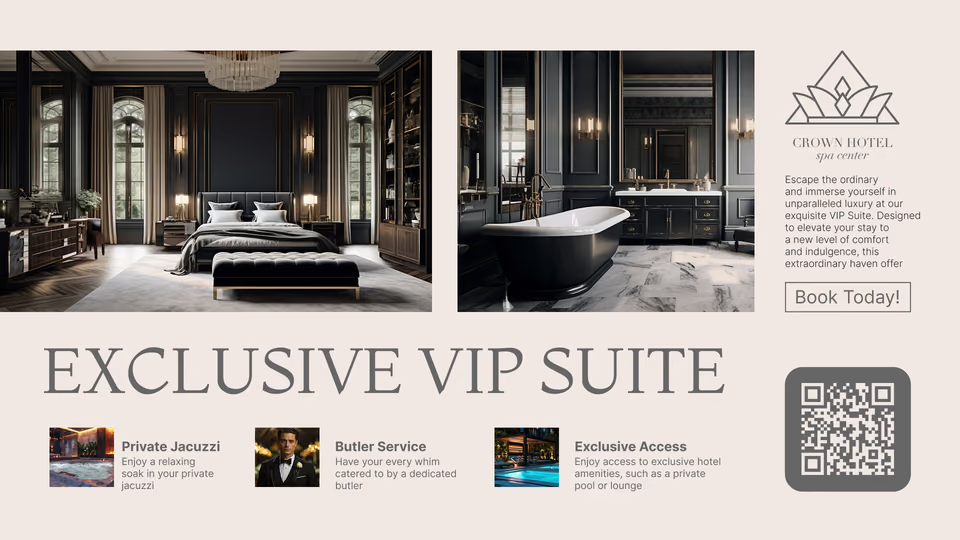
Amenity screens carry the day's activity schedule, class and excursion times, treatment menus, gym and spa hours, and the seasonal packages guests only book when something on the wall tells them they exist.
A live review score next to the offer does the convincing. Give the package an end date and it takes itself down when the time comes.
Best for: Activity schedules, excursion times, treatment menus, opening hours, seasonal packages, reviews
Conference, wedding and event spaces
One current directory for every event.
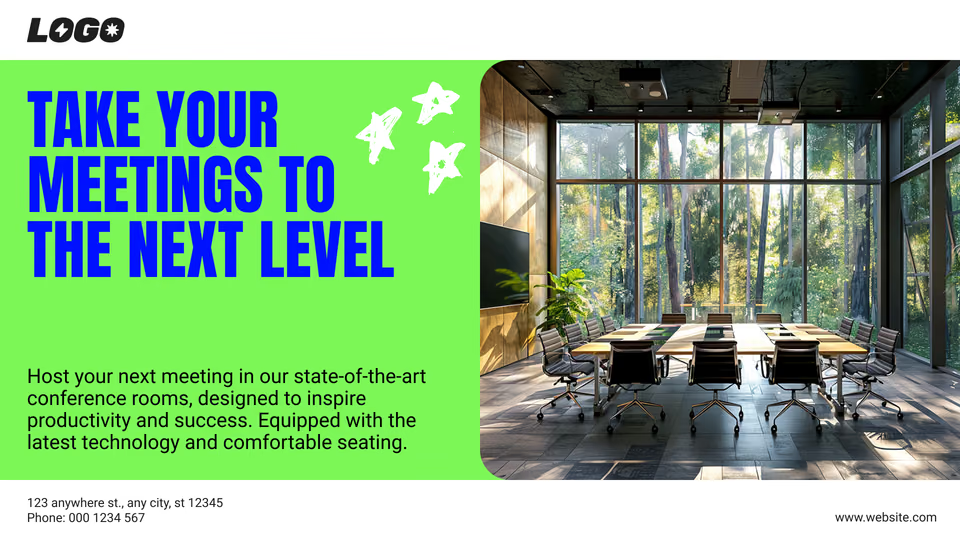
A screen at the entrance to the event floor lists the day's sessions, rooms and start times. A small display by each door says what is in that room now and what follows it.
Group welcomes, wedding running orders and sponsor slides run off the same templates, so a program change is a quick edit rather than a reprint.
Best for: Daily event directory, room and door signs, group welcomes, session times, sponsor slides