<50%

of printed HR materials ever get displayed, leading to inconsistent messaging across locations

vs. 100% screen delivery with digital signage

<2 min

to push policy updates, safety alerts, or urgent announcements across every screen in your network

vs. hours with print and email distribution

$0

cost per content update — no printing, no physical distribution, no manual bulletin board maintenance

vs. traditional print communication costs

1 → ∞

screens manageable from a single cloud dashboard — scale from one break room TV to a global network

Look DS platform capability

What is digital signage for HR?

A reliable system for internal communication that actually gets seen

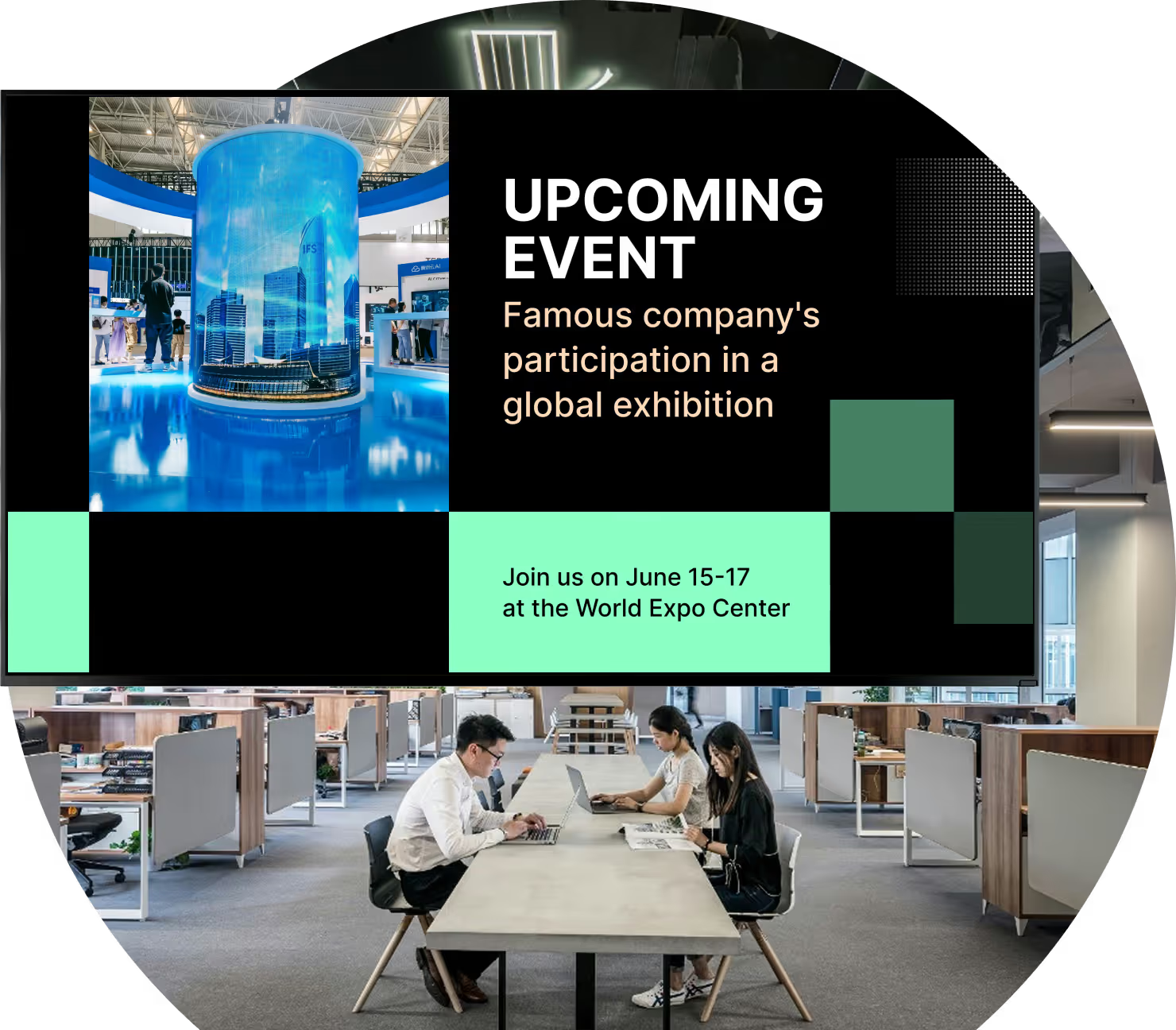
Digital signage for HR is a practical system that solves the long-standing problem of unread internal communication. It uses a network of screens in busy locations — lobbies, break rooms, and cafeterias — powered by software that lets your team share focused content. Unlike printed posters that quickly blend into the background, digital signage is dynamic: you can display videos, live data feeds, and company announcements that actually catch the eye.

Instead of manually updating bulletin boards,

HR managers can use a cloud-based dashboard to send urgent updates, celebrate achievements, and keep company values visible across multiple sites with just a few clicks. It is a reliable way to build a connected workplace where every employee feels part of the bigger company story, with no complex setup required.

Digital vs. Traditional HR comms

Traditional approach

Bulletin boards ignored and outdated

Emails buried in overloaded inboxes

Deskless workers left uninformed

Manual updates waste staff hours

Print costs for every policy change

No way to measure message reach

Look DS

Green checkmark inside a black circle.

Dynamic screens that catch the eye

Green checkmark inside a black circle.

Visual messages cut through email noise

Green checkmark inside a black circle.

Reaches break rooms and factory floors

Green checkmark inside a black circle.

Reaches break rooms and factory floors

Green checkmark inside a black circle.

Reaches break rooms and factory floors

Green checkmark inside a black circle.

Playback Analytics prove ROI

Green shield icon with a white check mark on a black rounded square background representing security or verification.

3 core components

1

Hardware

Screens in lobbies, break rooms, production floors, and corridors. Large displays work well in reception; smaller, tougher screens suit factory environments. Use existing smart TVs or deploy dedicated Look HDMI Players for reliable, always-on playback.

2

Software (CMS)

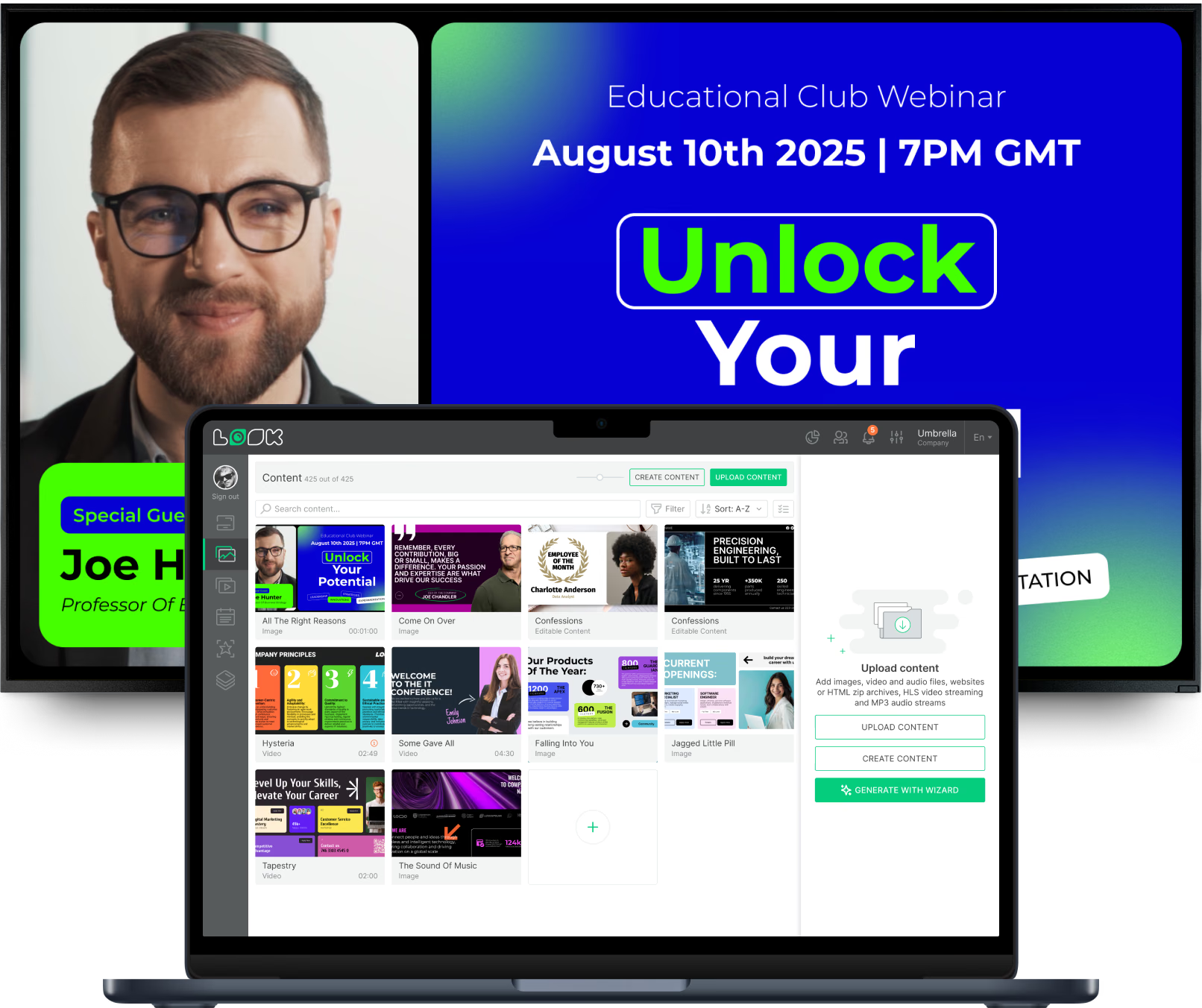
The cloud-based Look CMS lets HR create, schedule, and publish content from anywhere. Templates for birthdays, values, and announcements allow non-designers to launch campaigns fast. Smart scheduling automates what plays, when, and where.

3

Content

Policy updates, employee recognition, wellness tips, KPI dashboards, onboarding messages, and safety alerts — scheduled automatically and updated in real time as your workplace changes, without requiring any IT involvement.

Benefits

Six ways digital signage transforms HR communication

icon_XL_smile

Boosting Employee Engagement

HR can use screens to share quick surveys and feedback forms via QR codes, gathering real-time insight into how employees feel. Screens in break rooms also reach deskless workers who rarely use computers during their shifts, keeping everyone equally informed and connected.
star icon transparent

Strengthening Organizational Culture

Build a playlist of business goals, values, and upcoming events. Photos and videos from team outings or volunteer days build pride and a sense of belonging. When staff see the company mission every day through modern visuals, it becomes part of everyday behavior.

Eye

Increasing Awareness of HR Policies

Instead of hoping employees read a long PDF, HR can show short, clear summaries of policy changes on screens around the building. Regular reminders about compliance rules, open enrollment dates, or new benefits can be scheduled to play at certain times, cutting down on repeat questions to HR.
harmony

Supporting Employee Well-Being

Screens can share wellness tips, stress management advice, reminders to take breaks, and information about health programs. Companies can also use displays to promote fitness sessions, webinars, or healthy meal options in the cafeteria, showing employees that their mental and physical health matters.
user icon

Enhancing Recognition and Motivation

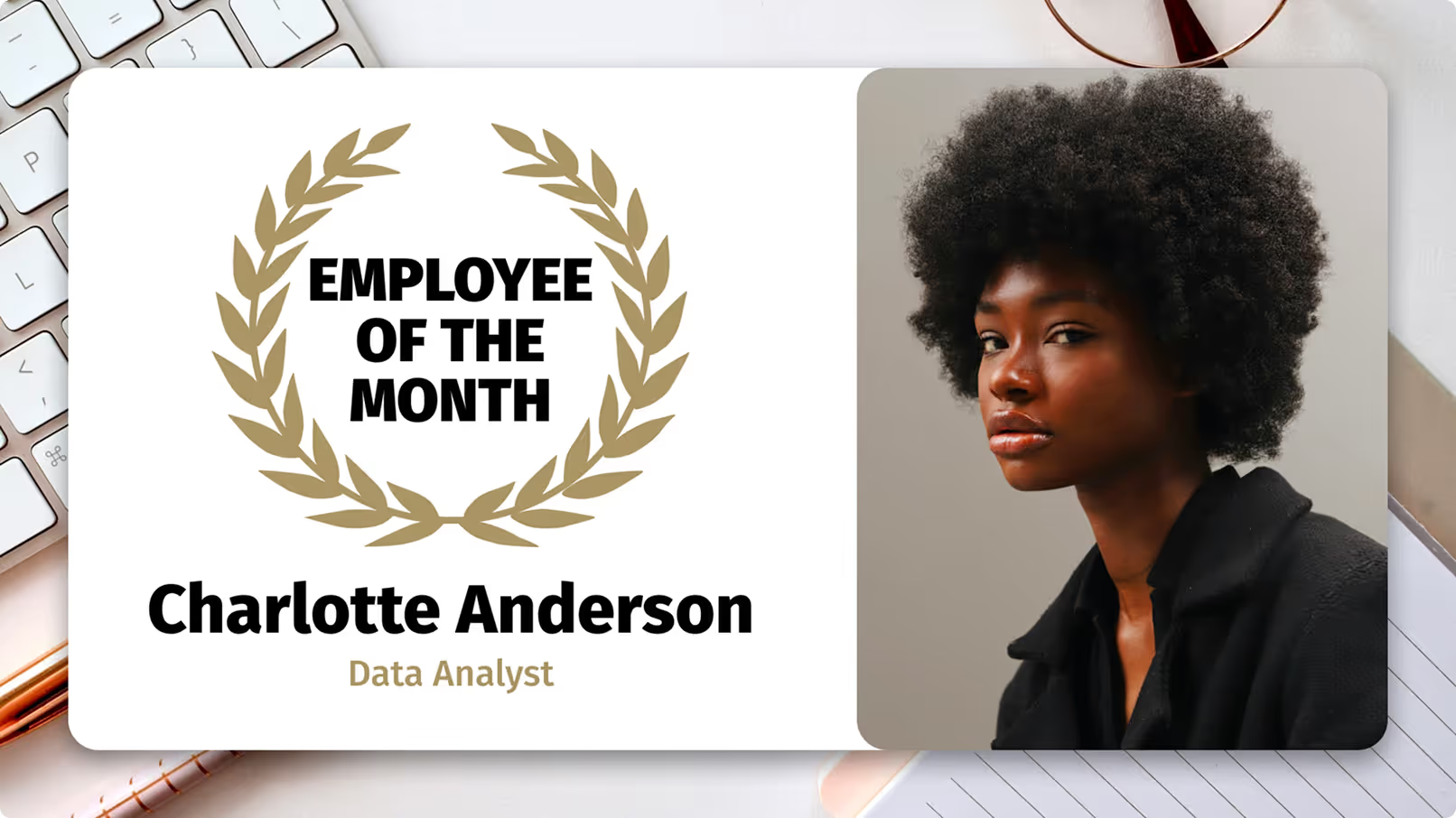
Digital displays offer a great way to give public shout-outs for work anniversaries and major achievements. HR can also display on-screen leaderboards or show progress in training programs. When success is visible to everyone, it supports an open culture where hard work is noticed.
icon_XL_clock

Faster Internal Updates

Digital signage lets HR post updates in minutes without waiting for posters to be printed. Whether there is a last-minute event change or a key company update, messages appear on all screens quickly. HR can schedule content far in advance or change it instantly from anywhere, so employees see the right information at the right moment.
Black and white QR code with a cursor pointer over the bottom right corner.
star
Digital signage for school, megaphone
like
Lt-star
watch

Where it works

The right HR signage for every workplace setting

Different work environments call for different placement and content strategies. Here are the six main settings where HR digital signage delivers the most value.

Corporate

Headquarters & Corporate Offices

Lobbies, elevator halls, and main corridors are ideal for company news, executive messages, and live weather or transit updates. The aim is to project a professional environment that reflects a forward-looking attitude.

Industrial

Manufacturing Plants & Break Rooms

In factories and industrial sites, digital signage is often the primary way to reach front-line staff. Safety instructions, shift schedules, and production goals are top priorities. Offline Playback keeps screens running even when the network drops.

Hybrid

Remote & Hybrid Work Environments

HR can share the same visual content through desktop widgets or internal dashboards for remote staff, keeping them in step with on-site teams. Consistent layouts across physical and digital channels maintain a steady employer voice.

Visitor-facing

Reception & Visitor Areas

Reception spaces shape first impressions. Screens here can go beyond simple greetings to show recruitment campaigns, employee testimonials, and charity projects — impressing visitors while reminding employees of what the company stands for.


Onboarding

Onboarding & Training

Screens can welcome new hires by name, introduce key team members, and show an overview of company goals. For ongoing learning, signage can promote new courses and internal training, encouraging a culture of constant skill-building.

Enterprise

Multi-location Enterprise HR

Corporate HR manages company-wide messages like policy changes, while site managers can update local canteen menus or regional announcements. Role-based access keeps core branding locked while allowing local relevance.

Use cases

How HR teams use digital signage day to day

Lobby & Reception Screens

Display company news, upcoming events, and executive messages in high-traffic entrance areas. Set a professional tone for employees and visitors alike, and broadcast recruitment campaigns to potential candidates walking through the door.

Break Room & Factory Floor

Reach deskless workers who rarely check email. Break rooms, locker areas, and production floors are ideal for safety instructions, shift schedules, production goals, and wellness reminders. Offline Playback ensures content keeps running even without a stable connection.

Employee Recognition Boards

Give public shout-outs for work anniversaries, milestones, and major achievements. Sharing wins across the organization lifts the recognized individual and motivates others. Display leaderboards and training progress for a culture where hard work is always visible.

Policy & Compliance Updates

Automated reminders for training deadlines, policy sign-offs, and benefits enrollment. Brief visual nudges help employees meet deadlines without feeling spammed. Countdown timers to key dates create a sense of shared responsibility and keep everyone on track.

Performance KPI Dashboards

Using secure integrations, digital displays can show real-time KPIs tailored to each department. A support centre might see daily ticket volumes; a sales team might view pipeline progress. Seeing goals in real time opens the door to quick celebrations when targets are met.

Onboarding & Training Promotion

Welcome new hires by name on their first day and introduce key team members. Promote new training courses and share stories of employees who advanced their careers. Guided onboarding content sets a warm, engaging tone from day one without burdening HR staff.

Hardware & setup

Two ways to power your break room screen

Green shield icon with a white check mark on a black rounded square background representing security or verification.

Install the free Look App

Install the free Look App on any supported smart TV or display device already in your workplace. No additional hardware required — ideal for offices, break rooms, and meeting areas where screens are already in place.

Android
Windows
Fire OS
Samsung Tizen
LG webOS
Raspberry Pi
Amazon Signage
Amazon Signage
Icon Linux
Linux
macOS
MacOS
Green rectangular electronic device with ventilation slots, two USB ports, an Ethernet port, and the word 'LOOK' printed on it.

Plug in the Look HDMI Player

Plug the Look HDMI Player into any HDMI-equipped display for instant, reliable deployment. Designed for always-on environments — ideal for factory floors, production areas, and locations where you need guaranteed uptime regardless of network stability.

Any displays with HDMI
LED screens 
Video walls
Plug-and-play

HR environments vary widely.

Polished lobby displays benefit from the Look App on existing commercial screens, while noisy manufacturing floors and warehouses require the Look HDMI Player's local caching and Offline Playback to ensure safety notices and shift schedules stay visible even when the network drops. Screen size should match viewing distance, and areas with strong daylight benefit from high-brightness panels.

View full hardware guide →

How it works

Up and running in three steps

  • Content

    Connect Your Hardware

    Install the free Look App on existing smart TVs or plug in a Look HDMI Player for dedicated, always-on playback. Works in lobbies, break rooms, factory floors, and conference rooms with no complex IT setup required.
  • Schedule

    Build your HR content

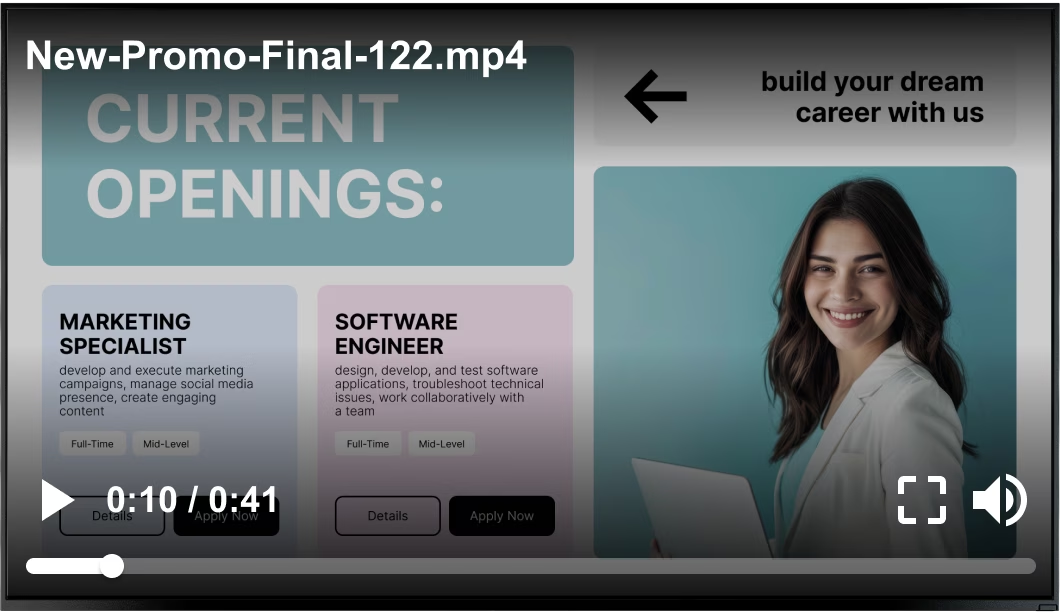
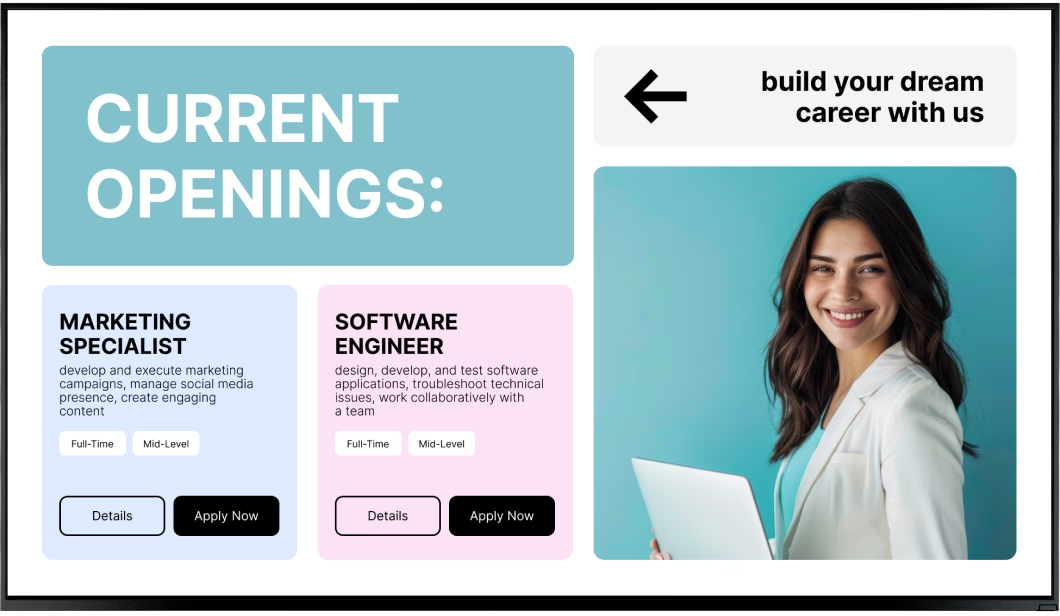
    Use ready-made templates designed for common HR uses — employee birthdays, company values, news tickers, and policy updates. Content Creator help non-designers generate branded visuals in minutes.
  • Playlists

    Schedule, publish, measure

    Smart Scheduling automates what plays, when, and where — removing outdated slides automatically. Playback Analytics track uptime and frequency, giving HR the data needed to prove ROI and continuously improve the content mix.

Key features

Everything an HR team needs to run a connected workplace

Bubble icon

Real-time Cloud-based Look CMS Updates

Manage every screen and update content from anywhere — office, home, or on the road. Push urgent policy updates, emergency alerts, or recognition slides across all your locations in under two minutes, without any IT involvement.
Pencil

Ready-made HR Templates

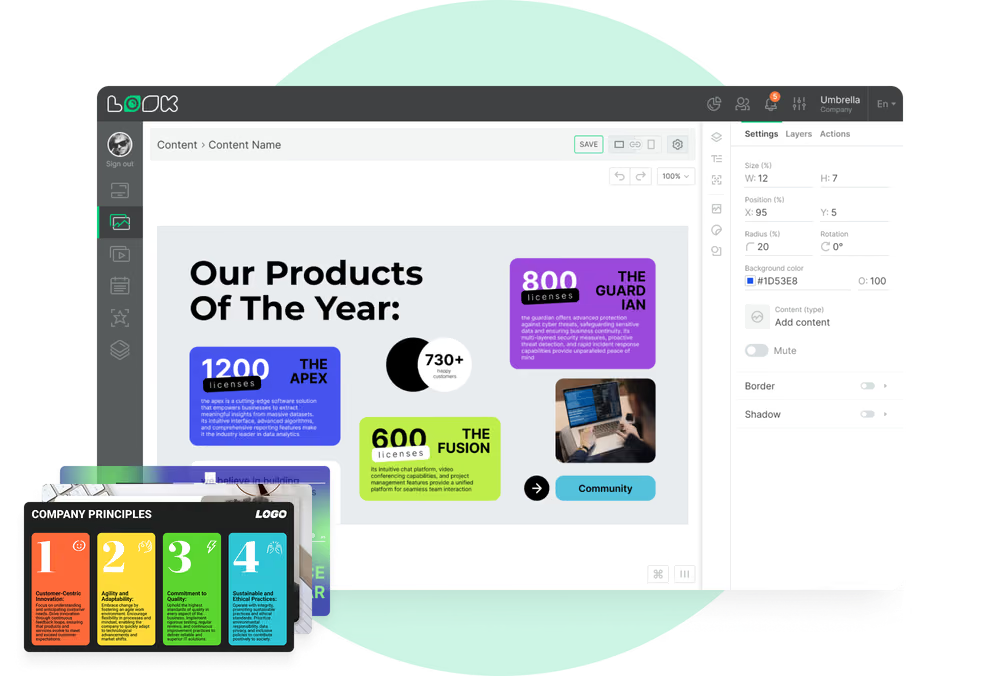
Faster creation of recurring HR content — employee birthdays, company values slides, news tickers, open enrollment reminders, and onboarding welcomes. Built-in templates allow non-designers to launch professional campaigns in minutes.
calendar_icon

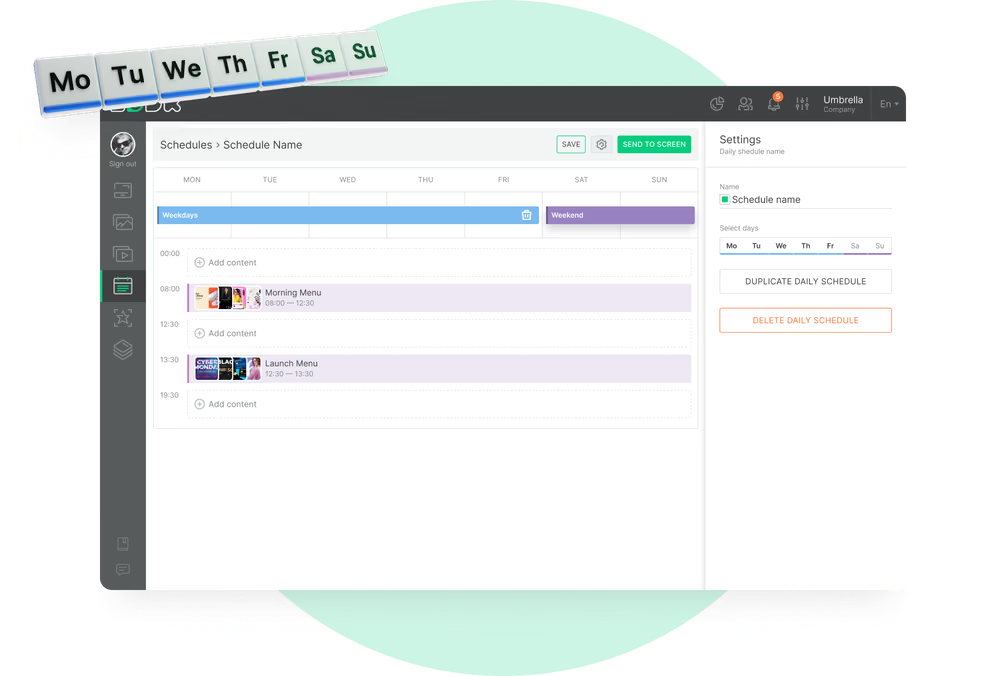
Smart Scheduling

Set start and end dates for campaigns so outdated slides are removed automatically. Schedule breakfast wellness tips for morning shifts, compliance reminders for enrollment periods, and recognition content for Friday afternoons — all without manual intervention.
Layouts Green Icon

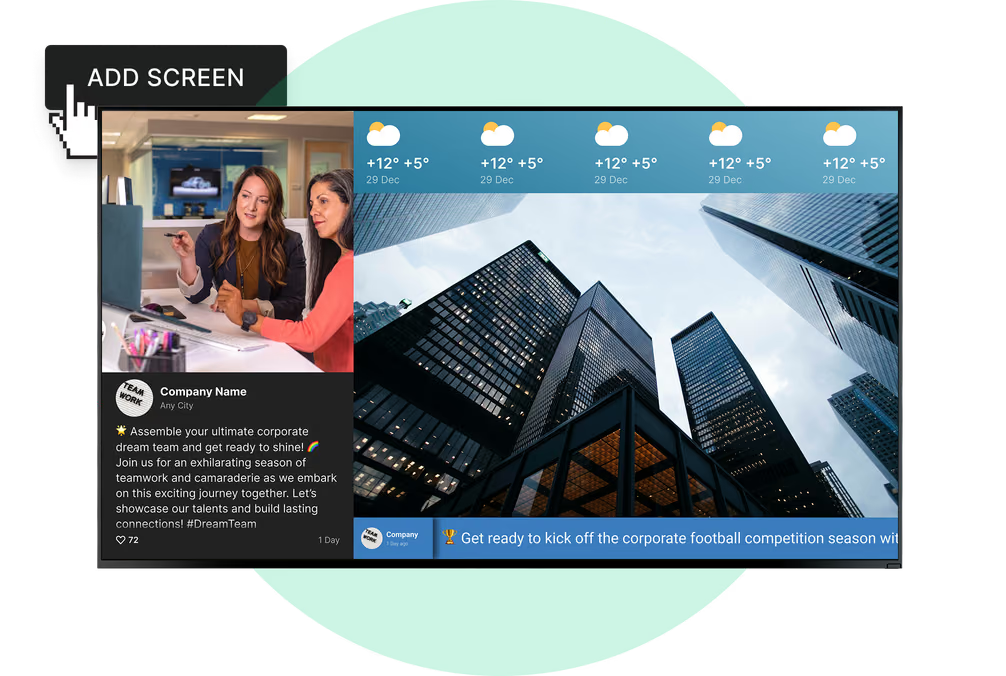
Screen Layouts

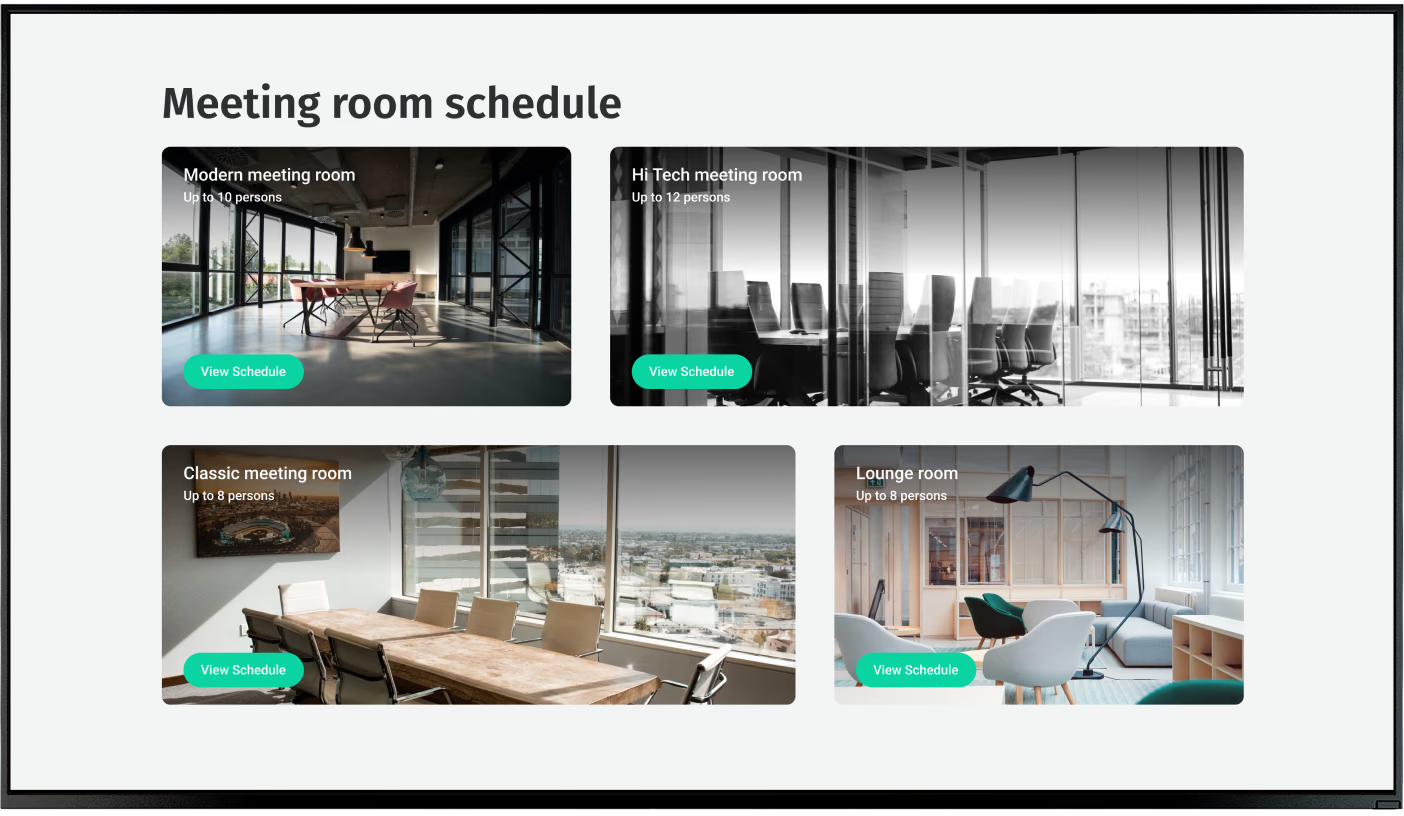
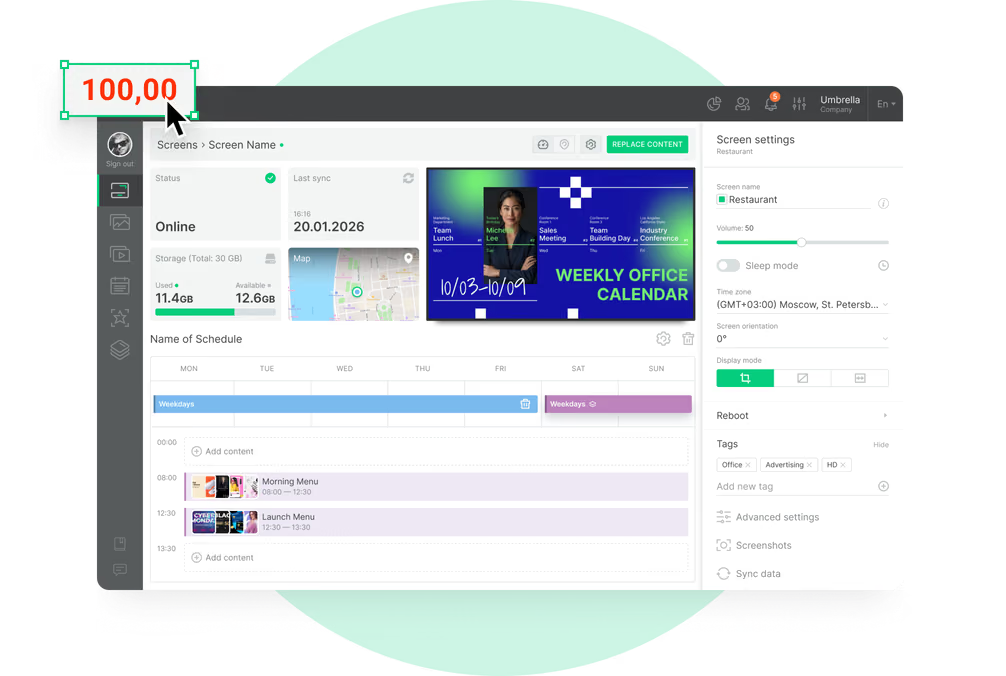
Build mixed-media dashboards adaptable to different screens and contexts. Split a lobby display to show company news alongside a live weather feed, or show department KPIs next to a recognition banner — all managed from one layout tool.
no wifi icon

Offline Playback

Keep factory floors, warehouses, and industrial break rooms running smoothly even when the network drops. Content is cached locally, so safety notices, shift schedules, and announcements stay on screen without interruption.
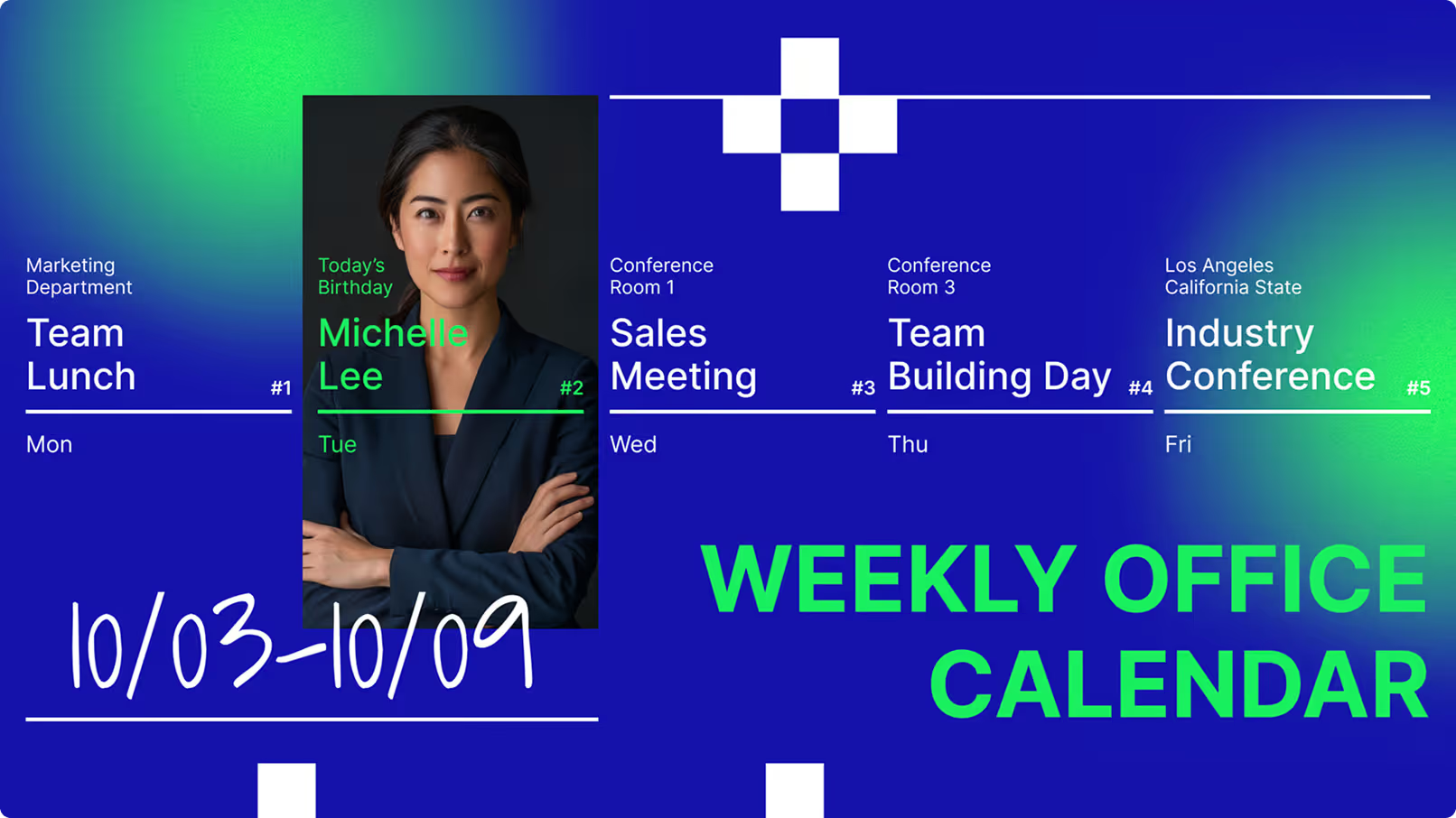
Weekly office calendar from October 3 to 9 with events: Team Lunch on Monday, Michael Lee's birthday on Tuesday, Sales Meeting on Wednesday, Team Building Day on Thursday, and Industry Conference in Los Angeles on Friday.
user icon

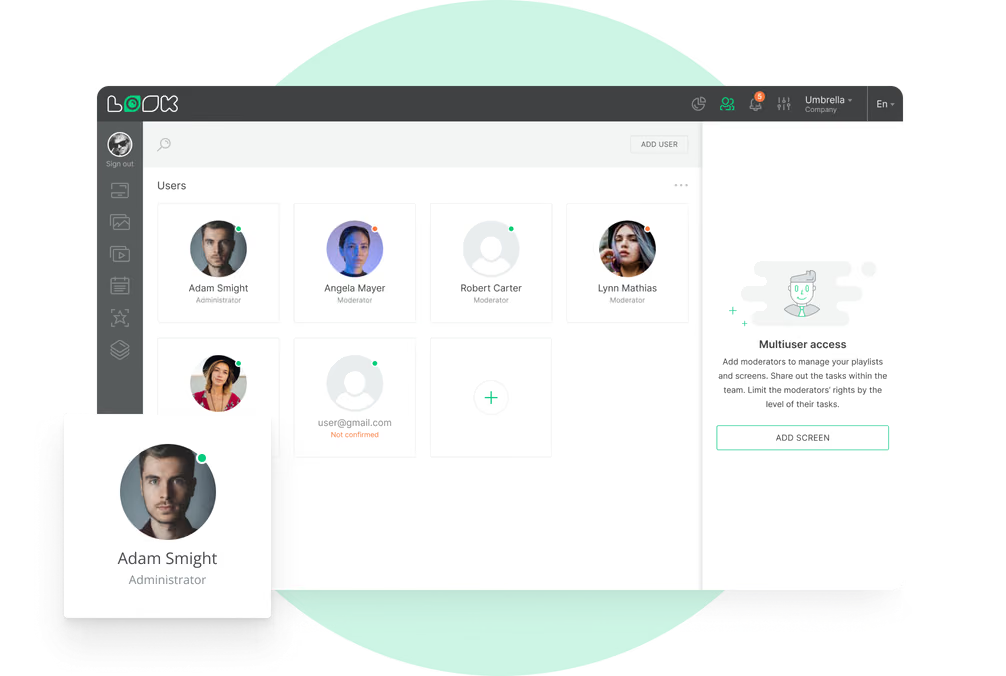
Role-based Access Control

Corporate HR locks down global brand assets and company-wide messages, while local site managers can update canteen menus, regional events, or floor-level safety notices. Sensitive HR data stays off public screens with granular permission settings.

User management interface displaying six user profiles with roles like Administrator, Moderator, and Guest, plus an add user button and multiuser access instructions.

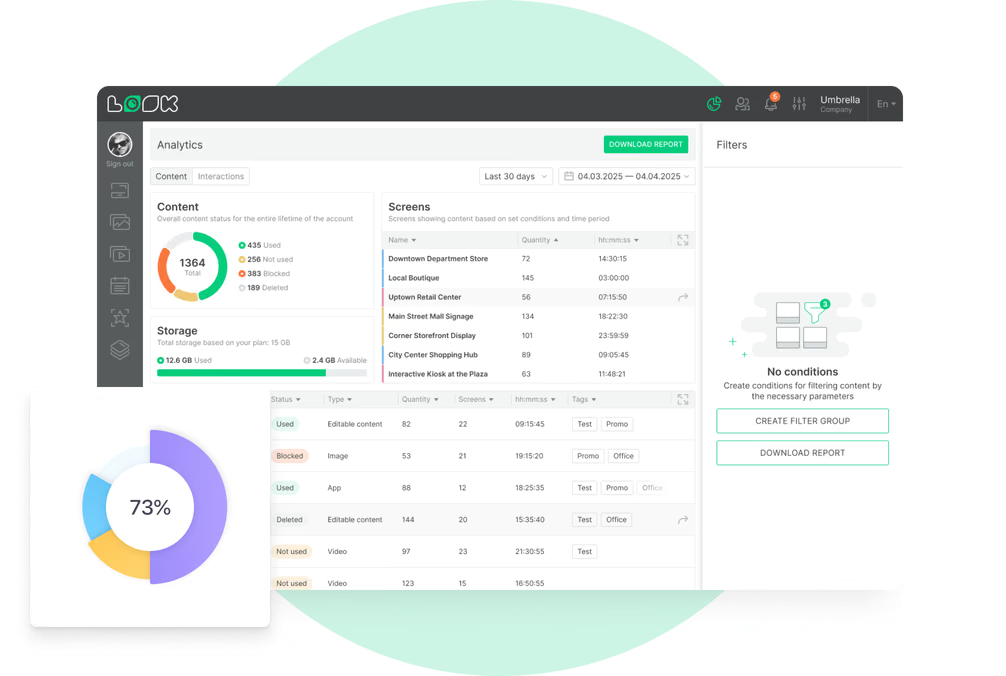
Playback Analytics

Track uptime, frequency, and proof-of-play logs across your entire screen network. Combine these analytics with direct employee feedback via QR code polls to learn what content resonates — and remove slides that no longer add value.
Dashboard interface showing content statistics with a pie chart of used, not used, blocked, and deleted content, a table listing screen names with quantities and durations, and a content list with status, type, quantity, screens, time, and tags.
apps icon

QR Code Integration

Display QR codes on screens to link employees to surveys, quick polls, intranet pages, or benefits enrollment forms. This two-way channel shows that the company values staff opinions and provides a clear next step without overloading the screen with text.
like
LB Corporate p-of-p
weekdays
confetti
Weekly office calendar from October 3 to 9 with events: Team Lunch on Monday, Michael Lee's birthday on Tuesday, Sales Meeting on Wednesday, Team Building Day on Thursday, and Industry Conference in Los Angeles on Friday.
Offline icon
User management interface displaying six user profiles with roles like Administrator, Moderator, and Guest, plus an add user button and multiuser access instructions.
human-card
Dashboard interface showing content statistics with a pie chart of used, not used, blocked, and deleted content, a table listing screen names with quantities and durations, and a content list with status, type, quantity, screens, time, and tags.
Black and white QR code with a cursor pointer on the bottom right corner.

Content best practices

Six content tips for effective HR digital signage

01

Balance Timely and Evergreen Content

A good playlist combines evergreen messages — core values, safety reminders — with time-sensitive updates like daily schedules, deadlines, and new hire announcements. Rotating these keeps screens fresh and prevents employees from tuning them out.

02

Use Strong Visuals to Capture Attention

HR signage works best with graphics, short clips, and simple text. Use built-in tools like the Content Creator to create branded visuals and layouts in minutes. Large fonts and clear color contrast ensure messages are readable at a glance.

03

Personalize Content by Team or Location

Use targeting tools in your CMS to send messages only to the screens where they make sense. A retirement celebration for one location does not need to play globally. Department-specific content — sales KPIs, factory safety stats — is far more relevant than generic slides.

04

Keep Slides Short and Scannable

Because many people view screens while walking, messages should be short. The main point must be readable in a few seconds, with clear contrast and large fonts. Use QR codes to provide a clear next step for employees who want to read detailed content on the company intranet.

05

Assign a Content Owner

The biggest risk is stale content. If slides do not change often, screens become background decoration. Assign a team member to own the playlist schedule and keep it fresh. Automated feeds can help fill gaps, but most content should stay unique to the company and people-focused.

06

Align Signage With HR Objectives

Before connecting your first screen, define what you want to achieve — improving compliance training rates, increasing engagement, or supporting culture change. Linking your screens to your broader communication plan ensures they back up the messages sent in town halls and emails.

Common mistakes

Four HR signage pitfalls to avoid

Letting content go stale

If the same slides play for weeks without changing, employees stop looking. Screens that never update become expensive wallpaper and undermine the credibility of your internal communication channel.

Fix: Assign a content owner and use Smart Scheduling to automate playlist rotation and remove outdated slides automatically.

Displaying sensitive data publicly

Showing individual performance data, salary-related information, or personally identifying details on shared screens creates privacy and legal exposure. HR must follow local regulations and get consent before displaying staff images or metrics.

Fix: Keep sensitive metrics off public screens. Use role-based access to control what each manager can publish, and keep analytics anonymous.

Making EverIgnoring deskless workersy Slide Feel Like a Corporate Memo

Relying only on email and intranet to communicate with all employees leaves front-line, factory, and field workers completely out of the loop. These teams often have the highest need for safety and shift information yet the least access to office-based tools.

Fix: Place screens in break rooms, locker areas, and production floors. Use Offline Playback to ensure content stays live even without a stable network connection.

No strategy or goal alignment

Connecting screens without defining what you want to achieve leads to unfocused content, low engagement, and an inability to prove ROI. Digital signage treated as a one-time project rather than an ongoing communication channel quickly loses value.

Fix: Define clear HR goals before launch. Common targets include compliance training rates, engagement scores, and culture change. Track progress with Playback Analytics and employee feedback.

Testimonials

HR teams that transformed their internal communications

Captera Rating
4.9
G2 Rating
5

In terms of using the system, the other options that I found were a little clunky and Look was not only affordable but really easy for us to deploy and get up and running.

Michael Bowers
Xtreme Express LLC

Look is well-priced, it’s a very user-friendly software cloud-based service, where you can update your screens from wherever you are. We can definitely recommend to others!

Jonathan Florin
Florin Partners

Our experience with Look was simply excellent. We were able to offer our clients a new feature-rich solution that can meet their various requirements in terms of digital signage, with a relatively affordable monthly cost.

Bruno Sabatella
Feedback
60 000+
Screens
11 000+
Users
120+
Countries

FAQ

Frequently asked questions

How does digital signage help HR reach deskless workers?

By placing screens in break rooms, locker areas, and production floors, HR can reach front-line employees who never sit at a desk or check their email during a shift. Content like safety instructions, shift schedules, and company announcements is always visible, no computer required. Offline Playback ensures screens keep running even in areas with unreliable Wi-Fi.

Can I manage screens across multiple office locations?

Yes. The cloud-based Look CMS lets you control your entire screen network from a single dashboard, regardless of how many sites you manage. Corporate HR can push global campaigns to every location while local managers retain the ability to add regional updates. Role-based access controls exactly who can publish what, and where.

How do I keep HR content from going stale?

Assign a content owner to manage the playlist schedule. Smart Scheduling automates content rotation and removes outdated slides on a set date, so you never have to manually delete old campaigns. Mixing evergreen messages like company values with time-sensitive updates like deadlines and announcements keeps the screens fresh and relevant.

Is employee data privacy protected with digital signage?

HR should follow local data protection laws, obtain consent before using staff images, and keep sensitive performance metrics off public screens. Look DS is designed to support privacy-first data collection, keeping analytics anonymous. Role-based access prevents unauthorised users from publishing confidential content, and media players should be secured physically and kept updated.

Can non-technical HR staff manage the screens?

Absolutely. Look CMS is designed to be approachable for non-technical users. Ready-made Templates for common HR uses — birthdays, values slides, event announcements — mean anyone on the team can build and publish content without design skills. Most staff can update a slide or push a new campaign in just a few minutes.

How do I measure the impact of HR digital signage?

Playback Analytics provide exact data on what content played, when, and for how long across your entire network. You can track uptime and frequency to demonstrate that messages were delivered. Pairing this with direct employee feedback — collected via QR code polls on screen — helps HR learn what content resonates and continuously improve the messaging.

How does digital signage integrate with HR and workplace tools?

Through secure APIs and integrations, Look DS can connect to your existing HR data sources to display live KPIs, department dashboards, or attendance metrics. Screen Layouts let you build mixed-media displays that combine live data feeds with static HR content, keeping information accurate and always up to date without any manual updates.

Still have questions?

Our team has helped HR leaders at companies ranging from single-office startups to multi-site global enterprises get their screen networks live and delivering results.

Talk to Our Team

Or browse the knowledge base for technical documentation and setup guides.

Templates

Ready-made HR templates to launch faster

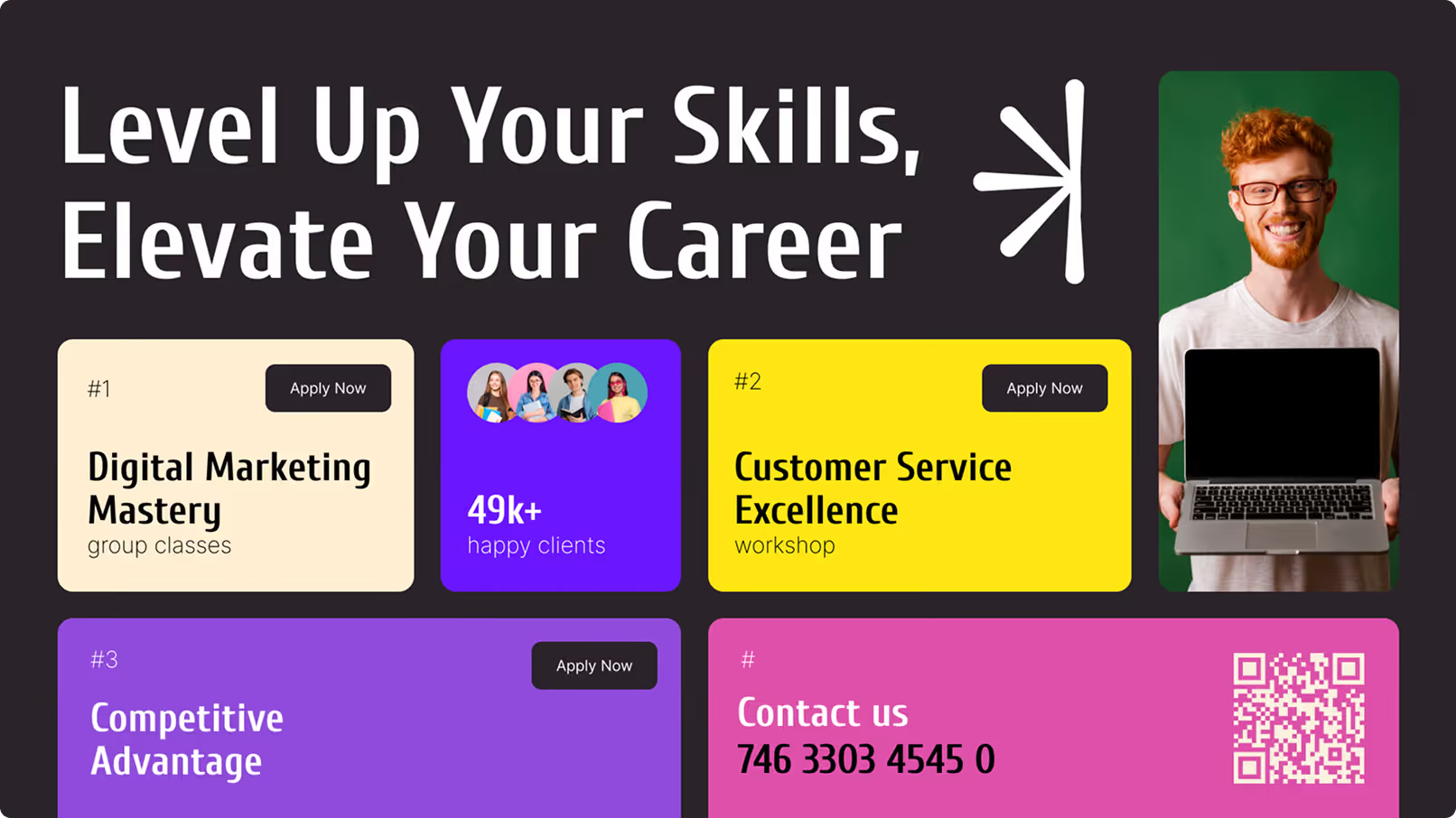
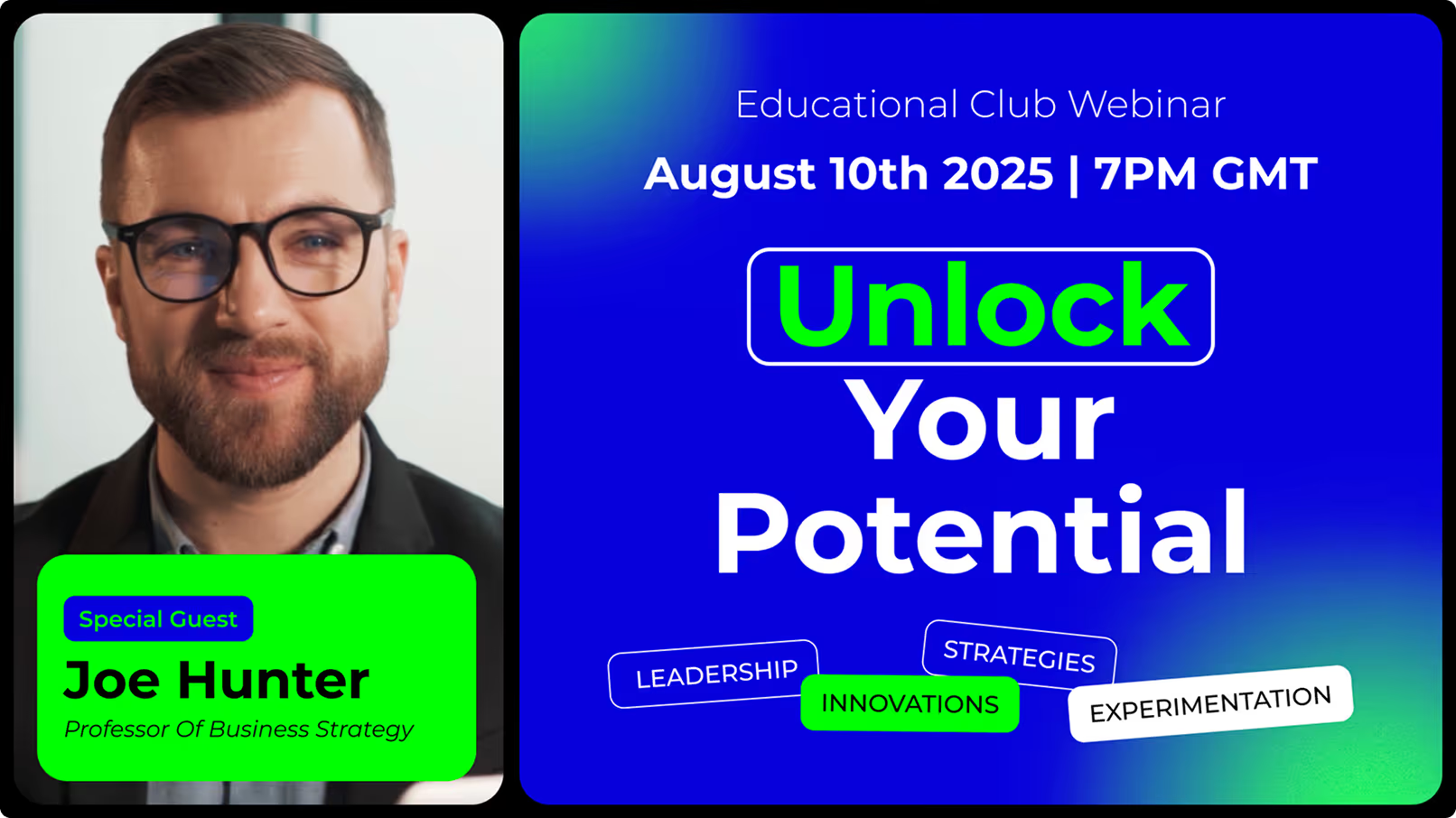
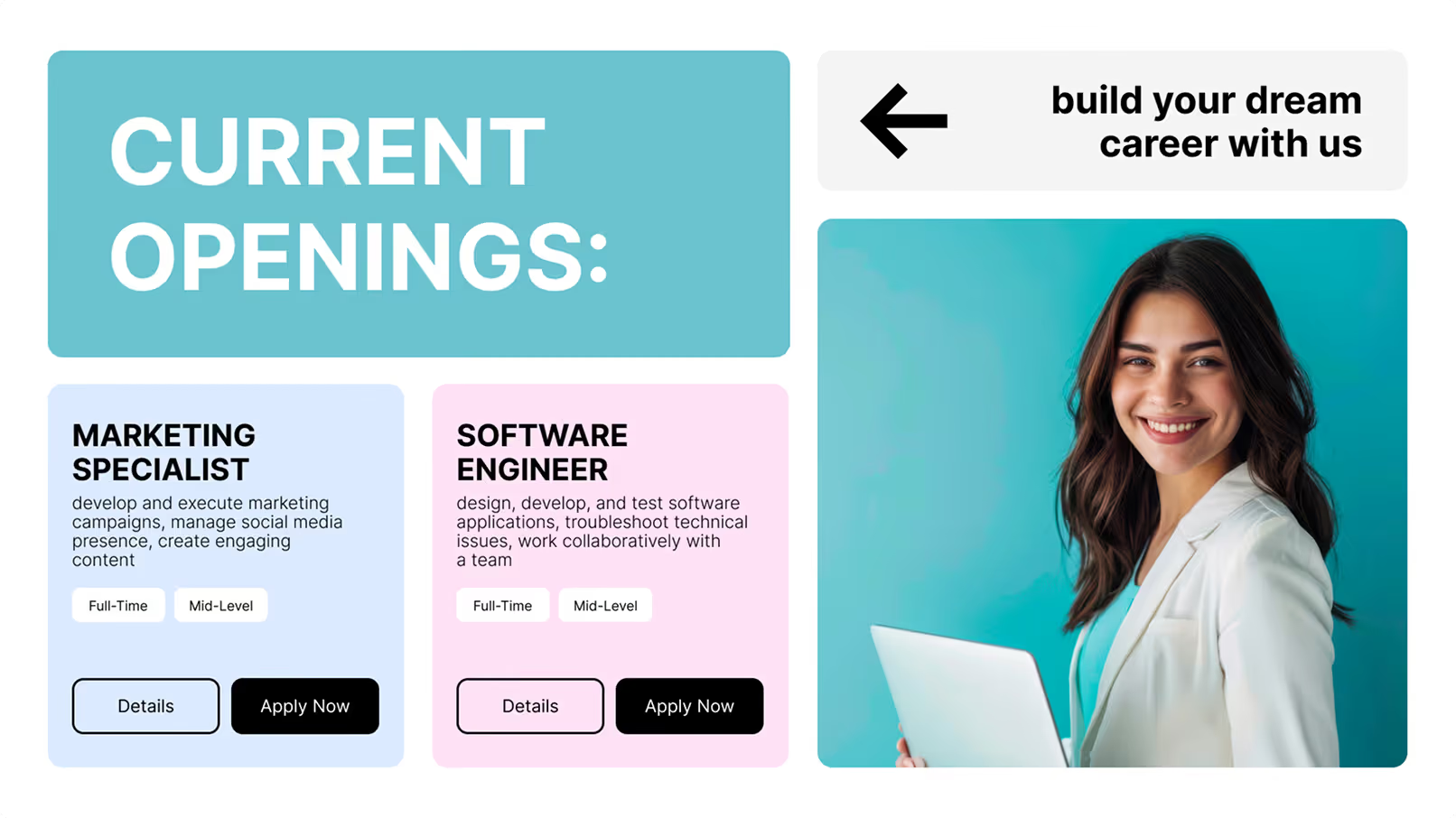
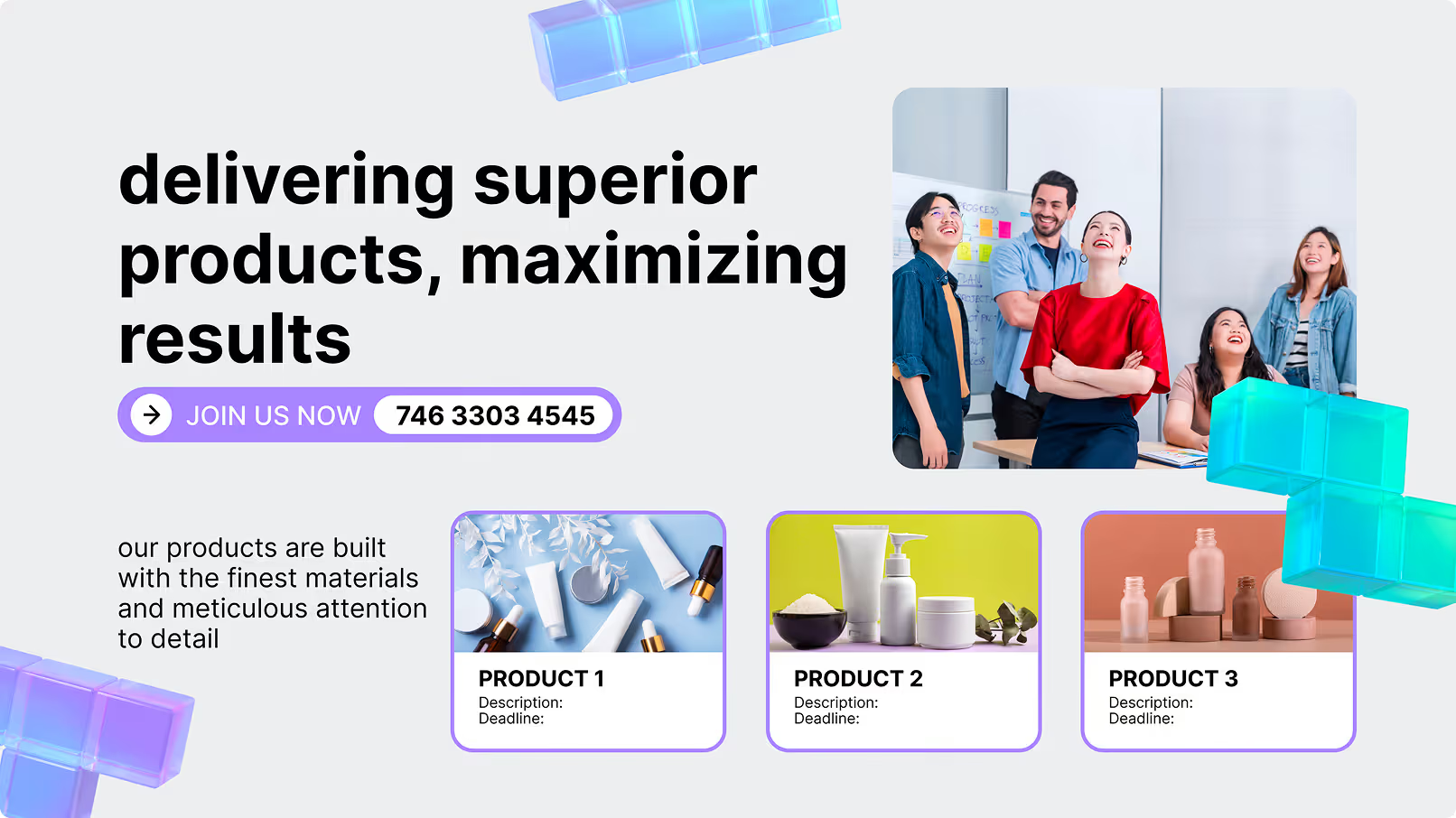
Skip the blank canvas. Look DS includes a library of templates built specifically for common HR use cases — employee recognition, company values, policy updates, onboarding welcomes, birthday announcements, and wellness campaigns. Designed for landscape office screens and ready to brand in minutes.

With the drag-and-drop Content Creator, any HR team member can customize a template, update the copy, and publish to your entire screen network without any design experience.