16–24h

daily runtime commercial retail displays are built and tested for — safely, under bright store lights

Look DS Hardware Guide

3 sec

the "three-second rule" — your message must land instantly in fast-paced retail environments

Look DS Content Best Practices

$0

material cost to publish a new promotion — once your screens are live, updates cost nothing

vs. traditional print signage

1 → ∞

screens manageable from one dashboard — scale from a single screen to thousands across a franchise

Look DS platform capability

What is retail digital signage ?

A content network built entirely around the path to purchase

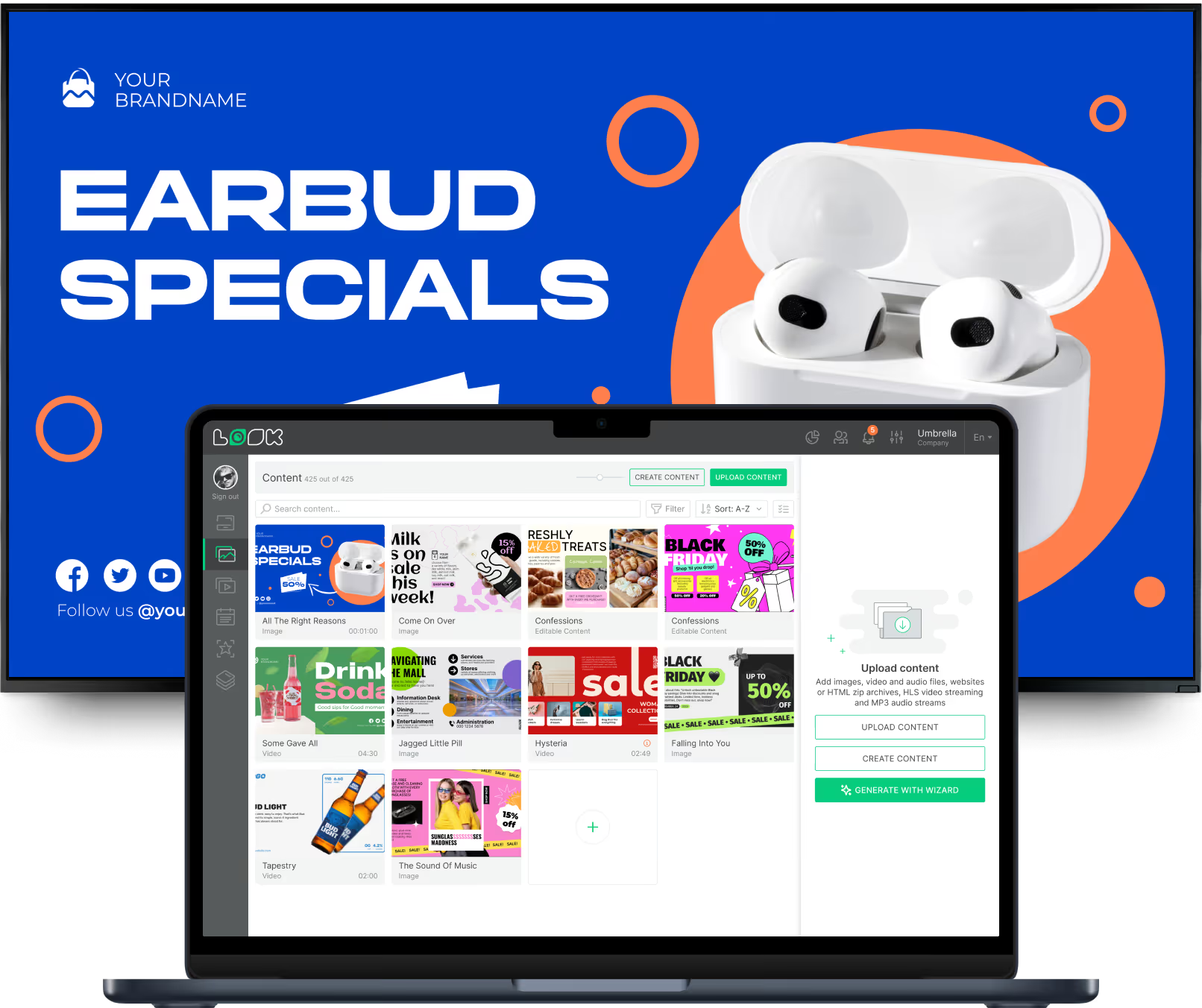
A typical setup relies on three main pieces: the screen itself, a media player to drive the content, and a Content Management System (CMS) to control what plays. In a retail setting, cloud-based software from Look lets store managers or marketing teams upload images, videos, and dynamic data from any web browser. That content is then sent securely over the internet to the screens on the floor.

Retail signage is unlike office signage — it points outward, not inward.

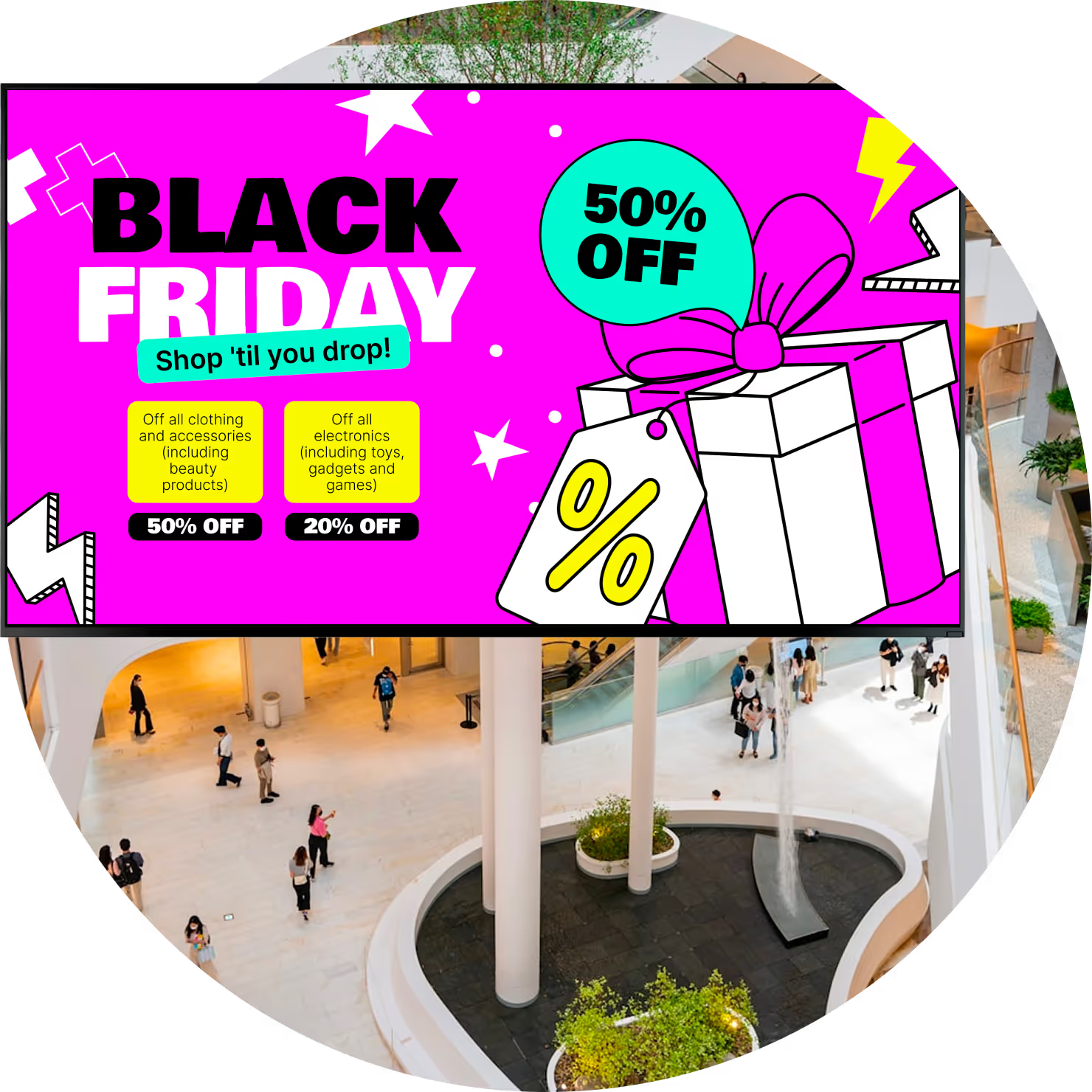
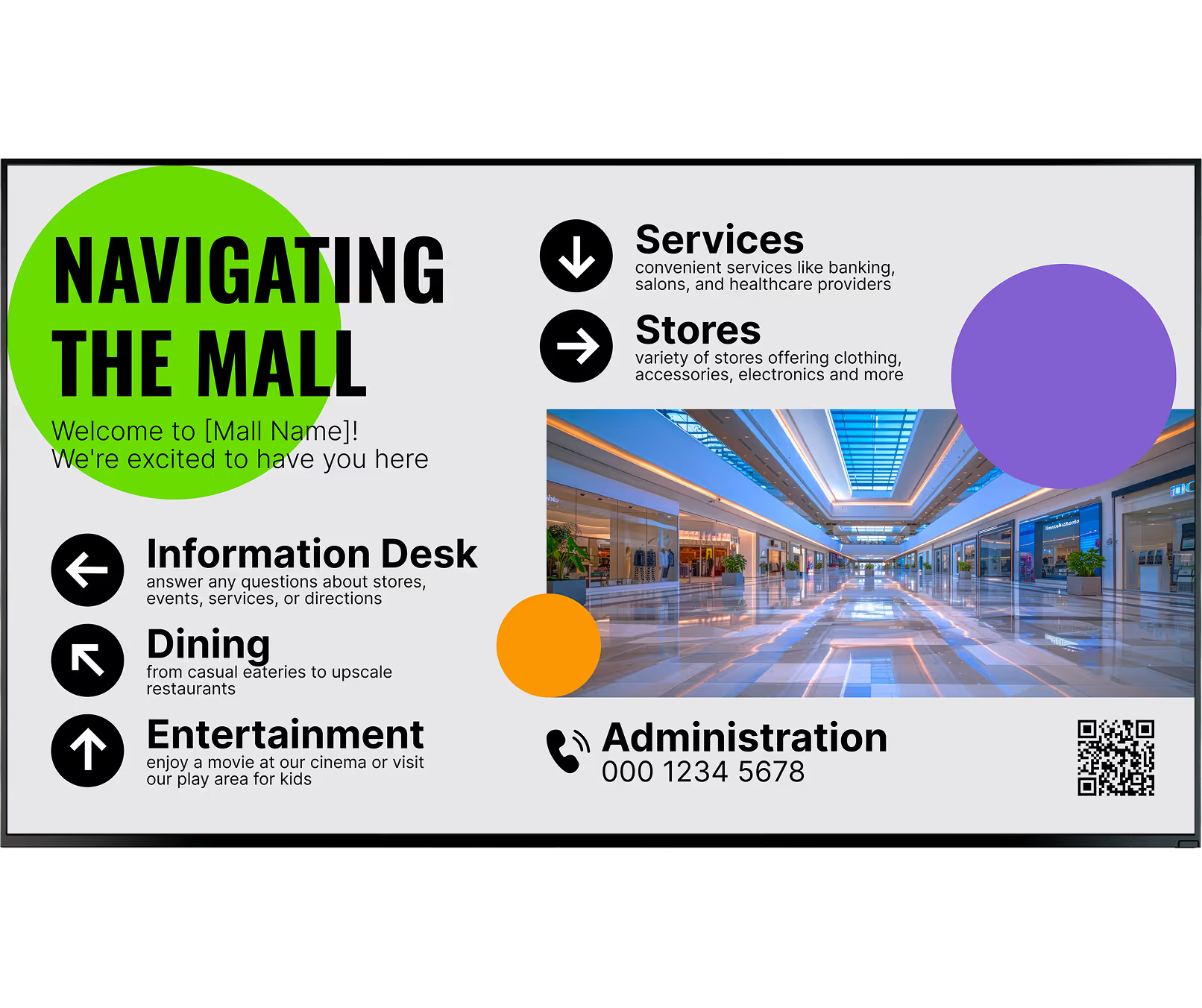
Supermarkets are fast-paced. Prices change daily, and seasonal items cycle out fast. Shopping malls use screens to create a destination experience, focusing on clear navigation, building brand atmosphere, and running DOOH advertising loops to keep visitors engaged and exploring longer.

Digital vs. Traditional signage

Static signage

Days or weeks for a new print run

High print, shipping & labour costs

Human error swapping price tags

Can't react to stock or sell-by dates

Thousands of paper signs wasted

Look DS

Green checkmark inside a black circle.

Update from any browser in minutes

Green checkmark inside a black circle.

Zero material cost per promotion

Green checkmark inside a black circle.

Accurate prices pushed to all screens

Green checkmark inside a black circle.

Auto-trigger flash sales on sell-by

Green checkmark inside a black circle.

LED screens power down after hours

Green shield icon with a white check mark on a black rounded square background representing security or verification.

3 core components

1

Commercial display

Built with cooling systems and anti-burn-in technology to run safely for 16–24 hours under bright store lights — unlike consumer TVs.

2

Media player

Plug-and-play Look Player or a free app on your existing smart screens, with offline caching so playlists keep running even if internet drops.

3

Look CMS

A web-based dashboard to upload content, set Smart Schedules, manage screen zones, integrate your POS — from any browser.

Why it works

Six ways digital signage transforms supermarkets & malls

icon_XL_smile

Increases customer engagement and dwell time

Crisp video and motion grab attention that static paper signs can't. Running recipe tutorials, seasonal styling tips, or local news gives shoppers a reason to pause — and research shows that more dwell time lifts overall spending.
raze up icon

Boosts sales with dynamic promotions

Displays at checkout lines and aisle end-caps act as silent salespeople, pointing out high-margin items when the shopper is ready to buy. Test bundle offers and push the winner to every screen in minutes.
icon_XL_navigation

Improves navigation and wayfinding

Interactive screens and maps help shoppers find specific brands without frustration. Include QR codes so visitors can take the map on their phones. In a grocery setting, digital aisle markers guide customers to specialty sections.
Percent icon

Reduces printing and operational costs

The traditional "print and hang" routine drains budget and wastes staff time. Once your screens are active, publishing a new promotion costs nothing in materials. Push price updates to a single store or scale to thousands at the push of a button.
icon_XL_clock

Enables real-time updates and content management

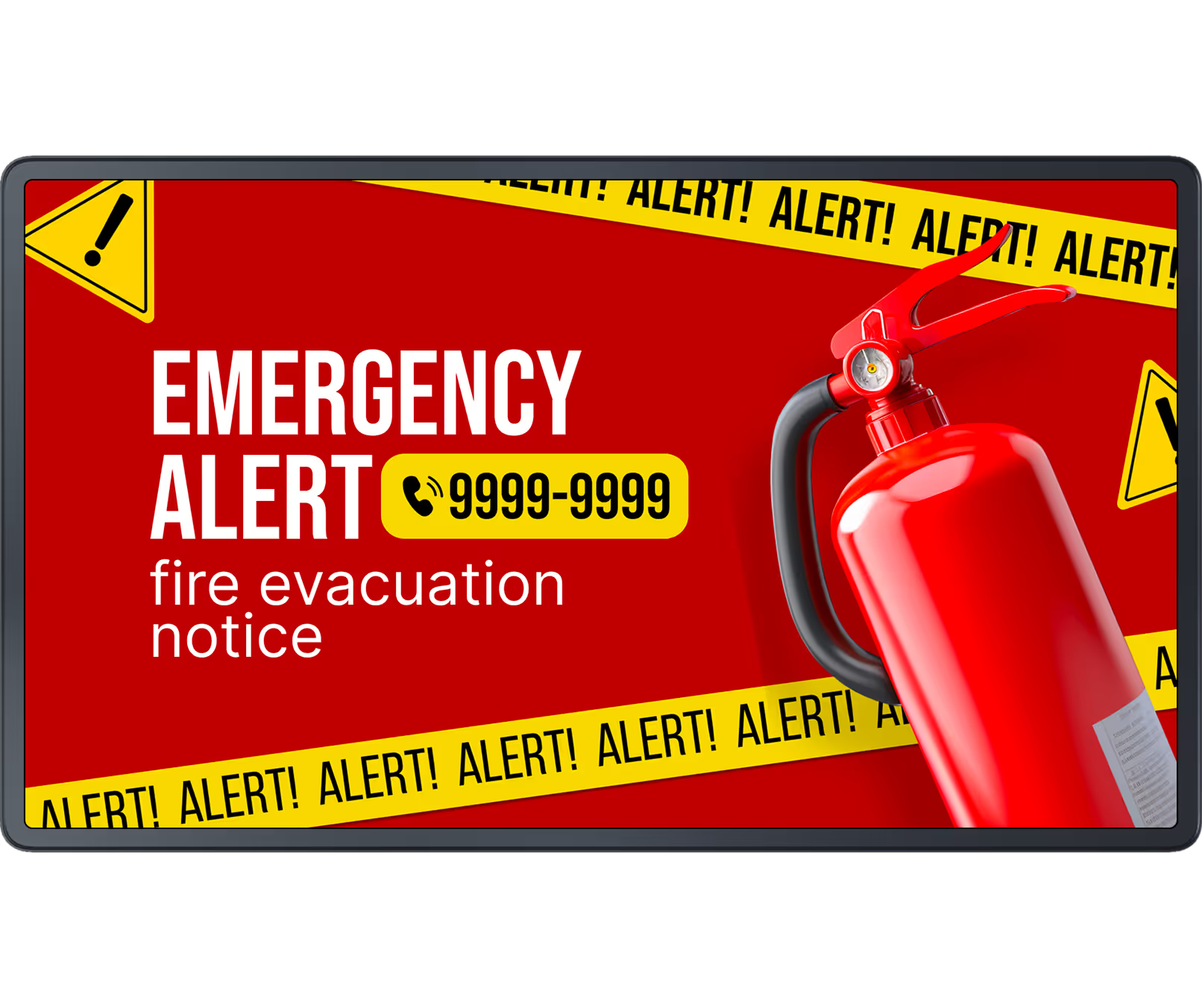
Smart Scheduling automates displays by time of day — breakfast coffee promos in the morning, family meal deals by 4 PM. If an emergency occurs, you can override all scheduled playlists from anywhere to display evacuation routes across every screen instantly.
Laptop icon

Supports sustainability initiatives

Tossing thousands of paper signs and plastic banners each month is a bad look. Moving to digital cuts physical waste. Energy-efficient LED technology lets your scheduling software automatically power screens down after closing hours — and you can share these eco milestones with shoppers.
Arrow Uplike
Megaphone
Navigation card
Flayer
Watch Icon
Digital signage for school, paper

Every retail screen type covered

Digital signage built for your retail environment

Different spaces in your store or mall need different screen formats. Look supports them all from a single platform.

Brand impact

Video walls

Combine multiple displays into one massive canvas for mall atriums or flagship store entrances. In supermarkets, smaller video walls behind the butcher or seafood counter show rich HD sourcing footage — helping justify premium pricing for top-tier goods.

Food & beverage

Digital menu boards

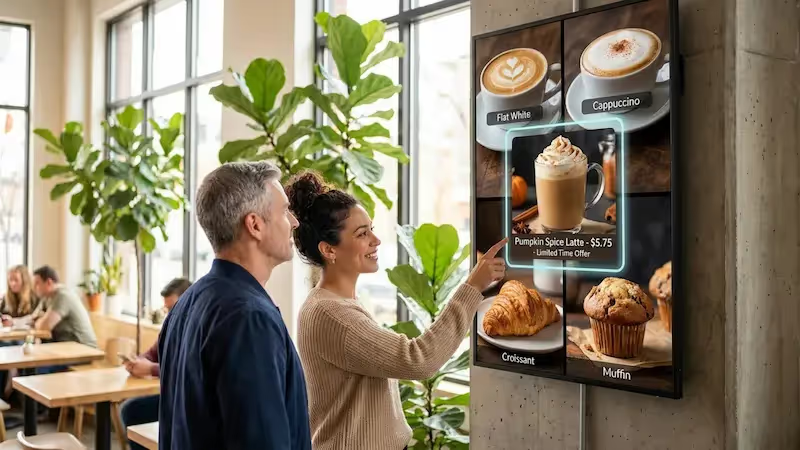
Standard in mall food courts and grocery cafe sections — update pricing and hide sold-out items instantly. High-quality food imagery increases the average order value, and calorie counts keep you compliant without cluttering counters with stickers and chalkboards.

Grocery

Shelf-edge displays

Ultra-wide, slim screens that replace paper price tags on the shelf. Push real-time price drops or flash sales to the exact location of the product — eliminating the error-prone task of swapping thousands of paper tags manually and freeing staff to help customers.

Self-service

Interactive kiosks

Mall kiosks serve as digital help desks — visitors search for stores, map their route, or book reservations. In a supermarket, a recipe station guides shoppers to the exact aisles for every ingredient, making the shopping trip faster and more guided.

Navigation

Wayfinding screens

Essential near mall escalators and elevators, helping shoppers identify which floor holds which stores. Grocery stores use them as digital aisle markers — listing contents while simultaneously promoting a brand located right below the screen.

Outdoor

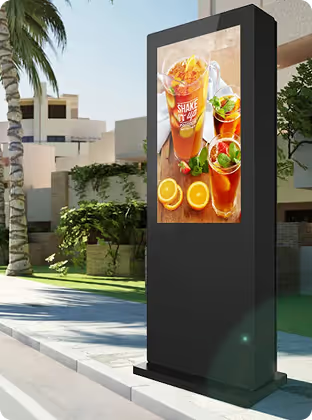
Outdoor & window LED

High-brightness LED screens built to remain visible in direct sunlight, running reliably around the clock. Promote weekly specials and tease new store openings to people walking or driving by, pulling foot traffic in from the street before they've even entered.

Where you'll use it
Six placements, one platform

Entrance vestibules

Welcome shoppers with weekly specials and seasonal campaigns. The first impression sets the tone — and high-brightness displays stay visible even when entrance doors are open to daylight, competing with direct sunlight.

Checkout queues

Weather widgets, trivia, or loyalty programme promotions make the wait feel shorter. This simple distraction improves the final impression customers have before walking out the door — and it's prime real estate for loyalty sign-up QR codes.

Aisle end-caps

Silent salespeople for high-margin items. If fresh produce nears its sell-by date, the system can automatically trigger a flash sale on the nearest displays — helping you clear inventory fast without printing a single poster.

Mall atrium & common areas

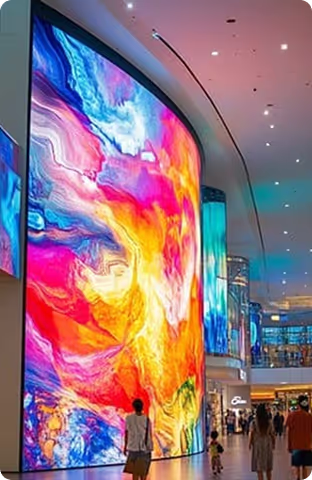
Large video walls stop people in their tracks with bold, immersive branding. Use seating area screens to build hype for upcoming seasonal events like holiday markets or live performances weeks before they happen.

Food court & cafe counters

Digital menu boards update pricing and hide sold-out items instantly. Add calorie counts and allergy warnings to your layouts to keep customers informed without cluttering the counter with stickers and chalkboards.

Storefront windows

Wall-mounted and hanging screens are the versatile workhorses of retail signage. Run paid DOOH advertisements on perimeter screens to generate extra revenue — ideal for high-traffic corridors between anchor stores.

Hardware & Setup

Two ways to get started

Both options are designed for simplicity — connect, configure, and your screens are live within the hour.
Green shield icon with a white check mark on a black rounded square background representing security or verification.

Look App

Install the free Look App on any compatible display you already own. Ideal for repurposing existing smart screens in breakrooms, cafes, and entrance lobbies — no new hardware spend required to run a pilot.

Android
Windows
Fire OS
Samsung Tizen
LG webOS
Raspberry Pi
Amazon Signage
Amazon Signage
Icon Linux
Linux
macOS
MacOS
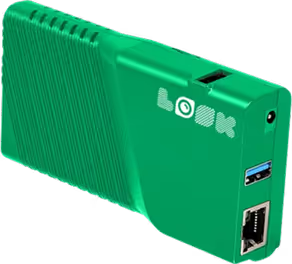
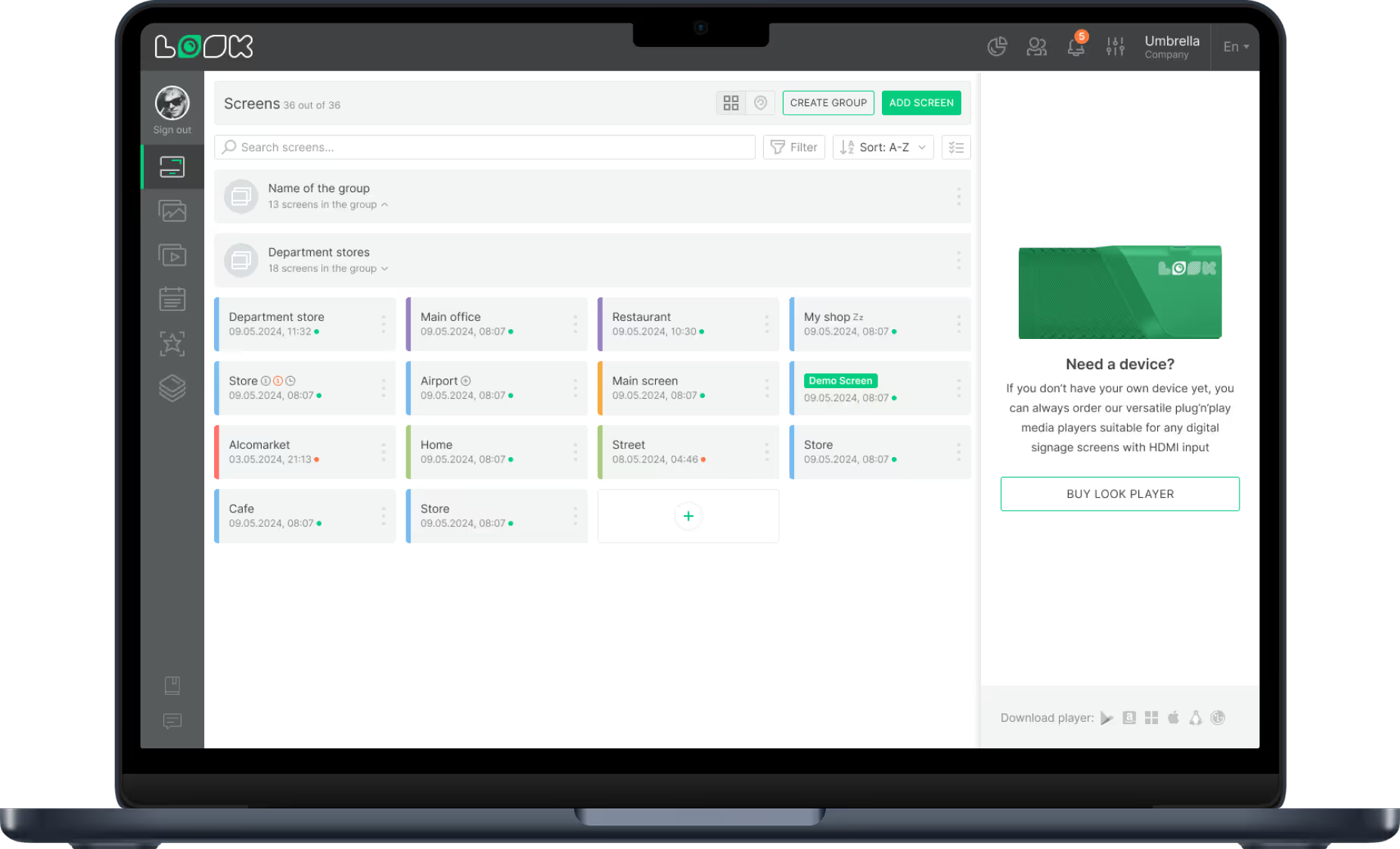
Green rectangular electronic device with ventilation slots, two USB ports, an Ethernet port, and the word 'LOOK' printed on it.

Look HDMI Player

Plug the Look HDMI Player into any display's HDMI port for robust, reliable commercial-grade playback. Supports offline caching so playlists keep running even if the store's internet connection drops.

Any displays with HDMI
LED screens 
Video walls
Plug-and-play

Retail hardware note:

Retail environments run screens for 16–24 hours daily under bright store lighting — commercial-grade displays with anti-burn-in technology and active cooling are essential. For grocery stores with refrigeration units nearby, look for IP-rated enclosures that handle temperature variation and moisture. For high-traffic areas where Wi-Fi is saturated, run a hardwired Ethernet connection to your media player for the most reliable playback.

View full hardware guide →

How it works

Up and running in minutes — no complex setup required

Non-technical store managers can be publishing content the same day. Scale from one screen to thousands the same way.
  • Content

    Connect your screens

    Plug in the Look HDMI Player or install the free Look app on any compatible smart screen. Connect to your network and pair with the CMS.
  • Schedule

    Upload and schedule content

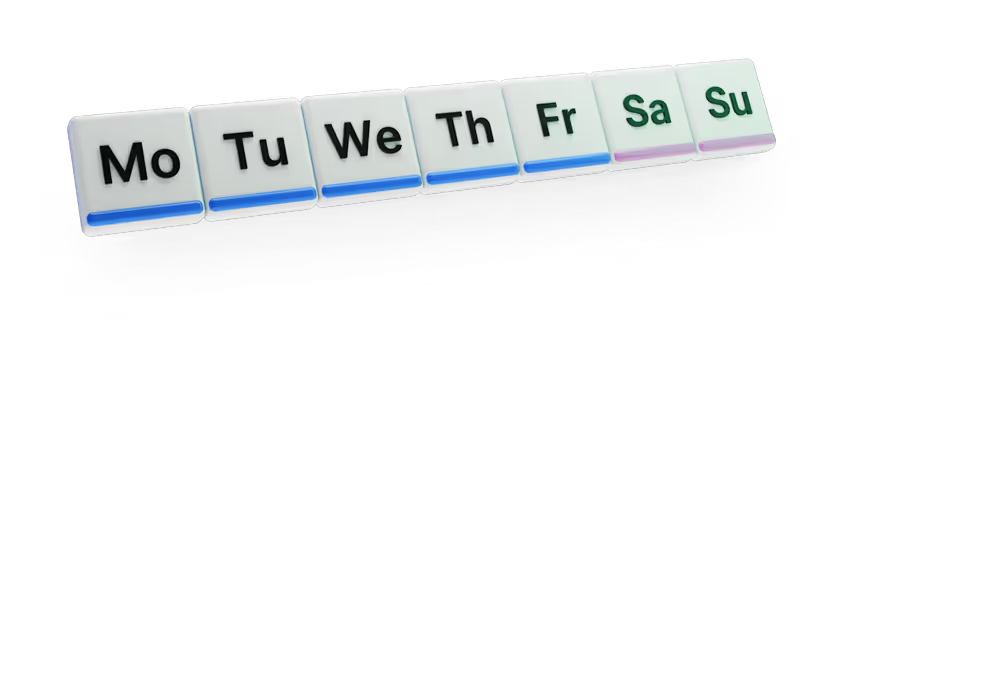
    Use the Look CMS from any web browser to upload images and videos, build playlists, and set schedules by time of day, day of week.
  • Playlists

    Measure and optimise

    Track Playback Analytics to see what played and when. Combine with your store's sales data, run A/B tests, and push promotions to all screens.

Features

Everything a retail operator needs

calendar_icon

Smart Scheduling

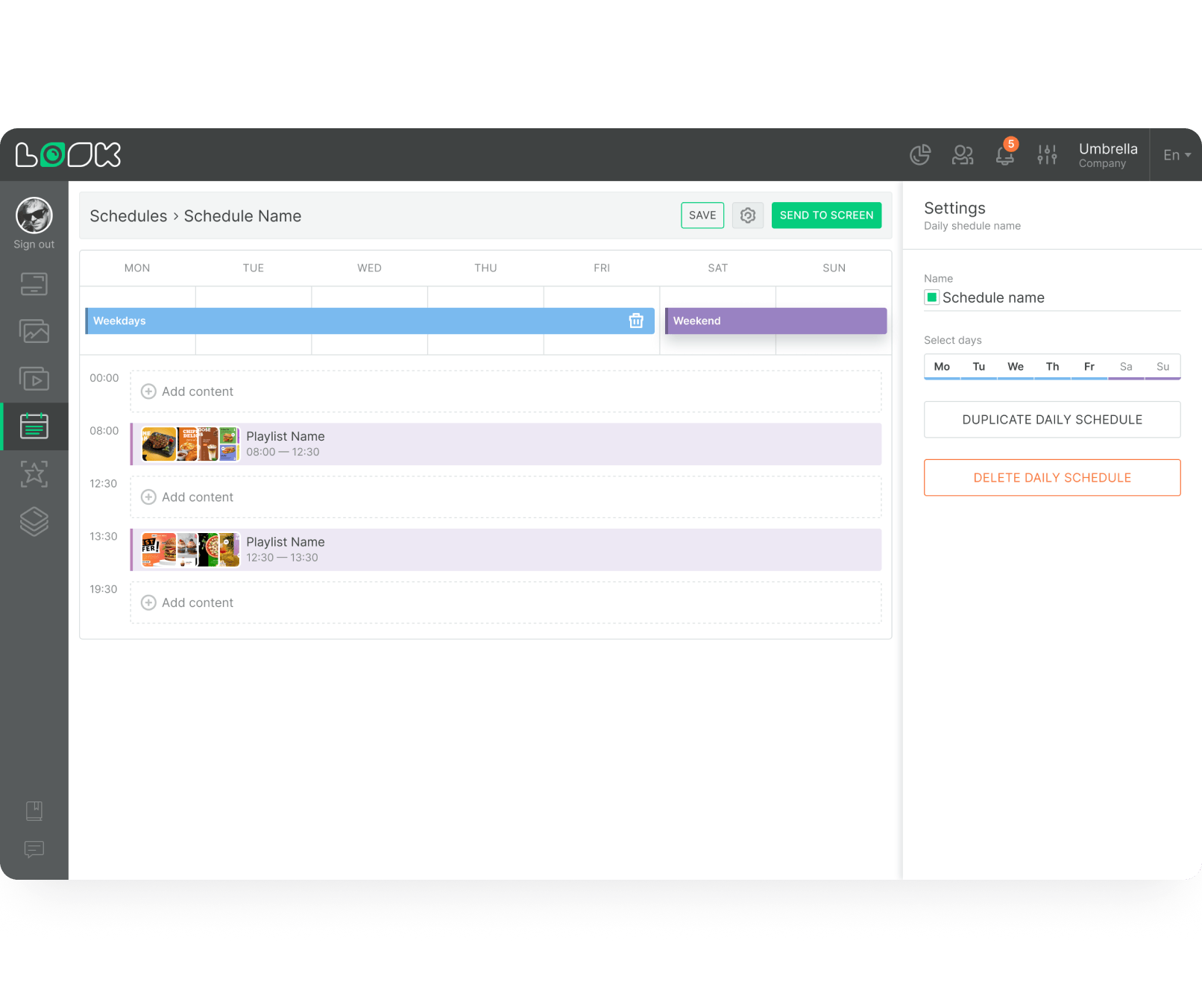
Automate playlists to match the time of day — breakfast coffee promos in the morning, then family meal deals by 4 PM, automatically. Set schedules once and let the system handle the rest without daily manual changes.
Digital interface for scheduling playlists by day with weekday and weekend tabs, time slots, and options to add, duplicate, or delete daily schedules.
icon_XL_navigation

POS integration

Tie your stock database directly to your screens. If a batch of fresh produce nears its sell-by date, the system can automatically trigger a flash sale on the displays nearest the entrance — helping clear inventory fast.

Zone management

Group screens by area — food court, luxury retail wing, grocery aisles — and push relevant content to each zone in one click. A national campaign from HQ and a local deli special can run side by side without conflict.

Offline Playback

Media players cache content locally. If the store's internet drops, playlists keep running without displaying an error screen — essential in large retail environments where Wi-Fi can be congested or unreliable.

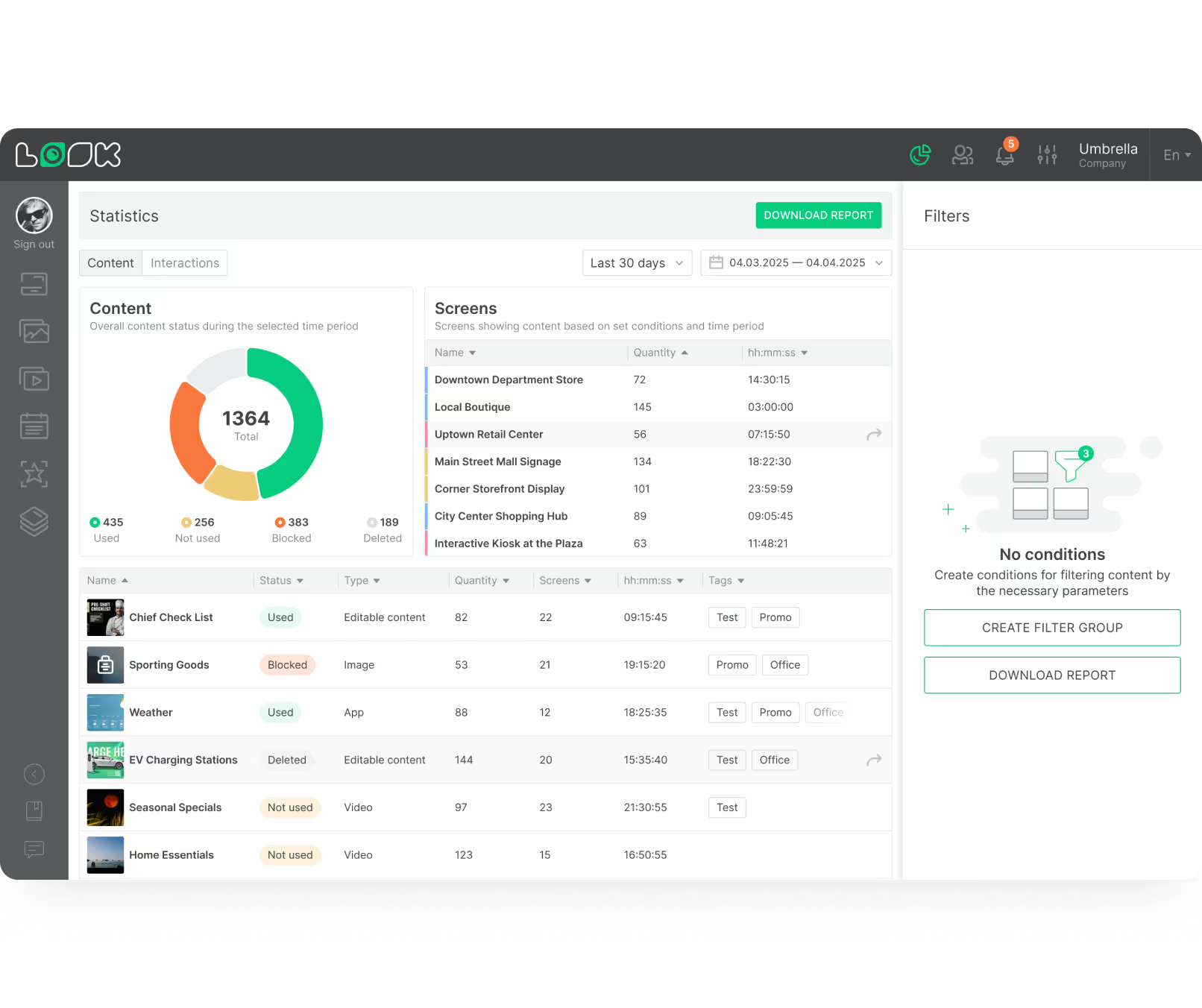
Playback Analytics

See exactly what played and when. Combine playback logs with your store's sales data and you stop guessing — you can see directly if that afternoon coffee promotion moved the needle on cafe sales.
Dashboard interface showing content statistics with a pie chart of used, not used, blocked, and deleted content, a table listing screen names with quantities and durations, and a content list with status, type, quantity, screens, time, and tags.
Pencil

Ready-made Templates

Local managers update promotions fast using built-in templates — swapping out text and images while staying perfectly on brand. No design agency, no waiting, no version control headaches.
Polar Star Icon

Emergency Override

If an emergency occurs, override all scheduled playlists from anywhere to display evacuation routes across every screen instantly. If a promoted item sells out, pull the ad immediately to avoid frustrating customers.
user icon

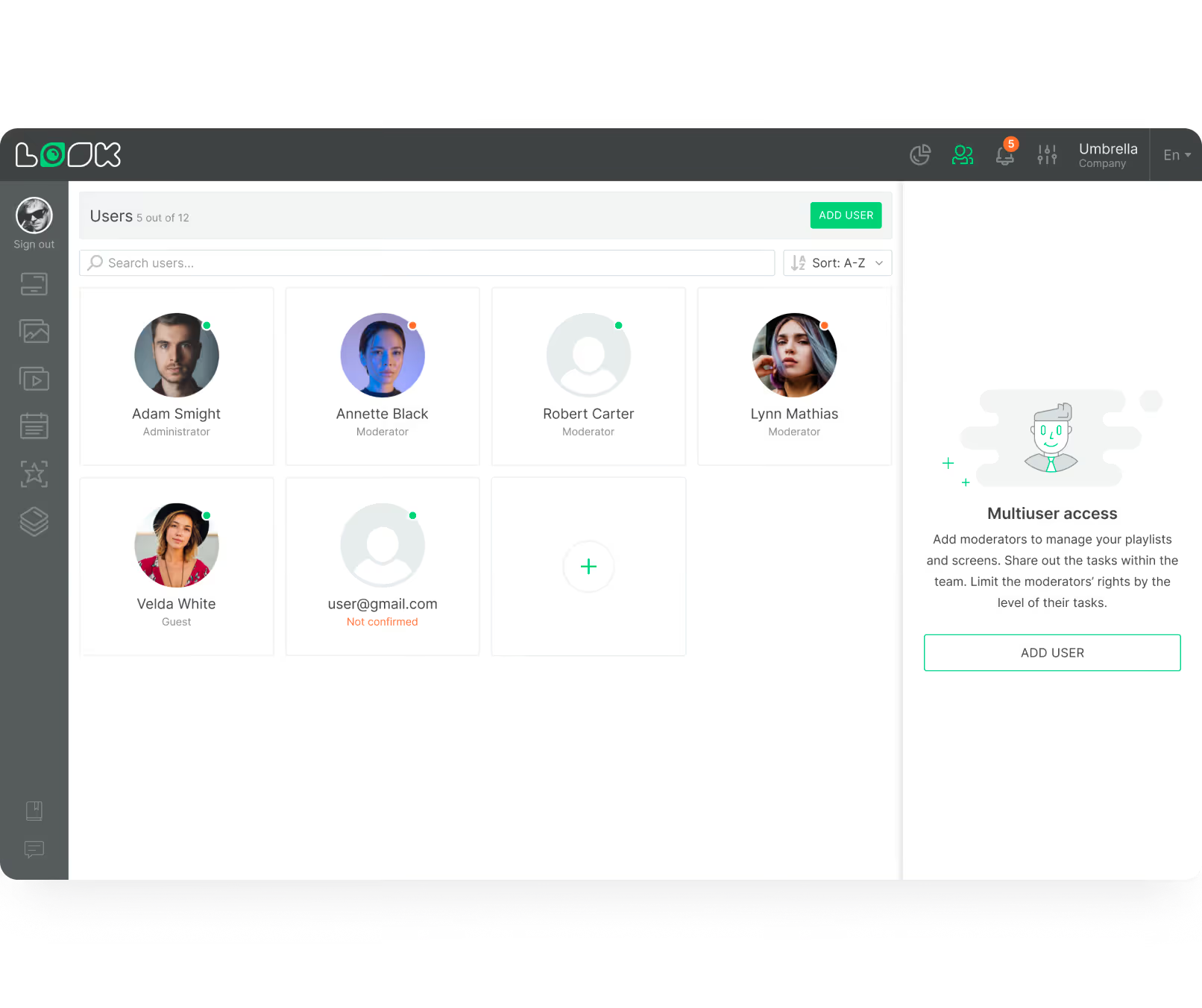
User Roles & Permissions

Give store managers access to update daily deli specials while locking down national branding elements so they can't be accidentally altered. Role-based access scales from a single location to a global franchise network.
User management interface displaying six user profiles with roles like Administrator, Moderator, and Guest, plus an add user button and multiuser access instructions.
Digital interface for scheduling playlists by day with weekday and weekend tabs, time slots, and options to add, duplicate, or delete daily schedules.
confetti
Dashboard interface showing content statistics with a pie chart of used, not used, blocked, and deleted content, a table listing screen names with quantities and durations, and a content list with status, type, quantity, screens, time, and tags.
Chart
Alert
human-card
User management interface displaying six user profiles with roles like Administrator, Moderator, and Guest, plus an add user button and multiuser access instructions.

Content best practices

How to create effective retail digital signage content

01

Apply the three-second rule

Retail shoppers are always on the move — use large fonts, bold contrast, and a single clear next step like "Scan this code." If your message can't be read in three seconds, simplify it. Shoppers won't stop to study a cluttered screen.

02

Match messaging to the time of day

Use Smart Scheduling to push items and fresh promos in the morning, then automatically switch to family meal deals by 4:00 PM. Relevant messaging drives far better conversion than all-day static content.

03

Place screens at natural pause points

Mount displays in entrance vestibules, checkout lines, deli counters, and mall seating areas — wherever foot traffic naturally slows down. A screen in a dead corridor is a wasted investment no matter how good the content is.

04

Test eye level before installing

Screens mounted too high get ignored. Screens mounted too low get blocked by shopping carts. Watch out for overhead lighting and window glare that can wash out content, especially near fridges and open freezers.

05

Add QR codes to extend the journey

Let shoppers take maps, recipes, or loyalty sign-up links directly to their phones with a quick scan. A "20% off bakery items for the next 15 minutes" QR coupon creates urgency and rewards people simply for being in the store.

06

A/B test your promotions

Run one version of an ad on Tuesday and a different version on Thursday. Compare the sales data, pick the winner, and push it to all your screens in minutes. Digital signage lets you pivot instantly — let data drive your decisions, not guesswork.

Common pitfalls

What to avoid when setting up retail digital signage

Using consumer TVs in retail environments

Standard living-room TVs will not survive a retail environment. They lack the cooling systems and anti-burn-in technology required to run safely for 16–24 hours a day under bright store lights — they will overheat or fail within months.

Fix: Choose commercial-grade displays rated for continuous operation. They include active cooling, anti-burn-in protection, and are built to handle the heat and brightness of a retail floor.

Mounting screens at the wrong height

Screens placed too high get ignored by shoppers. Too low and they're blocked by shopping carts or obscured by product displays. Overhead glare and window light compound the problem and can make content completely unreadable.

Fix: Always test sight lines at customer eye level before final installation. Position screens perpendicular to strong light sources and watch for reflective surfaces near refrigeration units.

Relying on Wi-Fi without offline caching

Retail stores have dense foot traffic that can saturate Wi-Fi networks. A screen showing an error page because the internet dropped is worse than no screen at all — it signals to shoppers that the store is not professionally managed.

Fix: Use media players with local content caching so playlists run during outages. For heavy video files, a hardwired Ethernet connection to your media player gives the most reliable playback.

Pushing identical content to every screen

Treating a food court screen and a luxury retail corridor screen as identical misses the entire opportunity. One-size-fits-all content reduces relevance and conversion across your entire network — and trains shoppers to ignore the screens.

Fix: Group screens by zone in the CMS. Each zone gets content relevant to its audience — restaurant ads in the food court, fashion campaigns in the retail wing, daily specials near the deli counter.

Open red velvet ring box with a diamond ring inside, alongside text offering 20% off all diamond rings for this week, with images of gold rings and chains on a dark teal background.

What customers say

Retail operators use Look DS

Captera Rating
4.9
G2 Rating
5

Our experience with Look has been nothing but amazing. Customer service is excellent, and the product works perfectly. It's remarkable and I wouldn't go with any other company.

Casey Lore
Coziahr Harley-Davidson

With Look we can upload content and publish it within seconds and also customize screens for each of the branches. It is incredibly user-friendly and so easy-to-use, thus it's amazing to work with.

Corrie Wright
Railway Furnishers

During these 3 years that we have used Look in our clients' stores and offices, it has been a fundamental tool that complements the hardware that we sell. Look customer service is of the highest quality. It gives us guarantees of satisfaction our customers deserve.


Roberto Vergara
Altatech
60 000+
Screens
11 000+
Users
120+
Countries

FAQ

Frequently asked questions about digital signage for supermarkets & malls

What is digital signage for supermarkets and shopping malls?

A cloud-based network of screens controlled via a Content Management System. A typical setup uses three components: the screen, a media player, and software like Look CMS. Store managers upload images, videos, and dynamic data from any web browser, sending content securely to screens on the floor. Unlike office signage focused on internal updates, retail signage is built entirely around the path to purchase.

Is digital signage cost-effective for small stores?

Absolutely. You don't need a massive video wall to see a return. Starting with just one or two screens near the register or entrance is highly affordable. Because you eliminate the recurring costs of printing, shipping, and manually hanging paper signs, a basic setup often pays for itself quickly through increased impulse buys. A digital screen also gives an independent grocer a polished, modern look that helps them compete visually with massive

How secure and reliable are digital signage systems?

Look Digital Signage is built with enterprise-grade security at its core, using encrypted communication to manage your network. Commercial media players utilise offline caching — meaning even if your store's internet connection completely drops, your current scheduled playlist will continue playing without a hitch. The platform also supports privacy-first data collection, ensuring no sensitive shopper details are stored on local hardware.

Does digital signage support multiple languages and accessibility needs?

Yes. A digital kiosk can easily feature a language-selection button, allowing tourists to navigate a large mall in their native language. For accessibility, interactive directories can offer high-contrast viewing modes for the visually impaired, or a wheelchair mode that shifts the touch interface to the bottom half of the screen — making your physical space far more welcoming to everyone.

Can I integrate digital signage with my POS system?

Yes. A strong digital signage platform offers open APIs and integrations with POS and stock management systems. This means the price advertised on screen always matches the register. You can also tie your stock database directly to your screens — if a batch of fresh produce nears its sell-by date, the system can automatically trigger a flash sale on the nearest displays to clear inventory fast.

What hardware do I need to get started?

You can use the plug-and-play Look HDMI Player, or simply install a free app on your existing smart screens. For retail environments, commercial-grade displays with cooling systems and anti-burn-in technology are essential — built to run safely for 16–24 hours a day under bright store lights. For heavy video, a hardwired Ethernet connection gives more reliable playback than Wi-Fi alone.

How do I update content across multiple store locations at once?

Centralised management lets you group screens together — food court shows restaurant ads while the high-end retail wing shows luxury content. You can update an entire group in one click. Headquarters can push a national holiday campaign to every location, while leaving a specific zone open for individual store managers to promote local events. Scale from 1 screen to thousands at the push of a button.

Still have questions?

Our team works with restaurant operators of all sizes — from single coffee shops to franchise networks. We'll help you figure out what setup makes sense for your operation, with no hard sell.

Talk to Our Team

Or browse the knowledge base for technical documentation and setup guides.

Free templates

Retail-ready templates for every screen type

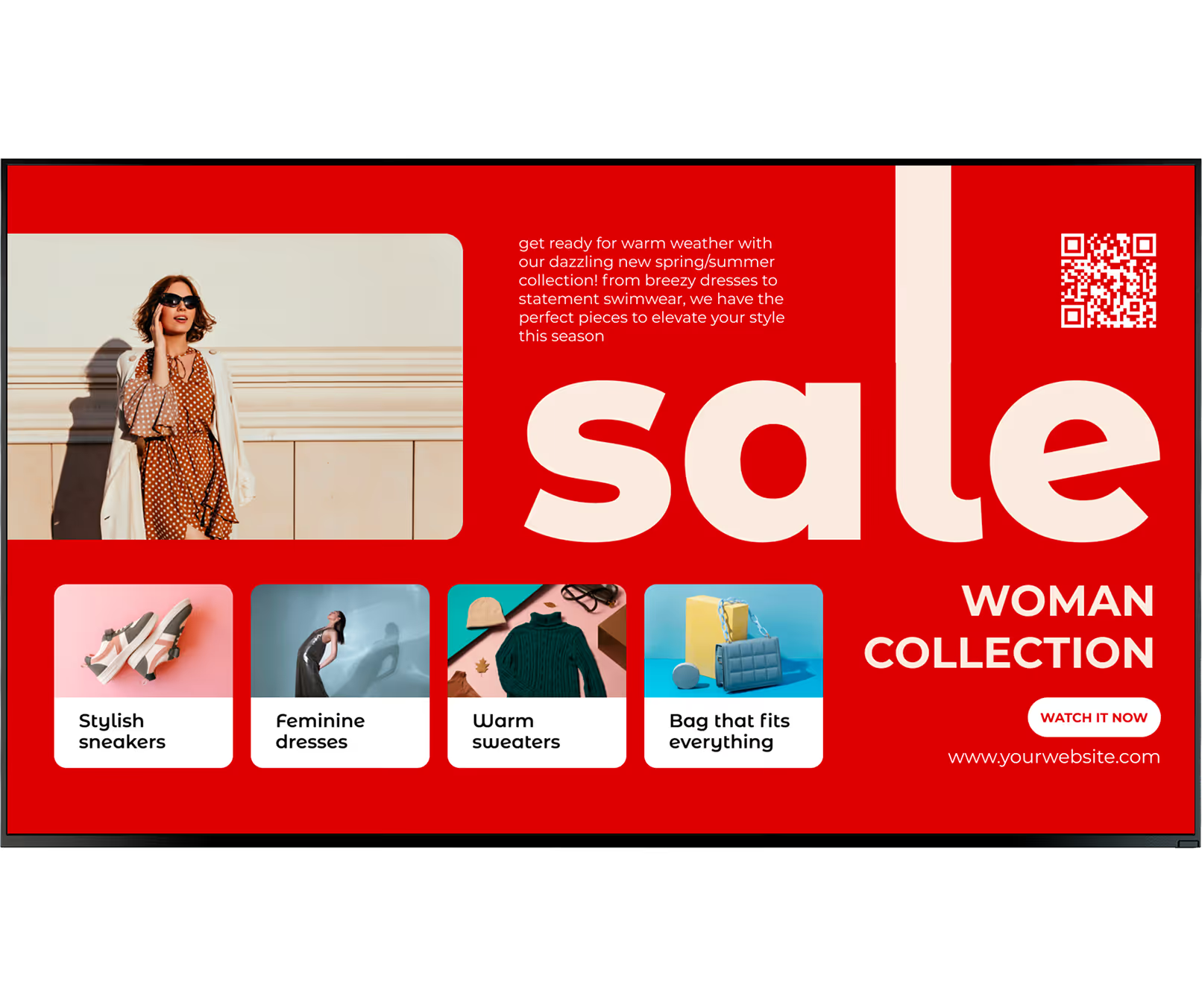
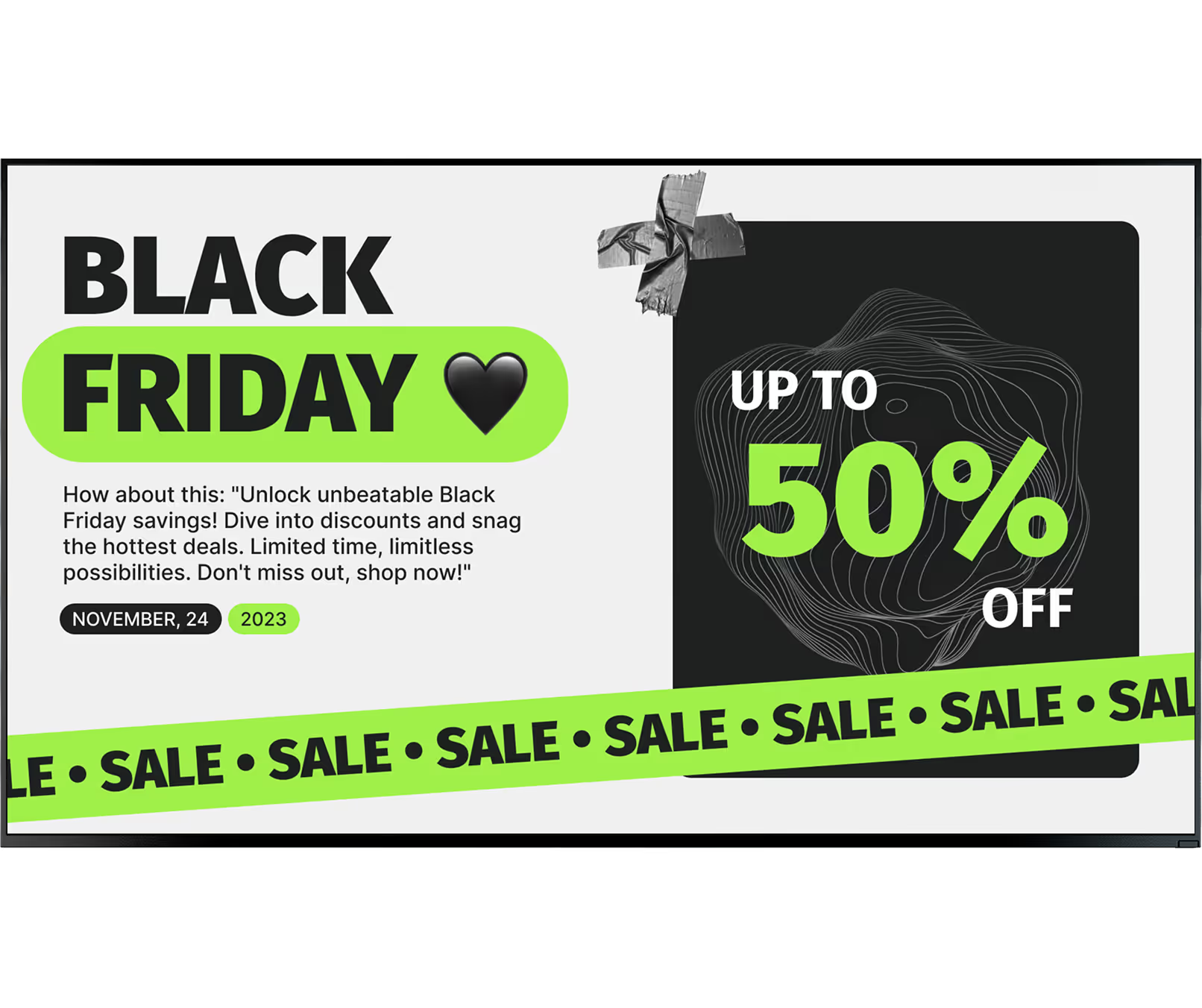
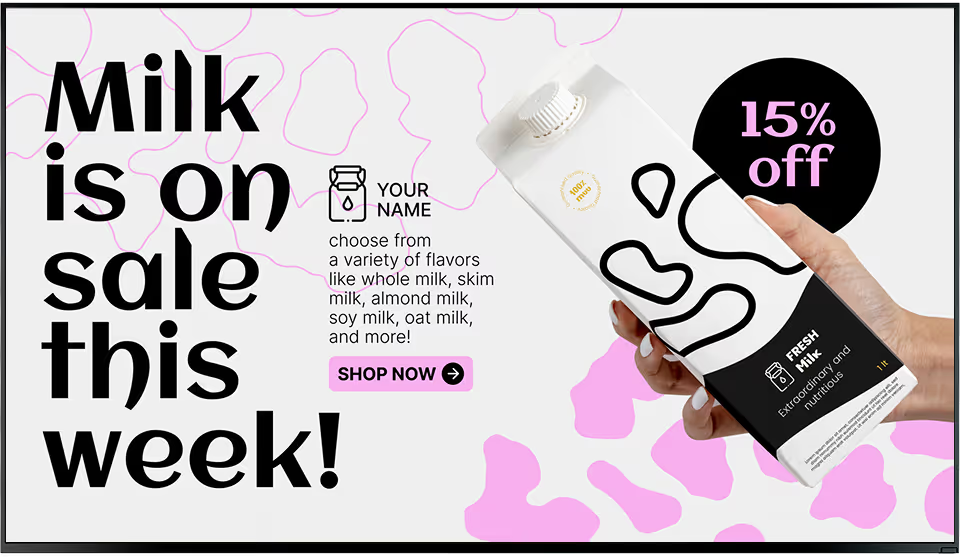
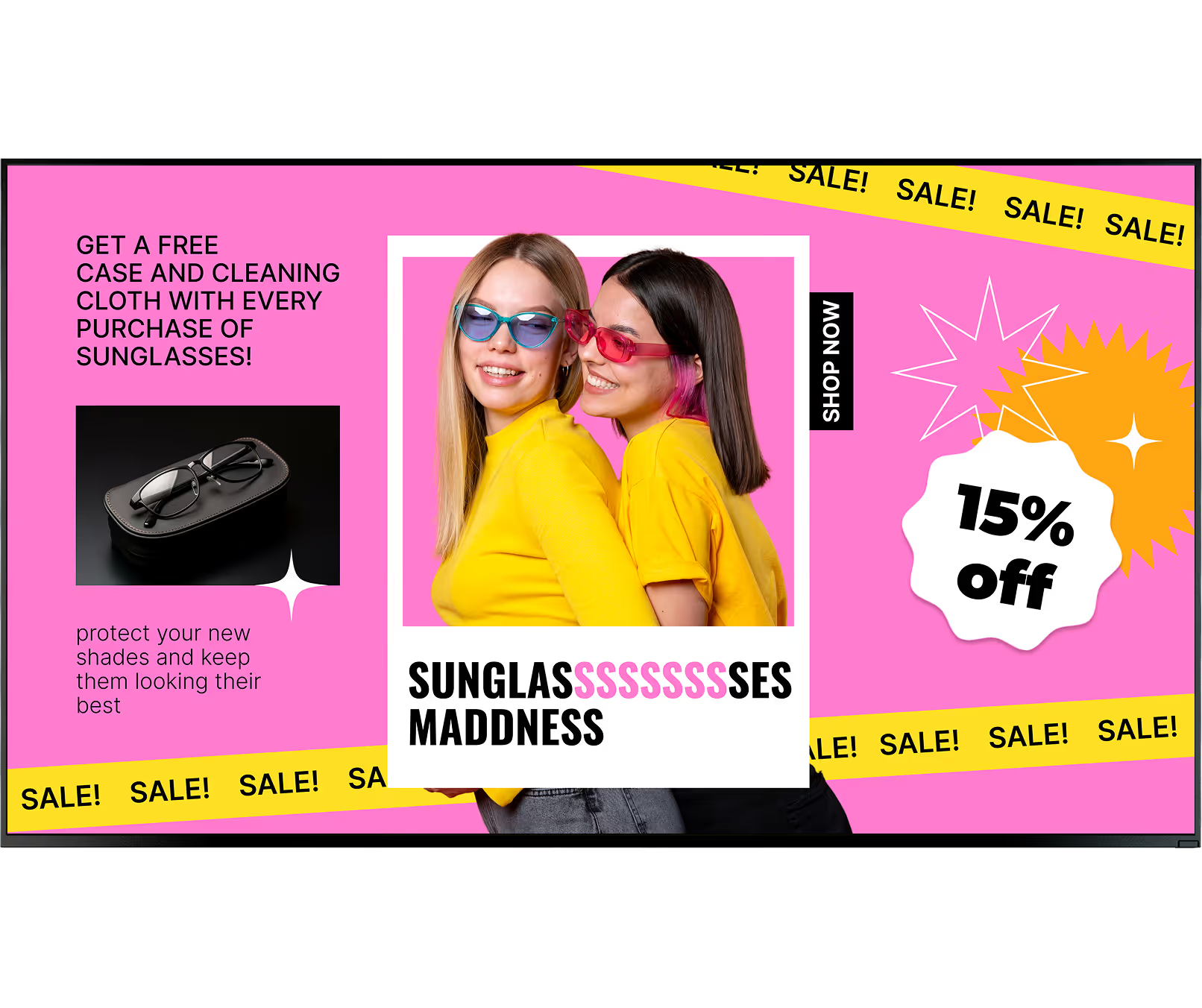
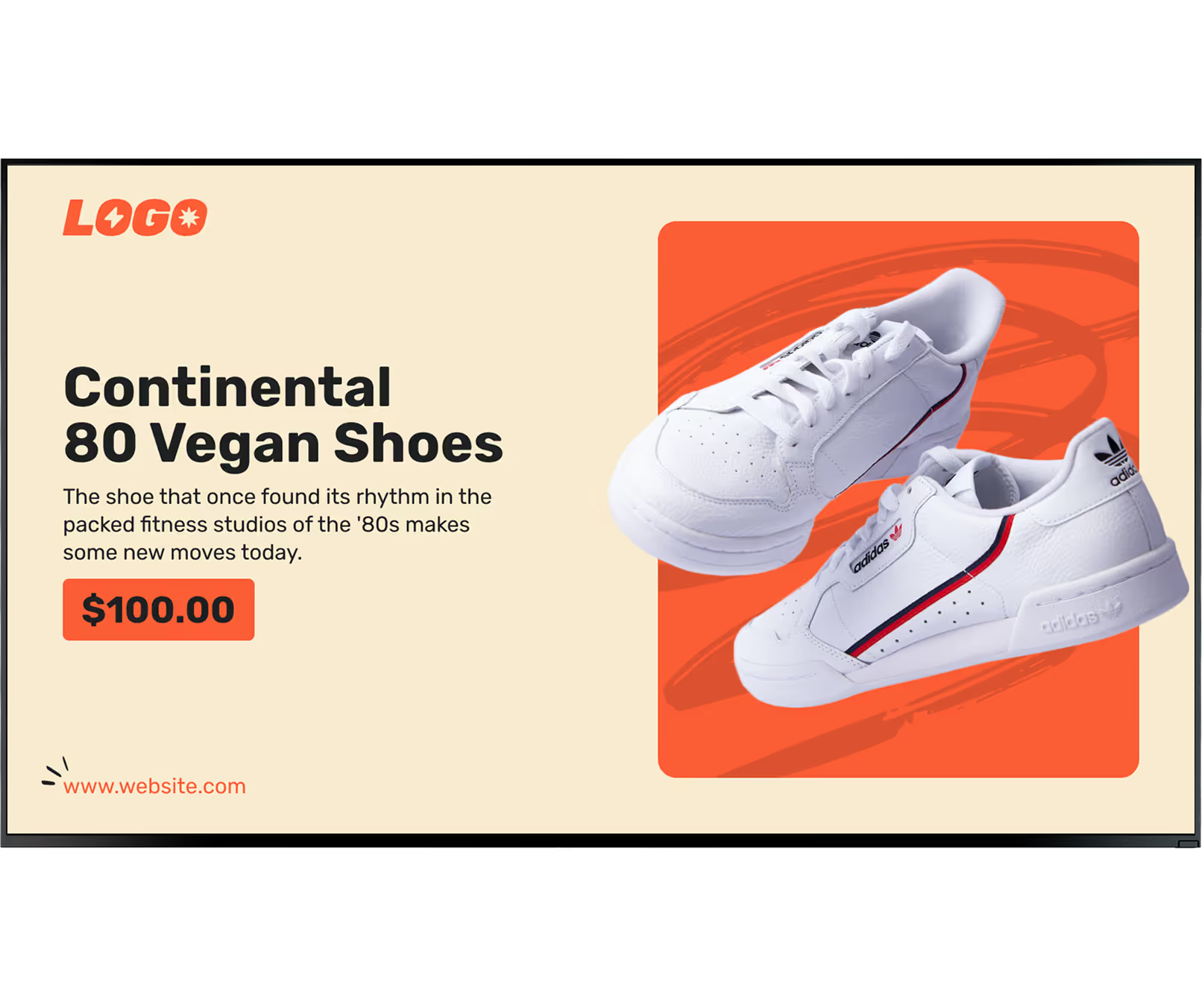
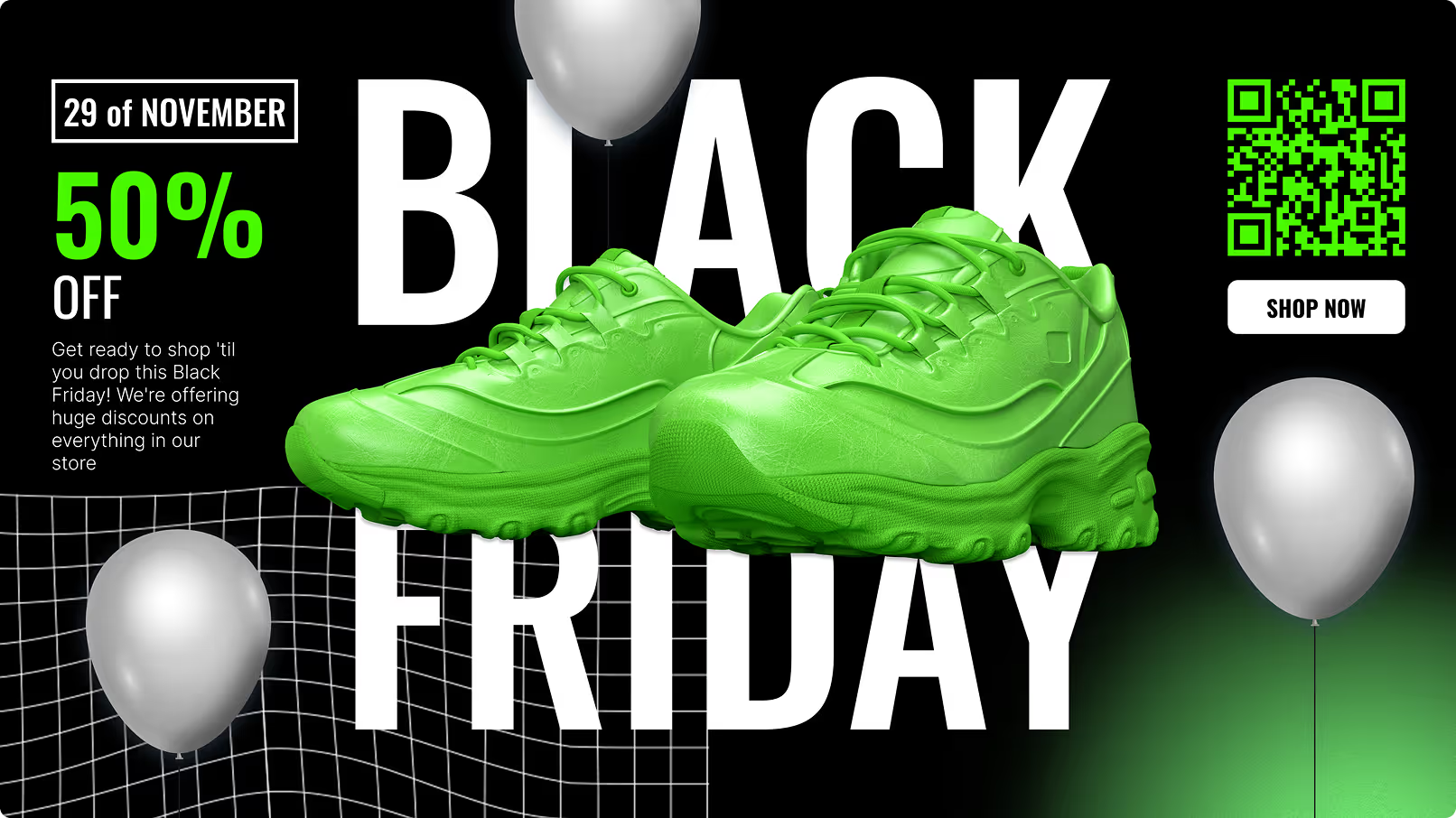
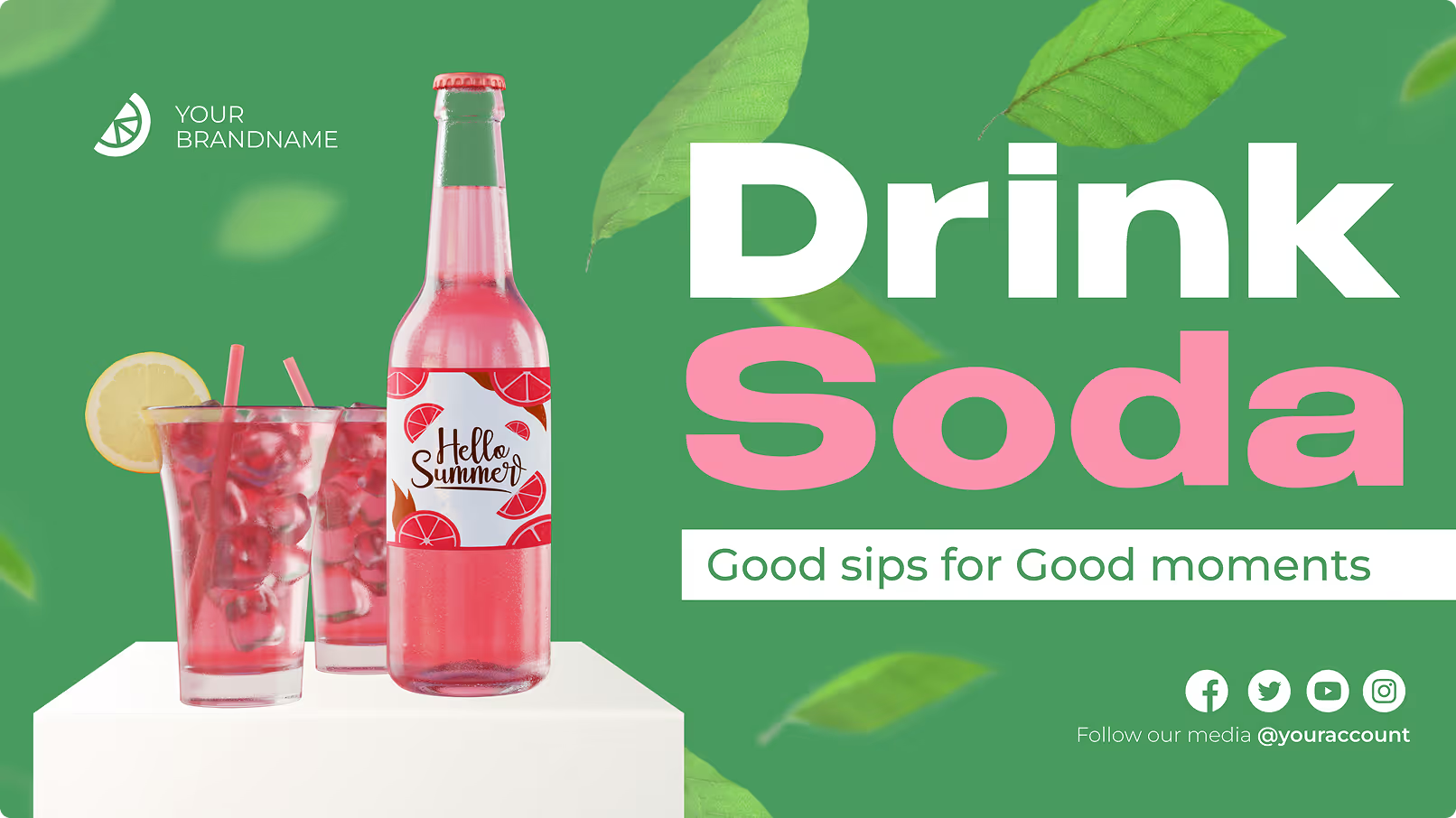
Your store managers should not need a designer to keep screens current. Look DS includes a library of professional retail templates — flash sale promotions, loyalty programme sign-up slides, wayfinding maps, food court menu boards, and seasonal event campaigns — ready to customise in minutes.
Gold diamond ring in red velvet box with text advertising 20% off all diamond rings this week and images of gold jewelry.
Gold diamond ring in red velvet box with text advertising 20% off all diamond rings this week and images of gold jewelry.Pair of white Continental 80 Vegan Adidas shoes with red and blue stripes on an orange background.
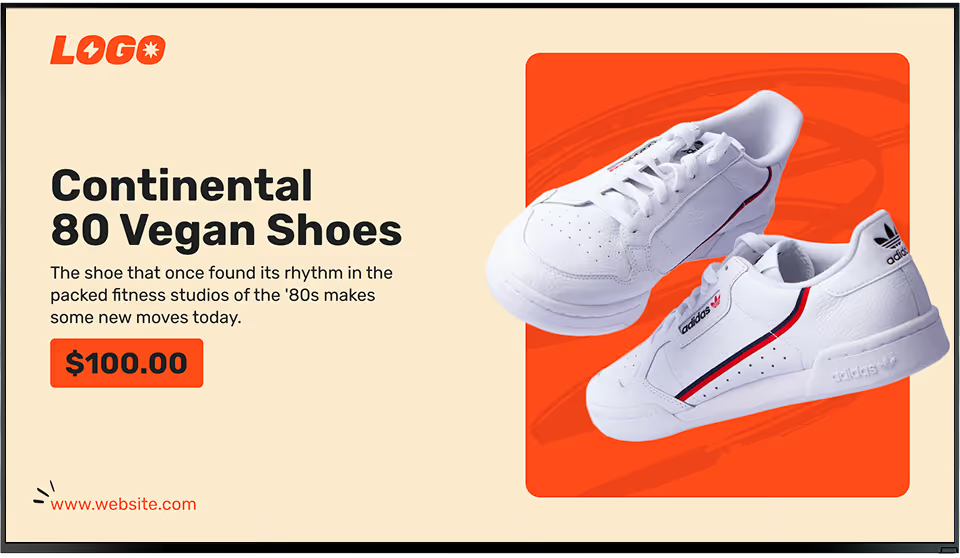
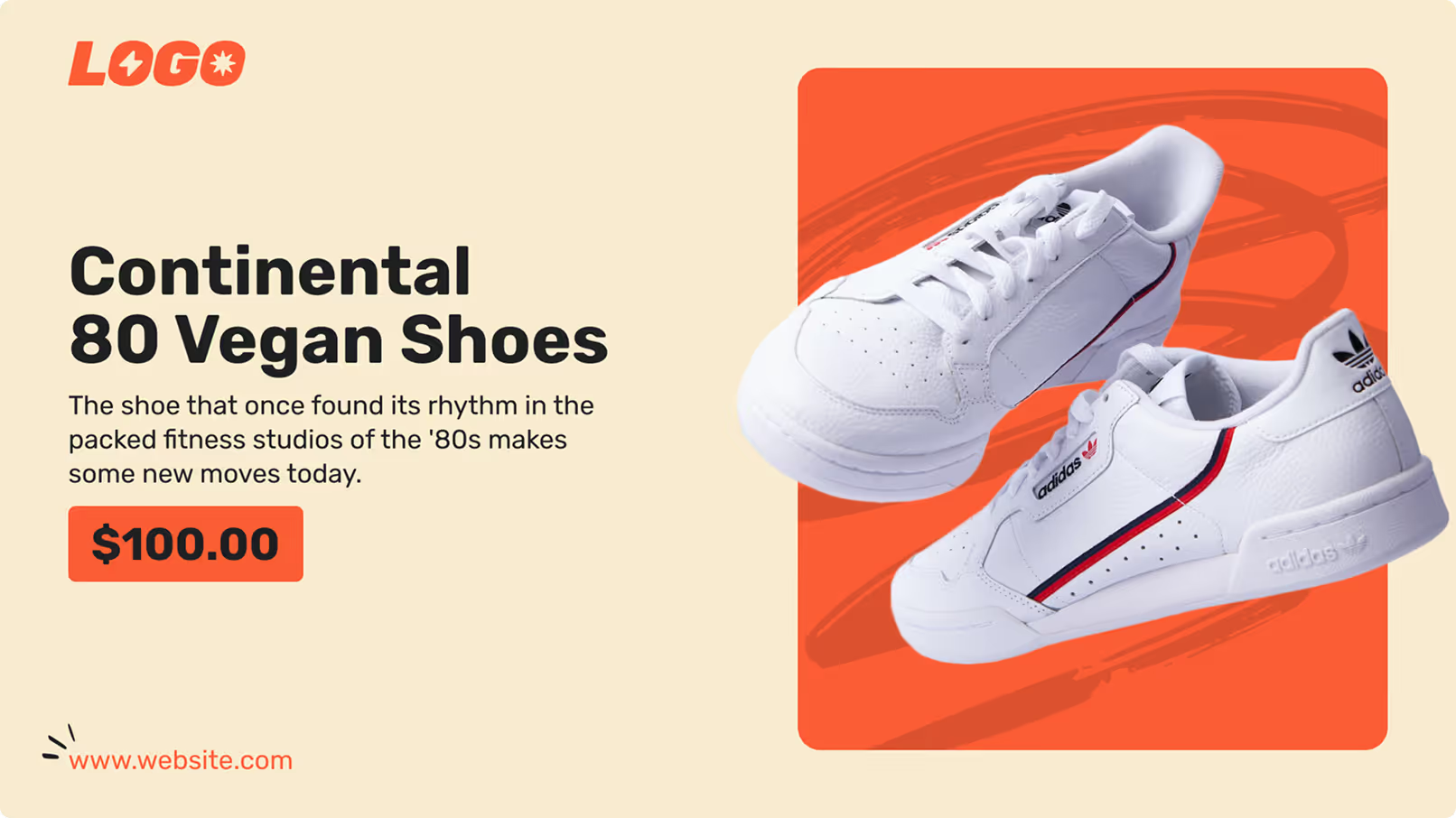
Pair of white Continental 80 Vegan Adidas shoes with red and blue stripes on an orange background.
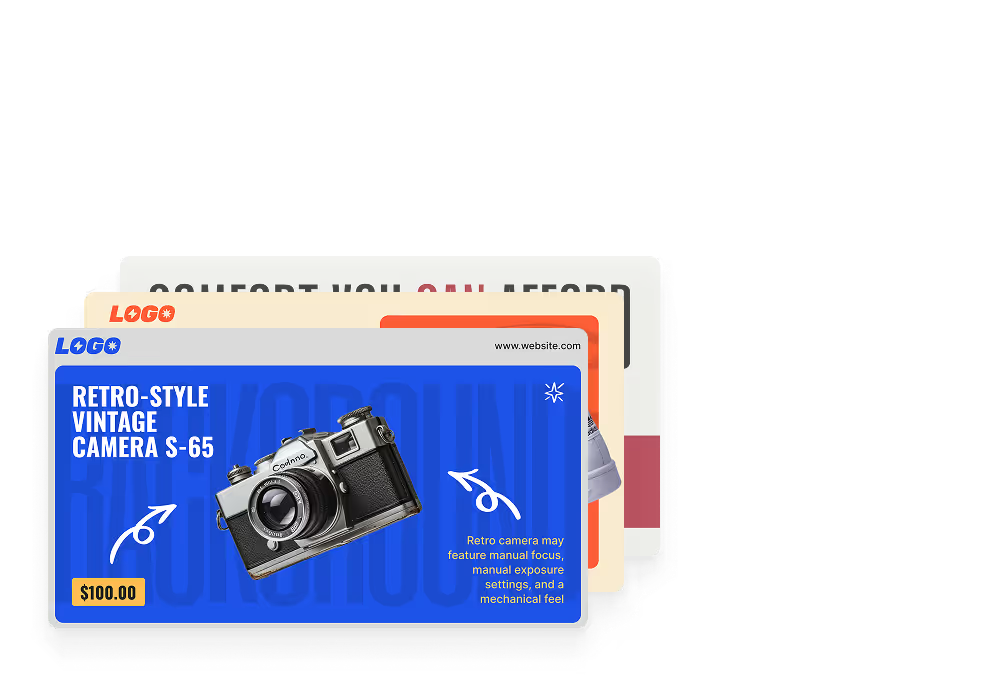
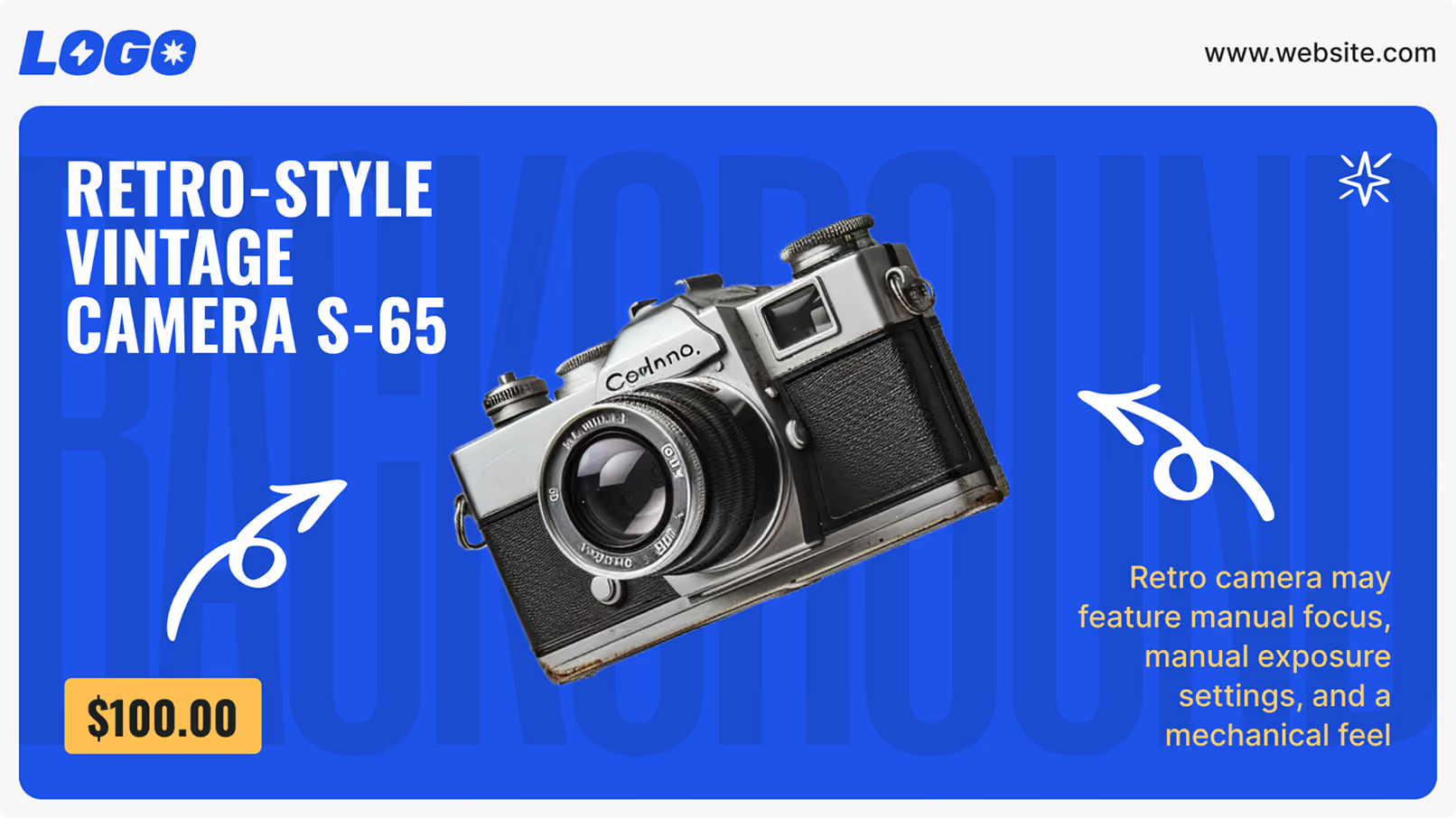
Pair of white Continental 80 Vegan Adidas shoes with red and blue stripes on an orange background.Retro-style vintage S-65 camera with manual focus and exposure features priced at $100.
Retro-style vintage S-65 camera with manual focus and exposure features priced at $100.Red tufted armchair with text 'Comfort You Can Afford' and a limited offer for 20% off this weekend, starting at $150.
Red tufted armchair with text 'Comfort You Can Afford' and a limited offer for 20% off this weekend, starting at $150.