Where digital signage goes in an airport
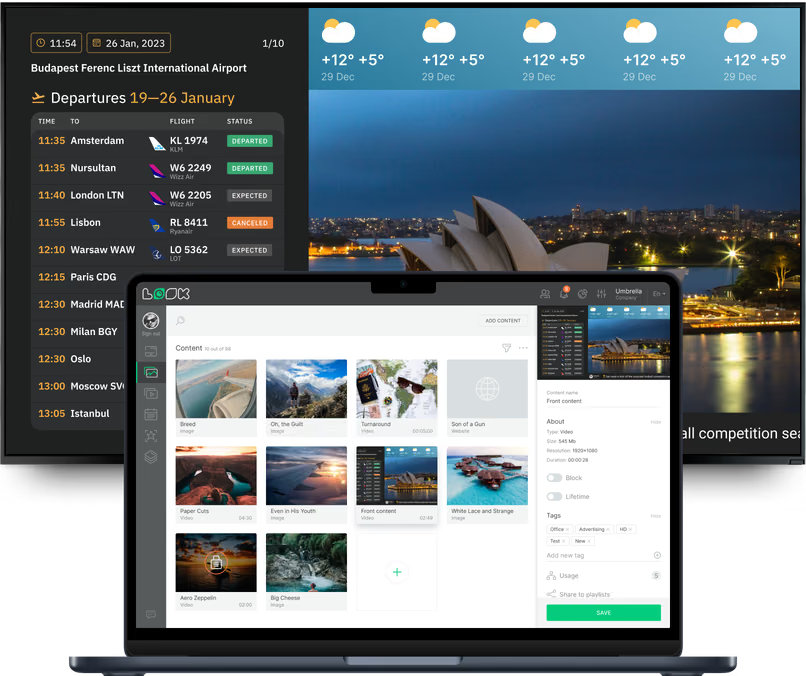
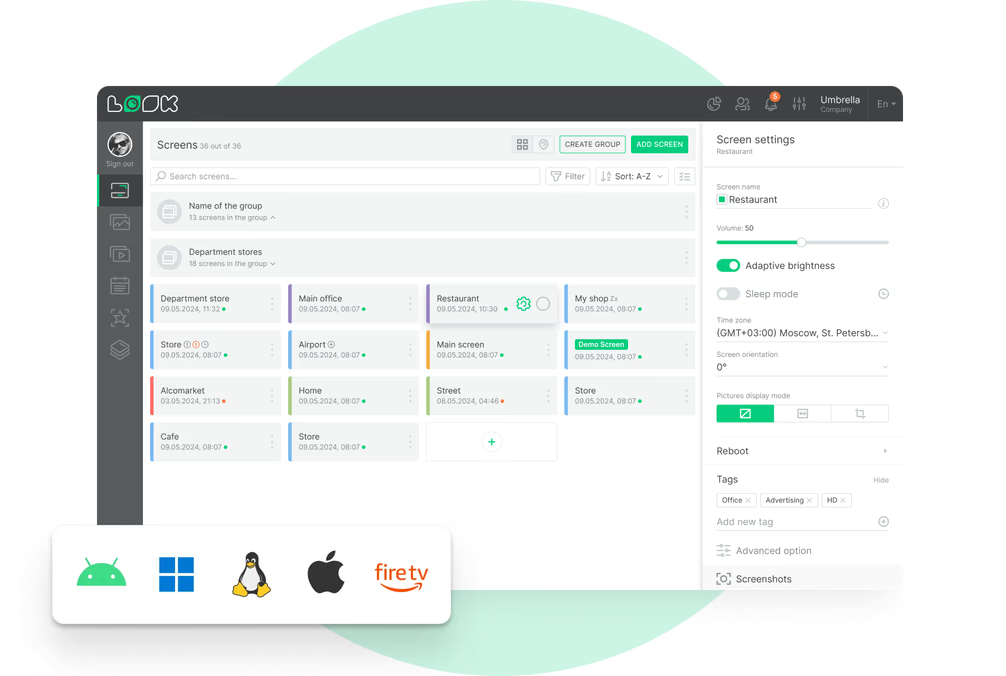
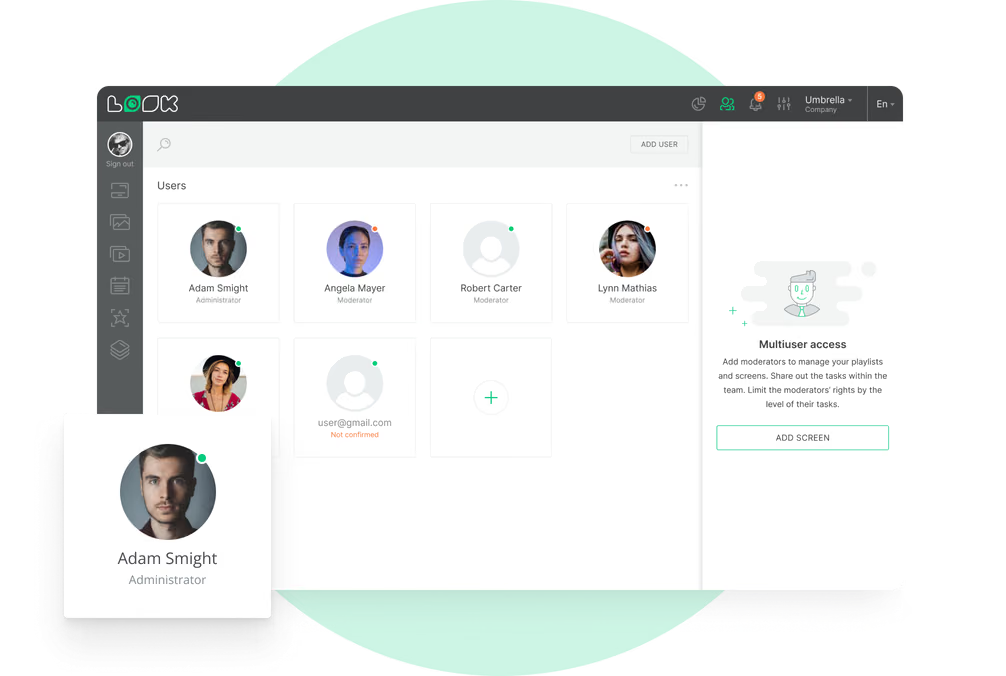
A check-in queue, boarding gate, baggage claim belt and curbside serve the same passenger at four different moments. Look runs them all from one account, with a dedicated layout, schedule and publishing permissions for every zone.
Check-in halls and departures
Answer the questions people join the queue with.
Above the desks and self-service kiosks, screens answer the questions passengers usually ask an agent: where their airline checks in, today's departures, baggage rules and the flight's check-in cutoff time.
A multi-zone layout holds the departures panel, a queue notice and the clock on one screen at once. For a hall video wall, Look feeds the whole thing as a single content source, and the processor setup you already have stays untouched.
Best for: Airline desk zones, departures, baggage rules, check-in cutoff, queue notices
Security screening and queues
The queue looks worse than it is. Tell people so.
By the time a passenger reaches the belt, the liquids and the laptop should already be out of the bag. Screens down the lane say so early enough for that to happen, which is why fewer bags come back for a second look.
Wait creeps past 25 minutes. The duty manager types the number into the CMS, hits publish, and every screen tagged to that checkpoint carries it. Nobody has to walk the terminal with a laptop under one arm.
Best for: Prohibited items, tray and laptop rules, lane status, posted wait times, fast-track signage
Concourses, gates and boarding areas
The next flight, where people wait for it.
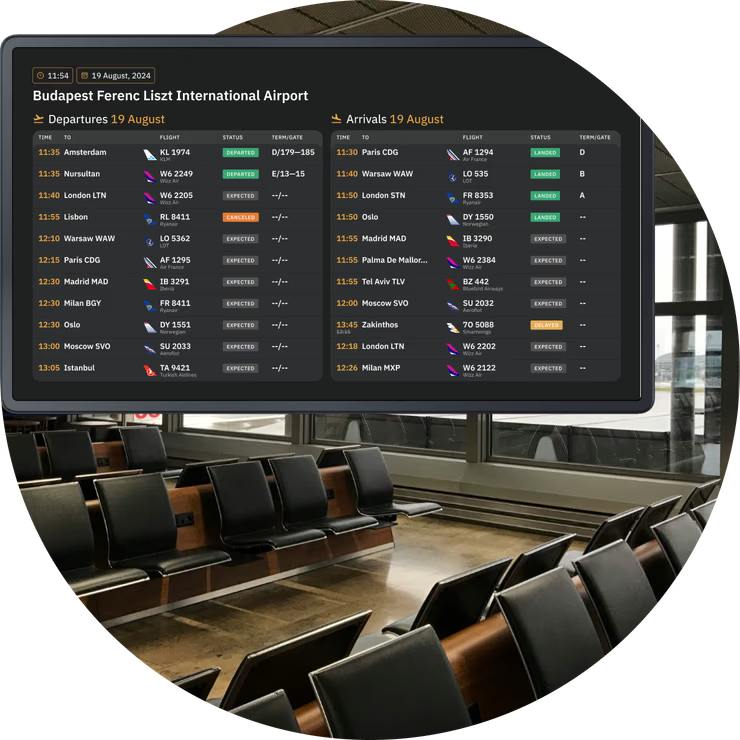
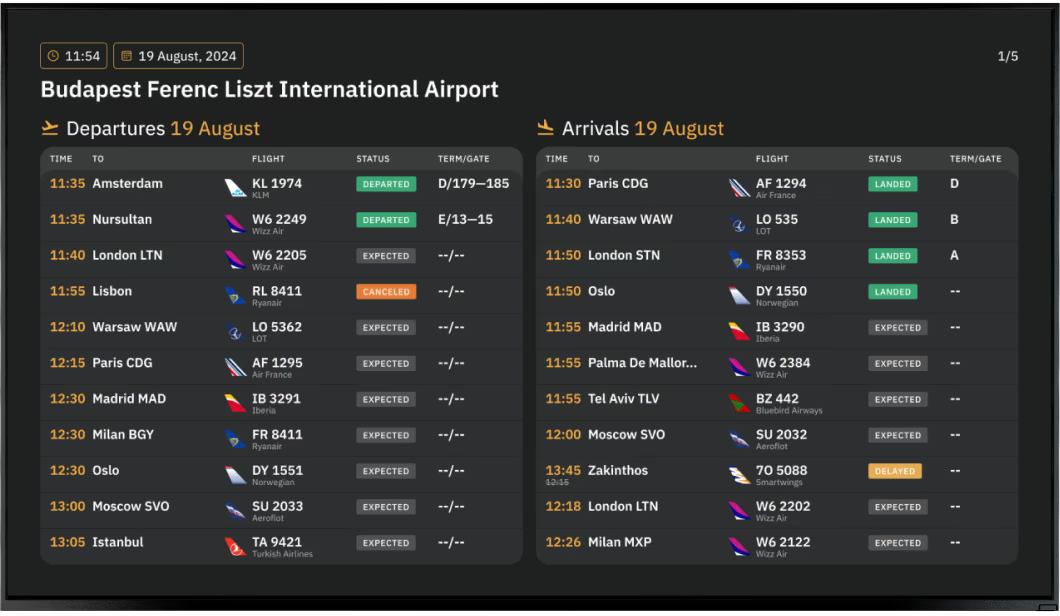
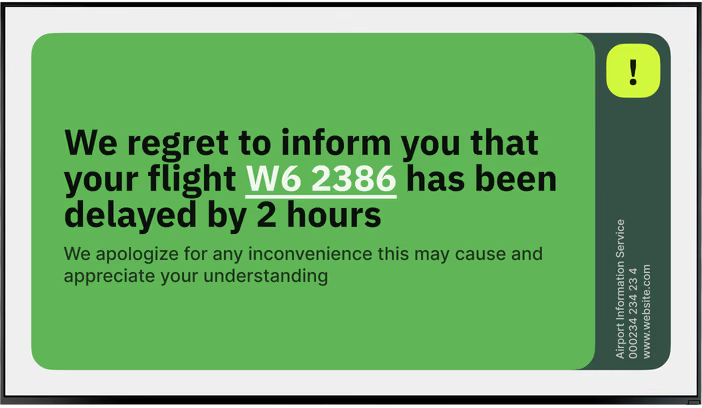
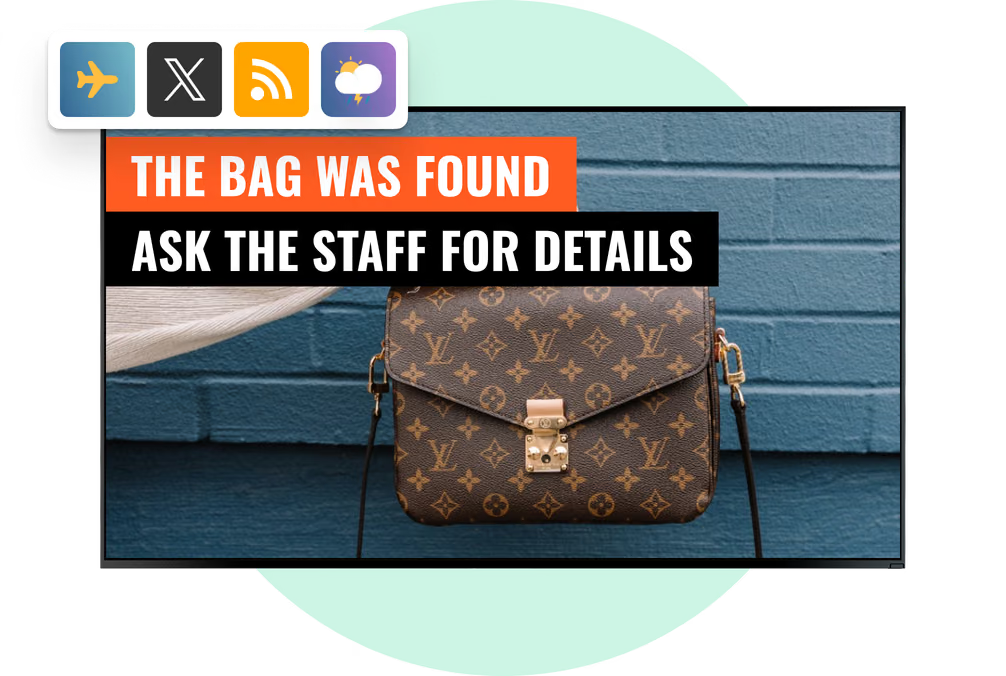
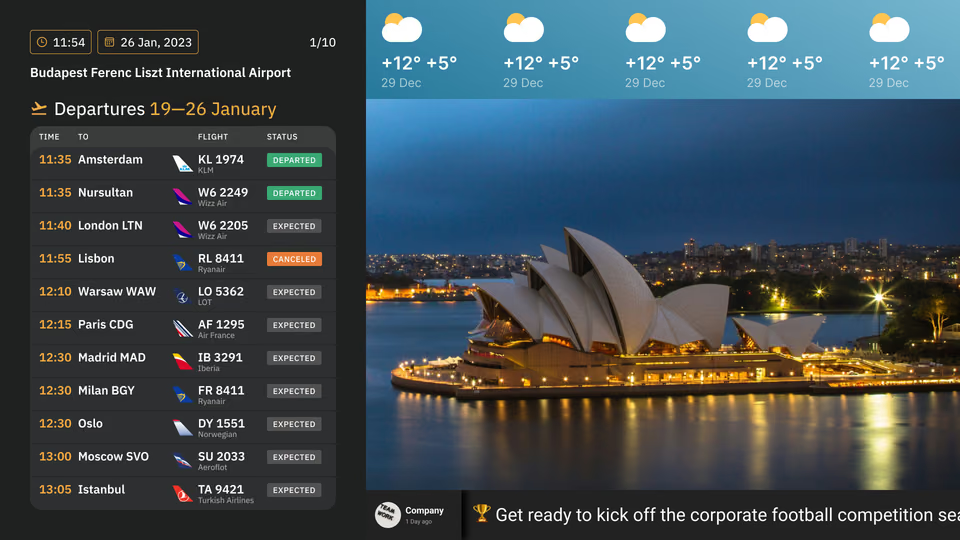
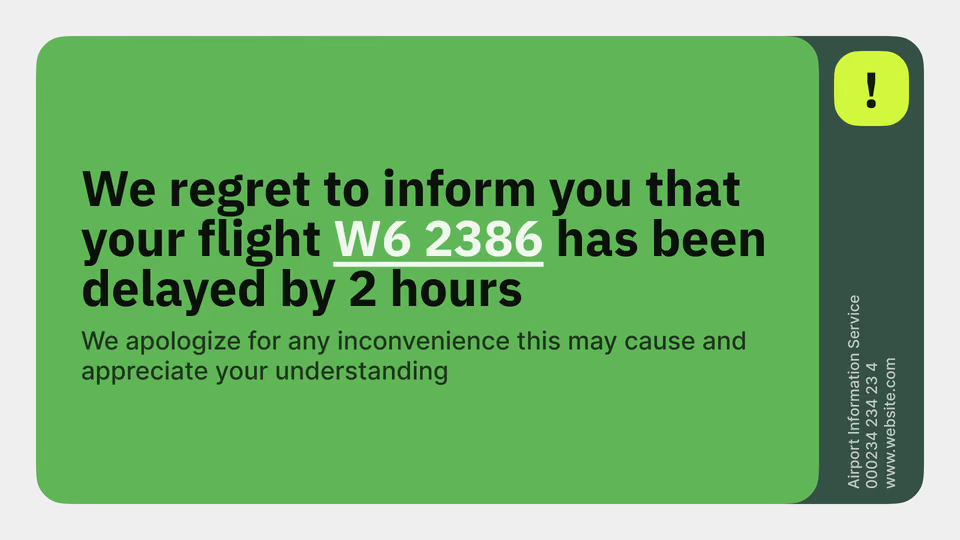
Gate screens carry the flight, the boarding status and the delay. Concourse displays run the full departures list beside the forecast and a news channel.
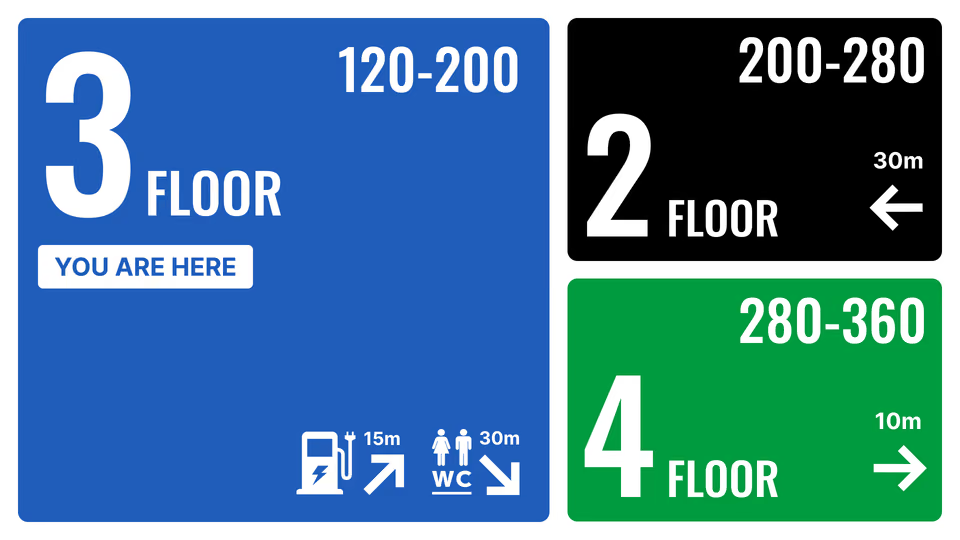
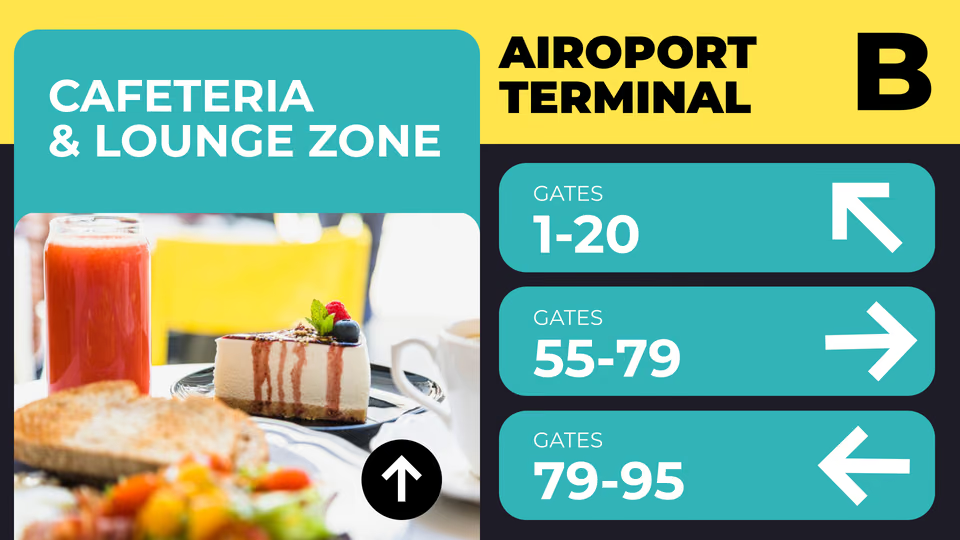
Wayfinding stays yours to edit. Gates, restrooms, the transfer desk, all of it, so a pier that closes on Thursday isn't still signposted on Monday. Hang a touch display and the Button widget makes it an information point: one prepared scene per tap.
Best for: Gate and boarding status, departures lists, transfer directions, connection information, news and weather
Baggage claim and arrivals
Belt numbers first, everything else after.
The baggage claim hall answers one question first: which belt. Belt assignments, arrival status and updates on delayed or oversized baggage stay prominent, with customs and exit directions displayed underneath.
Then the screens hand people over to the city. Trains and taxis, hotels, a couple of things worth doing. And whoever is stuck waiting at the barrier gets the meeting point spelled out.
Best for: Belt assignment, arrival status, baggage delays, customs and exit routes, meeting points
Retail, duty-free, lounges and F&B
Commercial screens that respect the flight clock.
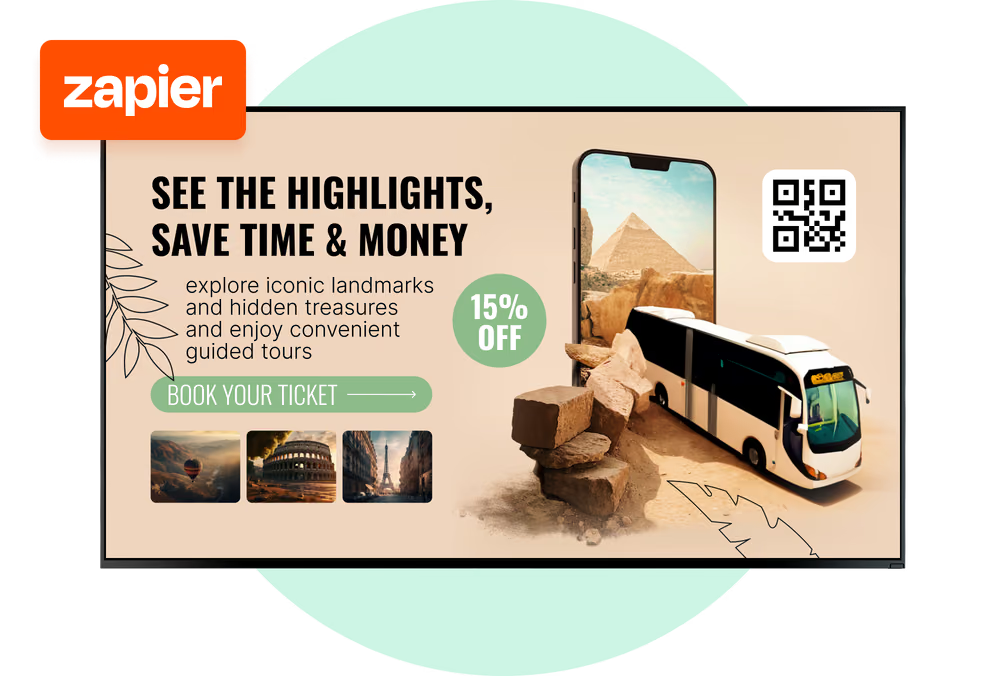
Duty-free offers, food-court menus and lounge information live in the same account as the operational content. Schedule them by daypart and the early crowd sees breakfast while the evening wave sees something else entirely.
Advertising turns into inventory you can sell properly. Every campaign carries its own start and end dates, so no one has to remember to pull it, and the per-device reports settle any argument about what ran where.
Best for: Duty-free promotions, food-court menus, lounge information, advertiser campaigns, brand takeovers
Ground transport, parking and curbside
Guide drivers before they block the lane.
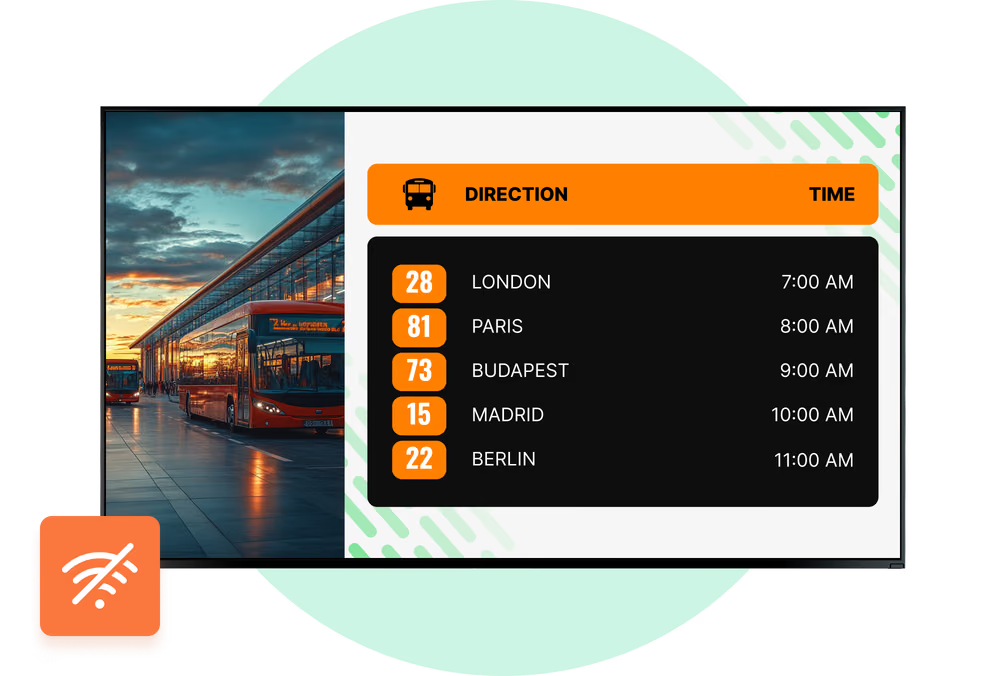
Forecourt and parking screens give drivers the essentials in ten seconds: open decks, drop-off and pickup lanes, rates, payment options and the walking route to departures.
Outdoors and behind glass you will want commercial displays, mostly for the brightness and the temperature range. Look runs on whichever platform that hardware uses.
Best for: Deck and lane guidance, rates and payment, taxi and rideshare, car rental, transit and rail links