Digital signage for every area of a hospital
A visitor at the main entrance, a family in the surgical waiting room and a nurse at the station each need different information. Look runs all of it from one account, with patient-facing and staff content in separate playlists.
Main entrance and lobby
Give every visitor clear guidance on arrival.
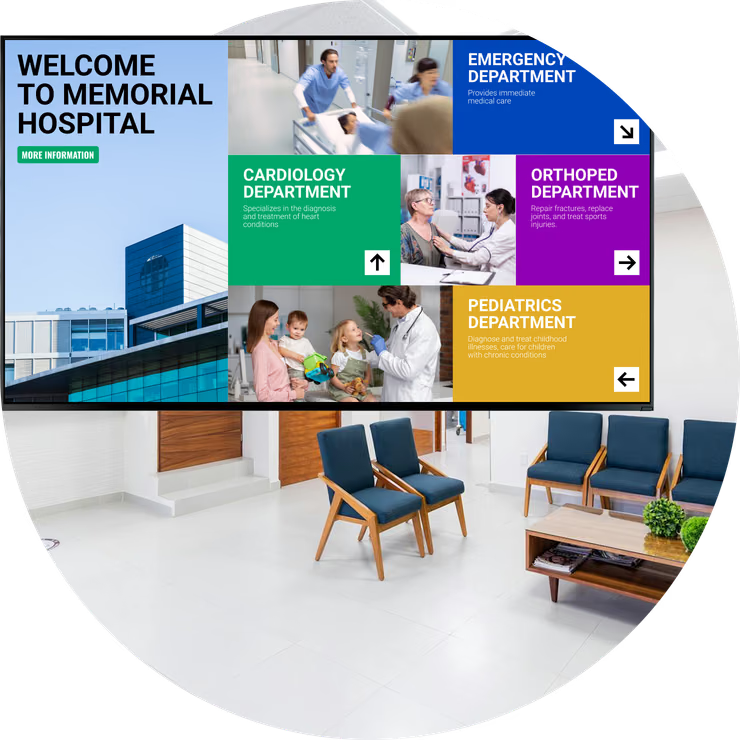
The lobby screen carries what the information desk is asked all day: which building a department is in, visiting hours, where to register, which entrance is closed this week.
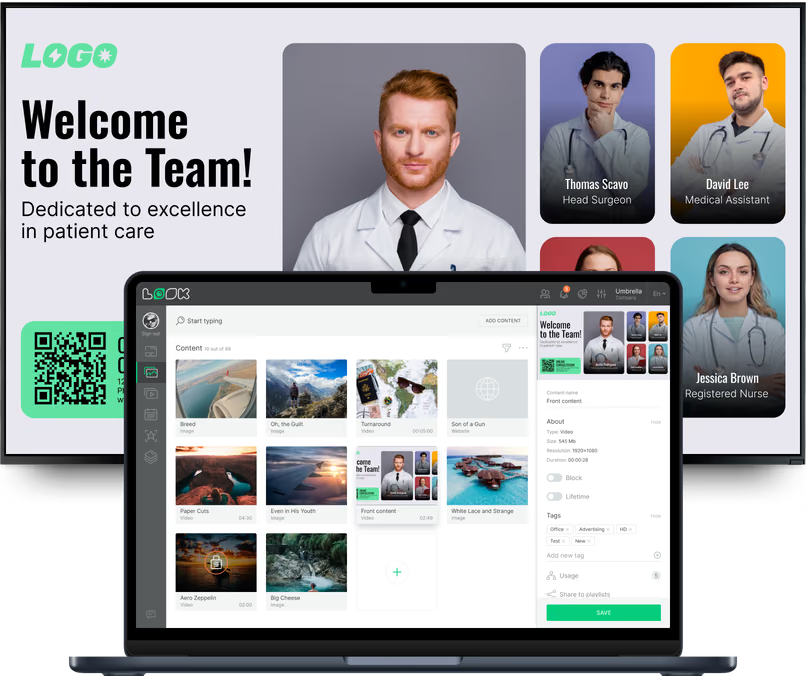
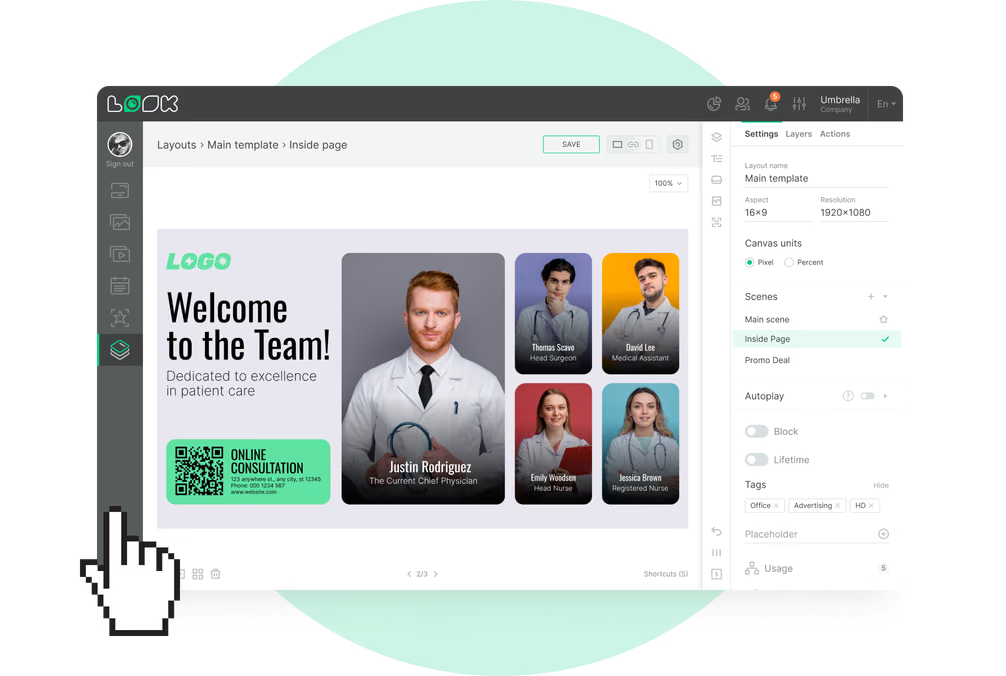
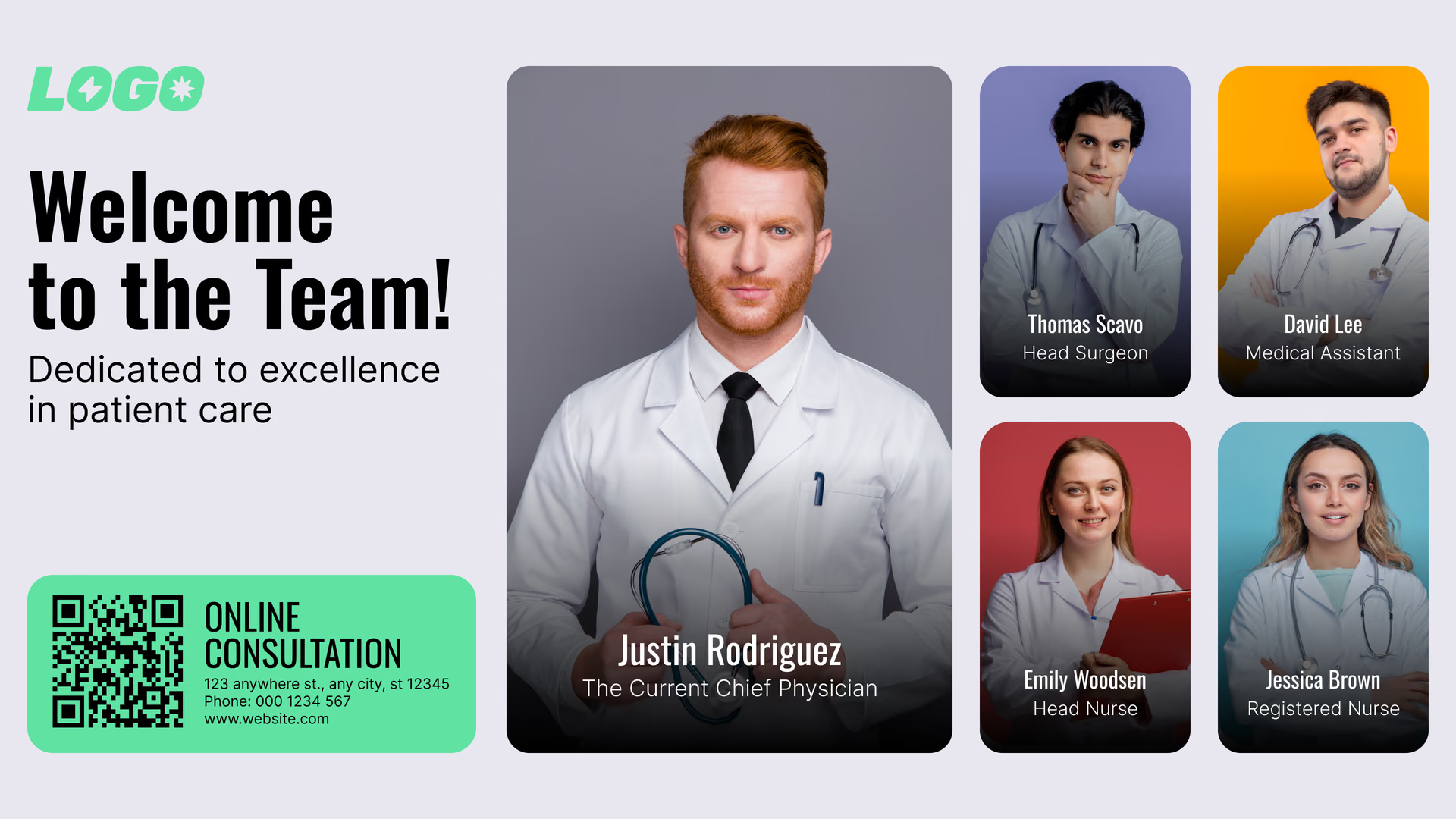
With a multi-zone layout, one display can show the directory, a notice, the time and a news ticker at once. Visitors scan a QR code to open the campus map on their phone.
Best for: Building directory, visiting hours, registration steps, entrance notices, QR to campus map
Emergency and surgical waiting areas
Useful information throughout longer waits.
Families in the ED or surgical waiting room sit for hours, watching the doors. Screens there explain what happens next, where to find food, how to join the Wi-Fi and what the visiting rules are.
If the hospital publishes a de-identified status page, it can run in one zone as an embedded web page using case codes rather than personal names.
Best for: What to expect, Wi-Fi QR code, food and parking, visiting rules, de-identified status board
Outpatient clinics and registration
Show people how check-in works before they ask.
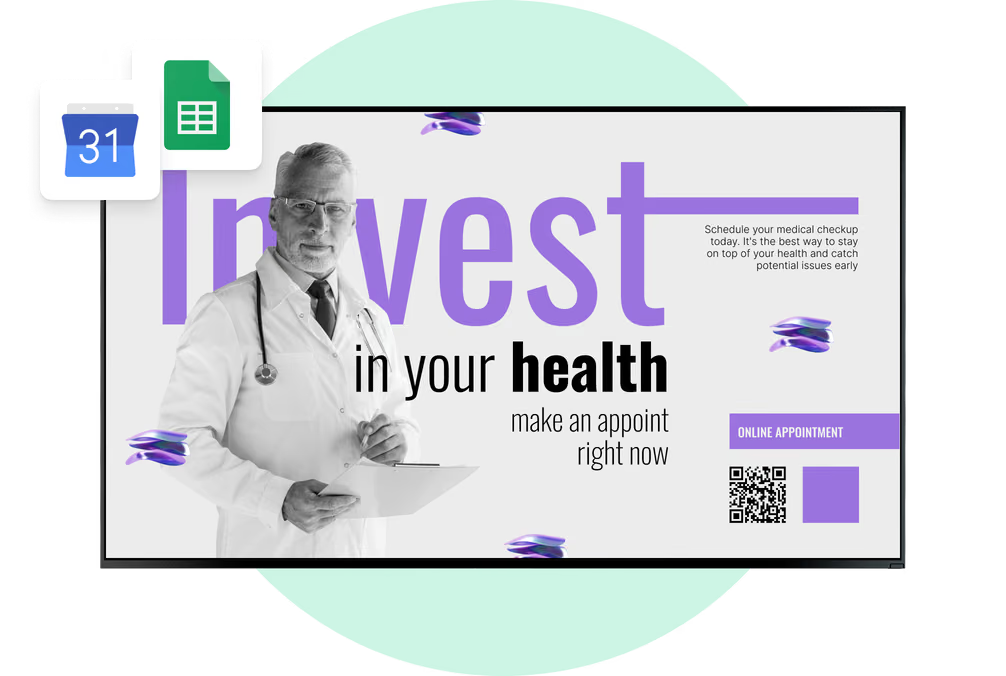
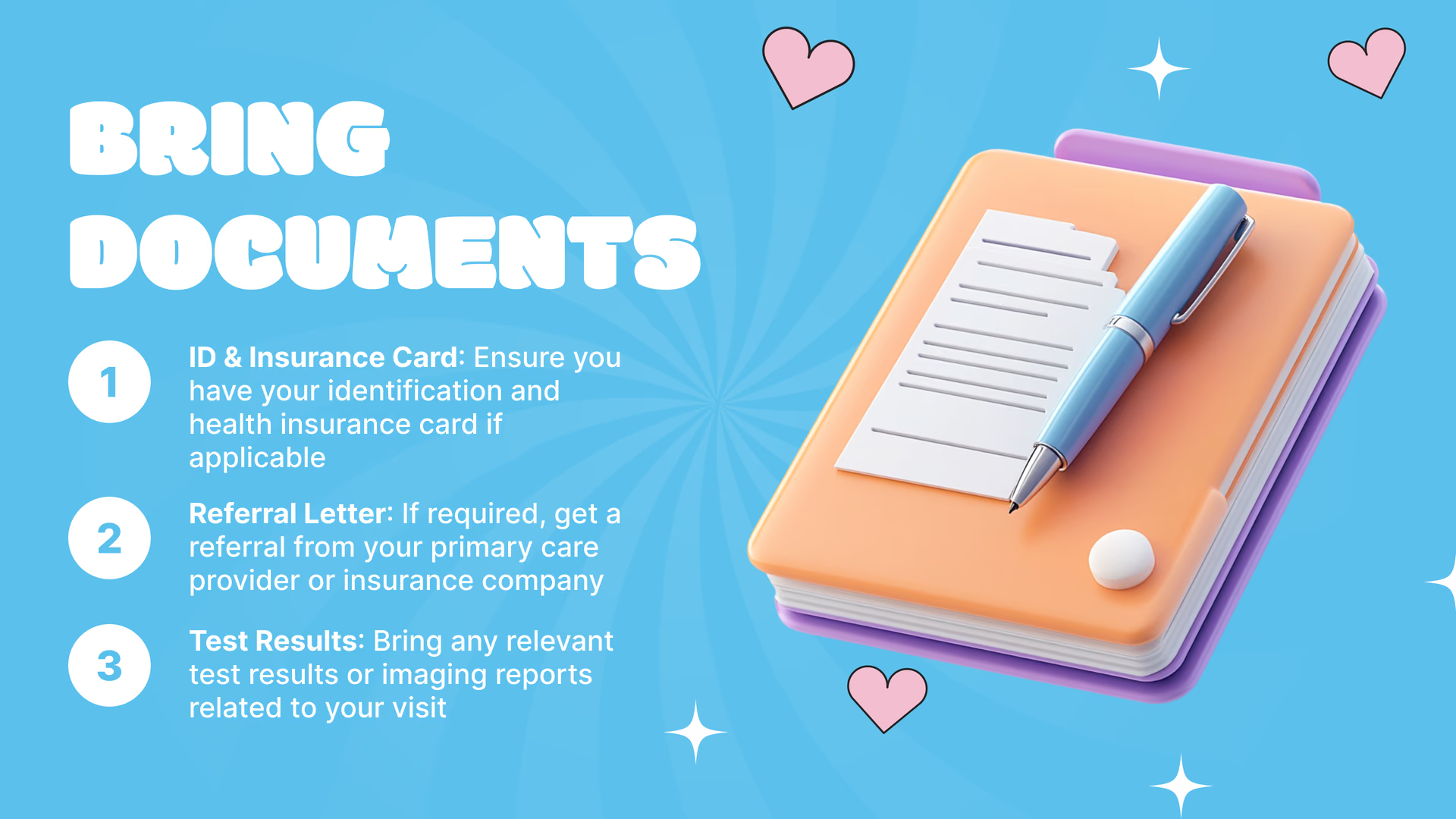
Screens in the clinic tell patients which desk to go to, what to bring and how check-in works. Registration staff hear the same few questions a lot less often.
Each clinic runs its own playlist and schedule: cardiology shows its own patient education, orthopedics its own, and both switch to next-day notices once the clinic closes.
Best for: Check-in steps, what to bring, clinic hours, patient education, next-day notices
Elevator banks and corridors
One line, readable at walking pace.
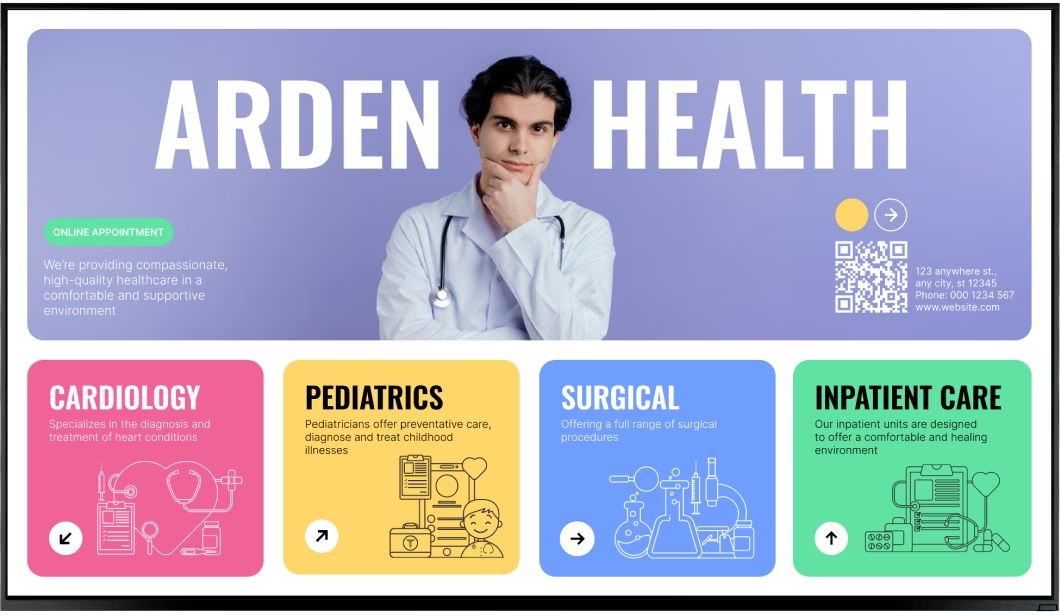
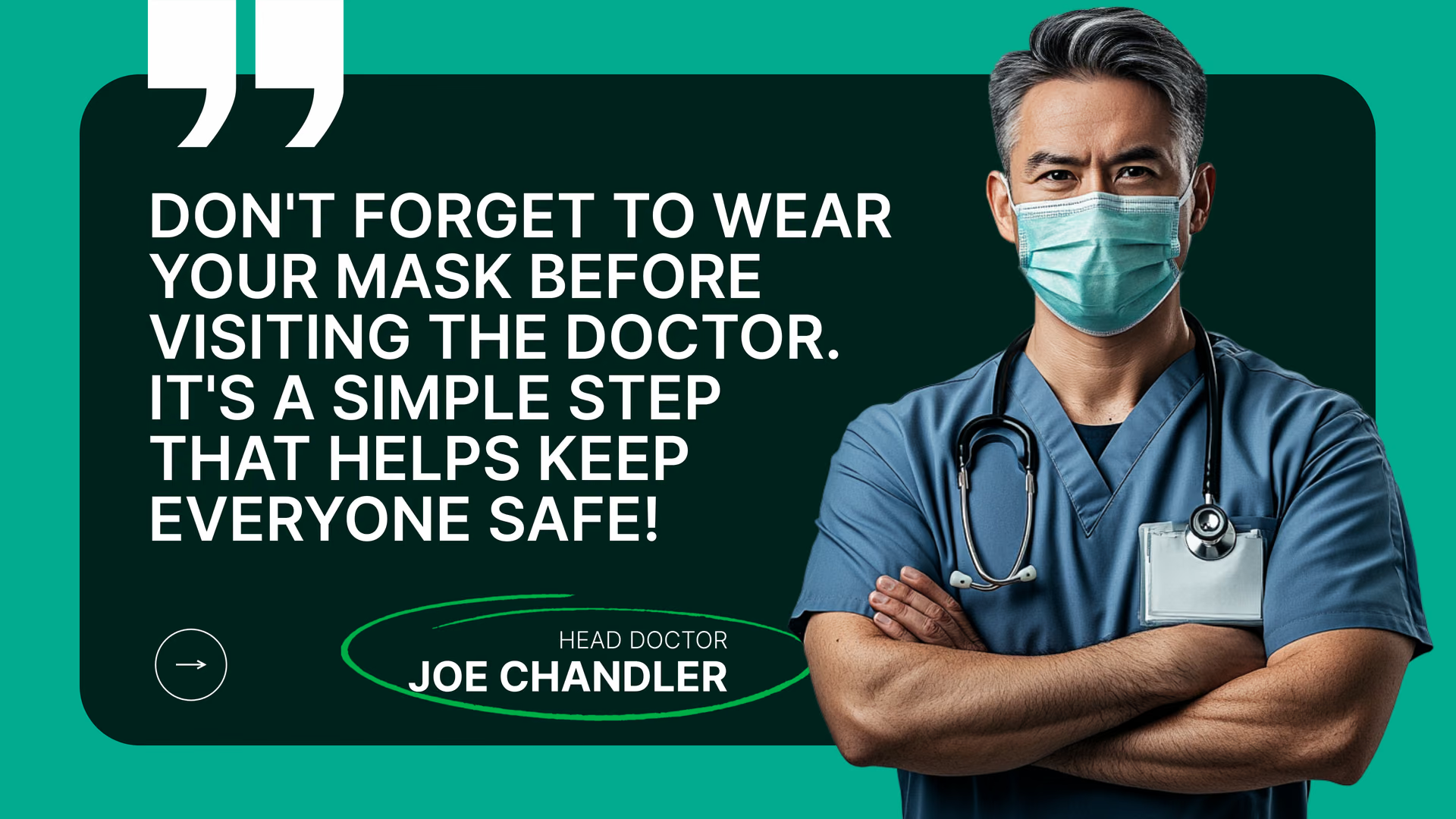
Corridor content needs to be readable at walking pace. Screens at elevator banks and junctions can focus on one clear message: a floor directory, direction, hand-hygiene reminder or service change.
Portrait screens by the elevators make good floor directories. Tag them by building, and when a clinic moves you edit it once and every floor that lists it updates.
Best for: Floor directories, directional signs, hand-hygiene reminders, service changes
Wards, nurse stations and staff rooms
Get updates to every shift, day or night.
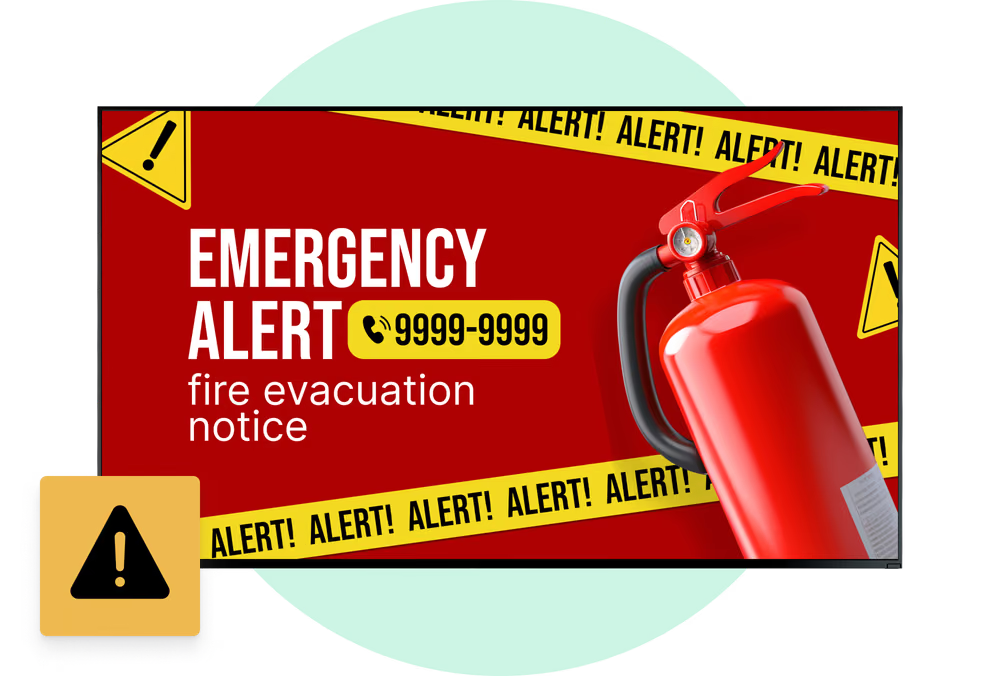
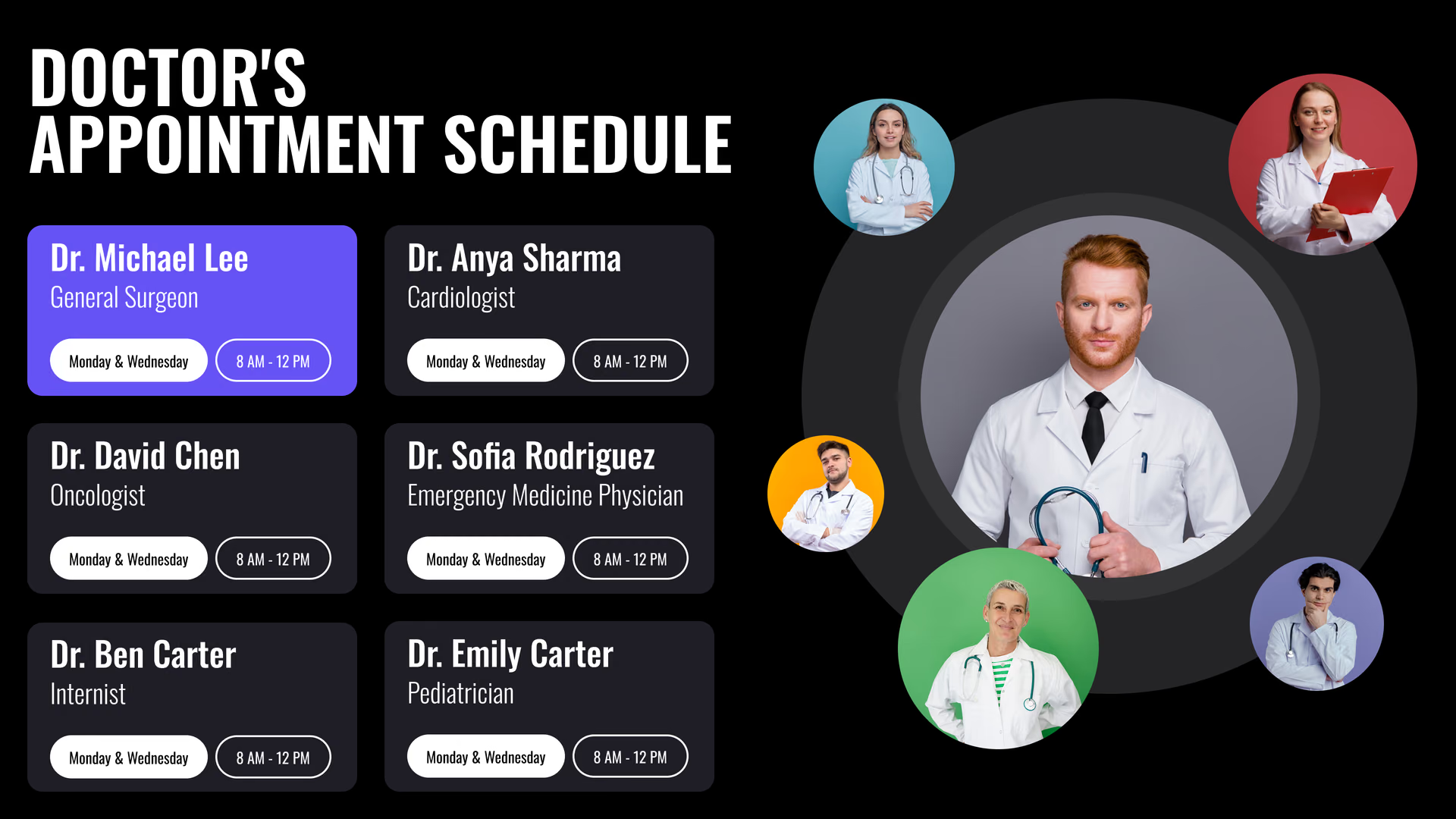
Nurse-station and break-room screens show handover reminders, staffing changes, safety notices, training dates and shout-outs for the team.
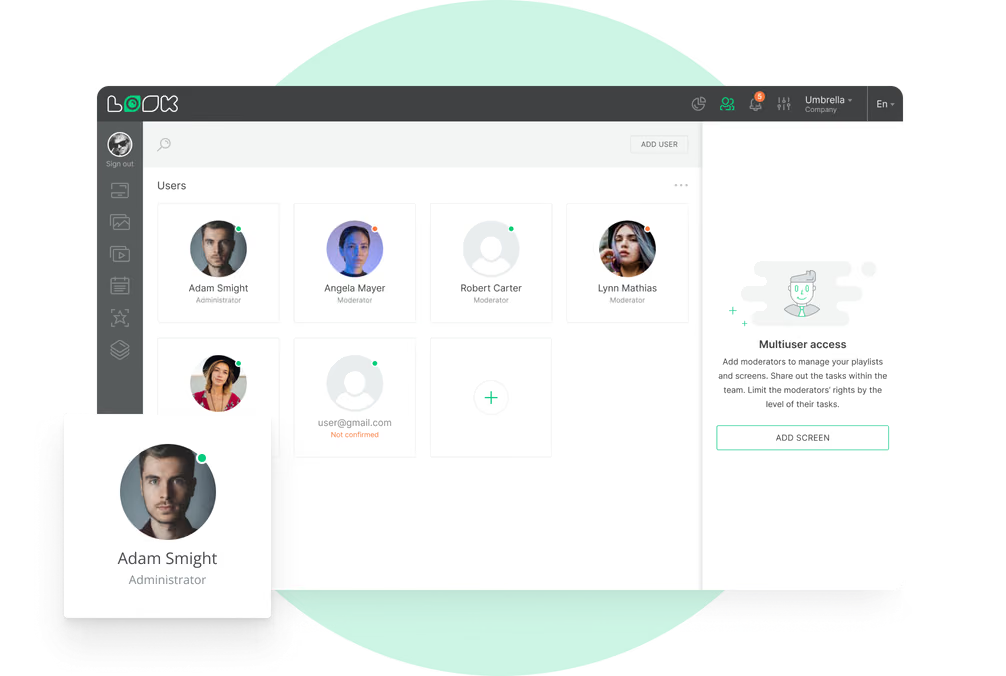
This content has its own playlist and only plays on screens in staff areas. Access is set by CMS section: whoever posts updates looks after content and schedules, and IT keeps devices and accounts.
Best for: Handover reminders, staffing changes, safety notices, training dates, recognition, quality dashboards
Cafeteria and visitor amenities
Menus and hours where visitors take a break.
The cafeteria, coffee point and gift shop are where visitors and staff spend their breaks. Screens there show the day's menu, opening hours, parking information and hospital news.
Set an end date on temporary content, and a flu-shot notice or this week's menu special comes down by itself when it should.
Best for: Daily menu, opening hours, parking information, hospital news, seasonal notices