
Table of Content
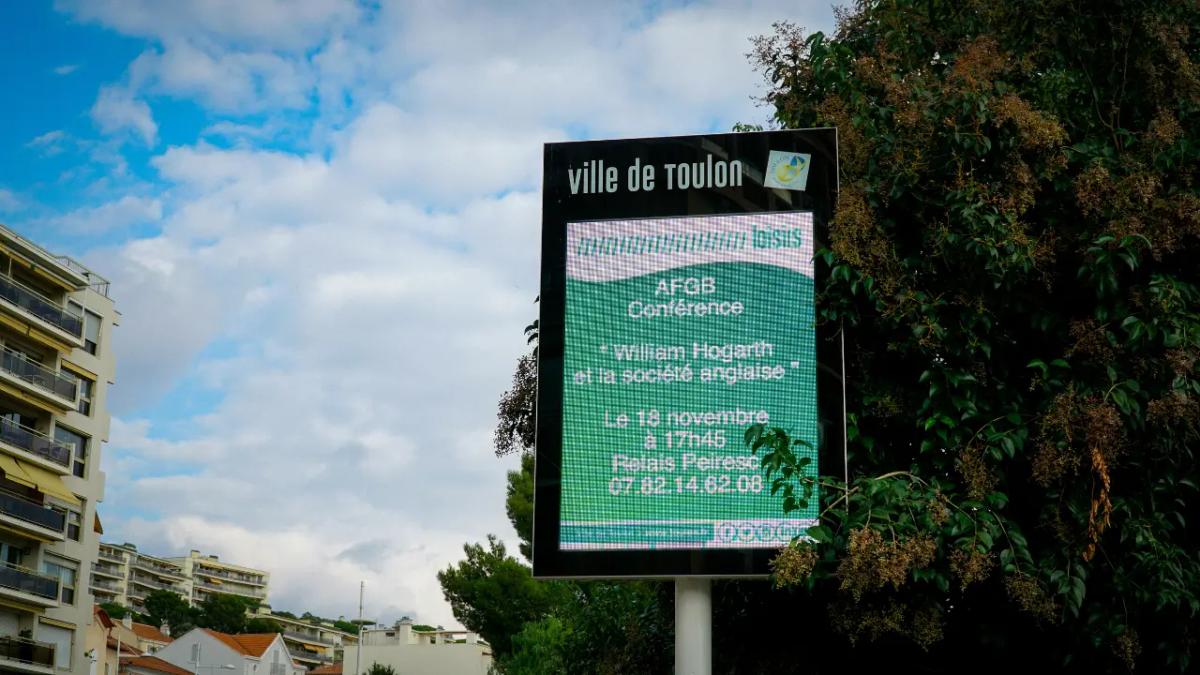
Why switch from traditional bulletin boards to digital ones? Digital bulletin boards capture attention with moving visuals, allow teams to update content in minutes from anywhere, and eliminate the waste of printing paper notices. While corkboards get cluttered and ignored, digital screens ensure important messages-from HR updates to emergency alerts-are actually seen and remembered.
By moving to Look Digital Signage software, organizations can stop the manual “print and pin” cycle that wastes staff hours. Instead, you gain a flexible system that lets you publish content instantly, whether it is a room booking change or a company-wide announcement. This shift not only modernizes your space but also ensures your internal communications are timely, consistent, and tracked.
What Are Digital Bulletin Boards and How Do They Differ from Traditional Ones?
Definition and Features of Traditional Bulletin Boards
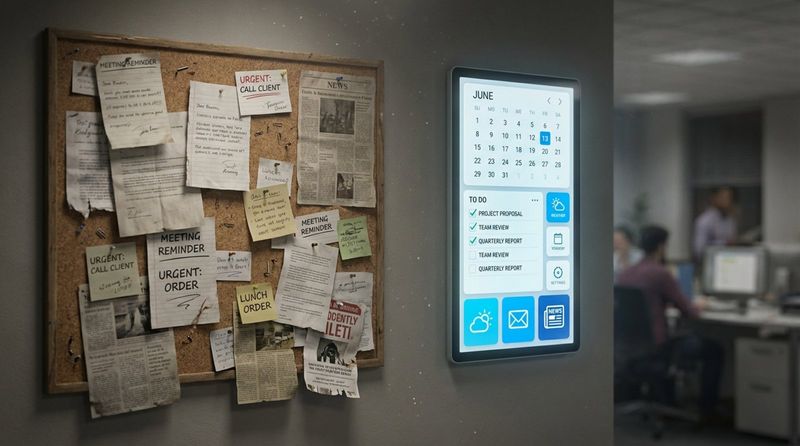
Traditional bulletin boards have been the standard for sharing information in schools, offices, and breakrooms for decades. Usually made of cork or felt, they rely on physical interaction: someone must print a document, walk to the board, and pin it up.
The main limitation is physical presence. If you manage multiple locations, keeping these boards current is a logistical headache. Over time, layers of old flyers create visual clutter, making it easy for viewers to miss new, critical information. Once the space is full, you have to manually clear it to make room for updates.
Definition and Features of Digital Bulletin Boards
Digital bulletin boards are the modern evolution of the notice board, utilizing LCD or LED screens connected to a media player. These screens run cloud-based platforms like Look CMS, which allow you to create, manage, and schedule content remotely via a web dashboard. Instead of static paper, these boards display dynamic media, including images, videos, scrolling text, and live data feeds.
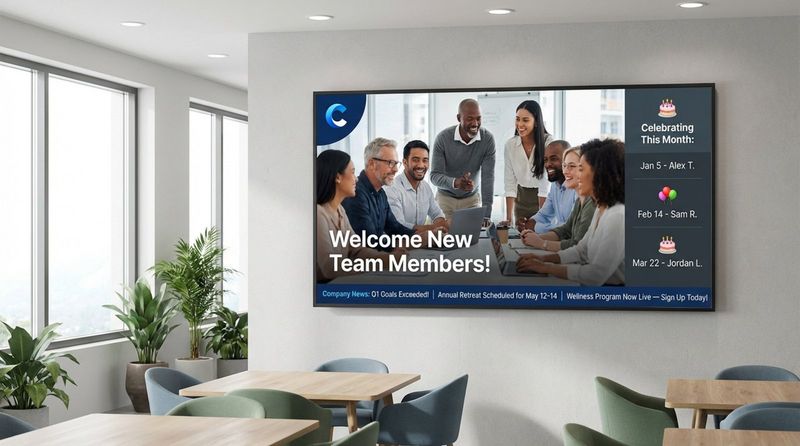
The real strength lies in flexibility. With features like Ready-made Templates and the Look AI Wizard, teams can design professional-looking layouts without needing a graphic designer. You can connect screens to real-time sources-such as weather updates, news tickers, or internal KPIs-keeping the content fresh automatically.
Key Differences in Functionality and Effectiveness
The biggest difference is how well they grab attention. Traditional boards are static and blend into the background. Digital boards use motion to naturally draw the eye. Research suggests that digital displays can capture significantly more views than static signs, making them a more effective tool for getting your message across.
Retention is also higher with digital screens. Because they can combine visuals, motion, and zoned layouts (displaying a clock, a news ticker, and a main announcement simultaneously), viewers are more likely to remember what they saw. You can communicate more information in less space without the clutter.
Why Choose Digital Bulletin Boards? Core Benefits Over Traditional Boards
Switching to digital is a practical move for any team that values efficiency. The most immediate benefit is speed. In fast-paced environments, printed notices are often obsolete by the time they are posted. Digital signage software lets you update content instantly, ensuring everyone sees the correct information at the same time.
Additionally, digital screens elevate the perception of your brand. A bright, high-definition display looks professional and modern, whereas a messy corkboard with torn paper can make a facility look neglected. Your messaging stays crisp, bright, and consistent.
Dynamic and Engaging Content
Display of Visuals, Videos, and Animations
Paper flyers are limited to text and static images. Digital bulletin boards can play high-quality videos and animations that tell a story. A school can show video highlights from a sports event, while a corporate office can stream a town hall address. This capability turns a passive notice board into an engaging communication channel.
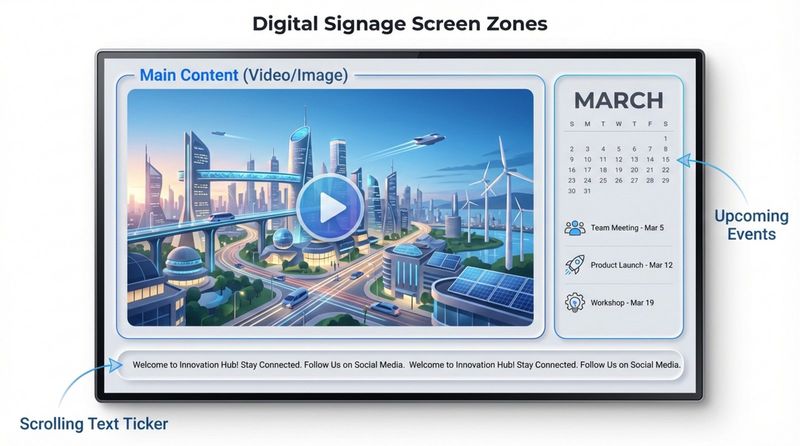
Using Screen Layouts, you can also maximize the utility of one screen. You might devote one zone to a video loop and another to a scrolling text ticker, providing multiple layers of information that keep viewers interested.
Improved Attention and Message Retention
Human eyes are hardwired to notice movement. Scrolling text and transitions on a digital screen catch attention far better than a static poster. When content is visually engaging, people stop to watch, leading to higher recall rates for safety protocols, deadlines, or upcoming events.
In educational settings or busy retail breakrooms, this is crucial. Staff and students are more likely to engage with a screen showcasing peer recognition or interactive quizzes than a wall of text-heavy memos.
Ability to Keep Content Fresh and Relevant
“Content fatigue” happens when a bulletin board looks the same for weeks. People eventually stop looking at it. Digital signage solves this with Smart Scheduling. You can set content to expire automatically after an event passes, or schedule specific messages to appear only during relevant times (like lunch menus from 11 AM to 2 PM).
By integrating Look Apps for live content-like social media feeds or traffic updates-the screen becomes a useful utility. When people rely on the screen for daily info, they are guaranteed to see your internal announcements too.
Real-Time Updates and Centralized Control
Instant Content Changes Across Multiple Locations
For organizations with multiple buildings, retail chains, or campuses, updating paper boards is a massive drain on time. Digital signage centralizes this process. An administrator can log into Look CMS, make an update, and publish it to one screen or thousands in minutes.
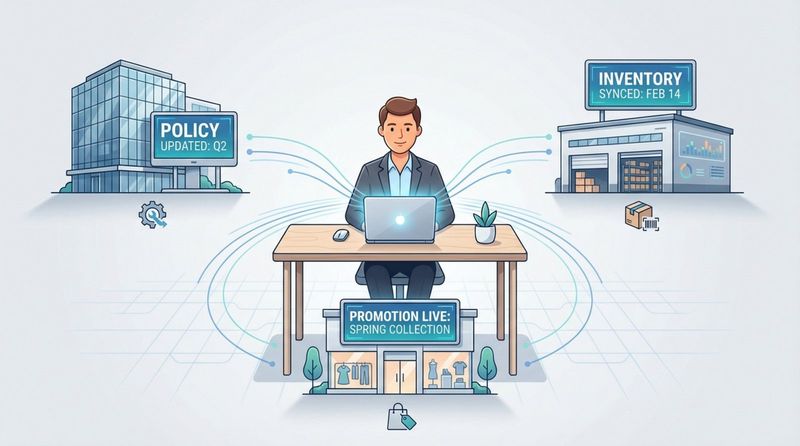
This ensures consistency. Whether an employee is in the headquarters lobby or a satellite warehouse, they receive the exact same policy update or safety reminder at the exact same time.
Scheduled Content Rotation and Flexibility
Digital systems allow you to "set and forget" your routine communication. You can plan campaigns weeks in advance using scheduling tools. The software handles the playback, ensuring that holiday greetings start on the right day and expire automatically when the season ends.
This flexibility also supports day-parting. A hospital lobby screen can show wayfinding information during the day and switch to security notices at night. This adaptability is impossible with printed signage.
Remote Management Capabilities
Managing screens from anywhere is a game-changer. You do not need to be on-site to check if a screen is working. With tools for Monitoring and device health checks, IT teams can see if a screen is online and what is playing without leaving their desks. If plans change suddenly-like a weather emergency-you can update the entire network from a laptop at home.
Improved Communication and Audience Engagement
Targeted and Interactive Messaging
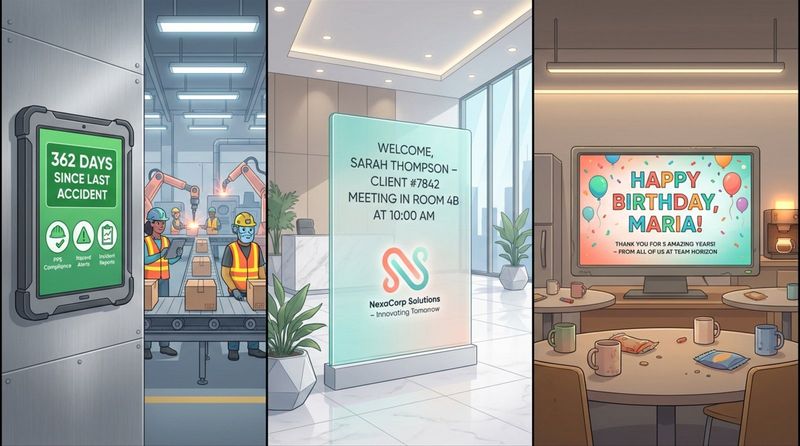
Digital bulletin boards allow you to tailor content to specific audiences. You can create different Playlists for different zones:
- Warehouse floors: Safety stats and shift schedules.
- Corporate lobbies: Welcome messages for clients and stock updates.
- Breakrooms: HR announcements and staff birthdays.
For deeper engagement, you can use Interactive Scenarios or simple QR codes. Viewers can scan a code to download a policy PDF, register for an event, or fill out a survey. This turns a one-way broadcast into a two-way conversation.
Reaching a Wider and More Diverse Audience
Screens placed in high-traffic areas like elevators and cafeterias naturally reach more people. Because the content is bright and backlit, it is legible from a distance, unlike small print on paper.
Digital boards also support inclusivity. You can easily rotate content in multiple languages or use strong iconography to ensure messages are understood by a diverse workforce or visitor base.
Analytics to Track Engagement and Effectiveness
With a corkboard, you never know if anyone read your memo. Platforms like Look Digital Signage offer Playback Analytics and Proof-of-Play reports. You can verify exactly how many times a piece of content was displayed. This data helps you understand which messages are getting airtime and allows you to optimize your strategy based on facts, not guesses.
Cost-Effectiveness and Sustainability Advantages
Reduction in Printing and Paper Costs
While digital screens require an initial investment in hardware, they often reduce operational costs over time. You eliminate the recurring expense of paper, ink, and professional printing services. For large organizations, these savings can be substantial.
More importantly, you save staff time. No one needs to design, print, walk around, pin up, and eventually shred notices. That time can be redirected to more valuable tasks.
Minimized Waste and Environmental Impact
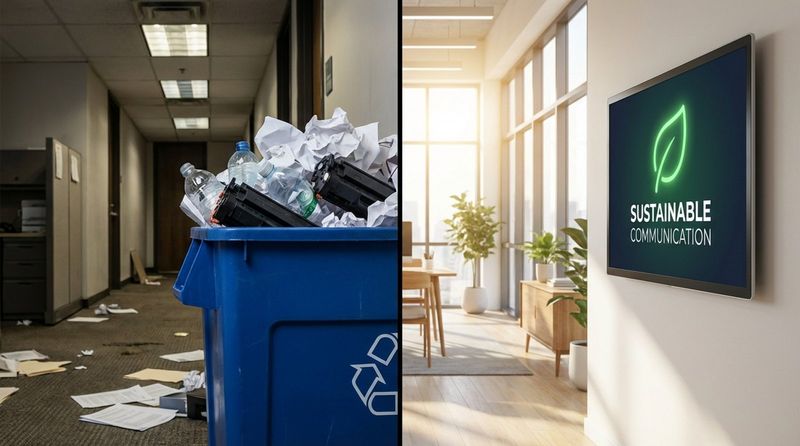
Digital signage supports sustainability goals by significantly reducing paper waste. Moving to a "paperless" bulletin board system is a visible commitment to greener operations. Furthermore, modern screens can be scheduled to turn off outside of business hours to save energy.
Comparing Long-Term Operational Costs
When you look at the total cost of ownership, digital solutions often win out. Look Digital Signage offers scalable subscription plans, and you can often use the Look App on affordable devices like Amazon Fire TV sticks or existing Android TVs, keeping hardware costs low. Once installed, the day-to-day cost of changing a message is effectively zero.
Enhanced Accessibility and Adaptability
ADA Compliance and User-Friendly Interfaces
Digital displays can improve accessibility. High-contrast designs and large, legible fonts make information easier to read for people with visual impairments. Unlike paper, digital content can be quickly adjusted to meet accessibility standards.
The software itself is also designed for ease of use. You do not need IT skills to run Look CMS. The interface is intuitive, allowing HR managers or office administrators to upload content and manage playlists with simple drag-and-drop tools.
Adaptability Across Different Settings and Needs
Digital signage is versatile enough to fit any industry:
- Healthcare: Patient waiting times and health tips.
- Retail: Flash sales and loyalty program promotions.
- Corporate: KPI dashboards and internal news.
- Education: Campus event schedules and emergency alerts.
The same hardware can pivot roles instantly-switching from a digital menu board at breakfast to an employee notice board in the afternoon.
Advanced Integration Possibilities
Linking with Emergency Alert Systems
Safety is a priority. Digital bulletin boards can serve as a critical part of your emergency response plan. In the event of a fire or severe weather, screens can override scheduled content to display clear evacuation routes and alerts, helping to keep everyone safe.
Social Media and Data Feed Integration
To keep the screen dynamic, you can integrate live feeds. Showing a moderated social media wall can highlight positive customer feedback or company culture. Integrating news or weather widgets adds value for the viewer, giving them a reason to look at the screen every time they walk by.
Seamless Upgrades and Scalability
Look Digital Signage is built to scale. You can start with one screen in the lobby and expand to hundreds of screens across the country without changing your workflow. New features and improvements are delivered via cloud updates, so your system gets better over time without needing new hardware.
Conclusion
Replacing traditional bulletin boards with digital screens is a clear step toward more efficient, effective communication. While paper may still have a niche use, digital signage offers the speed, control, and engagement that modern organizations need. From reducing waste to ensuring every employee sees the latest safety update, the benefits are practical and immediate.
If you are ready to modernize your internal communications, Look Digital Signage provides the tools to make it happen easily. With features like Smart Scheduling, Remote Management, and easy-to-use Templates, you can get your first digital bulletin board running in minutes. You can start a free trial or book a demo today to see how simple it is to take control of your screens.


