Table of Content
How do you ensure the night shift stays just as informed as the day crew? Breakroom digital signage scheduling bridges the gap by automating content delivery, ensuring the right message appears on your screens exactly when your staff needs to see it, regardless of the hour.
What Is Breakroom Digital Signage Scheduling for Shift Workers?
How Does Digital Signage Differ from Traditional Noticeboards?
Old cork boards often become "graveyards" for company news. They fill up with torn papers and outdated memos that blend into the background. Because nothing moves, people stop looking.
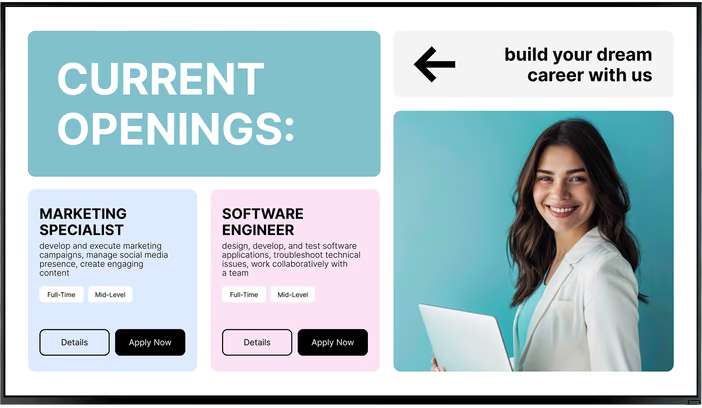
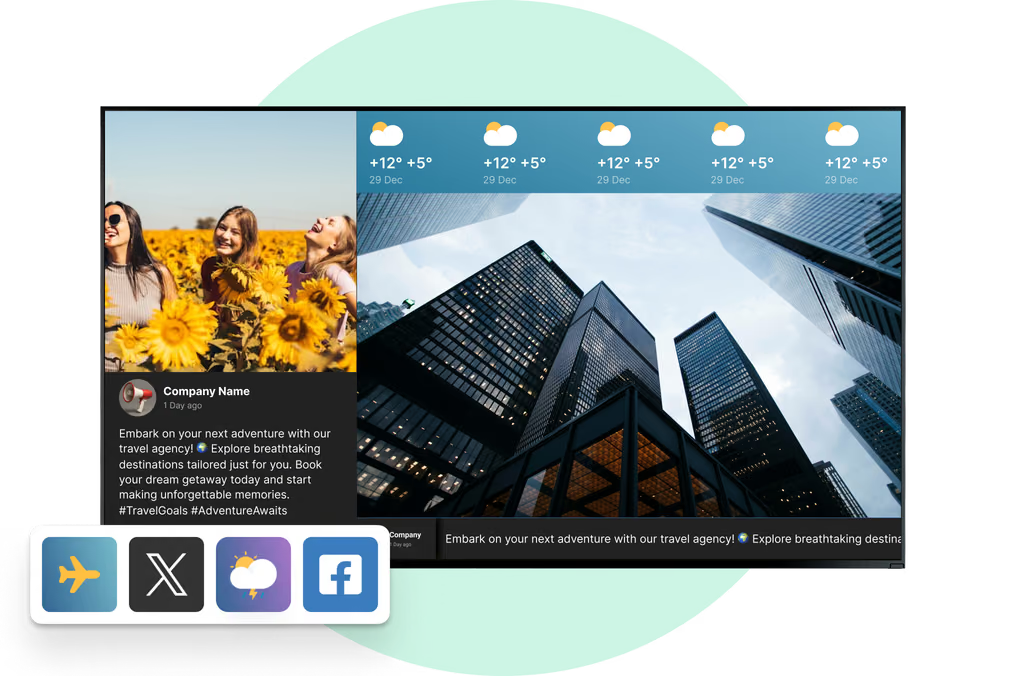
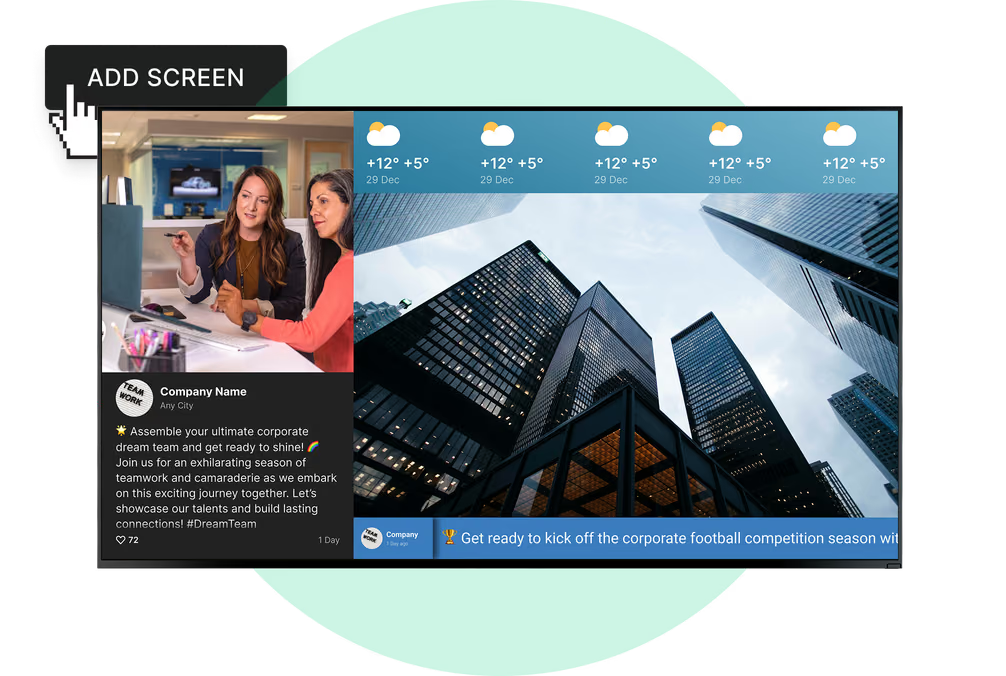
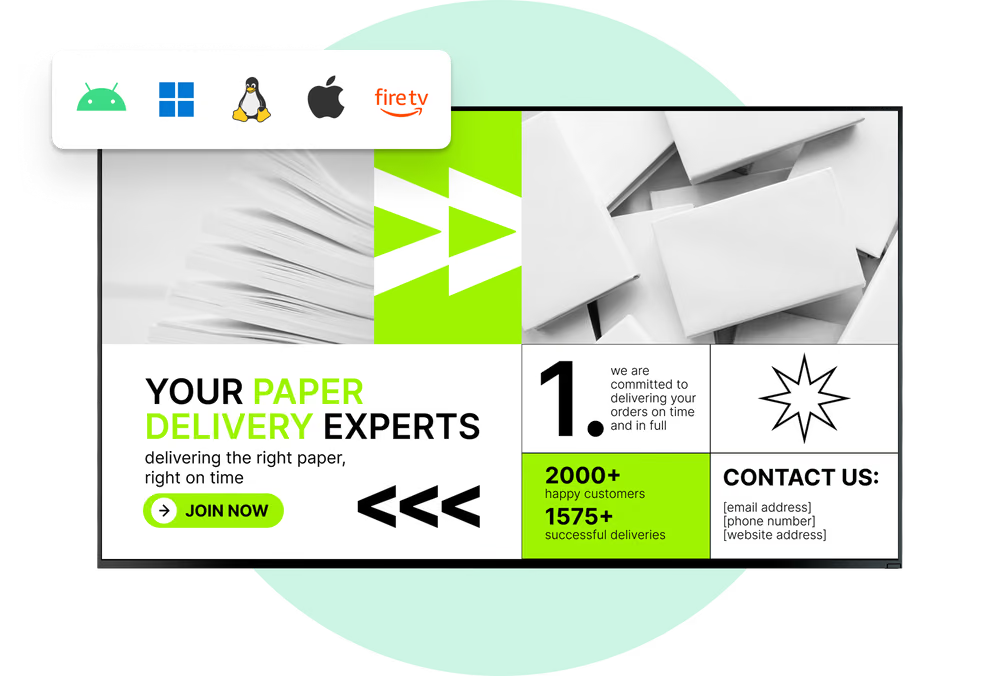
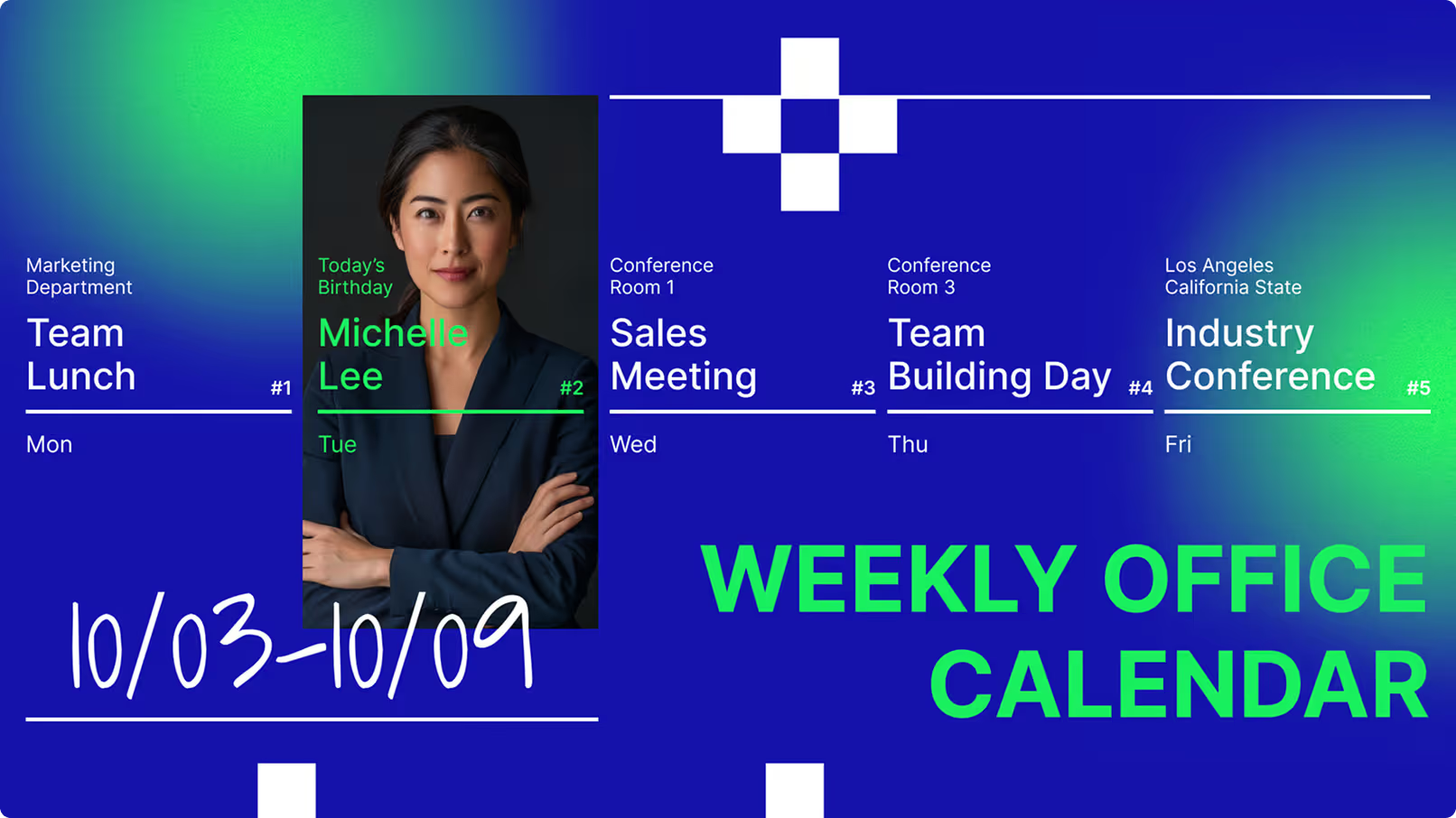
Digital signage changes the dynamic. Instead of a static flyer, you display bright, rotating content using digital signage software. One screen can cycle through safety alerts, HR updates, and weather reports. This keeps the breakroom feeling like a live information hub rather than a wall of forgotten paper.

Why Is Scheduling Relevant for Shift-Based Teams?
Workplaces with multiple shifts, like warehouses, hospitals, and factories, face a communication challenge. Day teams get in-person briefings, while night teams often rely on second-hand notes. Scheduling allows you to "daypart" your content. You can set safety reminders for high-traffic shift changes and switch to relaxing content during quiet breaks.
This approach also manages time-sensitive info. A reminder about open enrollment or a scheduled drill appears only when it is relevant. This reduces information overload and keeps your screens useful.

Key Benefits for Shift Workers and Employers
Faster Internal Communication Across All Shifts
News needs to travel fast. Digital signage turns breakroom screens into real-time tools. When a policy changes, you can update every screen in minutes from a central dashboard. You avoid the delay of printing posters or the risk of staff missing an email they cannot check while on the floor.
This speed is critical for safety. If protocols change, you can push a visual alert to all shifts instantly. It helps everyone, from the morning supervisor to the overnight operator, act on the same information.
Improved Workforce Engagement and Morale
Staff who feel informed feel more valued. Digital signage supports this by putting your team at the center of the conversation. You can display team wins, photos, and motivational messages to build a supportive culture.
Shift workers often feel disconnected from the main office. Seeing their names and achievements on the breakroom screen helps them feel included. It is a simple way to recognize effort and improve retention.

Increased Awareness of Company Updates and Announcements
Important emails often get buried. Digital signage cuts through the noise by placing updates where people actually gather. News about leadership changes or deadlines stands out on a bright screen near the coffee machine.
Short text and strong visuals work best. This approach reduces the need for repeated reminders and keeps the whole team focused on company goals.
Reduced Information Gaps for Overnight and Off-Hour Staff
Night staff often miss out on announcements. Digital signage acts as a consistent source of truth. Even when management has gone home, the screens continue to deliver the same clear messages to everyone on site.
This connects your non-desk workers to the rest of the organization. Whether they work at 2:00 PM or 2:00 AM, they have access to the same resources and updates.
Essential Features to Look For in Digital Signage Scheduling Solutions
Customizable Content Playlists by Shift Timing
A capable Look CMS setup allows you to build specific playlists for different times. You might run:
- Morning shift: A "Start of Day" playlist with KPIs and daily goals.
- Night shift: A "Wellness" playlist with fatigue management tips and safety reminders.
Adjusting content by shift shows respect for your workers' specific routines and challenges.

Automated Scheduling and Real-Time Updates
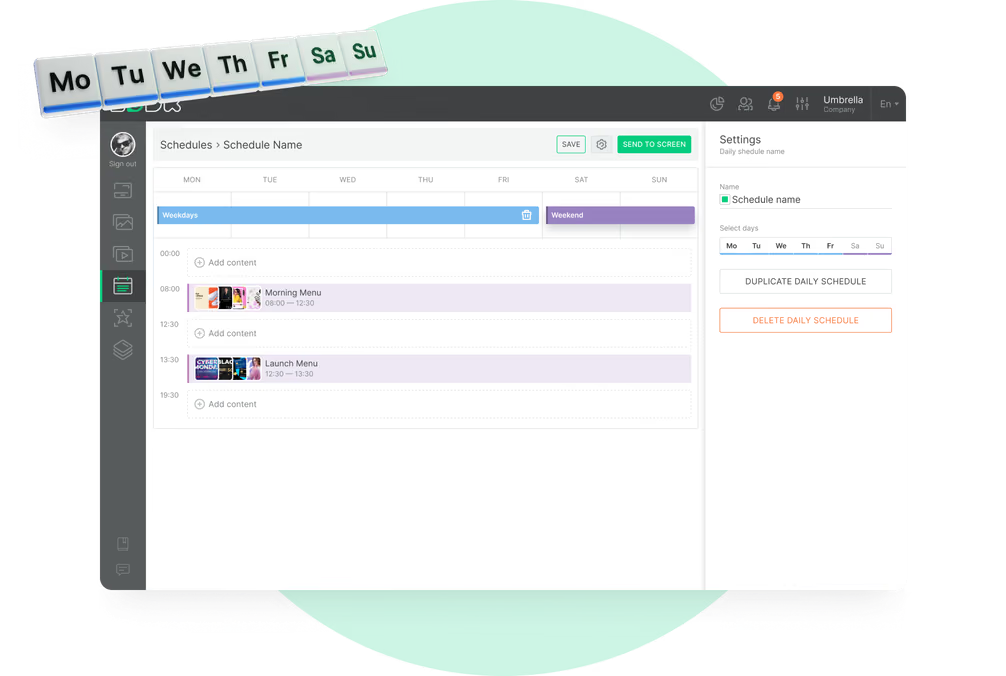
You need a system that lets you set and forget your routine messages. Look for software with Smart Scheduling that allows you to plan weeks in advance. You can set start and end dates for campaigns so holiday messages disappear automatically when the season ends.
Real-time capability is also key. If an urgent issue arises, you should be able to interrupt the scheduled playlist to show an alert immediately.
Targeted Messaging for Different Departments or Teams
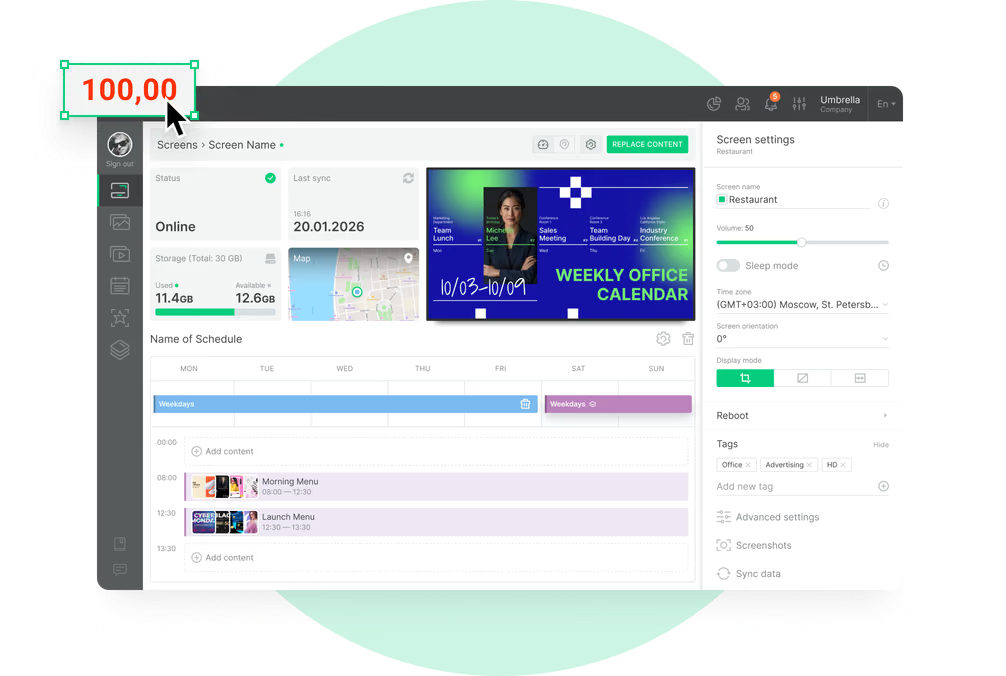
Not every screen needs the same content. Your warehouse team needs safety stats, while the breakroom needs HR news. Strong remote management tools let you tag screens and send specific content to specific groups.
- Send loading dock safety tips to warehouse screens.
- Share benefits info on breakroom displays.
- Display production targets on the factory floor.

Easy Integration with Existing Workforce Management Systems
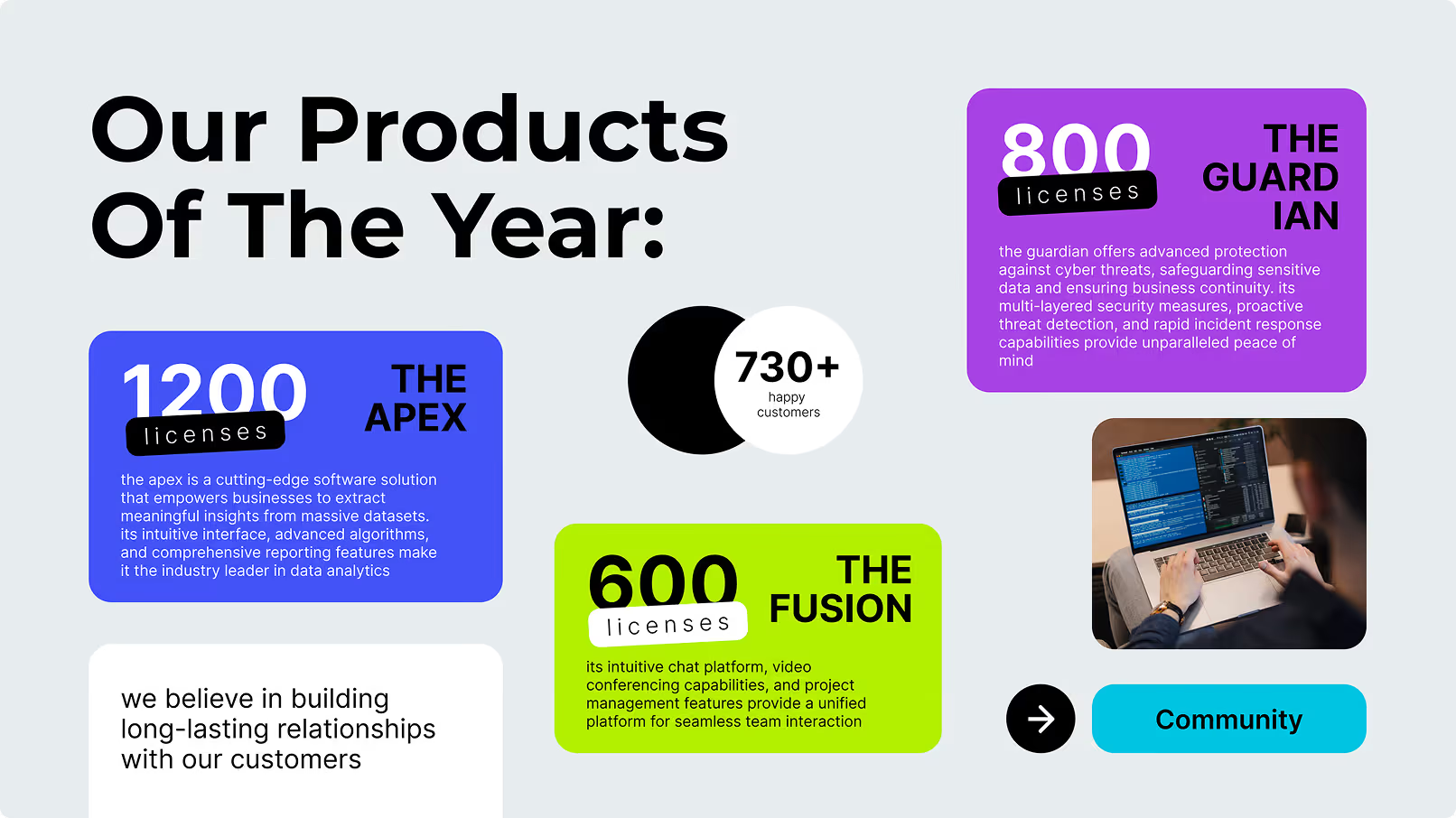
Your screens should work with the tools you already use. Through integrations or apps, you can link to calendars or dashboards. For example, a screen can pull live data to show current production numbers without manual entry.
This keeps data accurate and saves you from updating slides by hand every day.
How to Set Up and Manage Digital Signage Schedules for Shift Workforces
Planning and Mapping Content for Shift Rotations
Start by looking at your shift patterns. Ask yourself:
- When are the major break times?
- When do shifts overlap?
- When is team energy usually lowest?
Use these answers to map out your content. Plan a mix of company news and lighter content to keep the screens interesting.
Assigning Playlists to Corresponding Shift Times
Once you have a plan, use your CMS to assign playlists to time slots. You can set a loop to run during the morning rush and a different one for the overnight quiet hours. You can also schedule special content for specific days, like "Safety Friday."
Keep your loops concise. If a break is 15 minutes, your playlist should be short enough for a worker to see the key items before they return to work.
Ensuring Compliance with Internal Communication Policies
To keep messaging consistent, manage user permissions in your software. You can control who creates content and who approves it. This ensures that nothing goes on screen without a final check.
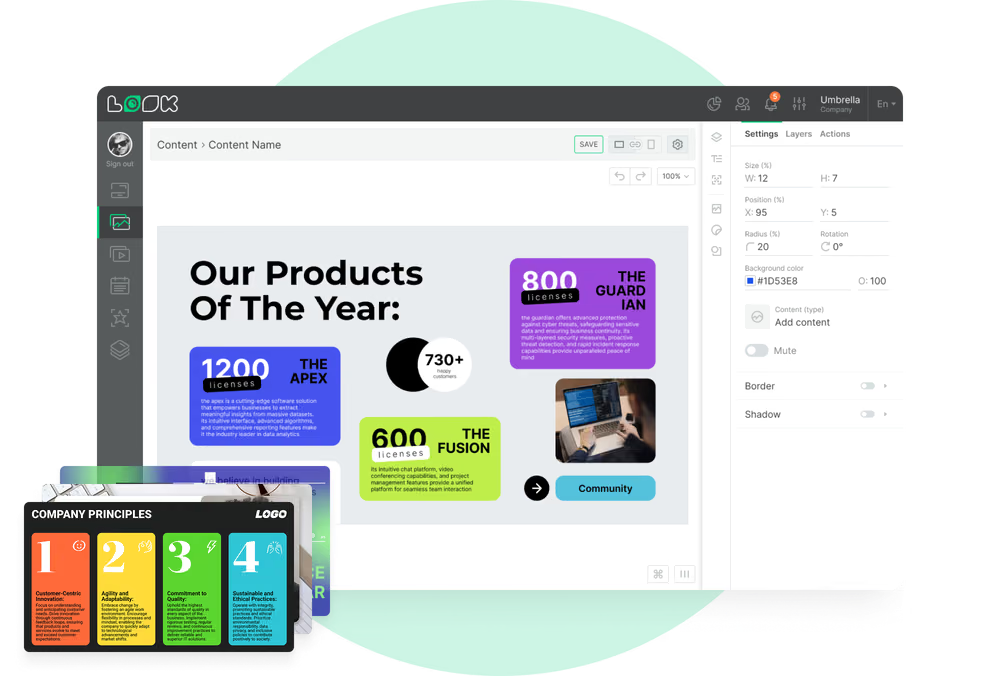
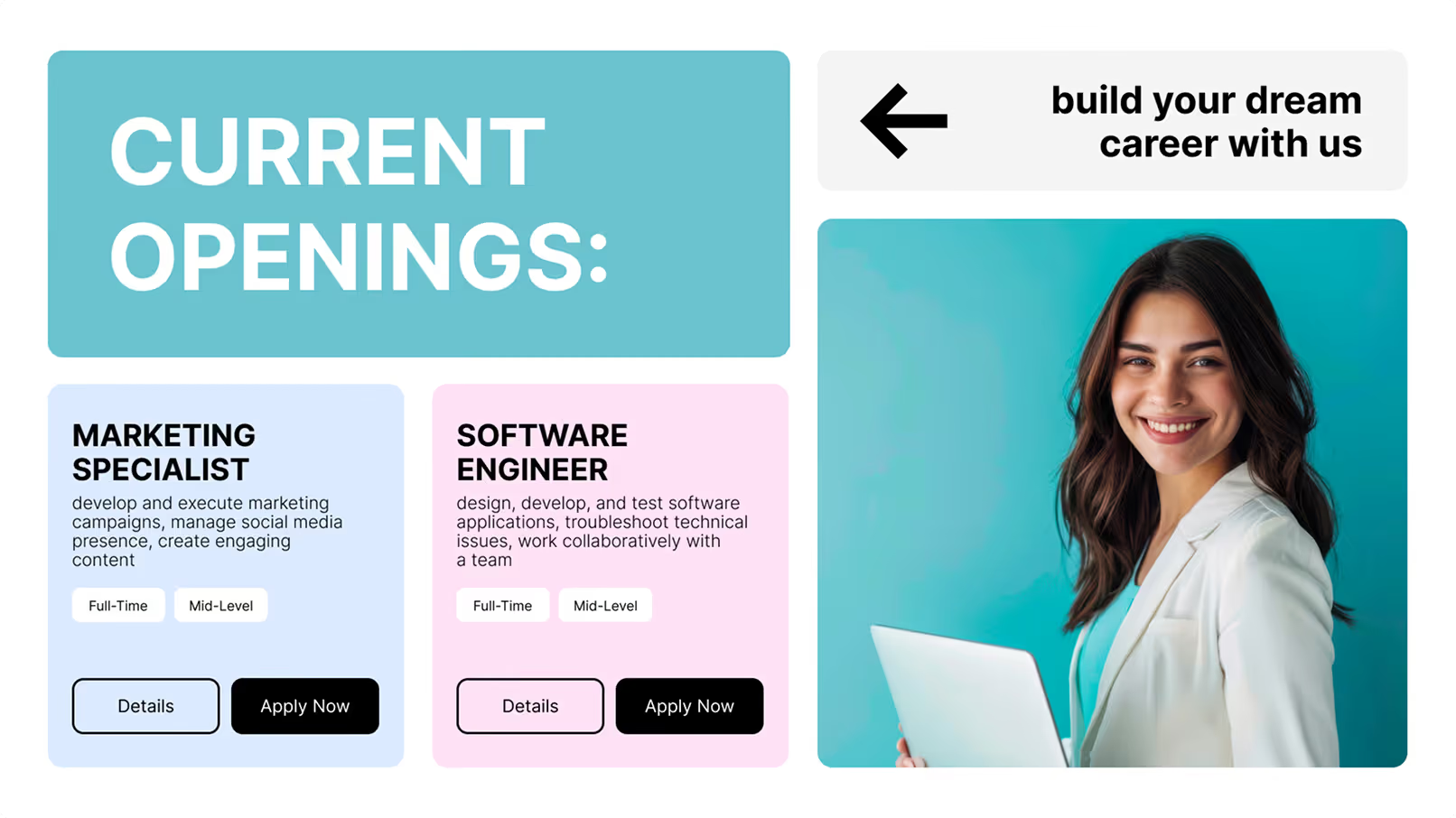
Using digital signage templates helps maintain a professional look. It ensures fonts, colors, and logos match your brand, even if different department heads are creating the slides.
Best Practices for Updating and Maintaining Displays
If content never changes, people stop watching. Update general announcements weekly. Use templates to make these updates quick. Fresh visuals keep attention high.
Hardware maintenance is also vital. Ensure screens are clean and online. Reliable playback is essential; a blank screen sends a message of neglect.
Popular Use Cases in Breakroom Digital Signage for Shift Environments
Employee Recognition and Milestones
Recognizing hard work improves culture. You can display:
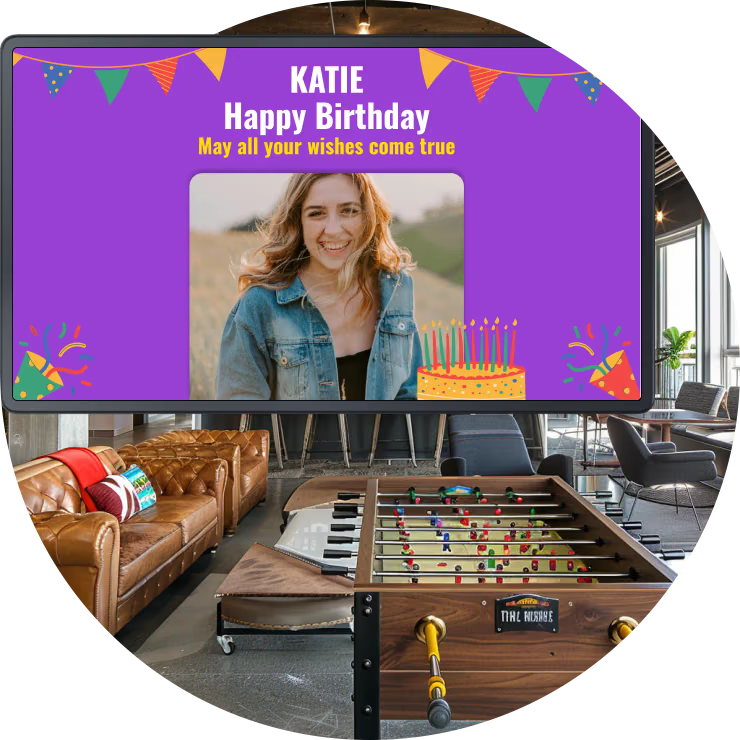
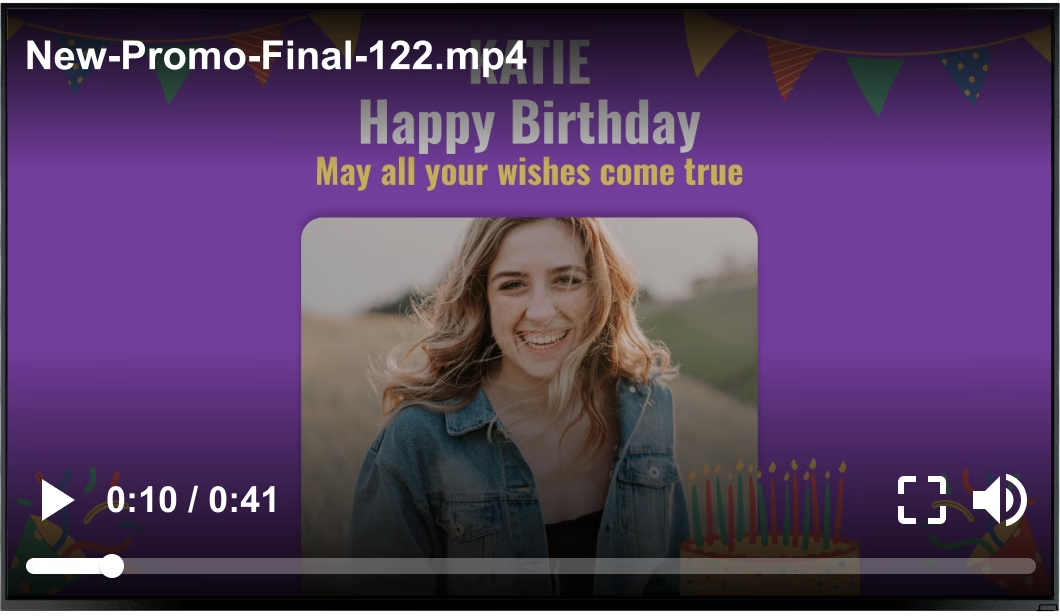
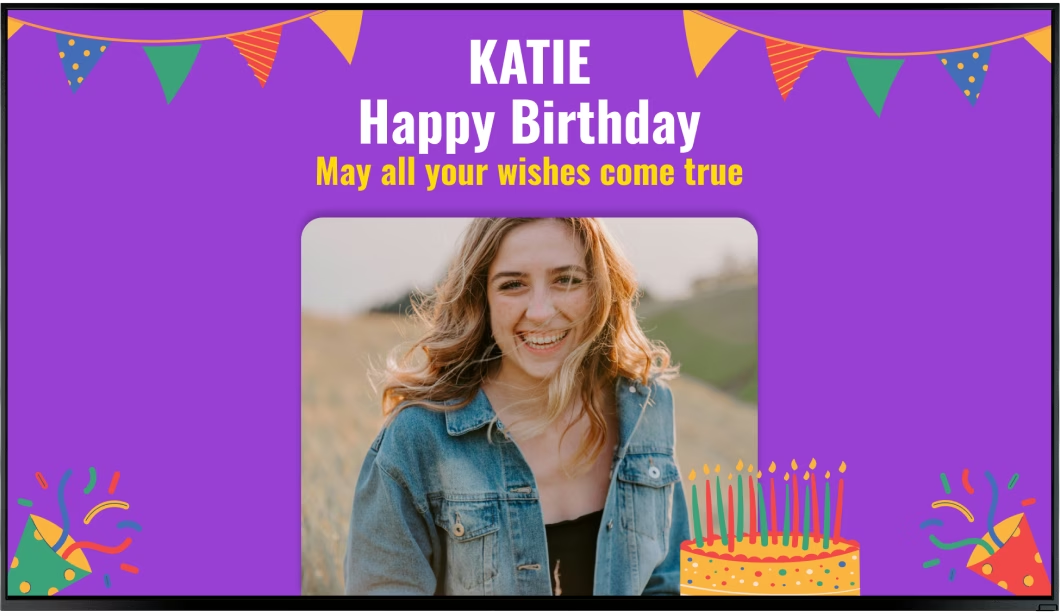
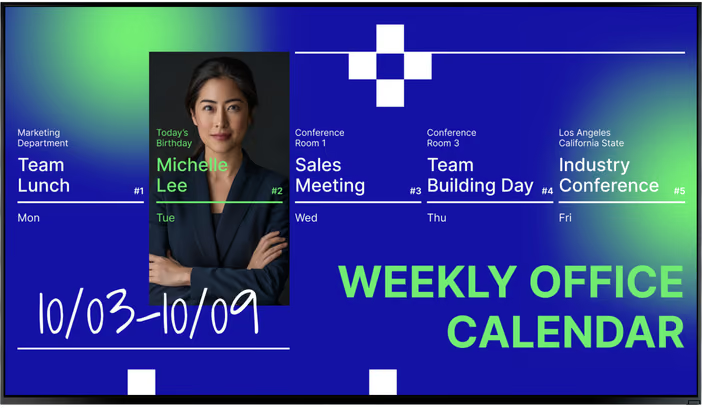
- Birthdays and work anniversaries.
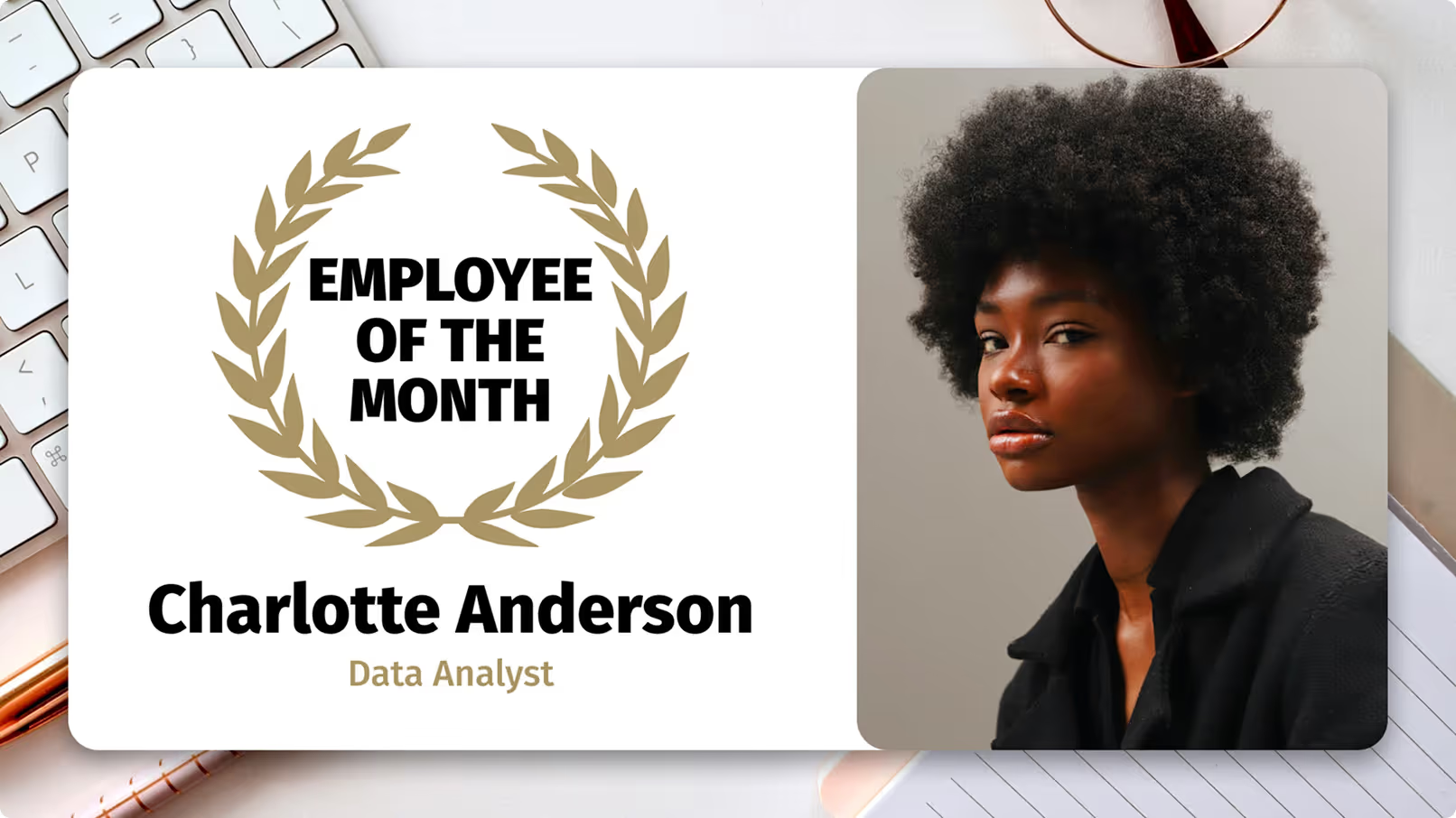
- Employee of the Month awards.
- Team project completions.
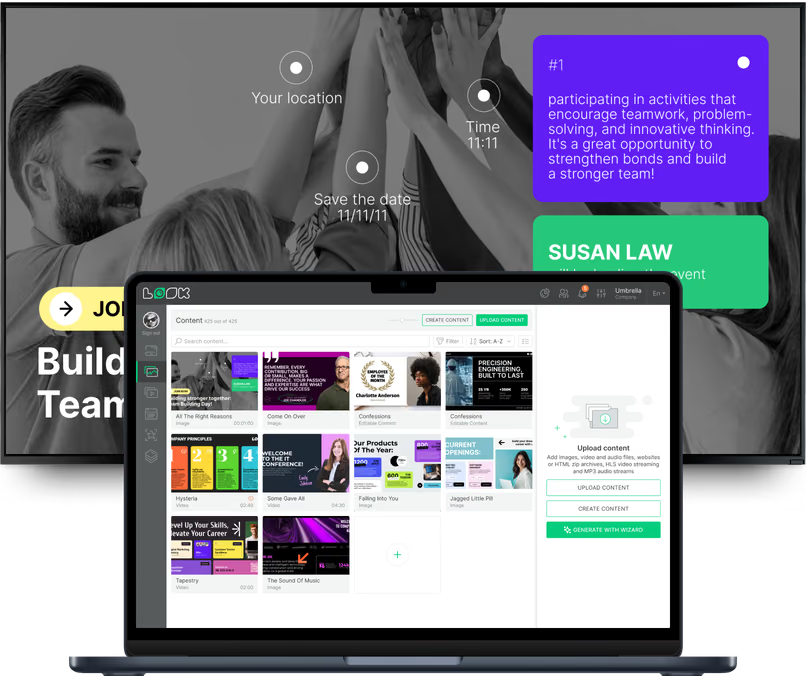
The Look CMS makes it easy to upload photos and add text, helping staff feel appreciated across every shift.
Health, Wellness, and Safety Reminders
Safety is often the top priority in shift work. Use screens to reinforce PPE rules, lifting techniques, and hazard awareness. During flu season or extreme weather, you can add health tips instantly.
Visual reminders work better than text-heavy manuals. A simple graphic on a screen is easier to remember than a paragraph in a handbook.

Corporate Announcements and HR Updates
Breakrooms are the best place for "must-read" info. Use screens for:
- Benefits enrollment dates.
- Policy updates.
- Training deadlines.
A countdown timer on the screen can help drive action before a deadline passes.
Social, Training, or Event Promotions
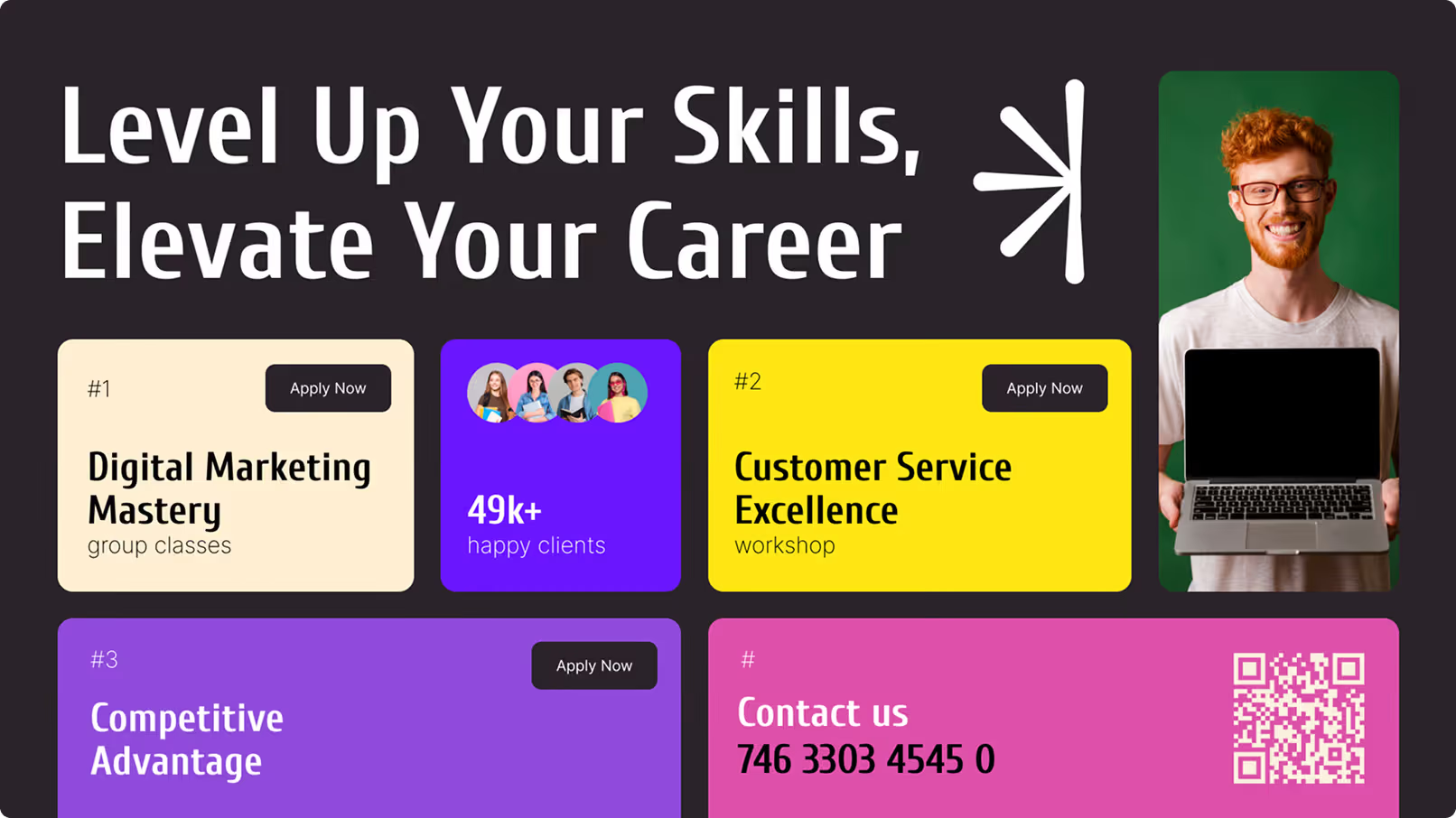
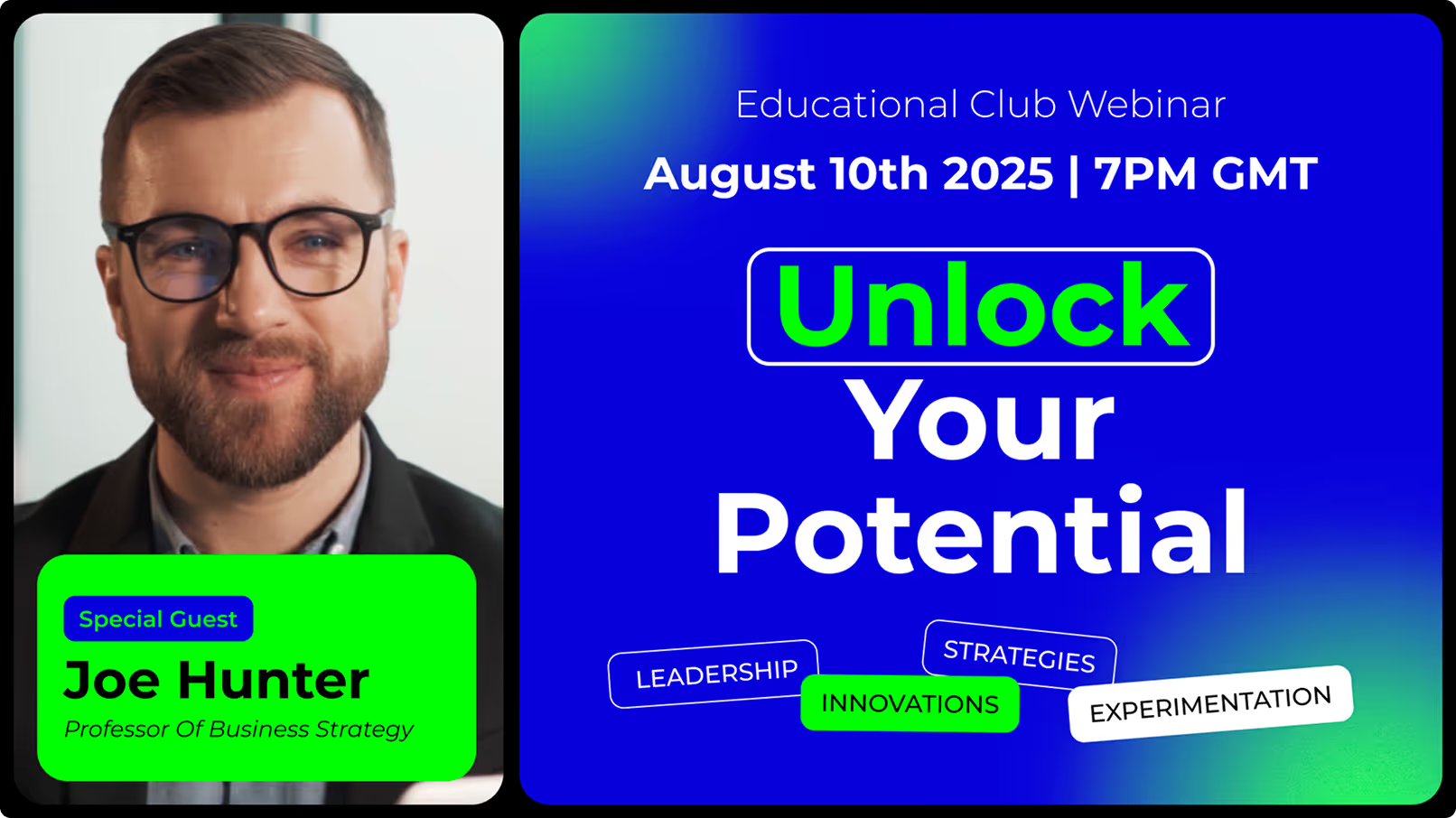
Build community by promoting events, charity drives, or holiday parties. You can also run short training clips or "micro-learning" segments during downtime.
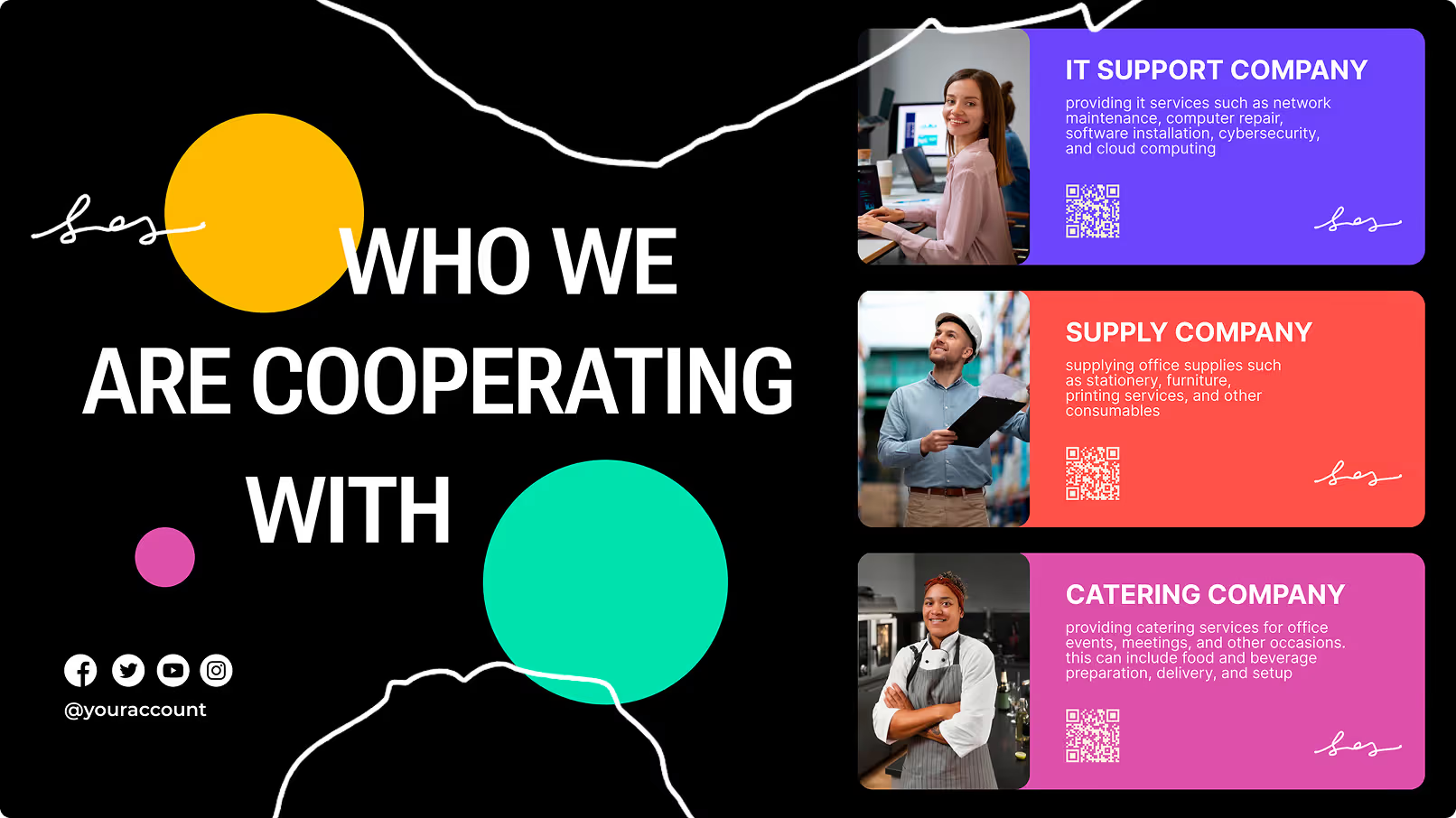
Adding a QR code allows staff to scan the screen and sign up for an event immediately from their mobile device.
Real-Time Production, KPI, or Sales Dashboards
Shift workers want to know how they are performing. Display real-time dashboards showing:
- Production targets vs. actuals.
- Safety incident-free days.
- Customer satisfaction metrics.
Seeing progress in real-time encourages the team to hit their goals together.

Common Challenges and Troubleshooting Tips
Managing Content for Diverse Shift Patterns
Overlapping shifts can be tricky. Use flexible scheduling to cover these times. If shifts change at 3:00 PM, run a "handover" playlist from 2:30 PM to 3:30 PM that includes key info for both groups.
Prioritize your messages:
- High priority: Safety alerts and urgent HR news (repeat frequently).
- Medium priority: General updates.
- Low priority: Trivia or weather.
Ensuring Message Relevance Across Multilingual Teams
If your workforce speaks multiple languages, rely on visuals. Use icons and clear images to convey safety rules. Keep text simple.
Some teams use Screen Layouts to show the same message in two languages side-by-side, ensuring everyone feels included.
Technical Issues: Downtime and Synchronization
Internet connections can fail, but your screens should not. Look for a solution that offers Offline Playback. This feature caches content on the player so the playlist continues to run smoothly even if the network drops.
For multi-location setups, a cloud-based system allows you to monitor screen health from anywhere, so you know if a device is down before someone complains.
How to Measure Success and ROI of Breakroom Signage for Shift Workers
Employee Engagement and Feedback Collection
The best way to know if it works is to ask. You can:
- Put a QR code on screen linking to a quick survey.
- Ask for content suggestions during team meetings.
If staff interact with the content, you know it is reaching them.
Monitoring Message Retention and Viewership
Playback Analytics can show you exactly what played and how often. While you cannot count eyeballs, you can track actions. If you put a unique URL or code on the screen and people use it, you have proof of engagement.
Connecting Signage Metrics to Business Outcomes
Connect your signage efforts to real results. Look for trends like:
- Improved safety scores after a digital safety campaign.
- Higher enrollment in benefits after on-screen promotion.
When you link these outcomes to your digital signage, you prove the ROI of the system.
Recommendations for Choosing a Digital Signage Scheduling Platform
Criteria for Vendor Selection and Support
You need a platform that is simple to set up and manages content without complex setup. Look Digital Signage is designed for teams that need to get screens live quickly.
- Smart Scheduling: Automate your playlists to match every shift perfectly.
- Ready-made Templates: Create professional notices in minutes without a designer.
- Offline Playback: Keep your screens running reliably, even with spotty internet.
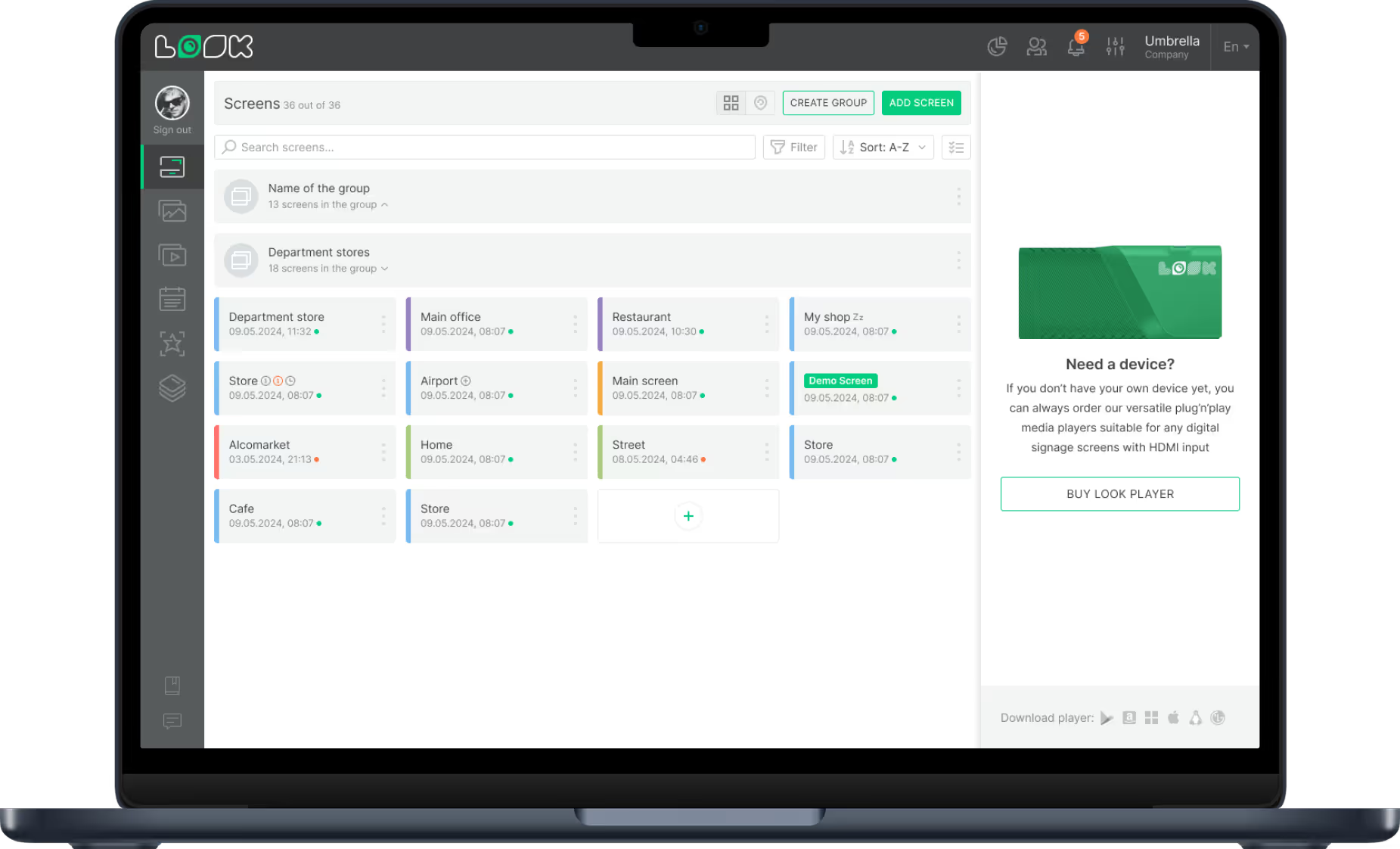
- Remote Management: Update one breakroom or fifty from a single dashboard.
Look provides a balance of power and simplicity, making it a strong fit for operational teams.
Evaluating Costs versus Operational Benefits
Don't just look at the price tag; look at the cost of bad communication. Missed safety updates or confused staff cost money. A reliable, cloud-based system like Look helps you prevent these issues.
Investing in a tool that saves operations managers hours of work and keeps staff safer often pays for itself quickly.
Future Trends in Breakroom Digital Signage for Shift Workers
AI and Data-Driven Personalization
Signage is getting smarter. Future systems may use data to adjust content based on who is likely in the room. Tools like the Look AI Wizard already help teams generate content faster, and automation will only improve.
Mobile Integration and Multi-Channel Communication
The screen on the wall is connecting to the phone in your pocket. Expect deeper integration where a breakroom screen prompts a worker to download a schedule or safety guide directly to their device.
Moving to digital signage reduces paper waste and creates a modern, calm environment. It helps shift workers disconnect from the noise of the floor and reconnect with the company mission, supporting better morale and steady performance.