How digital signage works

With Look DS, setting up digital signage in your school is easy and intuitive. Here's how it works in a few simple steps
  • Content

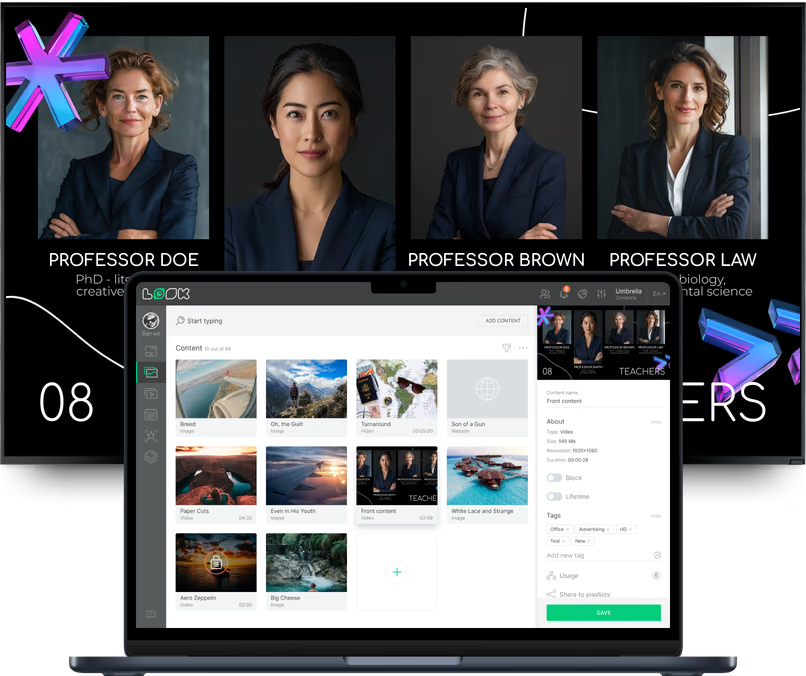
    Create content

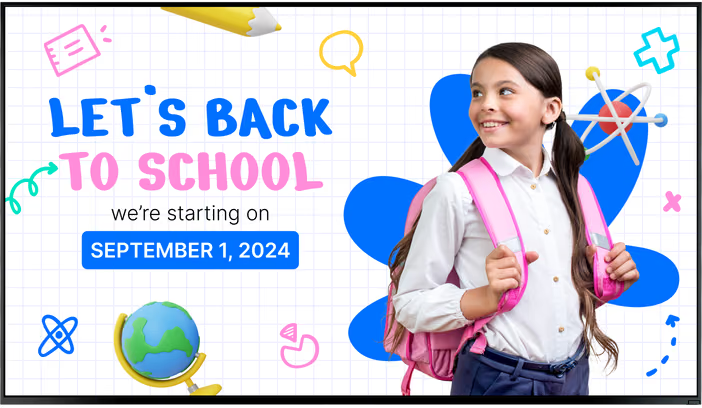
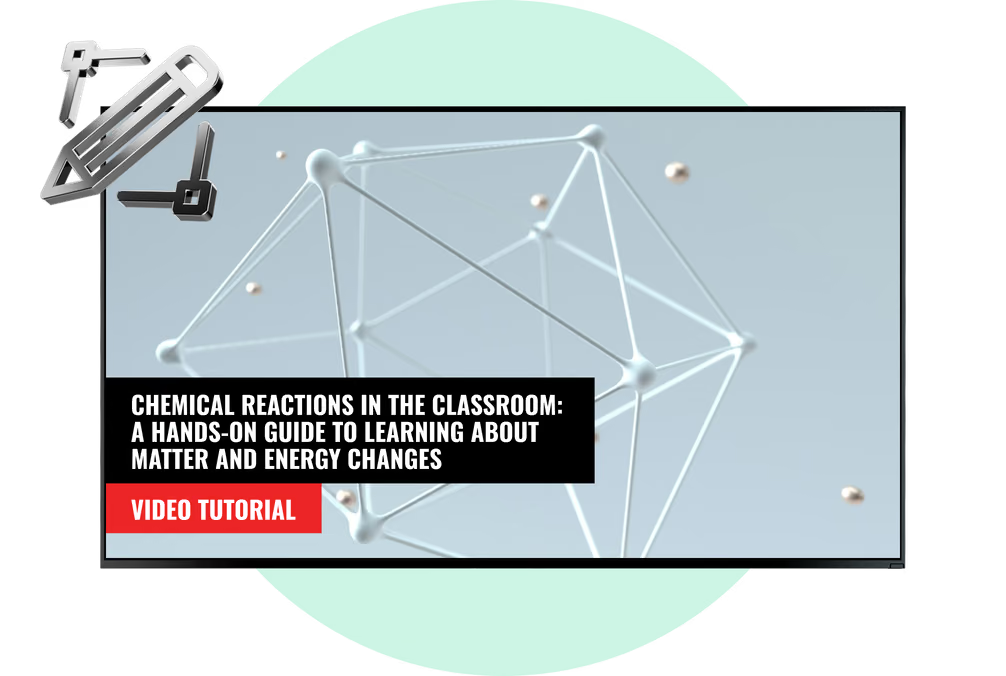
    Upload your content or customize from our extensive library of templates to create eye-catching visuals
  • Schedule

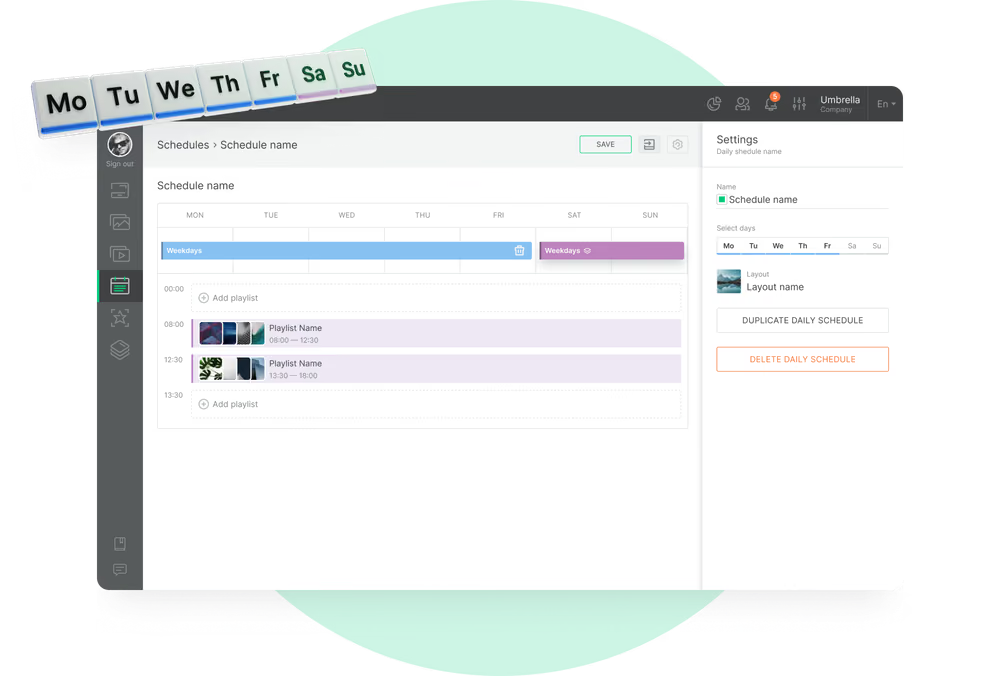
    Playlist and schedule

    Put your content into playlists and set them to play on the right screens and at the right time
  • Playlists

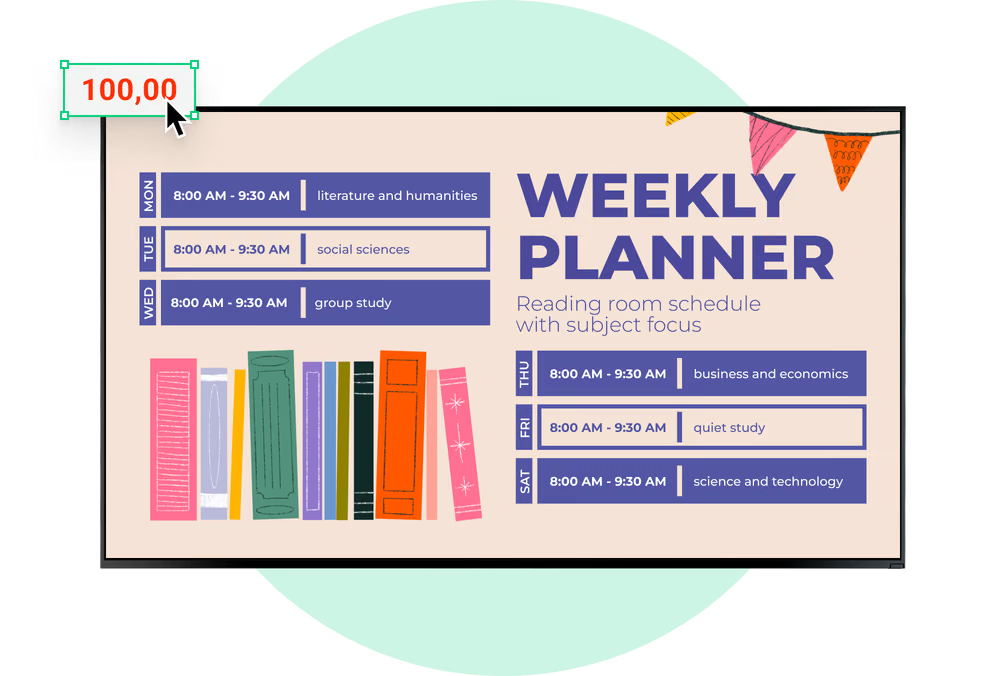
    Start playing

    Broadcast your content across all or some specific screens, ensuring that your messages reach the audience in classrooms, halls, or common areas
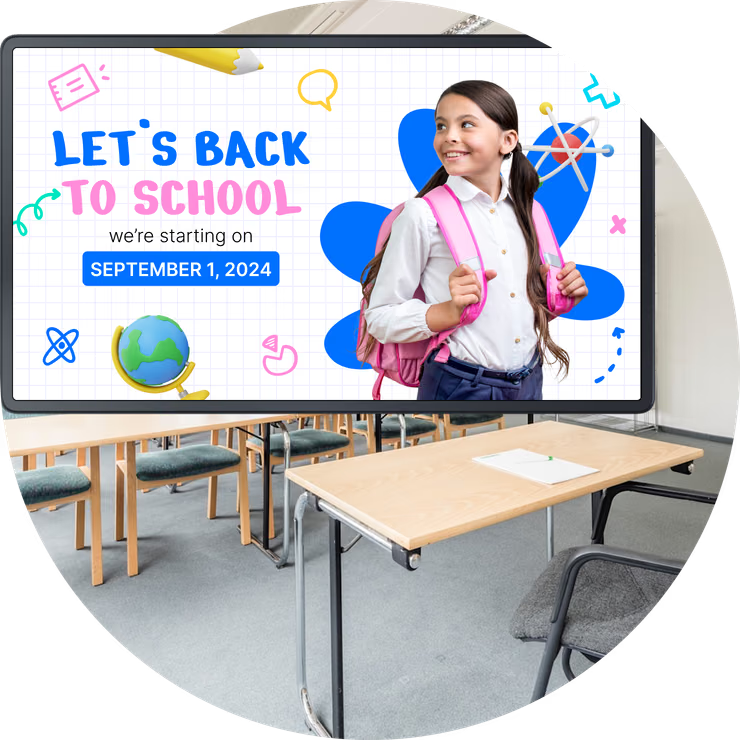
Digital signage for university, templateDigital signage for school, back to schoolDigital signage for university, TV and laptop

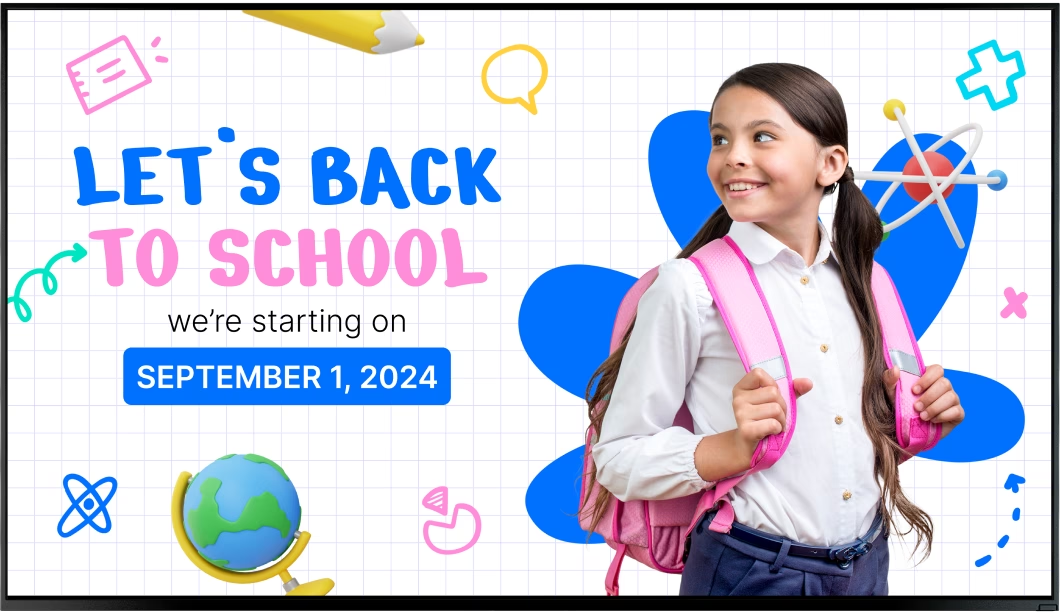
Free digital signage templates for schools

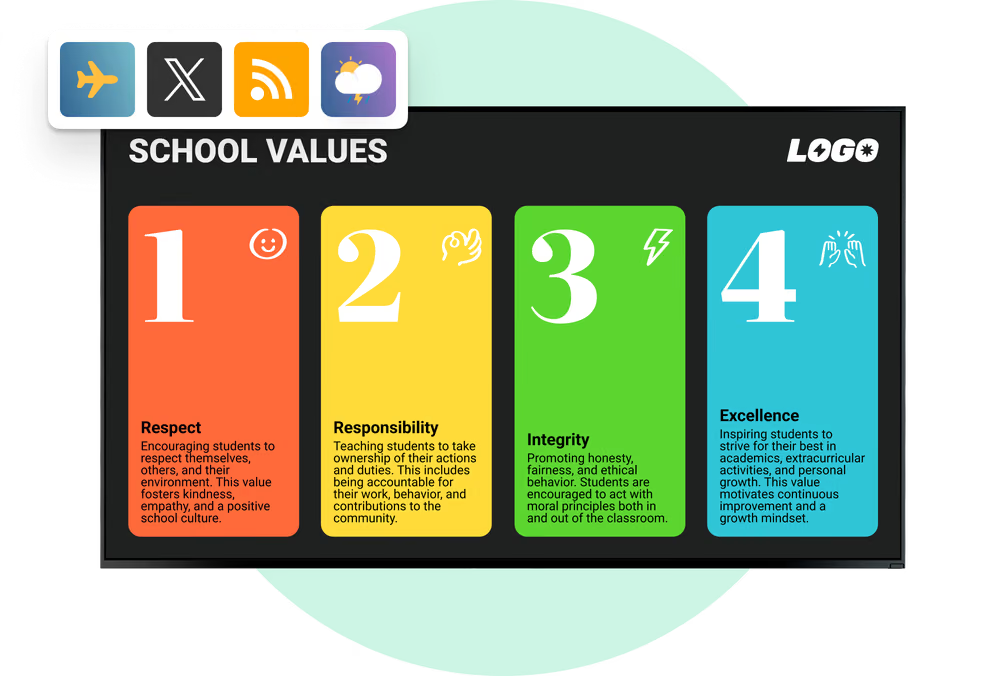
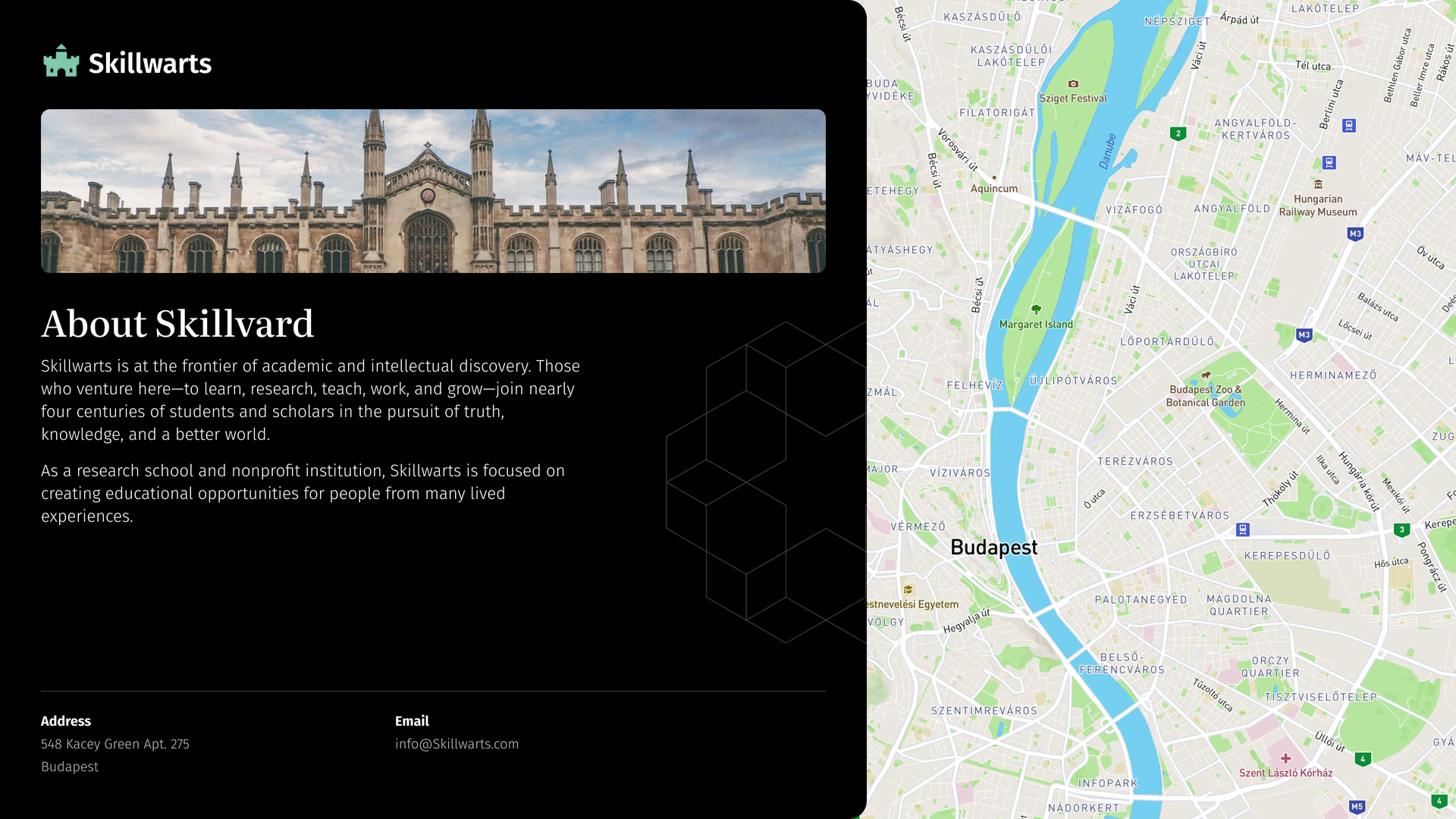
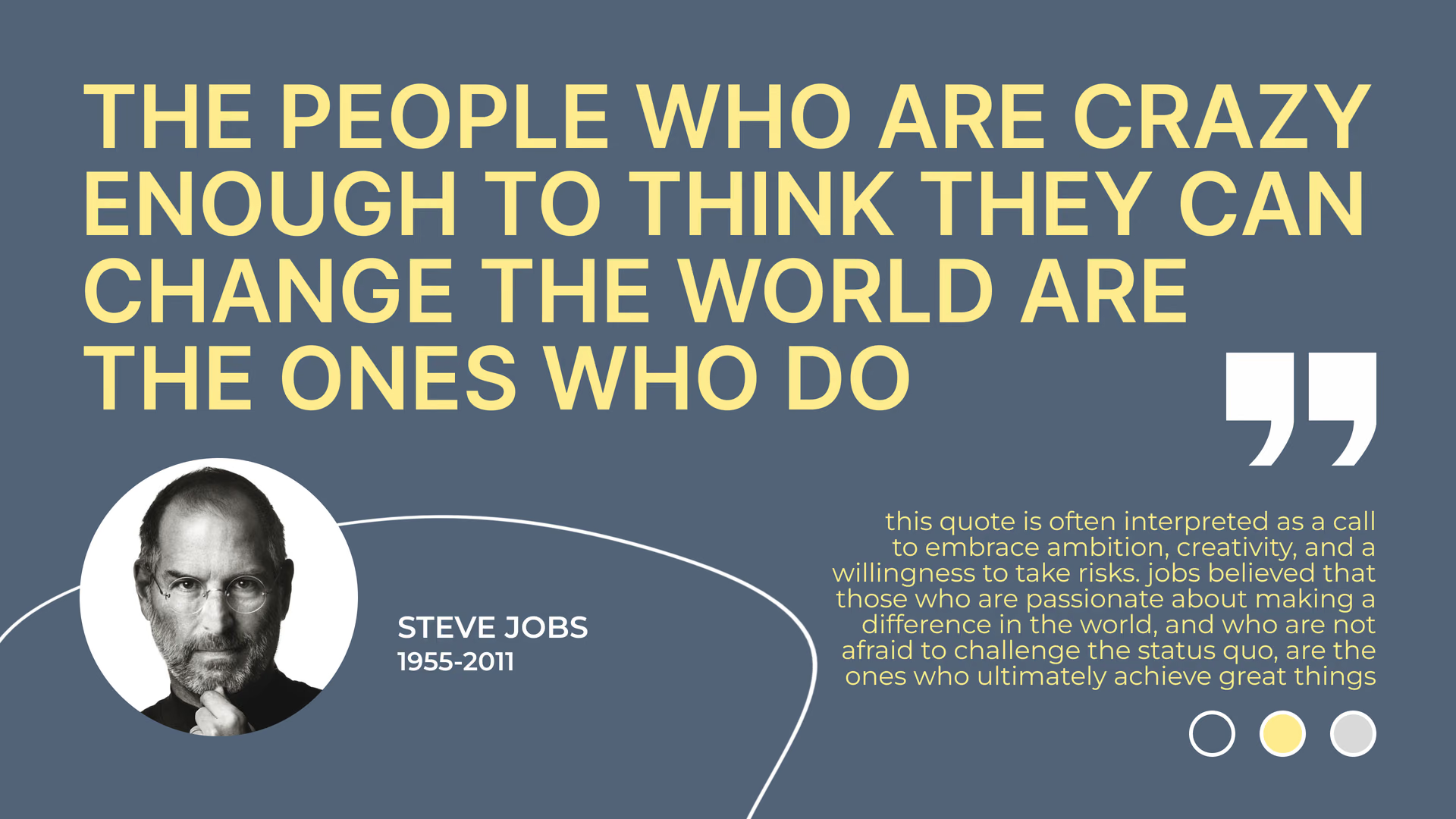
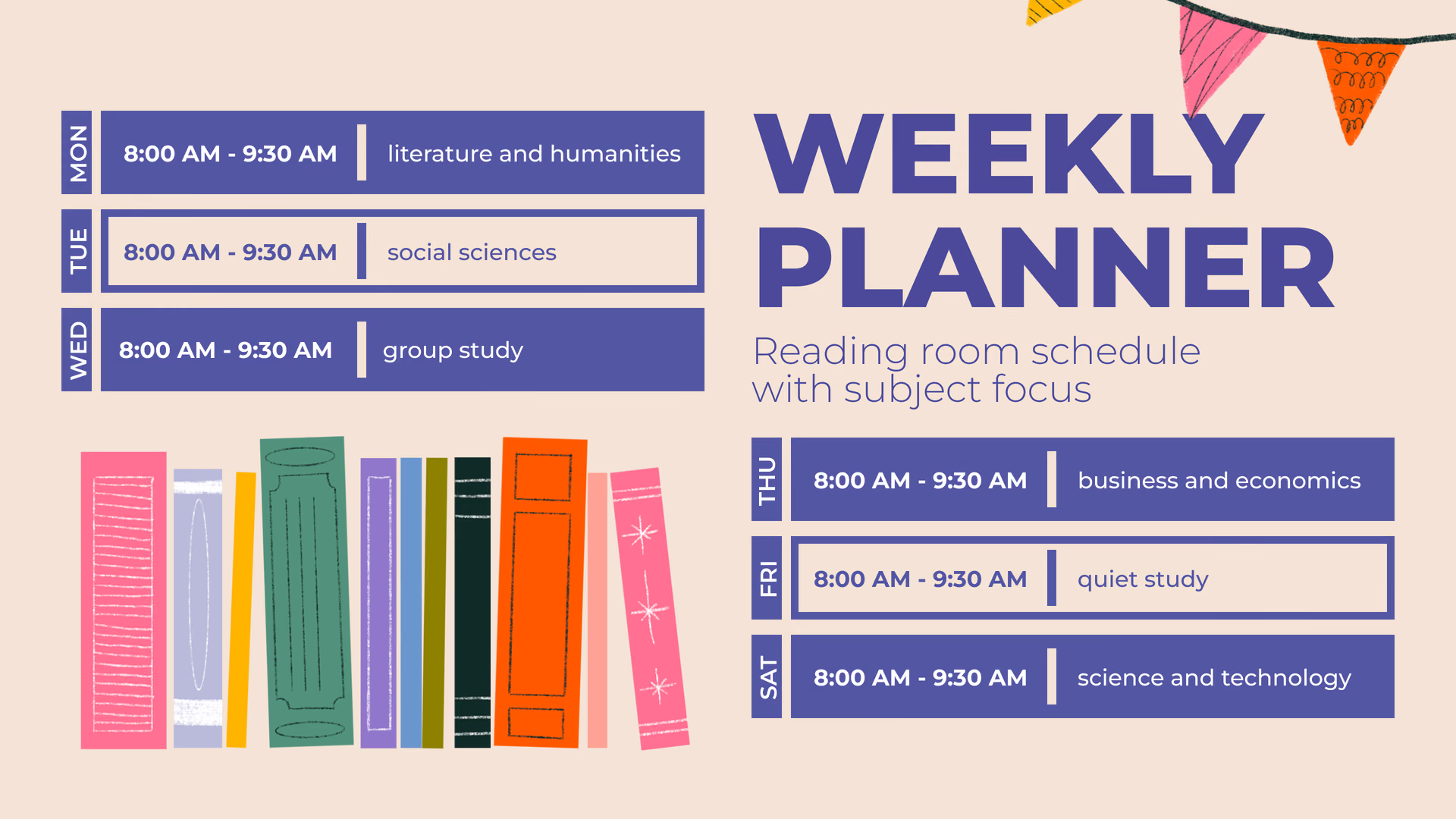
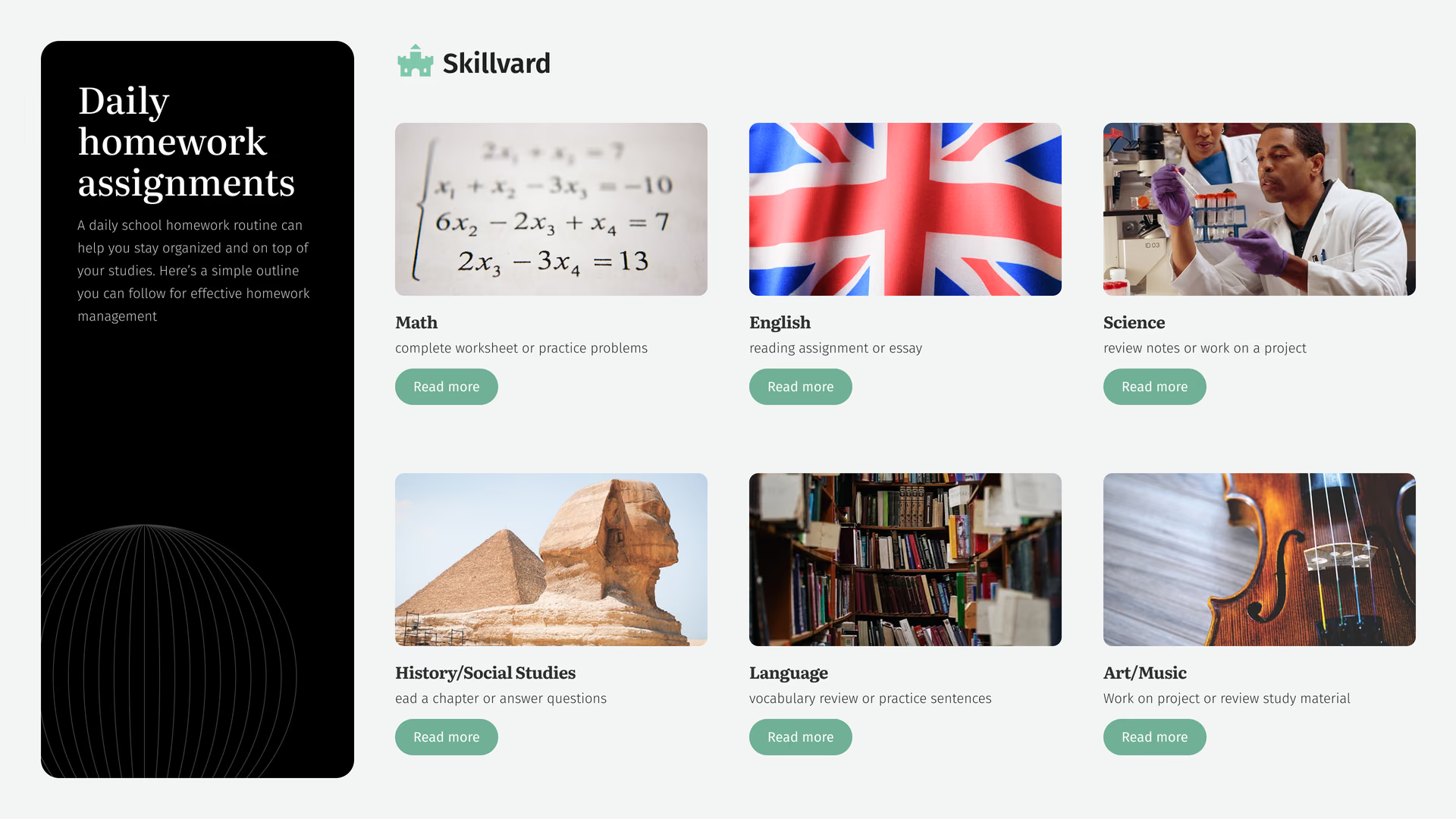
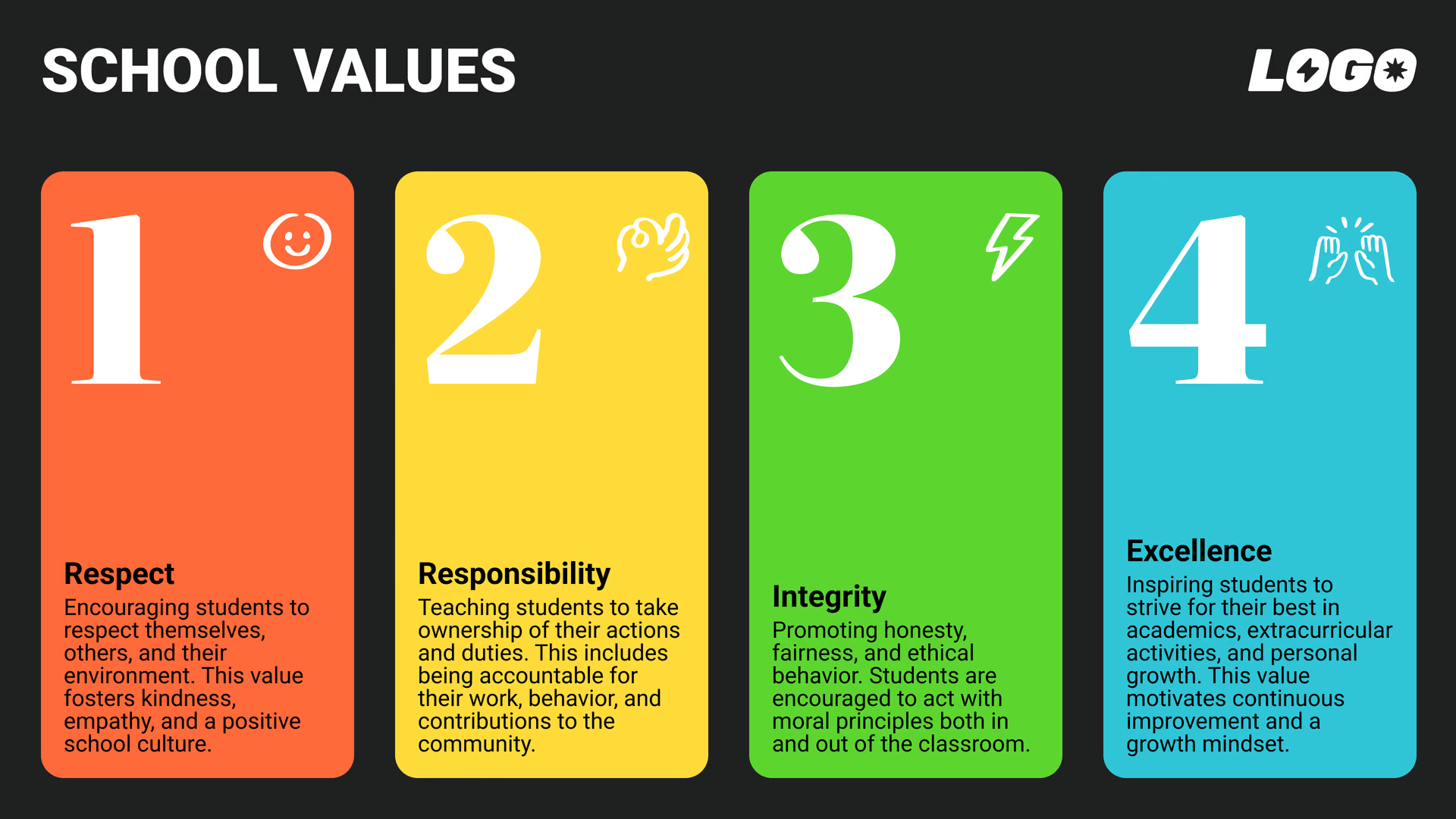
Jumpstart your content creation with our collection of free digital signage templates tailored for educational settings. From event announcements to daily schedules, our templates make it easy to display information that matters.
Digital signage for education, templatesDigital signage for education, templatesDigital signage for school, courses

How to turn your TV into a digital signage screen

Look service works seamlessly on any hardware, whether you're planning to purchase or already use it
Or

Install FREE Look App

Transform any TV or compatible device into digital signage by installing the free Look app.
WindowsAmazon Signage
Androidgoogle-tvLinuxOS Fire Amazon
macOSWebOSOS Tizen OS Raspberry Pi
Supported Operating Systems

Plug Look HDMI Player

Connect the Plug & Play Look Player to your display’s HDMI input for instant setup. Worldwide shipping.
Buy nowLook HDMI Player

Success stories

Hear from our delighted customers! Check out their inspiring quotes about how our service has transformed their digital signage implementations.
Captera Rating
4.9
G2 Rating
5
60 000+
Screens
11 000+
Users
120+
Countries

Look’s built-in digital signage apps

  • Deliver engaging content

    Create compelling dynamic content with built-in Look apps that allow you to automatically update your screens with Google Slides, Facebook & Instagram feeds, Countdown Timer, and RSS Feeds.
InstagramTwitterFly ScheduleFacebookDigital signage for school, apps

Frequently asked questions about school digital signage

What is digital signage for schools?

School digital signage is a network of screens used to display various announcements and educational content.
A typical system includes a display, a media player, and cloud-based digital signage software such as Look CMS. Staff can create, schedule, and update content remotely.

Can digital signage be used for cafeteria menus?

Cafeteria screens can display daily, weekly, and special menus, serving times, and nutritional information.
Menus can be scheduled by day and time, allowing the content to change automatically without replacing printed signs.

How can a school get started with digital signage?

Begin by identifying the audiences, screen locations, content owners, and messages the school needs to display.
Next, review existing hardware and network access, install the Look App or Look HDMI Player, connect the screens to Look CMS, create playlists, and assign schedules. Starting with one or two high-impact locations makes it easier to establish a content and approval process before expanding.

Can schools monitor screens remotely?

Yes. Authorized users can view screen status and manage content through Look CMS without visiting each display.
Remote monitoring helps district and school IT teams identify offline devices, review screen status, and confirm that the correct content has been assigned.

Should schools use commercial displays or consumer TVs?

Commercial-grade displays are generally recommended for hallways, cafeterias, entrances, and other areas where screens operate for long periods each school day.
They are designed for long duty cycles, better heat management, remote operation, and consistent brightness. Consumer TVs may be suitable for small or lower-use installations but may have different warranty and operating limitations.

Can school digital signage be made accessible?

Schools should use large text, clear typography, strong contrast, captions, simple layouts, and recognizable icons to ensure screen content is easy to understand.
Screens and interactive kiosks should also be mounted at appropriate heights and positioned where they can be viewed without physical obstructions or excessive glare.

Does Look DS collect student data?

Standard digital signage in schools doesn't require student profiles. Screens can display announcements, schedules, and educational content without identifying individual students.
If a school links an external system with student data, it must identify transferred data and adjust integration based on privacy and security rules.

Can different campuses display different content?

Yes. Each campus, building, screen group, or individual display can have its own playlists and schedules.
A district can distribute a shared announcement to every school while allowing each campus to display its own menus, events, sports schedules, and local updates.

What other dynamic content can schools display?

Schools can display RSS feeds, countdown timers, weather information, news, social feeds, calendars, web pages, videos, images, and other supported content sources.
Multi-zone layouts can combine several types of information on one screen, such as announcements, weather, a countdown, and the daily schedule.

Can students help create digital signage content?

Yes. Schools can involve students in designing announcements, event promotions, news updates, and school-pride content.
Role-based access allows administrators to control who can create, review, approve, and publish content. A staff approval process should be used before student-created content appears on public screens.

Can schools promote sports and athletic events?

Yes. Show game schedules, team results, player recognition, ticket information, tryout dates, and event countdowns on the gym, hallway, and entrance screens.
Content can be scheduled for specific seasons and updated remotely when game times or locations change.

Can digital signage help students and visitors find their way?

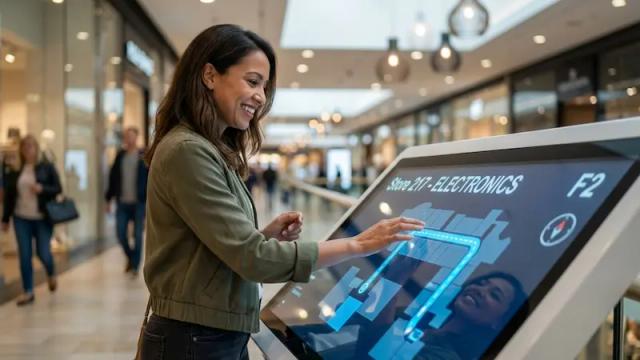
Yes. Screens at entrances, showing campus maps, room directories, locations, directions, and visitor info, can help.
Interactive touchscreen kiosks can also allow users to select a destination and view relevant directions. The final setup may require compatible touchscreen hardware and interactive web content.

How can digital signage improve school-wide communication?

Digital signage gives schools a visual communication channel that can be updated more quickly than printed posters and bulletin boards.
Administrators can publish announcements across the entire campus or target specific buildings, hallways, classrooms, and common areas. Content can also be scheduled in advance for different times of the school day.

Who can schools communicate with through digital signage?

Schools can use digital signage to communicate with students, teachers, staff members, parents, and visitors.
Student-facing screens can display announcements and activities, staff screens can show operational updates, and reception displays can provide directions and event information to parents and visitors.

Can digital signage display weather closures and schedule changes?

Yes. Schools can publish weather warnings, delayed-opening notices, early dismissal information, bus updates, event cancellations, and schedule changes.
Prebuilt alert templates and playlists can be prepared in advance so authorized staff can publish the correct message quickly when plans change.

Can schools highlight student achievements?

Yes, screens can celebrate academic, athletic, artistic, attendance, competition, and community achievements.
Schools can recognize staff and students to boost school pride and engagement.

Can schools verify that important content played?

Yes. Playback Analytics can show what content played, on which screens, and when it appeared.
Schools can use these reports to confirm that announcements, campaigns, training content, and other scheduled messages were delivered across the selected screen network.

How can schools control who publishes content?

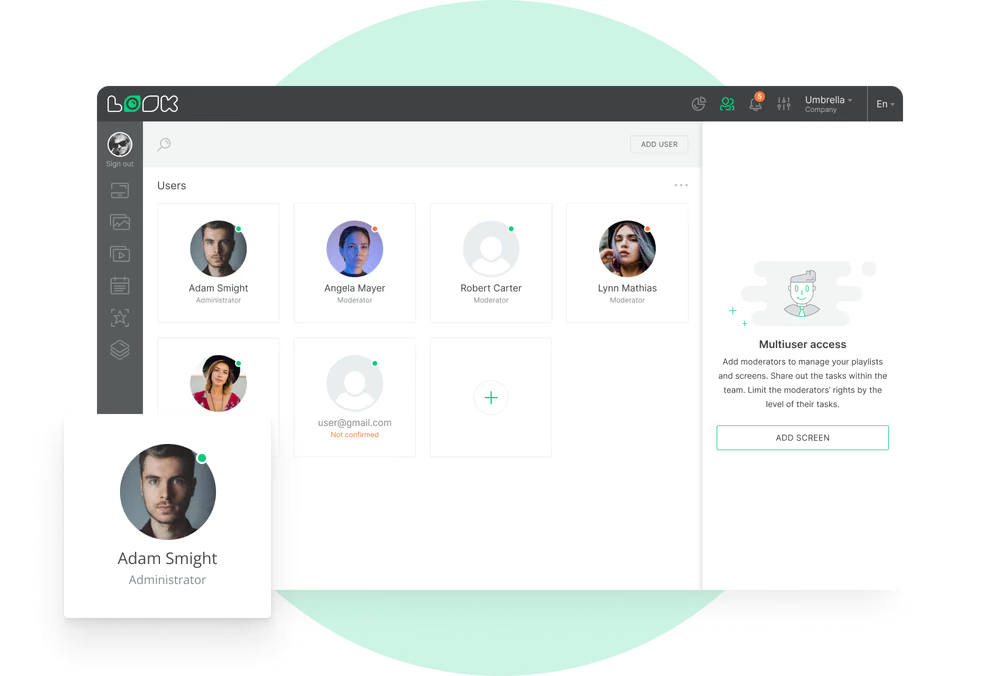
Look DS has SSO, multiple users and role-based access feture.
Administrators can limit who is allowed to manage screens, edit content, change playlists, or publish district-wide messages. This helps prevent unauthorized changes while allowing approved staff members to manage local information.

What should schools look for in digital signage software?

School digital signage software should provide centralized screen management, scheduling, screen grouping, role-based access, offline playback, remote monitoring, emergency content override, and support for dynamic content.
Schools may also need cafeteria menu boards, wayfinding, multi-zone layouts, integrations, educational templates, district-wide management, and support for existing hardware.

Can Look DS manage portrait screens and touchscreens?

Yes. Look DS can deliver content to compatible screens in landscape or portrait orientation.
Portrait displays work well for entrance pillars, hallway directories, and menu boards. Interactive scenarios can also be created for compatible touchscreen kiosks and information displays.

What hardware is required for school digital signage?

A standard setup requires a display, a compatible media player or system-on-chip device, power, a network connection, and digital signage software.
Schools can install the Look App on a supported device or connect a Look HDMI Player to an existing screen through HDMI.

Can content change automatically throughout the school day?

Yes. Smart scheduling allows content to change according to the time, date, day of the week, screen location, or campaign period.
A screen can show arrival information in the morning, announcements during the day, dismissal instructions in the afternoon, and event information in the evening.

Can Look DS integrate with school calendars or other systems?

Look DS can connect to external systems via API, Zapier, embedded web content, and supported apps.
Possible data sources include event calendars, news feeds, scheduling tools, learning platforms, and internal dashboards. The integration depends on whether the school's system is compatible.

What types of schools can use digital signage?

Digital signage can be used by elementary schools, middle schools, high schools, charter schools, private schools, vocational schools, special education schools, and multi-school districts.
A small school can begin with one entrance or cafeteria screen, while a district can centrally manage screens across multiple campuses and buildings.

Can teachers update their own screens?

Yes. School administrators can provide different access levels to teachers, office staff, communications teams, and district administrators.
A teacher may be permitted to update a classroom or department screen, while district-wide announcements and emergency content remain restricted to authorized administrators.

Can digital signage be used in libraries and media centers?

Yes. Library screens can promote new books, reading programs, workshops, opening hours, research resources, and upcoming activities.
They can also display room schedules, technology availability, quiet-zone reminders, and instructions for students.

Can screens help parents and visitors during school events?

Yes. Schools can post welcome messages, parking info, check-in instructions, event schedules, room assignments, and directions during events like parent-teacher conferences, open houses, performances, and graduation ceremonies.
Temporary event content can be scheduled in advance and removed automatically after the event ends.

Can digital signage support classroom learning?

Classroom screens can display lesson reminders, videos, schedules, classroom expectations, assignment deadlines, and materials.
Look DS manages and schedules the content displayed on the screen. It does not replace a learning management system, classroom presentation platform, or interactive teaching application.

Can school screens display emergency alerts?

Yes, authorized staff can post or replace content, such as emergency messages, evacuation instructions, severe weather warnings, or other urgent notices.
Messages can be published across the entire screen network or sent only to affected buildings and zones. School digital signage should complement—not replace—the school’s certified life-safety, alarm, and mass-notification systems.

Where can digital signage screens be installed in a school?

Screens can be installed at the main entrance, reception area, hallways, classrooms, cafeteria, library, gym, auditorium, staff room, student services office, and bus pickup area.
Each screen can show content relevant to its location. Cafeteria screens can display menus, entrance screens can welcome visitors, and gym screens can promote games and athletic events.

Is this solution suitable for colleges and universities?

Look DS can also be used by colleges and universities, but their communication needs are often different from those of K–12 schools.
Higher education institutions may require more complex campus navigation, residence hall communication, departmental content, lecture schedules, and student organization messaging. Look provides a separate digital signage solution for colleges and universities.

Can Look DS connect to an existing school alert system?

A connection may be possible through Look DS API, Action Triggers, Zapier, or another supported automation method if the external alert system provides compatible access.
Evaluate and test the integration for your school's systems and workflows, and confirm support for any emergency platform or protocol.

What is the best digital signage software for schools?

The best platform should be manageable for school staff, scalable across multiple campuses, and flexible enough for announcements, menus, events, emergency messages, and educational content.
Look DS provides cloud-based management, templates, scheduling, role-based access, screen grouping, Offline Playback, dynamic applications, remote monitoring, analytics, and integration options. Schools can test the platform through a 14-day free trial before expanding their screen network.

How much does school digital signage cost?

The total cost depends on the number of screens, software plan, existing hardware, media players, installation work, and any custom integrations.
A school can reduce initial costs by starting with existing compatible screens and expanding the network over time. A district-wide deployment may require commercial displays, centralized management, additional user roles, and IT planning.

Can Look DS run content on an outdoor school sign?

Look DS software may be used to deliver content to compatible third-party outdoor LED displays when the screen and its controller support an appropriate media player or input method.
Look DS does not manufacture outdoor LED marquees. Outdoor installations require suitable weather-rated hardware, brightness, ventilation, mounting, and electrical protection.

Can schools use their existing TVs?

Yes. Many existing TVs and compatible devices can be converted into digital signage by installing the Look App or connecting a Look HDMI Player.
The school should check the device’s operating system, available inputs, screen condition, mounting options, and expected daily operating hours before deployment.

Can school digital signage content be multilingual?

Yes. Schools can create separate content versions in different languages and schedule them for specific screens, events, or audiences.
Multilingual welcome messages and visitor instructions can be particularly useful at reception areas, enrollment events, and parent meetings.

Can schools manage screens across multiple campuses?

Yes. A school district can organize screens by campus, building, department, grade level, or function and manage them from one dashboard.
District administrators can publish system-wide messages while allowing individual schools to manage authorized local content.

What happens if the school internet connection goes down?

Look DS supports Offline Playback. After content has been downloaded to the media player, scheduled playlists can continue running during a temporary network interruption.
An active connection is still required to receive new updates and display certain live data sources. The player reconnects and synchronizes when internet access returns.

Can schools use Google Slides on digital signage screens?

Yes. Google Slides can be displayed through Look DS and used for announcements, schedules, classroom information, event slides, and other frequently updated content.
Staff members can update the original presentation while the connected screen displays the latest available version.

Can schools display allergen and nutrition information?

Digital menu boards can display allergen notices, ingredient lists, and nutritional information provided by the food service team.
The school is responsible for ensuring the accuracy, timeliness, and consistency of the displayed information with its food safety and dietary communication policies.

Can digital signage promote school clubs and activities?

Yes. Schools can advertise club meetings, sports teams, arts programs, student organizations, volunteer opportunities, and extracurricular events.
Countdowns, QR codes, meeting schedules, and sign-up instructions help students learn how and when to participate.

Can digital signage display school rules and values?

Yes. Schools can display codes of conduct, behavioral expectations, attendance reminders, digital citizenship guidance, school values, and anti-bullying messages.
Content can be adapted for different age groups, buildings, or times of the school year.

Can schools display social media feeds?

Yes. Compatible social media feeds can be included in school screen layouts alongside announcements and other content.
Only approved accounts or content should be displayed, and a fallback playlist should be used so that appropriate, school-sanctioned content continues playing when a feed is unavailable or has no new posts.