Digital Signage for Office Lobbies


4 min
average visitor dwell time in an office lobby — enough to absorb 4 content pieces before check-in, so every second of the loop counts
Source: facility management research
3–4 min
ideal playlist loop length — match your loop to the average wait time so visitors see everything without repetition during their stay
Look DS content guidelines
$0
cost per content update once you replace printed directories, notice boards, and welcome signs with a cloud-managed digital display
vs. traditional print signage
1 → ∞
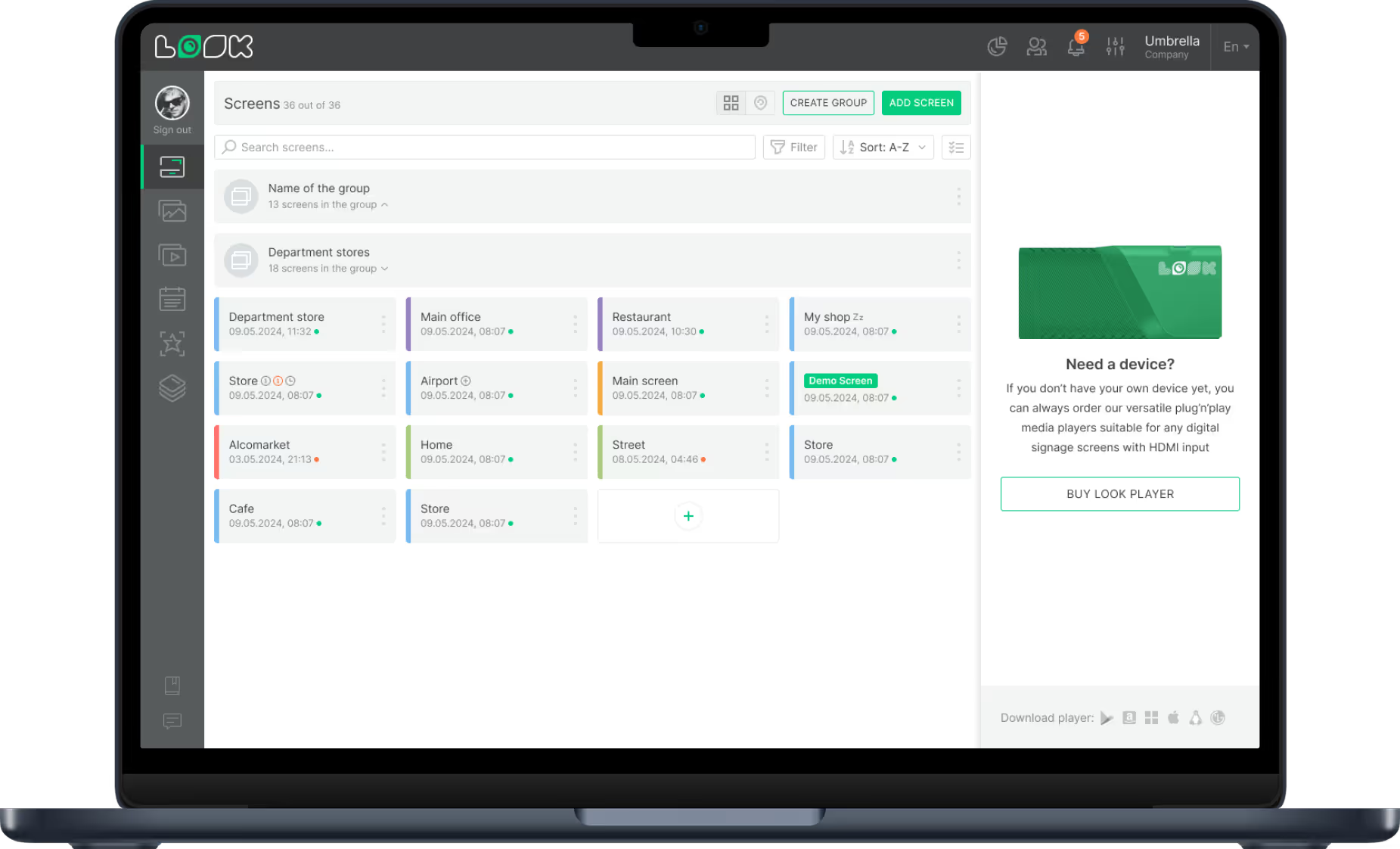
screens manageable from a single Look DS dashboard — start with one lobby screen and scale to every floor, building, and country
Look DS platform capability
What is digital signage for office lobbies?
A smart, always-on welcome hub from day one
Digital signage for lobbies uses three connected parts — a content management system, a media player, and a display screen — to turn any entrance into a dynamic, self-running information point. Cloud-based platforms let you update your displays from anywhere, eliminating the need to walk around with USB drives.
Most modern setups use Wi-Fi or Ethernet,
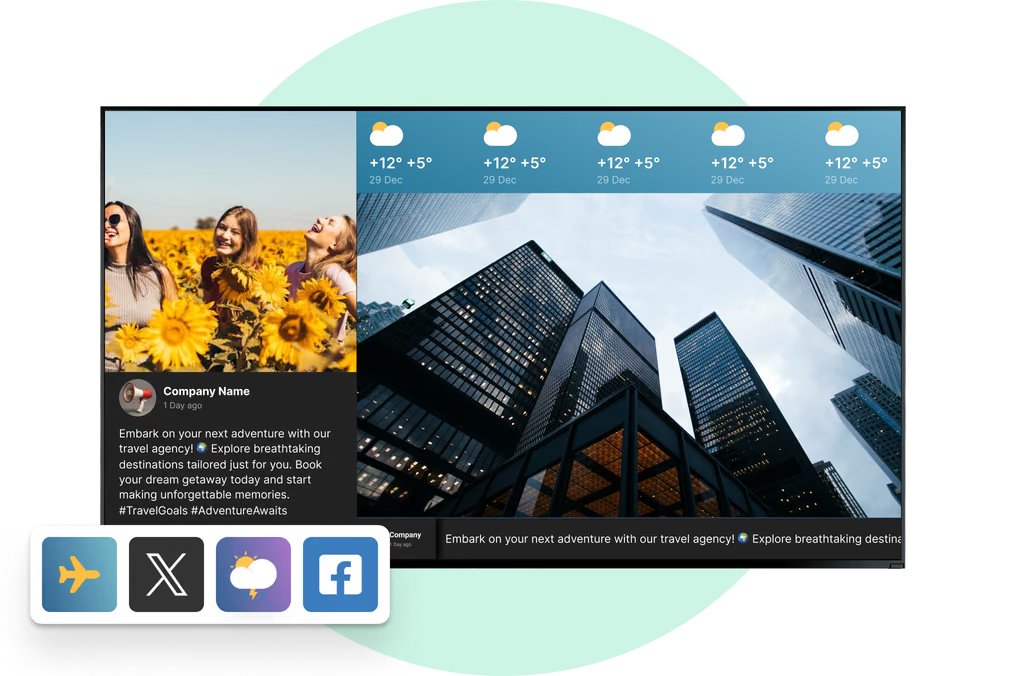
allowing you to display real-time updates like news, traffic, or calendar events while keeping your screens running in sync. From personalized visitor greetings and live meeting room schedules to wayfinding maps and emergency alerts, lobby screens serve both guests and staff from the moment they walk in.
Digital vs. static lobby signage
Static signage
Printed directories go stale on day one
Visitors hunt for reception or wander halls
Staff update paper notices by hand
Emergency alerts are slow to distribute
Costly to reprint every change
Look DS

Live schedules and greetings update instantly

Clear wayfinding guides visitors on arrival

Remote updates from any browser in seconds

Emergency templates trigger with one click

Zero cost per update, ever
3 core components
1
Content Management System
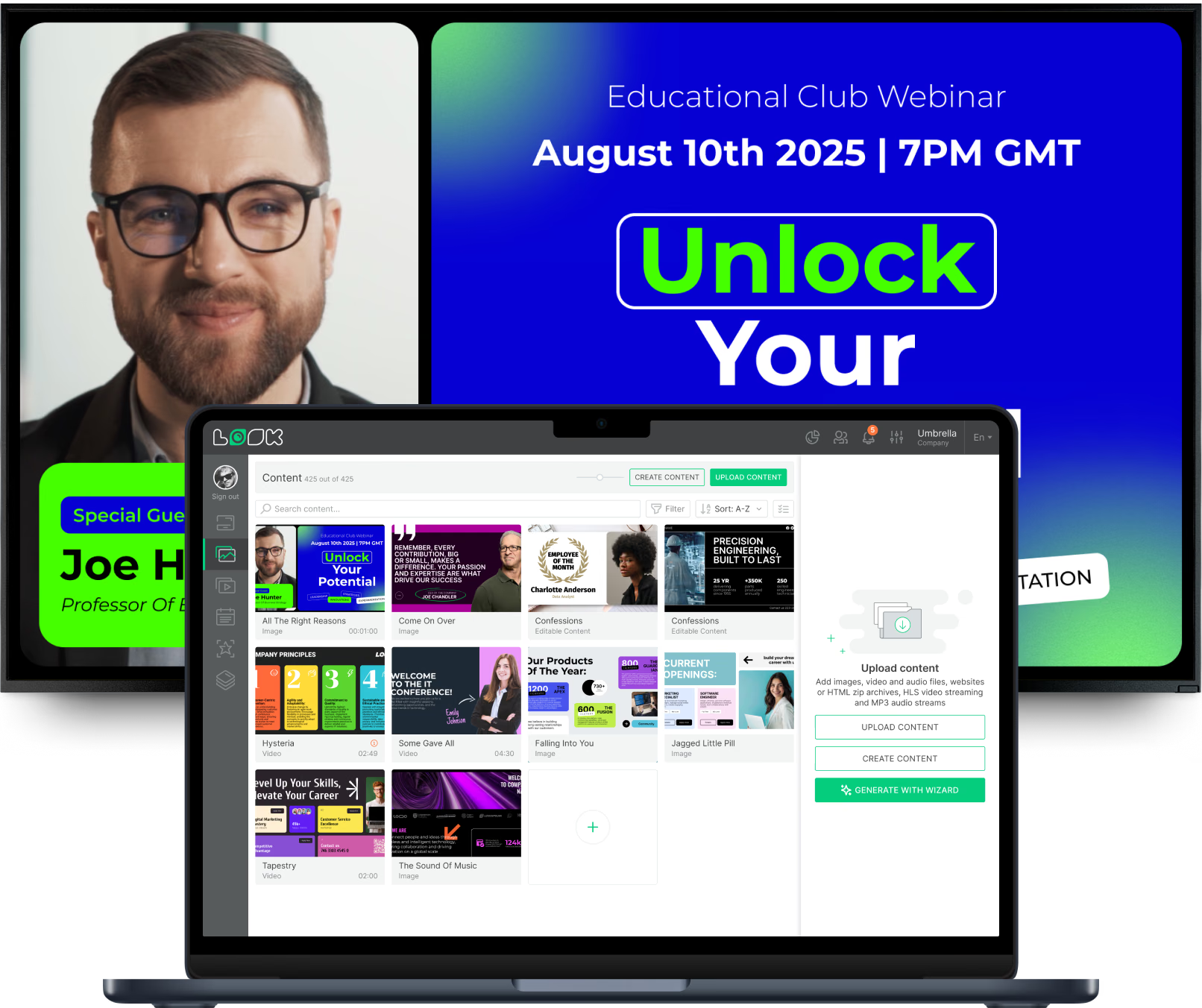
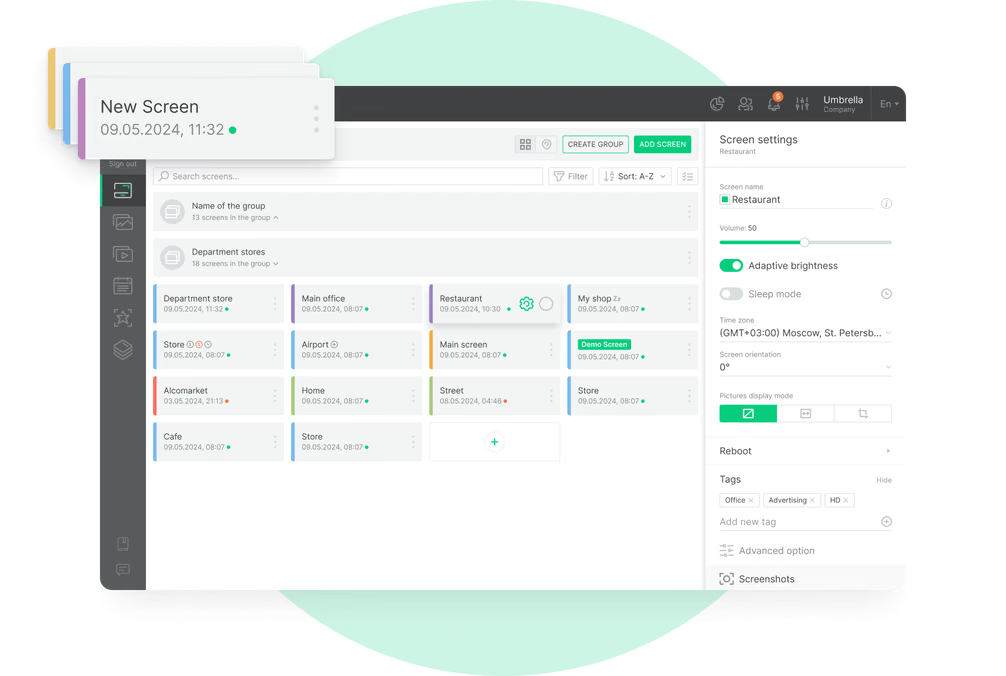
Cloud-based software where you create, schedule, and control what appears on screens. Build playlists, set content rules, and push updates to every lobby display from any browser — no USB drives required.
2
Media Player
A small device that connects to your screen and runs the layouts and playlists you build in the CMS. Use the Look App on an existing smart TV or plug in a dedicated Look HDMI Player for always-on reliability.
3
Display Screen
The TV, monitor, or video wall surface that shows your content. Lobby hardware scales from standard LCD monitors to multi-panel video walls and battery-powered ePaper door signs — all managed from one dashboard.
Why it works
Six ways lobby digital signage transforms your front door


Find your fit
Lobby signage for every office environment
From single-tenant headquarters to shared co-working campuses, the right display format depends on your building type, visitor flow, and content goals.
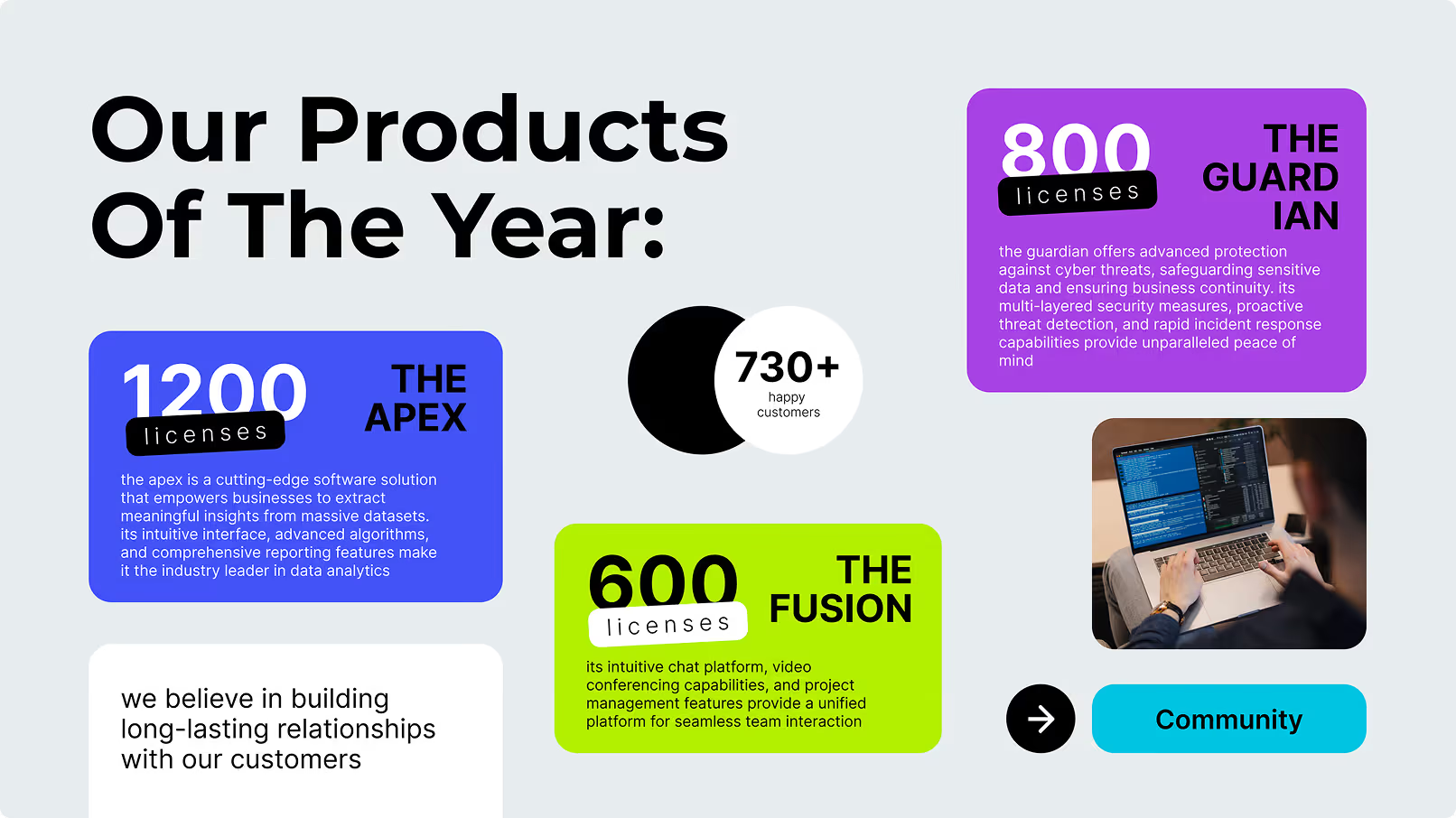
Visitor Welcome Displays
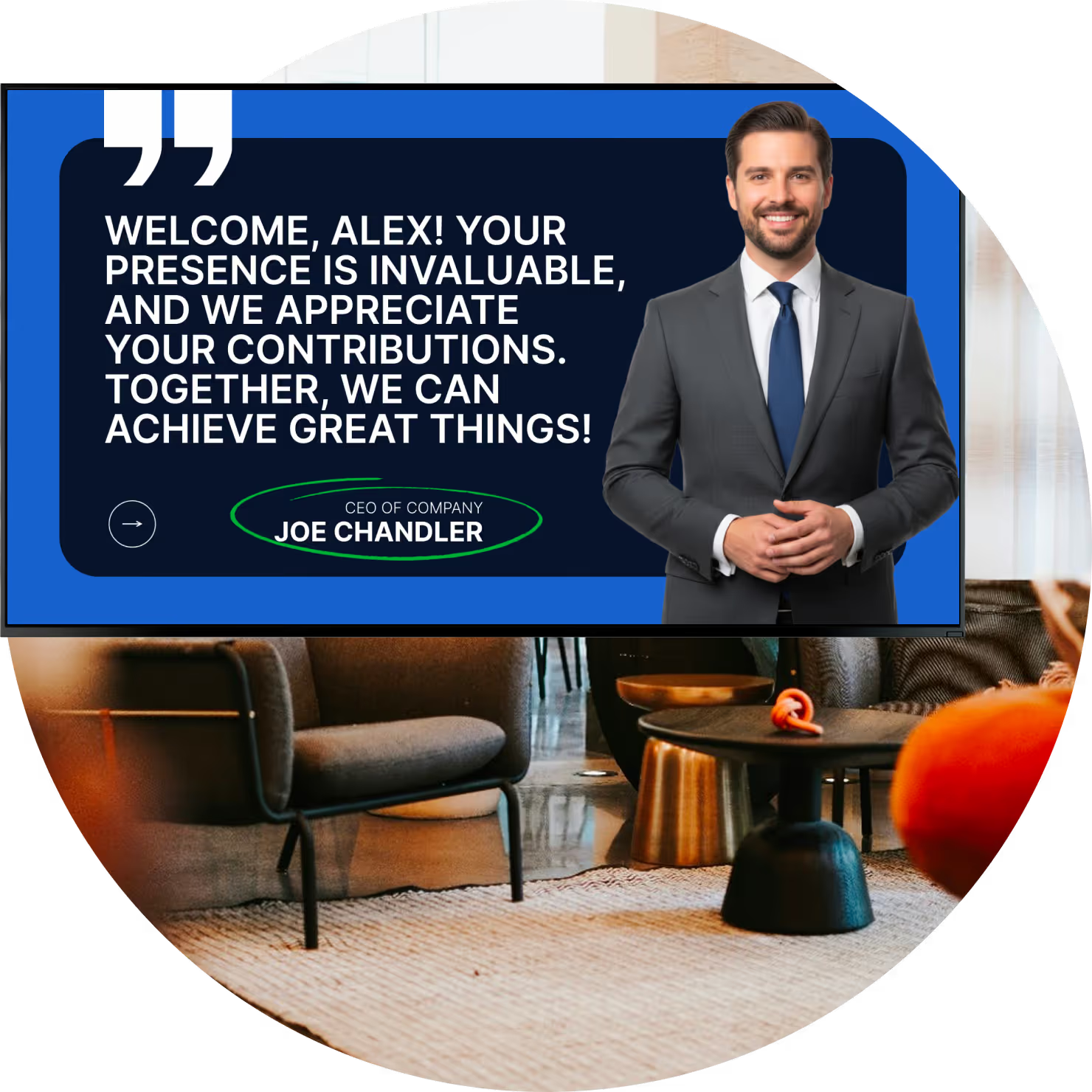
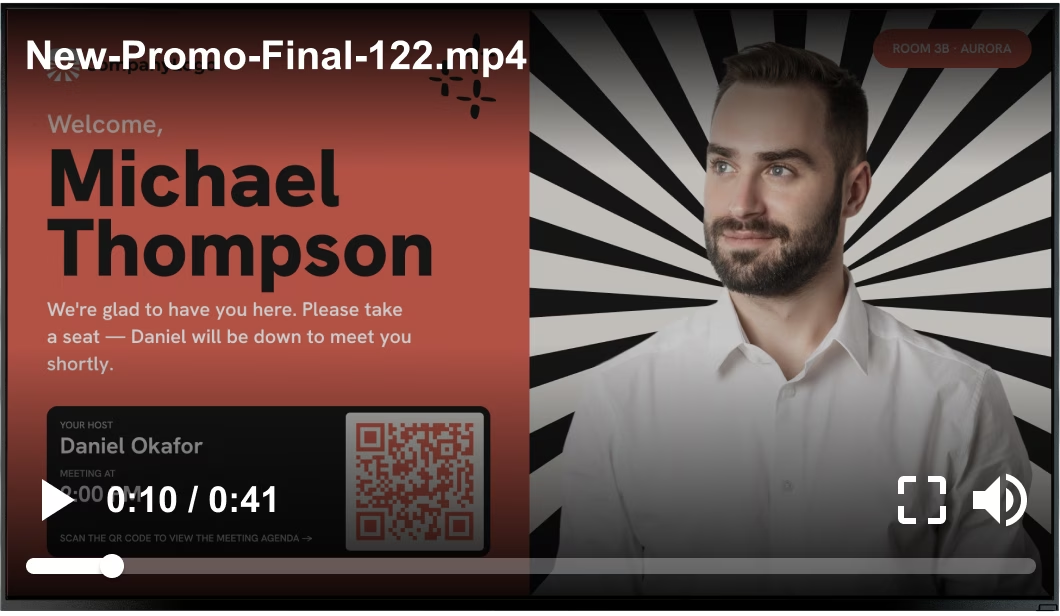
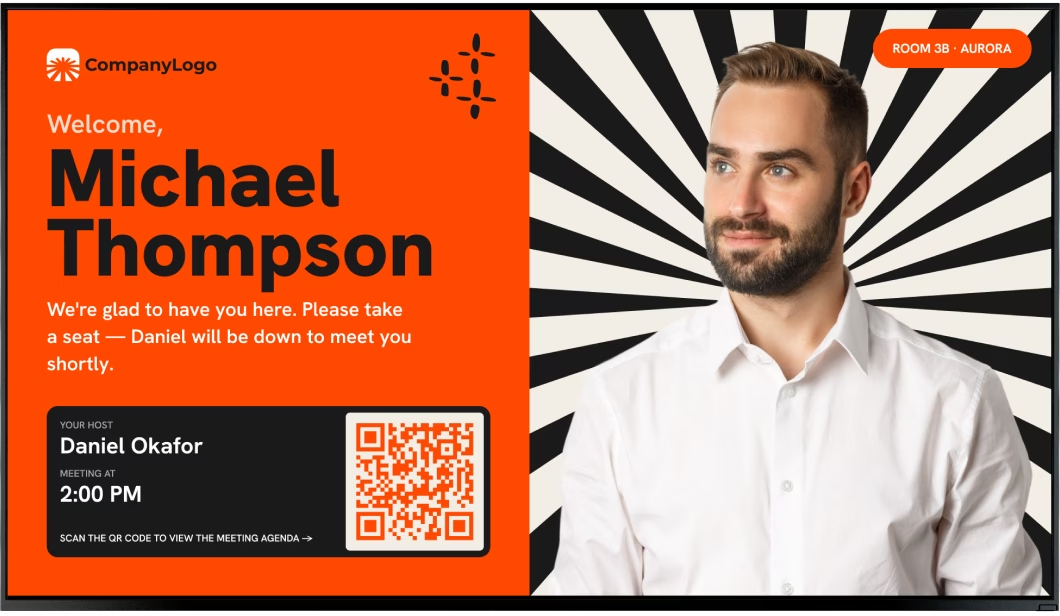
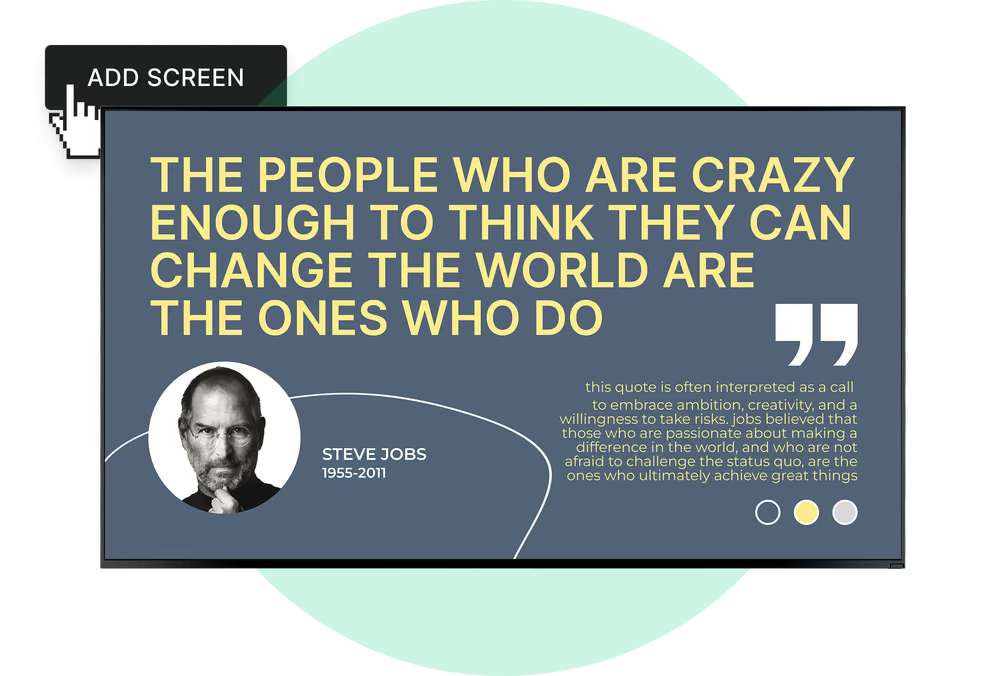
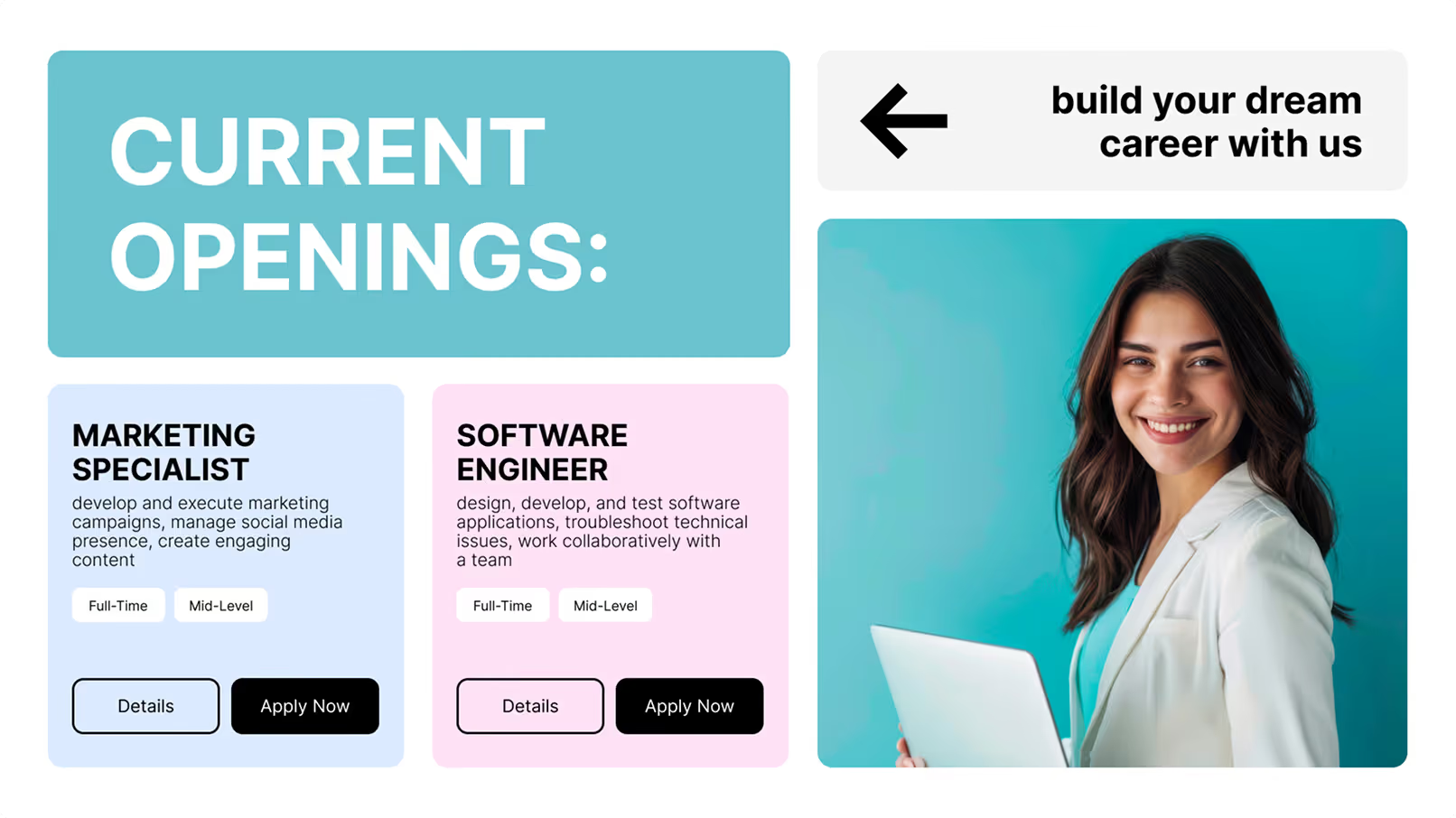
Single-screen setups placed near the reception desk to greet arriving guests by name and company. Show personalized welcome messages, introduce front-desk staff with photos, and display real-time check-in guidance — all without any manual receptionist intervention.
Digital Building Directories
Ideal for multi-tenant buildings and large office parks. Replace costly physical plaques with a searchable digital list. When companies move or rebrand, simply update the CMS instead of ordering new engraved plates — changes go live instantly across every screen.
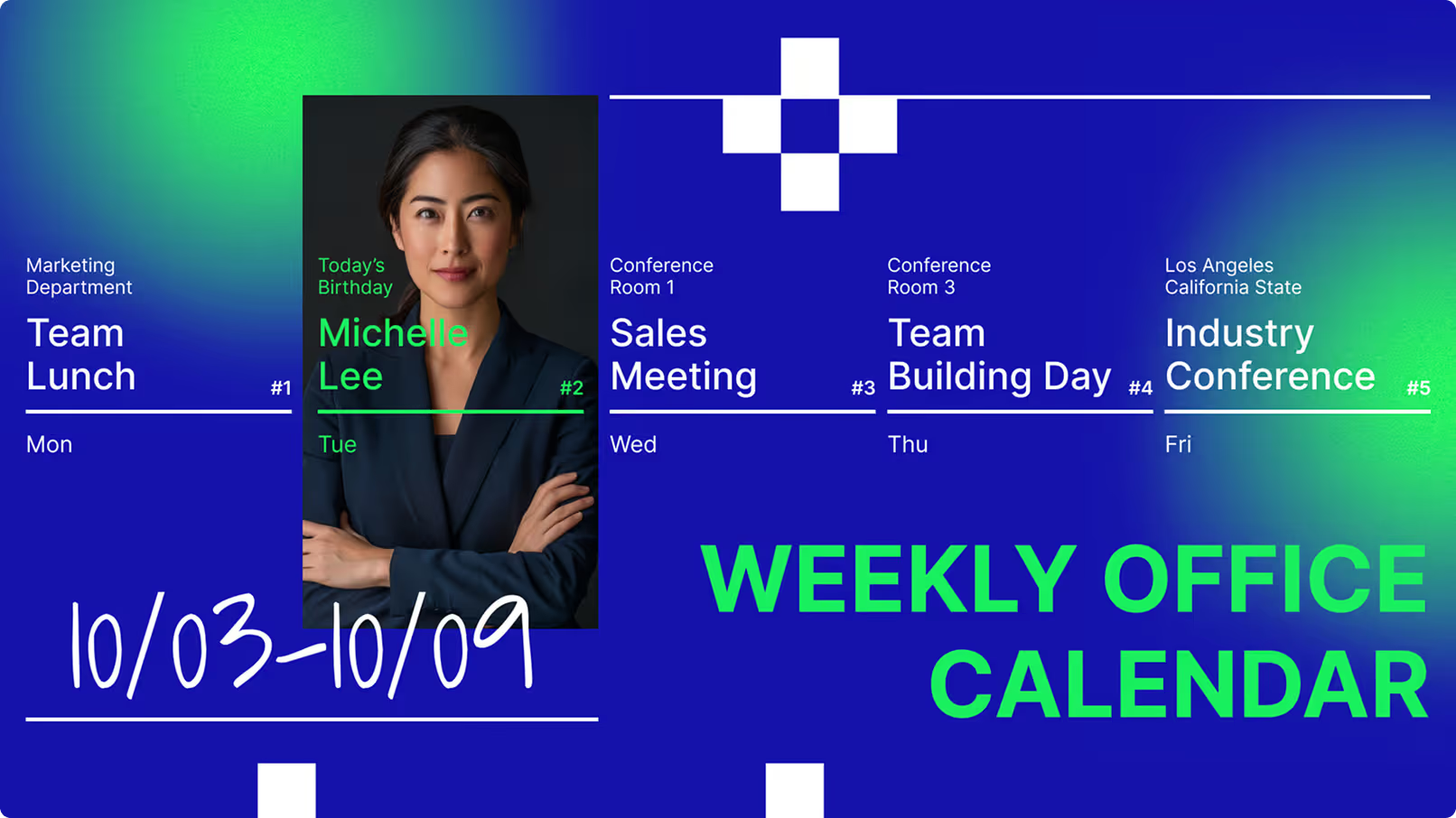
Meeting Room & Event Boards
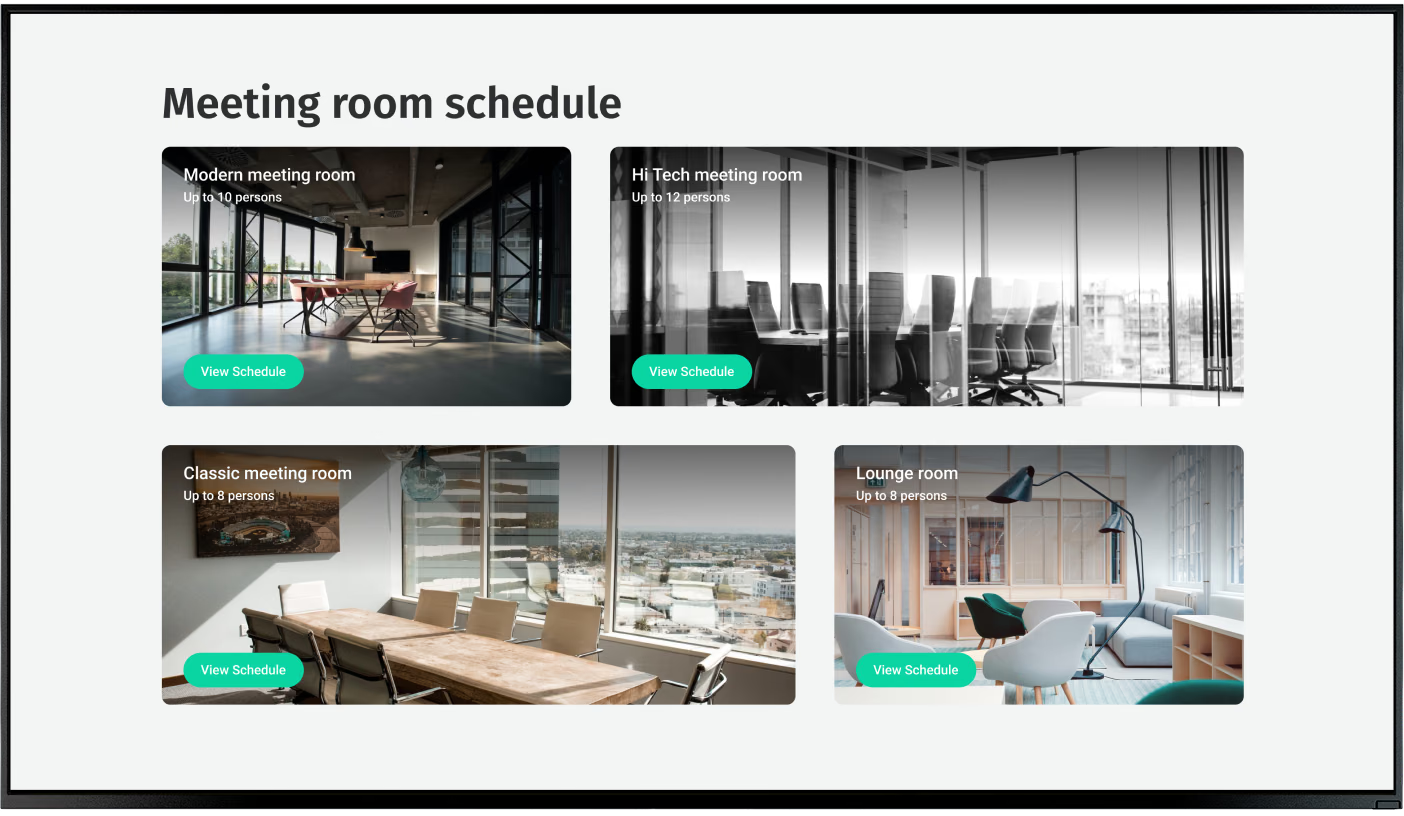
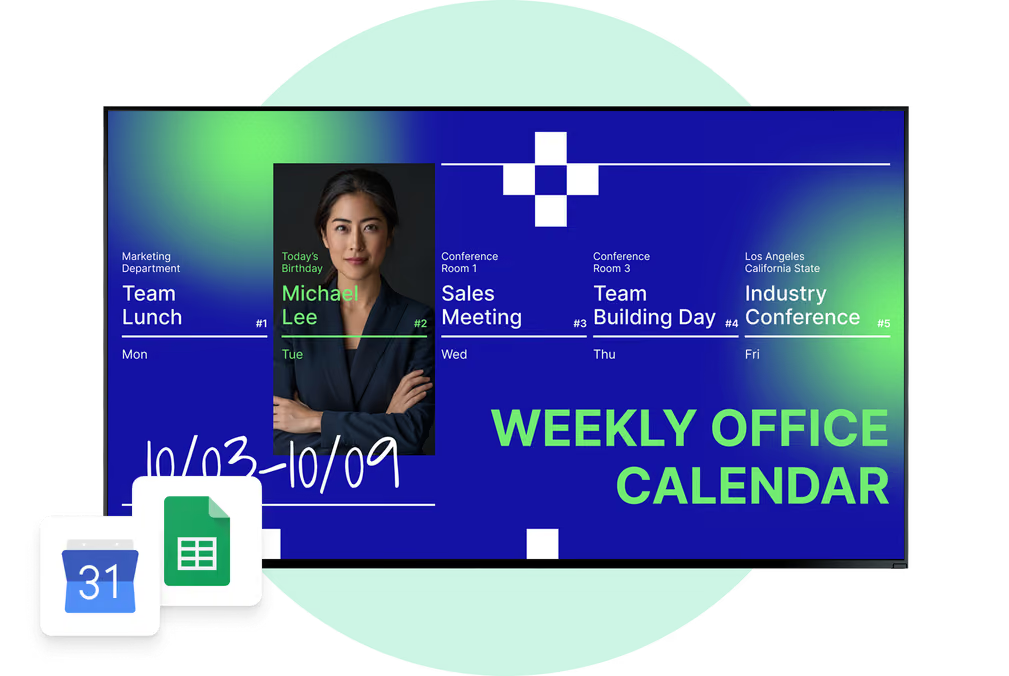
Conference centers and co-working spaces use lobby screens as a live event overview. Show today's full agenda, room names, and start times to prevent bottlenecks at reception. When linked to a room booking system, displays act as a real-time schedule hub for all visitors and staff.
Safety & Compliance Screens
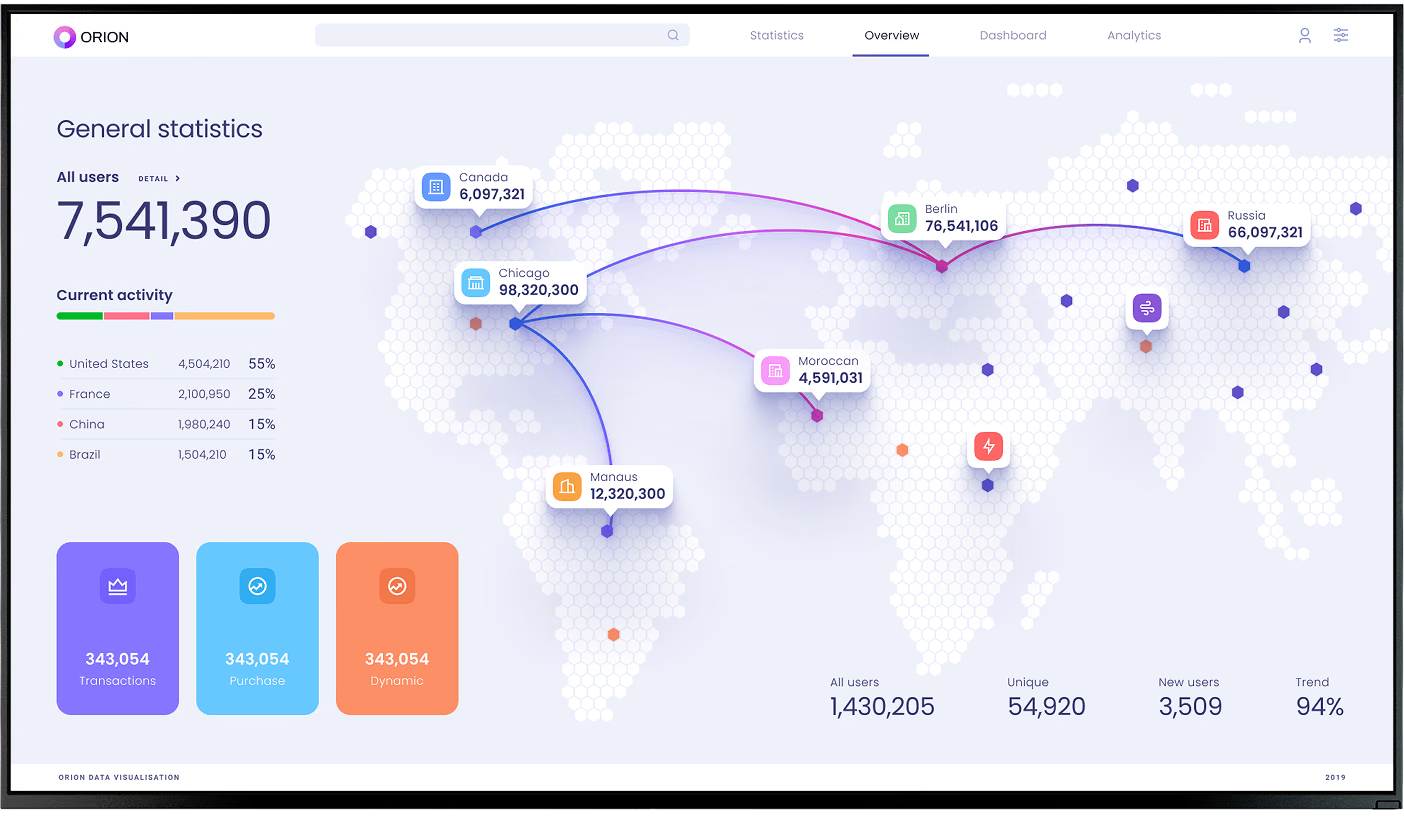
Industrial offices, healthcare buildings, and regulated environments use lobby screens to keep safety top of mind. Display hygiene reminders, air quality updates, facility cleaning schedules, and first-aid kit locations — with emergency templates ready to trigger instantly when needed.
Employee Recognition Boards
HR-driven displays that celebrate birthdays, work anniversaries, promotions, and team wins in the first space every employee walks through. Mixing recognition content with company news and project highlights gives visitors a transparent look at your office culture and values.
Campus Wayfinding Kiosks
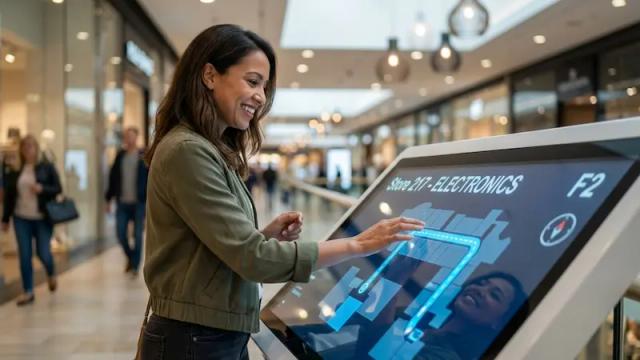
Large multi-floor or multi-building campuses need more than a static map. Digital wayfinding kiosks show clear department routes, searchable directories for large office parks, and QR codes that send walking directions straight to a visitor's phone — eliminating wrong turns and staff interruptions.
Where it works
Six places lobby screens make the biggest impact

Reception desk area

Elevator banks

Waiting area seating

Corridor junctions

Security checkpoint

Building entrance
Hardware & setup
Two ways to get your lobby screens running

Look App
Install the Look App on any existing Android TV, Fire TV, or compatible smart TV. Ideal for office teams running a lobby pilot or reusing hardware already on the wall — up and running in minutes with no additional hardware purchase required.


Look HDMI Player
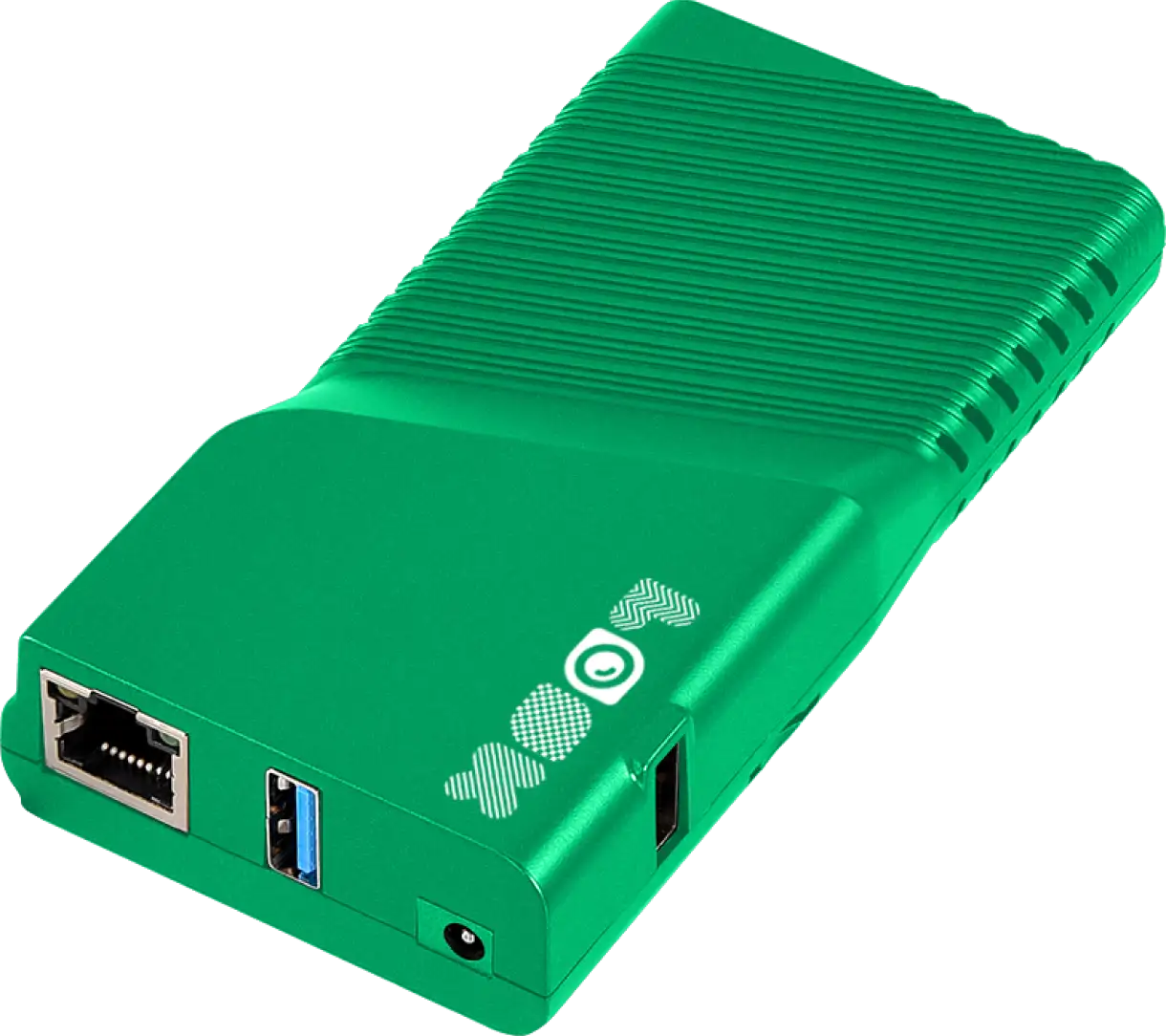
A plug-and-play dedicated media player designed for demanding, always-on lobby playback. Connects to any HDMI-equipped display, handles video without buffering, and runs independently of the host screen's smart OS — recommended for displays in long-term deployments.
Lobby hardware note:
Sunlit lobbies with large windows require high-brightness commercial displays rated 700 nits or more to remain clearly visible in natural light. For interior waiting areas away from windows, standard commercial monitors work well. If running cables to a specific location is impossible — such as a glass partition or meeting room door — battery-powered ePaper panels mount without wiring and handle simple schedules and directory listings reliably.
Getting started
Up and running in three steps
Pick your hardware and placement
Identify natural wait zones near the reception desk, seating areas, or elevator banks. Choose a display size that fits the wall space, and decide between a smart TV with the Look App or a dedicated Look HDMI Player for always-on lobby use.Connect your screen to Look CMS
Plug in your media player, sign into the cloud CMS, and assign your screen to a lobby playlist. Connect calendar systems like Google Workspace or Outlook for live meeting room data, then build your first layout using ready-made lobby templates.Publish, schedule, and manage
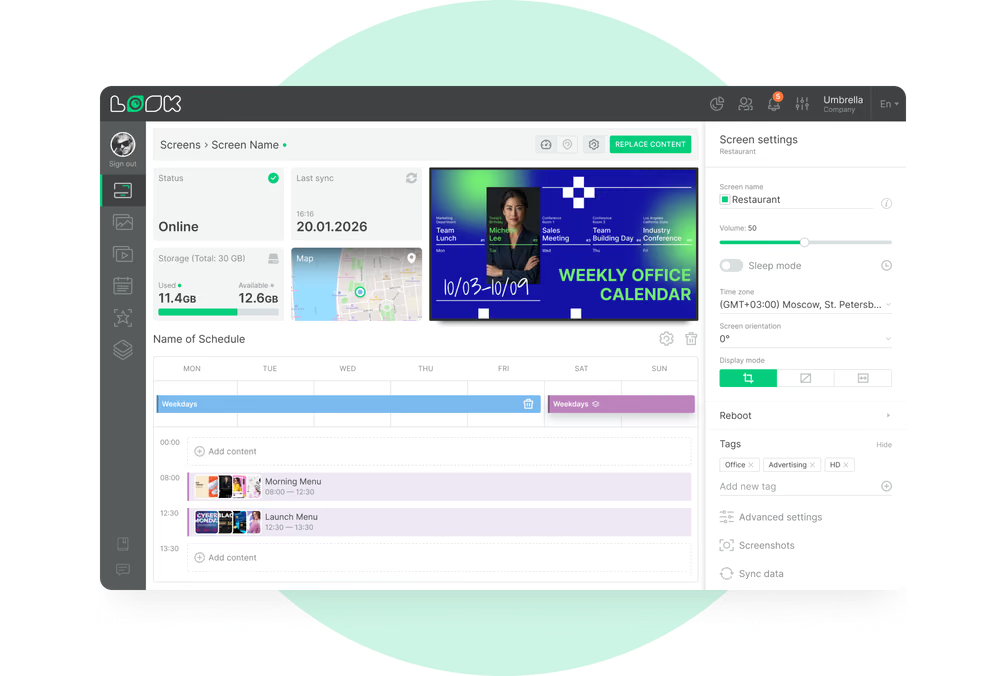
Go live with one click. Use Smart Scheduling to automate morning welcome content, midday wayfinding, and afternoon event recaps. Update any screen from anywhere — no USB drives, no physical visits, and no blank screens even when the Wi-Fi drops.


Platform capabilities
Everything an office lobby operator needs


Content best practices
Six ways to maximise your lobby screen impact
01
Match loop length to dwell time
If a visitor sits in the lobby for four minutes, a three-to-four-minute loop ensures they see everything without getting bored by repetition. Check your average wait time and trim or extend your playlist to match — concise loops feel more professional and purposeful.
02
Mix practical info with brand storytelling
Rotate between core brand messaging — values, mission, recent wins — and daily updates like weather, news, and live meeting schedules. Mixing types of content gives visitors a transparent look at your company culture while serving the practical needs of guests looking for directions.
03
Use multilingual content for international visitors
Rotate messages in multiple languages to help international guests feel welcome. With targeted content scheduling, you can show language-specific greetings timed around known visitor arrivals — making the lobby feel prepared and considerate for every type of guest.
04
Assign content owners per department
Without a plan, screens go stale. Assign specific owners for different content types — HR manages birthday and anniversary shoutouts, Facilities handles safety notices, Marketing controls brand campaigns, and Front Desk manages daily schedules. Shared ownership keeps the workload light and the screens fresh.
05
Add QR codes for self-serve visitor guides
Use calls to action with QR codes — "Scan to view our guest guide" or "Scan for walking directions" — to give visitors something useful to take with them. Track which QR links get scanned to understand what information your guests actually use and prioritise that content on screen.
06
Follow accessibility principles from the start
Use large, legible fonts and maintain high contrast between text and backgrounds. Do not rely on color alone to convey meaning, keep scrolling text slow enough to read comfortably, and mount interactive kiosks at wheelchair-accessible heights. Accessible screens are helpful to every visitor, not just those with specific needs.
Common mistakes
Four mistakes that make lobby screens feel unprofessional
No content refresh plan
Fix: Build a content calendar with your internal teams covering wayfinding, brand storytelling, and office culture updates. Assign a "content champion" for each category so someone is always responsible for keeping screens current.
Wrong screen placement height
Fix: Mount screens at eye level for standing viewers, or slightly lower for seated waiting areas. Avoid awkward angles that require head tilting, and use larger screens for open lobbies while smaller displays work better in tight corridors.

Displaying sensitive data publicly
Fix: Always review data dashboards before pushing them live to ensure no confidential metrics are visible to lobby traffic. Rely on platforms with encrypted connections, strict user permissions, and physical port locking to prevent unauthorized access.
Using consumer TVs for always-on use
Fix: For long-term lobby use, invest in commercial displays rated for continuous operation. In sunlit lobbies, choose high-brightness models rated 700 nits or more. The higher upfront cost pays back in reliability, longevity, and consistent image quality.

What customers say
Offices that transformed their lobbies with Look DS
In terms of using the system, the other options that I found were a little clunky and Look was not only affordable but really easy for us to deploy and get up and running.
Look is well-priced, it’s a very user-friendly software cloud-based service, where you can update your screens from wherever you are. We can definitely recommend to others!
Our experience with Look was simply excellent. We were able to offer our clients a new feature-rich solution that can meet their various requirements in terms of digital signage, with a relatively affordable monthly cost.
Common questions
Frequently asked questions about office lobby digital signage
Who is responsible for updating lobby content?
Does digital signage require special wiring or internet access?
Can existing TVs be used for lobby signage?
What are the main security concerns with lobby displays?
How much does office lobby digital signage cost?
How long does it take to set up a lobby screen?
Can lobby screens show personalized visitor welcome messages?
Still have questions?
Our team has helped thousands of offices set up lobby screens from a single welcome display to multi-floor digital directory networks. We're happy to walk you through options for your specific building and visitor flow.
Ready-made templates
Launch your lobby screens in under an hour
Every template supports custom fonts, colors, and logos. Build multi-zone layouts that combine a live calendar feed with a branded video or weather widget — no design skills required.
Learn more
Resources for lobby digital signage
Try Look digital signage for free
No credit card required
100% of features, no trial limitations
Fast human support 24/7