
Table of Content
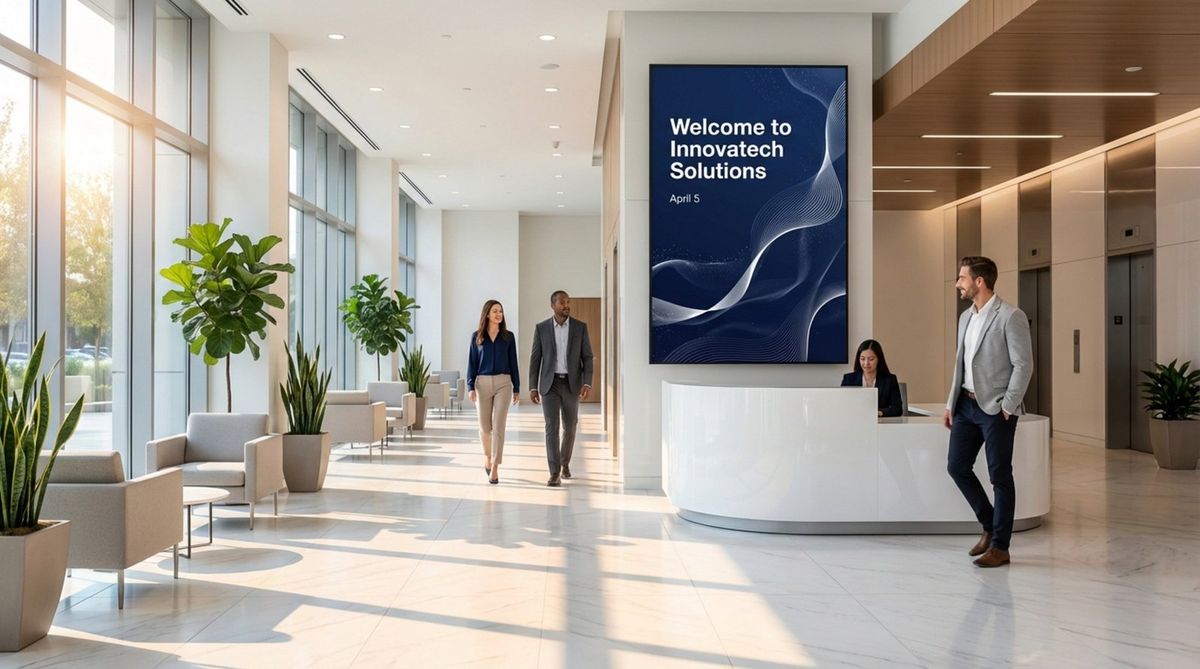
How do you keep lobby screens from becoming invisible wallpaper that visitors ignore? Lobby digital signage content rotation creates a planned flow of visuals and messages, ensuring your screens remain fresh, engaging, and relevant without constant manual intervention.
Effective rotation is more than just a random slideshow. It requires a strategy for timing, hierarchy, and viewer attention. When executed well, it transforms a static waiting area into an active communication hub that informs visitors and welcomes staff. This guide explores how to build a rotation schedule that makes the right impression in the few seconds people look at your screens.
What Is Lobby Digital Signage Content Rotation?
Content rotation is the scheduled transition between different media items or "zones" on your display. In a lobby, this often involves mixing welcome messages, company news, local weather, and directories. Unlike printed signs that stay the same for months, digital signage software allows you to cycle through multiple messages in a single loop. This flexibility lets one screen address various audiences-visitors, interview candidates, and employees without complex setups.
Rotation also involves "dynamic content," where items change automatically based on triggers. For instance, a screen managed via Look CMS might switch from a morning coffee promotion to a lunch menu at 11:00 AM. This keeps information current and ensures the screen provides value relevant to the specific time of day.
Why Rotating Content Matters for Lobby Displays
The human brain is wired to tune out static environments, a phenomenon often called "banner blindness." If a visitor sees the same image every time they walk in, they eventually stop seeing it entirely. Rotating content breaks this pattern. By frequently changing what is on screen, you signal that the information is new and worth a look.
Rotation also maximizes the utility of your screen space. A lobby display is often a "glance medium"-viewers may only have a few seconds while walking to an elevator. By rotating short, clear messages, you increase the likelihood that a viewer catches something relevant. Whether it is a "Point of Transit" message for someone in a rush or a "Point of Wait" story for a guest in the lounge, rotation ensures you aren't relying on a single static image to do all the heavy lifting.
What Are the Main Goals of Content Rotation in Lobby Digital Signage?
Maximizing Visitor Engagement
The primary goal is to hold attention. Using motion, video, and well-timed transitions keeps eyes on the screen longer than static text. Engagement leads to retention; visitors are more likely to remember a brand message if it is presented dynamically. Look Digital Signage supports various media formats, allowing you to mix video and static images to keep the visual experience lively.
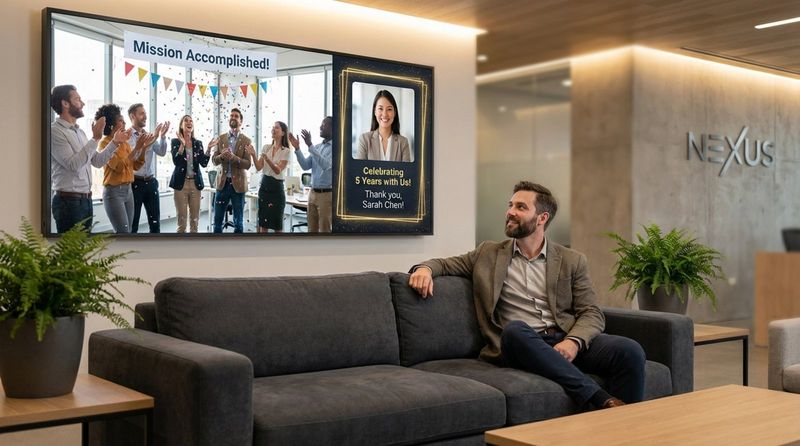
Engagement extends to your team as well. For employees passing through the lobby daily, repetitive content becomes invisible fast. Rotating internal updates, such as work anniversaries or KPI dashboards, keeps the screen relevant for staff. Alternating between visitor-facing content and employee recognition helps your signage support both external branding and internal culture.
Reducing Message Fatigue
Message fatigue occurs when a viewer sees the same loop so many times they become annoyed or indifferent. A smart rotation strategy prevents this by ensuring no single slide runs too long. Simple adjustments, like using digital signage ready-made Ttemplates to swap background colors or layouts on recurring messages, can make familiar information look fresh.
To avoid fatigue, avoid the "shotgun approach" of jamming every piece of information into one cycle. It is more effective to schedule five or six clear messages in a 60-second loop than to overload the viewer. This respects their attention span and allows them to process information in digestible chunks.
Ensuring Timely and Relevant Information
Digital signage should share information in real-time. A key rotation goal is delivering content that is useful now. This includes live data like news tickers, stock updates, or transit schedules. In corporate offices, this might mean displaying the day's meeting room assignments; in healthcare, it could be current wait times.
Relevance relies on context. Morning playlists might focus on traffic and weather to help people start their day, while afternoon content could shift to company events or departure information. Using Smart Scheduling features within your digital signage software ensures these shifts happen automatically, making your organization look modern and detail-oriented.
How to Plan an Effective Content Rotation Schedule
Best Frequency for Content Refresh
Frequency depends on dwell time. If people pass through quickly, a monthly content refresh might suffice. However, in high-traffic lobbies where people wait, you may need weekly updates. For areas with dwell times of 30 to 120 seconds, a playlist loop of 50 to 72 seconds ensures most viewers see the full cycle.
Balance consistency with variety. Core brand messaging might remain for a quarter, while dynamic elements, like social media feeds or news apps, update constantly. A standard slide duration is 10 to 15 seconds. A practical rule: if you can read the text backward in the time the slide is up, a new viewer will likely have enough time to read it forward.
Seasonal and Event-Based Scheduling
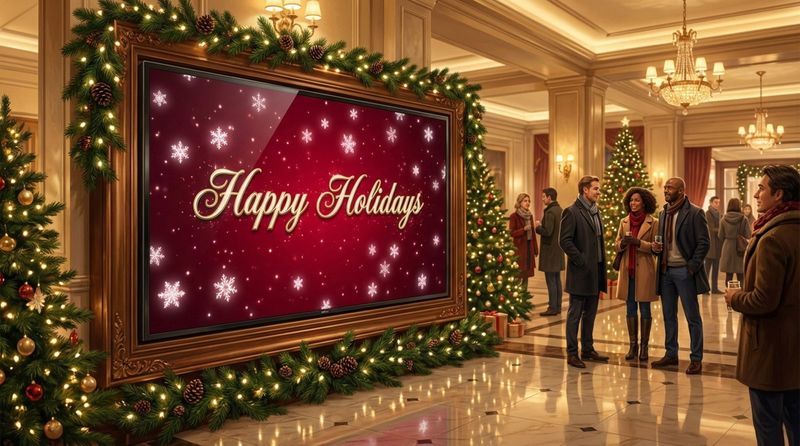
Your content should reflect the calendar. Smart Scheduling in Look DS allows you to set start and expiration dates for specific media. This prevents the "stale content" problem, such as a summer festival promo still running in October. You can upload holiday greetings or seasonal offers in advance and set them to go live automatically.
Event-based scheduling adds a personal touch. If a VIP client is visiting, you can schedule a welcome message with their logo to appear only during their arrival window. This level of personalization demonstrates attention to detail. Managing this through a cloud-based CMS means you can set it up in minutes from anywhere, without needing to be physically at the screen.
Balancing Informational and Entertaining Content
A lobby that displays only dry facts can feel unwelcoming. To improve the visitor experience, mix functional information with lighter content. This is crucial at "Points of Wait," where entertainment can reduce perceived wait time. Trivia, art, or calming visuals can make a waiting area feel more hospitable.
Apply the "70/30" rule: roughly 70% informational content (directories, news, announcements) and 30% attractor content (entertainment, fun facts). You can use Look Apps to easily insert dynamic widgets like Instagram feeds, YouTube videos, or weather forecasts to fill that 30% slot without manual content creation.
Design Tips for Eye-Catching Rotating Content
Optimizing Font Size and Readability
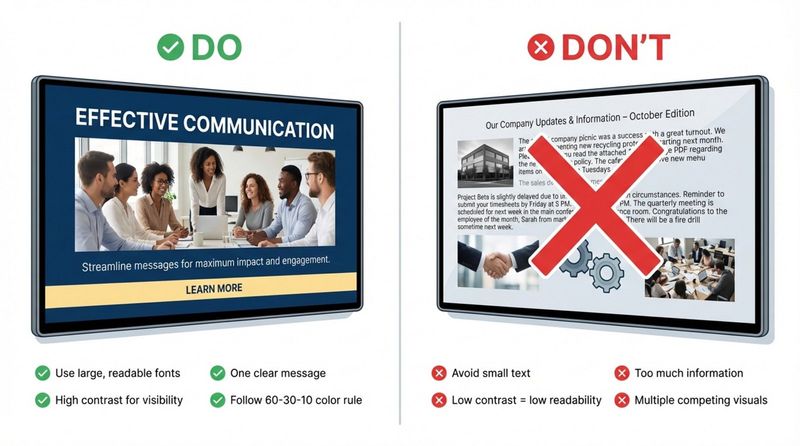
Readability is non-negotiable. Lobbies are large spaces, so text must be legible from a distance. A font size of 20-30 points is generally the minimum for viewing from 7-10 feet. For larger screens viewed from further away, ensure your text is large enough to be scanned instantly. Clean sans-serif fonts are usually the safest choice for digital displays.
Adhere to the 3x5 rule: use either three lines of text with five words each, or five lines with three words each. This constraint forces brevity, ensuring your message lands in under five seconds. Reserve bold formatting for headlines or key takeaways.
Using Motion and Animation Wisely
Motion attracts the eye, but too much creates visual noise. Subtle animations, like a slow zoom on an image or a fading text entry, are often more effective than chaotic transitions. If you lack design resources, the Look AI Wizard or built-in Content Creator can help you generate professional-looking, animated layouts quickly.
Animation should align with screen placement. Screens mounted high up may need bolder motion to catch peripheral vision, while eye-level screens work better with gentle movement. The goal is to guide the eye to the Call to Action (CTA), not distract from it.
Effective Use of Color, Contrast, and Branding
High contrast is essential in well-lit lobbies. Use light text on dark backgrounds or vice versa. The 60-30-10 rule helps maintain balance: 60% primary color, 30% secondary color, and 10% accent color. This prevents slides from looking cluttered.
Consistency builds trust. Even as messages rotate, your font choices, logo placement, and color palette should remain uniform. This ensures that whether the screen is showing a safety notice or a holiday greeting, it is instantly recognizable as your voice.
Balancing Visual Appeal with Clarity
Clarity beats complexity. A standard hierarchy, large headline, supporting text, and a distinct CTA guide the viewer's eye naturally. A split layout (image on one side, text on the other) is a proven format that is easy to process quickly.
How to Use Technology for Managing Lobby Signage Content
Features to Look for in Digital Signage Software
Managing a rotation schedule requires a reliable platform. Look Digital Signage provides a cloud-based dashboard that simplifies this process. Key features to utilize include:
- Screen Layouts: Divide your screen into zones (e.g., a main video zone and a sidebar for news) to show multiple content types simultaneously.
- Cloud Management: Update playlists from anywhere, eliminating the need to use USB drives.
- Offline Playback: Ensure your screens keep running your scheduled content even if the internet connection drops.
Automating Content Rotations
Automation reduces daily administrative work. By using Smart Scheduling, you can create recurrence rules-such as showing a "Happy Friday" message only on Fridays or displaying wayfinding maps more frequently during morning rush hours. This set-and-forget approach keeps screens active and accurate without constant staff oversight.
Automation also supports long-term planning. You can prepare campaigns months in advance, upload the assets to the CMS, and schedule them to deploy on specific dates. This frees up your operations or IT team to focus on other tasks while the screens run themselves.
What Are Common Mistakes to Avoid with Content Rotation?
Overloading Displays with Too Much Content
Avoid clutter. A screen packed with scrolling tickers, video windows, and static text simultaneously is difficult to read. It is often more effective to rotate through clear, full-screen messages than to use a busy multi-zone layout that confuses the viewer. Keep it simple.
Neglecting to Update Outdated Information
Displaying expired content damages credibility. A message about an event that happened last week makes the facility look neglected. Using a platform like Look CMS allows you to set expiration dates on specific media files, ensuring they are automatically removed from the playlist once the event passes.
Ignoring Audience Preferences
One size rarely fits all. A common error is running the same playlist in a busy hallway as in a quiet waiting room. "Point of Transit" screens need fast, bold messages (3-5 seconds). "Point of Wait" screens can support longer-form content (15-30 seconds). Tailoring your rotation strategy to the specific location ensures you meet the viewer's needs.
How to Measure the Effectiveness of Your Content Rotation Strategy
Key Performance Indicators for Lobby Displays
To verify ROI, track specific metrics. In interactive setups, track touch rates. For passive screens, monitor uptime and content playback frequency. Proof-of-Play reports in Look DS provide detailed logs of exactly what was played and when, which is essential for sponsored content or internal compliance.
Using Analytics and Visitor Feedback
Leverage data to refine your strategy. Playback Analytics can show you the distribution of content across your network. Combine this hard data with qualitative feedback. Ask staff or regular visitors if the screens are helpful or distracting. This insight helps you adjust timing and content mix.
Making Data-Driven Improvements
Treat your signage as an evolving project. Run A/B tests by displaying the same message with different visuals or at different times to see what works best. If analytics show that a 30-second video rarely finishes playing before people walk away, shorten it to 15 seconds. Continuous small adjustments based on data will improve the impact of your displays over time.
Final Recommendations for Effective Lobby Digital Signage Content Rotation
Adapting Rotation Strategies for Different Lobby Environments
Let the physical space dictate the content flow. In high-traffic entrance zones, stick to a single-zone layout with large text for maximum impact. In lounges or cafeterias, a multi-zone layout with news widgets and longer announcements works well. You can manage these different layouts easily within Look CMS, assigning specific playlists to specific groups of screens.
Encouraging Continuous Improvement and Experimentation
Digital signage is flexible-use that to your advantage. Experiment with new content formats, such as social media walls using Look Apps to display user-generated content. This builds social proof and keeps the display dynamic.
Finally, ensure your hardware is up to the task. Whether you use the Look HDMI Player for a plug-and-play experience or the Look App on your existing smart TVs, reliable hardware ensures your carefully planned rotation actually appears on screen. By testing, measuring, and refining your approach, you can turn your lobby screens into a powerful asset for your business.


