☕ CAFE DIGITAL MENU BOARDS

Digital Menu Boards for Cafes

Seasonal lattes, pastries that sold out, new prices: every cafe screen should show them right. With Look DS you change the menu in a browser and publish it to all screens at once. Breakfast switches to lunch by schedule, and it can all run on a TV you probably already have.

One edit, every board in the cafe

Change a price or remove a sold-out pastry once, and all screens with that item update.

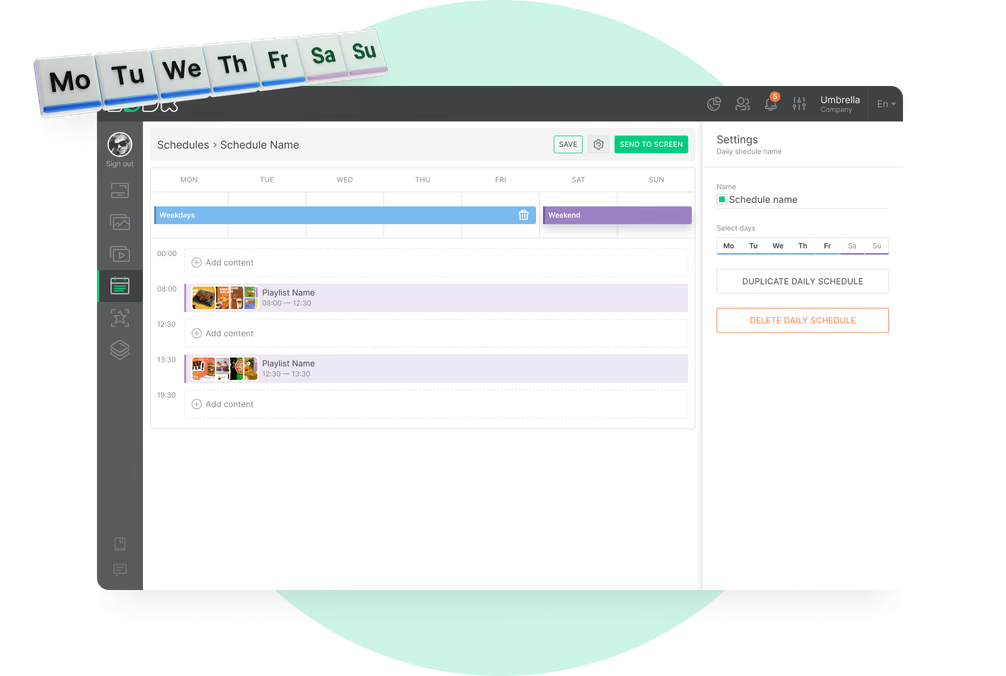
Breakfast and lunch switch automatically

A weekly schedule switches the dayparts, and every cafe uses its own time zone.

Templates made for coffee menus

Start from a free drink or pastry layout and add your own prices and photos.
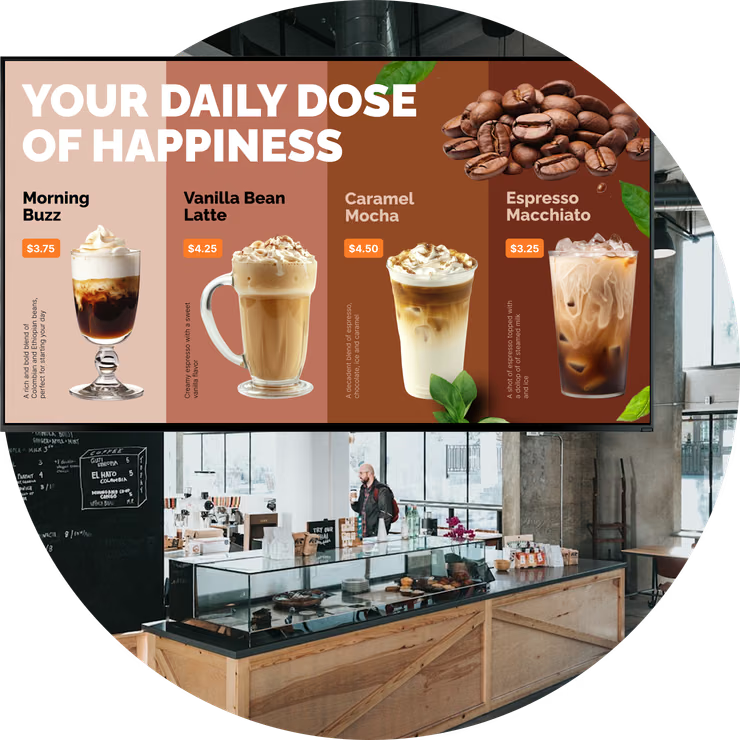
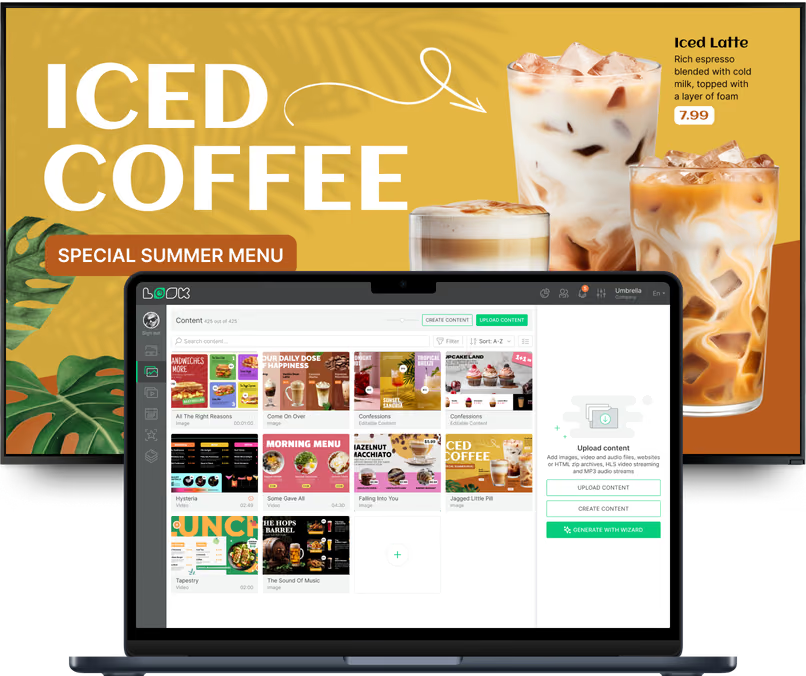
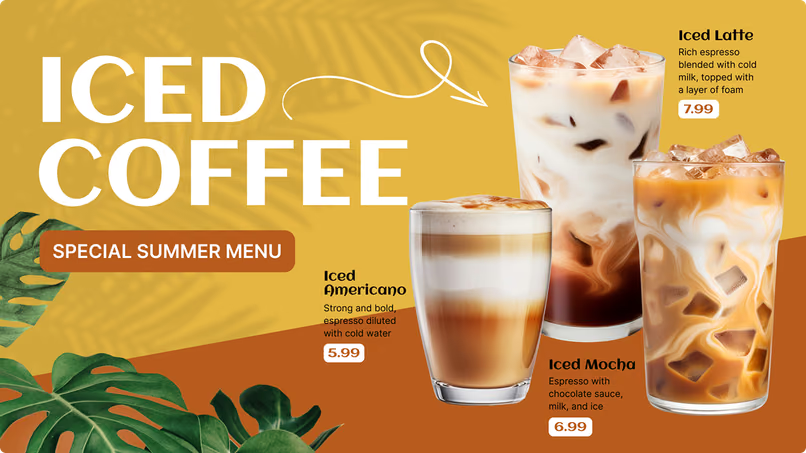
Cafe digital menu board showing an iced coffee drinks menu
  • No credit card required. From $6 per screen/month with volume pricing.

  • Runs on Android, Windows, Linux, Tizen, webOS, Raspberry Pi and more.

  • 24/7 in-app support from real people.

Captera Rating
4.9
G2 Rating
5.0
60 000+
Screens
11 000+
Users
120+
Countries
Capterra Best Value · G2 High Performer
Software Advice · Customer Support 2026

Cafe digital signage: ditch the chalkboard for good 👉

Watch video · 5:22
Cafe Digital Signage: Ditch the Chalkboard for GoodYouTube

How a cafe replaces chalkboards and printed menus with screens: menu boards, promos and specials, updated from a phone in minutes with Look DS.

Keep your coffee menu, specials and prices current on every screen

Cafe digital signage lets coffee shops, bakery cafes and cafe chains manage drink menus, prices, pastry specials and promotions on screens across the counter, the pastry case and the window from one cloud-based CMS.
In practice it looks like this: in the morning the board shows espresso drinks and breakfast pastries, at eleven the lunch menu comes on, and the coffee of the week goes away on its end date. You edit an item once in the browser, and every screen with it gets the change.

Sound familiar?

    • A red cross inside a black circle

      Prices and availability change all the time

    • A red cross inside a black circle

      Nobody notices the seasonal drinks

    • A red cross inside a black circle

      Pastry boards fall behind what's in the case

    • A red cross inside a black circle

      Menus differ from one location to the next
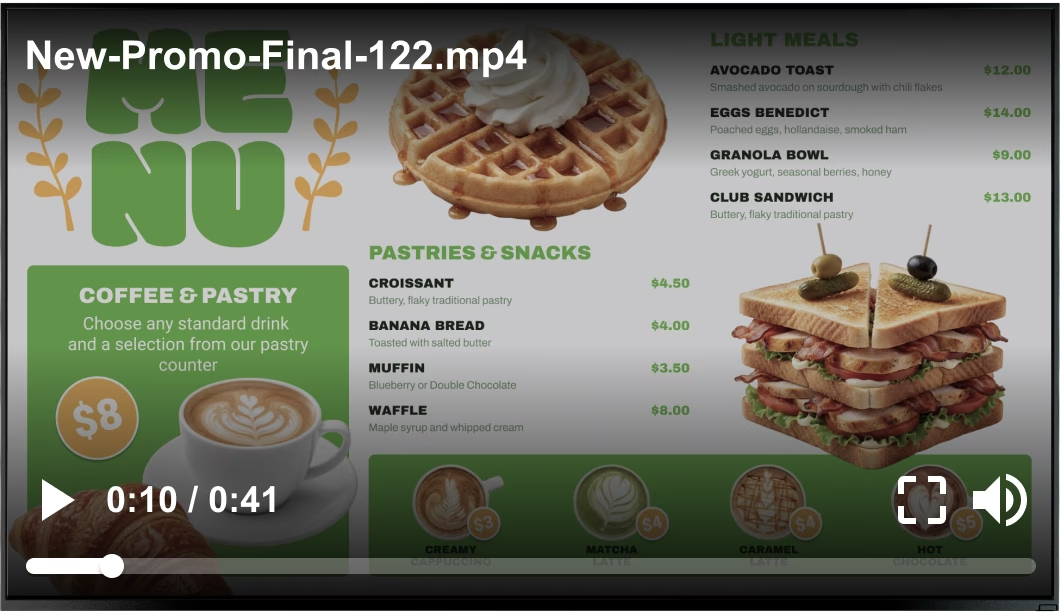
Cafe burger promo screen with an unlabeled leftover filename shown on the player Black USB flash drive with 4 GB storage capacity

What you get with Look

    • Change a price once and every board shows it

    • Specials start and end on their own dates

    • Breakfast and lunch switch by themselves

    • Same menu and prices in every cafe

Cafe drinks and pastry menu playing cleanly with no stray overlay Green shield icon with a white check mark
Try with demo screen now
Run demo screen right in your browser

From one counter board to every cafe you run

Pair a screen, build the menu from a cafe template, and it's live. The pastry case, the window and your next location join through the same three steps.
  • Connect your screens

    Install the free Look App on a compatible smart TV or display, or plug the Look HDMI Player into any HDMI screen, then pair it with the code on screen.
  • Build the drink and food menu

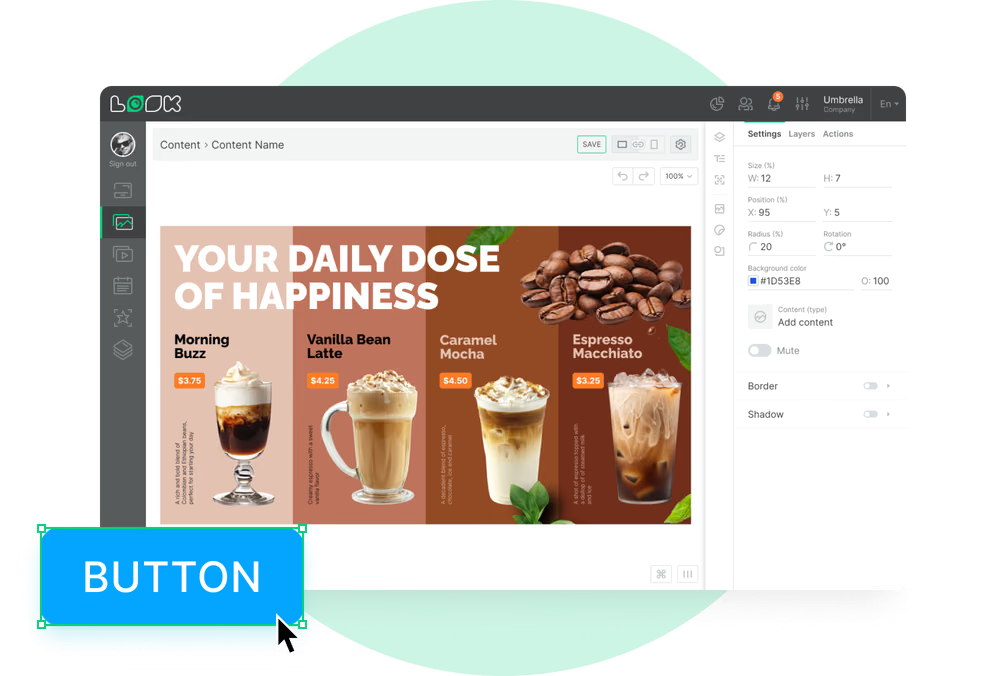
    Take a cafe template or open the Content Creator. Add drinks, sizes, prices, photos and a QR code, then put the boards into playlists.
  • Schedule and publish

    Set time slots for breakfast, lunch and afternoon, give seasonal drinks an end date and publish from any browser, to one screen or to all locations.
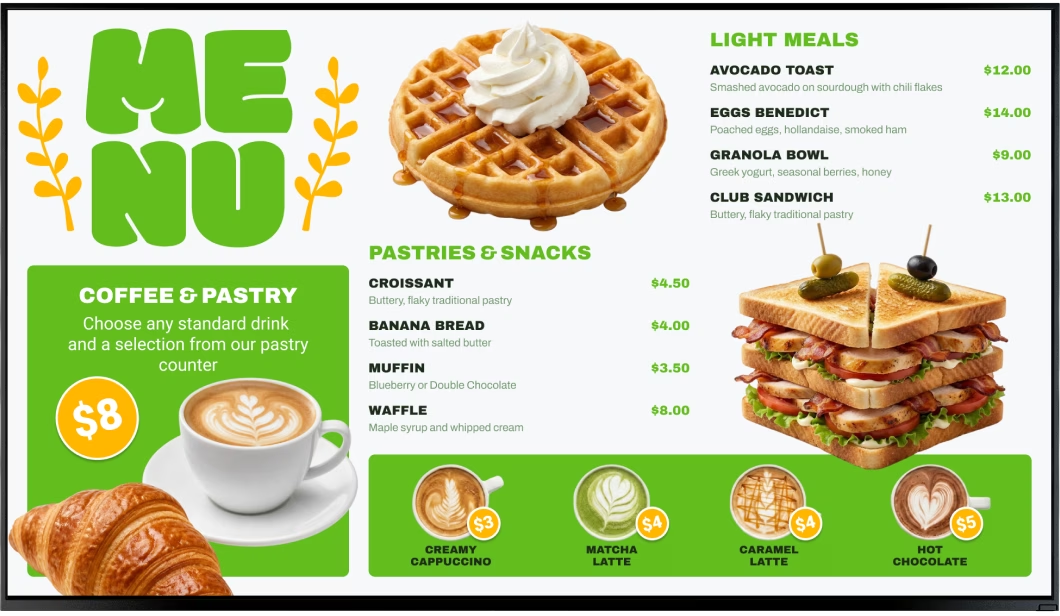
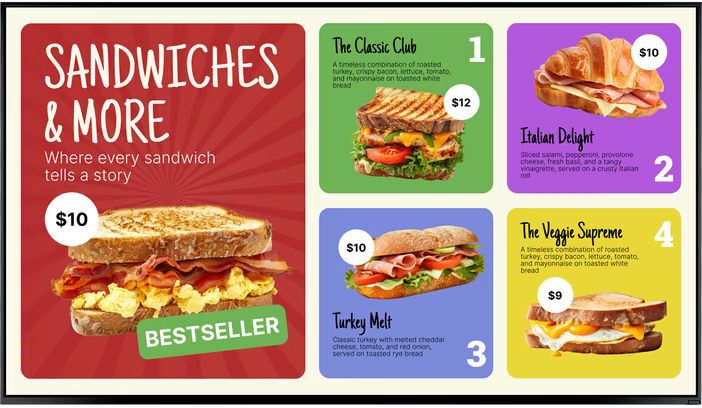
Cafe menu board showing a coffee and pastry combo deal Cafe menu board showing a sandwich menu Look CMS content library open over an iced coffee menu promo

Cafe digital signage for every spot a customer looks

Customers read the window from the sidewalk, the main board from the line, the pastry case from a step away and the seating area over a laptop. Look runs all of them from one account, each screen with its own layout, playlist and schedule.

Main menu board above the counter

The board the whole line reads before ordering.
This is where the full drink menu lives: espresso, filter, tea, sizes, milk options and add-ons, priced and grouped under clear headings. Spread a long menu over two or three screens instead of shrinking the type.
The dayparts do the switching. At eleven breakfast sandwiches are replaced by lunch, and in the afternoon the board shows more iced drinks and cold brew.
Best for: Full drink menu, sizes and prices, milk and syrup add-ons, breakfast and lunch menus, category boards

Pastry case and grab-and-go

Sell the croissant with the coffee.
A small screen on or beside the pastry case shows what was baked today, which drink it pairs with, and the combo price for both. Photos do the selling here, so give each item room.
When a tray is sold out, change the board and publish. The screen gets it at the next sync, so the pastry display is correct all day.
Best for: Daily bakes, coffee-and-pastry combos, grab-and-go sandwiches, allergen tags, bakery specials

Queue and ordering line

Help customers decide before the register.
The line is where customers make up their minds. A screen along it carries the coffee of the week, a seasonal latte, a new single-origin roast and a line on where the beans come from.
Put a Countdown timer next to a limited-time drink, and people see how long it will be on the menu. Several short slides work better than one slide full of text.
Best for: Coffee of the week, seasonal drinks, new roasts, limited-time offers, loyalty sign-up

Storefront window

Get morning commuters to come in.
A window screen does the job of the old sandwich board: it shows today's special, opening hours, iced drinks when it's hot and a QR code for online ordering.
After closing, run a different loop that advertises tomorrow's breakfast all evening. If the window gets direct sun, use a high-brightness commercial display.
Best for: Daily specials, opening hours, seasonal drinks, online ordering QR, after-hours loop

Mobile order pickup counter

Turn the handoff into the next touchpoint.
Customers at pickup have already paid, so this screen is for next time: the loyalty program, your app, office catering and bags of beans to brew at home.
A ticker zone at the bottom of the layout can show a short notice, for example a new pickup spot or a late delivery, and the rest of the screen stays as it is.
Best for: Loyalty program, app download, retail coffee beans, catering, pickup notices

Seating area and community wall

Give the people who stay a reason to come back.
Laptop regulars and weekend groups look up between sips. A seating-area screen shows the guest Wi-Fi as a QR code, your Instagram feed, Google reviews and this month's open mic or latte art class.
It is also the place for the story behind your roaster and the events you host, which a busy counter board has no room for.
Best for: Wi-Fi QR, Instagram and reviews, community events, roaster stories, workshops

To use Look digital signage software

Look service works seamlessly on any hardware, whether you're planning to purchase or already use it
Or

Install FREE Look App

Transform any TV or compatible device into digital signage by installing the free Look app.
WindowsAmazon Signage
Androidgoogle-tvLinuxOS Fire Amazon
macOSWebOSOS Tizen OS Raspberry Pi
Supported Operating Systems

Plug Look HDMI Player

Connect the Plug & Play Look Player to your display’s HDMI input for instant setup. Worldwide shipping.
Buy nowLook HDMI Player

What our customers say

Real businesses, real results.
Captera Rating
4.9
G2 Rating
5
We have 22 locations and zero issues with Look software. It’s so easy to use and has a lot of useful tools that we utilize in our day-to-day business. All-in-all, our experience was top-notch.
Ervin Piotrowski
We tried many different solutions for our platform. After many trials and errors, we found Look Digital Signage to be an amazing tool for our purposes.
Pyry Salminen
I’m grateful for the opportunity to work with Look and it's been a really big game changer for us, because it has helped us to come across as an older business in a much more fresh way.
Michael Guzman
60 000+
Screens
11 000+
Users
120+
Countries

Free templates

Cafe menu board templates for drinks, pastries and daily specials

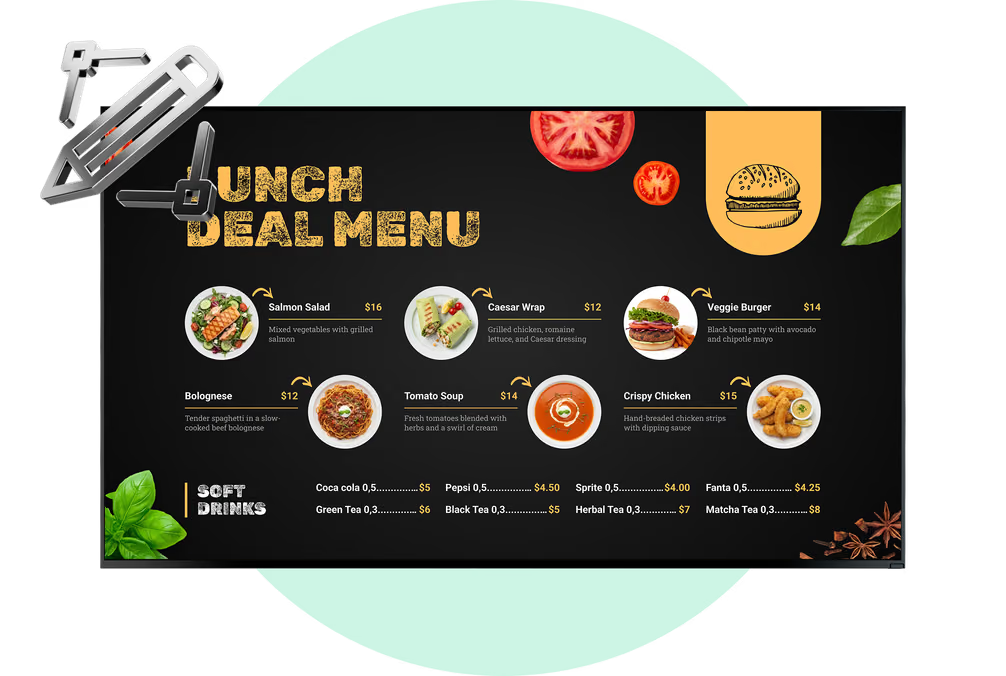
Set brand colors, fonts and logo once, and all templates use them. The food and beverage set has what cafe screens usually show: drink menu boards, pastry and bakery cases, breakfast and lunch specials, seasonal promos and combo deals. Put in your items and prices, set a schedule and publish.
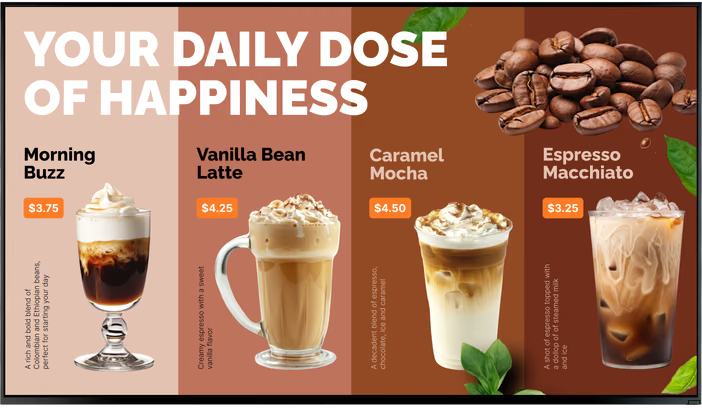
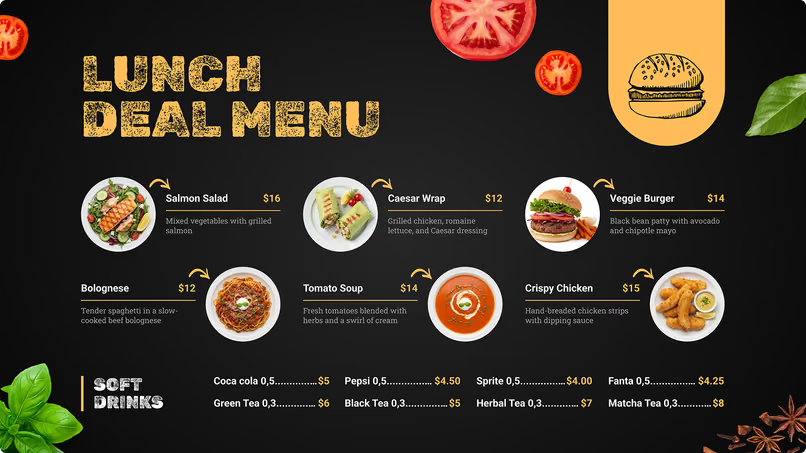
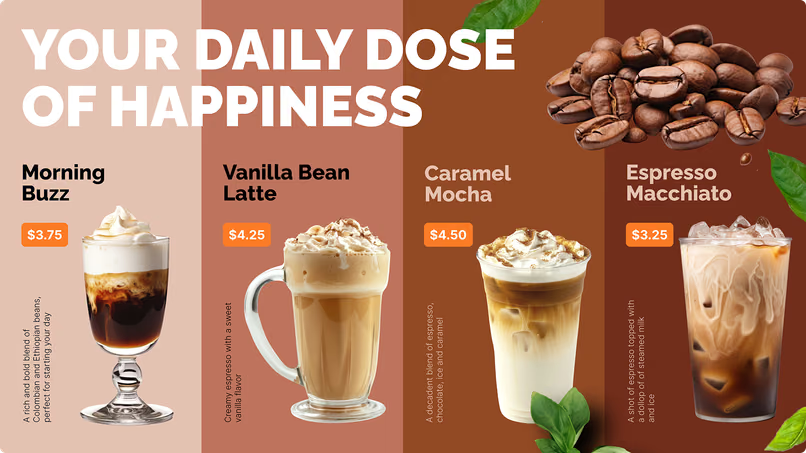
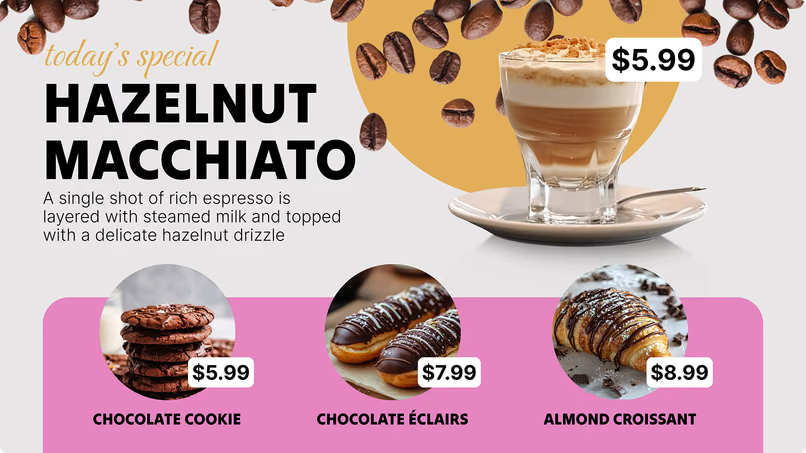
Lunch deal menu with salads, wraps, soup and soft drinksYour daily dose of happiness coffee menu with four drinksHazelnut macchiato promo with cookie, eclair and croissant pairings
Your daily dose of happiness coffee menu with four drinksHazelnut macchiato promo with cookie, eclair and croissant pairingsIced coffee special summer menu with iced americano, latte and mocha
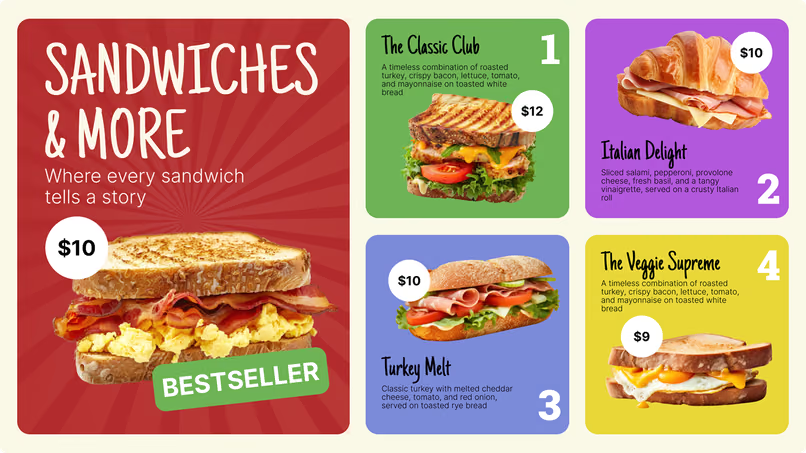
Hazelnut macchiato promo with cookie, eclair and croissant pairingsIced coffee special summer menu with iced americano, latte and mochaSandwiches & More menu with four sandwich options
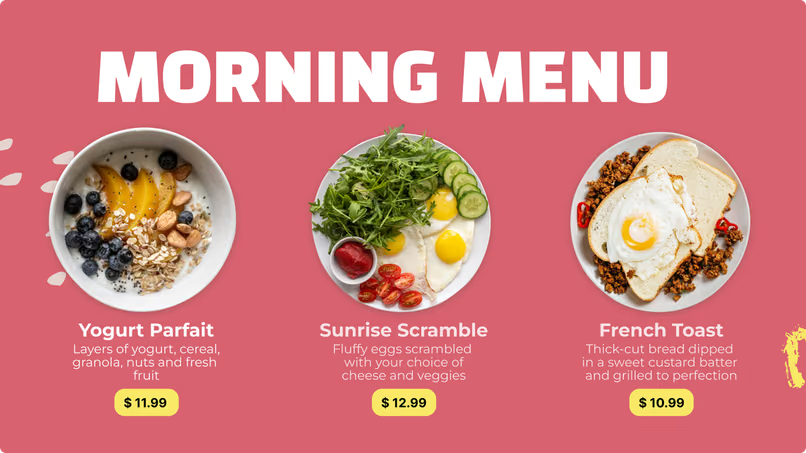
Iced coffee special summer menu with iced americano, latte and mochaSandwiches & More menu with four sandwich optionsMorning menu with yogurt parfait, sunrise scramble and french toast
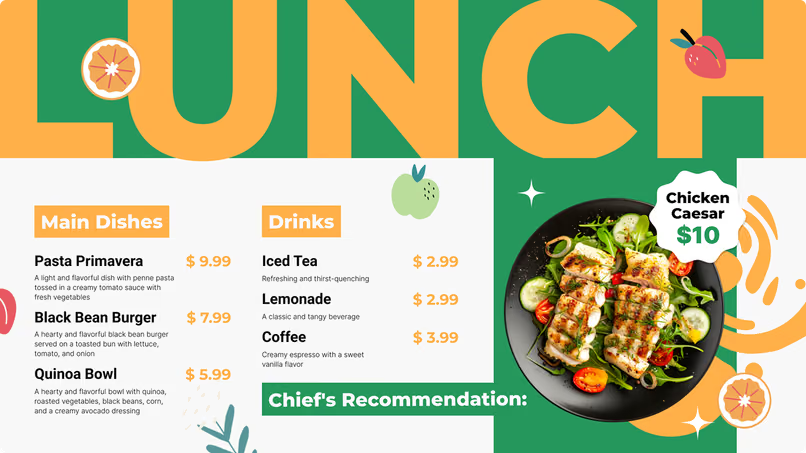
Sandwiches & More menu with four sandwich optionsMorning menu with yogurt parfait, sunrise scramble and french toastLunch menu with pasta, black bean burger, quinoa bowl and drinks
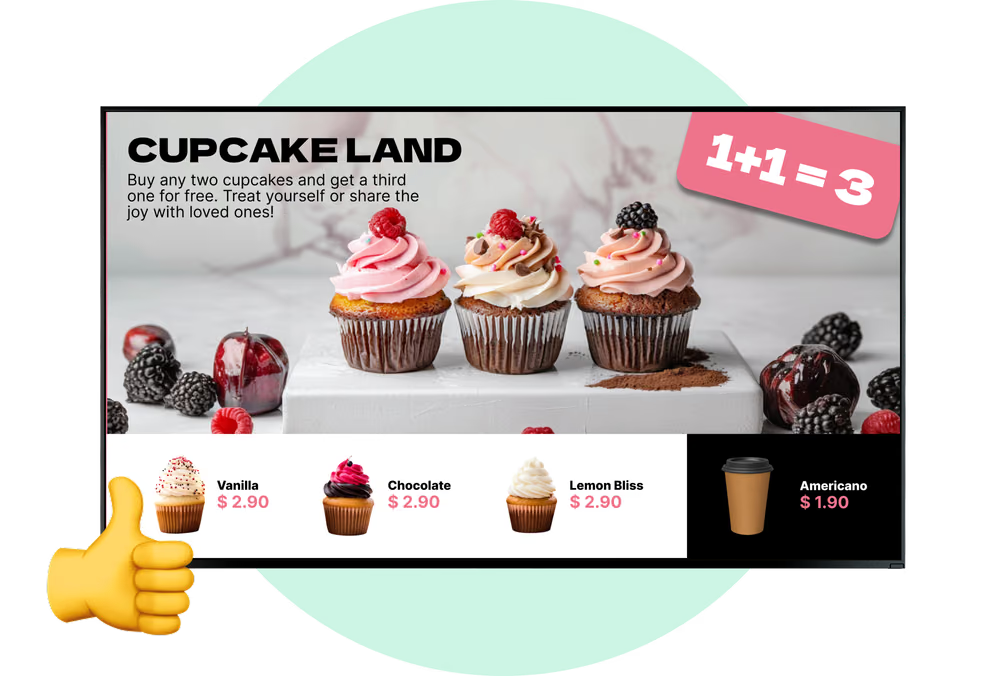
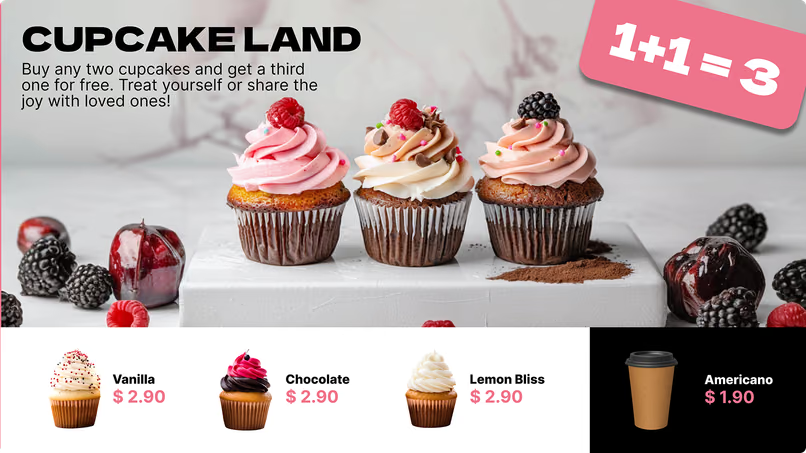
Morning menu with yogurt parfait, sunrise scramble and french toastLunch menu with pasta, black bean burger, quinoa bowl and drinksCupcake Land promo with vanilla, chocolate and lemon bliss cupcakes
Lunch menu with pasta, black bean burger, quinoa bowl and drinksCupcake Land promo with vanilla, chocolate and lemon bliss cupcakesLunch deal menu with salads, wraps, soup and soft drinks
Cupcake Land promo with vanilla, chocolate and lemon bliss cupcakesLunch deal menu with salads, wraps, soup and soft drinksYour daily dose of happiness coffee menu with four drinks

Built-in apps

Apps that keep cafe screens fresh on their own

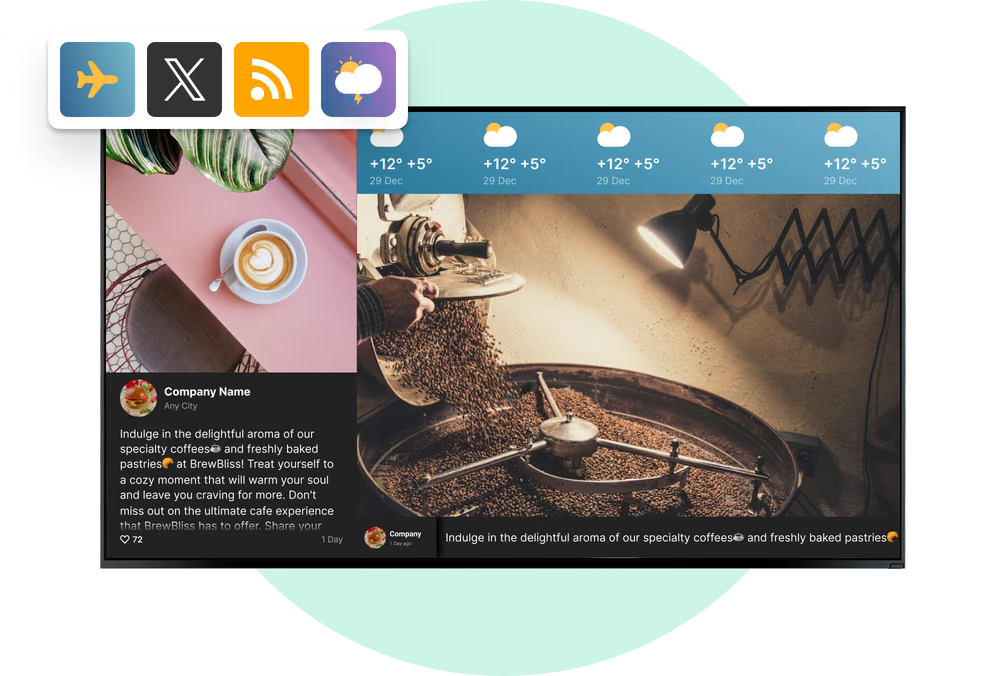
Add an app to a playlist like any other item, and it keeps reviews, posts and forecasts current automatically while connected. Build the core menu from cached images and video, then use apps to add live information around it.

Frequently asked questions about cafe digital menu boards

How much do digital menu boards cost for a cafe?

Look Digital Signage starts at $6 per screen per month, and the per-screen rate drops as your screen count grows. For cafe groups that want the CMS on their own servers, there is also an on-premise version with a one-time lifetime license. Hardware depends on your setup: many cafes reuse a TV they already own and add only a player, while a window screen usually needs a brighter commercial display. The 14-day free trial needs no credit card.

Can I use a regular TV as a cafe menu board?

Yes. If it's a smart TV on a supported platform, install the free Look App and pair it with your account. If not, connect the Look HDMI Player to its HDMI port. Above an indoor counter a normal TV is fine. For a board in a sunny window that runs all day, get a commercial display that is brighter and made for long hours.

Which hardware and operating systems does Look support?

The Look App runs on Android, Google TV, Windows, Linux, Raspberry Pi, LG webOS, Samsung Tizen, Amazon Signage, Fire OS and macOS. LG webOS and Samsung Tizen displays run the player on the screen itself, so there is no separate box behind the menu board. For any other screen with an HDMI input, the Look HDMI Player does the job.

How do I create a digital menu board for my coffee shop?

Take a cafe template from the free library or start from a blank canvas in the Content Creator. Add drinks, sizes, prices and photos, and a QR code if you need it. The layout fits portrait or landscape screens. Save the board, add it to a playlist, assign the playlist to a screen and set its time slots. Later edits get to the screen the same way.

How quickly can I change a price or remove a sold-out item?

Change the item in the browser and publish. The screen gets the change at its next sync. If the item is on boards in several cafes, one publish updates them all. If it's sold out only in one location, target that screen by its tag, and the other cafes keep their menu as it is.

Can the menu switch automatically between breakfast, lunch and afternoon?

Yes. Smart Scheduling works with daily time slots inside a weekly schedule. For example, breakfast until eleven, lunch until three, then the afternoon board, without anyone touching it. On weekends you can use another schedule, like a longer brunch. Every screen runs on its own time zone, so the switch happens at the right local time in every region.

How do I promote seasonal drinks and limited-time offers?

Make the seasonal drink a separate content item and set start and end dates in its Lifetime setting. It shows up on the first day and is removed on the last one by itself. Put it on the queue screen or in its own promo zone, so the main menu doesn't change, and add a Countdown timer to show how many days are left.

Where should screens go in a cafe?

First the main menu board above the counter, because the whole line reads the drink list there. Then add screens where customers stop: the pastry case, the queue, the storefront window, the pickup counter and the seating area. Each place answers its own question, from what to order to when to come back. All of them run from one Look account, each with its own playlists and schedules.

What makes a good cafe menu board design?

First of all, people must be able to read it. Use a clean font with strong contrast, group drinks under clear headings like espresso, tea and pastries, and if the menu is long, use two screens instead of making the text smaller. The coffee of the week or a high-margin special gets its own fixed area with a good photo. Motion should be slow and short so it doesn't cover prices. Before you publish, look at the board from the end of the line.

Can I show calories and allergen information on the board?

Yes. Calories, allergens and dietary tags like vegan, dairy-free or gluten-free are added like any other menu text. Put them next to the price, in a separate zone or behind a QR code that opens the full details on the customer's phone. Entering correct information and following local labeling rules is still your team's job.

Can Look connect to my POS or online ordering system?

Look supports connected workflows through the Zapier app, a GET action trigger, outbound webhooks and Embeddable Code. A compatible tool can send an event through Zapier or a webhook to start a promotion, while browser-based ordering pages can be embedded in a zone or linked through a QR code. Prices and availability can also be updated directly in the CMS.

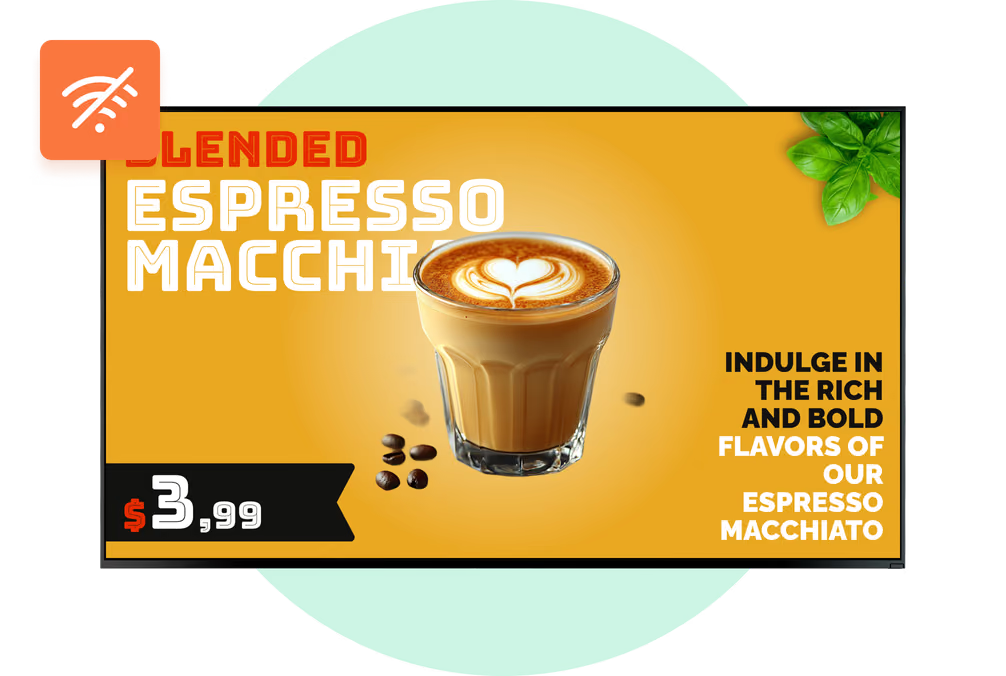
What happens to the menu boards if the cafe Wi-Fi goes down?

Scheduled images and video keep playing from the player's local cache throughout the morning rush. When the connection returns, the player syncs automatically and picks up any changes published in the meantime. Build the core menu from cached media, while web content, live streams and apps refresh whenever they are connected.

Can we show our Instagram feed, Google reviews and Wi-Fi password on screen?

Yes. The Instagram app shows your cafe feed or a hashtag wall, the Google Reviews app shows your live score and latest reviews, and Wi-Fi share turns your guest network name and password into a QR code. Add each one to a playlist like any other item and it refreshes itself whenever the screen is online. The seating area and the queue suit them best.

Can I manage menu boards across several cafe locations?

Yes. All screens are in one account, sorted with tags and groups, so a new menu or a chain-wide promo is published once and goes to every cafe. Each location can still have its own specials, prices and opening hours, and schedules follow each screen's time zone. With Snapshots you can see remotely what every screen is showing.

Can staff update the menu without full access to the account?

Yes. Invite staff by email and give each person one of three roles, Administrator, Moderator or Guest, with access set per CMS section. For example, a shift lead can edit content and schedules, and only the owner can pair devices and change account settings. When roles match people's tasks, everyone in the cafe group knows who publishes what.

What is digital signage for cafes?

Digital signage for cafes means showing drink menus, prices, pastry specials, seasonal promos and customer information on connected screens in a coffee shop, bakery cafe or cafe chain. With Look Digital Signage, staff make this content in a browser, schedule it by daypart and season, and publish it remotely to one screen or to all locations.