28%

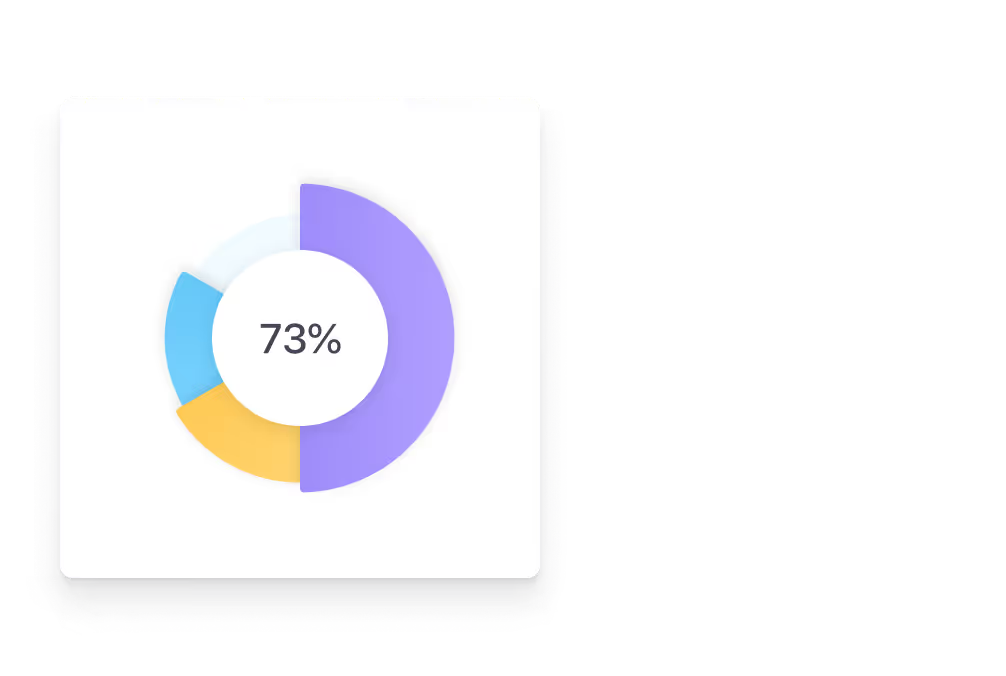
improvement in compliance rule-following when clear signage is visible to employees in the workplace

Source: workplace compliance signage research

<2 min

to push an urgent alert, meeting change, or announcement to every break room screen from anywhere

vs. printing and distributing paper notices

$0

cost per content update — no printing, no ink, no labor to distribute or hang physical notices around the office

vs. traditional print communication

1 → ∞

screens manageable from a single cloud dashboard — scale from a pilot TV to a global break room network

Look DS platform capability

What is break room digital signage?

A communication hub where people already take their breaks

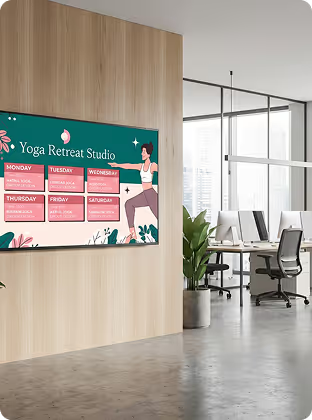
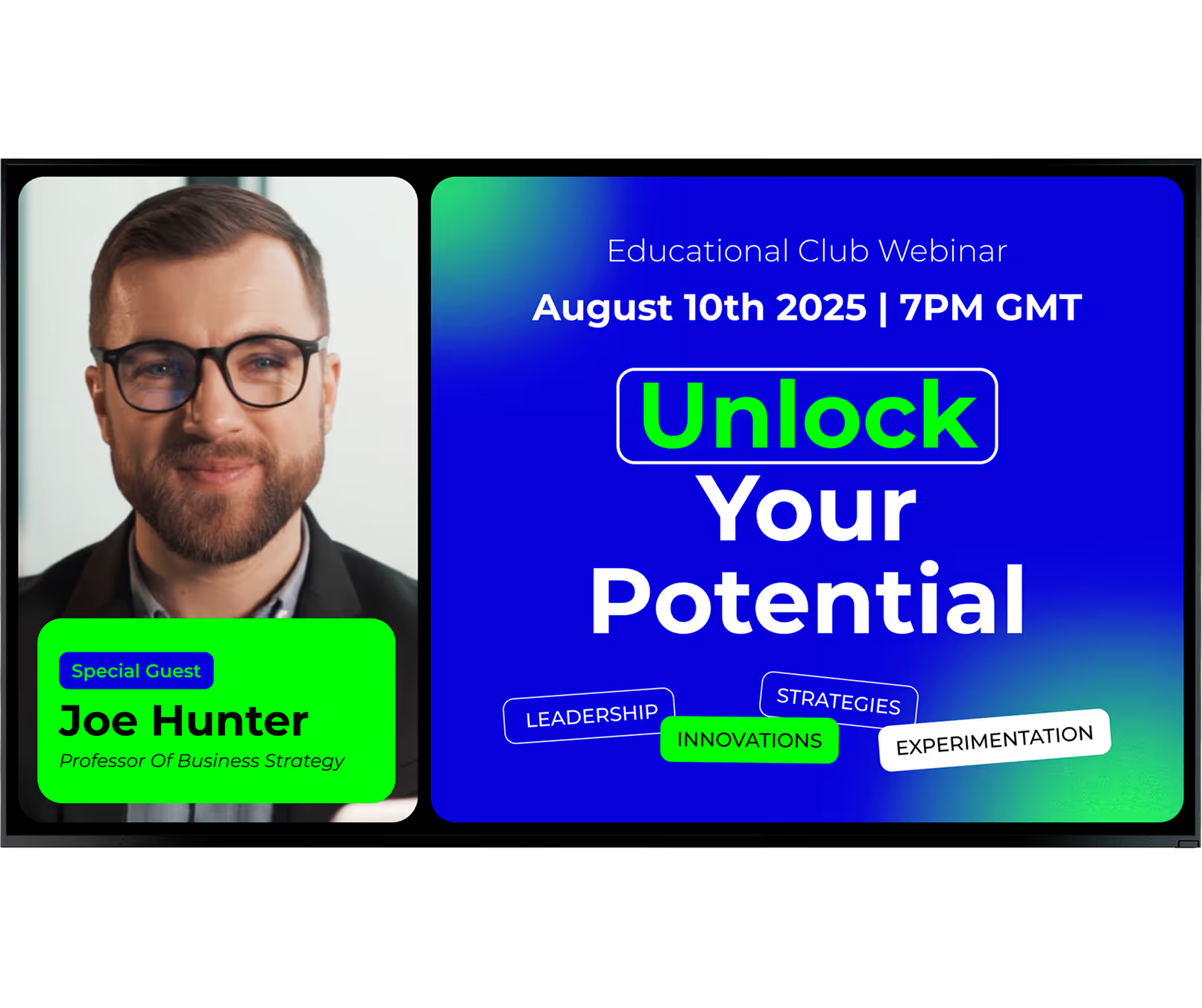
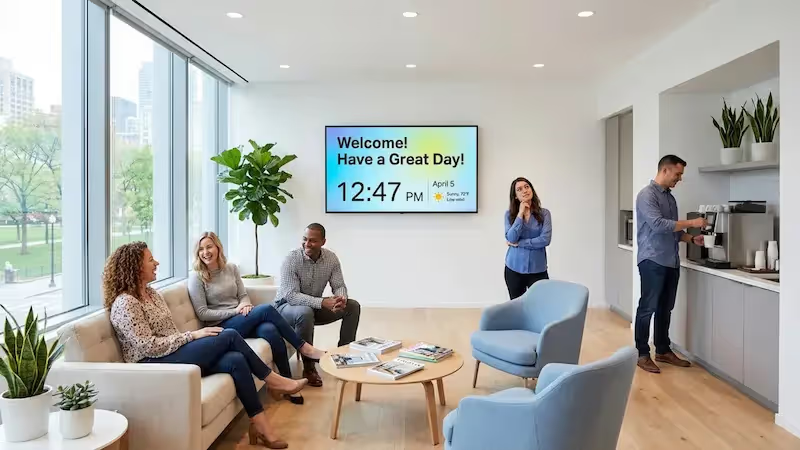
The classic break room was often a quiet space with outdated magazines and a messy pinboard. Digital signage changes this by bringing motion, color, and fresh content to the room. Instead of digging through layers of paper to find one notice, employees see clear visuals cycling through updates, local news, and fun trivia.

Break room screens work differently from lobby or retail displays.

They point inward — serving your team, not visitors. By combining commercial displays or existing TVs with cloud-based software like Look CMS, you create a low-pressure way to reach workers who are away from their desks, helping build a more open and interactive workplace.

Digital vs. Traditional

Notice board

Static, requires printing

Quickly becomes disorganised

Information gets buried

No engagement tracking

Single message at a time

Manual distribution required

Look DS

Green checkmark inside a black circle.

Dynamic motion and color

Green checkmark inside a black circle.

Updated remotely in seconds

Green checkmark inside a black circle.

Multiple messages loop

Green checkmark inside a black circle.

Playback analytics included

Green checkmark inside a black circle.

Live feeds and video

Green checkmark inside a black circle.

Scheduled automatically

Green shield icon with a white check mark on a black rounded square background representing security or verification.

3 core components

1

Hardware

Your break room TV or commercial display, paired with a media player. Use an existing smart TV with the Look App installed, or plug in a Look HDMI Player for reliable, always-on playback on any screen.

2

Software (CMS)

Look CMS is your cloud-based control centre. Build playlists, connect live data from Google Calendar or Slack, and manage every break room screen remotely from any browser.

3

Content

The mix of internal announcements, live feeds, wellness tips, recognition cards, and entertainment that keeps screens engaging — scheduled automatically and updated in real time.

Why it works

Six ways break room digital signage transforms your workplace

icon_XL_smile

Boosts Employee Morale & Engagement

Displaying motivational messages, team wins, and peer shout-outs fosters a healthier, more positive work culture. Adding interactive elements — like letting employees submit photos for the screen — makes the experience personal and builds a stronger sense of community.
Bubble icon

Easier to Share Important Information

In a busy office, emails quickly get lost in the shuffle. Digital signage helps key updates — such as HR policy changes or town hall reminders — stand out. Because screens sit in spots where people naturally gather, staff absorb information easily without the "I never saw that email" excuse.
Shield

Promotes Wellness and Safety Initiatives

Visible workplace signage can help reduce injuries by keeping safety top of mind. By looping ergonomic guidance or procedural reminders, you keep these topics in everyday view. Screens also support well-being with mindfulness exercises, nutrition tips, and wellness programme details.
star icon transparent

Strengthens Recognition and Appreciation

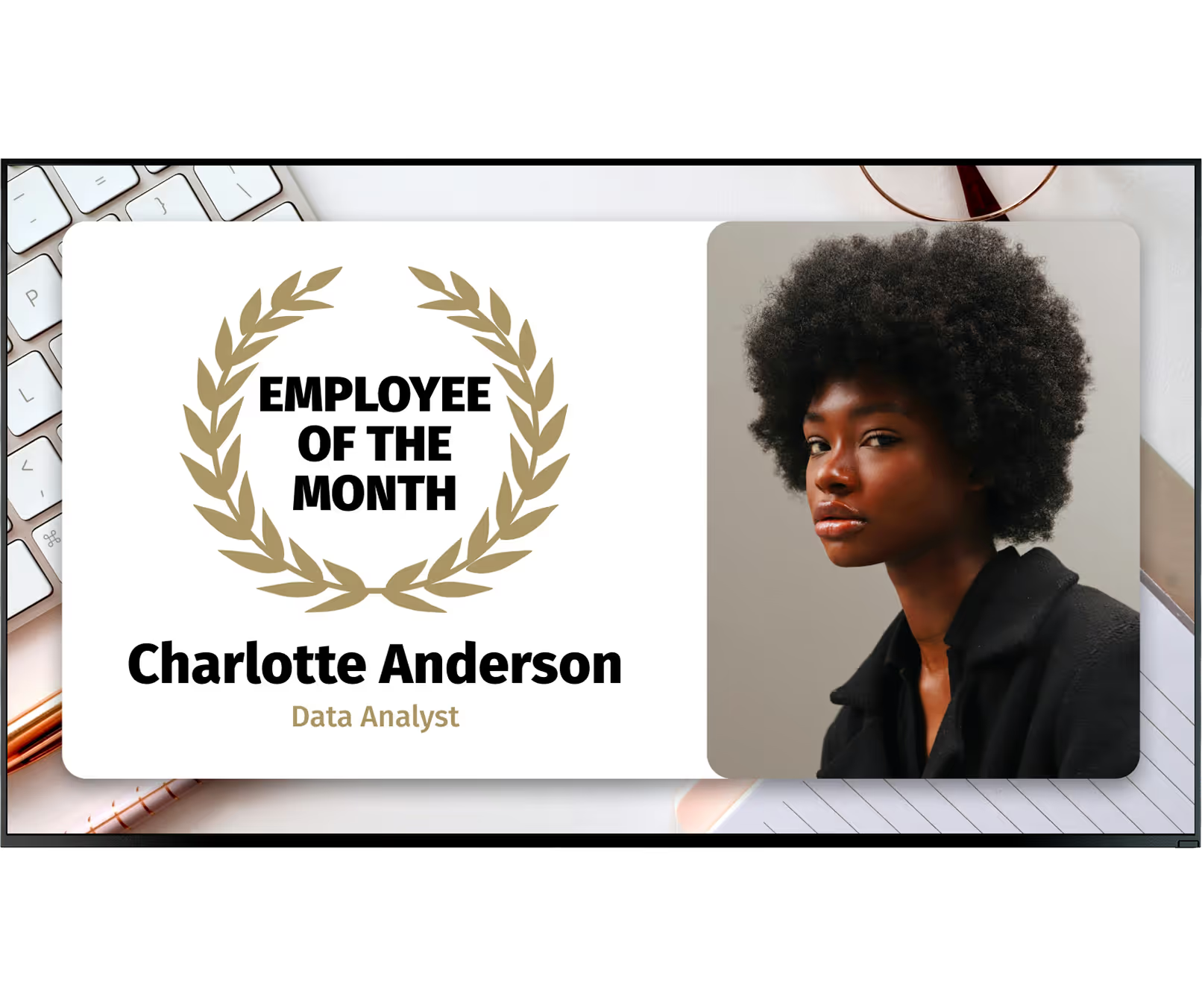
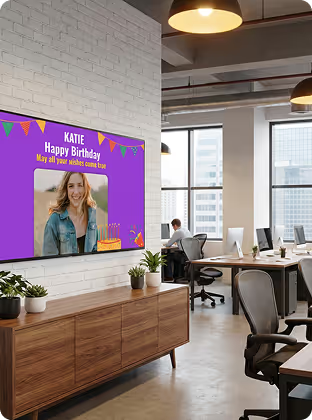
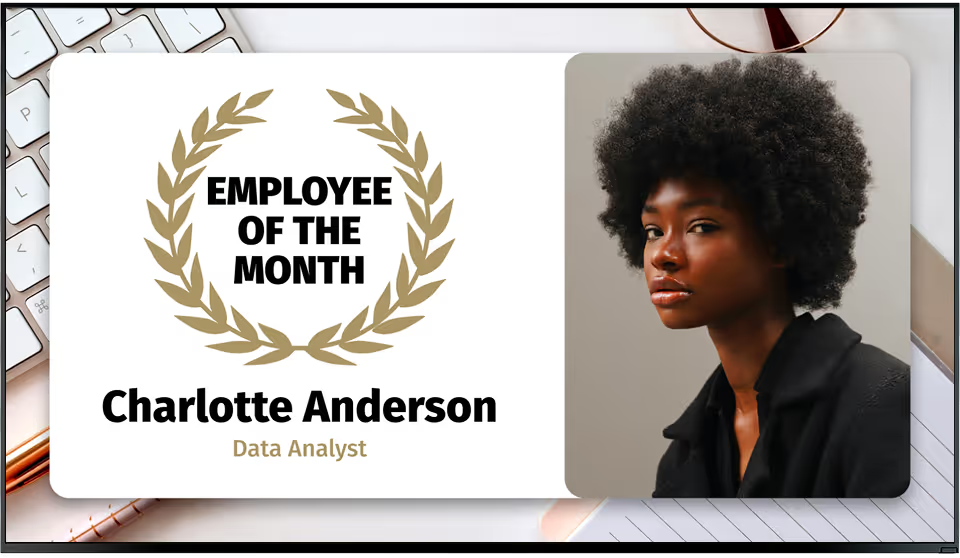
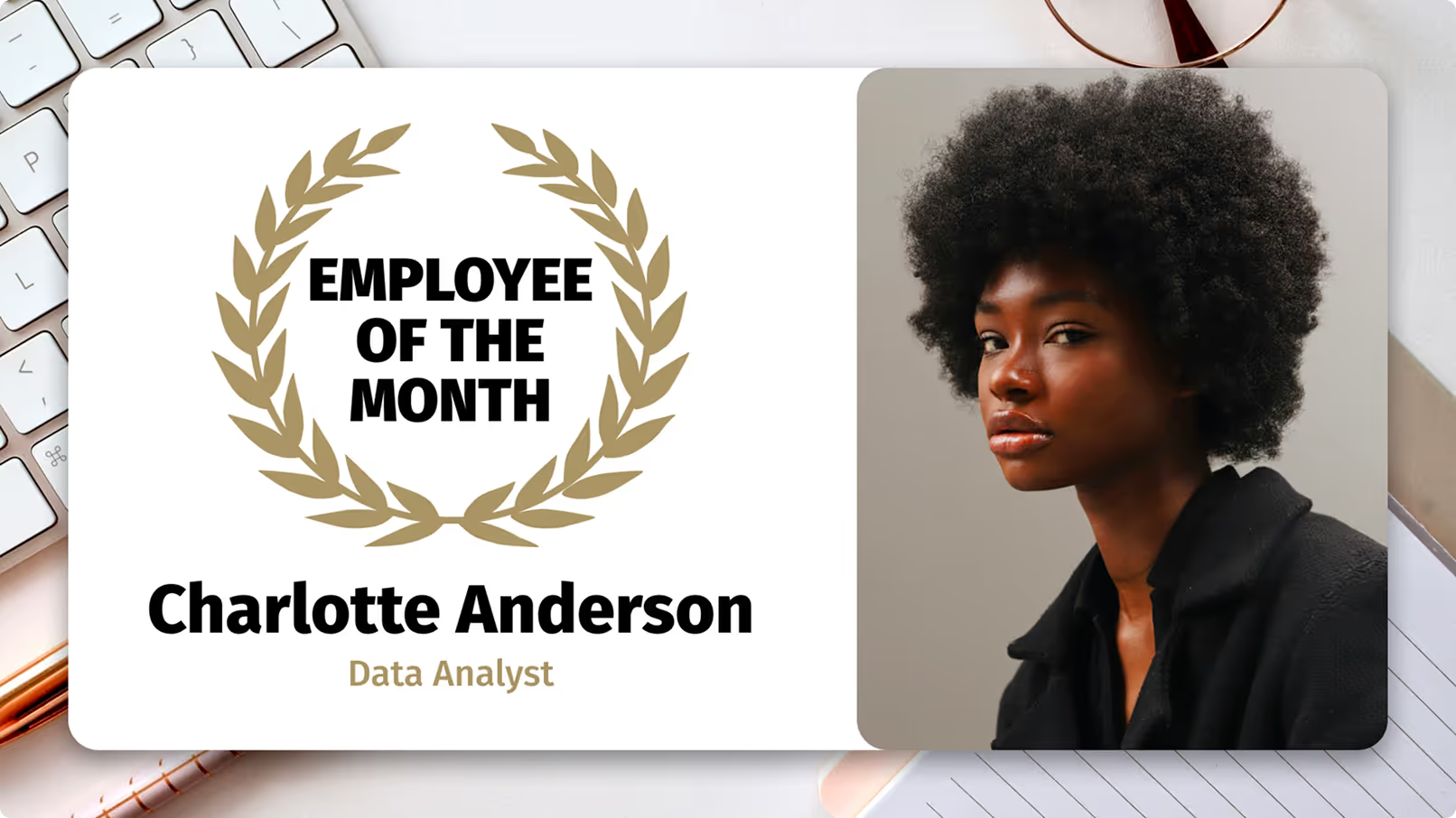
Employees are more likely to stay in their roles when they feel appreciated. Digital signage offers a highly visible way to celebrate milestones like birthdays, work anniversaries, and Employee of the Month awards. Public praise validates hard work and sets a great example for the rest of the team.
Percent icon

Supports Communication with Shift Workers

Shift workers often miss out on normal daytime office updates. Digital signage works around the clock to close this gap. Using Smart Scheduling, you can automate what plays, when, and where — morning staff see daily priorities while the night team gets late-night safety reminders and entertainment.
gamepad icon

Provides Entertainment and Relaxation

Break rooms are meant for resting. A good infotainment mix blends short TV content with company tickers, helping staff view the screens as a true perk during their downtime. Funny clips, interesting facts, and sports highlights help people unwind and return to their tasks more focused.
like
megaphone
confetti
star
Watch Icon
LB Apps icons

Who it's for

Break room signage for every workplace environment

Corporate HQ

Corporate Offices & HQ

Multi-floor office buildings where leadership needs to keep a dispersed desk-based workforce aligned on goals, culture updates, and HR announcements across every floor and kitchen area.

Manufacturing

Production Floors & Factories

High-noise environments where workers are away from desks. Break room screens are often the only reliable channel to reach shift workers with safety reminders, schedule changes, and morale-boosting recognition.

Multi-location

Multi-location & Enterprise

Organisations with offices in multiple cities or countries, like Visma's 12-country network, that need to synchronise messaging on metrics, news, and internal updates while allowing local teams to localise content.

Compliance

Healthcare & Regulated Environments

Facilities where compliance signage is critical. Break room screens reinforce hygiene, procedural, and safety protocols continuously — helping improve rule-following without scheduling additional training sessions.

Retail & Hospitality

Retail & Shift-based Workplaces

Businesses operating across multiple shifts where consistent internal communication is a challenge. Scheduling tools ensure morning, afternoon, and night crews all receive the same quality of information and recognition.

Education

Education & Campus Facilities

Universities, schools, and large campuses with staff rooms and common areas that benefit from a central hub for announcements, wellness content, event reminders, and lighthearted community-building content.

Use cases
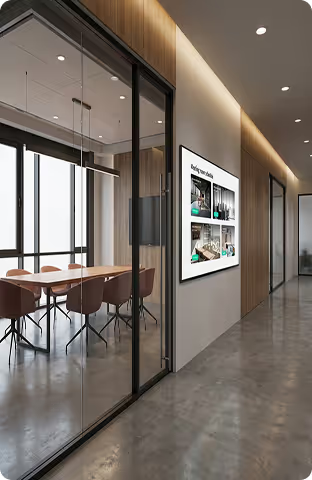
What your break room screen can display

Shift Schedules & Meeting Notifications

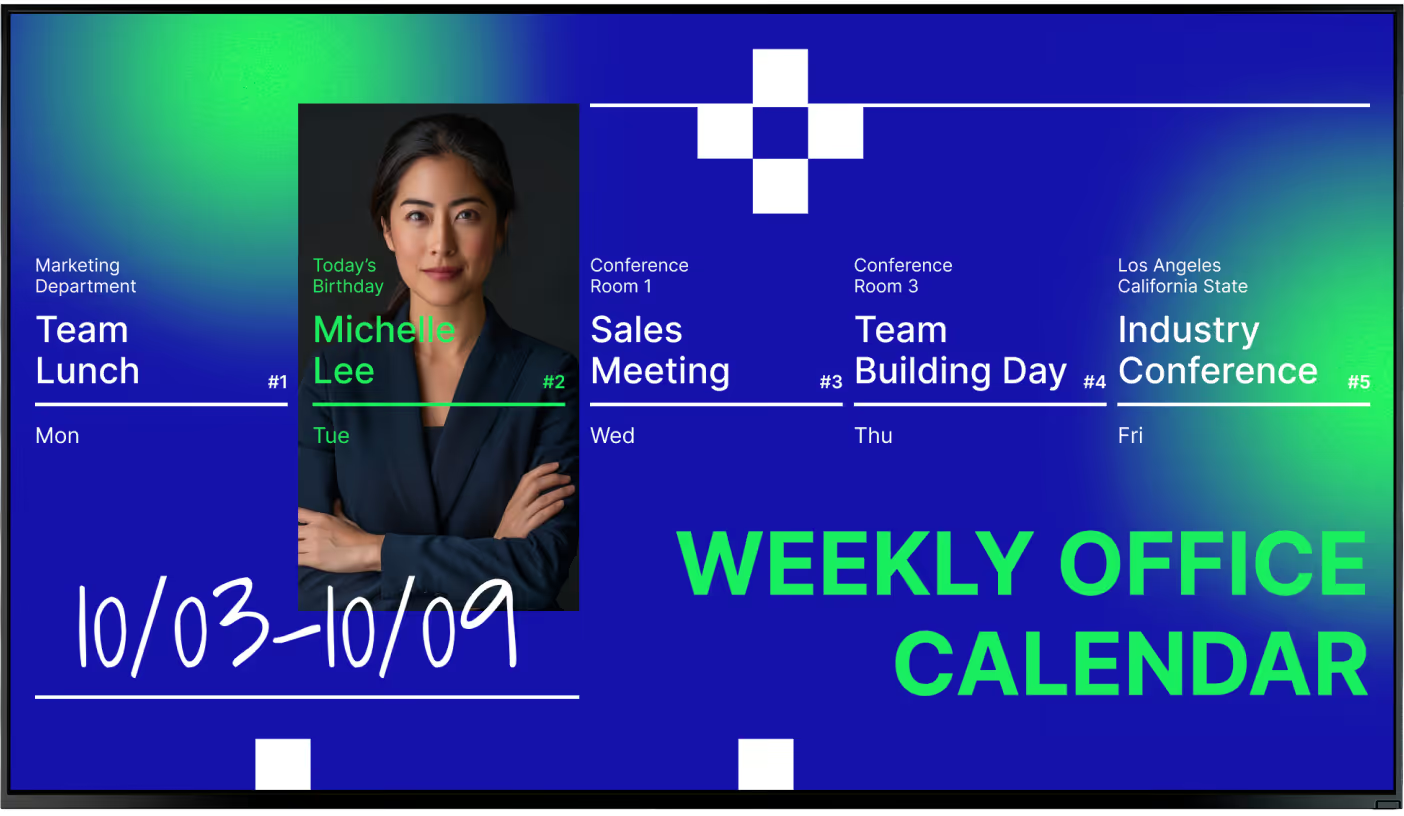
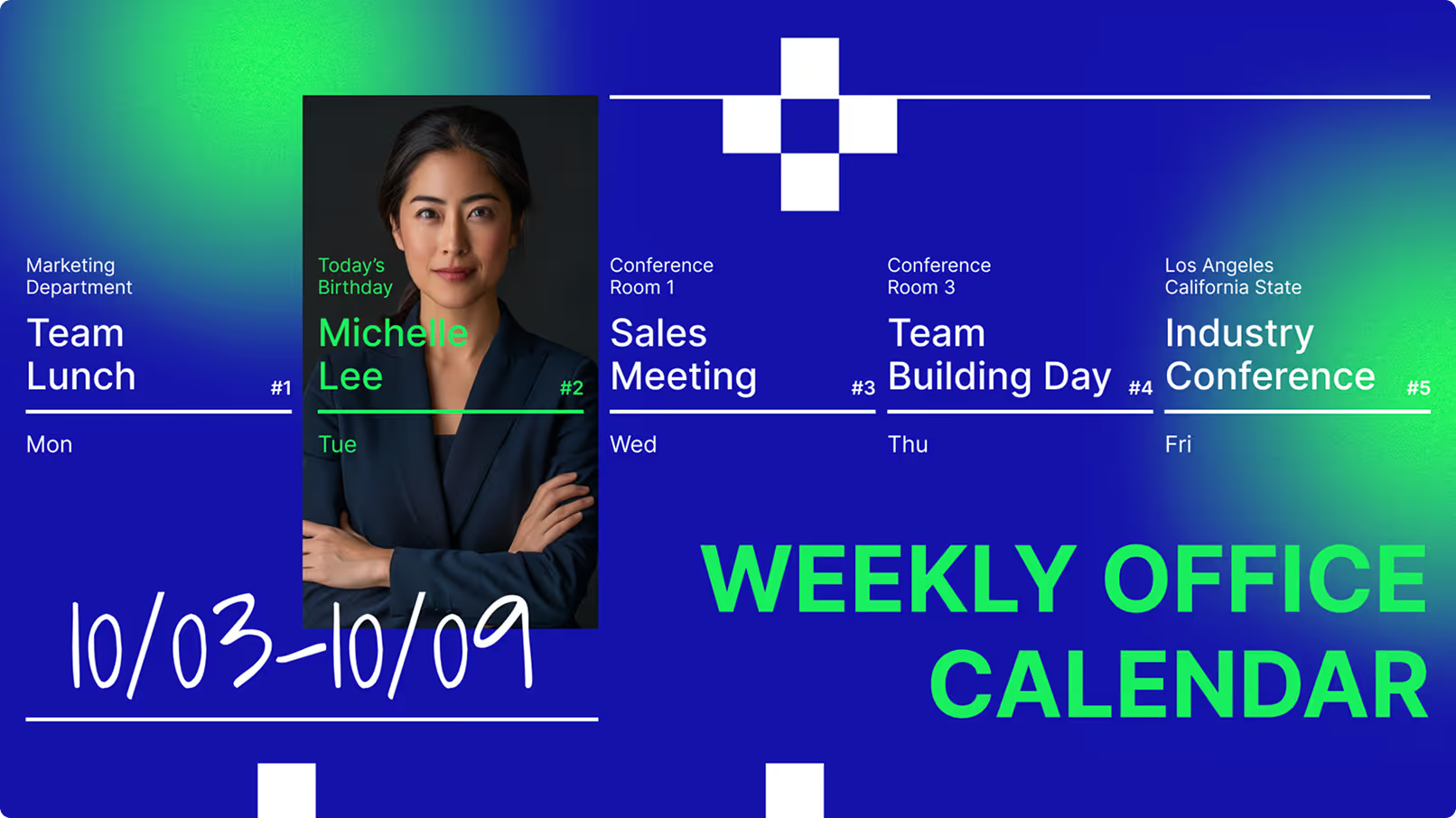
Display daily schedules and room booking statuses on a large, highly visible screen. In workplaces with complex shifts, this cuts down on confusion and ensures smooth handovers without employees needing a laptop.

HR Policy Updates & Announcements

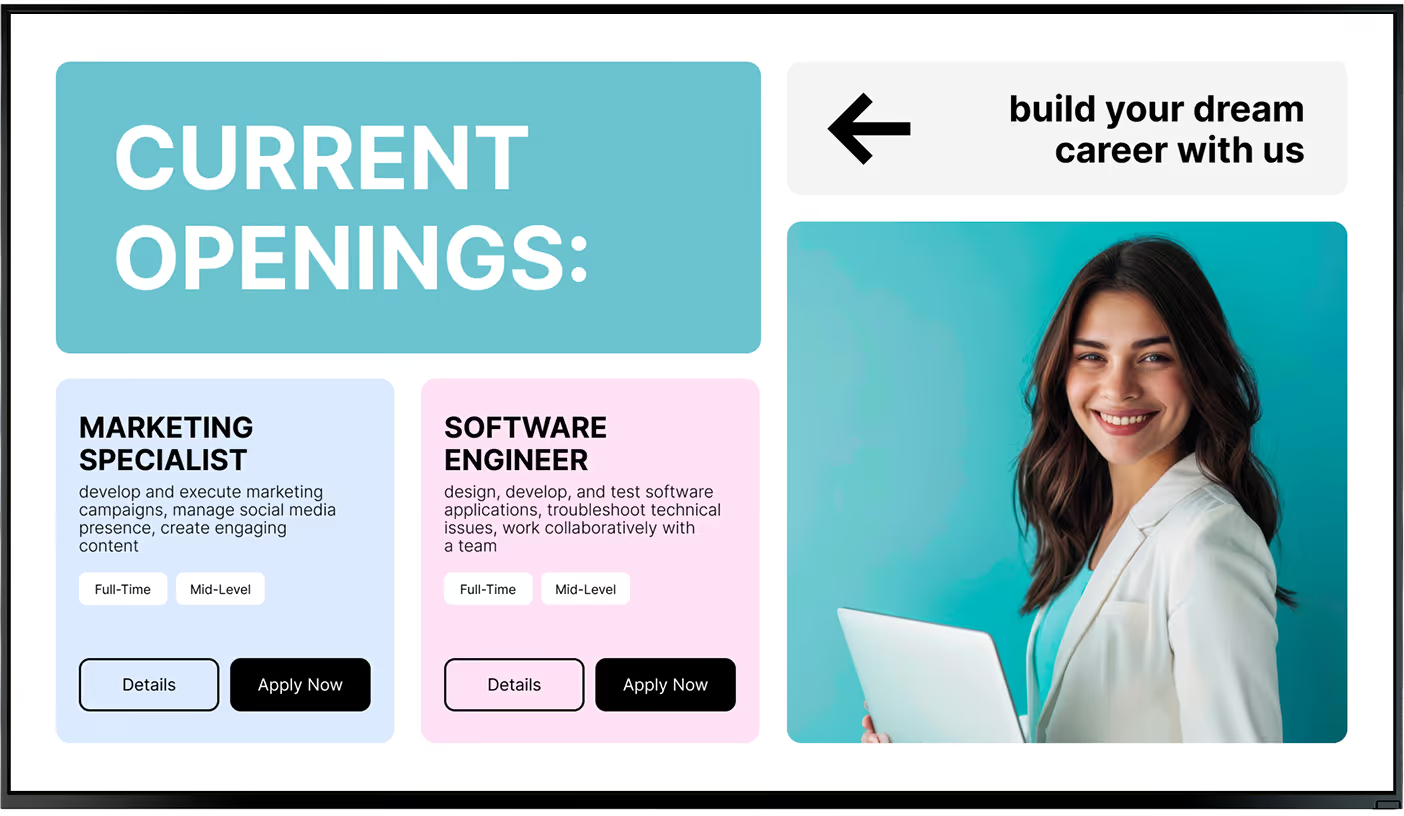
A high-visibility channel for open enrolment dates, handbook updates, and internal job postings. Clear visuals and short text make complex topics easier to digest than a 40-page PDF attached to an email.

Employee Achievements & Birthdays

Celebrate birthdays, work anniversaries, and professional wins like major sales or project launches. Public recognition shown on screen is seen by the whole company, not just a direct manager.

Benefits Enrolment Reminders

Keep critical benefits deadlines front of mind with countdown slides and bite-sized overviews of key perks. Breaking down retirement matching or health plans into simple slides is far less overwhelming than printed packets.

Wellness Activities & Safety Reminders

Loop 30-second safety videos, ergonomic guides, or proper lifting techniques for microlearning. For wellness, host step-challenge leaderboards, healthy recipes, or hydration reminders to actively support your team's health.

News, Weather & Entertainment

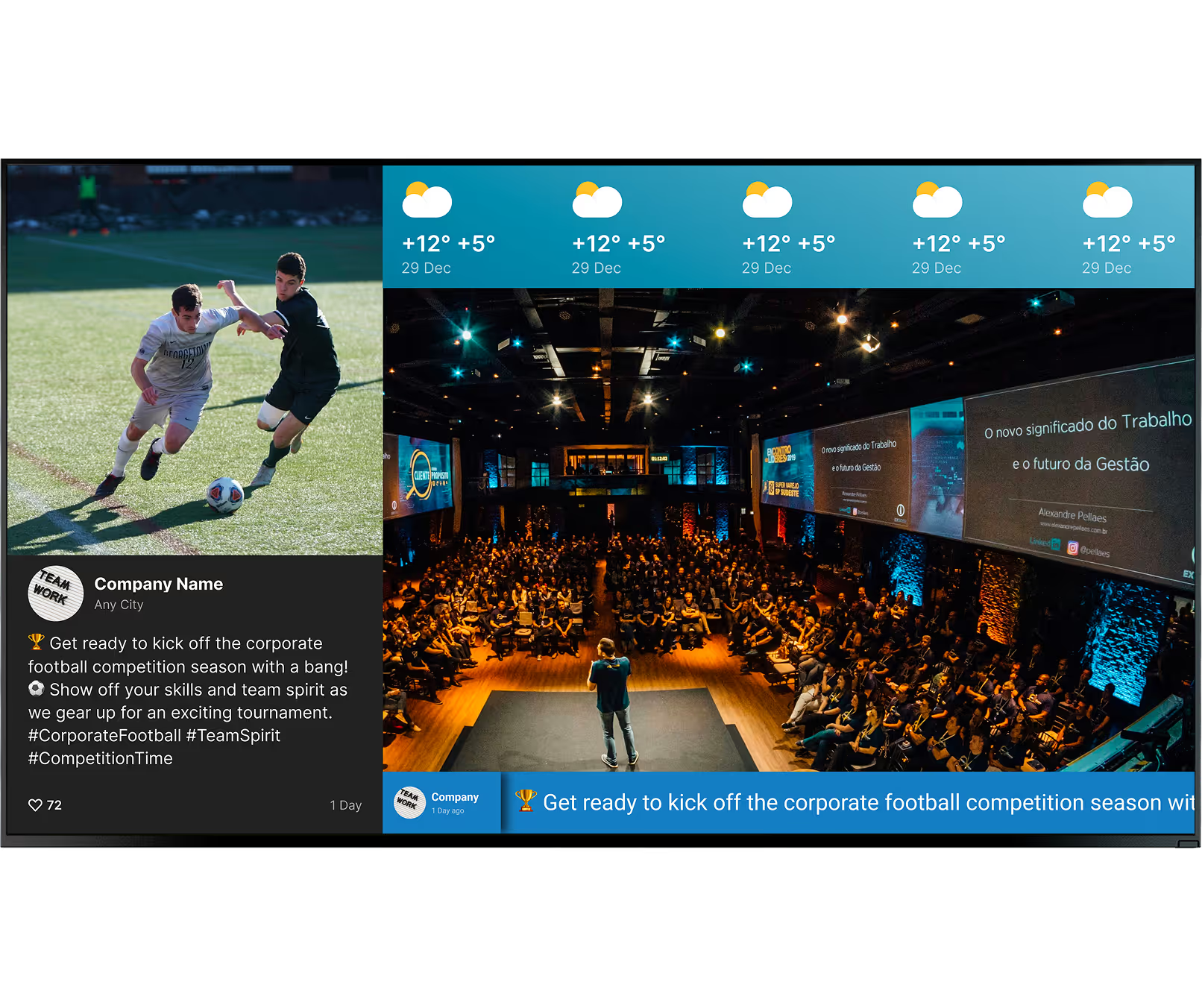
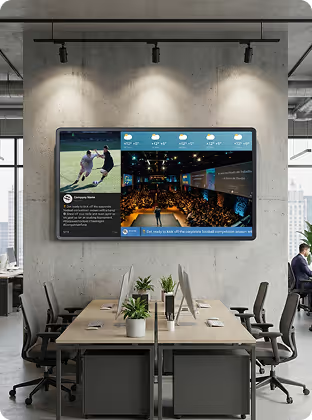
Ensure the break room actually feels like a break with live news headlines, weather forecasts, sports highlights, and "on this day in history" facts. When employees enjoy their downtime, they return to work more focused.

Hardware & setup

Two ways to power your break room screen

Green shield icon with a white check mark on a black rounded square background representing security or verification.

Install the free Look App

Install the free Look App on any compatible display you already own. Ideal for repurposing existing smart TVs in stockrooms, staff areas, or smaller store locations — no new hardware spend required to run a pilot.

Android
Windows
Fire OS
Samsung Tizen
LG webOS
Raspberry Pi
Amazon Signage
Amazon Signage
Icon Linux
Linux
macOS
MacOS
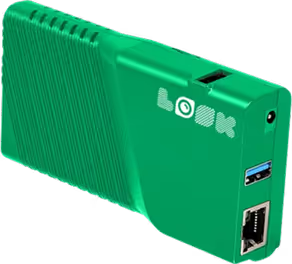
Green rectangular electronic device with ventilation slots, two USB ports, an Ethernet port, and the word 'LOOK' printed on it.

Plug in the Look HDMI Player

The Look HDMI Player connects to any screen via HDMI for reliable, always-on playback. Plug in, connect to Wi-Fi, your screen is live. Caches playlists locally for offline playback, ensuring promotions keep running even if internet drops.

Any displays with HDMI
LED screens 
Video walls
Plug-and-play

Break room hardware tip:

Scale the screen to your space — a 40-inch display fits a small coffee corner, while a large cafeteria may need several 65-inch commercial screens. Choose commercial displays (rated 16/7 or 24/7) over consumer TVs for high-ambient-light environments. Mount at eye level in high-traffic spots above the coffee maker or near the microwaves, and use Look CMS to schedule automatic power-down after office hours to extend hardware life and reduce energy costs.

View full hardware guide →

How it works

Up and running in three steps

No IT team required. Your first break room screen can be live today.
  • Content

    Connect Your Hardware

    Install the Look App on any compatible smart TV for instant setup, or plug the Look HDMI Player into an existing display for reliable, always-on playback — no complex installation required.
  • Schedule

    Build Your Playlists

    Upload your logo, set brand colors, and use ready-made templates. Blend internal updates, live news and weather feeds, recognition cards, and wellness content into one engaging rotation.
  • Playlists

    Schedule and Automate

    Set time-of-day playlists — morning goals, lunchtime trivia, afternoon wellness tips. Automate RSS feeds and Slack shout-outs so your screens stay fresh with zero ongoing effort.

Key features

Everything a break room communicator needs

Bubble icon

Real-time Message Updates

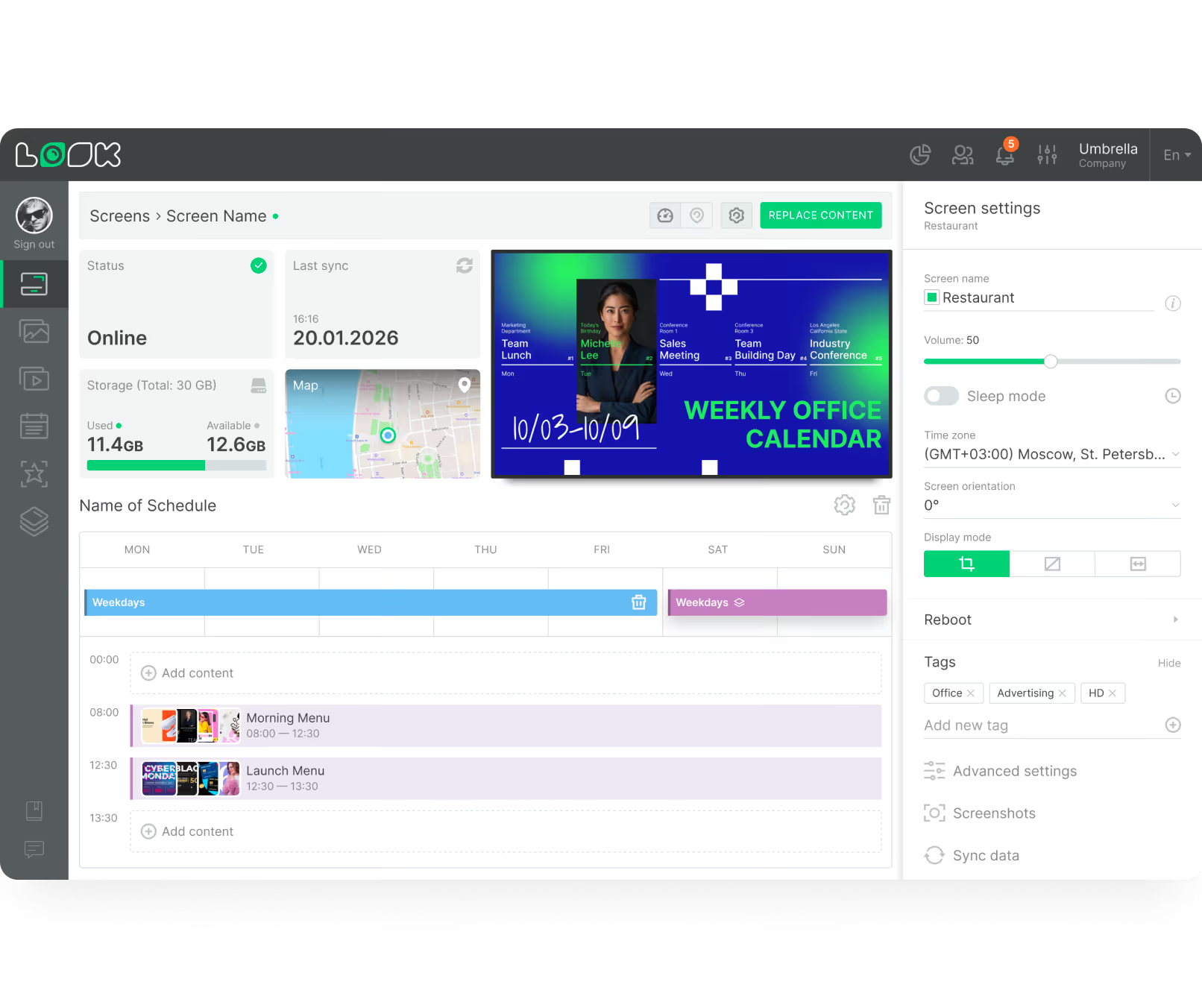
Change content on the fly from a laptop or smartphone, from anywhere. Push breaking announcements, schedule changes, or urgent alerts to every screen in your office in under two minutes.
Pencil

Ready-made Templates

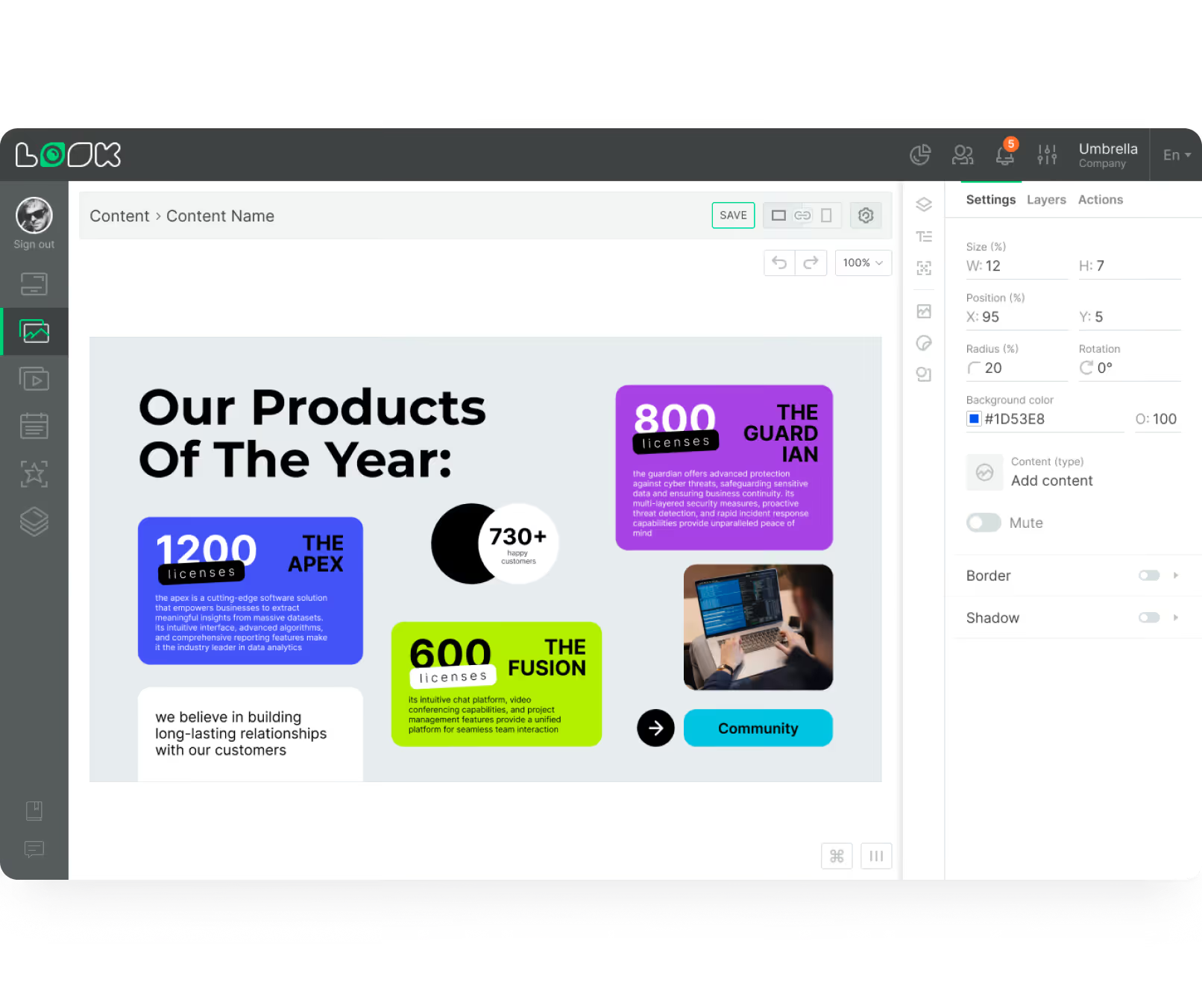
Access a library of professionally designed layouts for HR announcements, employee recognition, wellness tips, and infotainment. Customise with your logo and brand colors in minutes — no designer needed.
Laptop icon

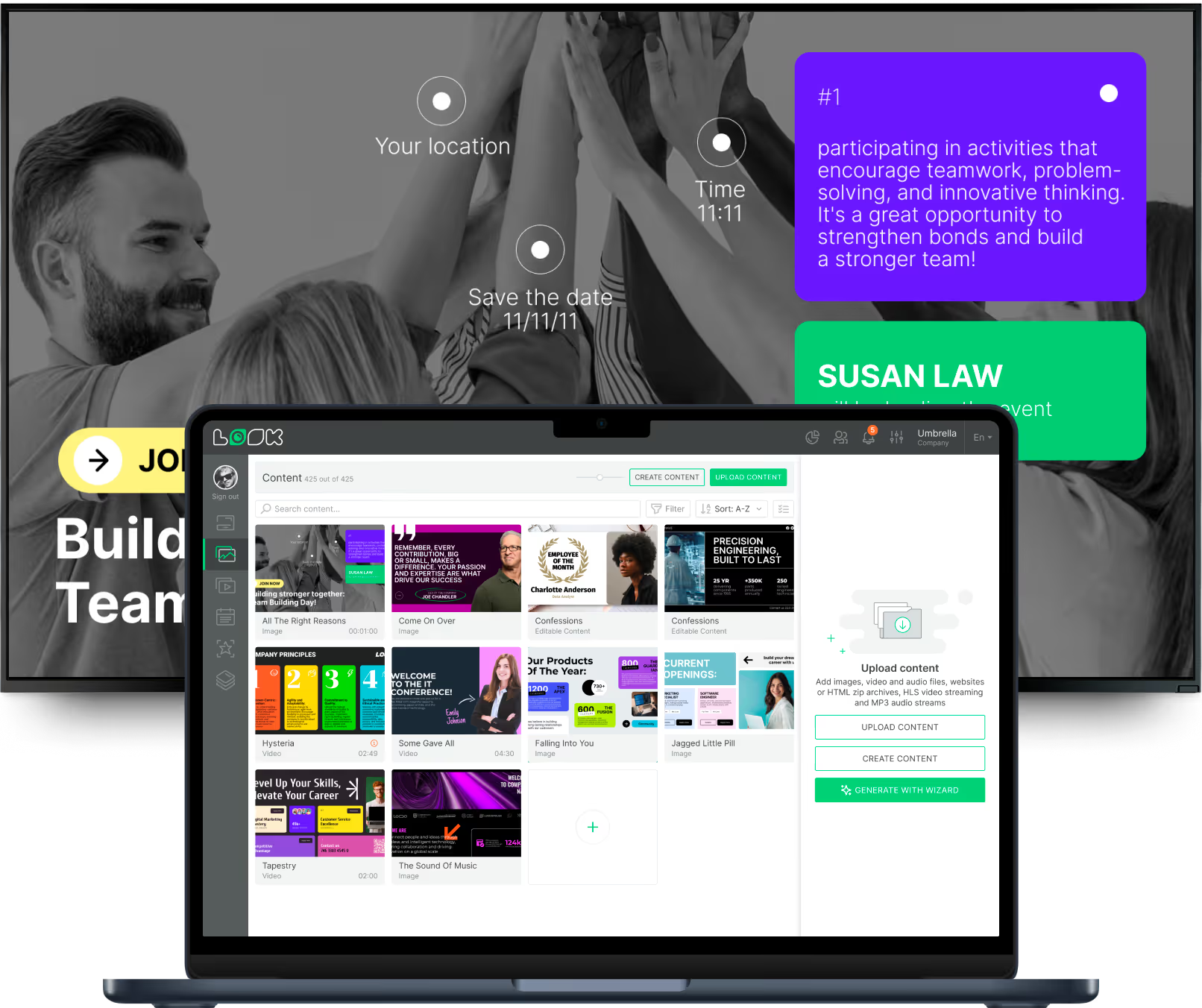
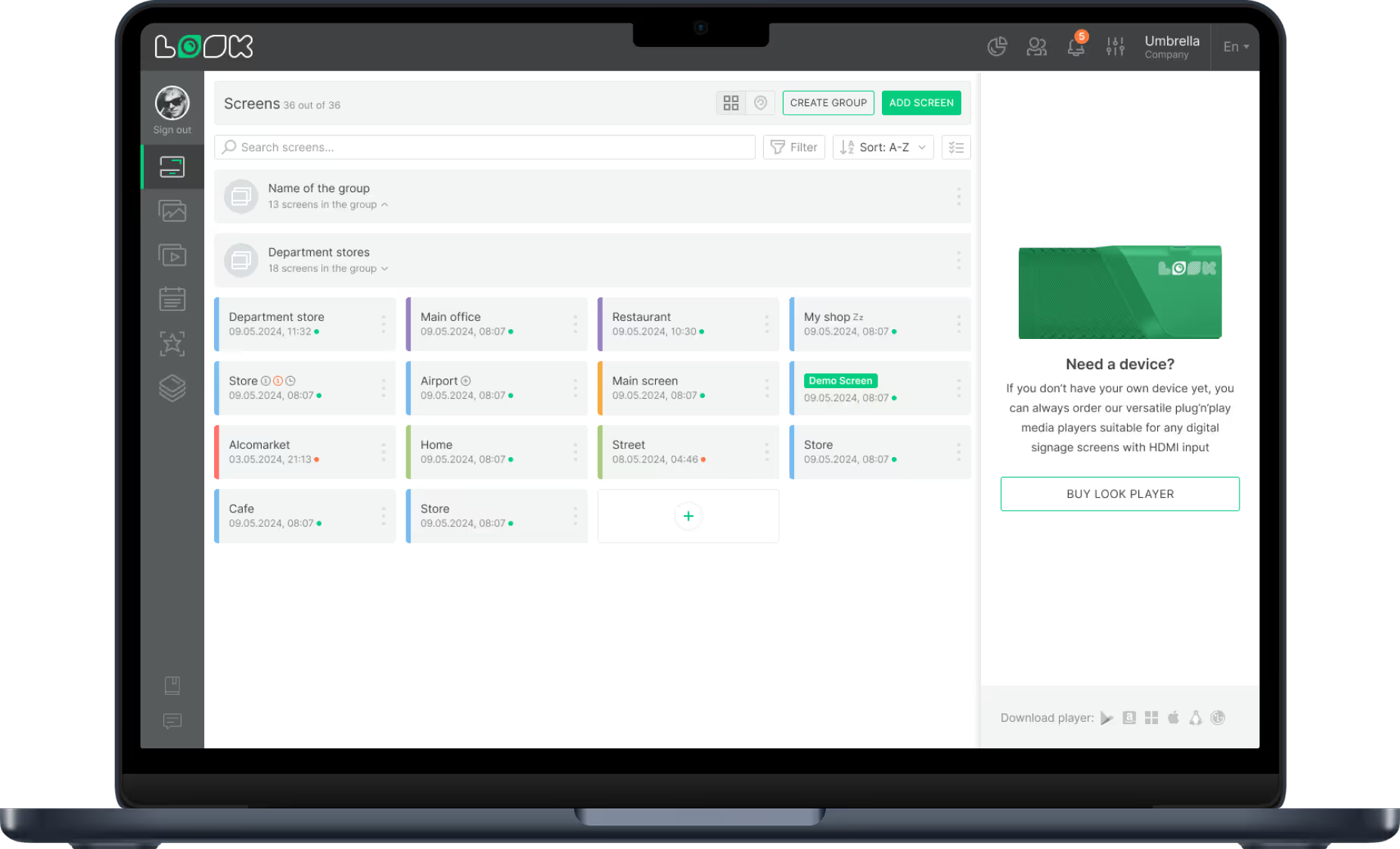
Look CMS Dashboard

An intuitive, web-based control centre where you upload files and manage every break room screen effortlessly. If the platform is confusing, your team will avoid it and screens go stale — Look CMS is built to prevent that.
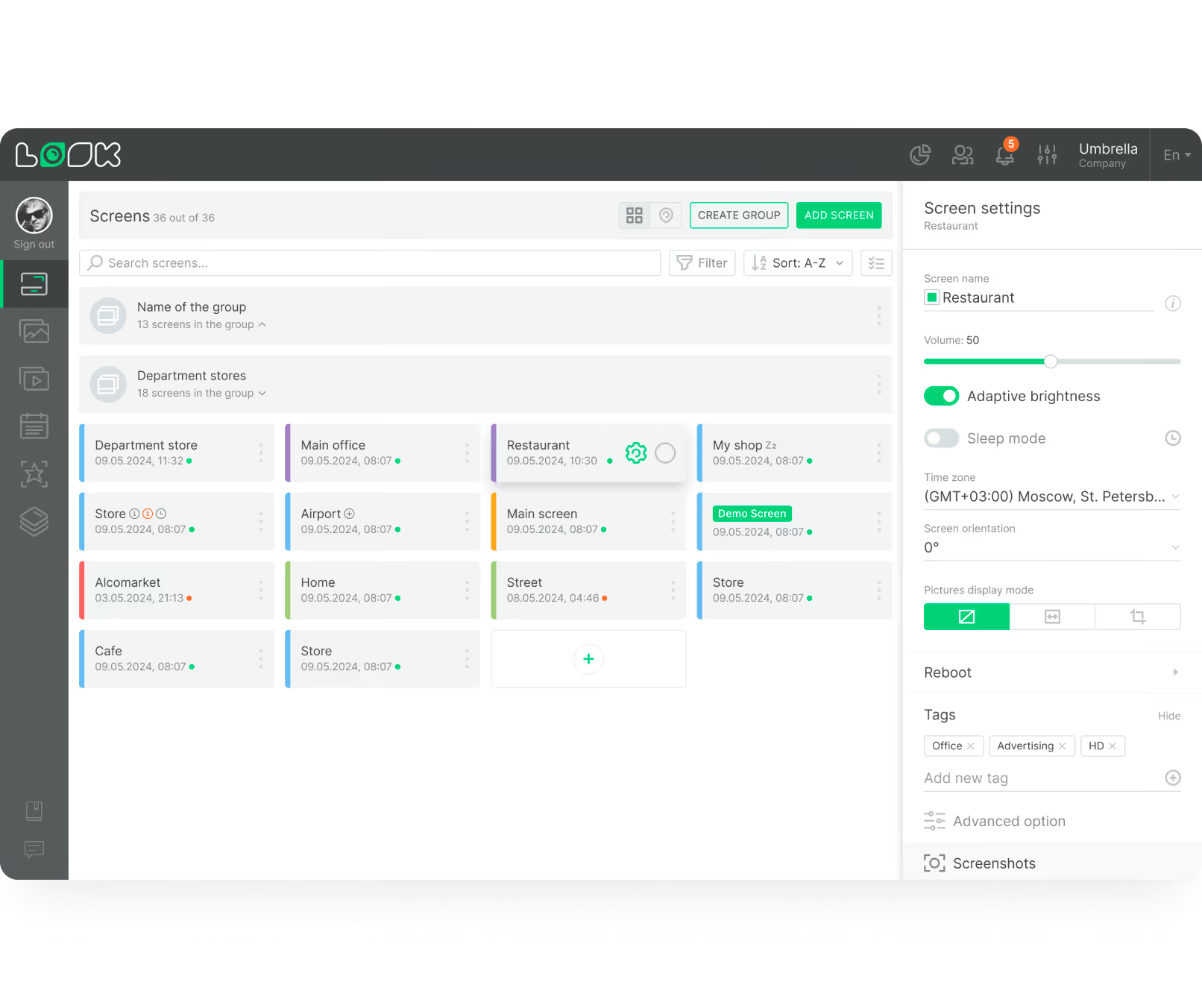
Dashboard screen showing a list of 36 grouped screens with details and status indicators for managing display settings including volume and adaptive brightness for a screen named Restaurant.
icon_XL_navigation

Calendar & Workplace Integration

Connect to Google Calendar, Outlook, Slack, or KPI dashboards to automatically pull in upcoming meetings, shout-outs, and live performance data. Reduces manual data entry and keeps content perpetually current.
apps icon

Interactive Displays & QR Codes

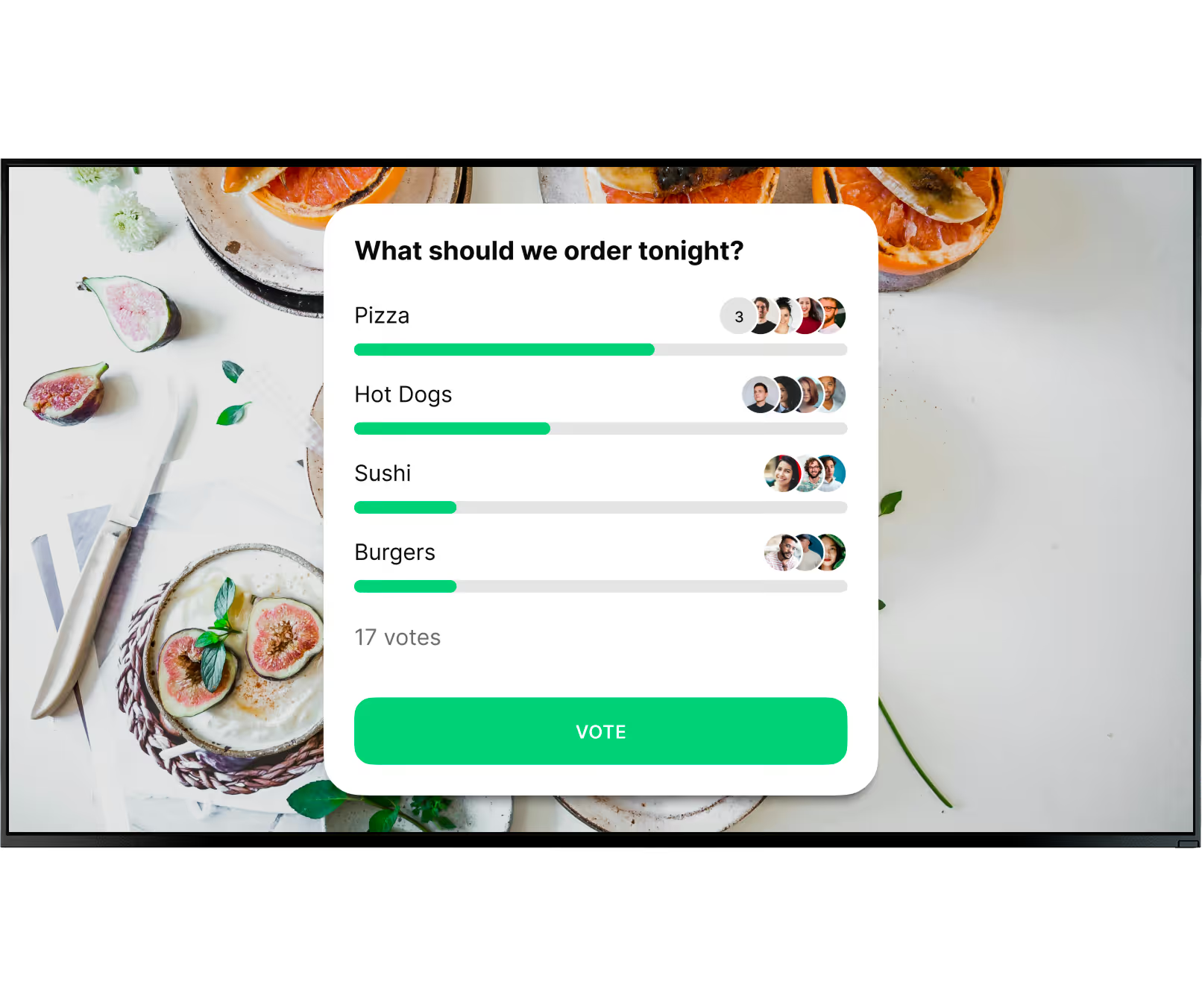
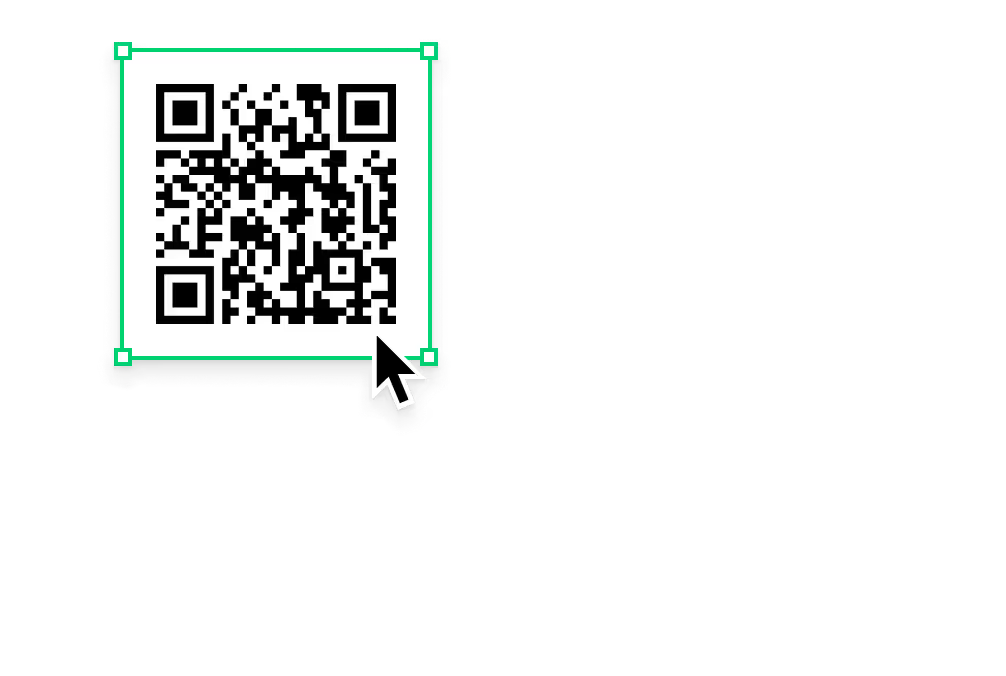
Drive participation without touchscreens. Add QR codes to let staff vote in polls, sign up for training sessions, or read full policy documents on their phones. Even a "Pet of the Month" QR submission link becomes a genuine conversation starter.
calendar_icon

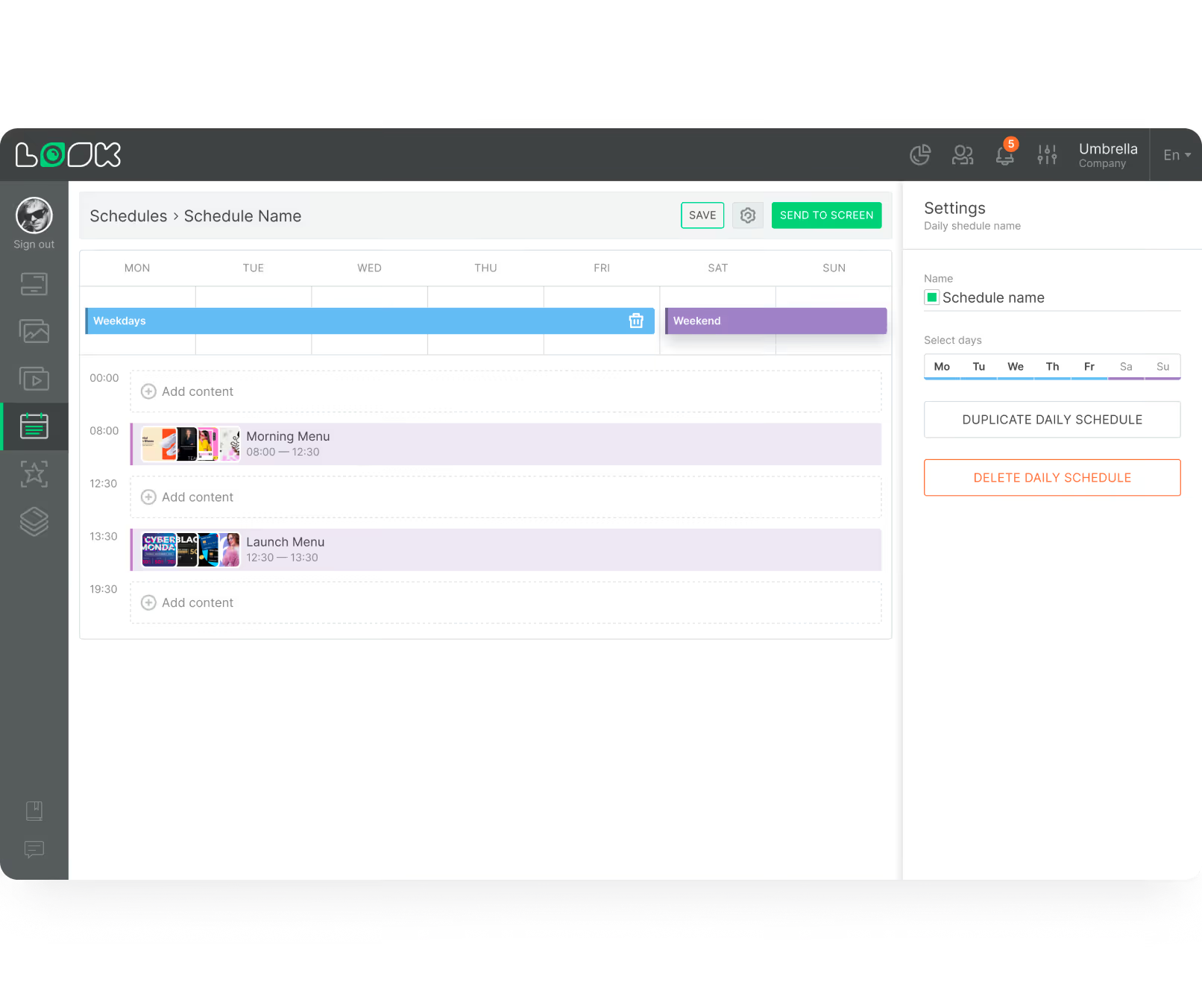
Smart Scheduling & Automation

Plan announcements weeks in advance and set exact time slots for each message. Automate content from RSS feeds or your LinkedIn page. Build dedicated playlists per shift so morning, afternoon, and night teams always see relevant content.
user icon

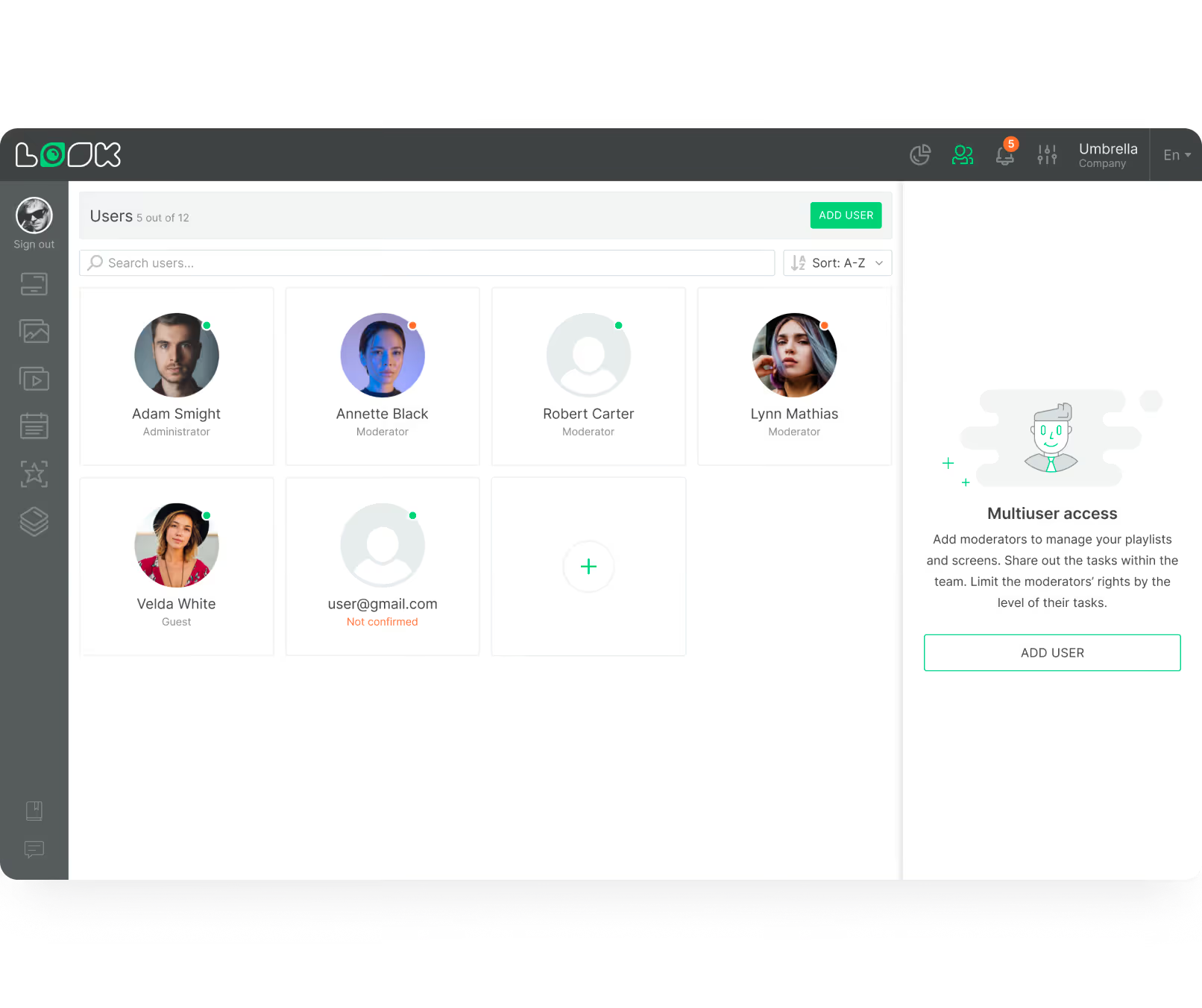
Role-based User Permissions

HR, marketing, and safety teams each manage their own playlists independently without overriding each other's work. Grant access to the screens that each team owns, with no risk of accidental content conflicts.
User management interface displaying six user profiles with roles like Administrator, Moderator, and Guest, plus an add user button and multiuser access instructions.

Playback Analytics

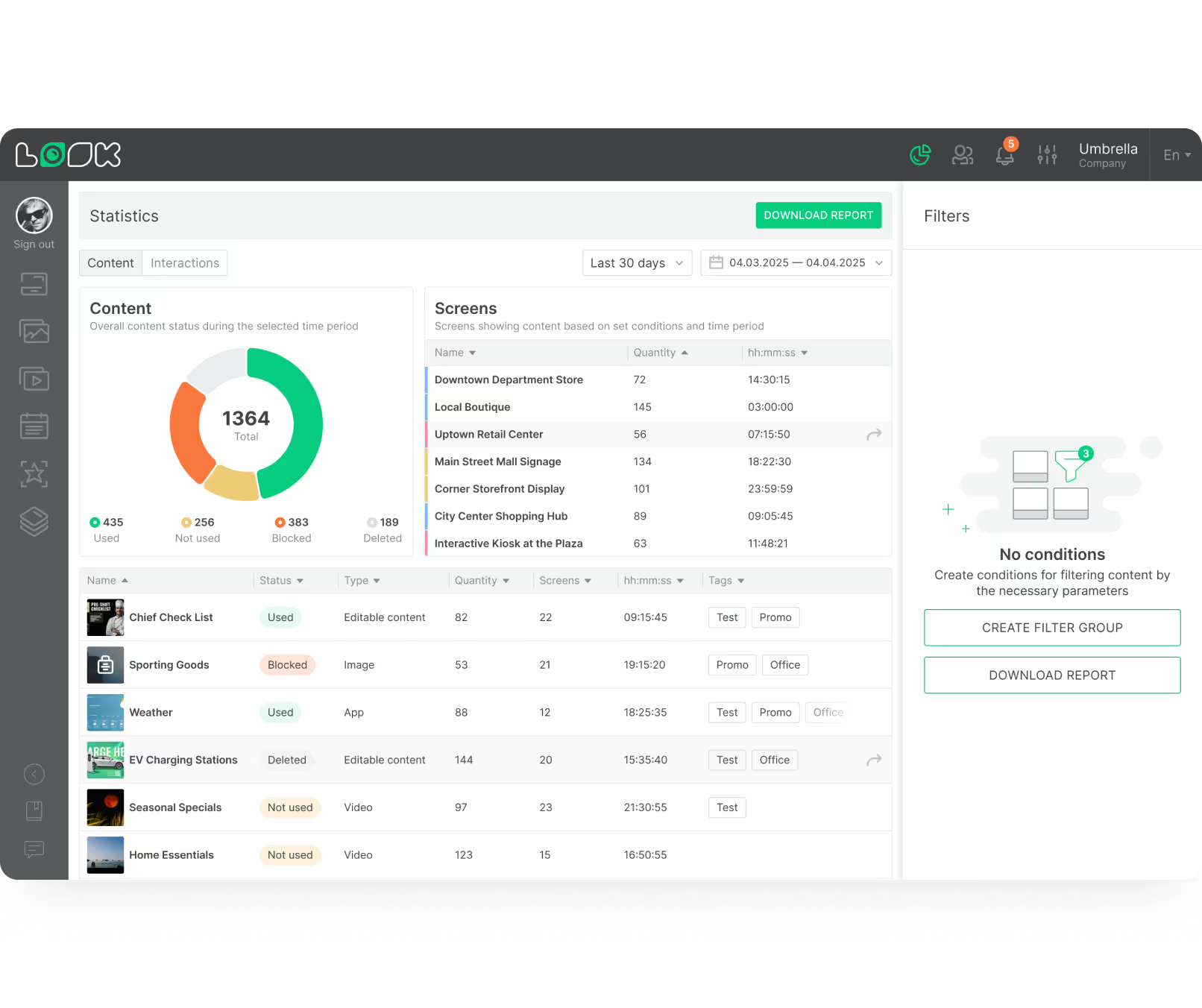
Verify that important compliance and safety messages actually ran as scheduled. Track playback history to prove ROI and demonstrate to leadership that critical communications reliably reached the intended audience.
Dashboard interface showing content statistics with a pie chart of used, not used, blocked, and deleted content, a table listing screen names with quantities and durations, and a content list with status, type, quantity, screens, time, and tags.
like
LB Corporate p-of-p
Dashboard screen showing a list of 36 grouped screens with details and status indicators for managing display settings including volume and adaptive brightness for a screen named Restaurant.
UI Screen cards
watch
Black and white QR code with a cursor pointer over the bottom right corner.
weekdays
User management interface displaying six user profiles with roles like Administrator, Moderator, and Guest, plus an add user button and multiuser access instructions.
human-card
Dashboard interface showing content statistics with a pie chart of used, not used, blocked, and deleted content, a table listing screen names with quantities and durations, and a content list with status, type, quantity, screens, time, and tags.

Best practices

Six content tips for break room screens that get noticed

01

Refresh Your Playlist Weekly

If a screen shows the exact same slides every day, people will tune it out. Aim to refresh at least part of your playlist weekly. Automated feeds for weather and news handle baseline freshness, but your internal updates should also rotate to reflect current goals.

02

Use Microlearning for Training

Break rooms are ideal for short, ongoing training. Showing 30-second "pro tips" on a loop is far less disruptive than pulling staff into a classroom. These bite-sized clips can introduce a new software tool, explain a new policy, or reinforce compliance rules efficiently over time.

03

Encourage Interactive Participation

Engagement spikes when staff can join the conversation. Run quick polls, ask questions, or invite employees to submit their own content. Use QR codes to make participation frictionless — a "Where should we host the holiday party?" slide with a QR link gives everyone a voice in seconds.

04

Follow the 60/40 Content Rule

A healthy ratio is typically 60% work-related content (announcements, KPIs, HR updates) and 40% lifestyle or entertainment content (birthdays, trivia, weather). If every slide feels like a mandatory memo, your screens will be ignored. Treat your playlist like a well-edited magazine.

05

Schedule for Your Daily Rhythm

Think about your office's natural pace. Mornings feature greetings and daily goals; lunchtimes lean into news and trivia; late afternoons focus on closing routines or wellness tips. If your team works multiple shifts, build dedicated playlists for each group so content is always relevant.

06

Three Elements Per Slide

A good rule of thumb is three elements per slide: a bold visual, a short headline, and a clear takeaway. Keep font sizes large so messages can be read easily from across the room. Mix static images, short videos, and live feeds — a varied playlist holds attention far better than text alone.

Common mistakes

Four break room signage mistakes to avoid

Showing Stale, Never-changing Content

Leaving the same slides up for weeks causes staff to completely ignore the screen. A "Happy Monday" slide still playing on Thursday is a trust-killer — if people can't rely on the screen being current, they stop looking.

Fix: Schedule an automated weekly content refresh and plug in live RSS or weather feeds for guaranteed daily freshness without manual effort.

Ignoring Shift-based Scheduling

Running a single generic playlist means night-shift workers see morning content that's completely irrelevant to them. This misses one of the biggest advantages of break room signage — reaching the people who miss out on normal daytime updates.

Fix: Build dedicated playlists for each shift group. Use Smart Scheduling to auto-switch content based on time of day.
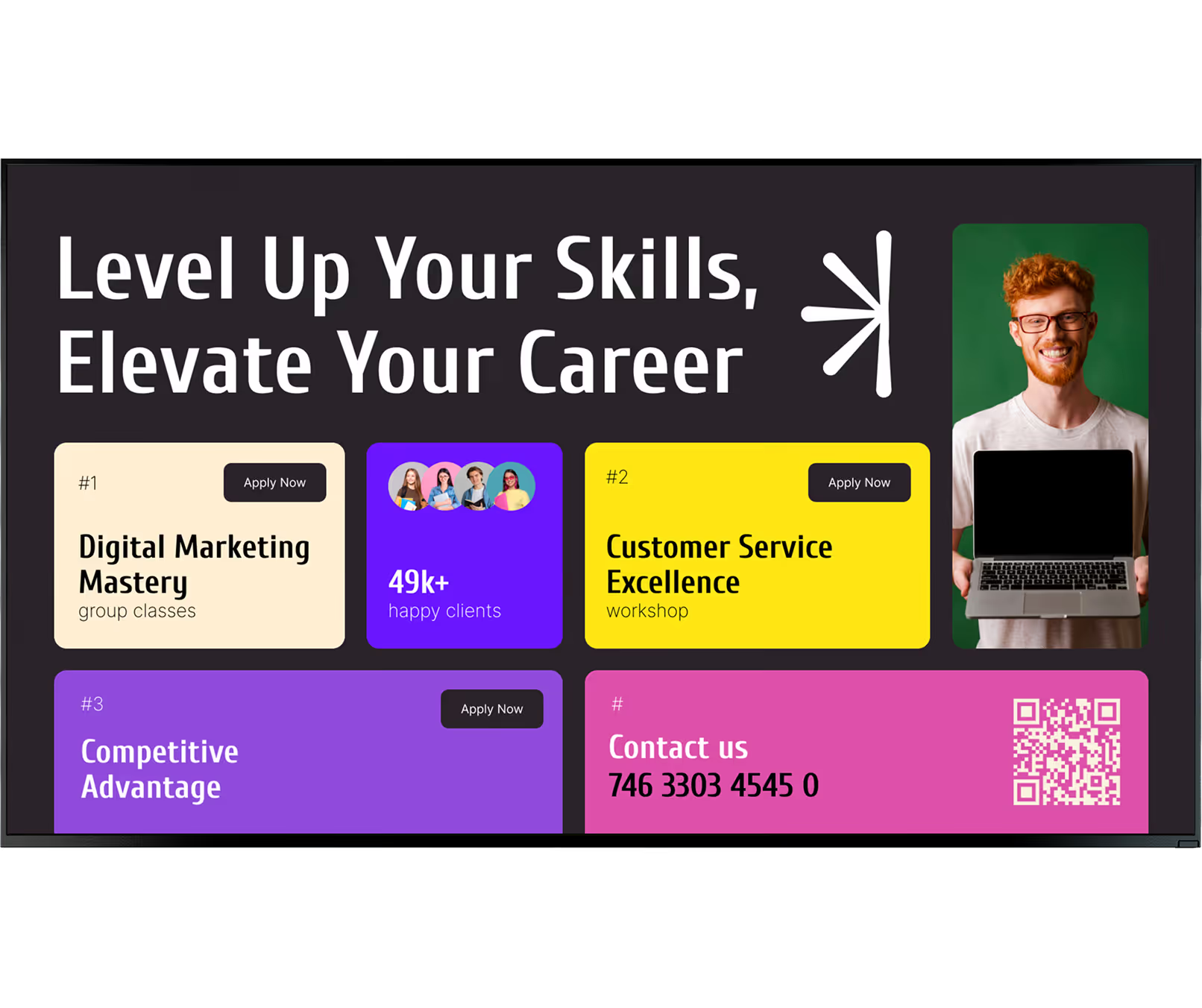
Making Every Slide Feel Like a Corporate Memo

If 100% of your content is work announcements, policy reminders, and KPI dashboards, employees will emotionally tune out the screen. The break room is a rest space — content that feels like more work defeats the purpose.

Fix: Apply the 60/40 rule: 60% work-related, 40% entertainment and lifestyle. Birthdays, trivia, and sports scores balance the load.

No Interactivity or Feedback Mechanism

Purely one-directional screens miss a major opportunity. When employees can't participate in the conversation — submit photos, vote in polls, or respond to prompts — engagement stays shallow and the screen feels like a broadcast rather than a community space.

Fix: Add QR codes for surveys, polls, training sign-ups, or fun submissions like a "Pet of the Month" contest to make the screen a two-way channel.
Testimonials

What teams are saying

Captera Rating
4.9
G2 Rating
5

In terms of using the system, the other options that I found were a little clunky and Look was not only affordable but really easy for us to deploy and get up and running.

Michael Bowers
Xtreme Express LLC

Look is well-priced, it’s a very user-friendly software cloud-based service, where you can update your screens from wherever you are. We can definitely recommend to others!

Jonathan Florin
Florin Partners

Our experience with Look was simply excellent. We were able to offer our clients a new feature-rich solution that can meet their various requirements in terms of digital signage, with a relatively affordable monthly cost.

Bruno Sabatella
Feedback
60 000+
Screens
11 000+
Users
120+
Countries

FAQ

Frequently asked questions

How does digital signage differ from a traditional notice board?

Traditional notice boards are static, require printing, and quickly become disorganised. Digital signage is bright, moving, and managed remotely. You can update a screen in seconds from anywhere, loop multiple messages in the same physical space, and incorporate video or live data — making it infinitely more engaging than a printed sheet of paper. Digital tools also let you track playback analytics so you can verify that important compliance or safety messages actually ran as scheduled.

Is it possible to use our existing office TVs as break room signage screens?

Yes. If you have a compatible smart TV, you can often just download the Look App directly to the device. For older or standard TVs, connecting the Look HDMI Player via HDMI instantly turns it into a fully functional signage endpoint. This flexibility keeps your initial costs low and lets you run a pilot programme using hardware you already own before scaling up to commercial displays.

Can we show different content on different break room screens?

Absolutely. Look CMS lets you route entirely different playlists to each screen. The break room on Floor 2 can show a laid-back infotainment mix, while Floor 5 focuses on department-specific KPIs, and the canteen shows wellness and benefits content. Role-based permissions also allow HR, marketing, and safety teams to manage their own screens without conflicting with each other.

What types of content work best in office break rooms?

The most effective break room playlists blend business and lifestyle content. Typical screens mix live weather, local news, and social media feeds with internal announcements. A healthy ratio is 60% work-related content (announcements, KPIs, HR updates) and 40% lifestyle or entertainment (birthdays, trivia, sports highlights). Using built-in Look Apps, you can pull in dynamic data so the screen feels like a helpful stream of information rather than just a repeating corporate channel.

How do we keep shift workers equally informed?

Using Smart Scheduling, you build dedicated playlists for each shift group and set them to play automatically at the right time. Morning staff might see daily priorities; the night team gets late-night safety reminders and entertainment. This ensures your messaging stays consistent and relevant 24/7 without any manual intervention per shift.

What are the ongoing maintenance requirements?

Maintenance is incredibly low. Commercial displays are built for heavy use, and Look CMS updates automatically in the cloud. Your main responsibility is simply keeping the content fresh and ensuring the screens remain connected to Wi-Fi. You can even schedule screens to power down automatically after office hours, which reduces energy costs and extends hardware life. With a reliable cloud platform, the system largely runs itself.

Can digital signage be customised to match our brand guidelines?

Yes, fully. Look CMS is flexible enough to match your exact brand guidelines — adjust colors, fonts, and layouts to align with your identity. Whether you need to integrate a live data feed from your CRM, display a social media wall, or simply add your logo to every template, the system adapts to your operational needs without requiring a dedicated designer.

What is the best digital signage software for breakrooms? 

For breakrooms, look for cloud-based management, multi-screen support, and the ability to push real-time updates to deskless teams without IT involvement. Check our guide on the best digital signage software for breakrooms.

Still have questions?

Our team can walk you through a full demo tailored to your break room setup — from single-screen pilots to multi-location rollouts.

Talk to Our Team

Or browse the knowledge base for technical documentation and setup guides.

Templates

Ready-made break room templates

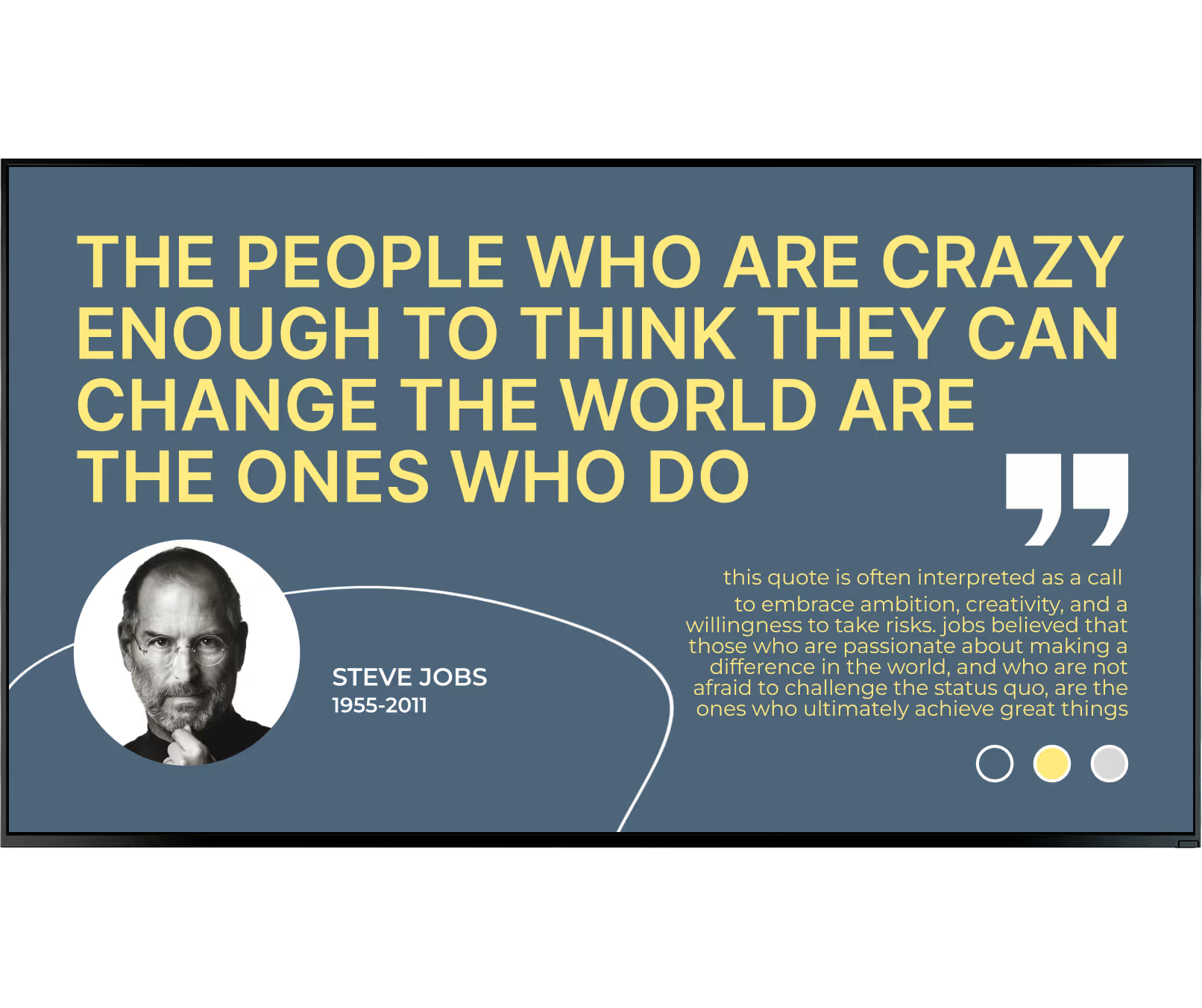
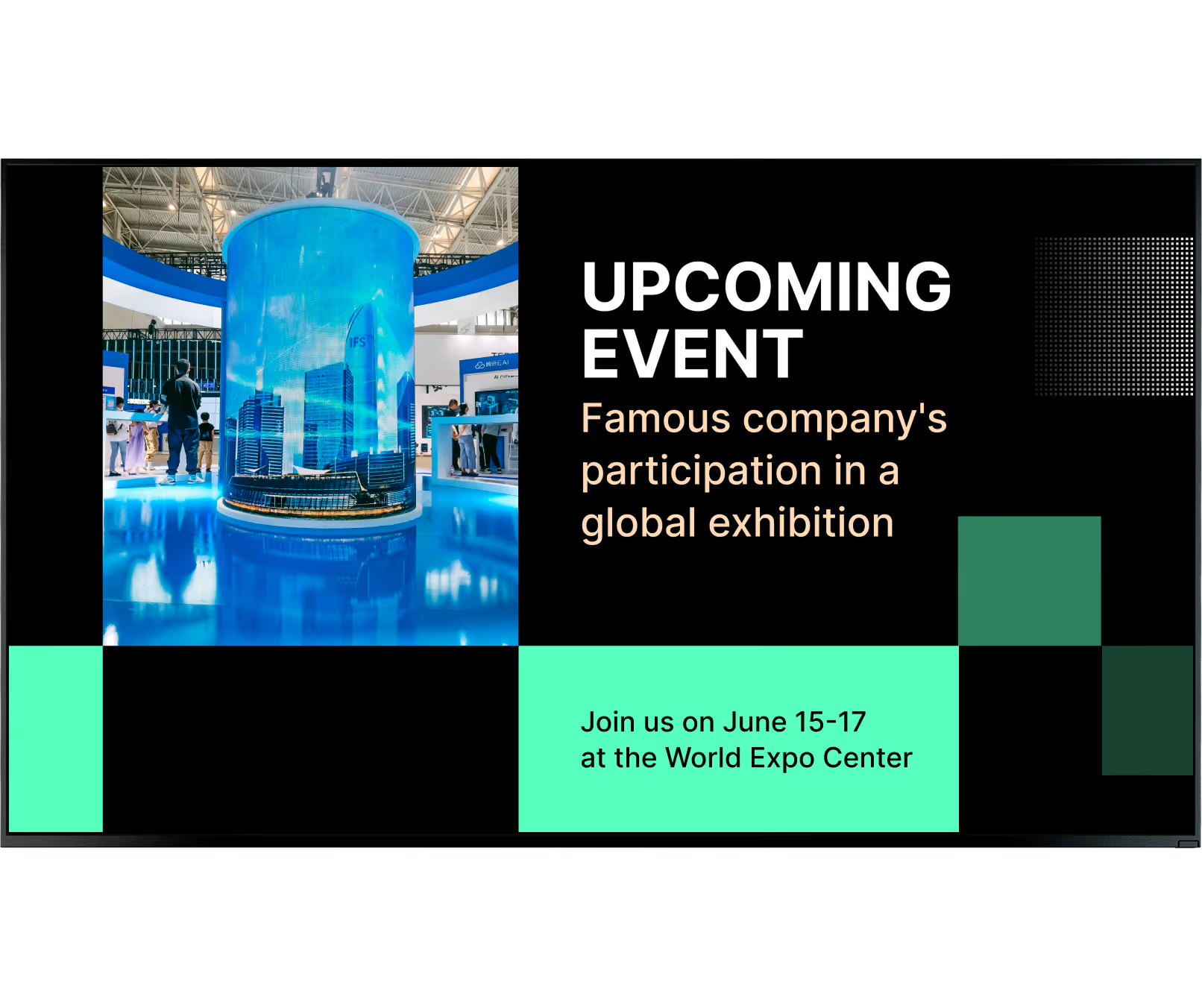
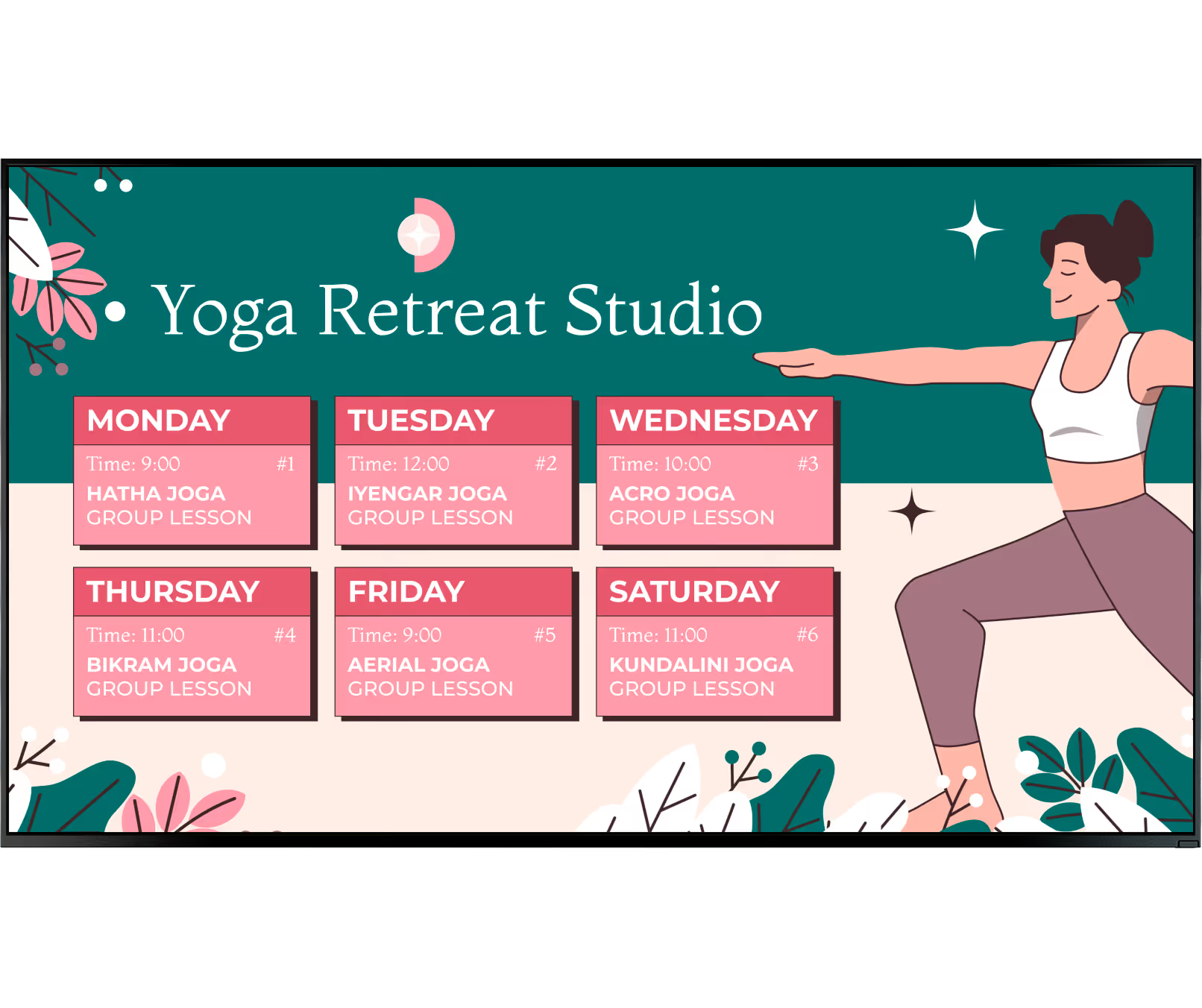
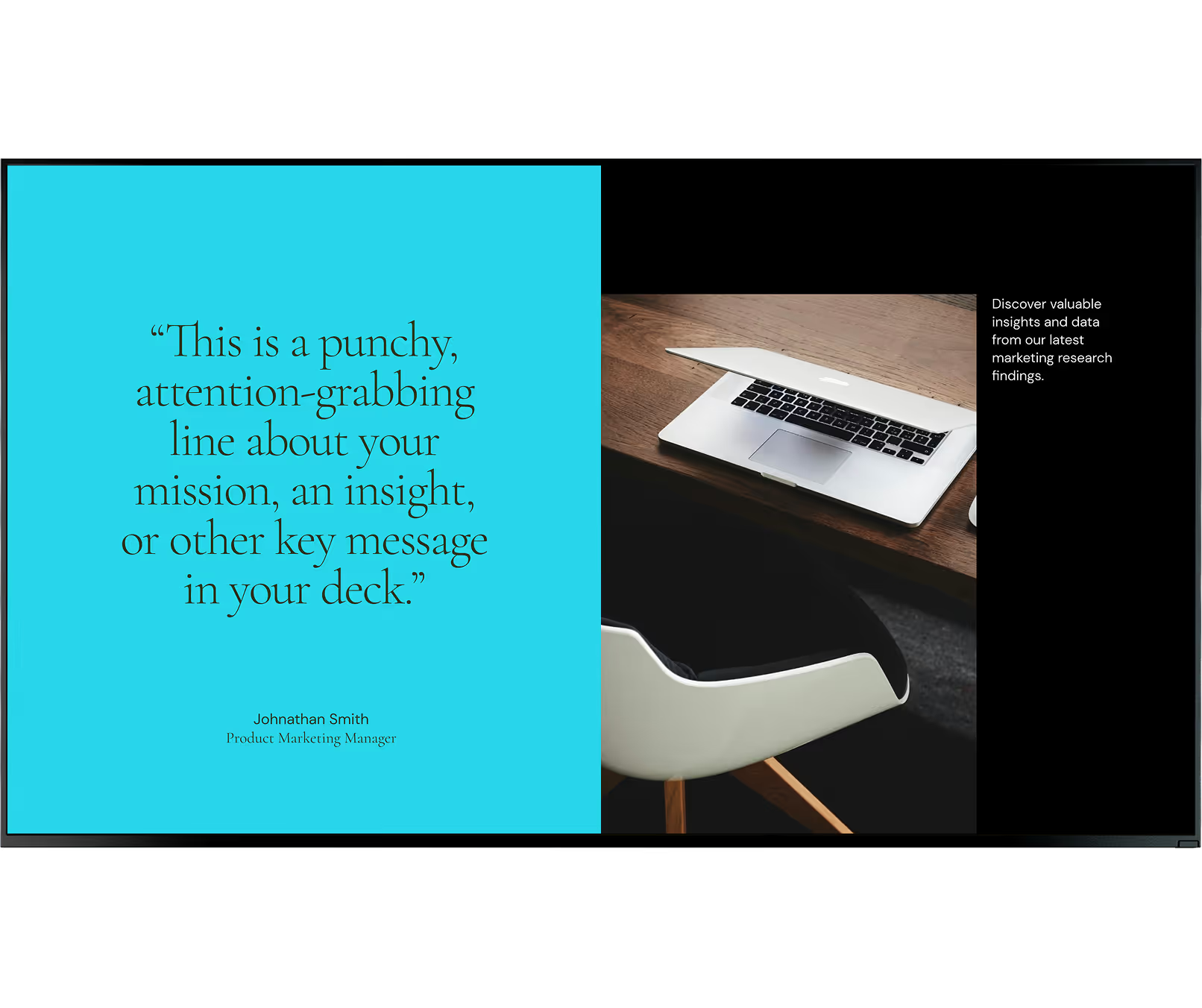
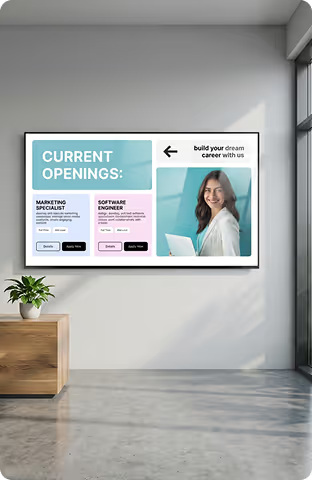
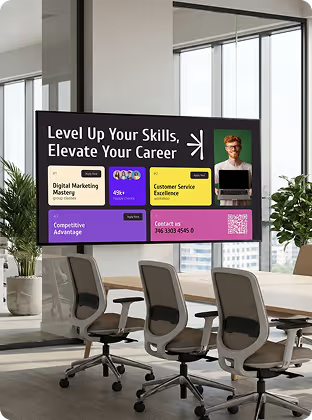
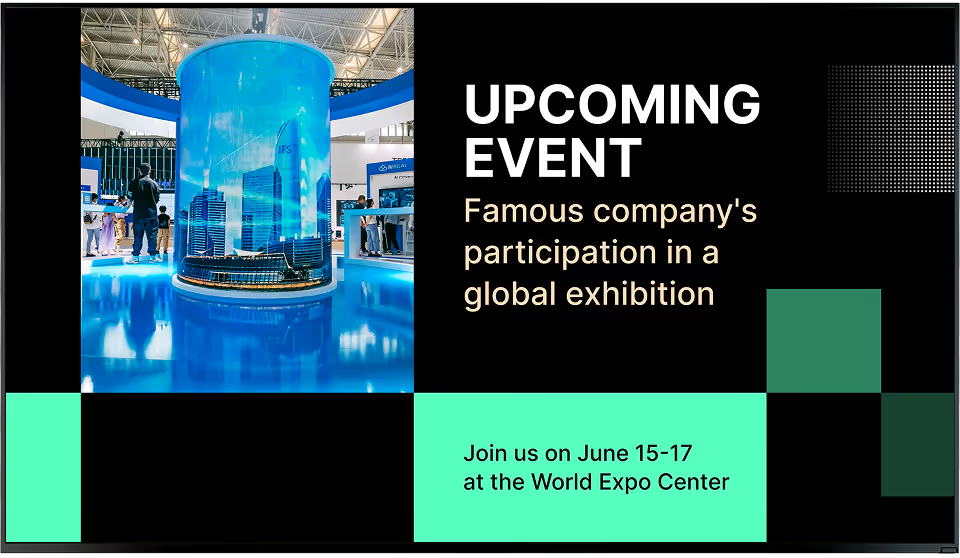
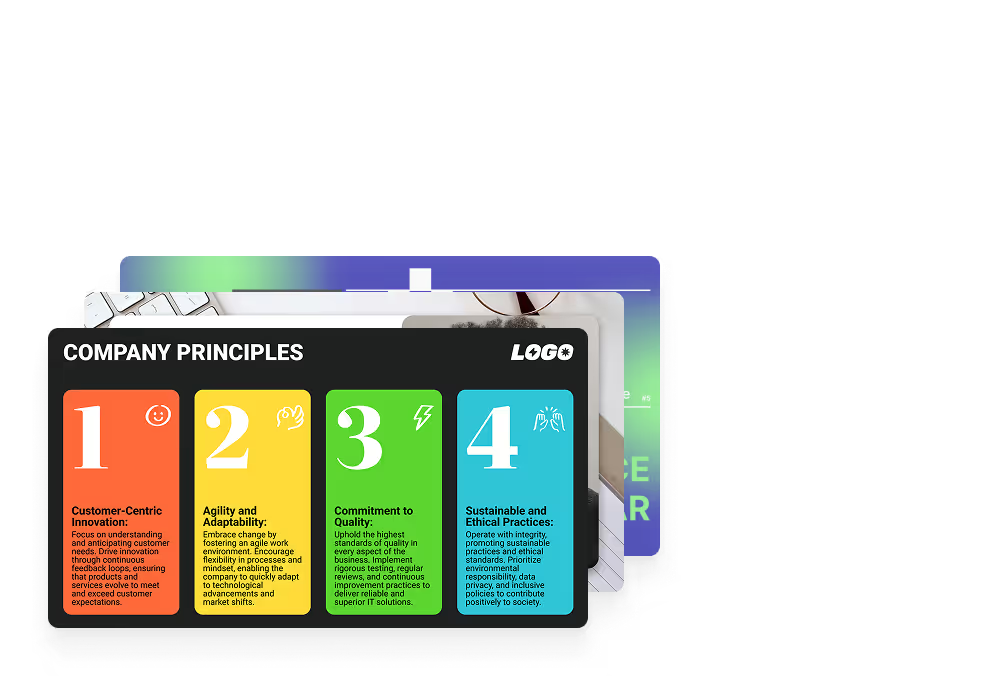
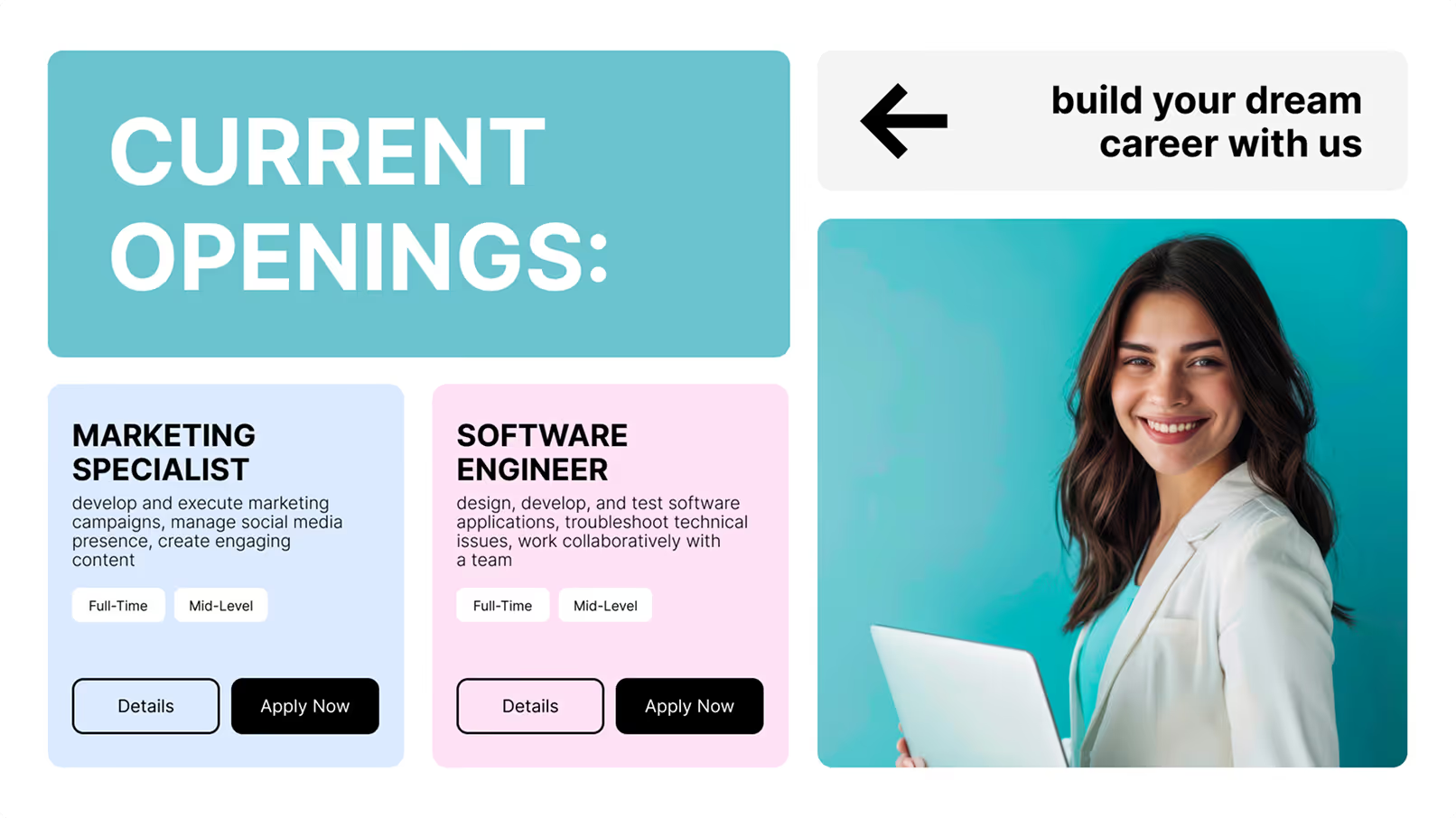
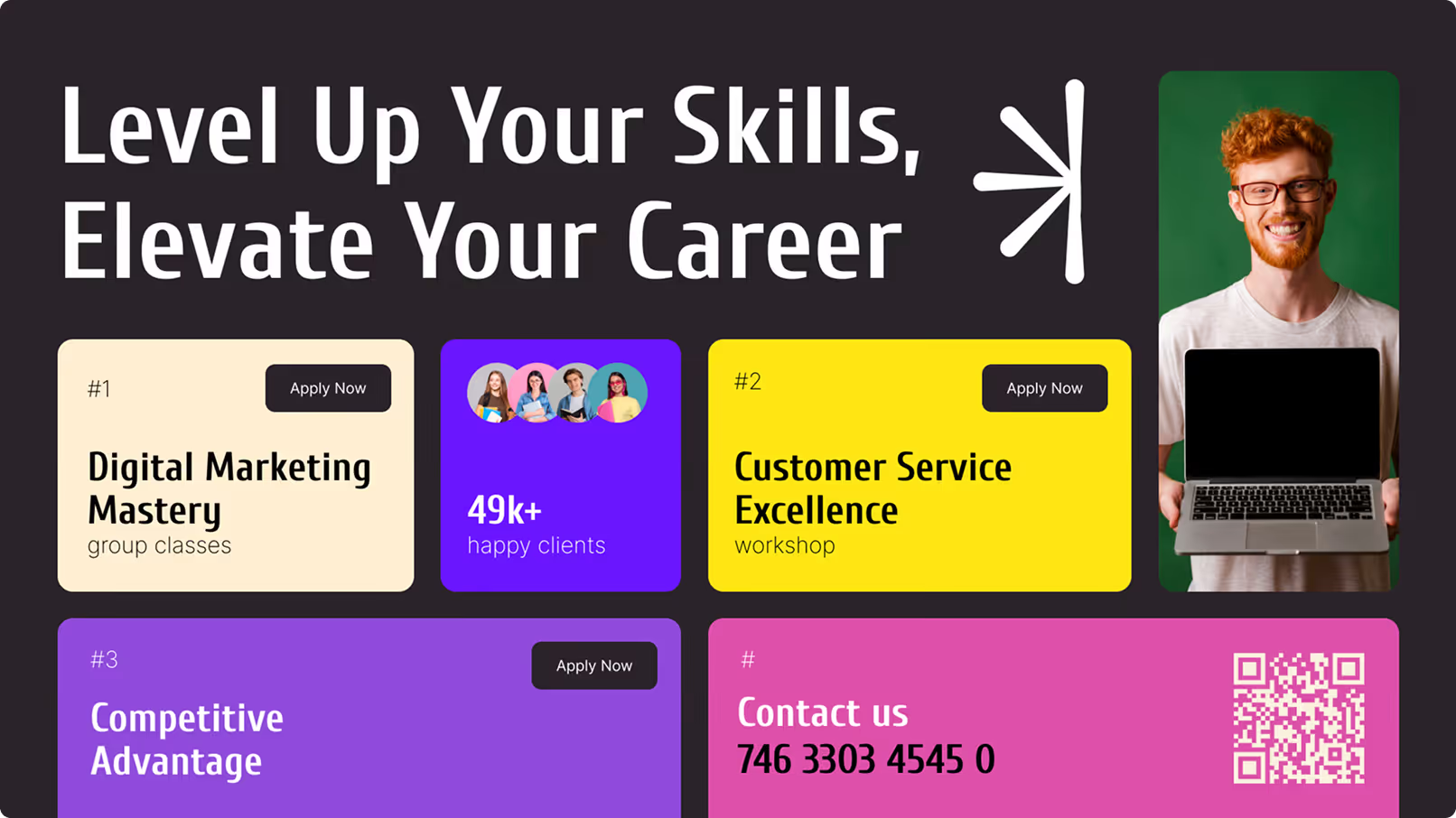
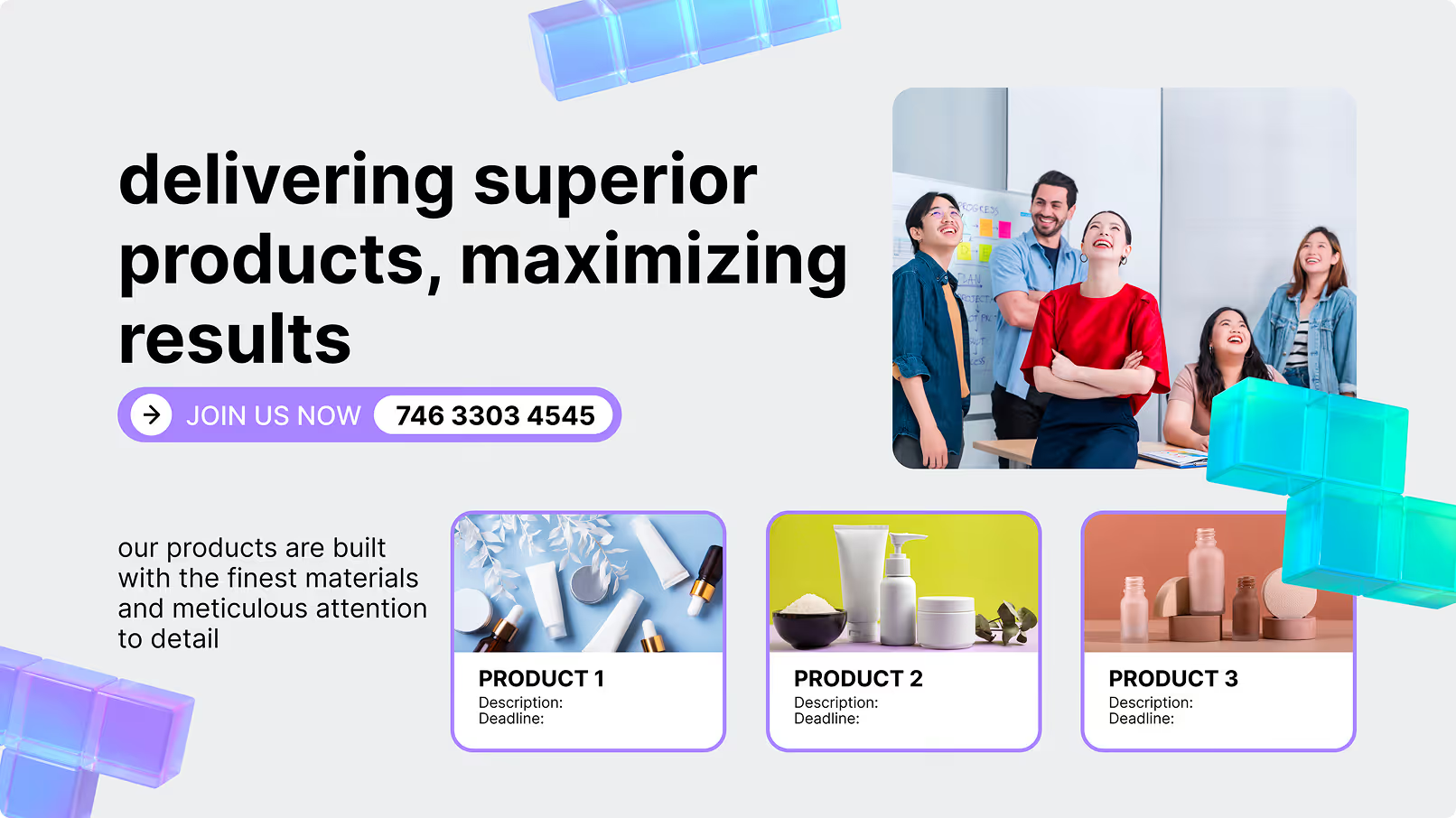
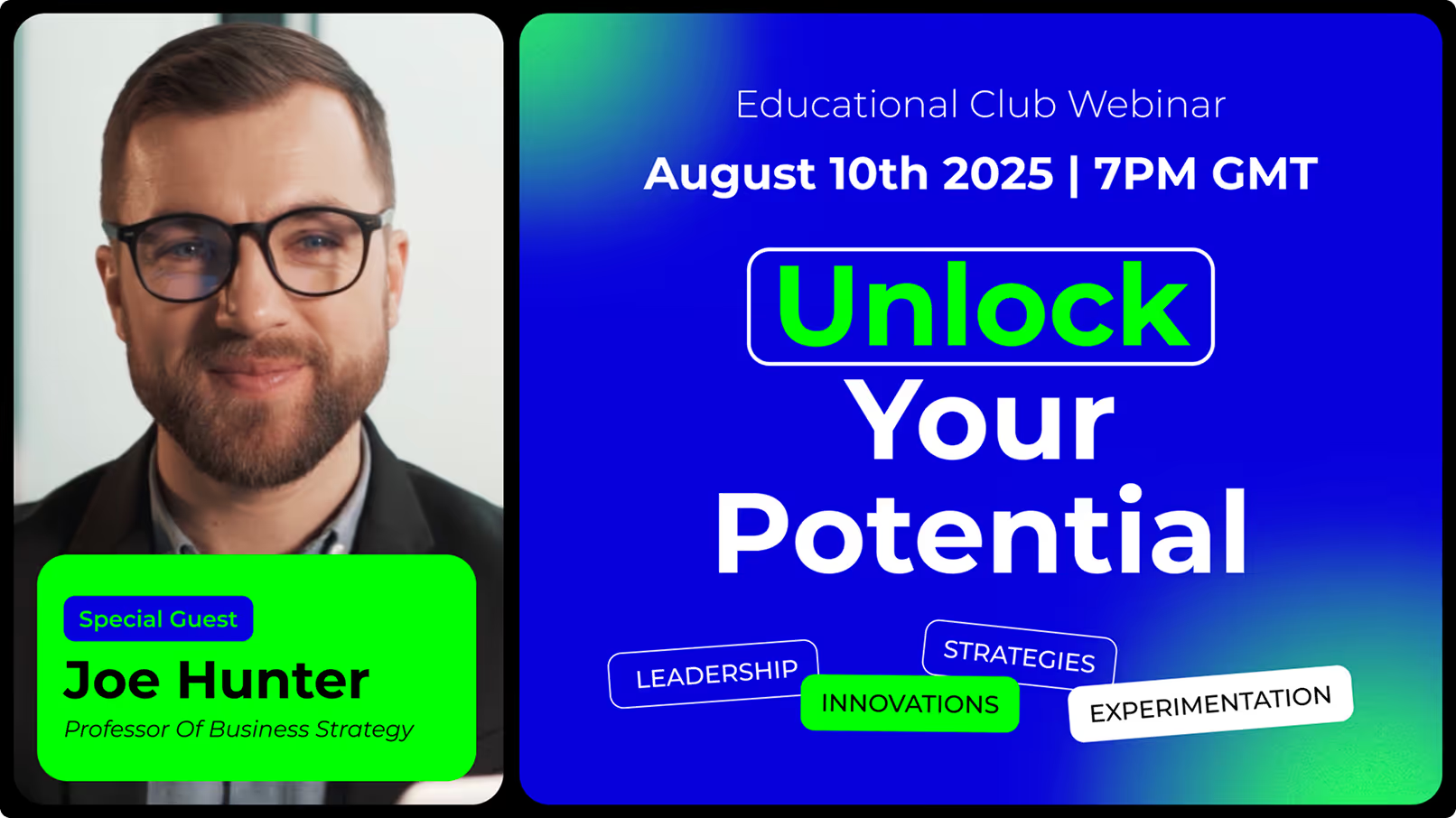
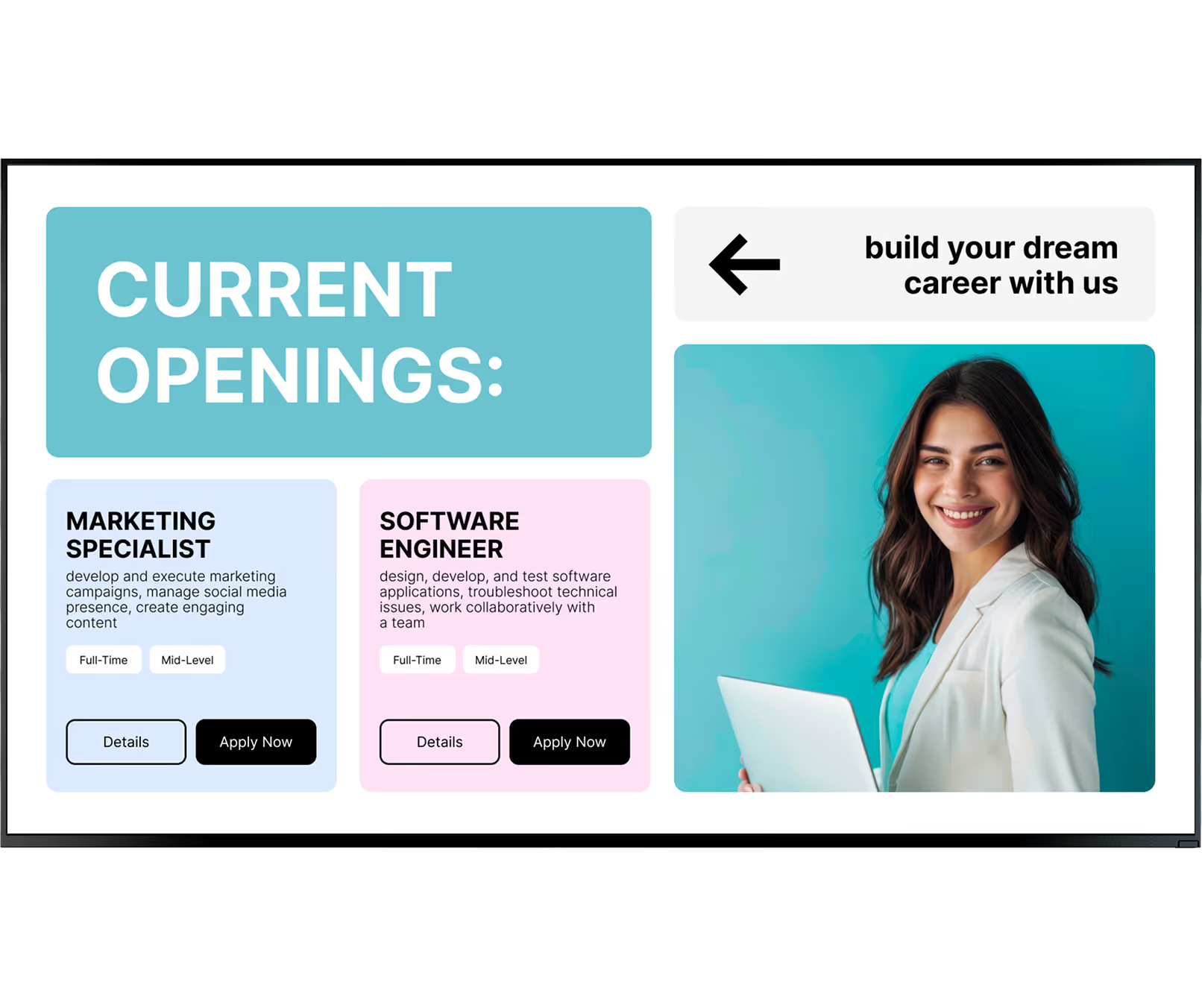
Most HR and operations teams don't have a dedicated designer on standby. Look DS provides a library of ready-made templates for break rooms — recognition cards, wellness tips, HR announcement layouts, shift schedule boards, and infotainment panels. Choose a layout and customise with your own text and images in minutes.

Good templates are designed for quick reading, using bold fonts and high color contrast so messages land even from across the room. Having these layouts ready to go saves hours of formatting and keeps your screens looking polished.