Look Digital Signage x Amazon Signage Stick and Display

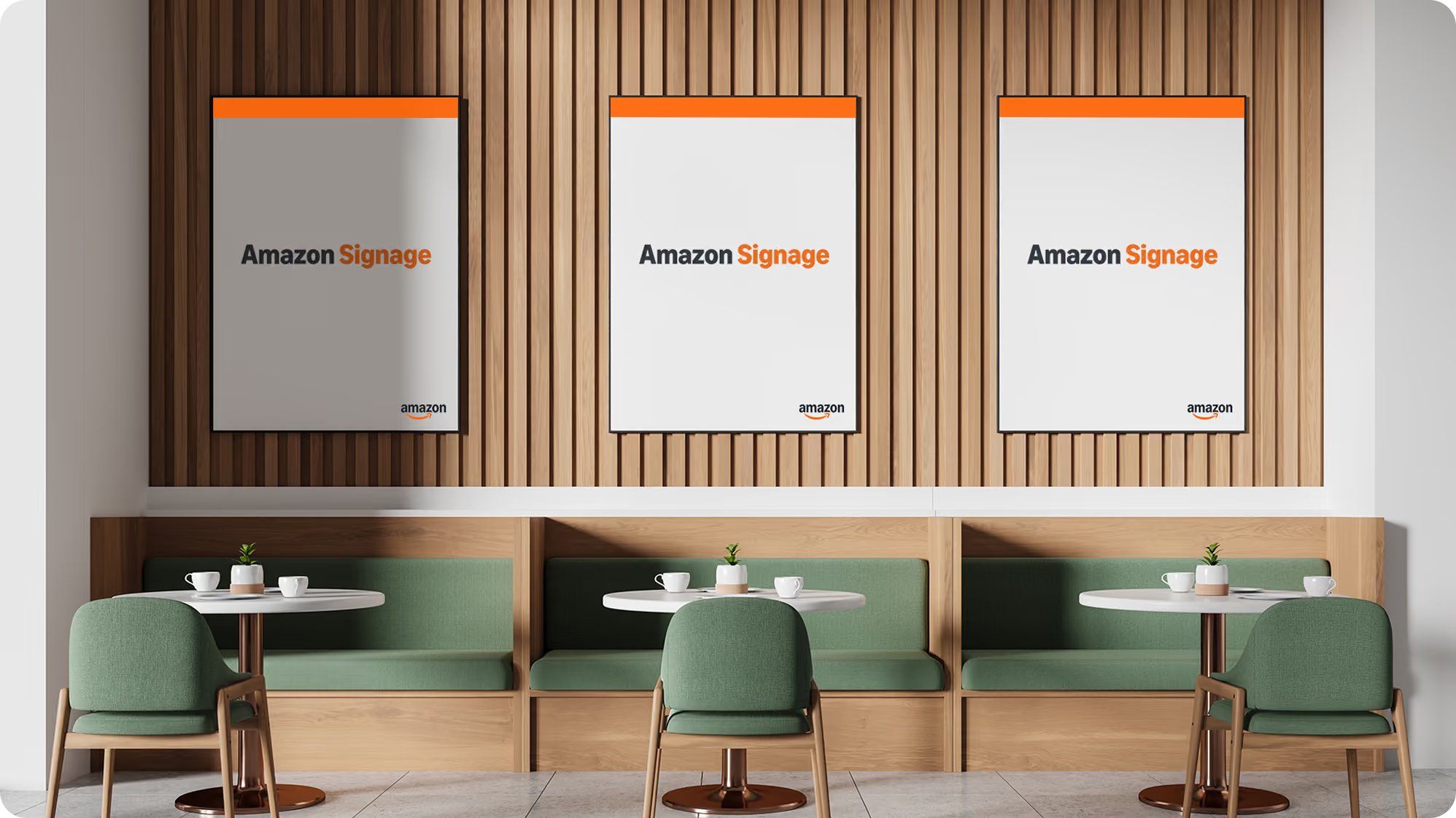
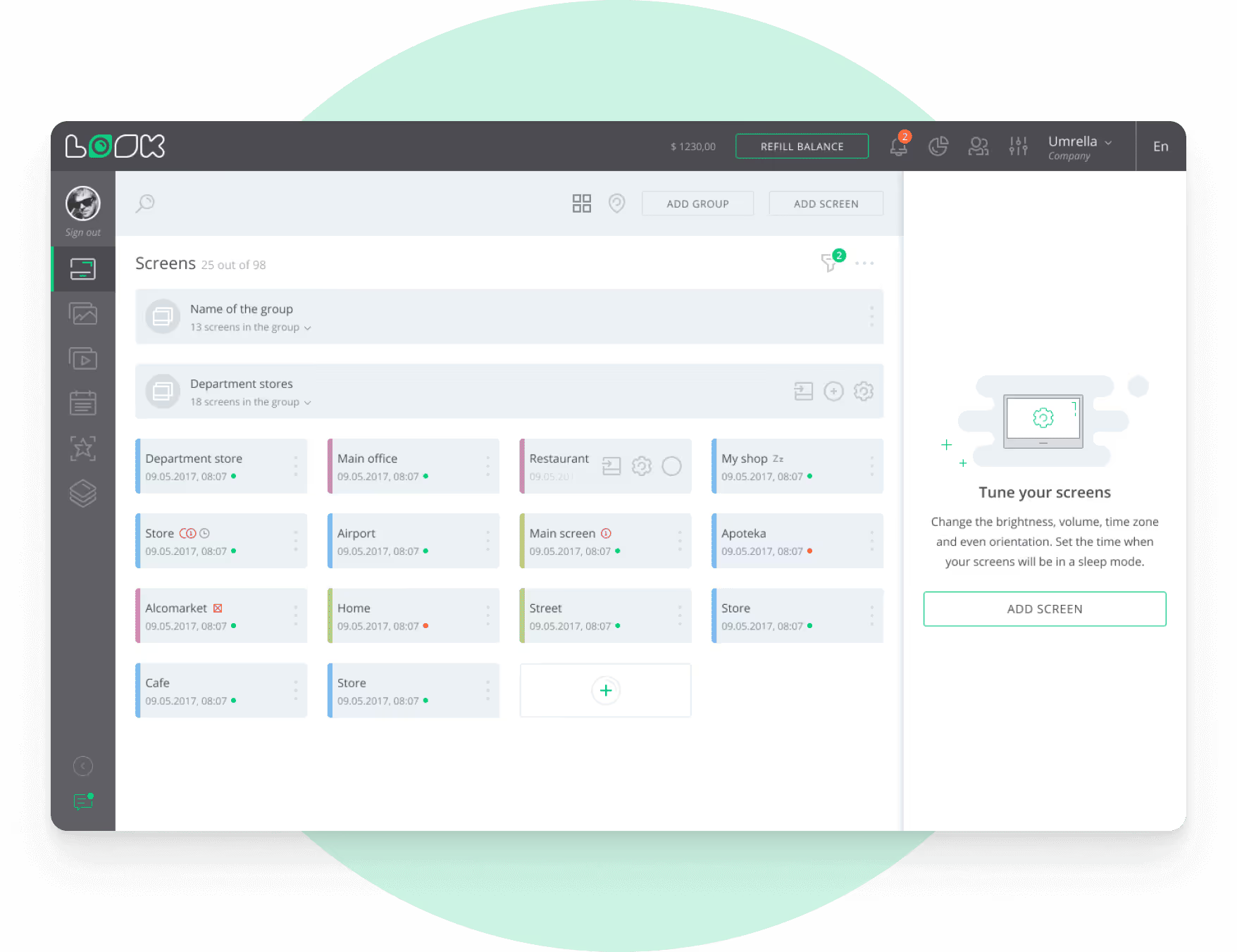
The Amazon Signage Stick turns the screen you already have into digital signage. The Amazon Signage Display is a screen with the media player built in.
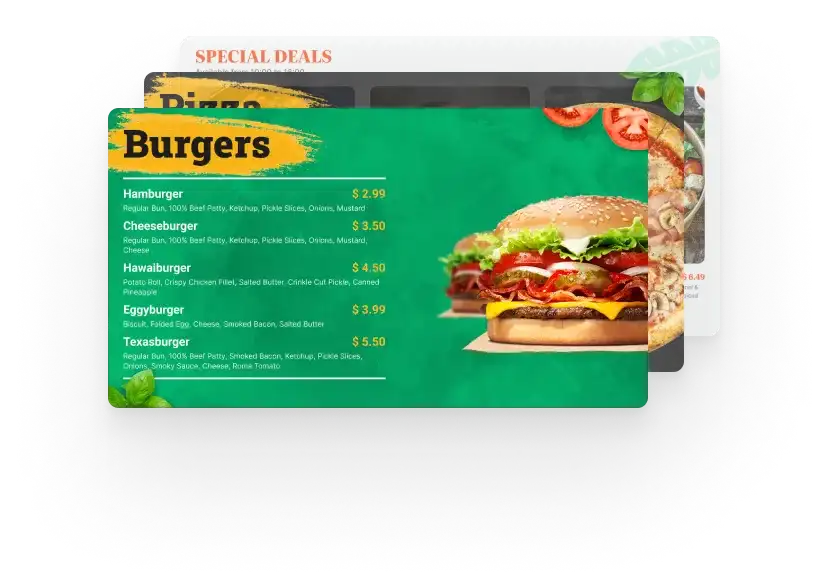
Both come out-of-the-box with Look Digital Signage software for content creation and management, ideal for small and medium-sized businesses that need a reliable and affordable solution.
Amazon Signage

Amazon Signage Stick or Display?

Both start Look DS on boot and are managed from one Amazon Signage portal. The choice comes down to whether you already have a screen.

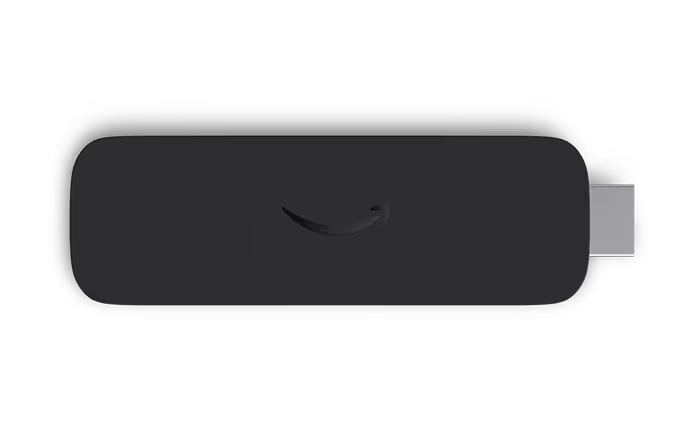
Amazon Signage Stick media player

Amazon Signage Stick

For the screen you already have

  • Plugs into any screen. Connect it to the HDMI port of a TV or commercial display.
  • Quad-core SoC, 4K playback. Video and layouts play in 4K.
  • Wi-Fi 6E. Fast wireless connection to Look CMS.
New
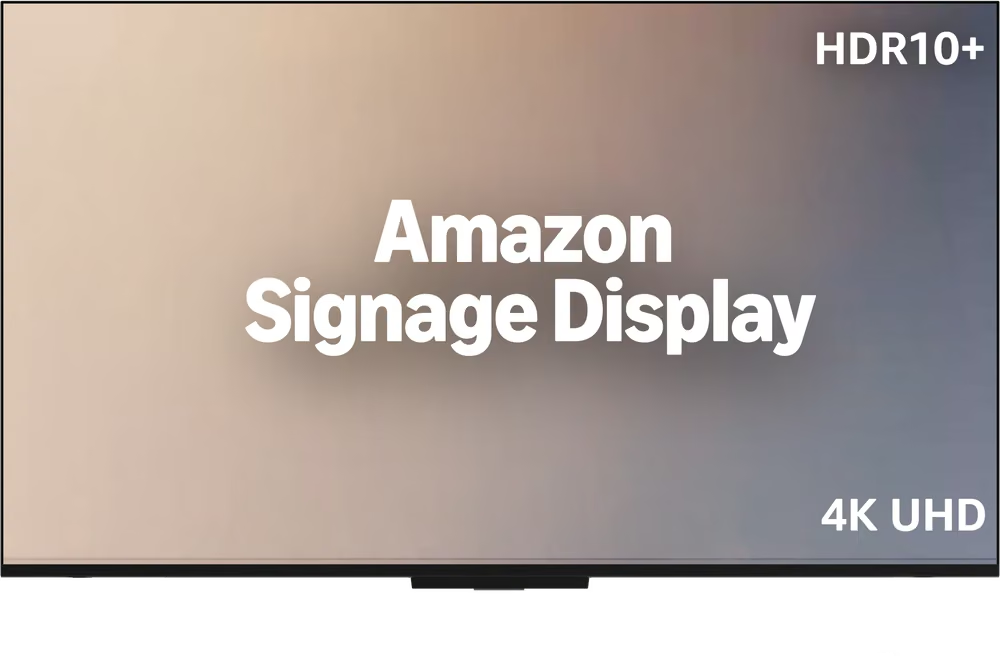
Amazon Signage Display with built-in media player

Amazon Signage Display

Screen and player in one

  • No separate player. The media player is built into the display: no extra box to power, no HDMI cable to run.
  • 4K UHD with HDR10+. 43 to 55 inch screens, 300 nits, built-in 10W + 10W Dolby Audio speakers.
  • Wi-Fi 6 and Ethernet. Run a cable where Wi-Fi is weak. Miracast is supported too.

What differs

SpecificationAmazon Signage StickAmazon Signage Display
TypeMedia player for your screenDisplay with a built-in media player
ScreenAny TV or monitor with HDMI43 to 55 inch, 4K UHD, HDR10+, 300 nits
ConnectivityWi-Fi 6EWi-Fi 6, Ethernet, Miracast
SoundThrough your screenBuilt-in 10W + 10W, Dolby Audio
OrientationDepends on your screenLandscape only
Daily operationDepends on your screenUp to 18 hours a day, indoors
Storage16GB16GB

Look x Amazon Signage: a powerful partnership

icon navigation
Affordable professional signage
Premier signage performance accessible to businesses of various sizes and industries.
Laptop icon
Supports Look DS software
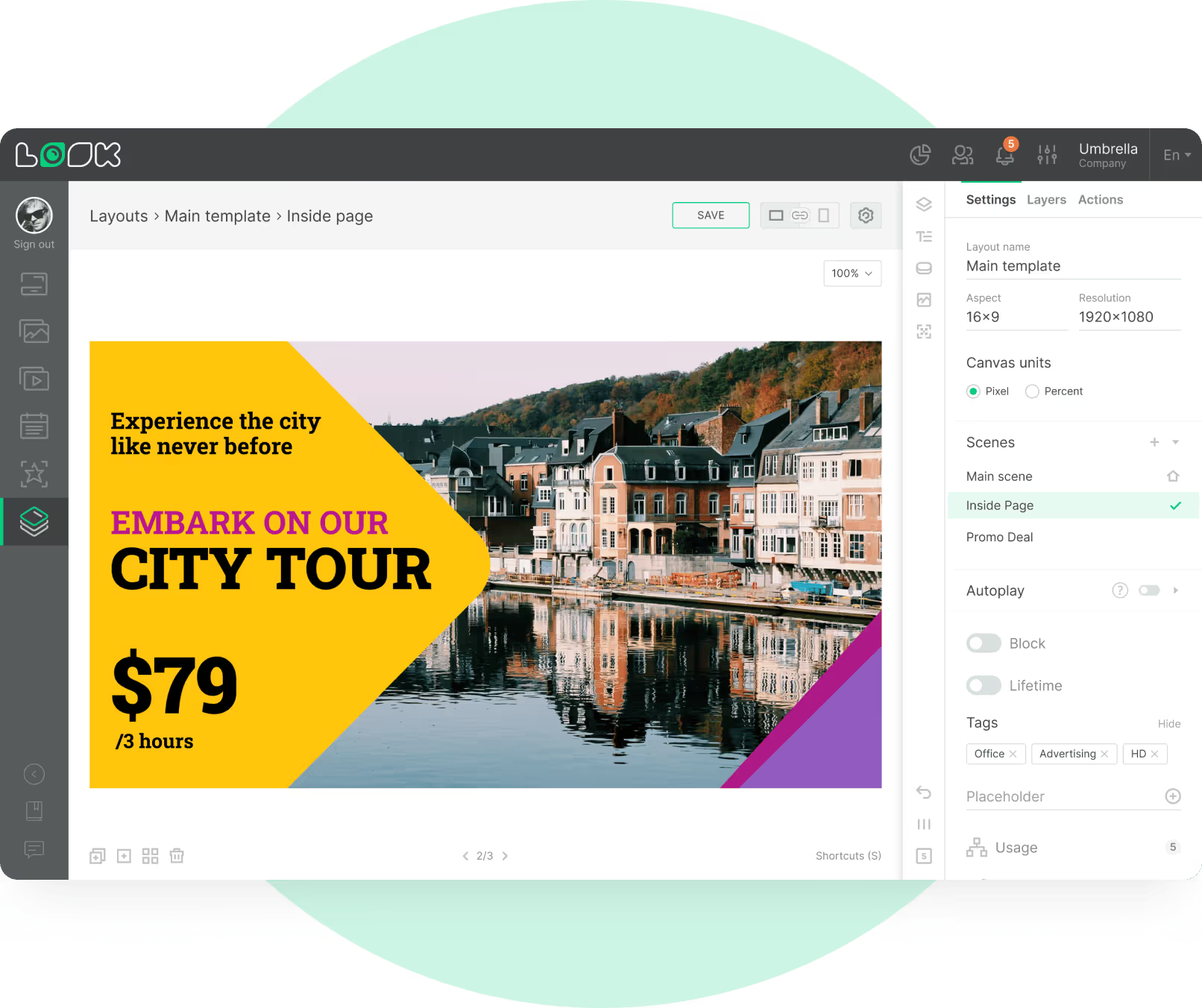
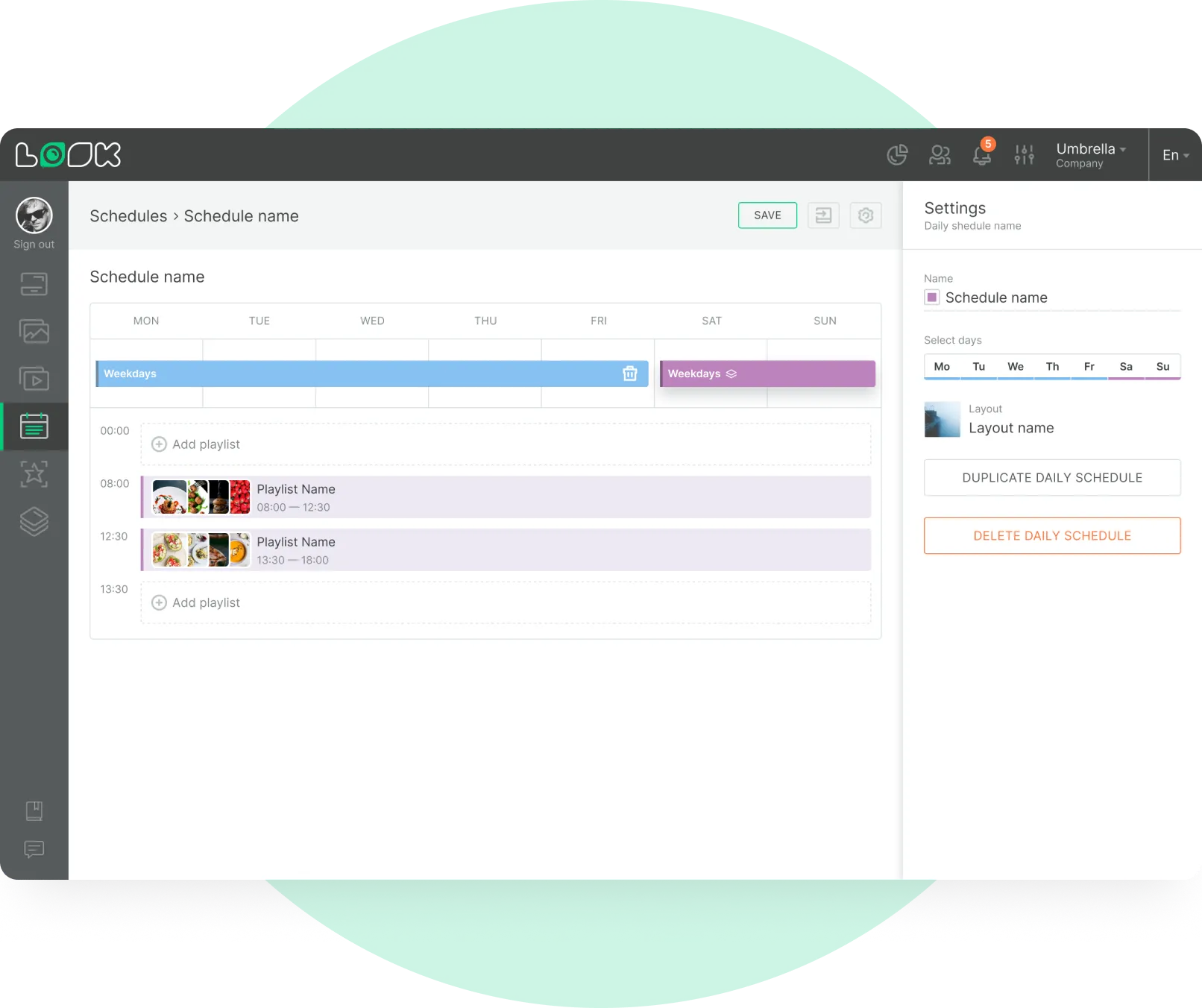
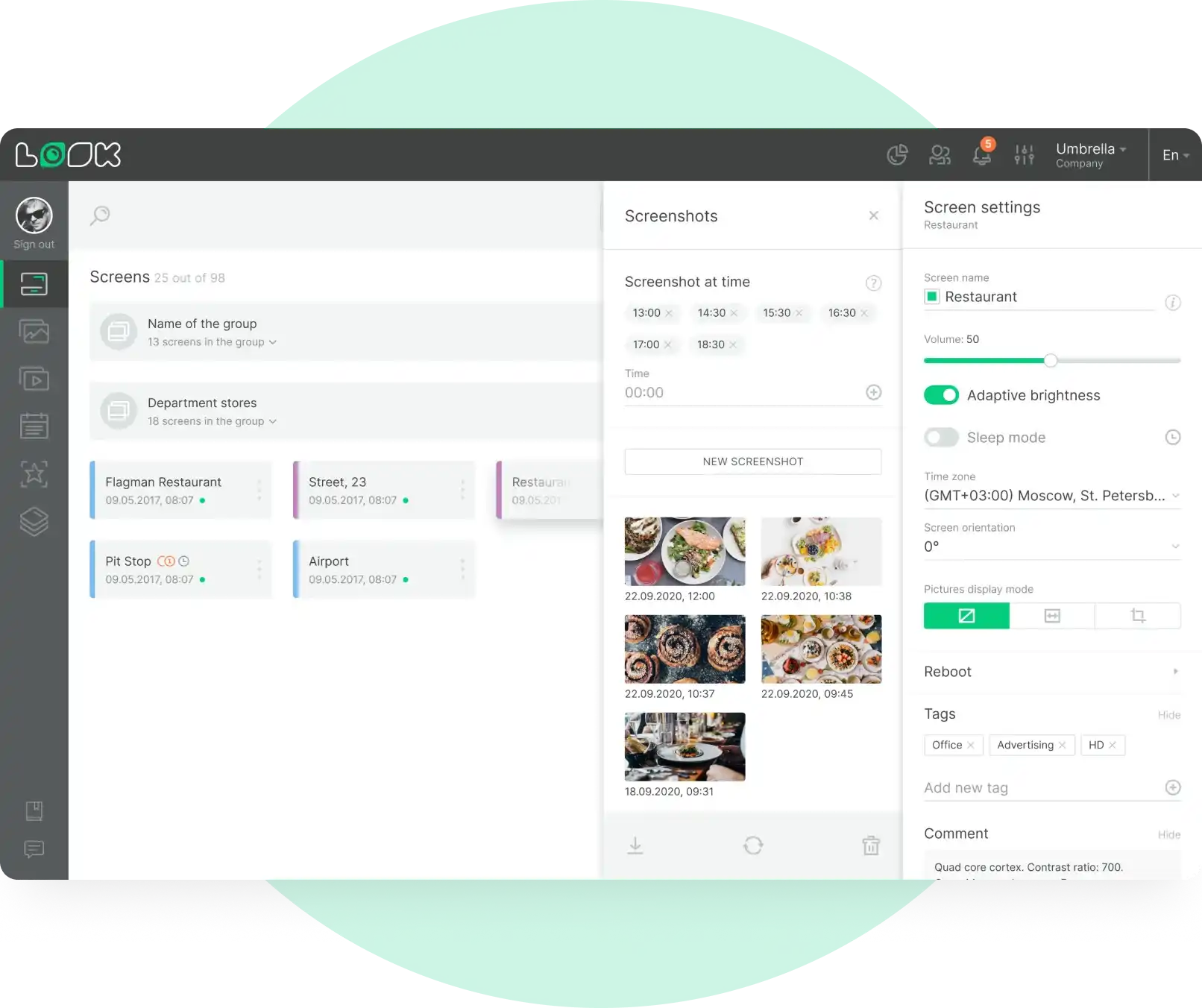
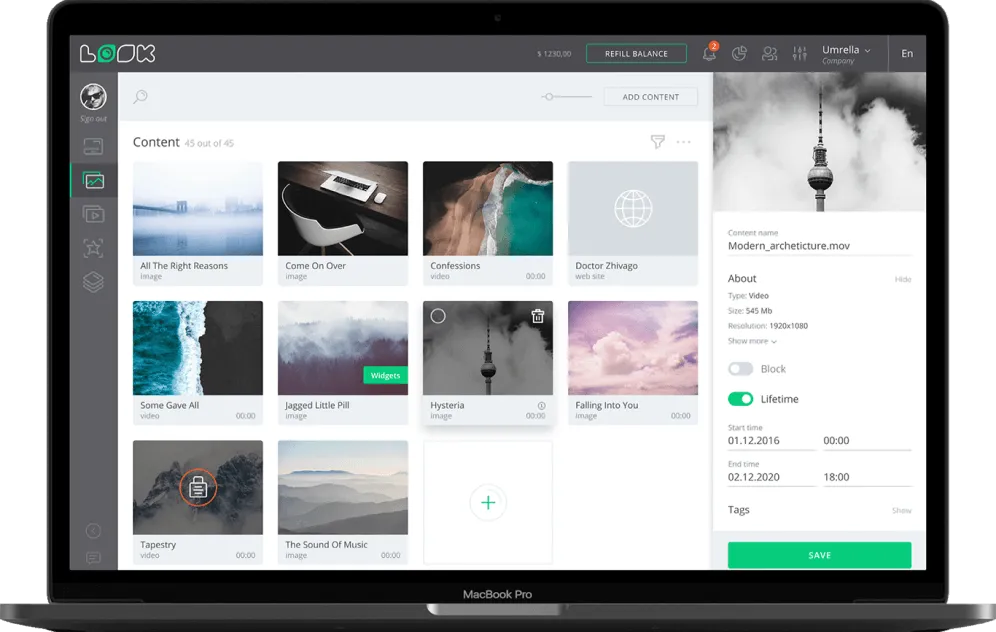
Pre-configured and ready to go with the Look CMS. Manage your digital signage from anywhere with an intuitive web-based platform.
Kiosk
Designed for unattended operation
Auto-launches the content management software in kiosk mode, ensuring continuous uptime without user intervention.
icon_XL_clock
Easy setup in minutes
Plug the Signage Stick into your screen or switch on the Signage Display. No technical expertise required, and one or many devices are set up in minutes.
star icon transparent
Powerful performance
Both devices run on a quad-core SoC with 4K video playback. The Stick connects over Wi-Fi 6E, the Display over Wi-Fi 6 or Ethernet.
Shield
Engineered with security in mind
Built with a secure bootloader, data encryption, and regular software updates to keep your digital signage safe and operational.
Screens icon
Scalable solution
Easily expand from a single display to multiple screens across different locations. Easily control one or multiple screens from the Look DS dashboard.
Wallet icon
Convenient purchasing
Order directly through Amazon and Amazon Business for competitive pricing and fast US nationwide shipping.

How to get started

  • Tree Icon

    Plug & Set Up

    Connect the Amazon Signage Stick to your screen or switch on the Amazon Signage Display, then activate the device in Amazon Signage.
  • Star Icon

    Choose Look DS

    Select Look DS from the drop-down list of authorized CMS partners to set it as your content management platform.
  • Screen Icon

    Pair Screen

    Once the Look app is activated on your device, enter the unique 6-digit code in Look CMS to sync it.
Amazon-Screen-Outside