🛒 GROCERY STORE DIGITAL SIGNAGE

Digital Signage for Grocery Stores

How do you keep weekly specials, deli prices and fresh-department offers accurate in every aisle without reprinting tags and posters? Look DS lets grocery teams schedule and publish content to any screen from a browser, for one store or a whole chain.

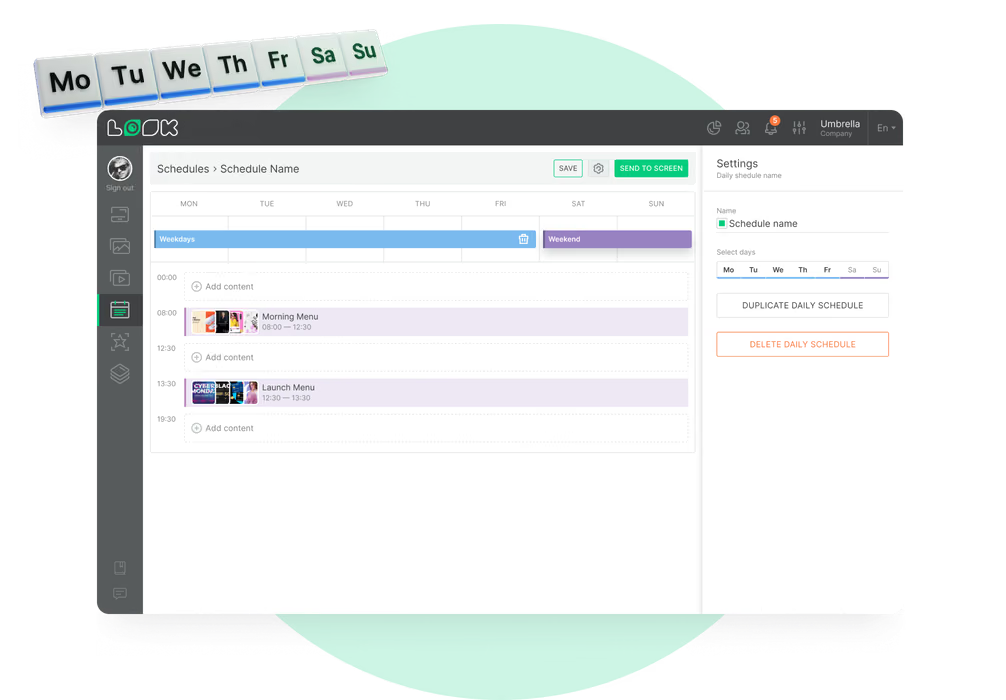
Weekly specials that start and end on schedule

Set the circular's dates once, and every screen in every store follows them.

Deli boards that change with the time of day

Breakfast, lunch and dinner menus switch at the hours you set on every counter.

Connect screens to your retail workflows

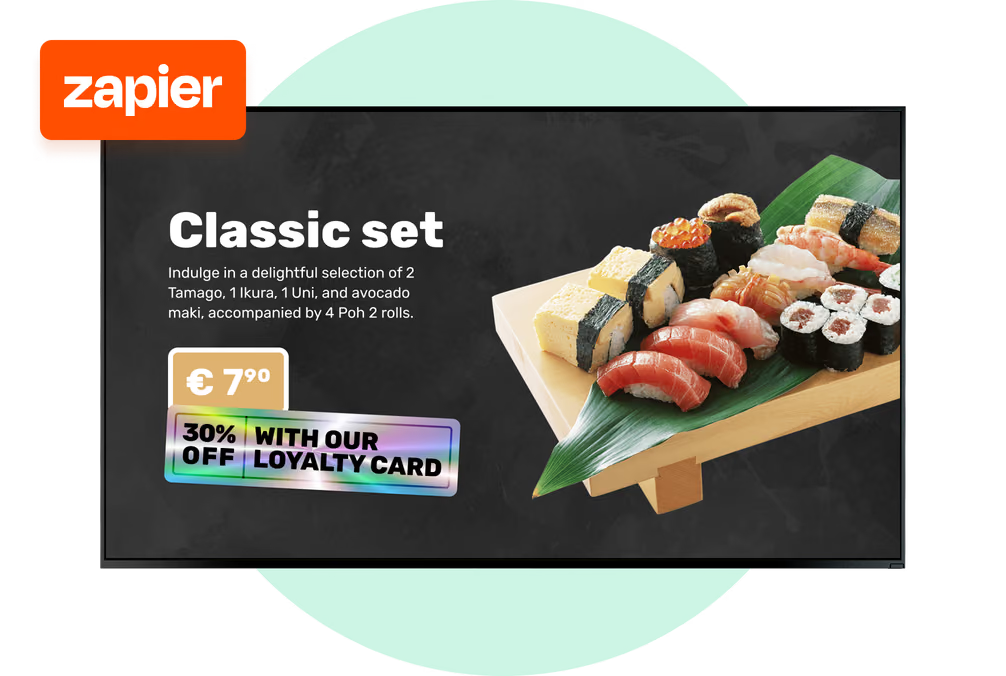
Zapier, webhooks and an action trigger let compatible retail tools initiate content updates.
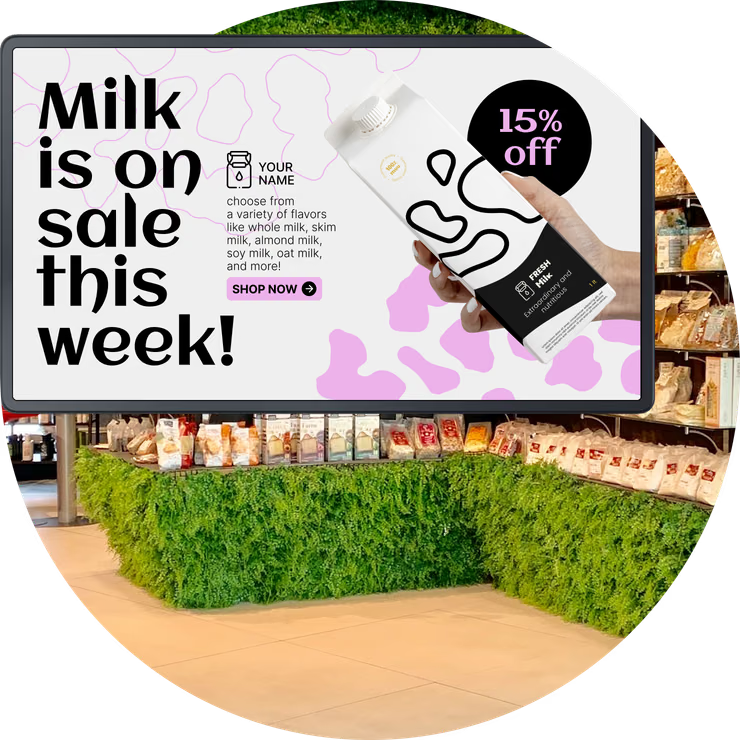
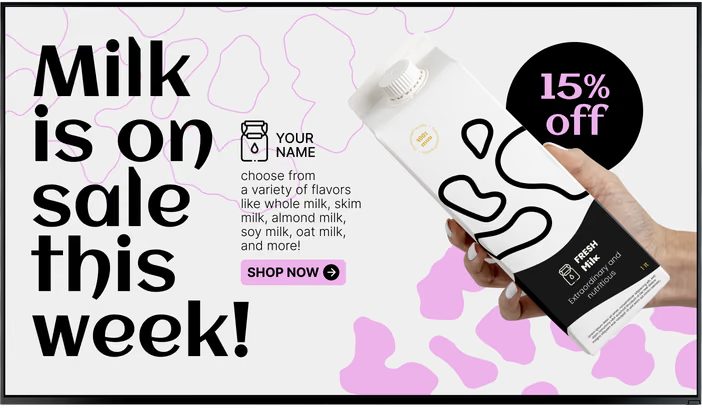
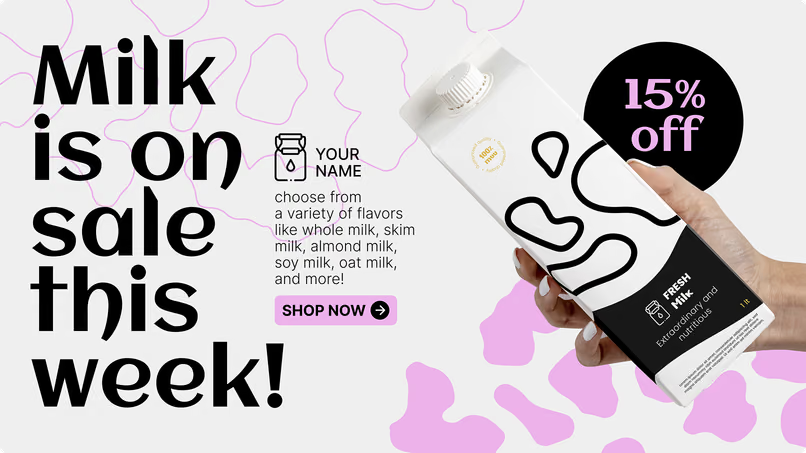
Milk is on sale this week promotion screen above a grocery shelf
  • No credit card required. From $6 per screen/month with volume pricing.

  • Runs on Android, Windows, Linux, Tizen, webOS, Raspberry Pi and more.

  • 24/7 in-app support from real people.

Captera Rating
4.9
G2 Rating
5.0
60 000+
Screens
11 000+
Users
120+
Countries
Capterra Best Value · G2 High Performer
Software Advice · Customer Support 2026

Grocery store digital signage that keeps up with the weekly circular

Grocery store digital signage lets grocers manage weekly specials, deli menus, fresh-department offers and checkout messaging on connected screens from one cloud CMS, instead of printing and hanging new signs every week.
Head office schedules the circular once for every store, and the deli boards go from breakfast to dinner by themselves. If a special sells out, a connected Zapier workflow can change what's on the screen. Store teams work in that same account.

Sound familiar?

    • A red cross inside a black circle

      Weekly circular posters reprinted again

    • A red cross inside a black circle

      Deli board stuck on the breakfast menu

    • A red cross inside a black circle

      Sold-out specials still on the screen

    • A red cross inside a black circle

      Every store running a different promo

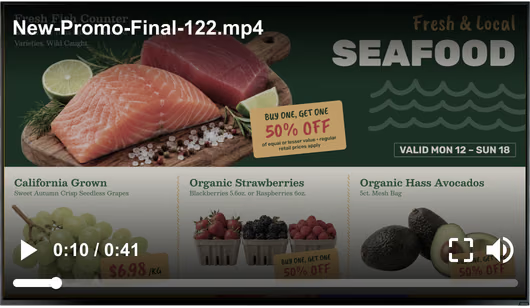
Generic stock promo video overlay playing over a grocery store promotion screen Black USB flash drive with 4 GB storage capacity

What you get with Look

    • Specials that end on their own date

    • One publish for every store's screens

    • Deli menus that switch by time of day

    • Inventory events that trigger content updates

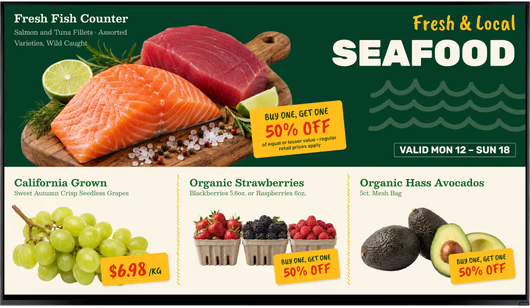
Clean grocery store promotion screen without the video overlay Green shield icon with a white check mark
Try with demo screen now
Run demo screen right in your browser

From one deli board to every store in the chain

Connect a player, build playlists for each department and publish. The same three steps run a single counter screen at an independent grocer or every aisle screen in a regional chain.
  • Connect your screens

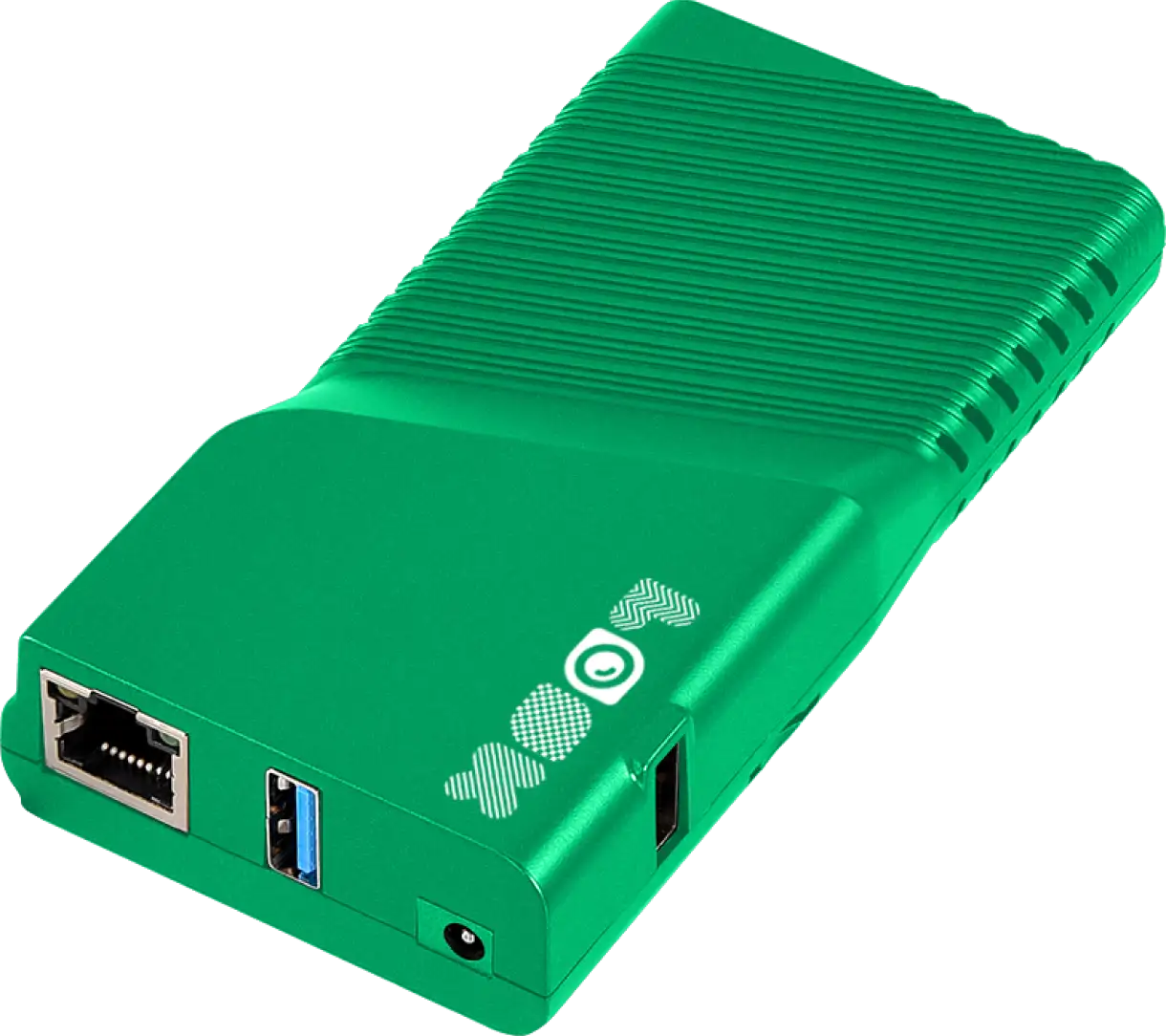
    Install the Look App on a compatible display or plug in the Look HDMI Player, then pair each screen with the CMS using the device code it shows.
  • Build playlists by department

    Group circular offers, deli menus, produce videos and checkout messages into playlists then schedule each one around that location's store hours.
  • Publish to a group, check what played

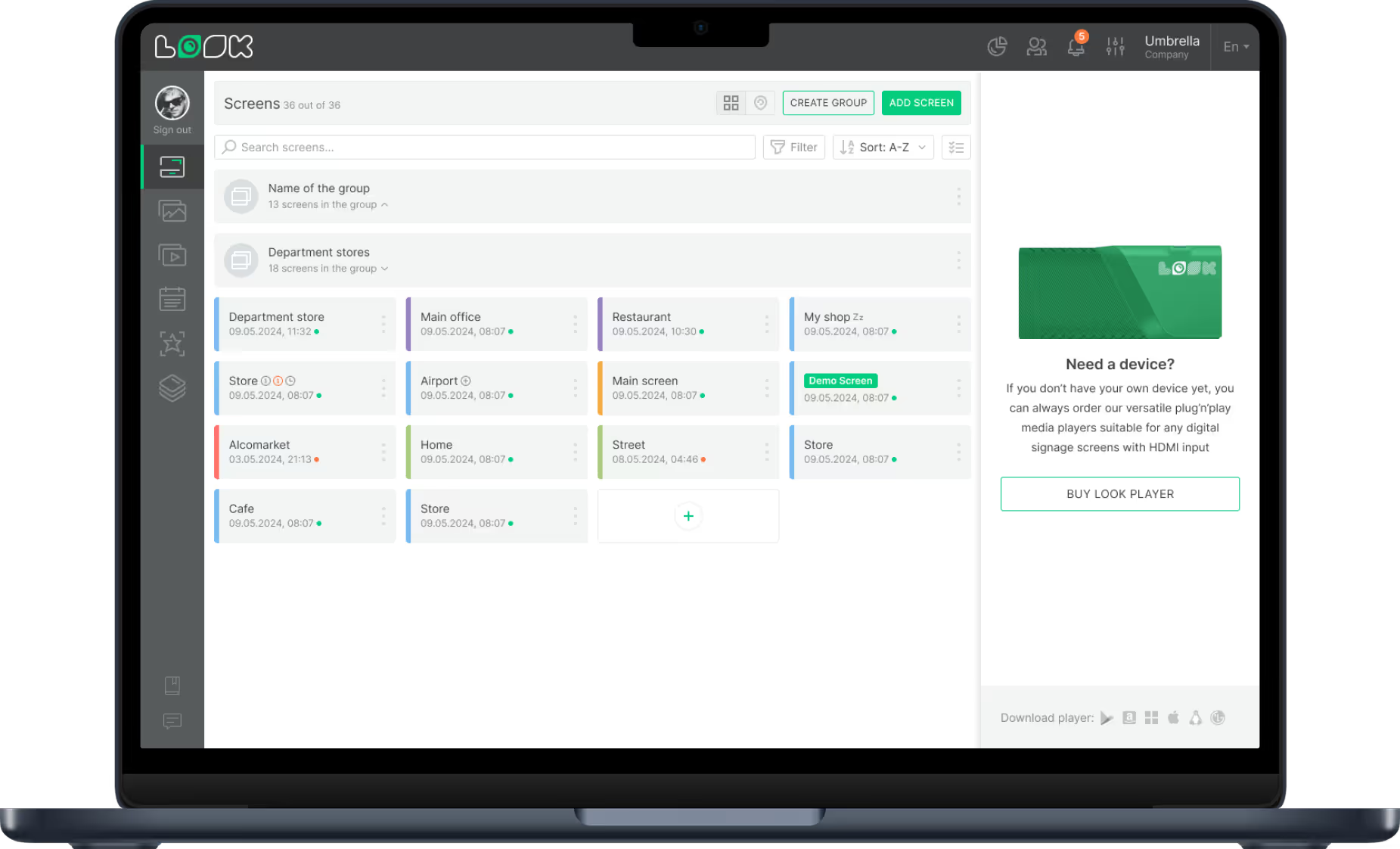
    Tag screens by store, department or region and publish once to the whole group. Playback reports then show which content ran on each screen and when.
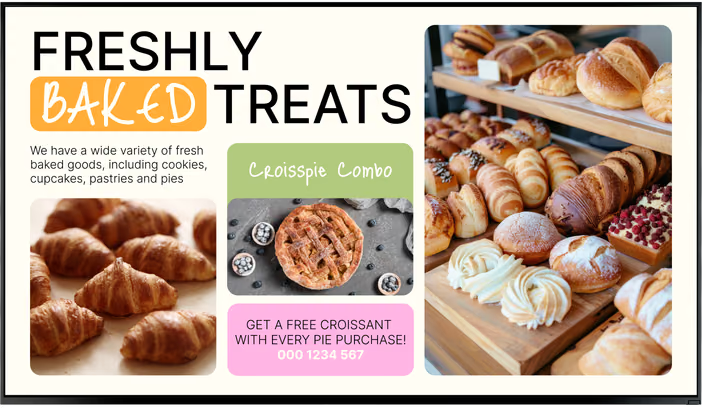
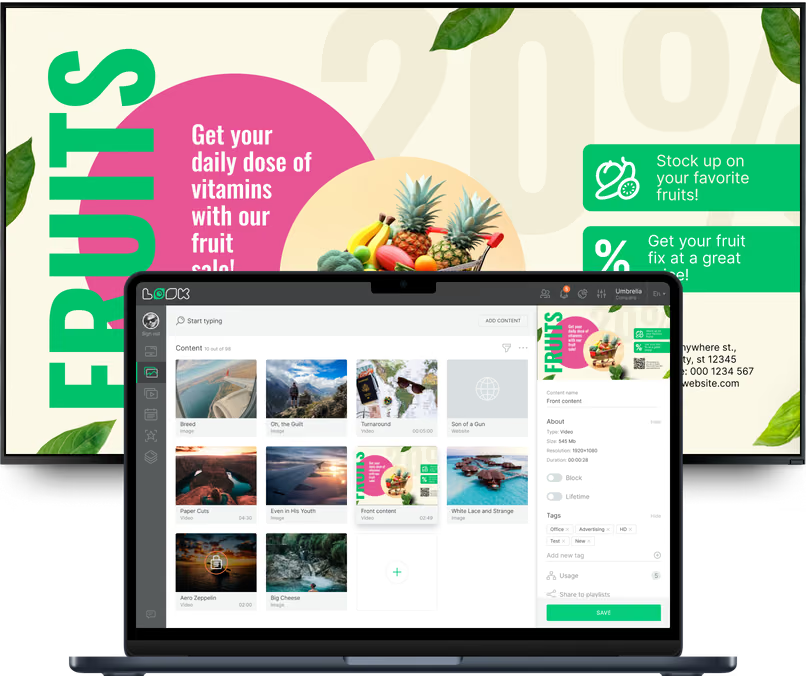
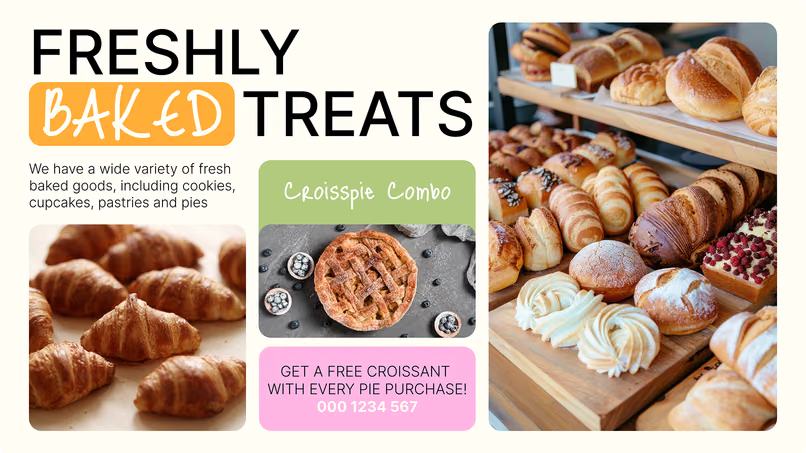
Freshly Baked Treats bakery counter menu screen with a croissant and pie combo Milk is on sale this week promotion screen with 15% off Laptop with the Look content editor showing a media library and Fruits sale promotion preview

Where digital signage works in a grocery store

A shopper at the endcap, a customer waiting at the deli and a driver at the pickup counter need different screens. Look runs all of them from one account, with a separate layout, playlist and schedule for each department.

Entrance and storefront windows

Show this week's specials before the cart.
Entrance screens and window displays show the weekly circular, seasonal campaigns, holiday hours and pickup information to shoppers walking in from the parking lot.
Schedule the Thursday-to-Sunday special, weekend barbecue promotion and holiday hours in advance, and each campaign starts and ends on its assigned dates.
Best for: Weekly circular, seasonal campaigns, holiday hours, pickup information, review score

Produce, meat and seafood

Tell the story behind the fresh departments.
Screens above produce, meat and seafood show what's in season, where it was grown or caught, preparation tips and today's markdowns on items that need to sell.
With a split layout, the price message sits in one zone and a farm video or recipe plays in the other, and scheduled markdowns update on their own as the day goes on.
Best for: Seasonal produce, local sourcing, markdowns, recipes, preparation tips

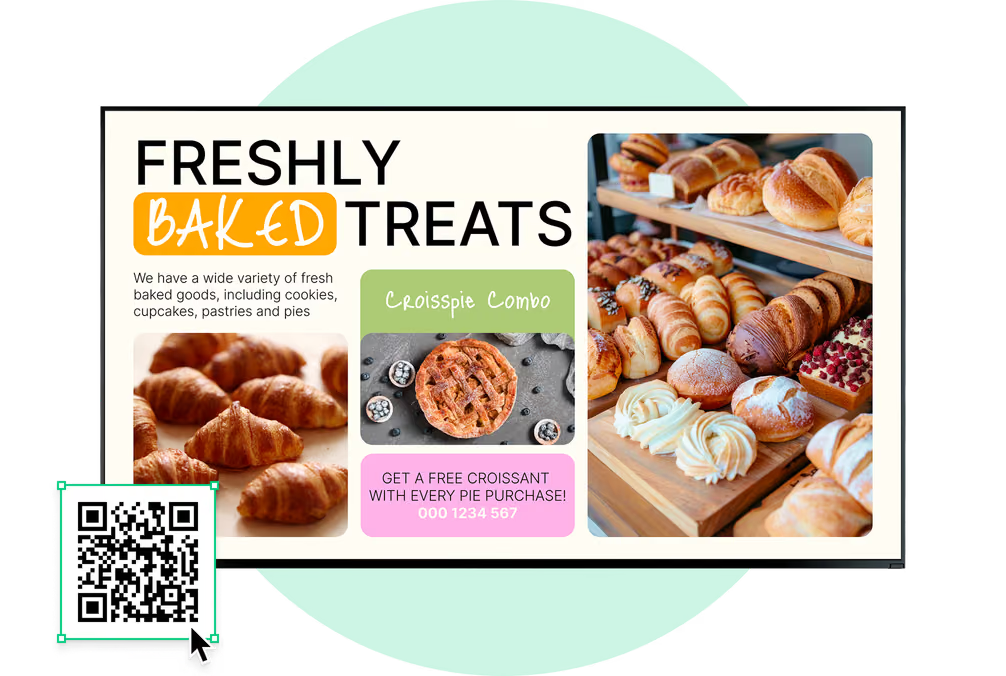
Deli, bakery and hot food counters

Menu boards that follow the clock.
Put the breakfast, lunch and dinner boards for the deli, bakery and hot food bar in one schedule, and they switch at the hours you set in every store.
Once a hot dish or a batch of bread is gone, edit the board once in the browser, or let a connected Zapier workflow do it, so every counter screen shows what's actually available.
Best for: Dayparted menus, prices, allergen notes, today's specials, recipe videos

Aisles, endcaps and shelf edges

Put the offer where the choice happens.
Endcap and shelf-edge screens carry the week's deals, supplier brand spots and cross-sell ideas at the point of purchase, like sauce and cheese next to the pasta.
Unlike a price-only electronic shelf label, a shelf-edge screen can play video and show a QR code for a coupon or recipe, while each offer expires on its scheduled end date.
Best for: Weekly deals, supplier promotions, cross-selling, QR coupons, product details

Checkout, self-checkout and pickup

Engage shoppers throughout the checkout line.
Checkout-line and self-checkout screens show loyalty sign-up QR codes, member offers, next week's specials and add-on items shoppers can pick up before paying.
At the click-and-collect or curbside pickup area, a screen explains the process, presents service updates and promotes relevant offers to online-order customers.
Best for: Loyalty QR codes, member offers, add-on items, pickup instructions, store app QR

Customer service and department guides

Help shoppers find the aisle they need.
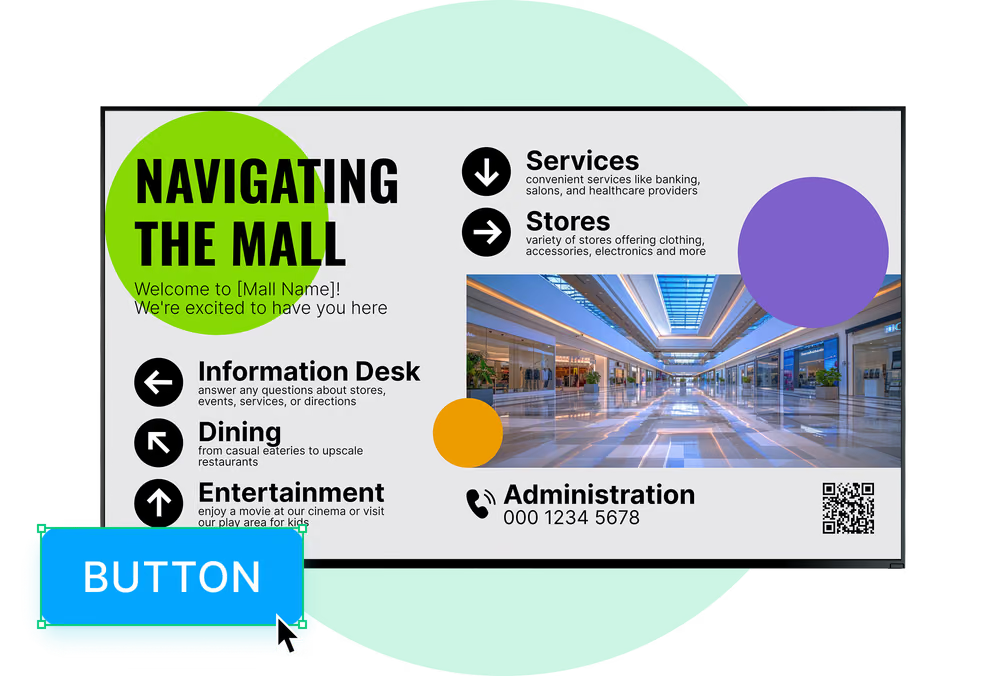
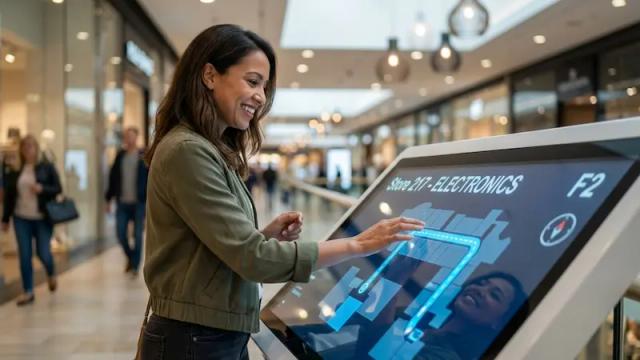
A portrait touch screen near the entrance or service desk lets shoppers tap through departments, aisle numbers and this week's recipe ideas, then returns to its promo loop after an idle timeout.
The service desk screen can carry returns information, gift card offers, your live Google review score and a QR code to the store's app.
Best for: Department guide, aisle directory, recipe ideas, returns information, store app QR

To use Look digital signage software

Look service works seamlessly on any hardware, whether you're planning to purchase or already use it
Or

Install FREE Look App

Transform any TV or compatible device into digital signage by installing the free Look app.
WindowsAmazon Signage
Androidgoogle-tvLinuxOS Fire Amazon
macOSWebOSOS Tizen OS Raspberry Pi
Supported Operating Systems

Plug Look HDMI Player

Connect the Plug & Play Look Player to your display’s HDMI input for instant setup. Worldwide shipping.
Buy nowLook HDMI Player

What our customers say

Real businesses, real results.
Captera Rating
4.9
G2 Rating
5
Our experience with Look has been nothing but amazing. Customer service is excellent, and the product works perfectly. It's remarkable and I wouldn't go with any other company.
With Look we can upload content and publish it within seconds and also customize screens for each of the branches. It is incredibly user-friendly and so easy-to-use, thus it's amazing to work with.
Corrie Wright
During these 3 years that we have used Look in our clients' stores and offices, it has been a fundamental tool that complements the hardware that we sell. Look customer service is of the highest quality. It gives us guarantees of satisfaction our customers deserve.
Roberto Vergara
60 000+
Screens
11 000+
Users
120+
Countries

Free templates

Templates for weekly specials, deli menus and fresh-food promos

Save your logo, brand colors and fonts in Assets, then use them on any template in the browser editor. Start from any of hundreds of free templates and adapt it to a weekly special, a deli menu board, a produce markdown or a holiday campaign. Swap in your prices, photos and dates, schedule the result and publish it to every store.
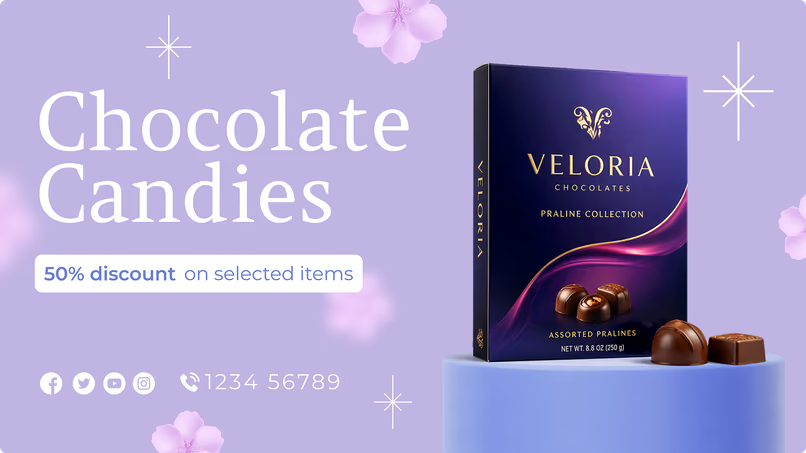
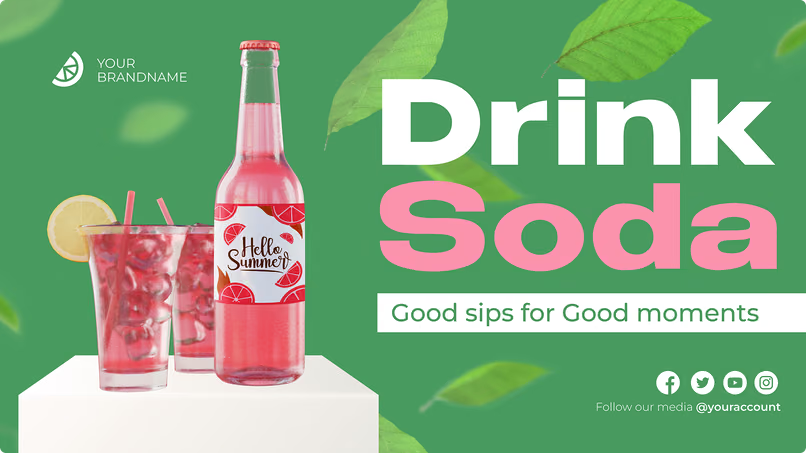
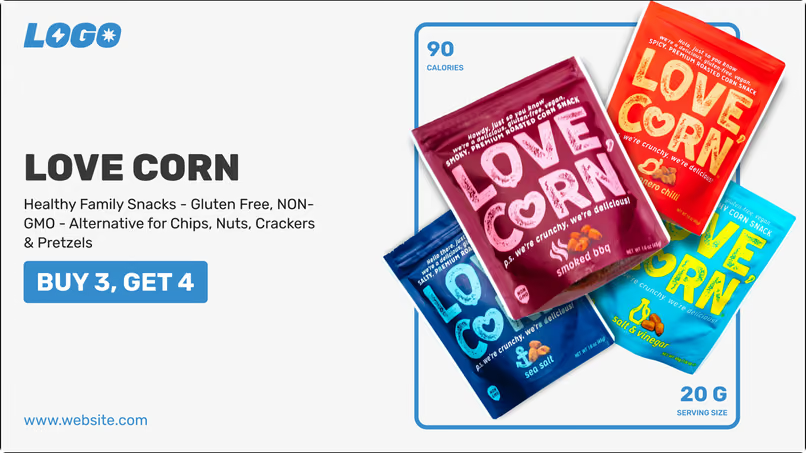
Chocolate Candies 50% discount promotion template with a Veloria pralines boxDrink Soda promotion template with a bottle and glassesMilk is on sale this week promotion template
Drink Soda promotion template with a bottle and glassesMilk is on sale this week promotion templateFreshly Baked Treats bakery counter menu template
Milk is on sale this week promotion templateFreshly Baked Treats bakery counter menu templateLove Corn healthy snack promotion template with buy 3 get 4 offer
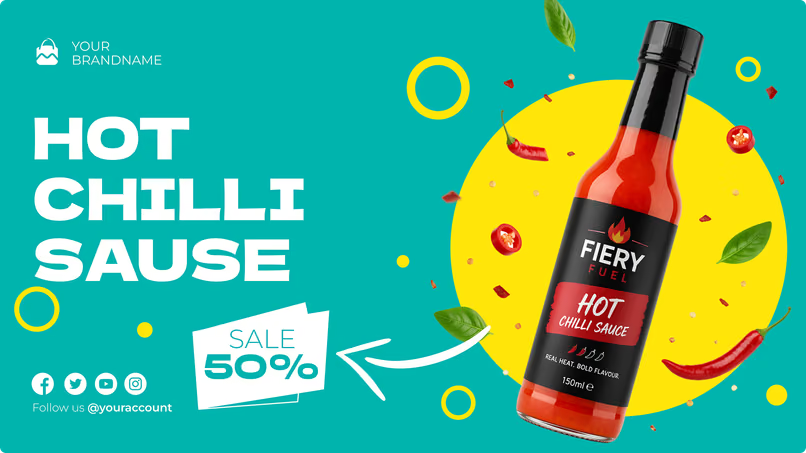
Freshly Baked Treats bakery counter menu templateLove Corn healthy snack promotion template with buy 3 get 4 offerHot Chilli Sauce 50% off promotion template
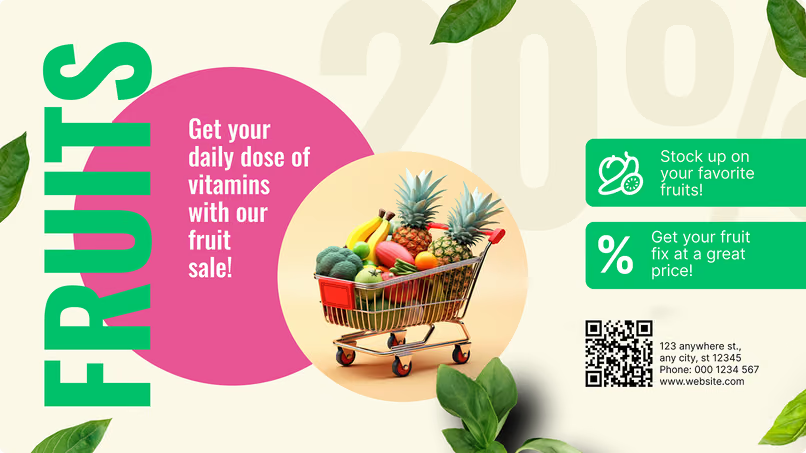
Love Corn healthy snack promotion template with buy 3 get 4 offerHot Chilli Sauce 50% off promotion templateFruits sale promotion template with a shopping cart of produce
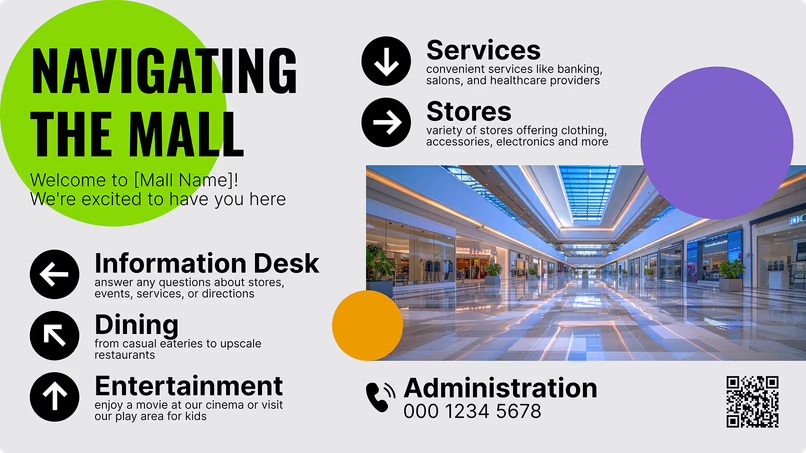
Hot Chilli Sauce 50% off promotion templateFruits sale promotion template with a shopping cart of produceNavigating the Mall directory template with information desk and dining sections
Fruits sale promotion template with a shopping cart of produceNavigating the Mall directory template with information desk and dining sectionsChocolate Candies 50% discount promotion template with a Veloria pralines box
Navigating the Mall directory template with information desk and dining sectionsChocolate Candies 50% discount promotion template with a Veloria pralines boxDrink Soda promotion template with a bottle and glasses

Built-in apps

Apps that keep grocery store screens current

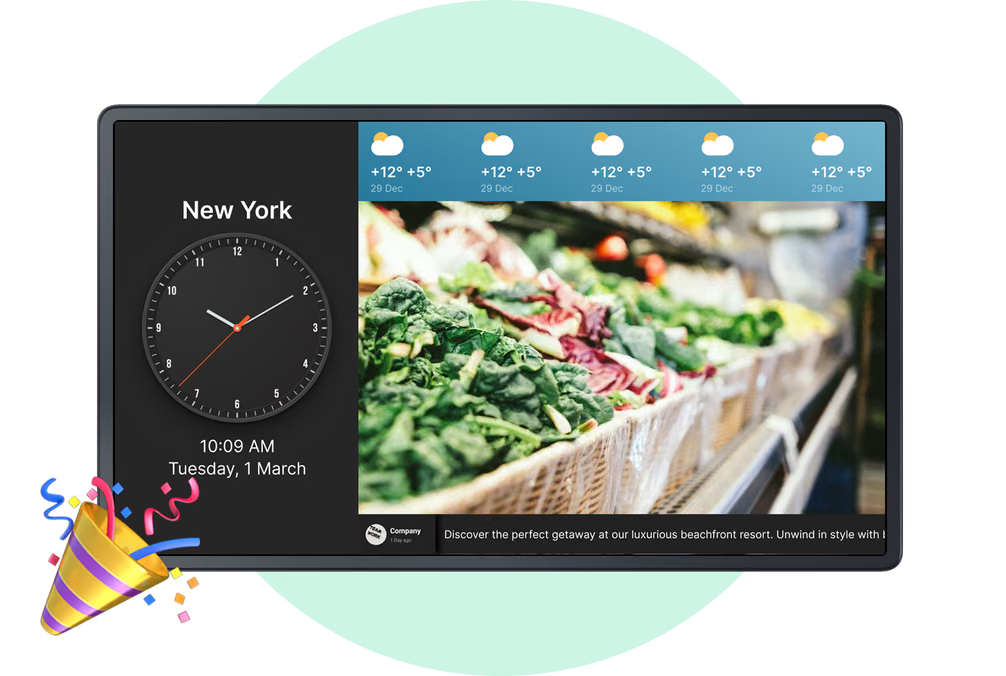
Apps go into a playlist just like any other item, and while connected they keep social posts, review scores, forecasts and feeds up to date on their own. An app can take the whole screen or one zone of a split layout, next to scheduled specials and deli menus.

Frequently asked questions about grocery store digital signage

What is digital signage for grocery stores?

Grocery store digital signage is a network of screens that displays prices, promotions, menus, product information, directions, recipes, loyalty offers, and other in-store content. A setup includes a display, a media player if the TV isn't smart, and digital signage software. Store teams can update and schedule content remotely instead of printing and manually replacing paper signs.

Where can digital signage be used in a grocery store?

Digital signage can be installed at store entrances, promotional endcaps, shelf edges, deli and bakery counters, checkout and self-checkout lanes, customer service desks, pickup areas, and storefront windows. Larger supermarkets can also use entrance video walls, interactive wayfinding kiosks, department directories, and screens near refrigerated aisles or prepared-food counters.

Can small independent grocery stores benefit from digital signage?

Yes. An independent grocer can begin with one screen near the entrance, checkout, deli counter, or promotional area and expand the network later. Using existing compatible displays can reduce the initial hardware cost. Digital signage also reduces recurring spending on printing, shipping, and manually replacing promotional materials.

Can grocery store digital signage increase basket size?

Digital signage supports impulse purchases, upselling, and cross-selling by presenting relevant offers at the point of decision. A pasta aisle screen can promote sauce and cheese, an endcap can highlight a limited-time bundle, and a checkout screen can feature small add-on products. Content changes by time of day to show relevant offers.

Can I display digital coupons and QR-code offers?

Yes. Screens can display coupon codes and QR codes that shoppers scan with their phones. QR codes can lead to an instant discount, loyalty sign-up page, recipe, product information, digital receipt, mobile app, or online store. Campaign links can also include tracking parameters so retailers can measure scans and redemptions.
Can I show social media feeds on grocery store screens?

Yes. Look DS supports social media content through compatible apps and content sources, including Instagram, Facebook and X feeds. Stores can display their own posts, local announcements, seasonal campaigns, supplier stories, recipe content, or approved hashtag content. Social posts can run full-screen or within one area of a multi-zone layout.

How can digital signage support a grocery loyalty program?

Screens can advertise loyalty program benefits, member-only prices, point offers, reward campaigns, and registration incentives. Use a QR code to access the loyalty page or store app. Interactive kiosks help shoppers check their points, explore available rewards, and find eligible products.
Can grocery signage show member and non-member pricing?

Yes. Shelf-edge displays, endcaps, and promotional screens can show regular prices alongside member-only prices or loyalty rewards. Price data can be supplied through a POS, pricing, or inventory integration. The exact implementation depends on the retailer's loyalty platform and the data available through its API.

Can content be personalized for different shoppers?

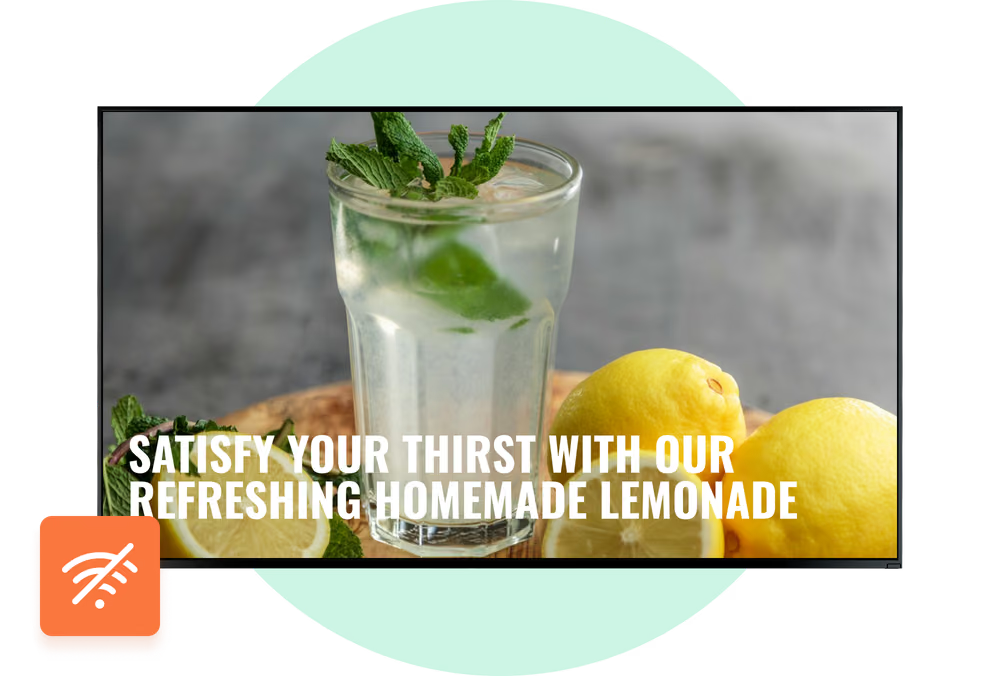
Content can be personalized based on location, store, zone, department, and schedule: convenience store in the city center can display breakfast offers during the morning rush hour, while a suburban supermarket can promote family meal bundles in the evening. Different stores can use screen grouping feature and display content designed for their target audience. Look does not need to identify or store personal information about individual shoppers to provide this type of segmented content.

Does Look DS support dynamic pricing?

Yes. Look DS can receive pricing information from connected POS, inventory, or pricing systems and update compatible screens when prices change. Retailers can use this for price changes, sales, markdowns, member pricing, and promotions linked to stock. The available automation depends on existing systems and API access.

Can Look DS be used with electronic shelf labels?

Look DS can manage compatible shelf-edge digital displays, but it should not be presented as a replacement for every electronic shelf label system. Traditional electronic shelf labels are generally designed for compact price updates. Larger shelf-edge screens can display richer content such as videos, product comparisons, nutritional details, allergen information, QR codes, and promotional campaigns. Look DS can form part of a broader dynamic pricing strategy alongside a retailer's existing ESL, POS, and inventory systems.

Can Look DS connect to our POS or inventory system?

Yes. Look DS supports secure API integrations with point-of-sale, inventory, pricing, and other retail systems. The integration can update prices, display available products, change menu items, or trigger promotions based on data. This aligns information with records.

Can digital signage support a grocery store app and online ordering?

Yes. Screens can use QR codes to connect shoppers with the store's mobile app, online catalog, loyalty account, digital shopping list, recipe page, or ordering service. This allows the physical store experience to connect with online services such as click and collect, curbside pickup, home delivery, and mobile coupons.

Can digital signage be used at self-checkout and pickup?

Yes, self-checkout screens can promote loyalty benefits, mobile coupons, and payment information, while screens near pickup counters display order instructions, wait time, collection numbers, service updates, and offers.

Can digital signage show live or automatically updated content?

Yes. With digital signage apps or API, screens can display dynamic content such as prices, product availability, weather, news, social media feeds, calendars, menu items, dashboards, and queue information. Smart Scheduling can also change playlists automatically based on the time, day, store, department, or campaign period.

How can I measure the results of grocery store digital signage?

Look Playback Analytics provides proof-of-play data showing what content ran, on which screens, when it played, and for how long. Retailers can compare playback information with sales, stock movement, coupon redemptions, QR-code scans, and campaign periods. They can also test different promotions, screen locations, creative designs, or schedules and compare the results.

Can I compare signage performance with footfall and dwell time?

Yes. Playback reports can be compared with anonymous footfall, traffic, or dwell-time data collected by external people-counting systems already used by the store. It helps retailers see which screen locations are the busiest and how performance changes during peak times. Audience measurement should use privacy-safe, anonymous data and comply with applicable local regulations.

Can grocery chains manage screens across multiple locations?

Yes. The Look CMS allows you to group screens by store, region, department, format, or function, and manage them all from one dashboard. Corporate teams can publish national campaigns across the entire network, and local managers can update authorized screens with store-specific information, such as prices, events, clearance items, and community content.

How do grocery chains maintain brand consistency?

Administrators control permissions, templates, brand assets, and global campaigns. Core design elements can remain locked while approved fields, such as local pricing or store information, stay editable. This allows local teams to keep content relevant without changing company-wide branding.

Is grocery store digital signage difficult to update?

No. The upload of content, editing of templates, creation of playlists, modification of schedules, and publication of updates is permitted for authorized employees through a web-based dashboard. Updates can be sent to one screen, a department, an individual store, or the entire network. Smart Scheduling and dynamic integrations also reduce the number of changes staff needs to make manually.

What hardware do I need for grocery store digital signage?

A standard setup requires a display, a compatible media player or system-on-chip screen, digital signage software, a power source, and an internet connection. Retailers can install the Look App on a supported device or connect a Look HDMI Player to a display with an HDMI input. For stores with long operating hours, refrigerated areas, dust, direct sunlight, or other demanding environmental conditions, commercial-grade hardware is recommended.

Should I use commercial LCD screens in a grocery store?

Commercial LCDs are generally the standard choice for indoor grocery store installations such as menu boards, checkout screens, promotional displays, kiosks, and video walls. They are designed for longer operating hours and more demanding environments than typical consumer TVs. Specialized stretch displays or other commercial screen formats may be required by shelf-edge applications.

Do grocery store screens need 4K resolution?

Not every grocery screen needs 4K. Full HD is generally sufficient for standard promotional screens viewed from a normal distance. A 4K display can be useful for large entrance video walls, detailed menu boards, premium product visuals, or screens viewed from a short distance. The right resolution depends on the screen size, content, viewing distance, and media player capabilities.

What happens if the internet connection goes down?

Look DS supports Offline Playback. Once scheduled content has been downloaded to the media player, the screen can continue playing it if the internet connection is interrupted. An active connection is still required to receive new content, display certain live data sources, and send remote updates.

What is the ROI of digital signage in supermarkets?

The return can come from several areas: stronger visibility for high-margin products, more impulse purchases and cross-selling, reduced printing and labor costs, faster price changes, fewer inaccurate promotions, and more efficient inventory clearance. Grocery retailers can also use their screen network as a retail media channel by selling advertising placements to suppliers and consumer brands. Playback reports provide evidence that contracted campaigns ran as scheduled.

How do I get started with digital signage in my grocery store?

Start with a site survey to determine the locations of the screens, the viewing distances, the placement of power outlets, the network coverage, the environmental conditions, and the type of content required for each location. You can then install the Look App on supported hardware or connect a Look HDMI Player, add your screens to Look CMS, customize grocery templates, build playlists, and configure schedules. Starting with one high-impact location, such as the entrance, deli counter, promotional endcap, or checkout area, makes it easier to test the setup before expanding.

What is the best digital signage software for grocery stores?

The best grocery store digital signage software should provide centralized screen management, fast pricing updates, Smart Scheduling, screen grouping, user permissions, offline playback, dynamic content, playback reporting, and POS or inventory integration options. It should also support different grocery placements, including menu boards, shelf-edge displays, promotional endcaps, kiosks, checkout screens, storefront displays, and multi-location networks. Look DS combines these capabilities in one cloud-based platform and can be tested through a 14-day free trial.