Where digital signage goes in a pet store
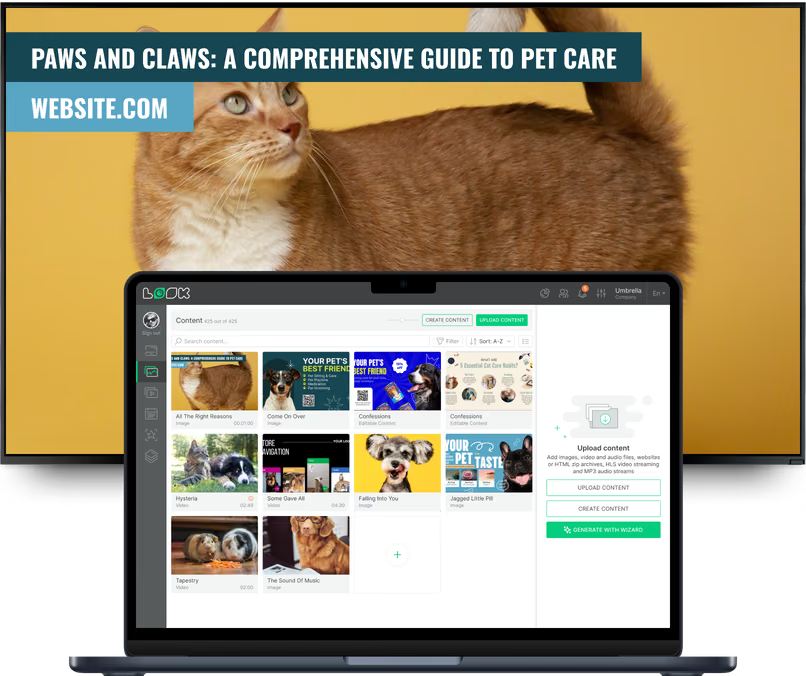
A shopper comparing dog food, an owner waiting for a groom and a client collecting a prescription need different screens. Look runs all of them from one account, with a separate layout, playlist and schedule for each area of the store.
Storefront and window displays
Bring people in before they reach the door.
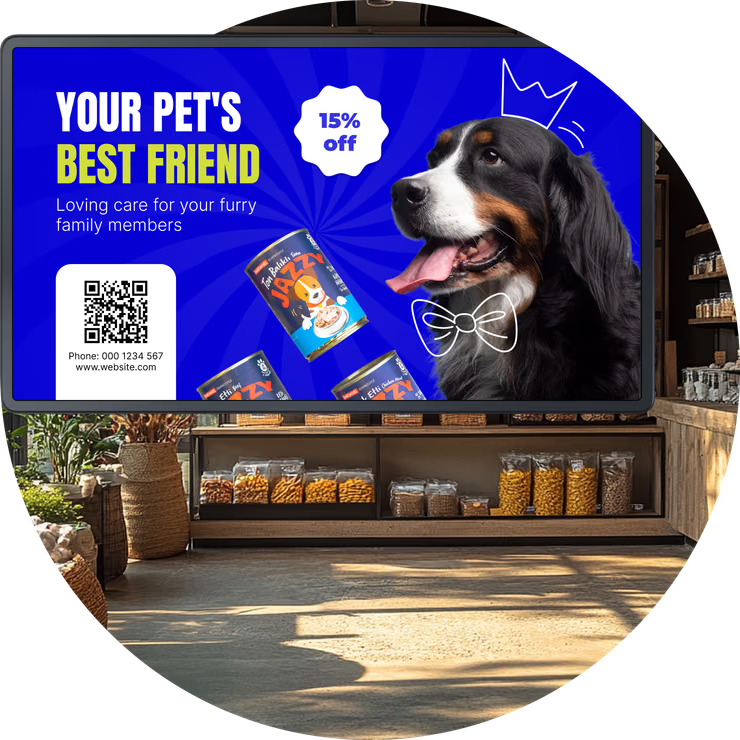
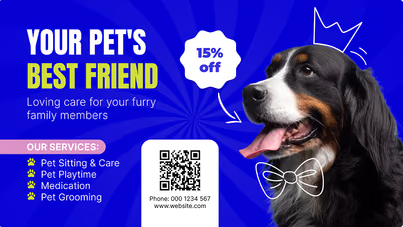
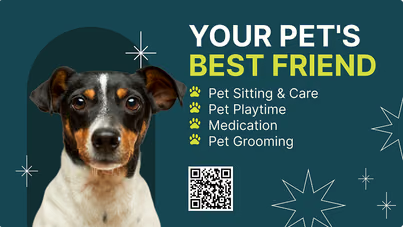
Window-facing screens show this week's offers, grooming availability, adoption-day dates and opening hours to people walking or driving past.
Make separate portrait or landscape versions for each window screen, and add a countdown timer for the last days of a seasonal sale or the hours before an adoption event.
Best for: Weekly offers, adoption days, grooming availability, opening hours, seasonal sales
Product aisles and endcaps
Answer shoppers' questions right at the shelf.
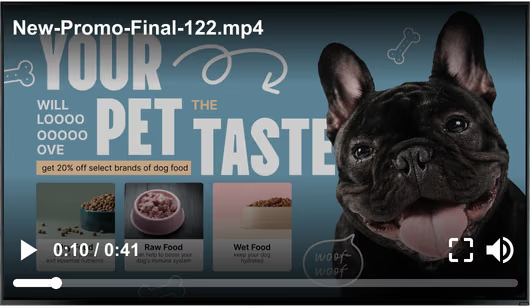
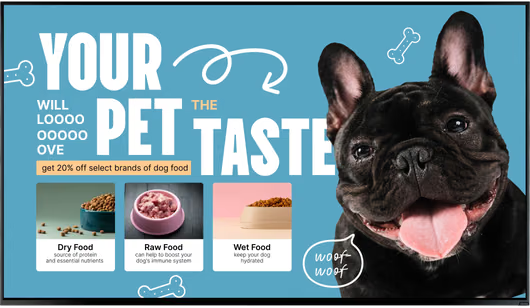
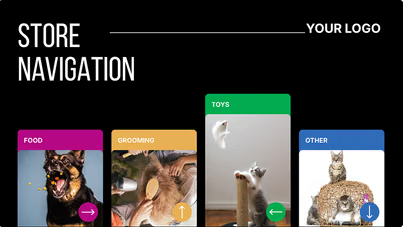
In food and nutrition, screens compare formulas by life stage. Toy and enrichment aisles play short demo clips, and the aquatics and reptile sections walk through habitat setup.
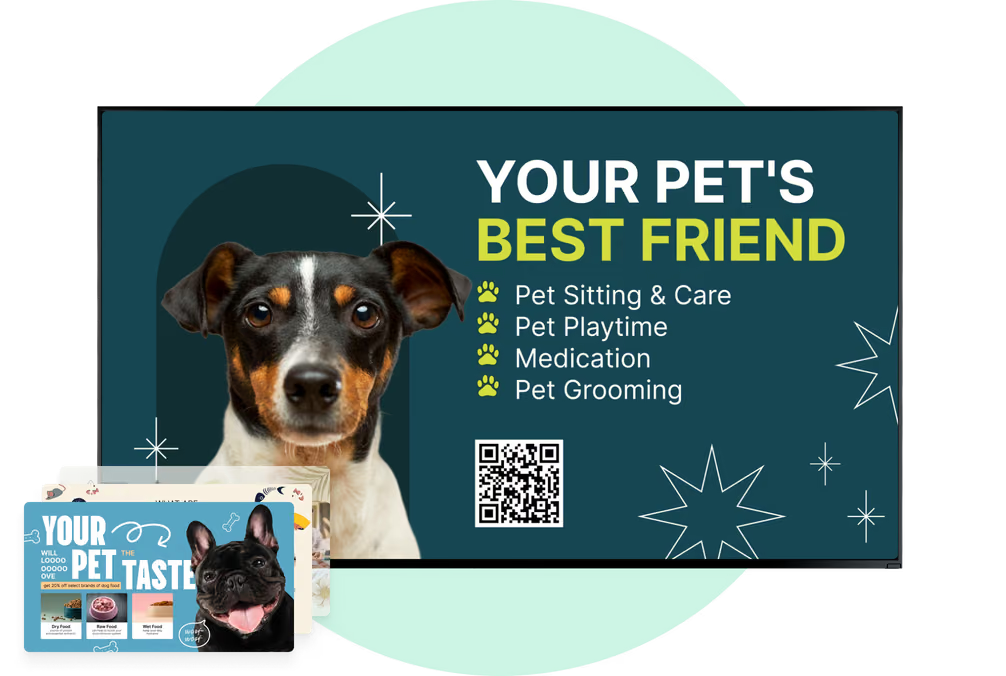
With a split layout, the main item sits next to something that goes with it, like a supplement beside a bag of food, plus a QR code to a feeding or care guide.
Best for: Food comparisons, habitat setup, product demos, bundles, QR care guides
Grooming salon and service counter
Replace the laminated price list.
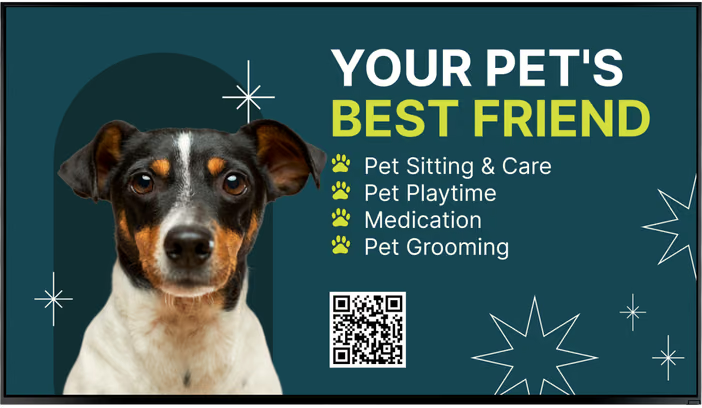
A digital service menu board lists bath, full groom and de-shed packages, add-ons like nail trims and pricing by breed size or weight.
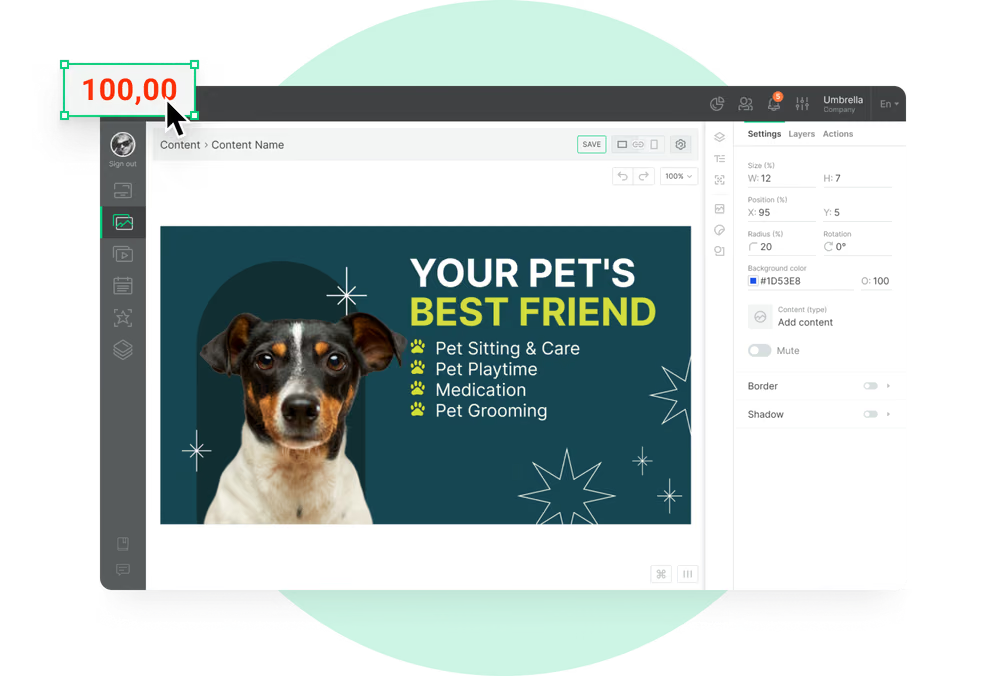
The self-serve dog-wash rates and the treat-bar or pet-bakery counter can share one screen in separate zones. Change a price once in the CMS and it updates on every board that shows it, so there's nothing to reprint.
Best for: Grooming packages, add-ons, breed-size pricing, dog-wash rates, treat bar
Grooming and clinic waiting areas
Keep owners informed while they wait.
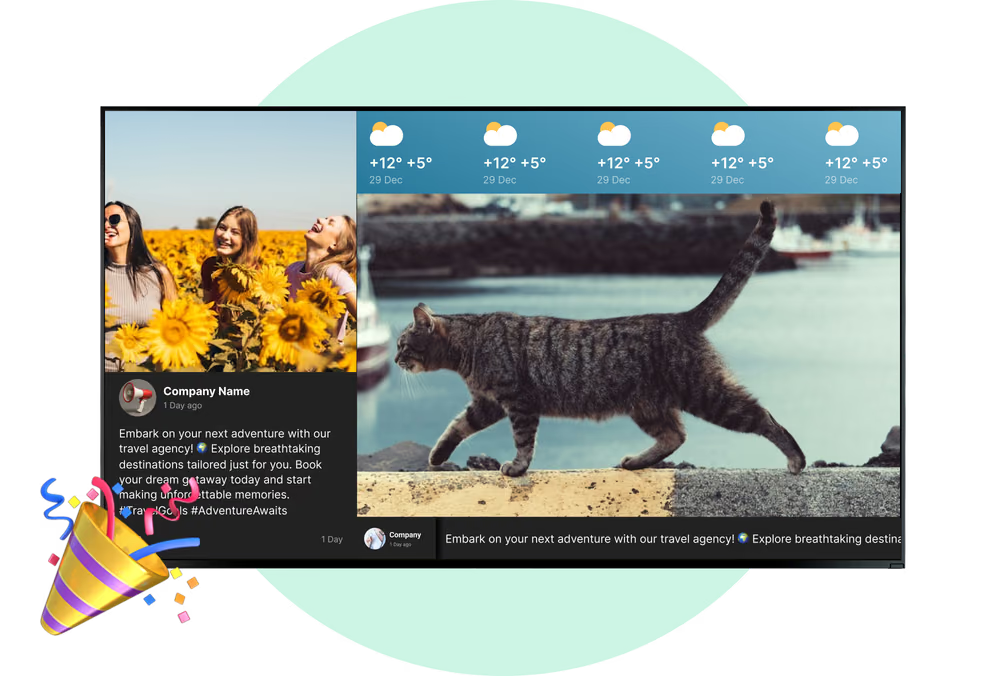
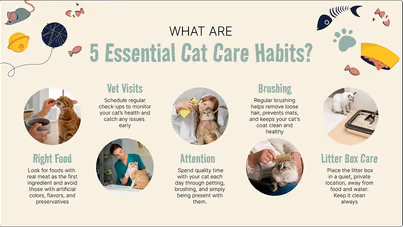
While a pet is in the salon, waiting-area screens can run pet care tips, training-class dates, your Instagram feed and the Wi-Fi QR code.
If your booking or queue system offers a web widget, Embeddable Code can place it in one zone of the layout, next to your scheduled content. Look does not track queues itself, so wait times come from that system.
Best for: Pet care tips, class schedules, social feeds, Wi-Fi QR, booking widget
In-store vet clinic
Clinic news here, retail offers out there.
On clinic screens, you can post vaccination clinic dates, booster reminders, prescription pickup and refill notices, rehab services, and wellness-plan or pet-insurance offers.
Clinic screens get their own playlist and schedule, so vaccination dates and clinic hours stay in the clinic and retail offers stay out on the sales floor. Don't put patient details on any screen.
Best for: Vaccination clinics, refill notices, rehab services, wellness plans, clinic hours
Checkout and service desk
Suggest the add-ons that fit, right at checkout.
At checkout, screens suggest a dental chew with a new toy or a nail trim with a bath booking, and they show loyalty sign-up QR codes and next week's offers.
The service desk can carry your Google review score, returns information and gift card offers, on a schedule that changes through the day. An offer edited once reaches every checkout lane.
Best for: Bundle offers, loyalty QR, upcoming offers, reviews, gift cards