Digital signage for every space in your church
A street sign. A lobby. A sanctuary. A children's wing. Four audiences, none of them on the same schedule, all in one account, with each screen holding what fits its space and refreshing as the week moves along.
Exterior marquee and street sign
Service times where the neighborhood can read them.
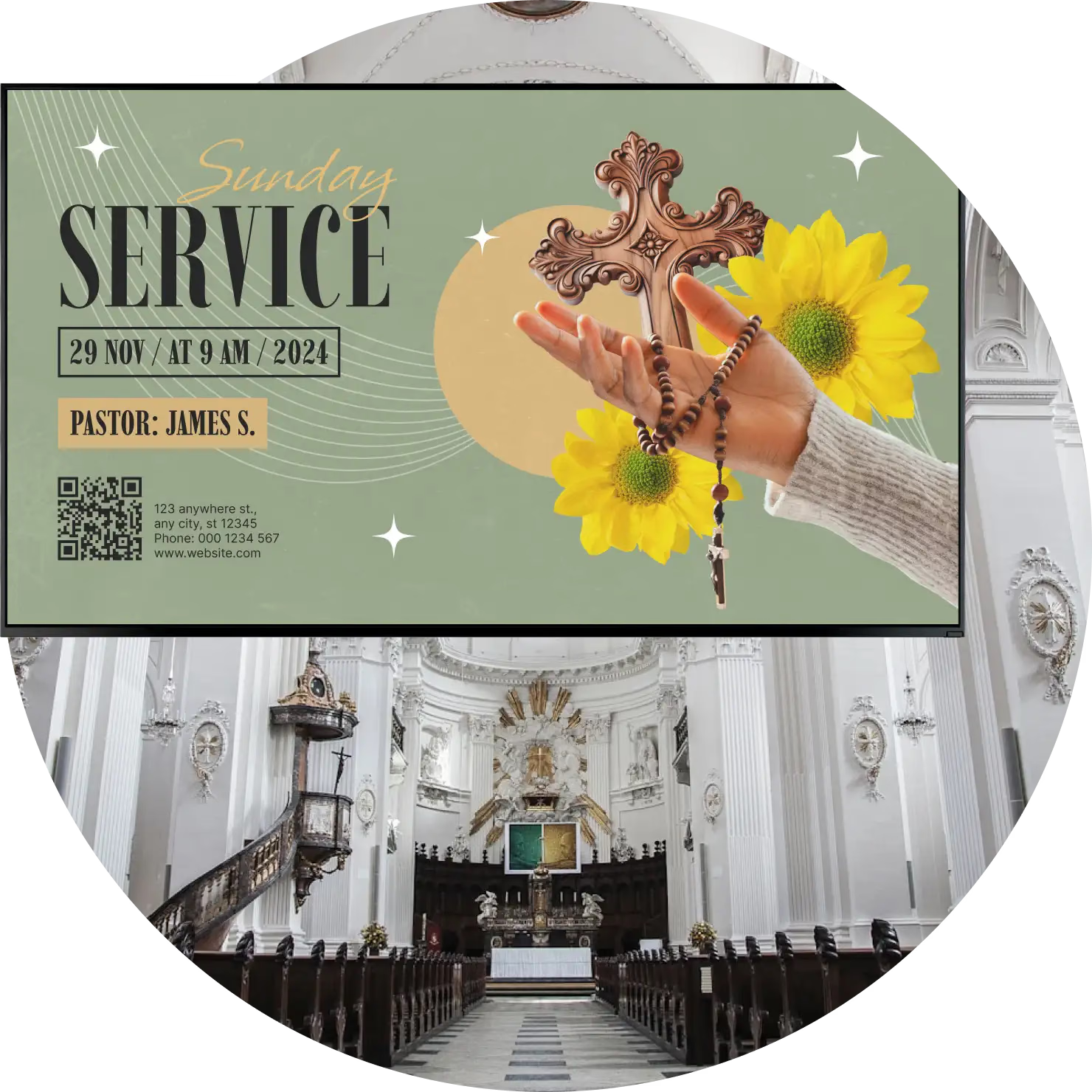
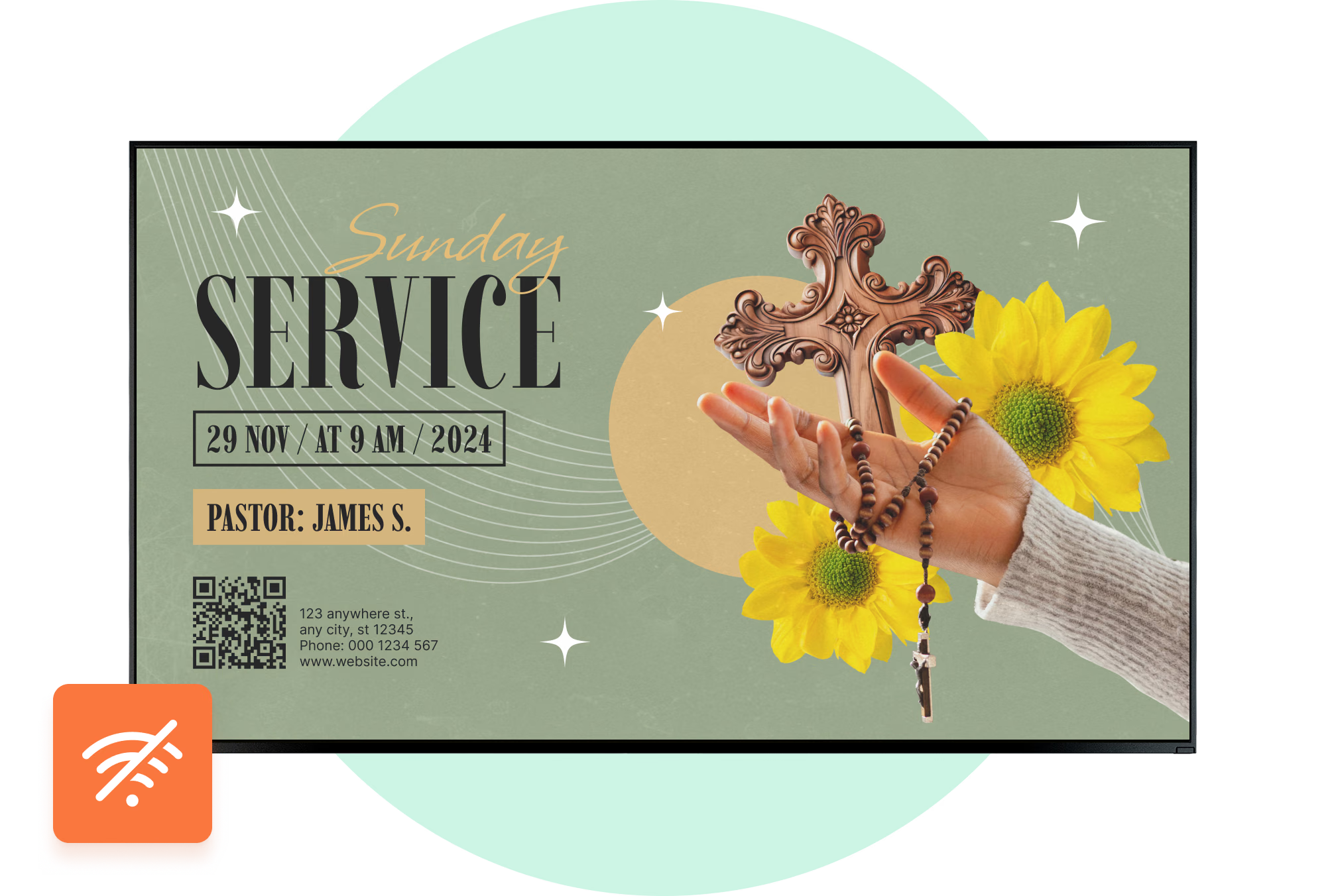
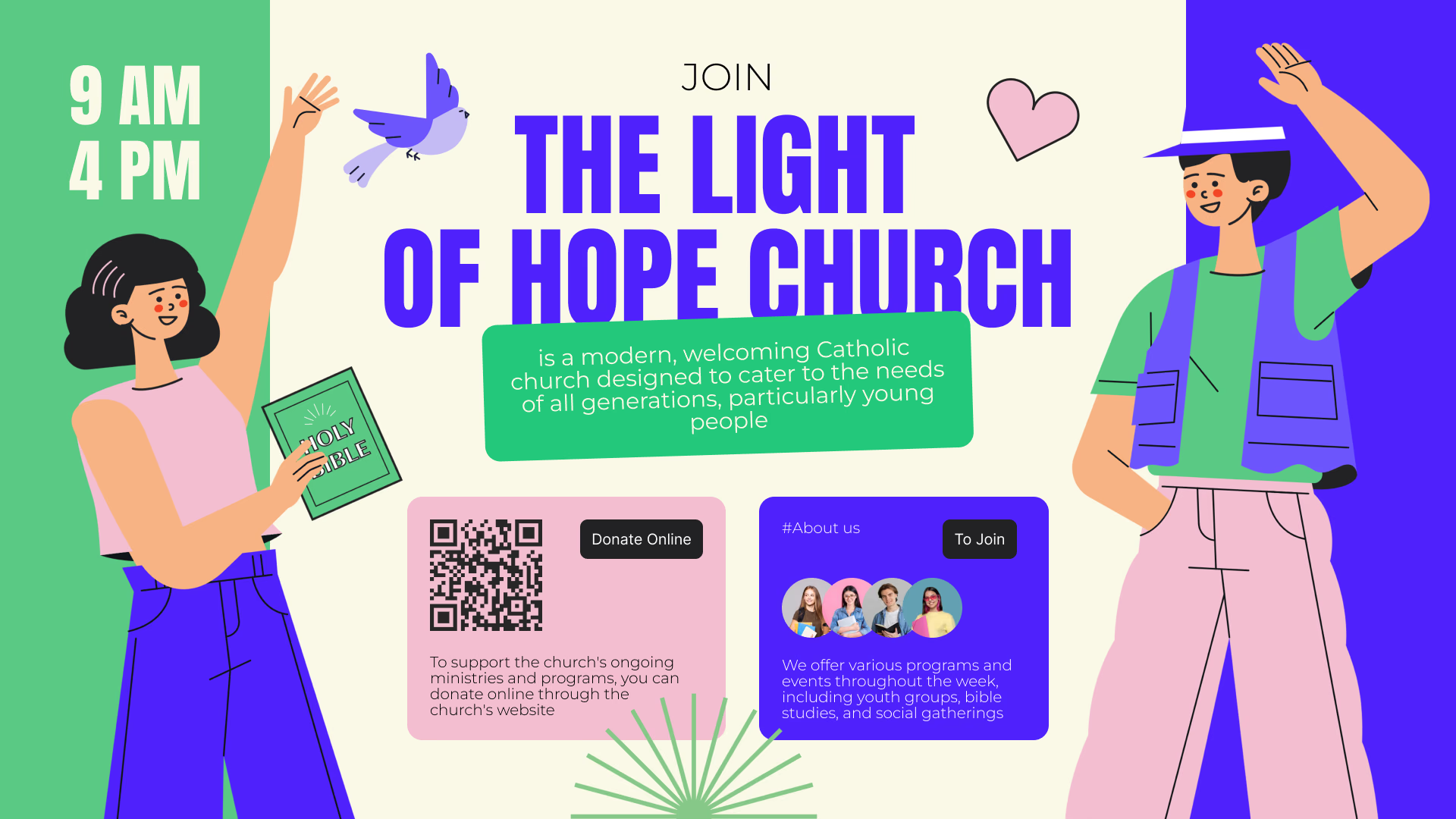
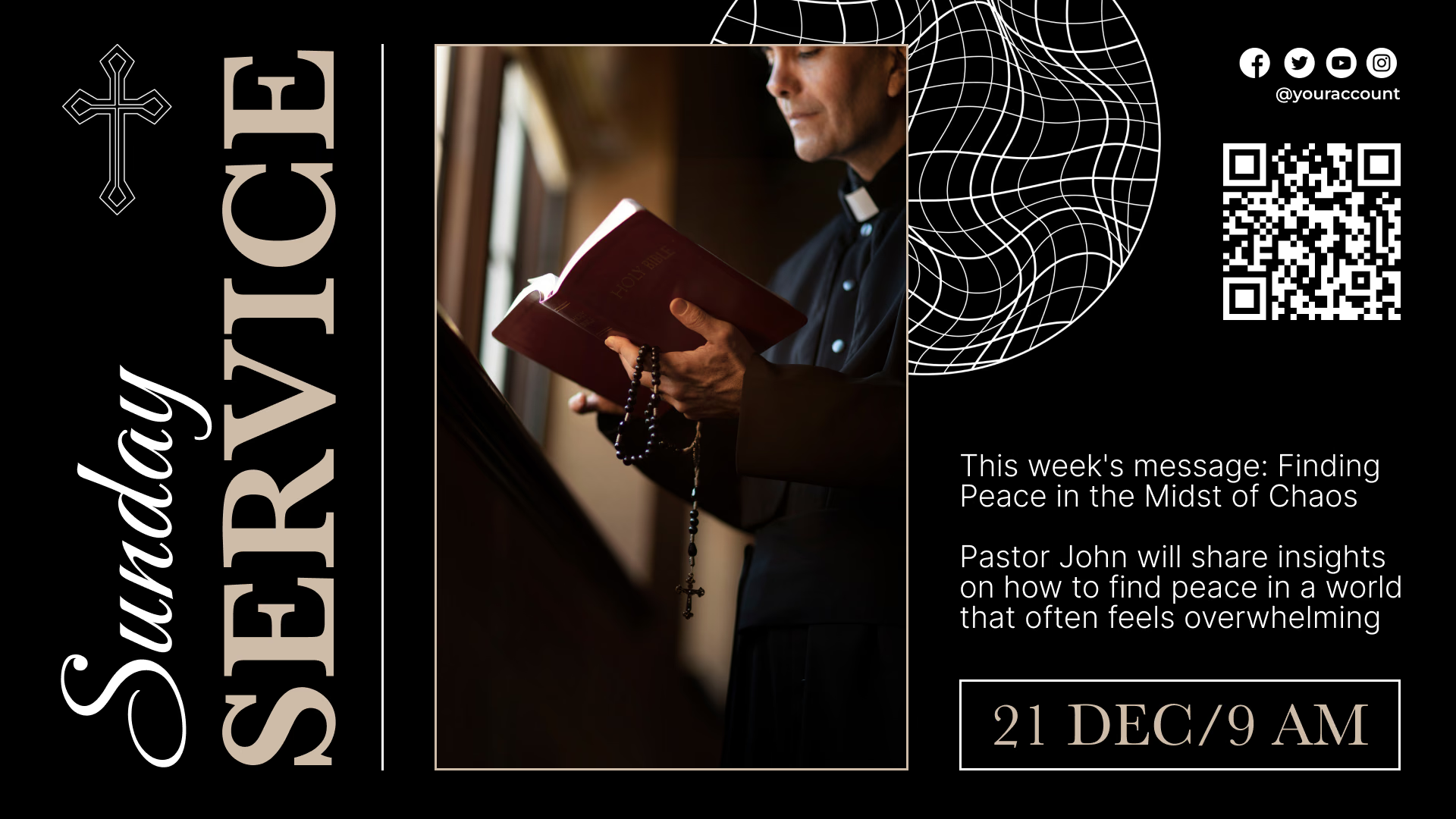
The screen facing the street carries what the letter board carried, without anyone going out with a box of letters: service times, this week's sermon series, the Christmas and Easter schedule, and an invitation to the events you open to the community.
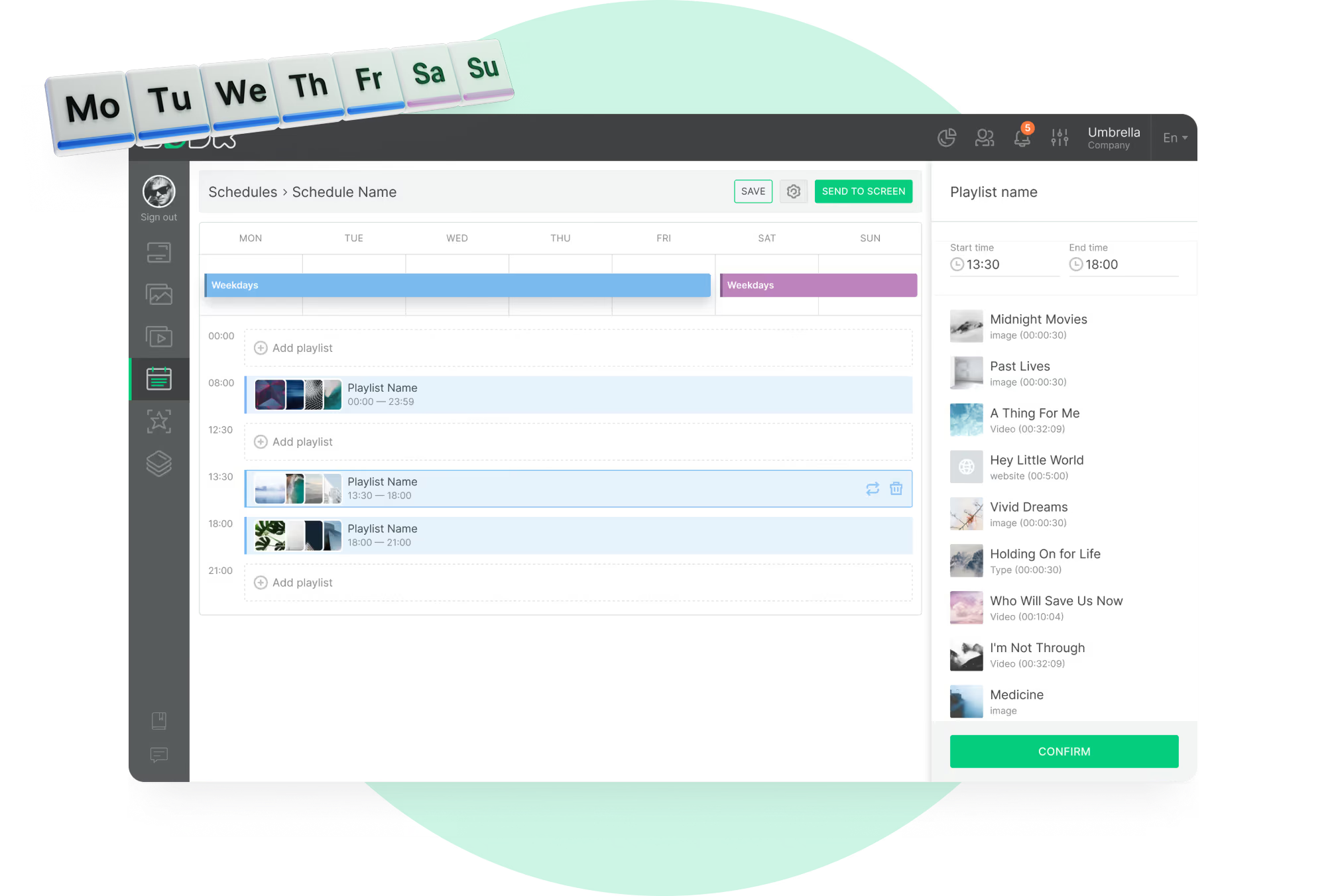
A service cancelled for snow, a time that moves: up it goes from the same browser window, minutes after somebody decides.
Best for: Service times, sermon series, seasonal schedules, community invitations, closure notices
Lobby and welcome desk
Answer the questions visitors ask at the desk.
First-time visitors arrive with the same questions: where the service is, where the children go, what happens afterward. A welcome screen answers them before anyone has to ask, with a greeting, a countdown to the start and a directory of rooms.
Make it a touchscreen and visitors can tap their way through a building map or a ministry directory. Leave it alone a while and it returns to the normal loop.
Best for: Welcome messages, service countdown, room directory, building map, first-visit information
Sanctuary and worship space
Support the service without competing with it.
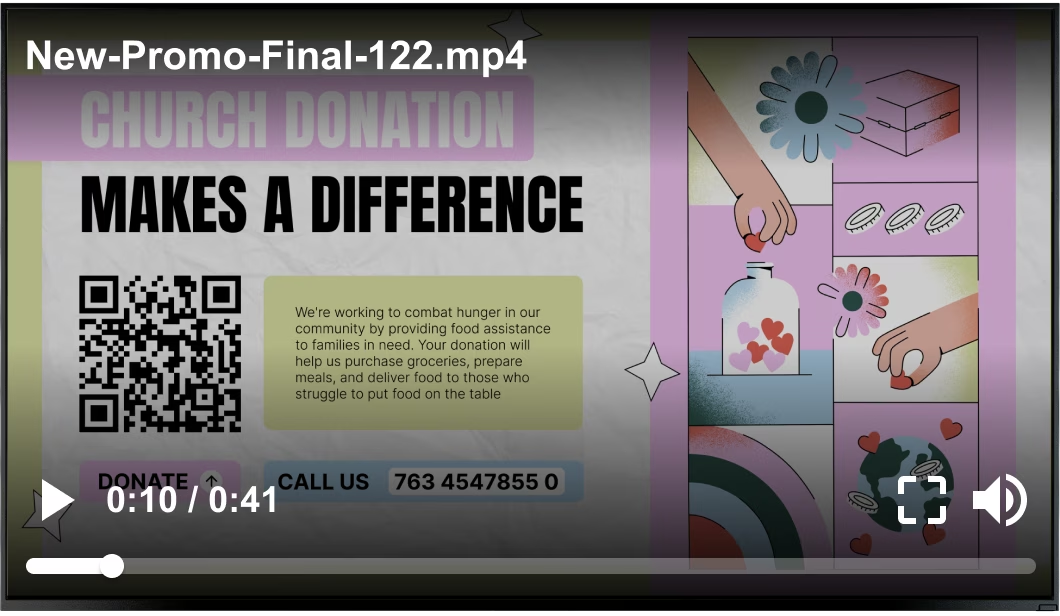
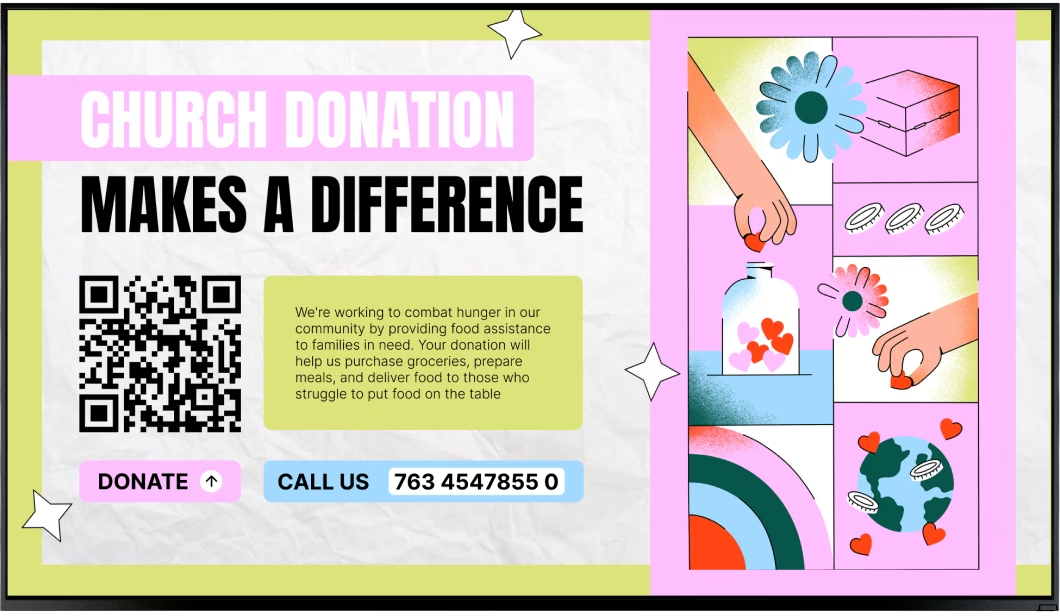
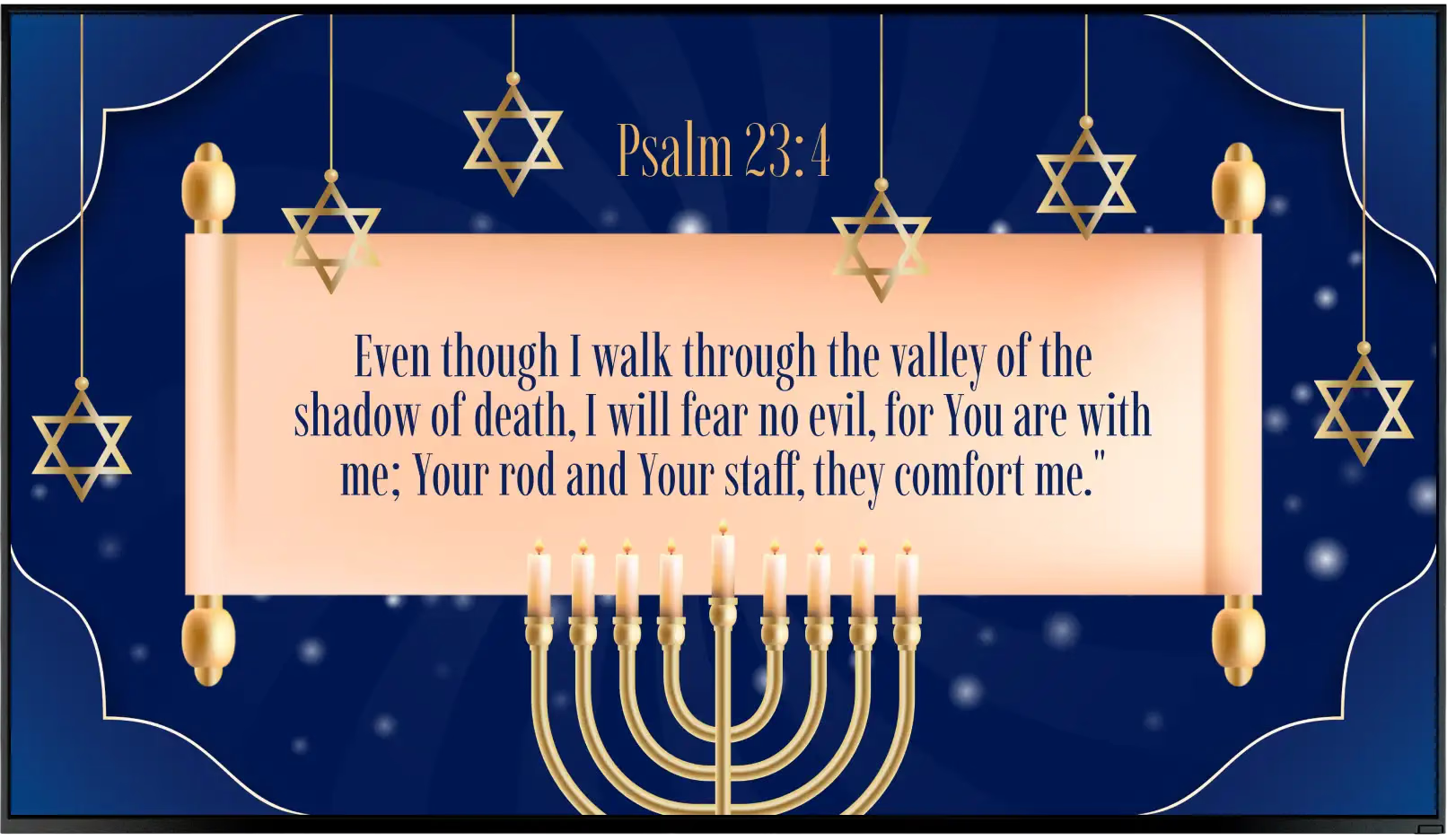
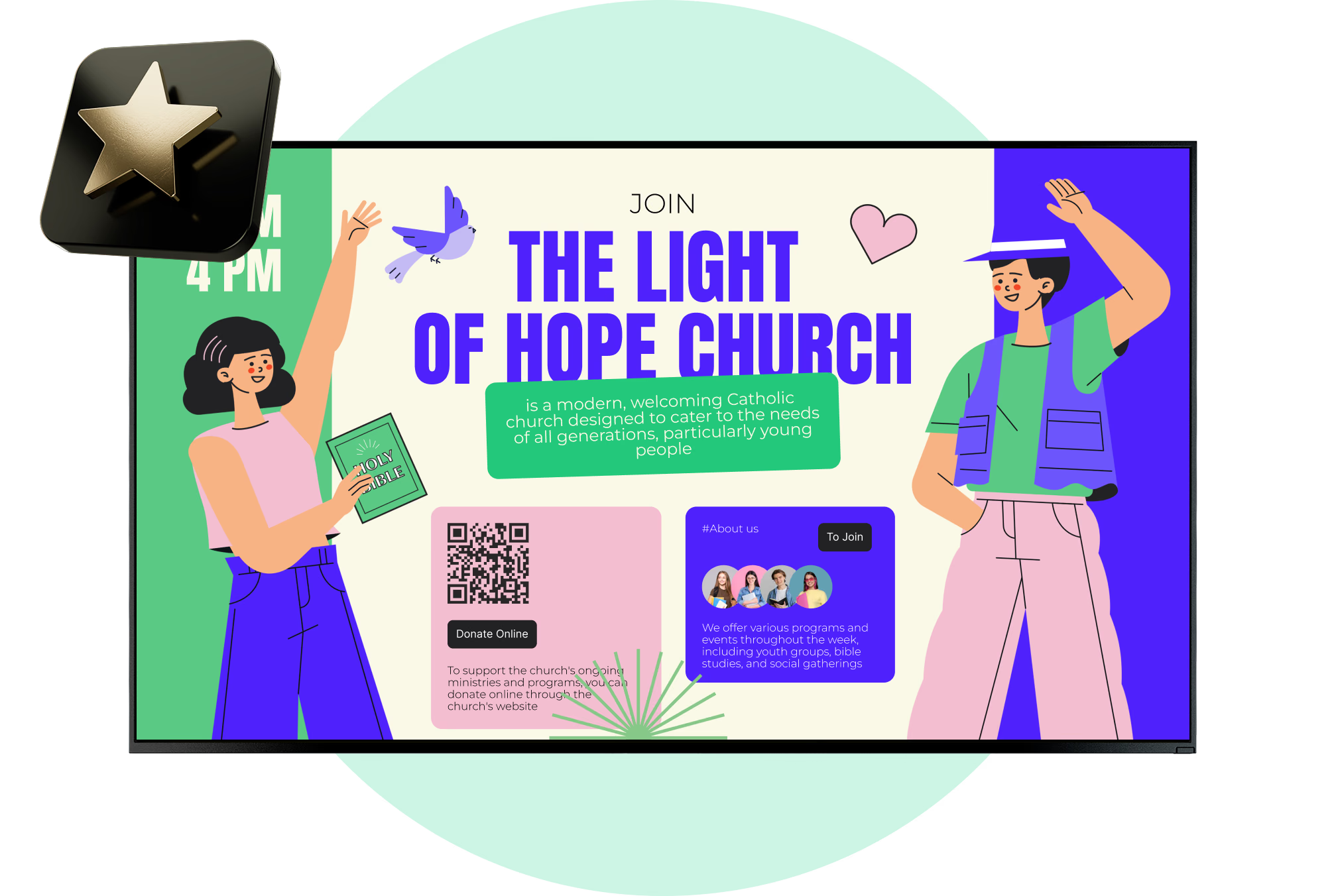
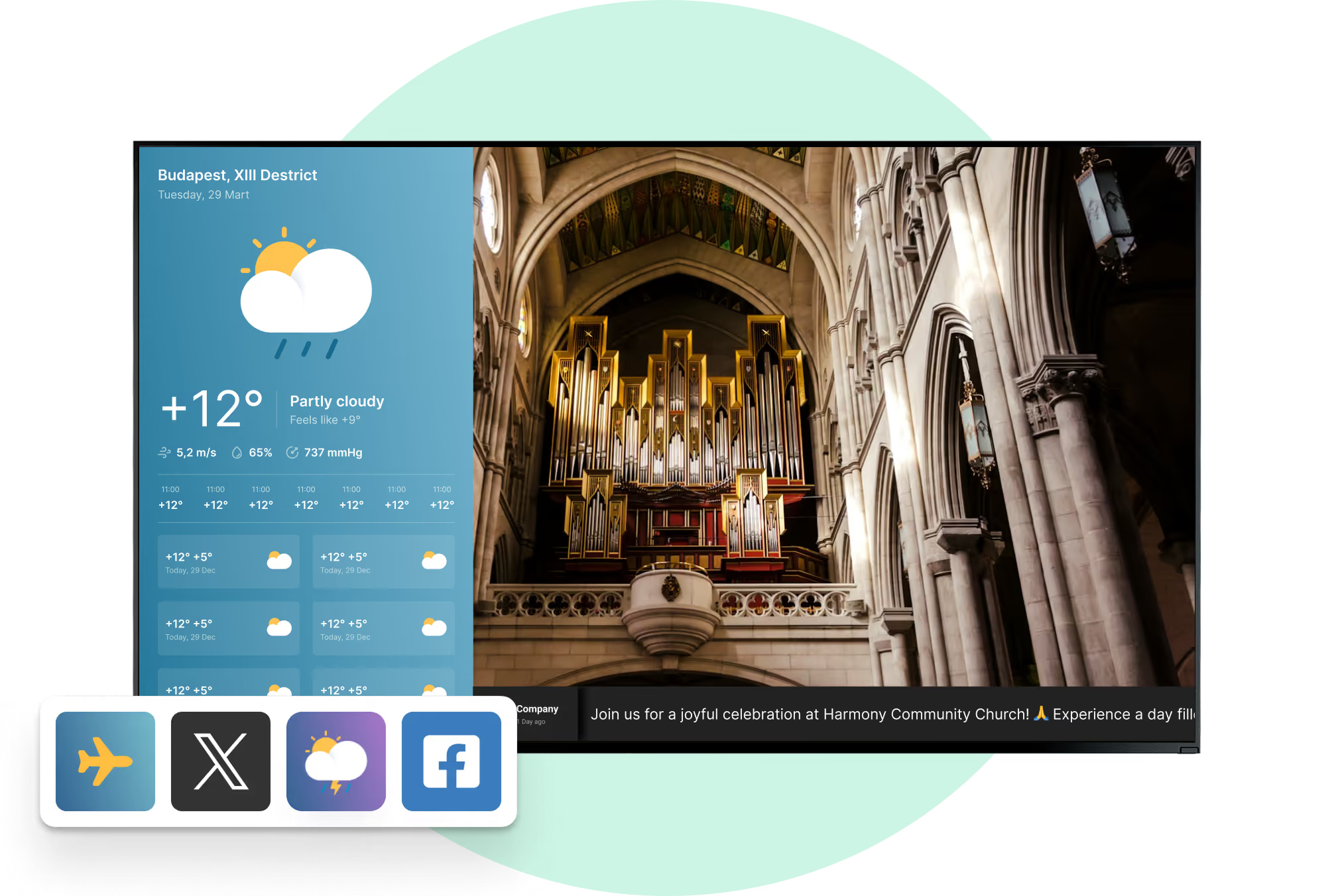
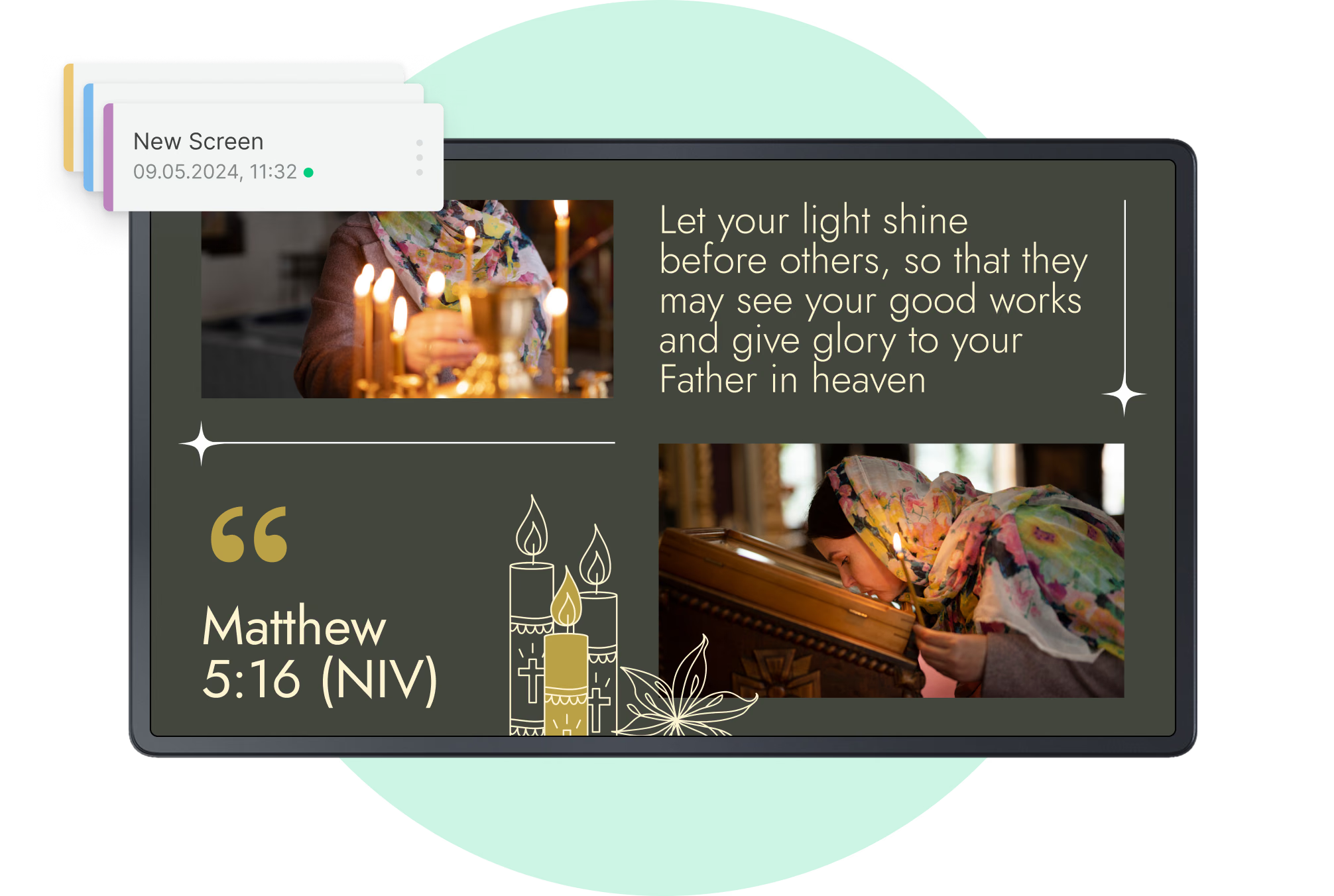
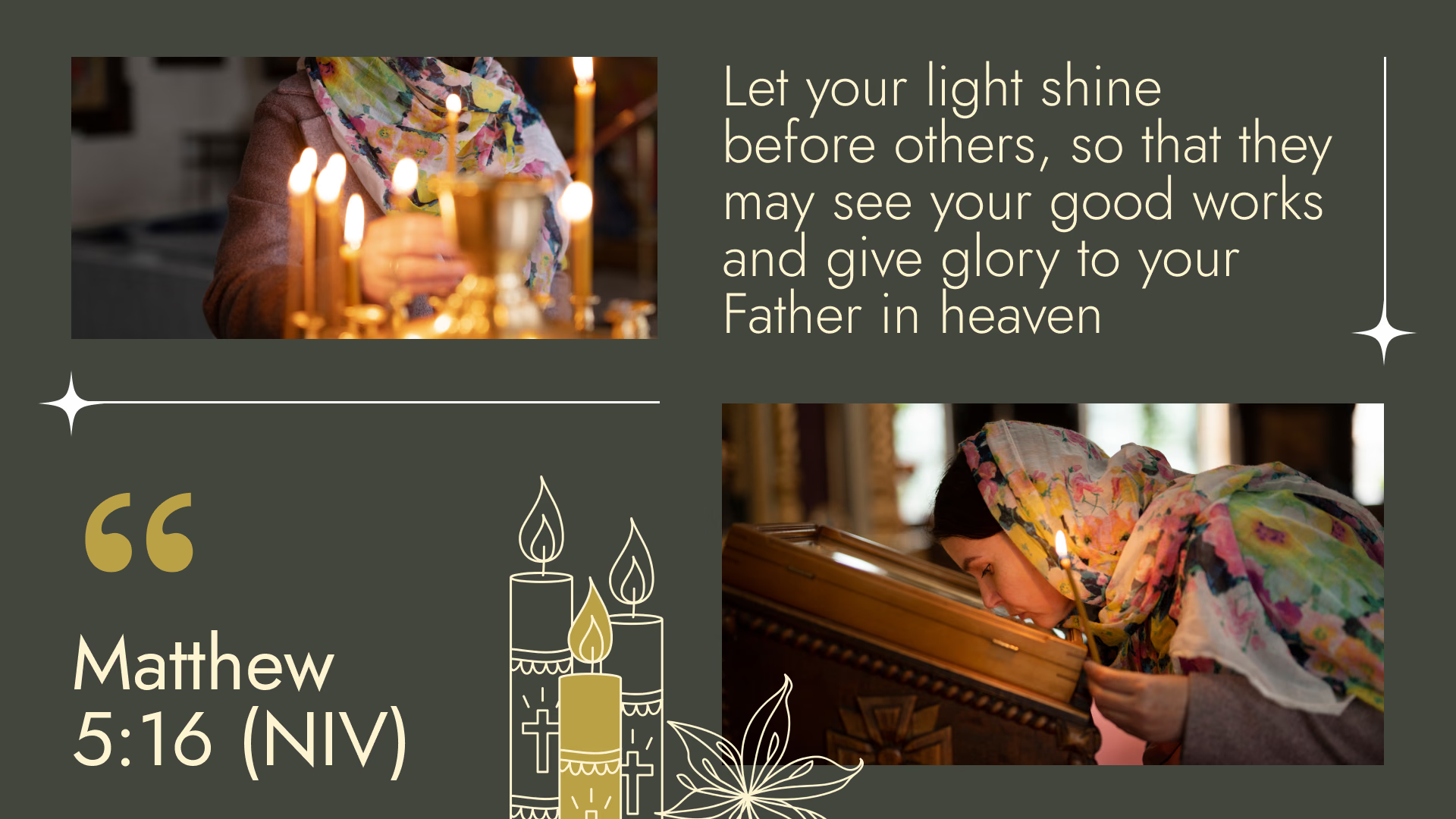
Screens on either side of the platform support the service with the series title slide, the passage being read, a giving QR code and timely announcements.
Nothing should be lost at the back of the room, so type goes big and contrast goes high. The scheduled content around a service is Look's part; lyrics and song order run live from the presentation software already in use.
Best for: Series title slides, scripture, giving QR codes, pre-service loop, overflow screens
Children's and youth wing
Point families to the right room on arrival.
Screens outside the children's area show which age group meets where, what each class is doing this morning and how pick-up works, which is most of what volunteers answer at the door.
The room assignments and the week's schedule stay right on every screen that shows them. Check-in and parent paging stay in the church's own system, and Look handles the information around them.
Best for: Room and age-group signs, class schedules, pick-up procedure, safety reminders
Fellowship hall and cafe
Keep people talking after the service ends.
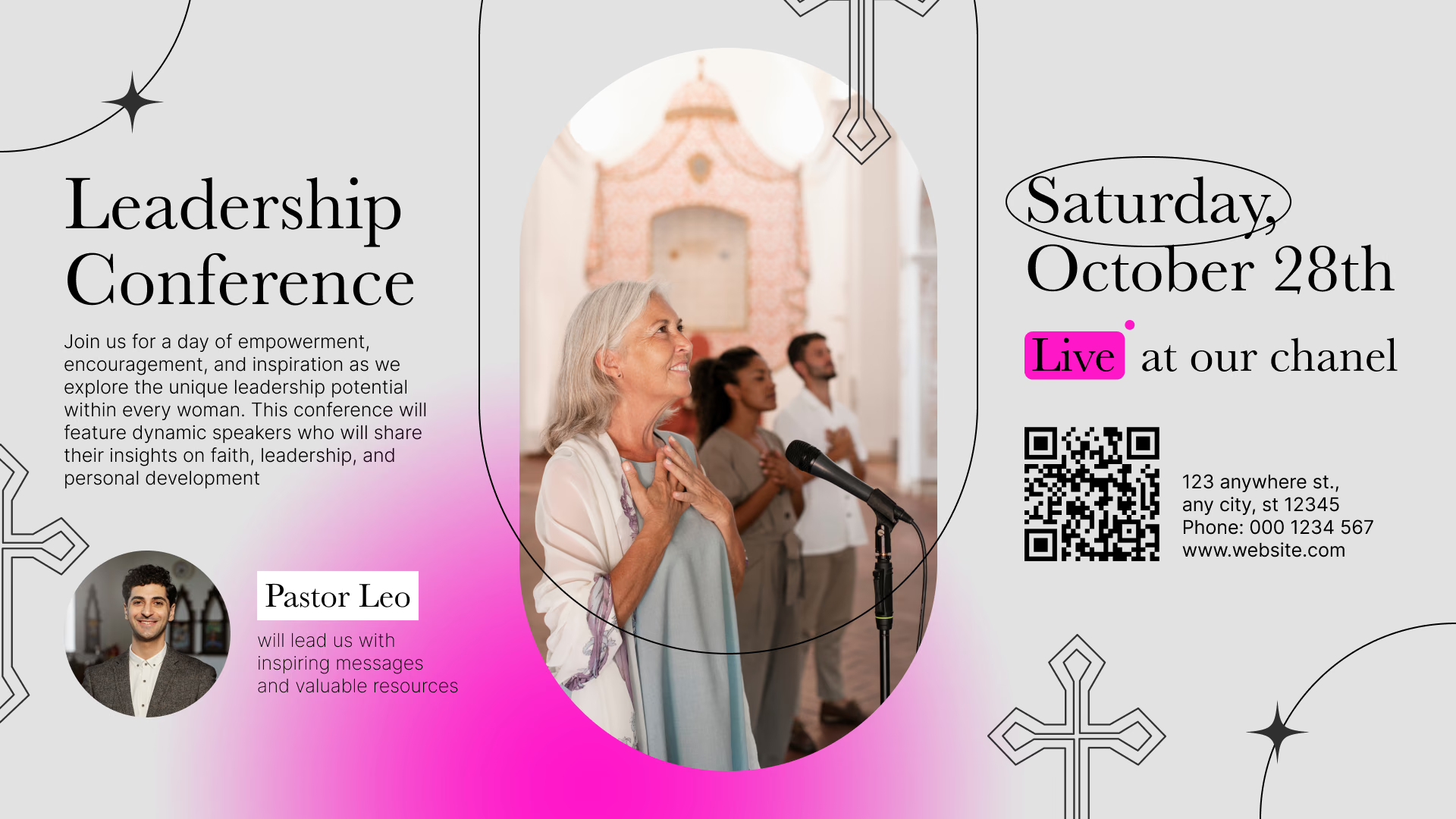
Screens go up where the coffee is served: small-group sign-ups, the Bible study schedule, birthdays and milestones, news from the mission trip, photographs from last weekend.
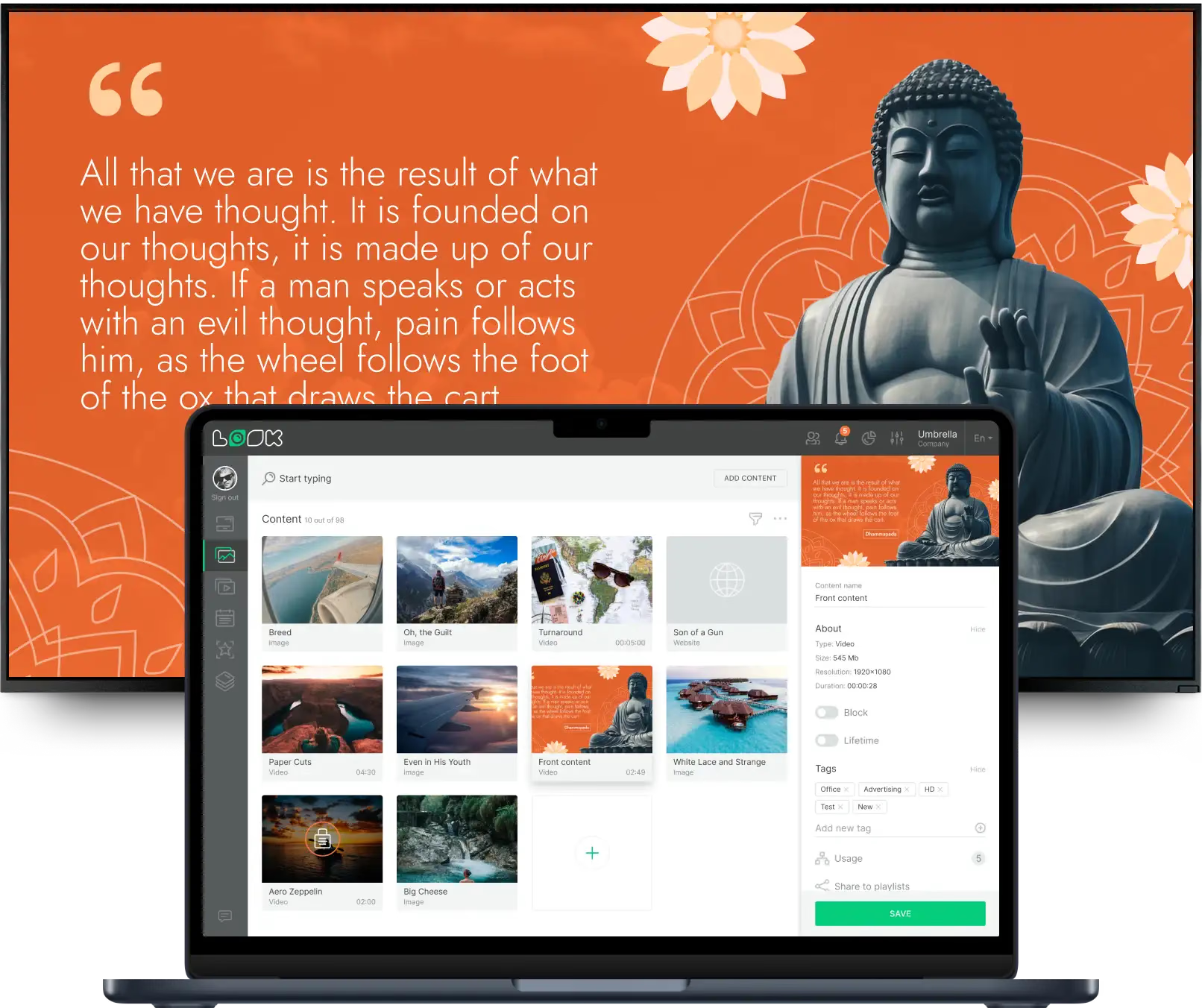
A counter screen beside them can hold the menu and prices in a split layout. Event photos come in from the church's Facebook feed, which saves uploading the same pictures twice.
Best for: Small groups, Bible study sign-ups, milestones, mission updates, cafe menu
Multi-campus and satellite sites
One message set, local service times per site.
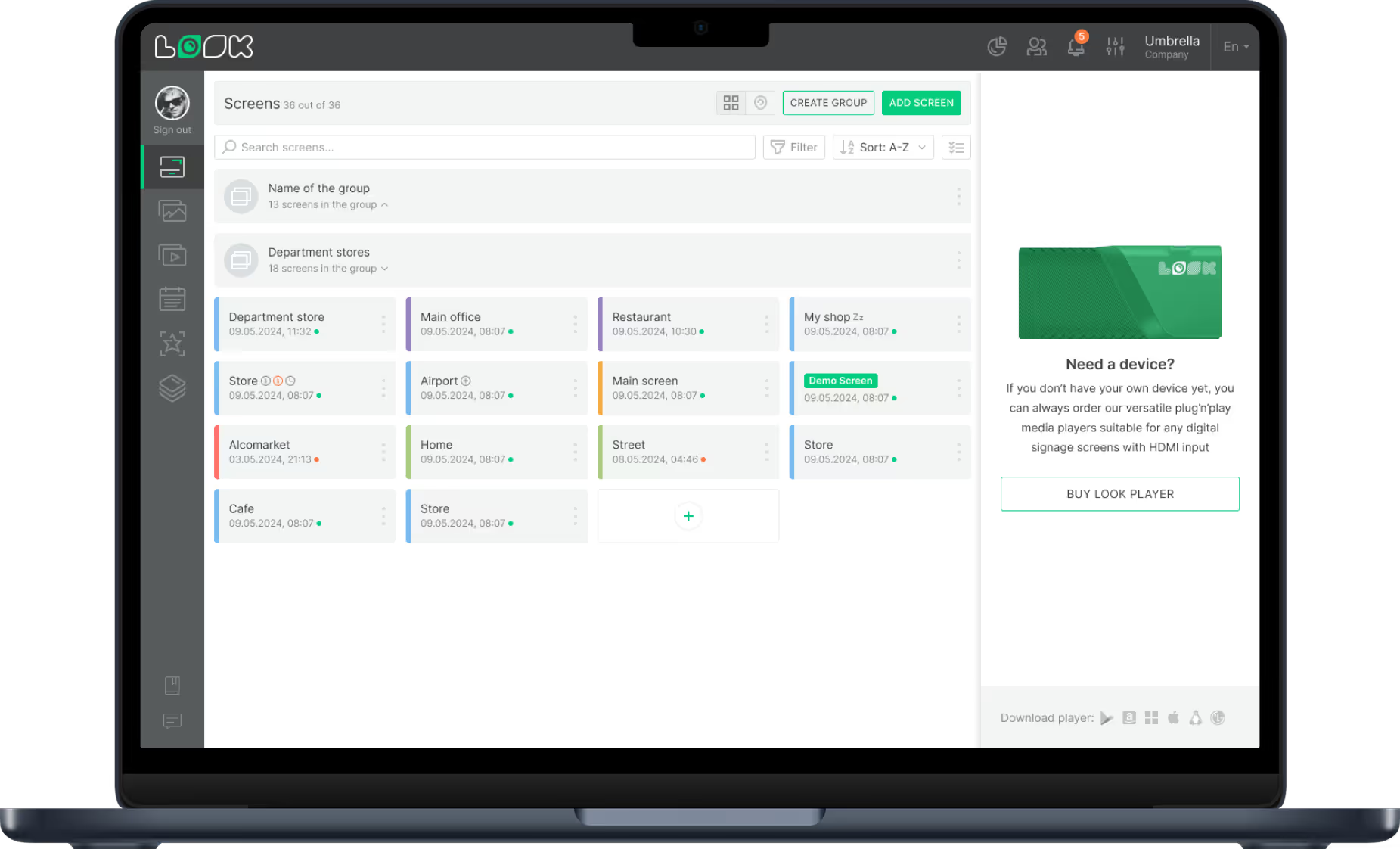
A second campus does not mean a second system. Screens are grouped by site, so a central team publishes the series artwork and the giving message everywhere at once while each campus keeps its own service times and local news.
Time zone is set per screen. And a congregation sharing the building, a Spanish or Korean service on a Sunday, runs its own playlist on those same screens.
Best for: Shared content library, per-campus service times, local announcements, second-language services