










60,000+ screens · 120+ countries

The AI wizard that runs your digital signage for you

Tell Look Wizard what you need in your own words. It creates the content, builds the layout and sets up the screen, inside the CMS, using the same tools you would have used yourself.

AI digital signage means software that makes and adapts what your screens show. Look goes one step further: the assistant also builds the layout and sets the screen up, inside the CMS you already use.

  • No credit card required. From $6 per screen/month with volume pricing.

  • Runs on Android, Windows, Linux, Tizen, webOS, Raspberry Pi and more.

  • 24/7 in-app support from real people.

Captera Rating
4.9
G2 Rating
5.0
60 000+
Screens
11 000+
Users
120+
Countries
Capterra Best Value · G2 High Performer
Software Advice · Customer Support 2026

Most signage AI generates a picture. This one does the job.

Look Wizard is an assistant built into the Look digital signage CMS. You tell it what you need in your own words and it works the interface for you: it generates the content, assembles the layout and sets the screen up, using the same tools and permissions you have in your account.
Polar Star Icon
A prompt box gives you a file
You still have to place it, size it, build the layout and schedule it. That is the part that eats the afternoon.
icon_XL_clock
Look Wizard works the interface
It creates the content and then does the placing, the multi zone layout and the setup, with the same tools and permissions you have.
Laptop icon
And it explains itself
Ask how something works and it highlights the exact button and walks you through it, so your team learns the CMS instead of depending on the assistant.

How Look Wizard works

Guided walkthroughs and a voice demo come with the free trial. The Wizard acting on your behalf and live voice with your own requests come with a paid plan.
  • Folder

    Say what you need

    Type it or speak it, in your own language. No prompt engineering, no template picking.
  • Magic Wand

    Watch it act

    The Wizard generates what is missing, assembles the layout and sets the screen up, step by step and visible the whole time.
  • Edit

    Keep control

    Every step can be undone, refined or taken over. Hands off mode gives it the whole task instead of one step.
Camera Template
Start free trial

Key features

The six AI tools the Wizard uses, and you can too

Nothing here is a black box. Every action the Wizard takes is a tool sitting in your editor, so you can do it by hand whenever you would rather drive yourself.

AI image generation

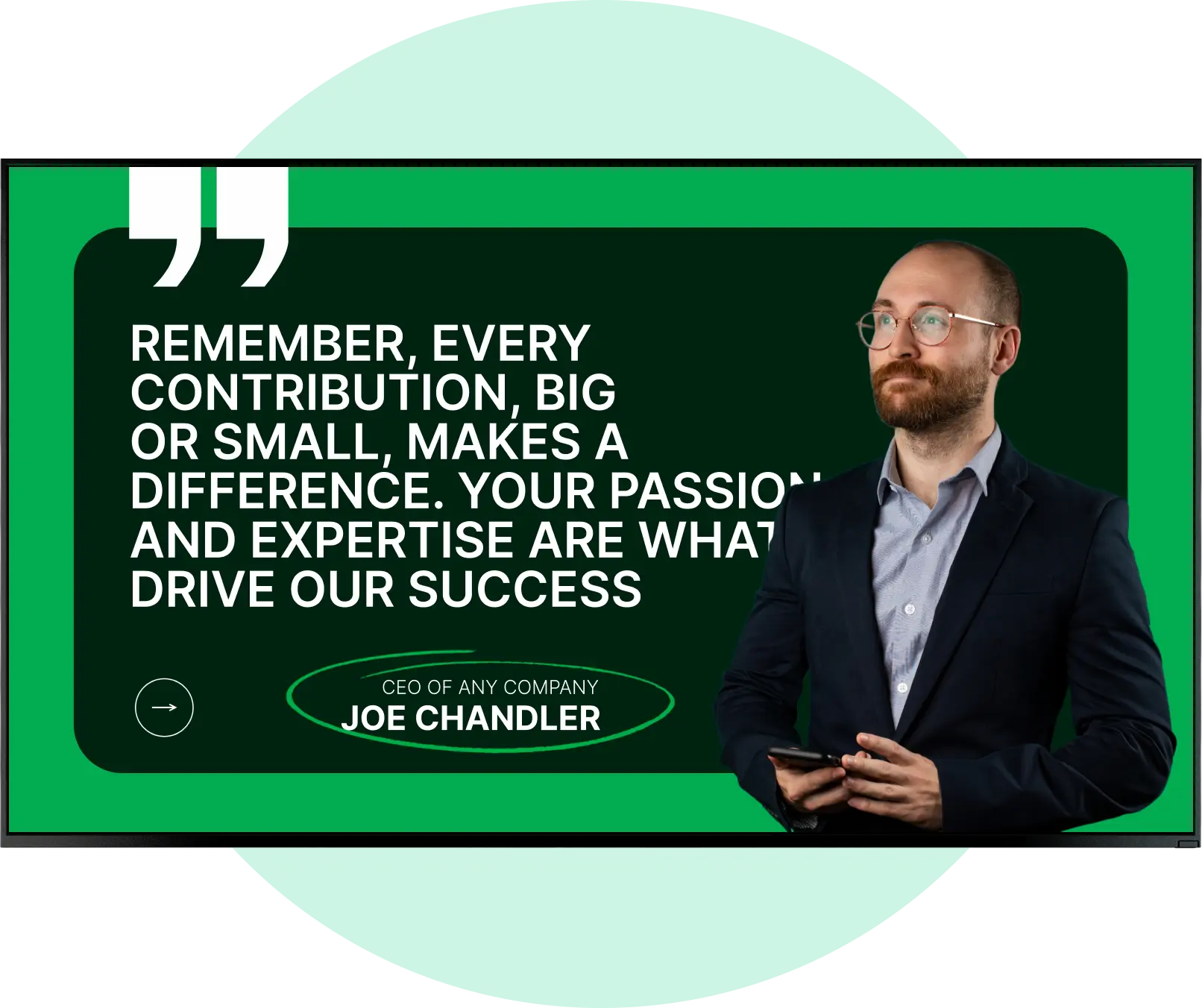
Describe the shot and get it in seconds. Pick the model, the style (photo, illustration, 3D, cinematic), the aspect ratio and the resolution before you run it. Attach a reference image, or several if the model supports them, and pull any picture from the canvas into the prompt with one click.
AI generated quote poster for a digital signage screen

AI video generation

Turn a prompt into a 3 to 12 second clip for your screens. Choose the model and duration, then steer the result either with a reference image or with a first and last frame. Video is billed per second of footage, and the price is on screen before you run it.
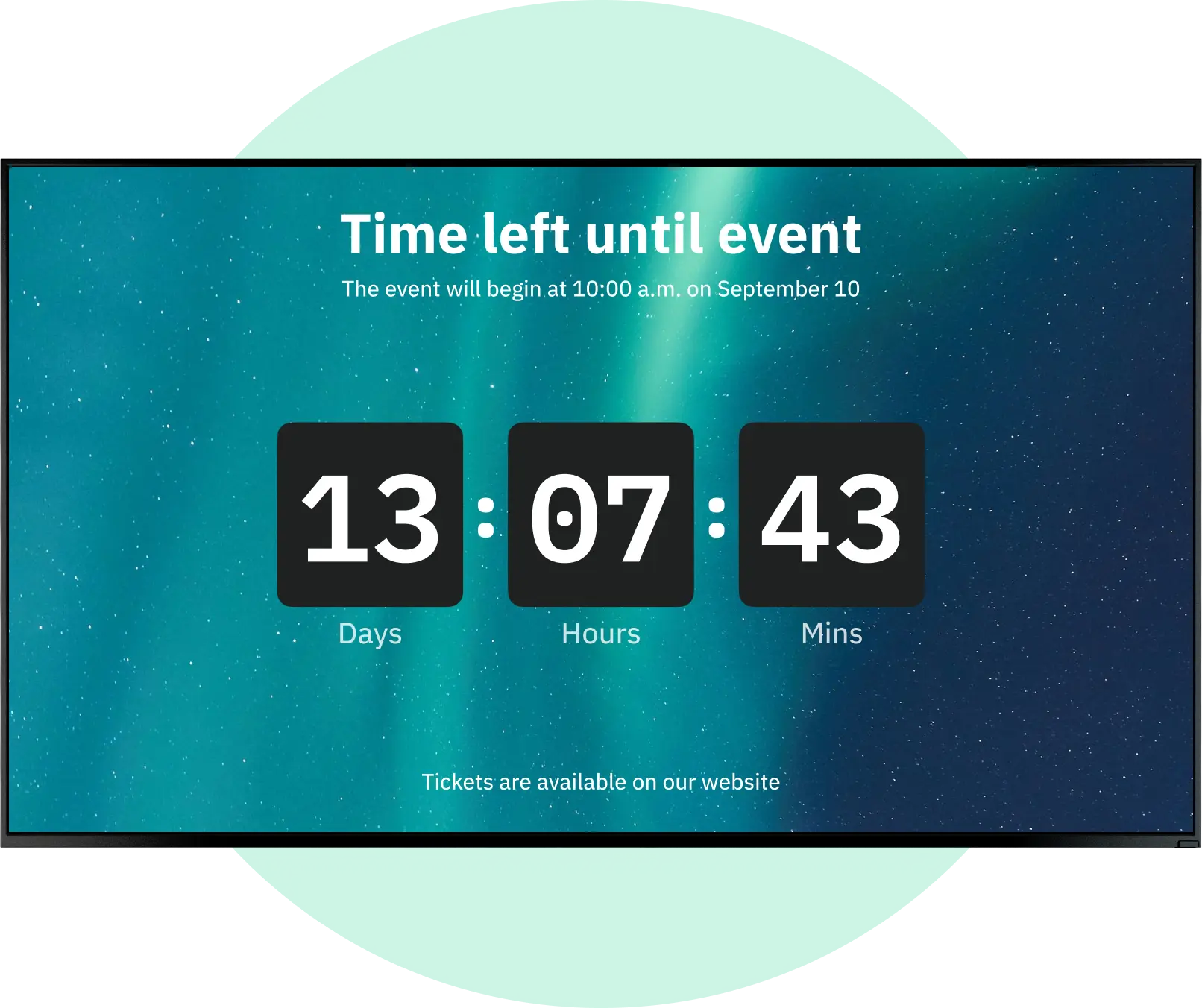
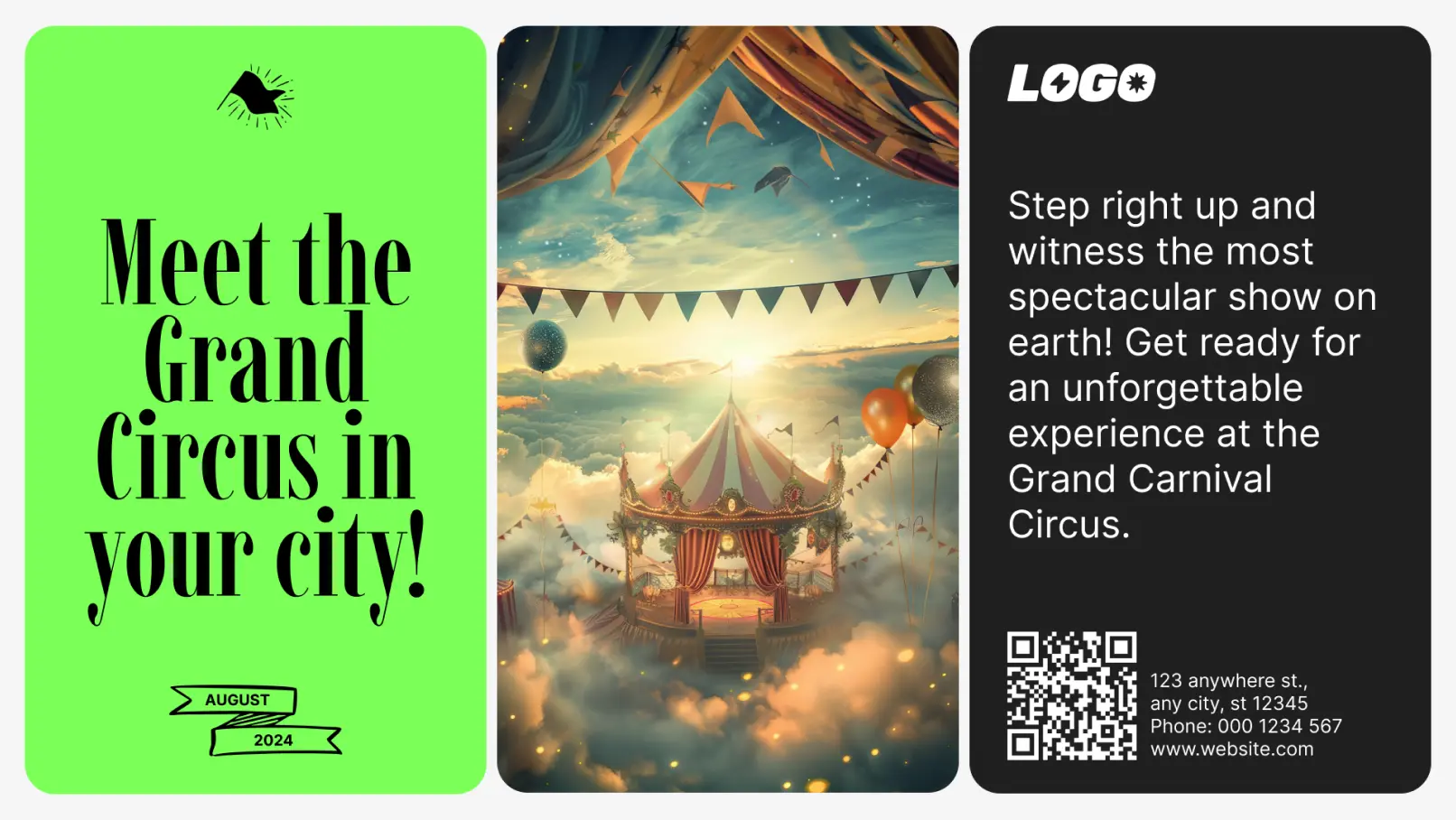
Event countdown screen made in the Look editor

AI image editing

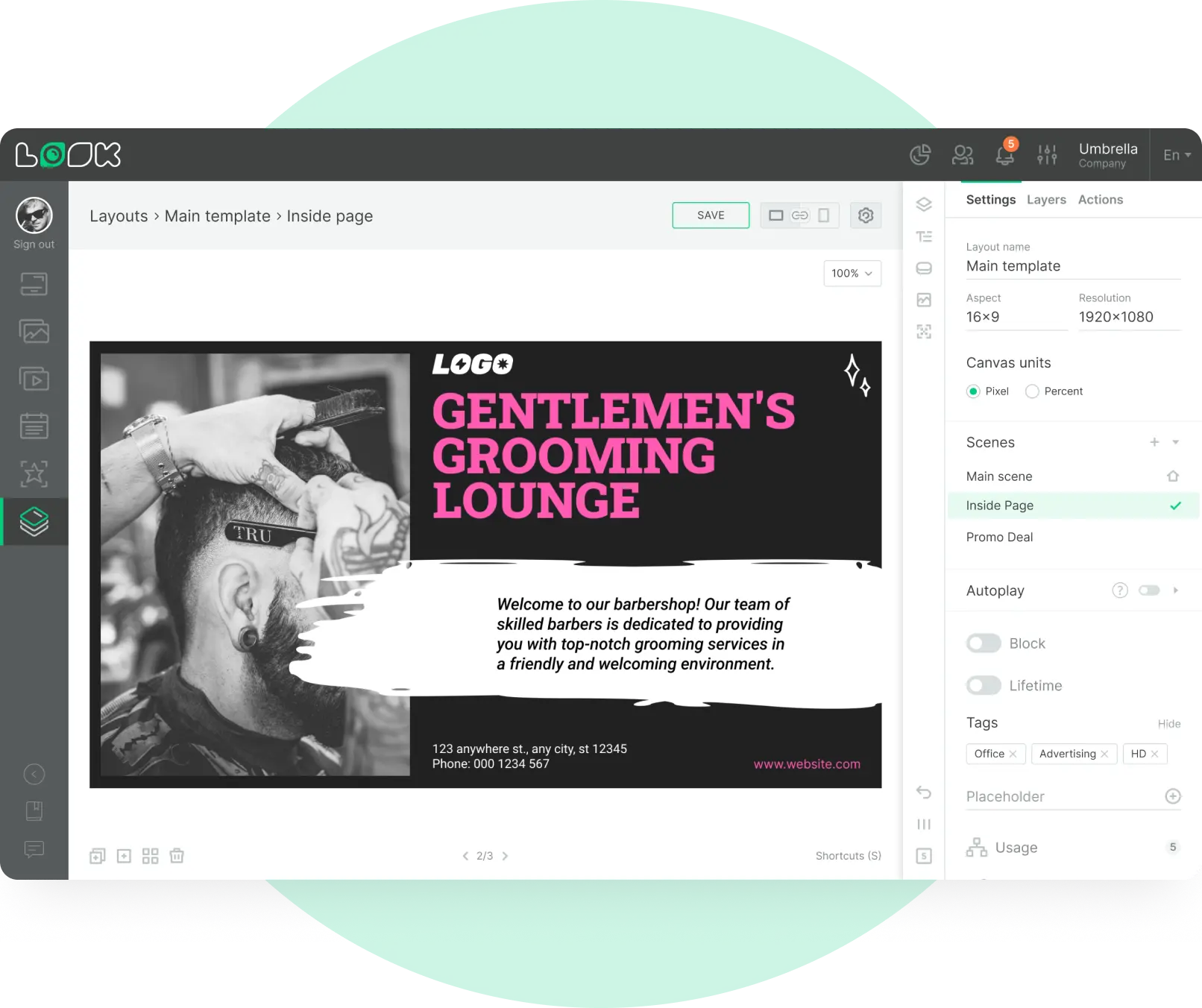
Select any picture on the canvas and say what to change. Replace the background, remove an object, change the colors or restyle the whole thing. The edit creates a new file, so the original stays in your library untouched.
Barbershop promo layout edited with AI

Background removal

One click, no prompt, no dialog. You get a clean cutout with a transparent background saved to Assets and placed on the canvas. Useful for product shots and logos that have to sit on a branded layout.
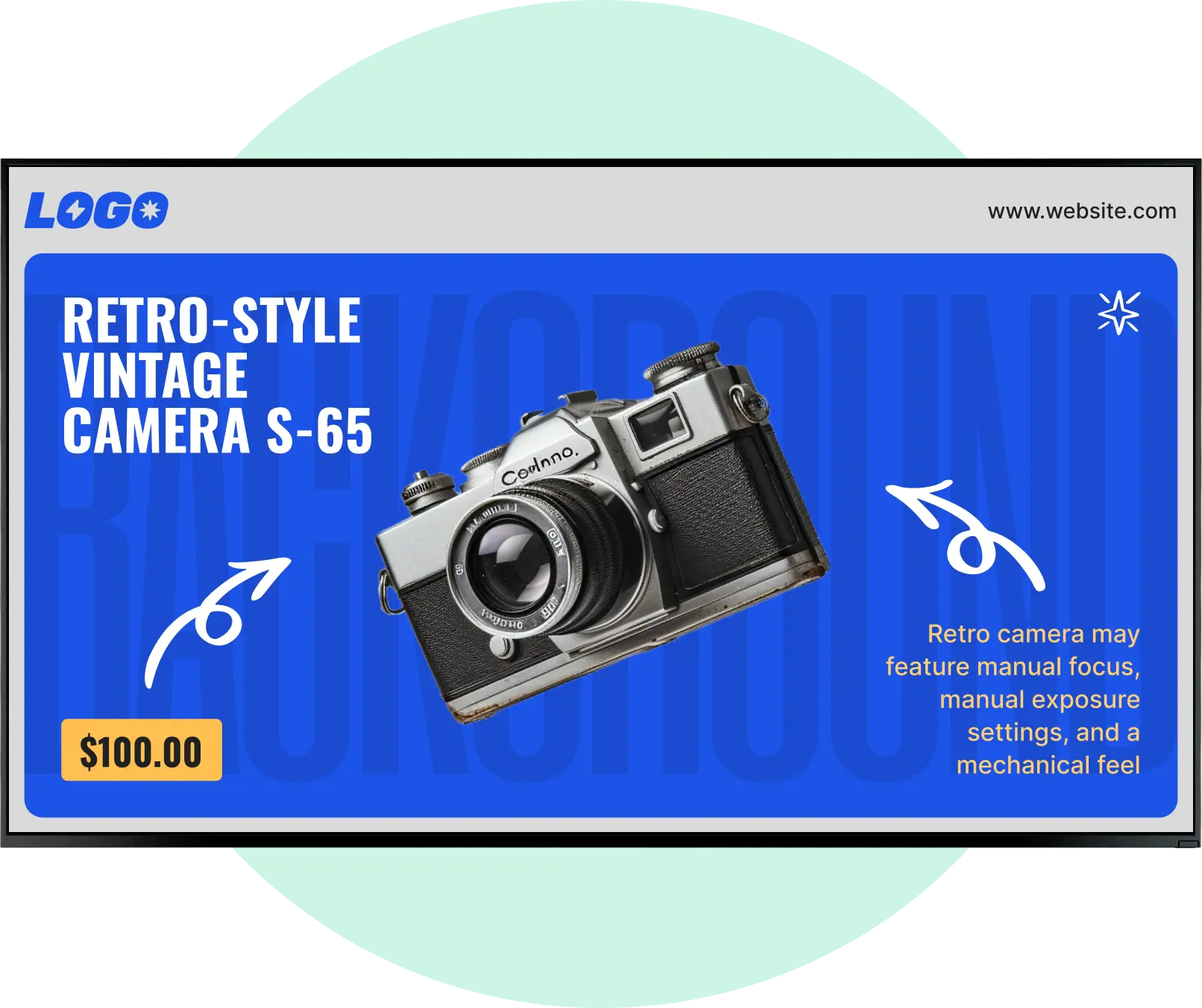
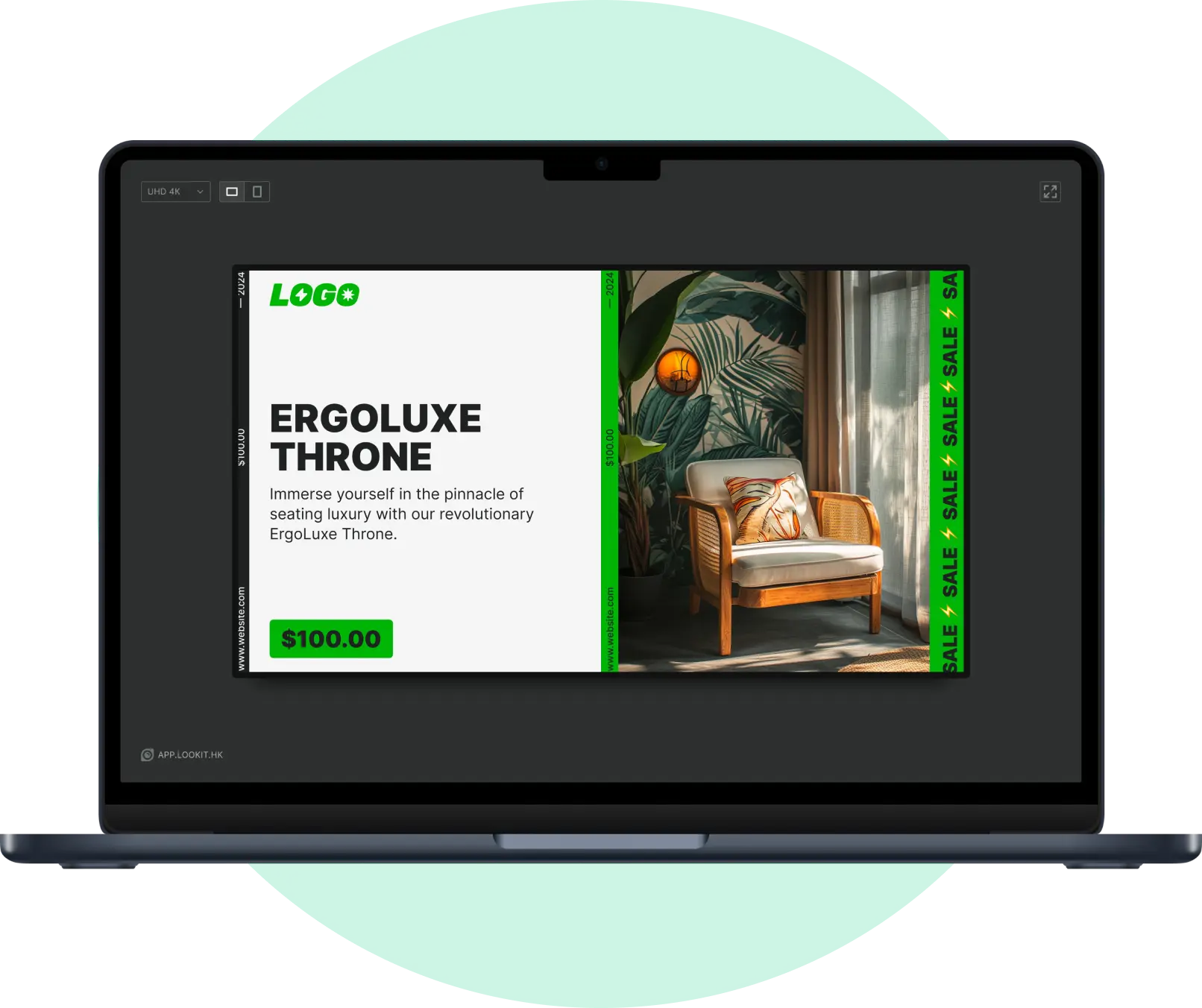
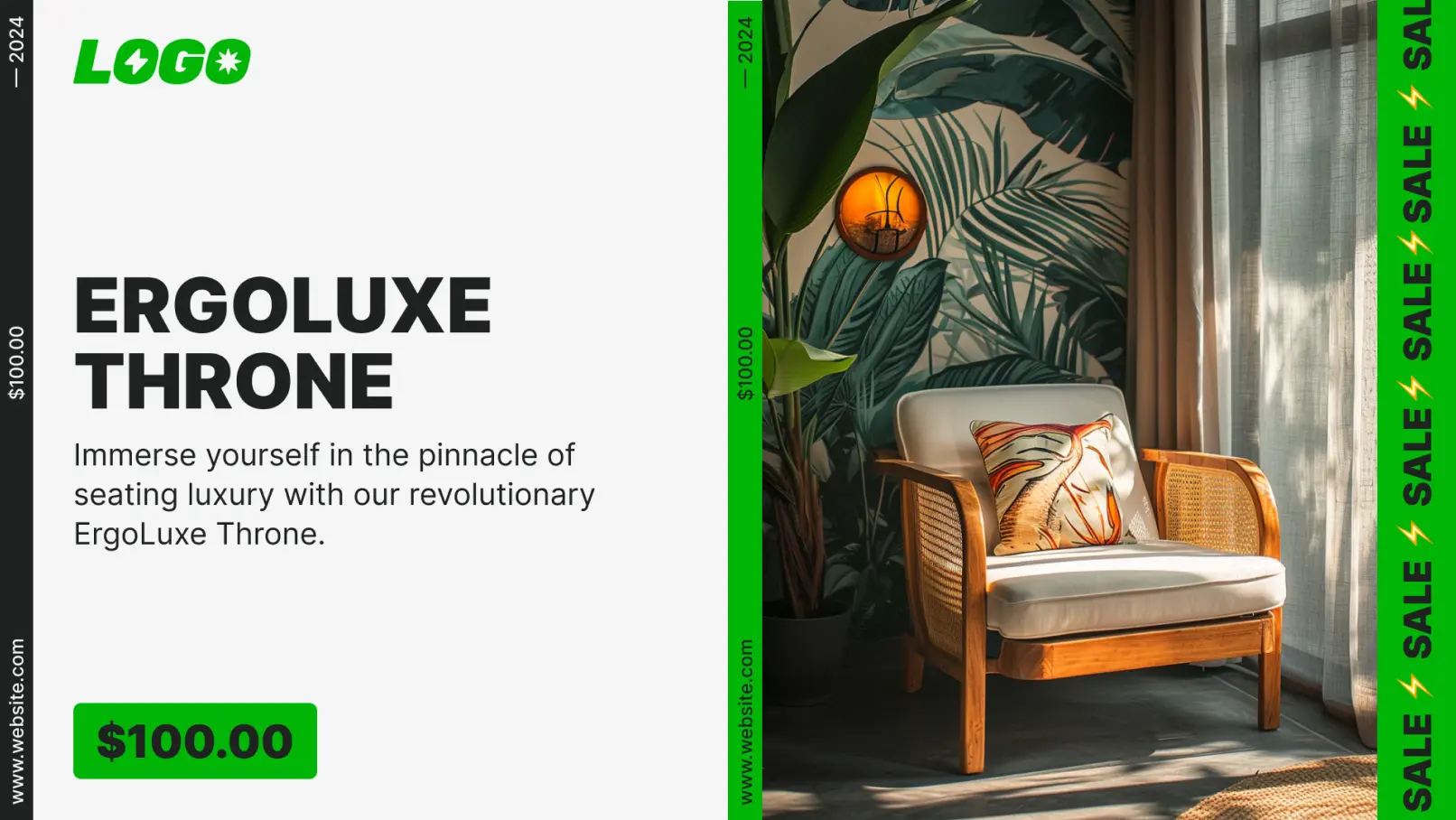
Product promo with a cut out chair on a branded layout

Animate with AI

Take a still that already works and turn it into motion. The image you selected is attached as the reference automatically, so you go from picture to video without uploading anything. The clip lands in Media and the original image stays as it was.
Portrait screen with an animated rental offer

AI text editing

Rewrite copy without leaving the layout. Make it shorter, change the tone, replace it entirely or translate it. Handy when the same playlist runs in several countries and the wording has to fit the screen.
Promo copy rewritten with AI inside the layout
AI generated quote poster for a digital signage screen
Event countdown screen made in the Look editor
Barbershop promo layout edited with AI
Product promo with a cut out chair on a branded layout
Portrait screen with an animated rental offer
Promo copy rewritten with AI inside the layout

Look AI

Built so you can let it work

01

Your originals are never overwritten

Every AI action saves a new file. The result goes on the canvas, the source stays in your library.

02

You always see the price first

Each model shows what it costs, and the price of that exact run sits next to the button.

03

Nothing happens off screen

Jobs keep running if you leave the editor, and you get a notification with a link straight back to the canvas.

04

It stays inside Look

The Wizard only works in your account, only with Look, and it will not invent features that do not exist.

05

No cameras, no audience tracking

The AI here makes content, it does not watch anyone. Nothing on this page needs a camera, a sensor or a face in front of the screen.

06

Every result can be undone

Not what you wanted? Undo it in one click or reopen it to refine. If a prompt gets blocked, it comes back with everything you typed, so nothing has to be written twice.

What you get on the free trial

Features
Free trial
Paid plan
Guided walkthroughs and highlighting
Yes
Yes
Voice, on a prepared scenario
Yes
Yes
Live voice with your own requests
No
Yes
Wizard acting on your behalf, hands off mode
No
Yes
AI image generation, editing, background removal, text
Yes
Yes
AI video generation
No
Yes
AI actions are paid with Look Coins, a credit balance separate from your subscription. Images are charged per generation, video per second, and the cost of the run is shown before it starts.

What is AI digital signage?

AI digital signage is digital signage that uses artificial intelligence to create, select, personalize, optimize or measure the content shown on screens. Traditional digital signage follows a playlist someone set by hand. AI digital signage can change what a screen shows based on context: the time, the location, the weather, stock levels, sales or how the last campaign performed. In Look, an assistant does the content part of this inside the CMS you already use.
Template ServiceTemplate CircusTemplate Restaurant
Template CircusTemplate RestaurantTemplate Retail
Template RestaurantTemplate RetailTemplate Education
Template RetailTemplate EducationTemplate Hotel
Template EducationTemplate HotelTemplate Real Estate
Template HotelTemplate Real EstateTemplate Service
Template Real EstateTemplate ServiceTemplate Circus

Traditional vs AI digital signage

Traditional digital signage
AI digital signage
Content creation
Manual
Manual and AI generated
Scheduling
Fixed or rule based
Dynamic or AI optimized
Personalization
Limited
Context aware
External data
Optional
Often central to the decision
Optimization
Manual, after the fact
Partly automated
Real time changes
Limited
Supported when the data is there

Learn more about AI digital signage

How AI digital signage works

AI does not have to replace the stack you already own. In most cases it is added on top of the screens and players that are already on the wall.

How it works

How does it work?

An AI signage setup connects five things: a CMS, the screens, the players, an AI model and at least one source of data. The system takes in the data, the model reads the context, content is generated or chosen, the player puts it on the right screen, and the result can be measured and fed back into the next decision.

Types of AI

What counts as AI here

Four kinds of AI show up in digital signage: generative AI, which makes the text, the images and the video; natural language processing, which lets you ask for it in your own words; machine learning, which finds patterns in past performance and predicts what will work; and computer vision, which reads what a camera sees. Look works in the first two. Nothing on this page requires a camera.

Context

Context and personalization

Context aware signage changes by itself when the conditions around the screen change: the hour, the weather, local stock, a local event. Personalization in signage rarely means identifying a person. Most of it runs on location, time of day and inventory data, which is why it works without a camera and without collecting anything about the people in the room.

Frequently asked questions

What is Look AI Wizard?

Look Wizard is an assistant built into the Look digital signage CMS. You tell it what you need in your own words and it works the interface for you: it generates the content, assembles the layout and sets the screen up, using the same tools and permissions you have in your account.

How is it different from an AI image generator?

A generator hands you a file and leaves the rest to you. The Wizard carries the task through: it creates what is missing, places it on the canvas, builds multi zone layouts and schedules the result, and it can show you how each step was done so your team learns the CMS.

Can the Wizard do a whole task on its own?

Yes, on a paid plan. Hands off mode takes the request as a whole and runs it end to end instead of one step at a time. On the free trial the Wizard guides you and highlights what to click, but it does not act for you.

Can I talk to it?

Yes. On a paid plan the Wizard understands spoken requests in your own language and answers out loud. The free trial includes a prepared voice scenario so you can hear how it works before you pay for it.

How do you use AI to make digital signage content?

Describe what you need in the Look editor and the AI tools build it: an image, a short video, a cutout without a background or rewritten text. You pick the model and the style, see the price, run it, and the result lands on the canvas ready to publish to your screens.

Which AI models does Look use?

Look connects several image and video models and you choose per generation, with the price shown next to each one. Image defaults are Flux 2 Pro on the free trial and ChatGPT Images 2.0 on paid plans. Kling 2.6 is the default for video.

Can I generate video for my screens?

Yes, on a paid plan. Clips run from 3 to 12 seconds depending on the model, and you steer the result either with a reference image or with a first and last frame. Video generation is not available during the free trial.

Does AI editing overwrite my original files?

No. Every AI action creates a new file. The edited version replaces the original only on that canvas, while the source image or video stays in your Media or Assets library exactly as it was.

What does AI content generation cost?

AI actions are paid with Look Coins, separate from your subscription. Images are charged per generation, video per second of footage, and the exact cost appears before you start the run. Your balance sits in the main menu and tops up when you need it.

Do I need another design tool alongside Look?

No. Generation, editing, background removal, animation and copy changes all happen in the Look content editor, so the file never leaves the CMS and you are not paying for a second subscription to prepare a playlist.

Can I try the AI features for free?

Yes. The 14 day trial needs no credit card and includes image generation, image and text editing, background removal and the Look Wizard. Video generation and the Wizard acting on your behalf come with a paid plan.

Does it work on white label accounts?

Yes. AI tools behave the same way, and if your provider has disabled top ups, the balance button points you to them instead of a payment screen.

Does AI digital signage need cameras?

No. A screen network can run AI decisions on data that has nothing to do with looking at people: the time of day, the weather, the location, stock levels, sales, events and how earlier content performed. Cameras only come in when the use case is audience measurement or visual analysis of the space. The AI on this page generates and edits content and uses no camera at all.

Is AI digital signage a privacy problem?

Using AI does not by itself make a screen network compliant or non compliant with the GDPR. What matters is what you collect, whether a person can be identified from it, why you are processing it and how long you keep it. Systems built on cameras and audience analytics need the most care. A system that only generates content processes no personal data about the people in front of the screen.

How much does AI digital signage cost?

There is no single price for the category. The total depends on the screens, the players, the CMS subscription, how much AI you actually run, the integrations, the install and the support, so compare total cost of ownership rather than the monthly software line alone. In Look the CMS is a per screen subscription and AI generation is paid separately in Look Coins.

What can AI in digital signage not do?

It does not replace a person checking the work. Generated copy and images can be off brand or plainly wrong, prices and regulated claims need a human sign off, and no model fixes bad source data or a broken integration. Treat AI as the part that removes the production time, and keep approval on anything with a price, a legal claim or a safety message on it.