Food truck menu boards for every place a customer looks
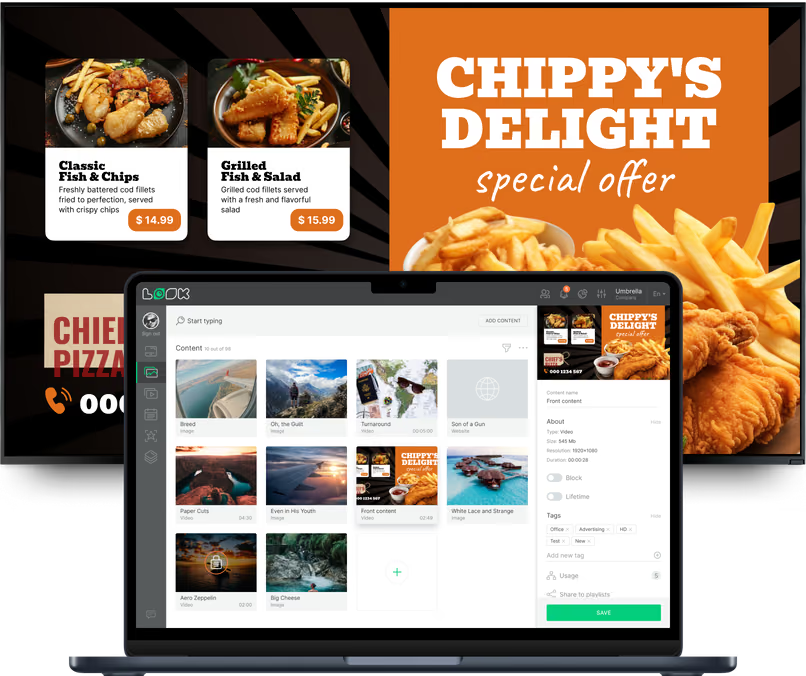
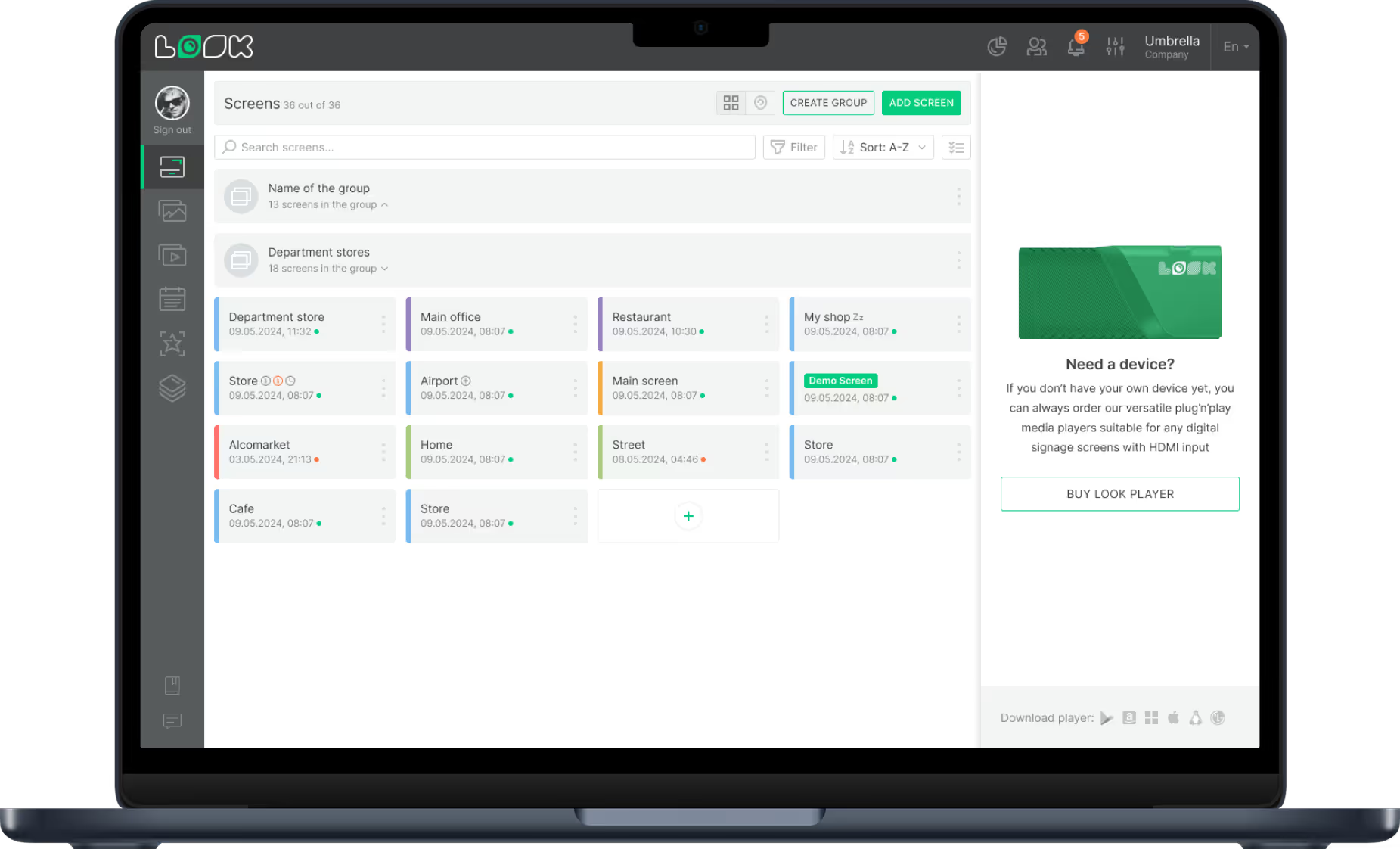
People read a truck from across the street, from the line and at the pickup window, and each of those spots needs different content. With Look, every screen on the truck and at your pitch runs from one account, each with its own layout and schedule.
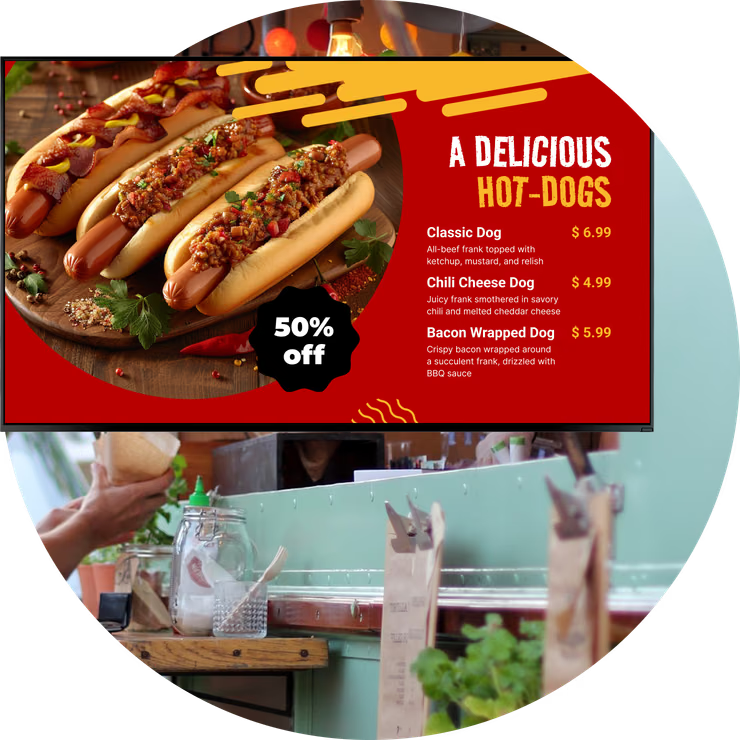
Serving window menu board
The board every order starts from.
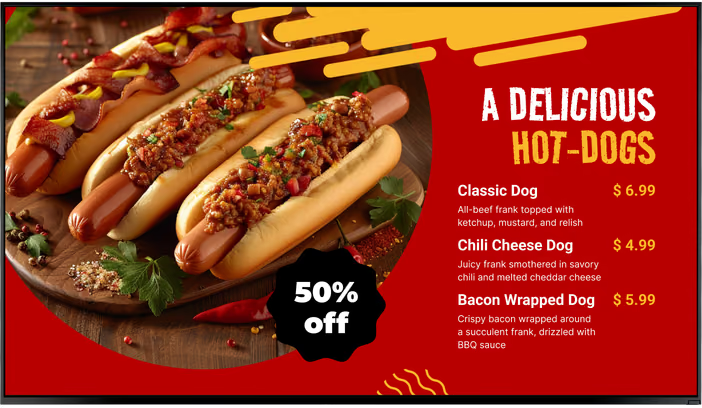
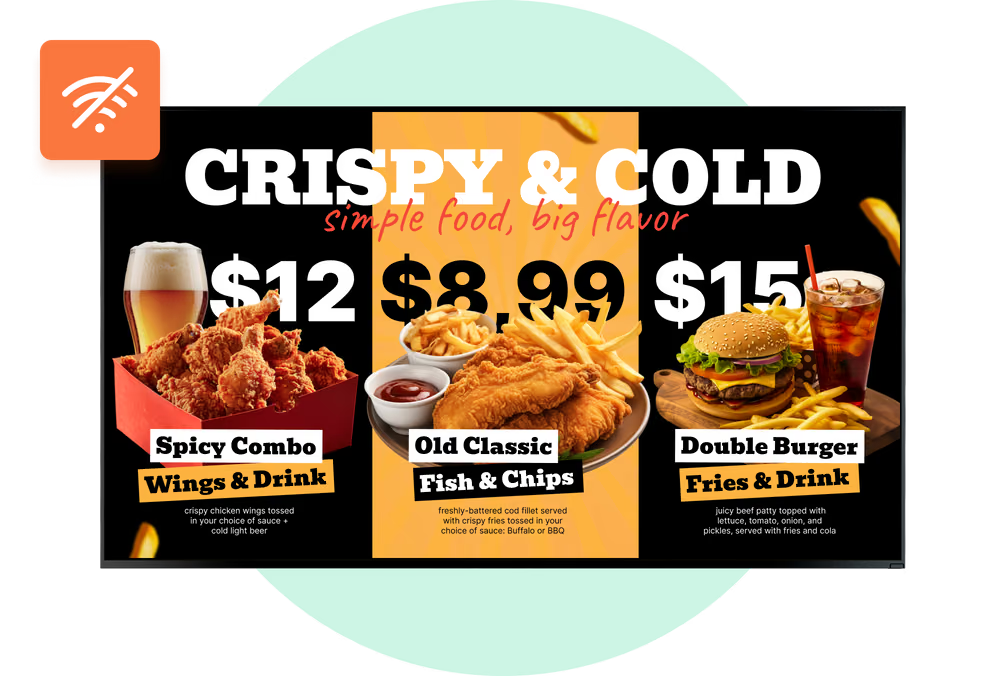
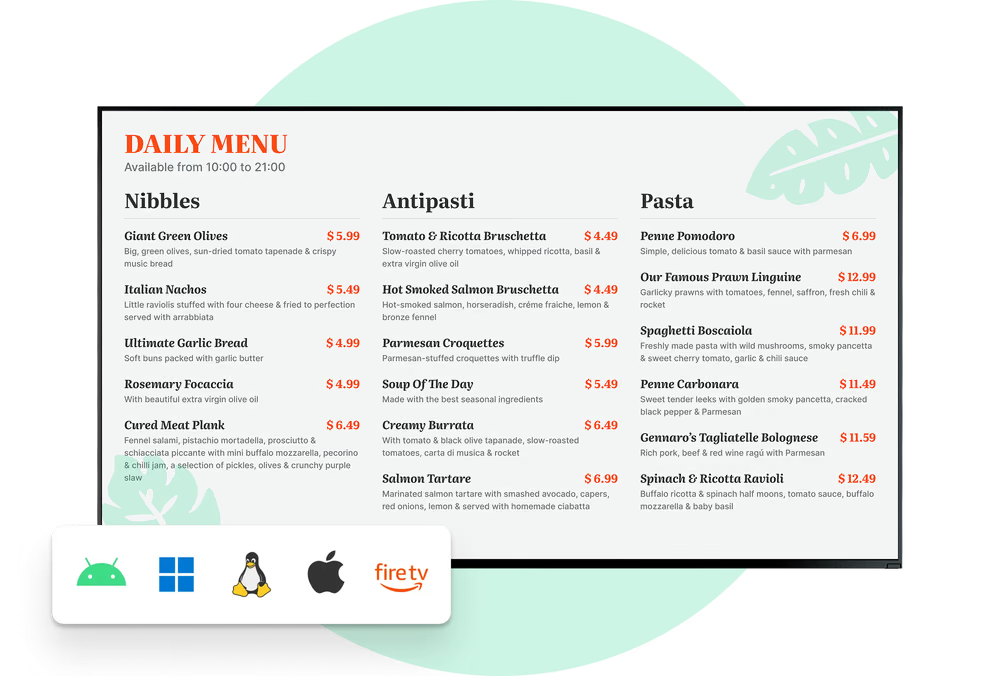
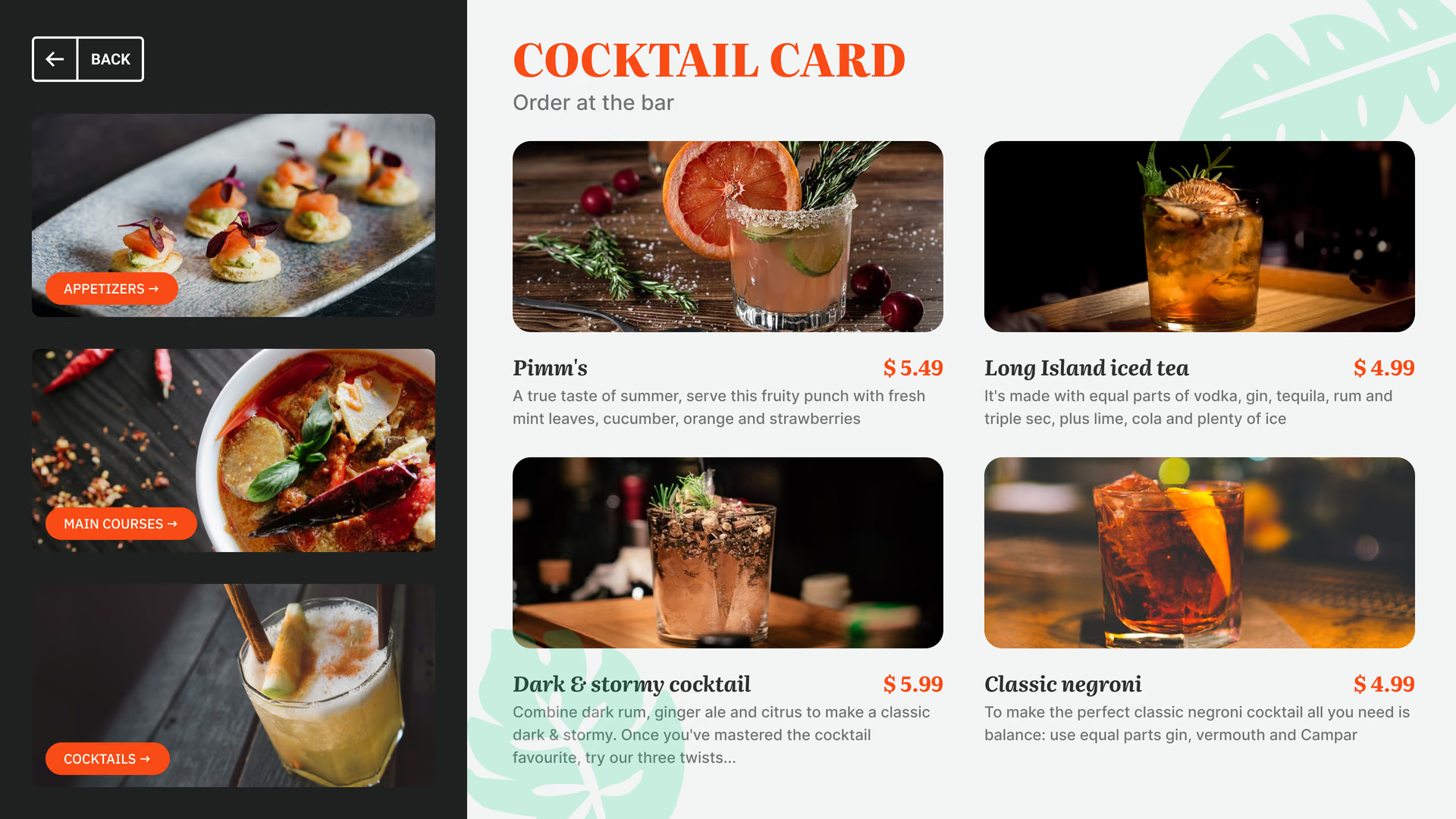
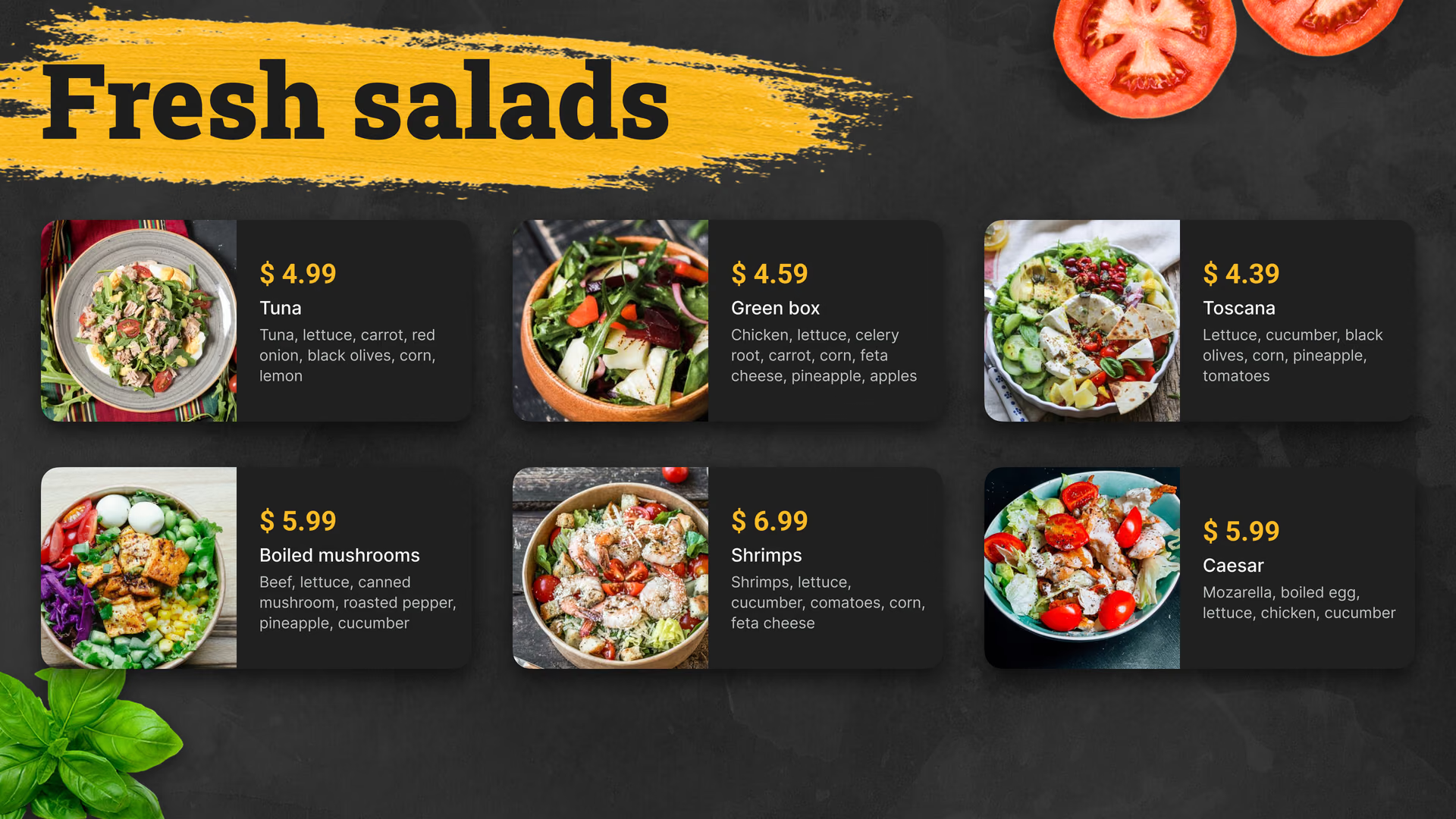
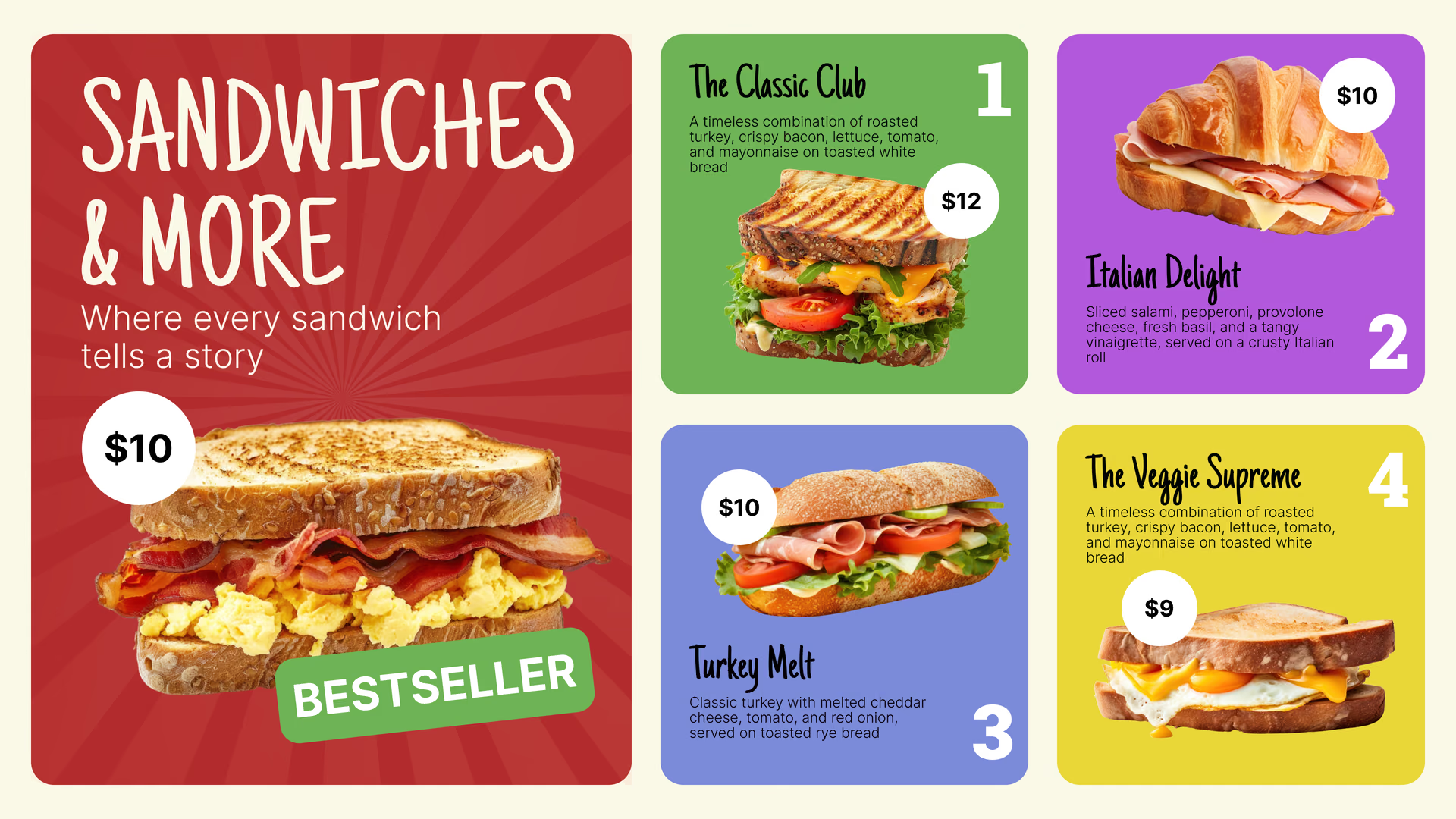
Here's the full menu: items, prices, combos and add-ons, grouped so people in line have decided before they get to the window. Keep the list short and the type big, since a truck menu gets read from a few steps back, often in bright sun.
When something sells out, remove it in the browser and publish. The board receives the updated menu on its next sync.
Best for: Full menu, prices, combos, add-ons, sides
Street-facing side screen
Pull people in from across the street.
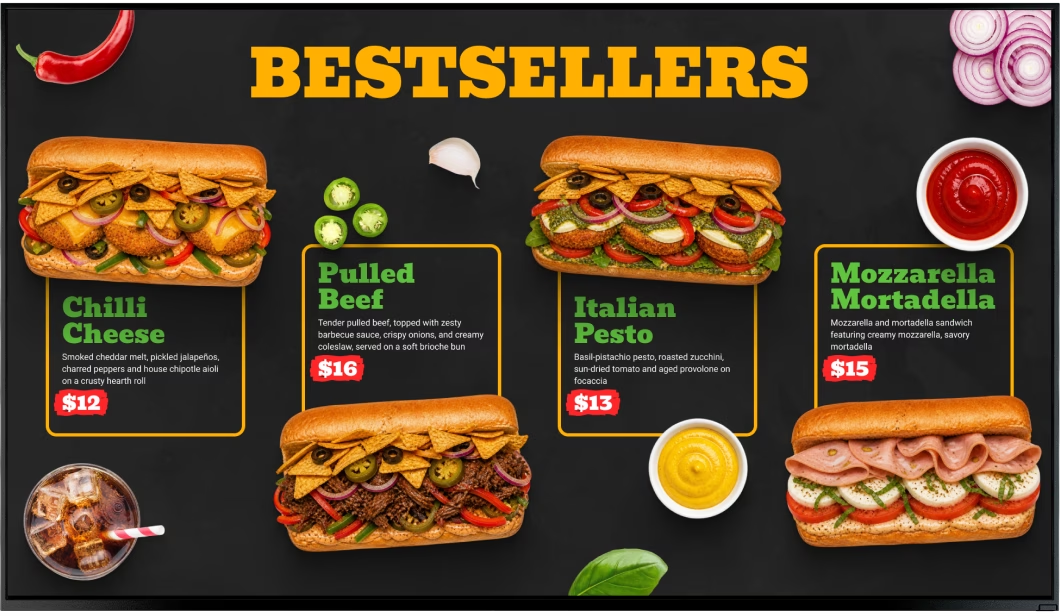
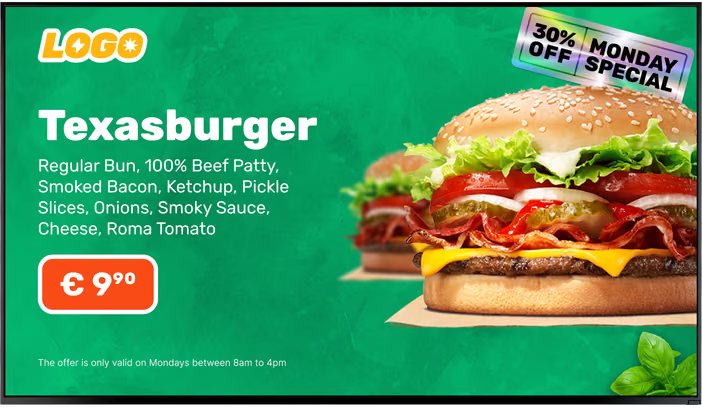
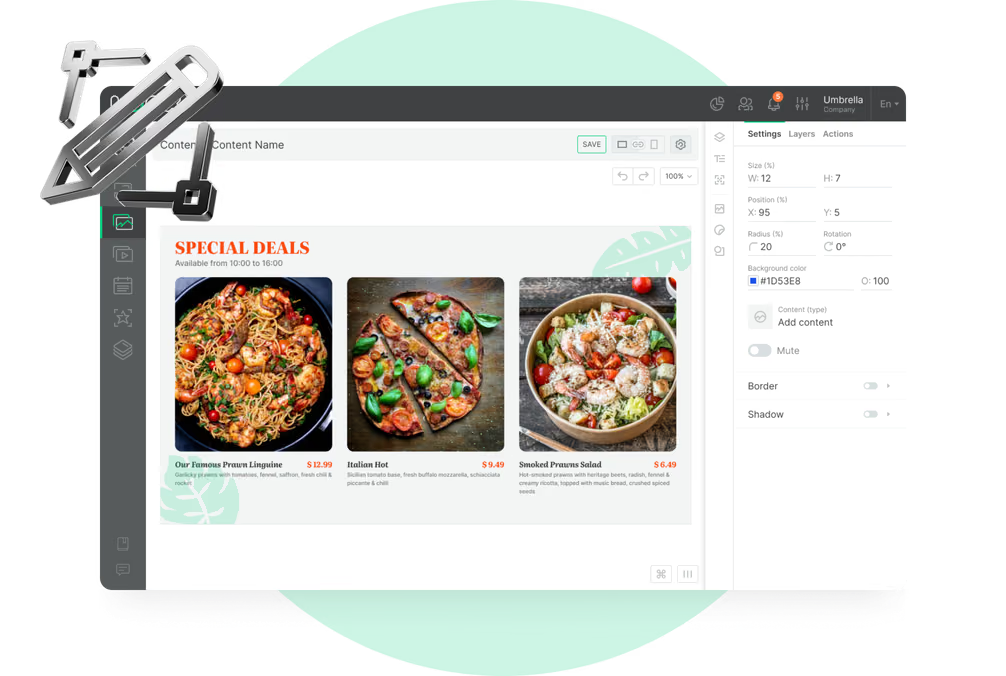
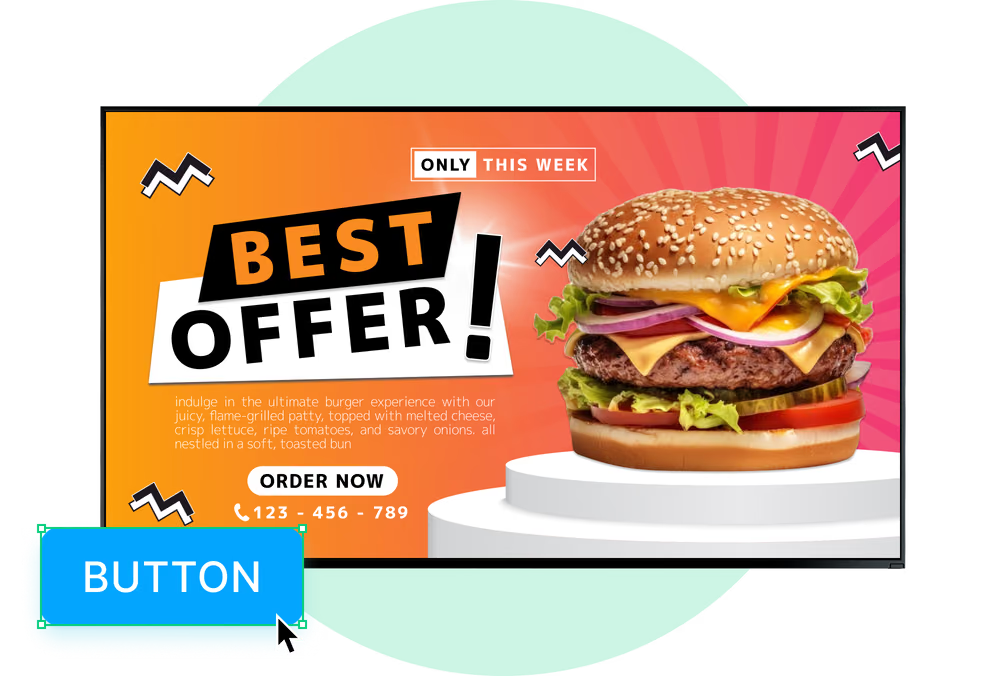
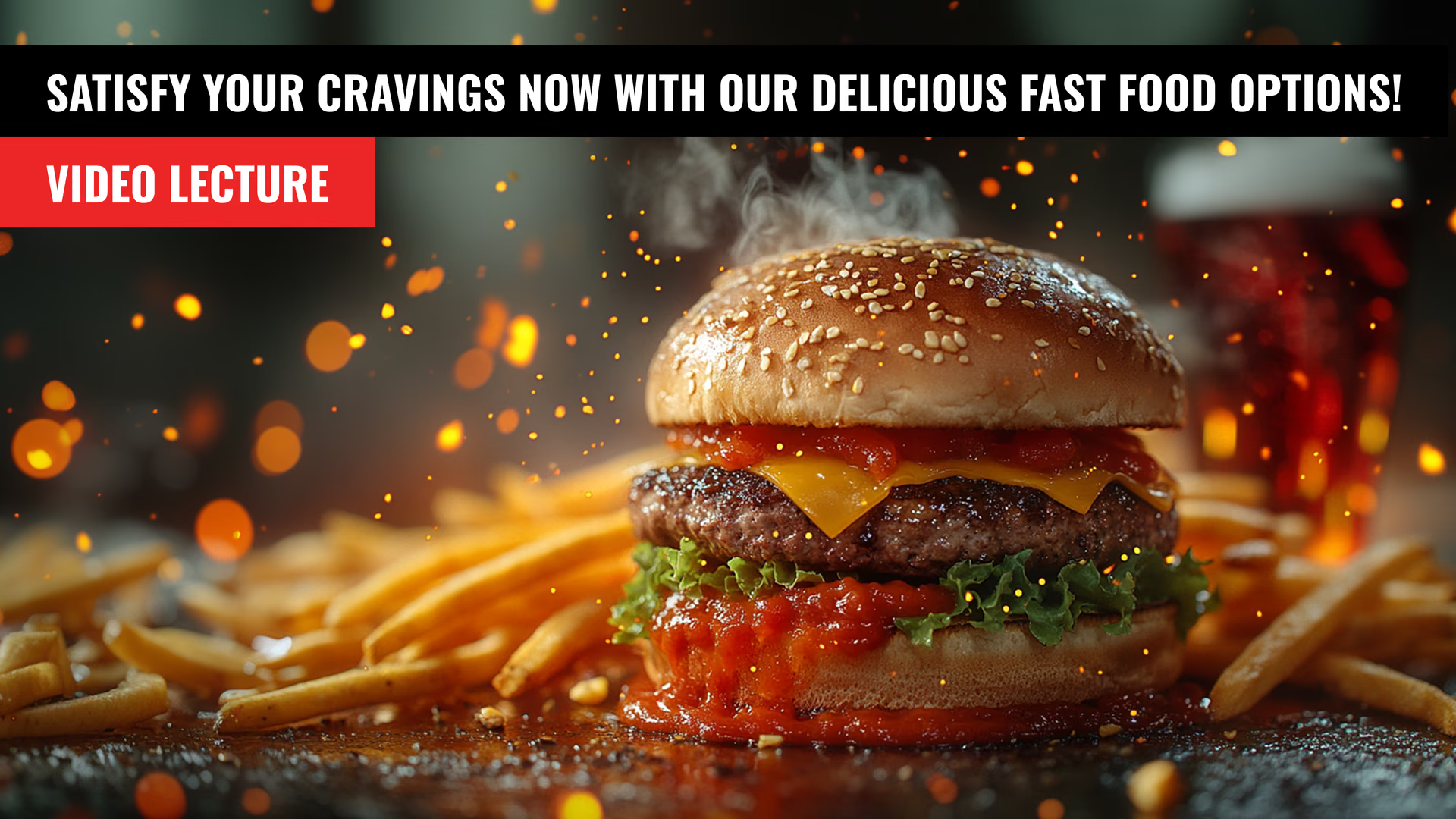
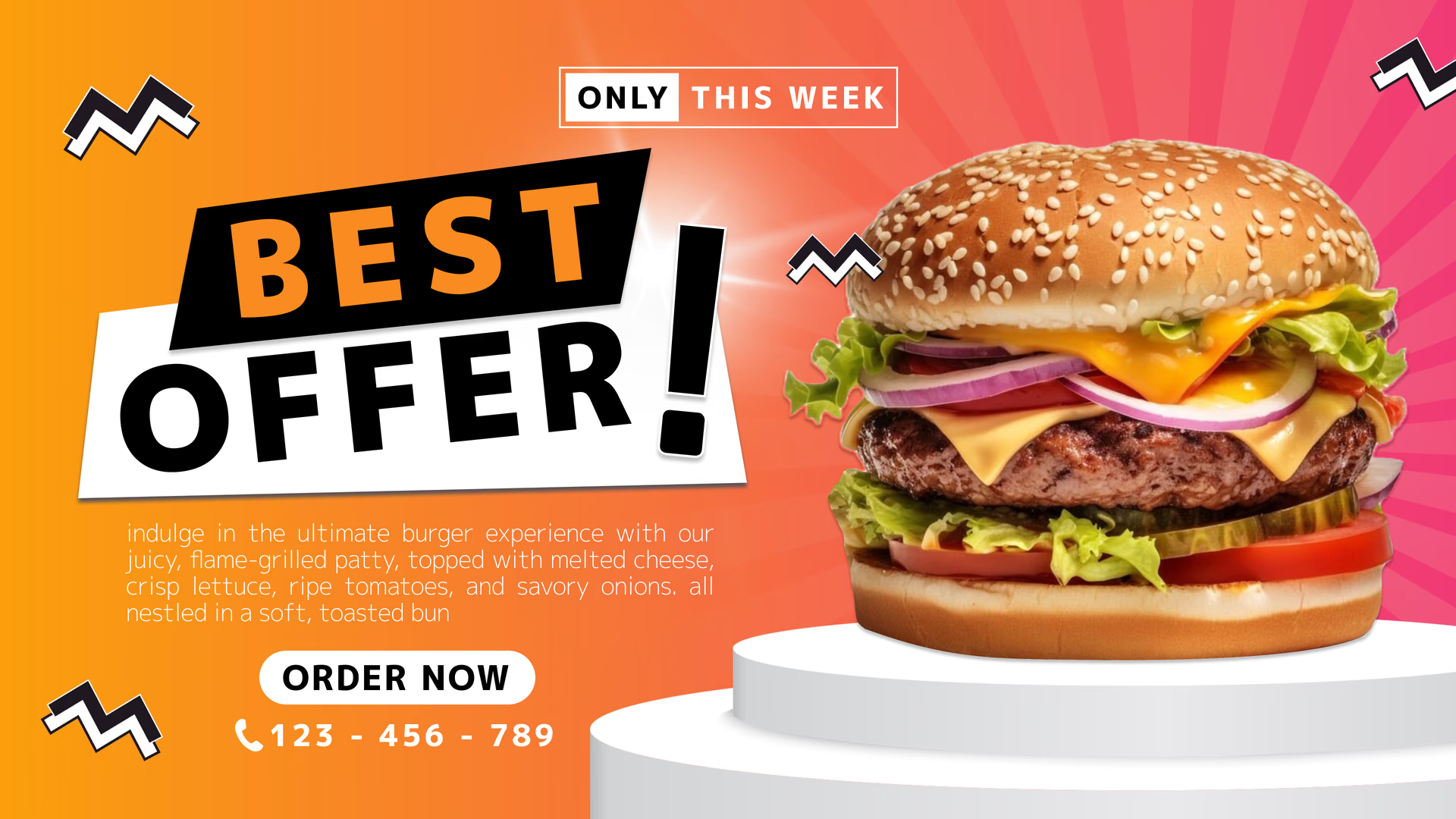
A screen on the side of the truck works like a small billboard: the signature dish in one big photo, today's special and the truck's name. Use few words and an image that reads at a distance.
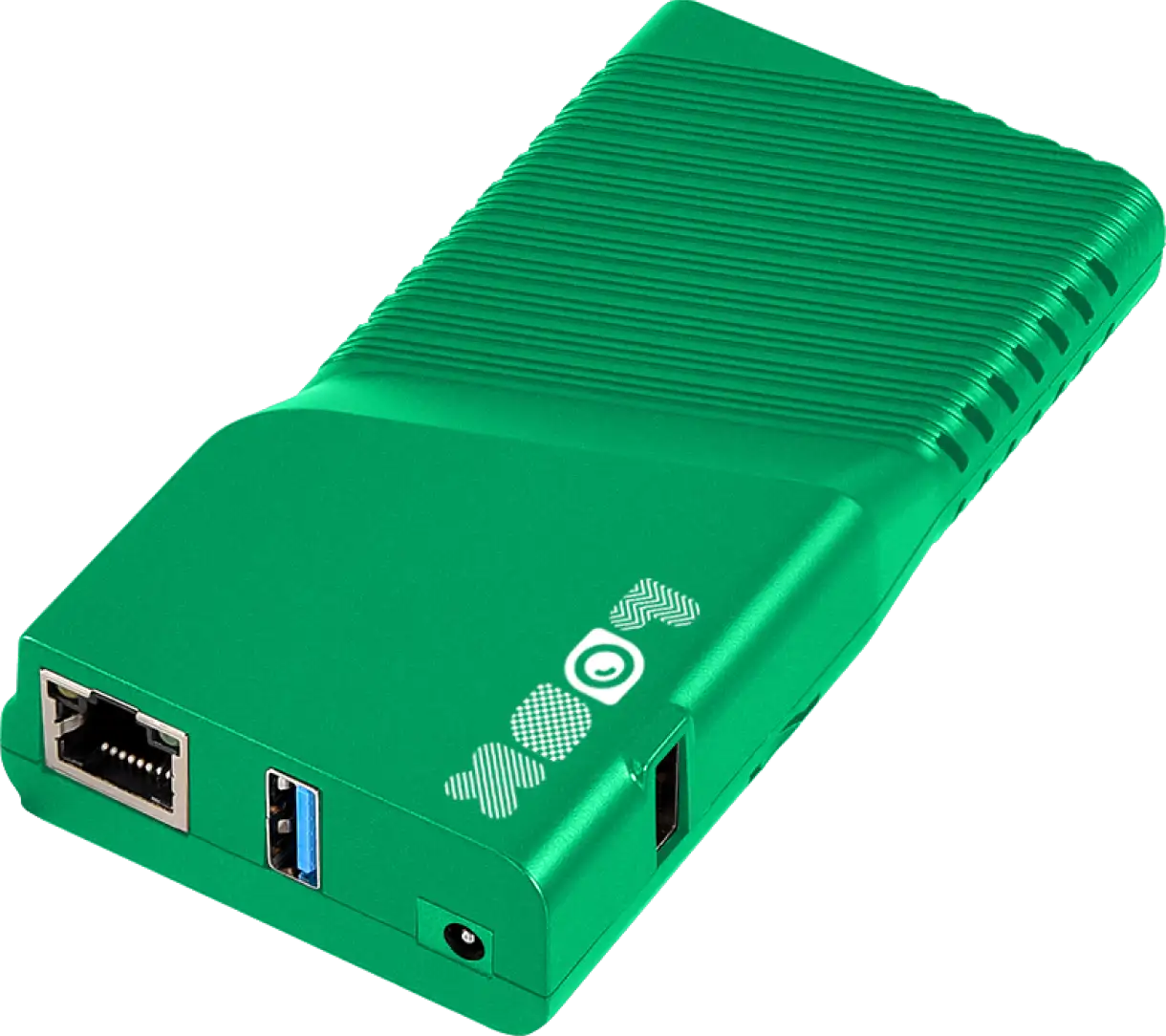
In direct sun, use a high-brightness outdoor display designed to remain readable in daylight. Look runs on the compatible hardware you select.
Best for: Signature dishes, daily specials, new items, brand, photos
Line and pre-order screen
Help the line decide before the window.
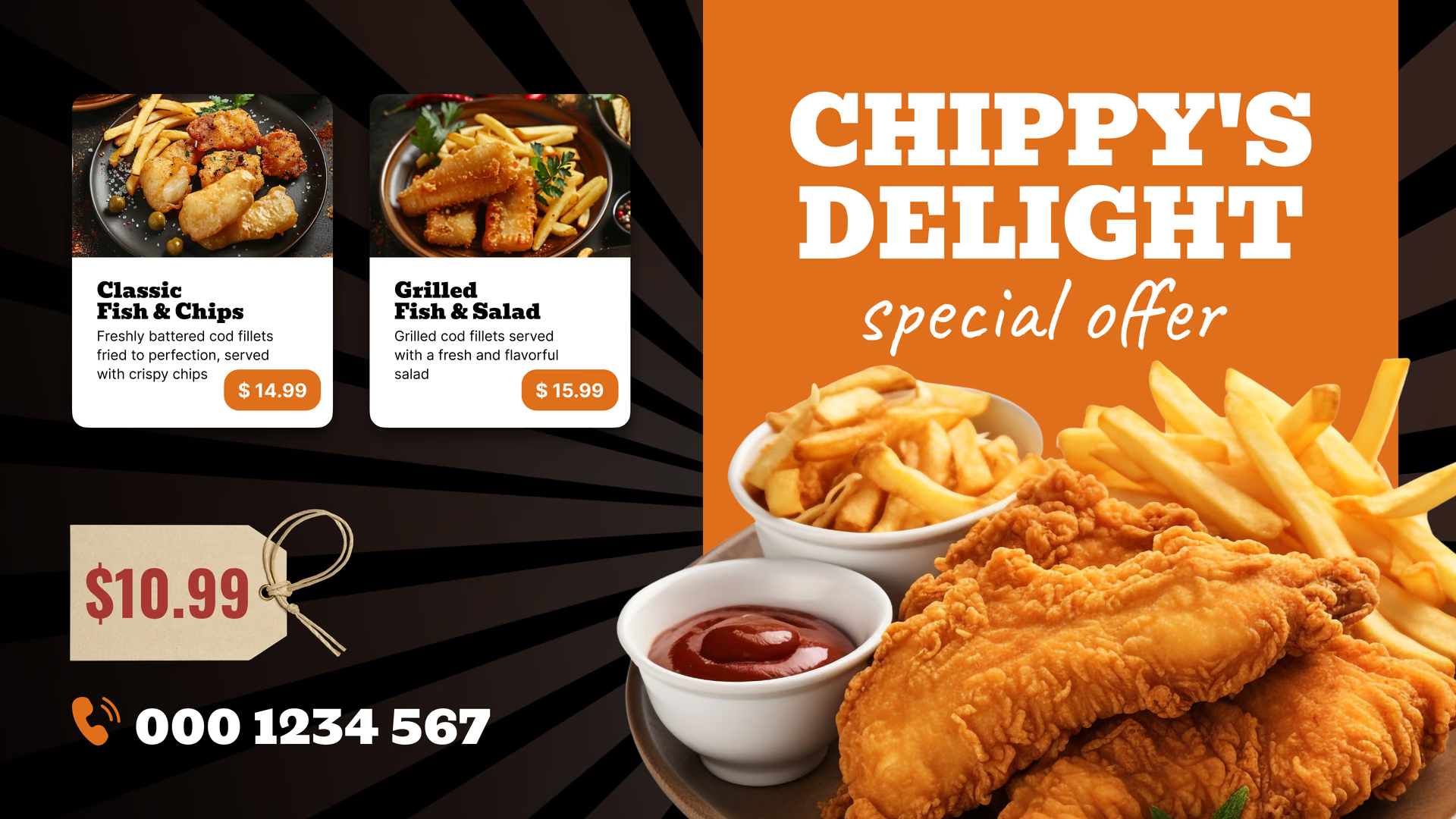
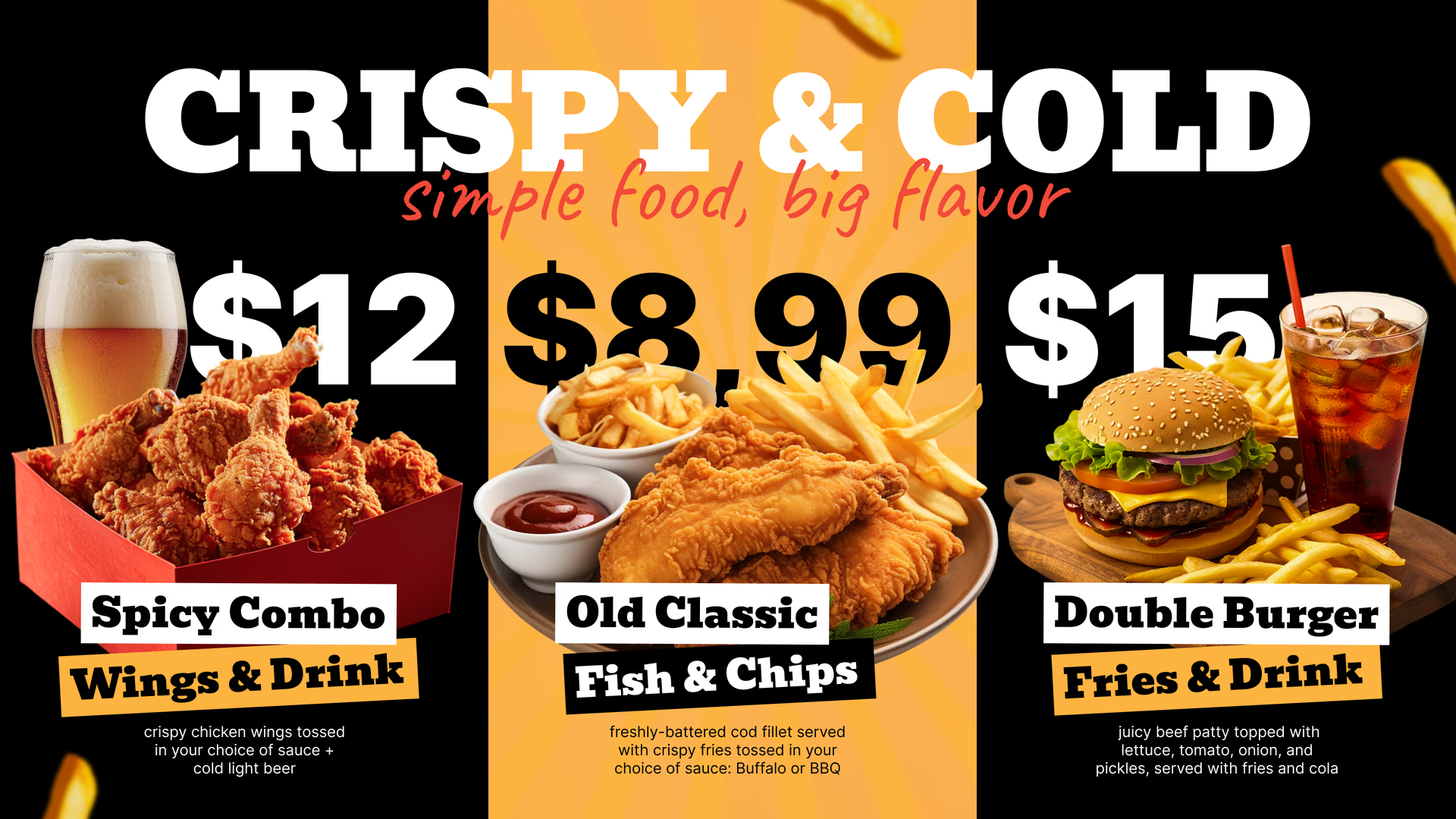
The line is where people make up their minds. A screen along it can rotate combos, the special of the day and add-ons, so orders at the window take less time.
Add a QR code for your online ordering page to the board, and some of the line can order on their phones. Look just shows the code; the ordering happens on the service it links to.
Best for: Combos, add-ons, specials, QR for online ordering, limited-time items
Pickup point
Sell the next visit while they wait.
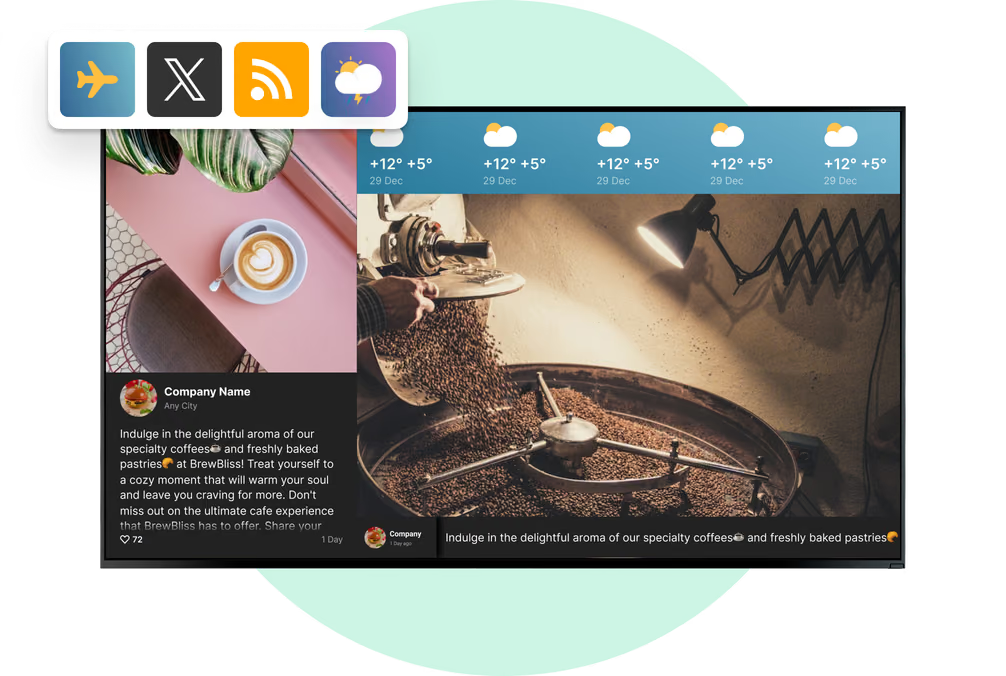
People waiting for food have already paid, so this screen is about next time: where the truck parks this week, your Instagram, your Google reviews and the loyalty program.
A ticker zone at the bottom shows a short notice, like where you'll be tomorrow or changed hours, and the rest of the screen stays put.
Best for: Weekly route, social feeds, reviews, loyalty, catering
Festivals, markets and events
Stay on screen when the signal gives out.
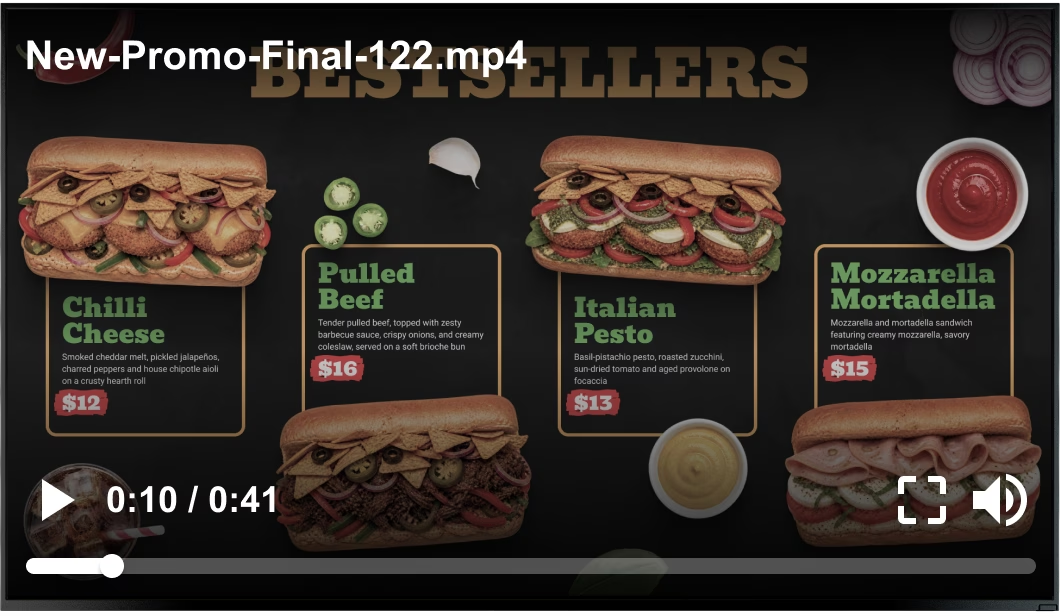
At a crowded festival, mobile data can become unreliable during peak service. Build the event menu from images and video, publish it before arrival and let the board play from its local cache.
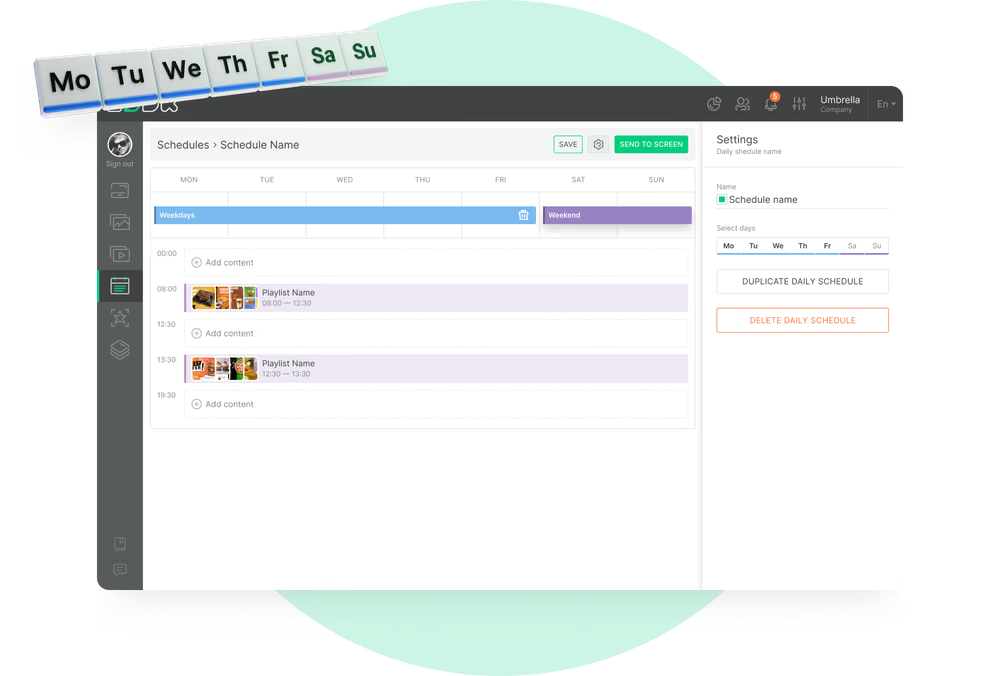
Events often come with their own menu and prices. Put them in a separate playlist, schedule it for the event days, and the regular menu returns after.
Best for: Event menus, festival pricing, sponsor slides, set times
Pop-up tent and catering stand
Take the menu off the truck.
At a market stall, a wedding or a corporate catering job, a screen on a stand next to the table does the same job as the truck board. It runs from the same account, with its own playlist.
For a private event, add a welcome slide with the host's name and a menu built for the day, then switch back to the public menu afterwards.
Best for: Catering menus, welcome slides, market stalls, private events, pop-ups