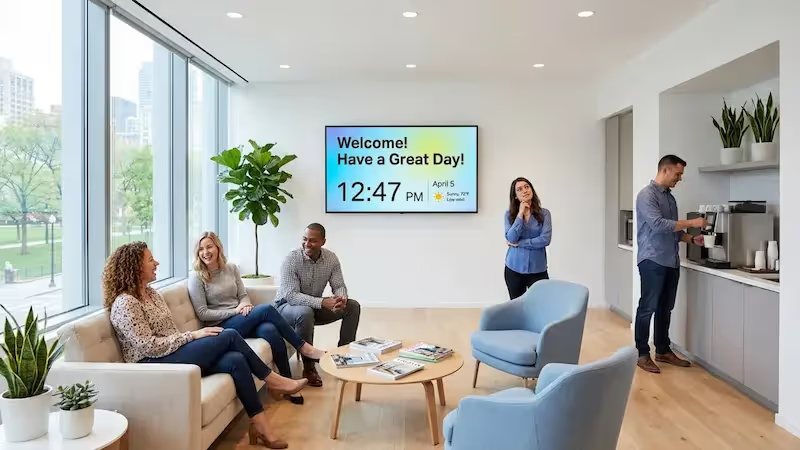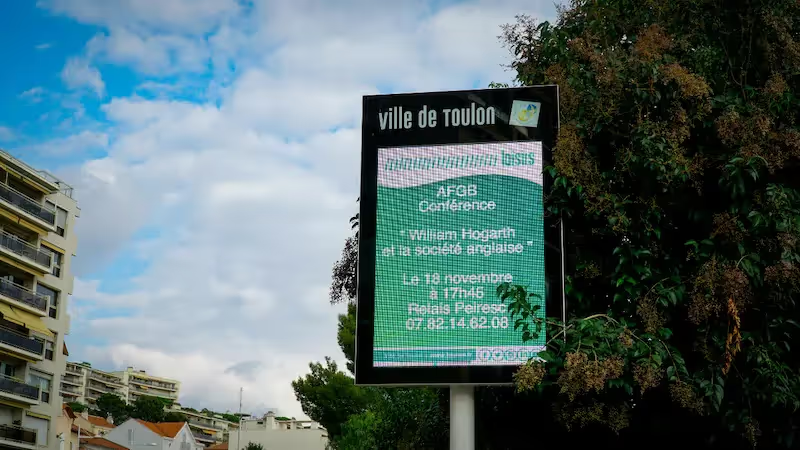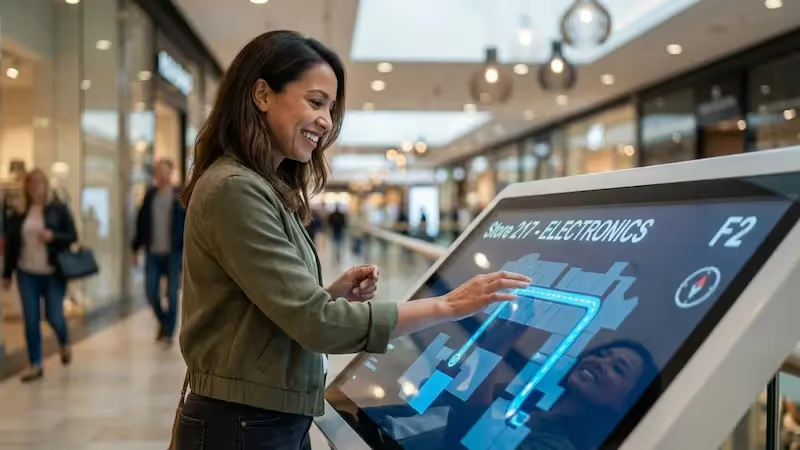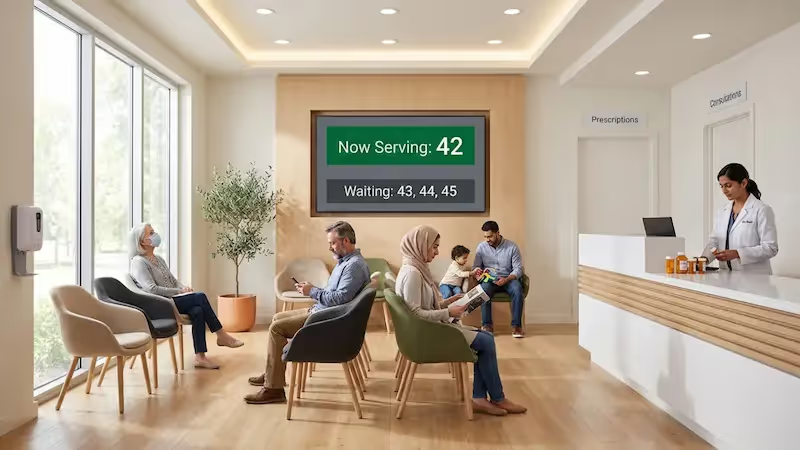

Enhance customer experience in your pharmacy with Look. Display essential information such as medication guidelines, and promotions on dynamic screens to inform and upsell.
Look Digital Signage for pharmacies is easy and effective to set up and will help you engage customers with healthcare updates, drug information and promotions on digital screens. How to get started:
Create content
Sign up to Look CMS and upload your own content, or choose from templates tailored to pharmacy needs
Playlist and schedule
Organize the content into playlists and set specific schedules, ensuring relevant information displayed at the right moments
Start playing
Deploy your content instantly across all digital screens in your pharmacy to keep customers informed in real-time
Choose from a collection of editable digital signage templates specifically crafted for pharmacies. Display medication info, health tips, and promotional offers with ease.
Hear from our delighted customers! Check out their inspiring quotes about how our service has transformed their digital signage implementations.
4.9
5
Ervin Piotrowski
YourLocalListers
We have 22 locations and zero issues with Look software. It’s so easy to use and has a lot of useful tools that we utilize in our day-to-day business. All-in-all, our experience was top-notch.
We tried many different solutions for our platform. After many trials and errors, we found Look Digital Signage to be an amazing tool for our purposes.

I’m grateful for the opportunity to work with Look and it's been a really big game changer for us, because it has helped us to come across as an older business in a much more fresh way.

Our experience with Look has been nothing but amazing. Customer service is excellent, and the product works perfectly. It's remarkable and I wouldn't go with any other company.

In terms of using the system, the other options that I found were a little clunky and Look was not only affordable but really easy for us to deploy and get up and running.

With Look we can upload content and publish it within seconds and also customize screens for each of the branches. It is incredibly user-friendly and so easy-to-use, thus it's amazing to work with.
Take advantage of Look’s built-in apps to display social media feeds, health updates, and weather information, creating a dynamic experience in your pharmacy.
Can I override pharmacy screens with an emergency message?
Yes. Regular content on selected screens can be swapped for an emergency message whenever something urgent has to reach customers. The same network therefore carries routine promotions alongside safety instructions, temporary closures and other time-sensitive notices. Because everything is managed centrally, an override reaches every location without anyone editing screens one by one.
How much does pharmacy digital signage cost?
Look Digital Signage starts at $15 per screen per month, or $13.50 on annual billing. Hardware is priced separately. A 14-day free trial covers the platform itself before you commit to a paid plan. What you pay overall depends largely on hardware: reusing the TVs you already own costs nothing extra, while commercial displays and external media players add to the total.
Can pharmacy screens switch automatically between open and closed hours?
If your pharmacy keeps fixed business hours, yes. Time, date and day-of-week schedules handle the switch: a window display promotes services while the store is open, then flips to opening hours or other after-hours information at closing time. Irregular closures are the exception and still need a manual update or a custom integration.
Do I need a new TV for pharmacy digital signage?
Usually not. Look runs on Android, Windows, Linux, macOS, LG webOS, Samsung Tizen, Fire OS, Google TV, Raspberry Pi and Amazon Signage, so an existing TV or commercial display will often do the job as it is. Where the screen cannot run the Look app itself, a compatible external media player connects over HDMI.
Can one account manage screens across all my pharmacy locations?
One account covers every location from a single cloud dashboard. Group screens by site, give each group its own playlists or schedules, and keep network-wide campaigns under head-office control. Three user roles (Administrator, Moderator and Guest) let you hand local teams only the access they actually need.
Can I schedule pharmacy content for flu season, allergies, or back-to-school campaigns?
Yes. Flu season, allergy periods, back-to-school campaigns and any other date-based promotion can be queued up well in advance. Look schedules by time of day, by specific dates and by days of the week, so recurring campaigns run without a manual change every morning. Individual screens or whole locations can each get their own playlist.
What is pharmacy digital signage?
Pharmacy digital signage runs the customer-facing screens in a store from one central CMS. Pharmacies use it for prescription-pickup instructions, wait-time messaging, health education, vaccination campaigns, OTC promotions, opening hours and emergency notices. In Look Digital Signage, content, playlists, schedules and the screens themselves all sit in one cloud dashboard, whether that covers a single pharmacy or a chain of them.
Can a screen show that a prescription is ready without exposing patient data?
It can, provided the screen shows no name, medication, diagnosis or other identifying detail. The usual method is a neutral pickup or queue number, generated independently of patient records so that nothing in it ties the number back to a person. Formal de-identification under HHS Safe Harbor guidance requires removing 18 categories of identifiers, so have your compliance team sign off on the final workflow.
What should I display on a pharmacy window screen?
Window screens work best with opening hours, the services you offer, seasonal health campaigns and a few selected OTC offers. Keep prescription-specific information off them. Look schedules content by time, date and day of the week, so a daytime promotion can hand over to after-hours information or a different campaign with nobody at the screen. Readability counts for more on street-facing displays: match text size and brightness to the viewing distance and the light outside.