Digital signage for every area of a dental practice
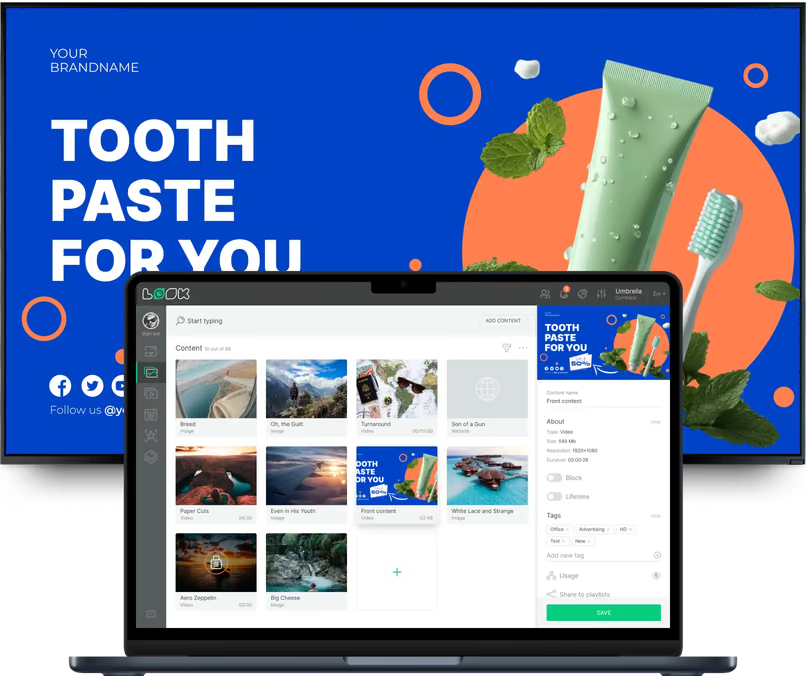
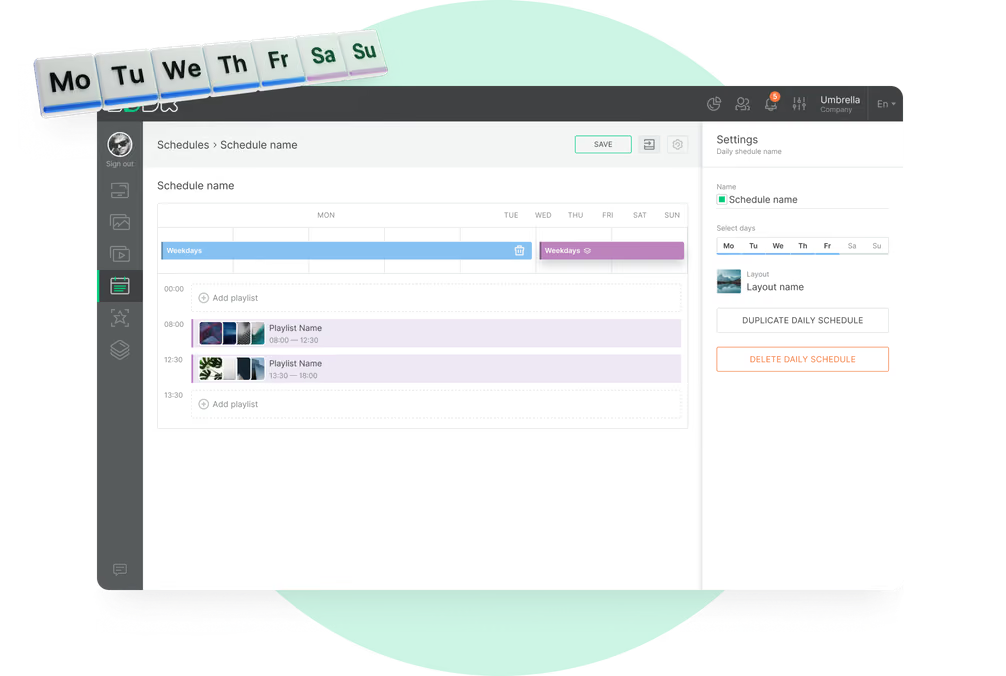
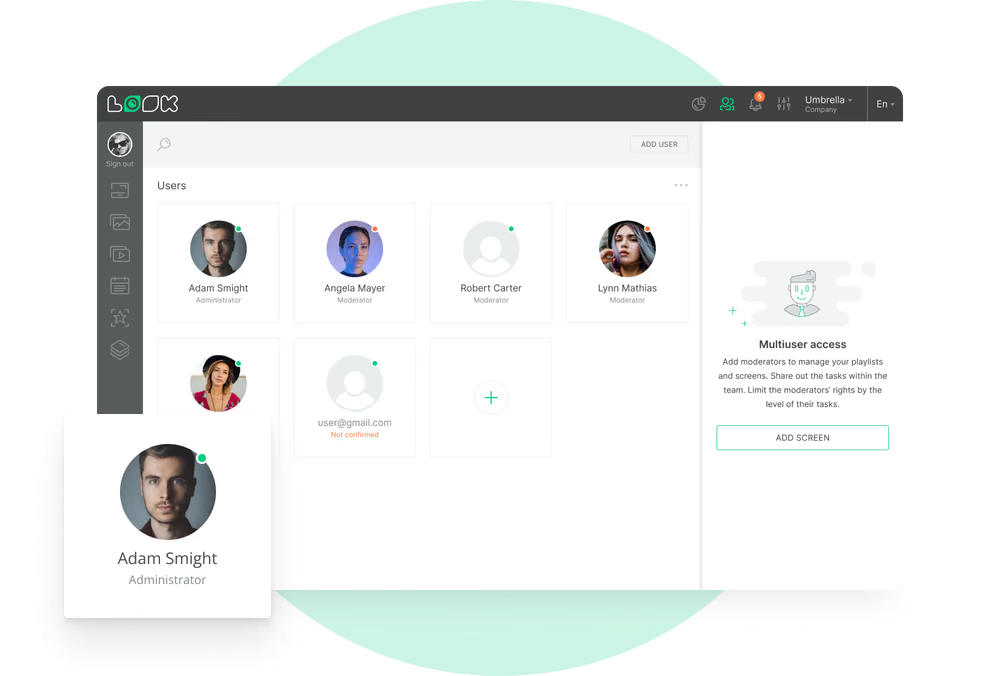
A patient checking in, waiting with a child or sitting in the chair needs something different from a screen. Look runs every area from one account, each with its own playlist and schedule, and keeps staff content apart from what patients see.
Reception and check-in desk
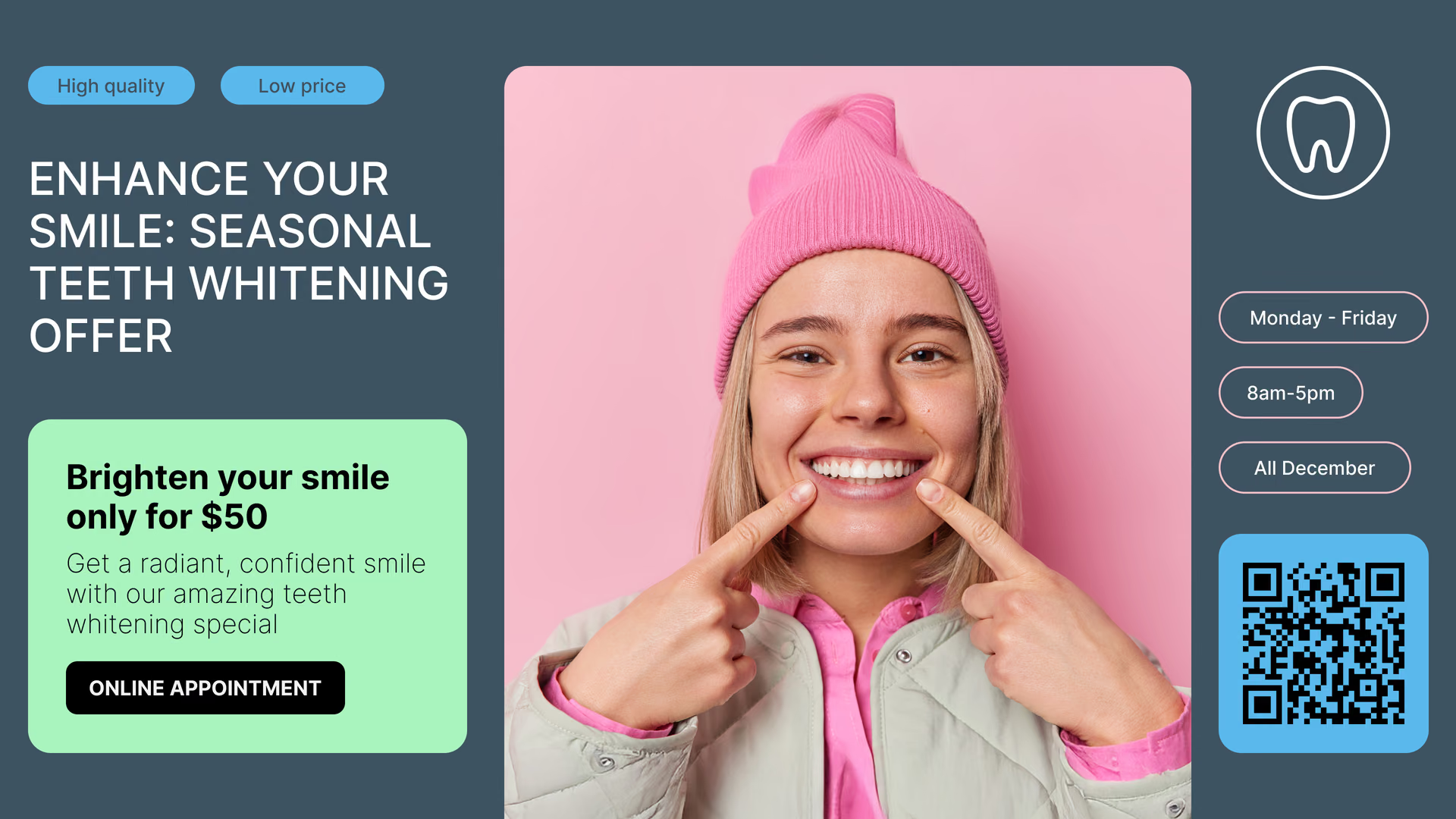
Give patients key information as they arrive.
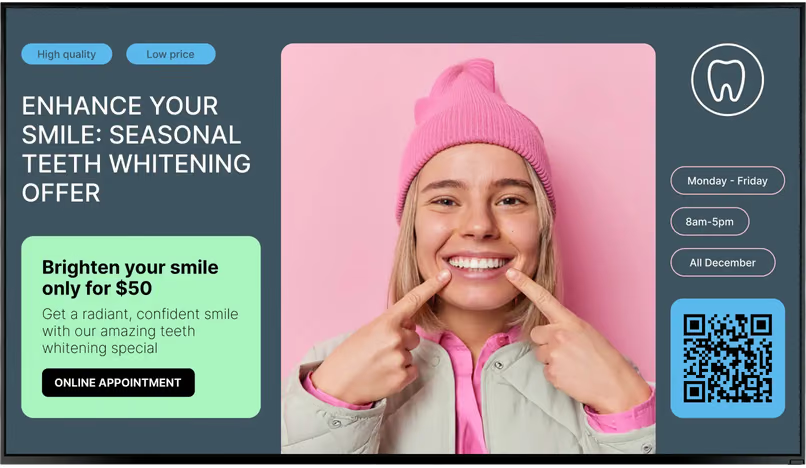
The screen by the desk carries what patients ask on arrival: office hours, accepted insurance and payment options, what to bring to a first visit, and a QR code that opens the new-patient forms.
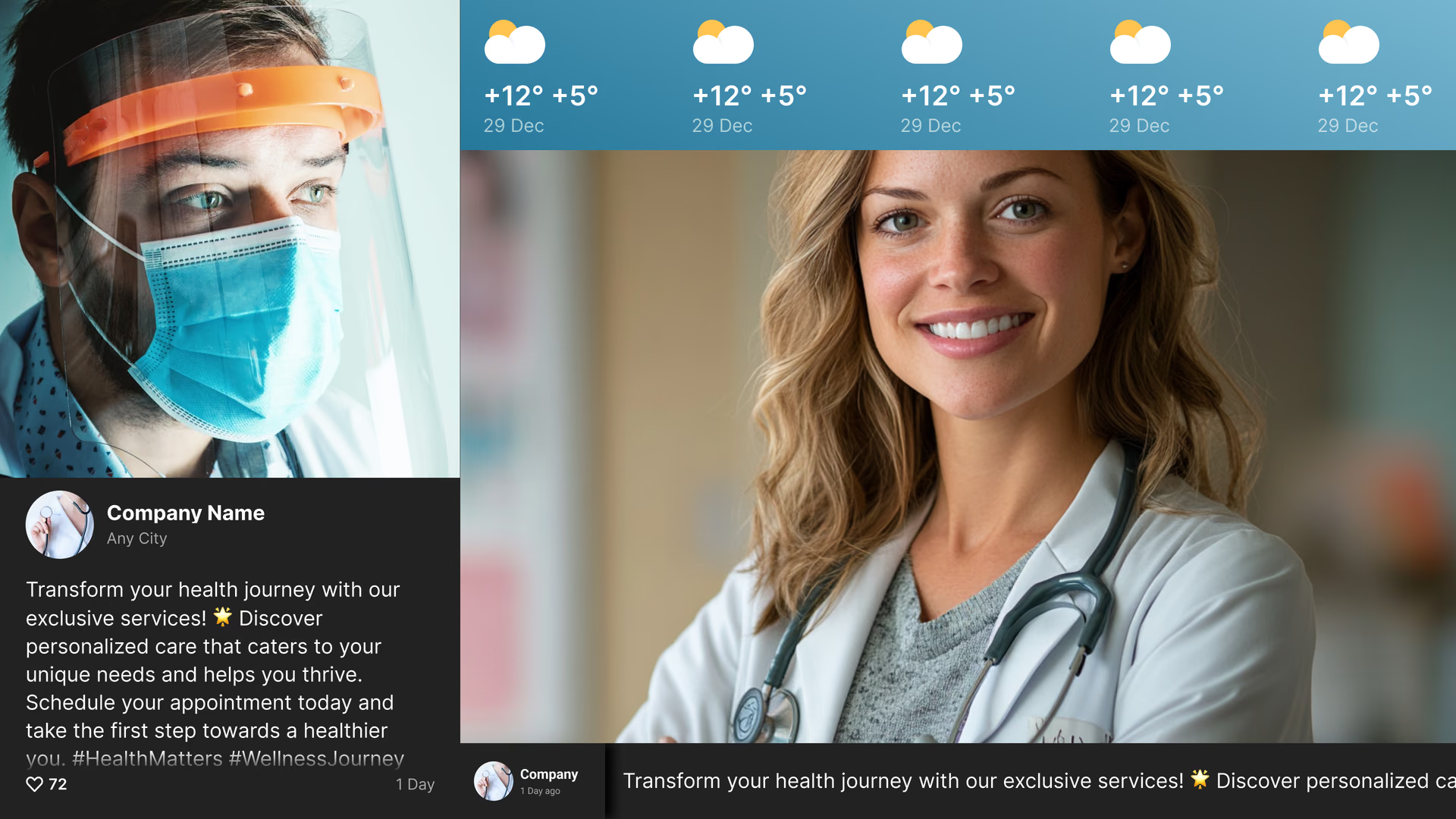
A multi-zone layout keeps office information, today's notice and a live review score visible together on one display.
Best for: Office hours, insurance and payment options, check-in steps, new-patient forms QR, Google reviews
Waiting room
Help patients relax and learn something while they wait.
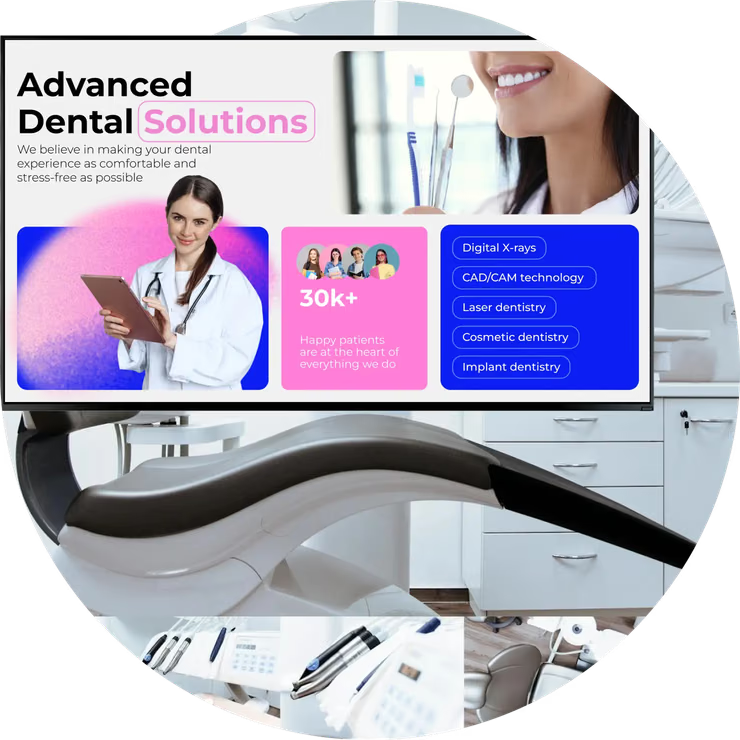
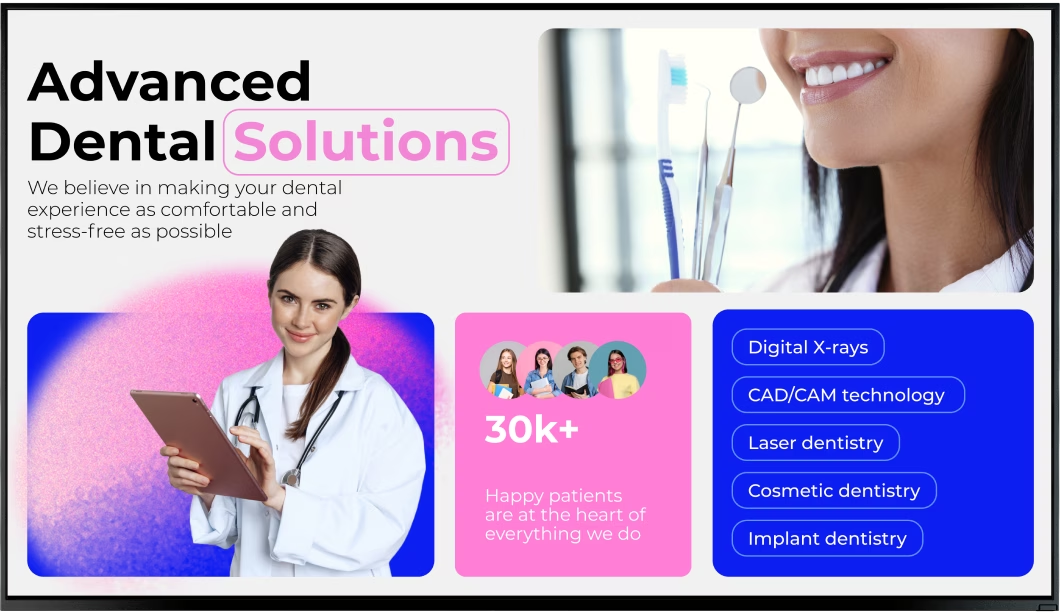
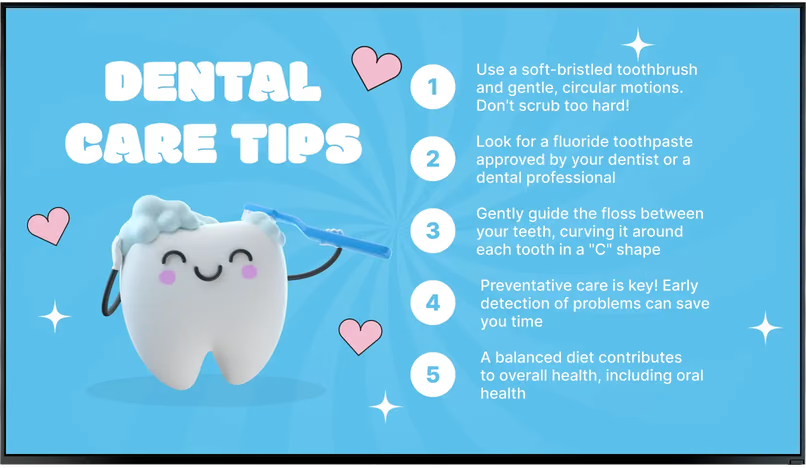
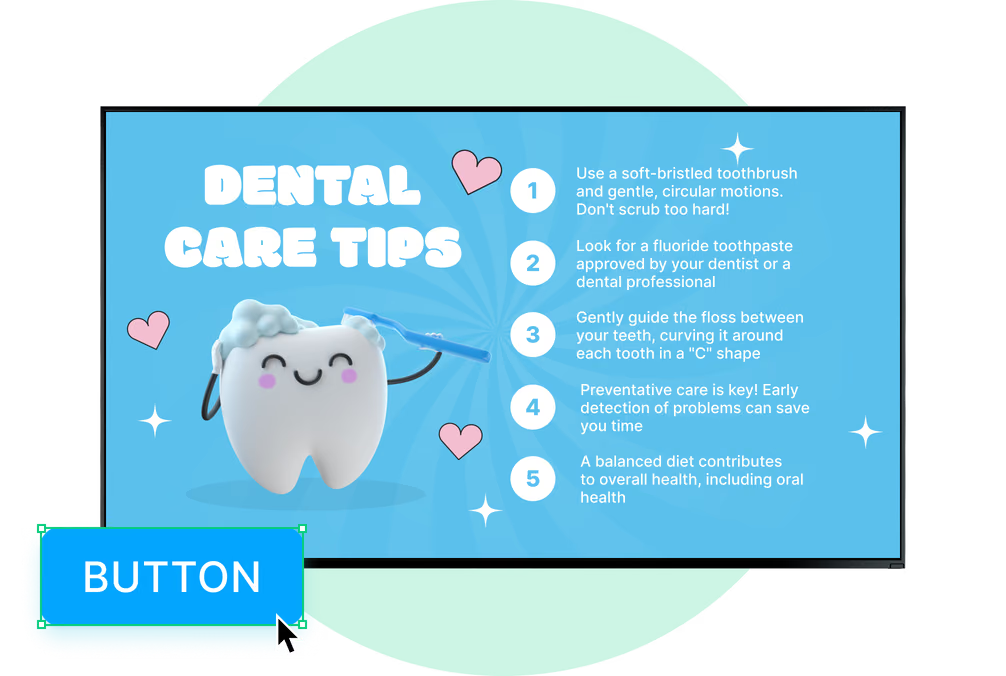
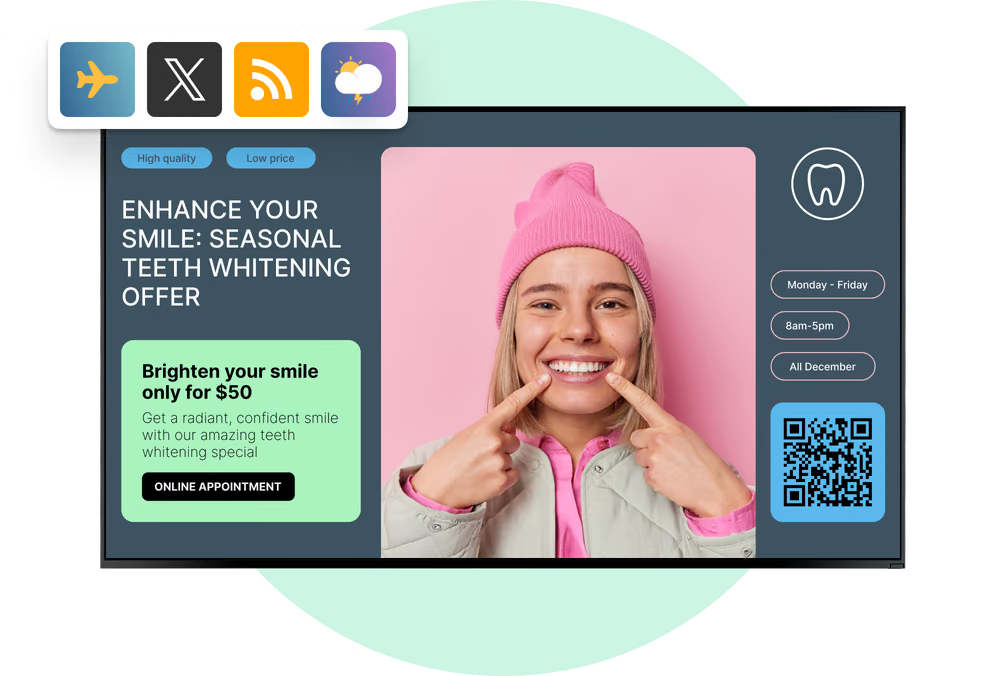
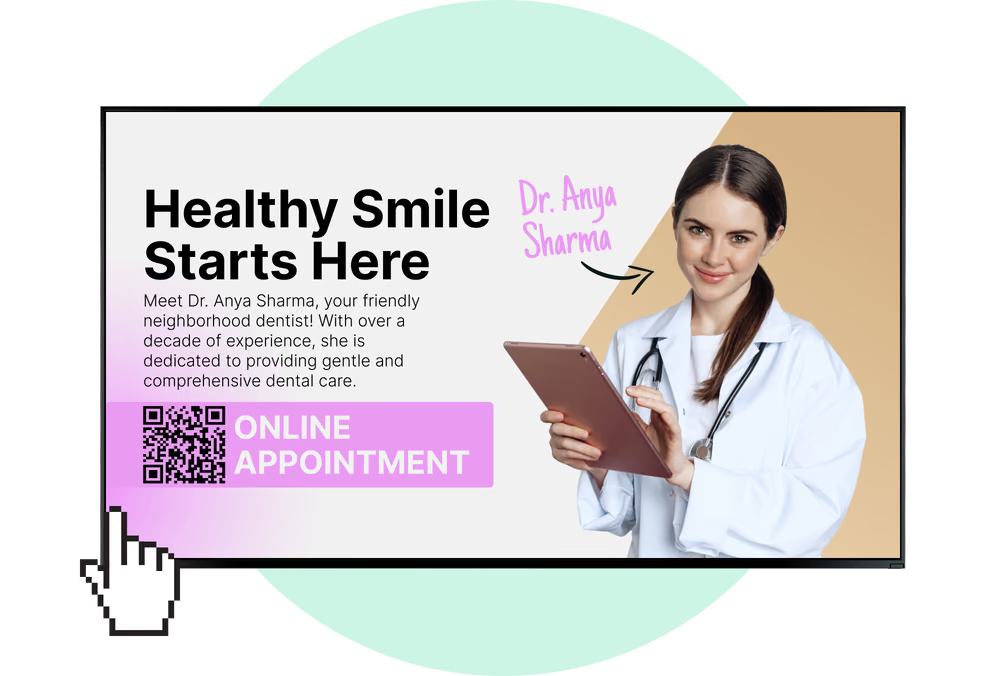
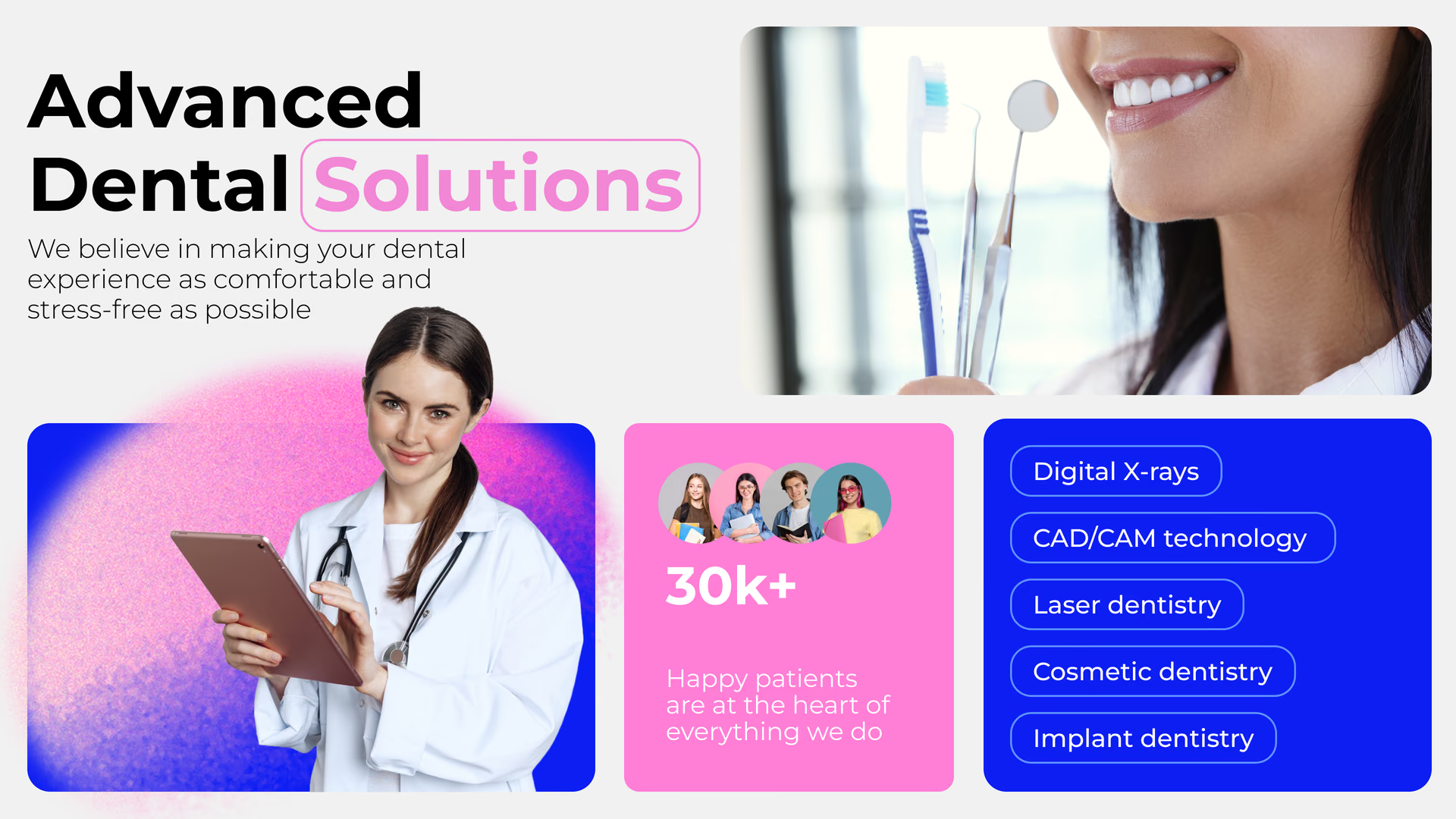
This is where patients spend the most time, so this screen does most of the explaining: how to brush and floss, why regular cleanings matter, and services they might not know you offer, from whitening to implants.
In between, calm nature video keeps the mood quiet. Keep to one message per slide, with text big enough to read from the farthest chair.
Best for: Oral hygiene tips, services and treatments, team introductions, calm video, Wi-Fi QR
Kids' corner and pediatric area
Content made for the youngest patients.
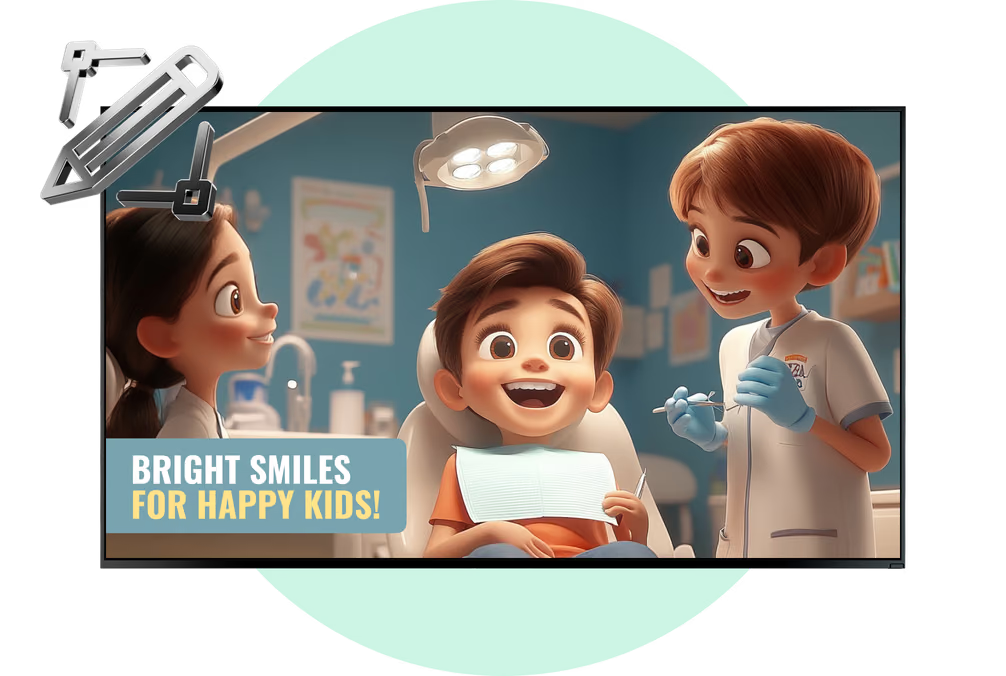
A bright, cartoon-style brushing tip lands with a six-year-old faster than any leaflet. The kids' corner screen can run tooth-friendly snack ideas, short brushing videos and what to expect at a first visit.
Give that screen a playlist of its own so kids' content never mixes with implant or financing slides.
Best for: Brushing tips, healthy snack ideas, kid-friendly videos, first-visit explainers
Treatment rooms and the dental chair
Create a calmer experience at the dental chair.
A ceiling-mounted or wall screen in the operatory gives the patient something to look at during a cleaning: calm video, or a short explainer on the procedure before it starts.
Every treatment room has its own playlist, so the hygiene room and the implant consultation room each show content that matches the appointment happening there.
Best for: Calm video, procedure explainers, aftercare previews, oral health information
Checkout and treatment coordination
Send aftercare and the next visit home on a phone.
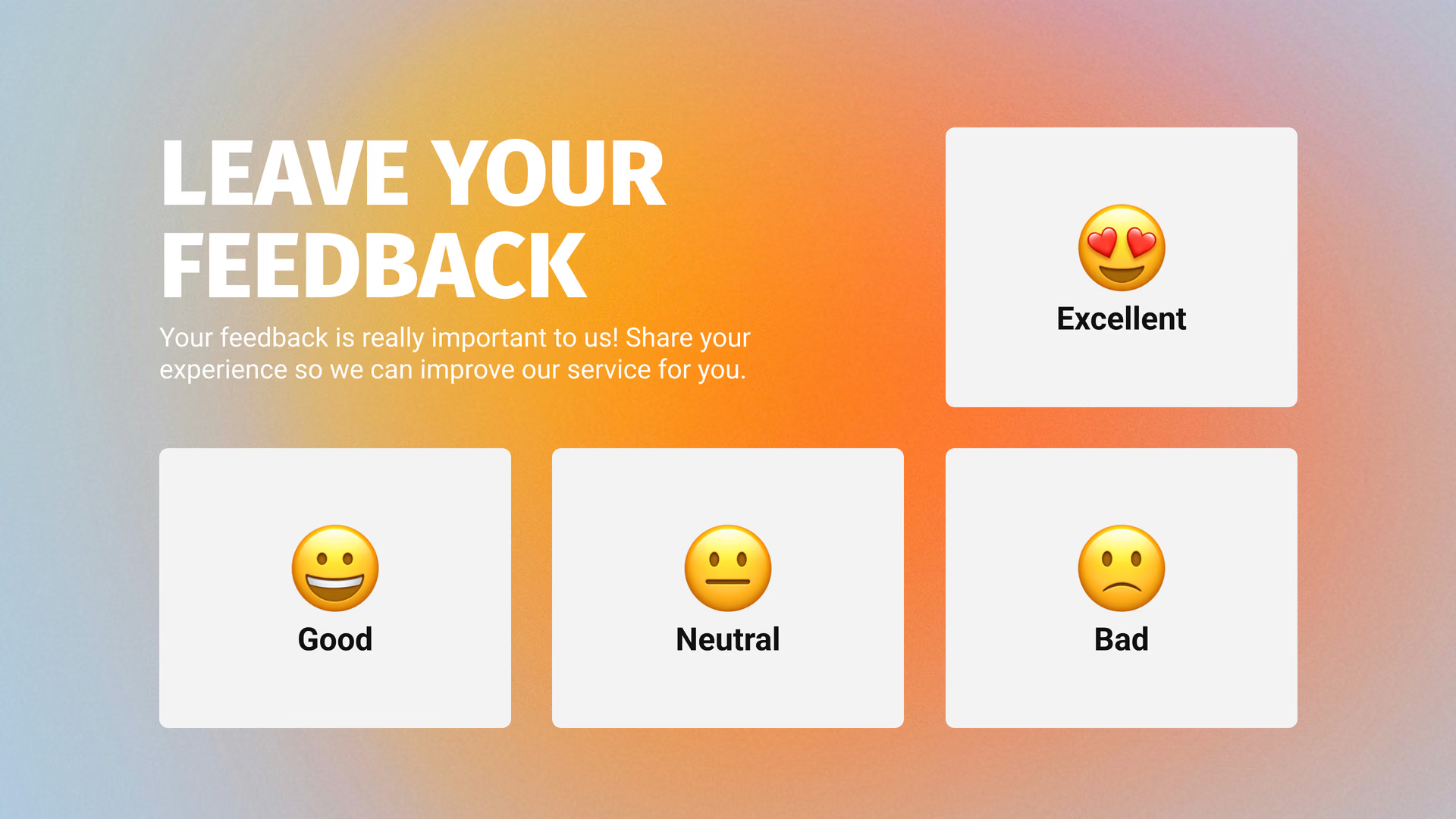
At checkout, patients are thinking about cost and the next appointment. The screen there covers payment and financing options, the reminder to book the next cleaning, and aftercare for today's treatment.
Patients can scan a QR code on the slide to open your booking page or the full aftercare leaflet on their phone before they go.
Best for: Payment and financing options, aftercare steps, recall reminders, referral program, QR to booking
Staff room and sterilization area
Brief the whole team from one screen.
Morning huddle notes, which dentists are in today, infection-control reminders, training dates and a thank-you to the hygienist who covered a shift all belong on a staff screen.
It plays its own playlist, apart from the patient screens, and the Calendar app pulls the team schedule directly from Google Calendar or Outlook.
Best for: Huddle notes, dentists on duty, infection-control reminders, training dates, team recognition