News
The Real Cost of Digital Menu Boards With Look's Insights
February 9, 2026
August 19, 2024
by
Evgeny Kirillov


3
parts power each bar menu board setup: display screens, a media player, and cloud CMS software managed from one hub
5 Minutes
to remove a kicked keg, publish a new stout, or change prices across all screens without rewriting chalkboards
1 → 1000s
scaling range called out for software selection, so operators can start with one pub and expand to large screen networks
$500 –$1000+
typical commercial display cost range, with long-term savings expected from reduced printing and higher promo sales
What is bar digital signage?
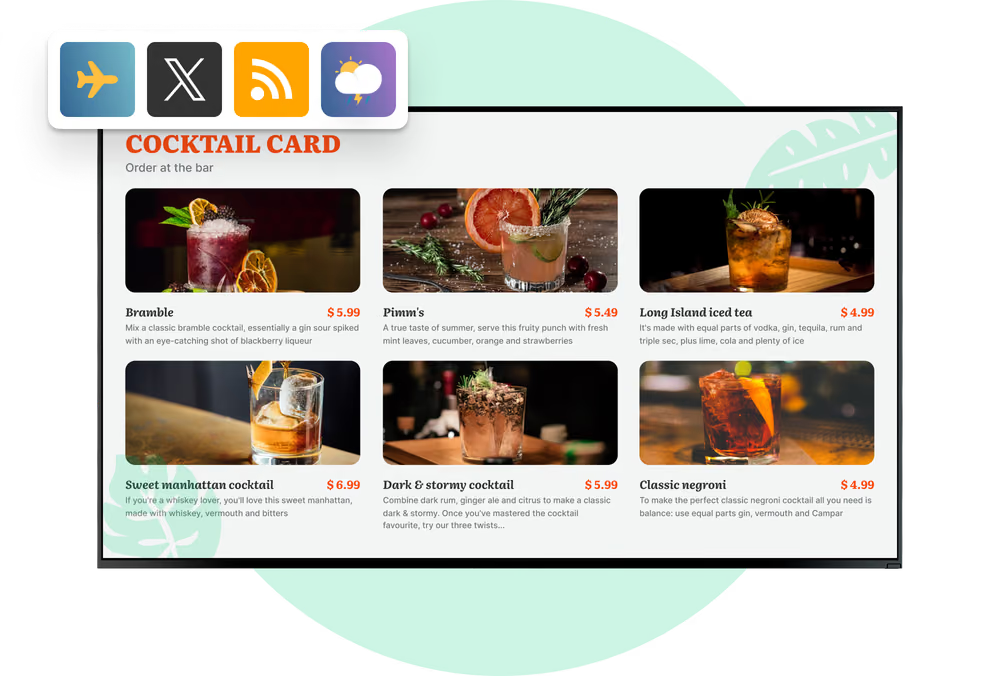
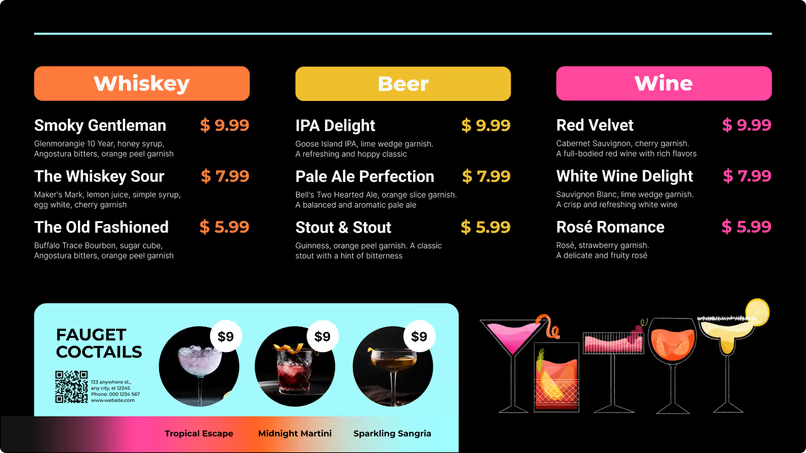
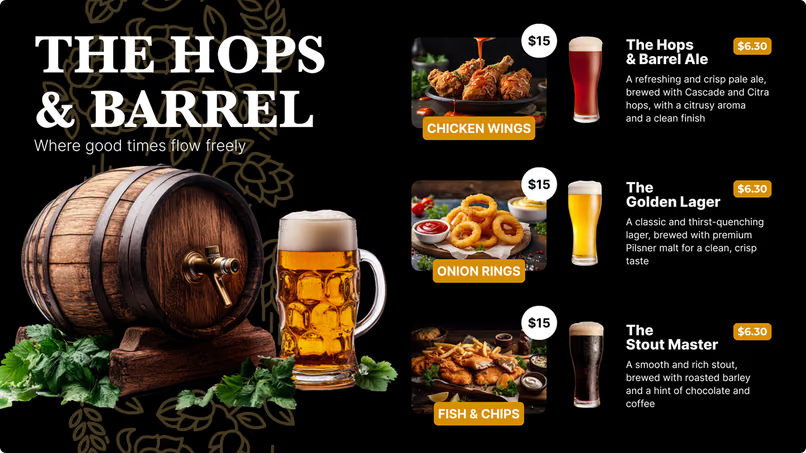
Digital signage for bar menu boards is a network of screens controlled by media players and a cloud content management system. It replaces static chalkboards and paper signs with bright, high-definition displays that keep your messaging consistent and easier to read in busy environments.
The value comes from operational control.
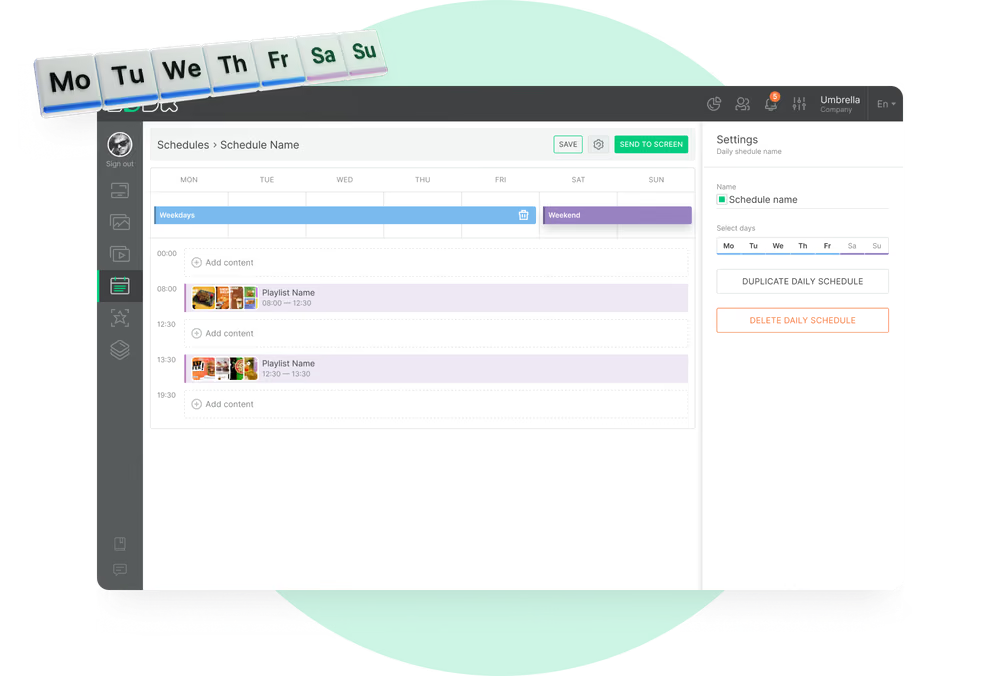
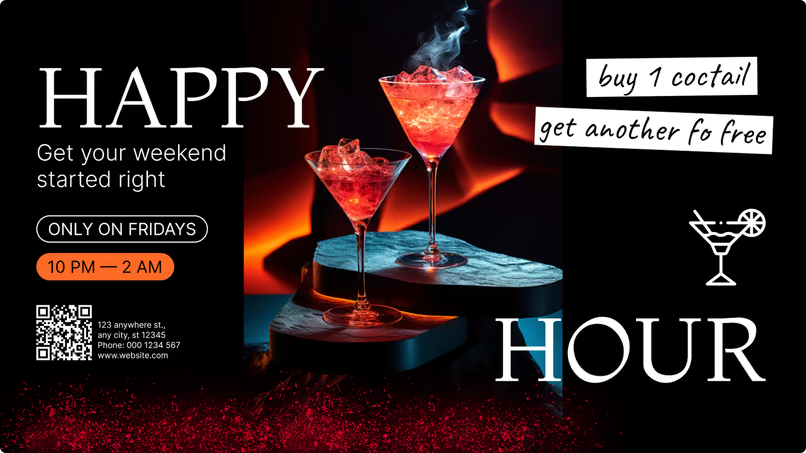
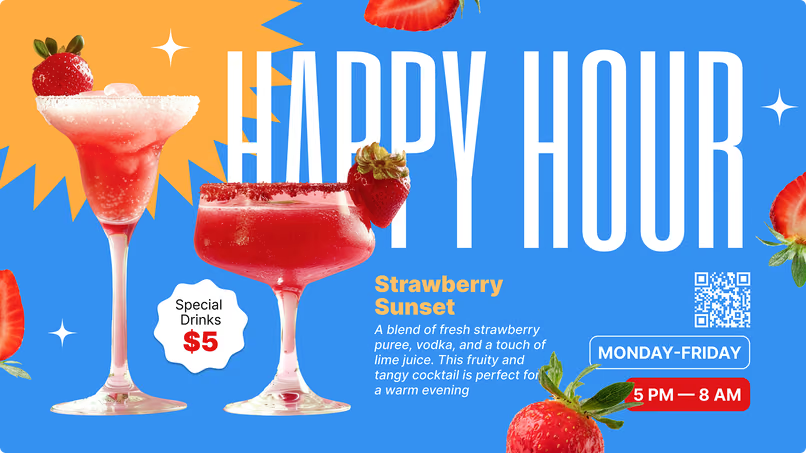
You can rotate menu sections automatically, schedule happy hour promos by time window, and keep pricing aligned across every screen without manual rewrites behind the bar.
Chalkboards hard to read, and slow to update
Printed signs need reprints for every change
Manual rewrites rely on staff time during busy service windows
Old menus confuse when stock changes
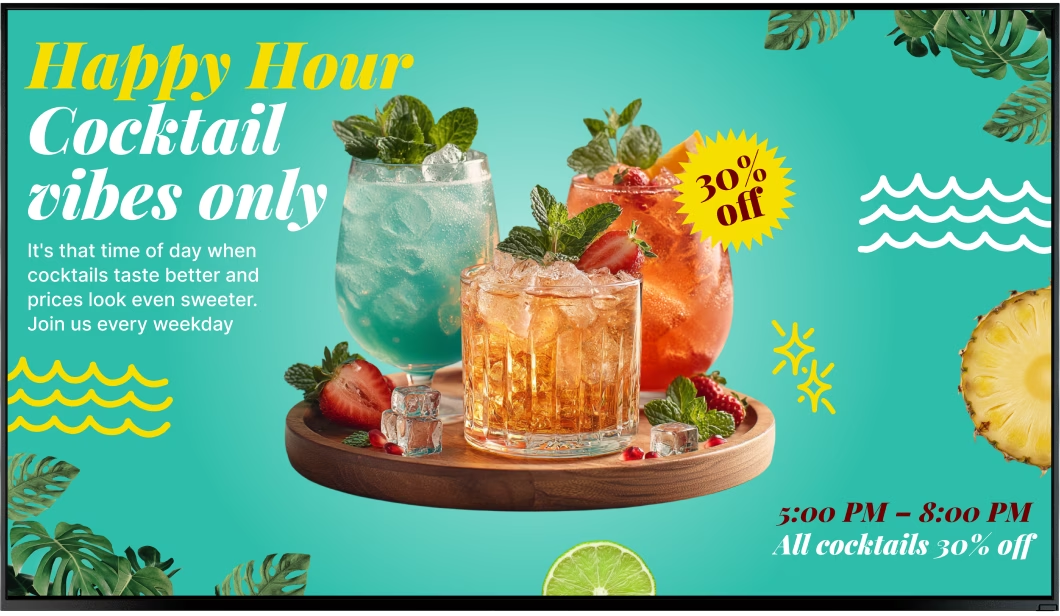
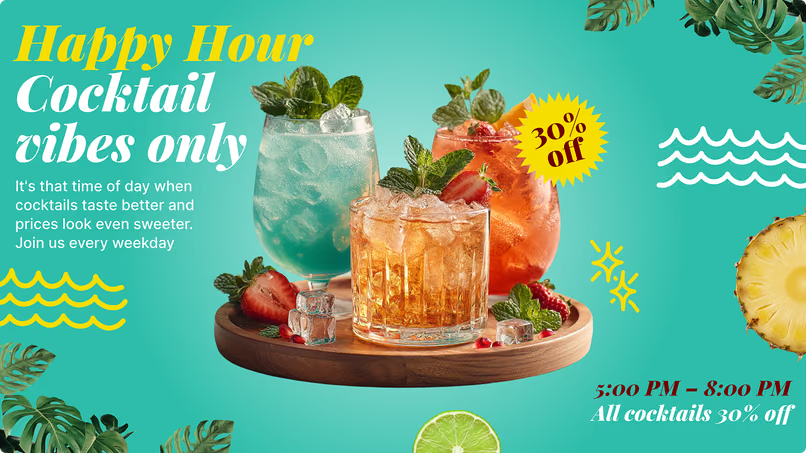
No easy way to run scheduled happy hour promos

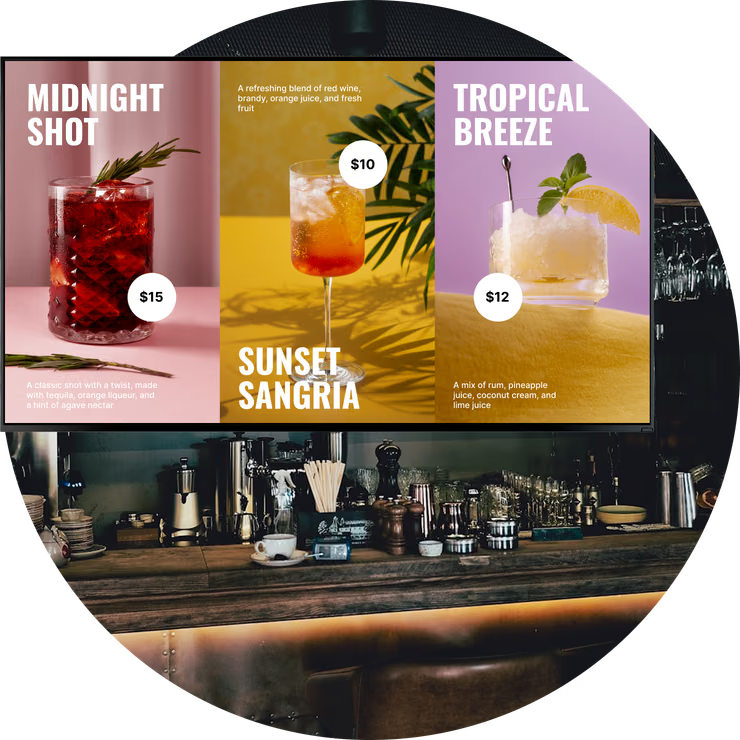
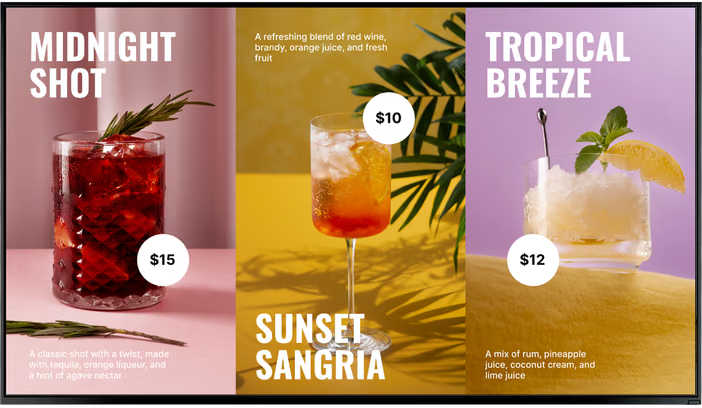
Crisp visuals stay readable in crowded, dim bar settings

Real-time updates remove sold-out items instantly

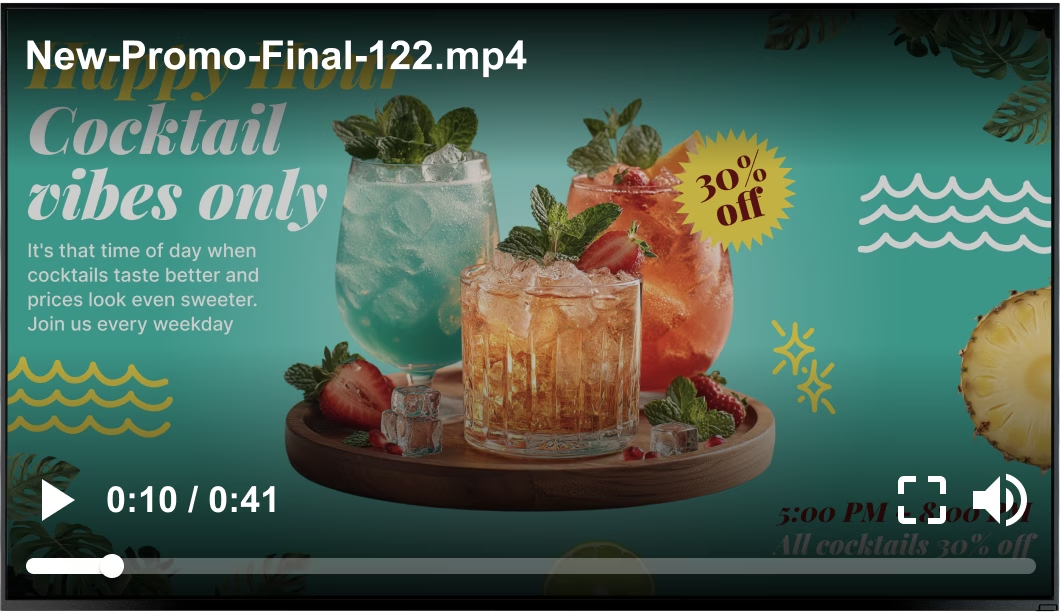
Dayparting automates lunch, happy hour, and late-night menus

Remote publishing keeps screens consistent

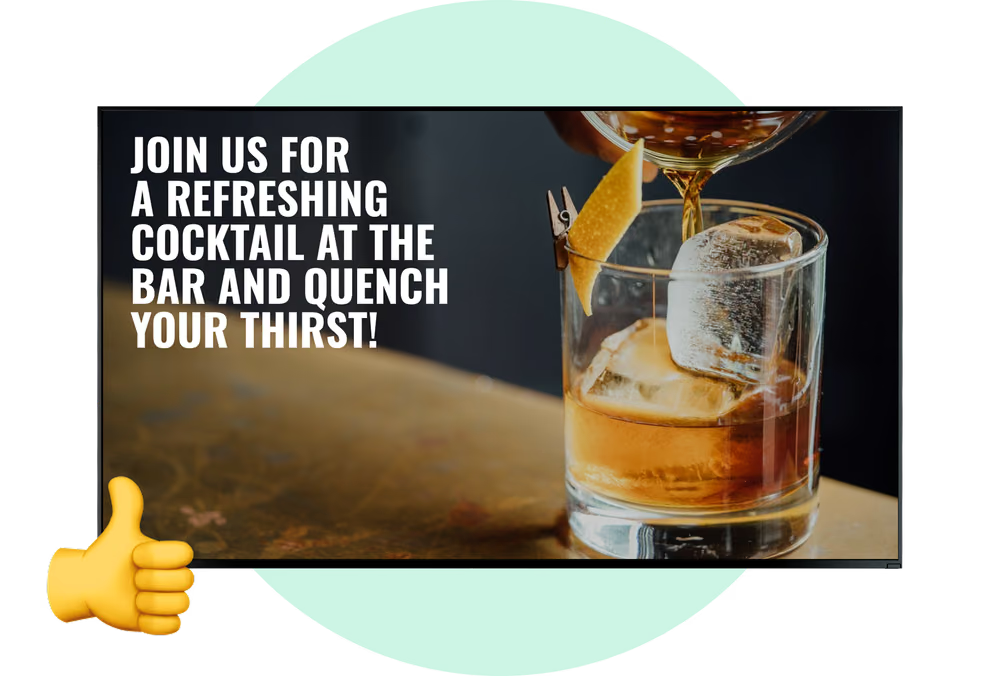
Dynamic visuals spotlight high-margin specials
3 core components
1
Commercial monitors designed for bright, long-hour hospitality environments keep drink lists readable from farther away. They give guests fast visual orientation while they wait to order.
2
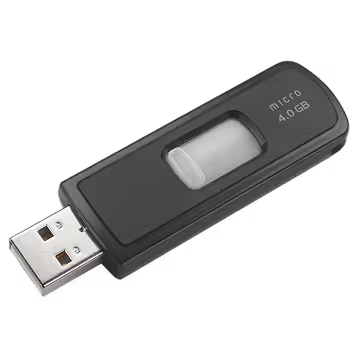
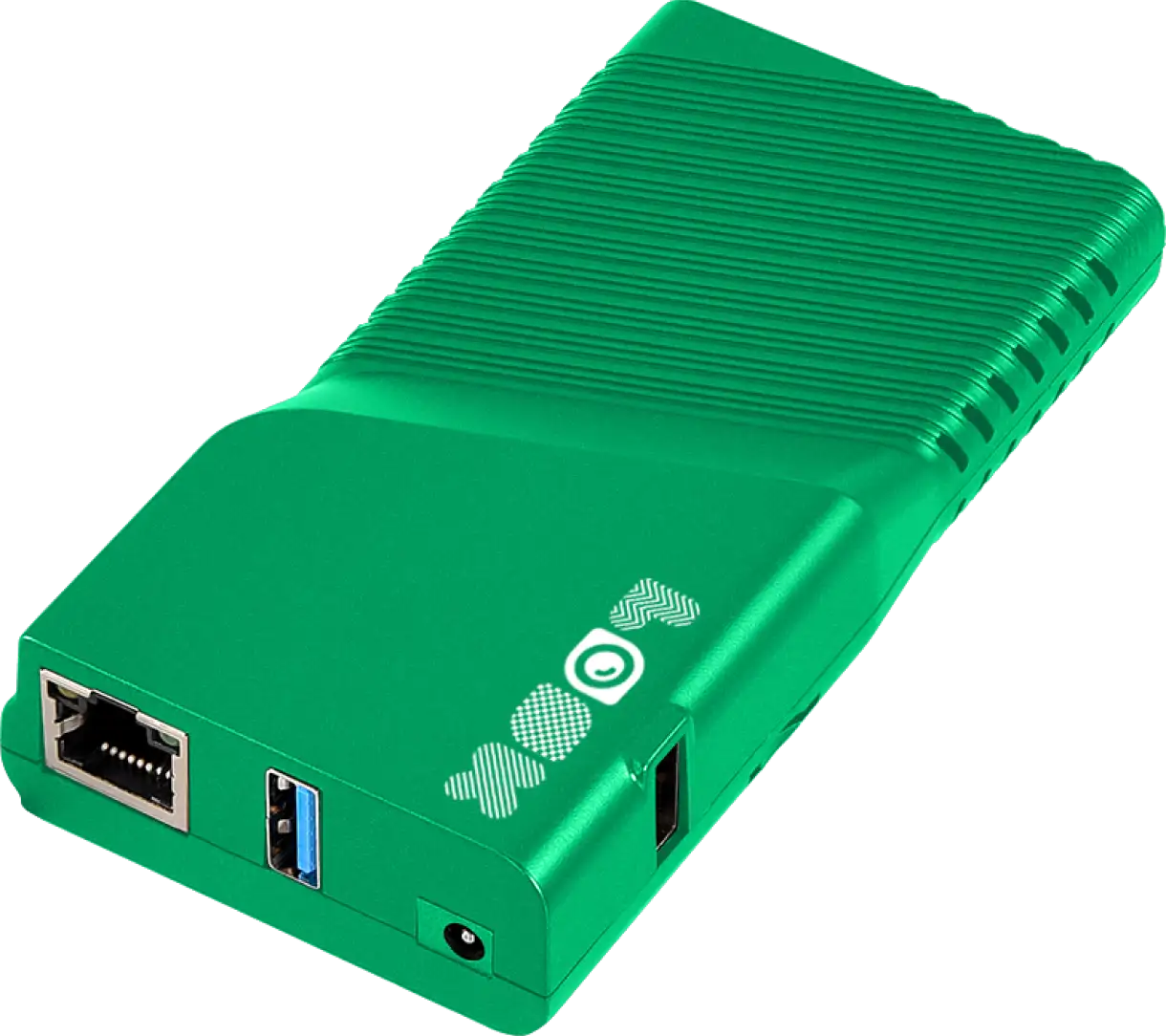
A media player connects the screen and pulls content from your cloud CMS. Bars can run the free Look App on supported systems or use the plug-and-play Look HDMI Player for a stable connection.
3
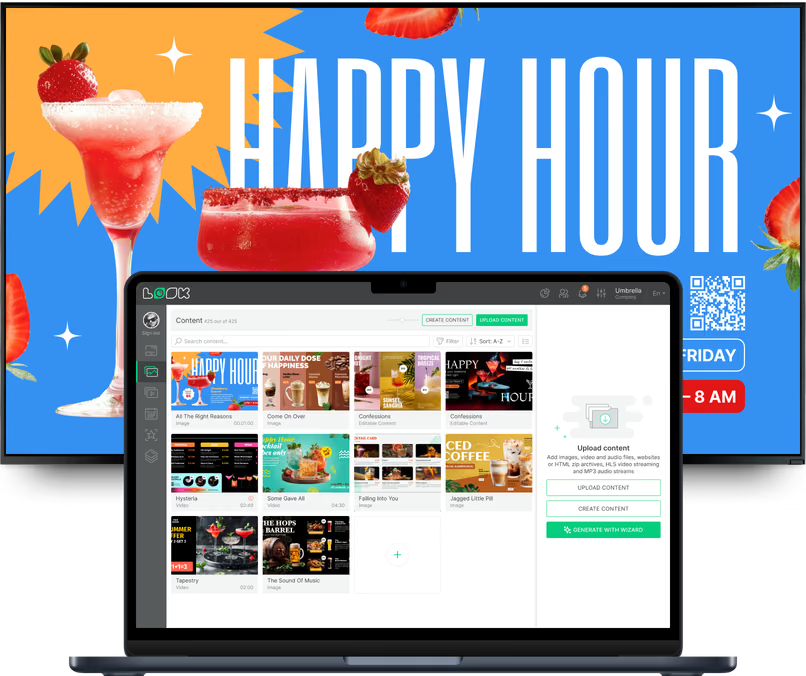
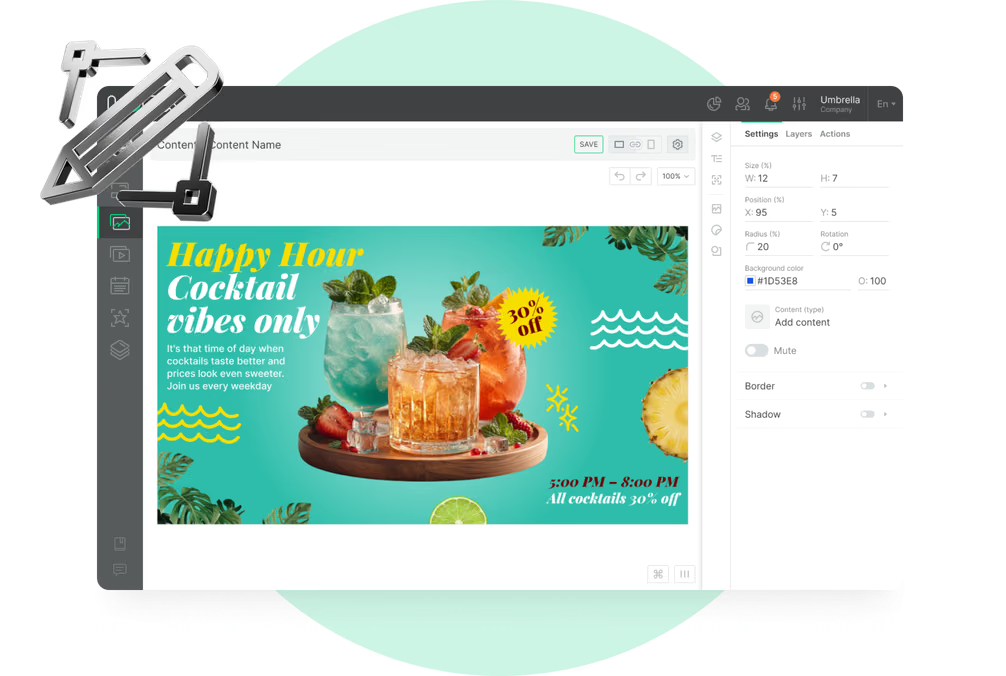
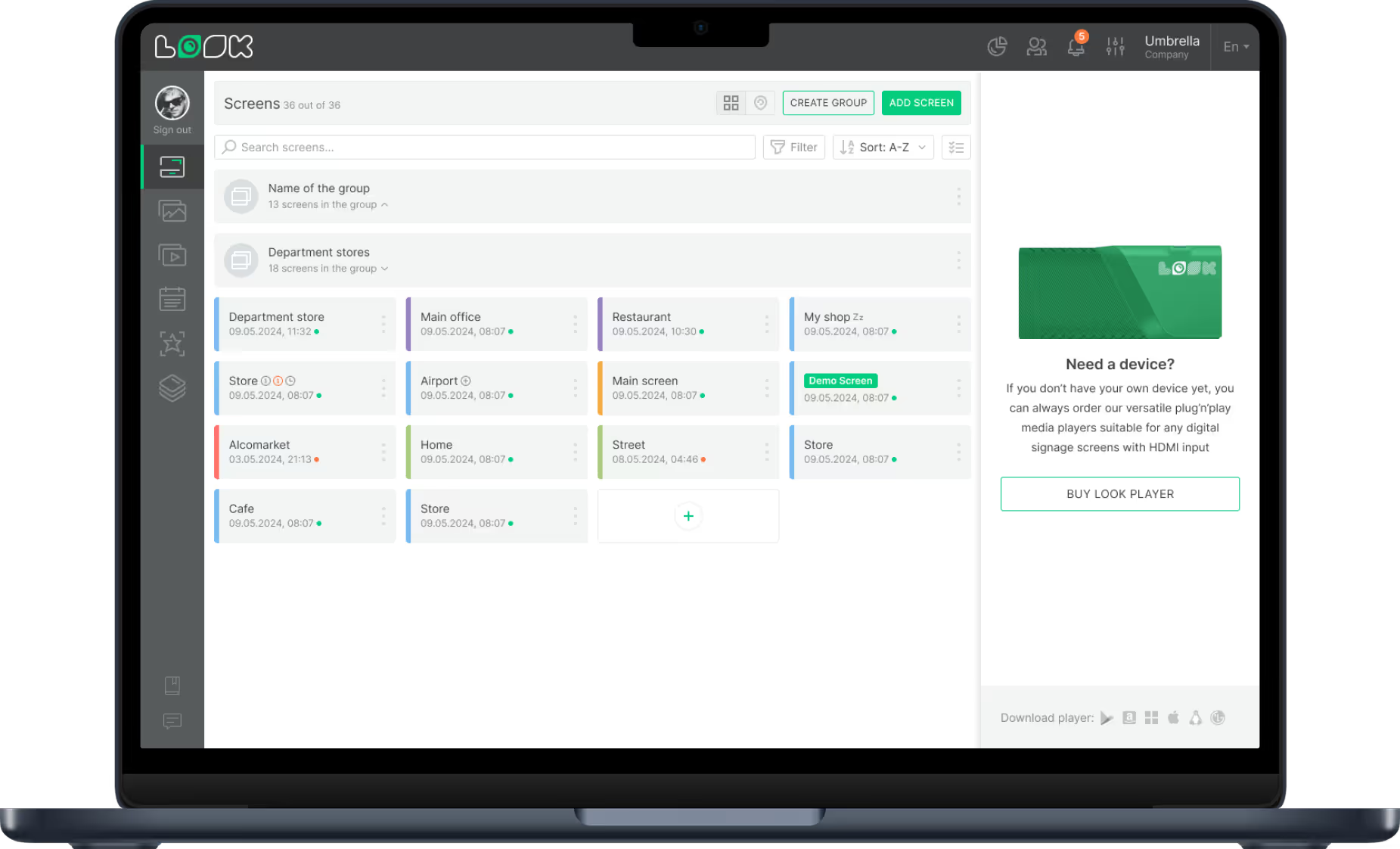
The CMS is the control center for edits, scheduling, and publishing. Staff can add seasonal drinks, adjust prices, and launch timed promotions from one dashboard, from anywhere.
Why bars switch


Bar segments
Static digital boards keep the layout fixed while improving readability and presentation quality. They are a practical starting point for bars that want to modernize quickly without complex interactions.
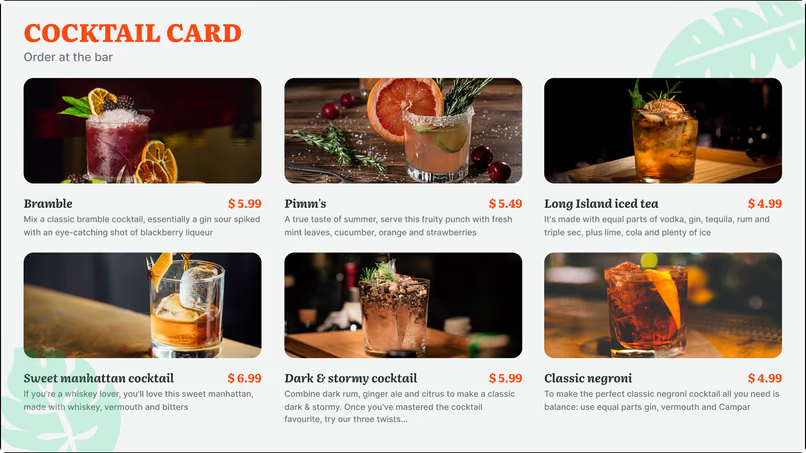
Dynamic boards use animation, scrolling text, and video to pull attention toward profitable drinks. This format works well when you frequently run specials and need fast directional messaging.
Interactive touchscreens let guests explore ingredients, drink origins, and food pairings at their own pace. They require higher upfront investment but create a more personalized experience.
Cloud editing lets managers update one location quickly without design or print dependencies. This model is ideal when offerings change often and staff need straightforward tools.
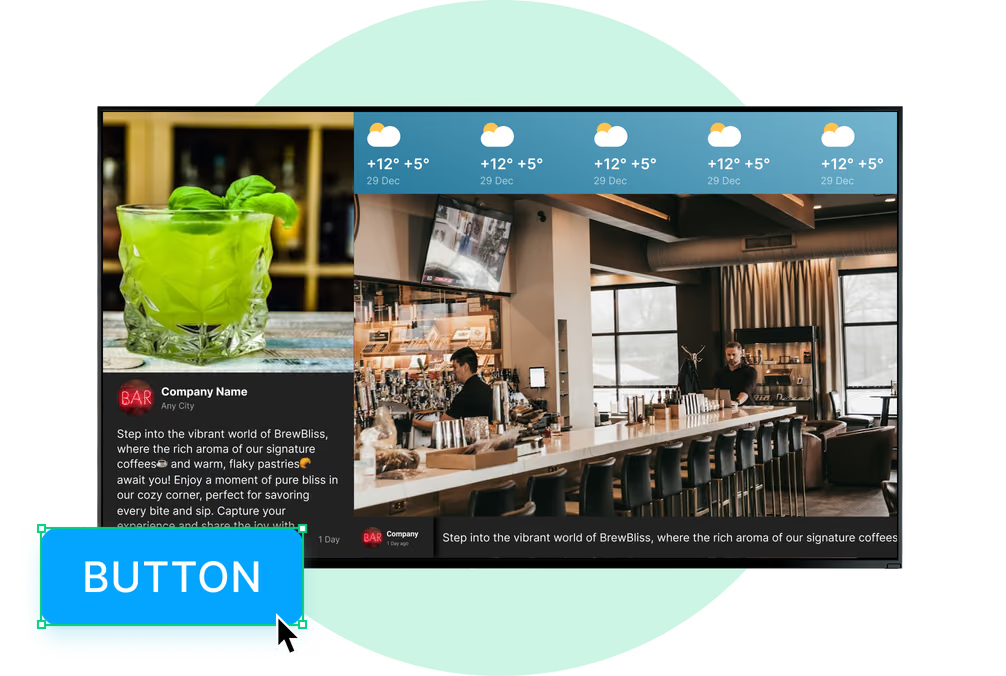
The article calls out high-end cocktail lounges and sports pubs as distinct branding contexts. Multi-zone layouts help these venues show menus, event promos, and live widgets in one coordinated display.
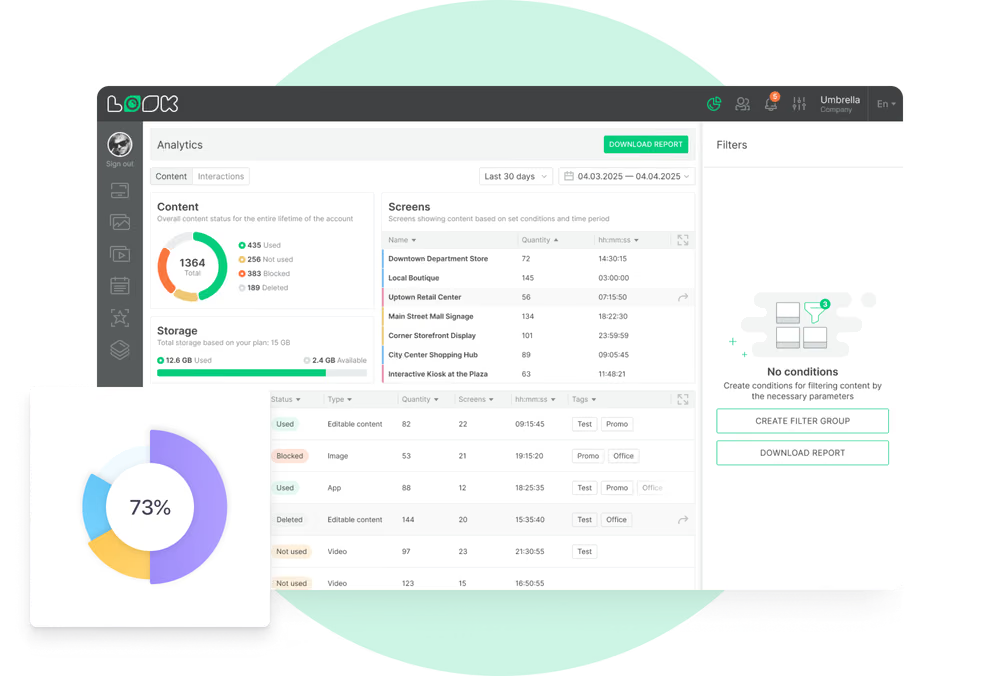
Operators can manage every screen from one web dashboard while preserving consistency across sites. Regional teams can still adjust local pricing or inventory when needed.
Placement scenarios


Setup

Run the app on supported operating systems to launch quickly without buying additional hardware first. This is useful for pilot screens or smaller venues validating the workflow.


Use the HDMI player for a stable, plug-and-play connection to any compatible screen. It simplifies rollout for bars that want reliable playback with minimal onsite configuration.
Bar hardware note:
Bars with heavy glare, long operating hours, or dense floor traffic should prioritize commercial screens over consumer TVs for core menu placements. The article specifically notes that consumer TVs can work for a demo, but commercial hardware is the safer long-term choice for continuous operation and clearer visibility.


How it works


Content best practices
01
Use large fonts, strong contrast, and clear grouping so guests can read from typical standing spots. The article specifically recommends white text on dark backgrounds and enough negative space to avoid overload.
02
Run limited-time offers only when they should be sold, such as happy hour windows. Testing offer timing helps you identify what drives stronger sales in your specific venue.
03
A strong menu design fails if glare or poor placement blocks visibility. Walk the floor and verify readability from both the ordering counter and waiting areas.
04
Refresh visuals, retire outdated offers, and keep brand styling consistent across screens. Remote management makes these updates fast enough to become part of weekly operations.
05
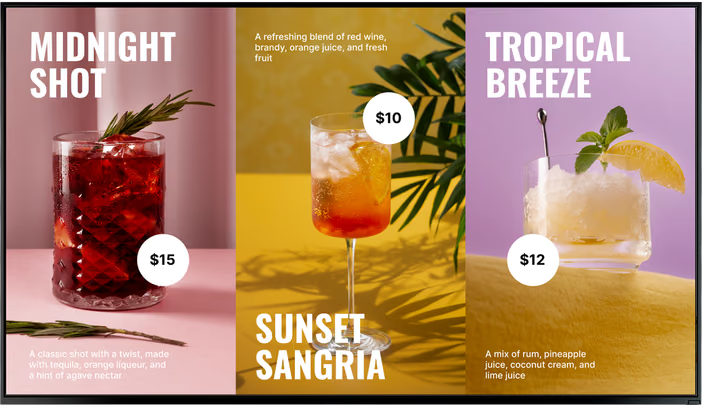
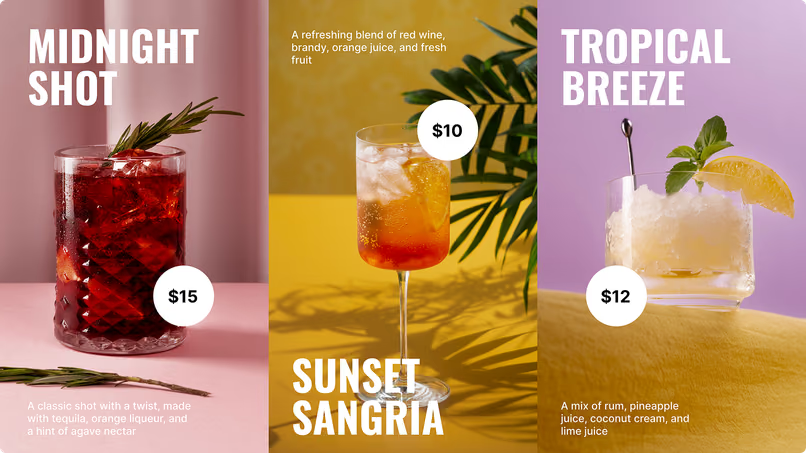
The article recommends high-resolution photos or looping videos for cocktails and specials. Rich visuals often drive more orders than text-only listings.
06
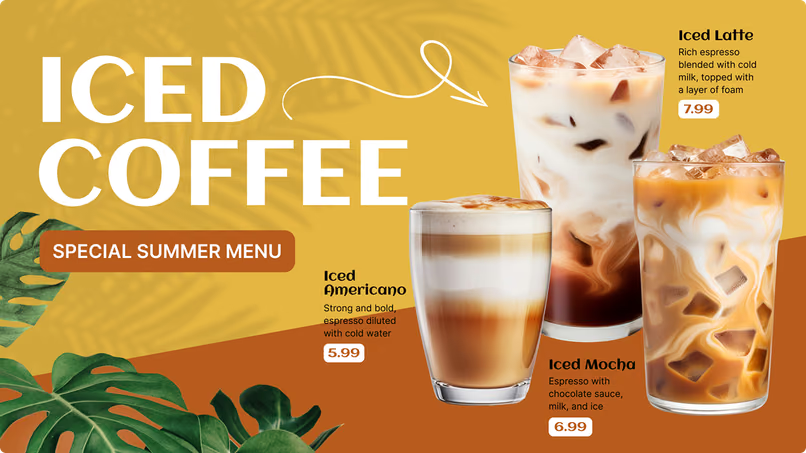
Promote seasonal drinks and upcoming events such as trivia nights or live music in dedicated zones. This turns screens into an active communication channel, not just a static price board.
Common mistakes
Fix: Use dayparting and timed promos so content changes automatically by service window.
Fix: Use high-contrast typography, simplify layouts, and verify visibility from the queue and bar rail.

Fix: Pilot with existing TVs if needed, then standardize on commercial displays for mission-critical screens.
Fix: Choose offline-capable software, use ready-made templates, and confirm support channels before launch.

Operator feedback
We went with Look, because it gave us the full control of the content that we were streaming to our locations and it also gave us the scalability, which is even more important. Great experience overall.
Look dramatically simplifies the content management process for us. I can change the menus in a couple of clicks in all the restaurants from any place. It’s really easy-to-use and the solution works just smoothly.
Working with Look is been amazing! And one thing I'm excited about even more than experience we already had is the future!
FAQ
If you are comparing hardware, mounting, and software options for a bar environment, we can map the right setup for your floor plan and service style. The goal is clear menus, fast updates, and reliable playback during peak hours.
Free templates
Tips & guides
No credit card required
100% of features, no trial limitations
Fast human support 24/7