Digital Signage for Indoor Advertising Displays


350-700
nits is the standard brightness range for indoor commercial screens
Source: "Brightness and Viewing Angle for Indoor Lighting"
1000+
nits may be needed when a display faces a large window with direct sunlight
Source: "Brightness and Viewing Angle for Indoor Lighting"
16-24h
commercial screens are built to run 16 to 24 hours a day with less downtime
Source: "Commercial TVs and Standard Display Panels"
50,000h
many displays are rated for 50,000 hours, about 8+ years at 16 hours per day
Source: "How Long Do Indoor Digital Displays Last?"
What is indoor advertising digital signage?
A flexible network of in-building displays
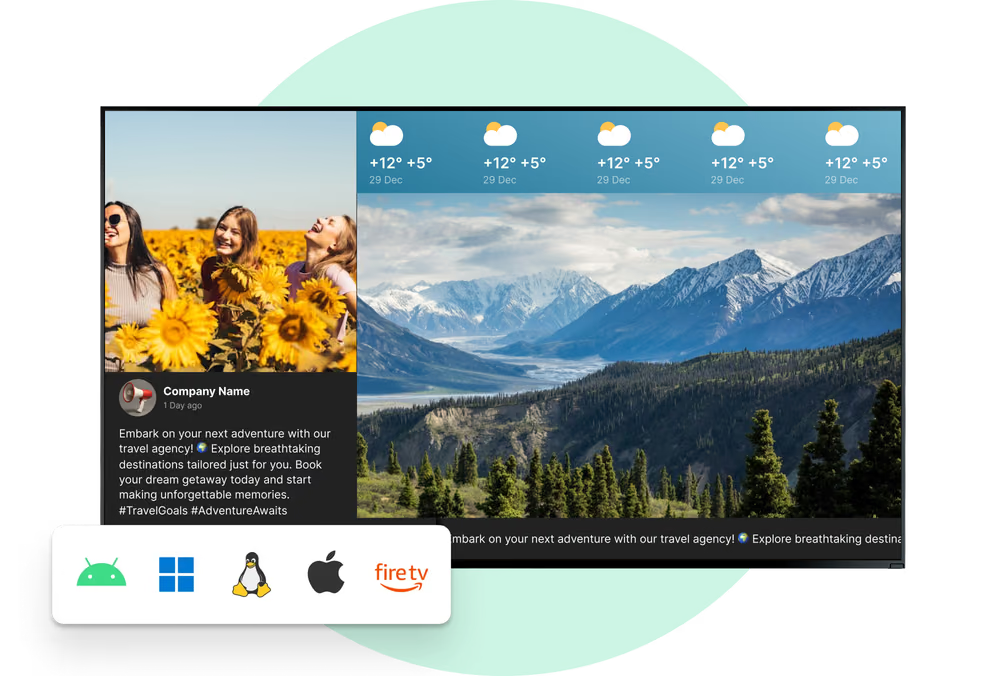
Digital signage for indoor advertising displays means using digital screens to show videos, images, text, and interactive content inside a building. It replaces printed signs with something brighter and easier to update, from a single menu screen to a full video wall.
The main goal is to inform and engage people using clear, moving content that print cannot match.
Businesses can share current offers, wayfinding guidance, and timed campaigns for different audiences throughout the day.
Digital vs. Traditional room management
Printed posters

Static signage cannot be adjusted instantly
Requires reprinting for every update
No scheduling by time of day or audience
No interactive next step for viewers

Hard to keep messaging consistent in all locations

Look DS

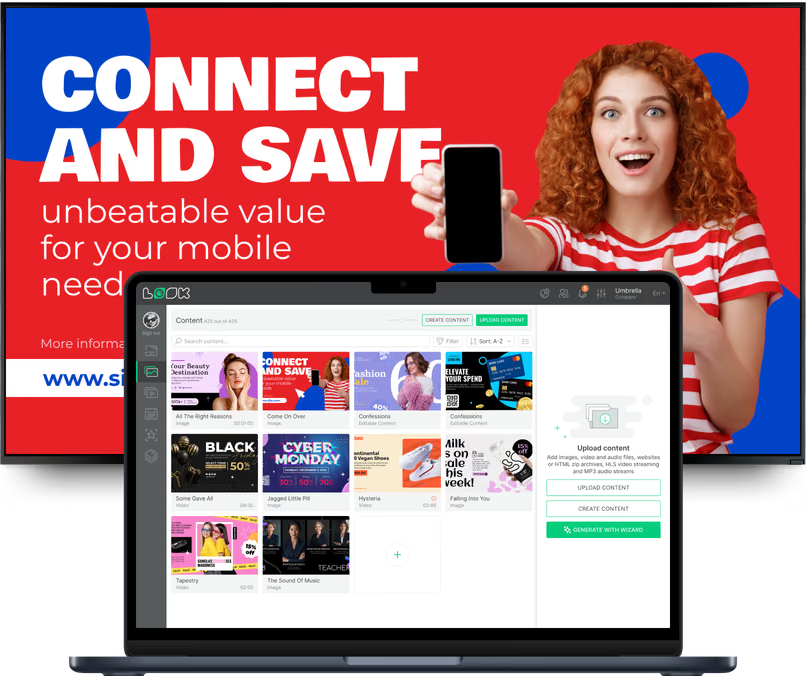
Update and schedule content remotely in minutes

Show video, animation, text, and live data

Target messaging throughout the day

Add touchscreens or QR codes for action

Keep every screen accurate and on-brand
3 core components
1
Central controller
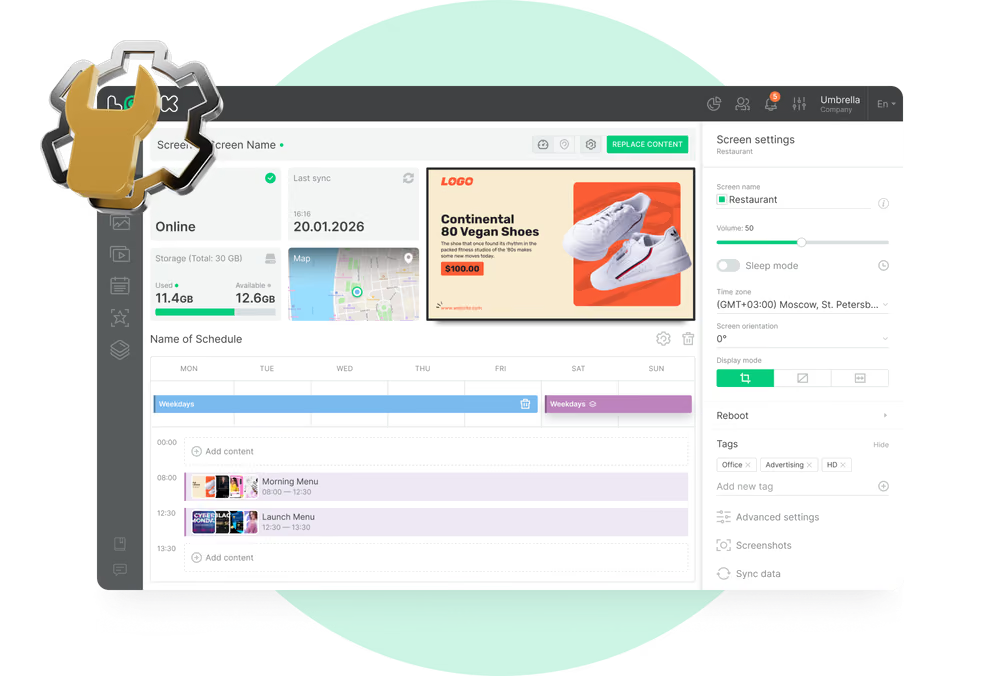
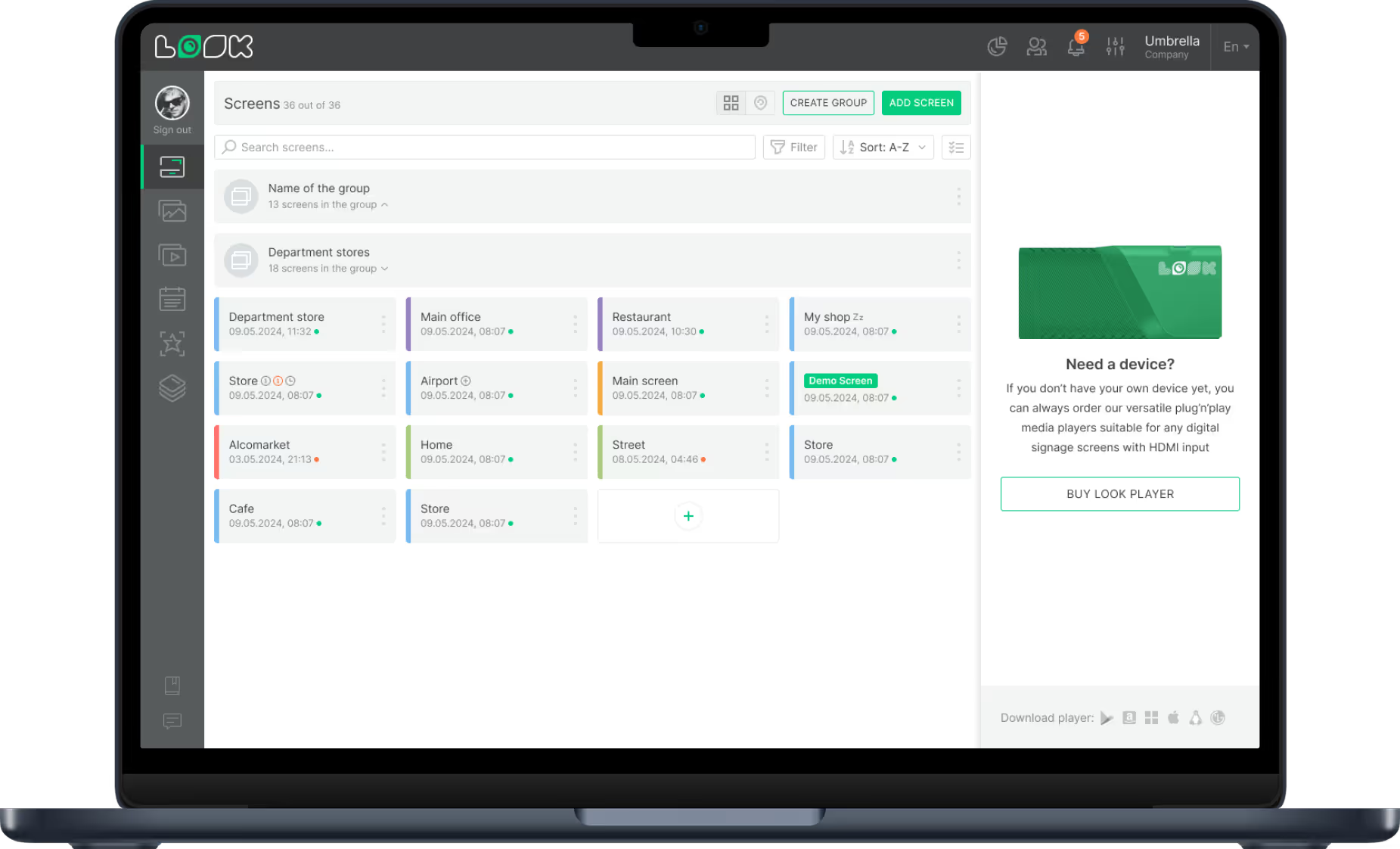
The controller tells the system what to play and when. One dashboard can manage one screen or thousands.
2
Media player
The media player runs the files. It can be a separate box or built directly into the display hardware.
3
Display screen
The screen shows the content with brightness and viewing angle tuned for indoor visibility and close reading.
Why it works
Six ways indoor advertising displays improve operations


Industry formats
Indoor display programs by environment
Store promotion networks
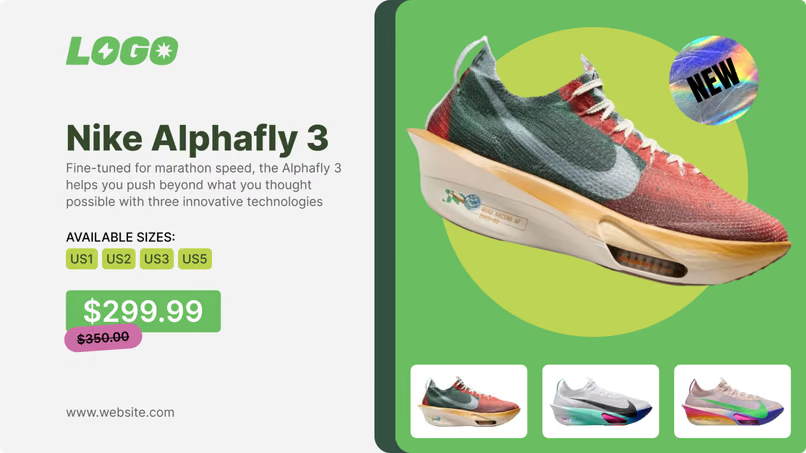
Stores use entrance screens to highlight sales and checkout screens to promote loyalty programs. Retail teams can push real-time updates to every location so all stores run the right promotions at the right time.
Lobby and workplace signage
Corporate offices use lobby screens for milestones and visitor welcomes, plus meeting-room displays for live booking status. Breakroom screens replace noticeboards so HR can schedule policy updates, reminders, and safety notices.
Hotel and restaurant displays
Hotels use lobby screens as a digital concierge for event schedules, weather, and local tips. Restaurants and cafes use digital menu boards to keep lines moving and instantly update sold-out items or daily specials.
Patient communication screens
Hospitals and medical centers use readable maps and directories for wayfinding, plus waiting-room displays for clinic hours and queue numbers. This organized flow reduces front-desk interruptions for simple directions.
Transit information displays
Airports, train stations, and bus hubs rely on live departure boards, gate changes, and delay alerts. When schedules shift, updates appear instantly across the terminal and ad slots turn wait time into revenue.
Campus noticeboard systems
Schools and universities rotate cafeteria menus, sports schedules, and club news through the day. In emergencies, administrators can override regular content and publish safety alerts on every screen at once.
Placement scenarios
Where indoor advertising displays create impact

Store entrances

Checkout zones

Office lobbies

Waiting rooms

Indoor wayfinding points

Transit concourses
Hardware and setup
Two deployment options for indoor networks

Look App on existing screens
If you already have compatible smart TVs or devices, install the Look App to turn them into digital signage endpoints quickly. This is a practical way to launch pilot programs without buying all-new hardware first.


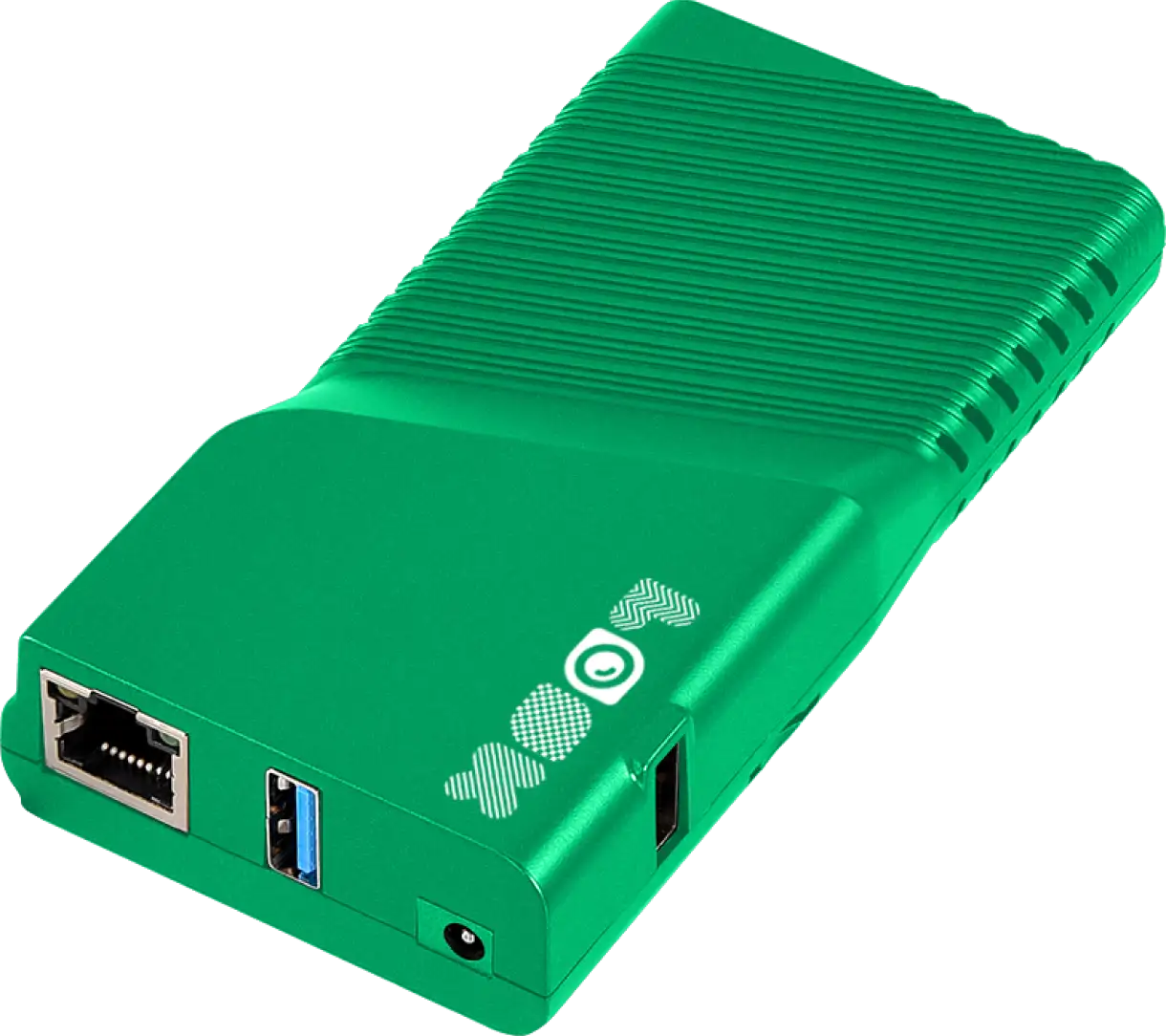
Look HDMI Player
Use a dedicated media player when you need stronger reliability for larger or always-on networks. It keeps playback stable, supports offline cached content, and simplifies centralized monitoring and maintenance.
Indoor hardware note:
Indoor displays do not need weatherproof enclosures, so they are typically thinner, lighter, and more budget-friendly than outdoor units. Prioritize commercial-grade panels for long daily runtime and increase brightness specs for window-facing positions.
How it works
Launch and run indoor signage in three steps
Connect hardware
Install commercial displays and connect a media player, either as a separate box or built directly into the screen. Use commercial-grade hardware for 16 to 24 hour daily operation.Publish from CMS
Use a CMS dashboard to upload files, build layouts, and schedule playlists. Teams can publish from any browser and scale from one screen to thousands without changing workflow.Automate and monitor
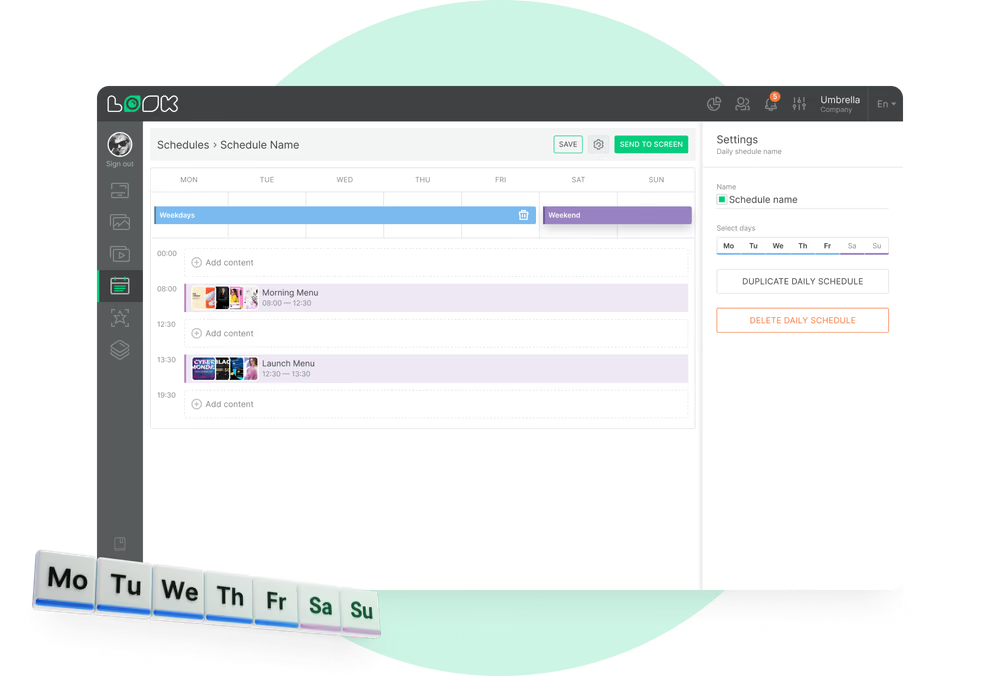
Automate campaigns with Smart Scheduling, then monitor screen status from one control center. If local internet drops, offline playback keeps content visible from cached files.


Content best practices
Content tips for indoor advertising displays
01
Design for viewing conditions
Indoor displays are built for closer viewing and stable lighting, so prioritize sharp resolution, rich color, and wide viewing angles when selecting templates and typography.
02
Program content by audience and time
Use scheduling to adjust campaigns for different audiences throughout the day, keeping each screen relevant instead of showing one static message all day.
03
Use motion with a clear action
Video and simple animation pull attention faster than paper. Add a QR code or touch interaction so viewers can take an immediate next step.
04
Build operations around remote management
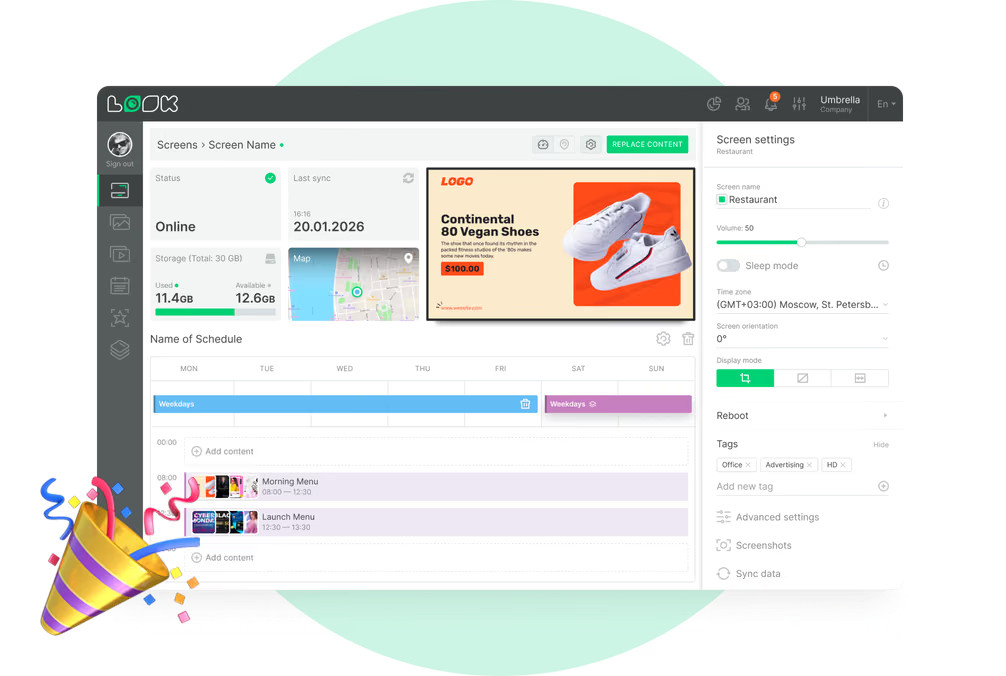
Update and monitor every screen from one dashboard so teams do not need onsite visits for routine changes, troubleshooting, or campaign swaps.
05
Use templates to control costs
Ready-made templates and drag-and-drop tools reduce content production time and keep design costs low while preserving brand consistency.
06
Measure performance against business goals
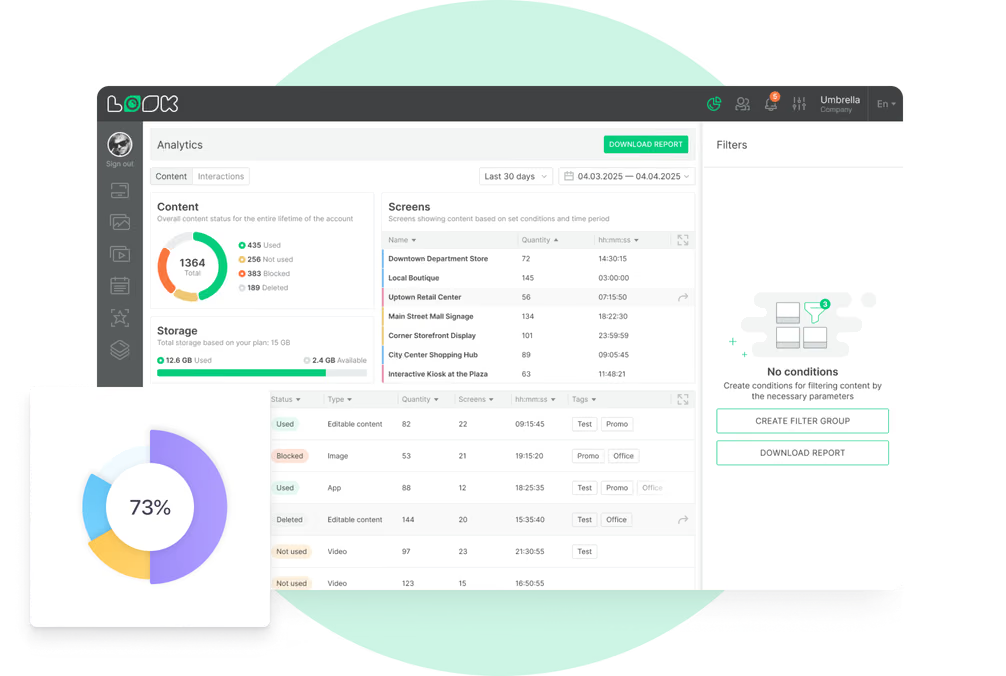
Track network uptime and content performance, then tie those metrics to goals such as promotion lift, reduced print spend, or staff time saved.
Avoid this
Common indoor signage mistakes and fixes
Using home TVs for 24/7 duty
Fix: Choose commercial displays rated for 16 to 24 hours daily, with hardware designed for continuous use and reliable warranty coverage.
Ignoring brightness requirements
Fix: Use 350-700 nits for standard indoor zones and move to 1000+ nits where direct sunlight hits the display.

Managing updates manually
Fix: Use cloud CMS, playlists, and Smart Scheduling to automate publishing windows and push changes across the full network instantly.
Weak access control and security
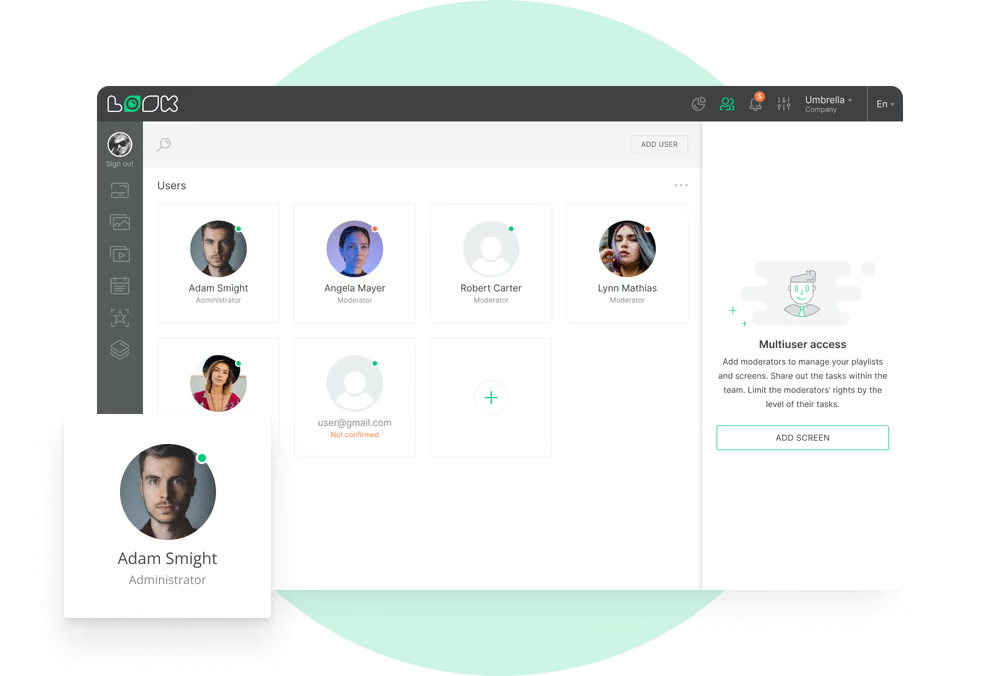
Fix: Enforce encrypted data transfer, secure logins, two-factor authentication, and role-based publishing permissions.

Real-world outcomes
What indoor rollout teams report after launch
In terms of using the system, the other options that I found were a little clunky and Look was not only affordable but really easy for us to deploy and get up and running.
Look is well-priced, it’s a very user-friendly software cloud-based service, where you can update your screens from wherever you are. We can definitely recommend to others!
Our experience with Look was simply excellent. We were able to offer our clients a new feature-rich solution that can meet their various requirements in terms of digital signage, with a relatively affordable monthly cost.
FAQ
Common questions about indoor advertising displays
What is digital signage for indoor advertising displays?
How secure are indoor digital signage systems?
How long do indoor digital displays last?
Can indoor digital signage be customized for any space?
What brightness should indoor displays have?
How do cloud-based and on-premise CMS options differ?
What support is typically available?
Still have questions?
Plan your indoor display rollout with the right hardware specs, content workflow, and publishing permissions from day one.
Templates
Indoor advertising templates for faster campaign launches
From the blog
Guides for running high-performing indoor signage
Try Look digital signage for free
No credit card required
100% of features, no trial limitations
Fast human support 24/7