🎬 CINEMA DIGITAL SIGNAGE

Digital Signage for Cinemas

The 7:40 screening has moved to 8:05. How quickly can every board reflect the change? With Look DS, one browser update reaches every assigned screen. Showtime boards, trailer walls, auditorium door signs and concession menus run from one cloud CMS. Updates reach every assigned screen from one CMS.

Every screen in the theater, one account

Box office, lobby, auditorium doors and concessions publish from one dashboard.

Content that follows the screening clock

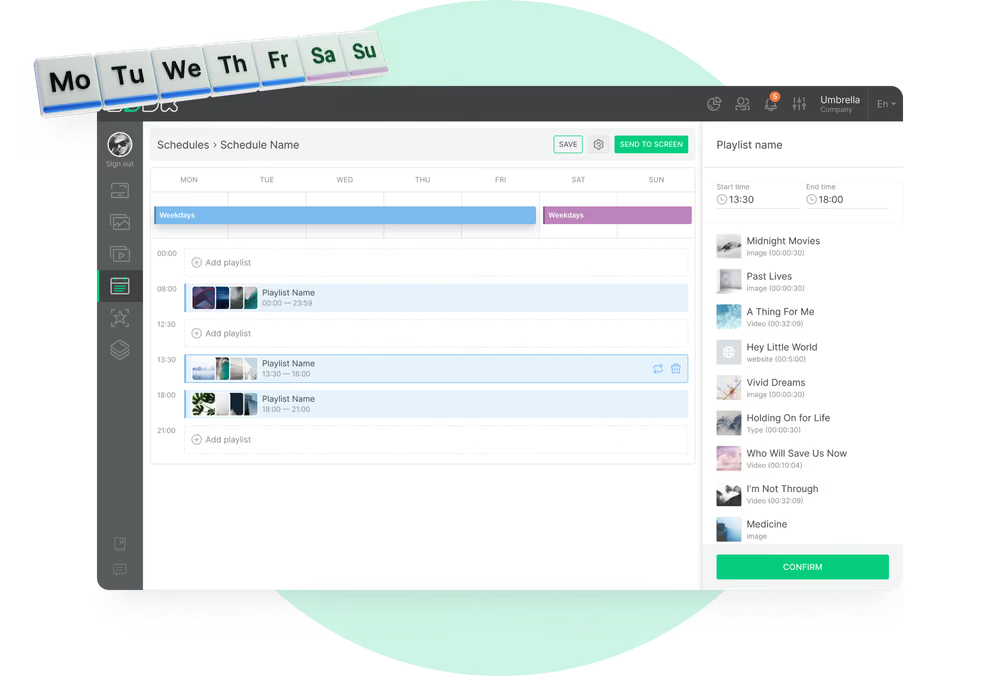
Matinee, evening and late-show boards switch automatically at the times you set.

A schedule change takes one edit

Update a title once, publish and every assigned screen receives the change.
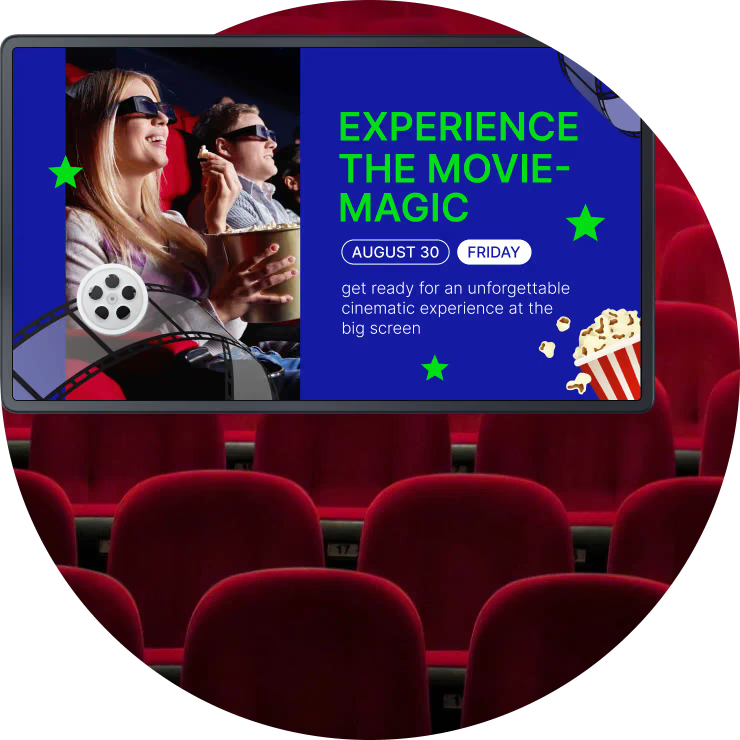
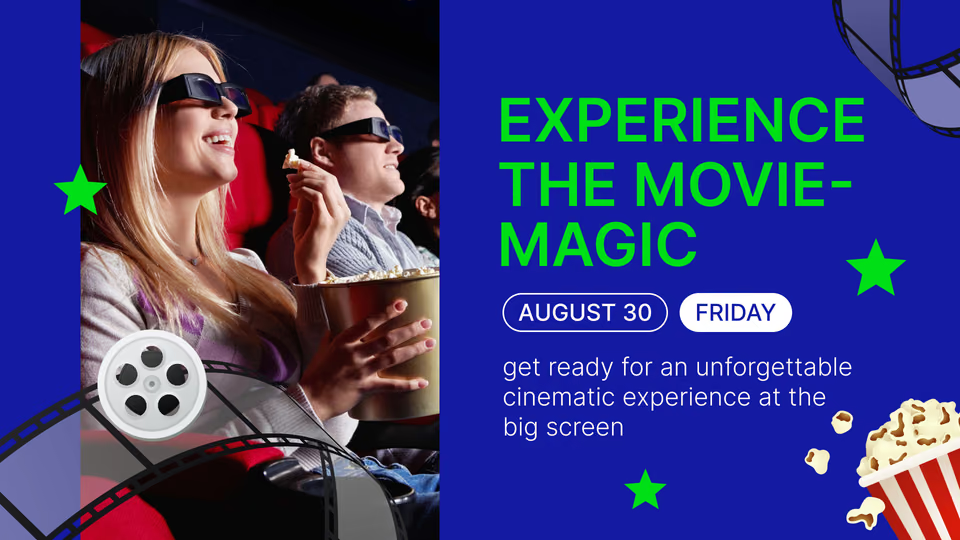
Experience the Movie-Magic promotion screen above a row of red cinema seats
  • No credit card required. From $6 per screen/month with volume pricing.

  • Runs on Android, Windows, Linux, Tizen, webOS, Raspberry Pi and more.

  • 24/7 in-app support from real people.

Captera Rating
4.9
G2 Rating
5.0
60 000+
Screens
11 000+
Users
120+
Countries
Capterra Best Value · G2 High Performer
Software Advice · Customer Support 2026

Run every cinema screen from one browser

Cinema digital signage lets movie theaters run showtimes, trailers, auditorium door signs, concession menus and promotions on the screens across the building, managed remotely from one cloud-based digital signage CMS.
Shift the schedule and nothing has to be reprinted. The matinee board retires at the first evening screening; the counter flips to combo pricing before the rush; anything sold out drops off every menu board in the building within seconds. The same at each location, screening after screening.

Sound familiar?

    • A red cross inside a black circle

      Printed showtimes wrong by Friday night

    • A red cross inside a black circle

      Poster frames swapped by hand each week

    • A red cross inside a black circle

      Door signs that never match the schedule

    • A red cross inside a black circle

      Concession prices reprinted every change

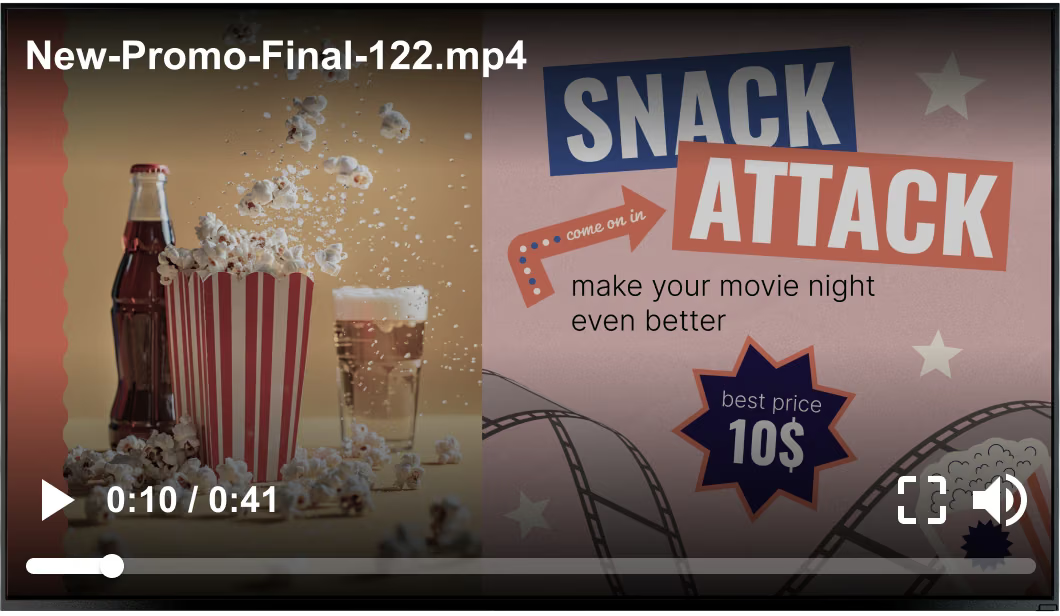
Generic stock promo video overlay playing over a Snack Attack concession promotion screen Black USB flash drive with 4 GB storage capacity

What you get with Look

    • Every theater screen on one dashboard

    • Boards that follow the screening clock

    • One edit updates every screen showing it

    • Templates that hold the brand together

Clean Snack Attack concession promotion screen without the video overlay Green shield icon with a white check mark
Try with demo screen now
Run demo screen right in your browser

From one lobby screen to the whole multiplex

Connect a player, build the playlist, publish. It is the same three steps for one concession board as for every screen in a multiplex chain, and the theater team drives all of it from one browser.
  • Schedule

    Connect your screens

    Install the Look App on a compatible display or plug in the Look HDMI Player, then pair the screen with the 6-digit device code it shows.
  • Content

    Build the week's playlists

    Drop trailers, showtime boards, menus and promo slides into playlists, then schedule each one against the screening times for that week.
  • Playlists

    Publish by screen or by tag

    Screen tags determine what reaches the lobby, auditorium doors or concession counter, so one publish updates the selected group without changing other screens. Each screen group receives only the content it needs.
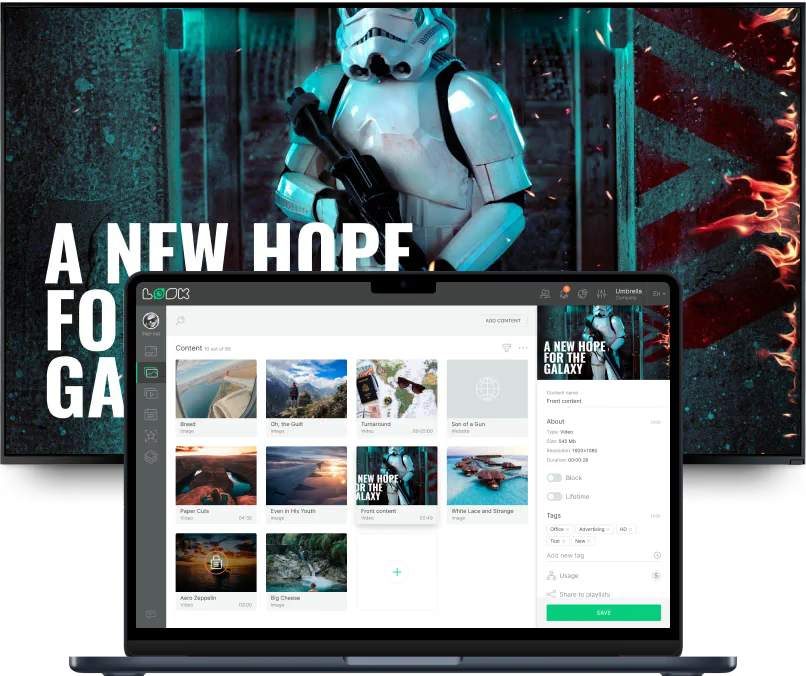
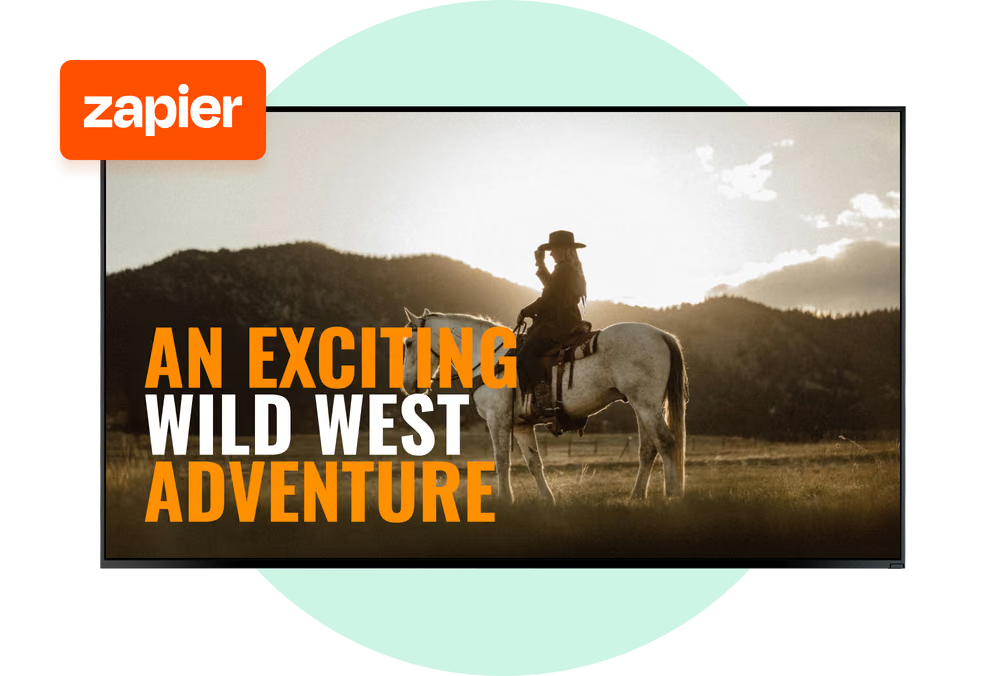
An Exciting Wild West Adventure trailer screen with a rider on horseback at sunset Drink Soda concession promotion screen with a bottle and glass of soda Laptop with the Look content editor showing a media library and A New Hope for the Galaxy trailer preview

Where digital signage goes in a movie theater

A box office queue, a poster wall, an auditorium door and a concession counter meet the same audience at four different moments of one visit. Look runs all of them from one account, each with its own layout, schedule and publishing rights.

Box office and ticketing

Answer the schedule question before the queue asks it.
Above the ticket windows, guests get the day's screenings with ratings, running times and prices, so they have read the schedule before they reach the counter. Sold-out shows carry a flag, with the alternatives still listed beside them, on whichever screens you assigned it to.
A title moves, the board follows the CMS entry instead of a reprint, and the same edit turns up in the lobby.
Best for: Today's screenings, prices, sold-out flags, membership offers, opening hours

Lobby and poster wall

Retire the poster frames, keep the poster wall.
Portrait screens along the wall show key art, ratings and running times for this week's films, then move to upcoming releases without anyone carrying artwork through the lobby.
A trailer wall sits in the same account, so a distributor asset can be added directly to the loop as soon as it arrives.
Best for: Now showing, coming soon, key art, trailers, ratings and running times

Auditorium doors and corridors

The door tells you what is playing, not a paper slip.
Outside each auditorium a small screen carries the title, rating, format and start time, and moves itself on to the next screening as the schedule advances.
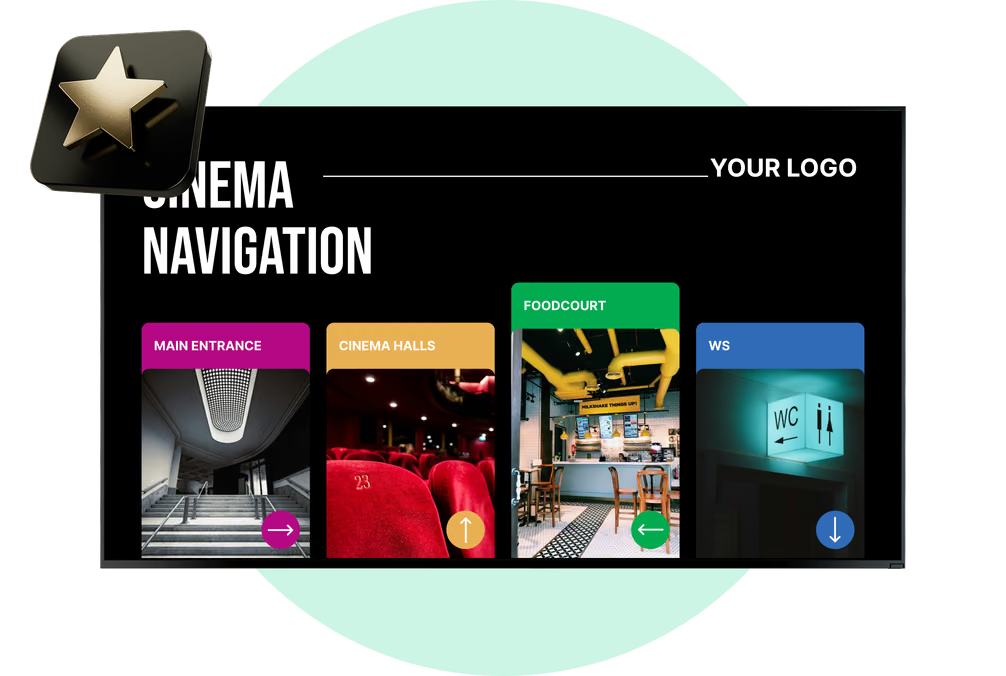
Corridor screens point to screen numbers, restrooms and exits, which keeps ushers on the floor rather than repeating the same directions all evening.
Best for: Title and rating, start time, format, now seating, auditorium numbers

Concession counter

Pull a sold-out item, no reprint needed.
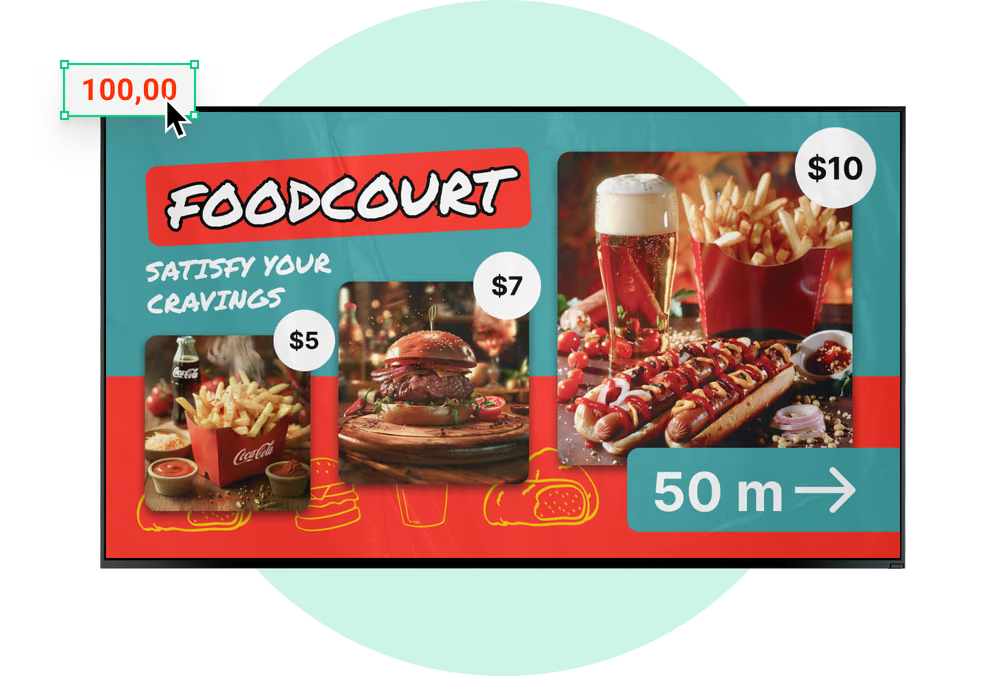
The boards above the counter carry combos, sizes, prices and the allergen lines, then turn over to intermission offers or the late-night menu at hours you set, not at hours somebody happens to remember.
If the kitchen runs out, one operator takes the item off every board in the building that carries it, in seconds.
Best for: Combo pricing, allergen notes, upsell offers, sold-out swaps, matinee deals

Bar, lounge and waiting areas

Give the wait before the film something to do.
Screens in the bar and waiting area run live sports, a social wall, the guest Wi-Fi code and your review score, turning pre-show time into an engaging and commercial opportunity.
Late shows and special screenings go on those same displays, and that is how the hours either side of peak get filled.
Best for: Live sports, social walls, guest Wi-Fi, review scores, late-show promotion

Exit corridors and coming soon

The last screen they pass sells the next ticket.
On the way out, screens feature release dates, advance booking, membership offers and gift cards, reaching audiences while the theater experience is still fresh.
Each campaign carries its own start and end dates, so a promotion stops by itself when the run is over. Campaigns stay accurate across every theater location.
Best for: Next release dates, advance booking, loyalty sign-up, gift cards, event screenings

To use Look digital signage software

Look service works seamlessly on any hardware, whether you're planning to purchase or already use it
Or

Install FREE Look App

Transform any TV or compatible device into digital signage by installing the free Look app.
WindowsAmazon Signage
Androidgoogle-tvLinuxOS Fire Amazon
macOSWebOSOS Tizen OS Raspberry Pi
Supported Operating Systems

Plug Look HDMI Player

Connect the Plug & Play Look Player to your display’s HDMI input for instant setup. Worldwide shipping.
Buy nowLook HDMI Player

What our customers say

Real businesses, real results.
Captera Rating
4.9
G2 Rating
5
We have one central management system, where we can control all content, upload it, schedule and it’s really easy-to-use!
Zsolt Rapali
We have 22 locations and zero issues with Look software. It’s so easy to use and has a lot of useful tools that we utilize in our day-to-day business. All-in-all, our experience was top-notch.
Ervin Piotrowski
We tried many different solutions for our platform. After many trials and errors, we found Look Digital Signage to be an amazing tool for our purposes.
Pyry Salminen
60 000+
Screens
11 000+
Users
120+
Countries

Free templates

Templates built for cinema screens

You are not staring at a blank canvas. The collection already holds what theater screens really show: showtime and event boards, promotional slides, concession menus, welcome and recognition screens, venue rules and notices. Brand colors, fonts and the logo go in a single time, and templates take them from there, which is why a board built at the counter looks like the one marketing put out across the rest of your screens.
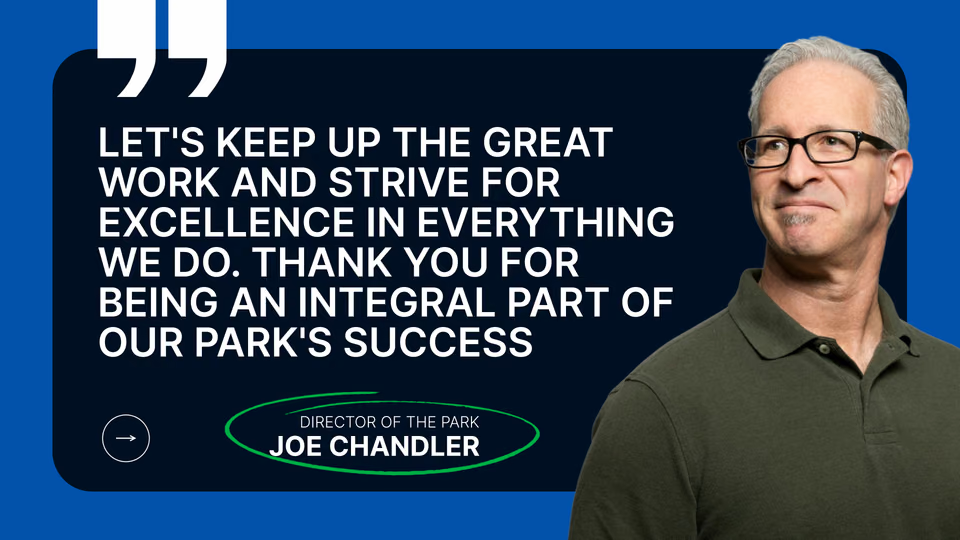
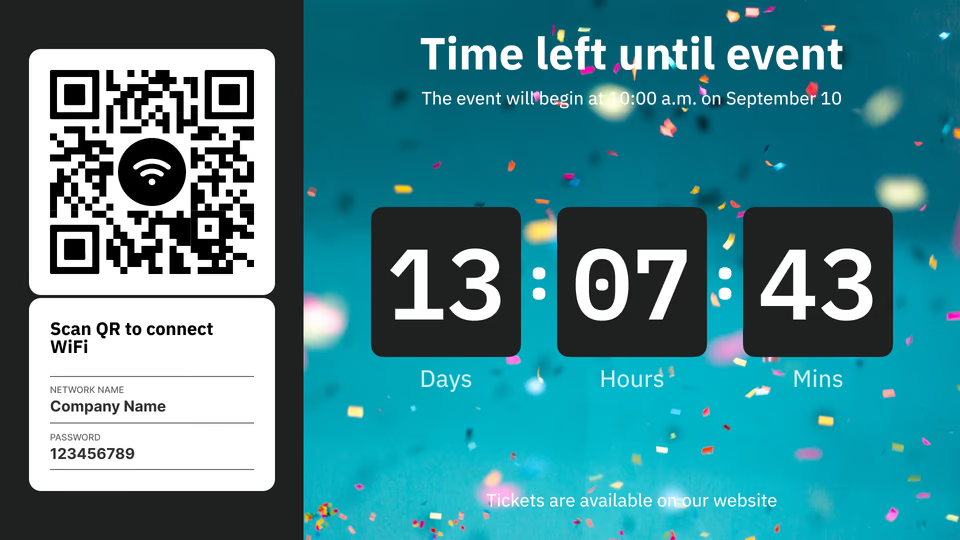
Director of the Park thank-you quote template with a staff photoWi-Fi QR code and event countdown timer template split screenSnack Attack concession promotion template with popcorn, soda and beer
Wi-Fi QR code and event countdown timer template split screenSnack Attack concession promotion template with popcorn, soda and beerExperience the Movie-Magic hero template with 3D-glasses moviegoers
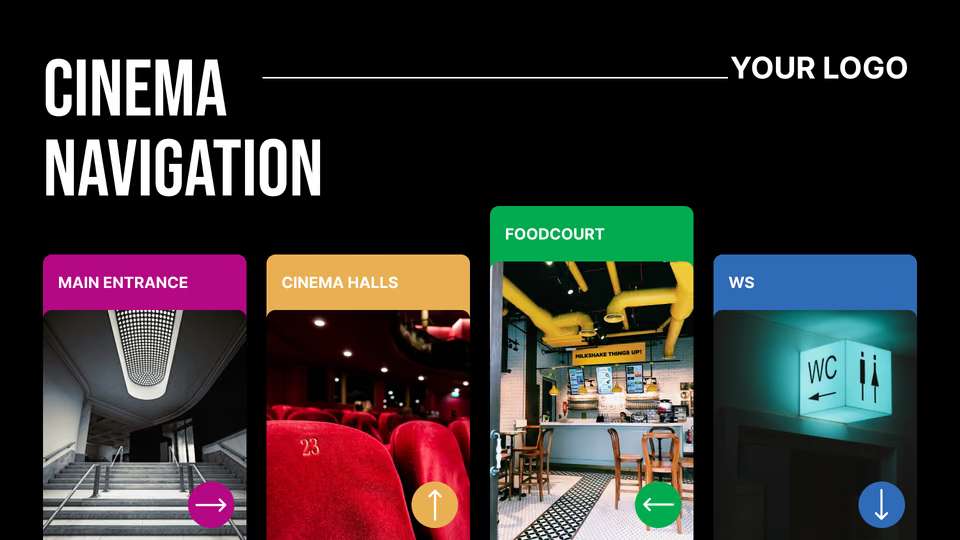
Snack Attack concession promotion template with popcorn, soda and beerExperience the Movie-Magic hero template with 3D-glasses moviegoersCinema Navigation wayfinding template split into four zones
Experience the Movie-Magic hero template with 3D-glasses moviegoersCinema Navigation wayfinding template split into four zonesDrink Soda concession promotion template with a bottle and glasses
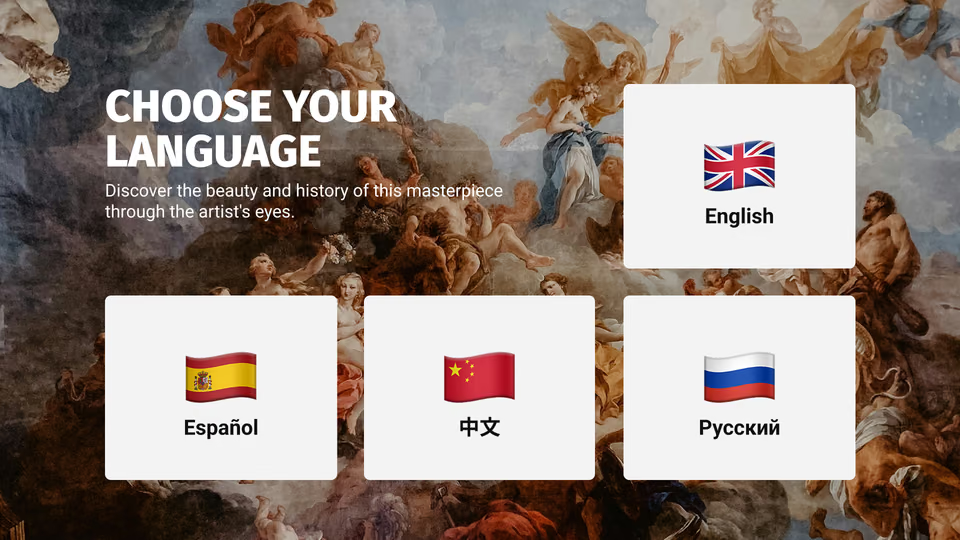
Cinema Navigation wayfinding template split into four zonesDrink Soda concession promotion template with a bottle and glassesChoose Your Language template with English, Spanish, Chinese and Russian flag cards
Drink Soda concession promotion template with a bottle and glassesChoose Your Language template with English, Spanish, Chinese and Russian flag cardsEmergency Alert fire evacuation notice template
Choose Your Language template with English, Spanish, Chinese and Russian flag cardsEmergency Alert fire evacuation notice templateDirector of the Park thank-you quote template with a staff photo
Emergency Alert fire evacuation notice templateDirector of the Park thank-you quote template with a staff photoWi-Fi QR code and event countdown timer template split screen

Built-in apps

Apps that keep cinema screens current on their own

An app drops into a playlist like any other item and from then on updates itself, so nobody is retyping countdowns or review scores. Lose the connection and cached images and video carry on playing; the online apps catch up once the network returns, and your promotions stay current on every screen.

Frequently asked questions about cinema digital signage

How do digital showtime boards update when a screening time changes?

Change the entry once in the CMS and publish it to every screen carrying that title. Because the showtime board, auditorium door sign and lobby list all use content managed in one account, there is no second signage system to correct and nothing to reprint. Screen tags determine which display group receives each update, so a change to one auditorium does not affect the rest of the building.


Can one screen show showtimes, a trailer and a concession offer at the same time?

Yes. Screen Layouts split a display into zones, and each zone runs its own content: a showtime list down one side, a trailer in the main area, a concession offer below it and a text ticker across the bottom. Visitors see every essential item at once instead of waiting for four full-screen slides to rotate. Layouts are built in the browser and reused across screens of the same orientation.

Can Look pull showtimes automatically from our cinema management or ticketing system?

Look connects external workflows through the Zapier app, an action trigger that fetches data over a GET request, outbound webhooks and Embeddable Code, which displays a page from another system inside a playlist. There is no native cinema management, POS or ticketing connector. If your schedule publishes to a web page or a Zapier-supported service, Look can use that route; otherwise showtimes are managed as content in the CMS.

What goes on an auditorium door sign?

Usually the title, rating, format and start time, plus a "now seating" state when the auditorium opens. A small portrait display outside each auditorium shows it, and Smart Scheduling advances the sign to the next screening automatically, eliminating printed slips between shows. The same layout can be duplicated for every auditorium and then customized for each screen.

What happens to the screens if the internet goes down?

Images and video that the player has already cached keep playing, so a lobby screen does not go black during an outage. Apps, live streams and web content do not cache — a social wall, a review score or an embedded page needs the connection to refresh, and those zones will stop updating until the site is back online. For that reason the content that has to survive an outage is best built as images and video rather than as live sources.

Can we run the concession menu boards from the same account as the lobby screens?

Yes — menu boards are playlists and layouts like any other screen in the account, which is why one operator can change a price, drop an allergen line or pull a sold-out item off every board carrying it without touching the lobby. Smart Scheduling swaps the counter to intermission offers or a late-night menu at set times, and the boards can be tagged separately so the F&B team publishes to them alone.

How do we manage screens across several sites or a whole circuit?

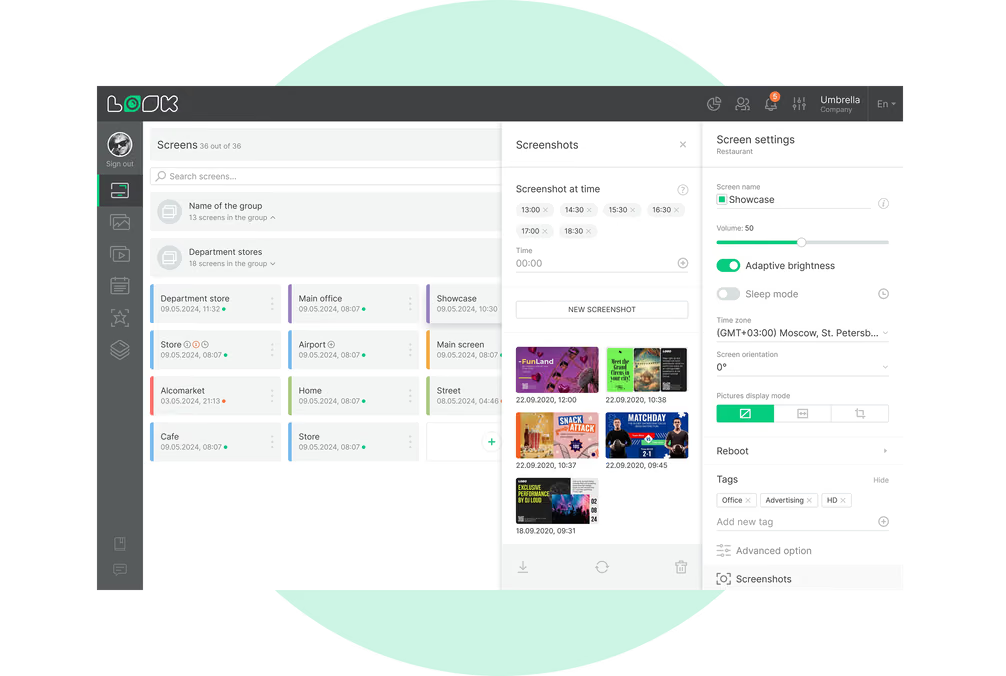
Tag your screens, then publish to a tag rather than picking devices off a list. One action can reach every box office in the chain, or only the screens at a single site. Time zones are held per screen, which starts to matter when evening schedules begin at different local times, and headquarters can read a screen's status from snapshots and alerts instead of driving out to it.

Can we show an advertiser what actually played?

You can pull a per-device report listing date, time and content name for what played on that screen, and set a webhook that fires when a specific item starts or finishes, which is how a spot can be logged in another system as it runs. Playback Analytics adds the totals: how many times an item played, for how long, and on which screens or tags, downloadable for the period an advertiser asks about. It is playback reporting, not a certified or independently audited proof-of-play standard.

Who is allowed to change what on the screens?

Look has three roles — Administrator, Moderator and Guest — and permissions are set per section of the CMS, so you can give the F&B team access to content and playlists while keeping screen setup and user management with the administrator. Permissions are not scoped to individual screens, so a user who can edit playlists can edit them across the account. SAML 2.0 single sign-on is available for teams that manage access centrally.

What hardware do we need for cinema digital signage?

Use commercial displays with a player or supported displays that run the Look App directly. Look supports Android, Google TV, Windows, Linux, Raspberry Pi, LG webOS, Samsung Tizen, Amazon Signage, Fire OS and macOS, plus the Look HDMI Player. Compatible webOS and Tizen displays run the software on the panel without an external player, while Raspberry Pi offers another flexible option for large screen networks.

Can portrait door signs and landscape counter boards run from one account?

Yes. Orientation is a property of the content and the layout, not of the account, so a portrait door sign, a portrait poster screen and a landscape menu board all sit in the same CMS and take different playlists. Content Creator sizes a design to the orientation you are building for, and templates come in both, which means a promotion can be produced once for the wall and once for the counter without redrawing it from scratch.

How much does cinema digital signage software cost?

Look uses per-screen pricing with volume discounts as the network grows, plus a 14-day free trial that does not require a credit card. Organizations that cannot use a cloud service can choose an on-premises deployment behind their own firewall under a one-time lifetime license. Display and player costs depend on the compatible hardware already installed and the equipment required for each location.

Do we need a designer to build showtime boards and poster slides?

No. The template collection covers what cinema screens actually show, and boards are edited in the browser rather than a separate design tool, so a theater manager can change a time or price between screenings. Content Creator handles custom designs with layers, text, images, your own fonts and a QR code sized for the target screen. Brand colors, fonts and the logo are set once and carried into every template.

What is digital signage for cinemas?

Digital signage for cinemas is a network of screens across a movie theater — box office, lobby and poster wall, auditorium doors, concession counter, bar and exit corridors — running showtimes, trailers, menus and promotions from one cloud-based CMS instead of printed posters and boards. Content is scheduled against the screening times and published remotely from a browser, so a change to a title, a price or a start time reaches every screen carrying it without anyone walking the building.