
Where digital signage goes on a university campus
A visitor at the main entrance, a student between lectures and a resident in a hall of residence need three different screens. All of them run from one account, each with its own layout, schedule and publishing rights.
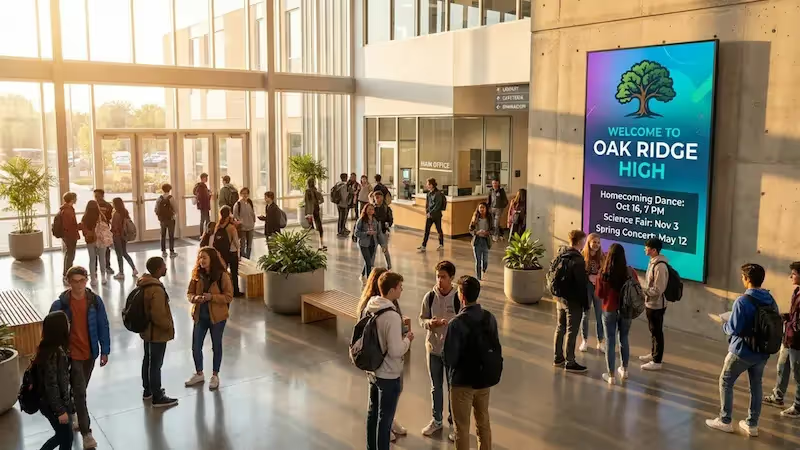
Main entrance and visitor center
Answer what visitors ask at the desk.
Applicants, parents and conference guests meet a screen before they meet anyone. It carries today's events, open-day sessions, the welcome for a visiting delegation and directions to the building they are looking for.
Hang a touchscreen instead and they tap through a campus map, a faculty directory and the day's program, and the display drops back to its loop once nobody is using it.
Best for: Open days, campus maps, faculty directories, visitor welcome, event programs
Faculty and teaching buildings
Put the timetable where the lecture is.
Screens outside lecture theaters and seminar rooms show what is booked, what moved and what was canceled, with the Calendar app reading the schedule straight from Google Calendar or Outlook.
Corridor displays take the rest: coursework deadlines, guest lectures, research news, and notices from a department that would otherwise go out as another all-staff email.
Best for: Room bookings, class changes, deadlines, guest lectures, department news
Library and study commons
Study spaces that stay calm and still say what matters.
Opening hours and the longer ones during exams. Which group study rooms are free. Reading lists, skills workshops, new arrivals. Library screens cover all of that.
Keep the loop quiet in a reading room: text and stills, nothing that jumps about. Closing times and access updates work well in a discreet ticker along the bottom, easy to see and easy to ignore.
Best for: Opening hours, exam-period changes, workshops, reading lists, study rooms
Students' union, cafes and social spaces
Screens students actually stop to read.
Society events, club sign-ups, elections, gig nights, fixtures and results, cafe hours and menus. This content changes every week, and the people who actually know it do not sit in the communications office.
A Moderator account and a set of playlists of its own is usually all the union needs. Central communications still owns the brand and the campus-wide messages. The union keeps its screens current.
Best for: Society events, elections, fixtures, cafe menus, club sign-ups
Halls of residence
Reach students where they live.
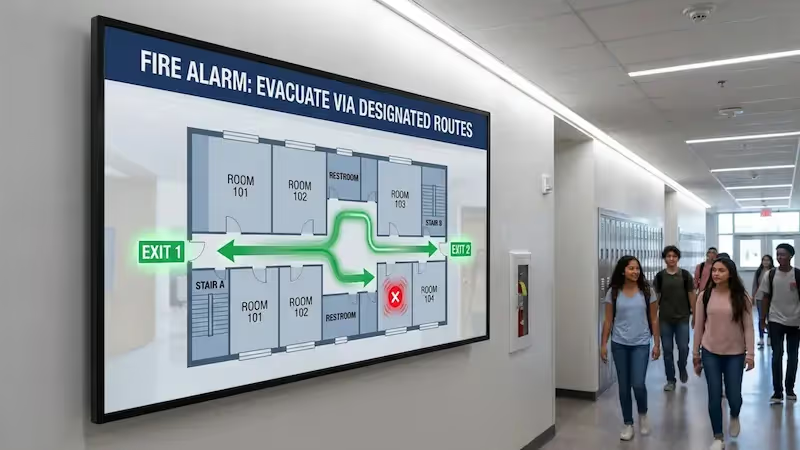
Residence screens carry maintenance and laundry notices, housing and fee deadlines, safety reminders, wellbeing services and what is happening on campus this week.
Halls often sit away from the teaching estate and on a separate network. If that link wobbles, cached images and video carry on playing to schedule.
Best for: Maintenance notices, housing deadlines, safety, wellbeing services, events
Sports venues, auditoriums and event spaces
Take the room over for the day.
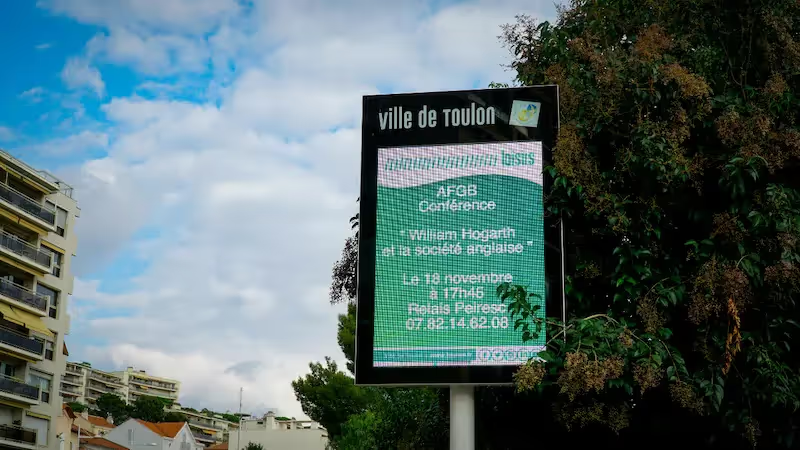
Arenas, halls and auditoriums run fixtures, results, ceremony running orders, conference programs and recognition for sponsors, alumni and donors.
For a graduation, an open day or a conference, a dedicated playlist takes over those screens for the day and restores the regular schedule when it ends. Lifetime dates retire every program automatically after its event.
Best for: Fixtures and results, graduations, conferences, donor walls, event takeovers