Foodtruck-Menütafeln für jeden Blickwinkel des Kunden
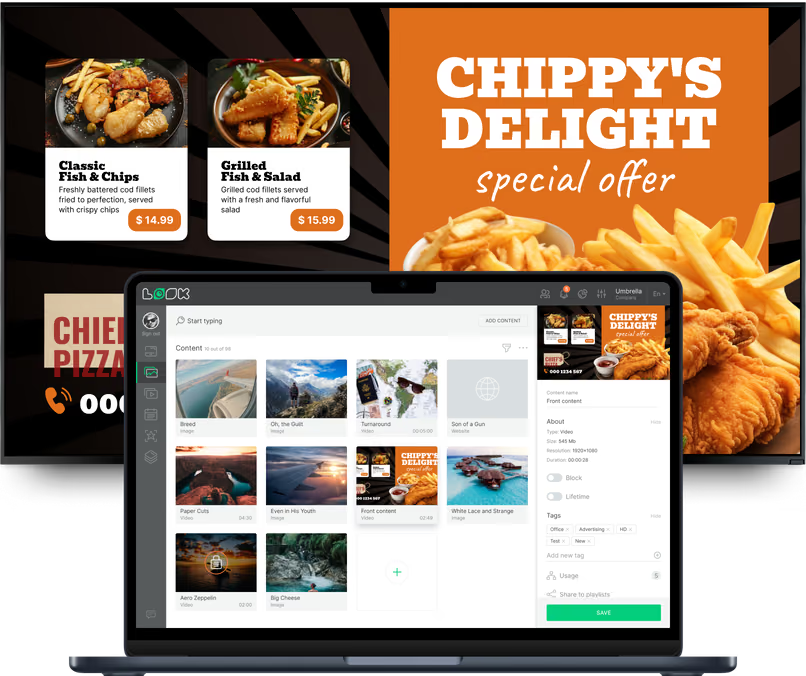
Menschen lesen einen Truck von der anderen Straßenseite, aus der Schlange und am Abholfenster, und jeder dieser Orte braucht andere Inhalte. Mit Look läuft jeder Bildschirm am Truck und an Ihrem Standplatz aus einem Konto, jeder mit eigenem Layout und Zeitplan.
Menütafel am Ausgabefenster
Die Tafel, mit der jede Bestellung beginnt.
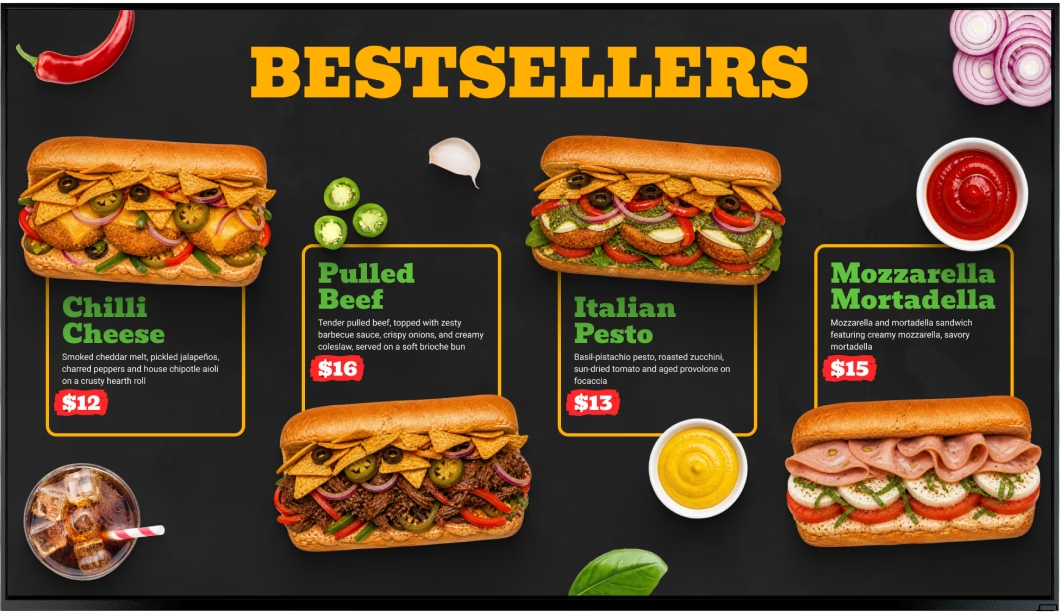
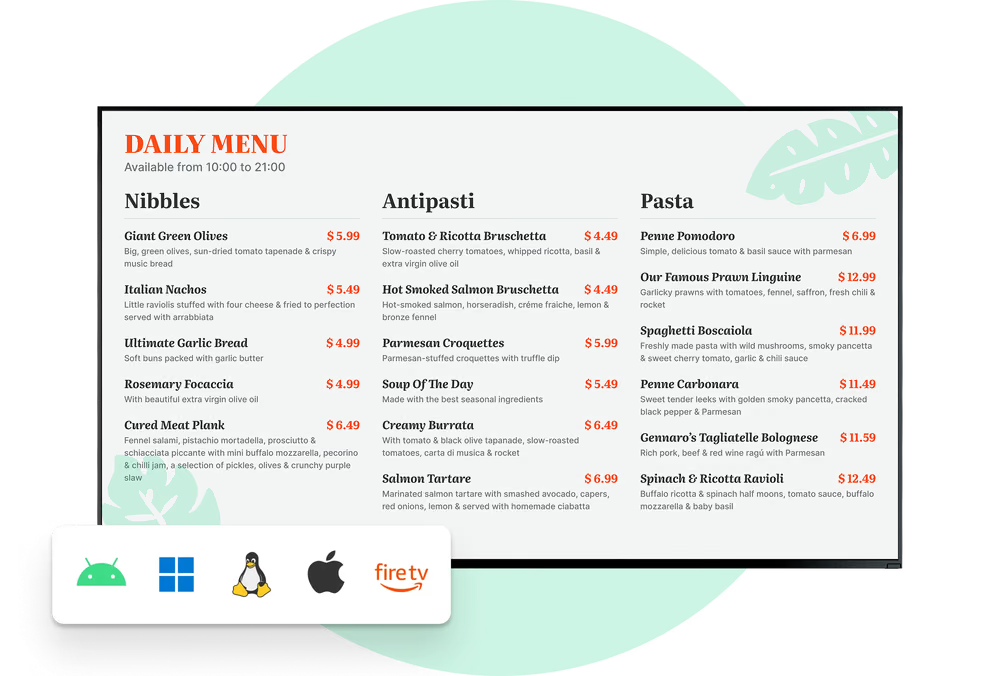
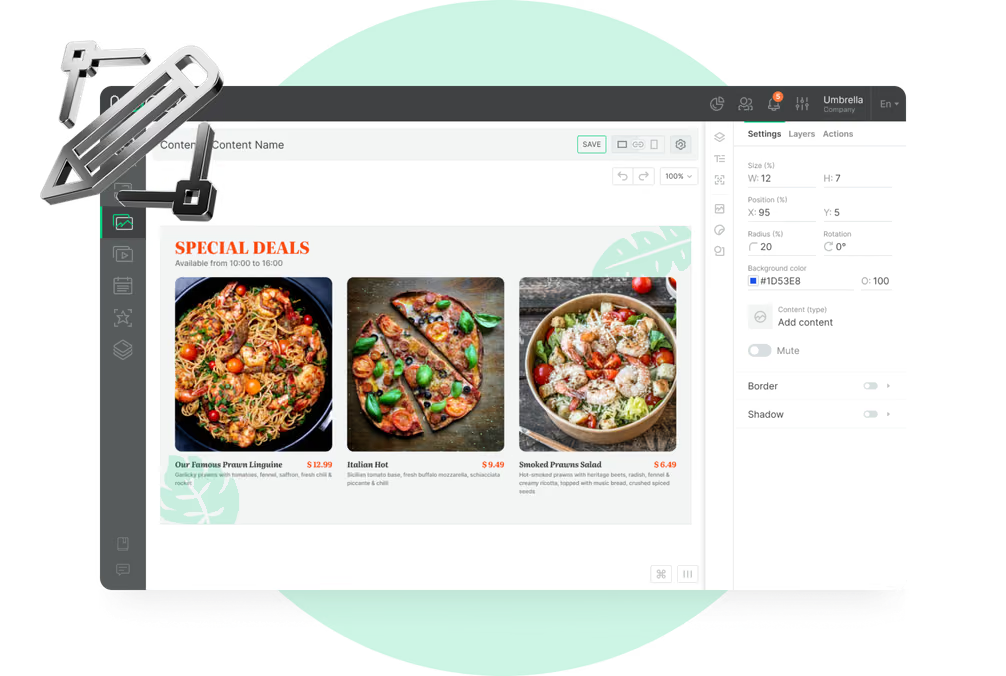
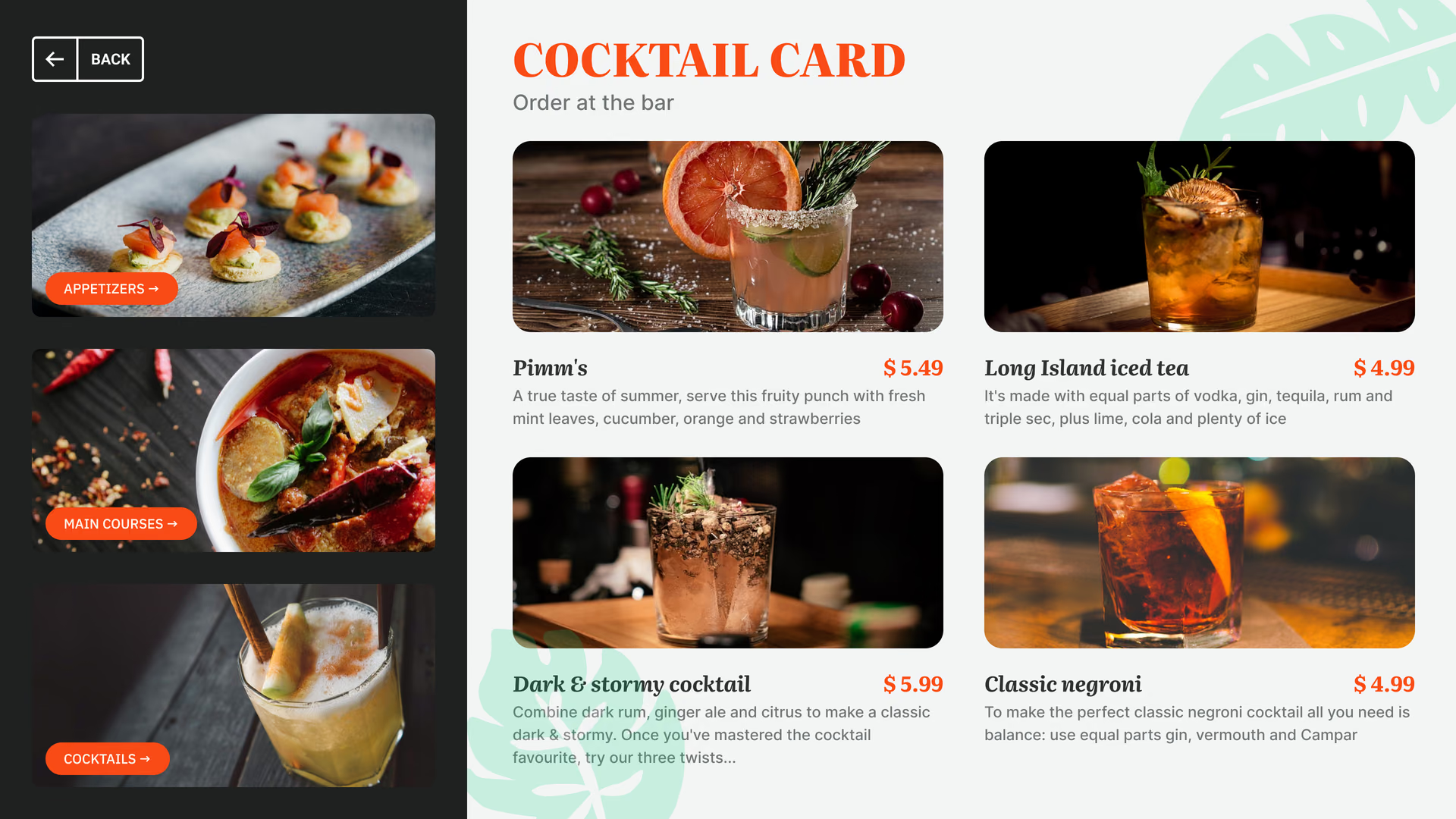
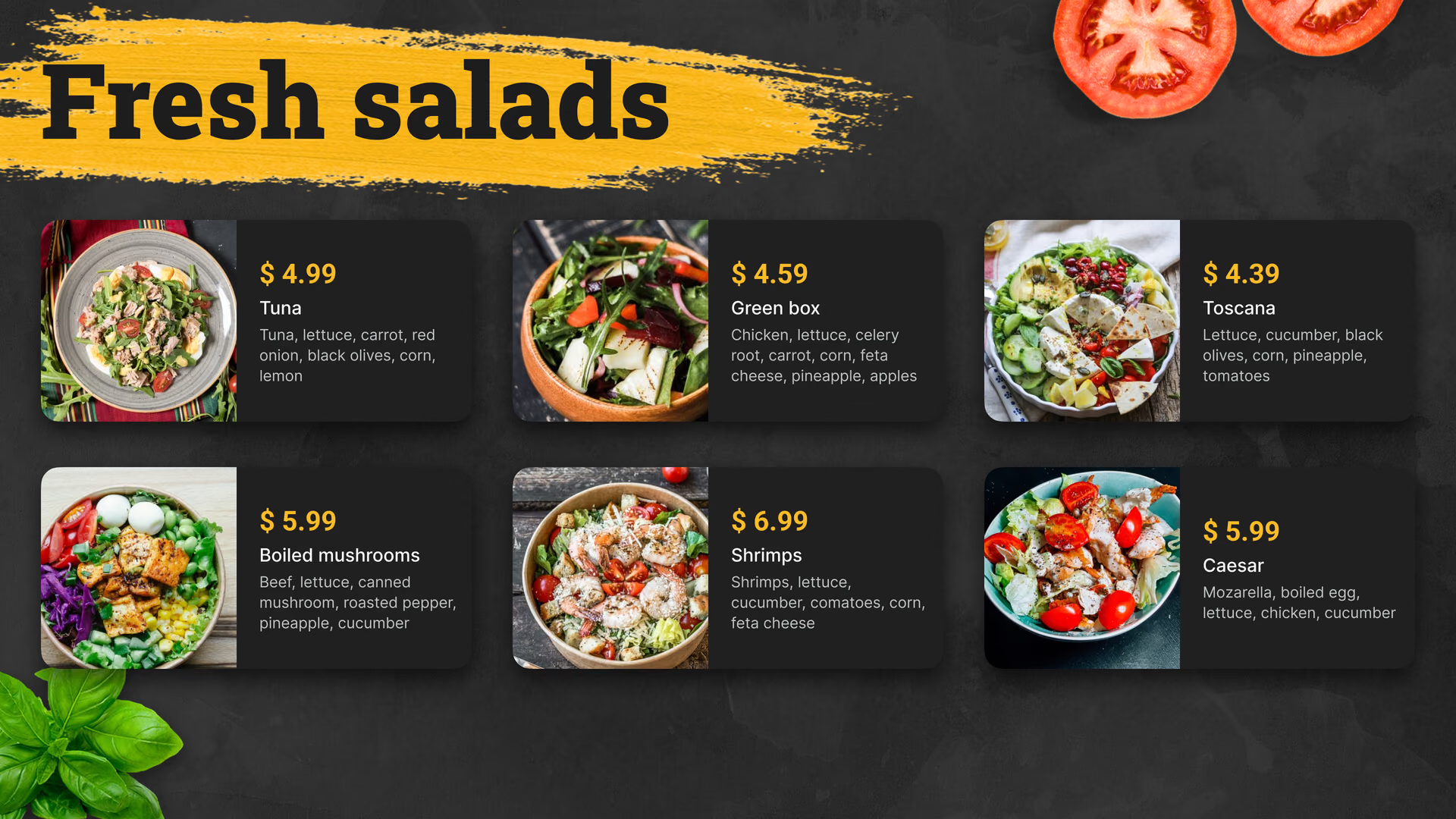
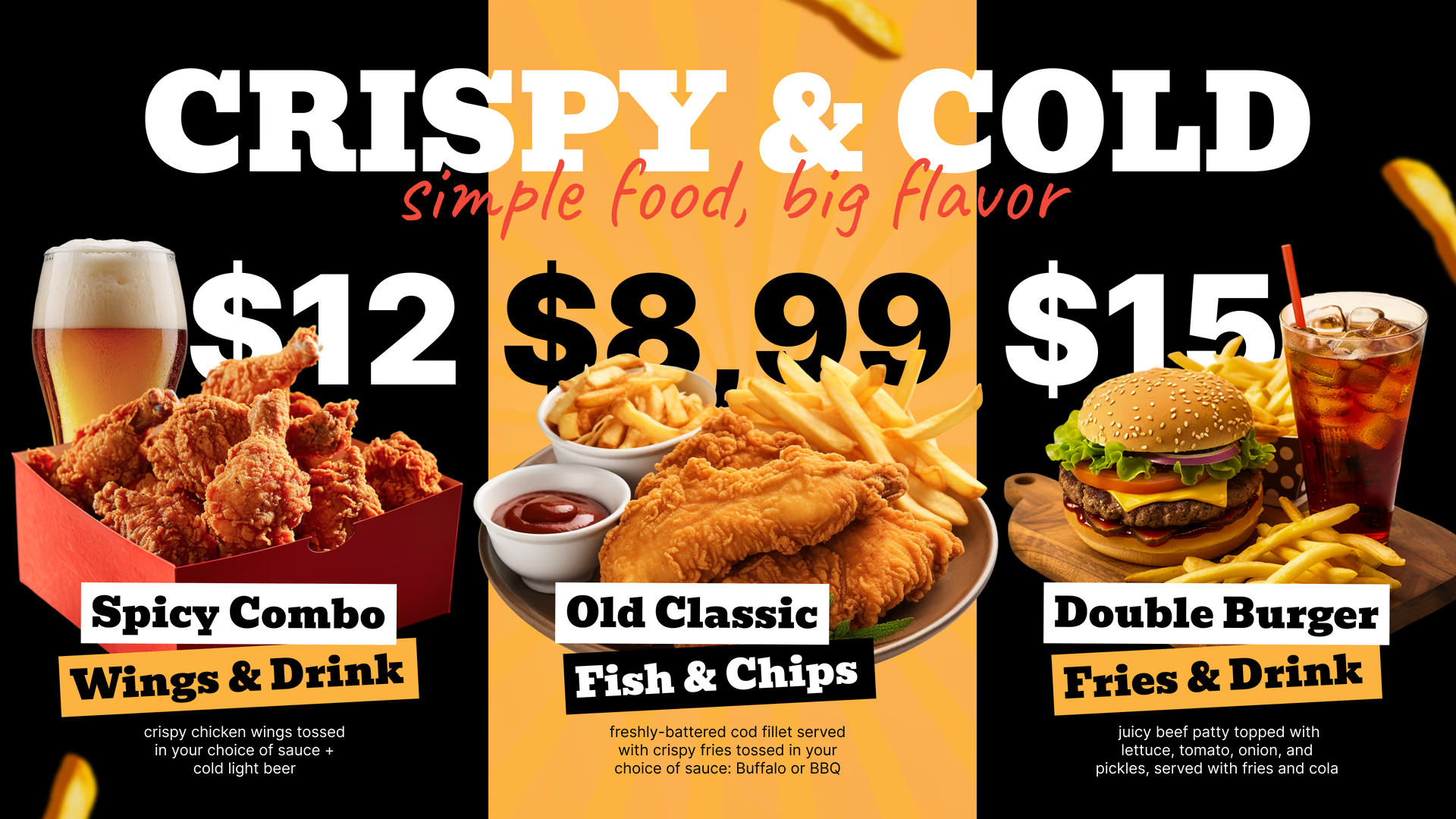
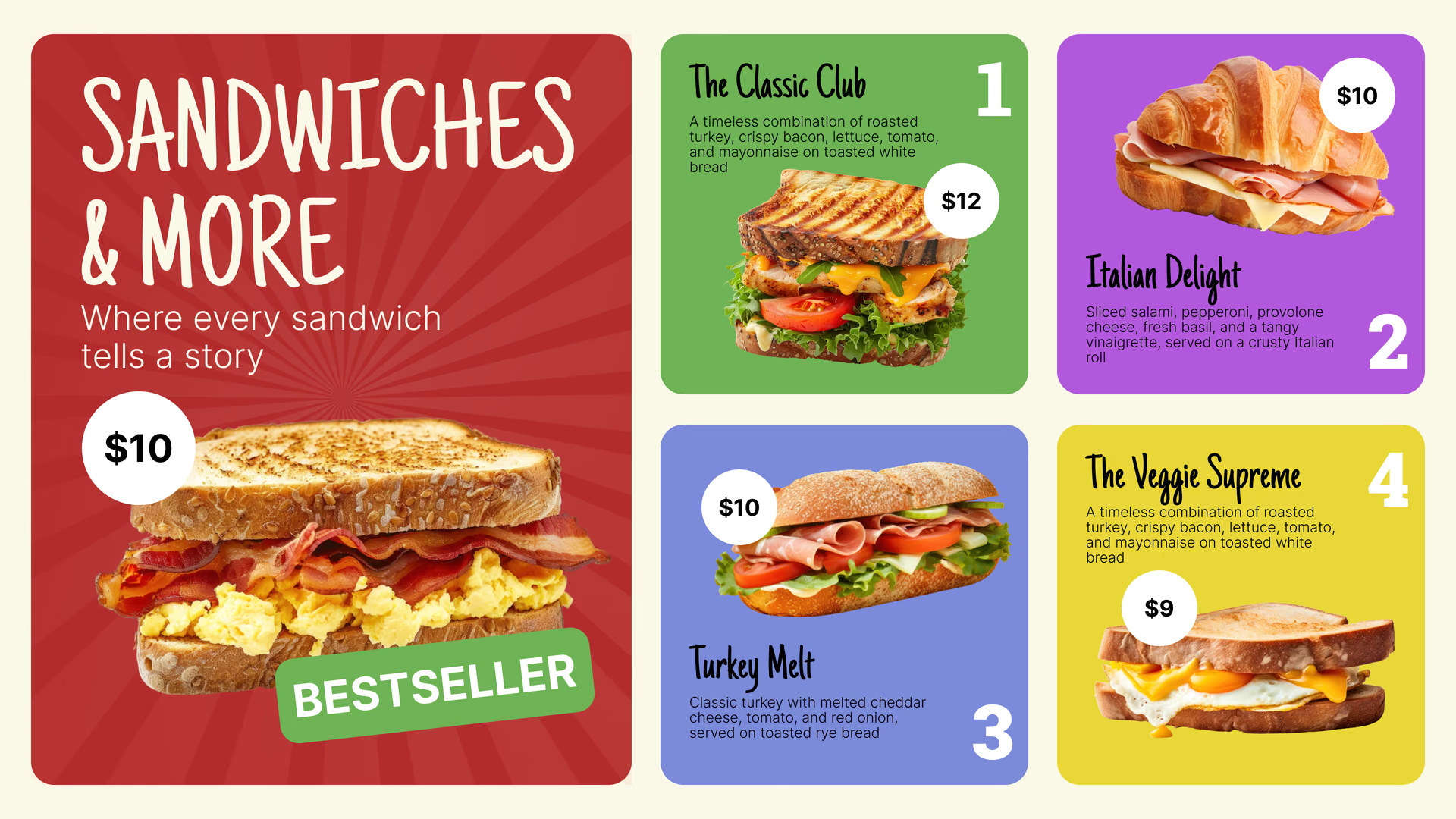
Hier steht das komplette Menü: Artikel, Preise, Combos und Extras, so gruppiert, dass sich Wartende schon vor dem Fenster entschieden haben. Halten Sie die Liste kurz und die Schrift groß, denn ein Truck-Menü wird aus ein paar Schritten Entfernung gelesen, oft in grellem Sonnenlicht.
Ist etwas ausverkauft, entfernen Sie es im Browser und veröffentlichen. Die Tafel erhält das aktualisierte Menü bei der nächsten Synchronisierung.
Passt am besten für: Komplettes Menü, Preise, Combos, Extras, Beilagen
Zur Straße gerichteter Seitenbildschirm
Ziehen Sie Passanten von der anderen Straßenseite an.
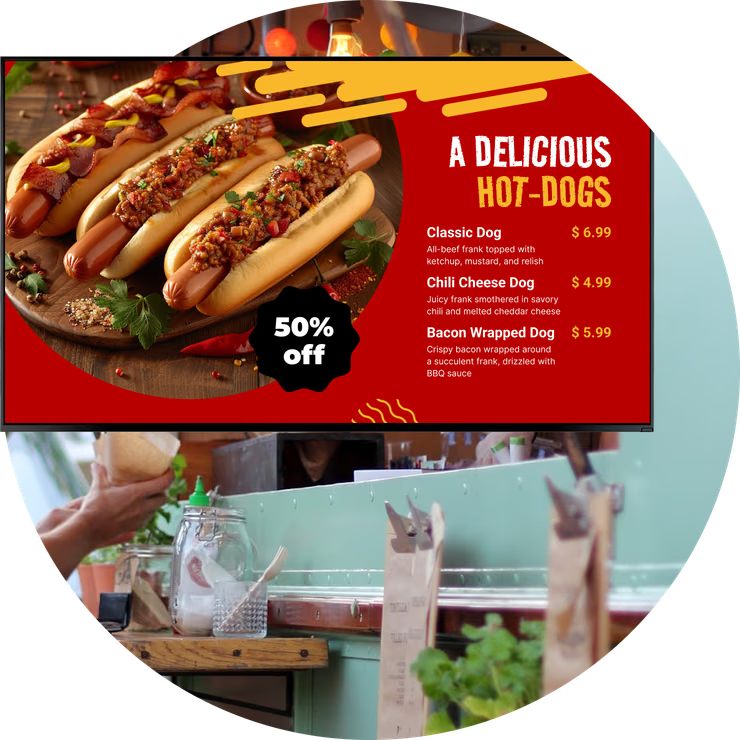
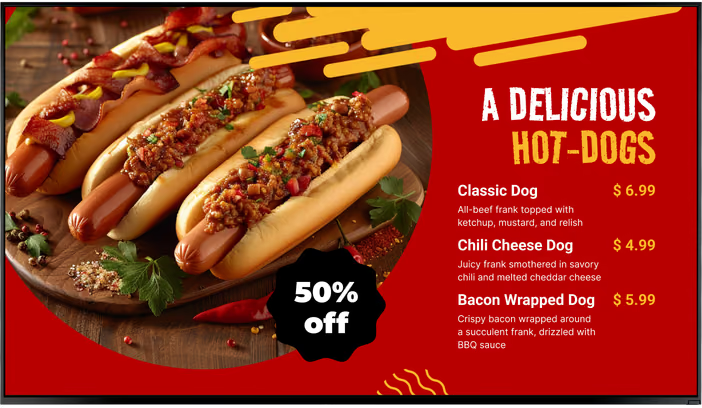
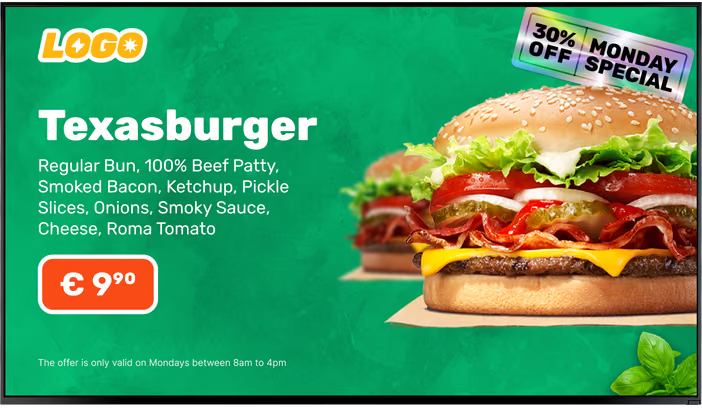
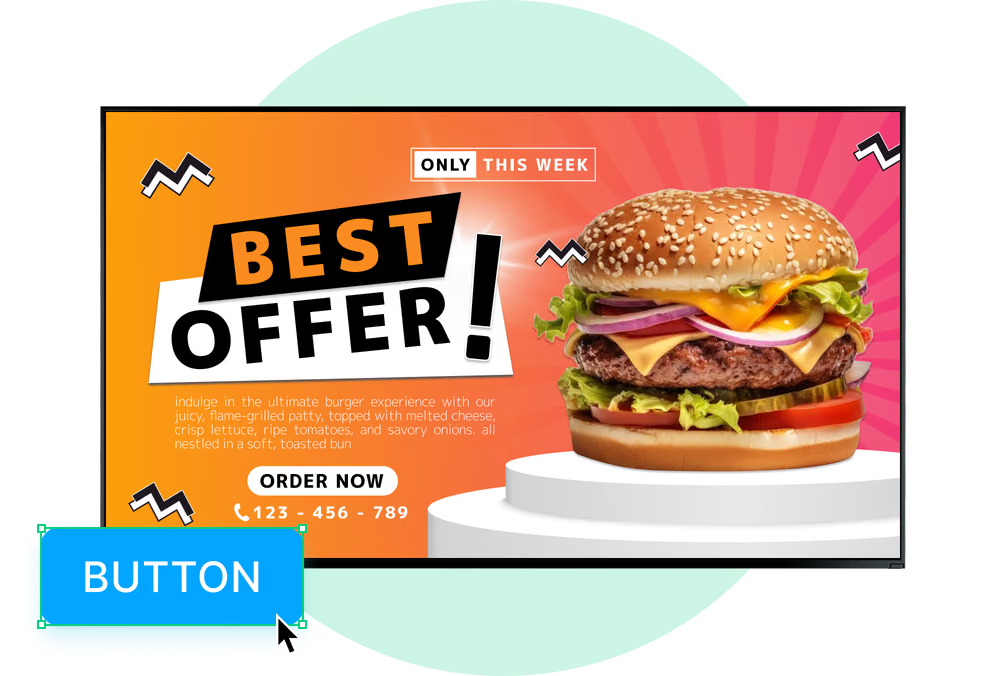
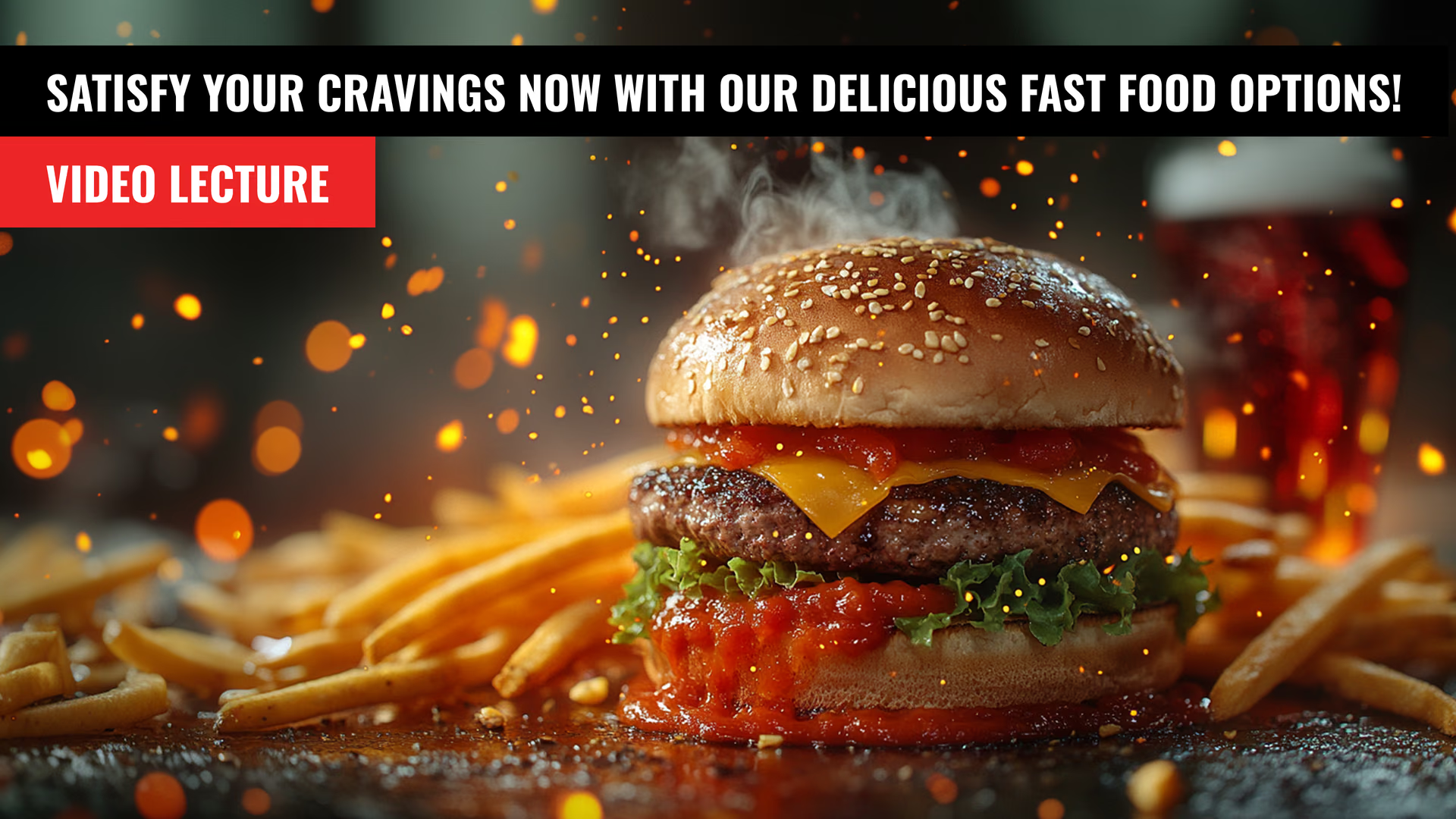
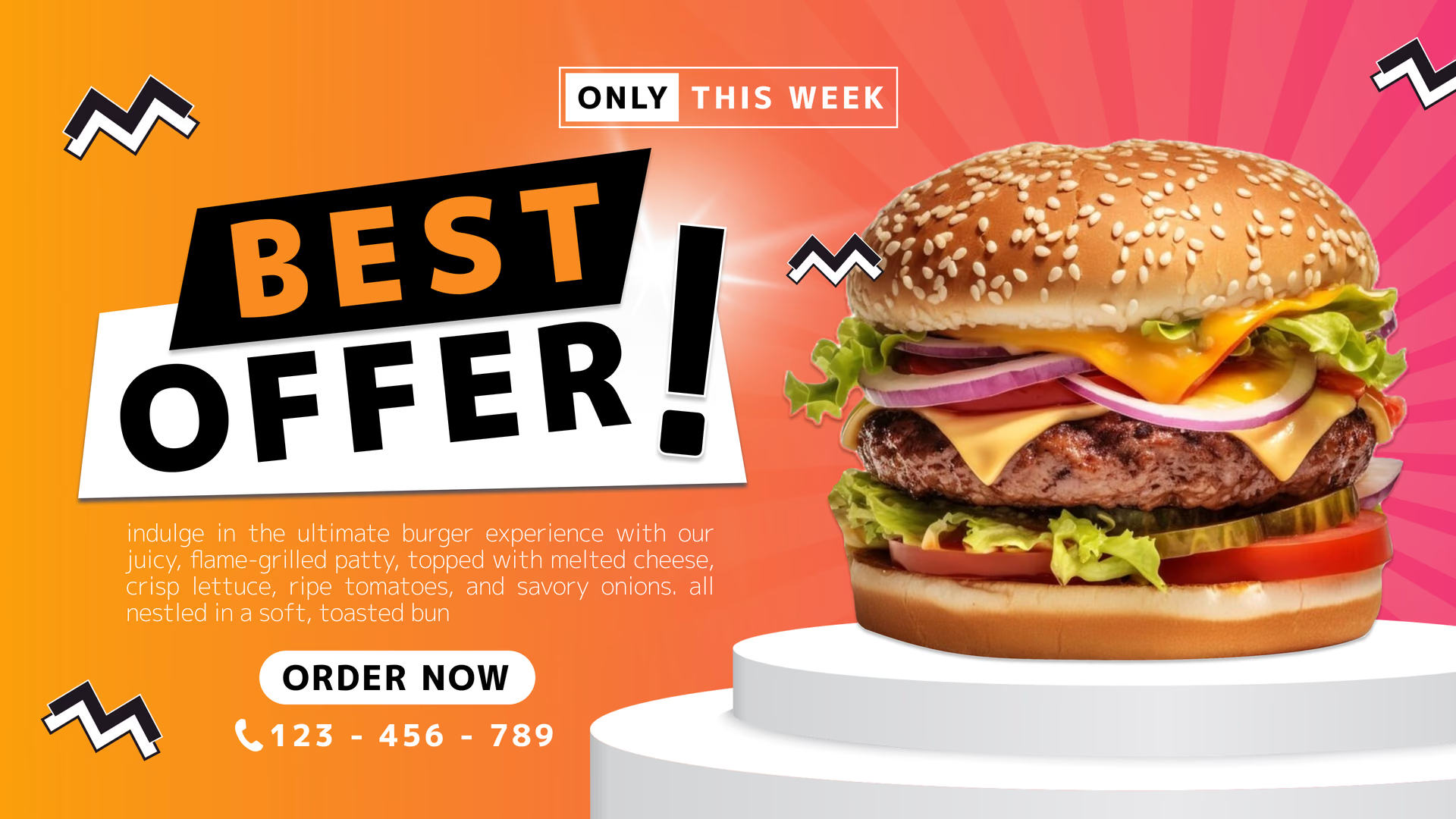
Ein Bildschirm an der Seite des Trucks wirkt wie eine kleine Reklametafel: das Signature-Gericht in einem großen Foto, die heutige Aktion und der Name des Trucks. Nutzen Sie wenige Worte und ein Bild, das aus der Entfernung wirkt.
In direkter Sonne nutzen Sie ein hochhelles Outdoor-Display, das bei Tageslicht lesbar bleibt. Look läuft auf der kompatiblen Hardware Ihrer Wahl.
Passt am besten für: Signature-Gerichte, Tagesangebote, neue Artikel, Marke, Fotos
Bildschirm für Schlange und Vorbestellung
Helfen Sie der Schlange, sich vor dem Fenster zu entscheiden.
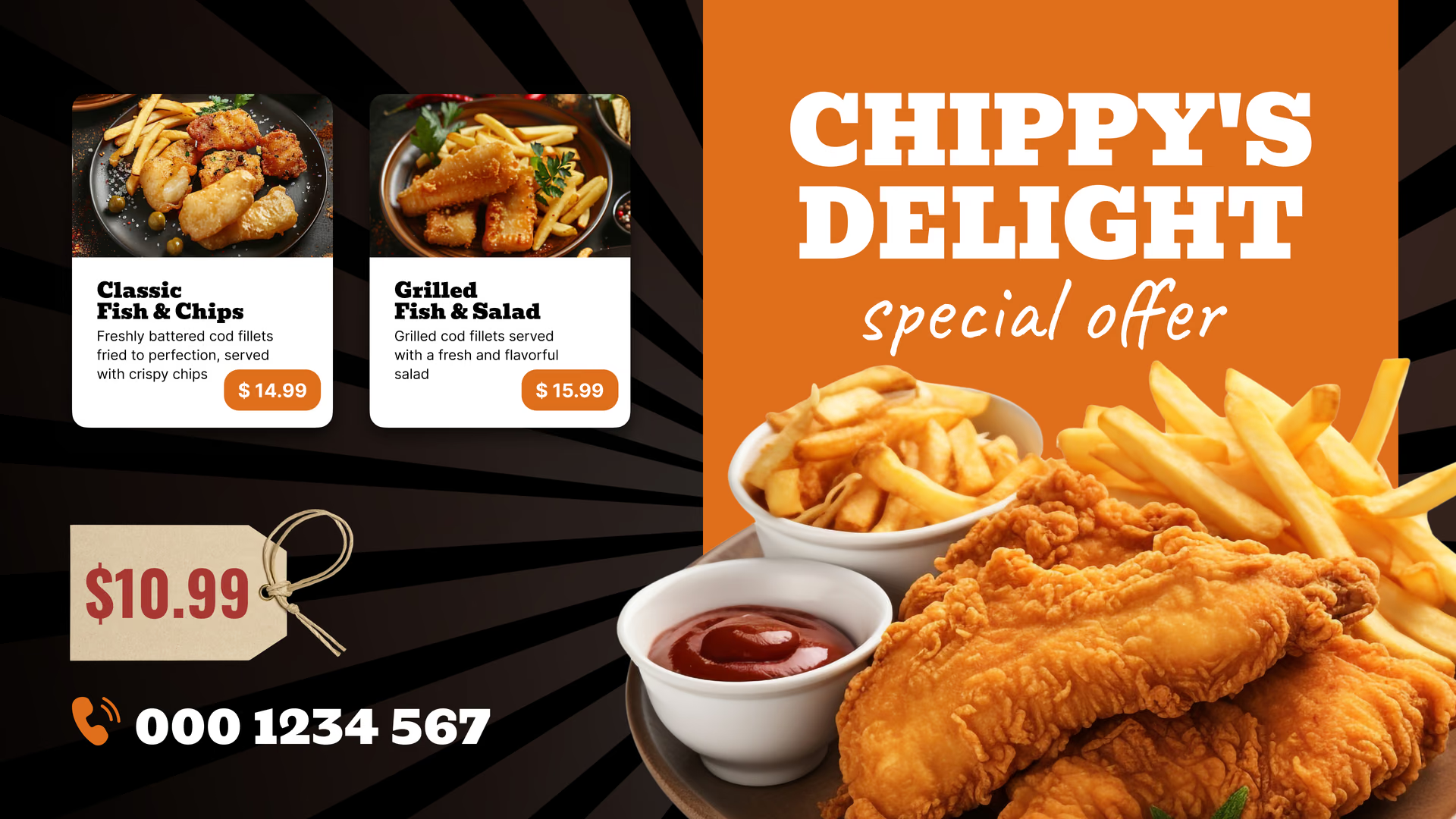
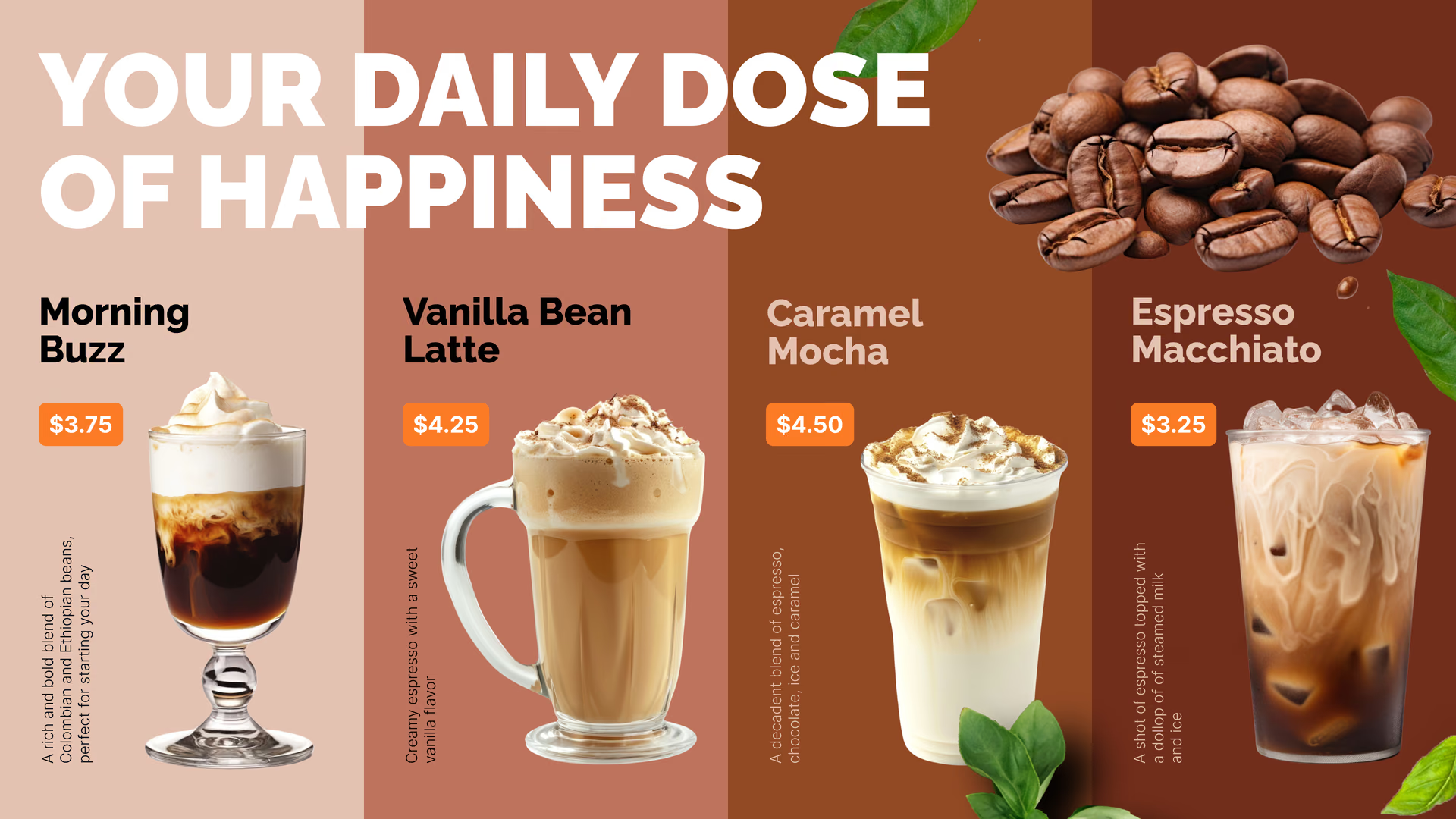
In der Schlange treffen die Leute ihre Entscheidung. Ein Bildschirm entlang der Schlange kann Combos, die Tagesaktion und Extras rotieren lassen, sodass Bestellungen am Fenster schneller gehen.
Fügen Sie der Tafel einen QR-Code für Ihre Online-Bestellseite hinzu, dann kann ein Teil der Schlange über das Handy bestellen. Look zeigt nur den Code; die Bestellung läuft über den Dienst, auf den er verweist.
Passt am besten für: Combos, Extras, Aktionen, QR-Code für Online-Bestellungen, zeitlich begrenzte Artikel
Abholpunkt
Verkaufen Sie den nächsten Besuch, während sie warten.
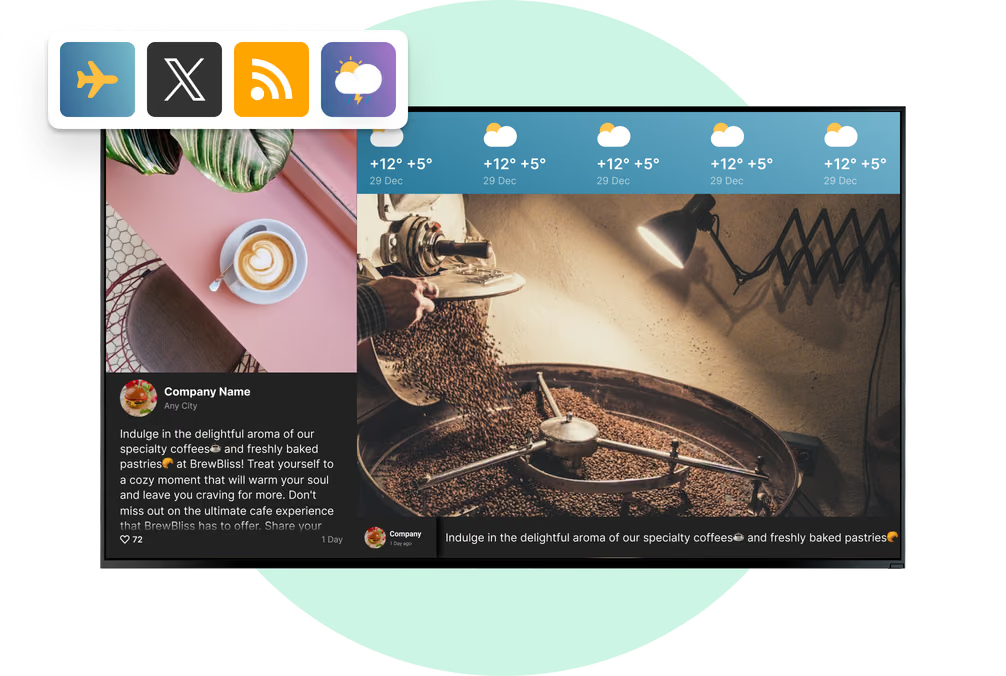
Wer aufs Essen wartet, hat schon bezahlt, dieser Bildschirm dreht sich also ums nächste Mal: wo der Truck diese Woche parkt, Ihr Instagram, Ihre Google-Bewertungen und das Treueprogramm.
Eine Ticker-Zone am unteren Rand zeigt einen kurzen Hinweis, etwa wo Sie morgen stehen oder geänderte Öffnungszeiten, während der Rest des Bildschirms unverändert bleibt.
Passt am besten für: Wochenroute, Social-Media-Feeds, Bewertungen, Treueprogramm, Catering
Festivals, Märkte und Veranstaltungen
Bleiben Sie auf dem Bildschirm, wenn das Signal ausfällt.
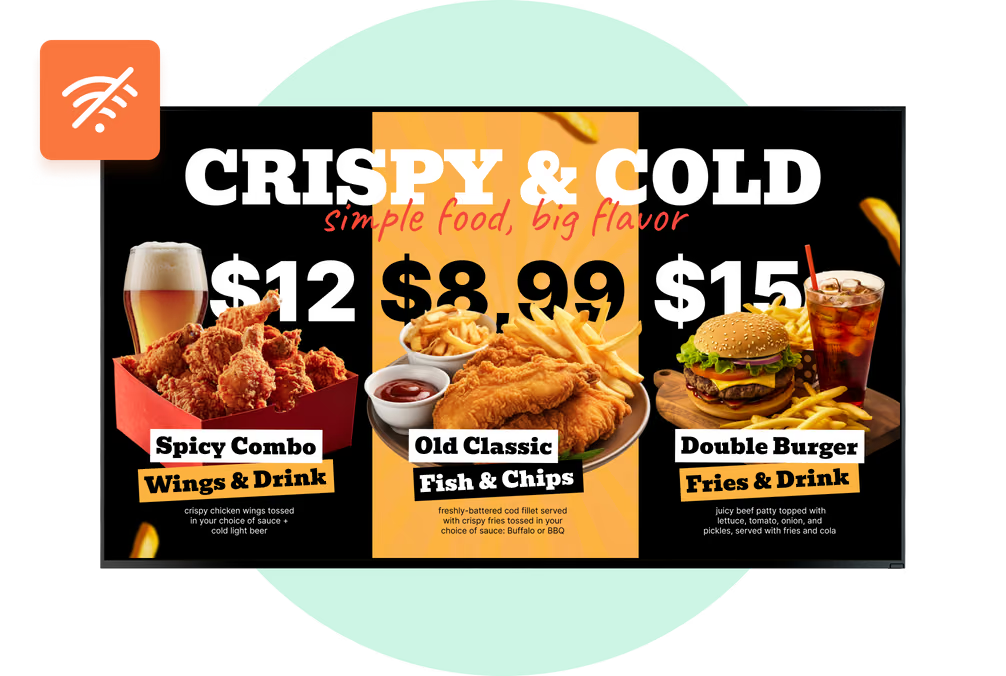
Auf einem überfüllten Festival kann mobiles Internet gerade zur Stoßzeit unzuverlässig werden. Bauen Sie das Eventmenü aus Bildern und Videos, veröffentlichen Sie es vor der Ankunft und lassen Sie die Tafel aus ihrem lokalen Zwischenspeicher laufen.
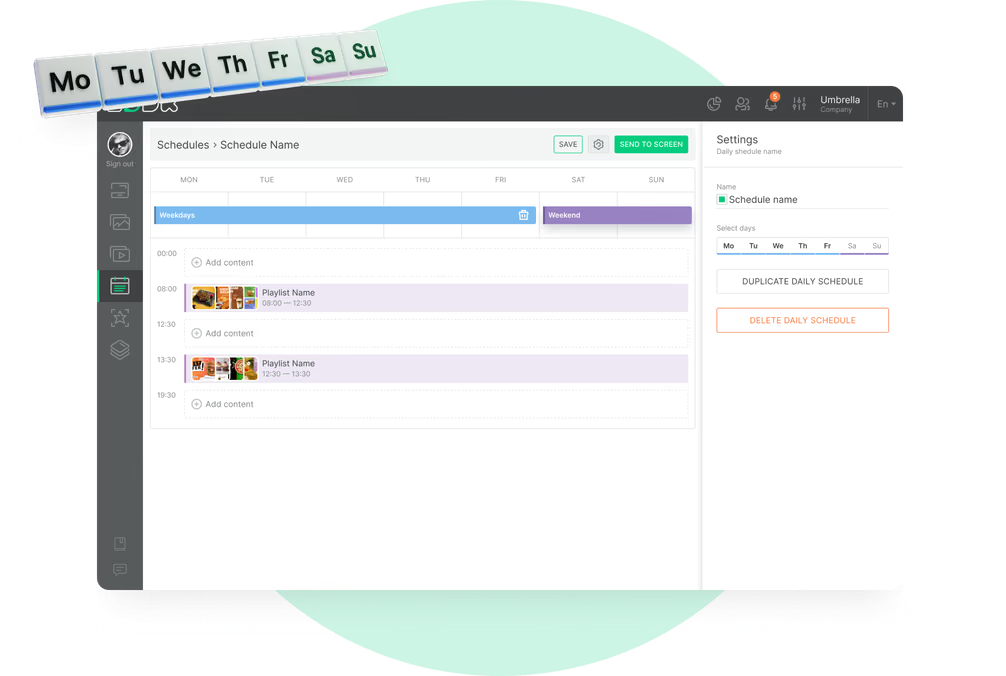
Veranstaltungen bringen oft ein eigenes Menü und eigene Preise mit sich. Legen Sie diese in eine separate Playlist, planen Sie sie für die Eventtage, und danach kehrt das reguläre Menü zurück.
Passt am besten für: Eventmenüs, Festivalpreise, Sponsorenfolien, Auftrittszeiten
Pop-up-Zelt und Catering-Stand
Nehmen Sie das Menü vom Truck mit.
Auf einem Marktstand, bei einer Hochzeit oder einem Firmen-Catering leistet ein Bildschirm auf einem Ständer neben dem Tisch dieselben Dienste wie die Tafel am Truck. Er läuft aus demselben Konto, mit einer eigenen Playlist.
Fügen Sie für eine private Veranstaltung eine Willkommensfolie mit dem Namen des Gastgebers und ein für den Tag gebautes Menü hinzu und wechseln Sie danach zurück zum öffentlichen Menü.
Passt am besten für: Catering-Menüs, Willkommensfolien, Marktstände, private Veranstaltungen, Pop-ups