Table of Content
What Is Lobby Security Messaging With Digital Signage?
How can you ensure every visitor sees critical safety updates instantly? Lobby security messaging with digital signage turns static screens into real-time communication hubs, displaying alerts, entry protocols, and compliance rules that can be updated from anywhere in seconds.
Unlike paper posters that blend into the background, digital signage demands attention. It replaces manual updates with a centralized system, allowing security teams to control content across one or dozens of locations from a single dashboard. Whether in a corporate headquarters, a hospital, or a residential complex, Look Digital Signage helps teams maintain a "digital handshake"-welcoming guests professionally while keeping safety protocols front and center.
How Digital Signage Improves Lobby Security
Digital signage improves security by ensuring messages are actually seen. Motion and bright visuals capture the eye in a way static signs cannot. A rotating playlist of entry rules or a flashing alert cuts through the noise of a busy lobby, keeping protocols top-of-mind for staff and visitors.
Remote management allows for instant reactions. If a security risk arises or a specific zone becomes restricted, you can update every screen in your network immediately. This eliminates the lag time between a policy change and public awareness, ensuring your lobby messaging always matches the current reality.
Types of Security Messages for Public and Private Lobbies
The content depends on your environment. In public spaces, like government buildings or clinics, messaging typically focuses on general safety, prohibited items, and clear wayfinding to prevent visitors from wandering into restricted zones. Clear directions reduce confusion, which is often a precursor to security breaches.
Private corporate lobbies require more specific internal communication. Screens might display reminders about ID badges, NDA requirements, or data privacy rules. These displays can also run internal safety drills or awareness campaigns, reinforcing a culture of security among employees and contractors.
Key Benefits of Using Digital Signage for Lobby Security
Increases Visitor Awareness of Security Protocols
Getting visitors to read and understand rules is a common challenge. Digital signage bridges this gap by presenting information visually. Using Look CMS, you can use templates to quickly display bold icons and short text explaining bag checks or sign-in procedures. This sets expectations before a visitor even reaches the front desk.
When expectations are clear, compliance improves. A polished display explaining the process reduces friction, which means reception staff spend less time repeating basic instructions and more time focusing on operational tasks.
Improves Emergency Response Through Real-Time Alerts
In an emergency, speed is critical. Digital signage systems allow authorized users to push "emergency overrides" to all screens instantly. During fire drills, severe weather, or lockdowns, screens can shift from standard content to clear, step-by-step safety instructions and evacuation routes.

Because the Look platform supports integration with other systems, these changes can be triggered automatically or manually. Visual cues act as a vital backup to audio alarms, guiding people to safety even in noisy environments.
Prevents Unauthorized Access Using Visual Reminders
Security is often psychological. High-visibility reminders about surveillance and badge policies act as a deterrent to tailgating and unauthorized entry. A modern digital display signals that the building is actively managed and monitored.
For employees, constant visual reinforcement helps maintain discipline. Reminders to "badge in separately" or "escort all guests" keep these rules top-of-mind, turning the screen into an always-on security partner.
Reinforces Brand Trust by Displaying Safety Commitment
A secure lobby builds confidence. When visitors see professional, up-to-date safety messaging, it signals that the organization is reliable and cares about their well-being. This is particularly important in trust-based sectors like finance and healthcare.
Showcasing safety certifications or compliance standards alongside your security tips humanizes the brand. It shifts the tone from strict enforcement to shared responsibility, encouraging visitors to cooperate with your security team.
Essential Features of Digital Signage Solutions for Lobby Security
Intuitive Content Management for Security Updates
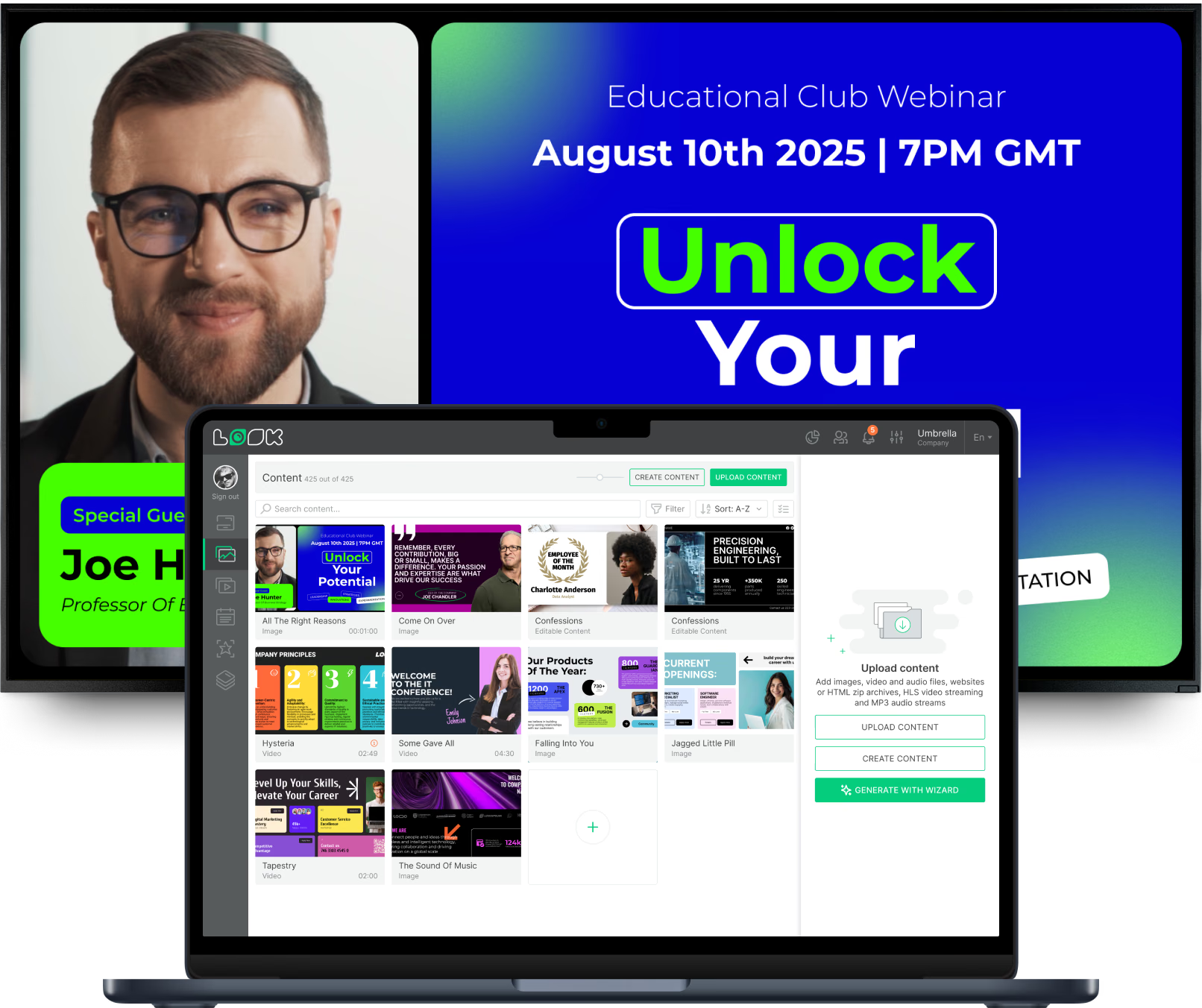
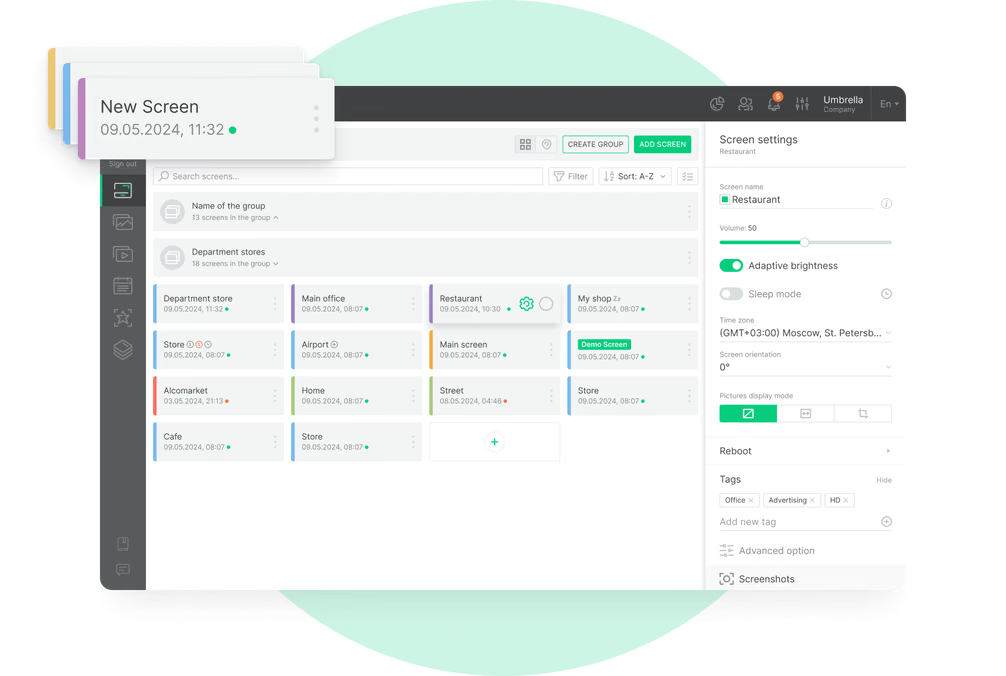
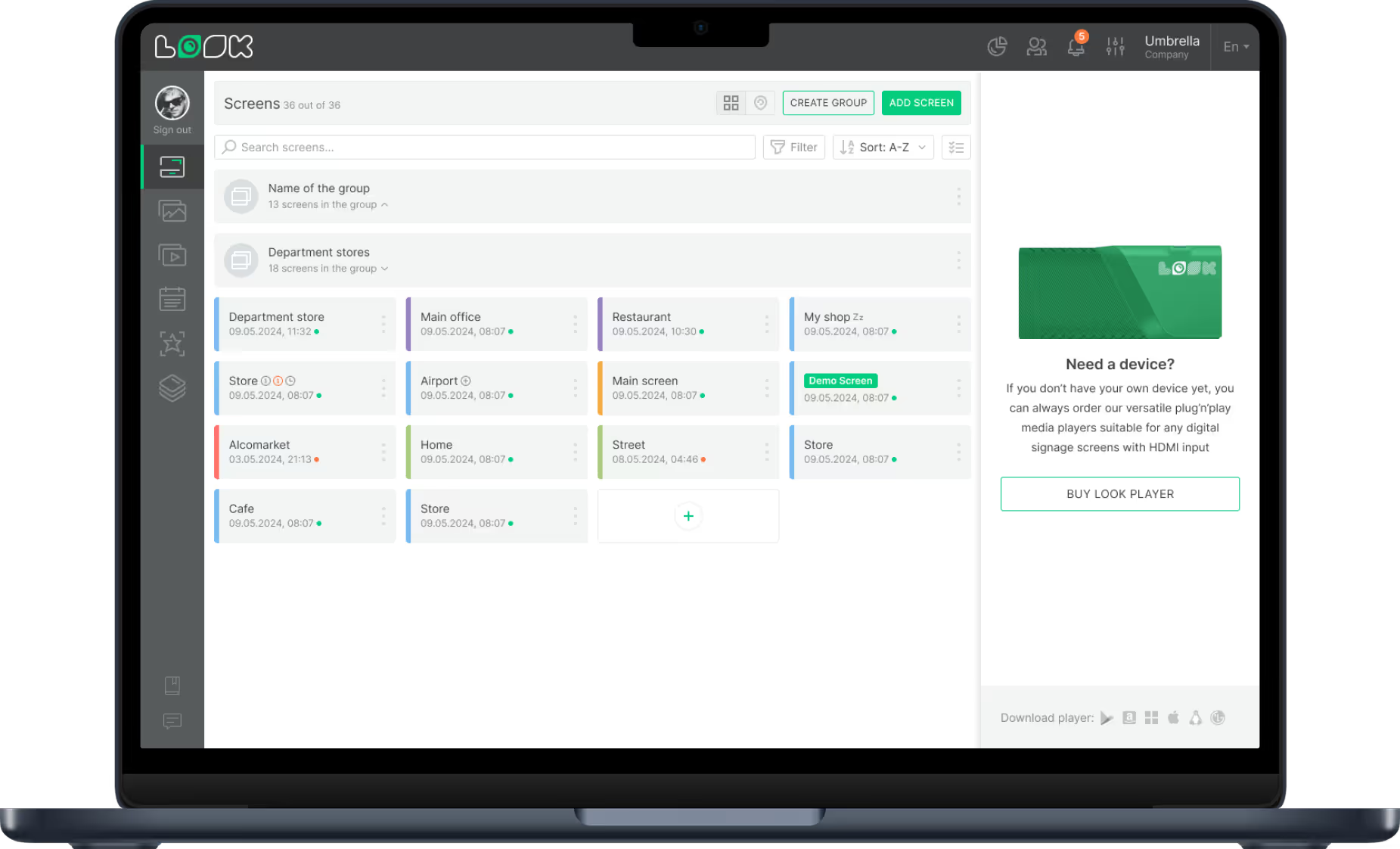
Security teams are not graphic designers, so the software must be easy to use. Look Digital Signage offers an intuitive CMS with a built-in Content Creator and drag-and-drop tools. This allows staff to update rules or modify signage in minutes without technical training.
Accessibility is key during incidents. A cloud-based dashboard means you can push updates from any browser or mobile device, ensuring that lobby screens reflect the situation on the ground, even if you aren't physically on-site.
Automated Message Scheduling and Emergency Interrupts
Automation keeps content relevant without constant manual adjustments. With Smart Scheduling, you can program screens to show morning entry protocols at 8 AM and after-hours access rules at 6 PM. This "set and forget" approach ensures the right message plays at the right time.
Crucially, the system must support emergency interrupts. This feature overrides all scheduled playlists to display a full-screen alert. Whether triggered by a guard or an integrated alarm system, this ensures life-saving information takes priority immediately.
Integration With Surveillance and Visitor Management Systems
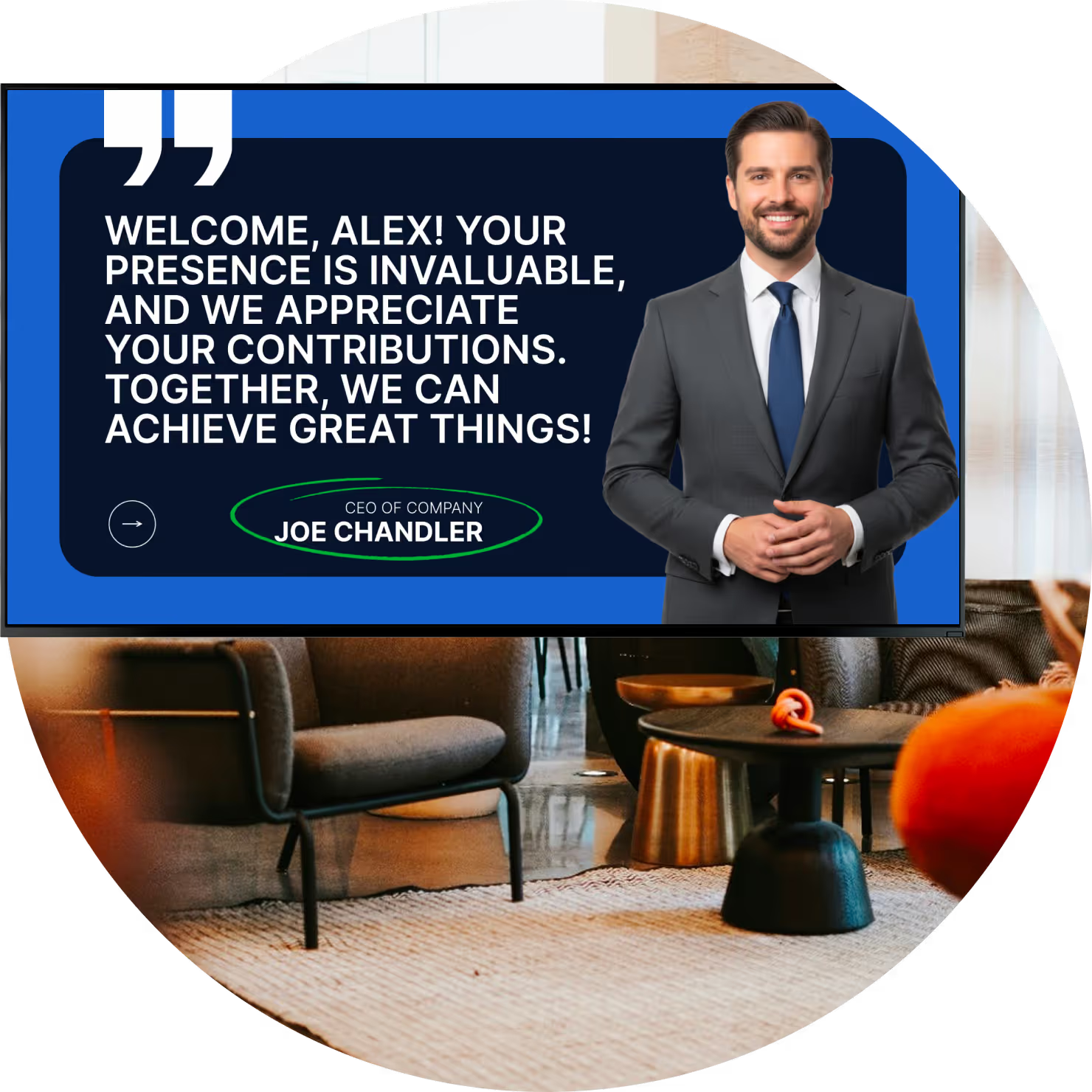
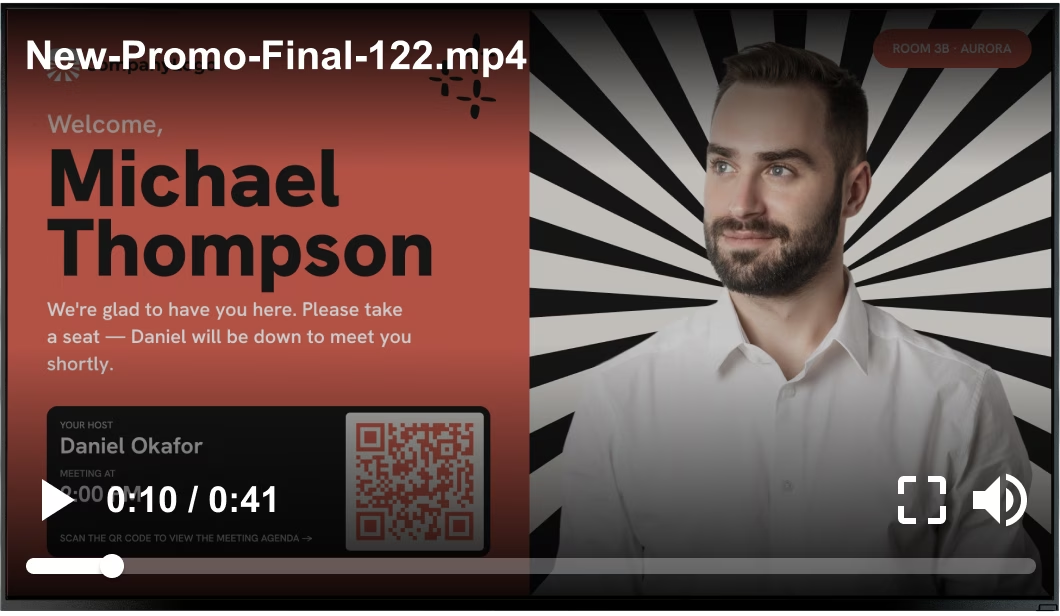
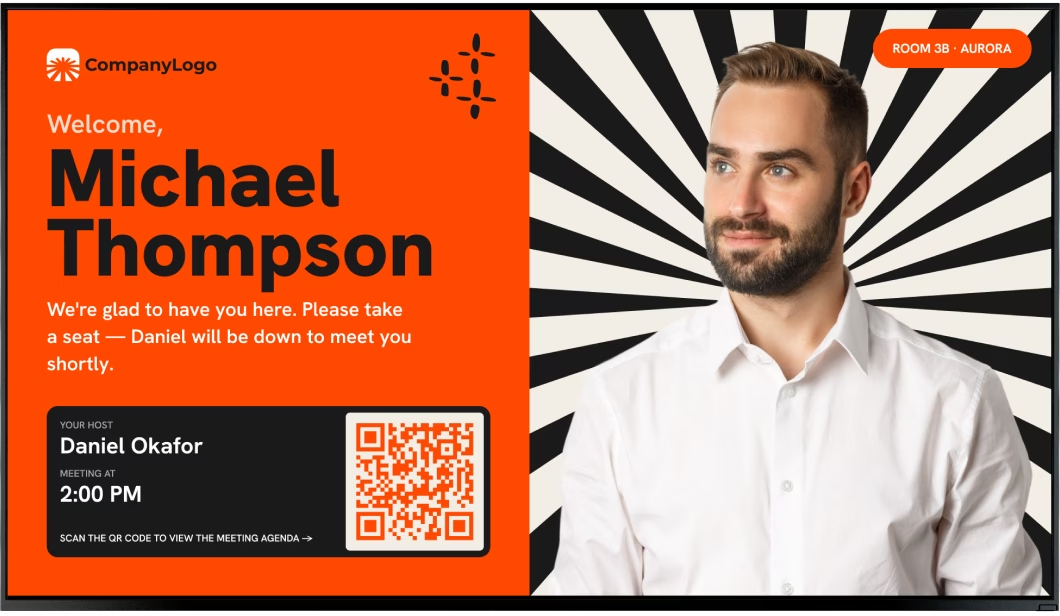
The best security setups connect their tools. By using Integrations via API or Zapier, Look DS can connect with visitor management platforms. Screens can display personalized welcome messages or guide visitors through check-in steps automatically.
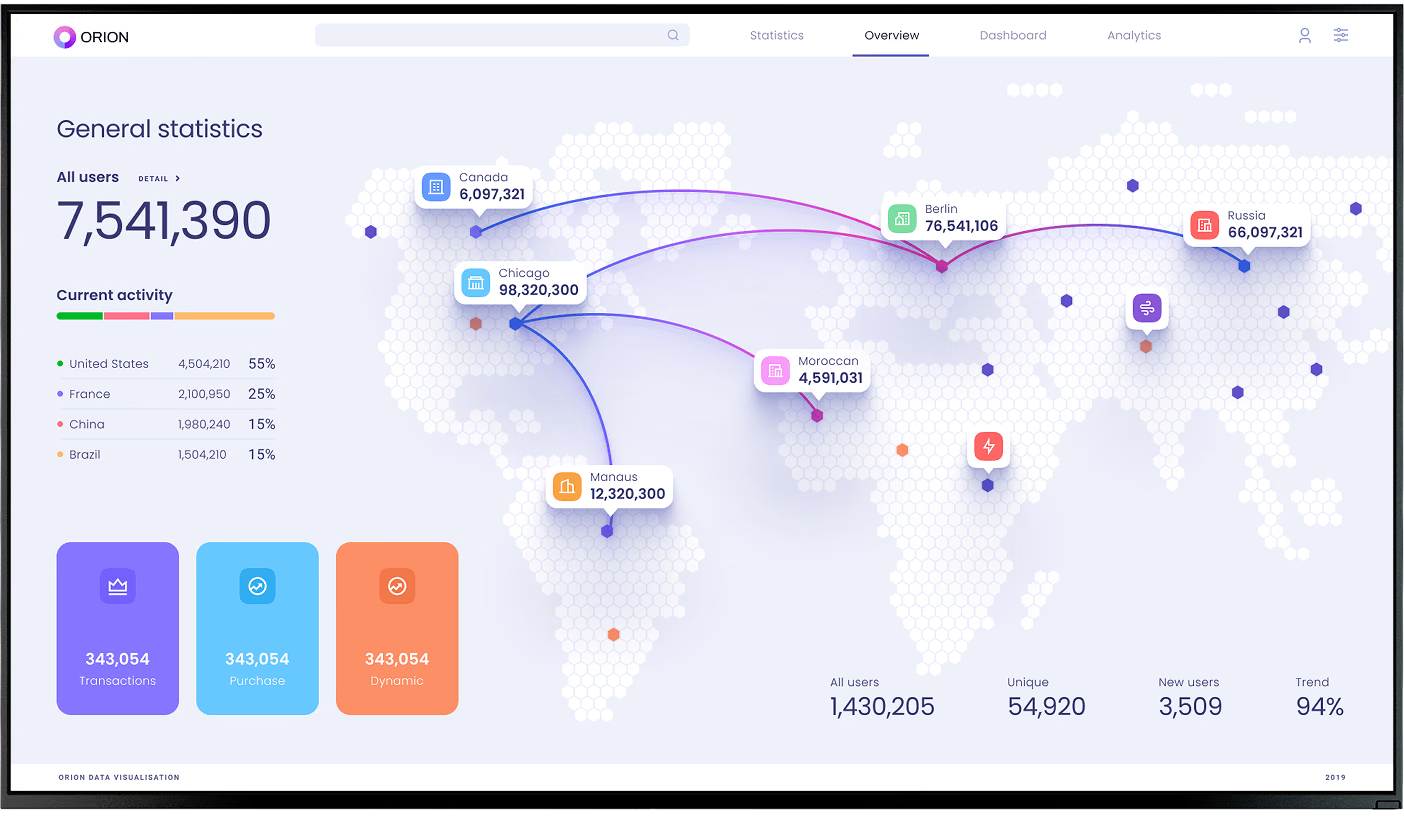
In high-security environments, screens can integrate with data feeds to show occupancy levels or gate status. This data-driven approach ensures that the messaging on the wall matches the real-time operational status of the building.
Multi-Zone Layouts for Dynamic Security Information
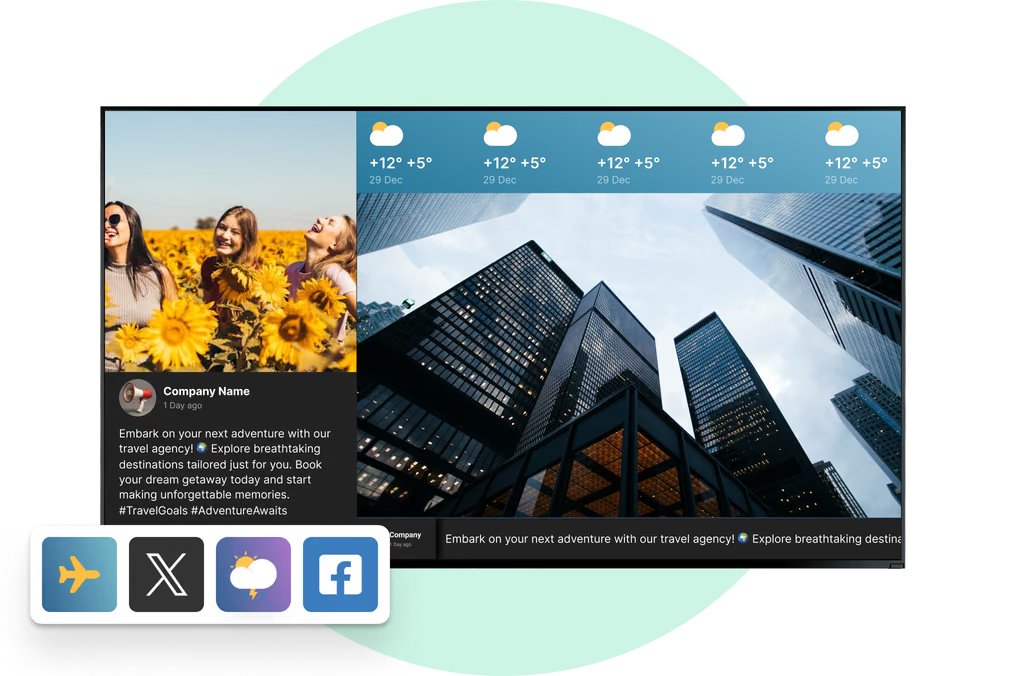
Lobby screens can multitask. Using Screen Layouts, you can divide a display into multiple zones. One section might run a security ticker, another can show a live news feed, and a third can display visitor instructions.

This approach keeps the screen engaging. By surrounding dry security rules with useful content like weather or news, you increase the likelihood that people will look at the display and absorb the safety information.
Remote Access and Centralized Control
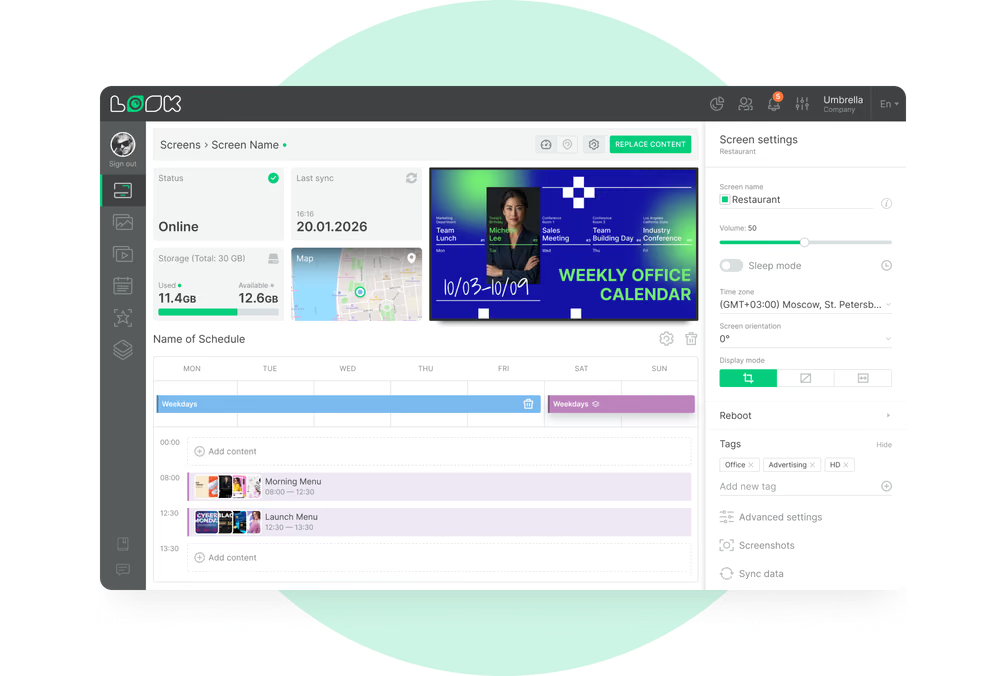
For organizations with multiple sites, Look Digital Signage provides centralized control. You can manage thousands of screens from one location, ensuring consistent security messaging across all branches. This scale capability allows you to push a new global security policy to every lobby instantly.
Remote management also simplifies maintenance. IT teams can monitor screen health and reboot devices remotely, reducing site visits and keeping the network running smoothly.
What Content Should Be Displayed for Effective Lobby Security Messaging?
Clear Visitor Instructions and Identification Requirements
Visitor confusion creates security risks. Your screens should clearly display sign-in steps, acceptable ID types, and escort policies. Ready-made templates in the Look CMS can help you format these instructions so they are legible and professional.
Visual aids work best. Use simple graphics to show where to stand or how to scan a badge. For diverse environments, rotating these instructions in multiple languages ensures everyone understands the entry process.
Real-Time Emergency Alerts and Announcements
When an alert triggers, clarity is paramount. Emergency content should use high-contrast colors and large fonts. Messages must explain the "what" (e.g., "Fire Alarm") and the "how" (e.g., "Proceed to North Exit").
Non-emergency operational updates are equally important. Notices about elevator maintenance or security delays help manage visitor expectations and prevent frustration at the front desk.
Safety Reminders and Prohibited Items
Use the rotation loop to display preventative safety tips. Reminders about reporting suspicious packages or watching for slip hazards help build a safety culture. These messages fit well within a general playlist.
For high-security areas, visual lists of prohibited items, using icons for clarity, help streamline the screening process. Visitors who know what to leave in their cars or lockers before they reach the checkpoint cause fewer delays.
Security Contacts and Assistance Options
Make it easy for visitors to find help. Displays should prominently feature security desk contact info or a QR code that initiates a chat with support. Look DS supports QR codes natively, bridging the gap between the screen and the visitor's phone.
In unstaffed lobbies, the screen acts as a virtual concierge. It can guide guests on how to contact a remote operator, ensuring that help is always accessible even without a physical guard present.
Common Use Cases for Lobby Security Messaging With Digital Signage
Displaying Entry Procedures and Visitor Policies
Standardizing entry rules reduces friction. Corporate offices use digital signage to explain visitor badges, while hospitals display visiting hours and health protocols. Look DS makes it easy to update these policies remotely as regulations change.
Rotating clear policies regarding photography or package delivery sets the tone immediately. When rules are visible upon entry, security staff spend less time correcting behavior.
Alerting to Suspicious Activity or Threats
Digital signage serves as a rapid notification tool for security threats. If a specific risk is identified, teams can broadcast "Be On the Lookout" notices to staff areas or general awareness prompts to public lobbies.
These messages can be targeted. You might display detailed descriptions on back-office screens for guards while showing general "Report Suspicious Activity" prompts on public-facing displays.
Guiding Evacuation and Emergency Actions
During evacuations, people often panic. Digital signage provides steady, clear guidance. Screens can display dynamic maps highlighting the safest exit routes away from the hazard. Offline Playback ensures these critical images remain on screen even if the internet connection fails during the incident.

For shelter-in-place scenarios, screens can switch to live news feeds or weather maps, keeping occupants informed and reducing panic until the all-clear is given.
Notifying Staff and Visitors of Restricted Areas
Clear zoning prevents accidental breaches. Screens placed near elevators or corridors can mark restricted zones based on time of day. For example, a screen might update to read "Employee Access Only After 6 PM."
This is particularly useful during construction or special events. Temporary wayfinding on digital screens can divert traffic away from sensitive areas without the need for printed signs.
Providing Wayfinding and Safety Instructions
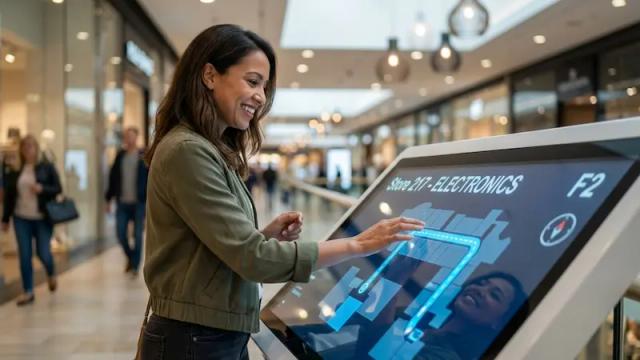
Lost visitors are a security liability. Interactive directories or clear digital maps help visitors move directly to their destination, reducing wandering. Interactive Scenarios can be built within Look CMS to allow visitors to search for destinations on touchscreens.
Integrate safety assets into these maps. Highlight the location of AEDs, fire extinguishers, and emergency exits so visitors passively absorb this safety information while navigating the building.
What Industries Benefit Most From Lobby Security Digital Signage?
Corporate Offices and Business Centers
Large corporate campuses rely on digital signage to manage high volumes of staff and guests. Look DS helps these facilities standardize security messaging across multiple lobbies, ensuring that every entry point adheres to the same protocols.
Beyond security, these screens reinforce corporate values. Displaying safety stats alongside company news creates a professional environment that appeals to clients and investors.
Healthcare Facilities and Hospitals
In healthcare, clarity saves lives. Hospitals use digital signage to communicate health screening rules, ward restrictions, and emergency codes. Smart scheduling allows administrators to change messaging based on shift patterns or visiting hours.
Reducing anxiety is also a security measure. By displaying wait times and calming content alongside safety rules, hospitals can lower tension in waiting rooms, leading to fewer behavioral incidents.
Education: Schools, Colleges, and Universities
Campuses use digital signage to connect administrators with students instantly. In an emergency, screens across different buildings can synchronize to show lockdown instructions. Look Digital Signage supports this scale, managing networks from one screen to thousands.
Day-to-day, these screens assist with wayfinding for new students and visitors, keeping unauthorized personnel out of sensitive research labs or admin offices.
Government and Public Buildings
Government facilities require strict adherence to compliance. Digital signage is essential for explaining complex entry requirements, such as bag checks and ID verification. The ability to update these messages instantly is vital for adapting to changing threat levels.
Public agencies also use these screens to maintain transparency, displaying public meeting times and civic information alongside security protocols.
Residential Complexes and Multifamily Properties
Luxury residential buildings use lobby screens to act as a digital concierge. Security content includes package alerts, garage safety reminders, and maintenance notices. This improves the resident experience while maintaining a secure environment.
For buildings with virtual doormen, screens provide the necessary link to remote security services, ensuring residents feel safe even when on-site staff is not present.
Best Practices for Digital Signage in Lobby Security
Strategic Screen Placement for Maximum Visibility
Placement determines effectiveness. Install screens at eye level near natural pause points-entrances, reception desks, and elevator banks. Ensure the hardware is bright enough to combat glare from lobby windows.

Hardware choice matters. Look Digital Signage Hardware guidance can help you select the right player or display for 24/7 operation in high-traffic areas.
Consistent Branding With Security Messaging
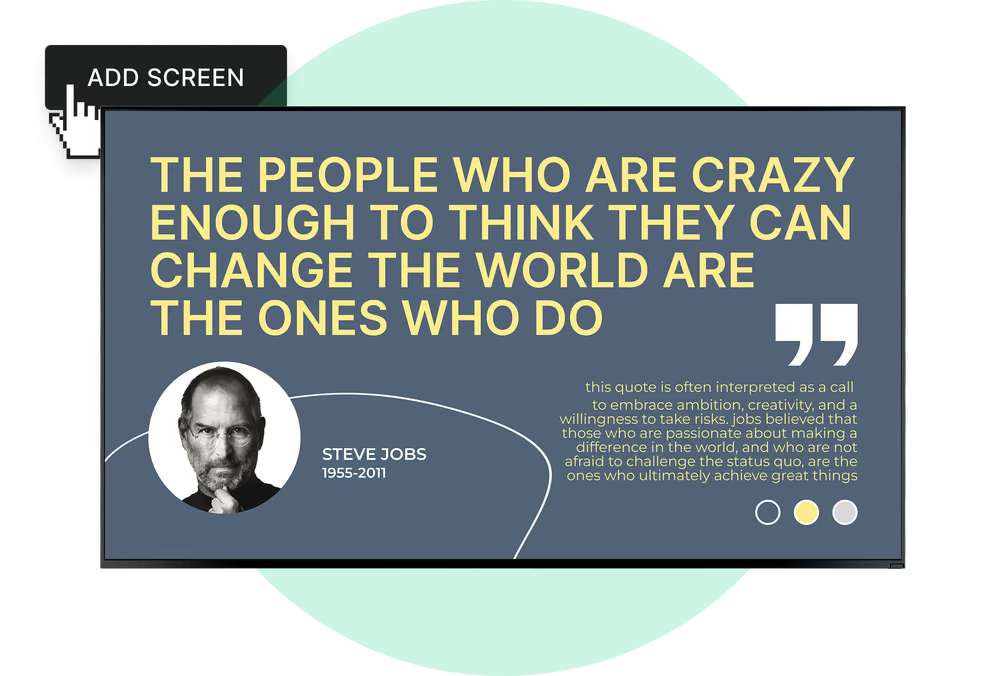
Security notices should look official. Use Look's Content Creator to ensure safety messages match your organization's colors and fonts. Consistent branding makes the information feel authoritative and trustworthy.
Avoid cluttered designs. A clean, professional look signals that the security team is organized and in control. Poorly designed slides can be mistaken for outdated or irrelevant information.
Using Video and Animated Graphics for Attention
Static text is easily ignored. Use subtle animation to draw the eye to critical rules. A pulsing icon or a short instructional video on how to use a badge reader is far more effective than a block of text.
Balance is key. While movement attracts attention, too much chaos can be distracting. Use animation to highlight the most important takeaways, not to entertain.
Integrating Live Data, Weather, or News Feeds
To keep eyes on the screen, offer value. Look Apps allow you to integrate weather, traffic, or news widgets into your layout. When visitors look at the screen for the weather, they inevitably see your security messaging alongside it.
This mix of content prevents "banner blindness," ensuring that when a security alert does appear, people are already in the habit of checking the screen.
Regularly Updating Content for Relevance and Compliance
Stale content destroys credibility. If a screen shows outdated holiday hours, visitors will assume the security rules are also outdated. Use Look's scheduling features to auto-expire content that is no longer valid.
Regular audits are essential. Security protocols change, and your digital signage must reflect the latest compliance standards. Remote management makes it easy to keep this content fresh without visiting every screen.
Challenges and Considerations in Lobby Security Messaging With Digital Signage
Keeping Security Content Updated and Accurate
The biggest risk is neglecting the content. Security leaders must coordinate with those managing the CMS to ensure updates happen fast. Look DS simplifies this with user permissions, allowing specific staff to update security zones without altering other content.
Accuracy prevents panic. Always implement an approval process for emergency messages to ensure evacuation routes and contact numbers are correct before they go live.
Ensuring Hardware and Software Reliability
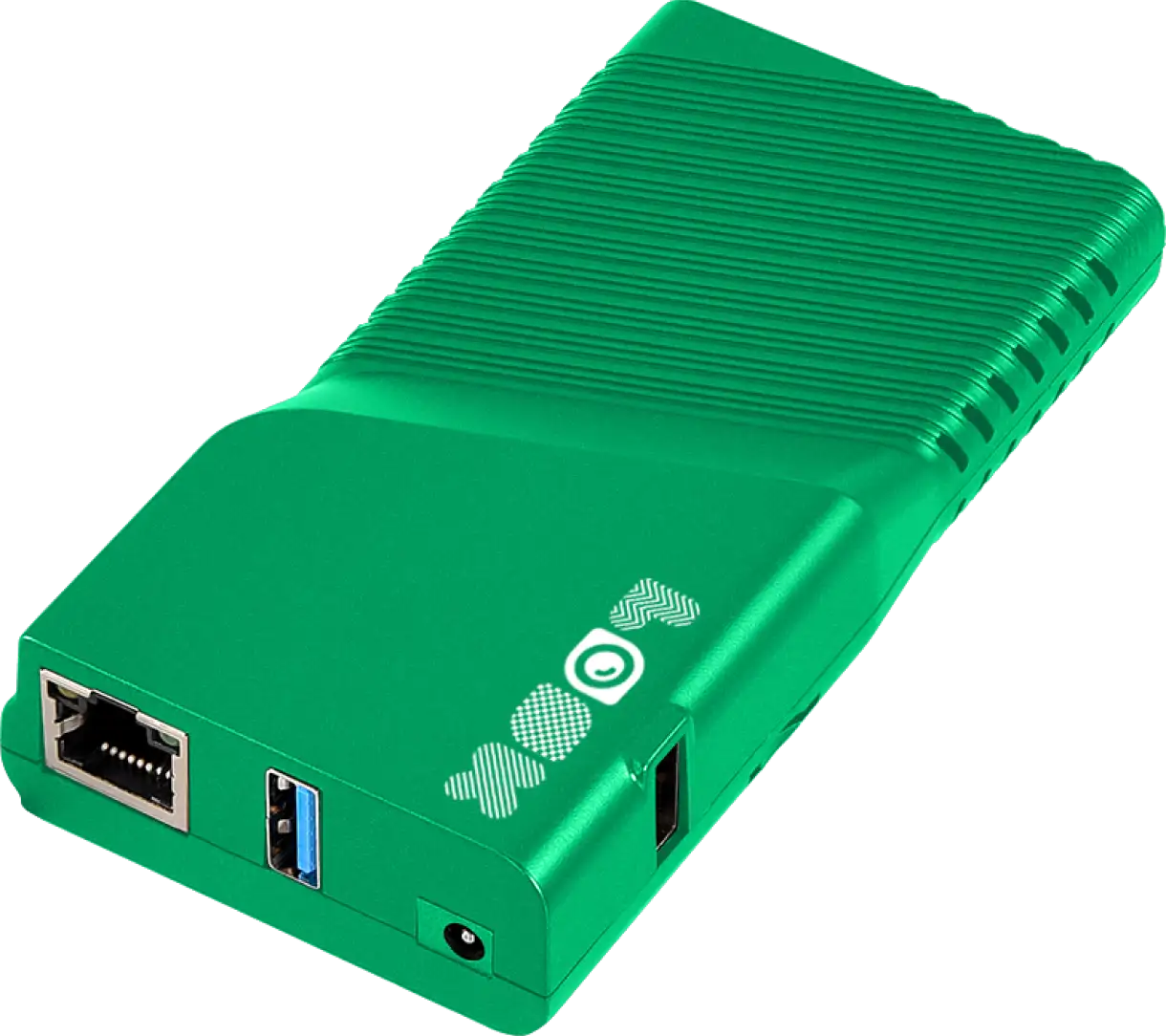
Security tools must work when needed. Consumer-grade TVs often fail under 24/7 use. Using a dedicated media player, like the Look HDMI Player, ensures reliable performance.
Network reliability is also a factor. Look Digital Signage includes Offline Playback, which caches content locally. This means your security messages keep playing even if the internet connection drops-a critical feature for emergency preparedness.
Balancing Security Information With Guest Experience
A lobby should feel safe, not hostile. Avoid aggressive language. Phrasing rules as "For everyone's safety" rather than "Prohibited" softens the tone without losing authority. Multi-zone layouts allow you to keep security info visible without dominating the entire visual experience.
Addressing Privacy and Data Security Issues
As signage integrates with sensors and cameras, privacy is a valid concern. Look DS focuses on secure, anonymous data processing. Being transparent about how technology is used in the lobby builds trust with visitors.
Platform security is non-negotiable. Look uses strong encryption to protect your network, ensuring that unauthorized users cannot access your screens to display false alerts.
How to Measure the Impact of Digital Signage on Lobby Security
Collecting Feedback From Visitors and Staff
Ask the people who use the space. Simple surveys or feedback from reception staff can reveal if visitors are confused by the signage. Use a QR code on the screen to gather instant digital feedback on the clarity of your instructions.
Monitoring Incident Response Times
Data proves ROI. Track metrics during drills to see if digital signage improves evacuation times or reduces confusion at checkpoints. A reduction in unauthorized entry attempts or questions at the front desk indicates the messaging is working.
Measuring Engagement With Security Messages
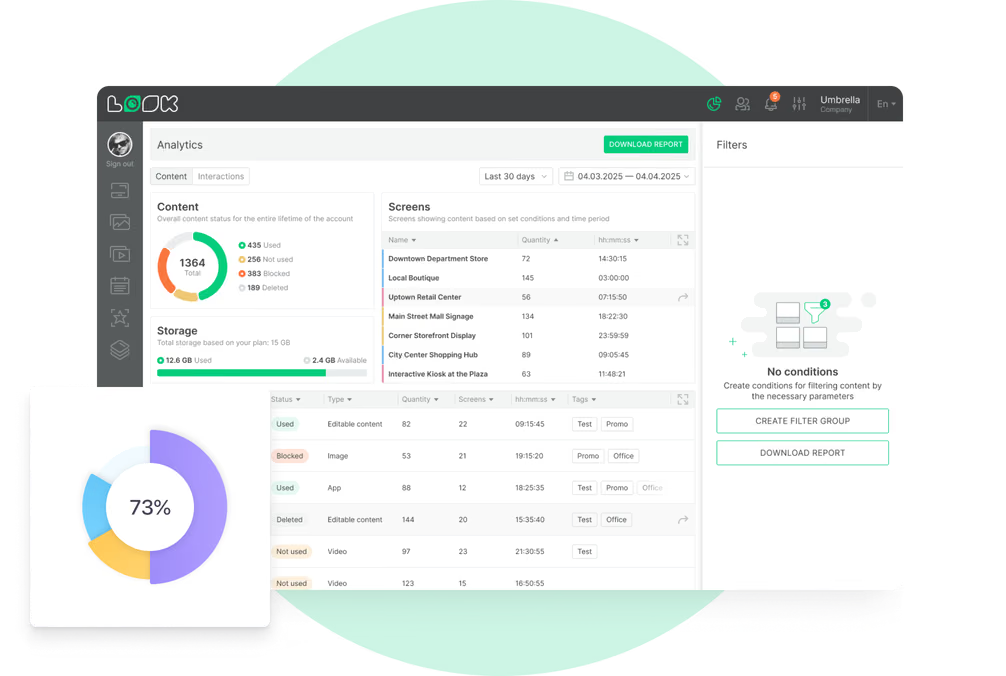
Playback Analytics in the Look CMS provides data on content performance. While you cannot track individual eyes, you can verify that critical messages played at the correct frequency and uptime. This "Proof-of-Play" is essential for compliance audits and verifying that safety campaigns are running as planned.
Trends and Innovations in Lobby Security Digital Signage
AI-Powered Content Personalization
Tools like the Look AI Wizard are streamlining content creation, but the future lies in context-aware screens. Signage may soon adjust messages based on lobby traffic density, displaying larger, simpler text when the area is crowded to ensure readability.
Touchless Interactivity and Voice Controls
Health safety has driven a shift to touchless tech. QR codes and voice-activated kiosks allow visitors to interact with security directories without physical contact. This reduces hygiene risks while maintaining high security standards.
Mobile Integration for Visitor Management
The screen is just the starting point. Modern setups use lobby screens to prompt mobile interactions. A visitor scans a code on the digital sign to complete a security check on their phone, creating a seamless, paperless entry process.
Frequently Asked Questions About Lobby Security Messaging With Digital Signage
Can Digital Signage Replace Traditional Security Signs?
It complements them. While legal requirements often demand permanent physical signs for fire exits, digital signage handles dynamic information. It allows you to update protocols instantly, which static signs cannot do. The best approach uses digital screens for changing information alongside required permanent signage.
Is Digital Lobby Signage Cost-Effective for Small Businesses?
Yes. With cloud-based software like Look Digital Signage and affordable hardware players, the barrier to entry is low. You can start with a single screen. The ability to update content remotely saves staff time and printing costs, delivering a strong ROI.
How Is Content Kept Secure and Private?
Look Digital Signage prioritizes security. The platform uses secure connections and offers granular user permissions, so only authorized staff can alter security messaging. For organizations with strict data policies, on-premise deployment options are available.
Can Emergency Alerts Override Regular Content Instantly?
Yes, this is a core capability. Emergency triggers can instantly clear standard playlists to display critical alerts. Once the situation is resolved, the system automatically returns to normal programming, ensuring your lobby is always ready for the next visitor.
Lobby security messaging creates a safer, more efficient environment. By using Look Digital Signage, you can ensure that your safety protocols are seen, understood, and followed. From reliable offline playback to instant emergency updates, Look gives you the tools to manage security communication confidently from anywhere.