Table of Content
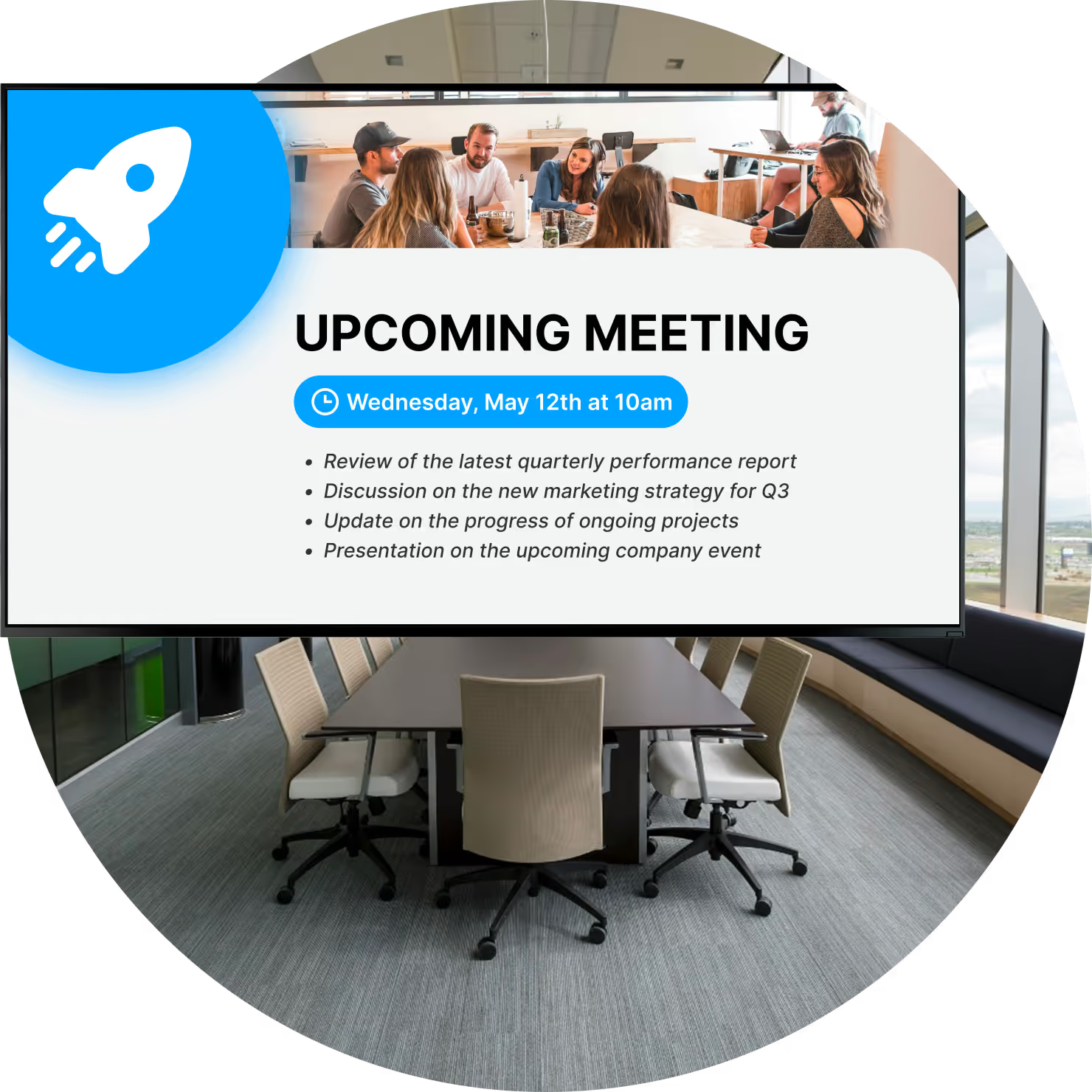
How can you stop interruptions, eliminate double bookings, and keep your meeting spaces organized? Meeting room status screens provide the answer. These digital displays, placed outside conference rooms or shared workspaces, show real-time availability pulled directly from your calendar system. By replacing paper schedules with live updates, you give your team a clear, visual way to manage office space and keep daily operations running smoothly.
These displays do more than just signal "busy" or "free." They act as a compact communication tool for your office. Staff and visitors can instantly see meeting titles, organizers, and duration without guessing. Whether you use a simple tablet or a dedicated panel, this technology aligns your physical office with the digital schedules that drive your business.

What Are Meeting Room Status Screens With Digital Signage?
How Do Status Screens Work in Meeting Rooms?
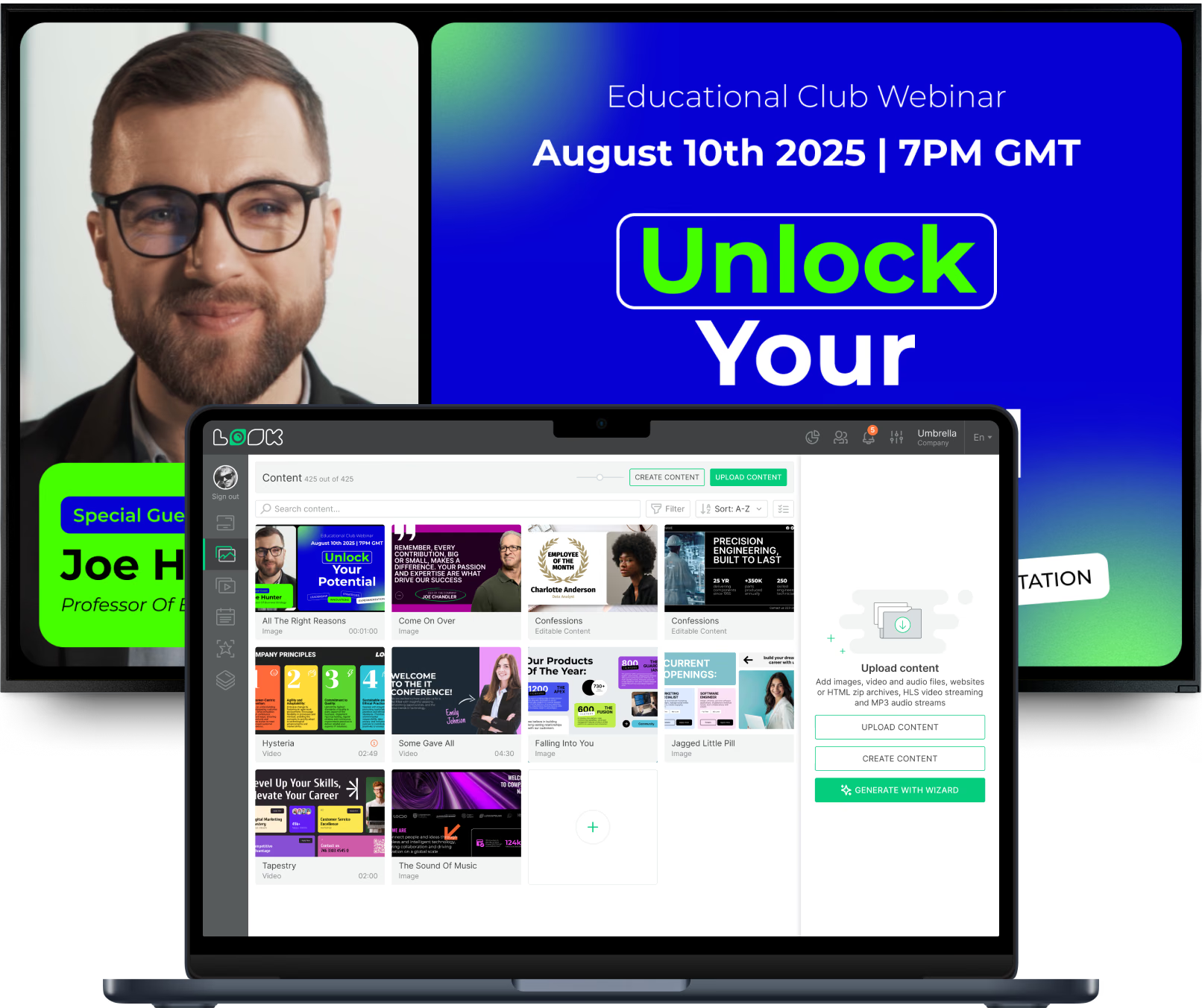
A digital status screen relies on three elements working together: cloud-based digital signage software, calendar integration, and the physical display. The software, like Look Digital Signage, acts as the central control point. It connects with your data sources, such as Google Workspace or Microsoft calendars. When a room is booked via a computer or phone, the screen outside the door updates in minutes.
If a meeting is canceled or times change, the system reflects that update automatically. This "set and forget" synchronization ensures that what you see on your laptop matches what appears on the wall. For operations and facilities managers, this automation reduces manual updates and stops the constant "is this room free?" interruptions, establishing the screens as the single source of truth.
Common Types of Digital Room Signage Displays
Digital room signage adapts to your specific environment. Some offices prefer simple indicators that use color-coded backgrounds-green for available, red for occupied. These allow for quick checks from down the hall, so employees can find a spot without walking up to every door.

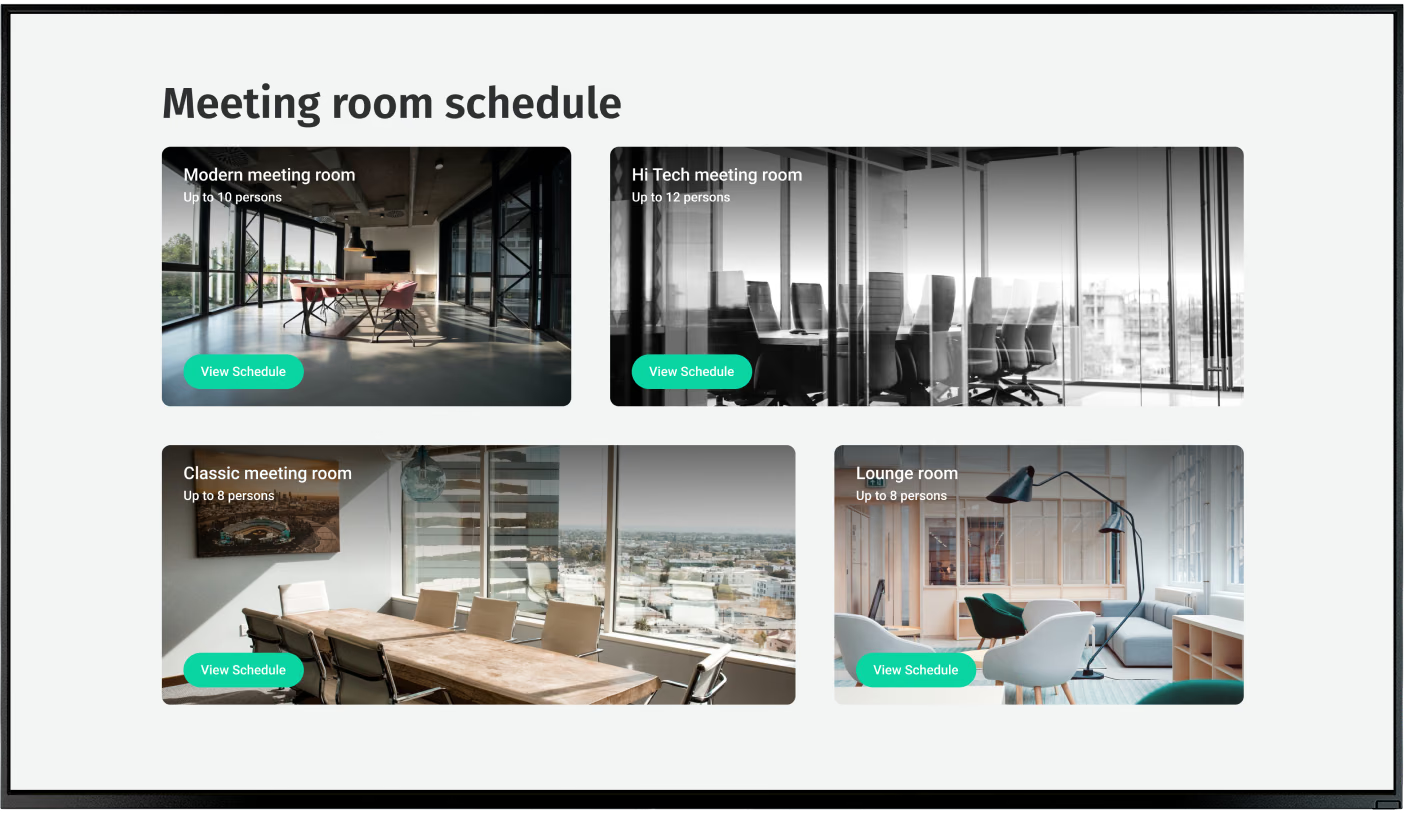
Other setups utilize high-definition screens or tablets running a player app, like the Look App. These can display detailed playlists, room amenities, or even interactive layouts. The choice depends on your needs: a busy collaboration hub might benefit from a detailed screen layout, while a quiet focus room may only need a simple status indicator.
Types of Meeting Room Status Displays
Touchscreen Tablets and Panels
Touchscreen tablets are a practical choice for modern offices because they allow direct interaction. Using the Look Player App on compatible Android or iOS tablets turns standard devices into powerful room management tools. Teams can tap the screen to check in, extend a meeting, or book an empty room on the fly.
These panels offer flexibility and a clean aesthetic. Because Look Digital Signage is hardware-agnostic, you can often repurpose tablets you already own. Features like "check-in" requirements help reduce "ghost meetings"-where a room remains booked on the calendar but sits empty because no one showed up.

Electronic Paper (E-Paper) Signs

Electronic Paper (E-Paper) displays are useful in locations where power outlets are scarce. They consume very little energy, drawing power only when the image changes. Because many are battery-powered and wireless, they can be mounted on glass walls or historical architecture without complex wiring.
While E-Paper lacks the video capabilities of LCD screens, it offers high contrast and readability. It is an efficient solution for simple schedules and QR code display, fitting well into flexible offices that prioritize mobility and simple setup.
LED and LCD Room Signs
Standard LCD screens or specialized LED displays provide brightness and versatility. A high-quality screen running Look CMS can do more than just show schedules; when the room is free, it can rotate through internal communication playlists, company news, or welcome messages. This maximizes the value of the hardware.
Many professional displays use Power over Ethernet (PoE), sending both power and data through a single cable. This simplifies installation and ensures reliable playback without the clutter of extra cords.
Customizable Display Options and Form Factors
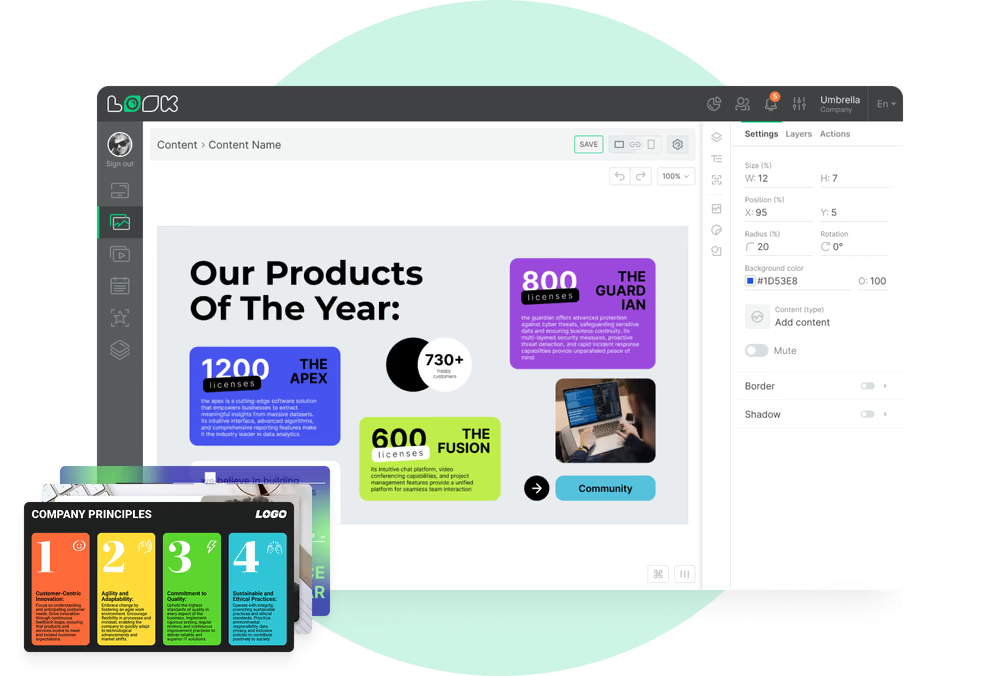
Your signage should fit your brand and building layout. Digital signage systems support various screen sizes, from small tablets to larger panels for boardrooms. With Look CMS, you can use the Screen Layouts feature to customize exactly how information appears, incorporating your logo, fonts, and brand colors.
Customization also applies to the content structure. You might design a layout that highlights the "Book Now" QR code prominently, or one that lists the entire day's agenda. This flexibility allows you to tailor the screens to how your team actually works.
Key Features of Meeting Room Status Screens With Digital Signage
Real-Time Room Availability and Occupancy Indicators
The core feature of any room sign is live status visibility. Clear visual cues, like a bright red background for "Busy" and green for "Open", provide instant clarity. This prevents colleagues from accidentally barging into sensitive meetings or wandering around looking for space.

Integration with sensors is also becoming common. If a sensor detects that a room is empty despite being booked, the system can eventually release the room. This data-driven approach helps optimize how office space is utilized.
Live Meeting Schedules and Upcoming Reservations
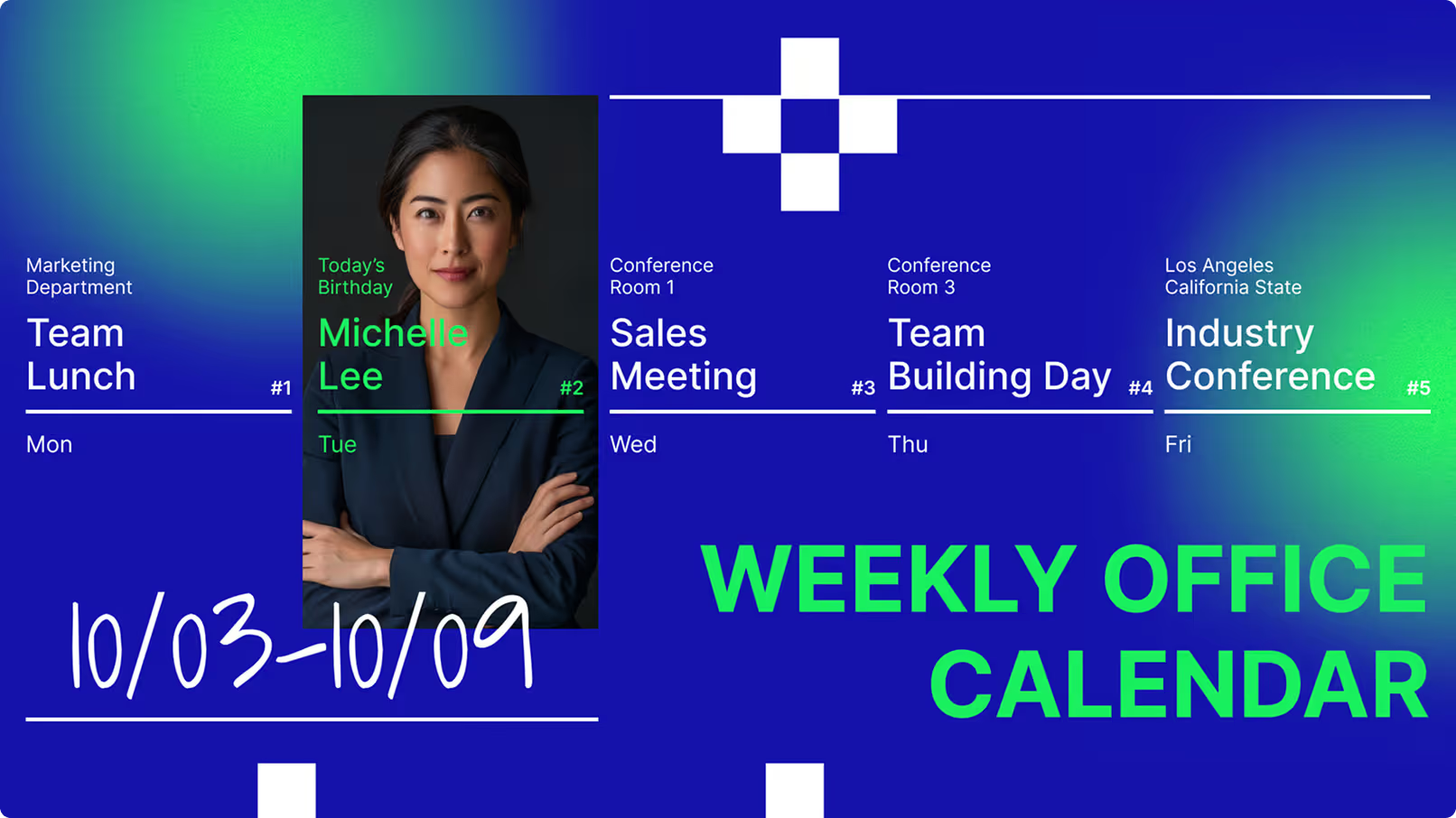
A functional status screen shows context. By displaying upcoming slots via Smart Scheduling, teams can see if they have time for a quick huddle or if they need to wrap up soon. This transparency encourages meetings to end on time.
For visitors, seeing the meeting title and host name confirms they are in the right place. It improves the guest experience by providing immediate reassurance without needing to ask reception for help.
Touchscreen and Touchless Booking Options
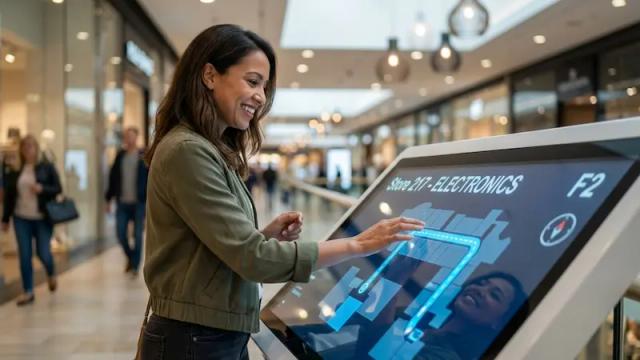
Modern setups often support both interaction styles. Touchscreens allow users to book a room right at the door. However, touchless options are increasingly popular for hygiene and convenience. You can easily display a specific QR code using Look CMS that employees scan with their mobile phones to view the calendar and book the room instantly.
Calendar Integration with Microsoft 365, Google Workspace, and More
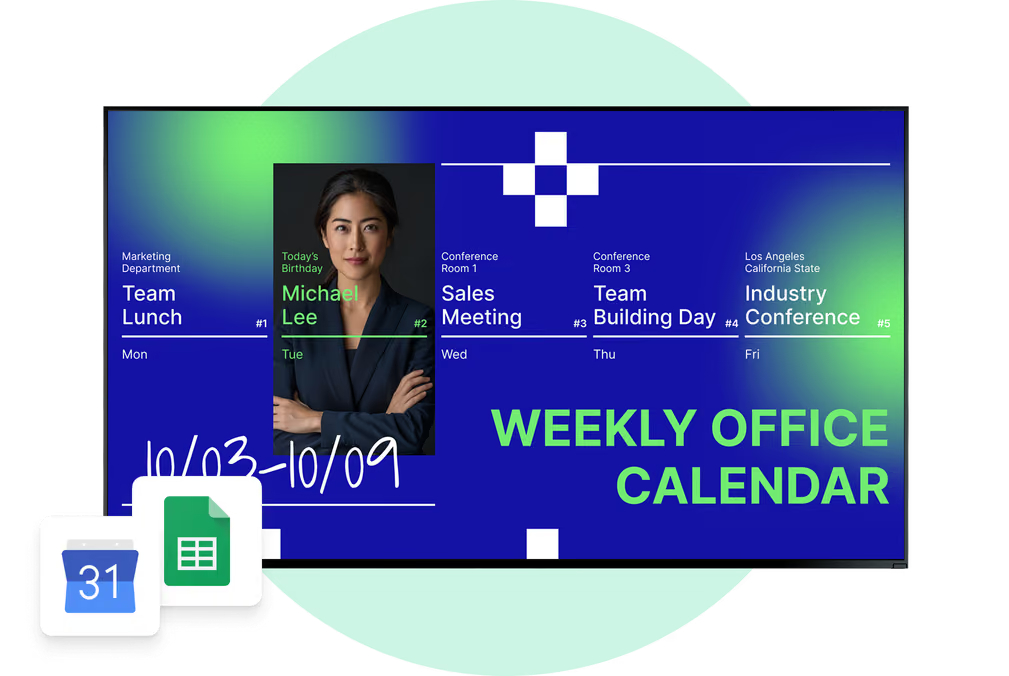
The "brain" of the system is its connection to your calendar tools. Through Integrations (using APIs or third-party connection tools like Zapier), digital signage platforms can sync with Microsoft 365 or Google Workspace. This ensures that data flows from your laptop to the wall display without manual intervention.
This synchronization is critical for accuracy. When calendars are linked, you avoid the confusion of a room looking empty physically but being booked digitally.
Custom Branding and Corporate Designs
Your screens should look like they belong to your company. Look Digital Signage offers ready-made digital signage templates and a Content Creator that allows you to apply your corporate identity to every screen. You can upload backgrounds, set color schemes, and ensure logos are placed correctly.
Consistent branding reinforces your professional image. It also allows you to include helpful static info in the layout, such as Wi-Fi passwords or support contacts, ensuring the screen adds value even when the room is empty.
Accessibility and ADA Compliance
When installing digital signage, accessibility is a key consideration. Mounting screens at the correct height (typically 48-60 inches) ensures they are readable and reachable for people in wheelchairs. High-contrast designs and clear, large fonts help those with visual impairments.
Adhering to ADA guidelines isn't just about compliance; it's about creating an inclusive workplace where every employee has equal access to room resources.
Benefits of Using Digital Signage for Meeting Room Status
Reduces Scheduling Conflicts and Double Bookings
The most immediate benefit is the reduction of friction. In offices without digital signs, "room squatting" and double bookings create frustration. Digital signage provides a clear "system of record" right at the door. When the screen says "Reserved," disputes are settled before they begin.
By syncing in real-time, the screens remove the lag between making a booking and communicating it to the office floor. This reliability builds trust in the system.
Increases Room Utilization and Workplace Efficiency
Digital signage helps you get more out of your real estate. Playback Analytics and monitoring tools can help you understand screen uptime and usage patterns. If you notice certain rooms are booked but the screens often show "Check-in Missed" (if using interactive apps), you can identify wasted space.
This data supports better decision-making. You might discover you need more phone booths and fewer large conference rooms, allowing you to adapt your office layout to actual needs.

Improves Visitor and User Experience
Navigating a large office can be confusing. Room screens act as wayfinding aids. A custom welcome message or a clear meeting title helps guests find their destination independently. It creates a polished, professional first impression.
For employees, the benefit is time saved. Instead of walking laps around the floor, they can glance down a hallway to see green lights or check a lobby dashboard screen running Look CMS to see which rooms are currently free.
Saves Time on Administrative Tasks
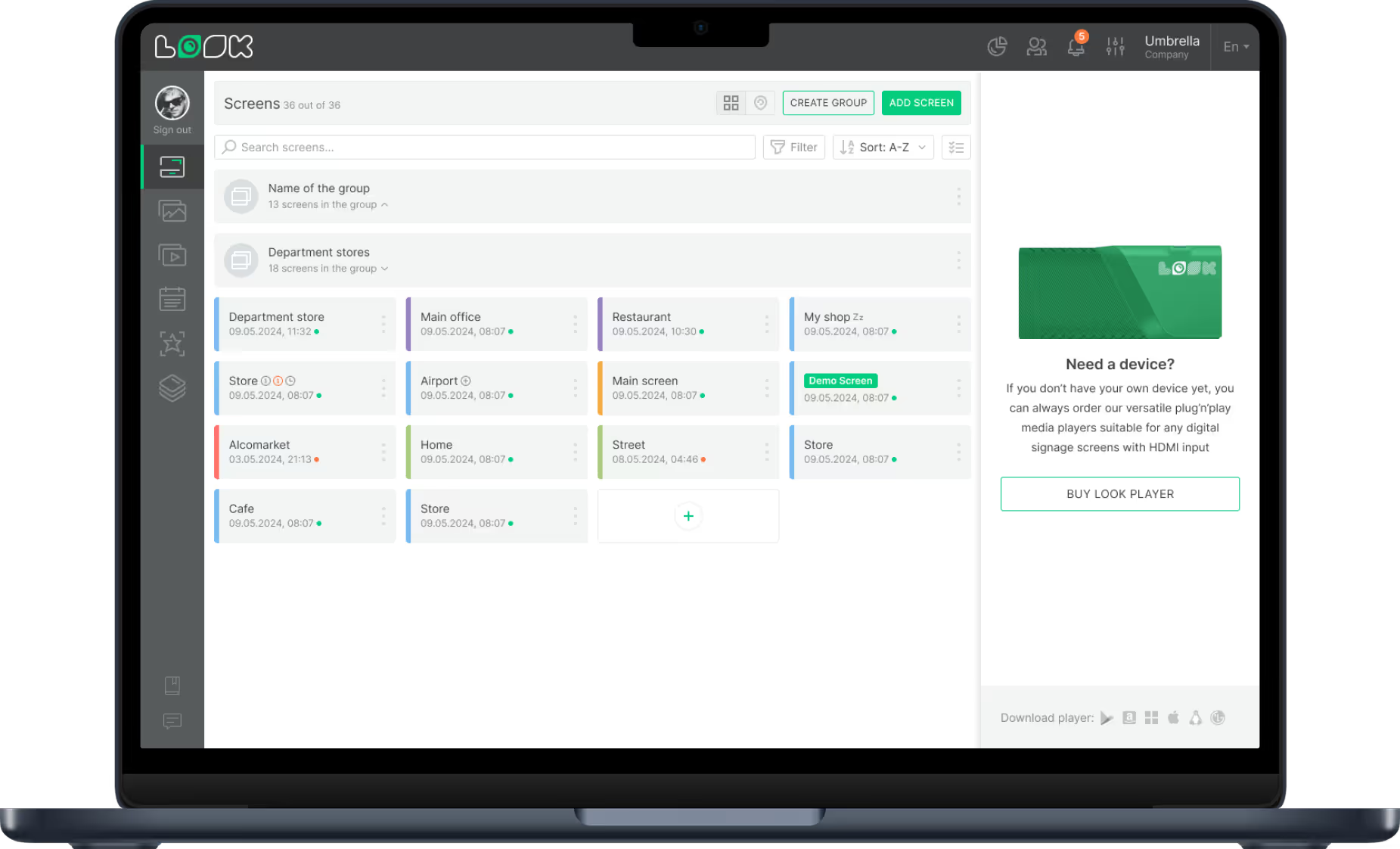
Managing room schedules manually is a drain on staff time. Digital signage automates this process. Once you connect your calendar source to the platform, the updates happen in the background. Operations managers can control settings for all screens via Remote Management features, pushing updates or troubleshooting from anywhere.
This efficiency frees up facilities teams to focus on maintenance and improvements rather than managing paper schedules or answering booking queries.
Supports Hybrid and Flexible Work Environments
Hybrid work demands coordination. Digital signage bridges the gap between remote bookings and physical presence. When a remote worker books a room for a team huddle, that claim is instantly visible in the office.
In hot-desking environments, signage can indicate which zones are available for the day. This flexibility supports a dynamic workforce, allowing people to choose the space that fits their task.
Integrating Digital Signage With Room Booking Systems
Synchronization with Cloud-Based Booking Software
To be effective, your signage must live in the cloud. Cloud-based platforms like Look Digital Signage ensure that changes propagate instantly across your network. Whether you have one screen or a hundred across different cities, the information remains consistent.
Cloud management also allows IT teams to monitor device health and status remotely. If a screen goes offline, Proof-of-Play and Monitoring tools can alert the team, ensuring high uptime for your room signs.
Compatibility with Calendars and Apps
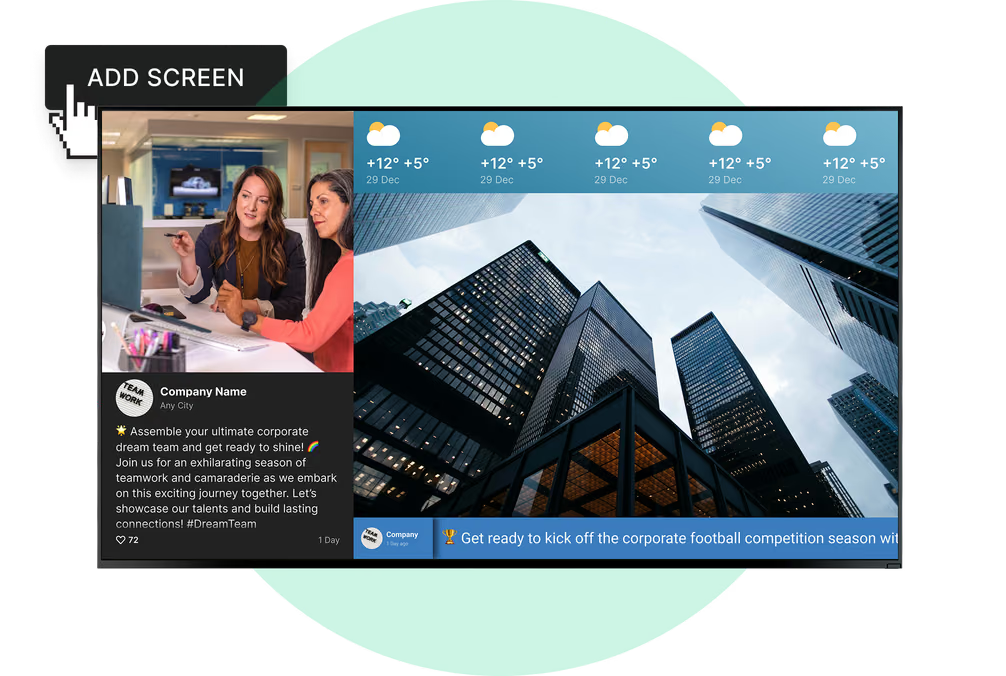
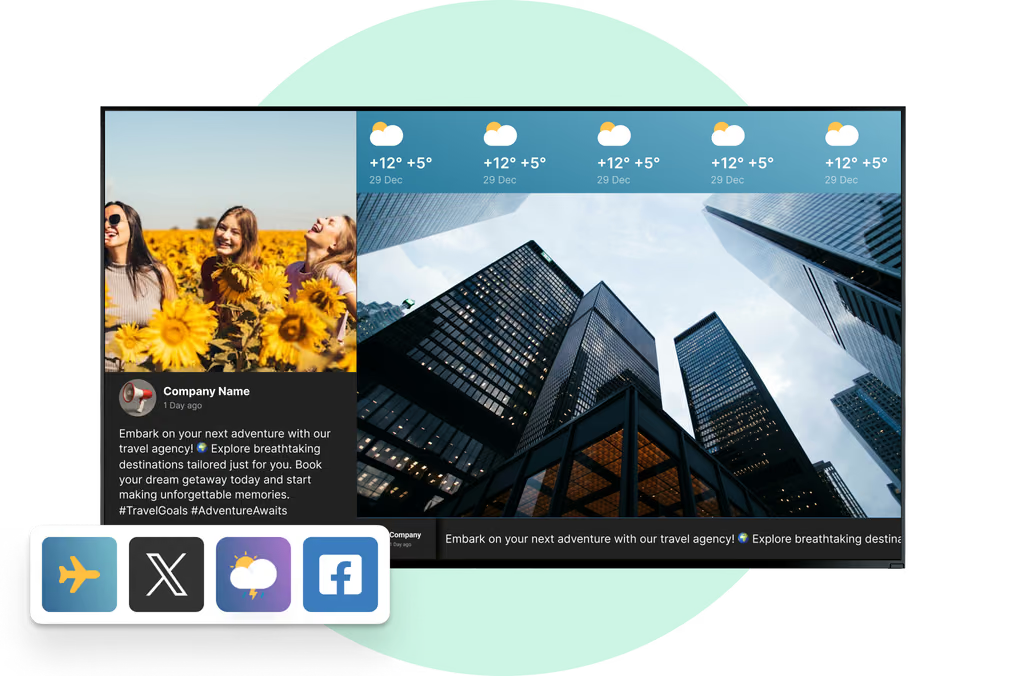
Integration extends beyond just the calendar. You can use Look Apps or HTML embed features to display other relevant real-time data alongside the schedule. For example, you might show a weather widget or a news ticker on the bottom of the room display.
Connecting these tools means your staff doesn't have to learn a new system. They continue booking via Outlook or Google Calendar as usual, and the digital signage simply reflects those actions.
How to Set Up Meeting Room Status Screens With Digital Signage
Selecting Compatible Hardware and Media Players
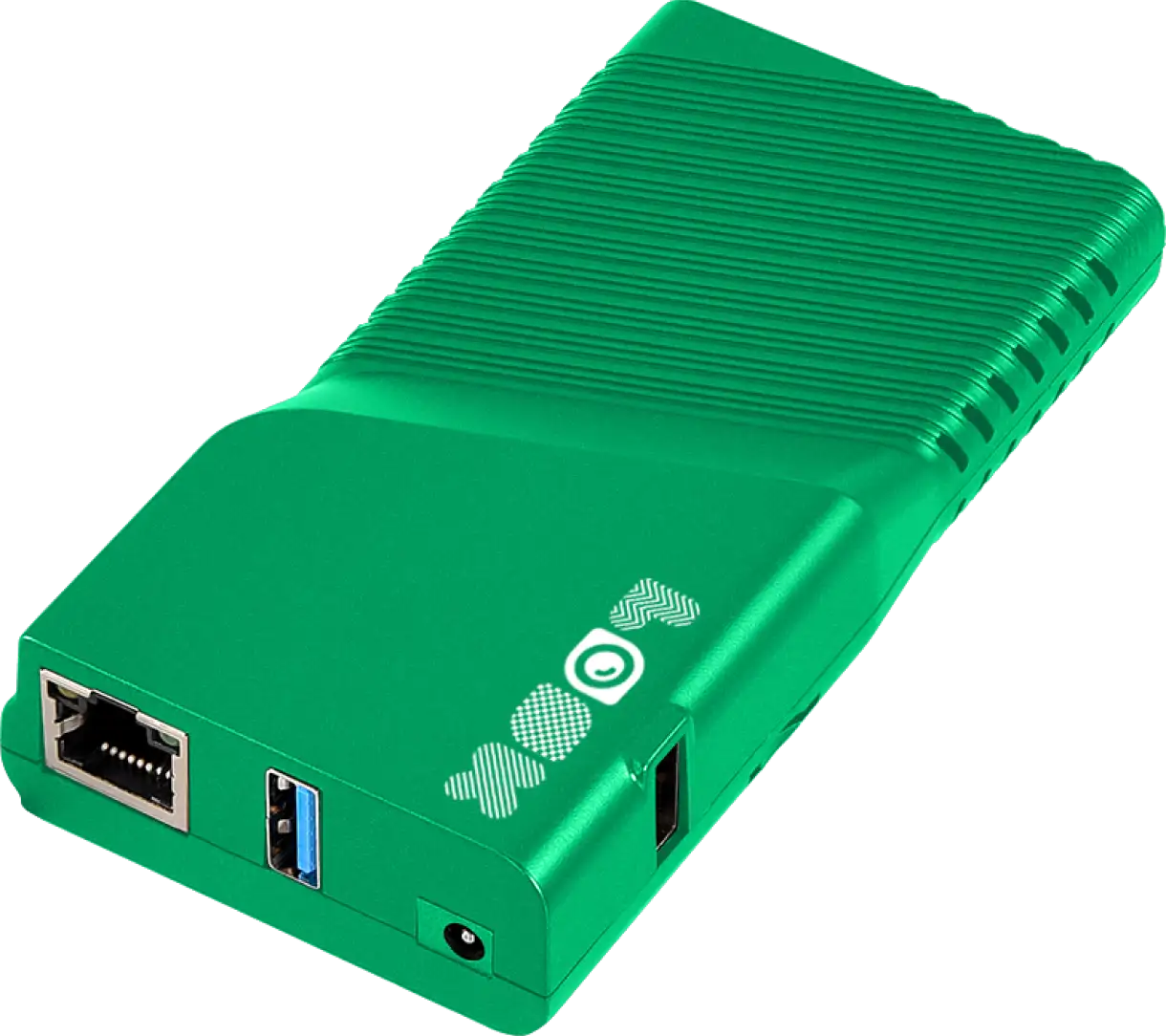
Start by choosing hardware that fits your budget and use case. You do not always need expensive proprietary panels. You can install the Look App on standard Android tablets or use the Look HDMI Player to turn any monitor into a smart signage display. Ensure the devices you choose are reliable and, if possible, support Power over Ethernet (PoE) for easier cable management.
Integrating With Existing Room Scheduling Systems
Once hardware is in place, connect your software. In the Look CMS dashboard, you can set up the integration with your calendar data source. This typically involves authorizing the connection and mapping specific calendars to specific screens.
Test the connection by creating a dummy meeting. It should appear on the screen within minutes. This verification step ensures trust in the system from day one.
Configuring Templates, Layouts, and Branding
Design your screens for clarity. Use Ready-made Templates to get started quickly, then customize them. Ensure the text is large enough to read from a few feet away. Use the Screen Layouts builder to organize the screen-perhaps allocating 70% of the screen to the current status and 30% to company announcements.
Apply your branding consistently. A professional look increases adoption and makes the technology feel like an integrated part of your office infrastructure.

Implementing Analytics and Usage Tracking
Activate Playback Analytics to track performance. Knowing that your screens are online and playing the correct content is vital. While the calendar system tracks the bookings, your digital signage analytics confirm that the information was displayed correctly, providing a complete picture of your system's reliability.
Practical Tips for Installing and Managing Meeting Room Status Screens
Mounting, Placement, and Power Options
Plan your installation carefully. For glass walls, use specialized mounts or strong adhesive solutions designed for tablets. Mount screens near the door handle at an accessible height. Power is often the biggest challenge; PoE is the gold standard for stability, but if you must use Wi-Fi, ensure you have a robust network and a plan for keeping devices charged.
Ensuring Network Security and Data Privacy
Security is paramount. Look Digital Signage uses secure, cloud-based protocols to manage content. For organizations with strict data policies, an on-premise version of the software is available, giving you full control over your infrastructure.
To protect privacy, you may choose to hide specific meeting details. You can configure the display to show "Booked" or "Private Meeting" instead of the actual subject line for sensitive rooms, balancing utility with confidentiality.
Maintaining Screen Functionality and Updates
Use Remote Management to keep your screens healthy. You should be able to reboot devices, update the player app, and change content without sending a technician to the room. Regular software updates ensure you have the latest security patches and features.
Comparing Meeting Room Digital Signage Solutions
Feature Comparison: Touchscreens vs. E-Paper vs. LCD
Different displays serve different needs:
Cost and Scalability Considerations
Consider the Total Cost of Ownership (TCO). This includes hardware, software subscriptions, and installation. A scalable solution like Look Digital Signage allows you to start with one screen and scale to thousands easily. The Pricing model is straightforward, typically per screen, allowing you to budget accurately as you expand.
Choosing the Best Solution for Your Organization
If you are looking for a reliable, easy-to-use platform to manage meeting room screens, Look Digital Signage is a strong fit. It is designed for teams that need to get screens up and running in minutes without complex IT hurdles.
Look DS is ideal for this use case because:
- Hardware Agnostic: You can use the Look App on affordable tablets or the Look HDMI Player on larger screens.
- Screen Layouts: You can easily divide screens to show room status alongside internal news or weather.
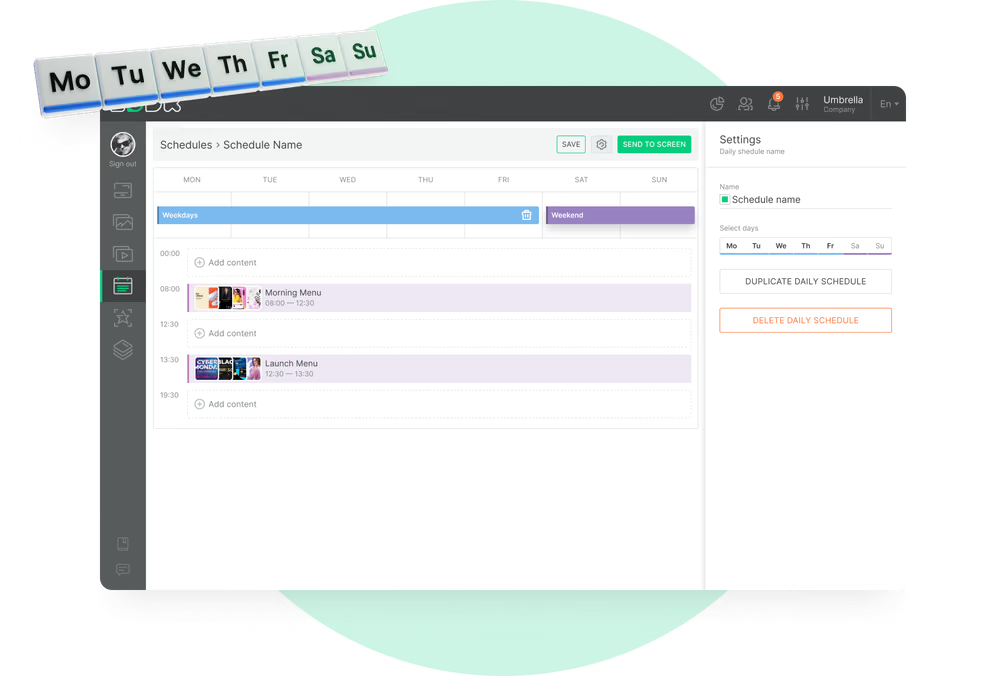
- Smart Scheduling: It ensures the right content plays at the right time.
- Remote Management: You can troubleshoot and update every room from a single cloud dashboard.
Frequently Asked Questions About Meeting Room Status Screens With Digital Signage
Is Special Hardware Required for Digital Room Signage?
Not necessarily. While commercial-grade hardware is durable, you can start with consumer tablets running the Look App. This allows for a cost-effective pilot. For permanent installations, dedicated media players like the Look HDMI Player provide reliable, plug-and-play performance for standard screens.
How Secure Are Meeting Room Status Displays?
Security depends on the software architecture. Reputable cloud solutions use encrypted connections. For highly regulated industries like finance or healthcare, Look Digital Signage offers an On-Premise deployment option, ensuring data never leaves your local network.
Can I Use Digital Signage for Other Office Communications?
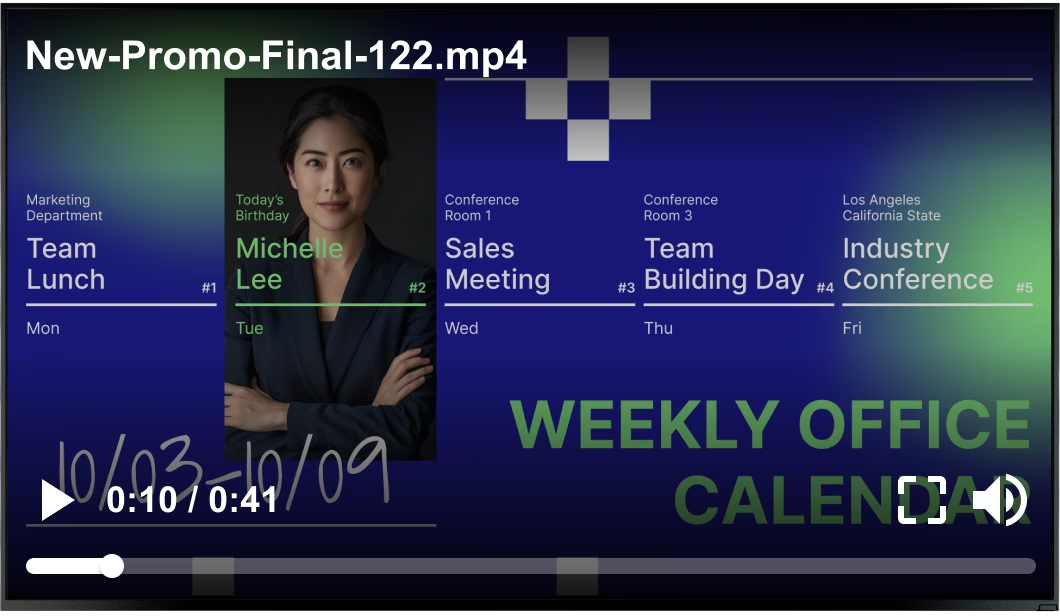
Absolutely. This is a key advantage of using a CMS like Look. When a room is not booked, you can schedule the screen to play a loop of company announcements, safety reminders, or social media feeds. This maximizes the utility of your hardware investment.
The Future of Meeting Room Status Screens With Digital Signage
Emerging Technologies and Smart Office Trends
The office is becoming more connected. We are seeing a shift toward "smarter" displays that integrate deeper with building systems. Future trends include more energy-efficient displays and tighter integration with mobile apps, allowing for a seamless experience from booking on a phone to arriving at the door.
Potential for AI and IoT Integration in Room Signage
In the future, AI may help predict room usage and optimize schedules automatically. IoT integration could allow screens to trigger lights or HVAC systems based on occupancy status, further integrating digital signage into the sustainable smart building ecosystem.