Table of Content
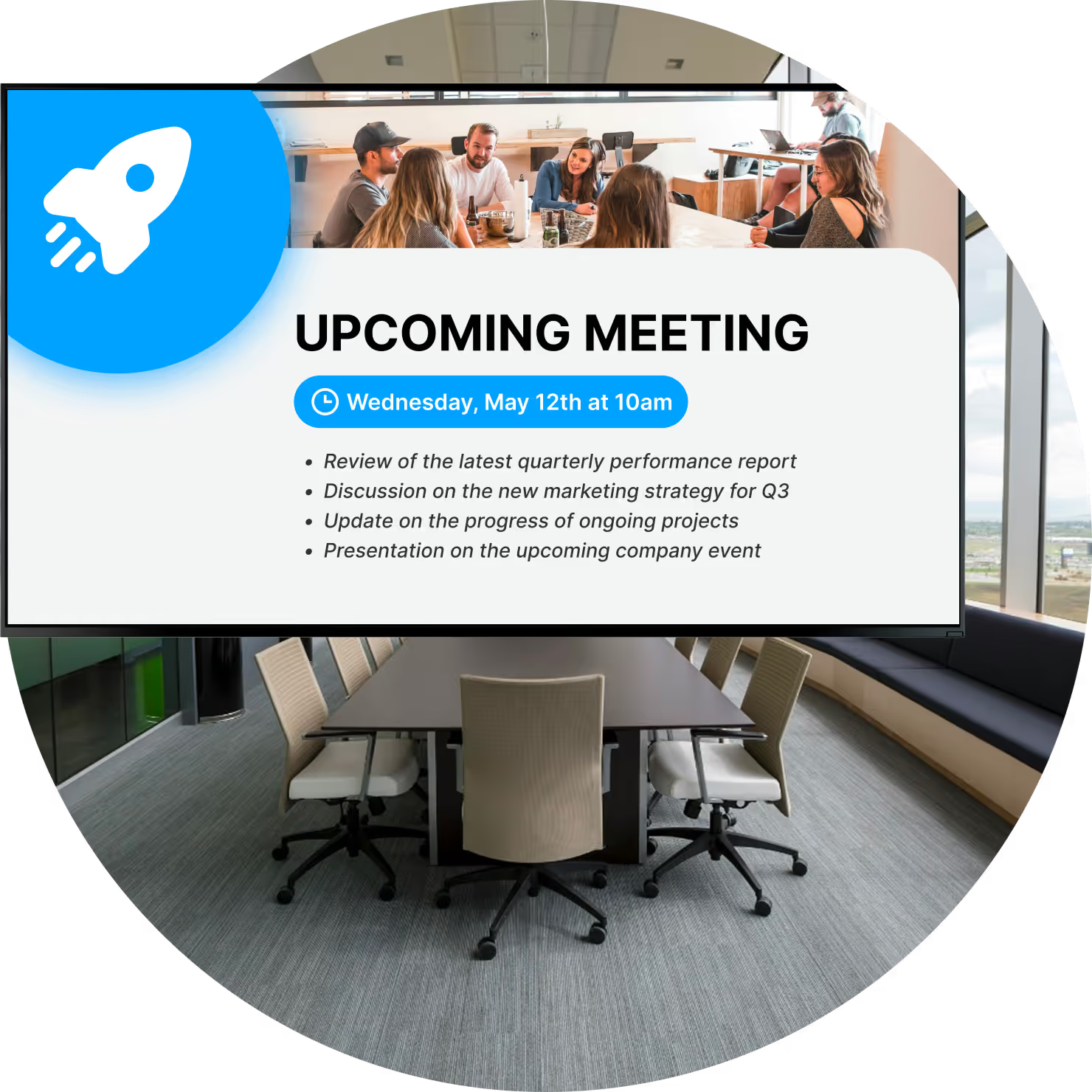
How can you stop double bookings, "ghost meetings," and wasted space from disrupting your office flow? Conference room booking with digital signage solves this by connecting your physical meeting rooms directly to your digital calendar, giving teams a real-time, undeniable view of who booked the space and for how long, right at the door.
By syncing with tools you already use, like Outlook, Google Workspace, or Microsoft Teams, these screens eliminate the guesswork of "is this room actually free?" Beyond basic scheduling, this technology turns static office walls into active communication points, helping you manage cancellations, improve wayfinding, and utilize your workspace more efficiently.
What Is Conference Room Booking With Digital Signage?
How Does Conference Room Digital Signage Work?
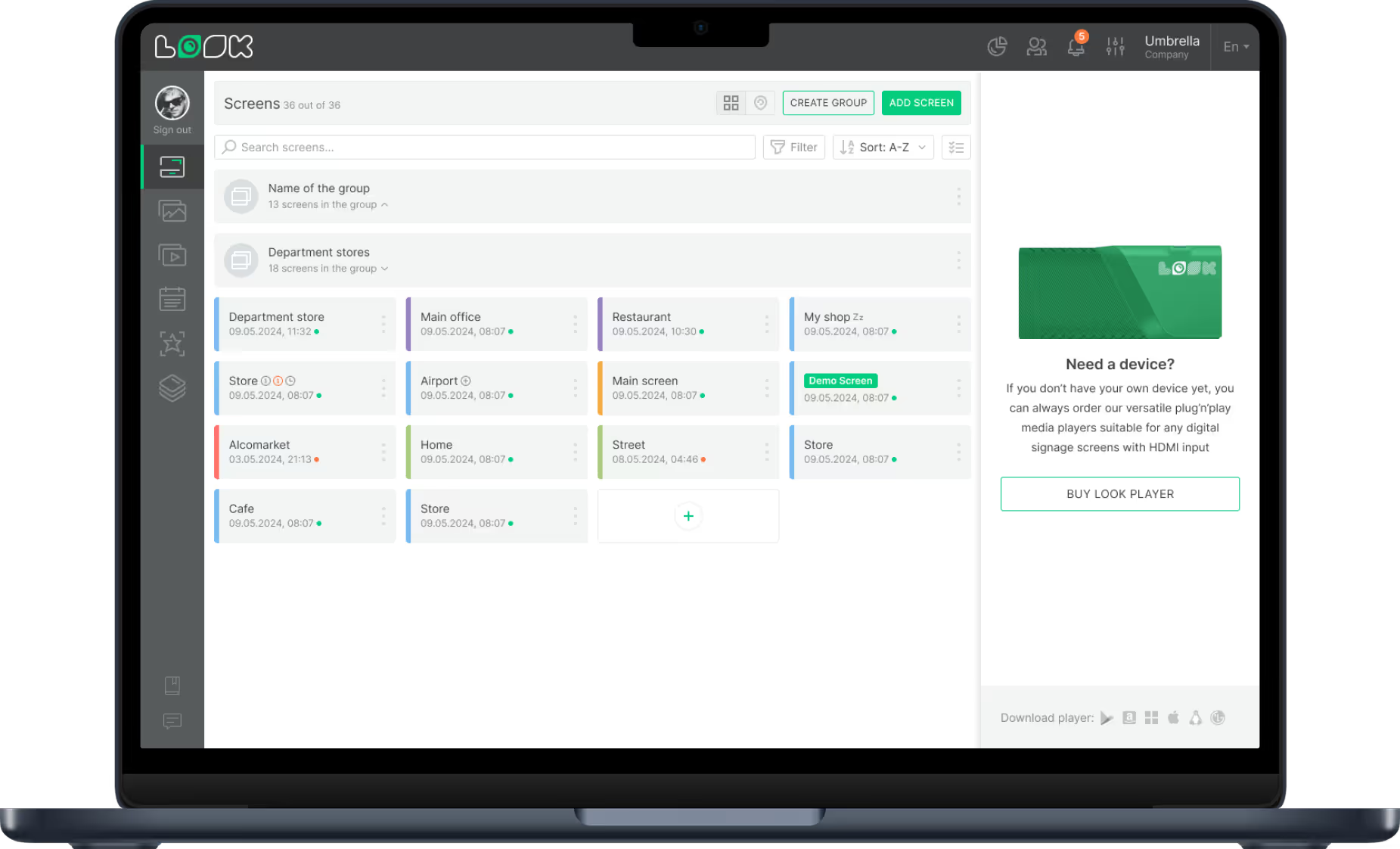
The system relies on three main components: cloud-based digital signage software, calendar integration, and the physical screen hardware. The software acts as the brain, pulling data from your existing scheduling tools via API. When a staff member books a meeting in their calendar, that information updates on the specific room's display in minutes, without manual intervention.
On the hardware side, this usually involves small displays (often tablets or purpose-built panels) mounted outside meeting rooms. Many setups utilize Power-over-Ethernet (PoE) for a simple setup that minimizes cabling. The result is a system that keeps your screens running with accurate, live data, ensuring the schedule on the wall always matches the schedule in the cloud.
Key Differences Between Traditional Room Booking and Digital Signage Solutions
Traditional methods, like paper schedules taped to doors or first-come-first-served rules, are static and prone to error. Paper doesn't update when a meeting is canceled, leading to empty rooms that others think are booked. Digital signage removes this friction by providing a reliable playback of the day's schedule that adjusts automatically.
Furthermore, manual methods offer no data on how space is actually used. Digital solutions provide visibility. While paper only tells you who planned to meet, digital tools-especially when paired with check-in features-help you track actual usage and optimize your office layout based on real behavior rather than guesswork.
Why Choose Digital Signage for Conference Room Booking?
Benefits for Employees and Visitors
For your team, digital signage cuts down on the time wasted walking around looking for an open spot. Clear status indicators-often color-coded red for busy and green for available-let employees assess room availability from down the hall. This allows them to secure a spot and get to work without interrupting colleagues to ask if a room is free.
For visitors, these screens reinforce a professional image. Seeing their name or logo on a high-quality display outside a conference room creates a welcoming, modern environment. It confirms they are in the right place and shows that your organization values efficiency and clear communication.

Improvements in Office Efficiency and Organization
Meeting rooms are often mismatched with group sizes-small groups taking up large boardrooms, for example. Digital signage brings transparency to room capacity and equipment availability, helping teams choose the right space for their needs. Features like "auto-release" (where a room becomes free if no one checks in) prevent spaces from sitting empty during peak times.
This clarity also reduces distractions. When the room status is clearly visible on a screen layout outside, there is no need for colleagues to open the door and interrupt a meeting just to check availability. It keeps the focus inside the room and the workflow smooth outside of it.
Supports Hybrid Work and Multi-location Scheduling
In hybrid work environments, daily occupancy fluctuates wildly. Digital signage ensures that whether an employee books a room from home or stands in the lobby, the availability data is consistent. For operations managers running screens across multiple locations, cloud-based platforms allow for remote management of every endpoint from a single dashboard.
This approach scales easily. Whether you are managing a single office or a global network, you can apply consistent rules and branding across all displays. It also supports "hoteling" for desks, ensuring the process for booking a personal desk is just as simple as booking a large conference space.
How Does Digital Conference Room Signage Solve Common Scheduling Problems?
Prevents Double Bookings and Meeting Overlaps
The most immediate ROI comes from eliminating double bookings. Because the digital signage software pulls from a central "source of truth" (your calendar system), the screen acts as the final authority. If the system says the room is booked, the screen reflects it instantly. This prevents the awkward "we booked this room too" conversations that stall productivity.

Additionally, visual reminders of upcoming meetings help groups wrap up on time. Seeing a "Next Meeting: 2:00 PM" notification on the display encourages punctuality and keeps the day's schedule on track.
Improves Last-Minute and International Scheduling
For spontaneous meetings, interactive touchscreens allow staff to book a room on the spot for a set duration-15, 30, or 60 minutes. This instant booking immediately syncs with the central calendar, blocking the time slot so remote users don't try to reserve the same space.
For international teams, handling time zones correctly is critical. Robust digital signage platforms adjust automatically to local time settings while managed from a central account, ensuring coordination remains tight across different regions.
Improves Visitor Experience and Wayfinding
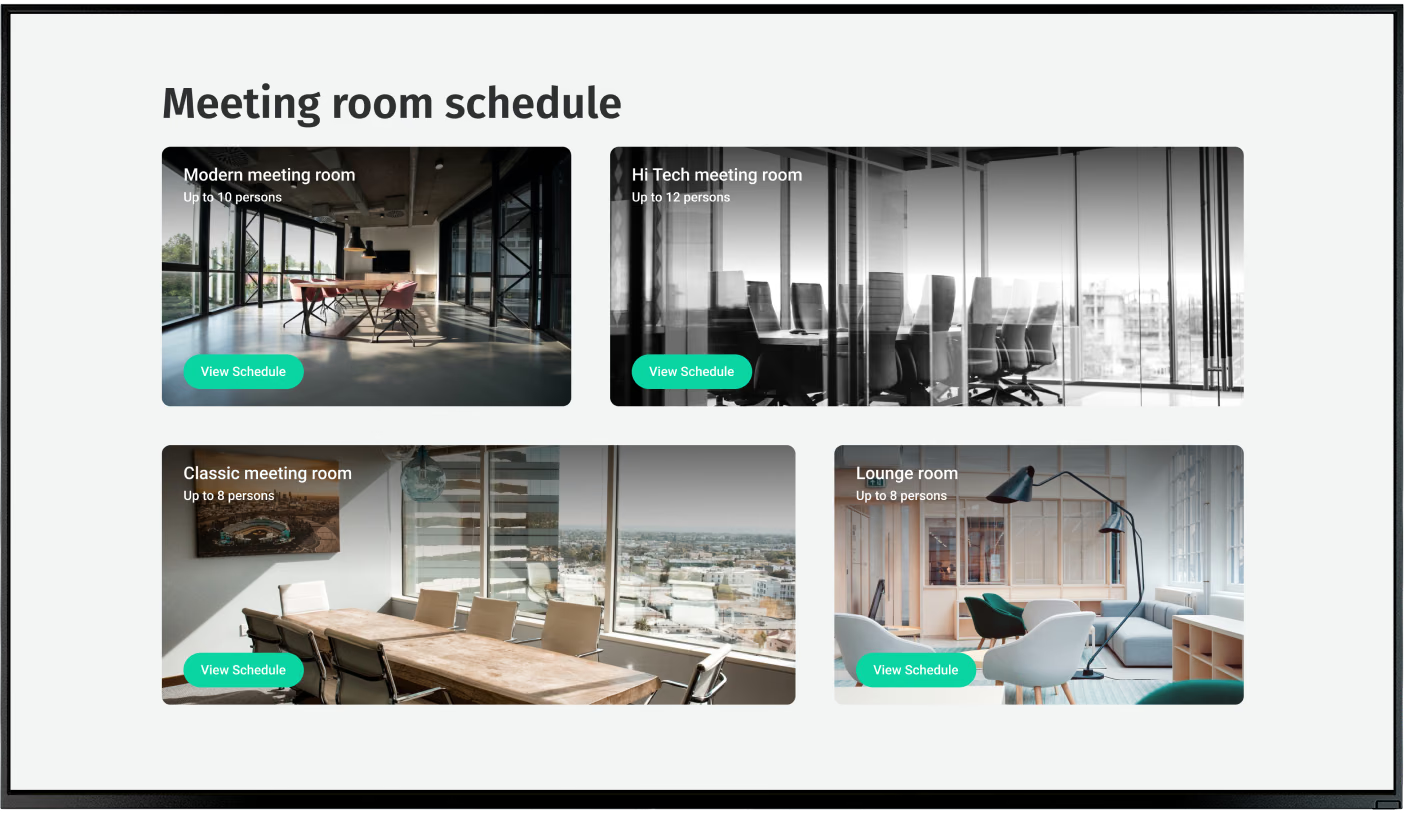
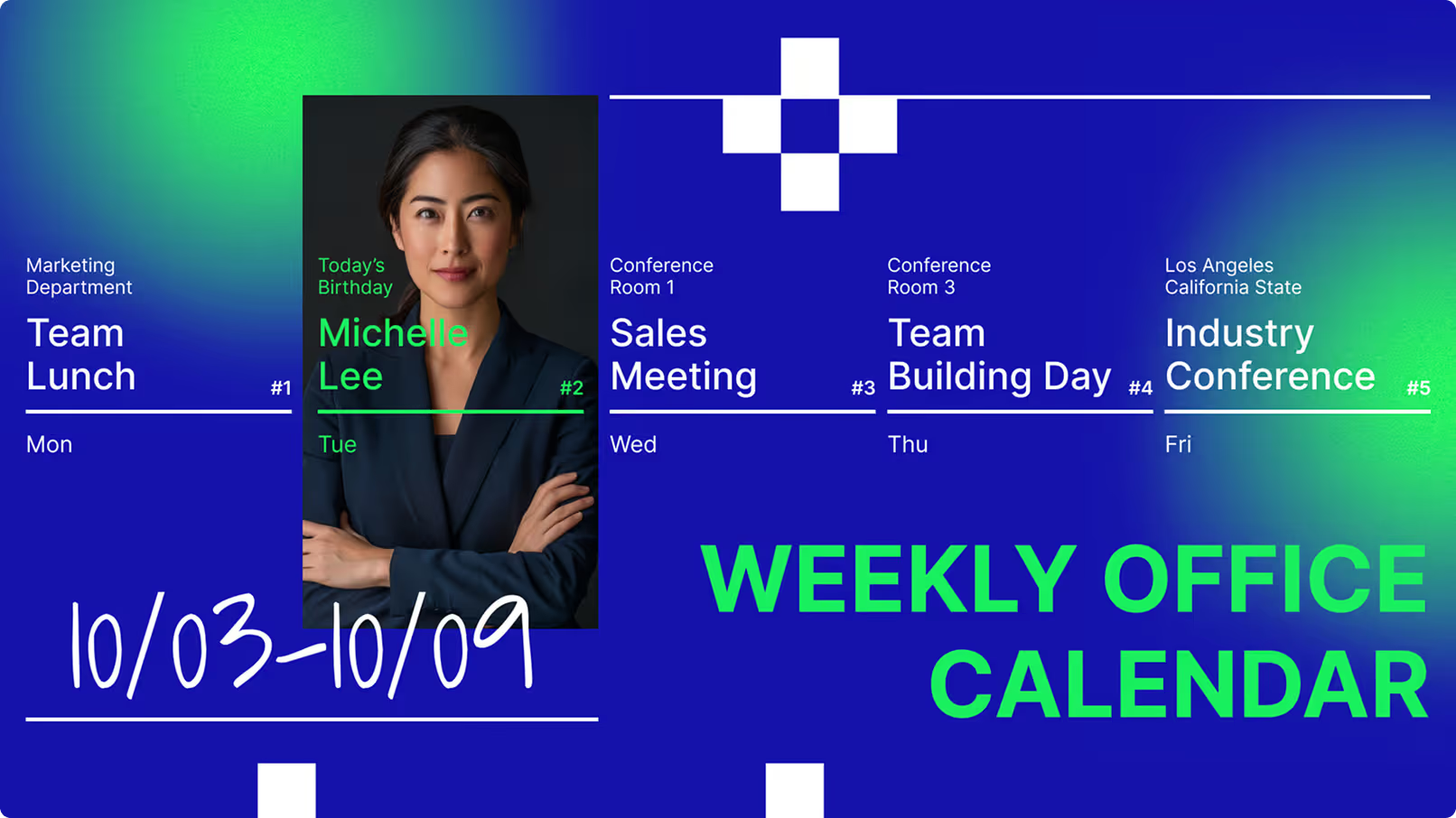
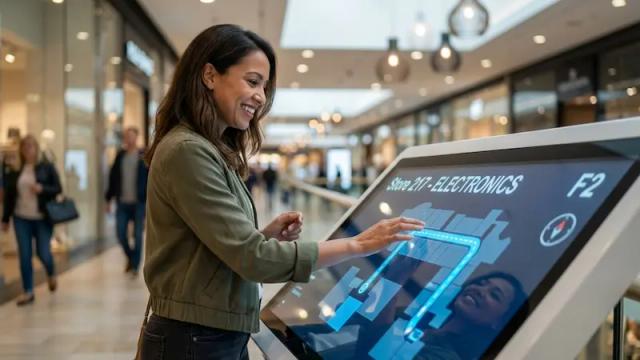
In large buildings, finding a specific room can be frustrating. Beyond door-side panels, you can use larger lobby screens to display a directory or "flight board" view of all current meetings. This helps guests orient themselves immediately.
You can also use these screens to strengthen your brand. With tools like Look Digital Signage, you can easily apply custom templates that feature your company colors or specific welcome messages for VIP clients, turning a functional tool into a brand touchpoint.
Which Features Are Most Important in Conference Room Digital Signage?
Real-Time Availability and Occupancy Indicators
At a minimum, the system must show status clearly. LED status lights on hardware (red/green) are highly effective for visibility at a distance. The software should update these status changes in real-time to maintain trust in the system.
Touchscreen and On-the-Spot Booking
Interactivity adds significant value. A touchscreen interface allows users to check in, extend a meeting if the room is free, or end a meeting early to release the room for others. This empowers employees to manage space without needing to log into a desktop calendar.
Integration With Popular Calendar and Scheduling Tools
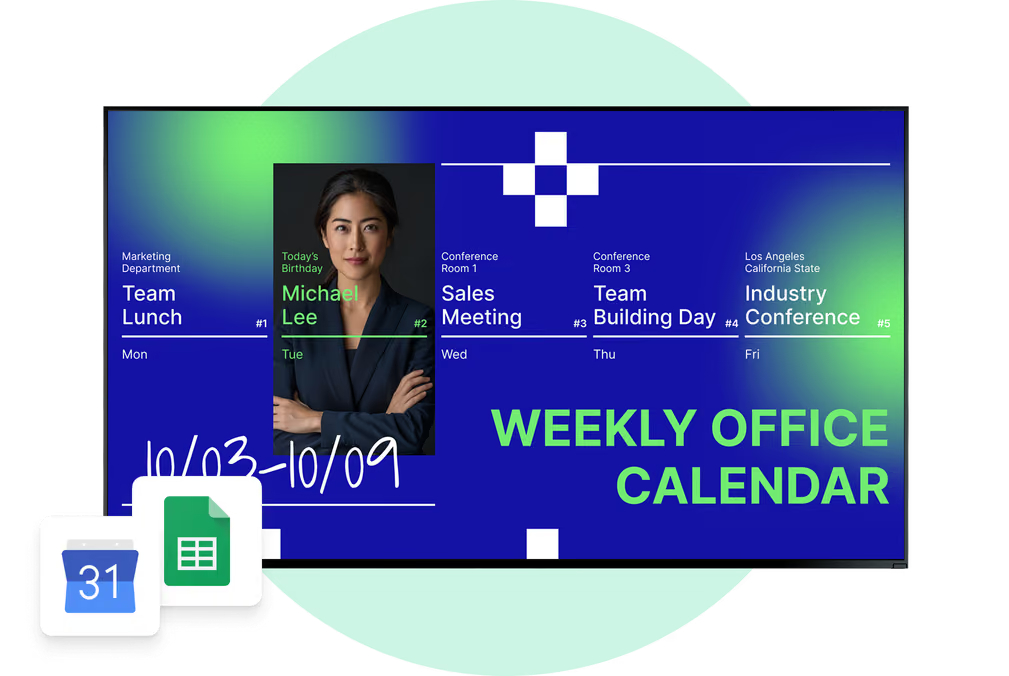
The software must integrate seamlessly with your existing infrastructure. We recommend Look Digital Signage for this purpose. Look DS creates a reliable bridge between your screens and major calendar systems like Google Workspace and Microsoft 365. It allows you to display meeting data automatically while giving you the tools to manage the surrounding content from one simple dashboard.
Custom Branding and Display Customization
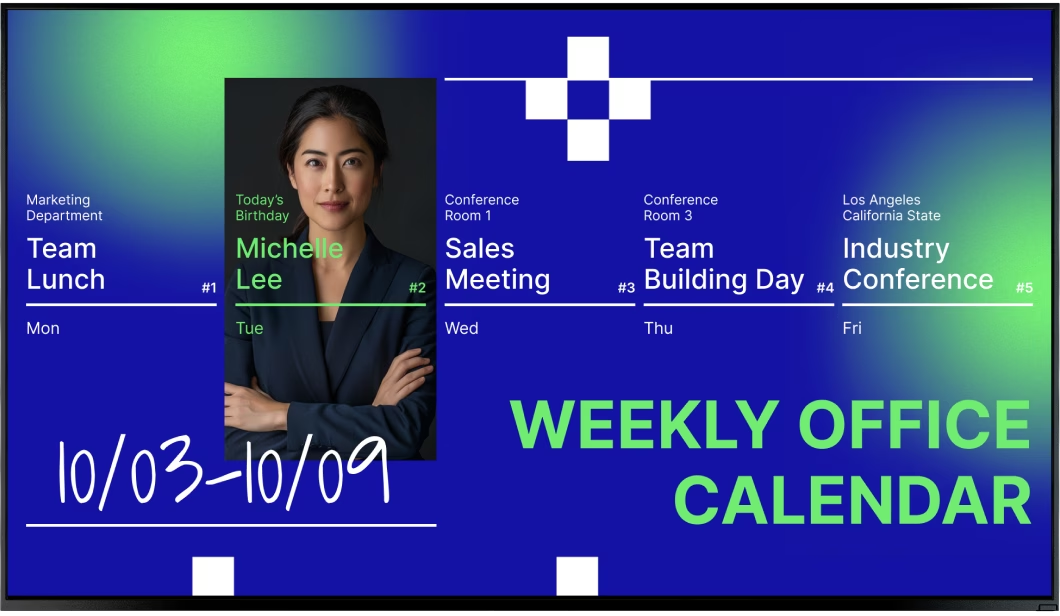
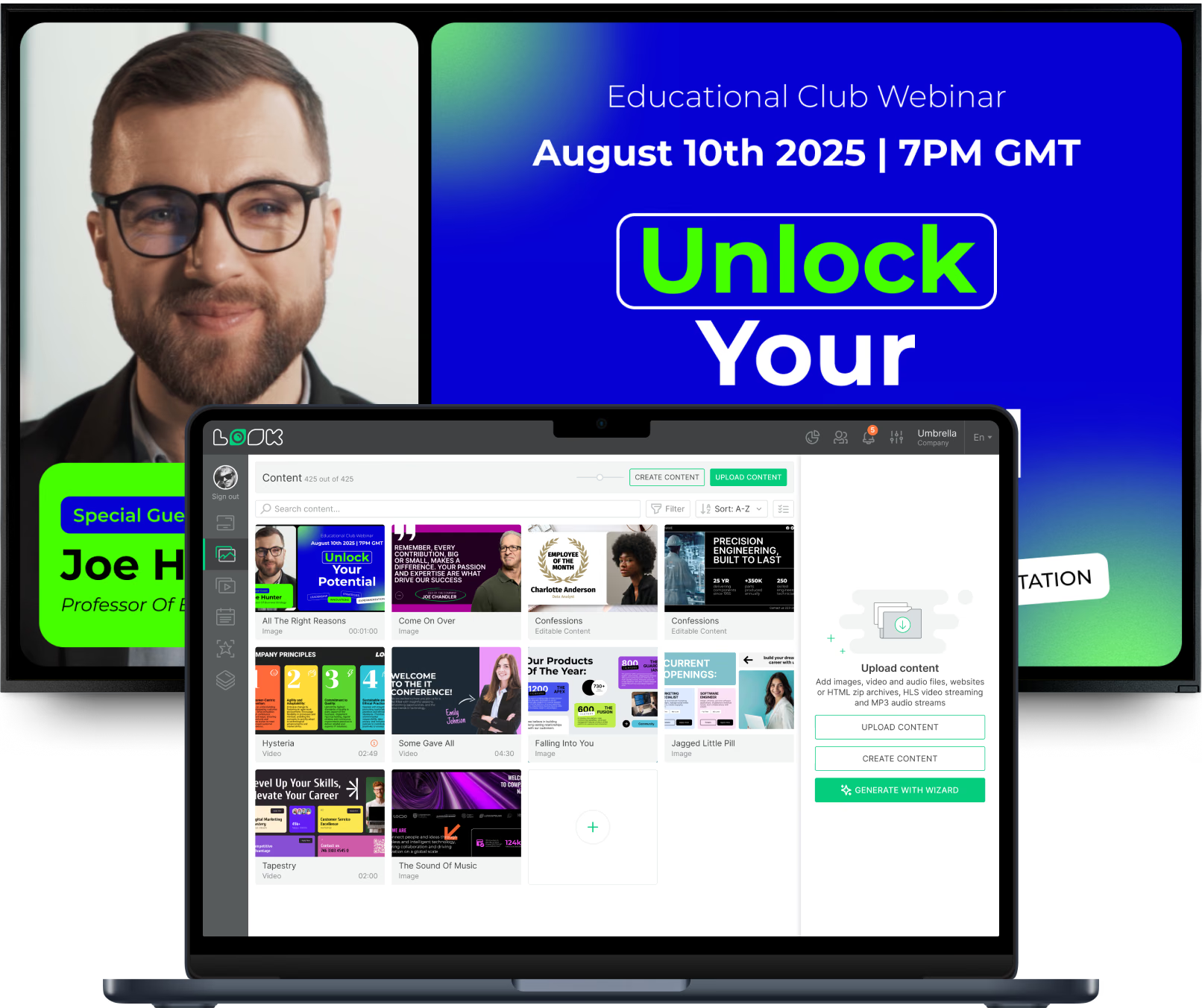
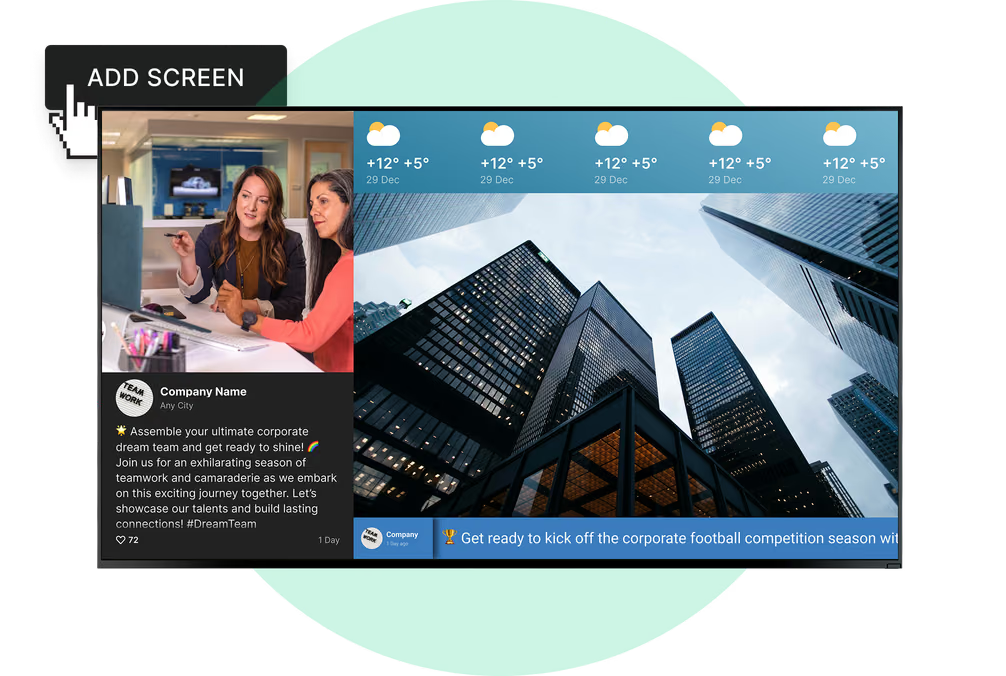
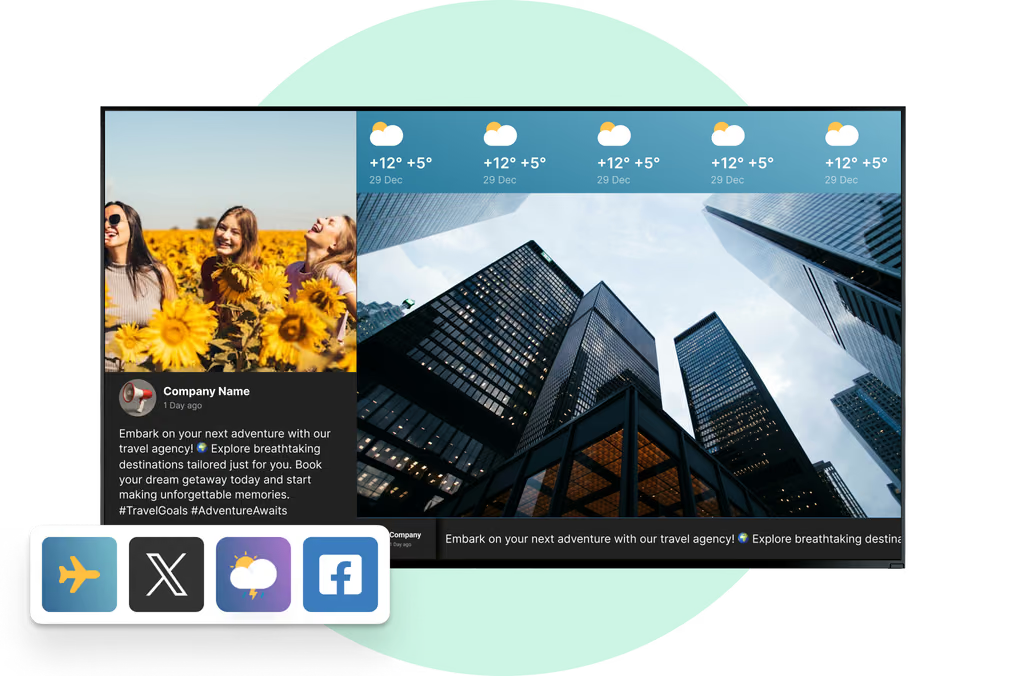
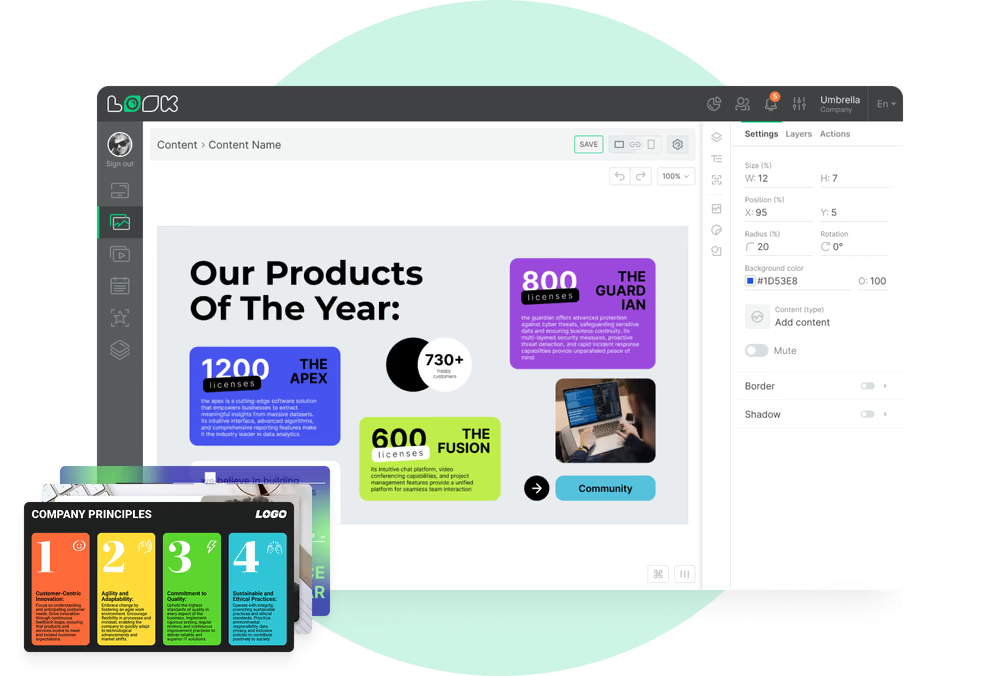
Your screens should look like they belong to your company. The ability to customize screen layouts is essential. With Look CMS, you can use the Screen Layouts feature to design split-screen views-showing the meeting schedule in one zone and company news or weather widgets in another. You can also use ready-made templates to get professional-looking room signs up and running in minutes.

Centralized Management and Monitoring
For IT and facilities teams, remote management is non-negotiable. You need to be able to check the status of every device, reboot players if necessary, and push software updates without visiting each floor. This ensures high uptime and reduces the burden on your technical staff.
Multi-zone Displays for Meeting Info and Announcements
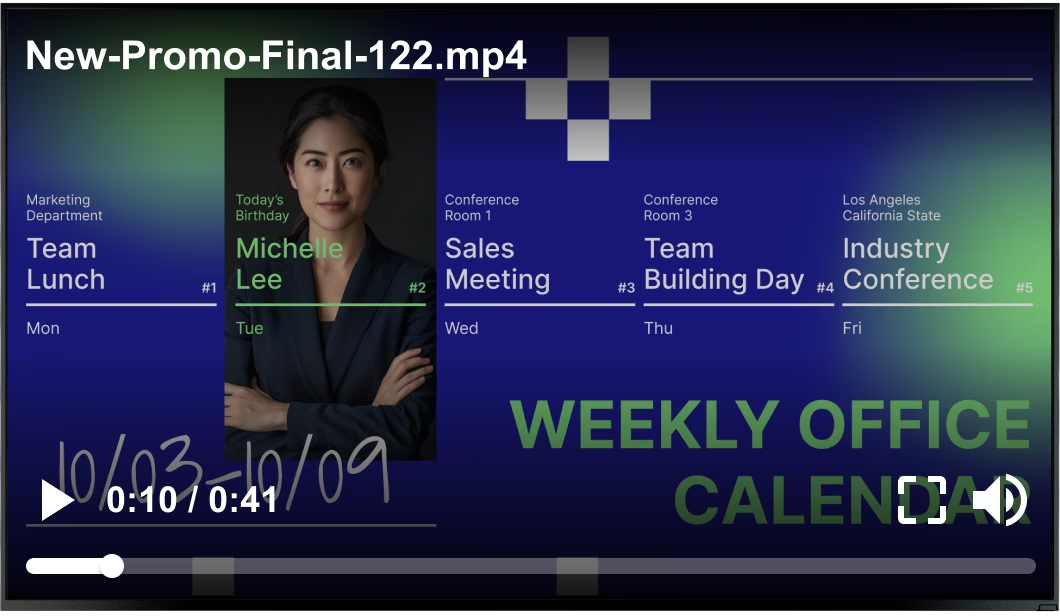
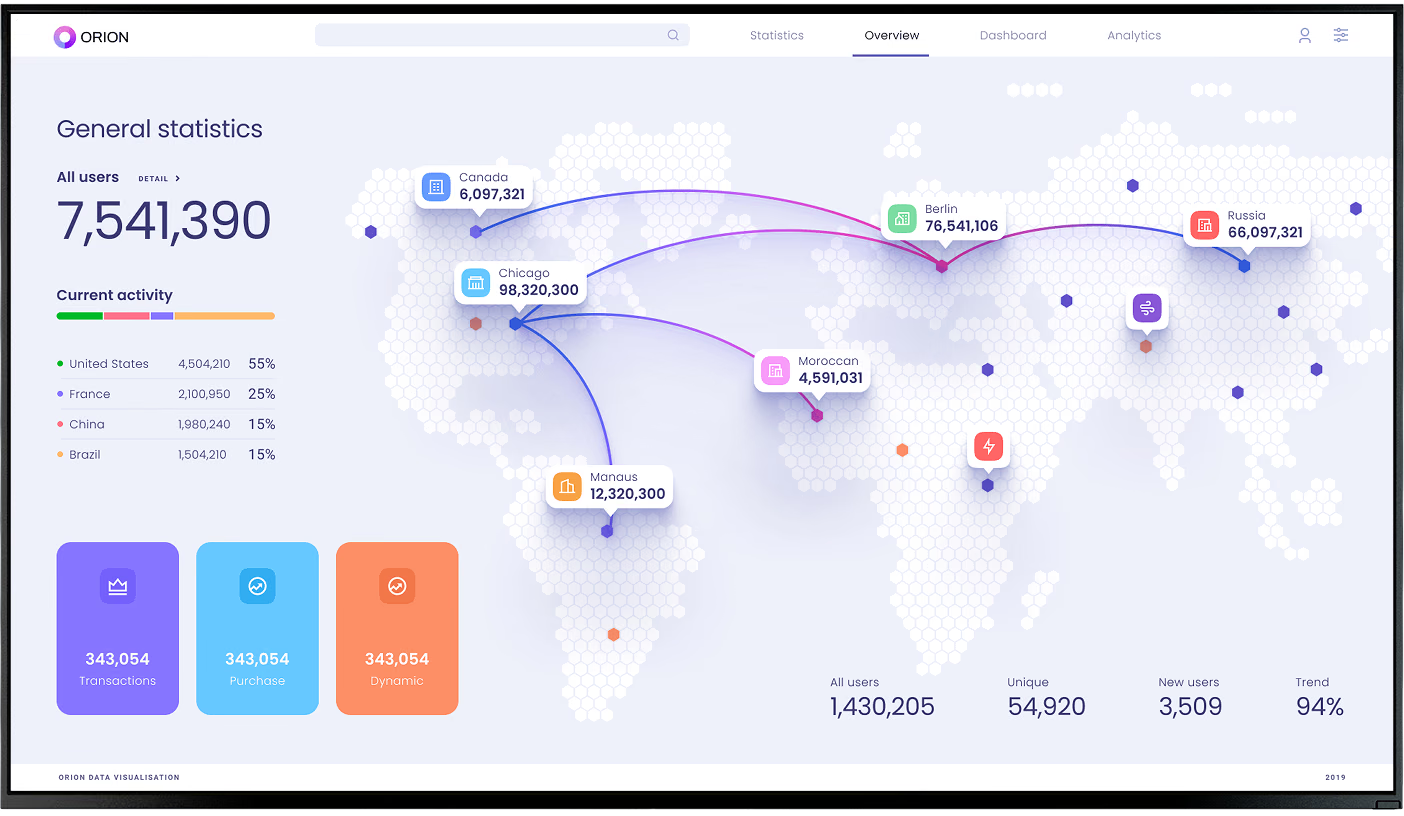
Don't let the screen sit idle when no meetings are scheduled. Multi-zone layouts allow you to utilize the screen real estate for internal communications, safety reminders, or KPI dashboards alongside the room schedule, maximizing the utility of your hardware.
What Types of Conference Room Digital Signage Hardware Exist?
Touchscreen Room Displays
These 10-to-15-inch panels are the standard for meeting rooms. Designed for commercial use, they are durable, often include status lights, and support 24/7 operation. They are typically mounted flat against the wall or on glass surfaces.
Electronic Paper Signs

For locations where running power cables is impossible, battery-powered ePaper devices are a strong alternative. They consume almost no power and update wirelessly. While they lack full-color video capabilities, they are excellent for clear, readable text and simple status updates.
Larger Displays for High-Visibility Spaces
For lobbies and high-traffic corridors, standard commercial TVs (32 inches and up) serve as summary screens. These don't typically allow for interaction but provide a clear overview of the day's events for wayfinding purposes.
Room Sign Comparison by Use Case
What Should You Look For When Selecting Conference Room Booking Digital Signage Software?
Evaluating Integration Options With Workplace Systems
The best software fits into your workflow, not the other way around. Look for platforms that offer Integrations via API or Zapier to connect with other smart building tools. For example, connecting to occupancy sensors can automate the "check-in" process, releasing rooms if motion isn't detected.
Scalability for Multi-location Offices
Start small, scale smoothly. Whether you have five screens or five hundred, the software should perform consistently. Look Digital Signage is designed to scale from a single screen to thousands, allowing you to organize players into groups and manage permissions for local teams while maintaining central oversight.
Sustainability and Environmental Impact
Replacing paper schedules is a step forward for sustainability. Additionally, smart scheduling features can help reduce energy consumption by syncing with building management systems to adjust lighting or HVAC in unused rooms.
How to Set Up Conference Room Booking With Digital Signage
Choosing Hardware and Media Players
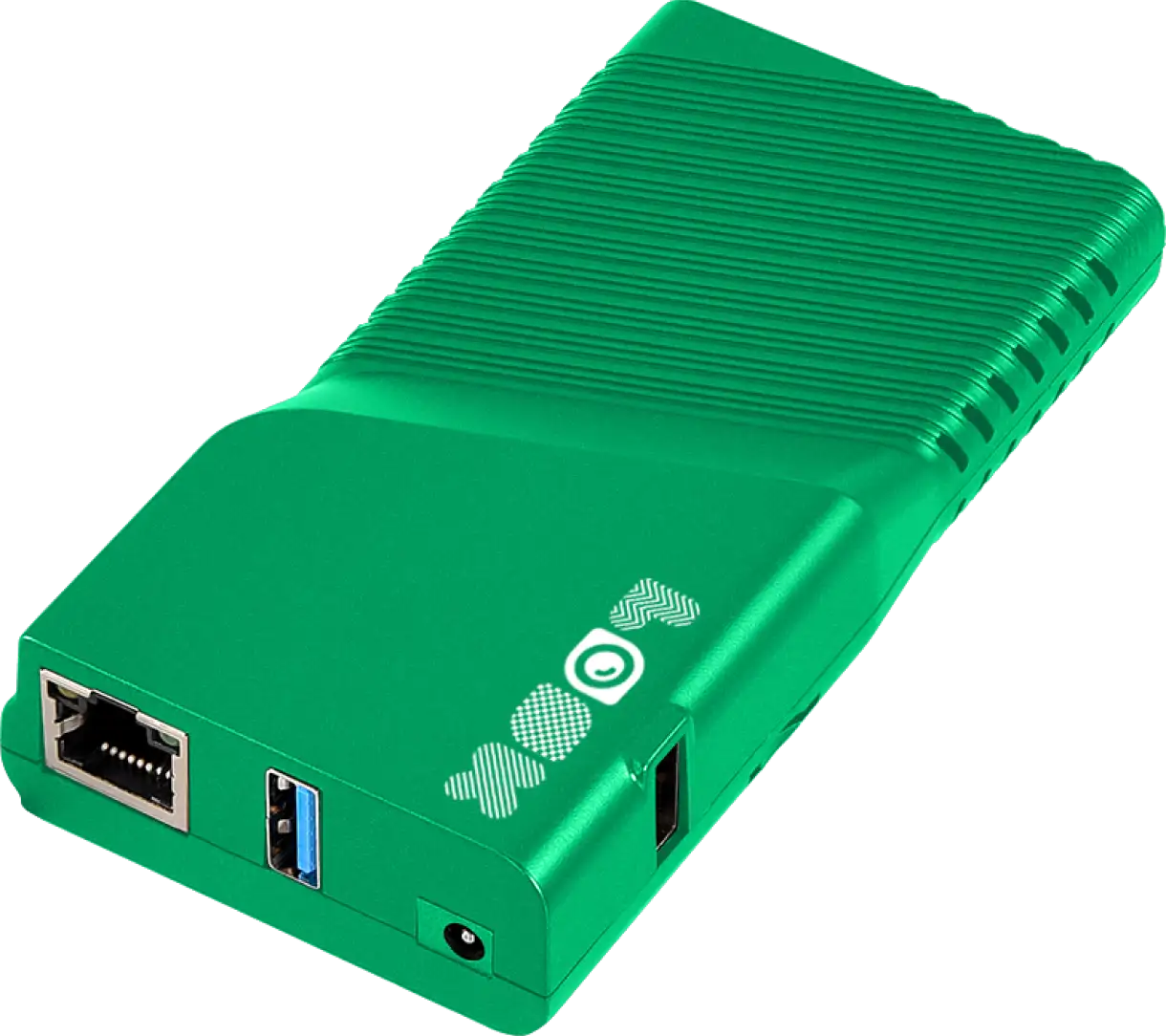
You have flexibility here. You can choose specialized all-in-one room panels, or if you prefer a modular approach, use standard screens connected to a Look HDMI Player. This plug-and-play device ensures reliable playback and easy setup. Alternatively, if you have compatible Android tablets, you can simply install the Look App to turn them into digital signage endpoints instantly.
Integrating With Room Booking Systems
Once your hardware is ready, connect the Look CMS to your calendar provider. This is usually a secure, one-time authorization that gives the software permission to read room availability. This ensures that your data remains private while keeping the screens accurate.
Customizing Templates, Layouts, and Branding
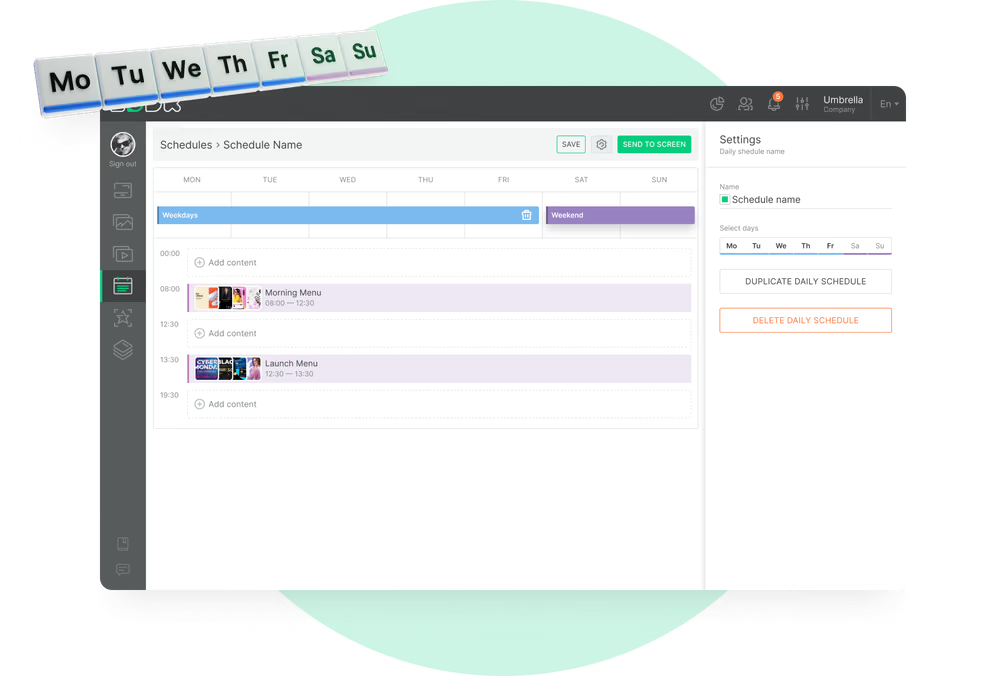
Use the Look CMS to design your visual experience. You can start with a template to save time, then customize colors and fonts to match your brand. Set up your playlists to display the room schedule as the primary content, perhaps cycling with internal announcements when the room is free.
Training Employees and Monitoring Usage
Adoption is key. A quick guide on how to interpret the status lights and use the touchscreen features will help staff get comfortable. Use the platform's analytics to monitor device health and ensure the system is being used effectively.
What Are the Challenges or Limitations with Digital Room Booking Solutions?
Hardware Compatibility and Maintenance Needs
Commercial hardware requires investment and occasional maintenance. Choosing a platform with strong remote management capabilities minimizes onsite visits. Ensure your chosen software supports the operating systems of your devices to avoid compatibility headaches later.
Data Security and Privacy Concerns
Privacy is important. You may not want every meeting title displayed publicly in the hallway. Look for software that allows you to mask sensitive details-displaying "Reserved" or "Private Meeting" instead of the specific subject line, keeping your internal data secure.
User Adoption and Training Barriers
Resistance to change is natural. To overcome this, ensure the interface is intuitive. If the screen clearly shows red for "busy" and green for "free," employees will naturally start relying on it without needing complex training.
Cost Considerations for Implementation
While there is an upfront cost for hardware and software subscriptions, the ROI comes from reclaimed time and better space utilization. Identifying underused real estate often saves significantly more in rent and operational costs than the price of the signage network.
Frequently Asked Questions About Conference Room Booking With Digital Signage
What systems can digital signage integrate with?
Professional platforms like Look Digital Signage integrate with major calendar systems, including Microsoft 365, Google Workspace, and Exchange. This ensures that any event created in your desktop calendar appears on the room sign automatically.
Do I need special hardware for room signage?
Not necessarily. While dedicated room panels are great, you can often use existing tablets by installing a player app. For larger screens, a simple media player like the Look HDMI Player makes any TV "smart" enough for signage.
Can digital signage be managed remotely?
Yes. Cloud-based solutions allow you to manage content, settings, and updates from anywhere. This is essential for teams managing screens across multiple floors or buildings.
How does this technology support hybrid work models?
It provides a single source of truth for availability. Whether a booking is made remotely or onsite, the system updates instantly, preventing conflicts and helping hybrid teams coordinate seamlessly.
Is it possible to customize room signage to match company branding?
Absolutely. Modern CMS platforms let you upload logos, backgrounds, and custom fonts. You can ensure your digital room signs align perfectly with your corporate identity.
The Future of Intelligent Workspaces
As workplaces become smarter, digital signage will play a larger role in data-driven decision-making. Future integrations may use AI to suggest optimal meeting times or automatically adjust room environments based on occupancy. By implementing a flexible, cloud-based system today, you prepare your office for a more connected and efficient tomorrow.