Table of Content
Digital signage for events is quickly becoming a must-have. It changes how people experience everything from small company meetings to huge music festivals. It answers the question in the title by giving you flexible, moving, and interactive visuals that printed signs can’t compete with. At a time when people expect high engagement and smooth access to information, digital signage helps organizers grab attention, run events more smoothly, and create moments attendees actually remember.
What is digital signage for events?
Digital signage for events means using electronic screens-like bright LED walls, slim LCD displays, or projected images-to share information, ads, and other media. Unlike printed signs, digital screens can show changing content and be updated remotely in real time. This makes it easy to keep content fresh and relevant during the whole event.
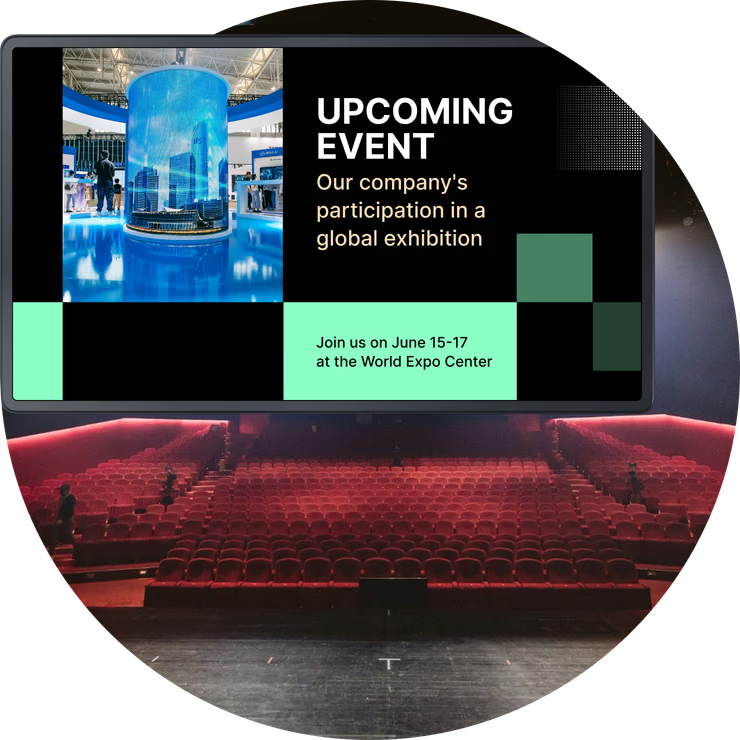
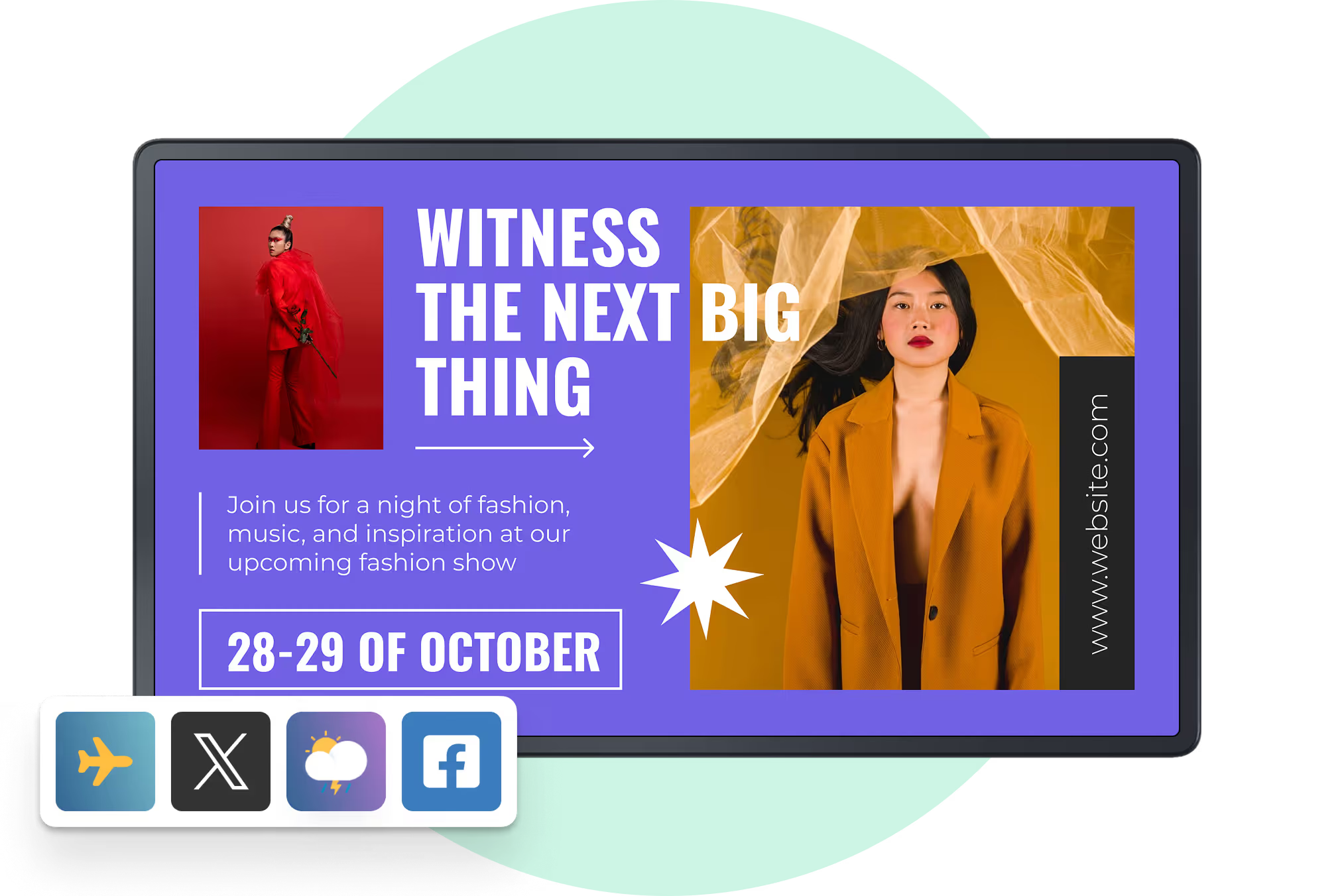
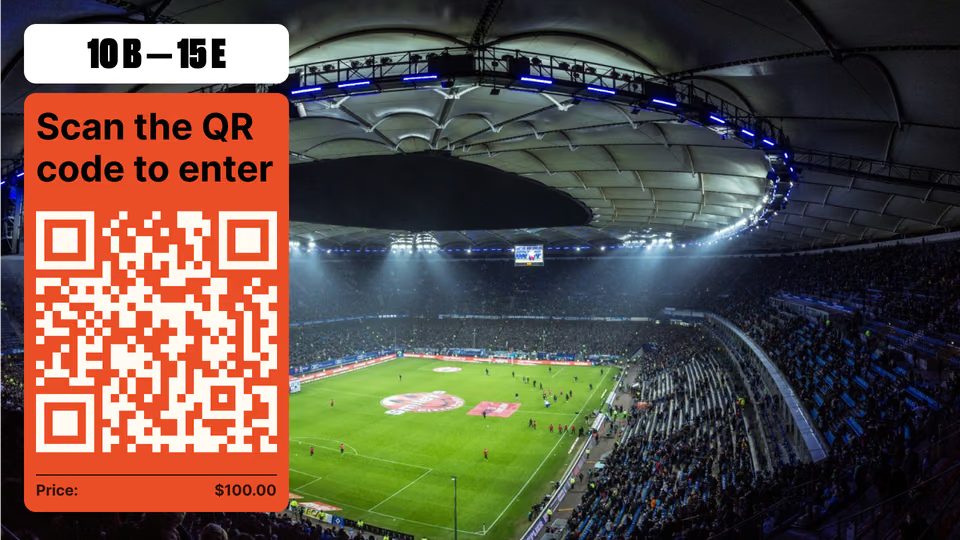
Examples include welcome screens at entrances, interactive kiosks with maps, stage backdrops with moving graphics, and social media walls showing live posts. The goal is not just to show text and images; it’s to build an environment that draws people in, communicates clearly, and improves the entire event experience for attendees, sponsors, and organizers.

How does digital signage differ from traditional event displays?
The difference between digital signage and traditional displays is similar to a two-way conversation versus a printed notice. Banners, posters, and printed schedules don’t move or change. Once printed, they stay the same, even if the event schedule doesn’t. Any late change means reprinting and extra cost, and old information stays in front of people.
Digital signage is active and flexible. You can change content instantly on many screens at once to match new schedules, announcements, or audience interests. This real-time updating is its biggest strength. It keeps people informed and avoids confusion. Digital screens can also show videos, animations, and live feeds that are much more engaging than static images. They turn a simple viewing moment into an interactive experience that helps events feel more organized, interesting, and memorable.
What types of digital signage are most common at events?
Because it’s so flexible, digital signage can take many forms at events, each with a specific role. Common types include:
- Large LED walls as stage backdrops or main screens
- LCD monitors for schedules, maps, and sponsor ads in lobbies and corridors
- Interactive kiosks with touchscreens for searching sessions or exhibitors
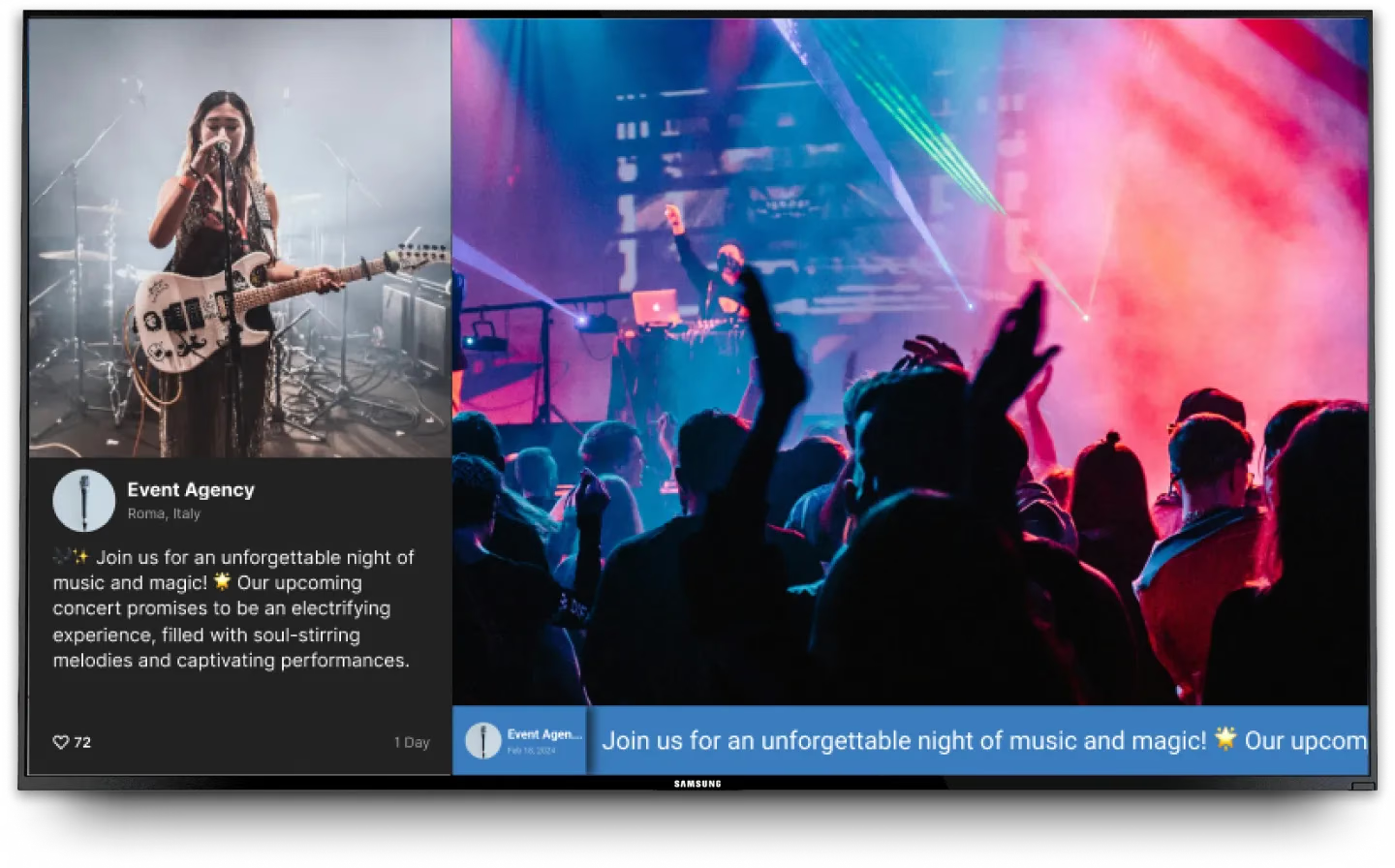
- Social media walls that show live posts from Instagram, X, and other platforms
- Projectors for immersive environments in rooms or themed areas
- Smaller screens on stands or booths for demos or personalized messages
The mix you choose depends on event size, budget, and goals, but all formats share one thing: they present changing, eye-catching content in an efficient way.
Why use digital signage at events?
Using digital signage goes far beyond making an event “look modern.” It helps with clear communication, attendee satisfaction, sponsor value, and smoother operations. In a crowded events market, people expect quick information and strong visual experiences. Digital signage offers a single tool that supports all these needs.
From big visual impact to trackable engagement, digital signage acts as a quiet but powerful helper. It supports a smoother event and leaves a strong positive impression. Over time, it can improve satisfaction scores, how people view the brand, and even direct and indirect revenue.
Increases attendee engagement
One of the main reasons to use digital signage is its ability to raise engagement. Attendees no longer want to just sit and read static boards. They want interaction and some level of personalization, and digital signage can provide this.
Live social feeds, audience polls, quizzes, and short video clips turn onlookers into participants. One case study showed that adding digital signage increased attendee engagement by about 40%. When people see their own posts on a large screen, or watch poll results shape a panel discussion, they feel more involved. That connection leads to better experiences and more people sharing the event online.
Enables real-time updates and announcements
Live events often change at the last minute-sessions run late, speakers swap times, or rooms move. If you rely on printed signs, this quickly leads to confusion.
With digital signage, you can push updates to every screen within seconds. Attendees always see the latest schedule, room changes, or important alerts. This quick communication reduces frustration, makes the event feel well-managed, and cuts down on the number of people asking staff the same questions. It also builds trust, because guests feel they are always up to date.
Improves event navigation and wayfinding
Finding your way around a big venue can be stressful and may cause people to miss sessions or meetings. Digital signage makes navigation much simpler.
Screens can show interactive maps, clear arrows, room names, and even path suggestions. Some systems let people scan a QR code from the screen and get directions on their phone. Studies suggest that digital wayfinding can cut attendee confusion by about a third. When navigation is easy, people are calmer, use their time better, and staff spend less time giving directions.

Strengthens branding and visual impact
An event is often a live expression of a brand. Digital signage gives you a strong way to show that brand at every step. From entry screens with the event theme to animated logos behind speakers, your visual identity can appear consistently in all key areas.
High-quality motion graphics and videos attract more attention than posters. Consistent use of colors, fonts, and styles across all screens helps people link their positive experience with your brand. It also turns plain venues into branded environments that feel current and well-produced.
Boosts opportunities for sponsorship and advertising
Many events rely on sponsors. Digital signage offers them a better, more flexible way to show their brand than printed banners.
Sponsors can run rotating ads, short videos, and timed promotions on large, visible screens. You can schedule certain sponsors during specific sessions or in certain zones, and you can track how often their content appears. Sponsors can also drive engagement with quizzes, games, or polls on interactive screens. This extra value helps you charge higher sponsorship fees and give partners clear proof of exposure.
Supports data collection and audience analysis
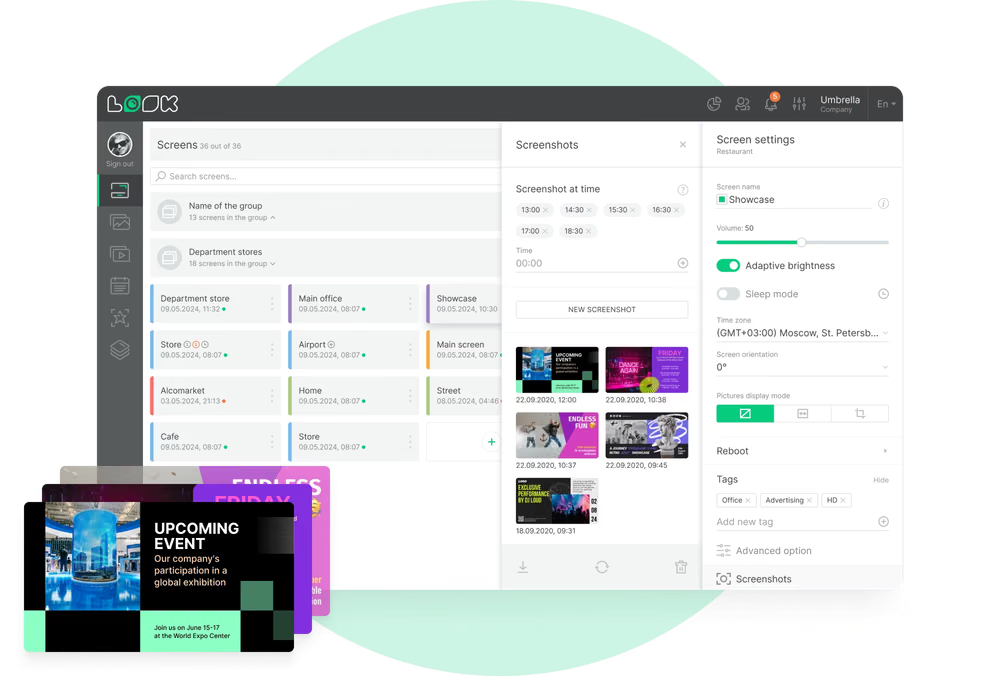
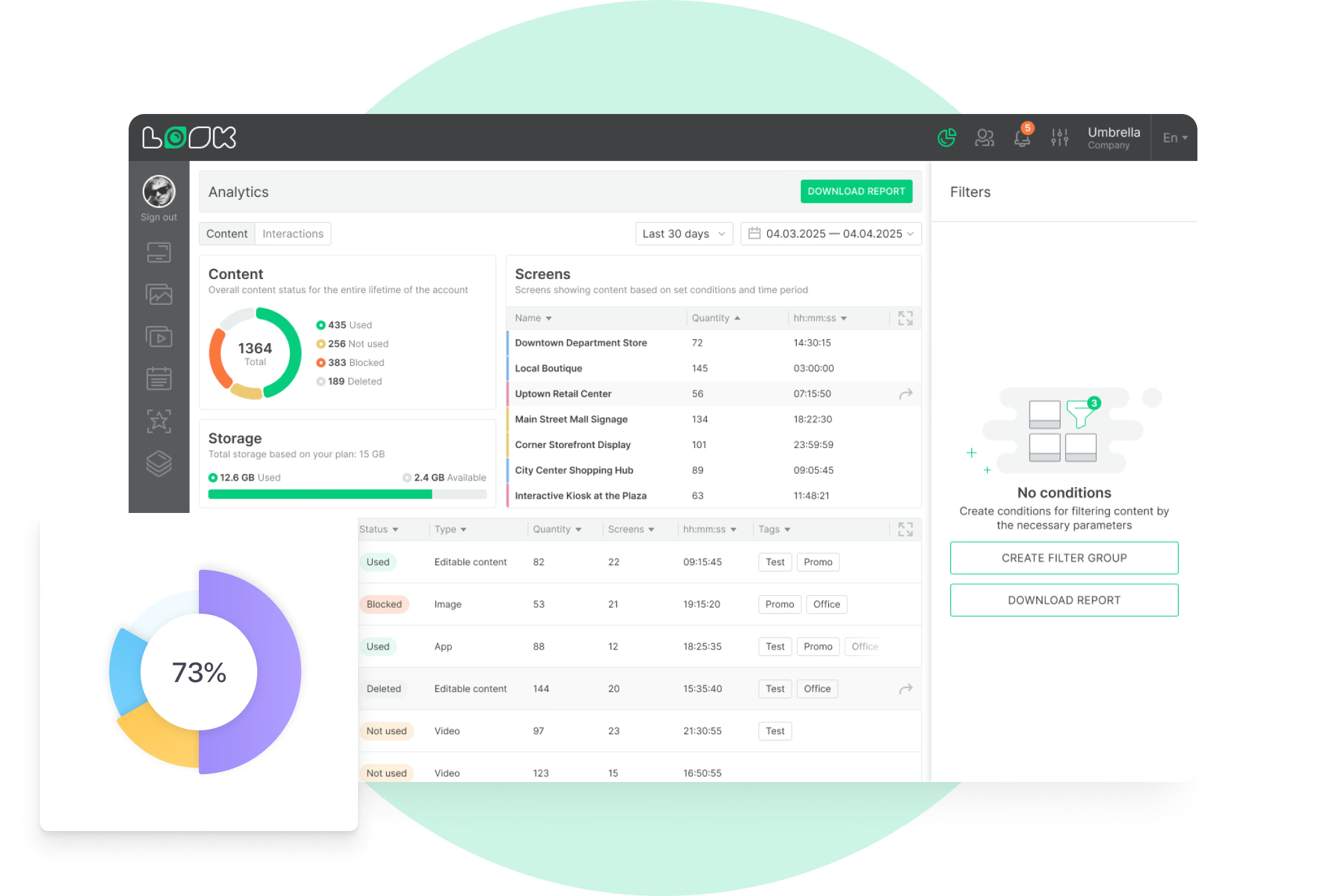
Modern digital signage systems don’t just show content; many also gather data. They can log which content plays when, interaction counts on touchscreens, and in some cases footfall near particular screens (using add-on tools).
This helps organizers see which messages drew attention, which interactive features people used most, and how traffic flowed through the venue. You can use this information to plan better layouts, improve content for future events, and show sponsors how often their content appeared. These insights support better decisions and better results over time.
Reduces the workload of event staff
Event teams often spend a lot of time answering basic questions, updating printed signs, and giving directions. Digital signage can handle much of this.
By displaying FAQs, Wi-Fi details, rules, maps, and schedules on screens and kiosks, you lower the number of simple questions staff must answer. When schedule changes appear automatically on all screens, staff don’t have to rush to tape new signs to walls. In one study, events using digital signage saw almost 30% fewer logistical issues. Teams can then focus on higher-value tasks and personal support.
Key opportunities for digital signage at live events
Digital signage opens many new ways to improve live events. It’s not limited to showing text and logos; it can connect people, guide them, and keep them safe, all while supporting sponsors and content goals.
From social interaction to safety communication, each use builds on the strengths of digital displays: real-time updates, multimedia content, and the ability to react quickly to what is happening on site.
Displaying live social media feeds
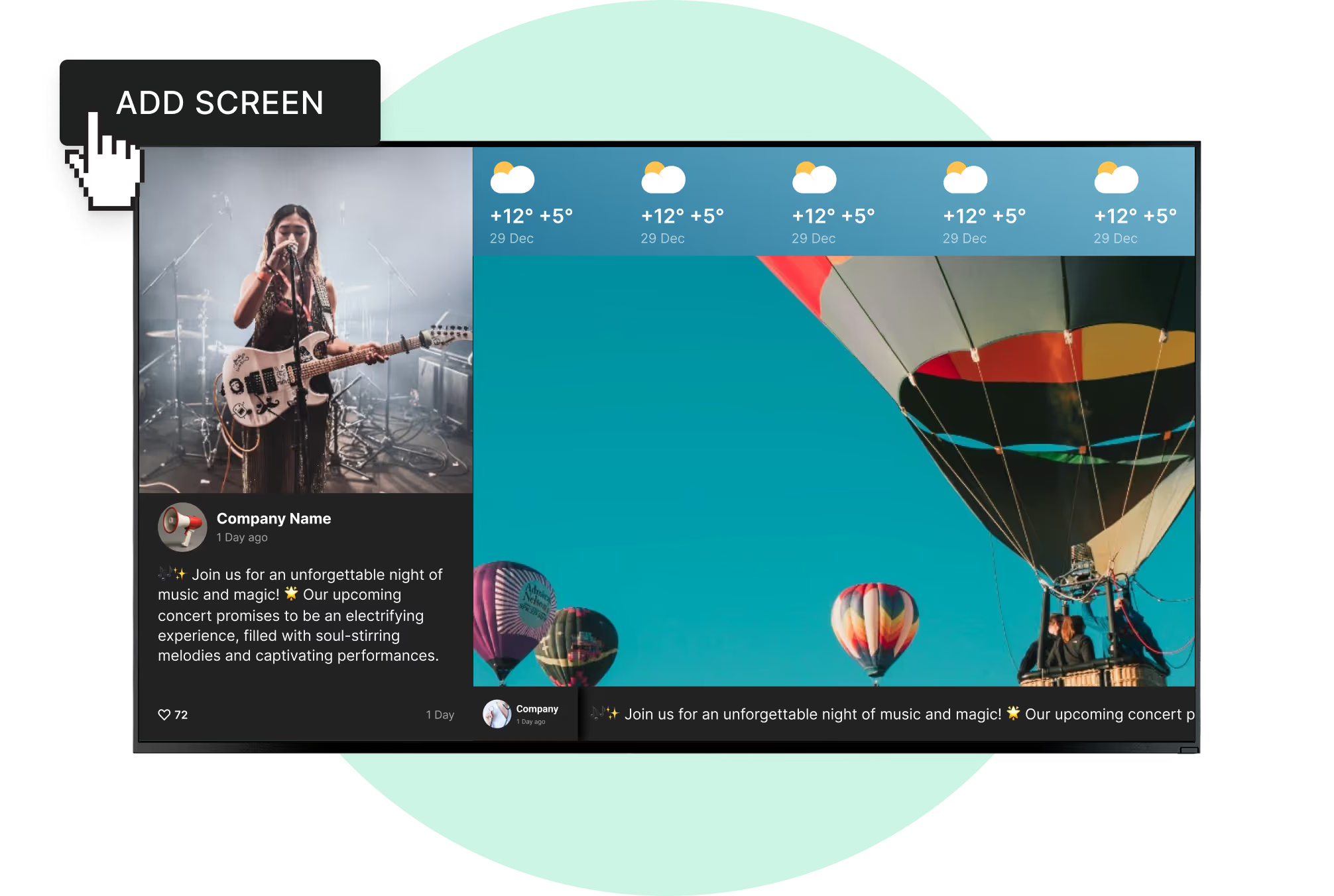
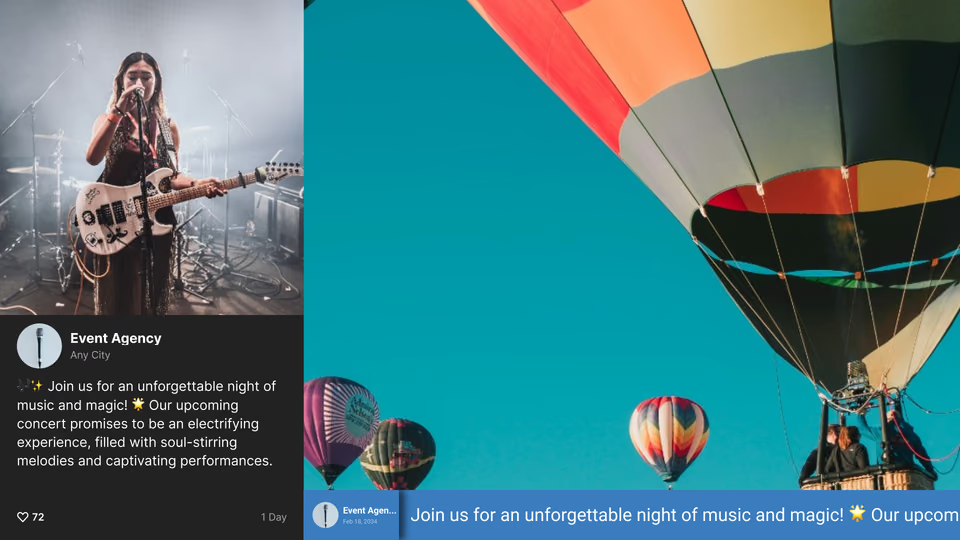
“Social walls” are one of the most eye-catching uses of digital signage. These screens pull posts from X, Instagram, Facebook, and other platforms using the event hashtag and show them in real time.
Attendees are more likely to post about the event if they know their photos or comments might appear on a big screen. This builds a sense of community and energy in the venue. It also spreads the event hashtag online, increasing reach. User-generated content acts as social proof and gives organizers a window into how guests feel and what they are sharing.
Sharing schedules, agendas, and session changes
Static printed schedules go out of date quickly. Digital schedule boards fix this by showing live, editable agendas.
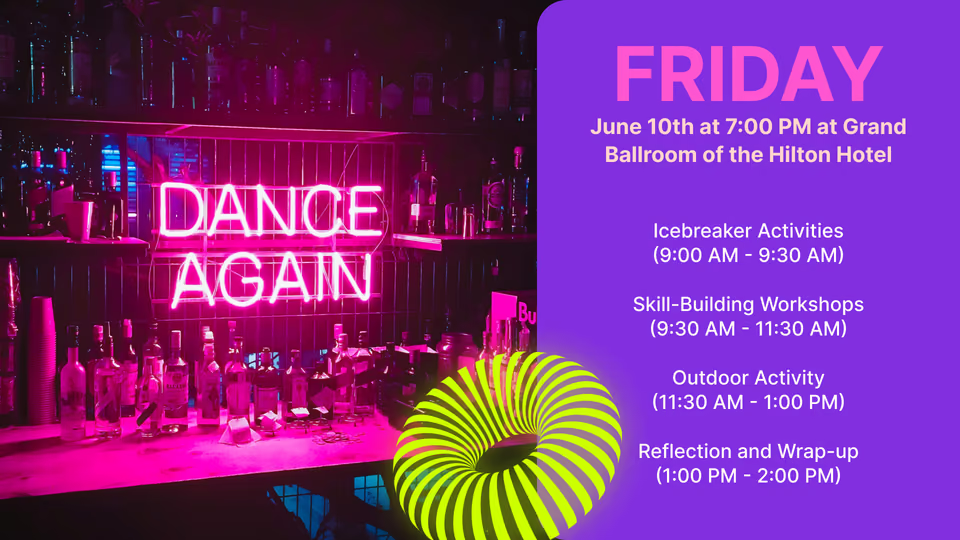
You can show upcoming sessions, room names, speaker photos, and topics on multiple screens. If anything changes-start time, room, or speaker-you can update all displays in seconds. This avoids confusion and gives attendees a clear picture of what’s happening, where to go, and how the day is structured.
Showcasing sponsors and partners
Digital screens are a strong place to highlight sponsors and partners. Instead of a logo printed on a banner, sponsors can run animations, branded short clips, and special moments (like “coffee break sponsored by…” messages).
You can place these screens in busy zones such as entrances, registration, lounge areas, and food courts, where they will be seen often. By scheduling different sponsor content throughout the event and adding interactive pieces like small games or quizzes, you raise their visibility and keep attendees engaged with their brand.
Providing directions and venue maps
Wayfinding screens can show simple arrows, full maps, and lists of what is happening in each room or zone. This is especially helpful in big convention centers or outdoor festival sites.
Attendees can use these to find rooms, booths, toilets, food areas, exits, and more. With QR codes, they can move content onto their own phones to keep the map with them. Constantly updated directional signage reduces stress and makes the venue feel better organized.
Streaming live video and highlight reels
Digital signage can act as a video distribution system across the venue. You can stream keynotes, concerts, or sports matches to overflow areas so more people can watch important content.
During breaks, you can show highlight reels-clips from earlier sessions, interviews, sponsor messages, or behind-the-scenes footage. At sports events or concerts, large LED walls can show scores, replays, and special content. This keeps energy high and provides extra exposure for partners.

Facilitating interactive activities and polls
Interactivity helps keep people engaged. Touchscreens, QR codes, and short links can turn passive screens into two-way tools.
You can run live polls with results on screen, quick quizzes about session topics, or simple surveys that gather opinions. Photo booths with filters and event branding are another fun option. These activities make the event feel more personal and fun, and the responses give you useful feedback about audience preferences.
Managing crowd flow and safety alerts
At large events, safe movement and clear safety information are key. Digital signage can show which areas are crowded and suggest other routes or zones, which helps limit bottlenecks.
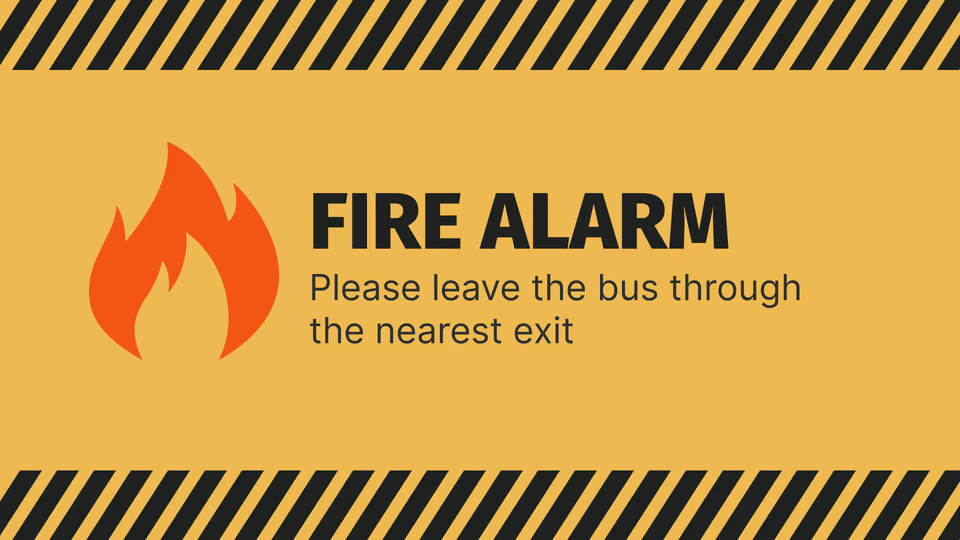
In emergencies or unexpected situations, you can push alerts, evacuation routes, and instructions to every screen at once. This fast, clear communication helps keep people calm and informed, whatever the situation-bad weather, technical issues, or other incidents.
How digital signage changes event experiences
Digital signage doesn’t just add decoration; it changes how events are planned and experienced. It ties together content, data, and interaction to make gatherings more active and memorable. You can see this impact at conferences, trade shows, festivals, and many other formats, both in feedback reports and in hard numbers.
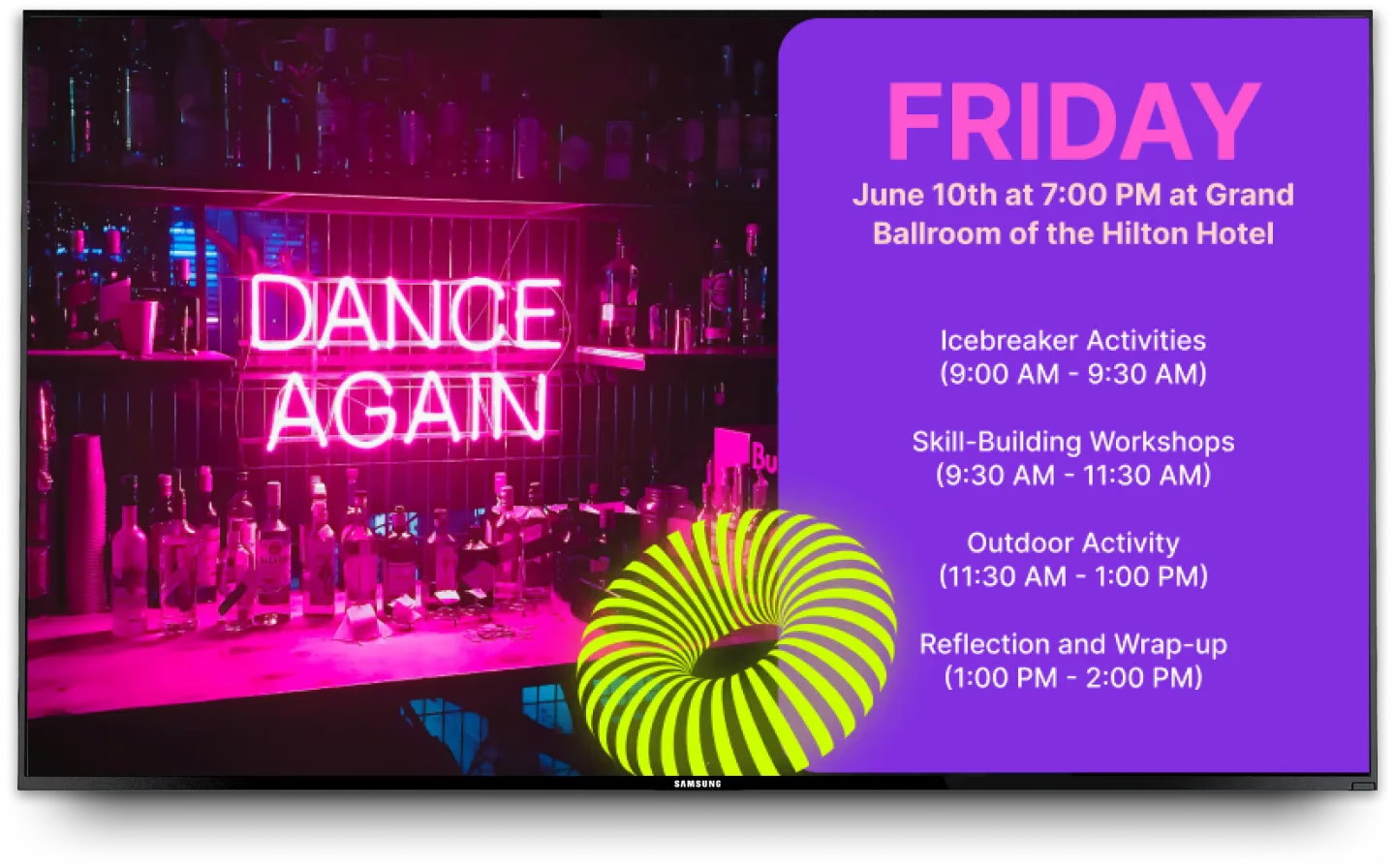
It also now plays an important role in hybrid and virtual formats, tying physical venues and online audiences together in a more unified way.
Case studies from conferences, trade shows, and festivals
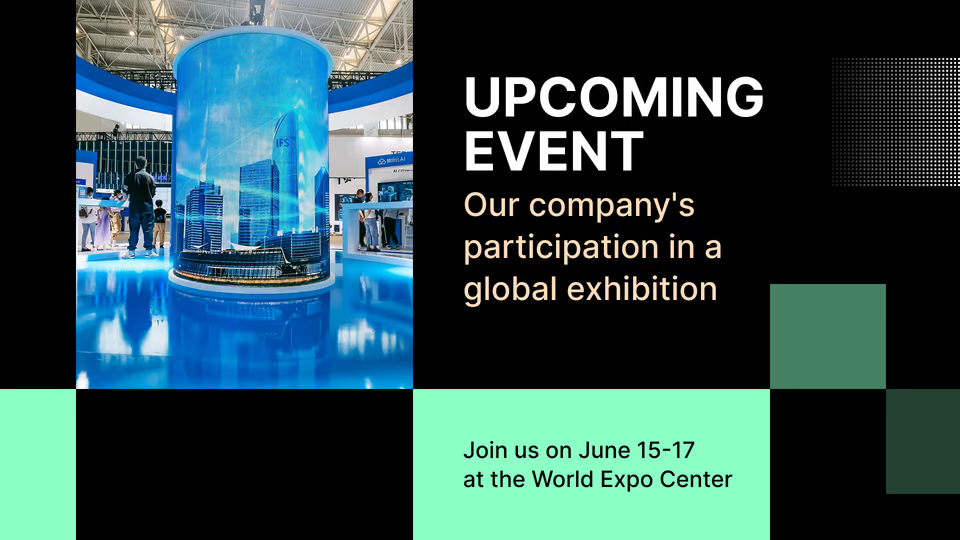
Large conferences and trade shows often use digital signage as their main information system. Attendees can walk up to kiosks to build personal agendas, search for speakers, and see where booths are on a map. Main screens show rotating sponsor content and important messages.
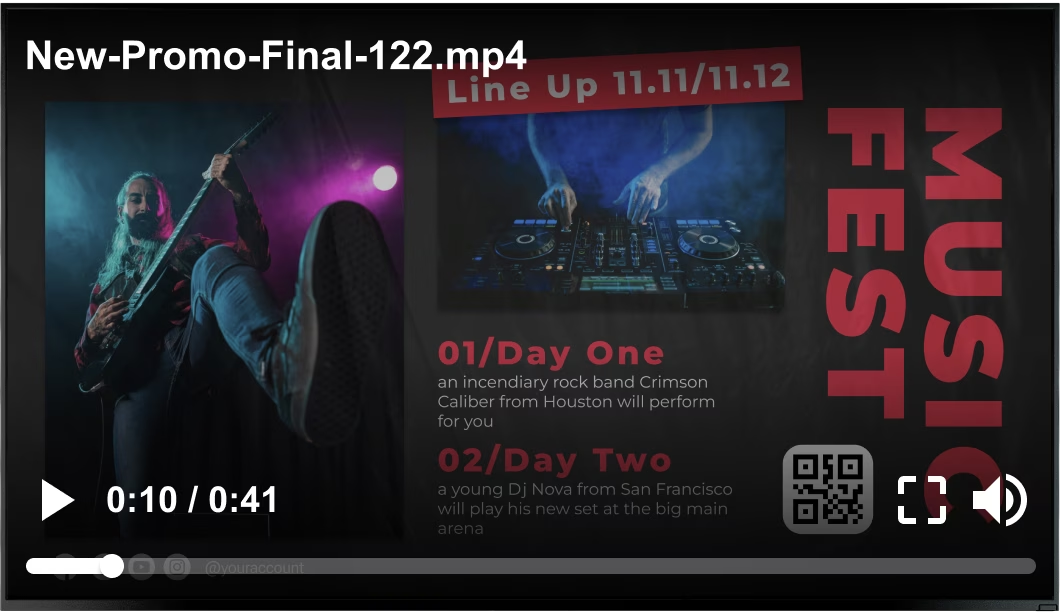
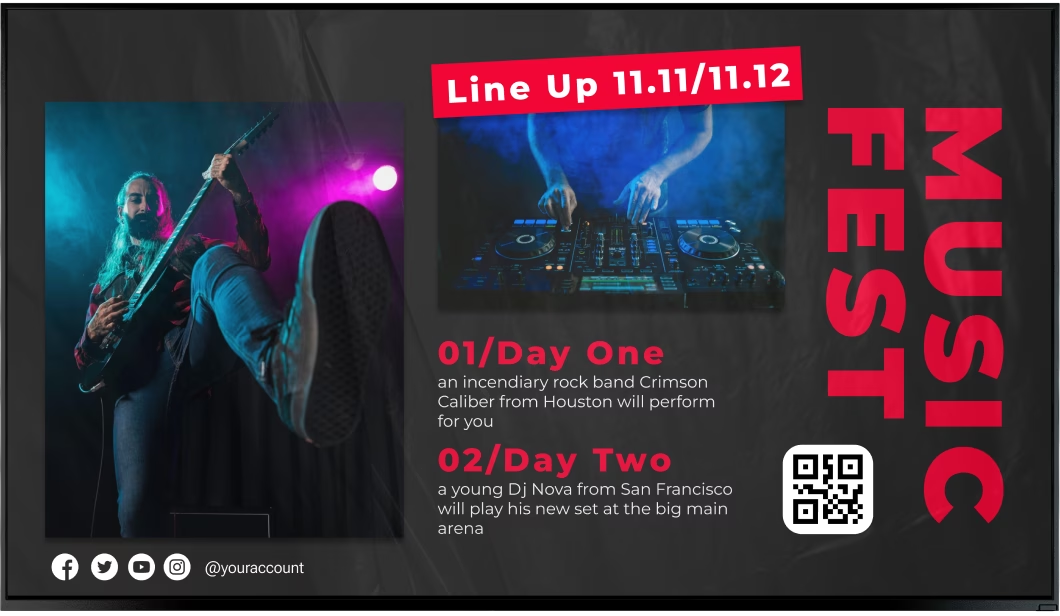
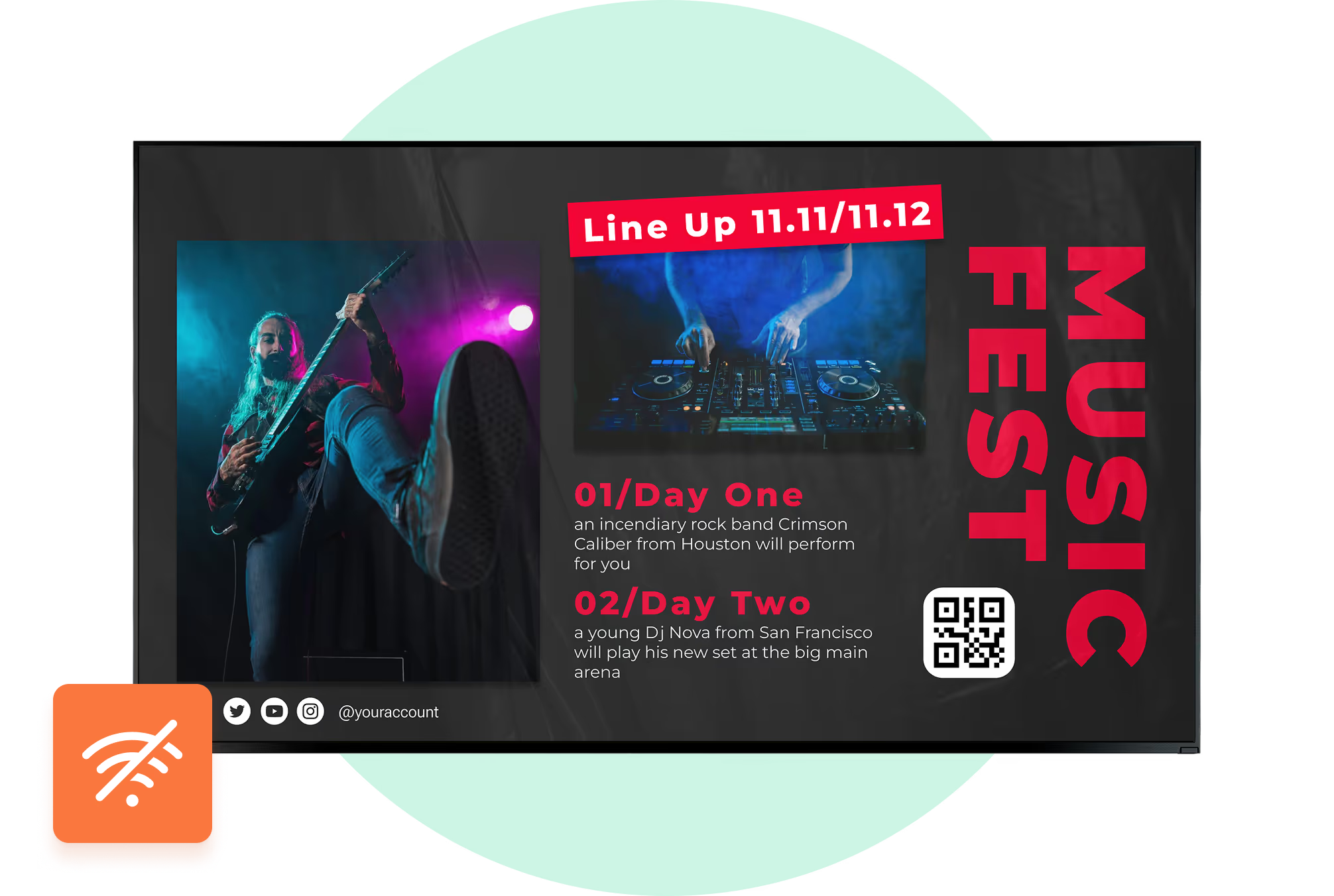
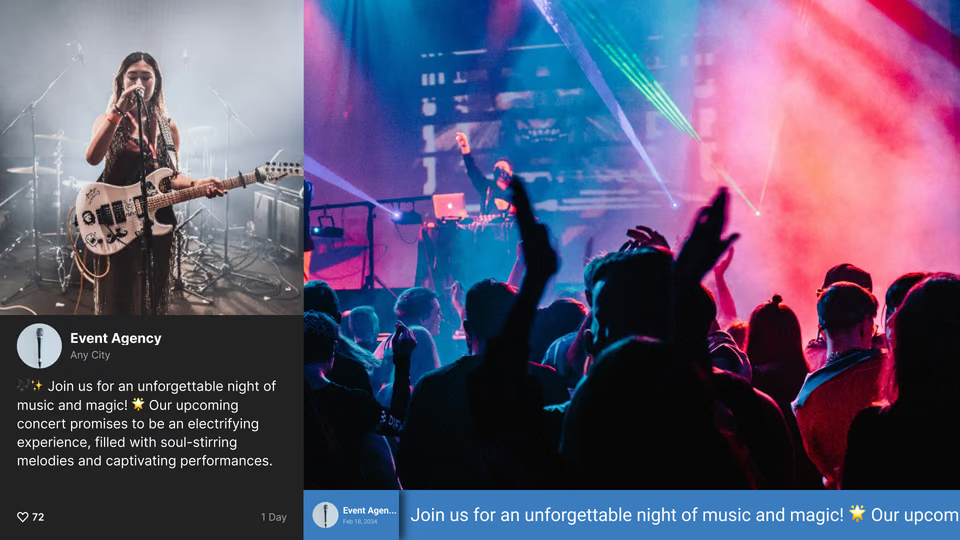
Music festivals use giant LED walls behind stages to show visuals, artist names, schedules, and live crowd shots. These same screens can switch to safety notices or crowd guidance when needed. Trade show booths use smaller digital displays for product demos, testimonial videos, and live social feeds about their brand. Across these events, digital signage keeps people informed, makes content easier to find, and creates a modern feel that sticks in attendees’ minds.
Success metrics: attendee feedback and ROI
Feedback and data from many events show clear benefits. People often report that digital screens made it easier to find rooms, understand schedules, and feel “in the loop.” Surveys usually show higher satisfaction scores when useful digital signage is in place.
For organizers, benefits include more social media activity, stronger sponsor packages, and savings on printing and staff time. Sponsors get more detailed reports on how often their content appeared and how people interacted with it. The data you collect can help you adjust layouts, timing, and content for the next event, improving results year after year.

Role in hybrid and virtual event formats
As more events mix on-site and online audiences, digital signage helps connect those experiences. At hybrid events, screens in the venue can show live feeds from remote speakers or virtual sessions. Meanwhile, cameras can send stage content to online platforms.
Virtual event platforms use similar ideas: dashboards, “rooms” with live video, sponsor areas, and Q&A panels all mirror how digital signage works in a physical space. Live polls, social walls, and sponsor features can involve both in-person and remote attendees. This means the same engagement tools can support everyone, no matter where they are.
Is digital signage cost-effective and sustainable for events?
Today, organizers must pay attention to both budgets and environmental impact. Digital signage may look expensive at first glance, but over time it can save money and reduce waste when compared to constant printing.
Because screens can be reused, and content lives in software rather than on paper, you cut down on materials, shipping, and disposal. Over multiple events, this can turn into a strong long-term gain.
How digital signage lowers printing and waste
Traditional events often involve huge amounts of printed material: banners, posters, maps, handouts, and more. Any change means printing again and throwing away the old version.
With digital signage, updates happen on screen. No extra paper or ink is needed for each change. This reduces waste and lowers the workload tied to printing and distributing signs. Since the same screens can serve future events, they become a reusable asset instead of a one-time cost.
Comparing costs with traditional signage
Buying or renting screens and media players costs more upfront than printing a few posters. But if you look at repeated events-or even one large, complex event-the total costs of design, printing, shipping, and installing static signs adds up quickly.
With digital signage, once the hardware is set up, content changes are mostly design and software tasks. You don’t have to reprint when plans change. You can also sell digital ad space or sponsor slots, helping offset equipment costs. Over time, digital signage often works out cheaper per event and gives you more flexibility and revenue options than traditional signs.
Choosing digital signage software and hardware for your event
Picking the right digital signage system matters if you want it to work well on event day. It’s about more than screen size; it involves what the software can do, how reliable the hardware is, and how well everything fits with your other tools.
Good solutions are easy to use, stable, and able to handle real-time content changes without causing stress for your team.
Key features to look for in event digital signage solutions
When comparing options, pay attention to features like:
- Real-time updates - quickly change schedules, alerts, and messages on all screens
- Support for rich media - images, video, animation, and live feeds
- Multi-purpose use - wayfinding, branding, sponsor ads, social feeds, and more
- Interactivity - touchscreens, QR codes, polls, and forms
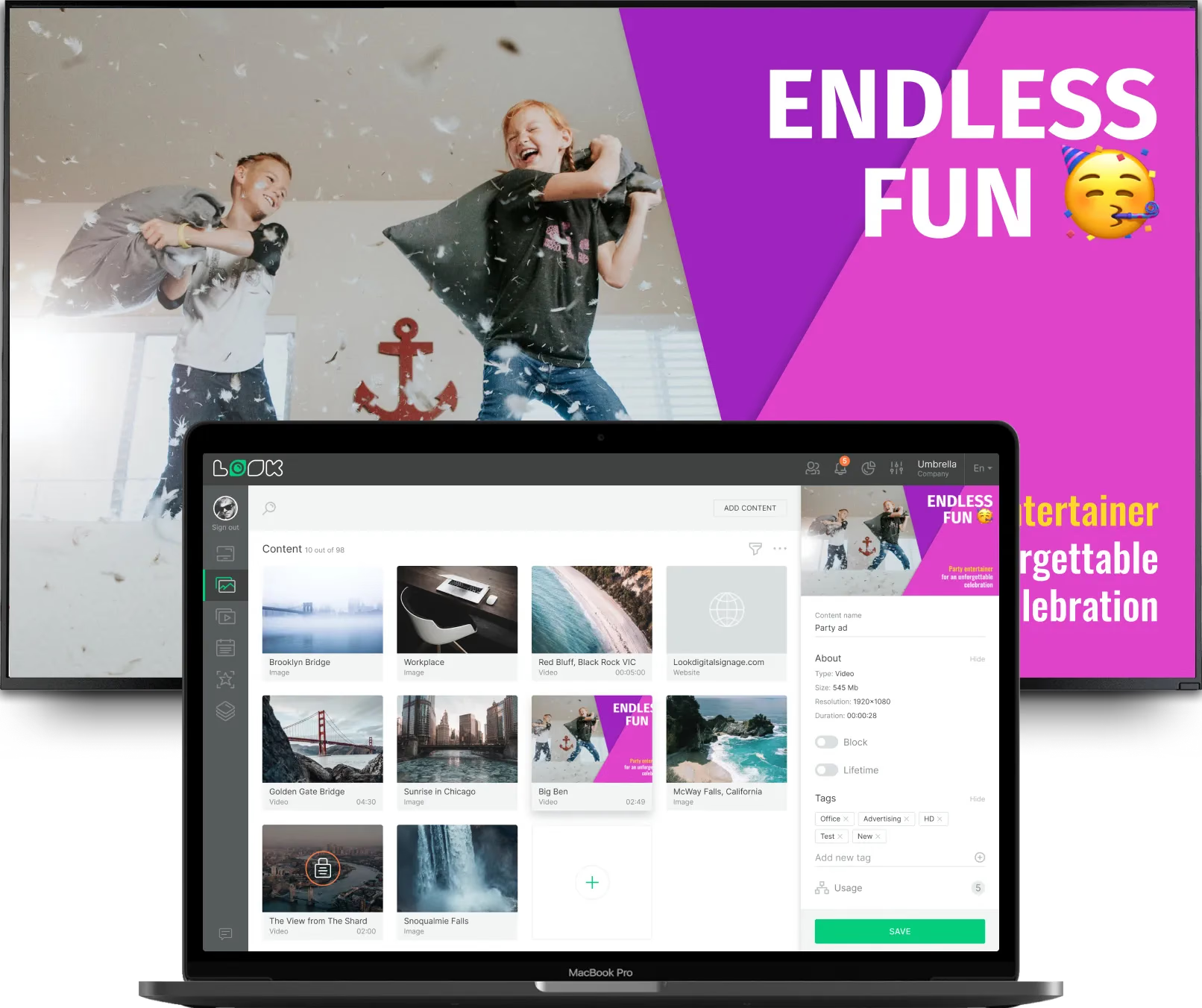
- Scalability - works for small meetings and large expos, with cloud control for many screens
These core capabilities let you adjust quickly during the event and keep content engaging without complex workflows.
Integration with event management platforms
The best results come when your digital signage connects to your other event tools. For example, your scheduler can feed live session times to screens, or your registration system can supply names for welcome messages.
Look for systems with APIs and ready-made connectors to popular registration, ticketing, and CRM platforms. This reduces manual work, cuts errors, and lets content adapt automatically to changes in your event data.
SystemExample Use with Digital SignageRegistrationPersonalized greetings, badge pickup instructionsSchedulingLive agendas, room changes, speaker updatesCRMTargeted sponsor messages by audience segment
Considerations for setup, connectivity, and support
Beyond features, you also need to think about setup and support. For hardware, check:
- Screen size and brightness (especially outdoors)
- Mounting options and cable routing
- Weather resistance for outdoor units
For connectivity, confirm that the venue network can handle the load-Wi-Fi, wired Ethernet, or cellular backup if needed. Many cloud-based systems rely on stable internet for updates.
Strong support is also key. Ask vendors about response times, support hours, and whether they can provide on-site help. Having experts on call during the event can prevent small glitches from turning into big problems.
Practical tips for implementing digital signage at your event
Getting good results from digital signage is about planning, not just hardware. You need a clear content plan, smart screen placement, and a way to review what worked.

From the first content draft to the final debrief, a simple, structured approach will help you get more value from your screens.
Content planning and scheduling best practices
Start by mapping the attendee journey-entrance, registration, main sessions, breaks, and exit. For each step, list what people need to know or what you want them to do.
Build a content plan that mixes:
- Informational slides (schedules, maps, rules)
- Branding and sponsor content
- Social media feeds and live updates
- Interactive pieces (polls, QR codes, games)
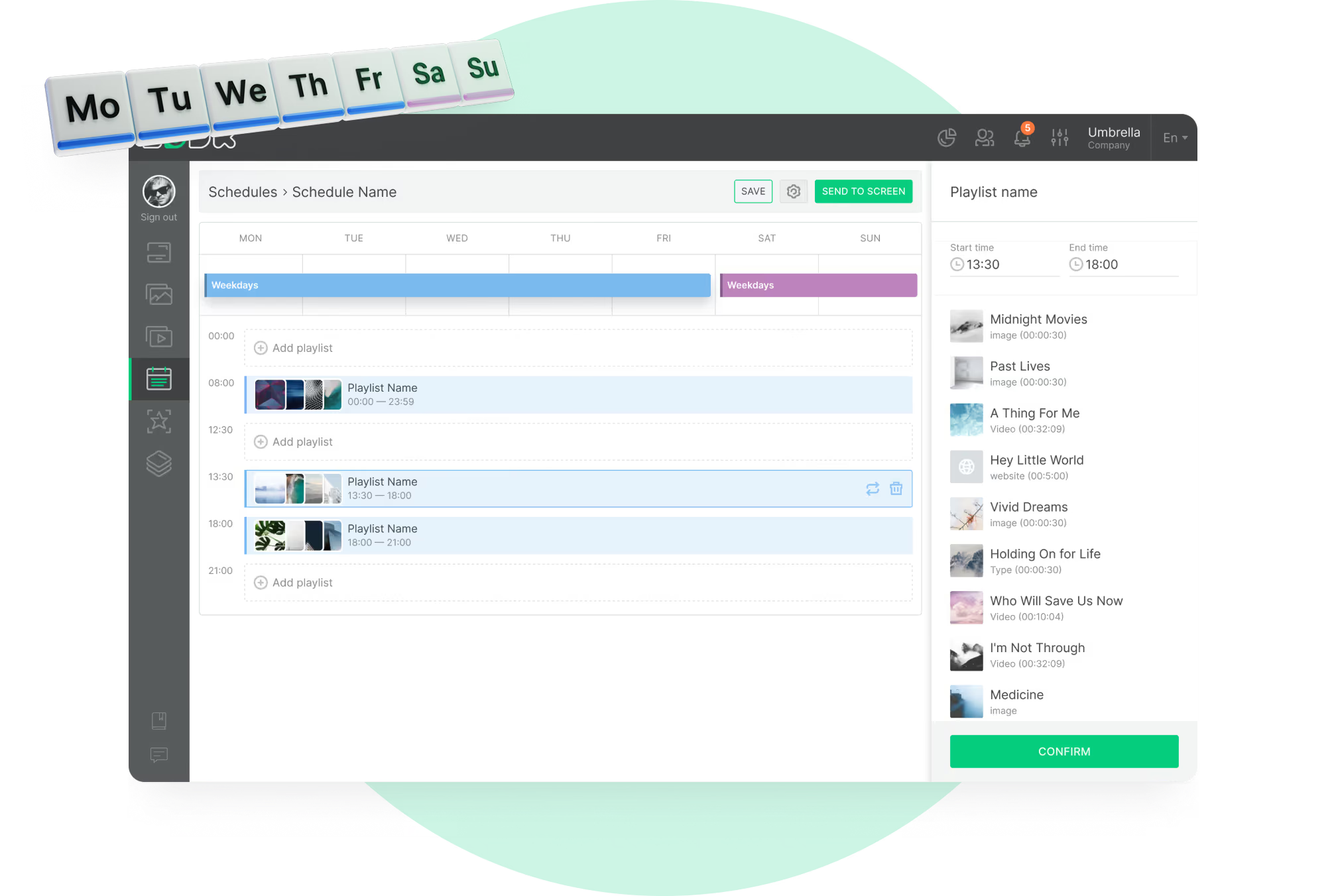
Use the scheduling features in your software to show the right message at the right time and place. For example, show keynote reminders near main halls just before sessions. Refresh content regularly during the event so people don’t tune out repetitive screens.
Ensuring accessibility and inclusivity
Accessibility should be part of your design from the start. Use large, clear fonts and strong color contrast so screens are easy to read at a distance and for people with visual impairments.
Avoid overly fast flashing or cluttered layouts. For international audiences, consider offering key content in more than one language. Make sure touchscreens are reachable for wheelchair users and that QR codes are big enough and placed at a comfortable height. Where possible, add captions to videos and simple text alternatives for images with important information.
Measuring and optimizing event signage performance
After the event, review signage data and attendee feedback. Look at:
- Which screens or content loops ran most often
- Interaction rates on kiosks and polls
- Social media activity linked to on-site prompts
- Foot traffic in areas supported by signage (if tracked)
Ask attendees if the screens were helpful and easy to understand. Use these insights to adjust screen locations, content types, and timing for your next event. Over time, this cycle of testing and improvement will make your signage more useful and effective.
Getting started with digital signage for your next event
Starting with digital signage may feel like a big step, but breaking it down into clear stages makes it manageable. Begin by defining your goals, picking the right partners, and sketching out where screens will go and what they will show.
Good planning at the start leads to a smoother setup, fewer surprises on event day, and better results for everyone involved.
Questions to ask digital signage vendors
When you speak with vendors, ask questions such as:
- Have you supported events similar in size and type to ours?
- How easy is your software for non-technical staff to use?
- Can your system connect with our registration and scheduling tools?
- What support do you provide before and during the event?
- Do you offer on-site technicians if needed?
- What hardware options do you provide or recommend?
- How do you charge (licenses, hardware, support, maintenance)?
- Can we test the system with a demo or trial?
Planning your event signage network
Plan your screen network like you would plan your floor layout. Walk the venue and mark:
- High-traffic spots (entrances, escalators, food areas)
- Key decision points (corridor junctions, hall entrances)
- Areas where people wait (registration, queues, lounges)
Decide what each screen’s main job will be (wayfinding, schedule, sponsor ads, engagement, safety). Match screen size and placement to that role. Check power and network access for each location and build in backup options for important screens such as main schedule boards and safety displays.
Set aside time for content creation, testing, and staff training before the event. A well-thought-out network and prepared team will help your digital signage run smoothly and make a clear difference to the event experience.