


Table of Content
How can universities ensure students actually see event details without cluttering hallways with paper flyers? A centralized digital signage network allows you to update schedules, promote campus activities, and broadcast emergency alerts to every screen in minutes, ensuring the right message reaches the right audience instantly.
Old-fashioned bulletin boards often become invisible background noise. Modern campuses move fast, and communication needs to keep up. Digital signage solves the "stale flyer" problem by providing a modern, cloud-based way to manage content. From last-minute room changes to homecoming countdowns, these screens serve as the active pulse of campus life.

What Is Digital Signage for University Event Promotion?
Digital signage for universities is a network of screens connected to a central content management system (CMS). Instead of manually replacing posters, staff can log into a dashboard to update one screen or the entire campus network instantly. It transforms passive TVs into engaging communication points that fit the habits of students who are used to dynamic, digital content.
This setup works for everything from small displays outside lecture halls to large video walls in the student union. When connected to university data sources, these screens can automatically display calendar events, live scores, and social media feeds. This keeps information fresh and relevant without requiring constant manual work from your team.
How Do Digital Displays Differ from Traditional Campus Event Communication?
Printed flyers rely on the hope that someone walks by and stops to read. In contrast, digital screens capture attention with motion and brightness. They cut through the noise of crowded inboxes and give students visual cues during their daily routine.
The biggest difference is flexibility. If a guest speaker is delayed or the venue changes due to rain, you can update the signage immediately from your laptop. With print, that information remains incorrect until someone physically replaces the sign. Digital signage offers a single, reliable source of truth that reduces confusion and helps operations run more smoothly.
Benefits of Promoting University Events With Digital Signage
Moving to digital displays improves operational efficiency and campus engagement. Centralized control ensures branding remains consistent while allowing different departments to share their specific news. It turns static spaces into active information hubs.
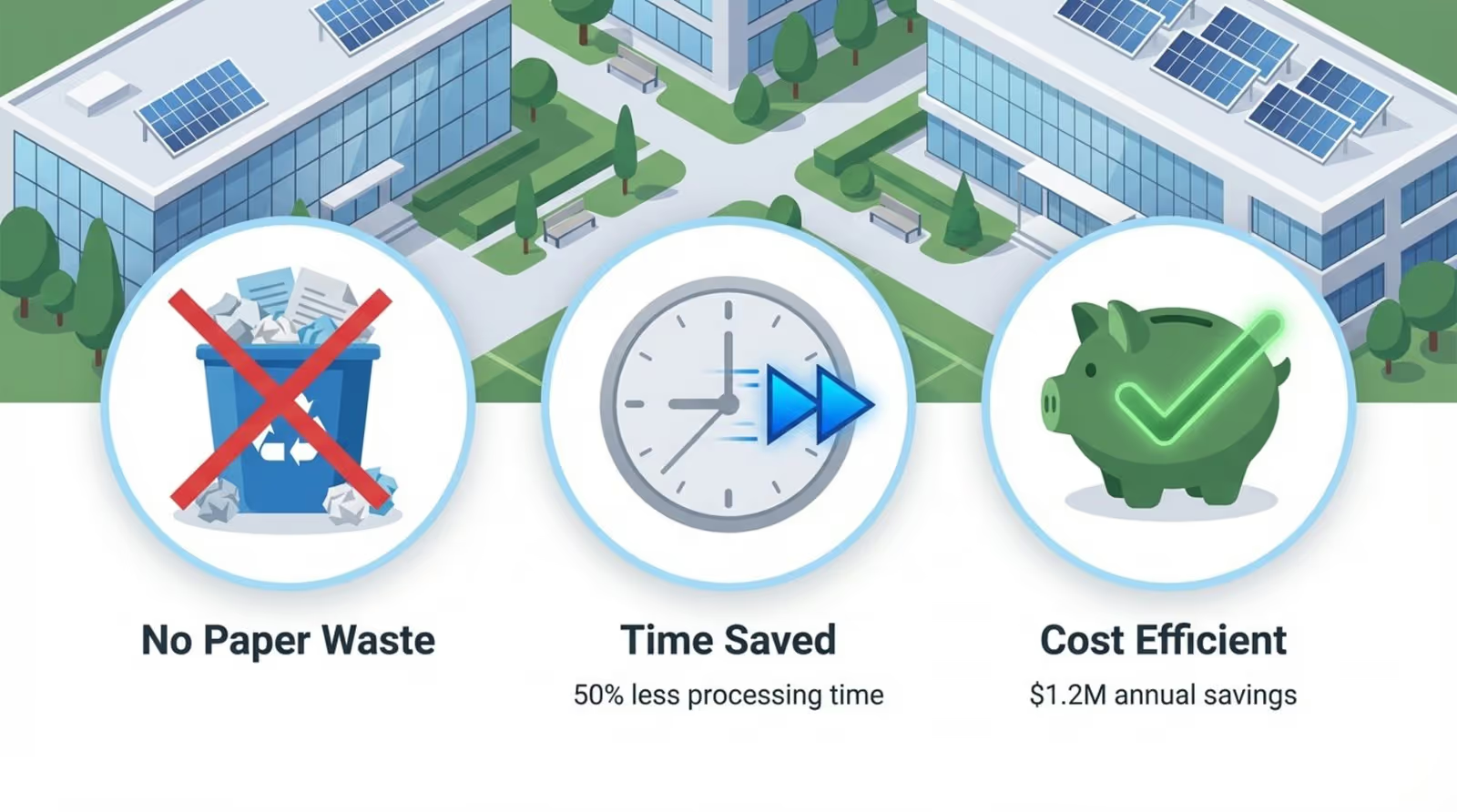
Reducing paper waste also aligns with sustainability goals. By using energy-efficient displays and reducing the need for printed materials, schools can modernize their communication while supporting green initiatives. This saves money on printing costs and saves staff time previously spent stapling flyers to boards.
Increases Event Awareness and Campus Engagement
Digital signage simply gets seen more often. Placing screens in high-traffic areas ensures that students who aren't actively looking for events still encounter them. A quick animation or a bold headline can spark interest in a way that a static text notice cannot.
You can also build excitement through social proof. Displaying photos from past events or live social media feeds creates a sense of community. When students see their peers engaging with campus activities on screen, they are more likely to participate themselves.
Delivers Real-Time Event Updates and Announcements
Campus schedules are fluid. Digital signage handles changes effortlessly. Staff can push instant updates to specific screens, replacing outdated information immediately. For example, a screen outside an auditorium can switch from "Lecture at 2:00 PM" to "Event Moved to Room 304" in seconds.

This real-time capability is critical on event days. Scheduling reminders near dining halls or libraries right before an event starts can capture last-minute attendees. This simple nudge often improves turnout significantly.
Targets Messaging by Location or Audience
Not every message is relevant to every student. Digital signage allows you to target content by location. Screens in the science center can highlight research symposiums, while displays in the arts wing can promote gallery openings. This relevance ensures students pay attention to the screens in their area.
You can also target by time of day. Morning playlists might focus on cafeteria menus and daily announcements, while evening schedules switch to intramural sports scores and study group reminders. Keeping content aligned with the daily rhythm of campus life prevents "screen blindness."
Reduces Communication Overload for Students and Staff
Students often ignore mass emails. Digital signage cuts through the clutter by presenting key information in a digestible, visual format. Messages are short, clear, and consumed quickly as students walk to class.
For staff, a unified system simplifies the workflow. Instead of managing multiple disparate communication channels, a central CMS allows the marketing or student life team to control the narrative. This reduces errors and ensures the university's visual identity remains professional across all departments.
Key Features Universities Should Seek in Digital Signage Solutions
When selecting a platform, look for a solution that balances power with simplicity. The software should allow you to manage a growing network of screens easily. Look Digital Signage is a strong fit for universities because it allows teams to create, schedule, and publish content to one or thousands of screens from a simple web-based dashboard.
Ease of use is vital for multi-user environments. Different departments-from athletics to dining services-need to be able to update their specific screens without breaking the rest of the network. Look DS provides the tools to manage these permissions effectively.
Integration with Campus Event Calendars and Schedules
Manual data entry leads to mistakes. The best digital signage software integrates with your existing tools. Look DS offers Integrations via API or Zapier, allowing you to connect your screens to internal calendars or scheduling systems. When a room booking changes in your master schedule, the screen outside the door can update automatically.

This automation saves hours of administrative work. Classroom screens display accurate "In Use" or "Available" status, reducing interruptions and keeping campus traffic flowing smoothly.
Dynamic and Interactive Content Capabilities
Static images can become boring. To keep attention, use dynamic content sources. Built-in Look Apps allow you to add live weather, news tickers, or social media feeds directly into your playlists. This keeps the screen useful even when there are no major events to promote.
For more engagement, consider Interactive Scenarios. You can create touch-enabled experiences for wayfinding kiosks or directory screens without writing code. Alternatively, simple QR codes on standard screens allow students to scan and save event dates to their personal phones instantly.
Templates and Content Management Tools
You don't need a professional designer for every slide. Digital signage templates in Look DS help departments launch professional-looking content quickly. You can choose a layout that fits your event type, customize the text and images, and publish it in minutes.
A cloud-based CMS is essential for remote management. It allows administrators to monitor screen health and update playlists from anywhere, ensuring the network is always running the correct content.
Scalability and Easy Updates Across Locations
University networks often start small and grow. Your solution needs to scale from a single lobby screen to a campus-wide deployment. Look DS supports this growth, working with the Look HDMI Player for new setups or the Look App on existing compatible hardware.
Flexible presentation is also key. Screen Layouts allow you to divide a single display into multiple zones. You can run a promotional video in the main area while a sidebar displays a scrolling schedule and a weather widget. This maximizes the information value of every screen.
Best Practices for Content Strategy on Campus Digital Signage
Technology powers the network, but content drives engagement. A successful strategy mixes helpful information with promotional material. Keep layouts clean with large text and clear calls to action, such as a short URL or QR code.
Consistency builds trust. If students know the screens always show accurate times and locations, they will look at them. Rotate content frequently to keep the displays looking fresh and active.
Mix Event Promotions with Safety Messaging and Important Announcements
Your screens should be a reliable utility, not just an ad board. Balance event promotions with safety reminders, health tips, and academic deadlines. This variety trains students to check the screens for information that actually affects their day.

In emergencies, the system must take over. Look DS allows for priority alerts that can override scheduled content. Whether it is a severe weather warning or a security notice, you can push critical information to every screen instantly to keep the campus safe.
Utilize Visuals, Videos, and Live Feeds to Boost Engagement
Motion grabs the eye. Use short video clips or animations rather than static text whenever possible. A 10-second highlight reel from the last football game is far more engaging than a text listing of the next game time.
Live content makes the screens feel current. Displaying a live countdown to graduation or real-time transit schedules adds immediate value. The Content Creator inside Look DS makes it easy to assemble these visuals without needing external design software.
Include Social Media and User-Generated Content
Students love seeing themselves and their peers. Integrating social media feeds using specific campus hashtags can turn your signage into a community board. It validates student participation and encourages them to post about university events.
Highlighting student achievements, research projects, or club activities fosters a sense of belonging. It transforms the signage from a top-down broadcast tool into a platform for student voices.
Schedule Content Strategically Across the Academic Calendar
Relevance depends on timing. Smart Scheduling in Look Digital Signage lets you automate content based on the time of day or the academic calendar. During finals week, shift content to focus on study tips and library hours. During orientation, focus on maps and welcome guides.
Plan ahead for major milestones. You can set schedules weeks in advance for Homecoming or Commencement, ensuring the messaging ramps up automatically as the event approaches.
Where to Place Digital Signage for Maximum Event Impact
Screen placement determines reach. Install displays where students naturally pause or congregate: lobbies, elevator banks, cafeteria lines, and lounges. These "dwell time" locations maximize the chance that your message will be read.
Match the hardware to the environment. High-brightness screens are necessary for sunlit entryways, while standard displays work well in hallways. The goal is to create a seamless layer of information that follows the student journey across campus.
High-Traffic Campus Hubs and Entryways
The student union and main libraries are prime real estate. Large displays here can serve as the campus news station, broadcasting major headlines and campus-wide events. This is where you reach the broadest audience.
Entryway screens set the tone. They welcome visitors and remind students of the day's highlights as they arrive. Keeping these screens updated with current events signals that the university is active and organized.
Academic Buildings, Libraries, and Student Centers
Context matters. Screens in engineering buildings should feature STEM-related events and deadlines. Library screens can focus on academic support workshops. This targeted approach ensures the content feels relevant to the students in that specific building.
Wayfinding is critical in large student centers. Interactive directories can help visitors find meeting rooms or offices quickly, reducing frustration and freeing up staff from answering directional questions.
Dormitories, Dining Facilities, and Recreational Spaces
Dorms are communities. Screens in residence halls are perfect for building social connections, promoting floor meetings, and sharing maintenance updates. Since students live here, the content becomes part of their daily home life.
Dining halls offer a captive audience. Students sitting for meals have time to watch longer content loops. This is an excellent opportunity to promote evening events or weekend trips alongside the daily menu.

Athletic Venues and Event-Specific Locations
Athletic facilities benefit from high-energy content. Screens here can promote upcoming games, highlight player stats, and build school spirit. This reinforces the fan experience and drives ticket sales.
For temporary events, mobile screens can help with crowd control. They can display parking directions or queue instructions, ensuring large crowds move smoothly through the venue.
Real-World Use Cases: University Event Promotion Success Stories
Many institutions see immediate improvements after deploying digital signage. Small student clubs often report higher attendance when they are given rotation time on main campus screens. This visibility helps niche organizations find their audience.
Operations teams also benefit. By replacing static maps with digital wayfinding, universities reduce confusion at the start of the semester. Visitors can self-navigate, which improves the overall campus experience and presents a tech-forward image.
Building Excitement for Major Campus Events
For major events like a centennial celebration or a rivalry game, signage creates a "takeover" effect. You can synchronize every screen to show a hype video or a countdown, creating a unified atmosphere across campus.
On event day, the system supports logistics. Real-time updates on parking availability or gate openings keep the event running smoothly. This operational support is just as valuable as the promotional aspect.
Streamlining Last-Minute Schedule Changes
The weather is unpredictable. When an outdoor concert has to move inside, digital signage is the fastest way to redirect the crowd. Updating the network takes seconds, and the bright screens are hard to miss.
This prevents the chaos of students showing up at an empty venue. Clear, immediate communication preserves the attendee experience even when logistics get complicated.
Encouraging Student Life Participation and Clubs
Digital signage democratizes visibility. By offering templates to student organizations, you allow them to create professional promos for their events. This diversity of content keeps the screens interesting and representative of the entire student body.
Short "spotlight" features on different clubs or students make the campus feel smaller and more connected. It encourages new students to get involved and find their community.
Common Questions about Digital Signage for Campus Event Promotion
Deploying a campus-wide network involves coordination between IT, facilities, and marketing. Common concerns revolve around ease of management, integration with existing tech, and budget. Fortunately, modern cloud solutions like Look DS are designed to address these specific needs.
While there is an upfront cost for hardware, the long-term savings on printing and manual labor often justify the investment. More importantly, the ability to communicate instantly with the entire campus adds significant value to safety and operations.
How Does Digital Signage Integrate with Existing Campus Systems?
Integration is key for automation. Look allows for connections via API to pull data from your existing event management or scheduling software. This means you don't have to update the screens manually every time a room changes; the system does it for you.
For safety protocols, signage can connect with emergency alert systems. This integration ensures that when a campus-wide alert is triggered, the screens immediately display the warning, aiding in rapid communication.
What Content Management Tools Are Needed?
You need a CMS that is intuitive for non-technical users. Look CMS provides a visual editor, drag-and-drop playlist builders, and simple scheduling tools. This allows student workers or administrative staff to manage content without needing IT support.
Many teams also use external design tools. Look DS makes it easy to upload assets created in other programs, maintaining your brand standards while keeping the workflow efficient.
Can Digital Signage Measure Engagement or Attendance?
While screens are primarily for broadcasting, you can track their effectiveness. Playback Analytics in Look DS show you exactly what played and when. To measure engagement, use unique QR codes or short URLs on the screens and track the click-through rates.
This data helps you understand which locations and content types drive the most action, allowing you to refine your strategy over time.
What Are the Costs and Considerations for Deployment?
Costs vary based on the number of screens and the hardware chosen. You can save money by using existing screens with the Look App or by choosing affordable, robust media players like the Look HDMI Player. The software subscription is typically priced per screen.
Successful deployment requires buy-in from various departments. Establishing clear guidelines on who can post content and how often prevents conflicts and ensures the network serves the university's broader goals.
Key Takeaways for Universities Using Digital Signage for Event Promotion
Digital signage is a practical investment in better communication. It replaces slow, static methods with a dynamic, controllable network. By focusing on clear, timely content, universities can keep students informed and safe.
As campuses become more digital, the expectation for real-time information grows. A robust signage platform provides the infrastructure to meet this demand today and adapt to future needs.
Improving Communication Efficiency
Centralizing your signage saves time. Staff can manage the entire network from a single dashboard, reducing the effort required to share news. This efficiency frees up teams to focus on creating great events rather than worrying about how to promote them.
It also ensures accuracy. With real-time updates, you eliminate the risk of old posters displaying incorrect information. The screens become a trusted resource for the campus community.
Boosting Student and Staff Participation
Visibility drives action. When events are easy to find and visually appealing, attendance goes up. Digital signage helps build a vibrant campus culture by making sure everyone knows what is happening around them.
For staff, it serves as a powerful internal communication tool. Recognizing achievements and sharing policy updates on screen keeps the team aligned and engaged with the university's mission.
Adapting to Future Trends in Campus Communication
The future of campus signage is data-driven. Tools like Look Digital Signage offer analytics and scheduling features that help you optimize your messaging. By understanding what works, you can continuously improve how you connect with the student body.
Sustainability is also a growing priority. Moving to digital reduces paper waste, supporting the university's environmental commitments while providing a superior communication channel.







