Table of Content
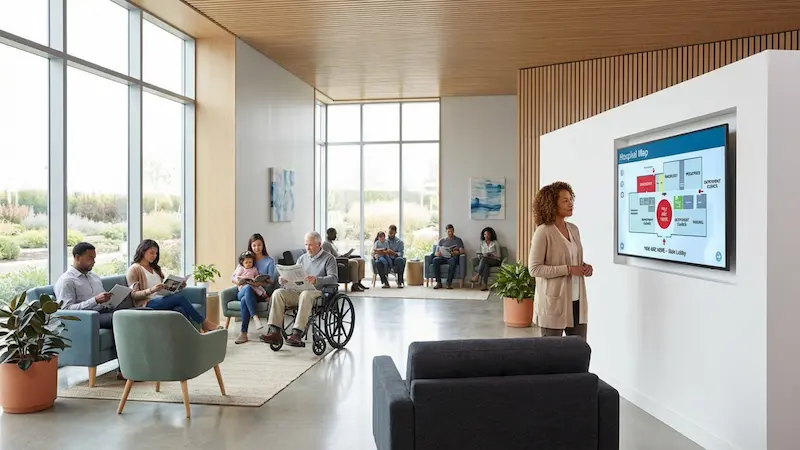
How can you keep students, staff, and visitors from getting lost on a busy campus? School wayfinding with digital signage solves this by turning static maps into a connected system of interactive screens and mobile-friendly guides. Instead of relying on printed posters that go out of date, this technology allows you to provide real-time directions, update room numbers in minutes, and manage the entire experience from one central dashboard.
Think of it as a "living compass" for your school. It turns confusing hallways into clear routes with step-by-step guidance, live schedules, and instant safety alerts. As campuses grow, digital wayfinding bridges the gap between physical buildings and digital information, making the environment safer, more efficient, and welcoming for everyone.
What Is School Wayfinding With Digital Signage?
Differences Between Traditional and Digital Wayfinding in Schools
Traditional wayfinding relies on fixed assets: printed maps, plastic door plaques, and paper notices taped to walls. These are difficult to maintain. If a department moves or a classroom number changes, signs become inaccurate immediately, leaving new students confused. Static signage simply cannot adapt to temporary changes like construction detours or one-way hallway rules.
Digital wayfinding is dynamic and user-focused. It uses screens and software to provide a responsive experience. Instead of scanning a faded "You Are Here" sticker, users can interact with maps that zoom and orient themselves. These systems can pull live data, such as class schedules or bus times, ensuring information is always current. This shift replaces cluttered bulletin boards with a clean, professional communication layer.
Key Features of School Digital Signage Systems
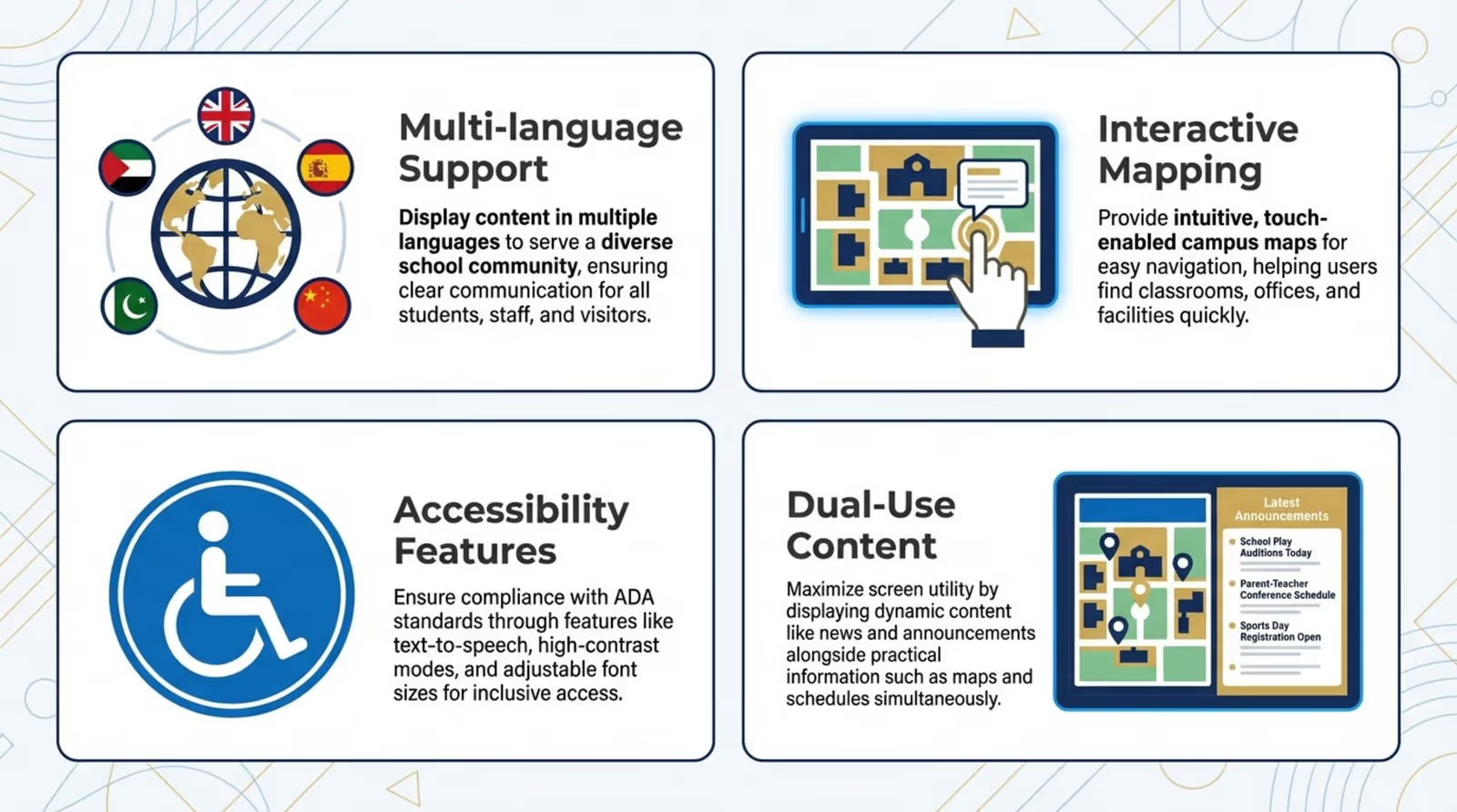
Modern digital signage software offers more than just arrows on a screen. A key feature is multi-language support, which is practical for diverse student bodies and international guests. Many systems support interactive mapping, allowing users to visualize routes across different floors. High-contrast modes and text-to-speech options are often available to ensure accessibility for users with vision or hearing impairments.
Another valuable capability is "dual-use" content. A screen can display a wayfinding map while simultaneously showing a news ticker, social media feed, or event announcements. When a user touches the screen, the interface can switch fully to navigation mode. This flexibility ensures your screens serve both marketing and operational goals.
Core Components of a School Digital Wayfinding System
Interactive Maps and Directories
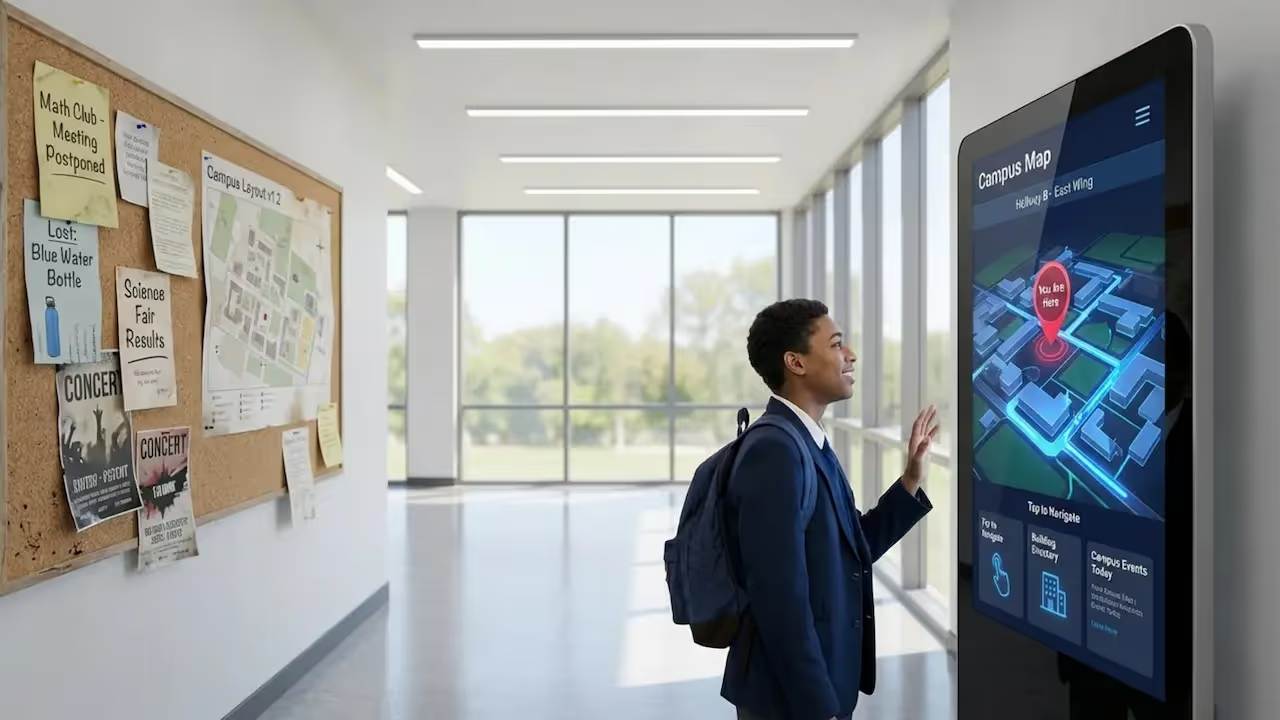
The interactive map is the foundation of the system. It functions as a searchable database of every building, classroom, and point of interest (POI). Users can search for a professor's office, a specific lab, or the cafeteria. A built-in directory organizes these locations into clear categories, helping users find their destination even if they do not know the exact room number.
Effective interactive maps often display estimated walking times and highlight accessible paths, such as routes with elevators instead of stairs. By connecting to facilities data, maps can also guide students away from areas closed for maintenance, keeping foot traffic flowing smoothly.
Touchscreen Kiosks in Key Locations
Hardware placement is critical for success. Touchscreen kiosks work best at "decision points," such as lobby entrances, library foyers, and main corridor intersections. These stations serve as the primary tool for visitors who do not have the school's mobile app, offering large, legible directions.
Kiosks should be designed for speed. Popular destinations-like the registrar, student services, or the dining hall-should be accessible in one tap. The goal is to turn a stressful search into a simple interaction that builds confidence in the system.

Mobile Device Integration
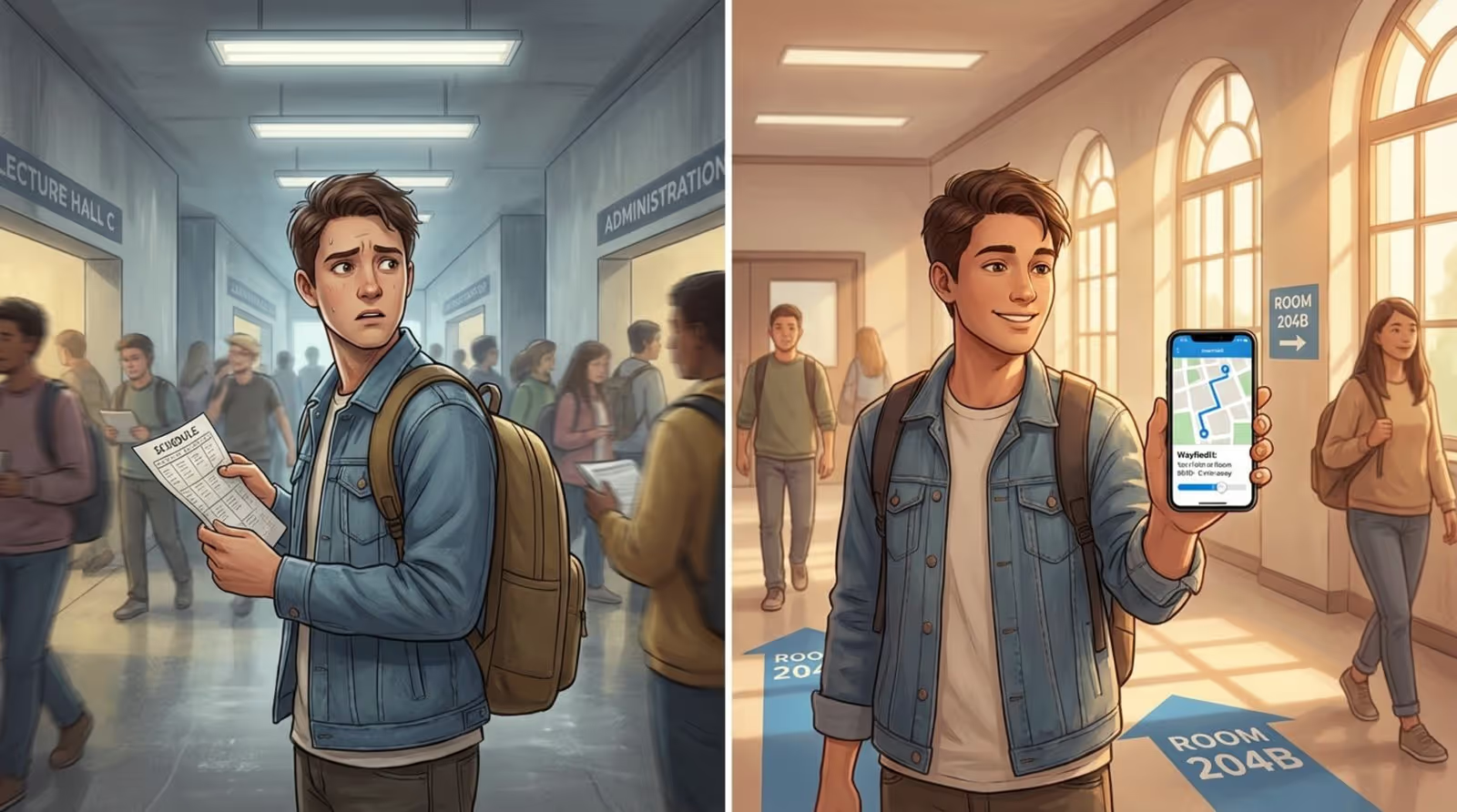
A strong wayfinding system often includes a "mobile handoff." After finding a route on a kiosk, a student can scan a QR code to transfer the directions to their phone. This allows the route to travel with them, providing a blue-dot style experience similar to GPS.
Phone integration is particularly useful during orientation or large events. Schools can create temporary POIs-such as "Visitor Parking" or "Event Check-in"-and direct users straight to them via their mobile browsers. This fits naturally with how students use technology, keeping necessary information in their pockets.
Digital Signage Displays for Directions and Announcements
Non-touch displays in hallways act as supportive wayfinding tools. While not interactive, they provide quick, relevant updates. For instance, a screen in the science wing might read: "Chemistry Lab moved to Room 304 today." These real-time updates keep operations running smoothly in a way printed signs cannot.
These screens are also powerful communication channels. They can highlight student achievements, display dining menus, or show curated social media feeds. By mixing navigation with community content, you make the digital signage network a helpful part of daily campus life.
How Does Digital Wayfinding Software Work in Schools?
Data and Routing Engines
Behind the interface, a routing engine calculates the best path between two points. It follows a set of logic rules, such as prioritizing accessible routes (elevators over stairs) if requested. The software understands the layout of the campus, including how floors connect and where exits are located.
This engine also adapts to real-time inputs. If a hallway is blocked, an administrator can mark it as closed in the system, and the routing engine will instantly divert traffic to an alternative path. This keeps directions safe and efficient without requiring manual signage updates.
Content Management Software
Content Management Software (CMS) is the control center for your signage. A robust platform, like Look Digital Signage, allows school staff to manage the entire network from a simple web dashboard. You do not need a technical background to use it. An admin can rename a room, add an event, or update a welcome message in minutes, publishing changes to all screens from anywhere.
The CMS also handles scheduling. You can set specific messages to appear at relevant times-breakfast menus in the morning or club announcements in the afternoon. This automation keeps content fresh and reduces the daily workload for your staff.
Integration With School Information Systems
Digital wayfinding is most effective when connected to other data sources. By integrating with School Information Systems (SIS) or Learning Management Systems (LMS), screens can display live room schedules. If a class is canceled or moved in the database, the kiosks and door screens update automatically, preventing students from waiting at the wrong room.
Integrations can extend to external data as well. Screens near exits can display live public transit schedules or campus shuttle trackers, making the signage system a reliable hub for travel information.
Maintaining Map Accuracy and Updates
A wayfinding system is only as good as its data. Campuses evolve-rooms change functions, and new wings open. Digital software maintains a "living model" of the campus. Instead of replacing dozens of physical signs, you update one central record in the CMS. The system then pushes the accurate map to every kiosk and display instantly.
This "single source of truth" ensures consistency. It eliminates the confusion of having conflicting maps in different buildings. Regular audits and user feedback help keep the data precise.
Who Benefits Most From School Digital Wayfinding?
Students: Freshmen, Transfers, and International Students
For new arrivals, a sprawling campus can be intimidating. Freshmen often feel overwhelmed during orientation. Digital wayfinding acts as a reliable guide, reducing the anxiety of getting lost. For international students, multi-language support helps them navigate comfortably during their transition.
Transfer students also rely on these tools. Interactive kiosks allow them to find their way independently without constantly asking for help, supporting a sense of belonging from their first day.
Visitors and Guests: Parents, Vendors, and Guests
First impressions count. A campus that is easy to navigate feels organized and welcoming. Parents, delivery vendors, and guest speakers rely on clear signage to reach their destinations. Welcome screens can greet groups by name-"Welcome to the Regional Science Fair"-and direct them to the correct check-in area.
Clear digital directions reduce the burden on reception and security staff. Visitors can find parking and event spaces on their own, allowing staff to focus on security and administration.
Faculty and Staff: Efficient Campus Movement
Faculty and staff frequently move between offices and lecture halls. Digital wayfinding helps them identify the quickest routes to save time. For adjunct professors or new hires who may not know every building, the system is a practical tool for daily navigation.
Administrative staff benefit because they face fewer interruptions from people asking for directions. When students can help themselves via kiosks, front-desk teams can concentrate on their core tasks.
Event Attendees and Alumni
Large events like reunions and games bring visitors who may be unfamiliar with recent campus changes. Digital displays can be temporarily programmed to highlight "Alumni Check-in" or specific stadium gates. They also help manage crowd flow by directing people to underutilized entrances.
Alumni often appreciate seeing modern technology on campus. Up-to-date wayfinding displays demonstrate that the school invests in its facilities and student experience, which can reinforce school pride.
What Are the Benefits of Digital Wayfinding for Schools?
Improved Navigation for Students, Staff, and Visitors
The primary benefit is smoother movement. Interactive maps clarify complex layouts, which is essential for campuses with multiple levels or similar-looking corridors. When navigation is intuitive, the campus environment feels more professional and organized.
Better wayfinding also supports punctuality. Students are less likely to be late for class, and meetings are more likely to start on time. This directly supports the school's educational mission.
Reduced Stress and Time Spent Finding Locations
Getting lost is a major stressor. A "Virtual Campus Navigator" available on screens and smartphones calms nerves. Knowing that reliable guidance is always nearby allows students to focus on their studies rather than their route.
It also recovers lost time. The minutes saved by avoiding wrong turns add up across thousands of people, resulting in more time for learning and campus engagement.
Enhanced Campus Safety and Emergency Communication
Digital signage is a critical asset during emergencies. The network can broadcast instant alerts to every screen simultaneously. Whether for a severe weather warning or a fire drill, screens can display specific evacuation routes relevant to their location.
Because the system understands the campus layout, it can guide people away from hazards and toward assembly points. This immediate, location-aware guidance offers a level of safety communication that static signage cannot match.
Accessible Solutions for All Abilities
Digital wayfinding supports universal design. Standard features often include ADA-compliant routing that prioritizes elevators and ramps. High-contrast visuals and intuitive interfaces make navigation easier for everyone.
By prioritizing accessibility, schools create an inclusive environment where all community members can move independently. This demonstrates a commitment to student welfare beyond basic compliance.
Centralized, Real-Time Updates
Managing signage from a single platform is a massive efficiency booster. Instead of physically replacing signs, one staff member can push updates to the entire network in minutes. Information remains consistent and professional.
Central control also ensures brand consistency. You can use templates to ensure every screen features the correct school colors, fonts, and logos, maintaining a unified visual identity across campus.
What to Look for When Choosing Digital Wayfinding Platforms for Schools
If you are looking for a platform that combines ease of use with powerful features, Look Digital Signage is a strong choice for educational environments. It is designed to be approachable for non-technical teams while offering the reliability required for campus operations.
Scalability Across Multiple Buildings or Campuses
Select a platform that grows with you. You might start with a few screens in the student center and expand to satellite campuses later. Look DS handles this smoothly, allowing you to manage one screen or thousands from the same dashboard.
Customization and Branding Options
Your software should reflect your school's identity. Look for tools that allow deep customization of colors, logos, and layouts. The Interactive Scenarios feature in Look DS allows you to build touch-enabled experiences-like interactive maps or directories-without needing to write code.
Integration Capabilities With Existing Infrastructure
A flexible solution should work with the hardware you already have. The Look App functions on a wide range of devices (including Android and Fire TV), or you can use the plug-and-play Look HDMI Player for a simple setup. This hardware-agnostic approach helps schools manage budgets effectively.
Analytics and Reporting Features
Data helps you improve the campus experience. A good platform provides analytics on how screens are used. Admins can see which locations are searched for most frequently, helping to identify physical navigation bottlenecks. Look DS offers playback reporting and monitoring tools to ensure your system is always running correctly.
Best Practices for Deploying Digital Wayfinding Solutions in Schools
Mapping Real Campus Layouts Versus Promotional Brochures
Avoid building maps based on idealized architectural drawings. Real campuses have quirks: locked doors, informal shortcuts, and maintenance access. Map the campus as it actually functions. Walk the routes and consult with facilities staff to ensure the digital map reflects reality.
Include practical details like water fountains, charging stations, and gender-neutral restrooms. Adding these everyday POIs increases the system's utility and builds trust with users.
Designing for Accessibility and Inclusivity
Accessibility should be a priority from day one. Ensure the interface offers accessible route options and legible text sizes. Kiosks should be placed at heights accessible to wheelchair users.
Consider language needs as well. If your community includes many non-native speakers, ensure the interface supports multiple languages. Clear icons for essential services help bridge language gaps.
Enabling Rapid Emergency Notifications
Connect your wayfinding screens to your emergency alert system. This ensures that in a crisis, an authorized staff member can override standard content with urgent instructions. Regular drills are important to verify that alerts appear quickly and clearly on all screens.
Ongoing Training for Staff and IT Personnel
Even with user-friendly tools like Look CMS, basic training ensures your team gets the most out of the system. IT staff should understand hardware maintenance, while admin staff should be comfortable updating content. A well-trained team keeps the system active and relevant.
Why School Wayfinding Systems Can Fail and How to Avoid Common Pitfalls
Challenges With Outdated Maps or Misleading Directions
Inaccurate directions destroy trust. If a student is led to a closet instead of a classroom, they may stop using the system. Assign a clear owner for map updates. Changes to room numbers or department locations should be recorded in the CMS immediately.
Campus Growth and Navigational Complexity
As campuses expand, navigation becomes harder. A poorly designed interface can become cluttered. Use "progressive disclosure" in your design: show a broad overview first, and reveal details only as the user zooms in. This keeps the screen readable.
Importance of Strategic Kiosk Placement
A kiosk hidden in a corner is wasted investment. Avoid placing screens in direct sunlight where glare makes them unreadable. Position kiosks in natural "decision zones" where people pause to orient themselves, such as near elevators or building entrances.
Regular Content Verification and User Feedback Loops
Do not "set and forget" your system. Create channels for feedback, such as a QR code on the kiosk that links to a report form. Listening to users helps you catch errors and improve the experience over time.
The Future of School Wayfinding With Digital Signage
Upcoming Integrations: AI, AR, and IoT
Wayfinding is becoming smarter. Artificial Intelligence (AI) will soon enable conversational searches, where a student can ask a kiosk for their class location, and the system will pull the data instantly. Features like the Look AI Wizard are already helping teams generate content faster.
Augmented Reality (AR) is also on the horizon, potentially overlaying directional arrows onto a camera view on a student's phone. IoT connections could allow building lighting to react to foot traffic, guiding people intuitively.

Personalized Navigation Experiences
Future systems may offer personalized routes based on user profiles-highlighting accessible paths or preferred study spots automatically. This personalization will make digital guidance feel like a custom concierge service for every student.
Data-Driven Enhancements for Campus Planning
Data from wayfinding systems will increasingly inform physical campus planning. By analyzing search trends and movement patterns, administrators can decide where to add new signage, seating, or services. This turns the wayfinding system into a valuable tool for long-term campus development.
Frequently Asked Questions About School Digital Wayfinding
How Often Should School Wayfinding Maps Be Updated?
Maps should be updated the moment a change occurs. With cloud-based tools like Look CMS, this takes only minutes. For major changes, such as a new building opening, updates should be prepared and tested in advance.
Is Digital Wayfinding Useful Beyond New Students?
Yes. While vital for new students, it helps everyone. Faculty use it to find unfamiliar meeting rooms, and staff use it to check transport schedules. The system also serves as a general communication hub for campus news and events.
How Do Digital Wayfinding Systems Support Campus Safety?
They act as a visual emergency broadcast system. In a crisis, screens can display high-visibility alerts that are hard to miss. In daily life, they help users locate safety resources like security offices and health centers.
What Accessibility Features Are Standard?
Common features include wheelchair-accessible routing, high-contrast modes, and voice assistance. Multi-language support is also standard, ensuring the campus is navigable for everyone regardless of language or ability.