Table of Content
How do you help thousands of students, staff, and visitors navigate a sprawling campus without overwhelming your help desk? Campus wayfinding with digital signage turns complex layouts into easy-to-follow routes, replacing static paper maps with living guides that update instantly. This technology transforms a potentially stressful search for a classroom into a smooth experience, keeping traffic moving and ensuring everyone reaches their destination on time.
By using high-definition displays, touch-screen kiosks, and simple mobile integrations, you can ensure no one feels lost on their first day. Digital wayfinding does more than point arrows; it links your physical space with your digital information, creating a smarter, safer, and more efficient environment for everyone.
What Is Campus Wayfinding With Digital Signage?
How Digital Signage Changes Campus Navigation
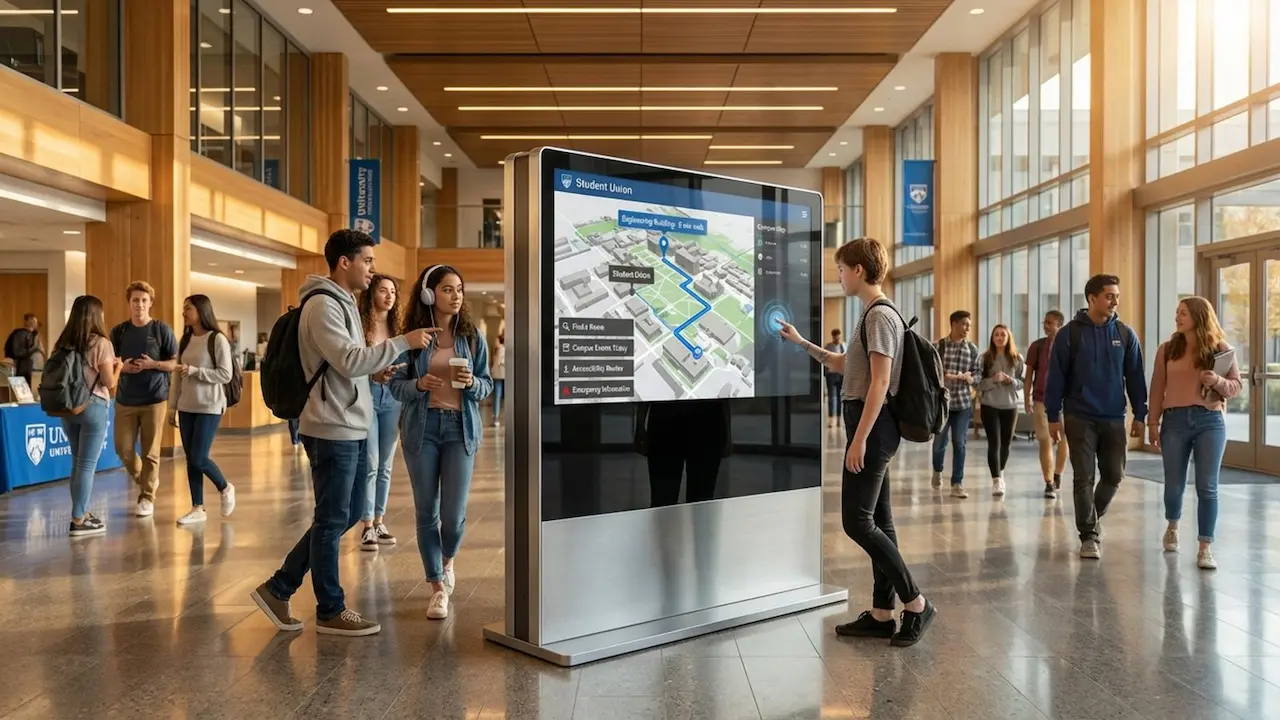
In the past, finding a new lecture hall meant squinting at faded signs or stopping busy staff for directions. Digital signage changes this dynamic by acting as an always-on navigator. Whether it’s a large video wall in the student union or a touch-enabled kiosk at the library entrance, these tools offer a clear, interactive overview of your entire facility. Users can zoom in on specific floors, search for departments, or find the quickest path to a café that might be tucked away in a basement.
Digital wayfinding brings smart decision-making to campus movement. Unlike fixed plaques, it reacts to real-time changes. If a hallway is closed for maintenance or a class is moved to a different wing, you can update the system instantly. This ensures users follow the correct route right now, not the one that was correct three years ago.

Key Differences Between Traditional and Digital Wayfinding
The biggest difference between traditional and digital setups is the ability to update information without re-printing materials. Traditional signage is static-once it is up, changing it requires budget and physical labor. In a busy academic setting where room assignments change often, static signs quickly become outdated. Digital signage software allows you to publish new information from a central dashboard in minutes, keeping your directions accurate.
Digital wayfinding is also naturally interactive. While a printed map is passive, a digital kiosk invites engagement. It can offer step-by-step guidance and present layers of information, such as event schedules or faculty directories. This aligns with the expectations of today’s students, who are used to responsive screens and real-time data rather than static posters.
Why Is Effective Wayfinding Important on Campus?
Benefits for Students, Staff, and Visitors
For new students, the first few weeks often bring significant stress. Between locating classes and figuring out dining options, the sheer size of a campus can be intimidating. Clear digital wayfinding reduces this friction. When students can trust the directions on nearby screens, they can focus on their studies rather than worrying about being late.

Staff and visitors benefit just as much. Faculty members are often interrupted by visitors asking for directions; digital kiosks act as self-service stations, reducing these interruptions so staff can stay focused. For visitors-whether prospective students or guest speakers-a reliable wayfinding system provides a professional welcome and demonstrates that your institution is organized and modern.
Impact on Campus Experience and Engagement
Wayfinding is about more than getting from point A to point B; it supports the discovery of campus life. A digital map can highlight art exhibits, study groups, or green spaces that people might otherwise miss. By making these locations visible and accessible, digital signage encourages students to utilize more of the campus facilities.
A modern navigation system also reinforces your university’s brand. When a campus is easy to navigate, it builds a sense of belonging and comfort. Students who feel supported by their environment are more likely to engage with events and view the campus as a welcoming place.
Core Components of a Digital Campus Wayfinding System
Interactive Kiosks and Touchscreens
Interactive kiosks serve as the primary anchor points for your system. Placed in high-traffic zones like lobbies and transit stops, these screens put users in control. With intuitive menus, people can search directories and view maps. These units should be durable and responsive, designed to handle daily use by thousands of people.
Digital Maps and Real-Time Pathfinding
The digital map is the foundation of the system. Many platforms use 3D maps derived from building plans to create detailed views. These maps provide turn-by-turn directions. In advanced setups, the system creates a clear visual line to the destination, helping users understand exactly how to navigate between floors or across different buildings.
Mobile Integration and QR Codes
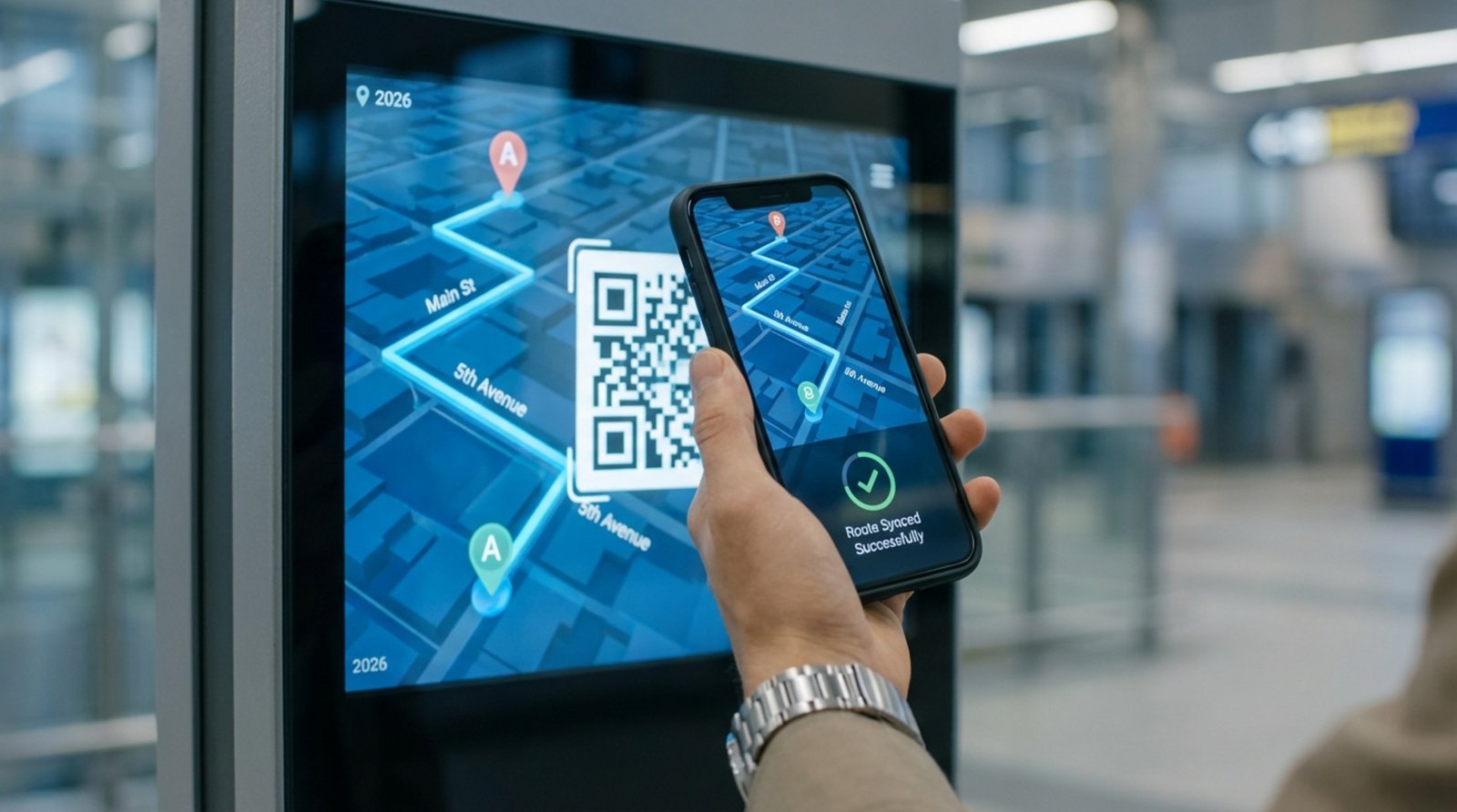
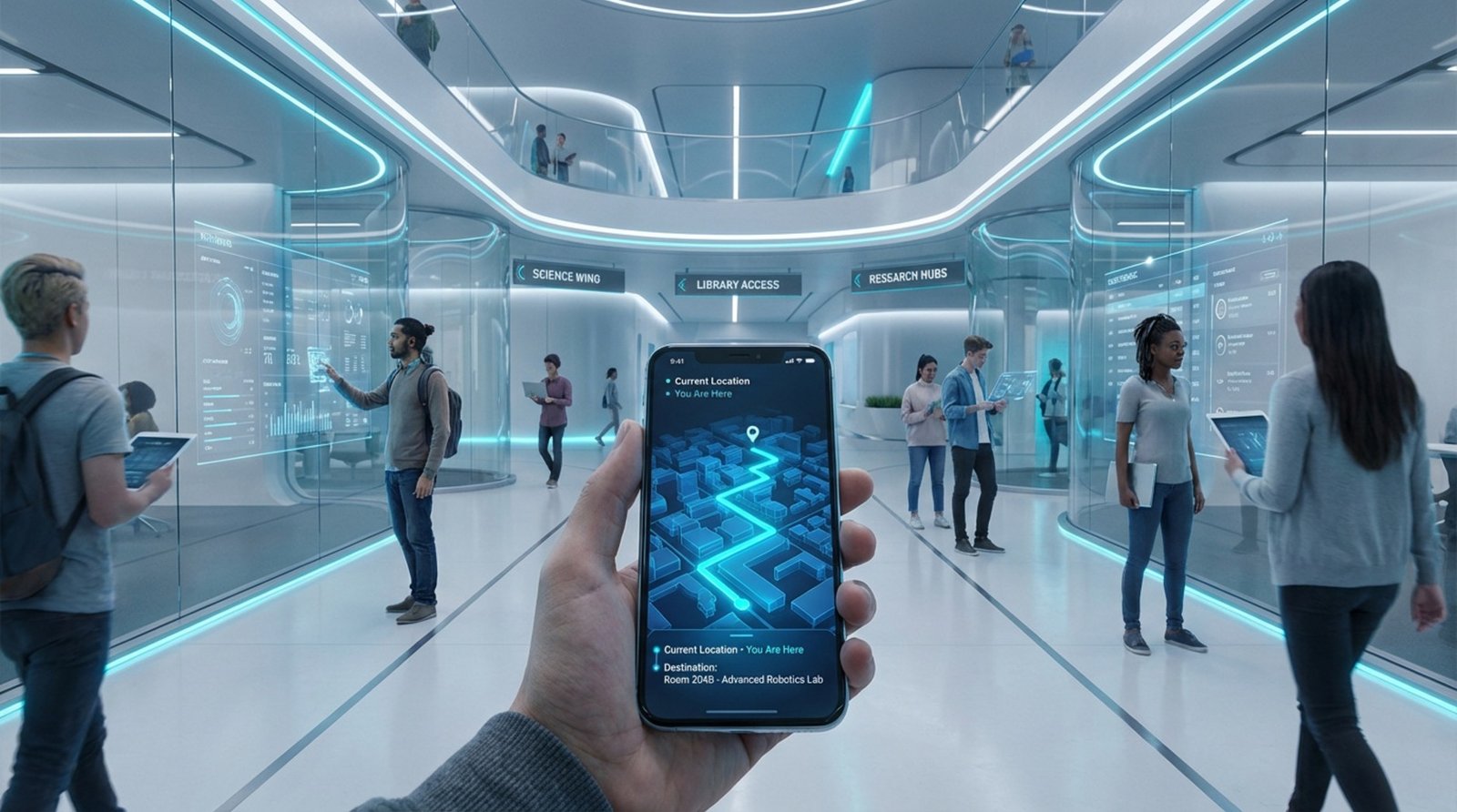
To keep directions useful after a user walks away from a kiosk, mobile integration is essential. By displaying QR codes on your screens, you allow students to transfer the map or route directly to their smartphones. This "no app needed" approach is highly effective because it provides immediate guidance without requiring a download, bridging the gap between shared public screens and personal devices.
Points of Interest and Personalized Routes
Digital wayfinding can filter information to show specific "Points of Interest" (POIs) such as restrooms, ATMs, charging stations, and cafeterias. You can also offer route options based on user needs. A student might look for an indoor route to avoid rain, while a visitor might prefer a scenic path through the quad.
Emergency Communication and Safety Alerts
Safety is a critical function of digital signage. During emergencies, such as severe weather or security alerts, wayfinding screens can instantly override standard content to display emergency protocols. They can show evacuation routes and safe assembly points, ensuring vital information reaches everyone, even those who may have missed a text alert.

Multi-Language Support and Accessibility Features
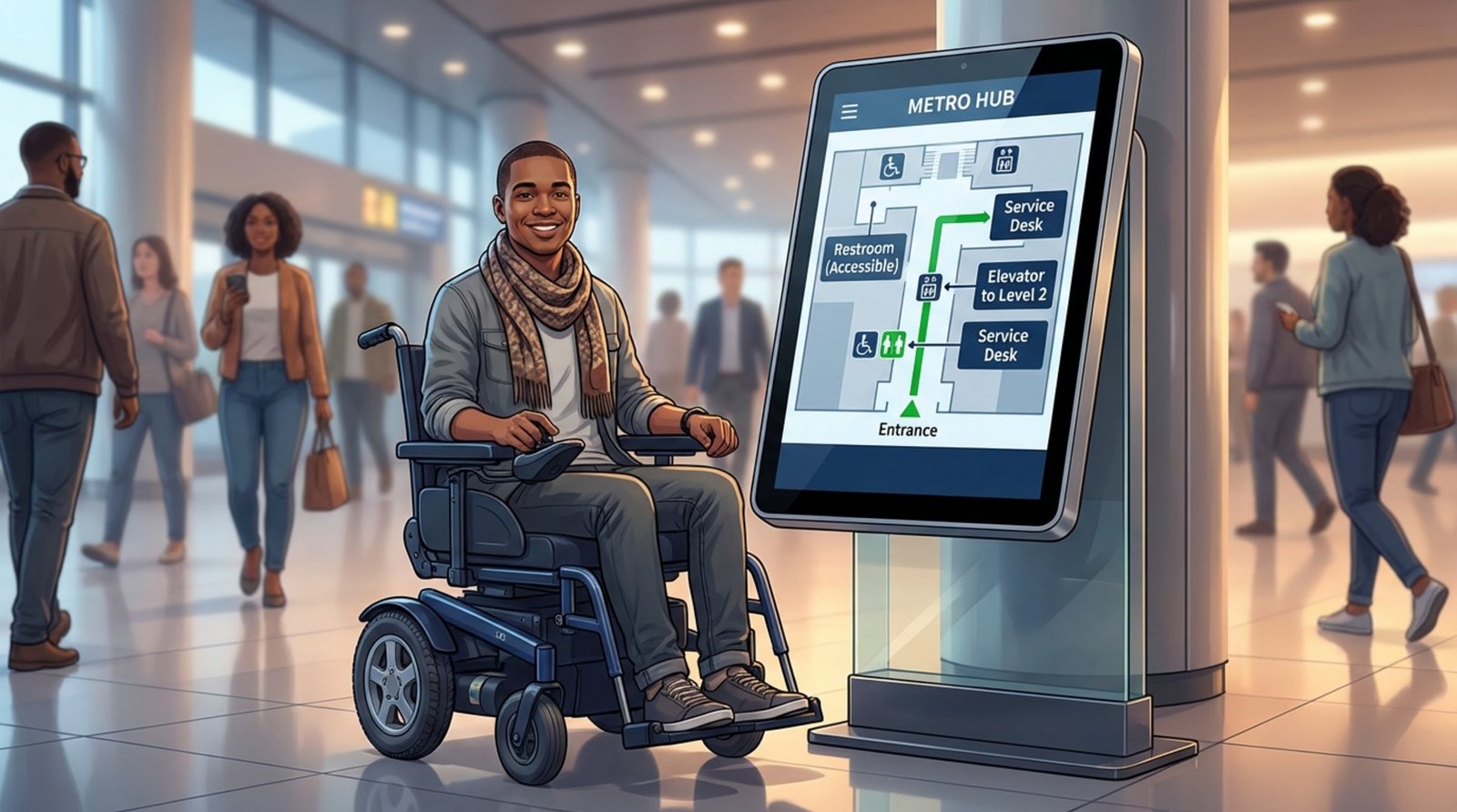
To serve a diverse campus population, your system should support multiple languages. With a simple tap, the interface can switch to accommodate international students and guests. Accessibility features, such as high-contrast modes and adjustable text sizes, ensure the system is usable for people with visual impairments. Hardware placement is also key; screens must be mounted at heights accessible to wheelchair users.
Accessibility and Inclusivity in Campus Digital Wayfinding
Designing for Visual, Auditory, and Mobility Needs
Accessibility should be a priority, not an afterthought. For students with mobility challenges, a map that directs them to a staircase is unhelpful. Digital wayfinding can provide routes that prioritize elevators and ramps. When a user selects an accessibility option, the system calculates a path that avoids barriers, ensuring an equitable experience for all.
For users with visual impairments, clarity is essential. This means using high-contrast color schemes and large, legible fonts. Screens should be positioned to avoid glare and placed where they are easily visible from various angles.
Voice Guidance and Touch-Free Options
To support users with low vision, some kiosks include voice guidance, offering audio instructions alongside visual cues. Touch-free options, such as voice commands or gesture controls, are also becoming more common, allowing users to interact with the directory without physical contact-a feature that supports hygiene protocols as well.
Supporting Multiple Languages and Assistive Technologies
Inclusivity extends to language. Multilingual interfaces help international students and visitors navigate confidently. Some systems can also integrate with assistive technologies, such as hearing loops or tactile indicators near kiosks, creating a comprehensive support network for users with varying needs.
How Does Digital Wayfinding Improve Campus Communication?
Instant Messaging and Event Updates
Wayfinding screens are prime real estate for campus communication. When not actively being used for navigation, they can display deadlines, club meeting times, or guest lecture announcements. Because these screens are located in high-traffic areas, they catch the eye of students who might ignore email blasts or cluttered bulletin boards.
Unifying Communication Across Multiple Buildings
A centralized digital signage platform allows you to maintain consistent messaging everywhere. Instead of relying on individual departments to post updates, you can push a single "University News" playlist to every screen on campus. This ensures that a student in the science lab sees the same critical information as a student in the arts center.
Boosting Engagement With Dynamic Content
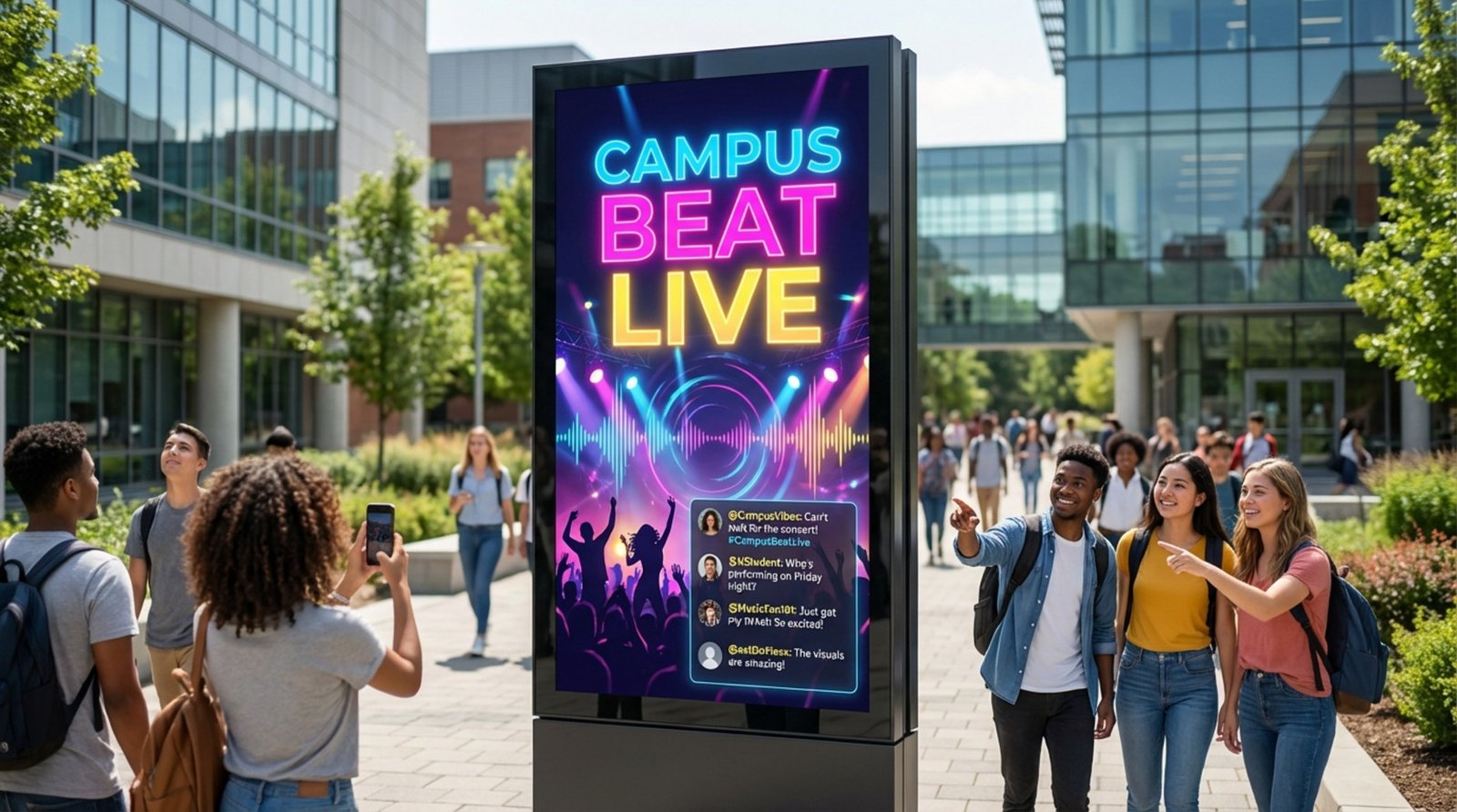
Digital displays capture attention far better than paper. You can use animation, video, and live feeds to draw the eye. Featuring student achievements, research highlights, or game-day countdowns turns your wayfinding screens into active communication channels that build school spirit.
Implementing Digital Wayfinding: Steps and Best Practices
Choosing Hardware and Software Solutions
Selecting the right platform is the first step toward a successful rollout. You need a solution that balances power with ease of use. Look Digital Signage is designed to support complex campus environments without requiring a heavy IT lift. With the Look CMS, you can manage content remotely from any browser.
For navigation specifically, Look's Interactive Scenarios allow you to build touch-enabled directories and menus without writing code. You can also use Screen Layouts to display a map on one side of the screen while running announcements or weather widgets on the other. Whether you use the Look HDMI Player for plug-and-play reliability or install the Look App on your existing smart screens, the setup is flexible enough to scale from a single lobby to hundreds of classrooms.
Integration With Campus Data and Real-Time Services
For a system to be truly useful, the data must be accurate. Connecting your signage to existing data sources, like room scheduling software or event calendars, keeps content fresh automatically. When a student searches for a lecture hall, the system should ideally indicate if the room is currently occupied or if the schedule has changed.
Customization for Branding and User Experience
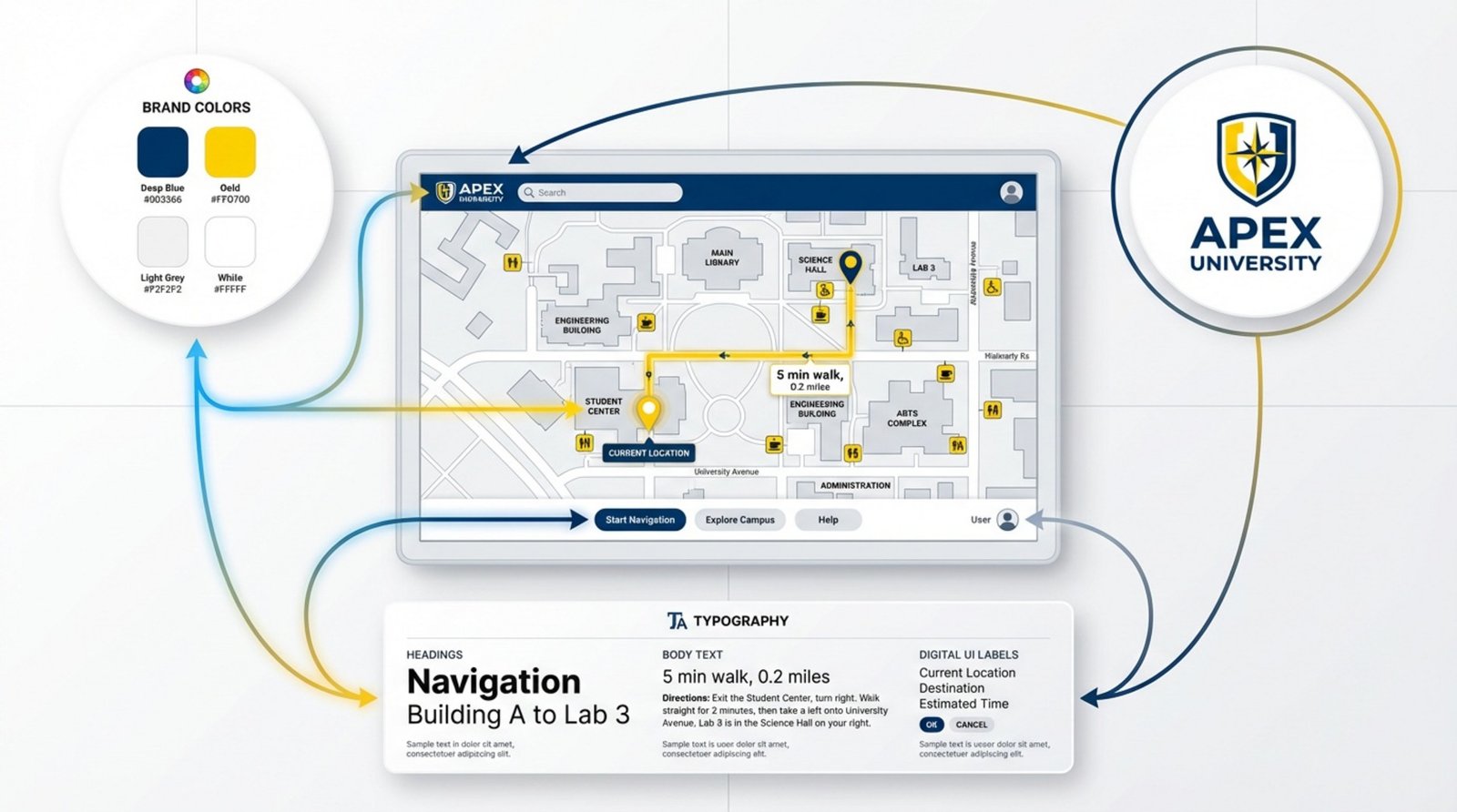
Your wayfinding system should reflect your university’s identity. Use your school colors, logos, and standard fonts to create a cohesive look. However, ensure that branding does not compromise usability. The interface must remain clean, with clear labels and intuitive navigation buttons.
Maintenance, Updates, and Security Considerations
Launch is just the beginning. You need a plan for regular hardware checks and software updates. Security is paramount; ensure your network is secure to prevent unauthorized access. Regularly review your points of interest data to ensure that moved offices or closed cafeterias are updated in the system immediately.
Measuring Success: Key Metrics for Digital Campus Wayfinding
Visitor Satisfaction and Navigation Efficiency
Success is best measured by user experience. You can gather feedback through quick on-screen surveys. Are visitors finding their way more easily? Has the volume of directional inquiries at the information desk decreased? Tracking these trends helps you understand the practical impact of the system.
Operational Efficiency and Cost Savings
Moving from print to digital often results in tangible savings. Calculate the reduction in printing costs and the staff hours saved by managing updates centrally. Comparing the time it takes to update a digital map versus replacing physical signage across campus can demonstrate a clear return on investment.
Campus Safety and Emergency Response Time
In terms of safety, success is measured by speed and reliability. During drills, verify how quickly emergency alerts propagate to all screens. High uptime and reliable playback during critical moments are essential metrics for any safety-integrated system.
Engagement and User Interaction Data
Using tools like Playback Analytics in your CMS, you can track performance data. See which kiosks are used most frequently, which search terms are most common, and what times of day see the highest traffic. This data allows you to optimize screen placement and adjust content to better serve the campus community.
Future Trends in Campus Digital Wayfinding
Indoor Positioning and Real-Time Navigation
The future of wayfinding involves precise indoor positioning. Similar to GPS for the outdoors, Indoor Positioning Systems (IPS) using Bluetooth or Wi-Fi will enable "blue dot" navigation inside buildings. This allows students to see their real-time location moving on a map as they walk through hallways, significantly reducing confusion in complex facilities.
Integration With Smart Campus Technology
As campuses become smarter, wayfinding will connect with broader systems. A kiosk might show not just where the library is, but how many seats are currently available. This turns signage into a real-time resource dashboard, helping students plan their study time more effectively.
Personalization Through Data and AI
Artificial Intelligence will eventually enable more personalized guidance. Based on time of day or academic schedules, a system might suggest the fastest route to a user's next class or highlight relevant events nearby. As these tools evolve, wayfinding will shift from a passive map to an active assistant.
Frequently Asked Questions About Digital Campus Wayfinding
How Often Should Digital Maps Be Updated?
Updates should happen as soon as changes occur. With cloud-based solutions like Look CMS, you can update building names or room functions instantly. It is also good practice to conduct a full audit of your map data before the start of each semester to ensure accuracy.
Can Digital Wayfinding Be Used Outdoors?
Yes, but it requires specialized hardware. Outdoor kiosks must be weather-resistant and feature high-brightness screens to remain readable in direct sunlight. These units are vital for guiding visitors from parking lots to main campus buildings.
Do Digital Signage Systems Protect User Privacy?
Most wayfinding systems are designed with privacy in mind. They typically collect anonymous usage statistics-such as total searches for "Admissions Office"-without tracking individual users. When using QR codes to transfer maps to mobile, the interaction usually does not require personal data collection.
Investing in digital wayfinding supports a modern, accessible campus environment. These tools do more than provide directions; they streamline operations and improve the daily experience for students and staff. By adopting a flexible system that allows for remote management and easy updates, universities can ensure their campus remains a welcoming, easy-to-navigate space for everyone.