

Table of Content
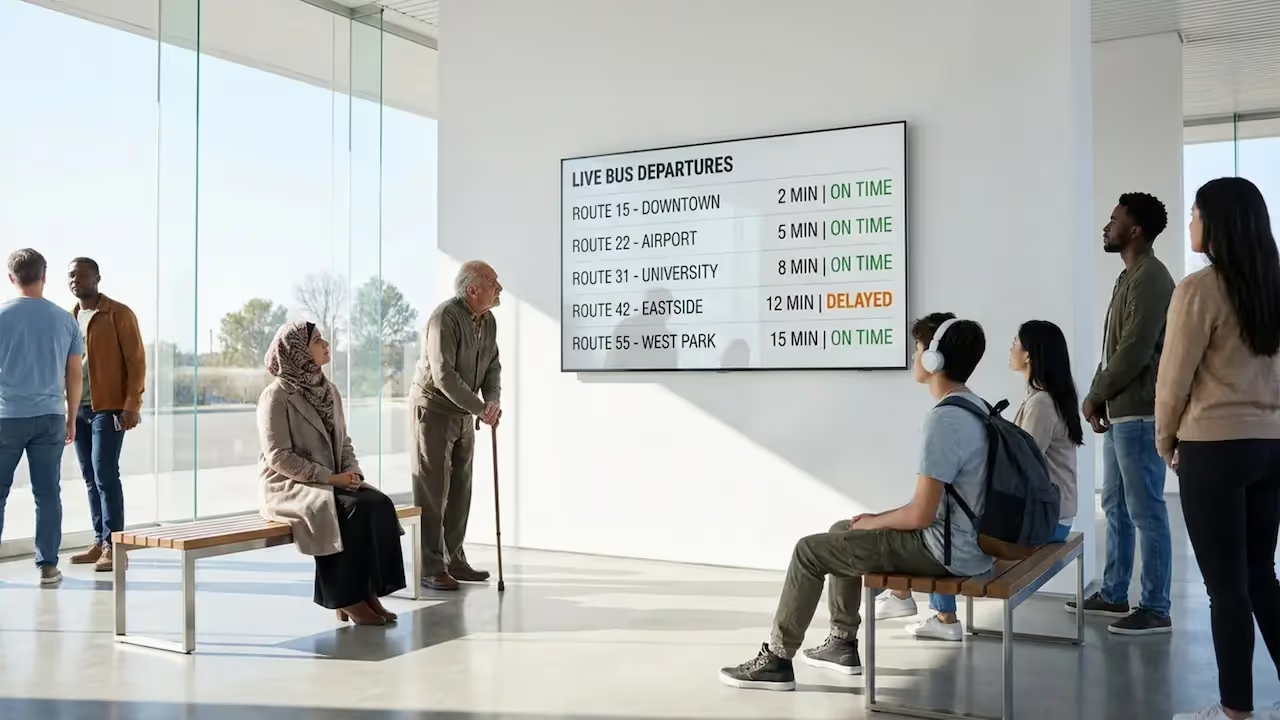
How do transit operators reduce passenger wait-time anxiety and share live updates instantly? By using passenger info screens powered by cloud-based digital signage software. These connected displays replace printed timetables with real-time arrivals, weather alerts, and route changes, helping you keep your stations running smoothly, lower staff workload, and keep passengers fully informed from anywhere.
Passenger Info Screens at Bus Stations with Digital Signage: Purpose and Overview
What Are Passenger Info Screens?
Passenger info screens are smart displays placed at bus stops, shelters, and terminals. They show up-to-date information to people waiting for a ride. Unlike paper schedules that get outdated the moment a route changes, these screens update in minutes. You can use different hardware options, such as bright outdoor LCD screens, LED panels, or low-power e-ink displays. Because they connect to live data, they give passengers a clear, accurate view of the transport network.
These screens work as a data-driven system. When buses use GPS tracking, the display estimates arrival times and refreshes them constantly. It factors in real conditions like traffic jams or roadworks, ensuring the screen shows what is actually happening on the street.
Why Are Digital Signage Solutions Used at Bus Stations?
Bus stations use digital signage to solve a major pain point: communication. Digital signs provide live updates, clear directions, and consistent messaging. When people see accurate, reliable playback of their bus times, they trust the service more and ask staff fewer questions.
Digital signage also saves your team hours of manual work. Instead of driving to locations to replace printed posters, you can handle remote updates from one simple dashboard. You can even run paid ads on these screens to prove ROI and bring in extra revenue for the station.
Types of Passenger Info Screens in Bus Stations
Outdoor LCD Displays
Outdoor LCD displays are the standard for open-air bus stations. They are built with high brightness to stay readable in direct sun. They come in sealed, weather-rated cases to handle rain, snow, and dust, making them perfect for reliable playback of route maps and alerts outside.
LED Digital Signage
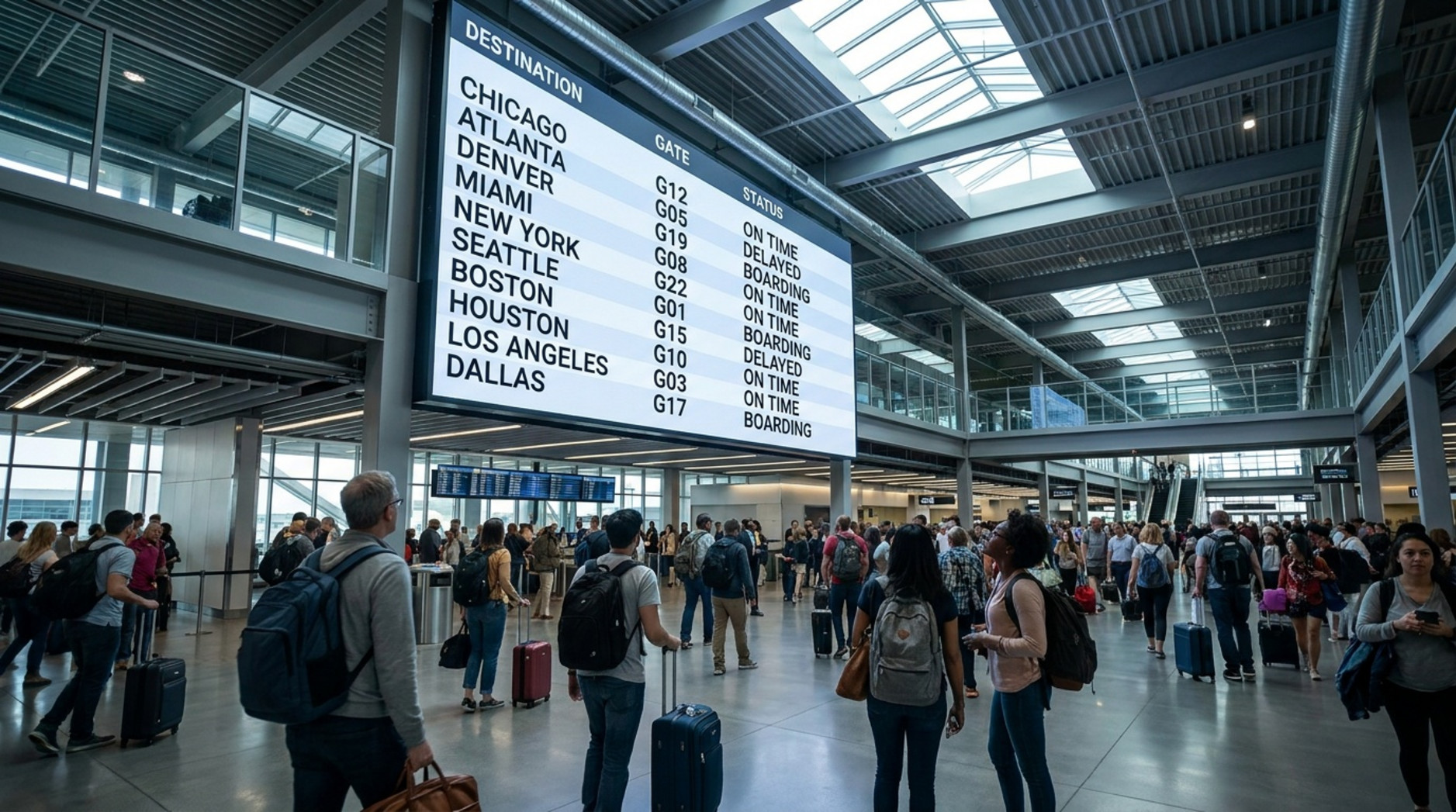
LED displays are the go-to choice for large terminals and major hubs. They are incredibly bright, have strong contrast, and scale to huge sizes. In crowded stations, they help you share key information fast so passengers can see departure boards from far away.
E-ink Displays for Low-Power Applications
E-ink (or e-paper) displays reflect light like paper. They are easy to read in bright sun and use very little energy, only drawing power when the content changes. This makes them a smart choice for rural stops or places running on solar power where a standard screen is not possible.
Interactive Kiosks and Touch Screens
Interactive kiosks let passengers take control of their journey. People can look up detailed routes, buy tickets, or check in. Using interactive scenarios, you can build wayfinding experiences or QR codes into the screen, reducing the need for staff help at the front desk.
Video Walls for Large Hubs
In very busy stations, video walls act as the main information hub. Using custom screen layouts, you can split the display into multi-zone content-showing live arrival times in one zone, a dynamic map in another, and urgent alerts at the bottom.
Key Features of Digital Passenger Info Screens
Real-Time Bus Arrivals and Departure Information
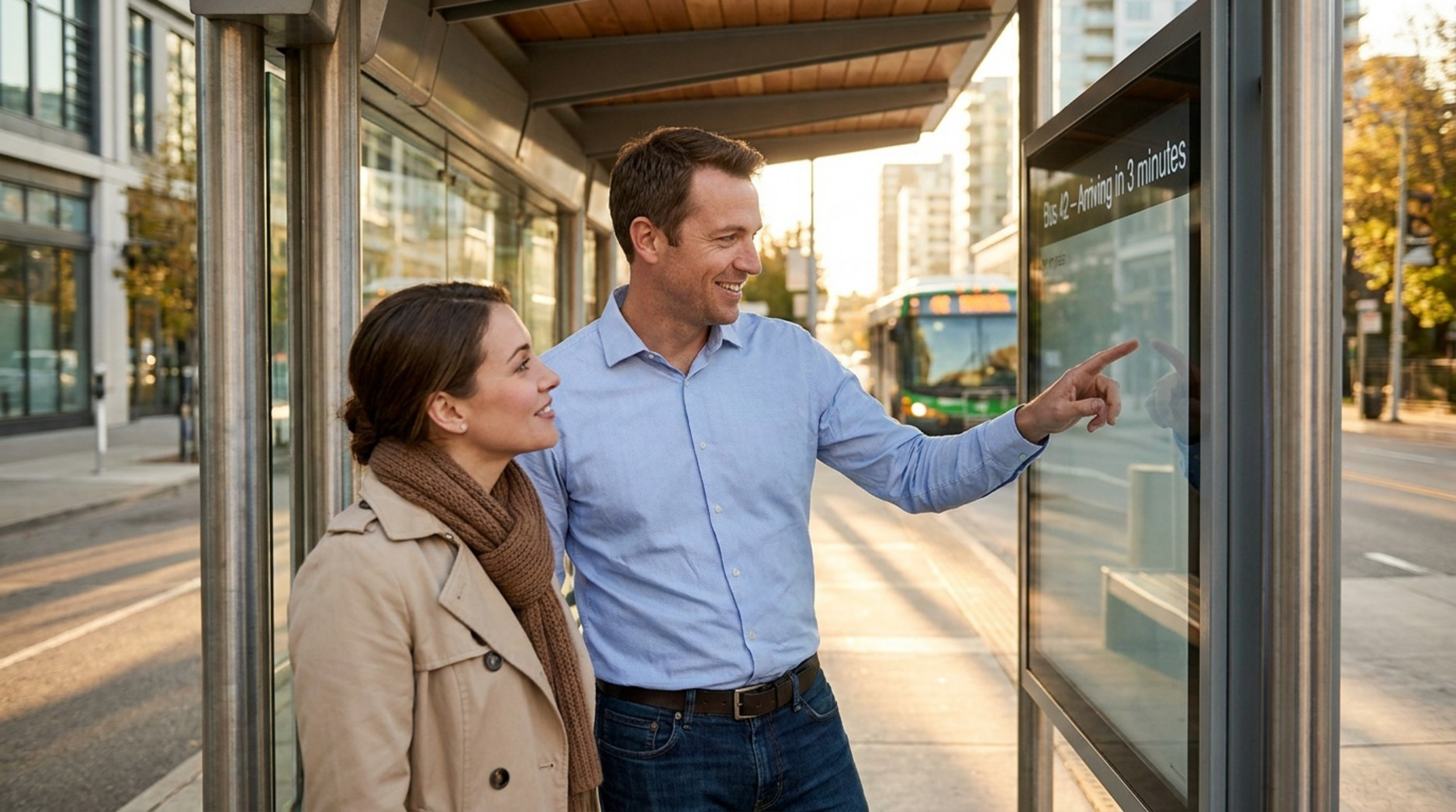
This is the most critical feature. Instead of guessing, passengers see current times, delays, and route changes. The system automatically pulls vehicle data to update arrival predictions, which makes waiting feel much shorter.
Dynamic Route Maps
Dynamic route maps highlight active detours and explain connections to other transport lines. This helps tourists and new riders understand their travel options quickly without getting lost.
Live Service Alerts and Updates
Schedules change fast. Digital screens let you publish alerts about delays or cancellations in real time. This keeps your messaging consistent and lets passengers adjust their plans before they get frustrated.
Weather and Emergency Messaging
You can use digital signage for safety. Built-in widgets can pull live weather conditions, while manual overrides let you push urgent warnings and emergency instructions across your whole network instantly.
Accessibility Features for All Passengers
Public transit must work for everyone. You can support accessibility by using high-contrast layouts, large fonts, multiple language options, and audio announcements for passengers with visual impairments.
How Digital Signage Improves the Passenger Experience
Accurate and Timely Information Reduces Uncertainty
Waiting without knowing when the bus will show up creates stress. When screens display live updates, people feel confident. They can decide to grab a coffee or wait on the bench. Predictable trips lead to happier passengers.
Wayfinding: Easier Navigation Around Bus Stations
Large hubs can be confusing. Digital signs help guide the way by showing maps, platform numbers, and connection details. When you combine bus, train, and tram details on one screen, you clear up confusion and help people move faster.
Multilingual Support for Diverse Audiences
City stations serve diverse populations. Digital signage handles this easily by rotating announcements in different languages on a set schedule, making the system friendlier for both locals and tourists.
Enhanced Safety and Security Communication
In an emergency, clear next steps are vital. Screens can display safety alerts and guide crowds away from danger zones. Fast, visual messaging is one of the most effective ways to manage a crisis in a physical location.
Reduced Congestion and Improved Passenger Flow
During rush hour, stations get packed. Signs help manage the crowd by announcing platform changes early. When passengers know exactly where to go, they naturally spread out and avoid bottlenecks.
Digital Info Screen Deployment in Different Transit Environments
Urban Bus Stations and Transit Hubs
City centers need big, clear signage. Video walls show live data for multiple transit types, keeping high-traffic areas moving smoothly and reducing the burden on customer service staff.
Rural and Suburban Bus Stops
On low-frequency routes, missing a bus means a long wait. Digital signage gives rural riders accurate arrival times. If power limits prevent big screens, smaller displays paired with QR codes let passengers check live arrivals on their phones.
University and Corporate Campus Shuttle Systems
Campuses often run private shuttles. Digital screens connect with campus systems to show live shuttle tracking, cutting wait times for students and staff. You can also mix in campus news and event reminders.
Custom Solutions for Accessibility and Community Needs
Hardware and software can adapt to the community. Some towns install transport screens at local hospitals or high streets to promote green travel, showing residents how close the next bus is before they even step outside.
Content Management and System Integration for Bus Station Signage
How Data Is Collected and Transmitted to Screens
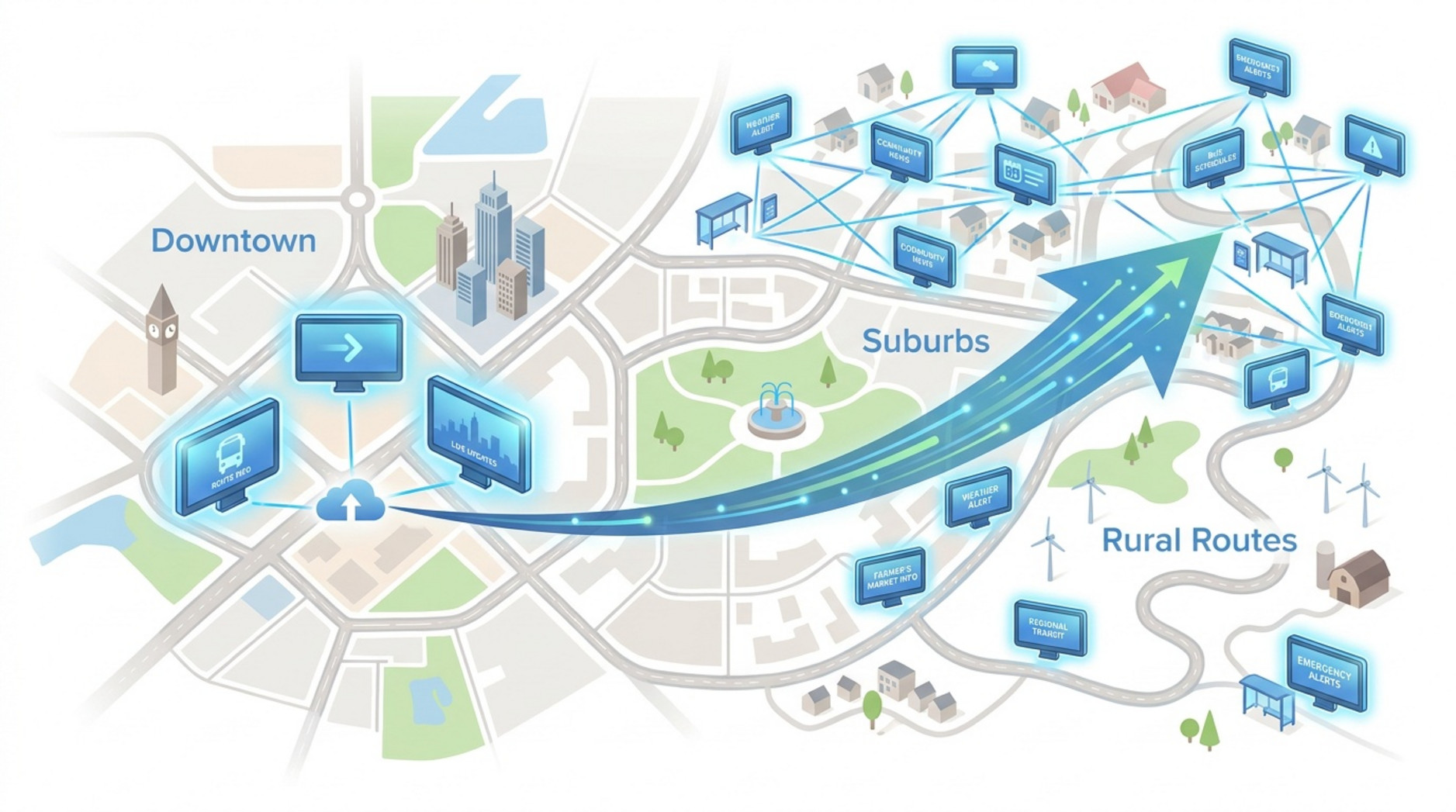
GPS-enabled buses send their location to central servers, where software calculates arrival times. Once processed, updates are sent out using a cloud-based digital signage software platform like the Look CMS. This central dashboard lets operators manage every screen remotely. When you update a route, the screens sync automatically.
Centralized Content Updates and Scheduling
With remote management, your team stops wasting time on physical updates. From a single office, you can build a playlist and push it to one or thousands of displays in minutes. By using Smart Scheduling, you can automate what plays, when, and where, setting up dayparted content so the screens run on autopilot.
Tailoring Messages by Time of Day and Events
Good signage delivers the right message at the exact right time. Using scheduling tools, you can focus on rapid service updates during the morning rush hour and switch to safety reminders or paid advertising during quiet late-night shifts. During major city events, you can automatically swap in special detour maps.
Integration with Ticketing and Scheduling Systems
To run a smart station, your signage should talk to your other tools. Using Integrations (API, Zapier, Embed), your screens can automatically pull live GTFS-realtime feeds. If a bus gets delayed in your tracking system, the display updates on its own without manual data entry.
Challenges and Considerations for Implementing Digital Signage at Bus Stations
Operating in Extreme Weather and Vandalism Risks
Outdoor screens face rough conditions. They must handle freezing cold, heavy rain, and direct sun. Hardware needs weather protection (like ) and impact resistance (like ) to survive vandalism and keep running reliably.
Technical and System Integration Complexities
Connecting software, screens, and transit data can be complex. Choosing a platform with no complex setup that naturally accepts third-party data feeds helps your IT team avoid frustrating deployment delays.
Power and Connectivity Requirements
Internet connections will sometimes drop, especially at remote stops. To prevent blank screens, you need a system with Offline Playback. This local caching ensures your screens keep playing their scheduled safety videos or static schedules even during network downtime.
Cost Factors and Funding Opportunities
Deploying screens requires budgeting for hardware and software subscriptions. However, you can offset these costs and prove ROI by using the screens as an advertising network, running sponsored content alongside your bus schedules.
Ensuring Accessibility and Compliance
Your network must serve the whole community. When designing your templates and layouts, you must account for large text, high contrast, and proper physical mounting heights for wheelchair access.
Practical Advice for Choosing and Installing Passenger Info Screens
Selecting the Right Display Technology for Your Location
Different locations require different screens. Outdoor LCD is best for sunny street stops. LED is perfect for giant indoor terminal boards. E-ink works well for off-grid stops. Match the hardware to the environment to avoid replacing broken screens later.
Installation and Maintenance Best Practices
Always start with a site survey to check power and mounting options. Once installed, ongoing maintenance is easy if your software supports remote device monitoring. Train your staff to use the CMS so they can comfortably send alerts or fix typos without calling IT.
Scaling and Future-Proofing Digital Signage Networks
Start small, scale smoothly. You do not have to digitize every stop on day one. Start with your busiest hubs.
Look Digital Signage is an ideal solution for transit teams looking to upgrade. It is designed to help you manage content from anywhere with no complex setup. By combining the Look CMS for multi-screen remote management, Smart Scheduling to automate daily route changes, and Offline Playback for total reliability, Look helps you build a stable, data-driven communication network. Start a free trial to try it on a demo screen first, and see how fast you can get your first station live.
Frequently Asked Questions about Passenger Info Screens at Bus Stations
How Often Do Bus Station Digital Screens Update Information?
Most displays update in real time, often every few seconds. The goal is to keep arrival times and alerts completely accurate so passengers always know the status of their trip.
Can Digital Info Screens Operate in Bright Sunlight and Nighttime?
Yes. Outdoor screens are built specifically for changing light. They use ultra-bright panels and automatic brightness sensors to remain readable at noon and comfortable to look at midnight.
Are Digital Bus Info Screens Tamper-Proof?
While nothing is completely indestructible, public screens are built tough. They use secure mounts and impact-resistant glass to survive busy street environments and keep your network running smoothly.
Looking Ahead: The Changing Role of Digital Signage in Public Transit
Smart City Integration and Digital Transformation
Bus screens are becoming vital smart city hubs. Beyond transit times, these displays can show live air quality data or neighborhood emergency alerts. Connecting transit data with wider city data helps operators run a more efficient, data-informed network.
Emerging Technologies in Passenger Information Delivery
The future of transit signage is focused on data. Predictive analytics can help screens automatically suggest alternative routes the moment a disruption happens. Over time, digital signage will continue to evolve from simple departure boards into active, reliable tools that make daily travel faster and much easier to manage.





