🚏 BUS STOP DIGITAL SIGNAGE

Bus Stop & Station Digital Signage

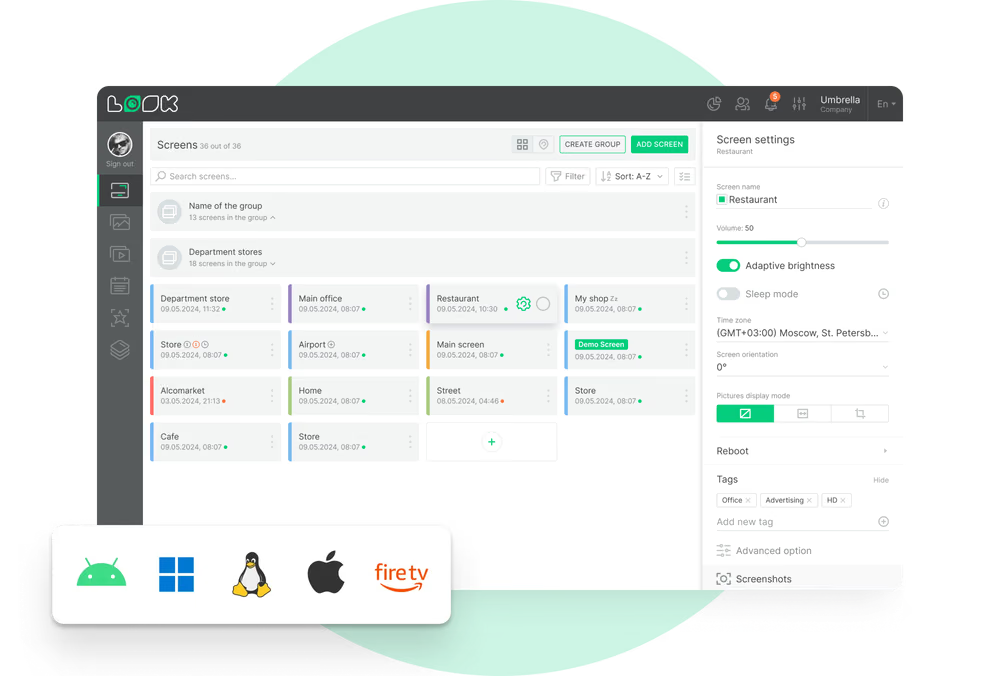
A timetable changes. Do you really send someone out to two hundred stops? Look Digital Signage puts every shelter, bay and station screen in one browser window, so you publish to one stop or to the whole network and check what is on screen without leaving the office.

Publish to one stop or the whole network

Group screens by route, area or display type, then send each stop the content it should be showing.

Check a roadside screen from the office

See up to twelve screenshots a day per screen, and get an alert the moment a player drops off.

Reliable playback through a lost connection

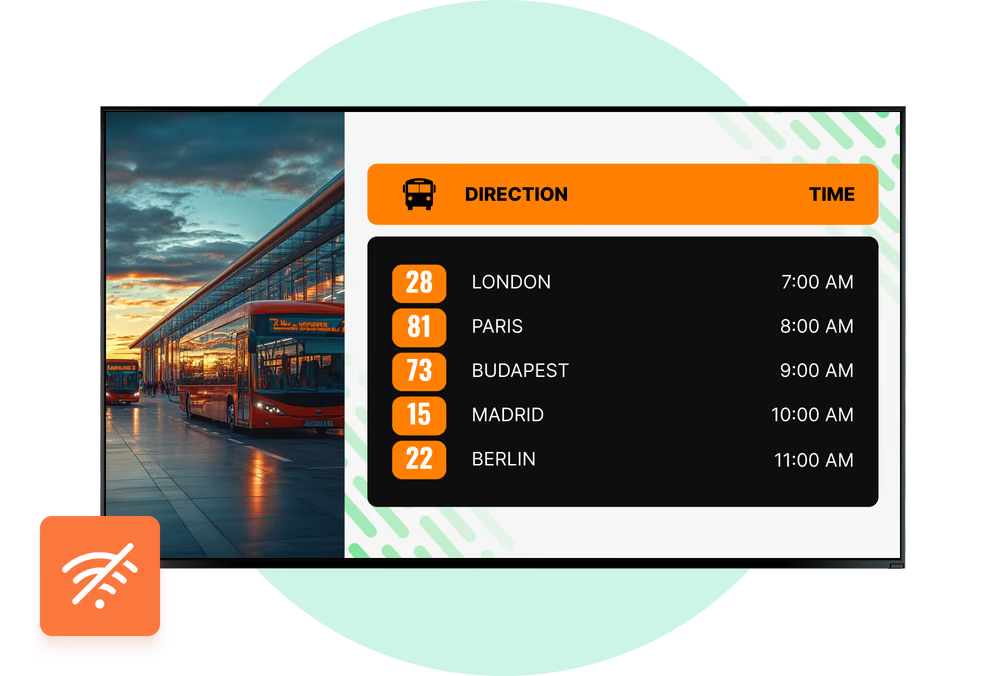
When a roadside connection drops, cached images and videos continue playing.
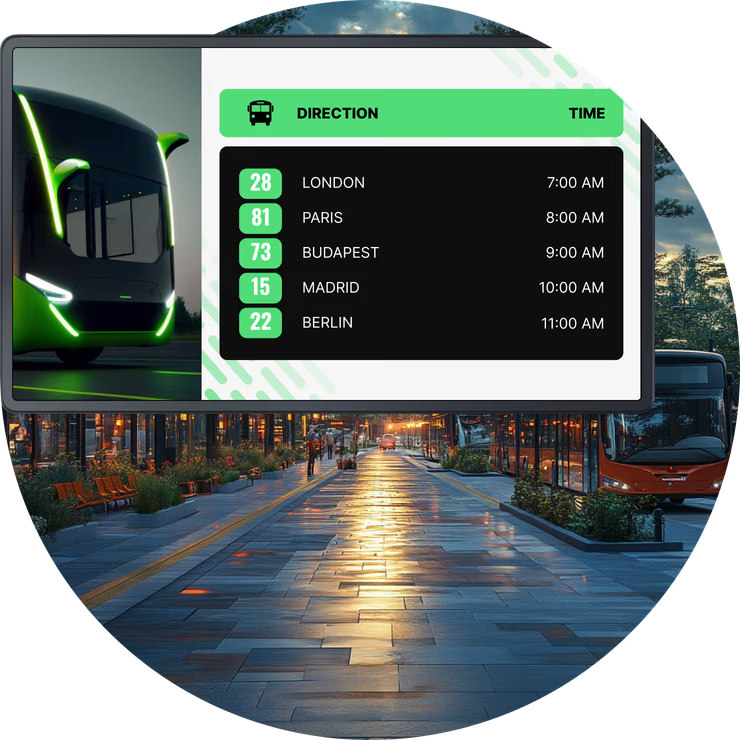
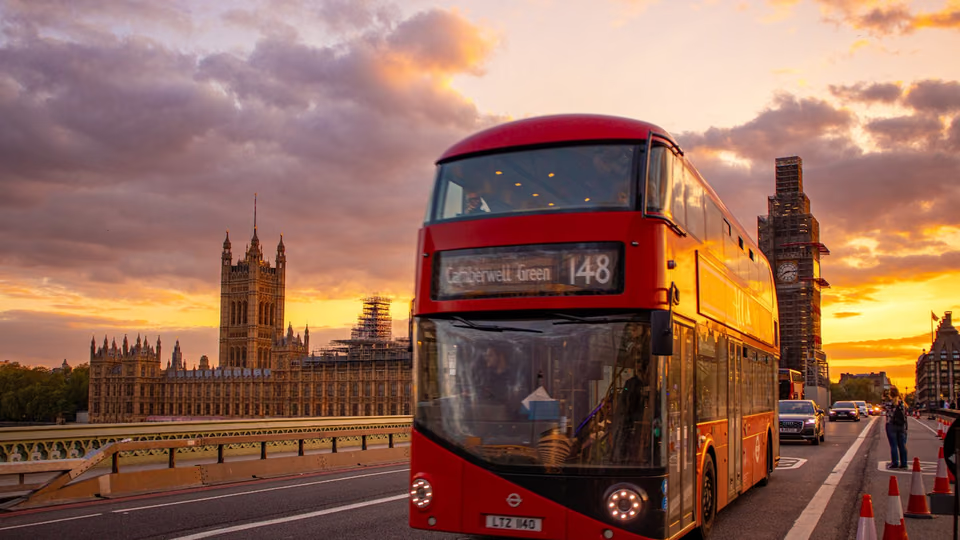
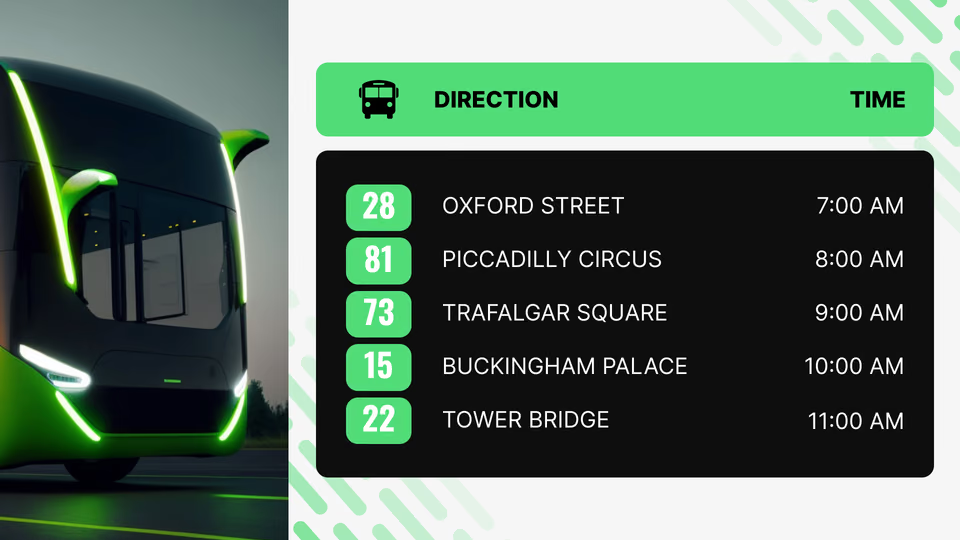
Direction and time departures board screen above a busy bus lane at dusk
  • No credit card required. From $6 per screen/month with volume pricing.

  • Runs on Android, Windows, Linux, Tizen, webOS, Raspberry Pi and more.

  • 24/7 in-app support from real people.

Captera Rating
4.9
G2 Rating
5.0
60 000+
Screens
11 000+
Users
120+
Countries
Capterra Best Value · G2 High Performer
Software Advice · Customer Support 2026

Run every stop, shelter and station from one browser

Bus stop digital signage hands transit operators, municipalities and shelter concessionaires one set of controls for timetables, service alerts, route information and advertising across their roadside screens.
Nothing gets printed, laminated or driven out to site. Group stops by route or area, give each location its own departures, notices and campaigns, then publish from a browser, whether the network runs to ten stops or two hundred.

Sound familiar?

    • A red cross inside a black circle

      Laminated timetables out of date at once

    • A red cross inside a black circle

      No way to tell if a stop screen is dark

    • A red cross inside a black circle

      A van sent out to change one sheet

    • A red cross inside a black circle

      Every stop needs its own route list

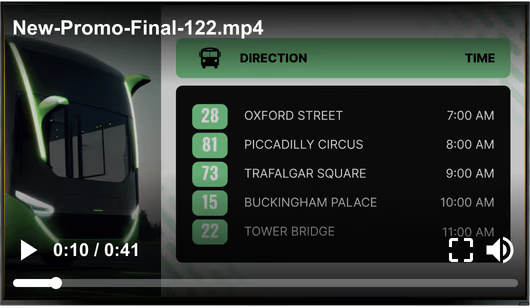
Generic stock promo video overlay playing over a bus stop promotion screen Black USB flash drive with 4 GB storage capacity

What you get with Look

    • One dashboard for the whole network

    • Remote screenshots and player alerts

    • Each stop gets only its own routes

    • Cached playback through connection loss

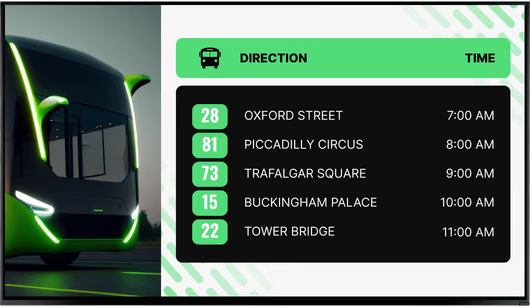
Clean bus stop promotion screen without the video overlay Green shield icon with a white check mark
Try with demo screen now
Run demo screen right in your browser

From one shelter screen to the whole network

Connect a player, build a playlist, publish. Every new stop joins the same account through those same three steps, so the routine does not change as the network grows.
  • Connect the screen at the stop

    Install the Look App on the player inside the enclosure, or plug in the Look HDMI Player. The display shows a 6-digit code; enter it to pair.
  • Build and schedule your content

    Sort timetables, service notices and advertising into playlists, then let Smart Scheduling switch them by hour, by weekday and by each site's own time zone.
  • Publish to the stops you choose

    Publish from any browser to one shelter, one route or every stop in the network. Screen tags decide which playlist lands on which screen.
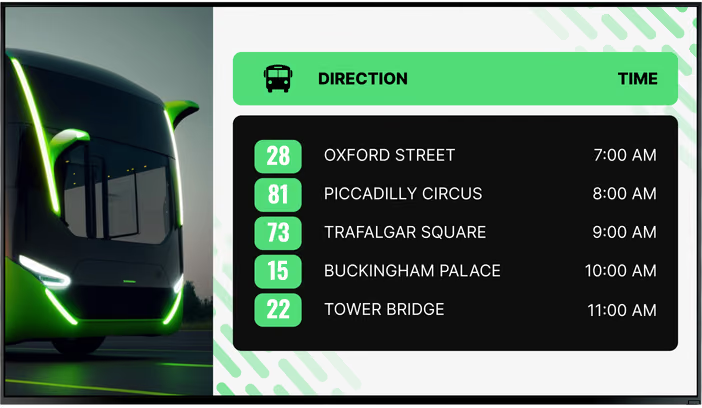
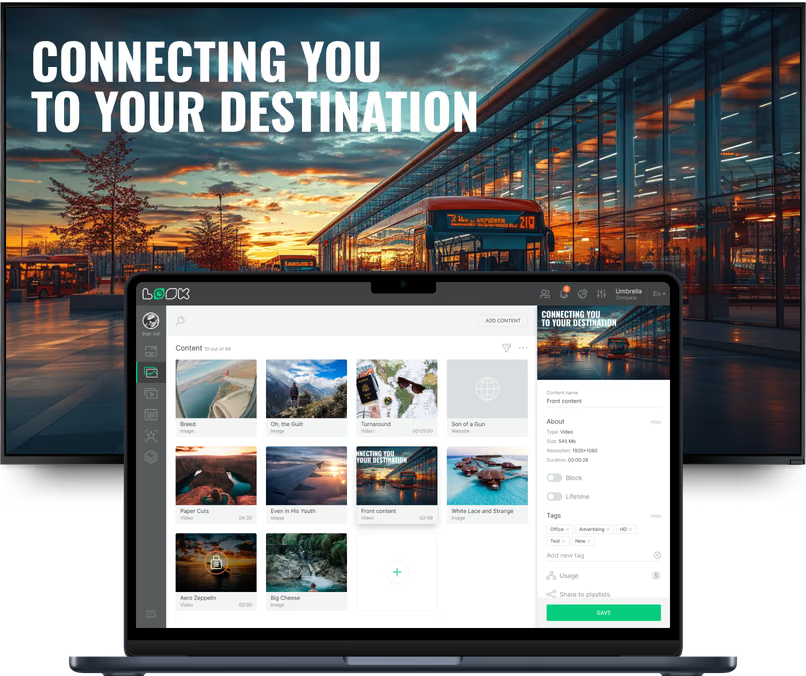
Direction and time departures board screen with five London routes See the Highlights guided tour promotion screen with a Zapier integration badge and QR code Laptop with the Look content editor showing a media library and Connecting You To Your Destination video preview

Digital signage for every kind of bus stop and station

A roadside pole on a village lane is not the same job as a covered transit center. Look handles both from one account. Routes, schedule, publishing permissions: each location keeps its own.

Roadside stops and flag poles

Next departures, right where passengers wait.
A compact roadside display only has a few questions to answer. When is the next bus, which routes stop here, what does it cost, is anything diverted. Route-based tags keep each screen on its own lines.
Players run on Android, Linux or Raspberry Pi inside any compatible roadside enclosure. Lose the mobile signal and cached images and videos carry on until it comes back.
Best for: Next departures, route lists, diversions, fares, stop-specific notices

Shelters on busy streets

Passenger information, and ad space you can sell.
A lit shelter panel earns its keep twice over. Passenger information and paid advertising share the same glass, sitting in one playlist, each scheduled by daypart.
Advertisers will ask what actually ran. Proof-of-play answers that: pull a per-device report of what played and when, or fire a webhook the moment a spot starts and again when it ends.
Best for: Timetables, service alerts, advertising, city notices, playback reports

Bus station concourses

Every departure, in one place.
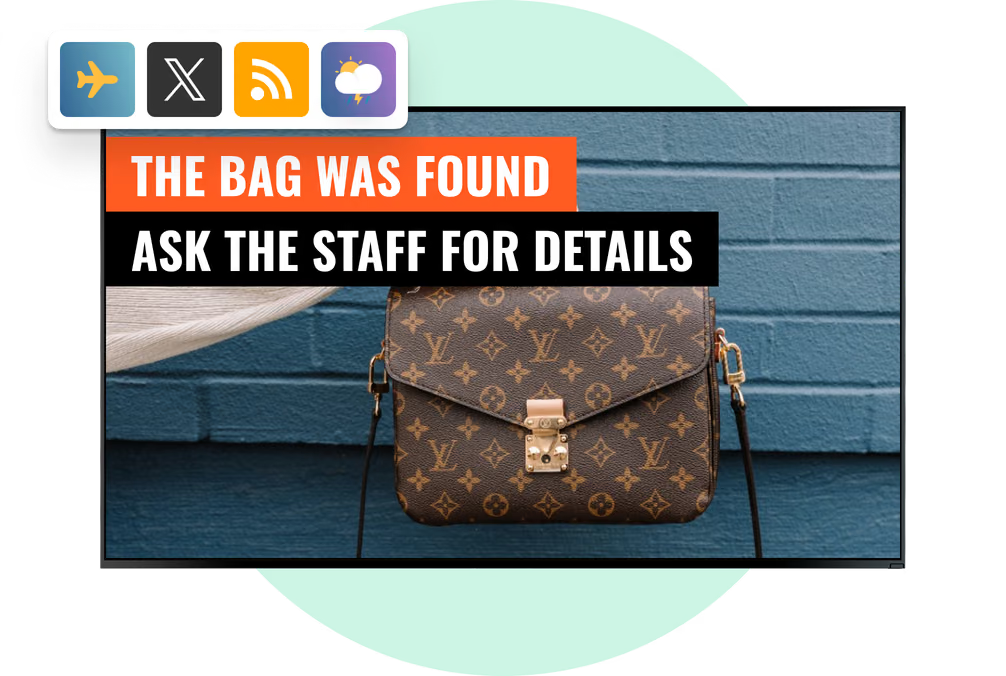
A concourse screen carries the whole board: bay numbers and departure times, delays and cancellations, accessible routes and assistance points, lost-and-found notices. Live news too, for the people waiting on it.
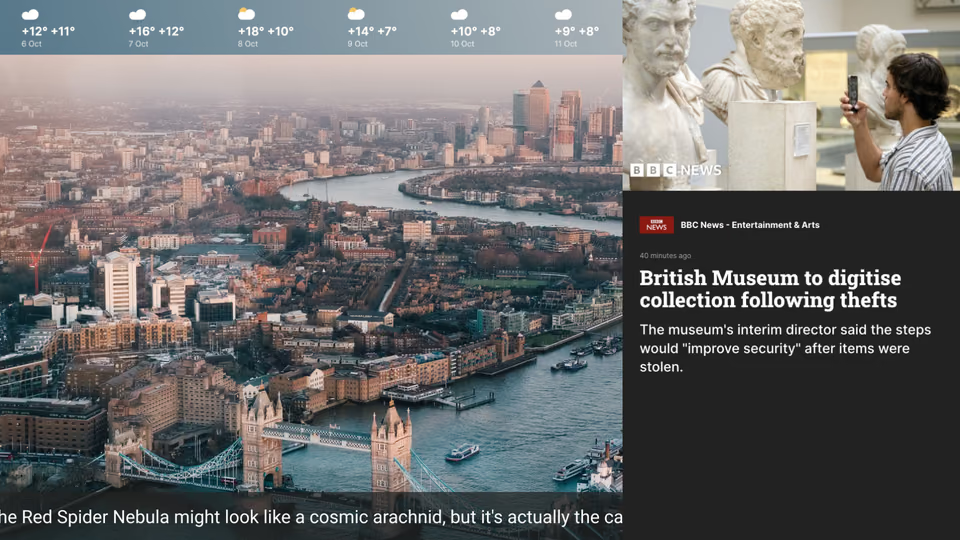
One multi-zone layout takes the departure list, the service banner, a ticker and a clock. Nothing important scrolls out of sight.
Best for: Departure lists, bay numbers, delays, lost and found, accessibility information

Ticket halls and customer service centers

Answers before anyone reaches the counter.
Above the counter, a screen can answer most of what people queue up to ask: today's service status, single-ride and seasonal fares, transit card and mobile ticket options, opening hours, which window or machine to head for.
Add a QR code for the fare table or the trip planner. The detail goes to the passenger's phone, and the shared display stays readable.
Best for: Service status, fares and passes, mobile ticketing, opening hours, QR to trip planner

Boarding bays and gates

Guide the right passengers to the right bay.
At the bay, passengers want one thing: which service boards here, and when. Each screen carries the route, destination and departure time, with boarding and safety notices in a second zone.
Bays get reassigned. Bay-based tags let the office republish the right content, and nobody drives out to swap a printed sign.
Best for: Route and destination, boarding times, bay changes, line guidance, safety notices

Depots, driver rooms and offices

The internal channel, on the same account.
Depots and driver rooms sit on the same CMS as the roadside screens. Duty changes, active detours, safety briefings, maintenance work, company announcements.
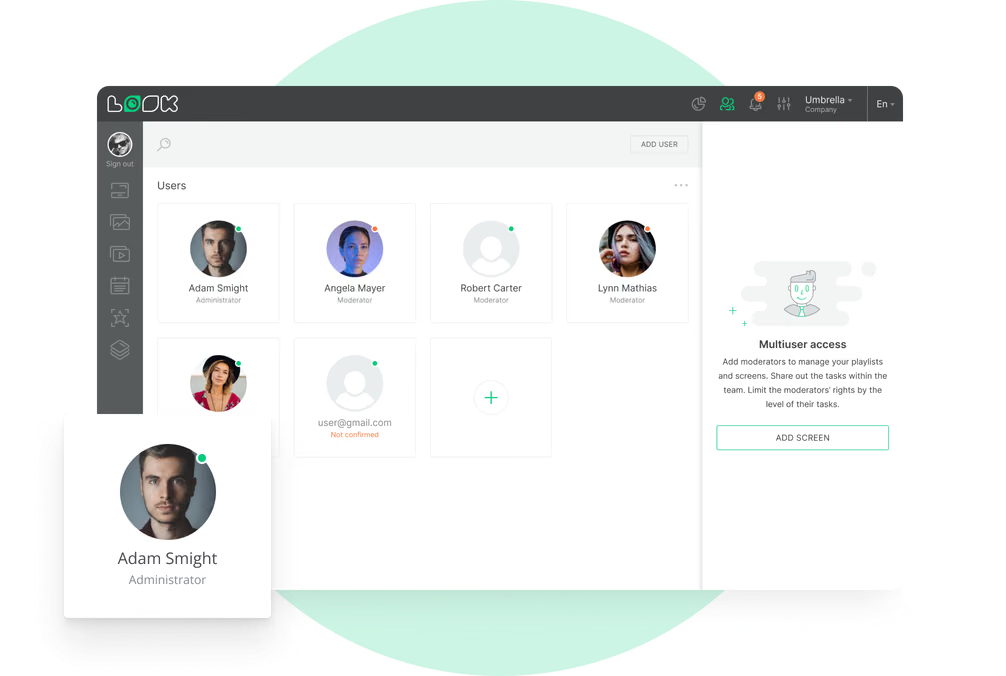
Section-level permissions carve out a workspace for the staff communications team inside the same account, and Embeddable Code puts the operations dashboards up on wall displays.
Best for: Duty and roster notices, diversions, safety briefings, engineering works, dashboards

To use Look digital signage software

Look service works seamlessly on any hardware, whether you're planning to purchase or already use it
Or

Install FREE Look App

Transform any TV or compatible device into digital signage by installing the free Look app.
WindowsAmazon Signage
Androidgoogle-tvLinuxOS Fire Amazon
macOSWebOSOS Tizen OS Raspberry Pi
Supported Operating Systems

Plug Look HDMI Player

Connect the Plug & Play Look Player to your display’s HDMI input for instant setup. Worldwide shipping.
Buy nowLook HDMI Player

What our customers say

Real businesses, real results.
Captera Rating
4.9
G2 Rating
5
In terms of using the system, the other options that I found were a little clunky and Look was not only affordable but really easy for us to deploy and get up and running.
Michael Bowers
Look digital signage has definitely made a drastic change for good in our project making things a lot easier and efficient. I hundred percent recommend this solution to everyone involved in this type of business.
Ricardo Ante
We have 22 locations and zero issues with Look software. It’s so easy to use and has a lot of useful tools that we utilize in our day-to-day business. All-in-all, our experience was top-notch.
Ervin Piotrowski
60 000+
Screens
11 000+
Users
120+
Countries

Free templates

Free templates for stops, shelters and stations

Set your colors, fonts and logo once and every template follows. The collection covers what transportation screens need most: service notices, departure panels, fare boards, wayfinding, safety reminders, advertising frames. Drop in your times and prices, schedule it, publish. A route change then costs you a CMS edit, not a second print run.
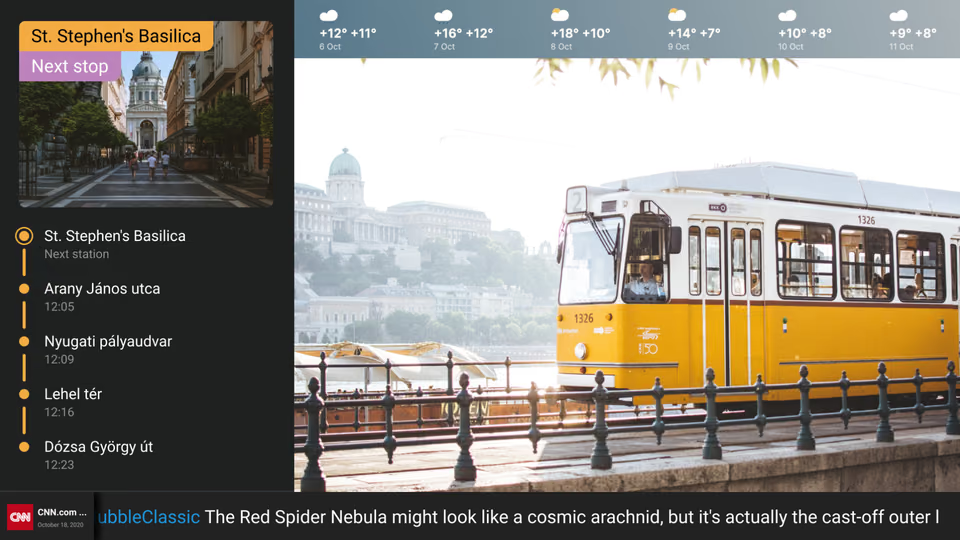
London skyline weather and news ticker templateLondon double-decker bus crossing Westminster Bridge at sunsetNext-stop station list template with weather forecast beside a tram
London double-decker bus crossing Westminster Bridge at sunsetNext-stop station list template with weather forecast beside a tramDirection and time departures board template with five London routes
Next-stop station list template with weather forecast beside a tramDirection and time departures board template with five London routesSee the Highlights guided tour promotion template with a QR code
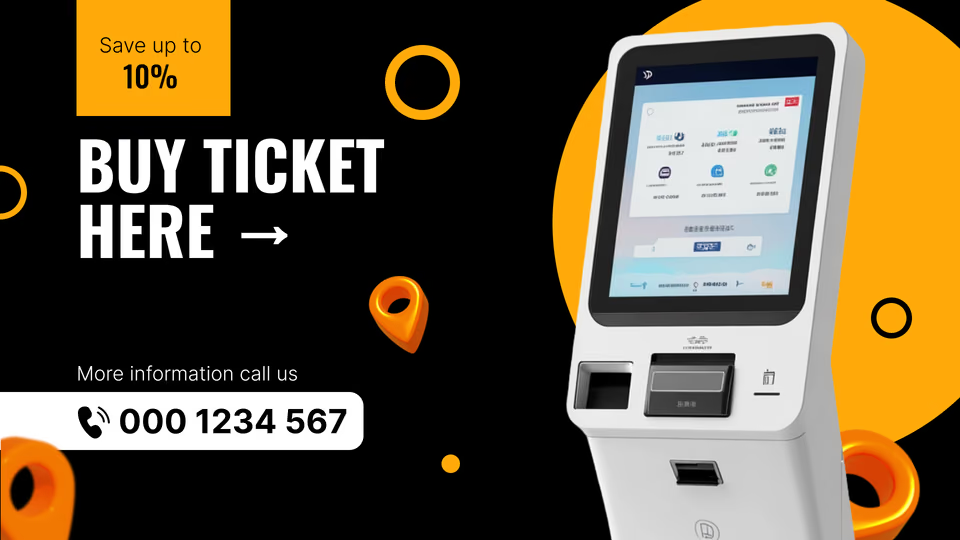
Direction and time departures board template with five London routesSee the Highlights guided tour promotion template with a QR codeBuy Ticket Here self-service kiosk promotion template
See the Highlights guided tour promotion template with a QR codeBuy Ticket Here self-service kiosk promotion templateStep Into a World of Wonder museum exhibition template
Buy Ticket Here self-service kiosk promotion templateStep Into a World of Wonder museum exhibition templateA Journey Through Time retro art showcase template
Step Into a World of Wonder museum exhibition templateA Journey Through Time retro art showcase templateLondon skyline weather and news ticker template
A Journey Through Time retro art showcase templateLondon skyline weather and news ticker templateLondon double-decker bus crossing Westminster Bridge at sunset

Built-in apps

Apps that keep a stop current without anyone editing it

An app goes into a playlist like any other item, then refreshes itself. Forecasts and headlines stay current and nobody retypes anything. During an outage the cached images and videos keep playing, and the apps pick up where they left off once service returns.

Frequently asked questions about bus stop digital signage

What is bus stop digital signage?

Bus stop digital signage puts a connected screen at the roadside stop or shelter --- arrivals, schedules, route changes, maps and service alerts in one place. What separates it from a printed timetable is control. When a route shifts on Monday morning, the update goes out from an office rather than a van with laminated sheets. Hardware varies just as widely: a compact e-paper timetable panel at one end, a large outdoor LCD at the other.

How does a bus stop screen show real-time arrivals?

The screen doesn\'t work the times out itself. They arrive from the operator\'s vehicle tracking and timetable systems --- GPS or AVL positions reconciled against the published schedule --- and the signage platform\'s job is to render that feed and keep it refreshing. Worth being clear about where responsibility sits, though. The operator owns feed accuracy and uptime, not the screen vendor, and that is the line to agree at contract stage rather than the first time a departure time on the screen turns out to be wrong.

What is the difference between bus stop digital signage and a passenger information system?

A passenger information system is the whole apparatus: it collects transport data and distributes it through APIs, mobile apps, websites and physical displays. Digital signage is one output channel inside that system, the part passengers actually look at. At the stop itself, the signage layer handles arrivals, route numbers, disruptions and transfer details for that specific location. Same data, different delivery point.

What type of screen is best for a bus stop?

Power at the stop, or no power at the stop. That\'s the fork in the road, and nearly everything else follows from it. Wired shelters can take an outdoor LCD, which needs to sit in the 2,500 to 5,000 nit range if it\'s going to hold up at noon. A pole with a flag on it and no supply rules that out entirely, so e-paper is what\'s left --- and it happens to suit the job well, being sunlight readable and barely drawing anything between updates. Survey the power before you shortlist hardware, not after.


Is e-paper or LCD better for bus stop digital signage?

Depends what the screen has to say. E-paper for stops that show timetables and arrival times and little else: a static image draws almost nothing, which is what makes solar-and-battery sites viable. LCD when you need motion --- video, animation, full-colour campaigns, several zones on one panel, updates whenever you want them. Timetables lean e-paper. Advertising leans LCD. Plenty of networks run both and sort it by what each stop is actually for.

Can bus stop digital signage run without mains electricity?

Yes, though not every display will. E-paper on solar with a battery behind it happily runs at a stop with no cable anywhere near it, and the reason is simple: between updates the screen draws almost nothing at all. Ask the same of a high-brightness LCD and the maths falls apart. Holding 2,500 to 5,000 nits through a full day of daylight is more than a modest panel and battery will reliably deliver. So it is the display technology that answers this, not the site.

How do bus stop digital signs connect to the internet?

Most roadside sites end up on 4G or LTE with a SIM in the player, for the obvious reason that there is no cable to reach them. Where infrastructure already exists --- municipal Wi-Fi, Ethernet run into a shelter --- use it, and running costs drop. Either way the link does two jobs: pushing content updates out and pulling live arrivals in. Cached content carries on playing through a short outage, so the real question is not whether the screen shows anything. It is how current what it shows will be.

What happens if the internet connection at a bus stop goes down?

Content that\'s already downloaded keeps playing without a connection, so a dead SIM shouldn\'t leave a black rectangle at the roadside, and the screen carries on showing images, video and timetable layouts exactly as before. What does need thought is the fallback: scheduled timetable, route map, operator contact, and a line admitting that live arrivals aren\'t available right now. Enough for someone waiting in the rain to work with.

Can digital signage work in direct sunlight at a bus stop?

Not on an ordinary panel. Stand an indoor screen behind glass at an exposed stop and by mid-morning you\'re looking at a mirror. Transport-grade outdoor LCDs are built around 2,500 to 5,000 nits for that reason --- several times an indoor commercial unit --- and the margin is what keeps an image visible at midday. E-paper sidesteps the fight altogether by reflecting light rather than out-shouting it, so bright days read better, not worse.

Can bus stop screens operate in rain, snow, heat, and freezing weather?

Provided the enclosure was specified for the climate it is going into. The usual build includes IP-rated sealing, active temperature control, anti-vandal glazing, and an operating range out to something like −30°C to +50°C. How far you push each of those depends on where the screen sits. A pole-mounted unit in the open deals with wind-driven rain, road salt in winter and the occasional kick; the same model inside a covered shelter meets none of it.

Can bus stop digital signage display advertising?

It can, and that is often what funds the deployment. One screen carries passenger information and sellable inventory at the same time, which turns a cost line into a revenue line. Advertising came up more than almost any other theme across the bus-stop signage competitor set analysed for this page. The constraint is priority: commercial content schedules around route information, and service alerts, emergency messages and essential passenger notices have to stay visible and take precedence when they appear.

Can different bus stops show different content?

Yes, and doing it without duplicating work is the whole point of a central system. Two hundred stops do not need two hundred content workflows. Screens get grouped by route, area, display type or whatever operational logic fits, and each location then receives its own timetables, notices and campaigns on top of the shared content. One system, local relevance at every stop.

How do you manage hundreds of digital screens across a bus network?

Centrally, from a CMS. Nobody drives out to screens to update them. Displays go into groups, content gets published and scheduled remotely, and device health is monitored from one interface --- that last part matters more than it sounds, because these units sit unattended for months at a time. Once you are past 100 or 200 stops the alternative simply stops working. USB sticks, site visits and screen-by-screen configuration do not scale to a network that size.

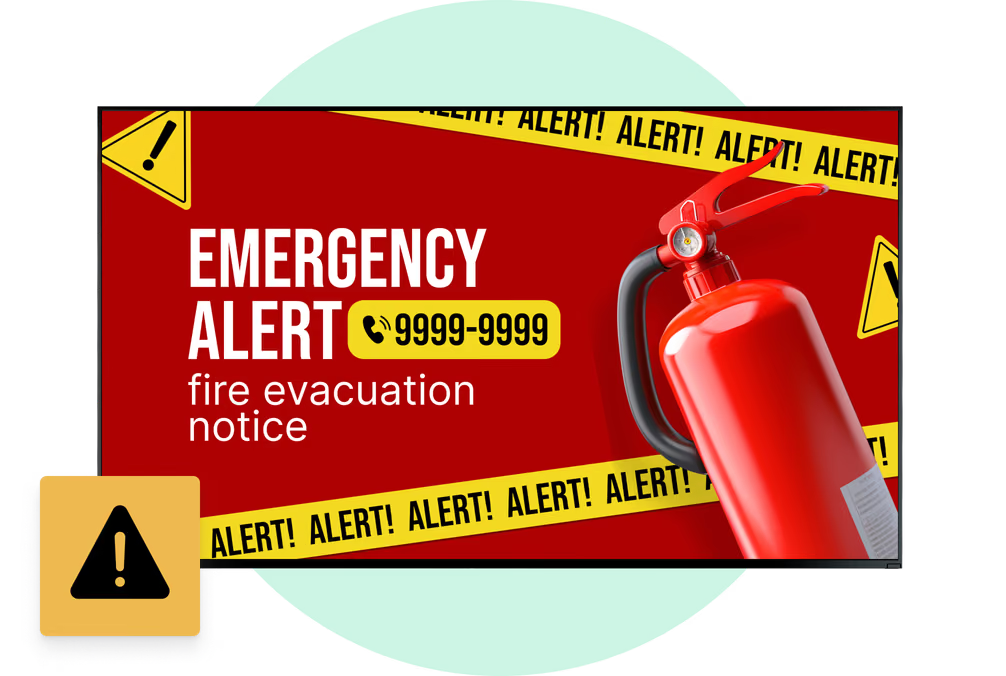
Can bus stop screens show emergency and municipal information?

They can, and this is where a bus stop stops being purely a transport asset. Alongside arrivals and routes, the same screens carry severe-weather warnings, emergency notices, public-safety messages, temporary road information and city service announcements. Smart-city and emergency-communication use cases surfaced clearly in the research behind this page. That widens the buyer well past transit operators, since municipalities and shelter concessionaires have their own reasons to want a screen at every stop.